NIHL Consultancy Services
• Steven Eldred(eldreds22@hotmail.com)
• Unlock the money invested in your NIHL
cases
My Experience
• Undertaken NIHL case load
since 1997
• Recommended in Chambers
since 2005 for NIHL
• Once described as the NIHL
Guru
Macro Advice
• Sourcing the sources of work
• Setting up the team structure
• Choosing the right medical experts
• Knowing ELTO and the Portal, finding the Second Defendant
• Knowing Defendants and their insurers
ELTO Skills
• Being able to locate an insurer
• Using Companies House to assist ELTO searches
• Suing a defunct Defendant has its advantages
o No documents
o Understand possible FSCS involvement
o Restoring Company to the register
Know Your Medical Expert
• Choose your medical expert, don’t be stuck with your
medical expert
• Direct the content of your medical reports with the right
information
• Know how to deal with those Part 35 questions
o Limitation based (Johnson v MoD, 2kHz, WHO, Coles-Worgan)
o Causation based (knowing CLB inside out, exceptions and all)
o Material disability based (Hughes v Rhondda Cynon, Jones vs
Tompkinson)
• Know the Defendants’ experts and what they favour
Know Your Defendant
• Different dates of knowledge
• Special knowledge of lower noise levels
• Exploiting ‘’no documents to disclose’’ with statements,
engineering evidence and Okeefe v Steam Packet
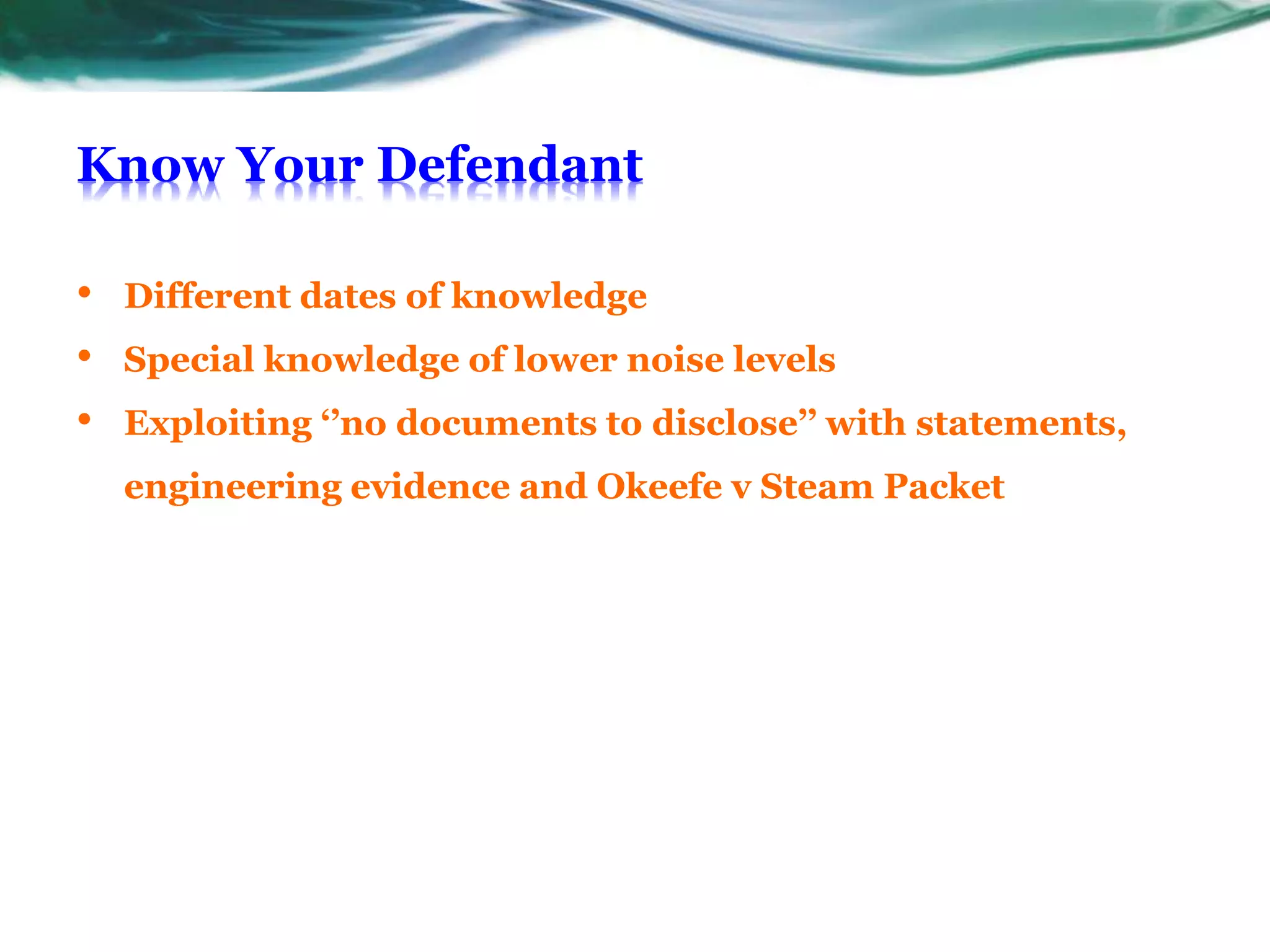
Engineering Evidence
• Access to a large library of noise data spanning many
different industries
• Getting the right acoustic engineer
• Knowing 1963, 1972 and the 1989 guidance, such as 4.5.1
• Knowing your NILs and CLB and questions to ask
engineers and validating an engineer’s evidence
Quantum and Costs
• Parkes v Meridian, Romford schedule, material
contribution
• Costs at 62.5%, don’t fall for 25%, CJC and detailed
statement
Looking Ahead
• Macro consultancy
• File by file consultancy
• Witness statement consultancy
• Part 35 consultancy

LinkedIn PPoint

  • 1.
    NIHL Consultancy Services •Steven Eldred(eldreds22@hotmail.com) • Unlock the money invested in your NIHL cases
  • 2.
    My Experience • UndertakenNIHL case load since 1997 • Recommended in Chambers since 2005 for NIHL • Once described as the NIHL Guru
  • 3.
    Macro Advice • Sourcingthe sources of work • Setting up the team structure • Choosing the right medical experts • Knowing ELTO and the Portal, finding the Second Defendant • Knowing Defendants and their insurers
  • 4.
    ELTO Skills • Beingable to locate an insurer • Using Companies House to assist ELTO searches • Suing a defunct Defendant has its advantages o No documents o Understand possible FSCS involvement o Restoring Company to the register
  • 5.
    Know Your MedicalExpert • Choose your medical expert, don’t be stuck with your medical expert • Direct the content of your medical reports with the right information • Know how to deal with those Part 35 questions o Limitation based (Johnson v MoD, 2kHz, WHO, Coles-Worgan) o Causation based (knowing CLB inside out, exceptions and all) o Material disability based (Hughes v Rhondda Cynon, Jones vs Tompkinson) • Know the Defendants’ experts and what they favour
  • 6.
    Know Your Defendant •Different dates of knowledge • Special knowledge of lower noise levels • Exploiting ‘’no documents to disclose’’ with statements, engineering evidence and Okeefe v Steam Packet
  • 7.
    Engineering Evidence • Accessto a large library of noise data spanning many different industries • Getting the right acoustic engineer • Knowing 1963, 1972 and the 1989 guidance, such as 4.5.1 • Knowing your NILs and CLB and questions to ask engineers and validating an engineer’s evidence
  • 8.
    Quantum and Costs •Parkes v Meridian, Romford schedule, material contribution • Costs at 62.5%, don’t fall for 25%, CJC and detailed statement
  • 9.
    Looking Ahead • Macroconsultancy • File by file consultancy • Witness statement consultancy • Part 35 consultancy

Editor's Notes

  • #2 This template can be used as a starter file to give updates for project milestones. Sections Sections can help to organize your slides or facilitate collaboration between multiple authors. On the Home tab, under Slides, click Section, and then click Add Section. Notes Use the Notes pane for delivery notes or to provide additional details for the audience. You can see these notes in Presenter View during your presentation. Keep in mind the font size (important for accessibility, visibility, videotaping, and online production) Coordinated colors Pay particular attention to the graphs, charts, and text boxes. Consider that attendees will print in black and white or grayscale. Run a test print to make sure your colors work when printed in pure black and white and grayscale. Graphics, tables, and graphs Keep it simple: If possible, use consistent, non-distracting styles and colors. Label all graphs and tables.
  • #3 What is the project about? Define the goal of this project Is it similar to projects in the past or is it a new effort? Define the scope of this project Is it an independent project or is it related to other projects? * Note that this slide is not necessary for weekly status meetings
  • #4 * If any of these issues caused a schedule delay or need to be discussed further, include details in next slide.
  • #5 Duplicate this slide as necessary if there is more than one issue. This and related slides can be moved to the appendix or hidden if necessary.
  • #6 Duplicate this slide as necessary if there is more than one issue. This and related slides can be moved to the appendix or hidden if necessary.
  • #7 Duplicate this slide as necessary if there is more than one issue. This and related slides can be moved to the appendix or hidden if necessary.
  • #8 Duplicate this slide as necessary if there is more than one issue. This and related slides can be moved to the appendix or hidden if necessary.
  • #9 Duplicate this slide as necessary if there is more than one issue. This and related slides can be moved to the appendix or hidden if necessary.