Java Package
Package inJava is a mechanism to encapsulate a
group of classes, sub packages and interfaces.
Packages are used for:
• Preventing naming conflicts. For example there
can be two classes with name Employee in two
packages, college.staff.cs.Employee and
college.staff.ee.Employee
• Making searching/locating and usage of
classes, interfaces, enumerations and
annotations easier
4.
• Providing controlledaccess: protected and
default have package level access control.
• A protected member is accessible by
classes in the same package and its
subclasses.
• A default member (without any access
specifier) is accessible by classes in the
same package only.
• Packages can be considered as data
encapsulation (or data-hiding).
5.
Advantage of JavaPackage
1) Java package is used to categorize the
classes and interfaces so that they can be
easily maintained.
2) Java package provides access protection.
3) Java package removes naming collision.
6.
How packages work
Packagenames and directory structure are closely
related.
For example if a package name is college.staff.cs,
then there are three directories, college, staff and
cs such that cs is present in staff and staff is
present inside college.
Also, the directory college is accessible through
CLASSPATH variable, i.e., path of parent directory
of college is present in CLASSPATH. The idea is to
make sure that classes are easy to locate
7.
Sub packages
Packages thatare inside another package are
the sub packages.
These are not imported by default, they have to
imported explicitly.
Also, members of a sub package have no access
privileges, i.e., they are considered as different
package for protected and default access specifiers.
Example :
import java.util.*;
util is a subpackage created inside java package.
8.
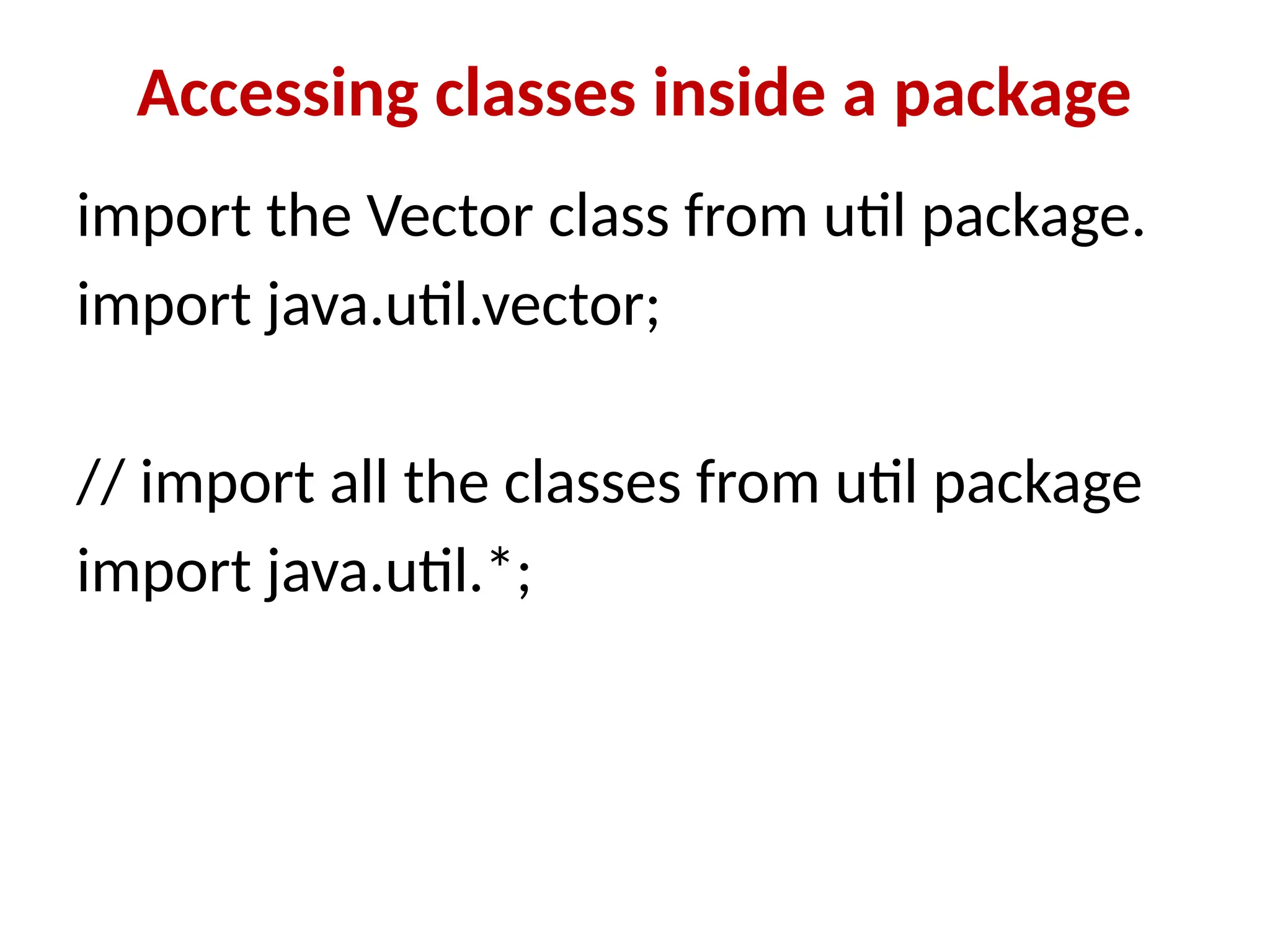
Accessing classes insidea package
import the Vector class from util package.
import java.util.vector;
// import all the classes from util package
import java.util.*;
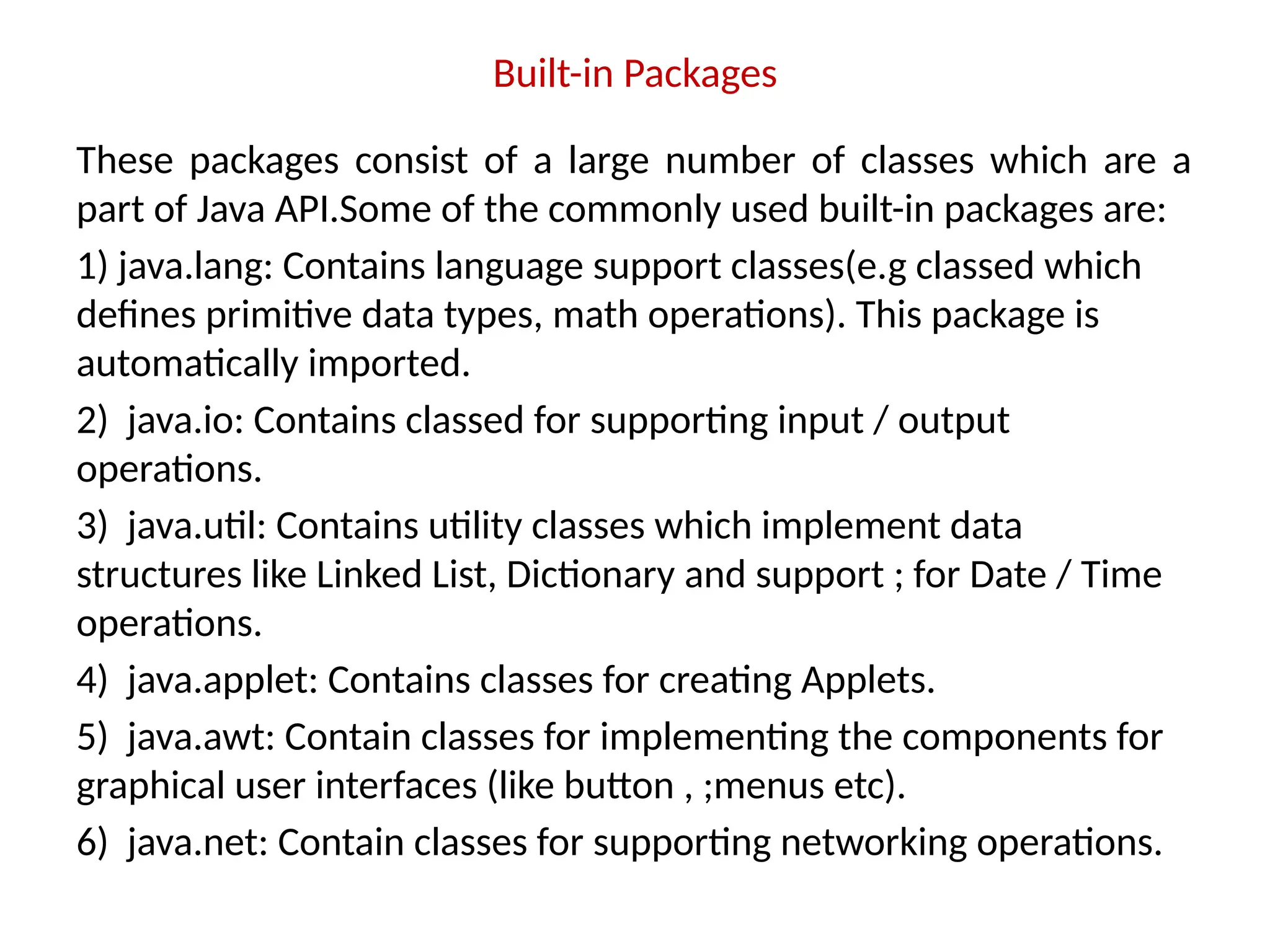
Built-in Packages
These packagesconsist of a large number of classes which are a
part of Java API.Some of the commonly used built-in packages are:
1) java.lang: Contains language support classes(e.g classed which
defines primitive data types, math operations). This package is
automatically imported.
2) java.io: Contains classed for supporting input / output
operations.
3) java.util: Contains utility classes which implement data
structures like Linked List, Dictionary and support ; for Date / Time
operations.
4) java.applet: Contains classes for creating Applets.
5) java.awt: Contain classes for implementing the components for
graphical user interfaces (like button , ;menus etc).
6) java.net: Contain classes for supporting networking operations.
11.
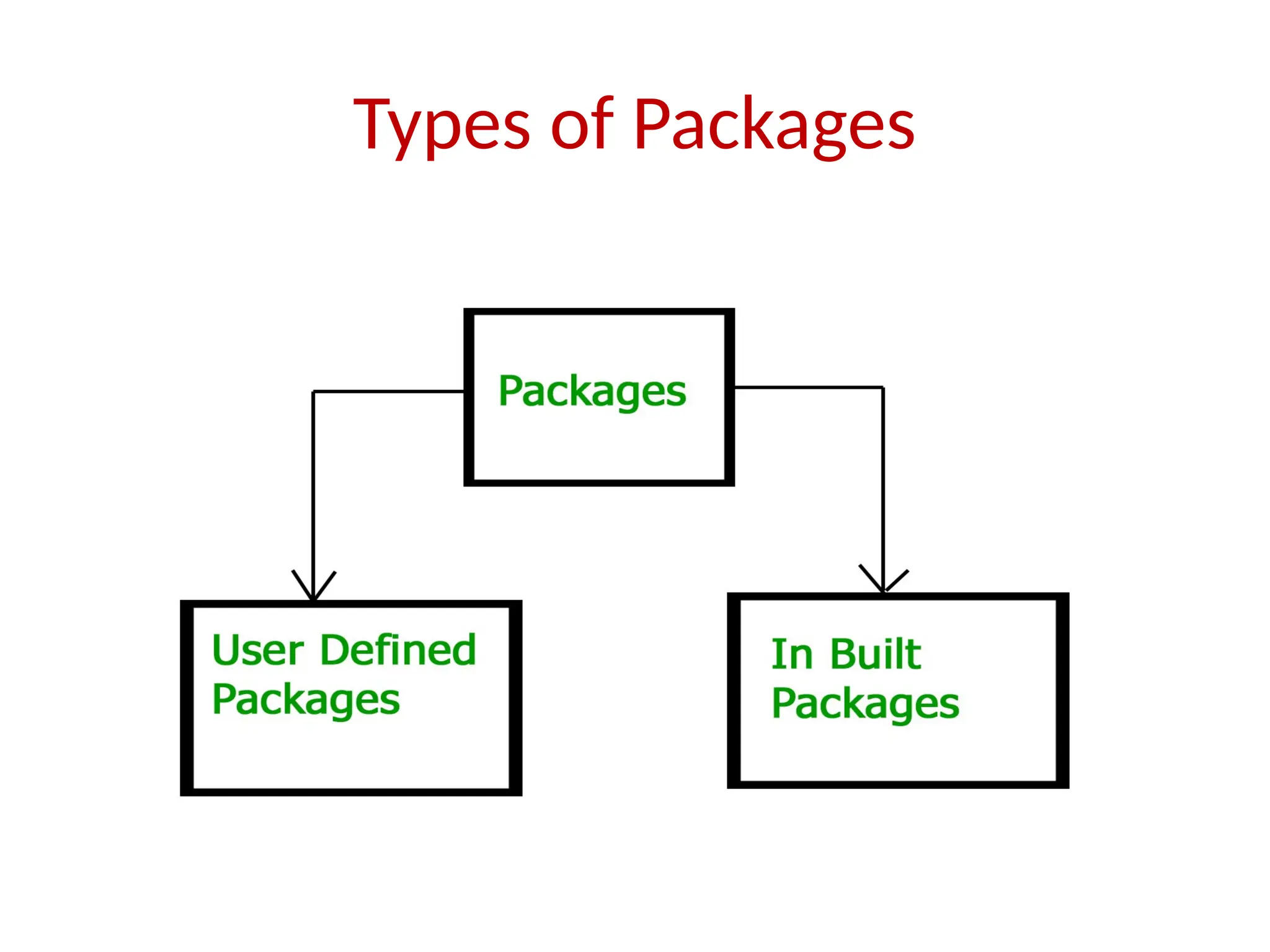
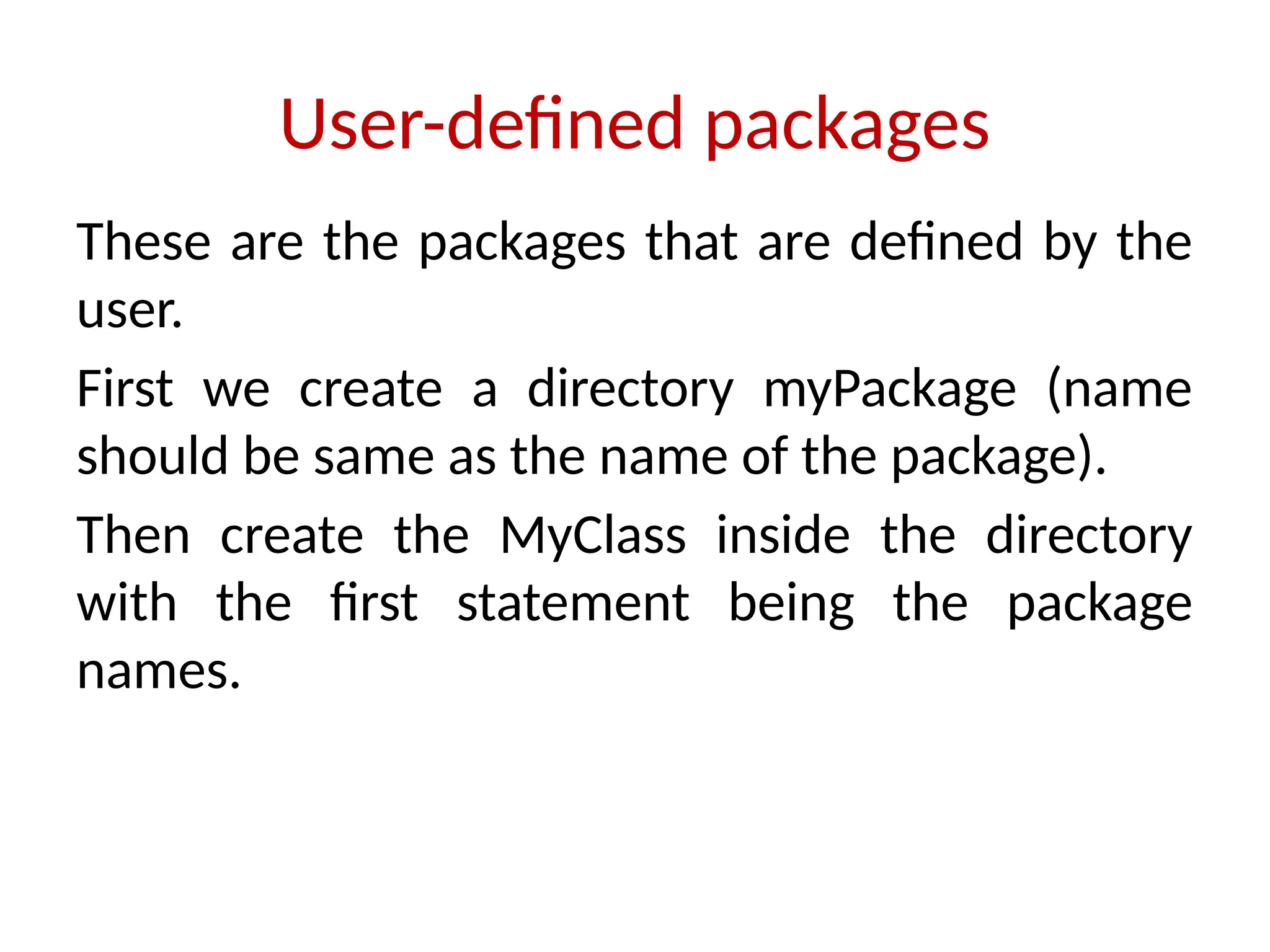
User-defined packages
These arethe packages that are defined by the
user.
First we create a directory myPackage (name
should be same as the name of the package).
Then create the MyClass inside the directory
with the first statement being the package
names.
12.
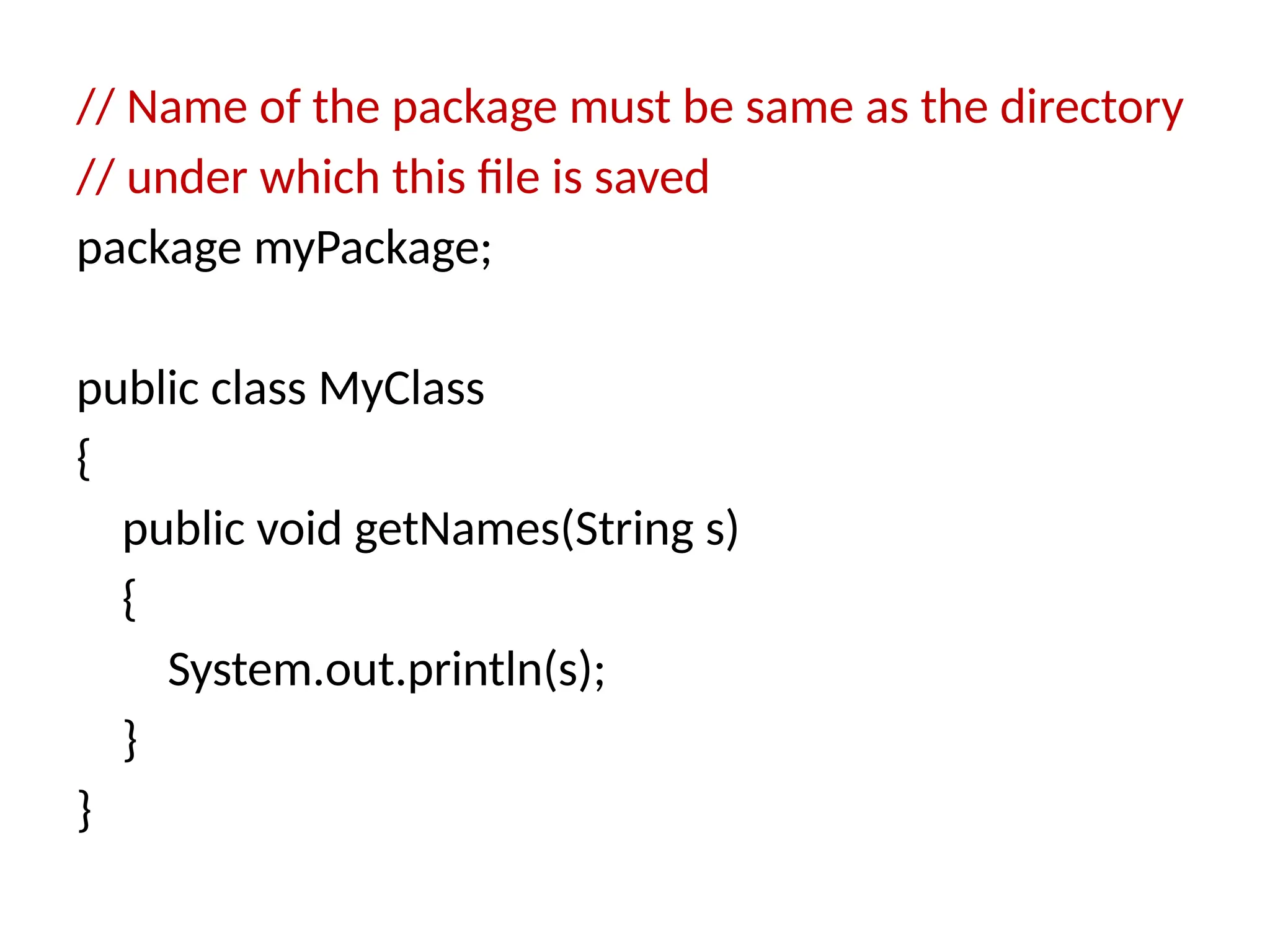
// Name ofthe package must be same as the directory
// under which this file is saved
package myPackage;
public class MyClass
{
public void getNames(String s)
{
System.out.println(s);
}
}
13.
import myPackage.MyClass;
public classPrintName
{
public static void main(String args[])
{
// Initializing the String variable
// with a value
String name = “GCET Engineering College";
// Creating an instance of class MyClass in
// the package.
MyClass obj = new MyClass();
obj.getNames(name);
}
}
14.
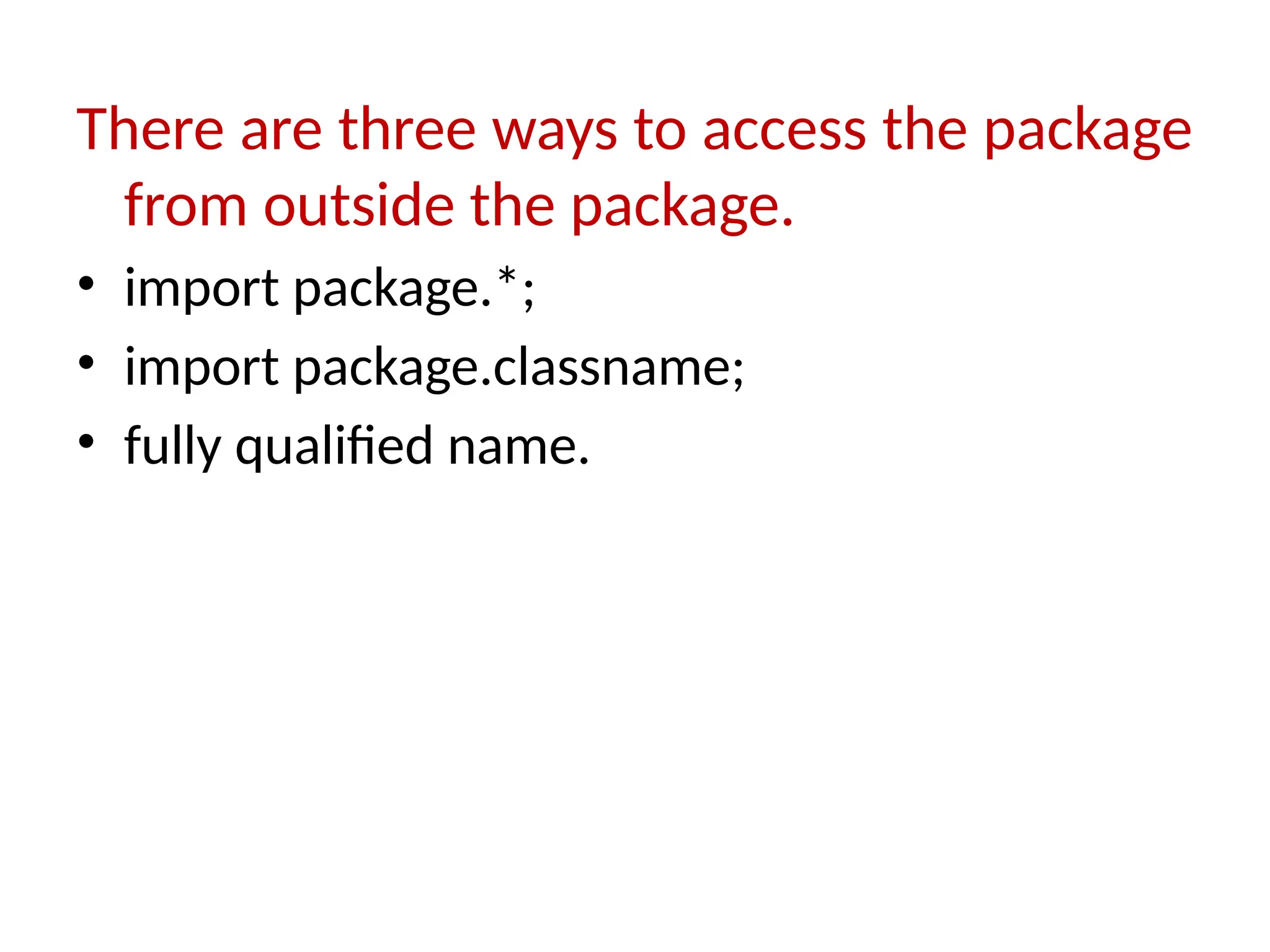
There are threeways to access the package
from outside the package.
• import package.*;
• import package.classname;
• fully qualified name.
15.
1) Using packagename.*
Ifyou use package.* then all the classes and interfaces of this
package will be accessible but not subpackages.
//save by A.java
package pack;
public class A{
public void msg(){System.out.println("Hello");}
}
//save by B.java
package mypack;
import pack.*;
class B{
public static void main(String args[]){
A obj = new A();
obj.msg();
} }
16.
2) Using packagename.classname
Ifyou import package.classname then only declared class of this
package will be accessible.
//save by A.java
package pack;
public class A{
public void msg(){System.out.println("Hello");}
}
//save by B.java
package mypack;
import pack.A;
class B{
public static void main(String args[]){
A obj = new A();
obj.msg();
}
}
17.
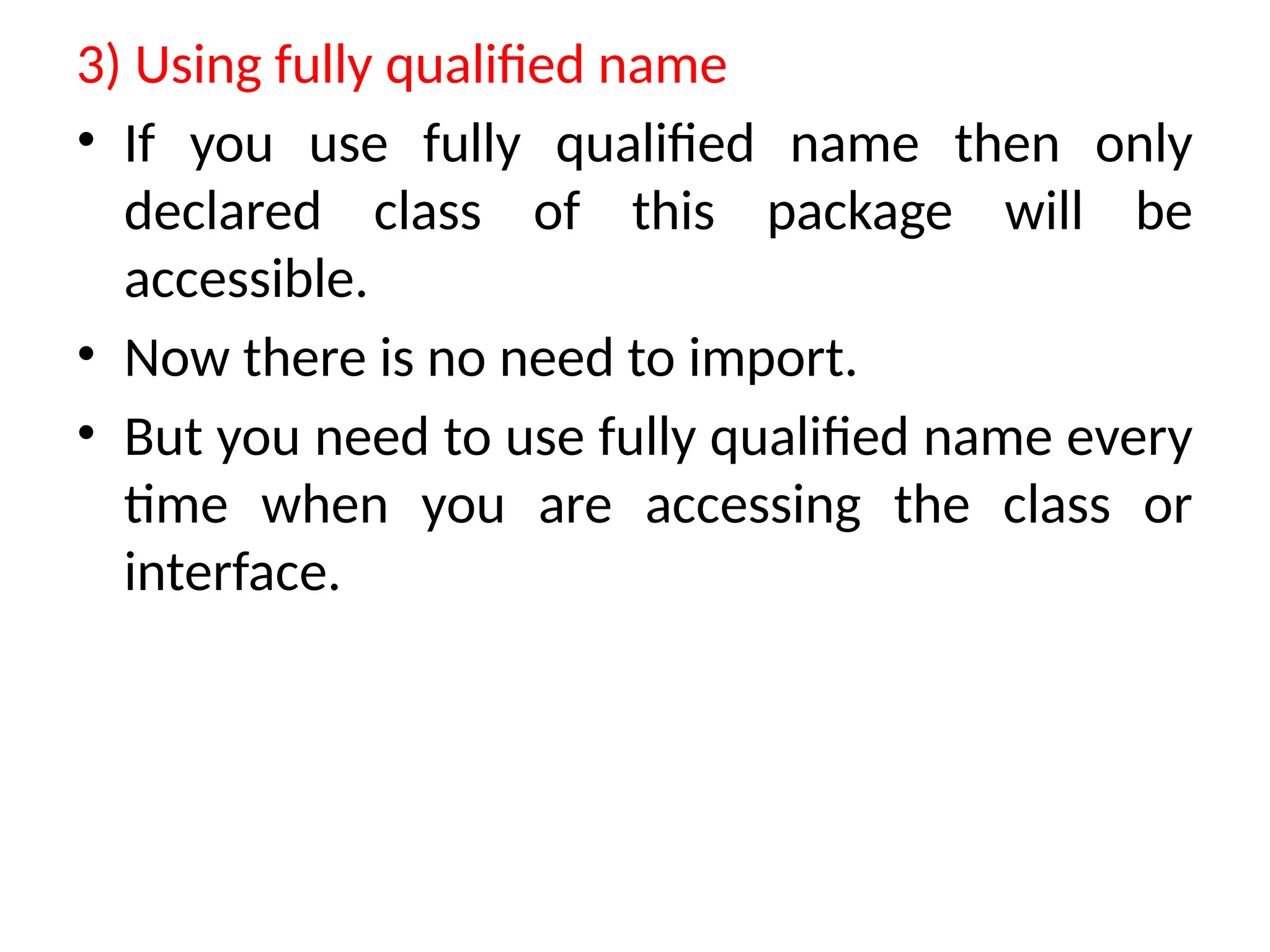
3) Using fullyqualified name
• If you use fully qualified name then only
declared class of this package will be
accessible.
• Now there is no need to import.
• But you need to use fully qualified name every
time when you are accessing the class or
interface.
18.
//save by A.java
packagepack;
public class A{
public void msg(){System.out.println("Hello");}
}
//save by B.java
package mypack;
class B{
public static void main(String args[]){
pack.A obj = new pack.A();//using fully qualified name
obj.msg();
}
}
19.
Setting CLASSPATH
CLASSPATH canbe set by any of the following
ways:
• CLASSPATH can be set permanently in the
environment: In Windows.
• CLASSPATH can be set temporarily for that
particular CMD shell session by issuing the
following command:
• > SET CLASSPATH=.;c:javaprojectclasses;d:tomcatlib
servlet-api.jar
![import myPackage.MyClass;
public class PrintName
{
public static void main(String args[])
{
// Initializing the String variable
// with a value
String name = “GCET Engineering College";
// Creating an instance of class MyClass in
// the package.
MyClass obj = new MyClass();
obj.getNames(name);
}
}](https://image.slidesharecdn.com/lecture11-250526082314-cdbade9c/75/Lecture-11-pptx-galgotias-College-of-engineering-and-technology-13-2048.jpg)
![1) Using packagename.*
If you use package.* then all the classes and interfaces of this
package will be accessible but not subpackages.
//save by A.java
package pack;
public class A{
public void msg(){System.out.println("Hello");}
}
//save by B.java
package mypack;
import pack.*;
class B{
public static void main(String args[]){
A obj = new A();
obj.msg();
} }](https://image.slidesharecdn.com/lecture11-250526082314-cdbade9c/75/Lecture-11-pptx-galgotias-College-of-engineering-and-technology-15-2048.jpg)
![2) Using packagename.classname
If you import package.classname then only declared class of this
package will be accessible.
//save by A.java
package pack;
public class A{
public void msg(){System.out.println("Hello");}
}
//save by B.java
package mypack;
import pack.A;
class B{
public static void main(String args[]){
A obj = new A();
obj.msg();
}
}](https://image.slidesharecdn.com/lecture11-250526082314-cdbade9c/75/Lecture-11-pptx-galgotias-College-of-engineering-and-technology-16-2048.jpg)
![//save by A.java
package pack;
public class A{
public void msg(){System.out.println("Hello");}
}
//save by B.java
package mypack;
class B{
public static void main(String args[]){
pack.A obj = new pack.A();//using fully qualified name
obj.msg();
}
}](https://image.slidesharecdn.com/lecture11-250526082314-cdbade9c/75/Lecture-11-pptx-galgotias-College-of-engineering-and-technology-18-2048.jpg)