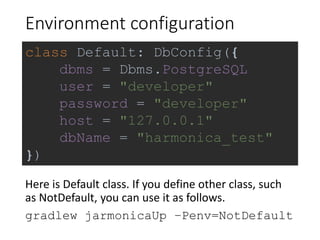
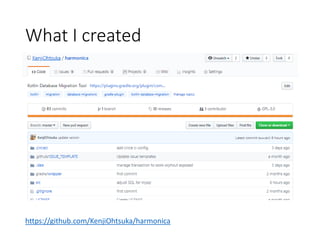
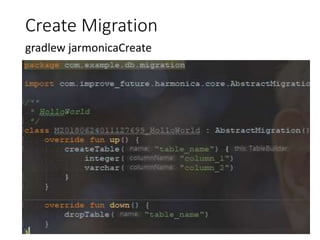
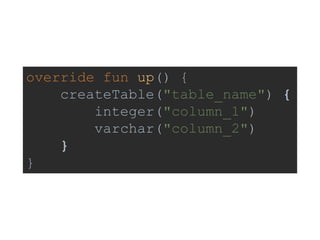
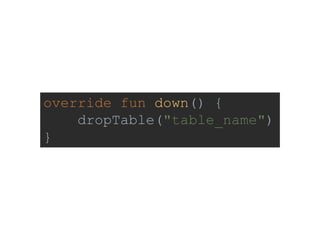
The document discusses the author's experience in developing a database migration tool in Kotlin, inspired by existing tools like Rails and Phinx. It details features such as command-line execution through Gradle and a Kotlin DSL for managing migrations. The tool includes functionality for creating and dropping tables, and it is hosted on GitHub at https://github.com/kenjiohtsuka/harmonica.










![Migrate up
gradlew jarmonicaUp
> Task :jarmonicaUp
== [Start] Migrate up 20180624011127699 ==
Create Table: table_name
== [End] Migrate up 20180624011127699 ==
Compile the program, execute all the migration which
are not executed.](https://image.slidesharecdn.com/kotlindbmigrationtool-180627123252/85/Kotlin-db-migration-tool-16-320.jpg)
![Migrate down
gradlew jarmonicaDown
> Task :jarmonicaDown
== [Start] Migrate down 20180624011127699 ==
Drop Table: table_name
== [End] Migrate down 20180624011127699 ==
Compile the program, migrate back the migration of
current version.
Migrate back only one migration.](https://image.slidesharecdn.com/kotlindbmigrationtool-180627123252/85/Kotlin-db-migration-tool-17-320.jpg)