Building Success full Website
www.JoomlaCorner.com
with Joomla!1.5
โครงการเสริมสร้างศักยภาพการบริหารและการพัฒนารัฐบาลอิเล็กทรอนิกส์สําหรับผู้บริหาร และผู้ปฏิบัติงานด้าน
เทคโนโลยีสารสนเทศภาครัฐ ผู้บริหารระดับกลาง และผู้ปฏิบัติงาน ส่วนกลาง รุ่นที่ 2
Akarawuth Tamrareang
5 October 2009
2
About Us
อัครวุฒิ ตําราเรียง
Akarawuth Tamrareang (JoomlaCorner)
- Joomla! Bug Squad / Joomla! Event Mentor (Asia
Region) and Summer of Code administrator : joomla.org
- Founder JoomlaCorner.com
- Founder Marvelic Engine Co.,Ltd. : www.marvelic.co.th
นายกสมาคมศึกษาและพัฒนาโอเพ่นซอร์ส
www.oseda.or.th
: http://twitter.com/joomlacorner
email : akarawuth@joomlacorner.com
akarawuth.tamrareang@community.joomla.org
Do you want a website?
มีเว็บเพื่ออะไร ?
เลือกใช้เครื่องมืออะไรดี ?
LMS ?
CMS ?
Blog ?
CRM ?
3
How to Build a Successful Site
•เข้าใจเป้าหมายของเว็บที่ทํา
•การวางแผนที่ดี
•Navigation (usability)
•Design (มีความน่าเชื่อถือ)
•การประชาสัมพันธ์
4
Marketing 101
หนทางเพิ่มผู้ใช้งาน
• Organic (SEO)
• Referral (links)
• Pay per click (Google adwords)
• Email (return visitors)
5
LMS
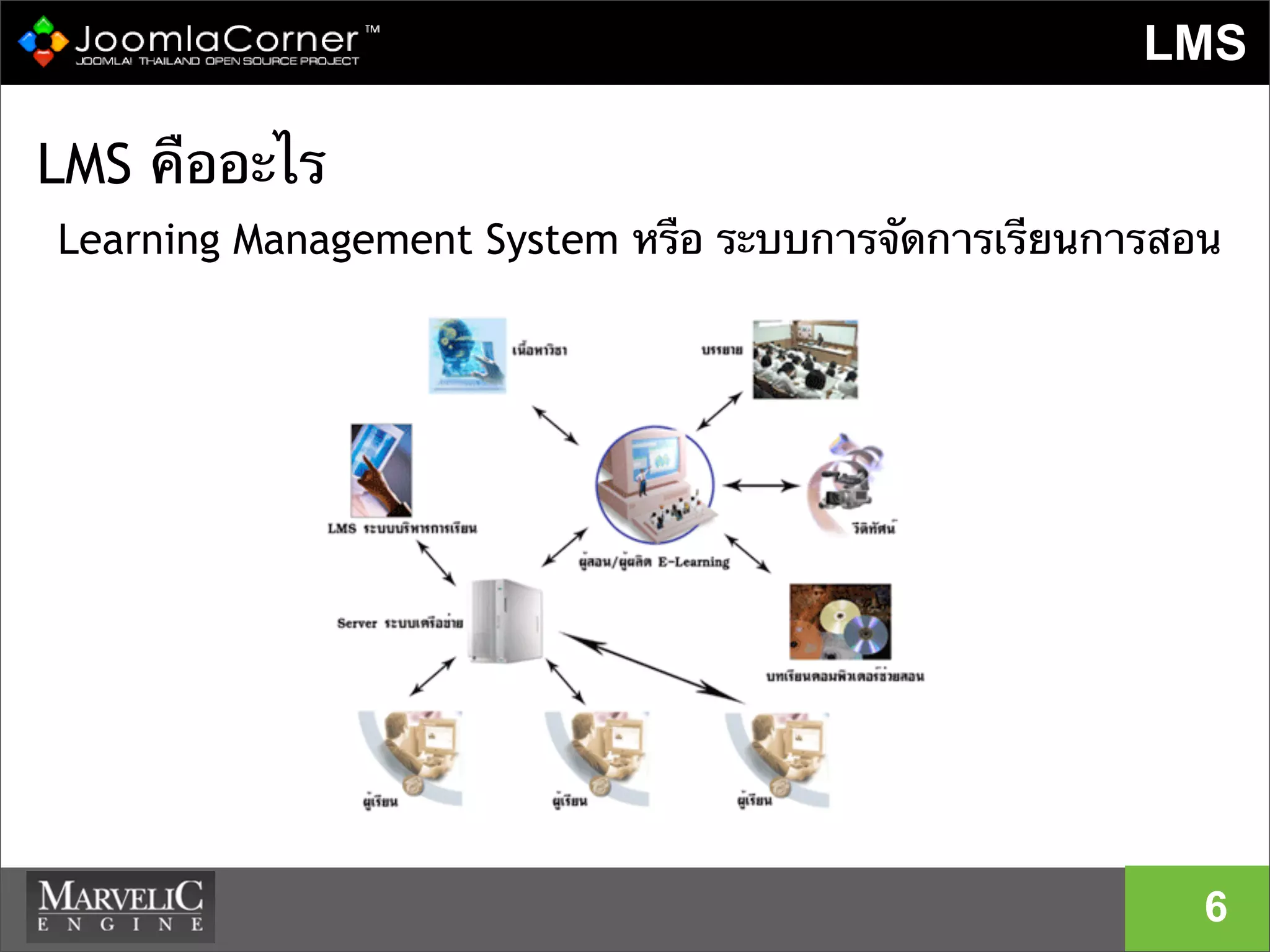
LMS คืออะไร
Learning Management System หรือ ระบบการจัดการเรียนการสอน
6
องค์ประกอบ LMS
LMS ประกอบด้วย 5 ส่วนดังนี้
1. ระบบจัดการหลักสูตร (Course Management)
• แบ่งกลุ่มผู้ใช้ 3 ระดับ คือ ผู้เรียน ผู้สอน และผู้บริหารระบบ
2. ระบบสร้างบทเรียน (Content Management)
3. ระบบทดสอบและประเมินผล (Test and Evaluation System)
4. ระบบส่งเสริมการเรียน (Course Tools) ประกอบด้วยเครื่องมือสื่อสาร
ระหว่างผู้เรียน และผู้สอน เช่น Webboard , Chatroom
5. ระบบจัดการข้อมูล (Data Management System) ประกอบด้วยระบบ
จัดการไฟล์และโฟลเดอร์ของผู้สอนแต่ละท่าน
7
Define : Content Management System
8
Simple Definition :
“A CMS is a type of web-besed software that
plugs in to your site in such a way that
updating content becomes much easier
than without it.”
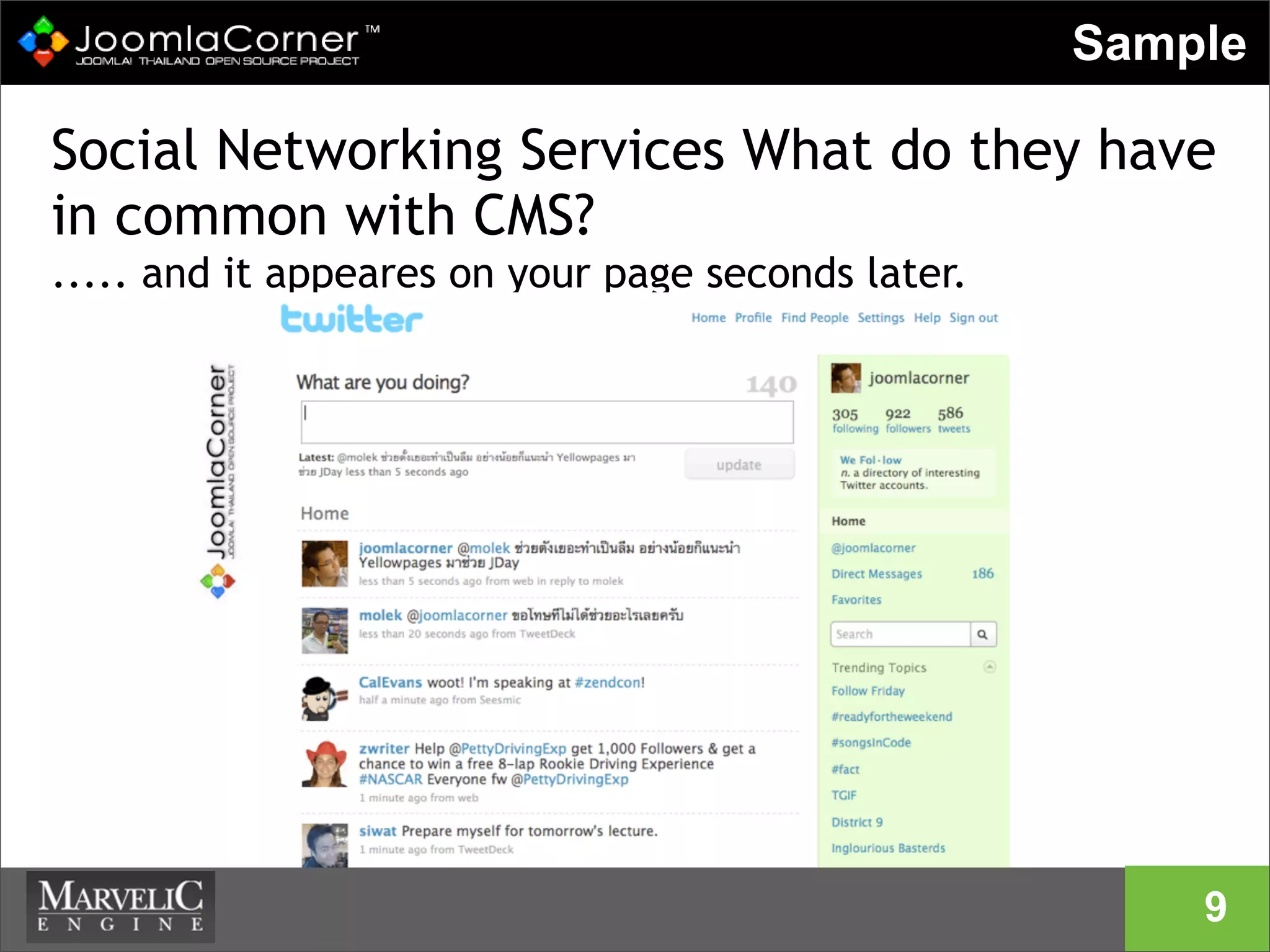
Social Networking Services What do they have
in common with CMS?
..... and it appeares on your page seconds later.
5
Sample
9
Open Source is not Free!
10
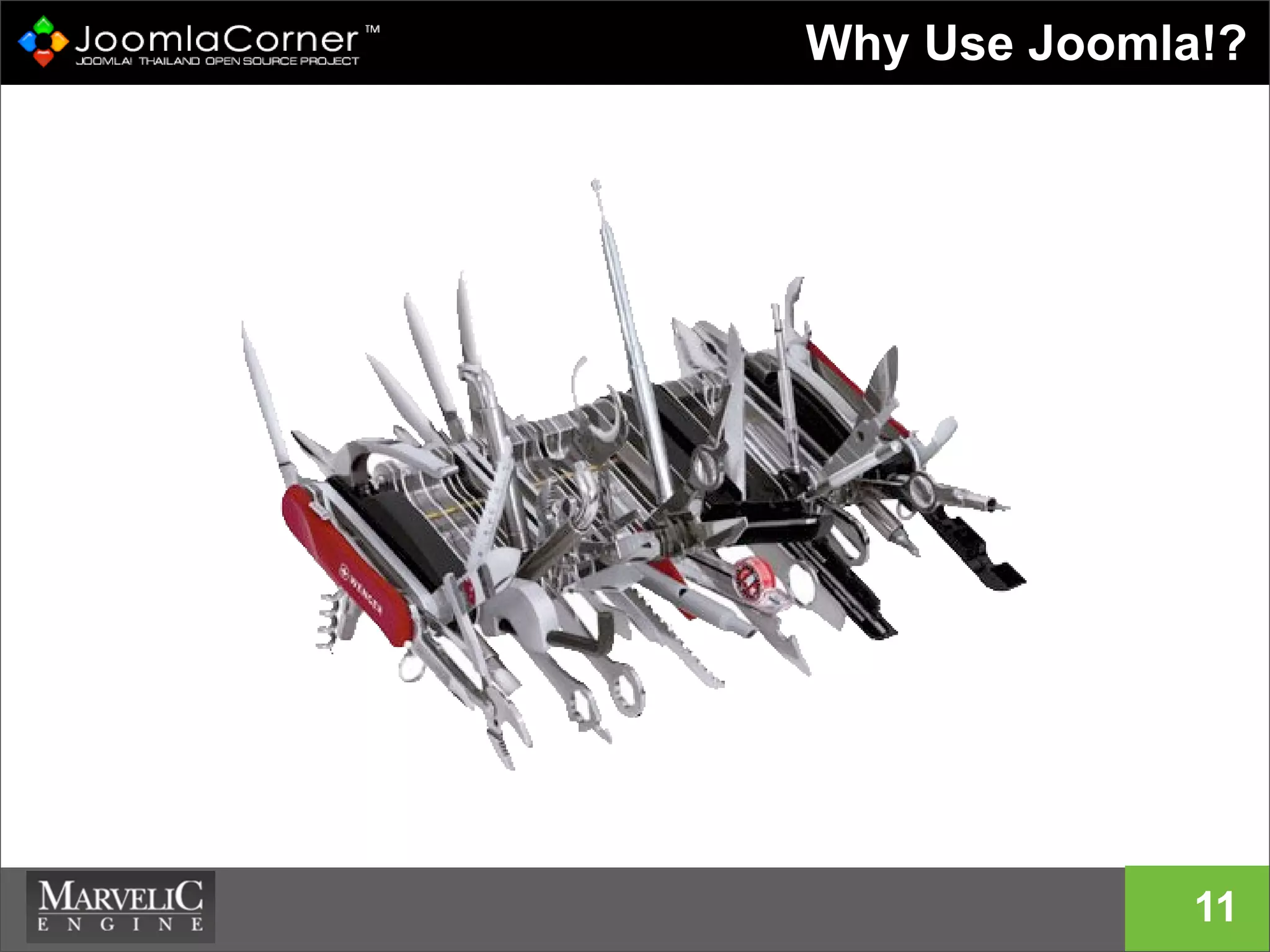
Why Use Joomla!?
11
Joomla is ......
- ใช้ง่าย
- ทรงพลัง
- เปิดเผยโค้ด Open Source( คุณสามารถแก้ไขเพิ่ม
เติมได้เอง )
- รองรับเว็บไซต์ขนาดใหญ่
- ฟรี (ถ้าลงมือทําเอง)
- ลิขสิทธิ์เป็นแบบ GNU/GPL
12
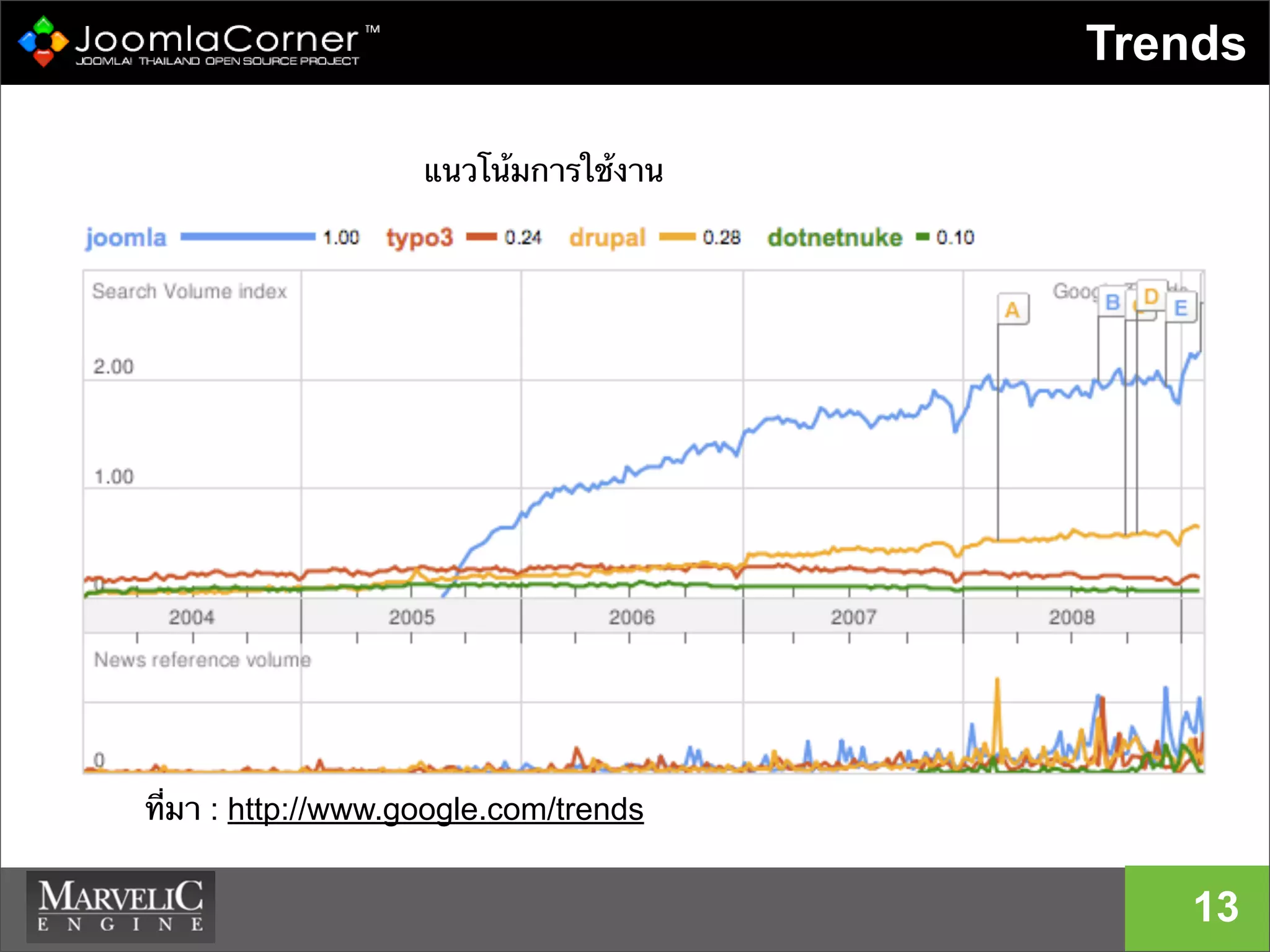
Trends
13
แนวโน้มการใช้งาน
ที่มา : http://www.google.com/trends
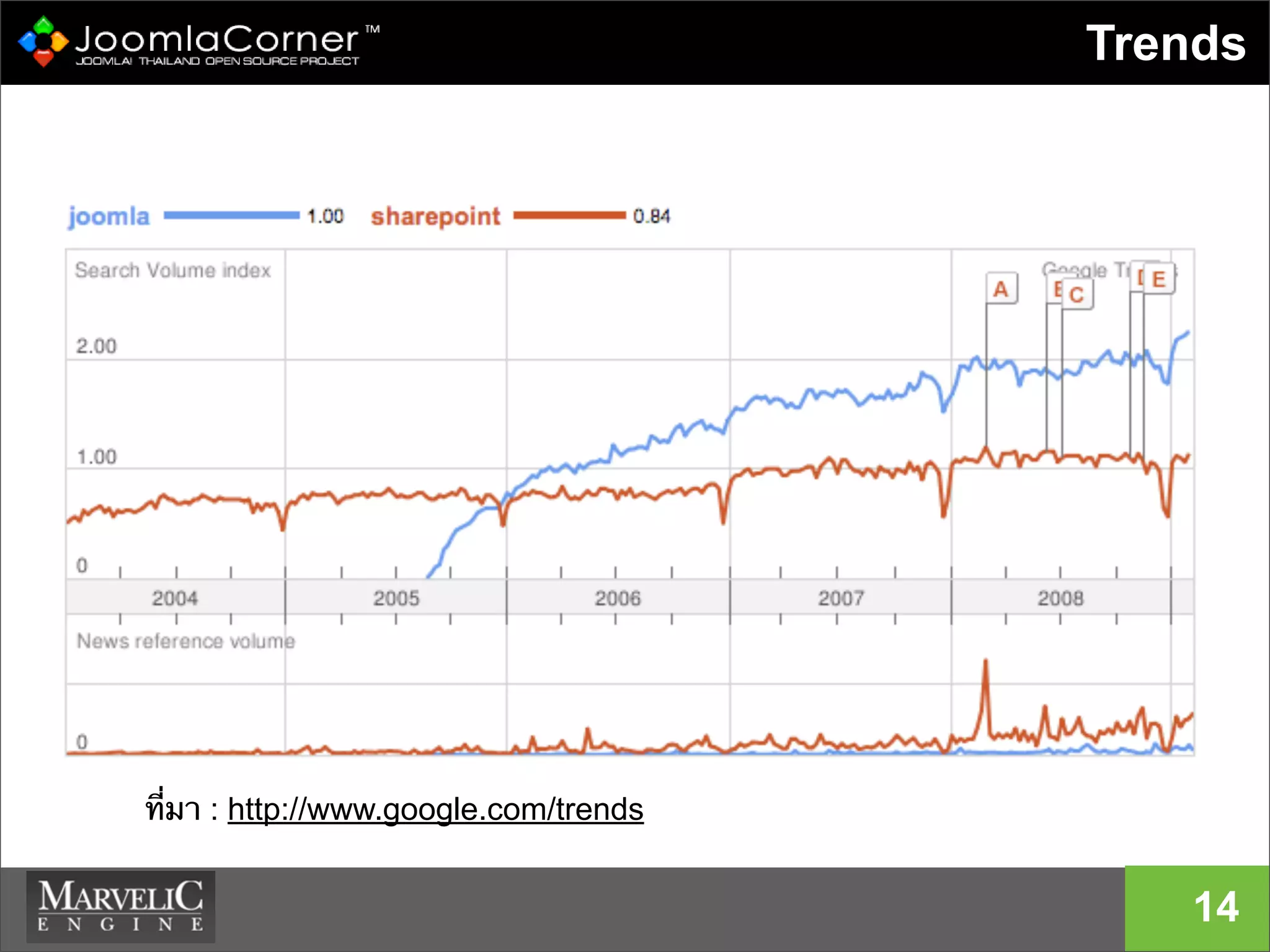
Trends
14
ที่มา : http://www.google.com/trends
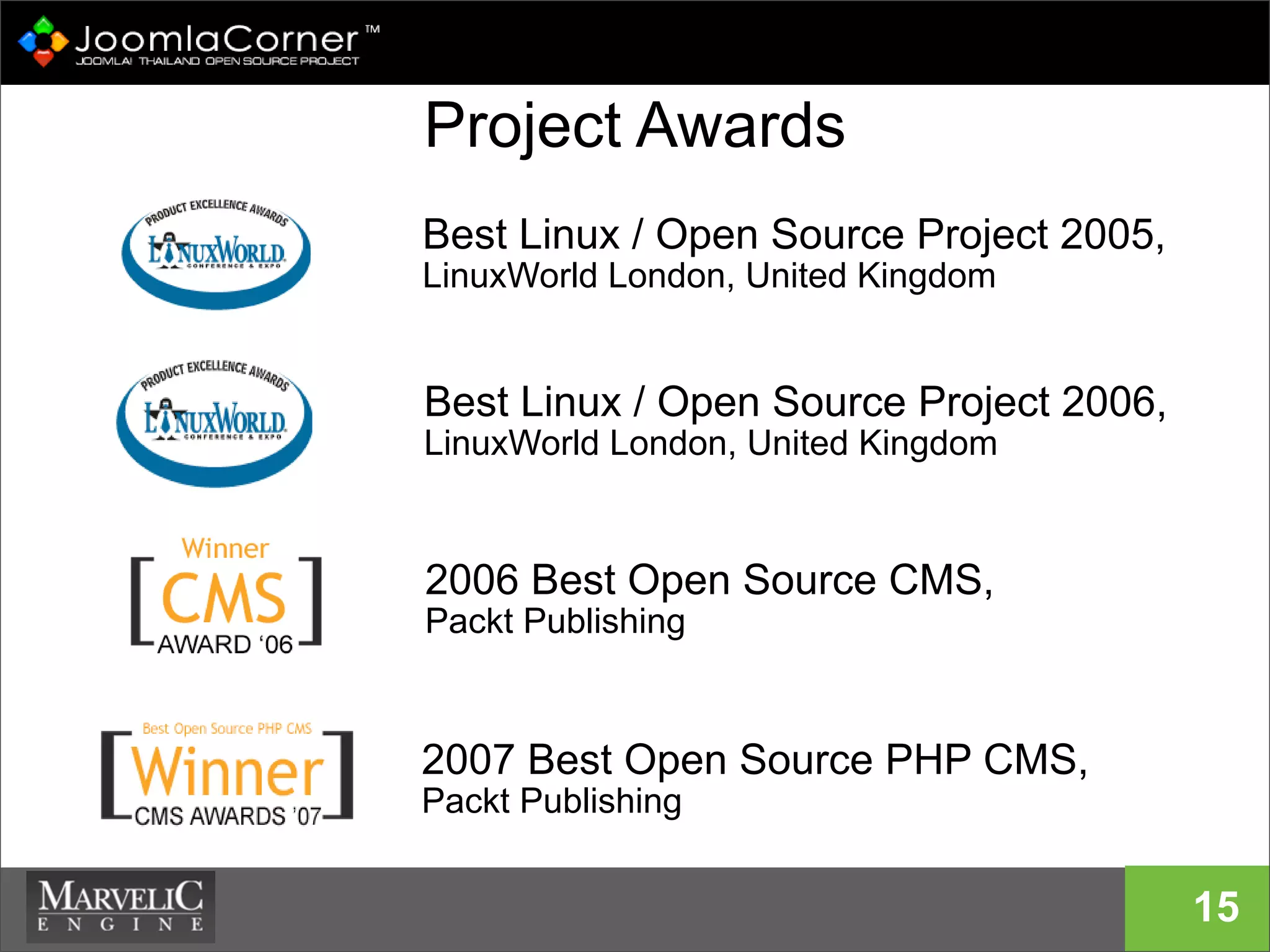
Project Awards
15
Best Linux / Open Source Project 2005,
LinuxWorld London, United Kingdom
Best Linux / Open Source Project 2006,
LinuxWorld London, United Kingdom
2006 Best Open Source CMS,
Packt Publishing
2007 Best Open Source PHP CMS,
Packt Publishing
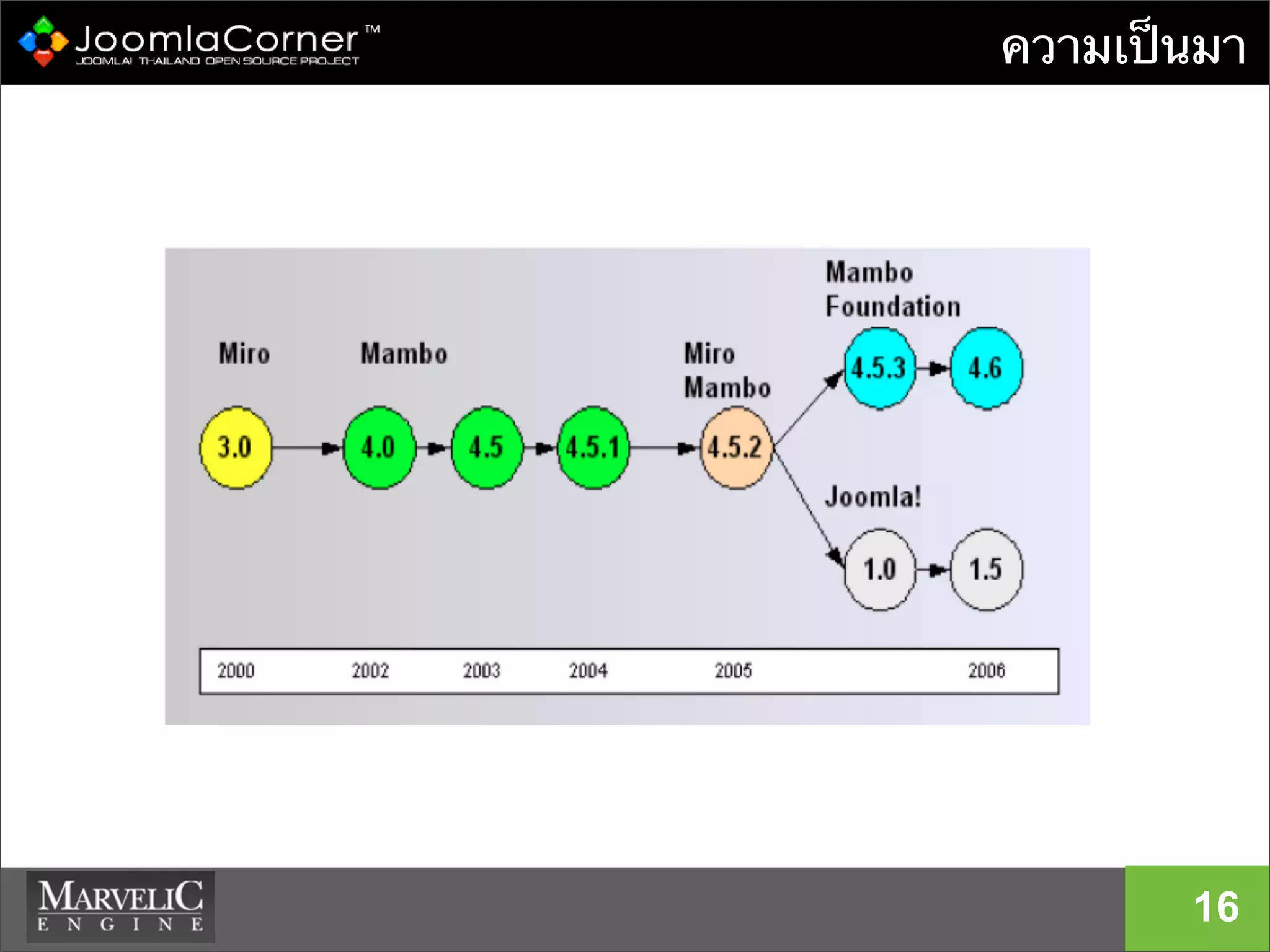
ความเป็นมา
16
17
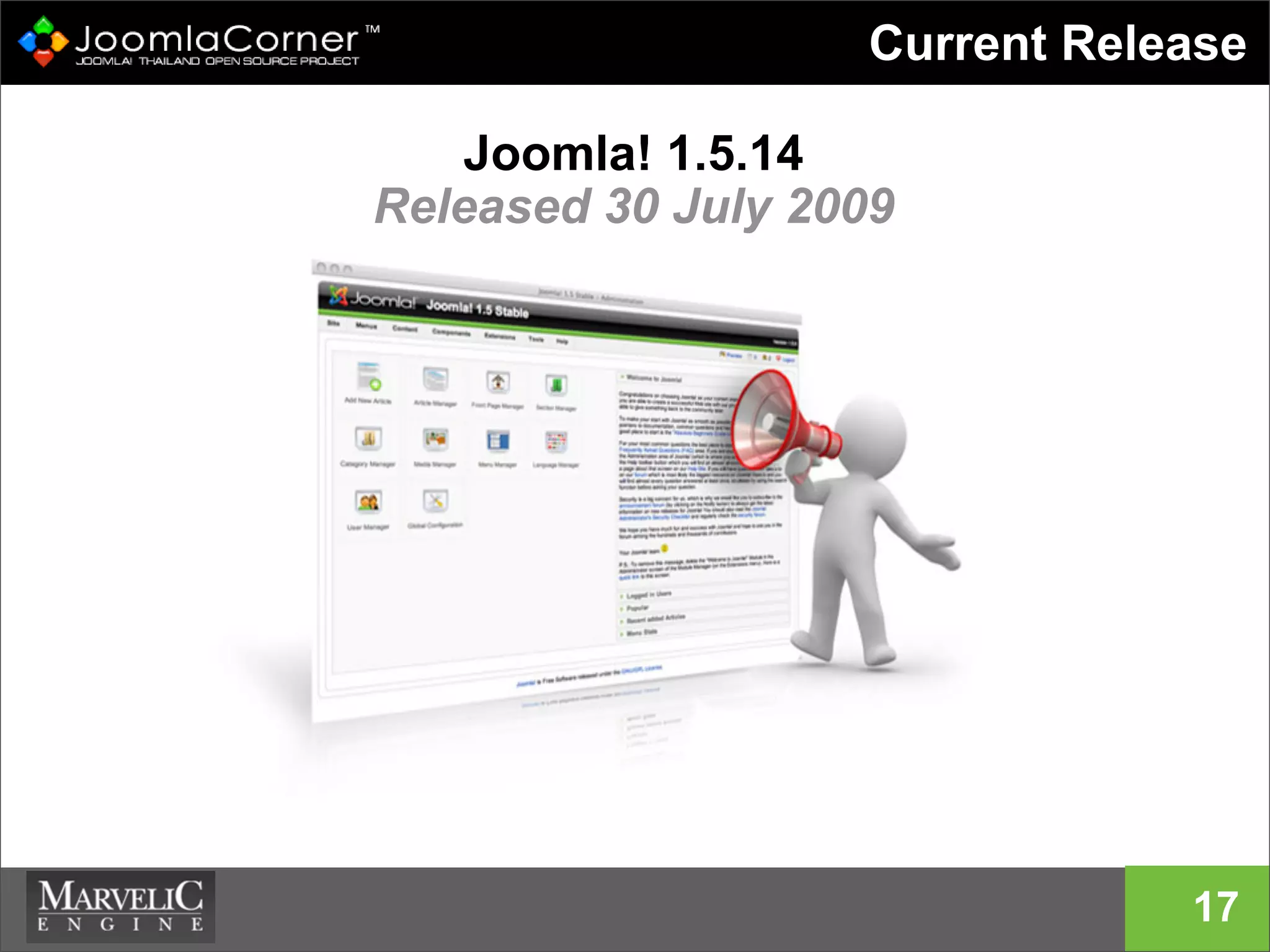
Current Release
Joomla! 1.5.14
Released 30 July 2009
18
What Does Joomla Look Like ?
Joomla! แยกออกเป็นสามส่วนหลักๆ ด้วยกัน
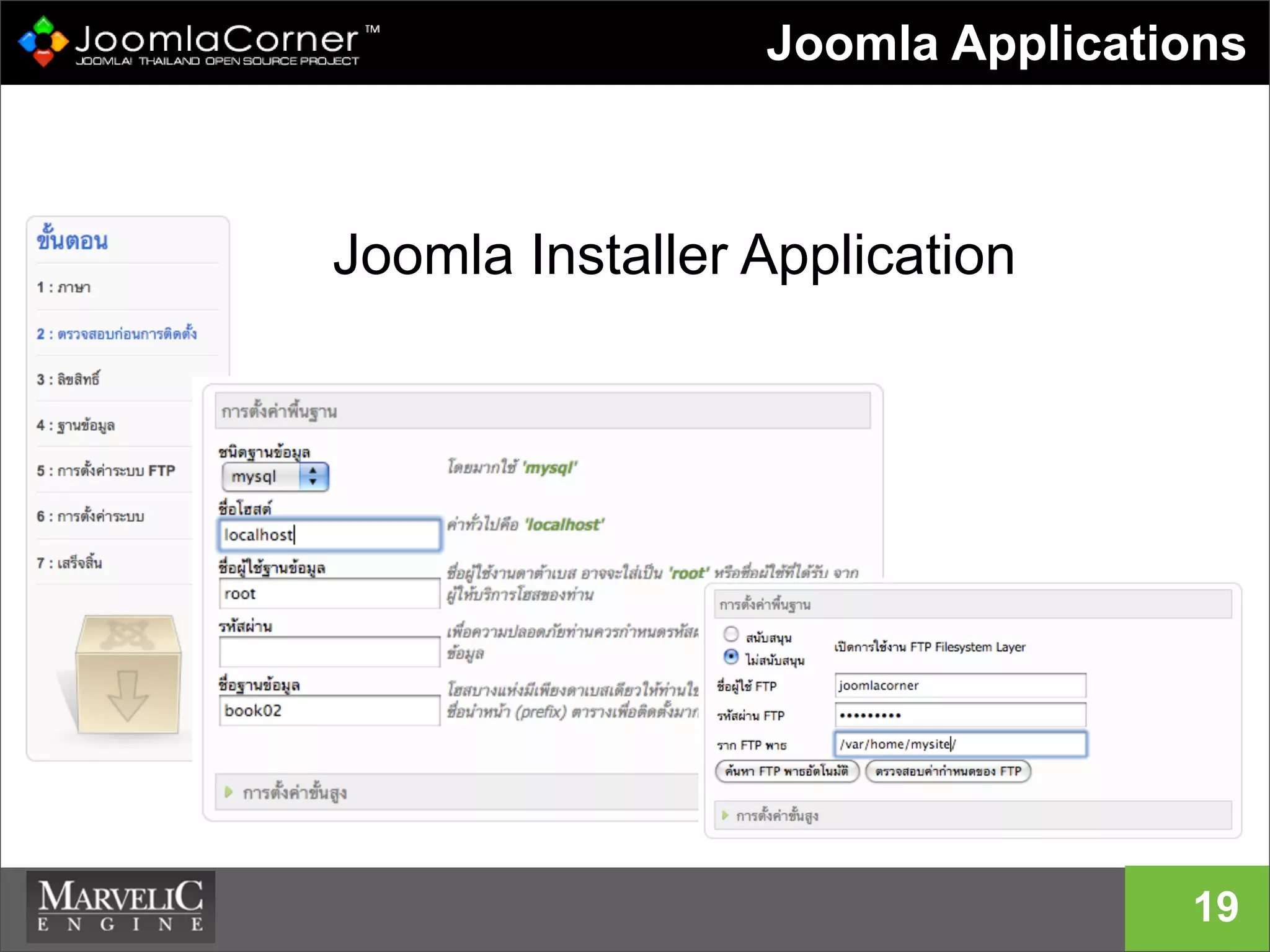
• Installer Application ใช้สําหรับติดตั้งจูมล่า ซึ่งใช้
เพียงครั้งเดียวและก็สามารถลบออกได้
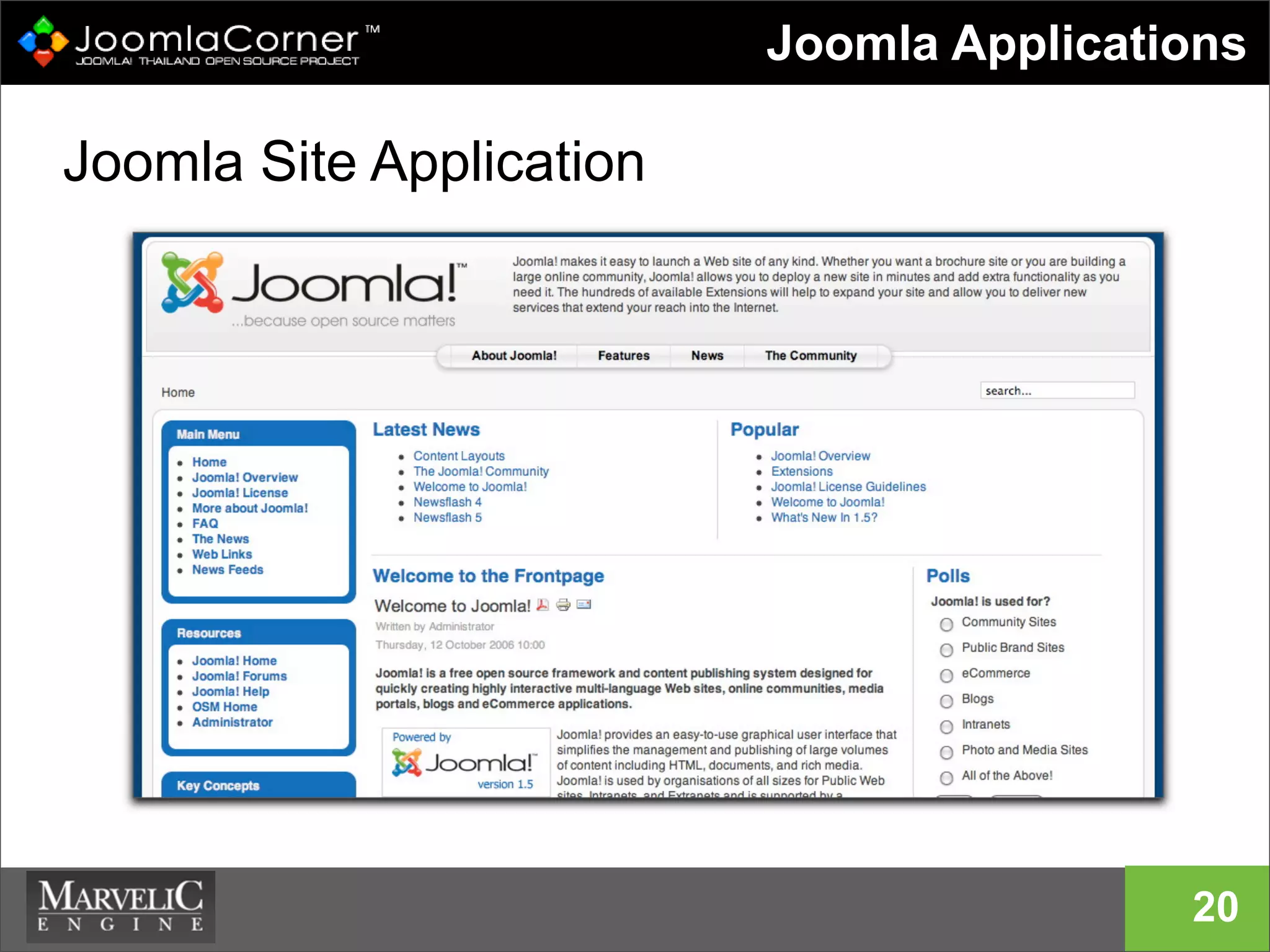
• Site Application ใช้งานโดย users และเป็นส่วน
ของการแสดงผลข้อมูลของเว็บไซต์ทั้งหมด
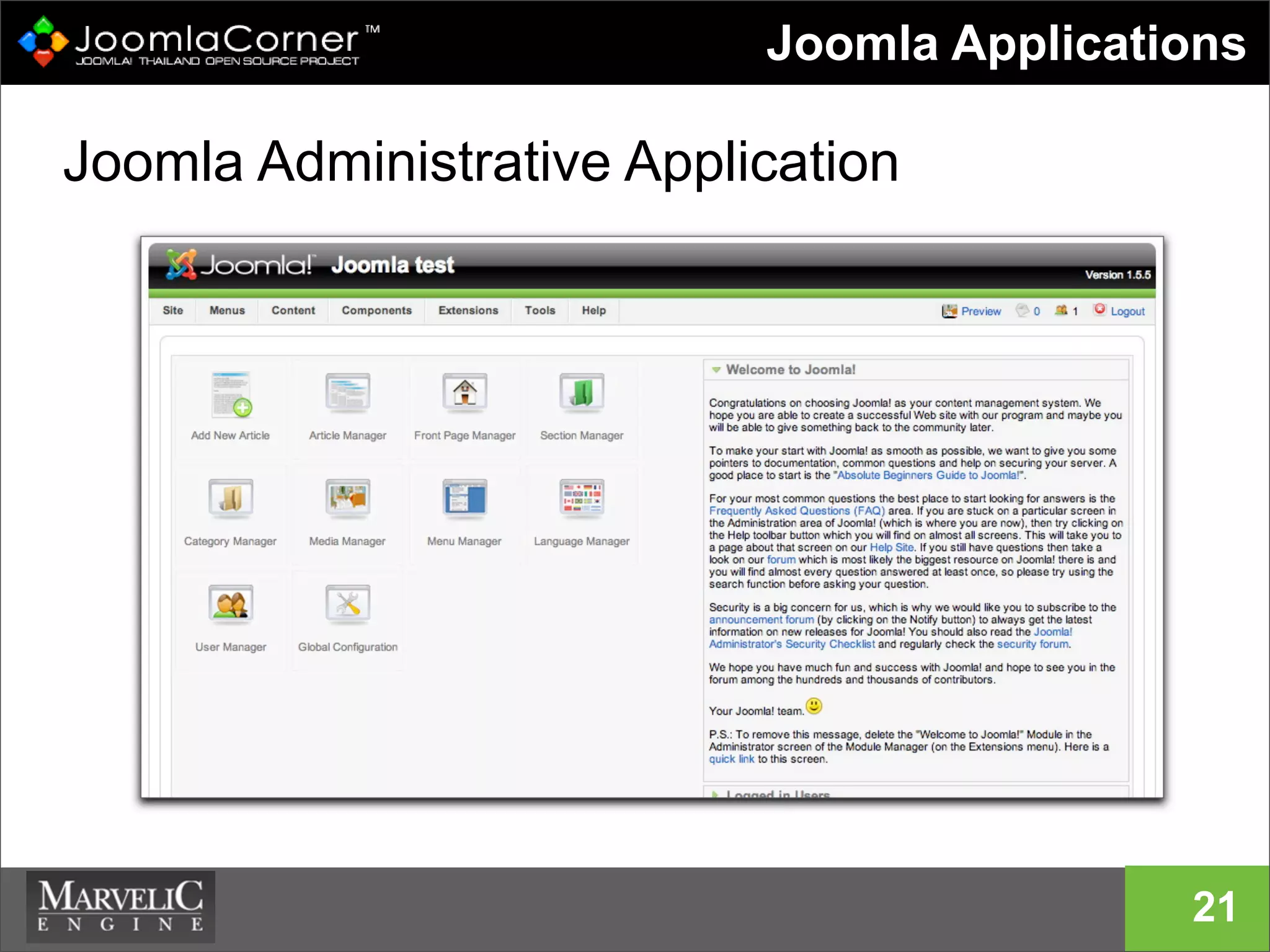
• Administrative Application ใช้โดยผู้ดูแล
เว็บไซต์ สําหรับบริหารจัดการเว็บไซต์ทั้งหมด
19
Joomla Applications
Joomla Installer Application
20
Joomla Applications
Joomla Site Application
21
Joomla Applications
Joomla Administrative Application
22
Joomla Applications
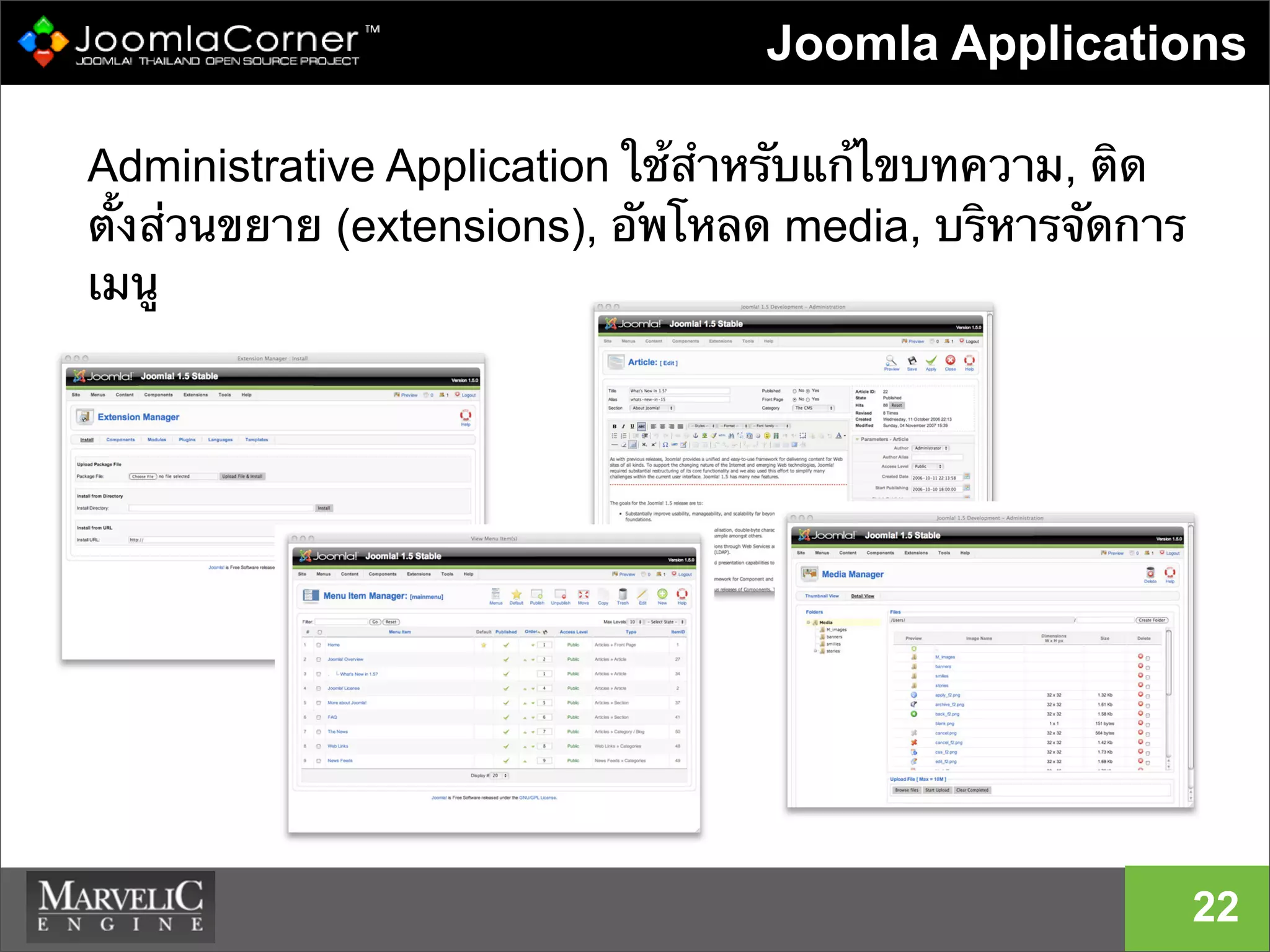
Administrative Application ใช้สําหรับแก้ไขบทความ, ติด
ตั้งส่วนขยาย (extensions), อัพโหลด media, บริหารจัดการ
เมนู
For Developer
23
• Provides framework and CMS
• Objects!
• Easy to skin
• Legendary administrative interface
• Easy to extend with ....
24
Information
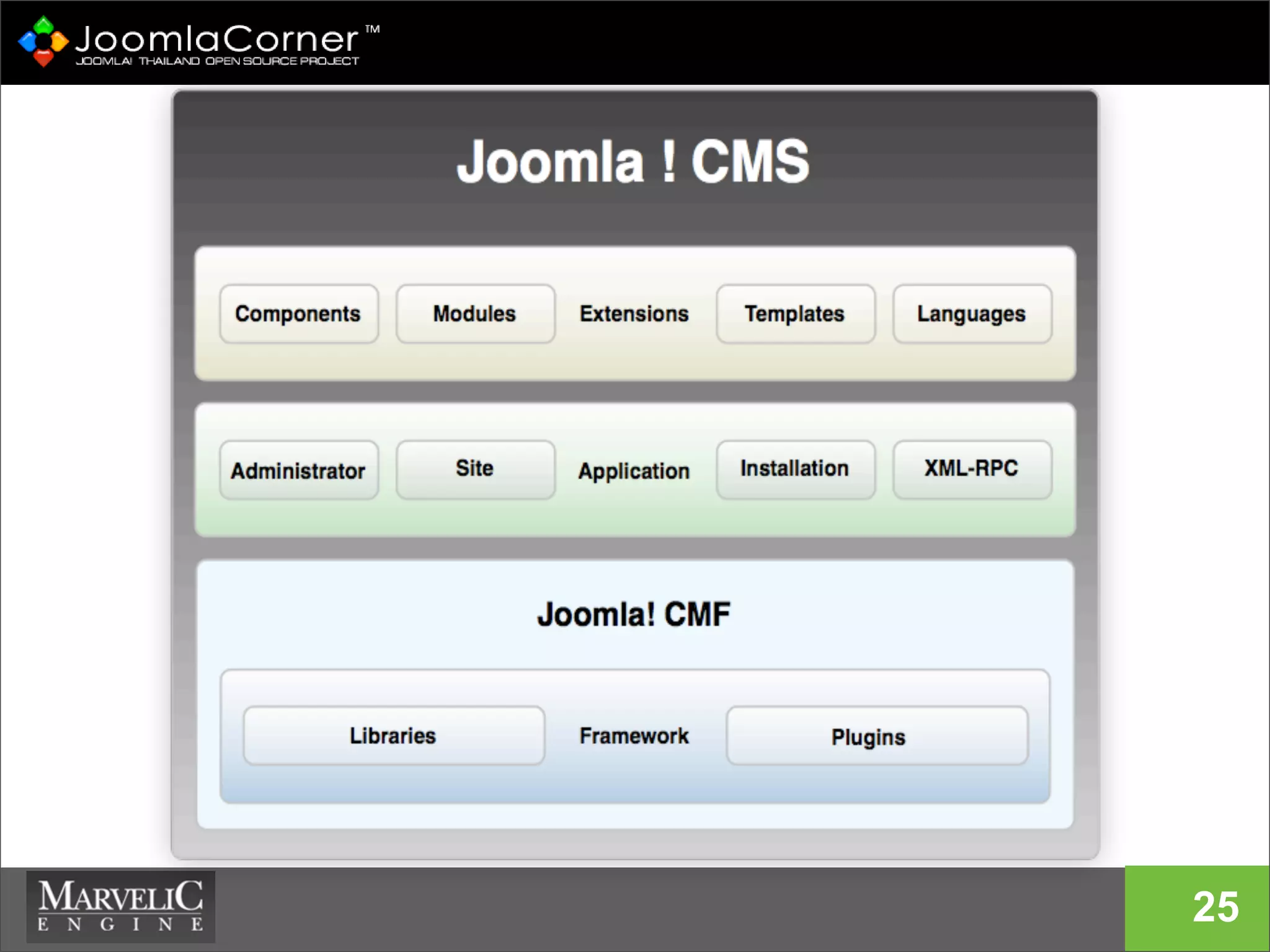
Architecture
25
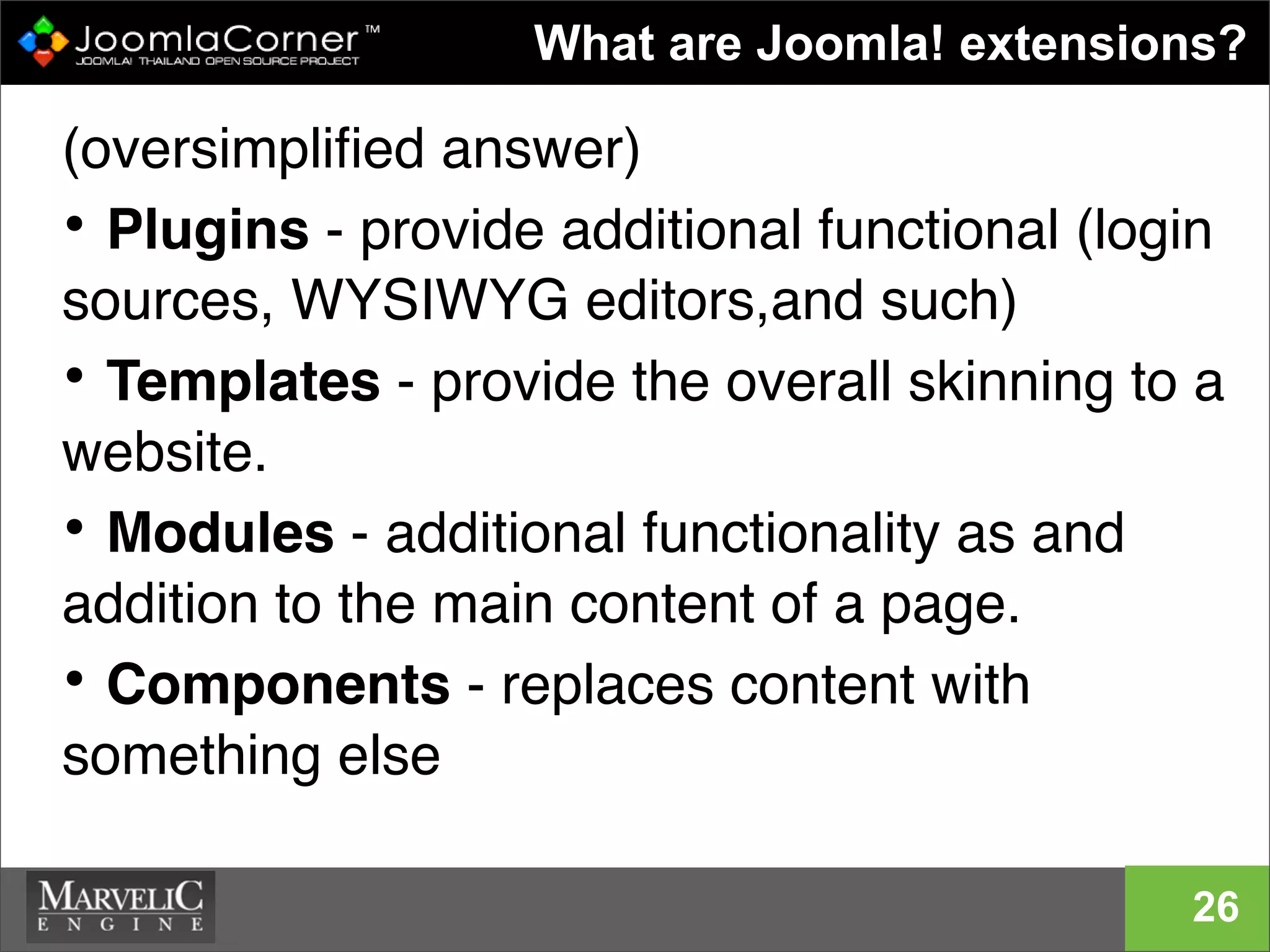
(oversimplified answer)
• Plugins - provide additional functional (login
sources, WYSIWYG editors,and such)
• Templates - provide the overall skinning to a
website.
• Modules - additional functionality as and
addition to the main content of a page.
• Components - replaces content with
something else
9
What are Joomla! extensions?
26
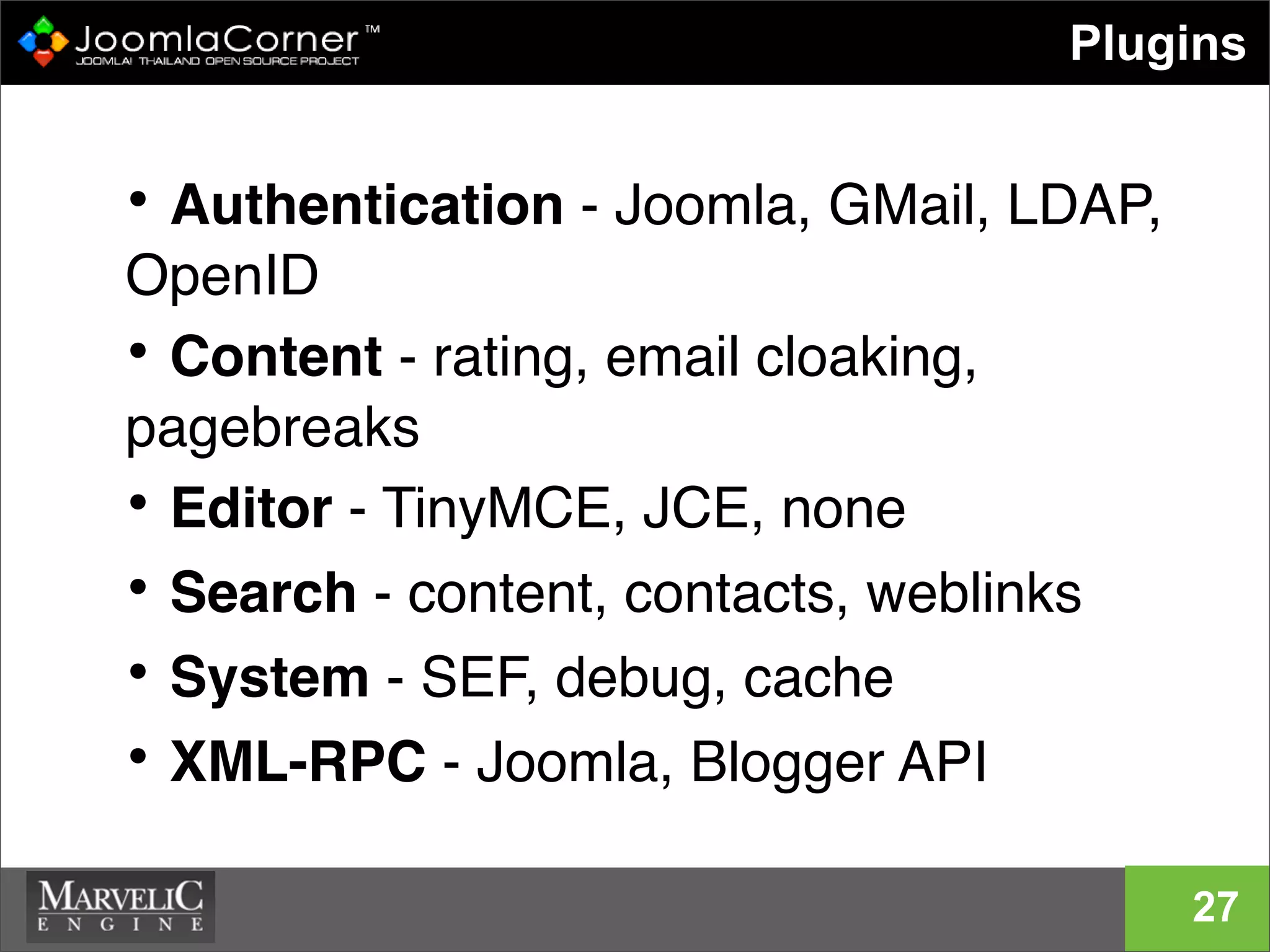
• Authentication - Joomla, GMail, LDAP,
OpenID
• Content - rating, email cloaking,
pagebreaks
• Editor - TinyMCE, JCE, none
• Search - content, contacts, weblinks
• System - SEF, debug, cache
• XML-RPC - Joomla, Blogger API
Plugins
27
• Powerful, rich API available
• Public and Admin versions
• Load of examples to learn from and play
with
Components
28
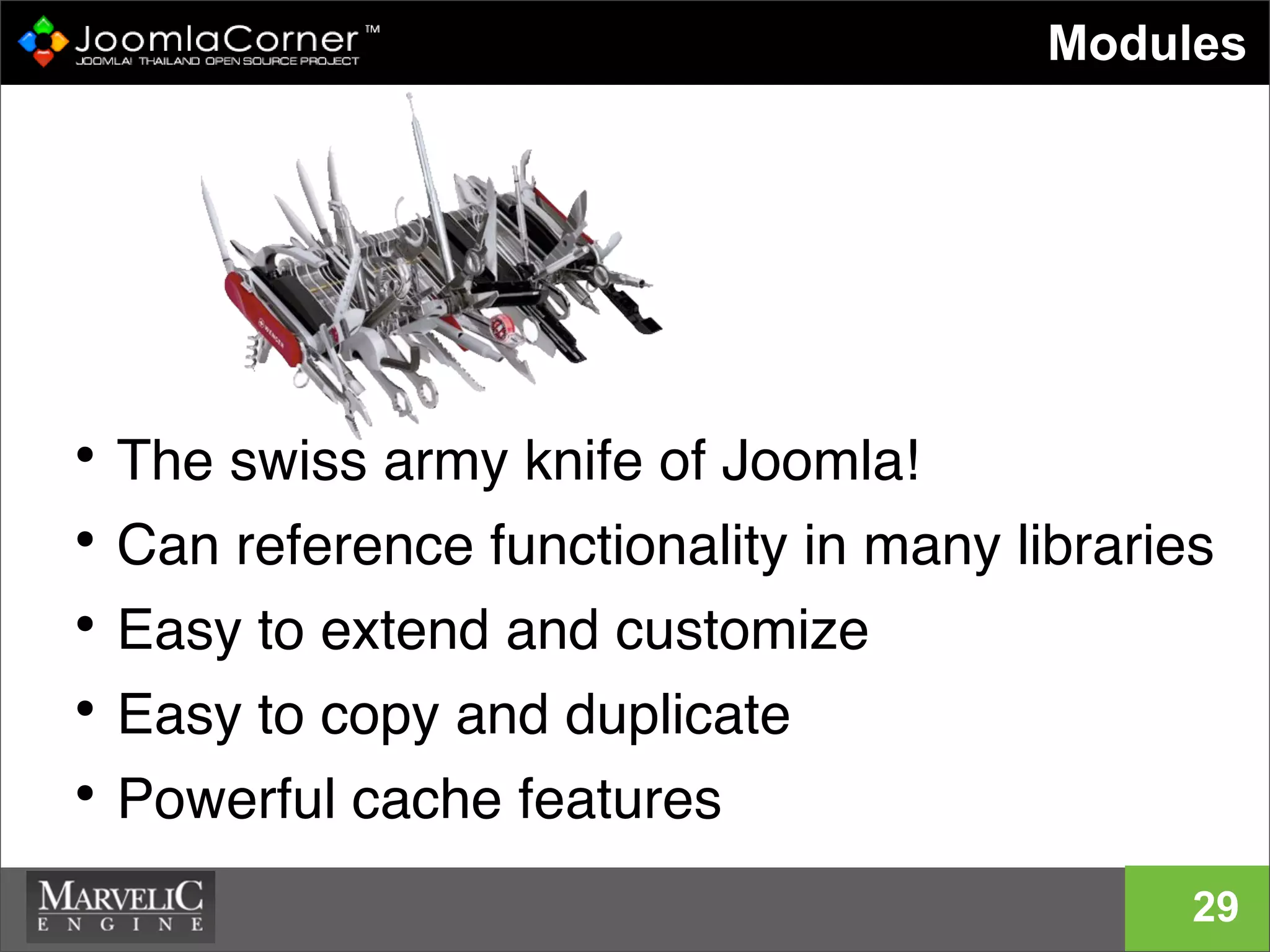
• The swiss army knife of Joomla!
• Can reference functionality in many libraries
• Easy to extend and customize
• Easy to copy and duplicate
• Powerful cache features
Modules
29
• we (Joomla! Team) will look at code.
Prepare to be frightened, bored, or both
• To Learn how to use Joomla! and how to add
cool new stuff to it, you really should have
gone to session for non-developers
For Joomla! End Users
30
31
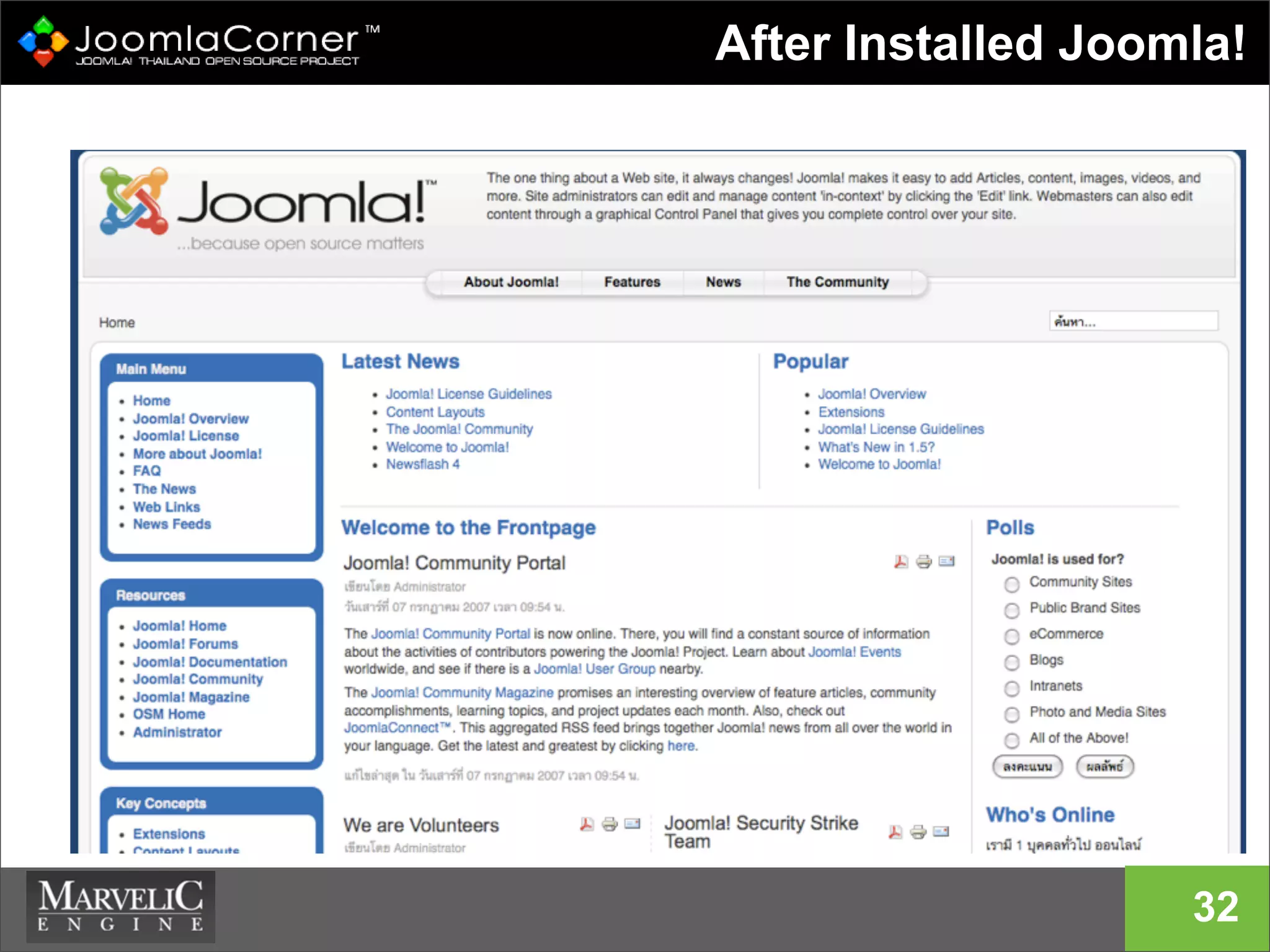
Joomla! in Action
After Installed Joomla!
32
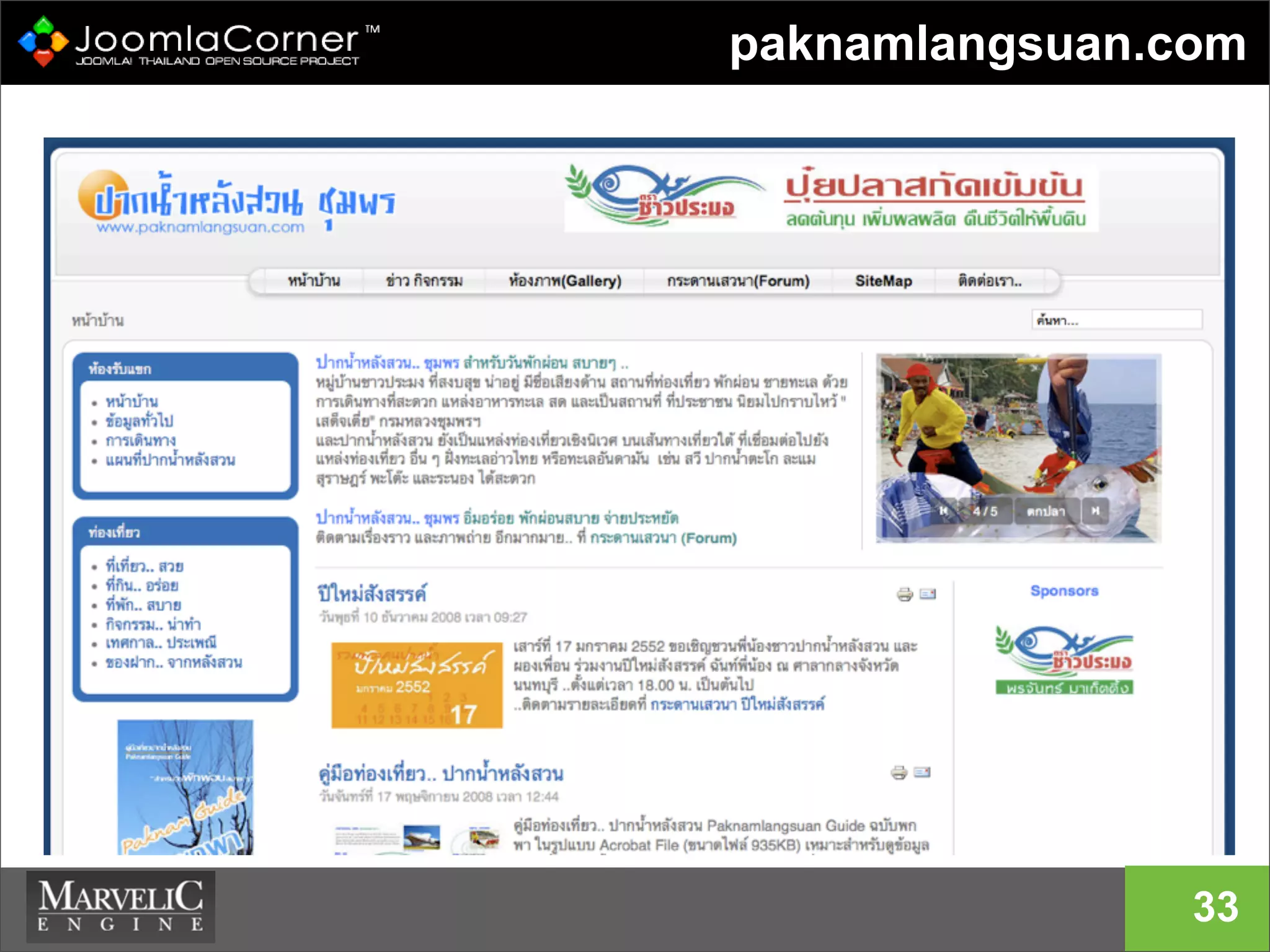
paknamlangsuan.com
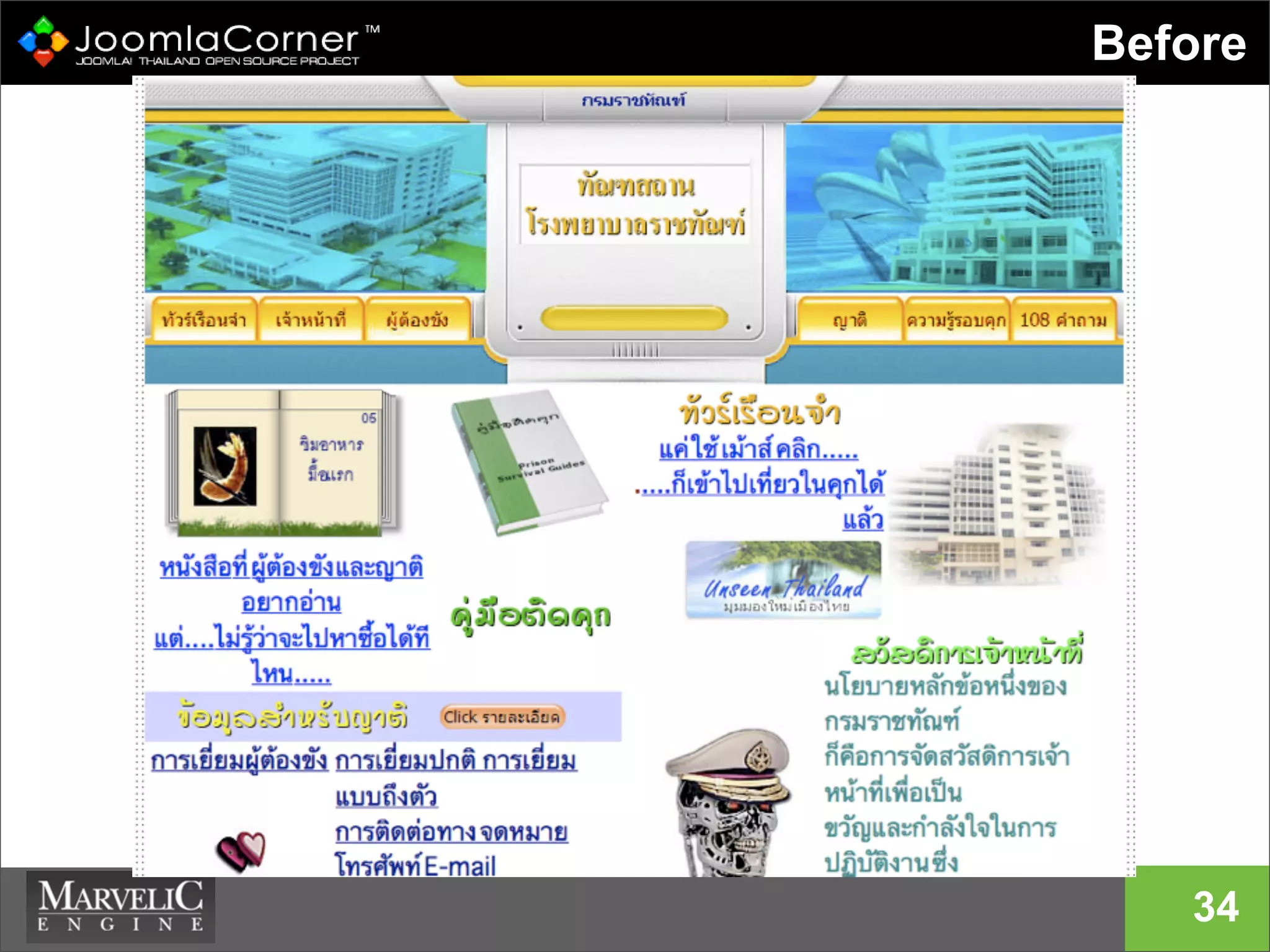
33
Before
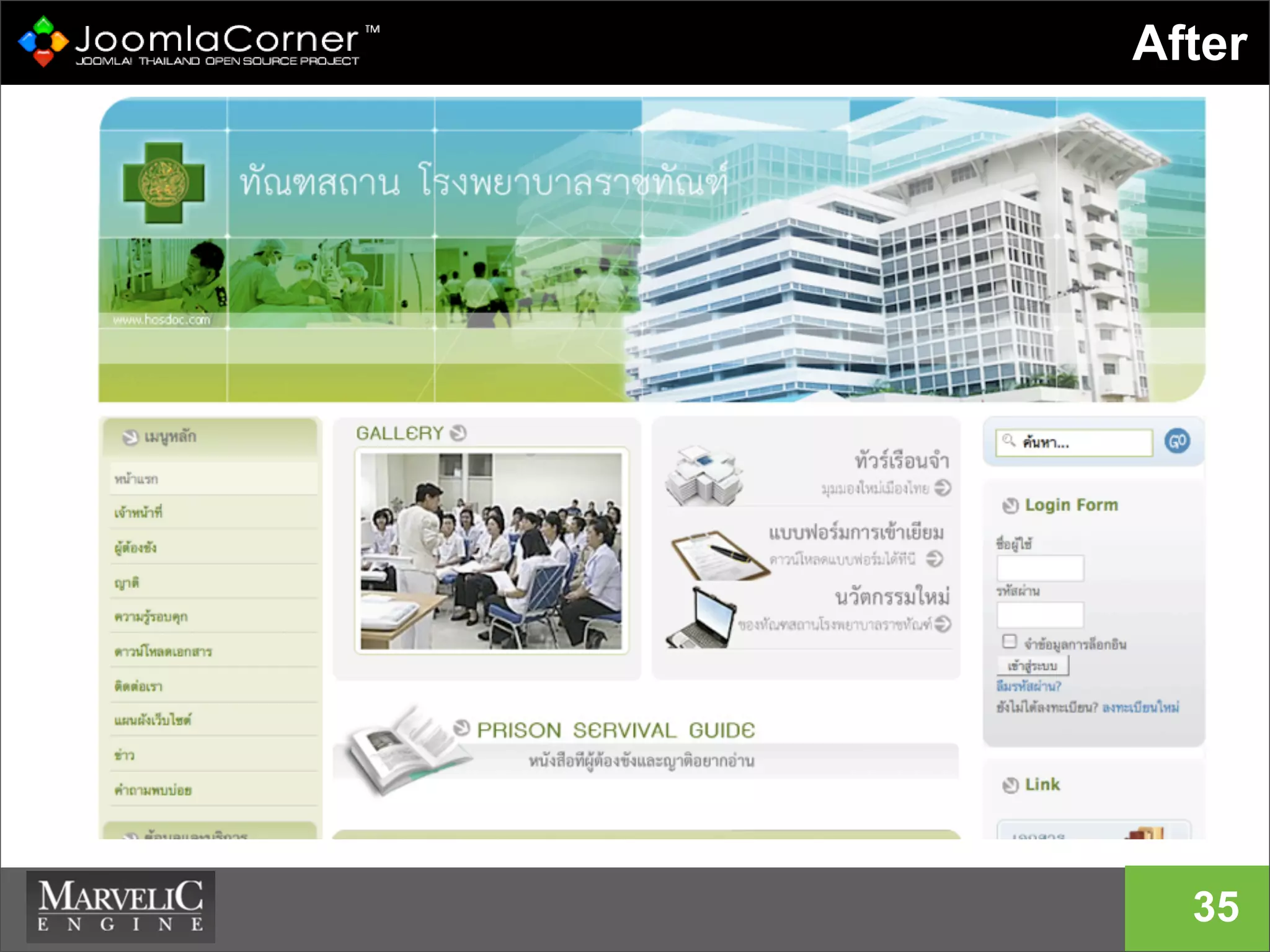
34
After
35
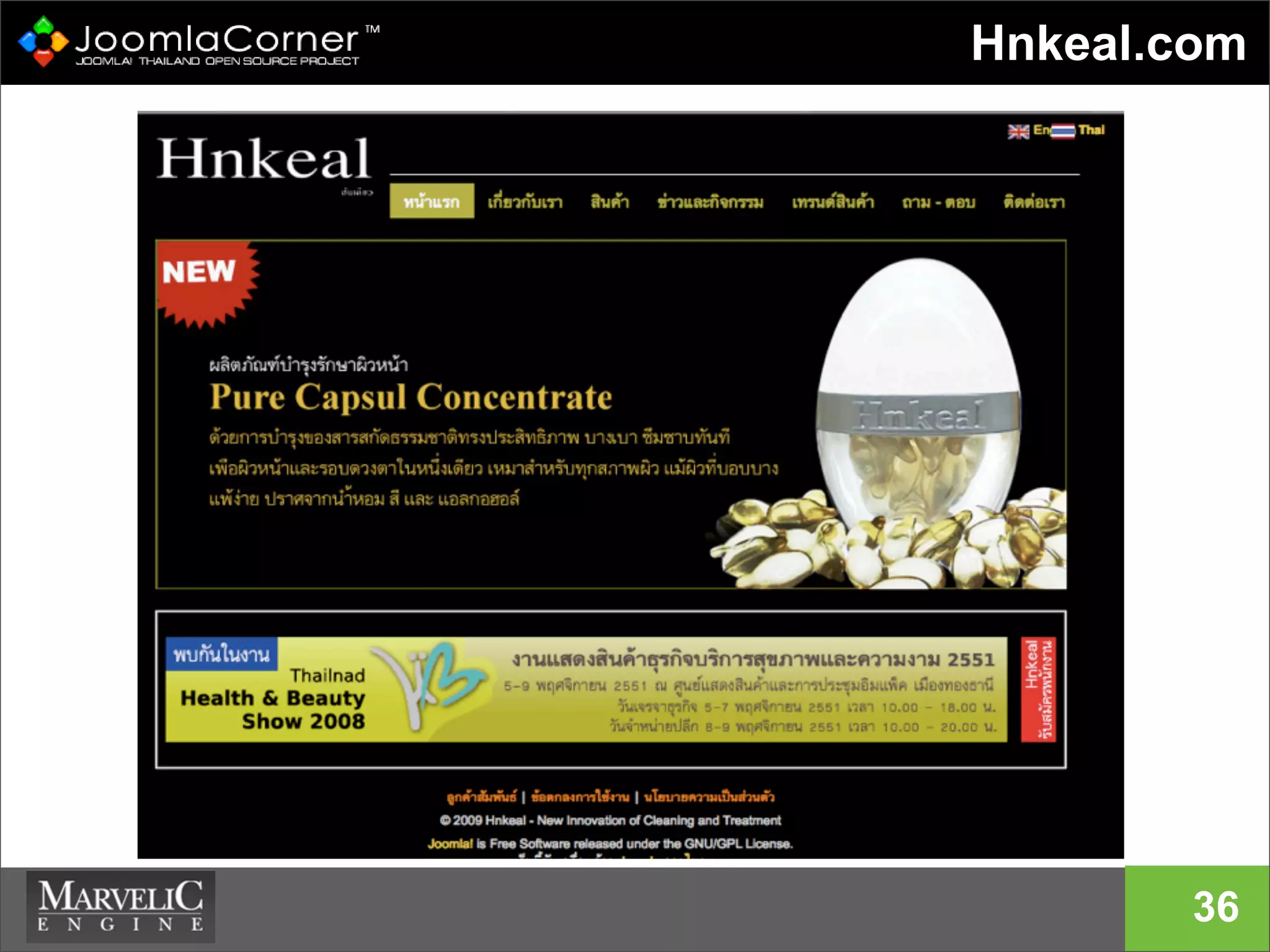
Hnkeal.com
36
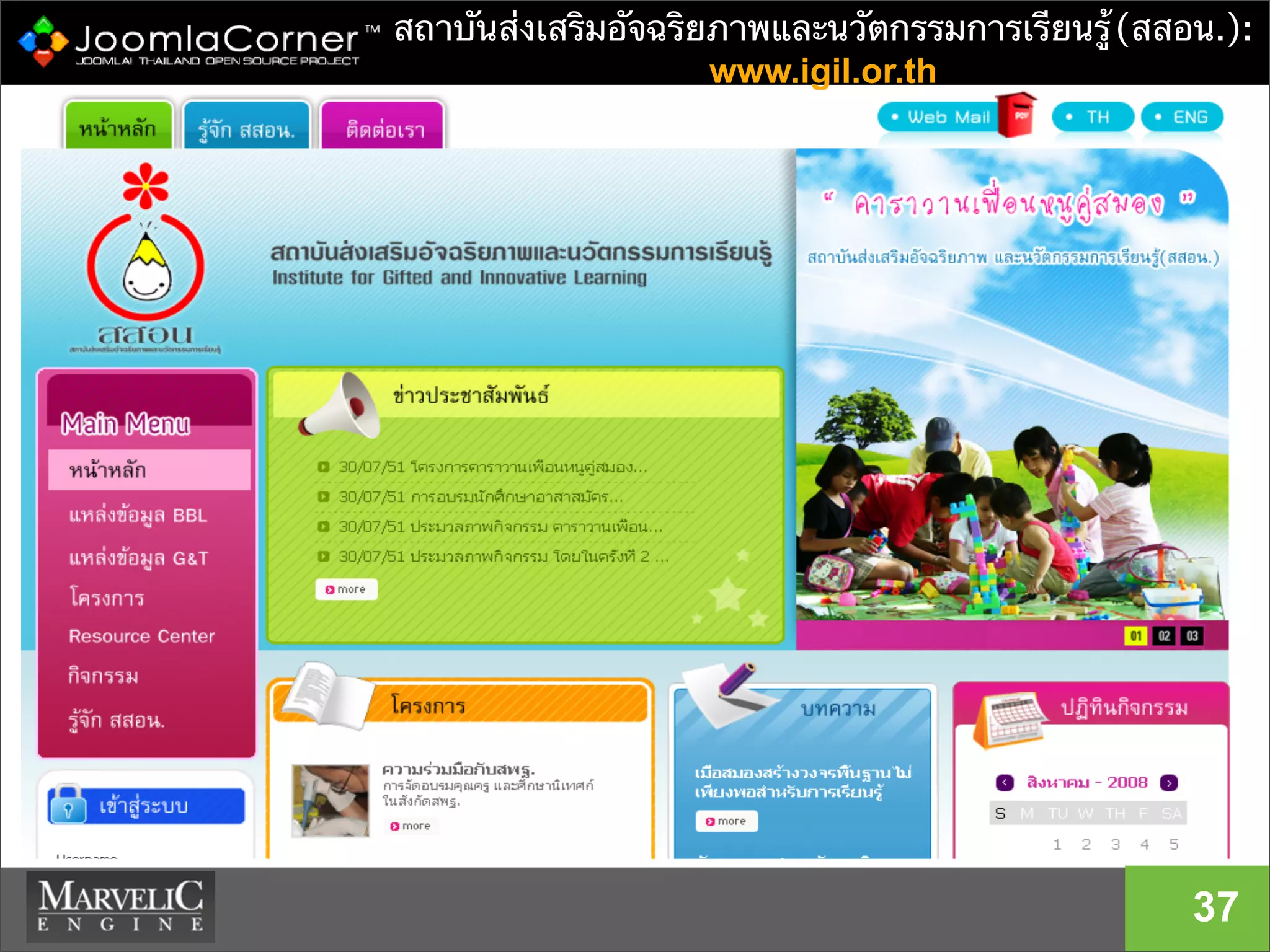
สถาบันส่งเสริมอัจฉริยภาพและนวัตกรรมการเรียนรู้(สสอน.):
www.igil.or.th
37
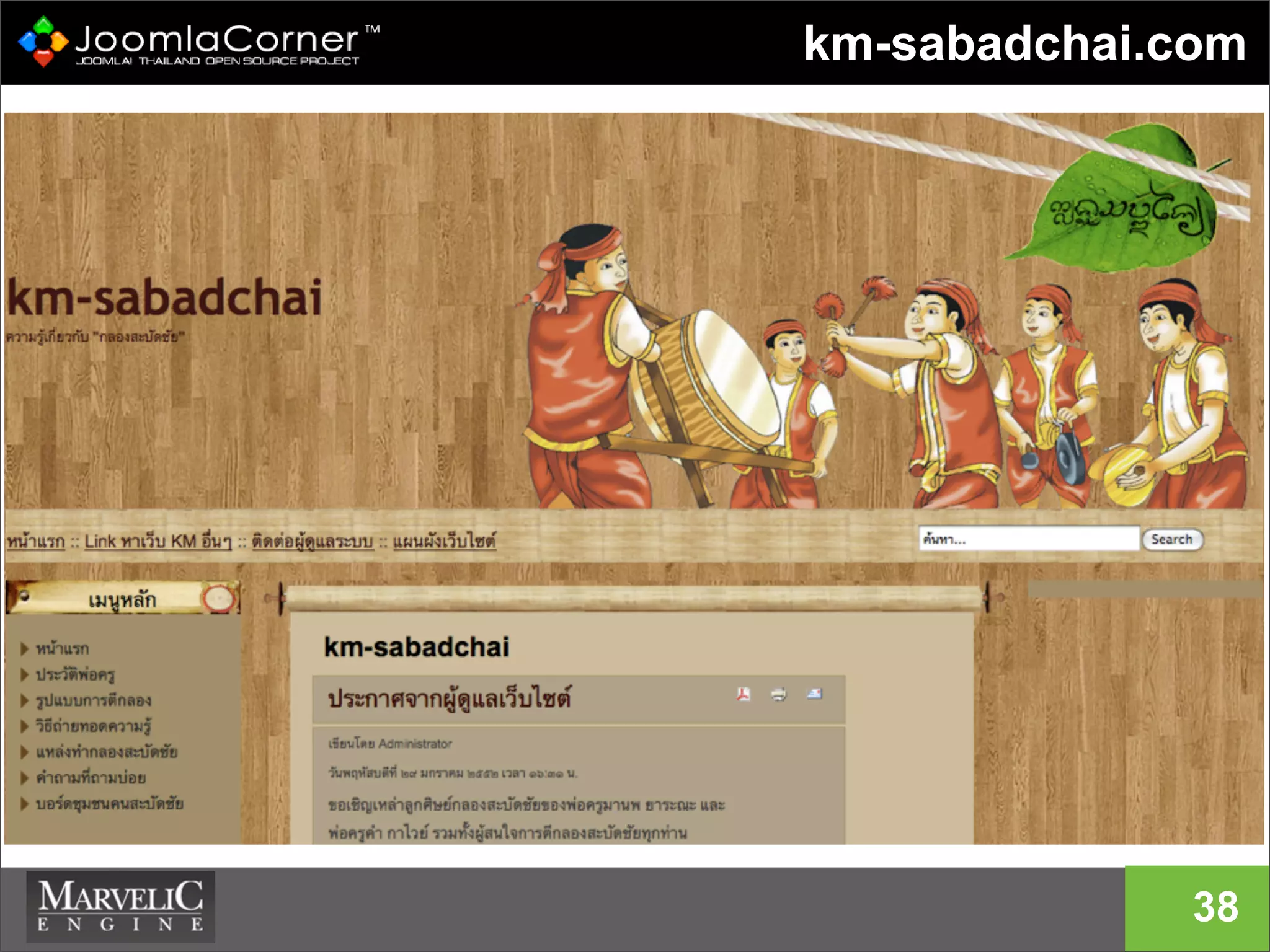
km-sabadchai.com
38
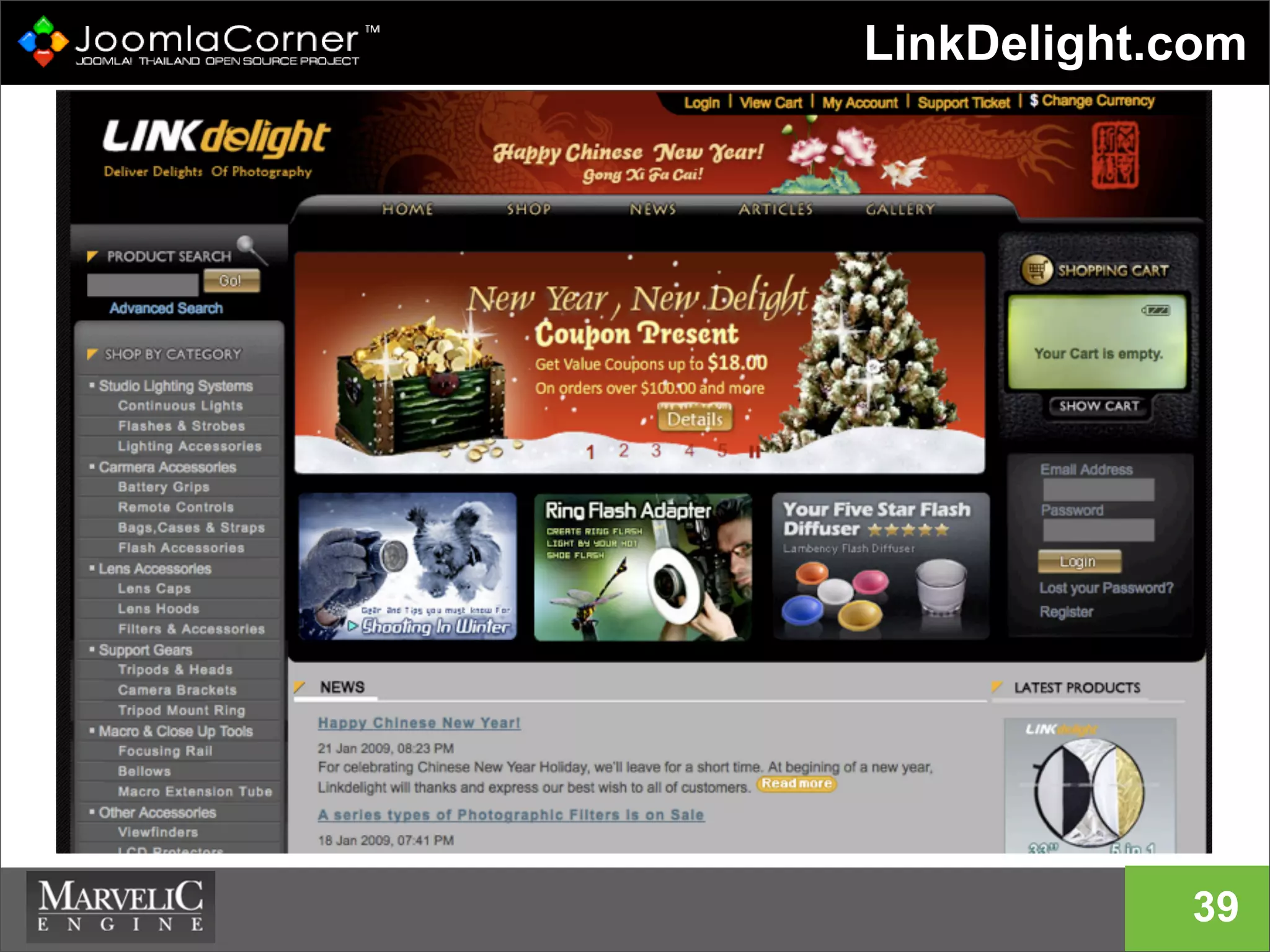
LinkDelight.com
39
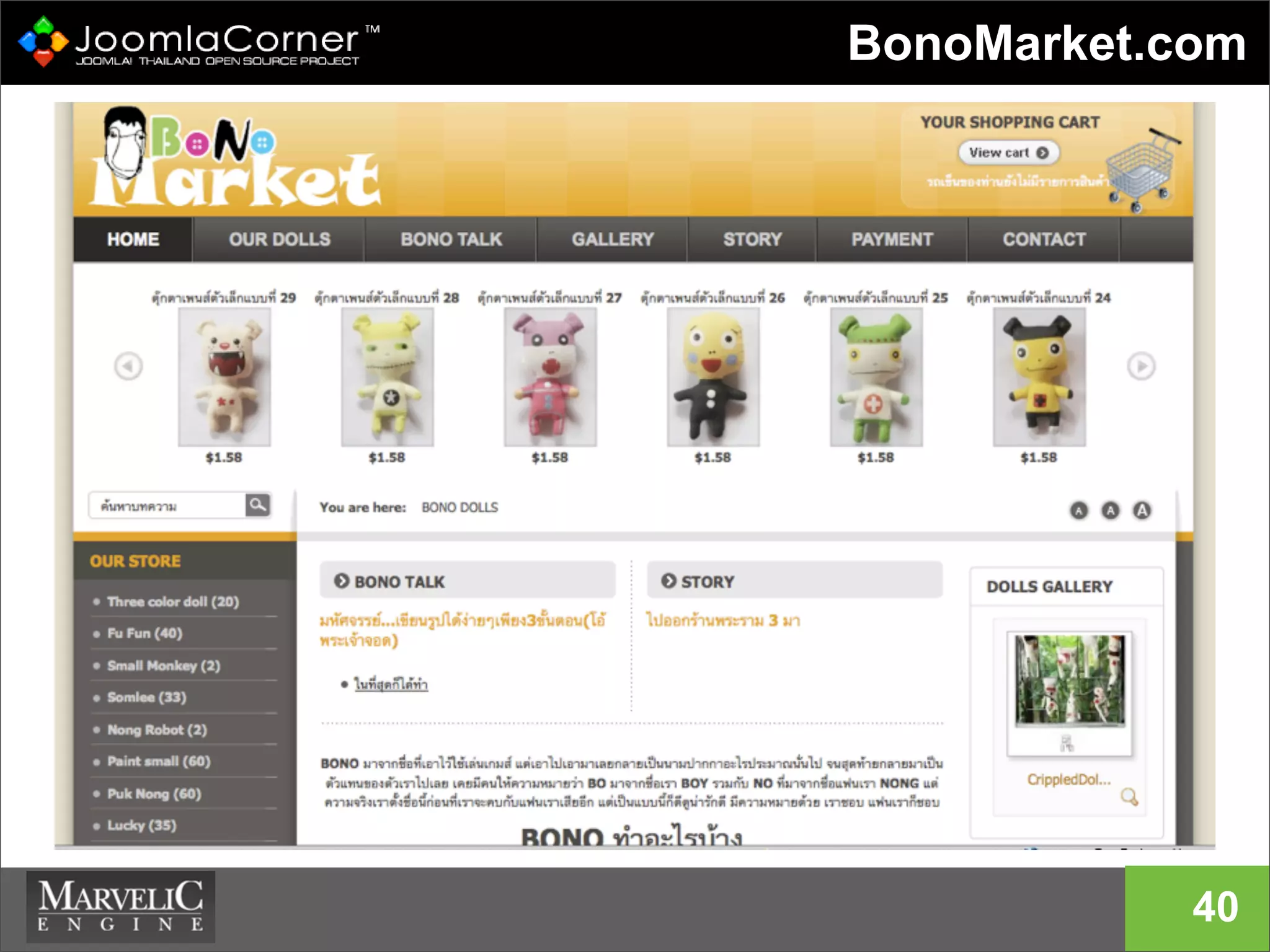
BonoMarket.com
40
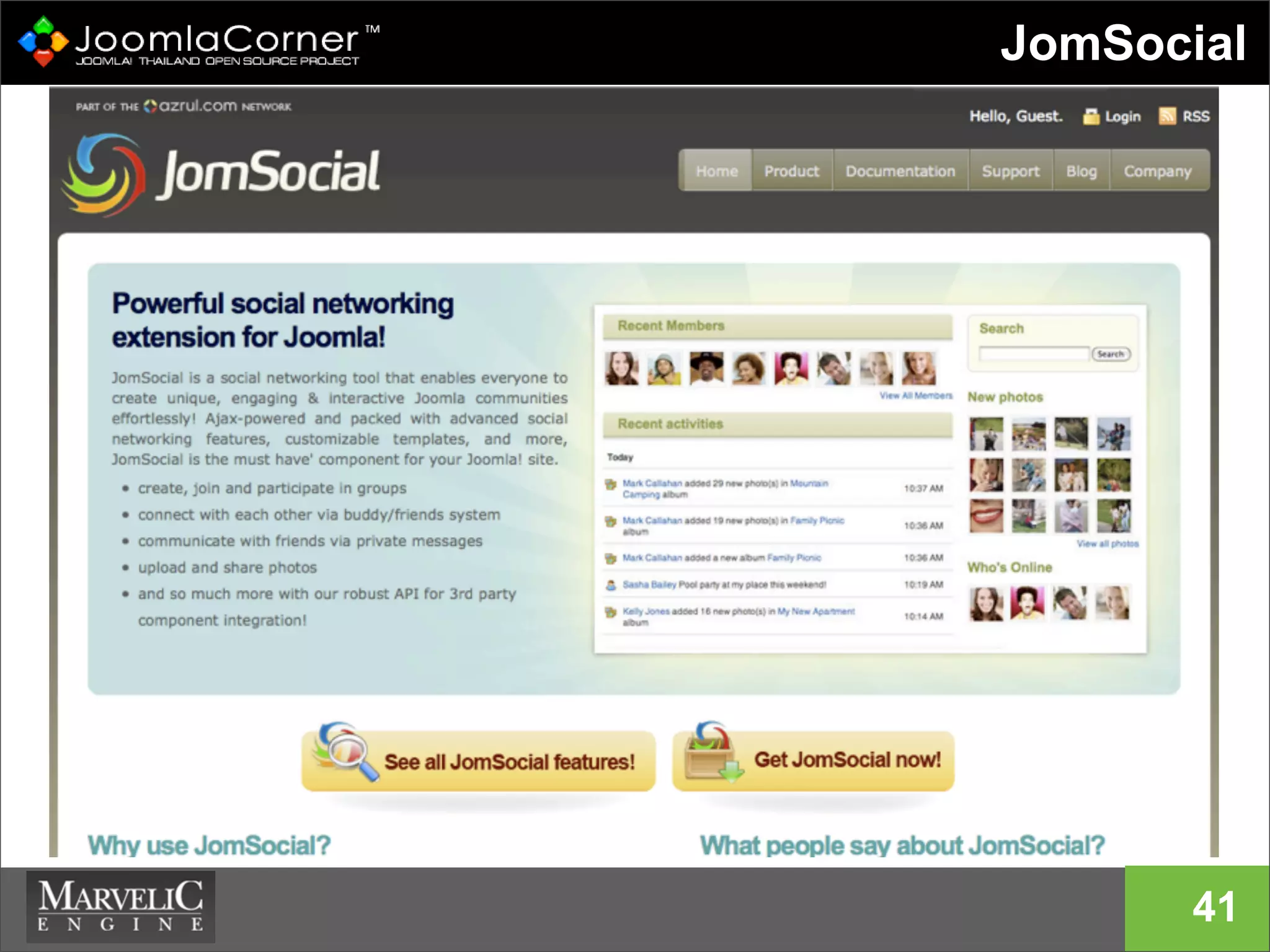
JomSocial
41
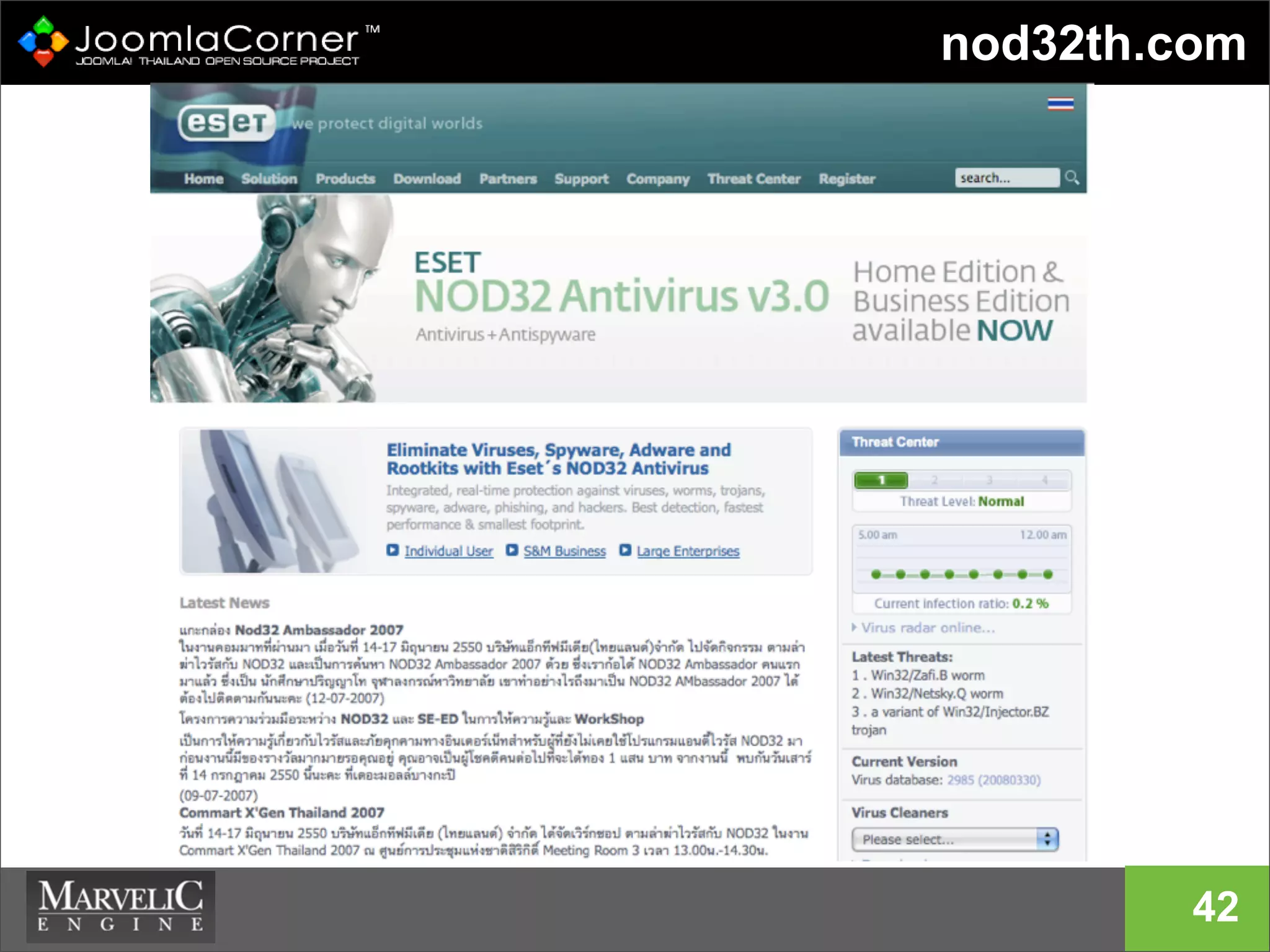
nod32th.com
42
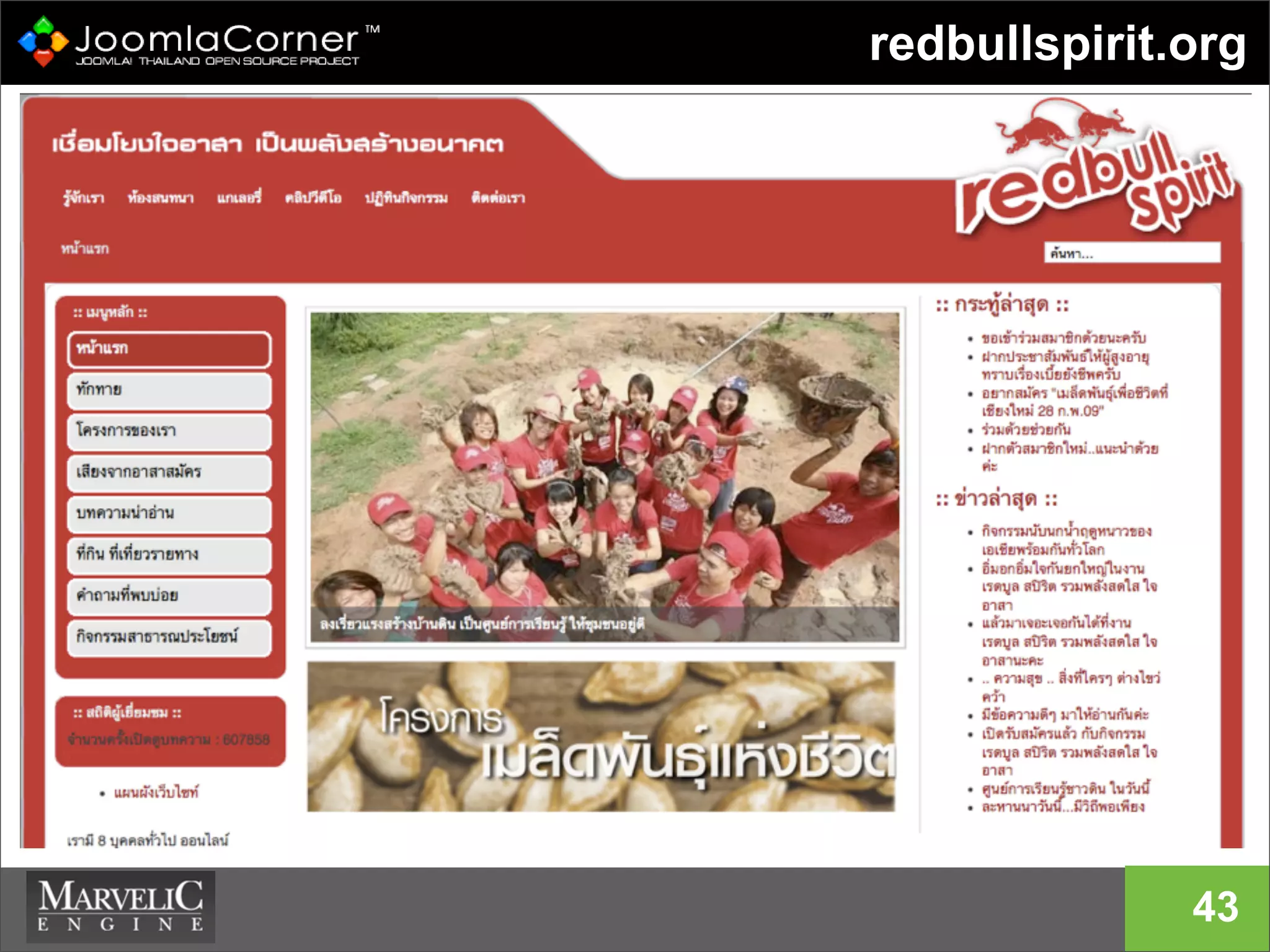
redbullspirit.org
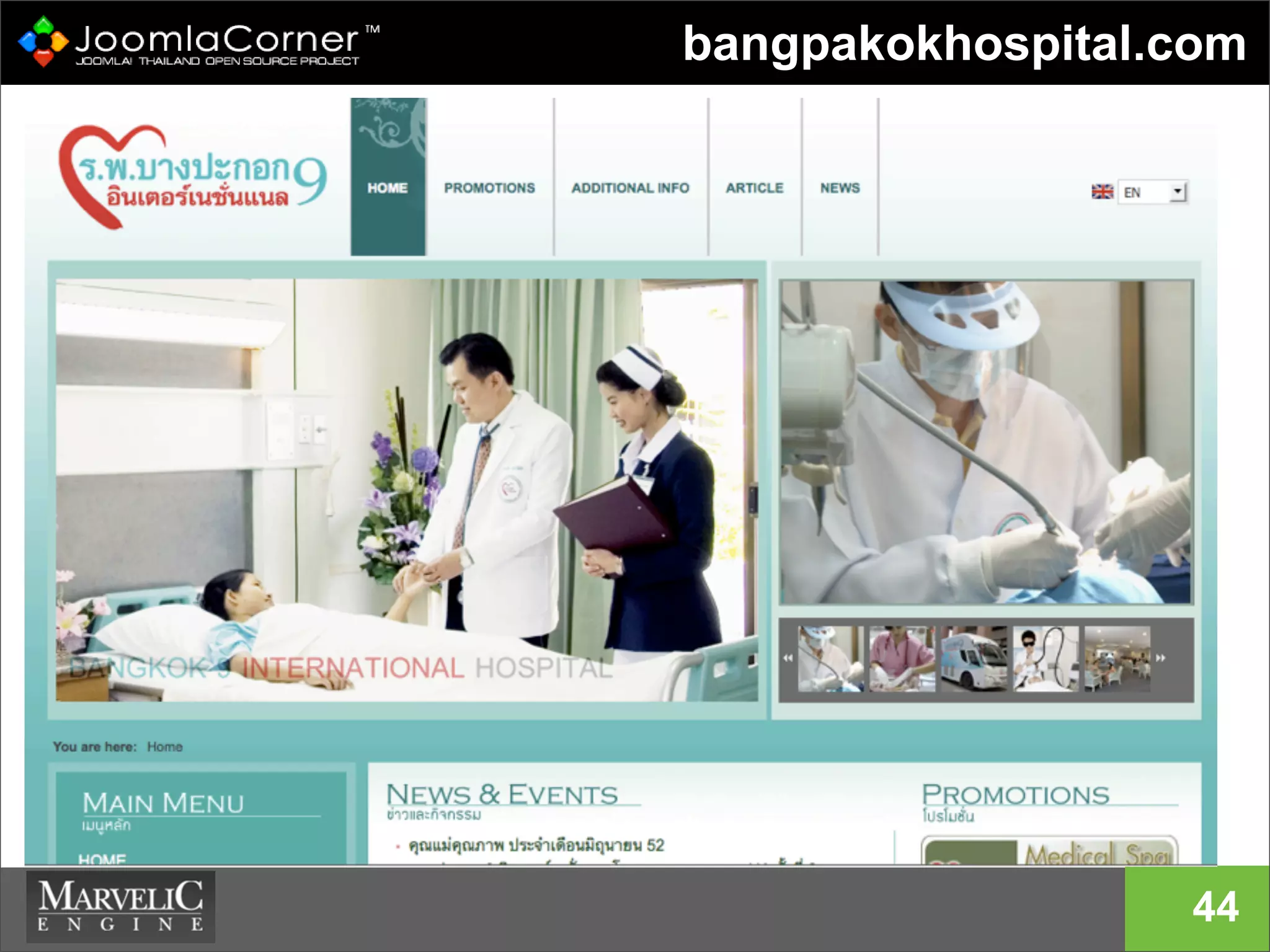
43
bangpakokhospital.com
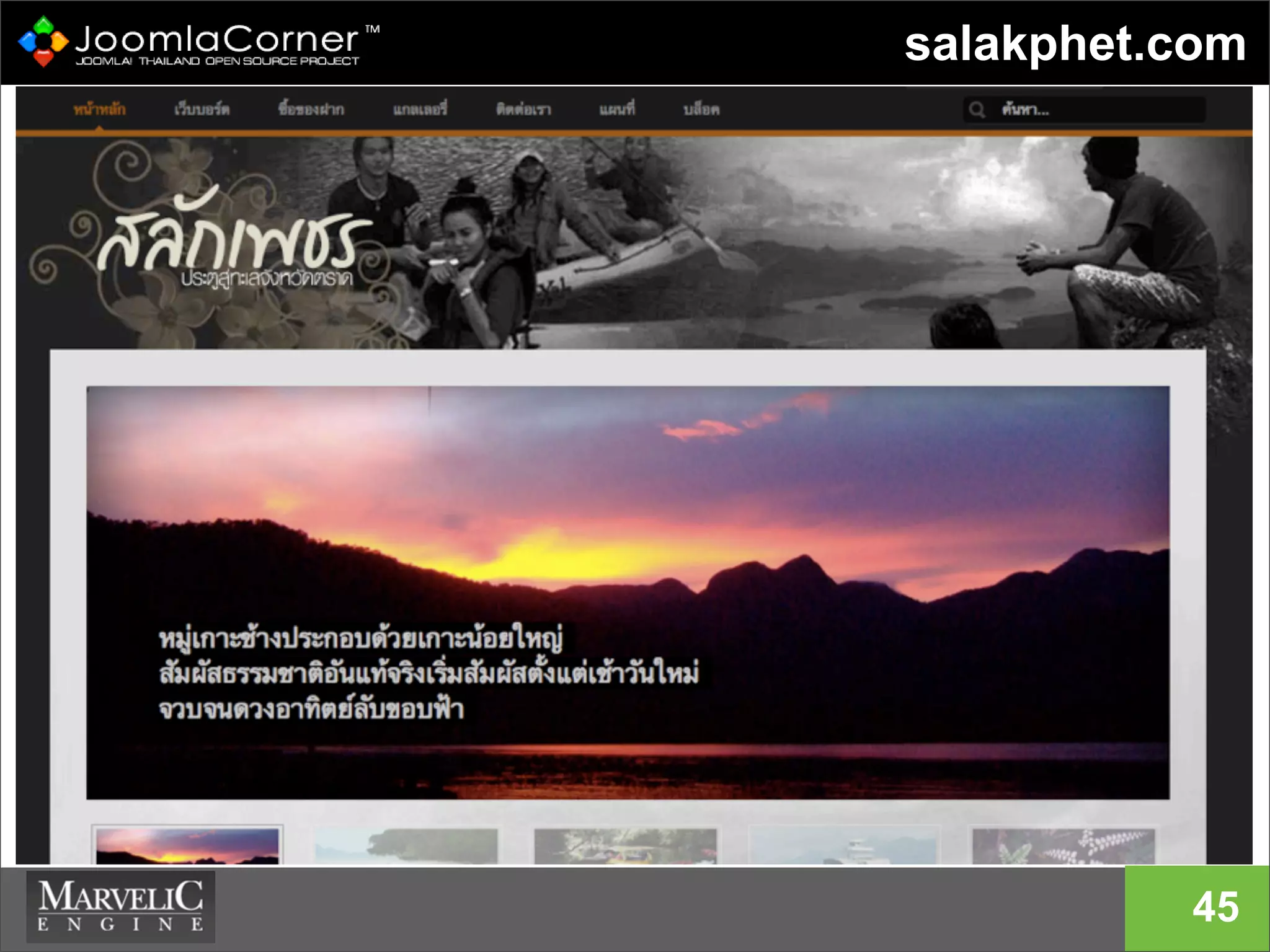
44
salakphet.com
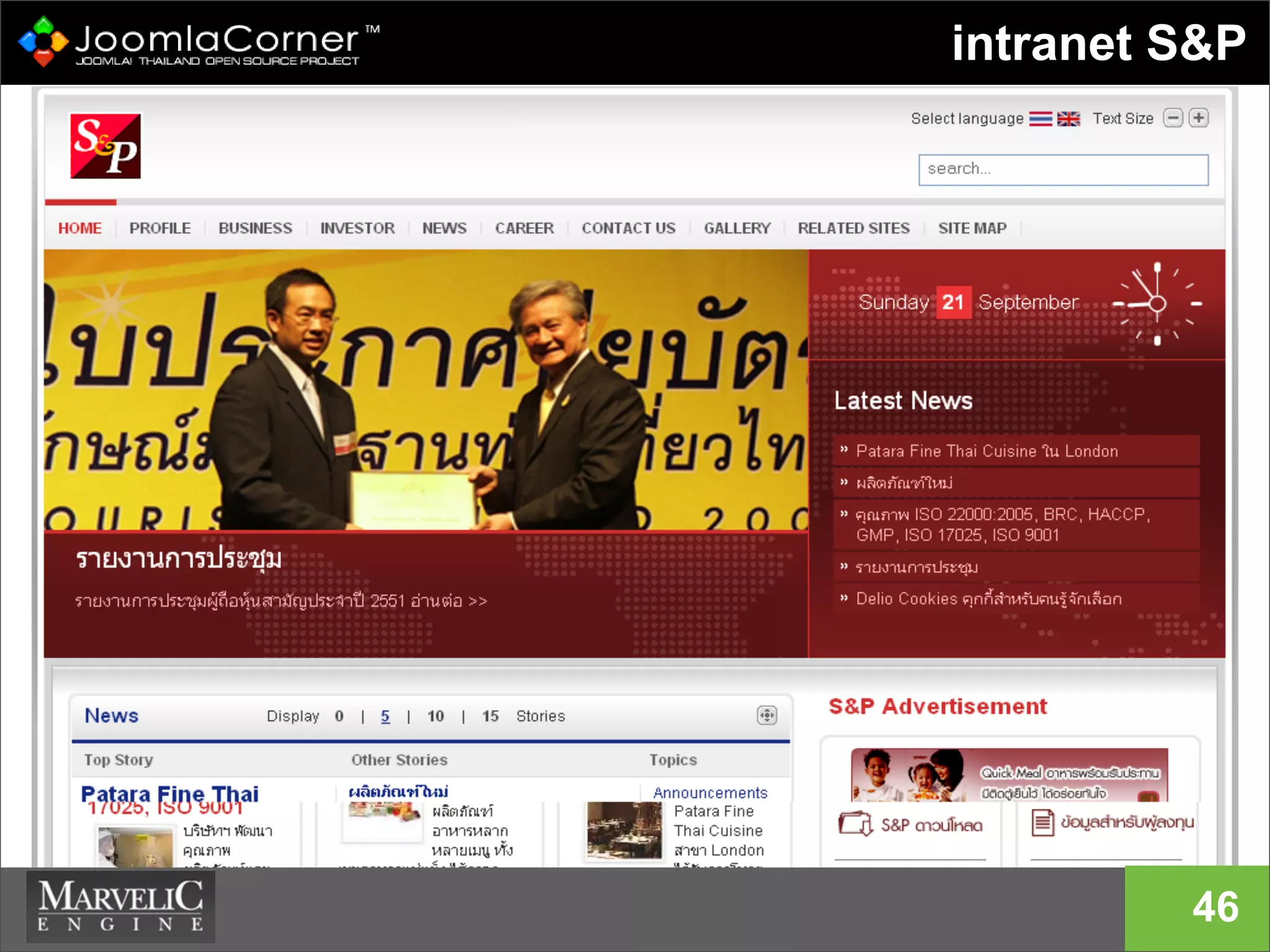
45
intranet S&P
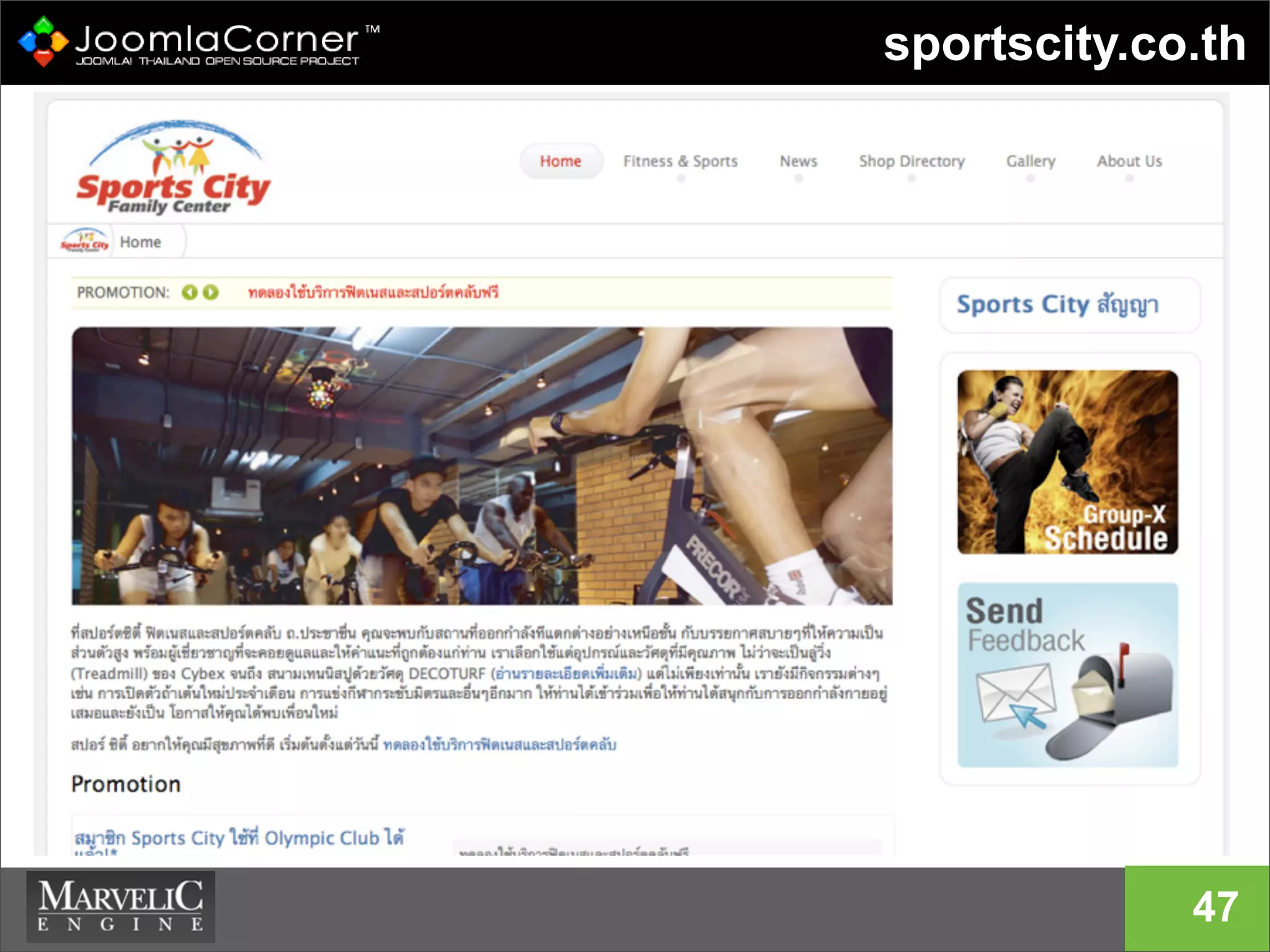
46
sportscity.co.th
47
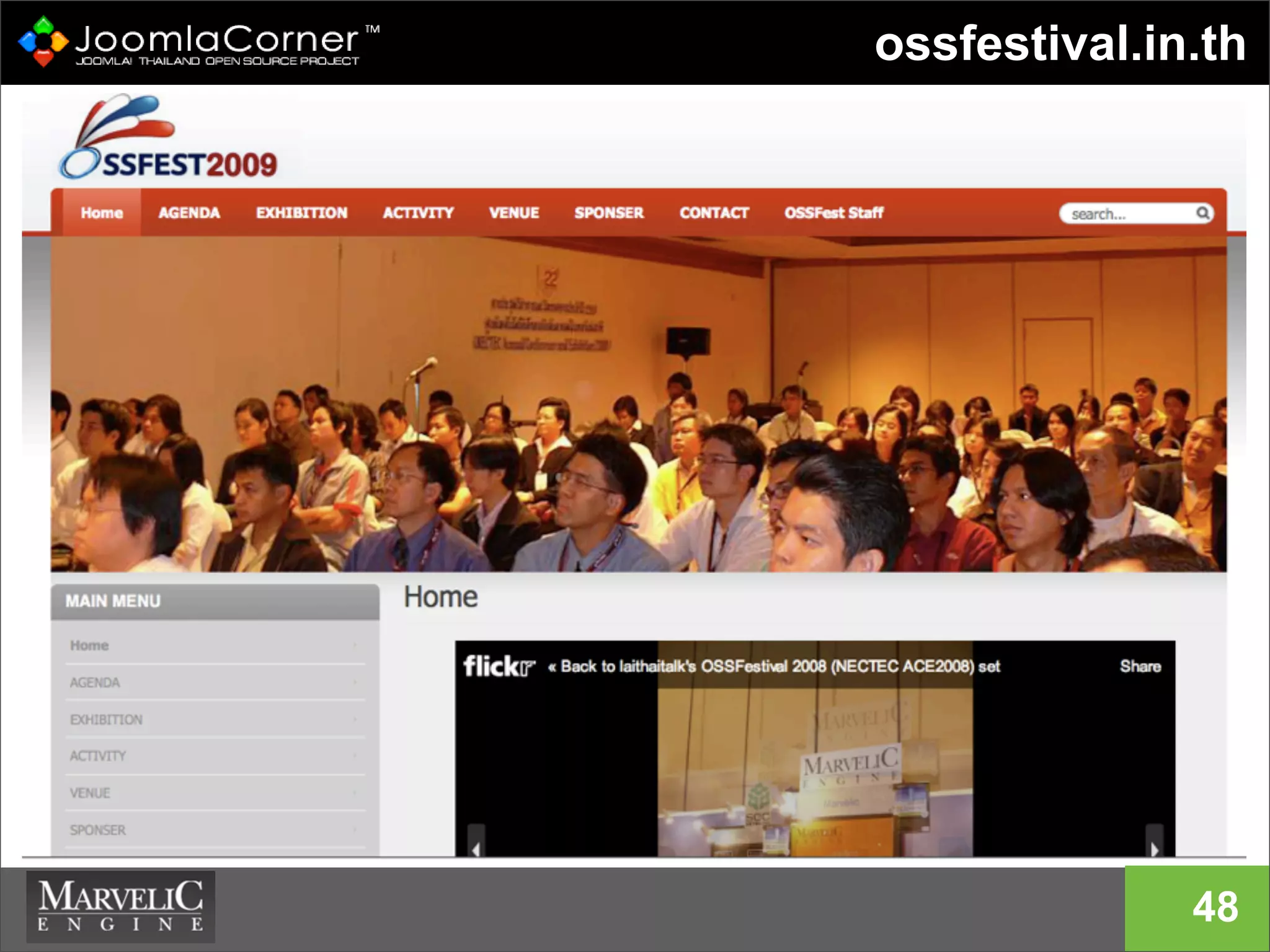
ossfestival.in.th
48
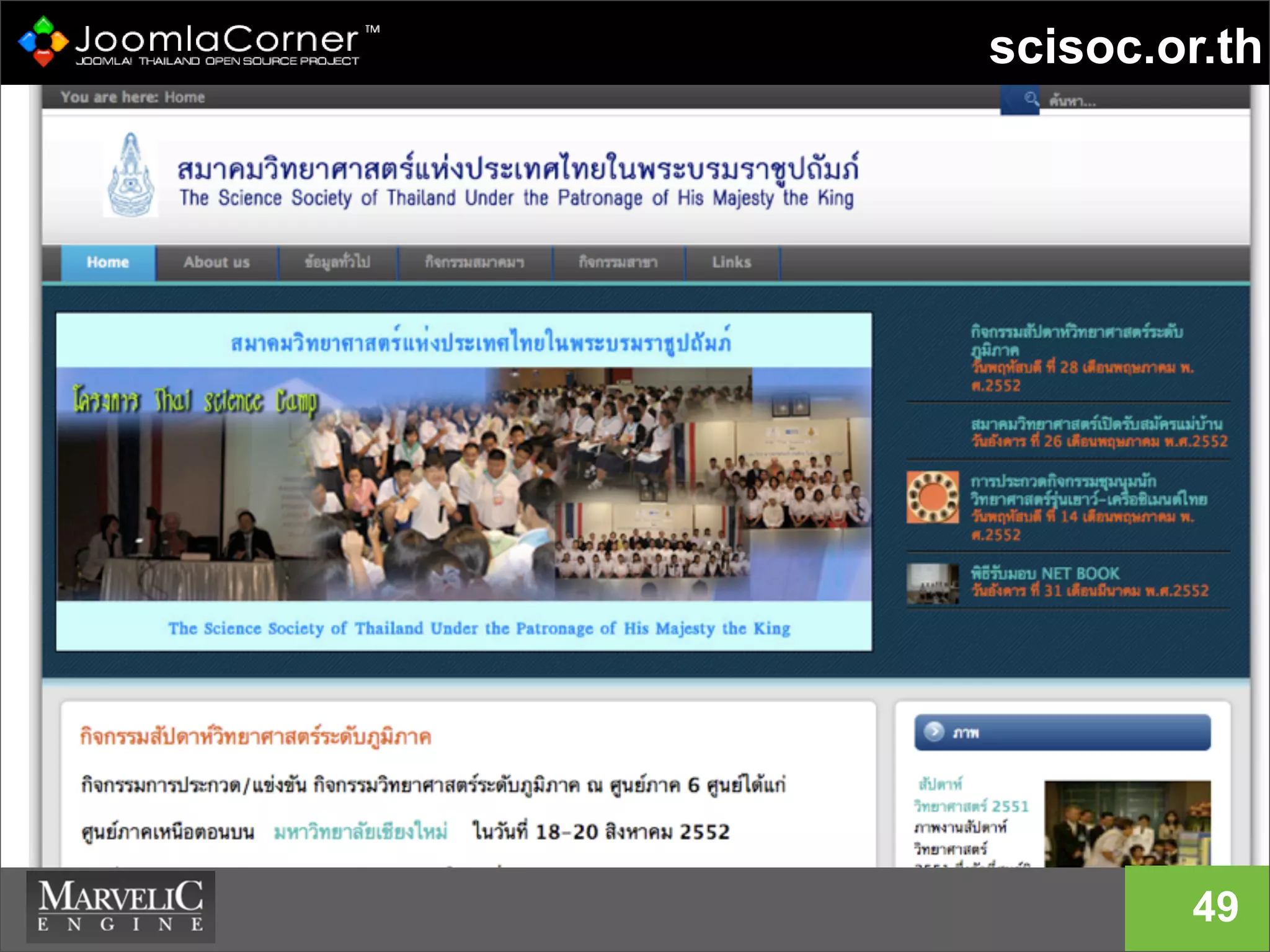
scisoc.or.th
49
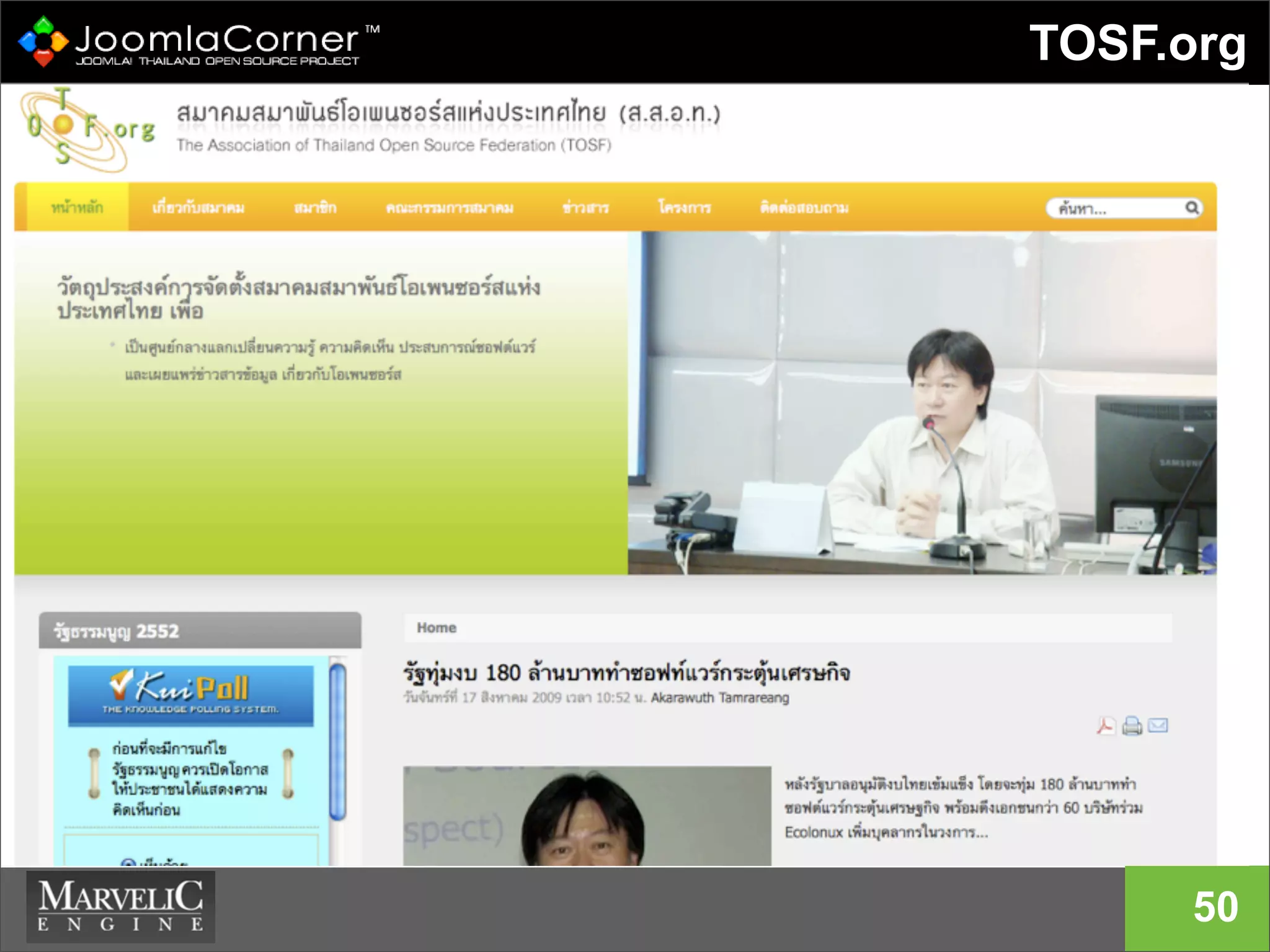
TOSF.org
50
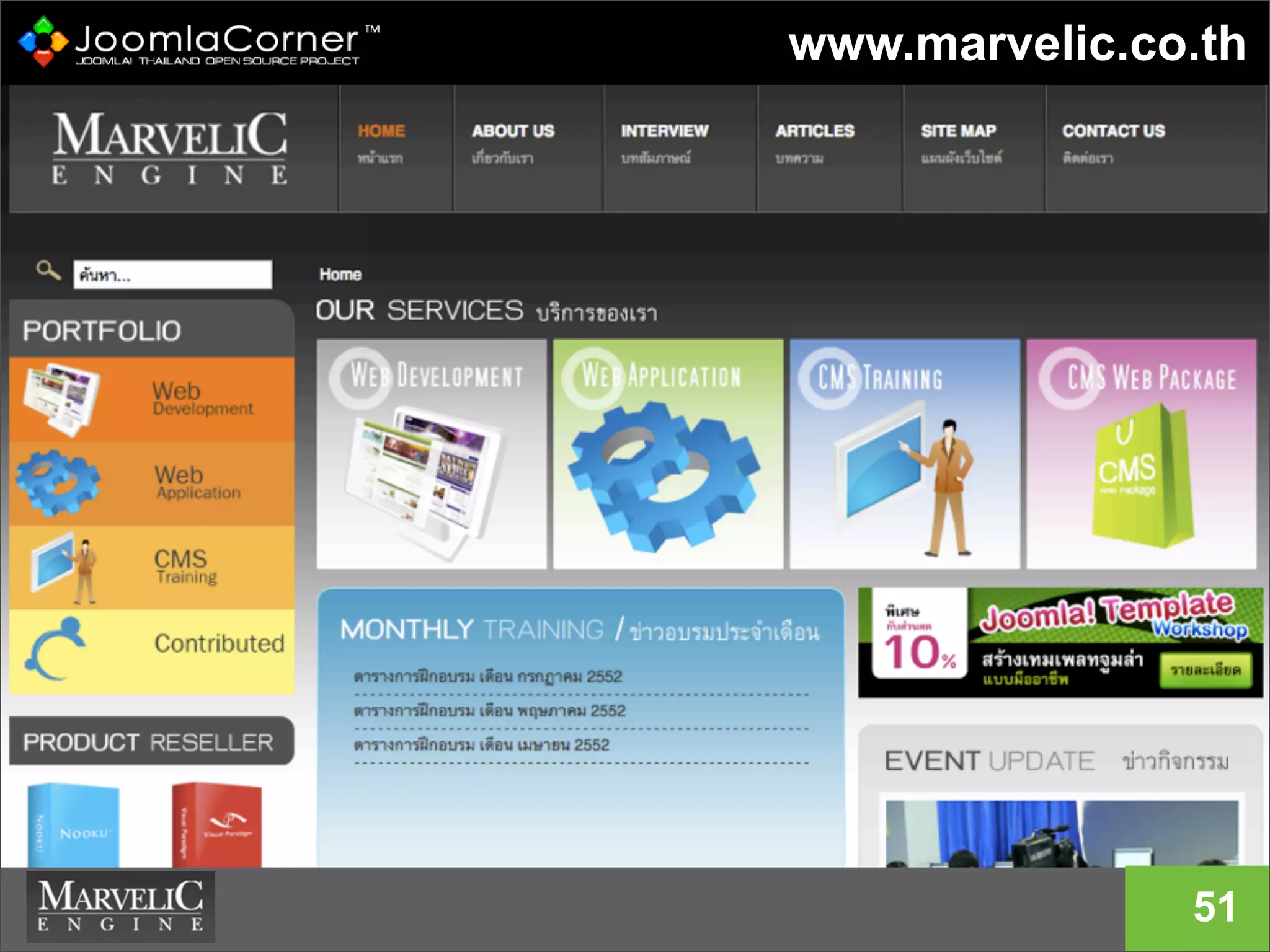
www.marvelic.co.th
51
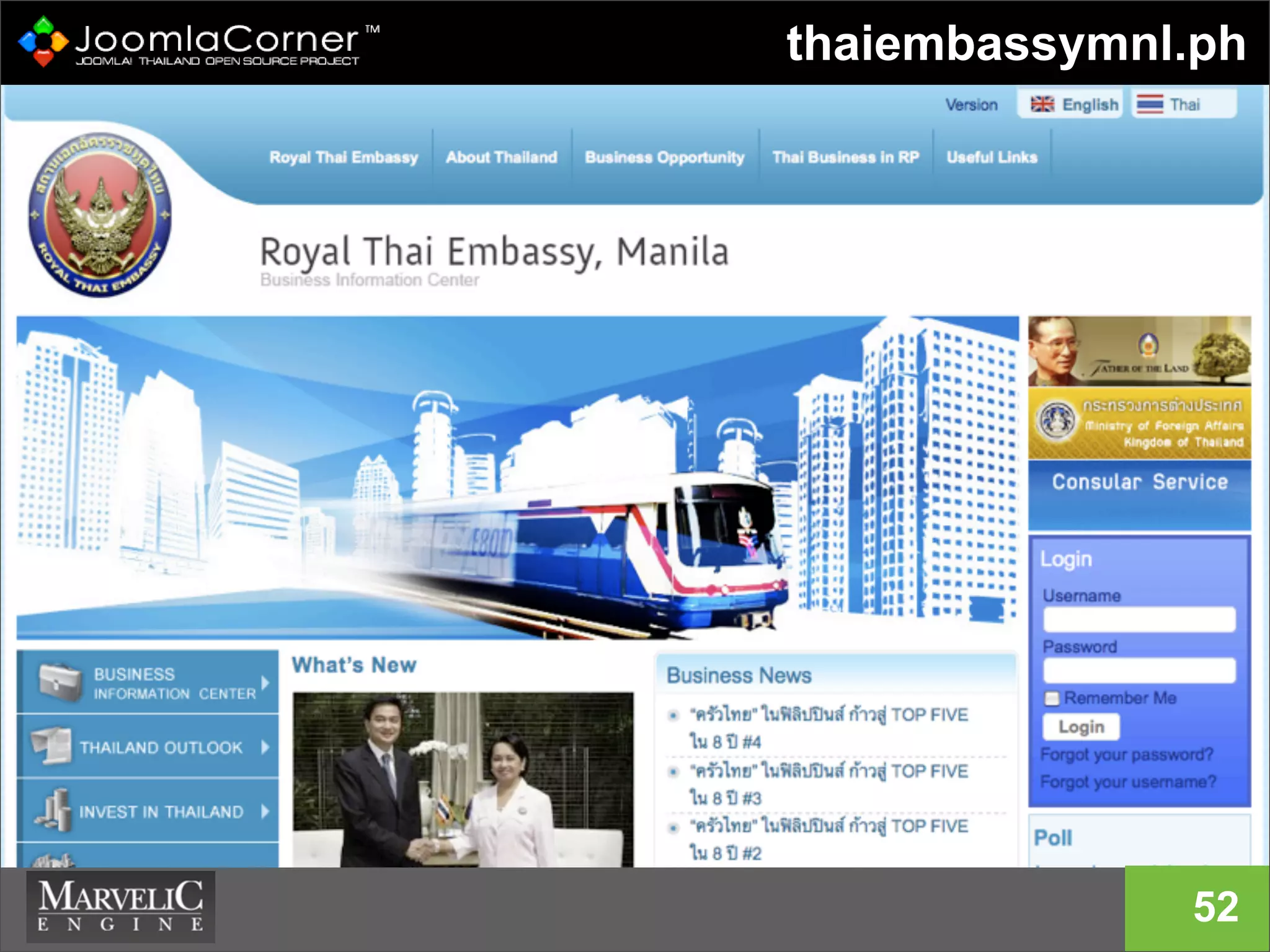
thaiembassymnl.ph
52
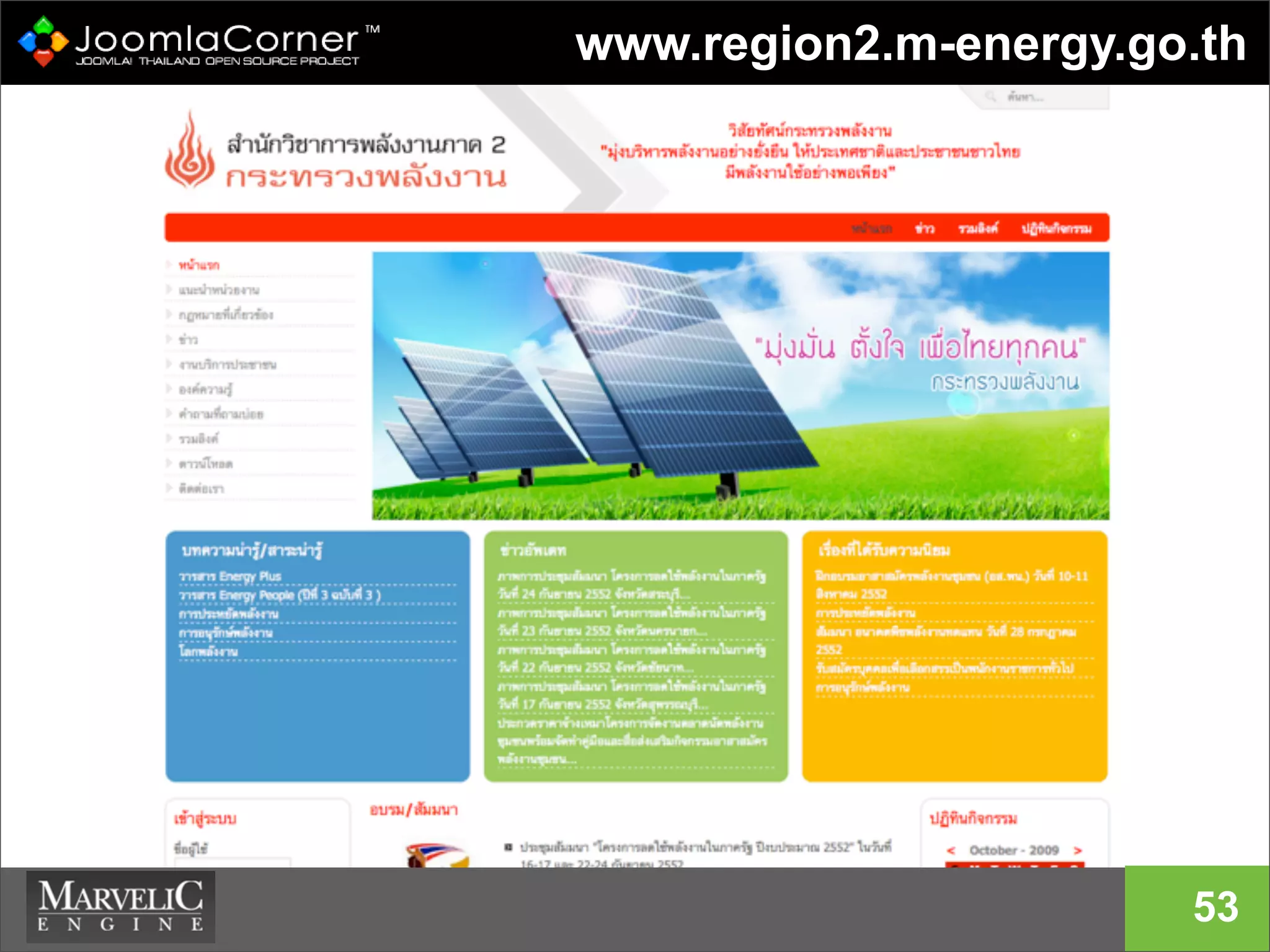
www.region2.m-energy.go.th
53
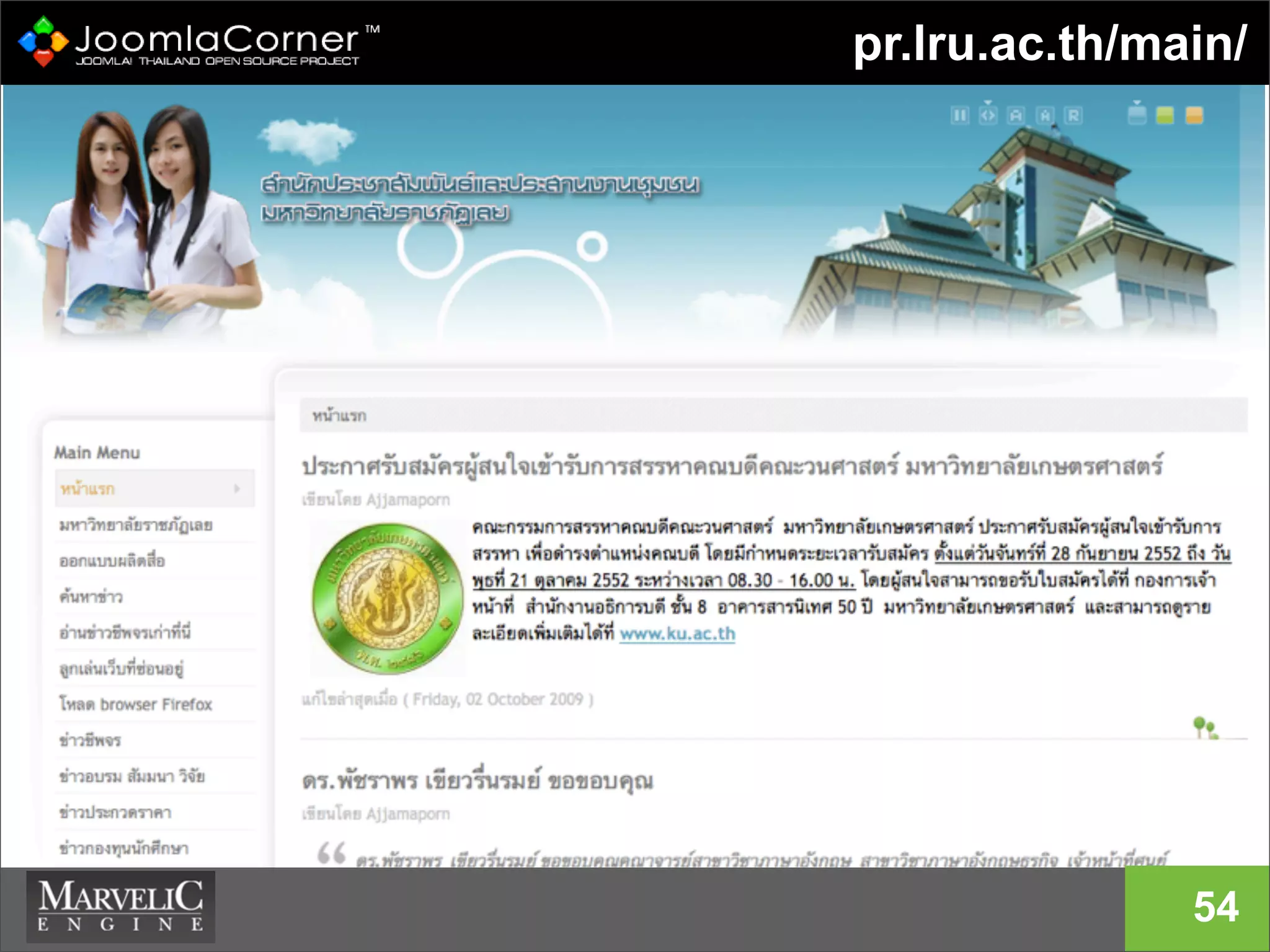
pr.lru.ac.th/main/
54
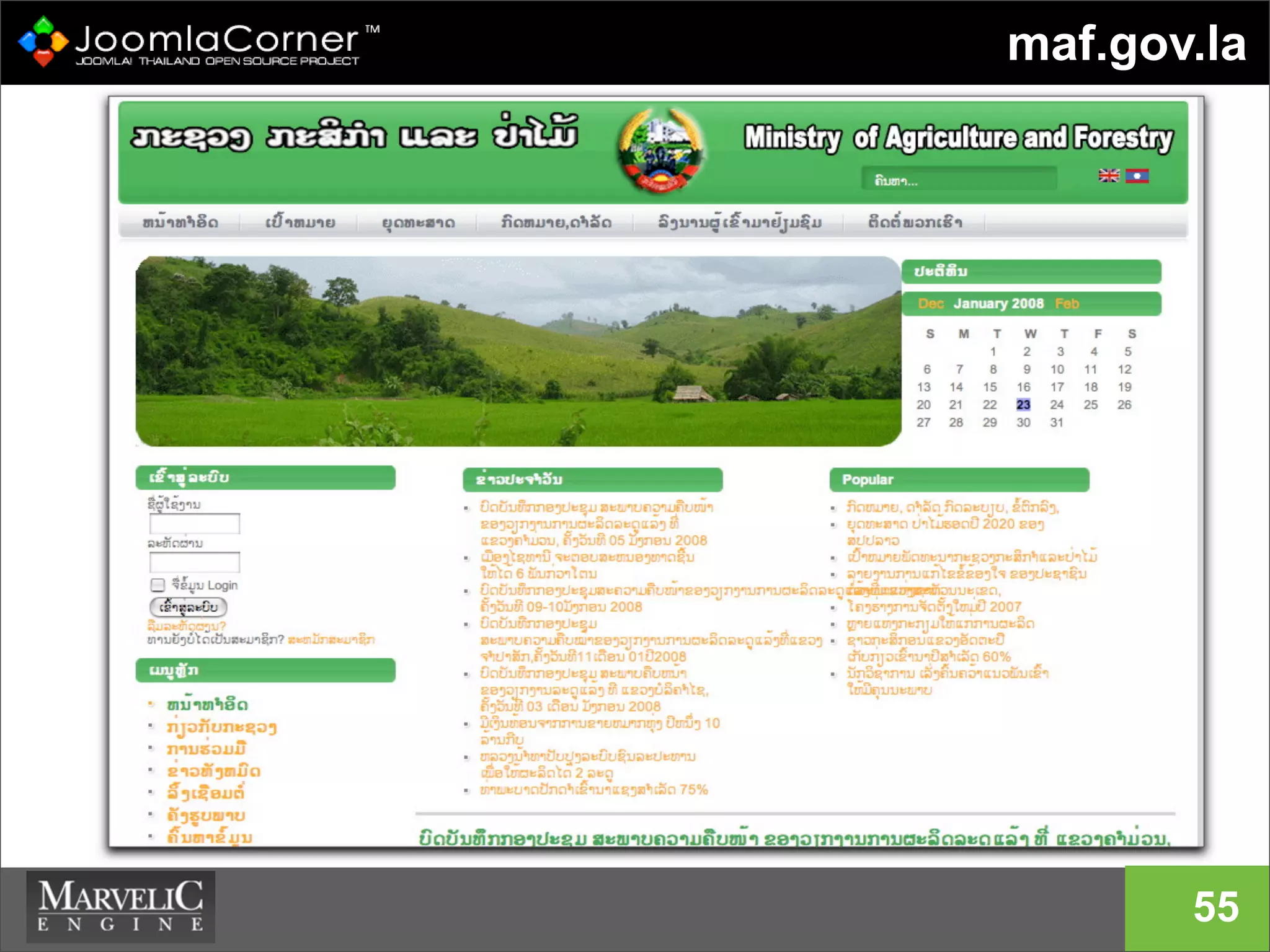
maf.gov.la
55
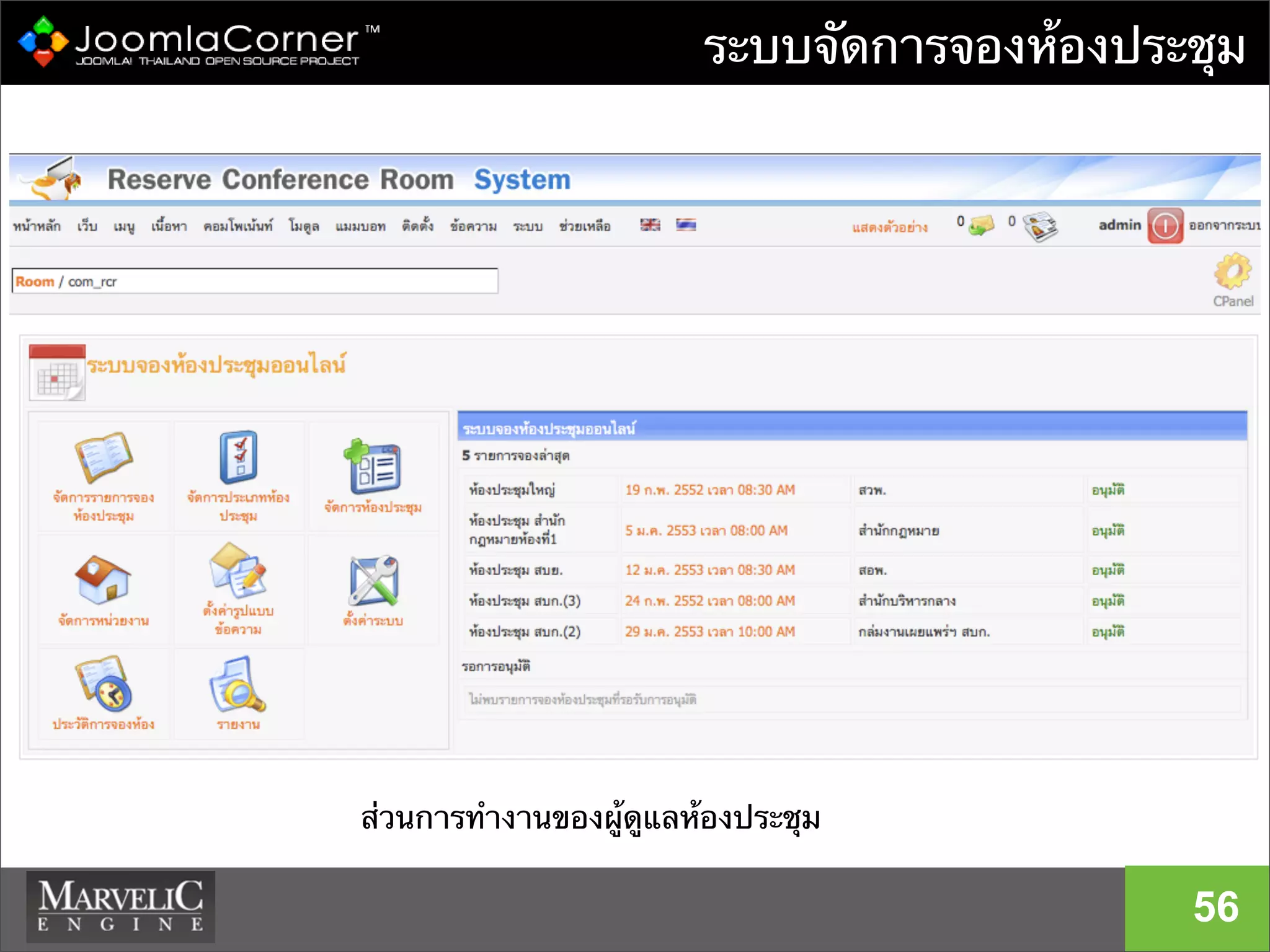
ระบบจัดการจองห้องประชุม
56
ส่วนการทํางานของผู้ดูแลห้องประชุม
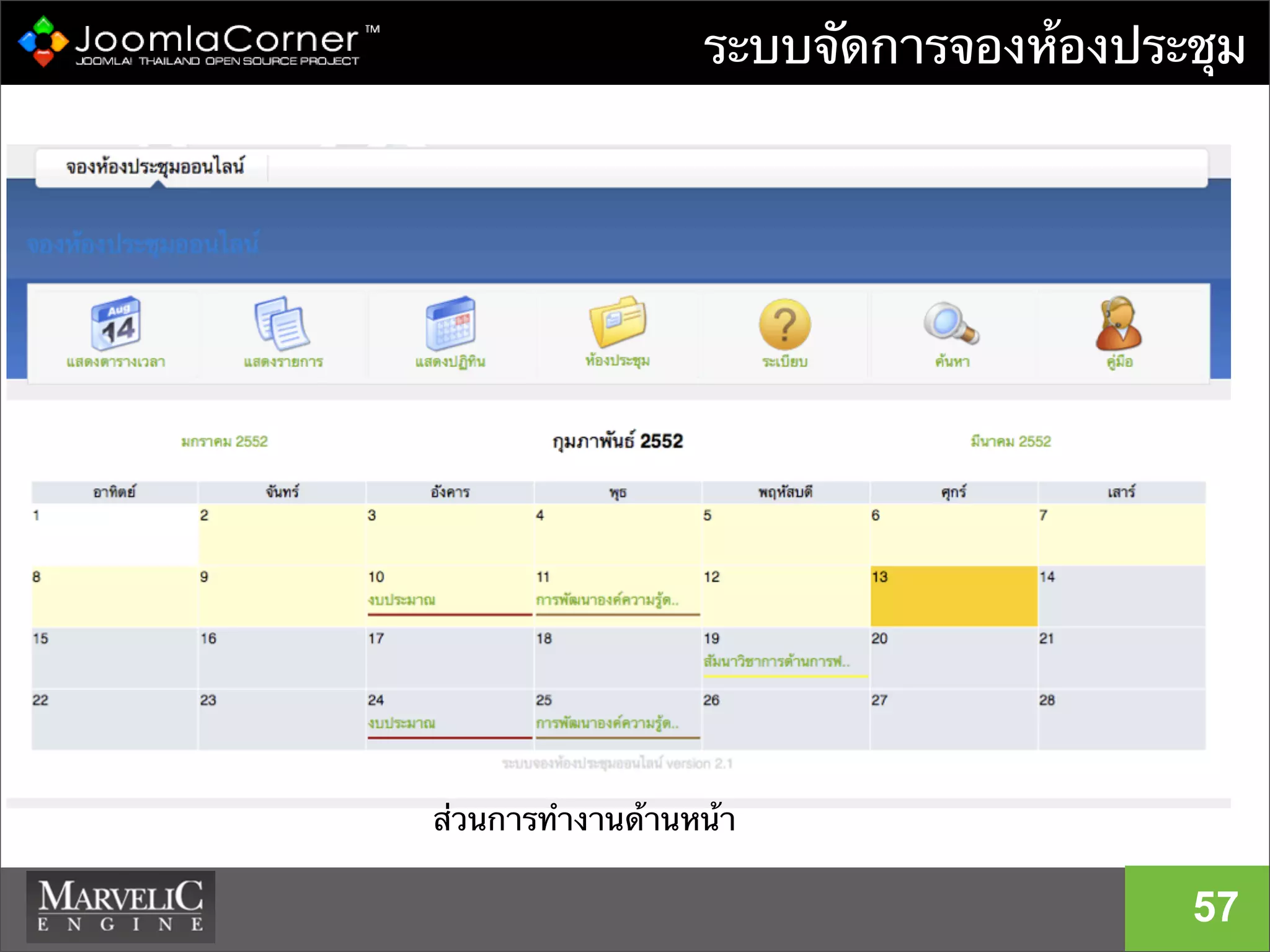
ระบบจัดการจองห้องประชุม
57
ส่วนการทํางานด้านหน้า
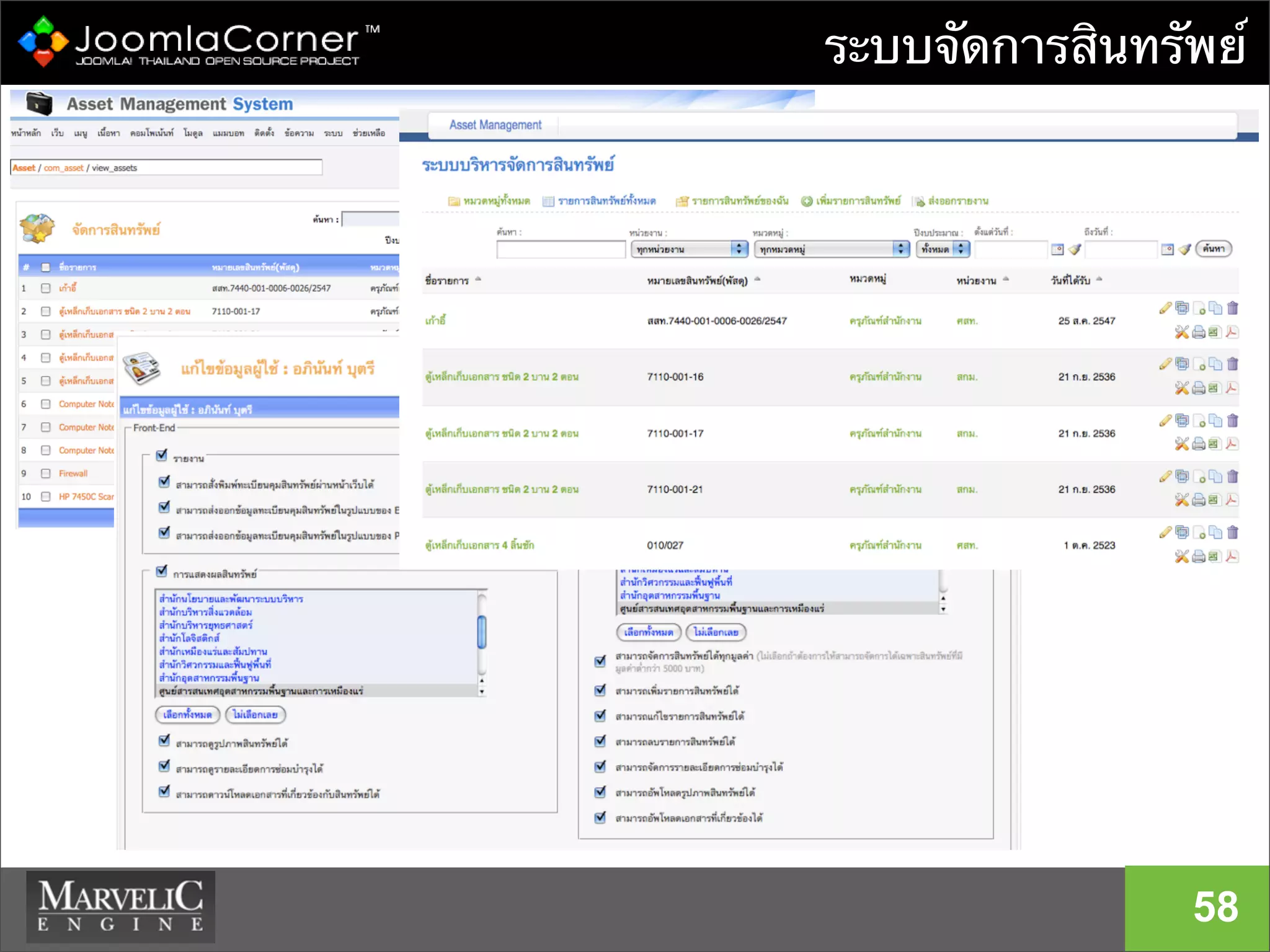
ระบบจัดการสินทรัพย์
58
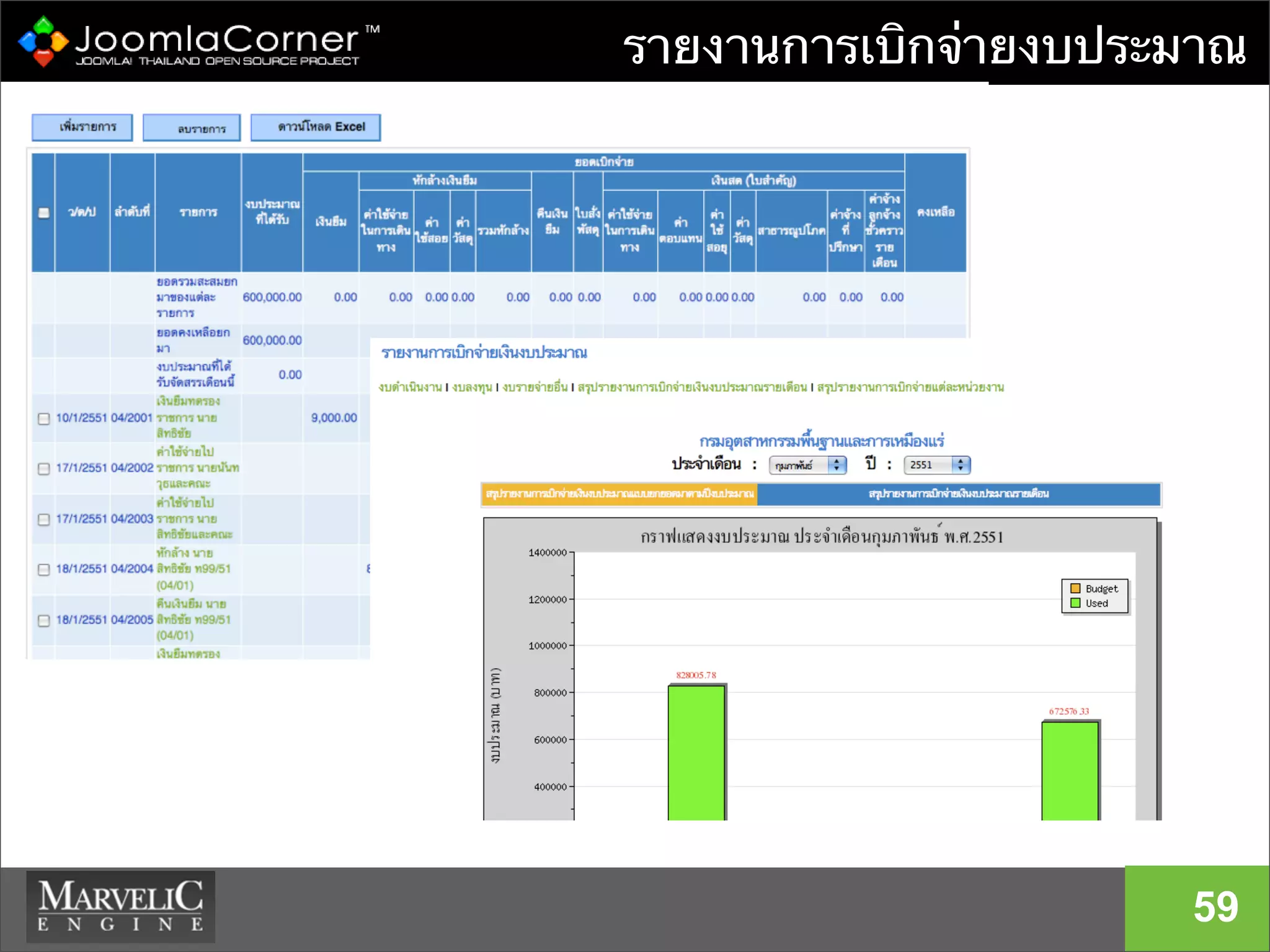
รายงานการเบิกจ่ายงบประมาณ
59
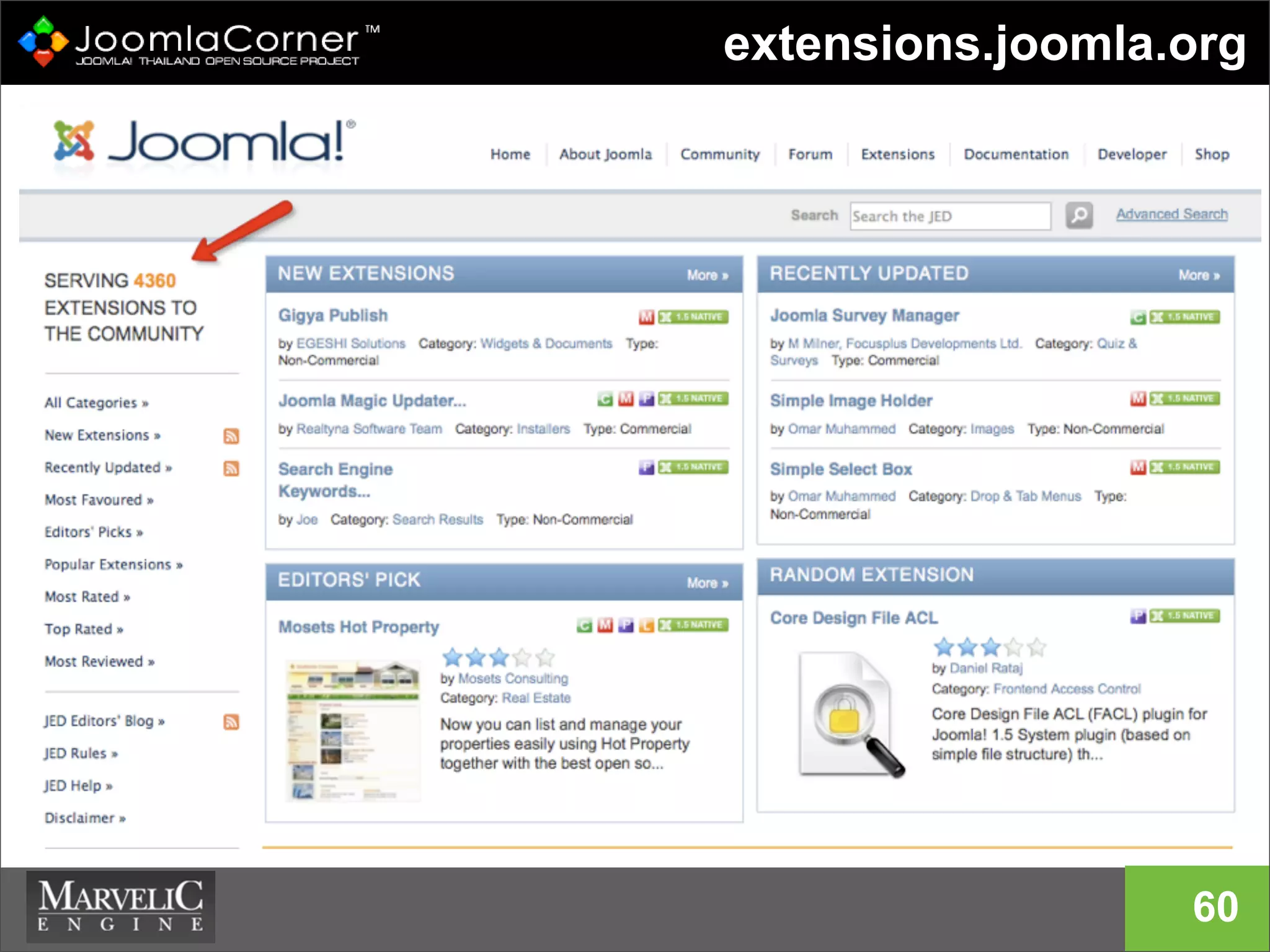
extensions.joomla.org
60
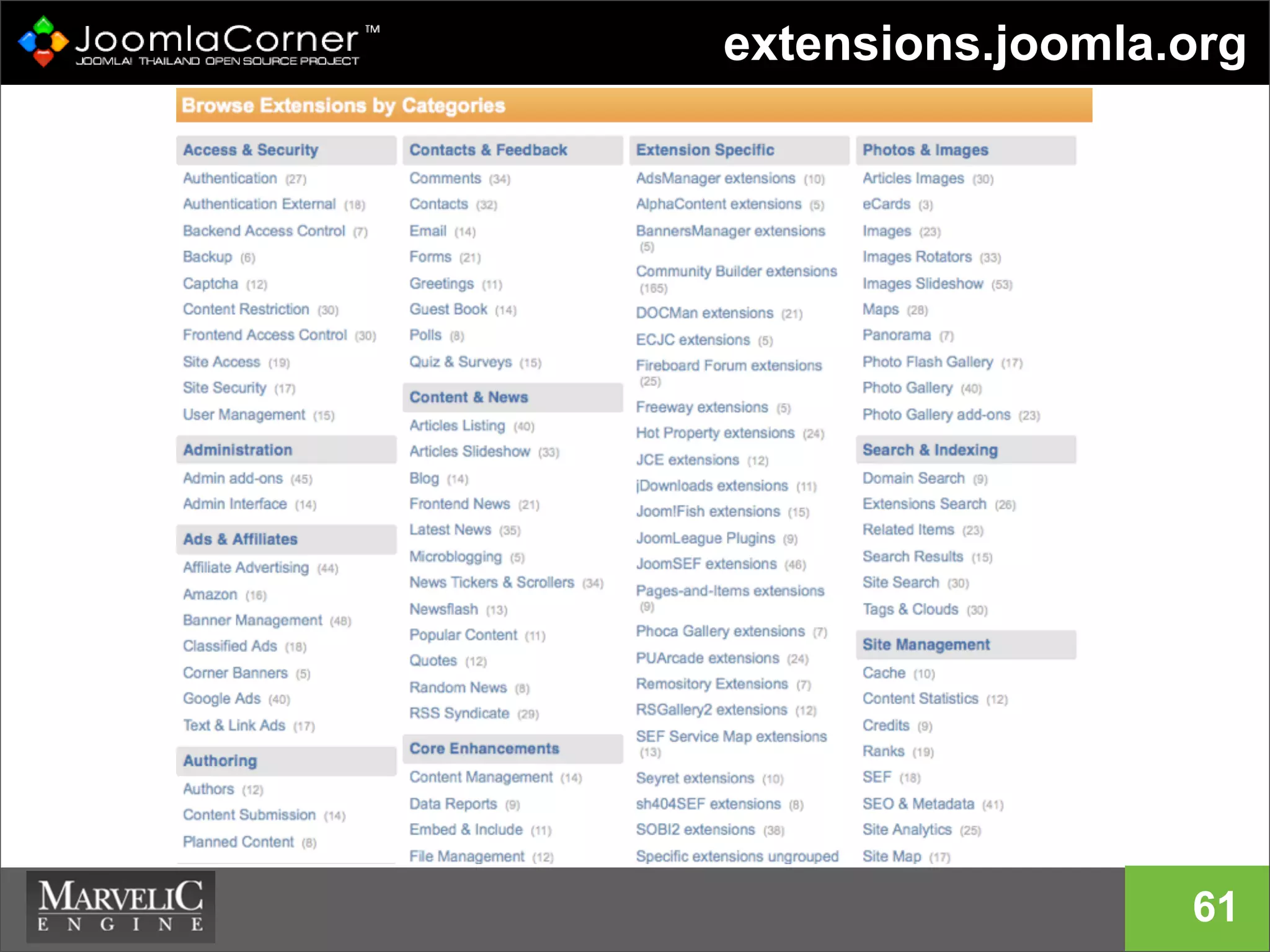
extensions.joomla.org
61
ปรับความเข้าใจก่อนลงมือสร้างเว็บไซต์
62
63
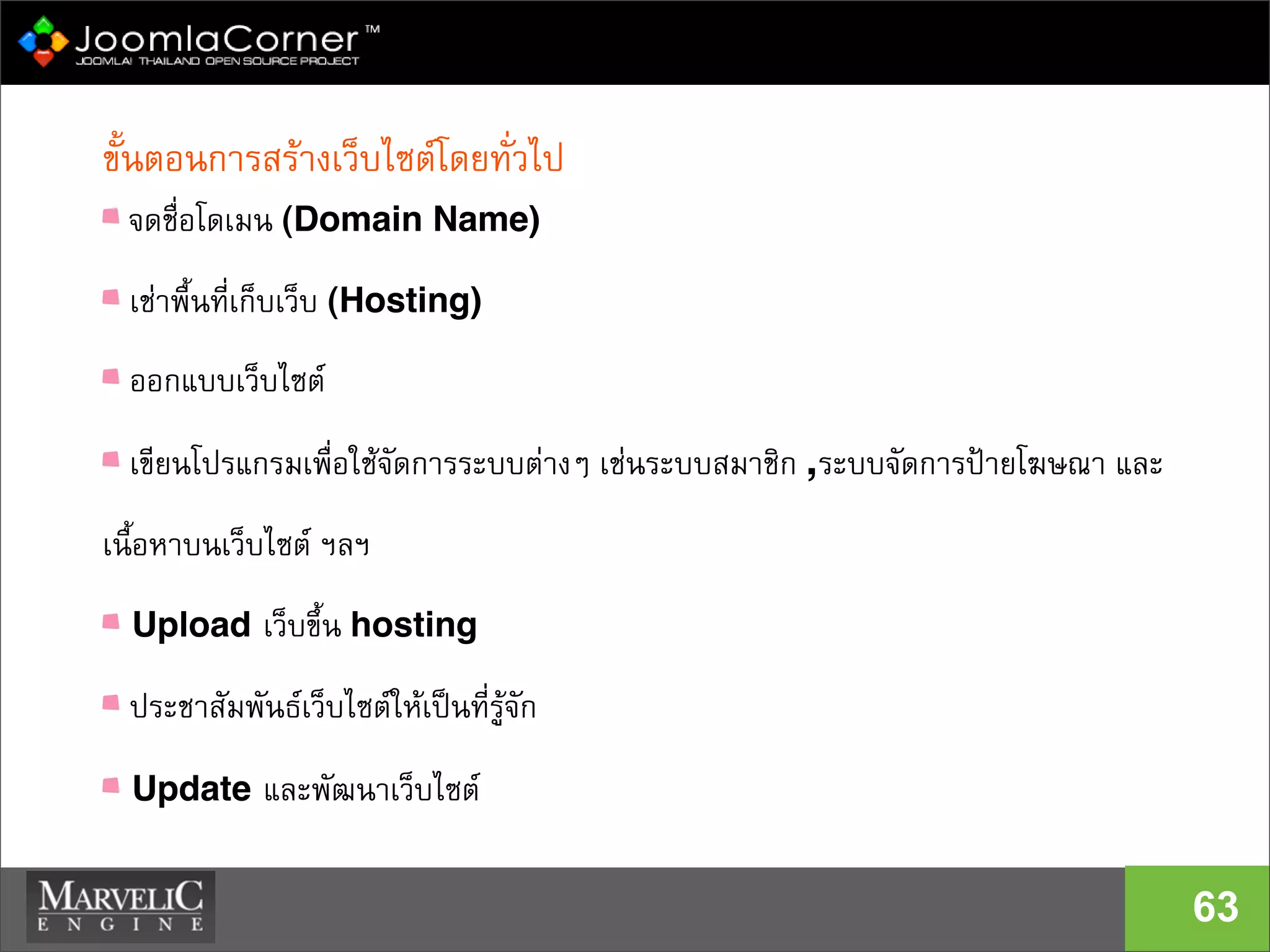
ขั้นตอนการสรางเว็บไซตโดยทั่วไป
จดชื่อโดเมน (Domain Name)‫‏‬
เชาพื้นที่เก็บเว็บ (Hosting)‫‏‬
ออกแบบเว็บไซต
เขียนโปรแกรมเพื่อใชจัดการระบบตางๆ เชนระบบสมาชิก ,ระบบจัดการปายโฆษณา และ
เนื้อหาบนเว็บไซต ฯลฯ
Upload เว็บขึ้น hosting
ประชาสัมพันธเว็บไซตใหเปนที่รูจัก
Update และพัฒนาเว็บไซต
Domain Name & Hosting
64
 การจด Domain Name
 การเชา Web Hosting
การจดทะเบียน Domain Name และเชา Hosting
IP Address
65
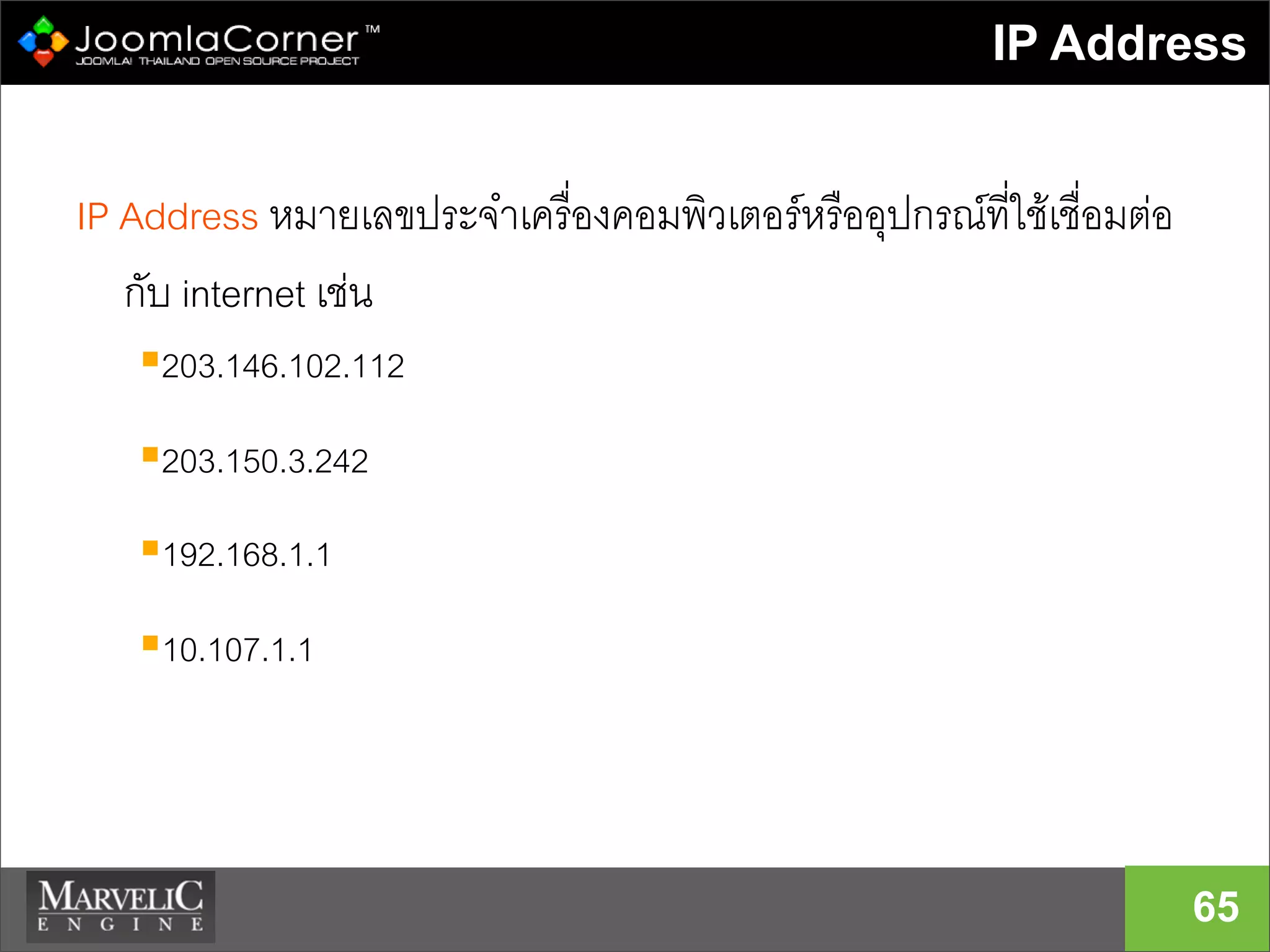
IP Address หมายเลขประจำเครื่องคอมพิวเตอรหรืออุปกรณที่ใชเชื่อมตอ
กับ internet เชน
203.146.102.112
203.150.3.242
192.168.1.1
10.107.1.1
Domain Name
66
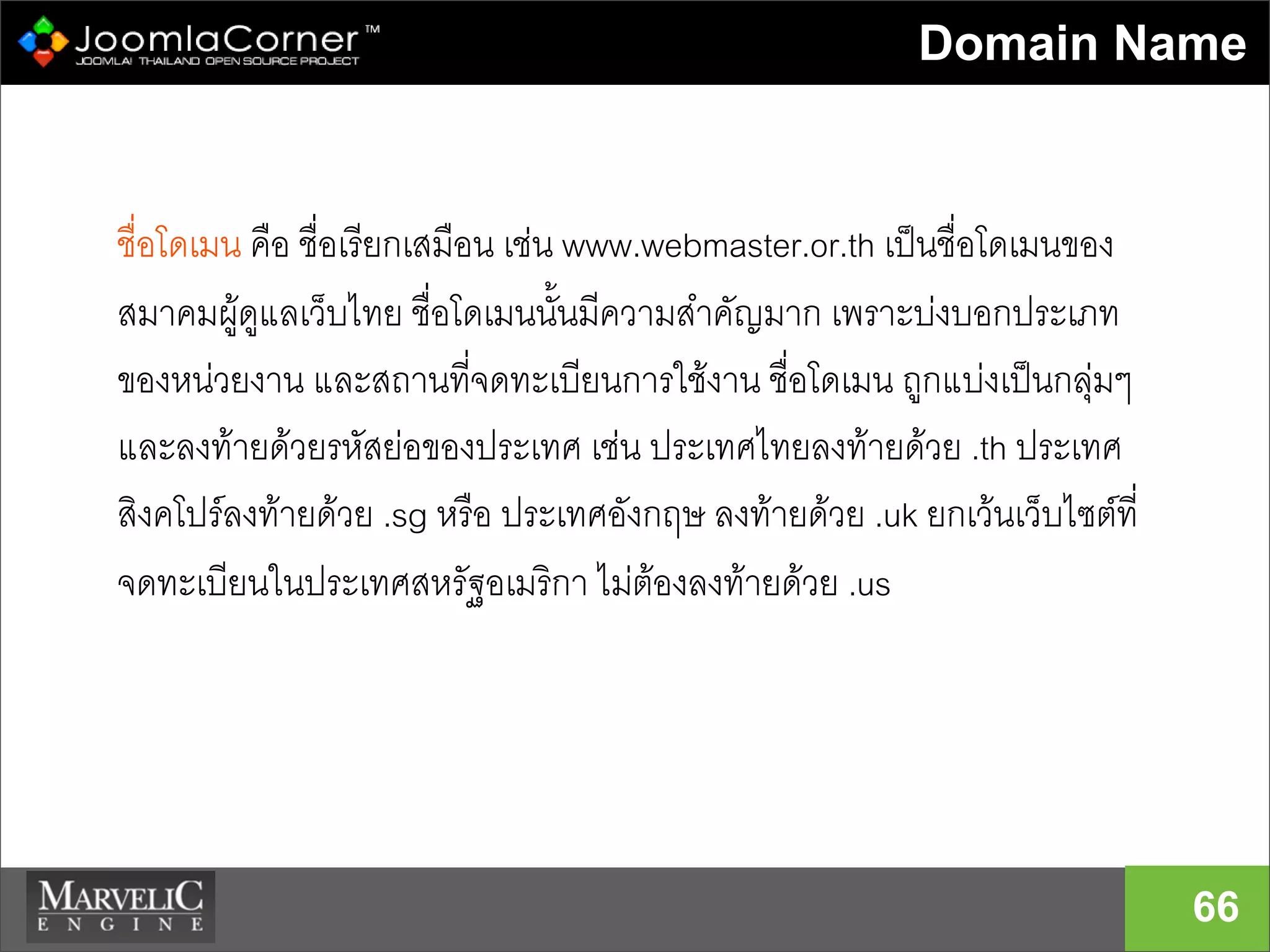
ชื่อโดเมน คือ ชื่อเรียกเสมือน เชน www.webmaster.or.th เปนชื่อโดเมนของ
สมาคมผูดูแลเว็บไทย ชื่อโดเมนนั้นมีความสำคัญมาก เพราะบงบอกประเภท
ของหนวยงาน และสถานที่จดทะเบียนการใชงาน ชื่อโดเมน ถูกแบงเปนกลุมๆ
และลงทายดวยรหัสยอของประเทศ เชน ประเทศไทยลงทายดวย .th ประเทศ
สิงคโปรลงทายดวย .sg หรือ ประเทศอังกฤษ ลงทายดวย .uk ยกเวนเว็บไซตที่
จดทะเบียนในประเทศสหรัฐอเมริกา ไมตองลงทายดวย .us
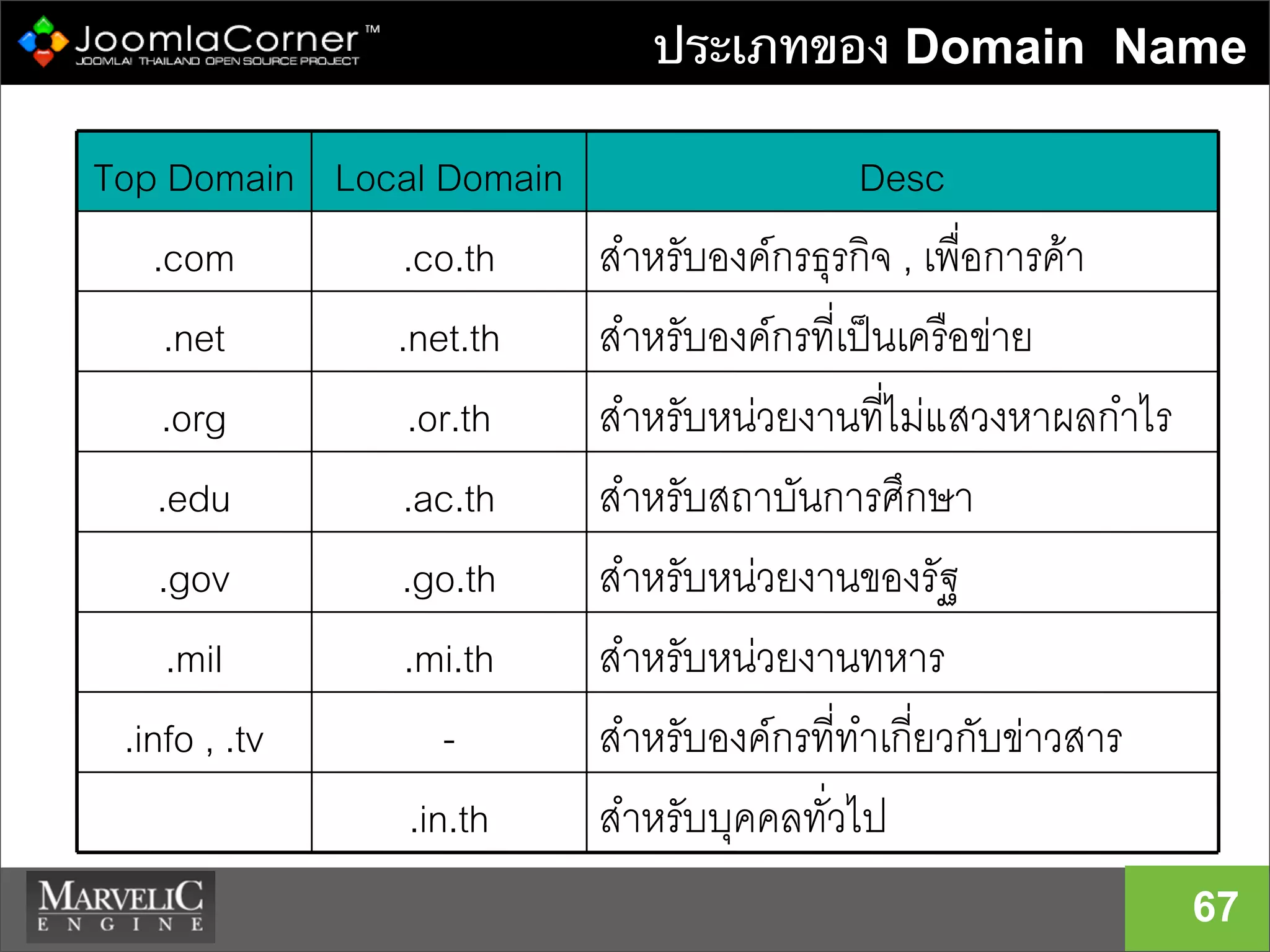
ประเภทของ Domain Name
67
สำหรับบุคคลทั่วไป.in.th
สำหรับองคกรที่ทำเกี่ยวกับขาวสาร-.info , .tv
สำหรับหนวยงานทหาร.mi.th.mil
สำหรับหนวยงานของรัฐ.go.th.gov
สำหรับสถาบันการศึกษา.ac.th.edu
สำหรับหนวยงานที่ไมแสวงหาผลกำไร.or.th.org
สำหรับองคกรที่เปนเครือขาย.net.th.net
สำหรับองคกรธุรกิจ , เพื่อการคา.co.th.com
DescLocal DomainTop Domain
Registrars ที่ได้รับการรับรอง
68
 www.icann.org Internet Corporation For
Assigned Names and Numbers
 http://www.icann.org/registrars/accredited-list.html
ตัวแทนที่รับการรับรองจาก icann
 DotArai.com ( registrar รายเดียวของไทย)
 Enom.com
 Etc…..
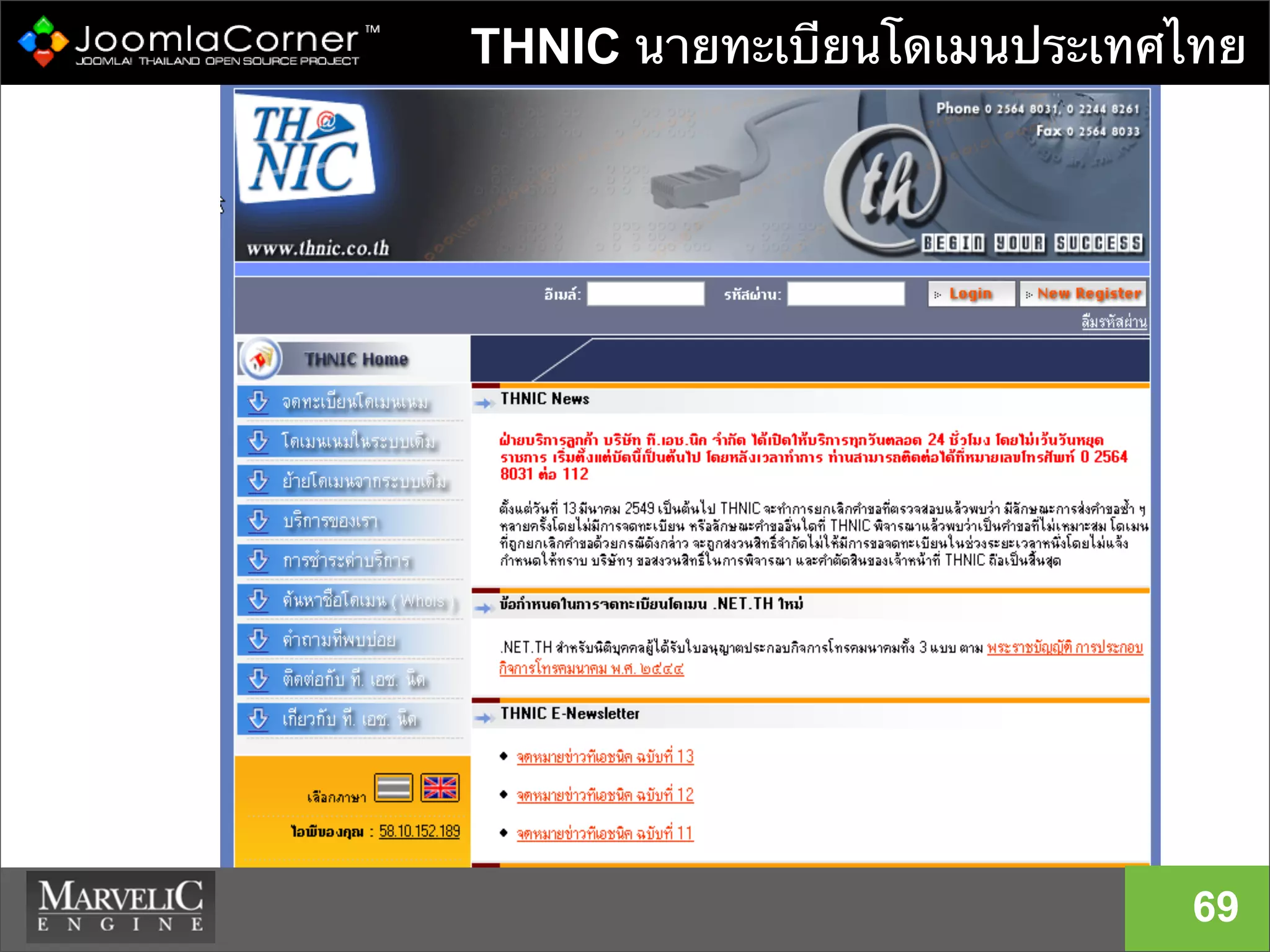
THNIC นายทะเบียนโดเมนประเทศไทย
69
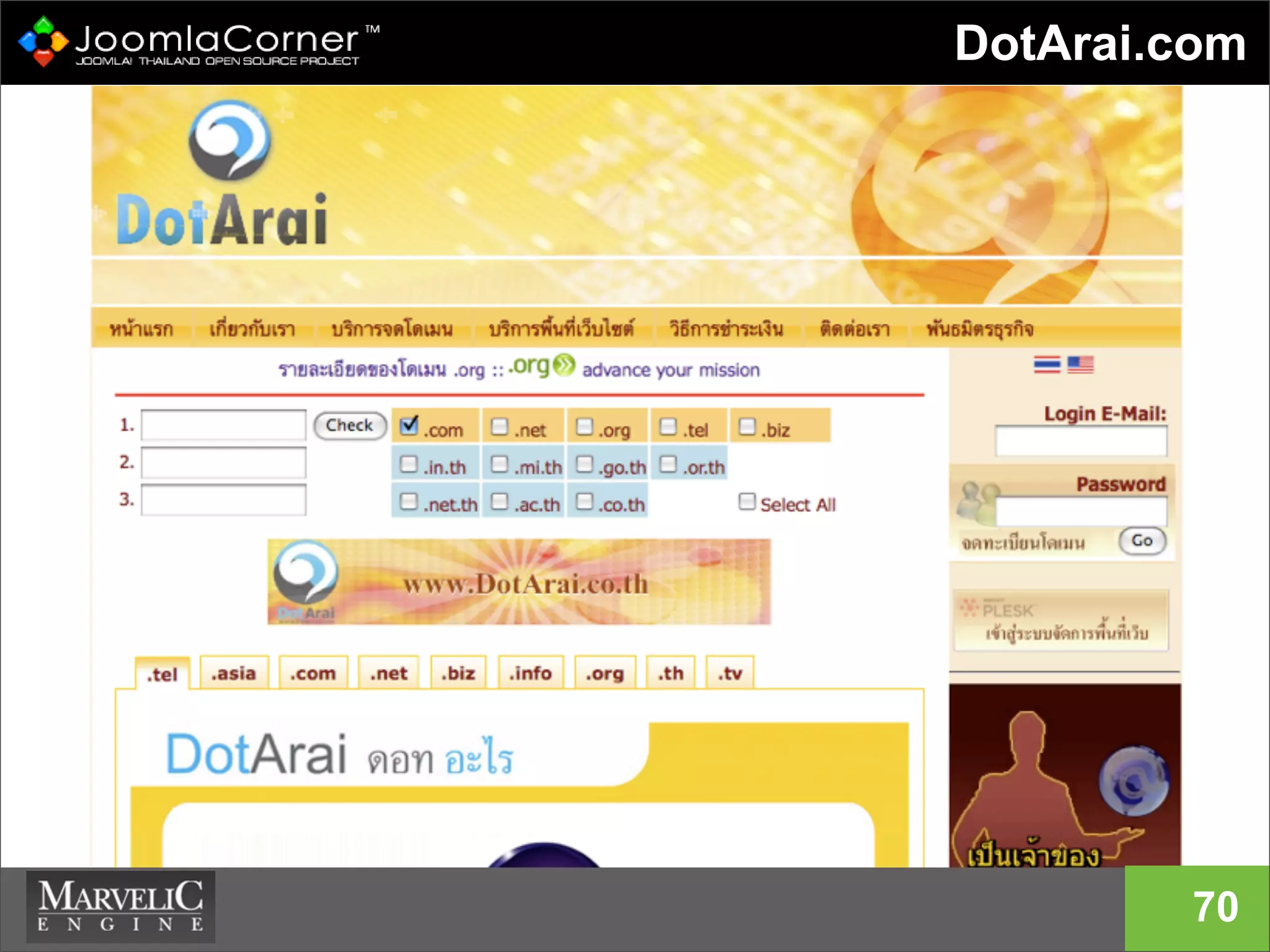
DotArai.com
70
การเช่าเว็บโฮสติ้ง
71
Co-location
Dedicate Server or Virtual Private Server
Reseller Hosting
Web Hosting
- Linux or Microsoft Windows Server
ในประเทศ หรือ ตางประเทศ
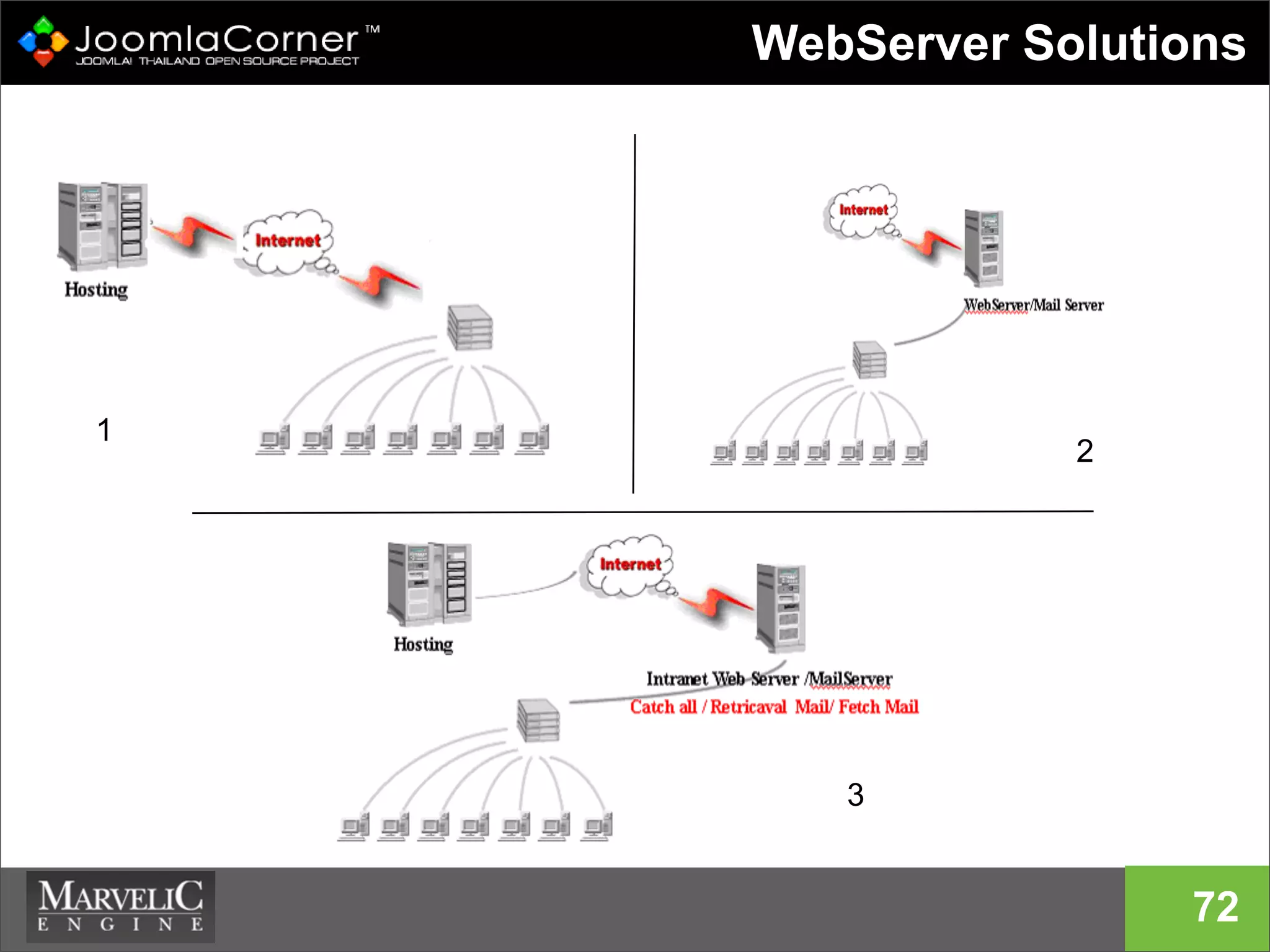
WebServer Solutions
72
1
2
3
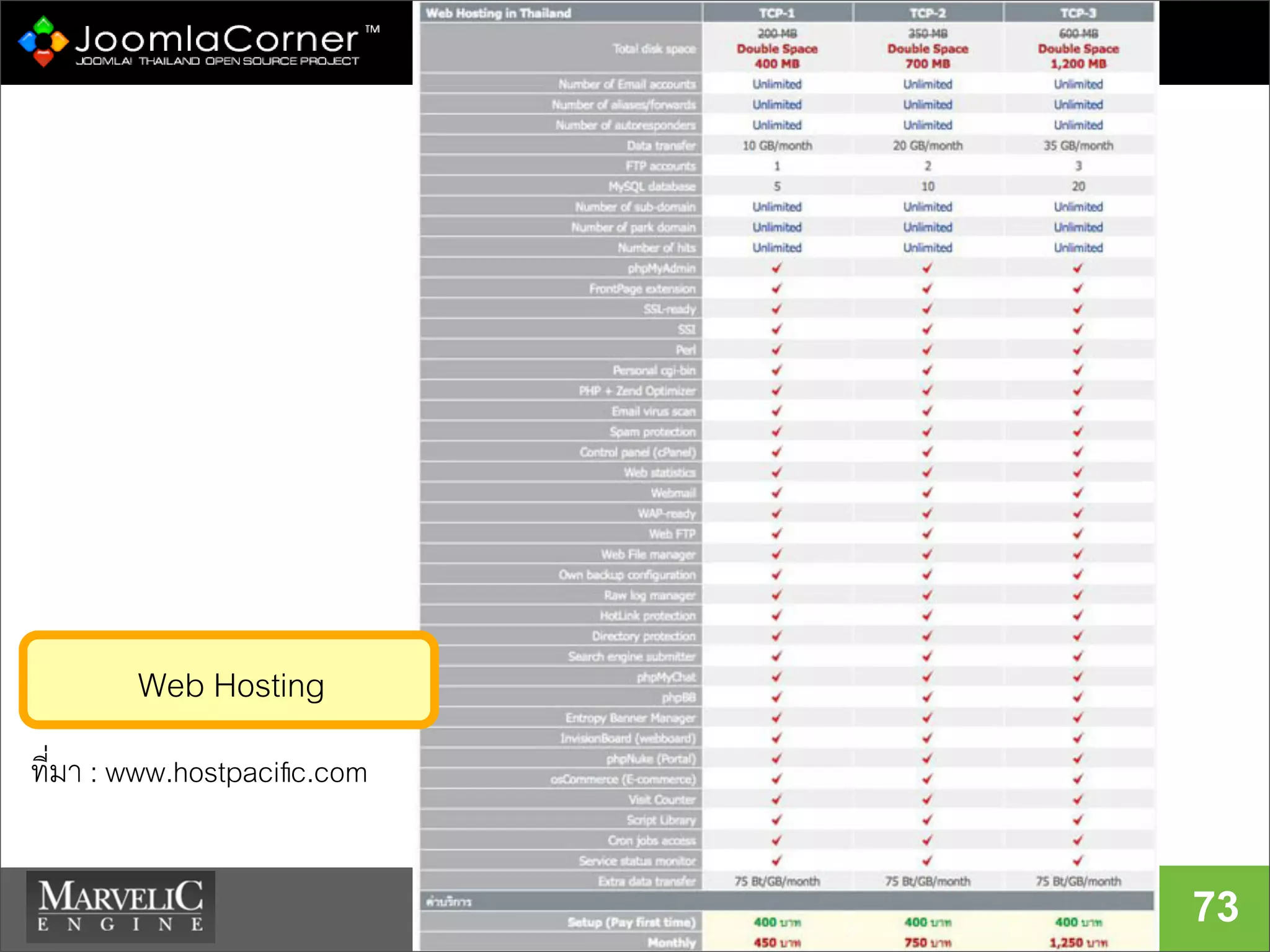
73
ที่มา : www.hostpacific.com
Web Hosting
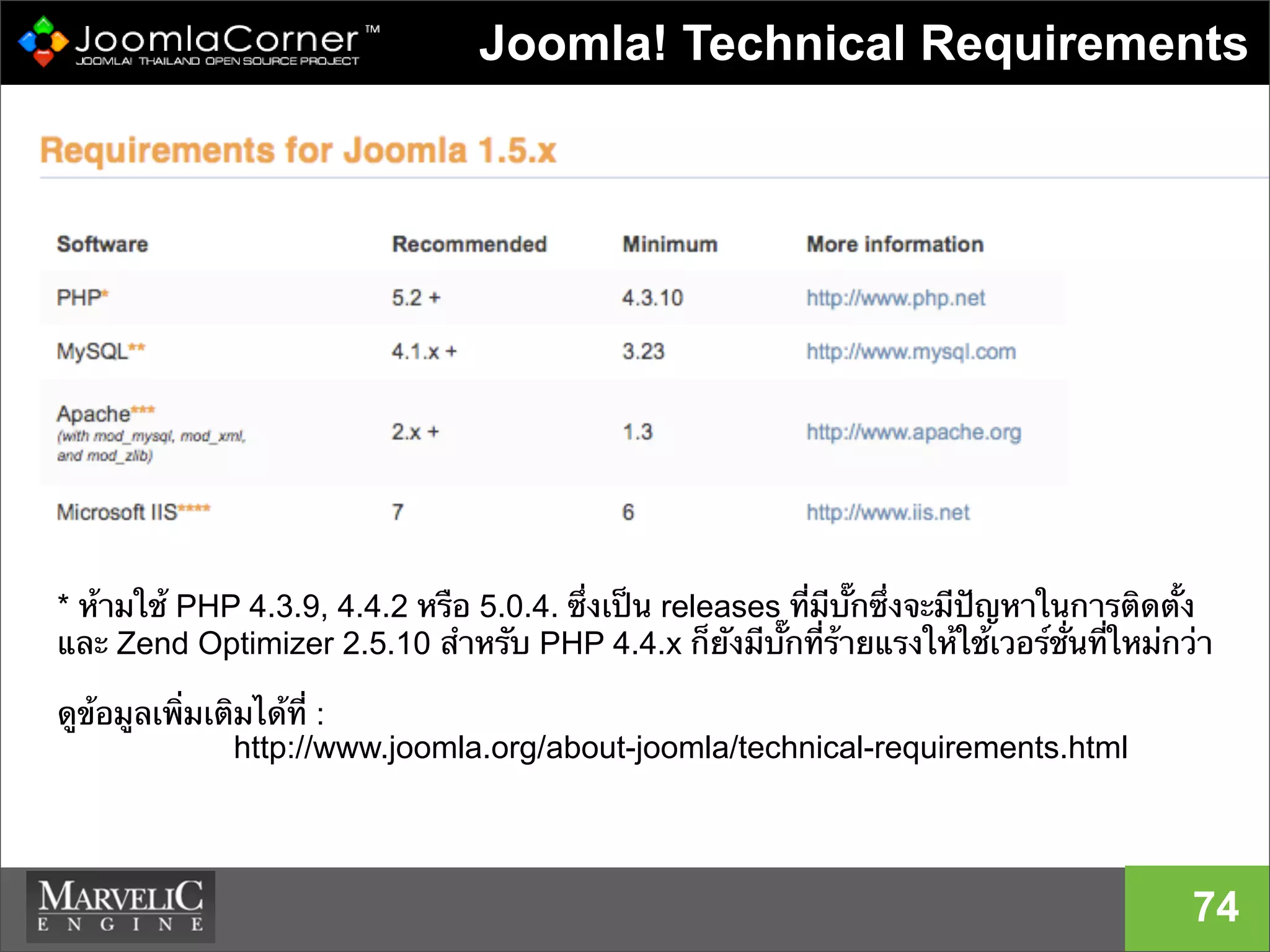
Joomla! Technical Requirements
74
* ห้ามใช้ PHP 4.3.9, 4.4.2 หรือ 5.0.4. ซึ่งเป็น releases ที่มีบั๊กซึ่งจะมีปัญหาในการติดตั้ง
และ Zend Optimizer 2.5.10 สําหรับ PHP 4.4.x ก็ยังมีบั๊กที่ร้ายแรงให้ใช้เวอร์ชั่นที่ใหม่กว่า
ดูข้อมูลเพิ่มเติมได้ที่ :
http://www.joomla.org/about-joomla/technical-requirements.html
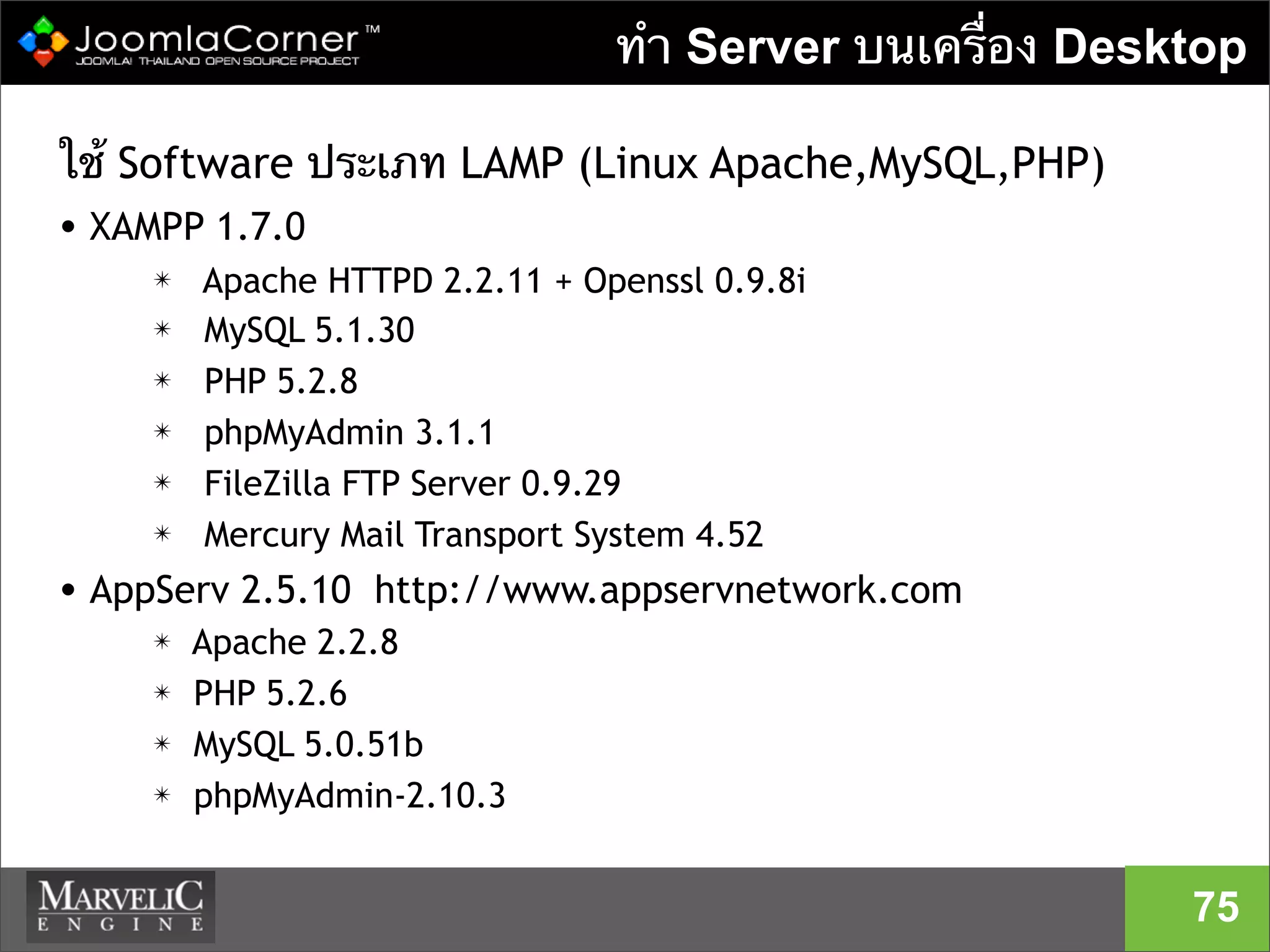
ทํา Server บนเครื่อง Desktop
ใช้ Software ประเภท LAMP (Linux Apache,MySQL,PHP)
• XAMPP 1.7.0
✴ Apache HTTPD 2.2.11 + Openssl 0.9.8i
✴ MySQL 5.1.30
✴ PHP 5.2.8
✴ phpMyAdmin 3.1.1
✴ FileZilla FTP Server 0.9.29
✴ Mercury Mail Transport System 4.52
• AppServ 2.5.10 http://www.appservnetwork.com
✴ Apache 2.2.8
✴ PHP 5.2.6
✴ MySQL 5.0.51b
✴ phpMyAdmin-2.10.3
75
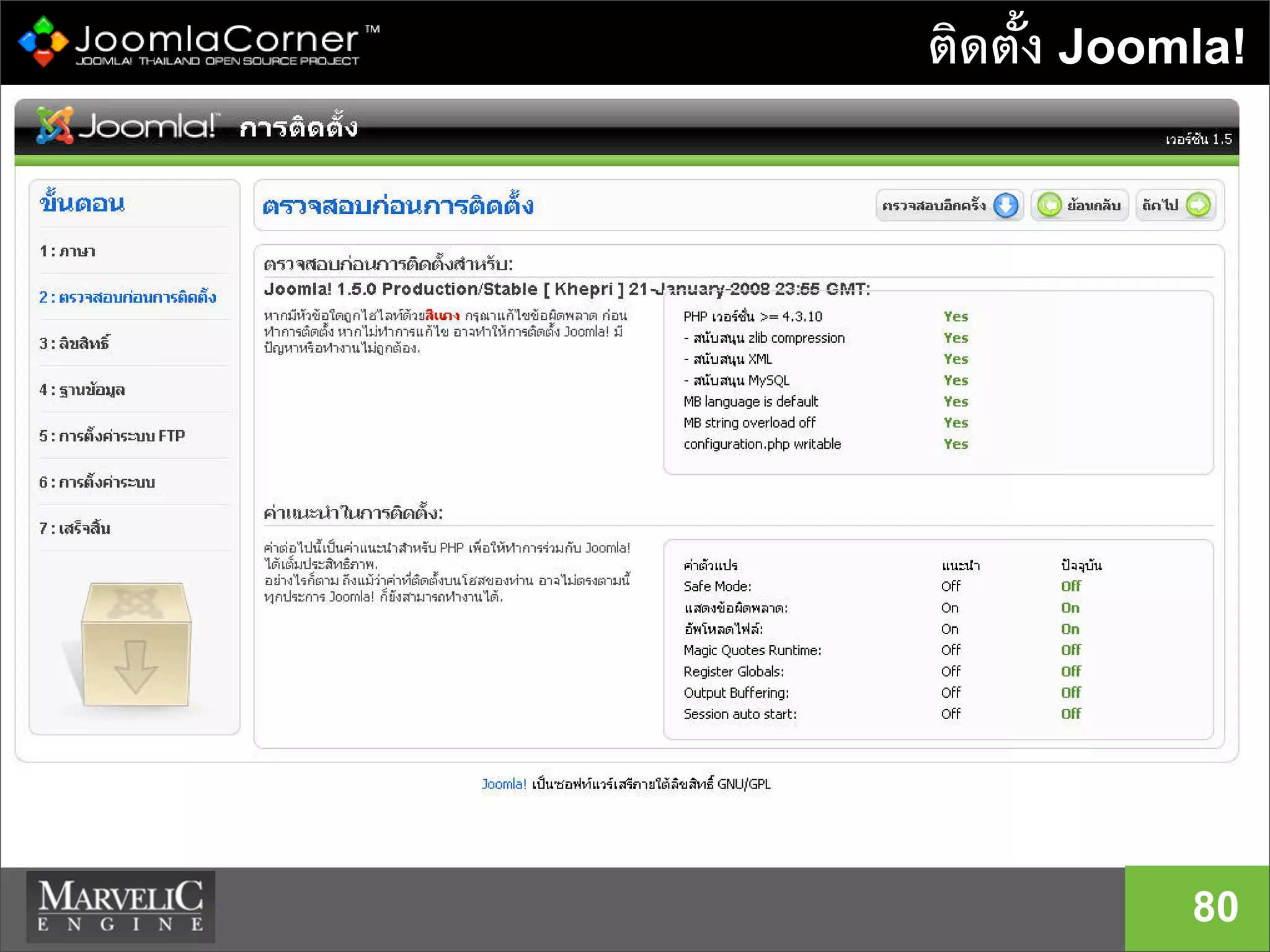
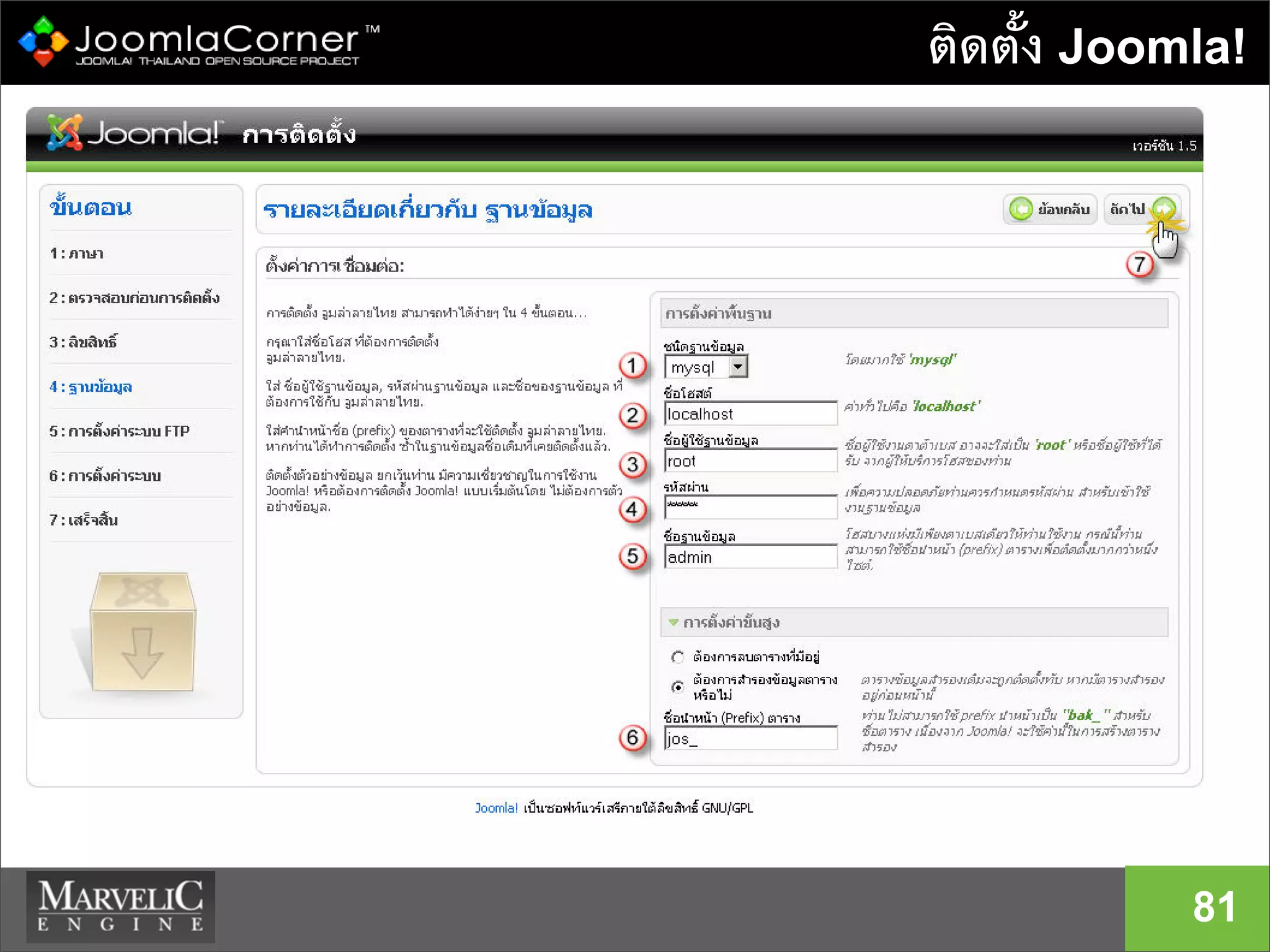
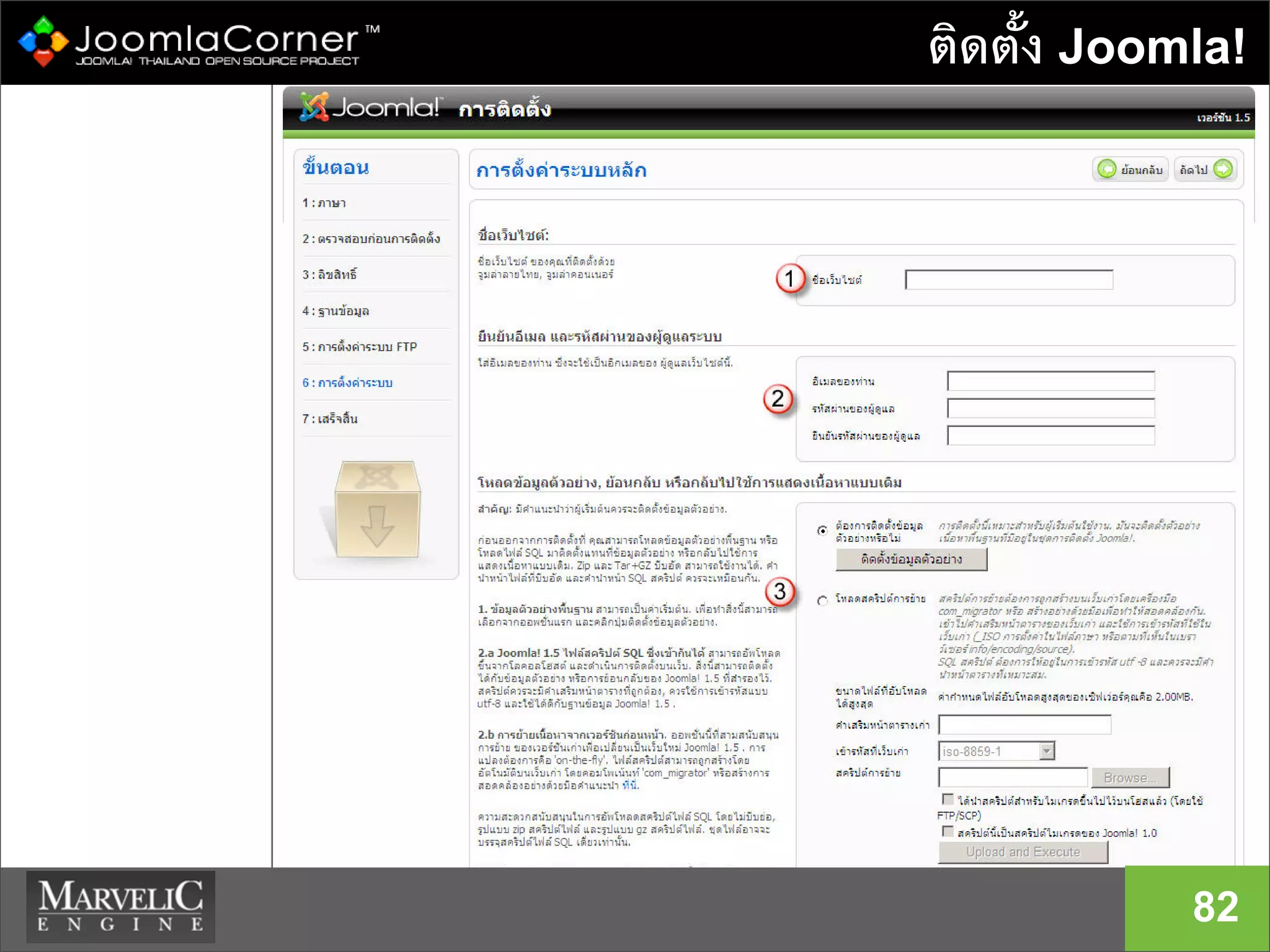
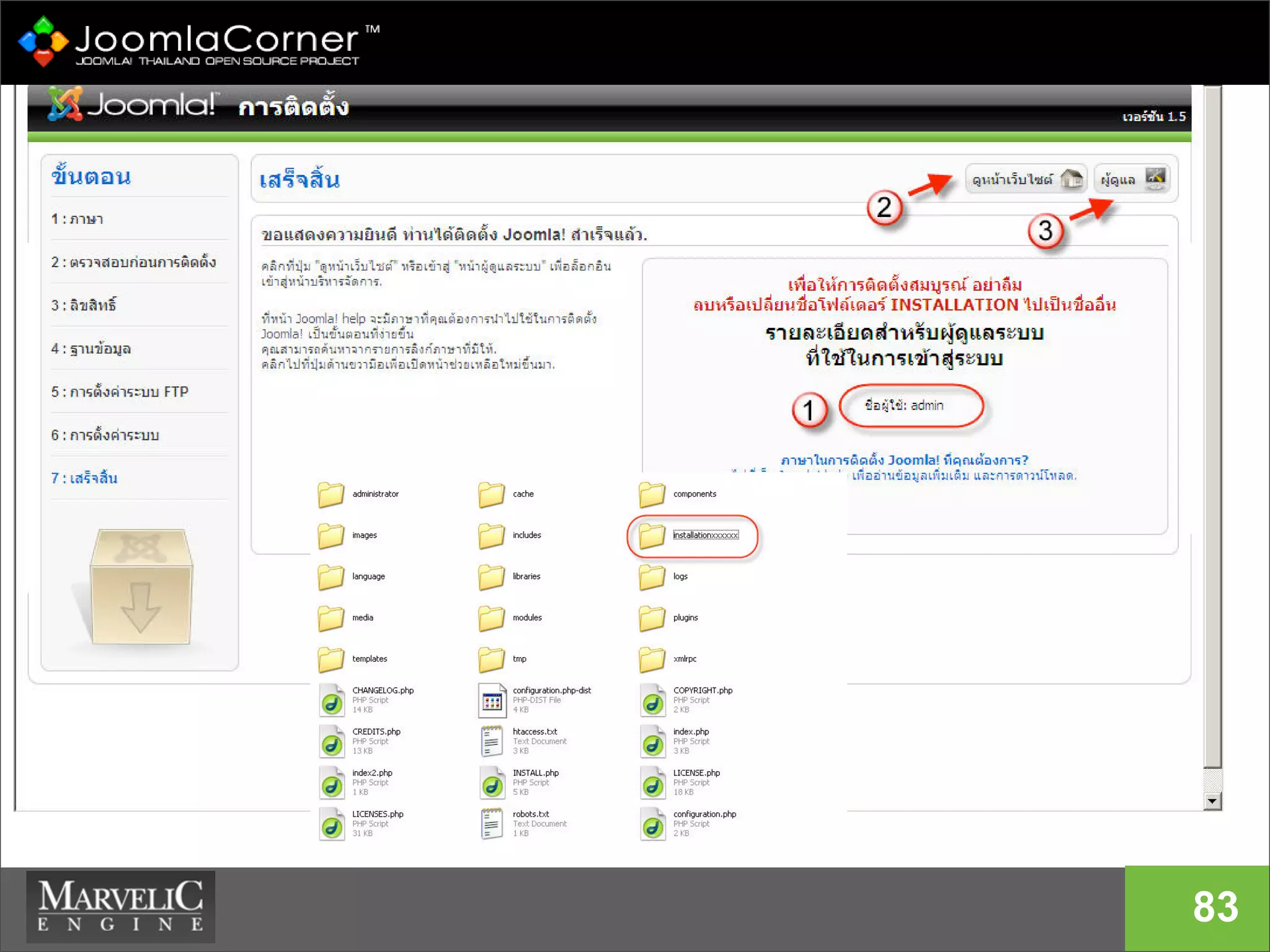
สรุปขั้นตอนการติดตั้ง Joomla!
76
• เตรียม WebServer (Hosting) สําหรับติดตั้ง
• Download Joomla! 1.5 เวอร์ชั่นล่าสุดจาก
Joomla.org
• Unpack Software
• ติดตั้ง Joomla!
• ปรับแต่งข้อมูลบนเว็บไซต์
ส่วนของการเตรียม WebServer
• แน่ใจว่าคุณมี Account เพื่อ login (Controlpanel ,FTP)
• สร้าง Database สําหรับ Joomla ด้วย phpMyAdmin
• ตรวจสอบว่า WebServer ของคุณเป็น OS อะไร
• ตรวจสอบ PHP เวอร์ชั่น (แนะนําให้ใช้ V.5)
• ทดสอบการเข้าถึงเว็บไซต์ผ่านทาง URL (website
Address)
77
Download the Software
Download Joomla! เวอร์ชั่นล่าสุด Joomla.org หรือ
JoomlaCorner.com
• zip package : http://www.joomla.org/download.html
• other packages :
http://joomlacode.org/gf/project/joomla/frs/
เวอร์ชั่นล่าสุด 1.5.14 (ณ วันที่ 30 ก.ค. 2009)
ไฟล์ภาษาไทย Download ได้จาก
http://joomlacode.org/gf/project/thai
78
ติดตั้ง Joomla!
79
ติดตั้ง Joomla!
80
ติดตั้ง Joomla!
81
ติดตั้ง Joomla!
82
83
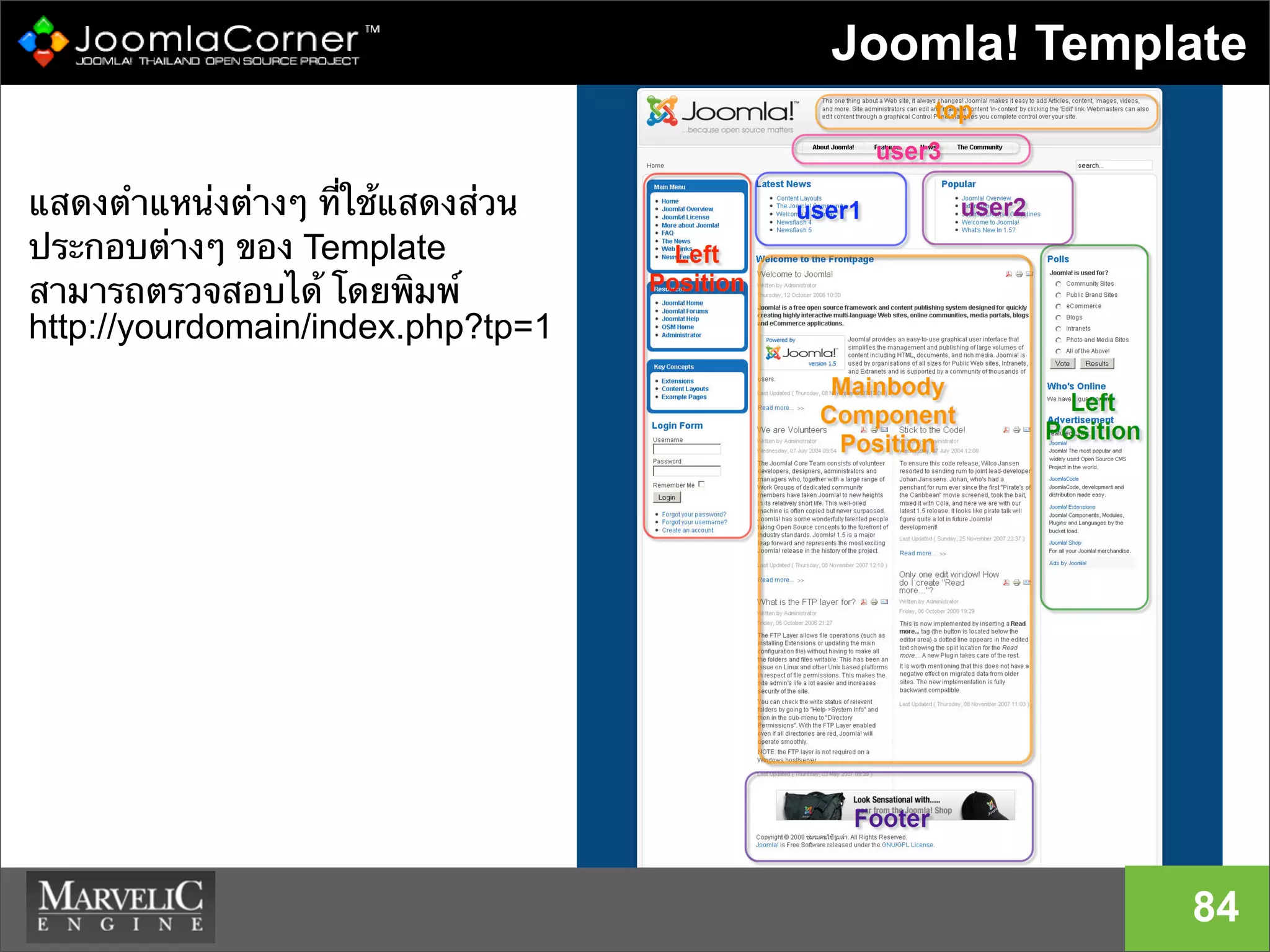
Joomla! Template
84
แสดงตําแหน่งต่างๆ ที่ใช้แสดงส่วน
ประกอบต่างๆ ของ Template
สามารถตรวจสอบได้ โดยพิมพ์
http://yourdomain/index.php?tp=1
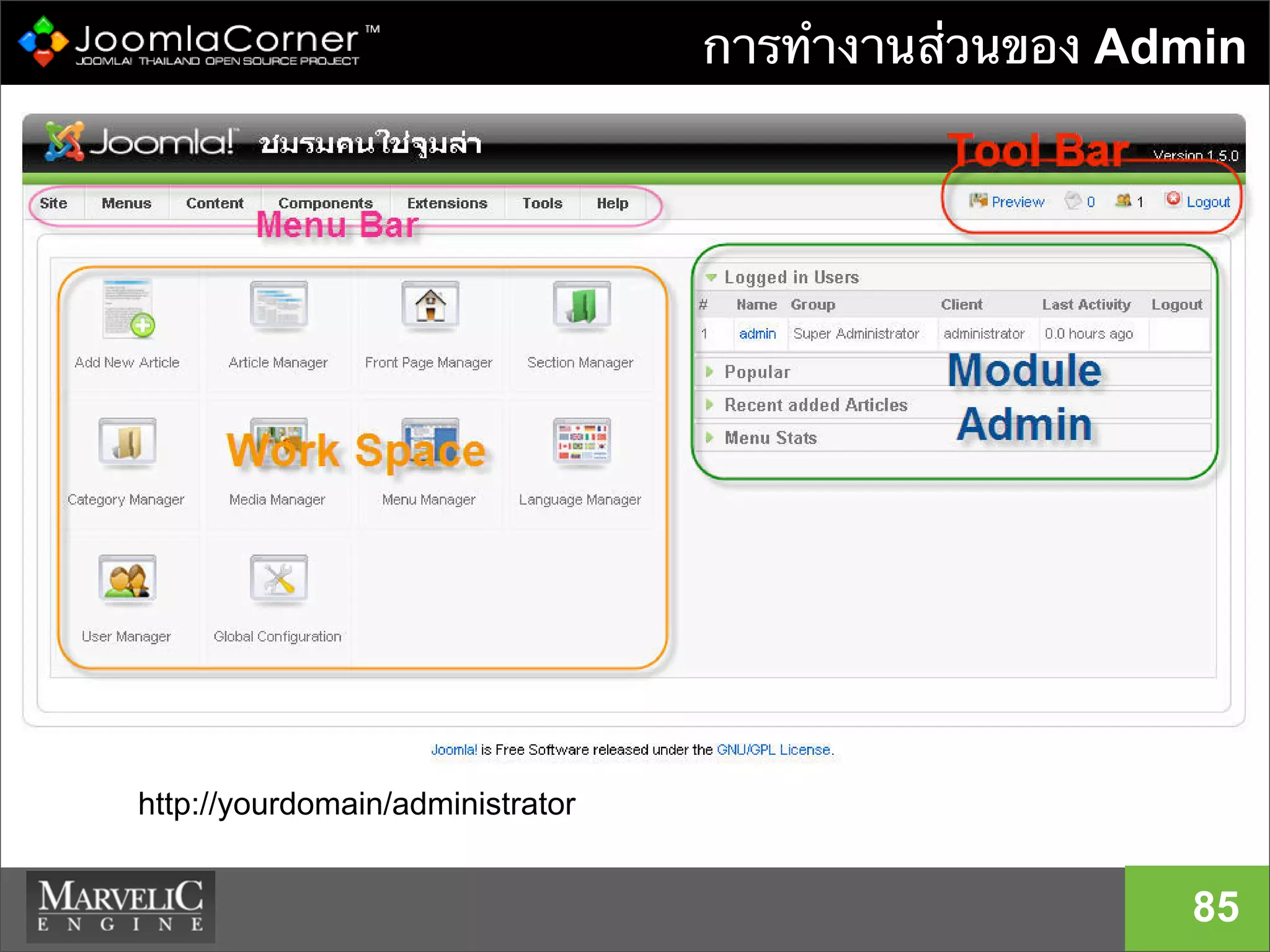
การทํางานส่วนของ Admin
85
http://yourdomain/administrator
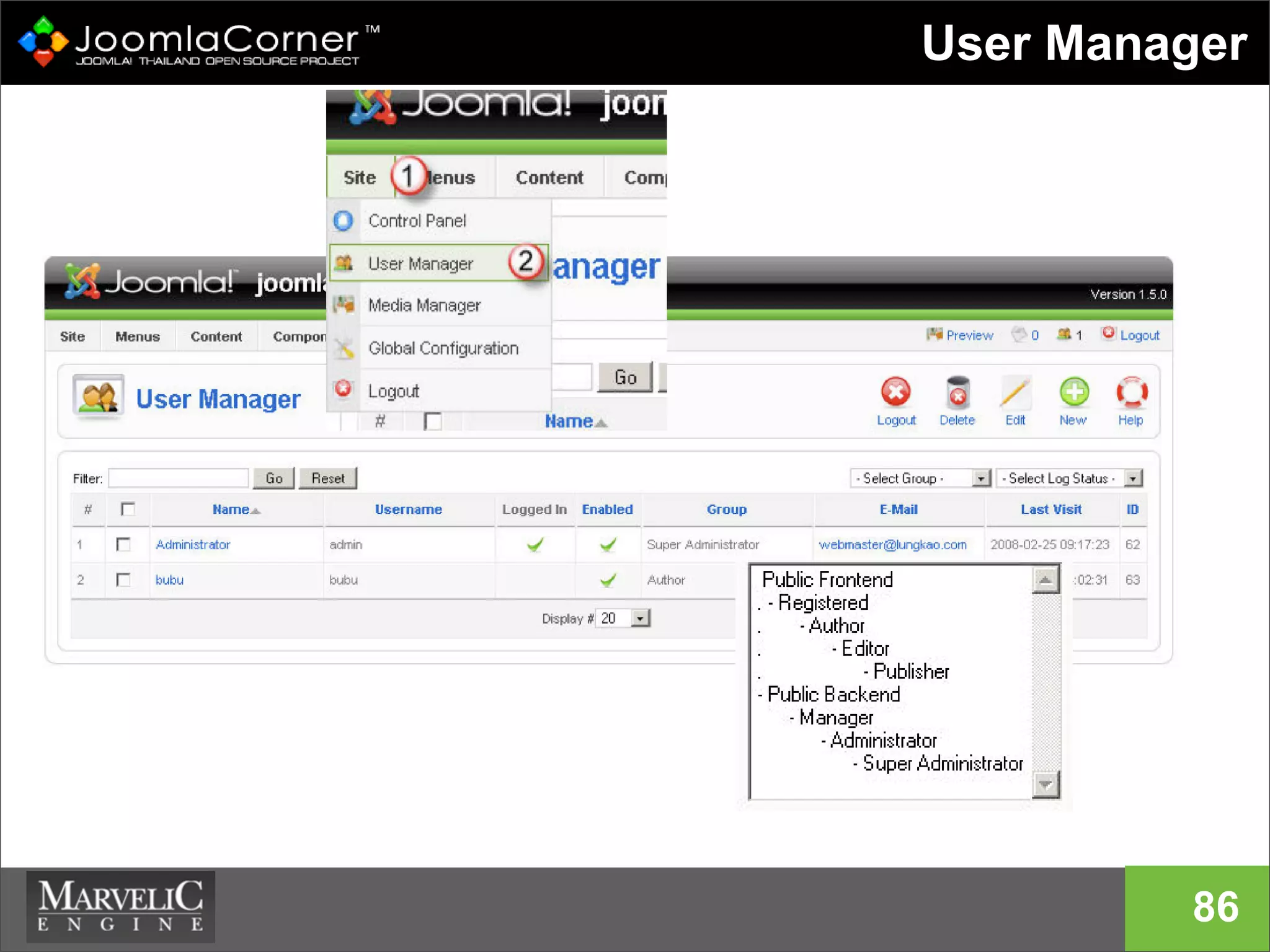
User Manager
86
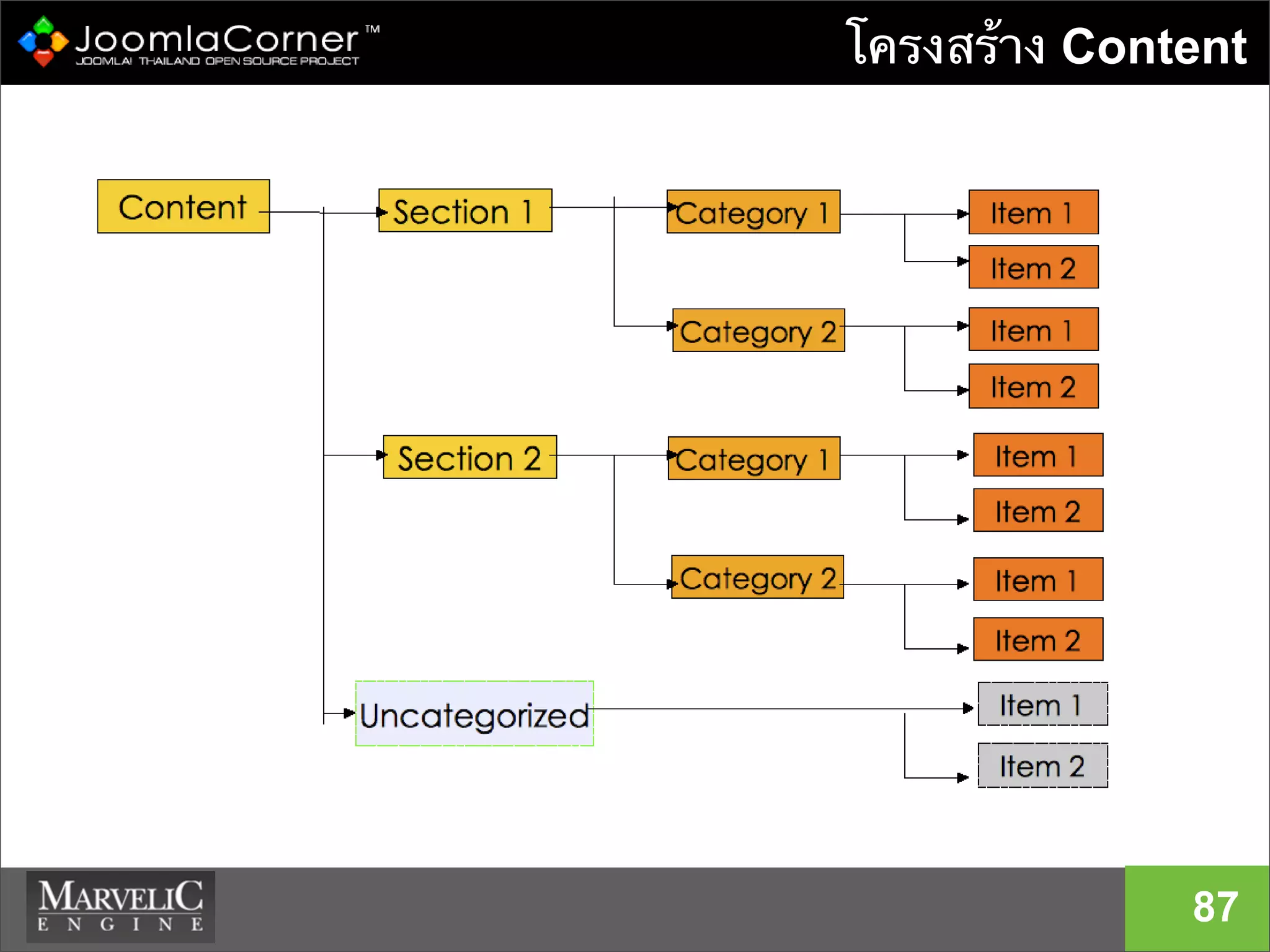
โครงสร้าง Content
87
การจัดการ Extensions
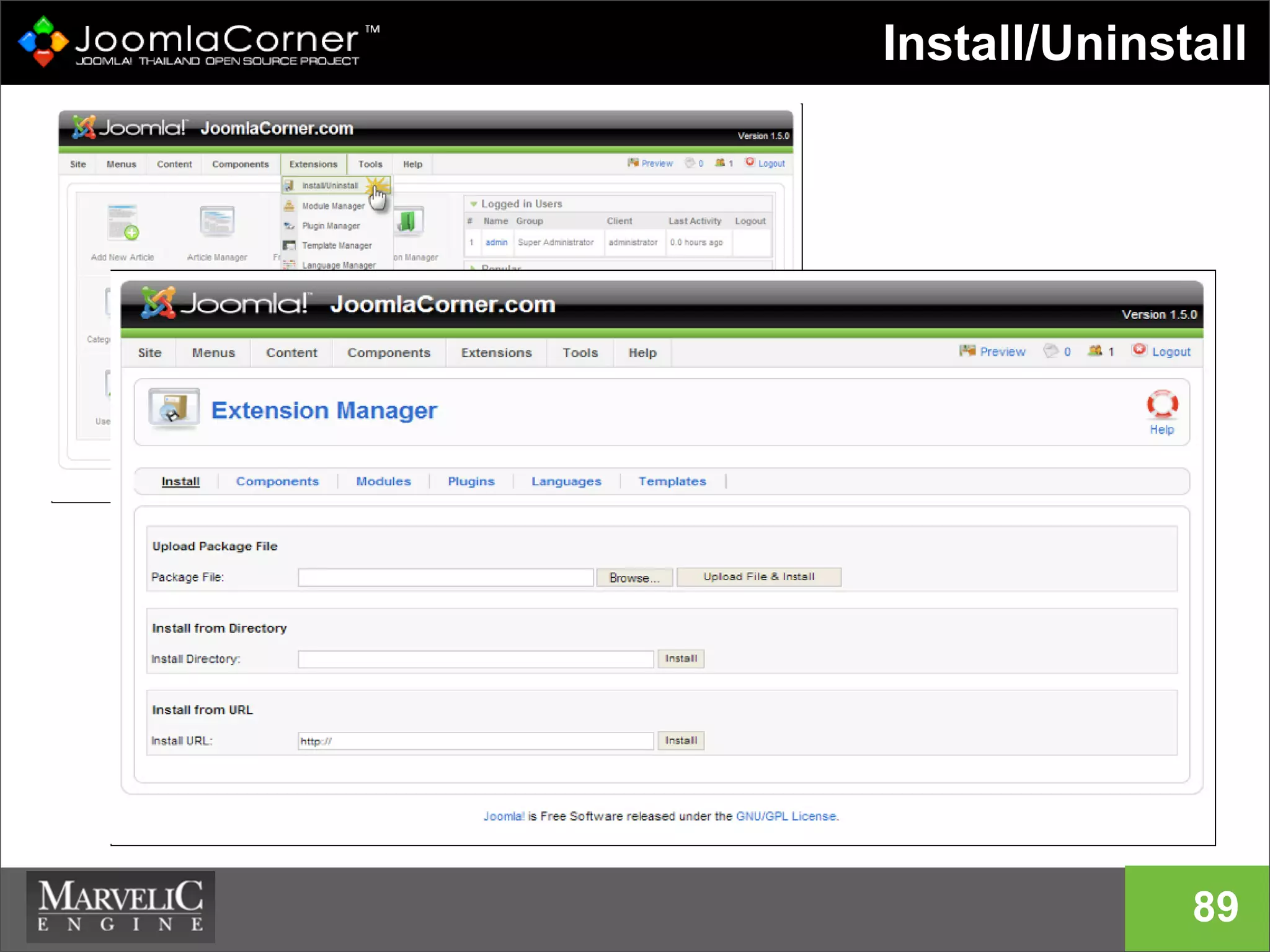
Install/Uninstall extensions
• modules
• components
• plugins
• templates
• language
88
Install/Uninstall
89
90
Demo
ตัวอย่าง Extension
ตัวอย่าง
Joomla! Extensions
91
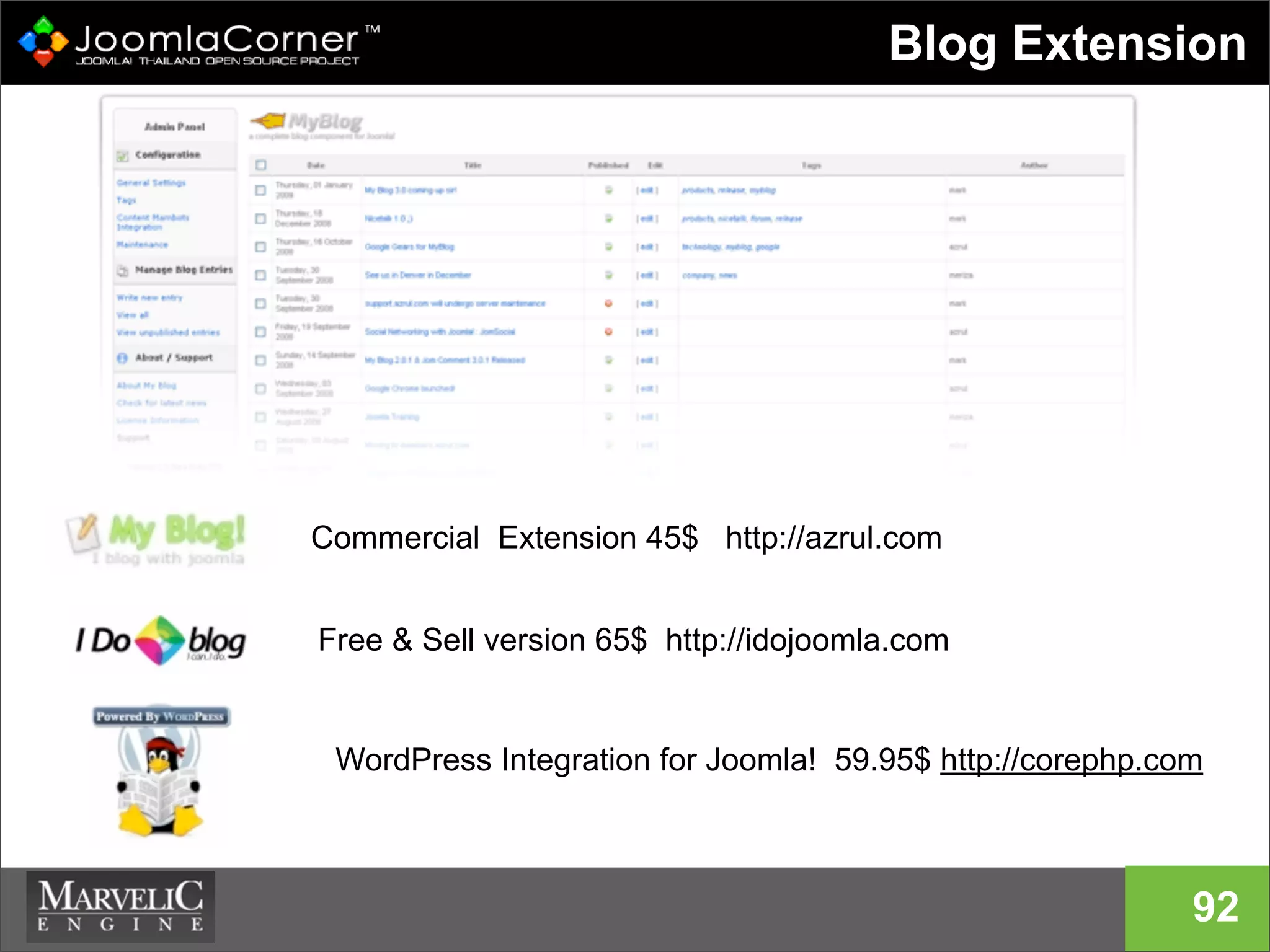
Blog Extension
92
Commercial Extension 45$ http://azrul.com
Free & Sell version 65$ http://idojoomla.com
WordPress Integration for Joomla! 59.95$ http://corephp.com
Security your Website
Update! Update! and Update!
93
Joomla! Security Strike Team
Joomla! Secutiy Center :
http://developer.joomla.org/security.html
Questions?
94
95
Thanks you
... because open source matters
twitter.com/joomlacorner
download slide : http://slideshare.net/akarawuth

Joomla present at TOT Academy2