JN3800

ASSIGNMENT TWO AND
GEOLOCATION
DEADLINE:
th December
5pm, 13
2013
The story so far
 All multimedia elements
covered







Images
Text (writing for the web)
Video
Data
Audio
Mapping (covered this
afternoon and tomorrow)

 First assignment

completed
Assignment 2: What the MIP says


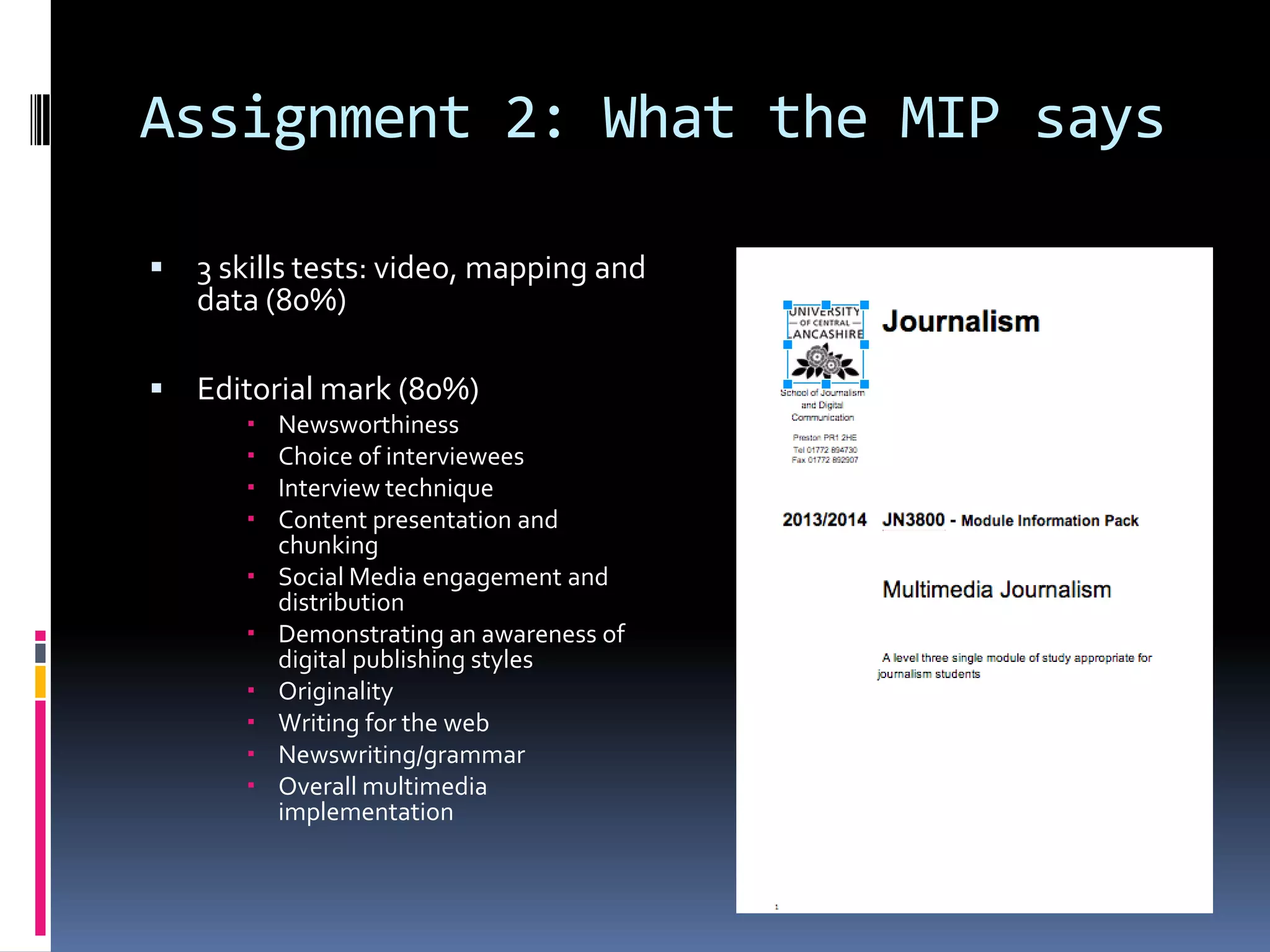
3 skills tests: video, mapping and
data (80%)



Editorial mark (80%)












Newsworthiness
Choice of interviewees
Interview technique
Content presentation and
chunking
Social Media engagement and
distribution
Demonstrating an awareness of
digital publishing styles
Originality
Writing for the web
Newswriting/grammar
Overall multimedia
implementation
But what is a multimedia
package?


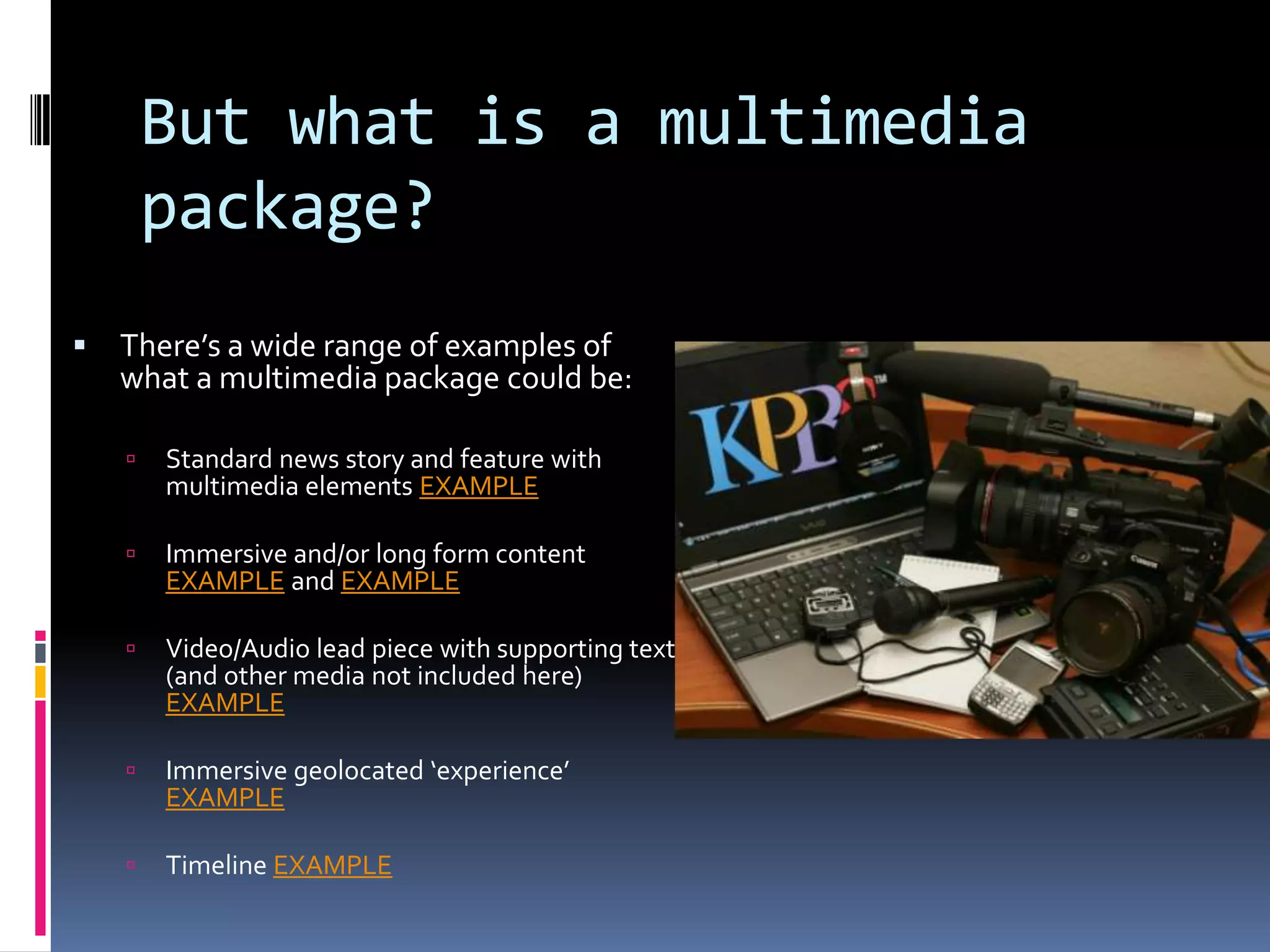
There’s a wide range of examples of
what a multimedia package could be:


Standard news story and feature with
multimedia elements EXAMPLE



Immersive and/or long form content
EXAMPLE and EXAMPLE



Video/Audio lead piece with supporting text
(and other media not included here)
EXAMPLE



Immersive geolocated ‘experience’
EXAMPLE



Timeline EXAMPLE
What is a multimedia journalism
package?
 Consider the story and the

form

 It is not a 1st person

reflection on the process

 It can be a ‘hard news’ story
 A more informal ‘blog’ or

soft feature

 An investigation around a

theme containing a number
of perspectives or media
elements
Order of content


Consider structure and how your
multimedia is placed around a
blog post or a collection of
individual pages



Consider:


What your strongest news point is/or
most compelling hook



What your readers first encounter on
your page



What is your strongest multimedia
element (both in terms of quality
and in terms of relevance to your
story)



Make the most of the ‘good stuff’
Interviews: the long and the
short of it (audio and video)


Voxpopuli: voices and talking heads
can add a richness to a multimedia
piece.


Vox pops are short and punch. One
question, and a range of answers
EXAMPLE



A longer interview can be
compelling and engaging. By
covering more in-depth
ground, your audio is performing a
different task to a “simple” vox pop.



A lengthy and ‘mediated’ can add
value to your overall piece. You may
script some of the links, allowing
multiple voices to appear and you
join them together
LINKING STRATEGY: Remember the link economy



Hyperlinks are a central part of the
web and digital literacy



Use them to provide a valuable
resource to your reader




Link to other websites for additional
information
Link to your own editorial to construct a
self-referential structure and create
added value
Link to other platforms where your
content may be found



Don’t overlink



Do link: layer the content and act as
an authority (but not gatekeeper)



(note: raw URL addresses are ugly)
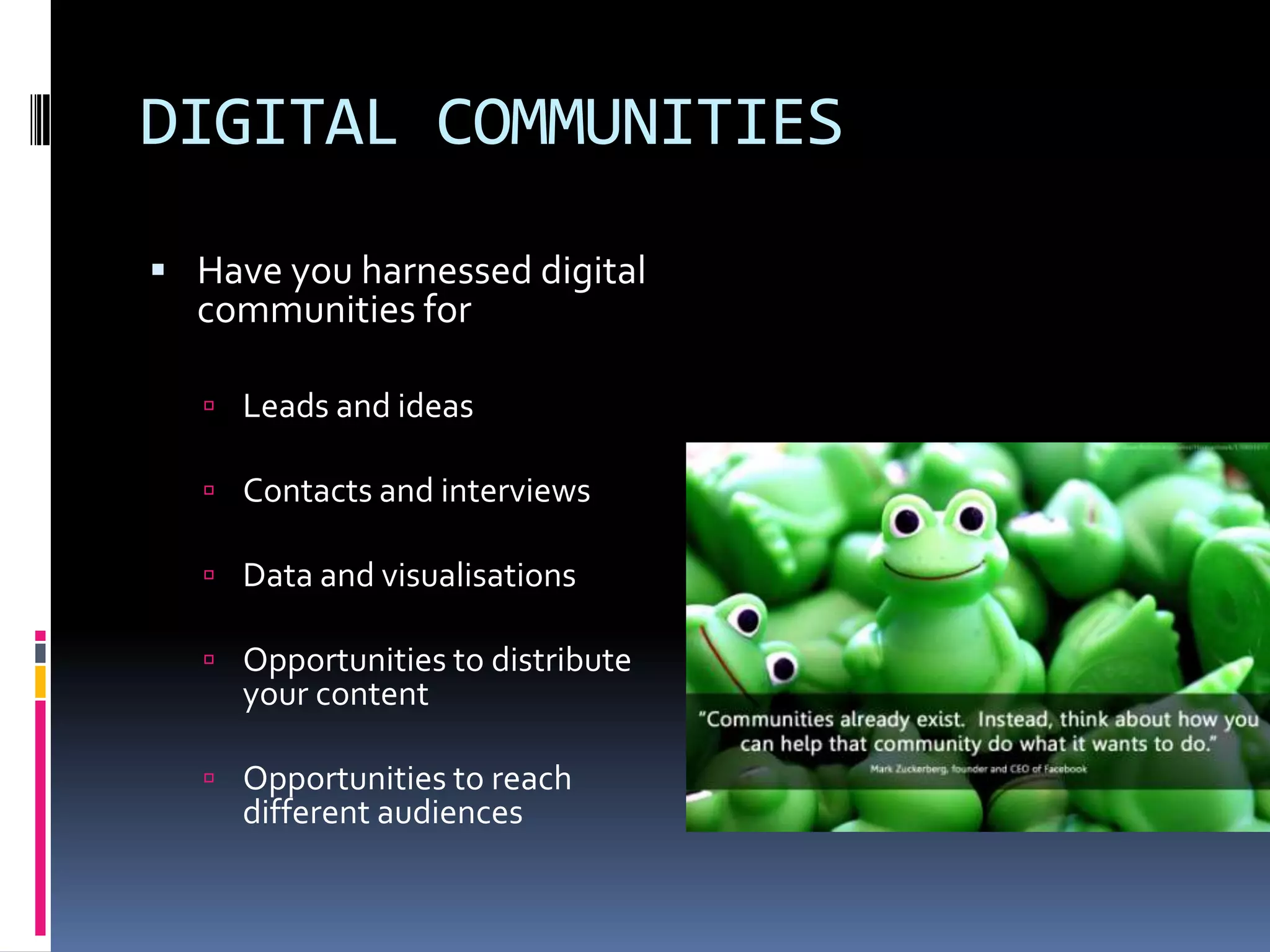
DIGITAL COMMUNITIES
 Have you harnessed digital

communities for

 Leads and ideas
 Contacts and interviews
 Data and visualisations
 Opportunities to distribute

your content

 Opportunities to reach

different audiences
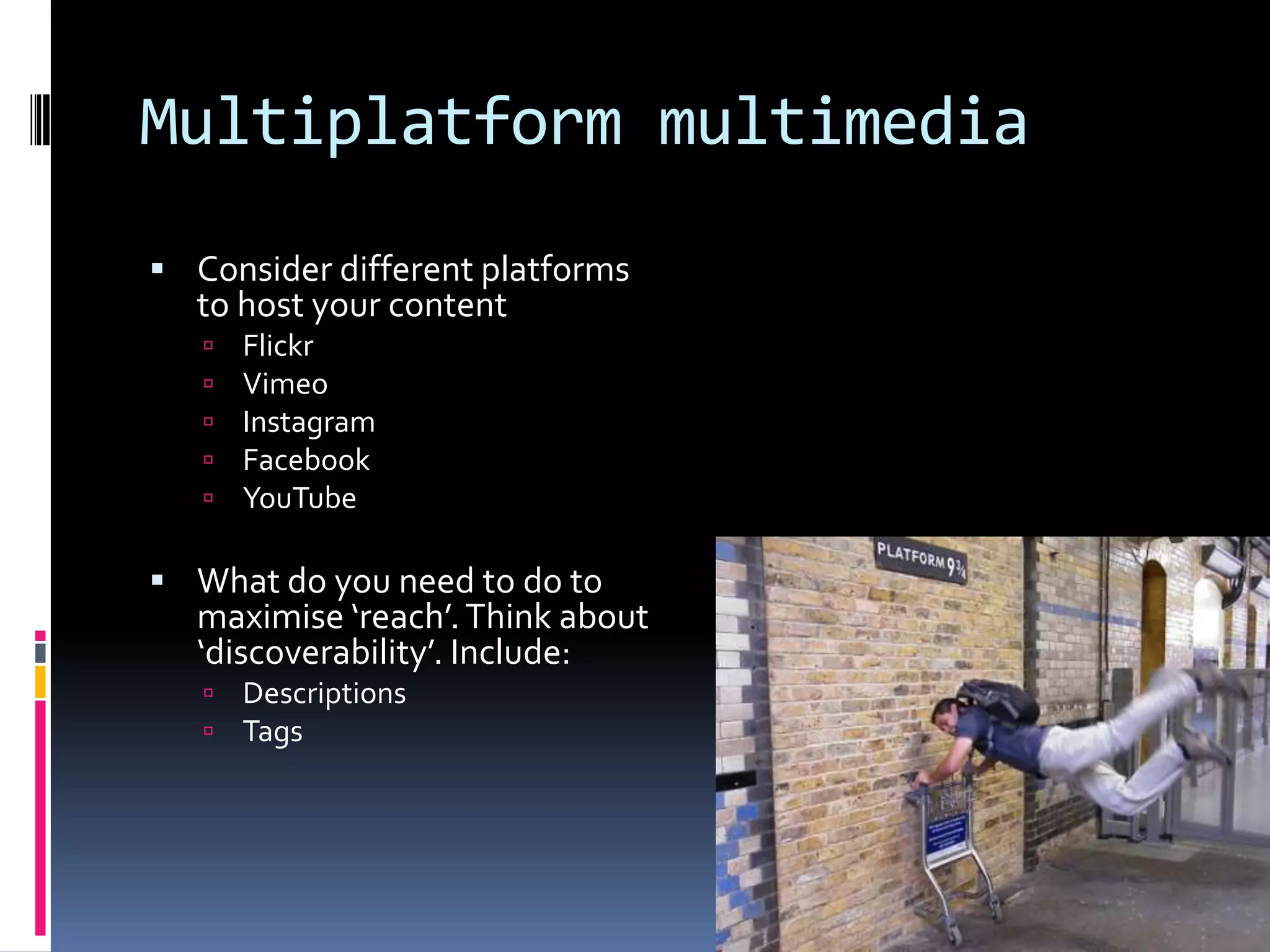
Multiplatform multimedia
 Consider different platforms

to host your content






Flickr
Vimeo
Instagram
Facebook
YouTube

 What do you need to do to

maximise ‘reach’. Think about
‘discoverability’. Include:



Descriptions
Tags
Questions?
Geolocation


Increasingly being used to assist with storytelling





Mapping
Social sharing apps such as foursquare
Beginnings of augmented reality
Gathering and verifying citizen journalism from around the world



Can present information in an alternative way: uniting fragmented narrative into a cohesive whole



Smartphones and cameras now equipped with GPS capabilities: providing the data required to
map images



Visualisation tools allow both the display of information data, and provide users with opportunity
to manipulate it






Tools include Google Drive/spreadsheets.
Google Fusion Tables
Tableau Public

Development of open source mapping tools to allow a digital community to coalesce and input
data
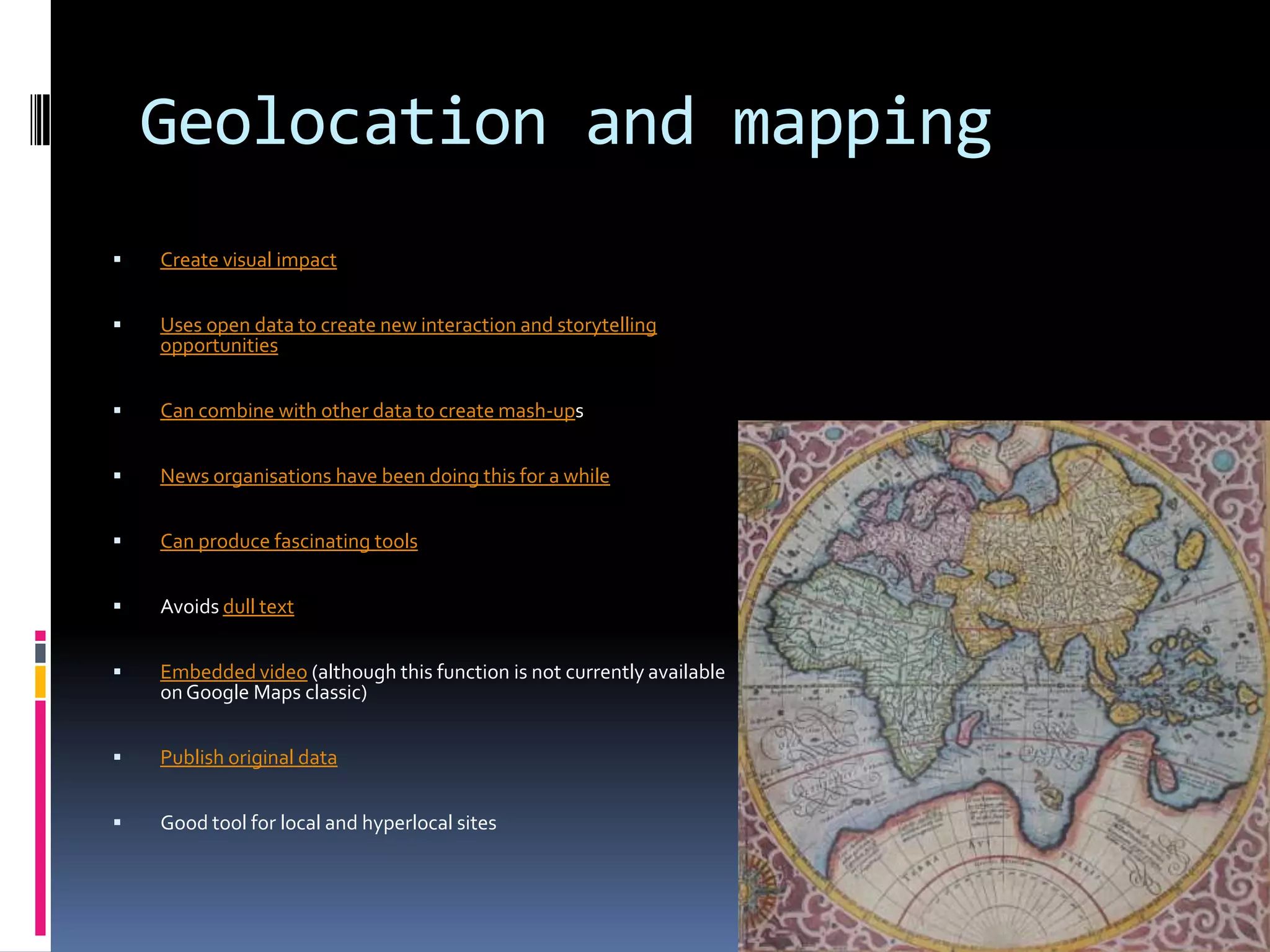
Geolocation and mapping


Create visual impact



Uses open data to create new interaction and storytelling
opportunities



Can combine with other data to create mash-ups



News organisations have been doing this for a while



Can produce fascinating tools



Avoids dull text



Embedded video (although this function is not currently available
on Google Maps classic)



Publish original data



Good tool for local and hyperlocal sites
Man-made Google maps
 Offer a range of symbols to aid

understanding
 Route mapping and road tracking

 Video and image integration (within certain
constraints).
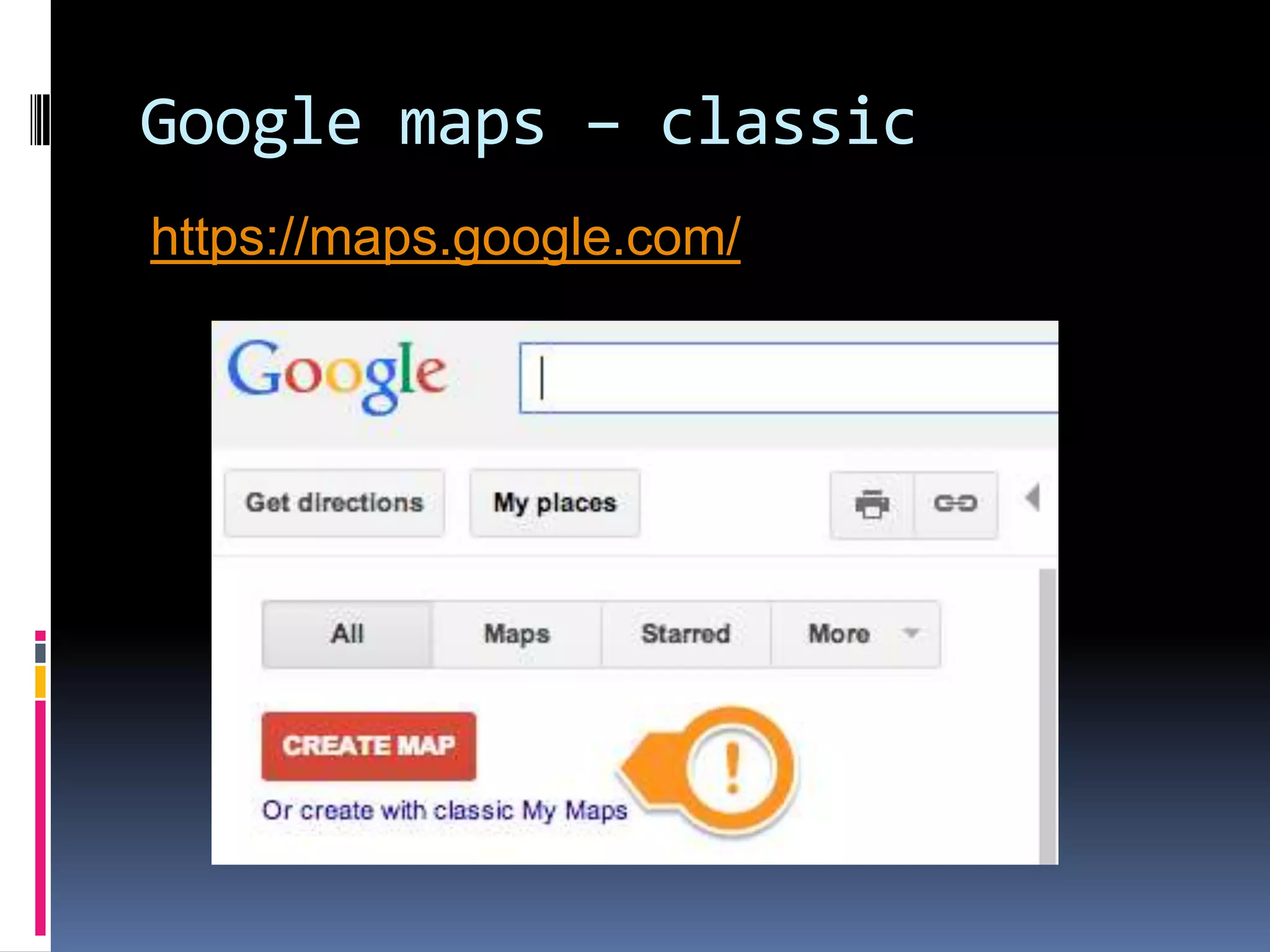
How to create a Google Map
 Go to Google Maps and log in

 Click my places
 Click Create Map: Classic allows a basic

embed function
 Begin to fill in fields
Questions…
Key questions to ask yourself before making a map


Does it add value to your story?



Does it make information more understandable?



Could the data be expressed in a more effective way? (examples include graphs, timelines, pie
charts and tables)

Key questions to ask yourself after making a map


Does the data tell the story in the way you intended?



Is it understandable?



Is your piece stronger with it than without it.
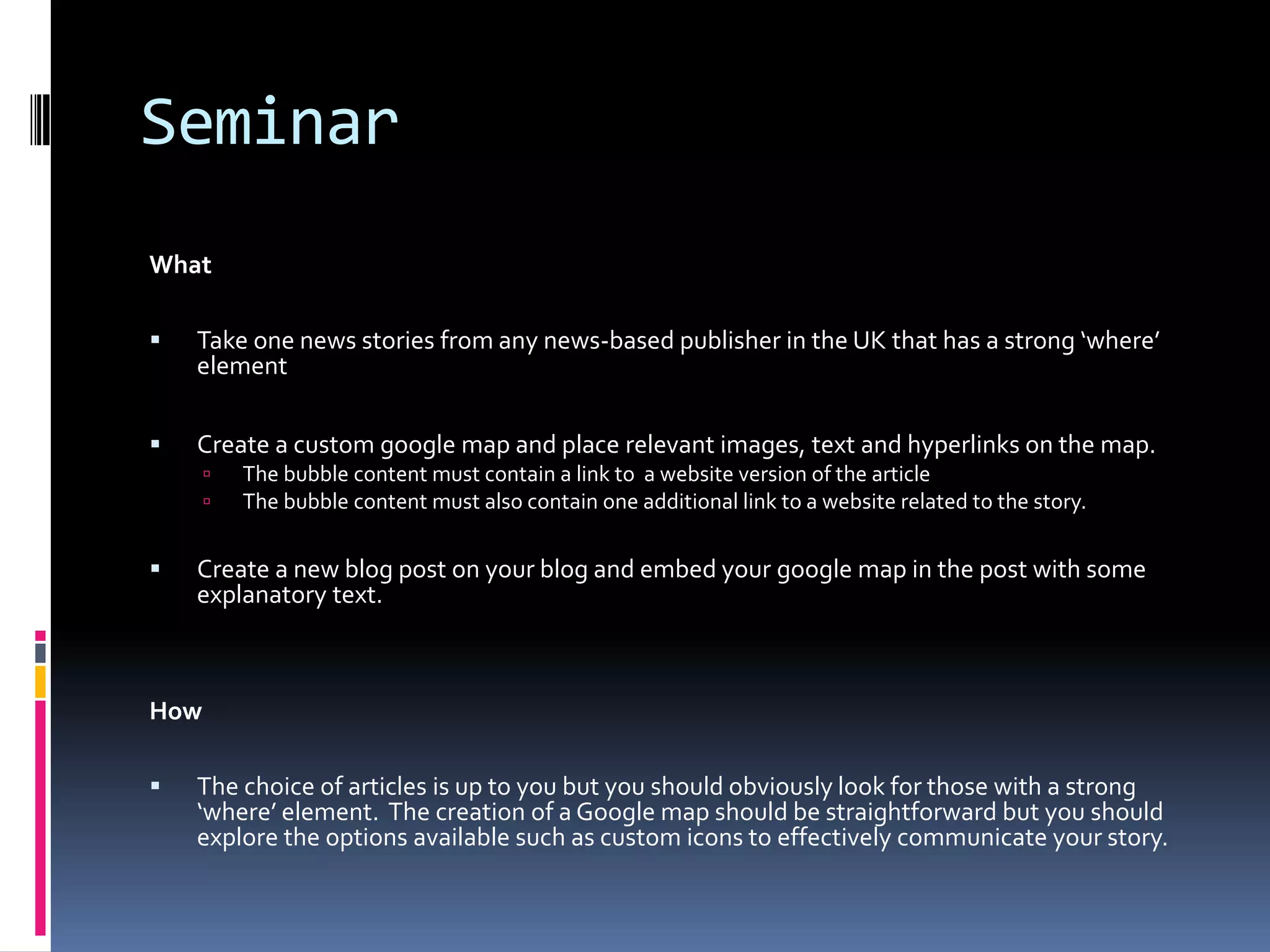
Seminar
What


Take one news stories from any news-based publisher in the UK that has a strong ‘where’
element



Create a custom google map and place relevant images, text and hyperlinks on the map.





The bubble content must contain a link to a website version of the article
The bubble content must also contain one additional link to a website related to the story.

Create a new blog post on your blog and embed your google map in the post with some
explanatory text.

How


The choice of articles is up to you but you should obviously look for those with a strong
‘where’ element. The creation of a Google map should be straightforward but you should
explore the options available such as custom icons to effectively communicate your story.
Google maps – classic
https://maps.google.com/
DATA GATHERING: MAPPING
- OPEN A NEW GOOGLE SPREADSHEET
- USING THE =IMPORTHTML() FORMULA
FROM LAST WEEK, SCRAPE THE LIST OF
CHELSEA PLAYERS FROM
- HTTP://EN.WIKIPEDIA.ORG/WIKI/LIST_OF_CHELSEA_F.C._PLAYERS
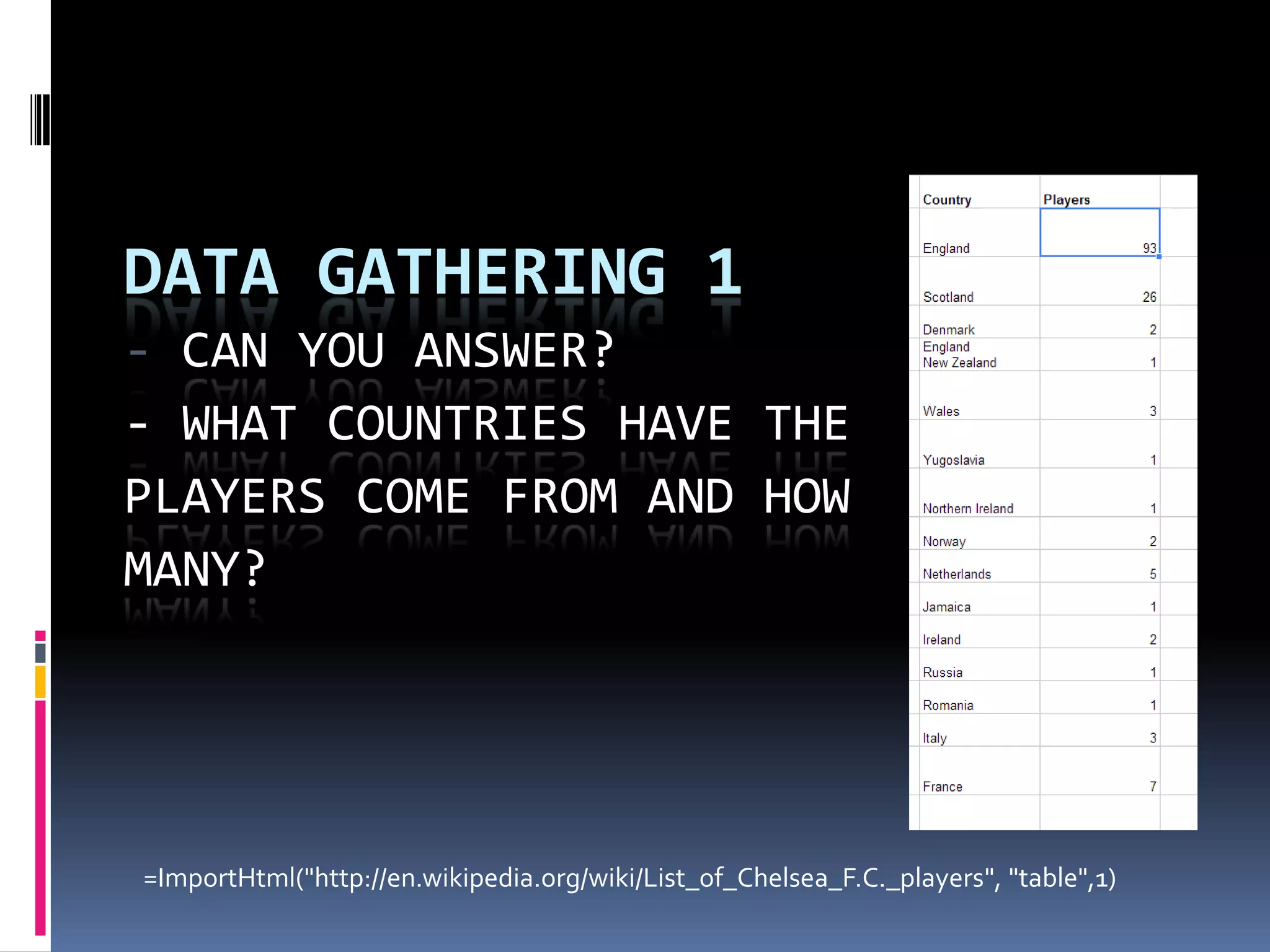
DATA GATHERING 1
- CAN YOU ANSWER?
- WHAT COUNTRIES HAVE THE
PLAYERS COME FROM AND HOW
MANY?

=ImportHtml("http://en.wikipedia.org/wiki/List_of_Chelsea_F.C._players", "table",1)
DATA GATHERING 1
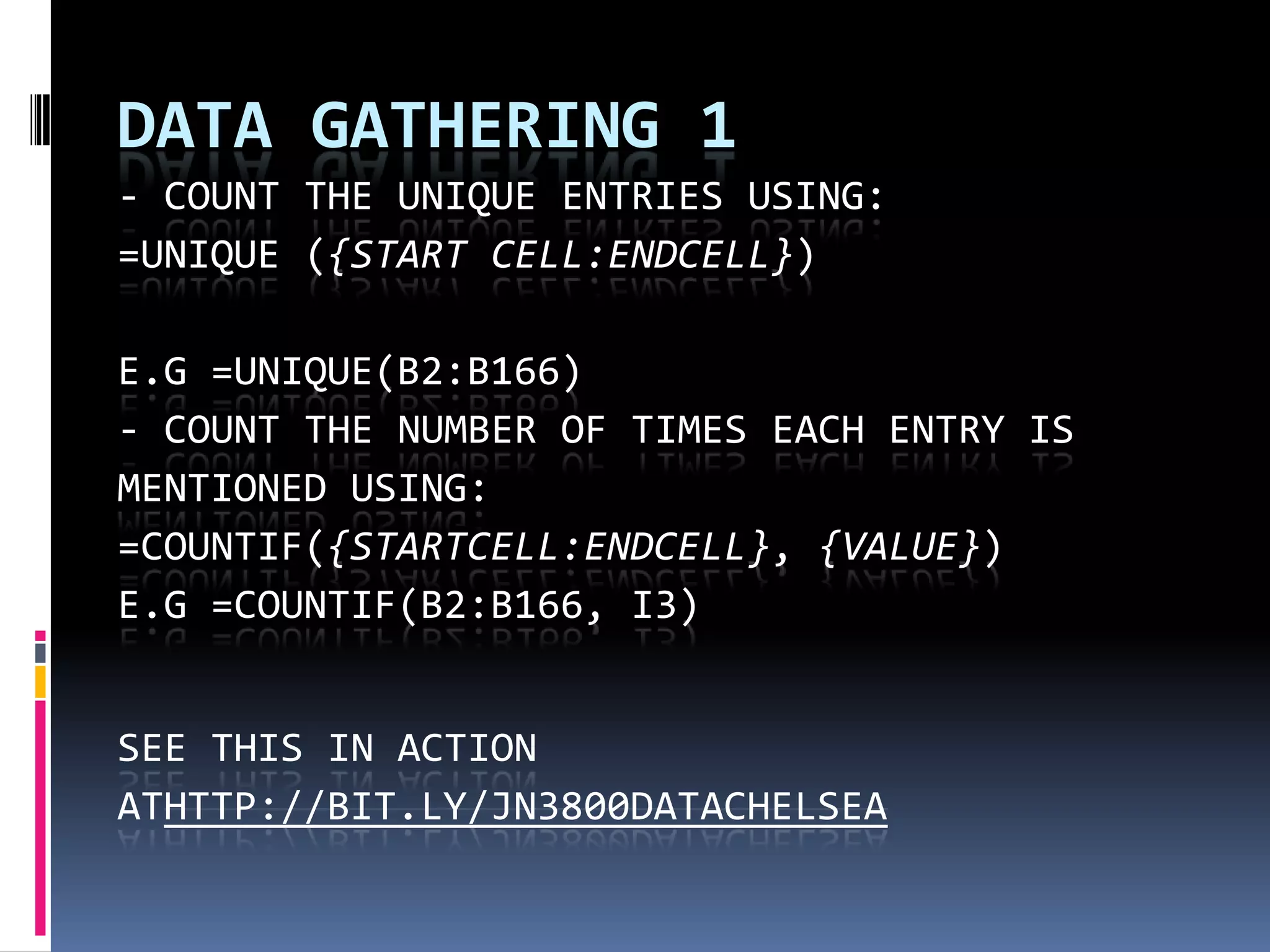
- COUNT THE UNIQUE ENTRIES USING:
=UNIQUE ({START CELL:ENDCELL})
E.G =UNIQUE(B2:B166)
- COUNT THE NUMBER OF TIMES EACH ENTRY IS
MENTIONED USING:
=COUNTIF({STARTCELL:ENDCELL}, {VALUE})
E.G =COUNTIF(B2:B166, I3)
SEE THIS IN ACTION
ATHTTP://BIT.LY/JN3800DATACHELSEA
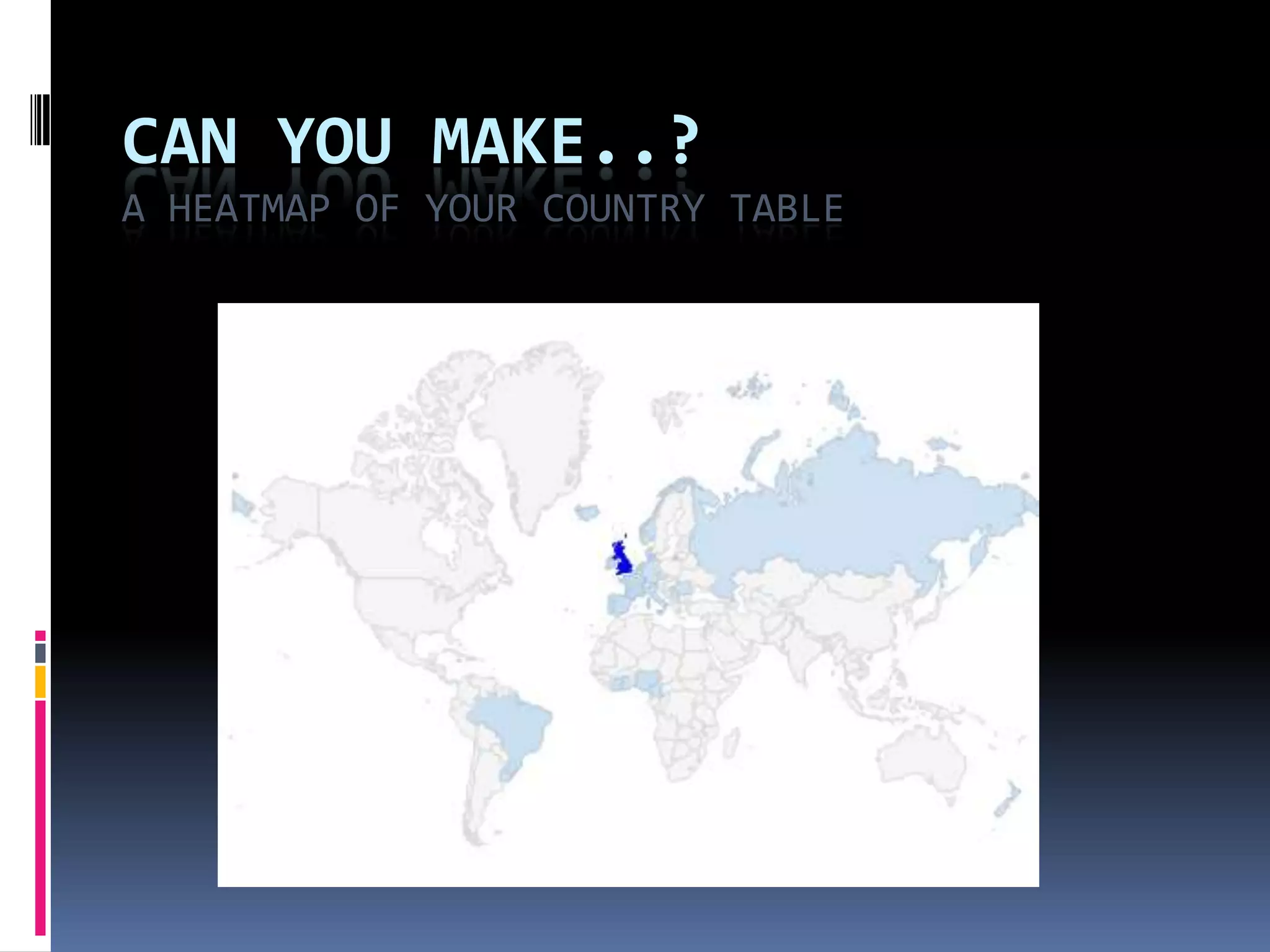
CAN YOU MAKE..?
A HEATMAP OF YOUR COUNTRY TABLE

Jn3800 second assignment geolocation

  • 1.
  • 2.
  • 3.
    The story sofar  All multimedia elements covered       Images Text (writing for the web) Video Data Audio Mapping (covered this afternoon and tomorrow)  First assignment completed
  • 4.
    Assignment 2: Whatthe MIP says  3 skills tests: video, mapping and data (80%)  Editorial mark (80%)           Newsworthiness Choice of interviewees Interview technique Content presentation and chunking Social Media engagement and distribution Demonstrating an awareness of digital publishing styles Originality Writing for the web Newswriting/grammar Overall multimedia implementation
  • 5.
    But what isa multimedia package?  There’s a wide range of examples of what a multimedia package could be:  Standard news story and feature with multimedia elements EXAMPLE  Immersive and/or long form content EXAMPLE and EXAMPLE  Video/Audio lead piece with supporting text (and other media not included here) EXAMPLE  Immersive geolocated ‘experience’ EXAMPLE  Timeline EXAMPLE
  • 6.
    What is amultimedia journalism package?  Consider the story and the form  It is not a 1st person reflection on the process  It can be a ‘hard news’ story  A more informal ‘blog’ or soft feature  An investigation around a theme containing a number of perspectives or media elements
  • 7.
    Order of content  Considerstructure and how your multimedia is placed around a blog post or a collection of individual pages  Consider:  What your strongest news point is/or most compelling hook  What your readers first encounter on your page  What is your strongest multimedia element (both in terms of quality and in terms of relevance to your story)  Make the most of the ‘good stuff’
  • 8.
    Interviews: the longand the short of it (audio and video)  Voxpopuli: voices and talking heads can add a richness to a multimedia piece.  Vox pops are short and punch. One question, and a range of answers EXAMPLE  A longer interview can be compelling and engaging. By covering more in-depth ground, your audio is performing a different task to a “simple” vox pop.  A lengthy and ‘mediated’ can add value to your overall piece. You may script some of the links, allowing multiple voices to appear and you join them together
  • 9.
    LINKING STRATEGY: Rememberthe link economy  Hyperlinks are a central part of the web and digital literacy  Use them to provide a valuable resource to your reader    Link to other websites for additional information Link to your own editorial to construct a self-referential structure and create added value Link to other platforms where your content may be found  Don’t overlink  Do link: layer the content and act as an authority (but not gatekeeper)  (note: raw URL addresses are ugly)
  • 10.
    DIGITAL COMMUNITIES  Haveyou harnessed digital communities for  Leads and ideas  Contacts and interviews  Data and visualisations  Opportunities to distribute your content  Opportunities to reach different audiences
  • 11.
    Multiplatform multimedia  Considerdifferent platforms to host your content      Flickr Vimeo Instagram Facebook YouTube  What do you need to do to maximise ‘reach’. Think about ‘discoverability’. Include:   Descriptions Tags
  • 12.
  • 13.
    Geolocation  Increasingly being usedto assist with storytelling     Mapping Social sharing apps such as foursquare Beginnings of augmented reality Gathering and verifying citizen journalism from around the world  Can present information in an alternative way: uniting fragmented narrative into a cohesive whole  Smartphones and cameras now equipped with GPS capabilities: providing the data required to map images  Visualisation tools allow both the display of information data, and provide users with opportunity to manipulate it     Tools include Google Drive/spreadsheets. Google Fusion Tables Tableau Public Development of open source mapping tools to allow a digital community to coalesce and input data
  • 14.
    Geolocation and mapping  Createvisual impact  Uses open data to create new interaction and storytelling opportunities  Can combine with other data to create mash-ups  News organisations have been doing this for a while  Can produce fascinating tools  Avoids dull text  Embedded video (although this function is not currently available on Google Maps classic)  Publish original data  Good tool for local and hyperlocal sites
  • 15.
    Man-made Google maps Offer a range of symbols to aid understanding  Route mapping and road tracking  Video and image integration (within certain constraints).
  • 16.
    How to createa Google Map  Go to Google Maps and log in  Click my places  Click Create Map: Classic allows a basic embed function  Begin to fill in fields
  • 17.
    Questions… Key questions toask yourself before making a map  Does it add value to your story?  Does it make information more understandable?  Could the data be expressed in a more effective way? (examples include graphs, timelines, pie charts and tables) Key questions to ask yourself after making a map  Does the data tell the story in the way you intended?  Is it understandable?  Is your piece stronger with it than without it.
  • 18.
    Seminar What  Take one newsstories from any news-based publisher in the UK that has a strong ‘where’ element  Create a custom google map and place relevant images, text and hyperlinks on the map.    The bubble content must contain a link to a website version of the article The bubble content must also contain one additional link to a website related to the story. Create a new blog post on your blog and embed your google map in the post with some explanatory text. How  The choice of articles is up to you but you should obviously look for those with a strong ‘where’ element. The creation of a Google map should be straightforward but you should explore the options available such as custom icons to effectively communicate your story.
  • 19.
    Google maps –classic https://maps.google.com/
  • 20.
    DATA GATHERING: MAPPING -OPEN A NEW GOOGLE SPREADSHEET - USING THE =IMPORTHTML() FORMULA FROM LAST WEEK, SCRAPE THE LIST OF CHELSEA PLAYERS FROM - HTTP://EN.WIKIPEDIA.ORG/WIKI/LIST_OF_CHELSEA_F.C._PLAYERS
  • 21.
    DATA GATHERING 1 -CAN YOU ANSWER? - WHAT COUNTRIES HAVE THE PLAYERS COME FROM AND HOW MANY? =ImportHtml("http://en.wikipedia.org/wiki/List_of_Chelsea_F.C._players", "table",1)
  • 22.
    DATA GATHERING 1 -COUNT THE UNIQUE ENTRIES USING: =UNIQUE ({START CELL:ENDCELL}) E.G =UNIQUE(B2:B166) - COUNT THE NUMBER OF TIMES EACH ENTRY IS MENTIONED USING: =COUNTIF({STARTCELL:ENDCELL}, {VALUE}) E.G =COUNTIF(B2:B166, I3) SEE THIS IN ACTION ATHTTP://BIT.LY/JN3800DATACHELSEA
  • 23.
    CAN YOU MAKE..? AHEATMAP OF YOUR COUNTRY TABLE