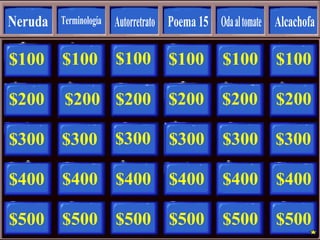
The document contains a list of numbers ranging from $100 to $500 repeated in intervals of 100 for 7 different groups labeled 1 through 7, with each group containing 16 number entries and letter indicators from A to P.
#9 Round One should contain one “Daily Double” question. To insert the “Daily Double Screen”, follow these steps:
1. Select the desired button on this slide by clicking on it.
Click on SLIDE SHOW ACTION SETTINGS
Make a note of which slide the HYPERLINK is currently set to.
In the “Action Settings” dialogue box, change the HYPERLINK to “Daily Double Round 1”.
Click OK
6. Now go to Slide “Daily Double Round 1” in this presentation, and follow the directions in the “Notes” section
#75 To Complete the Daily Double Sequence for Round One:
Click on any blue area on the slide that is currently displayed
Click on Slide Show Action Settings
The Action Settings Dialog Box will be displayed. You will see that the HYPERLINK is currently set to “Slide 8”
Change the HYPERLINK so that it is set to the slide number you made note of previously
Click OK until the Action Settings Dialog Box disappears
Save
Return to Slide 8 and select View Slide Show.
Test your Daily Double button to make sure it works as you wish it to.