JavaScript Foundations
Troy Miles
19 & 20 March 2016
Hi, I’m Troy Miles
@therockncoder
Over 36 years of programming experience
Book and video author
Speaker and writer on all things web & mobile
rockncoder@gmail.com
https://www.youtube.com/user/rockncoder/
Agenda Day One
Introduction to JavaScript
JavaScript Fundamentals
Using Functions
Controlling Program Flow
Object-Oriented Program
Agenda Day Two
Working with Objects and JSON
Functional Programing in JavaScript
Good Coding Practices
ES2015 Overview (formerly known as ES6)
Summary
Tips
Follow along
Do the exercises
Help each other
ASK QUESTIONS
Day One
Introduction to JavaScript
Where JavaScript came from?
JavaScript in a nutshell
Web scripting fundamentals
JavaScript vs. the browser
Where JavaScript came
from?
Created by Brendan Eich at Netscape in 1995
Initial version developed in about 10 days
Previously named Mocha and LiveScript
"JavaScript" is a trademark of Oracle Corporation.
Standardized by the ECMA first in 1997 as ECMA-262
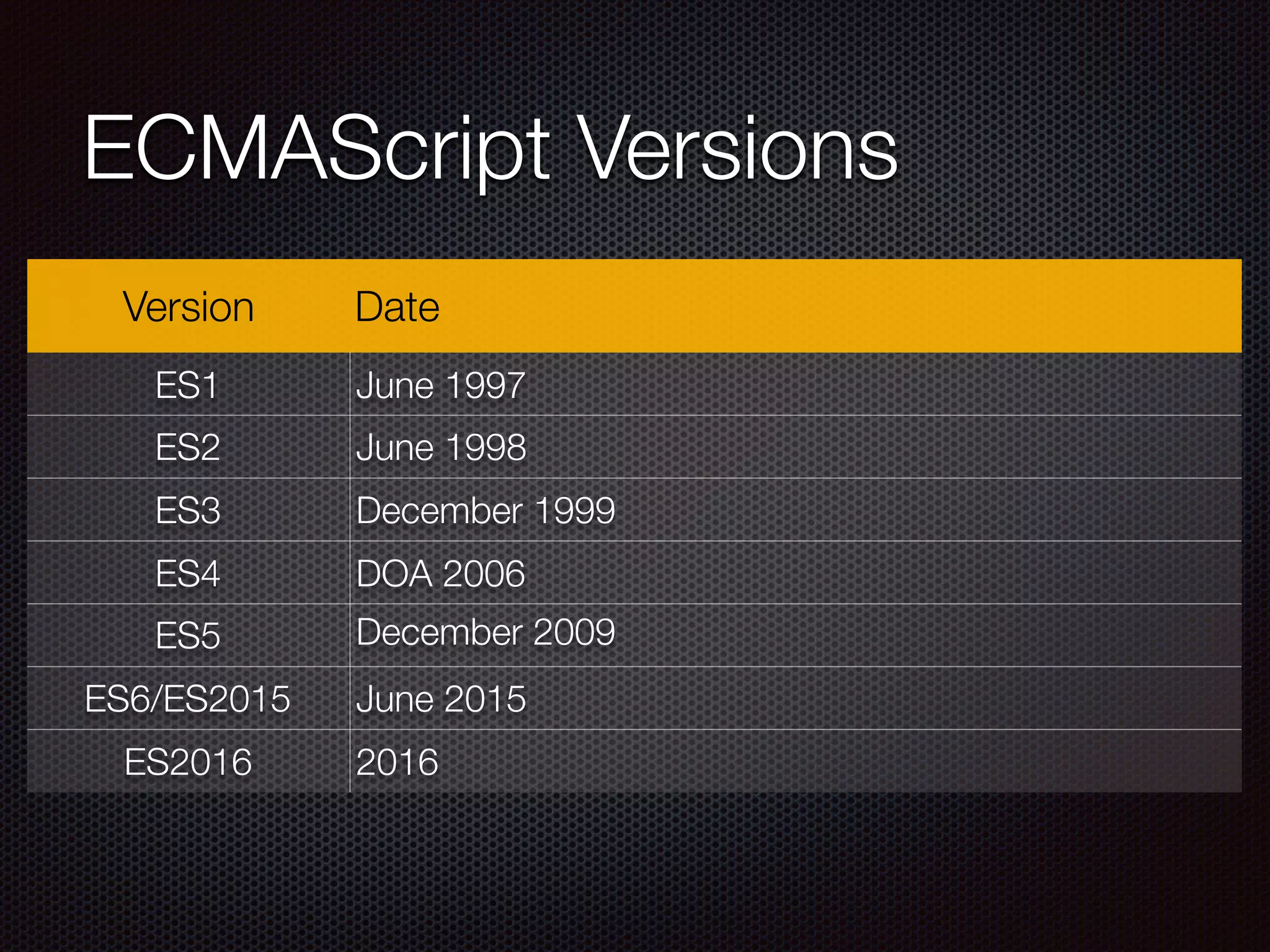
ECMAScript Versions
Version Date
ES1 June 1997
ES2 June 1998
ES3 December 1999
ES4 DOA 2006
ES5 December 2009
ES6/ES2015 June 2015
ES2016 2016
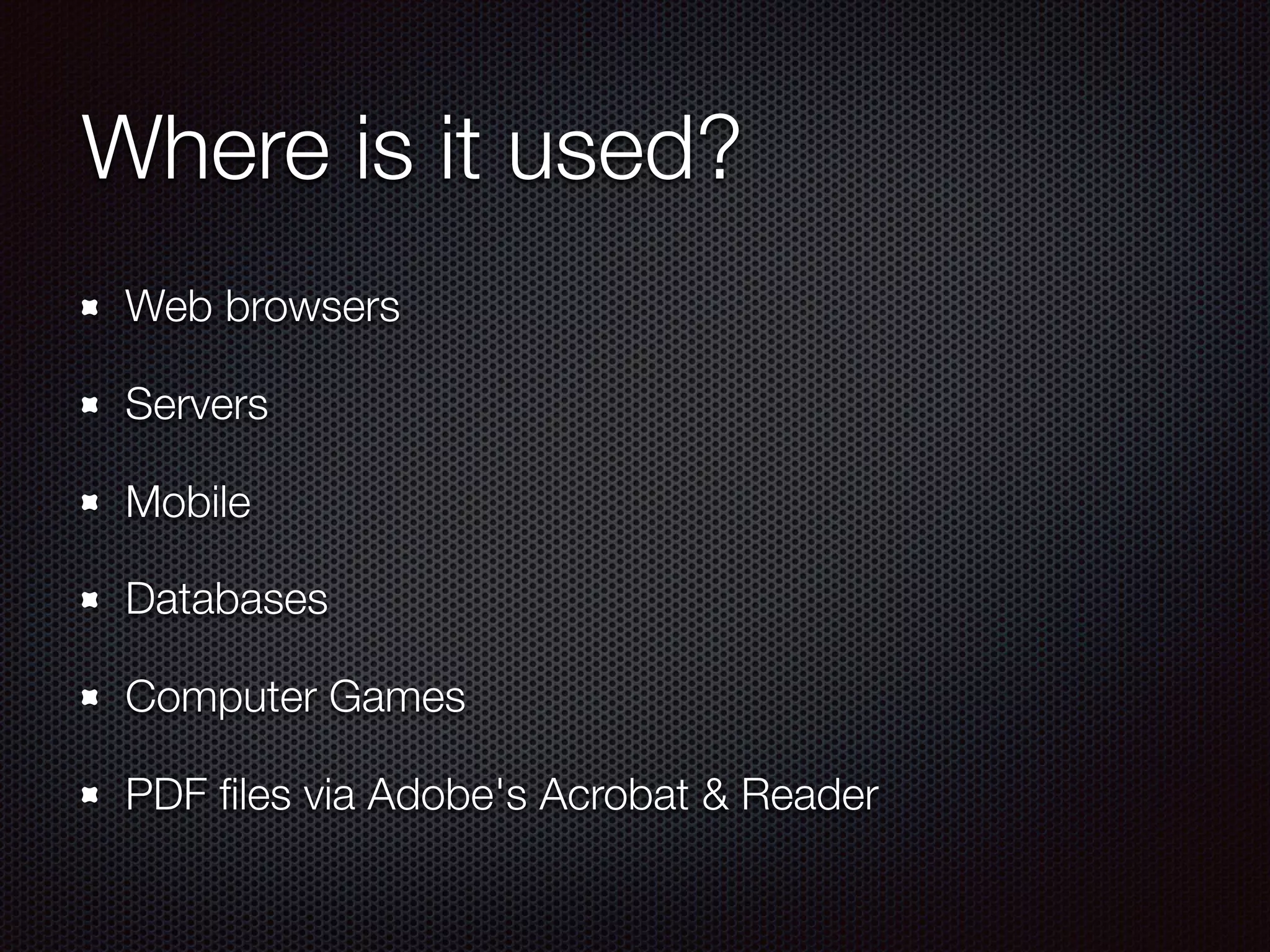
Where is it used?
Web browsers
Servers
Mobile
Databases
Computer Games
PDF files via Adobe's Acrobat & Reader
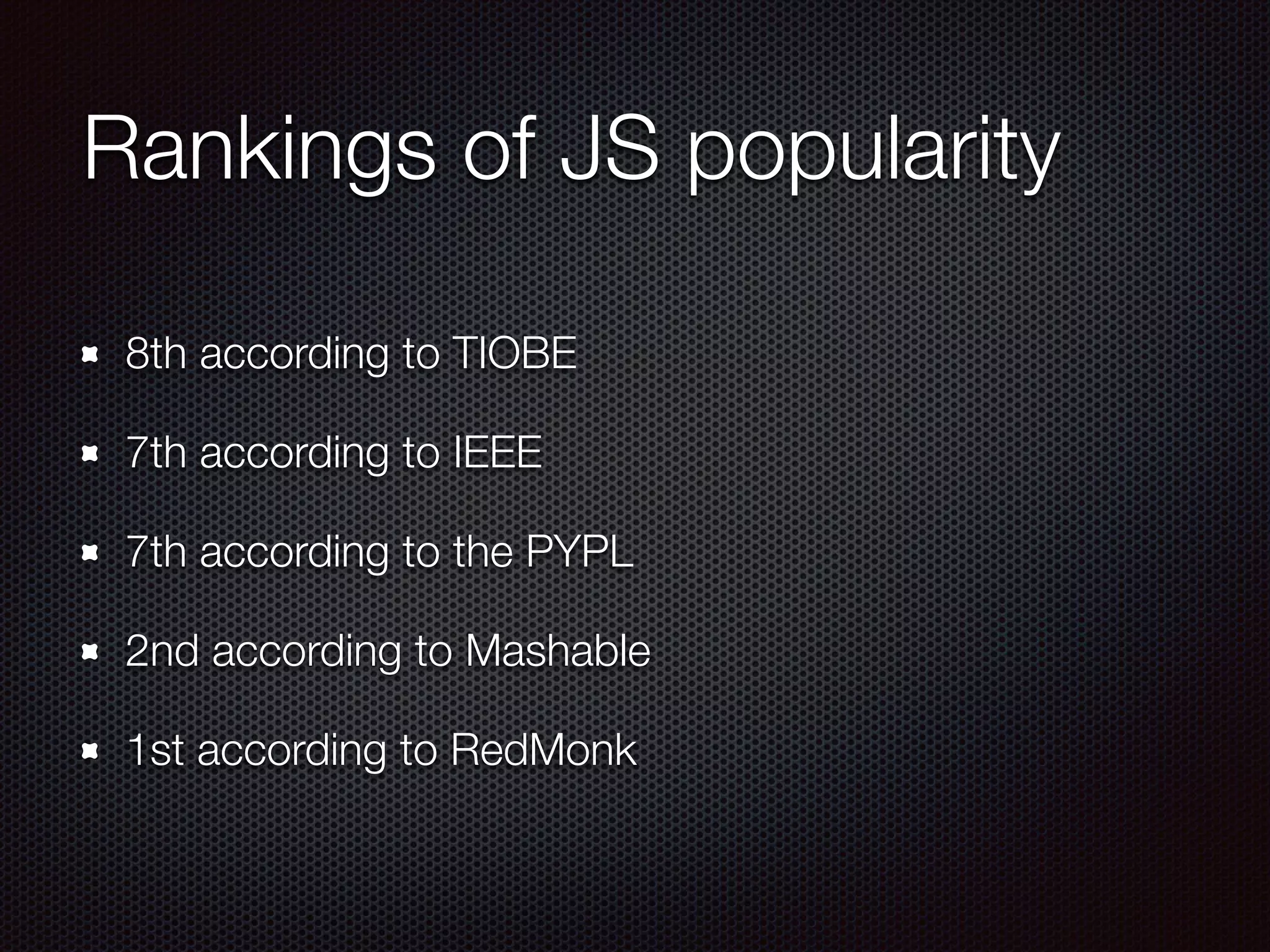
Rankings of JS popularity
8th according to TIOBE
7th according to IEEE
7th according to the PYPL
2nd according to Mashable
1st according to RedMonk
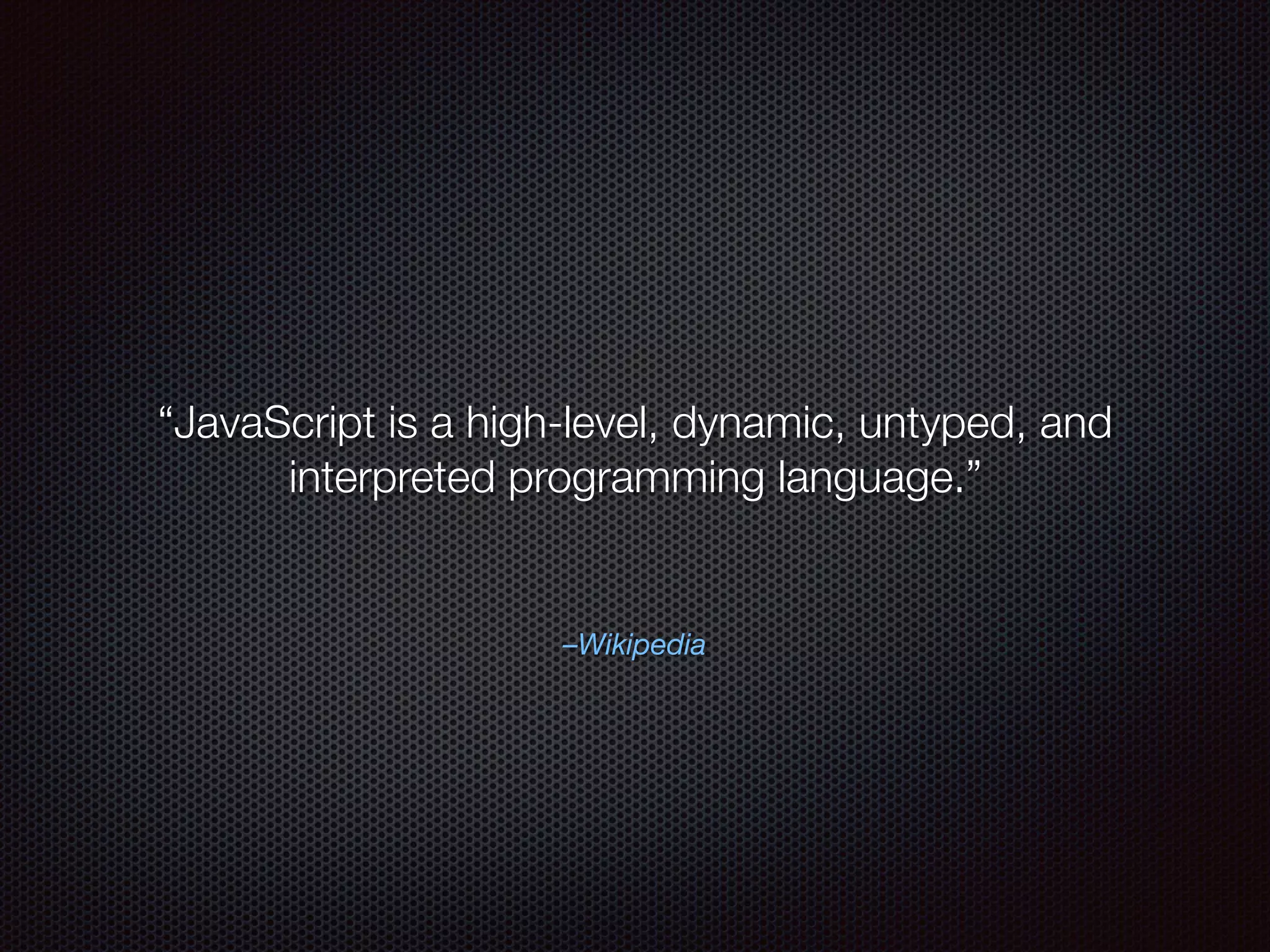
–Wikipedia
“JavaScript is a high-level, dynamic, untyped, and
interpreted programming language.”
JavaScript in a nutshell
high-level - can used to build any kind of app
dynamic - data can be changed on the fly
untyped - variables can be use
interpreted - isn’t compiled, executed on the fly
Web scripting fundamentals
JavaScript is place on a web page one of two ways:
inline
external file
More on scripting
Best practice is to place JS near the end of the body
tag
The “Language” attribute is not needed
JavaScript vs. the browser
Many properties and methods are not part of the
JavaScript language
They are associated with one of five browser objects:
History, Location, Navigator, Screen, and Window
No standard for any of these objects
They might not be present in other environments
Example: no alert() in Node.js
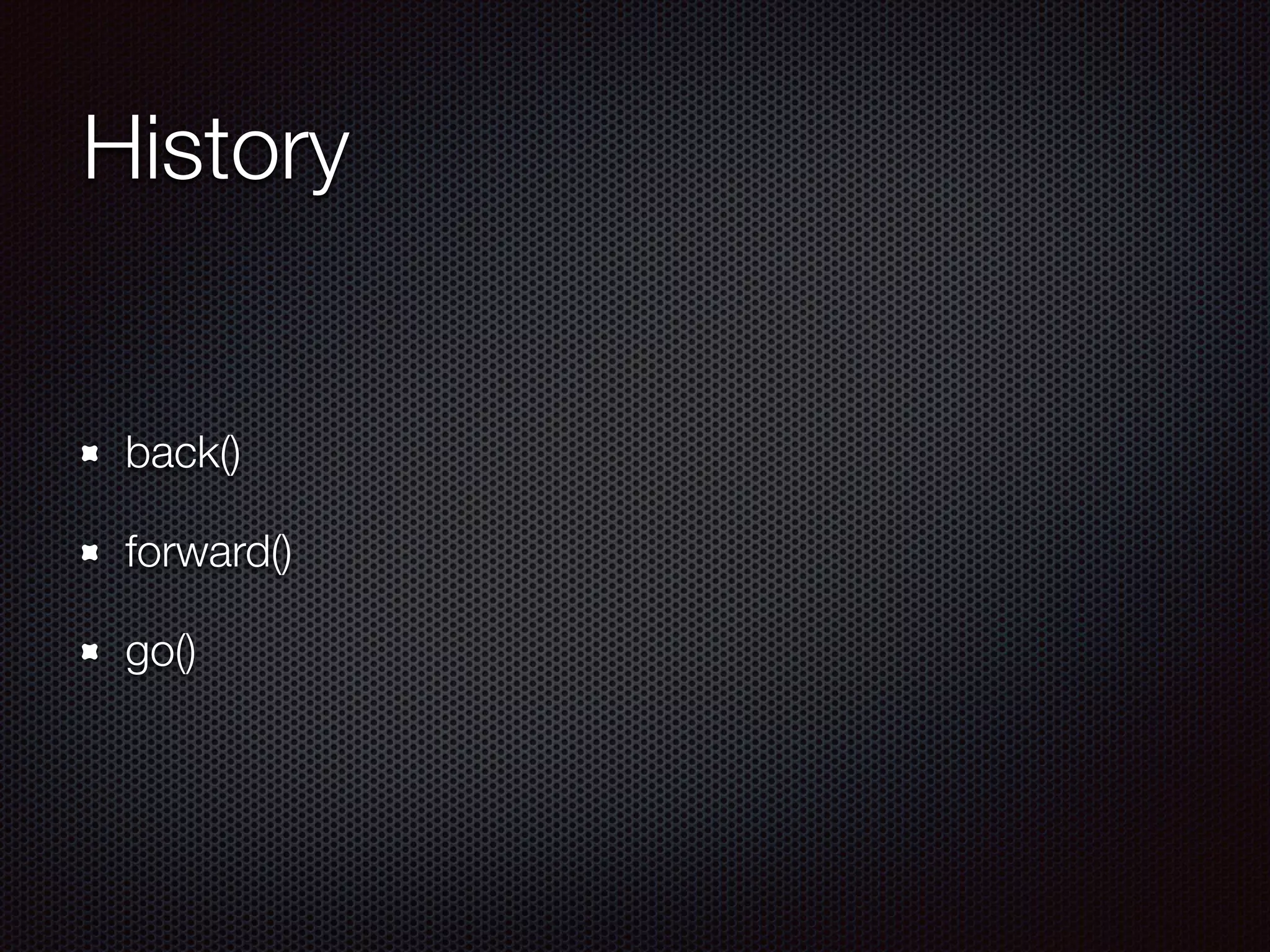
History
back()
forward()
go()
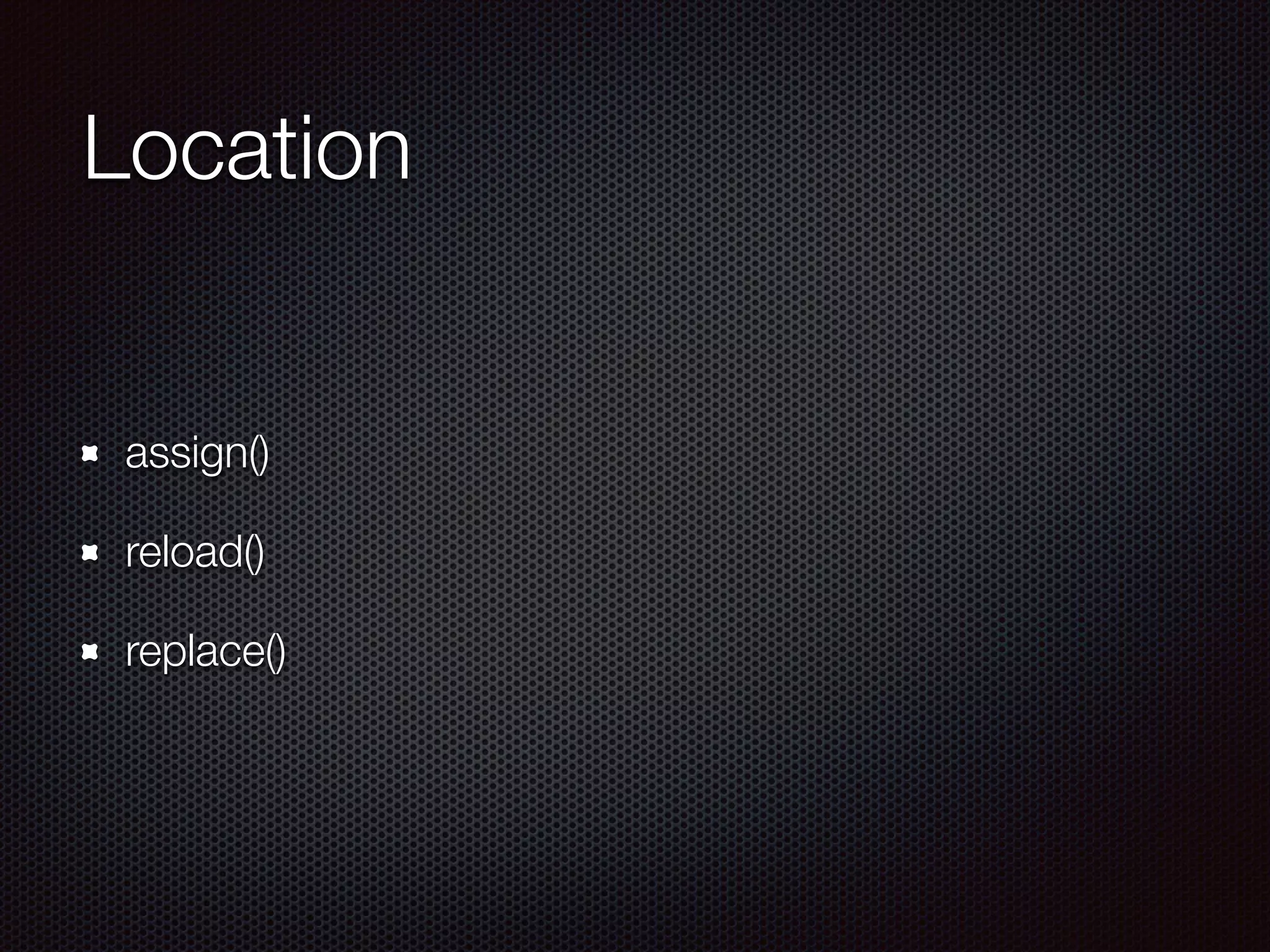
Location
assign()
reload()
replace()
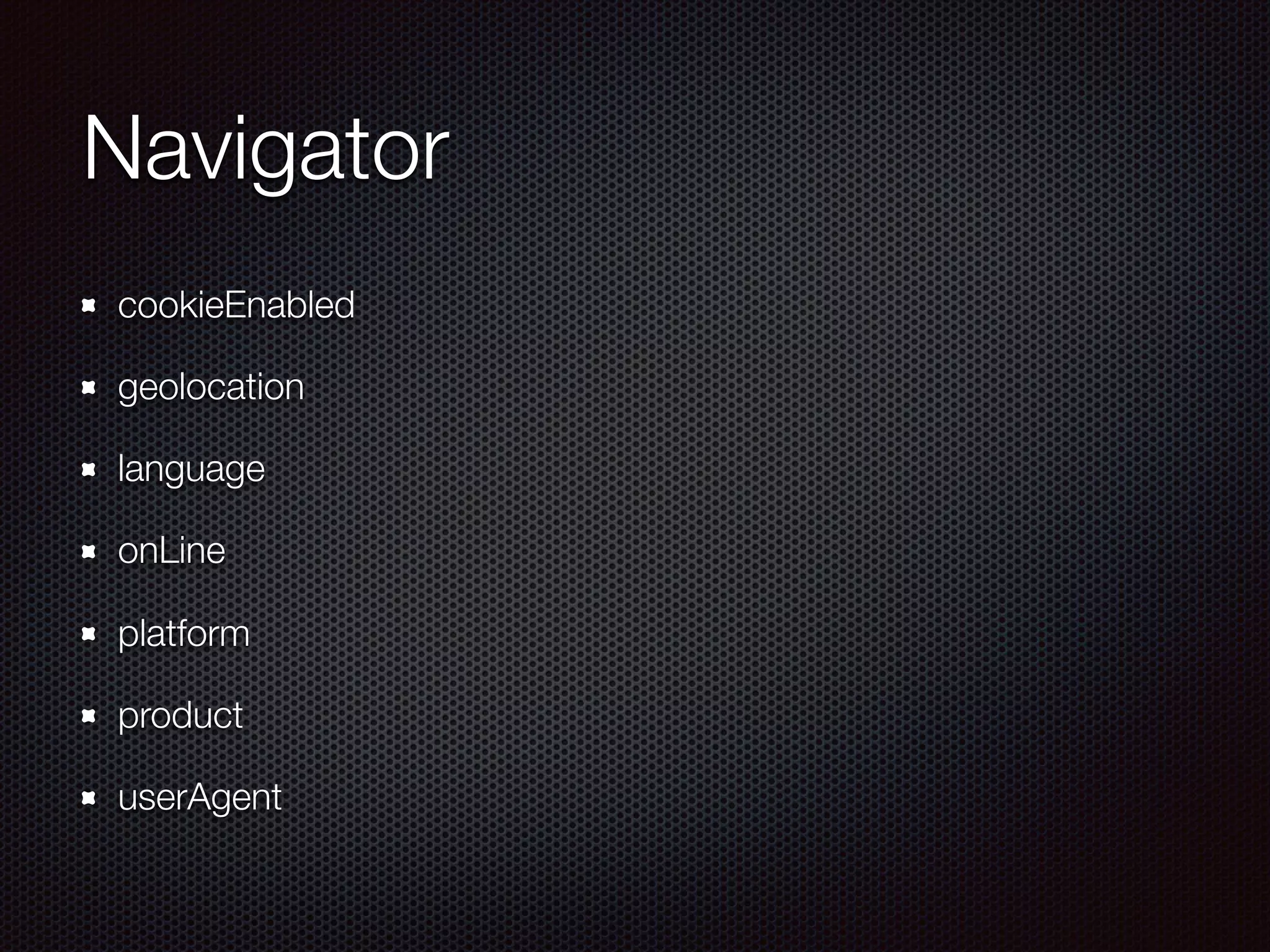
Navigator
cookieEnabled
geolocation
language	
onLine
platform
product
userAgent
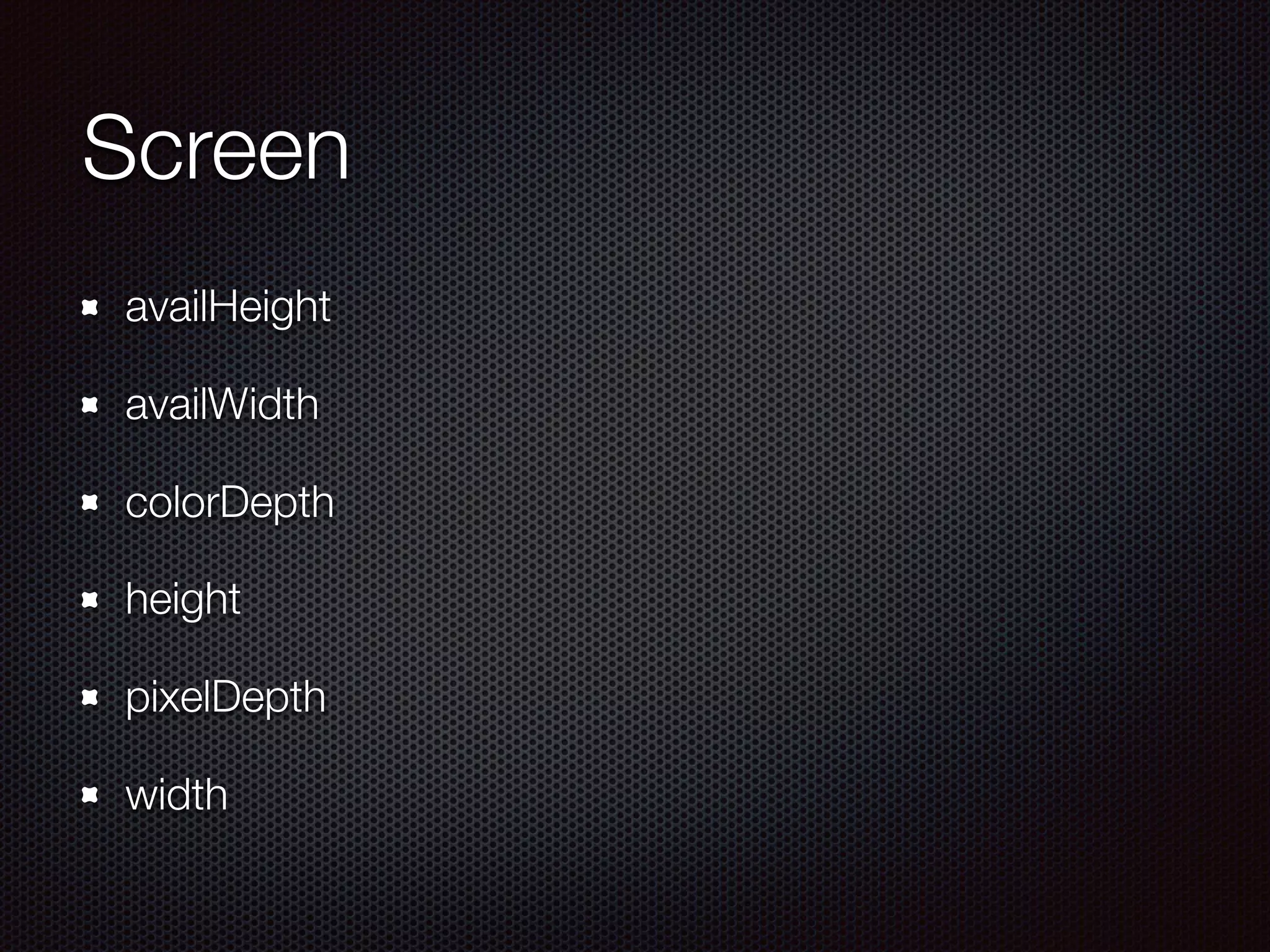
Screen
availHeight
availWidth
colorDepth
height
pixelDepth
width
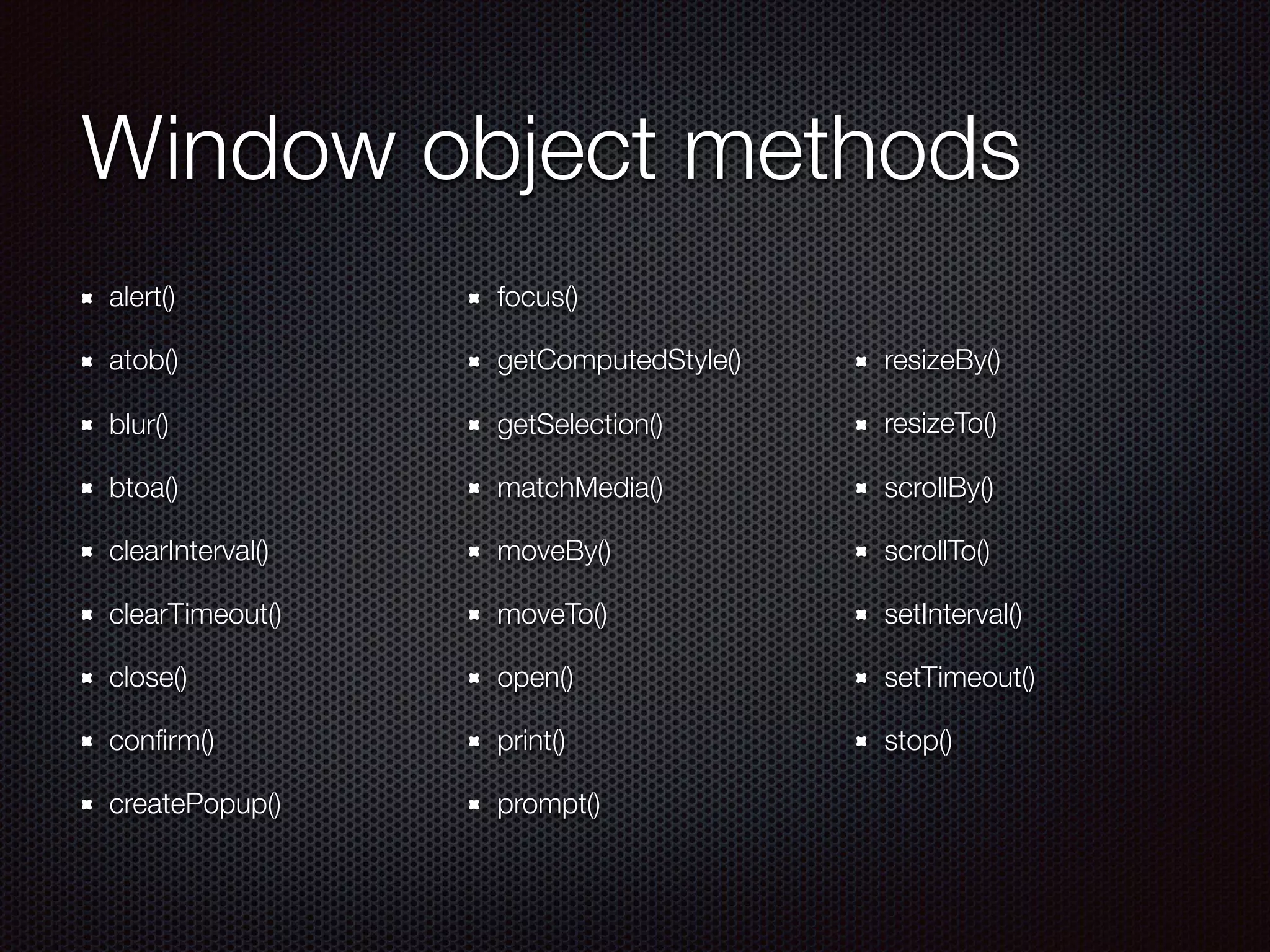
Window object methods
alert()
atob()
blur()
btoa()
clearInterval()
clearTimeout()
close()
confirm()
createPopup()
focus()
getComputedStyle()
getSelection()
matchMedia()
moveBy()
moveTo()
open()
print()
prompt()
resizeBy()
resizeTo()
scrollBy()
scrollTo()
setInterval()
setTimeout()
stop()
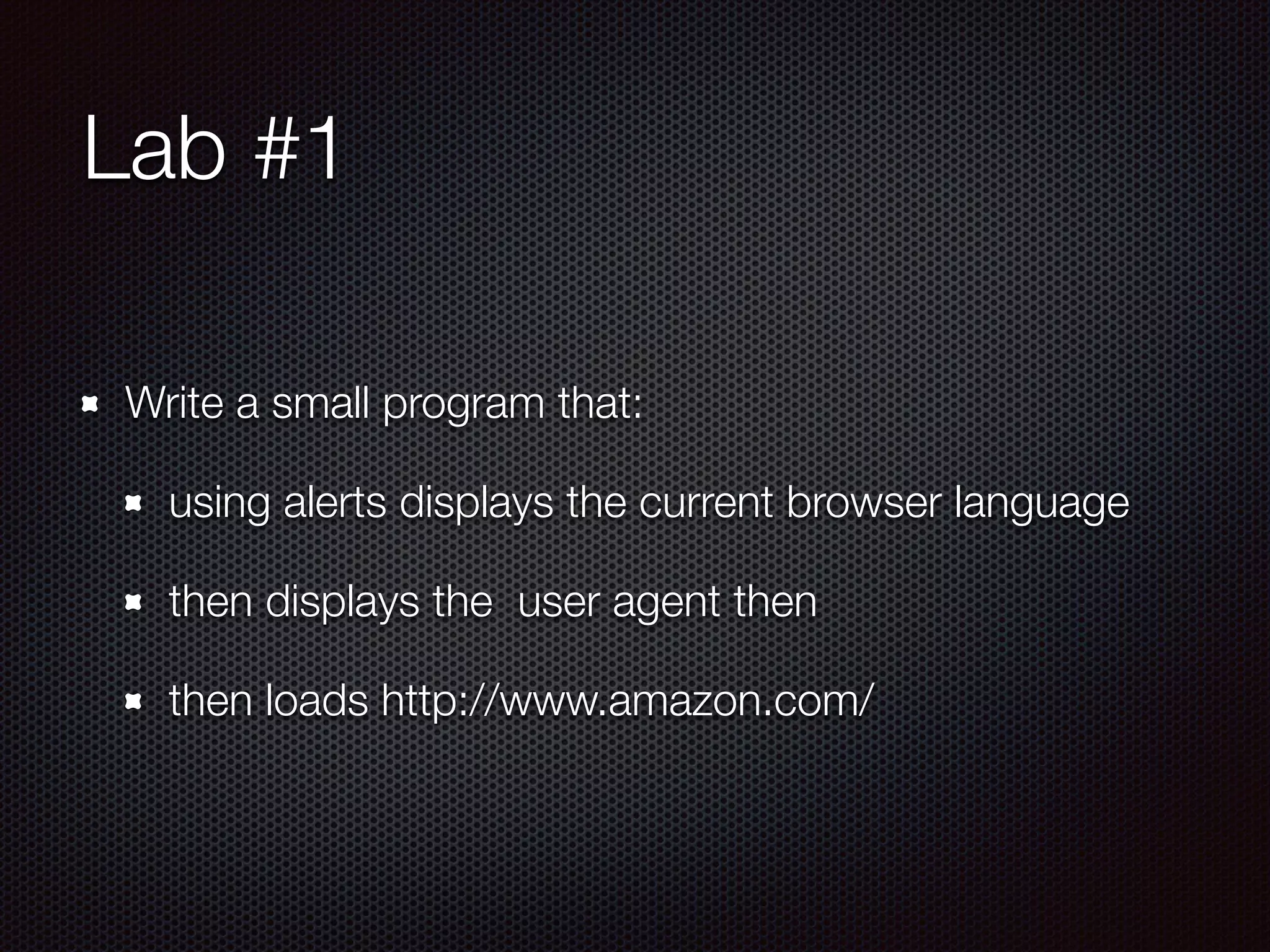
Lab #1
Write a small program that:
using alerts displays the current browser language
then displays the user agent then
then loads http://www.amazon.com/
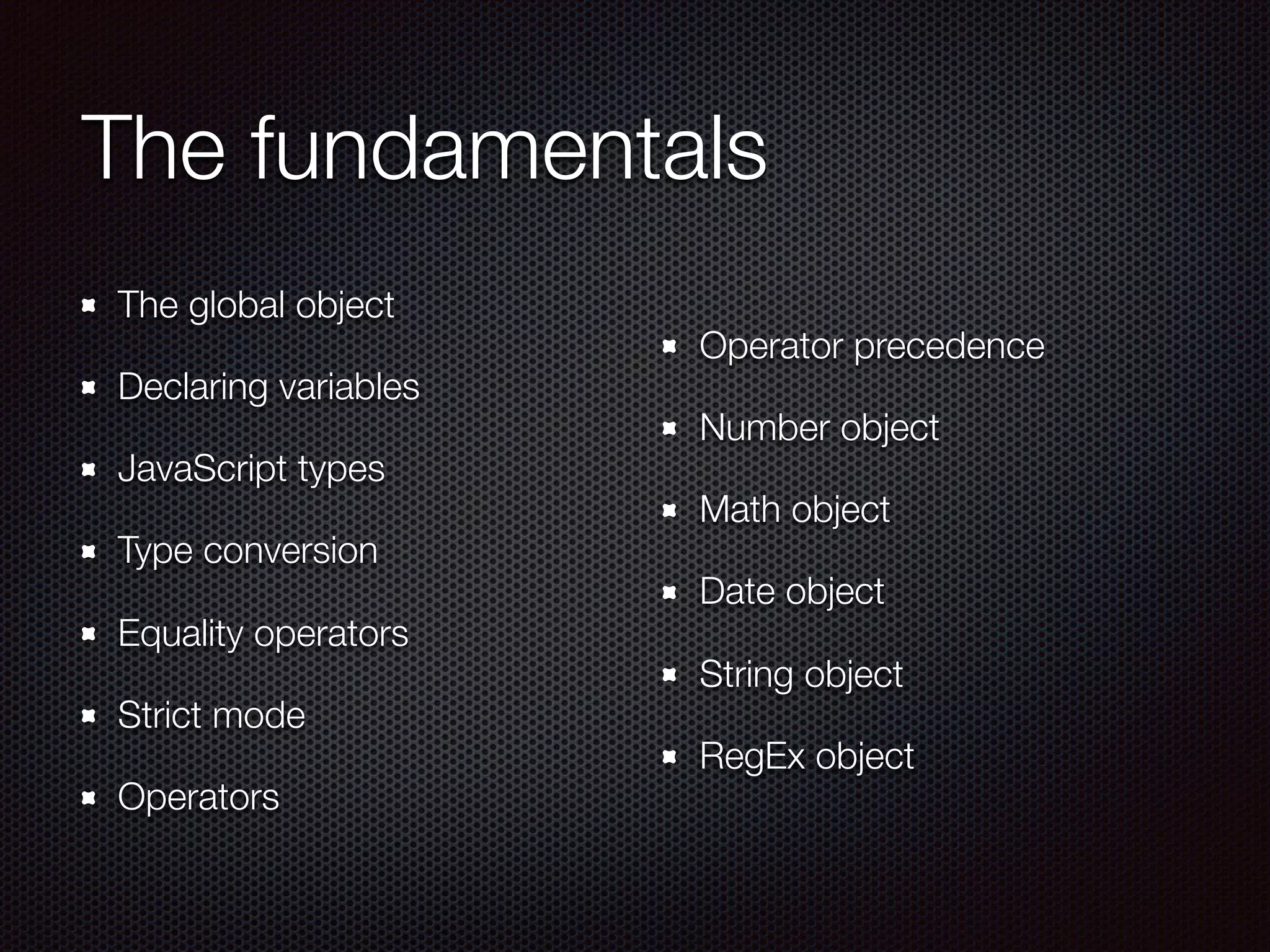
The fundamentals
The global object
Declaring variables
JavaScript types
Type conversion
Equality operators
Strict mode
Operators
Operator precedence
Number object
Math object
Date object
String object
RegEx object
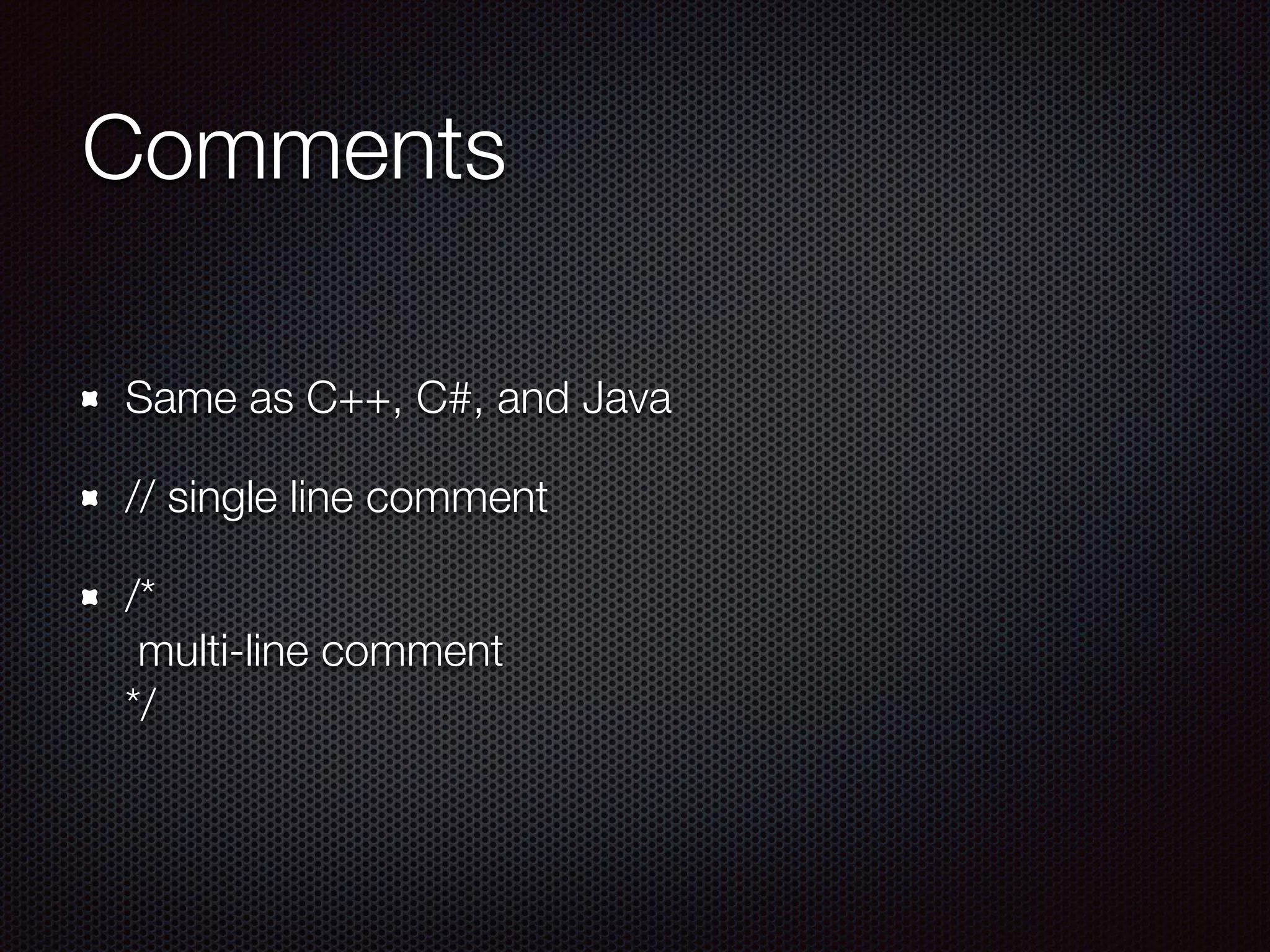
Comments
Same as C++, C#, and Java
// single line comment
/*

multi-line comment 

*/
The global object
There is no standard for the “global” object
All browsers implement it as the “window”
Avoid using the global object!
In non-strict mode, global this points to window
Declaring variables
Variables can be declared explicitly or implicitly
Explicitly uses var keyword
Implicitly omits var
var <name> <optional assignment>
Always declare using the var keyword
Variable names
Start with a letter, underscore, or dollar sign
Followed by letters, underscores, dollar signs or
numbers
Used for statements, variables, parameters, property
names, operators, and labels
A name can't be a reserved words
Variables
var - declares a variable with optional initialization
An uninitialized variable’s value is undefined
undefined is both a type and a value
var a; // type is undefined, value is undefined
var b = “Happy"; // type is string, value is “Happy”
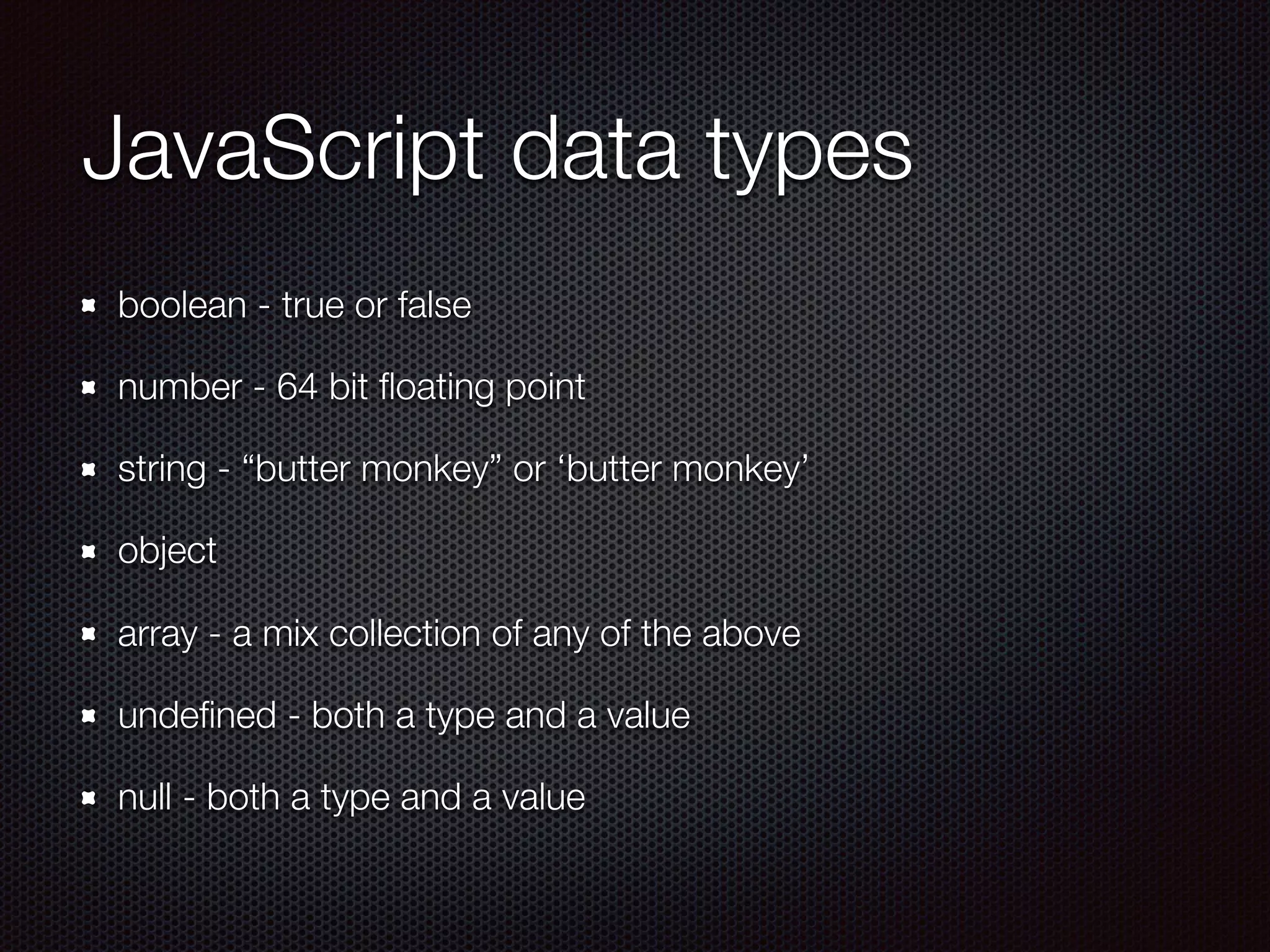
JavaScript data types
boolean - true or false
number - 64 bit floating point
string - “butter monkey” or ‘butter monkey’
object
array - a mix collection of any of the above
undefined - both a type and a value
null - both a type and a value
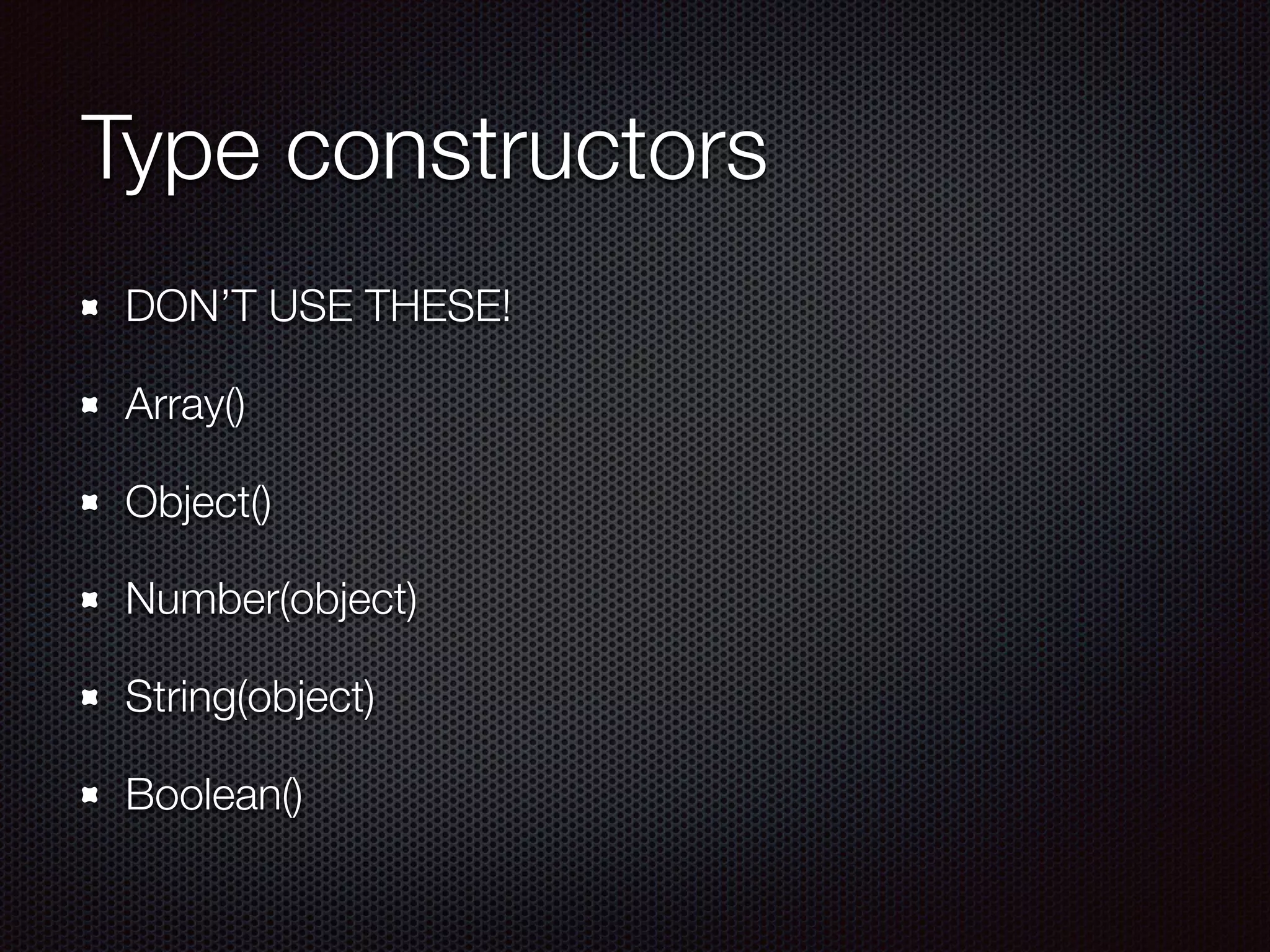
Type constructors
DON’T USE THESE!
Array()
Object()
Number(object)
String(object)
Boolean()
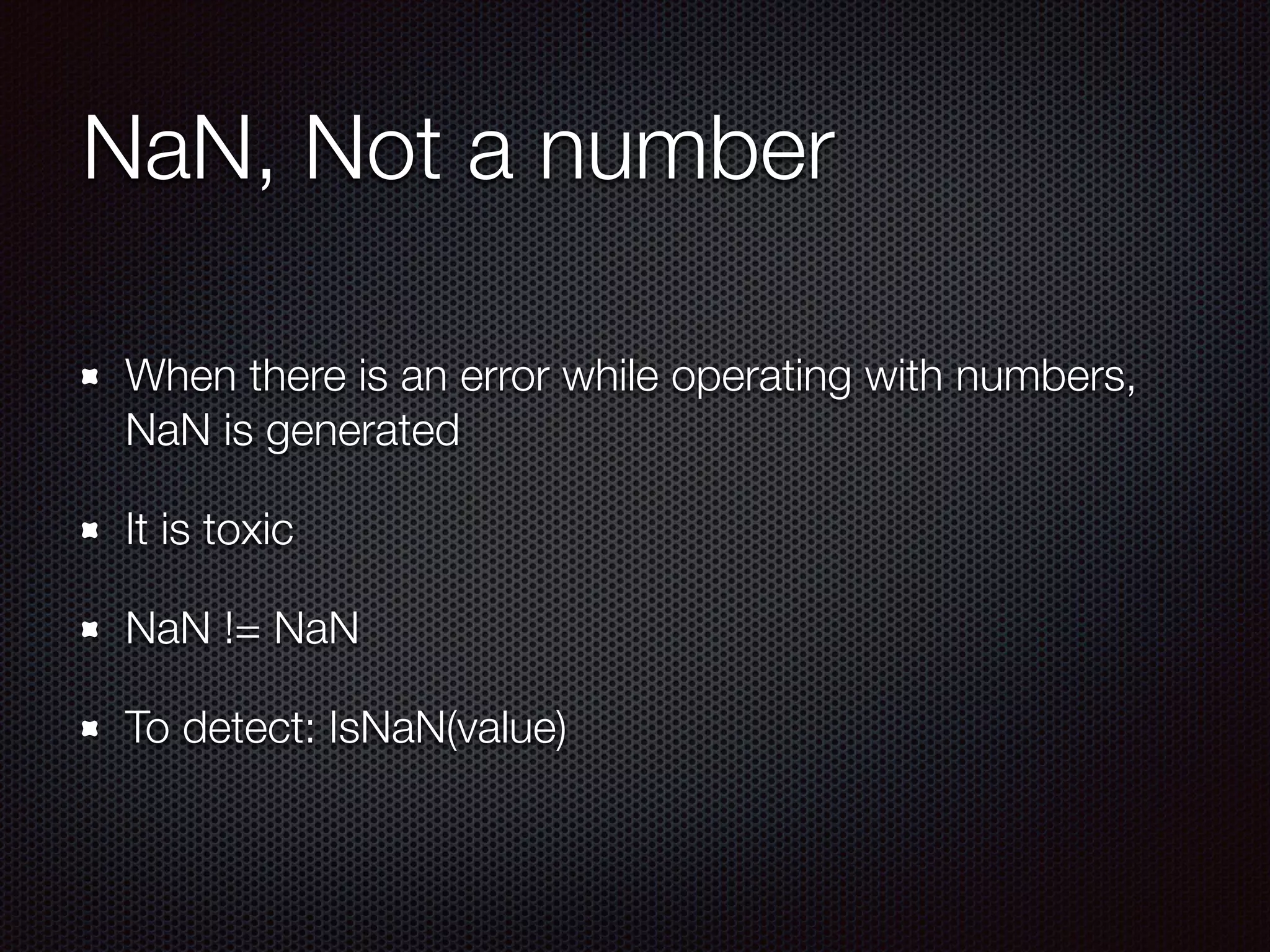
NaN, Not a number
When there is an error while operating with numbers,
NaN is generated
It is toxic
NaN != NaN
To detect: IsNaN(value)
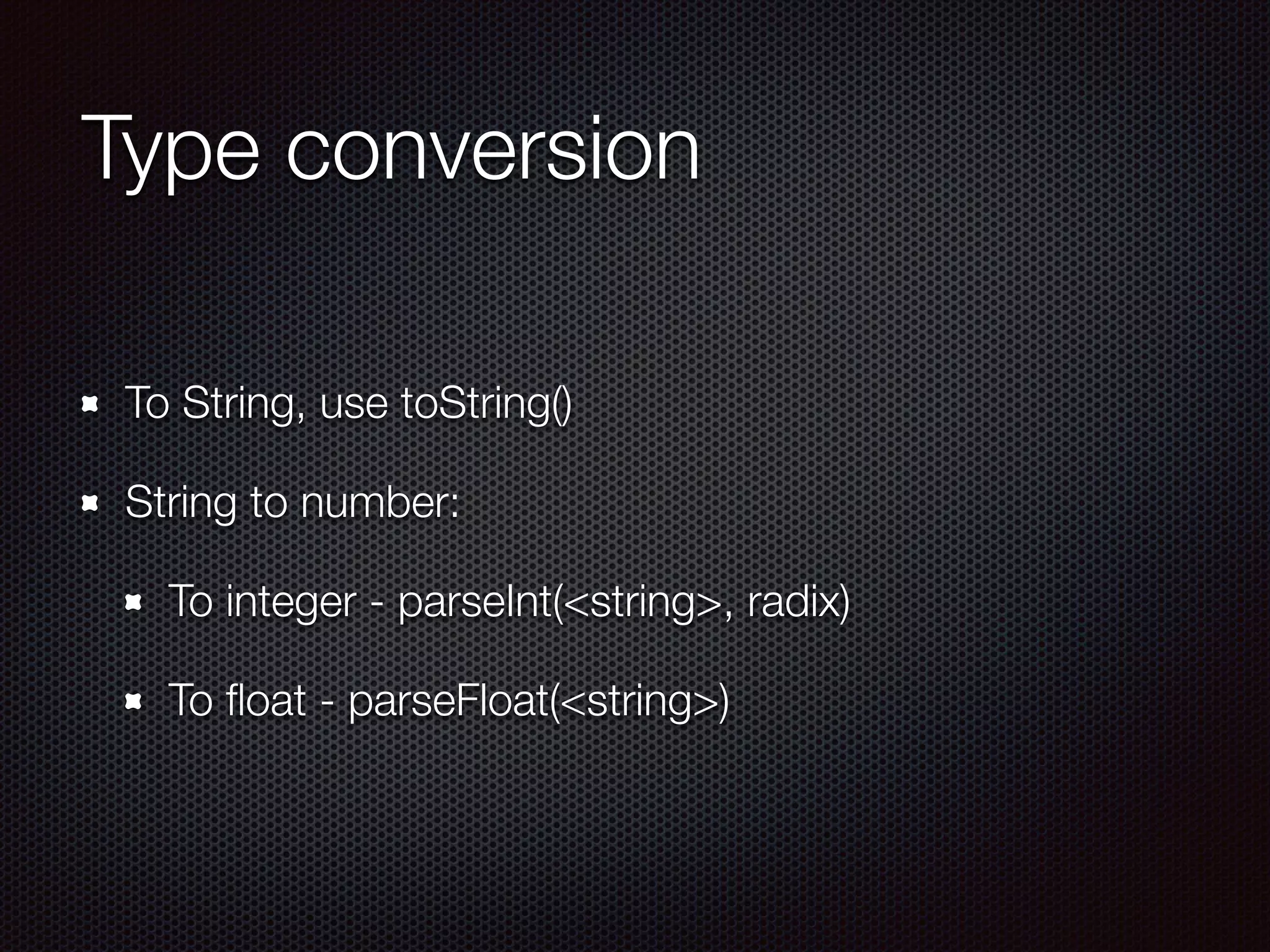
Type conversion
To String, use toString()
String to number:
To integer - parseInt(<string>, radix)
To float - parseFloat(<string>)
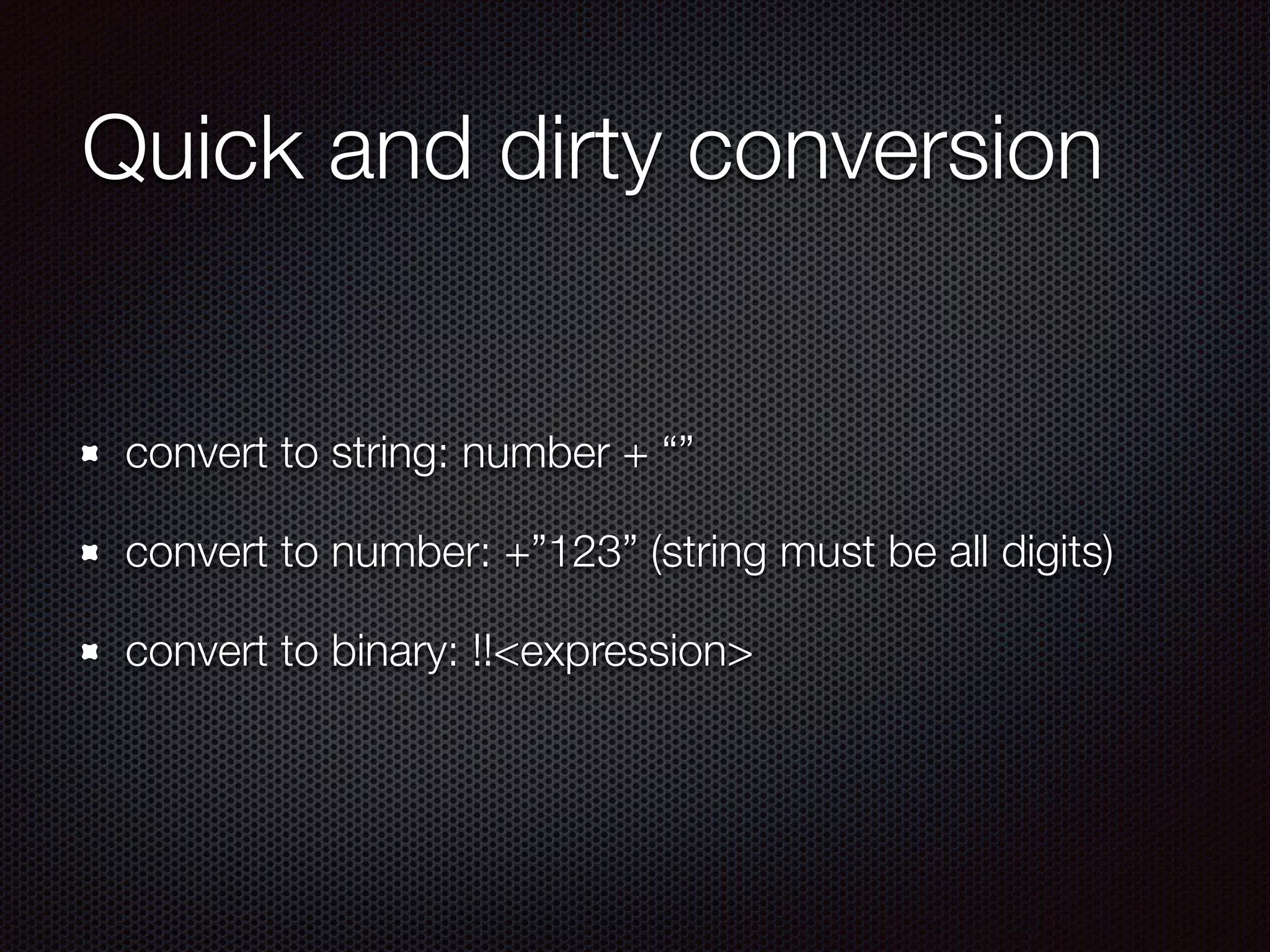
Quick and dirty conversion
convert to string: number + “”
convert to number: +”123” (string must be all digits)
convert to binary: !!<expression>
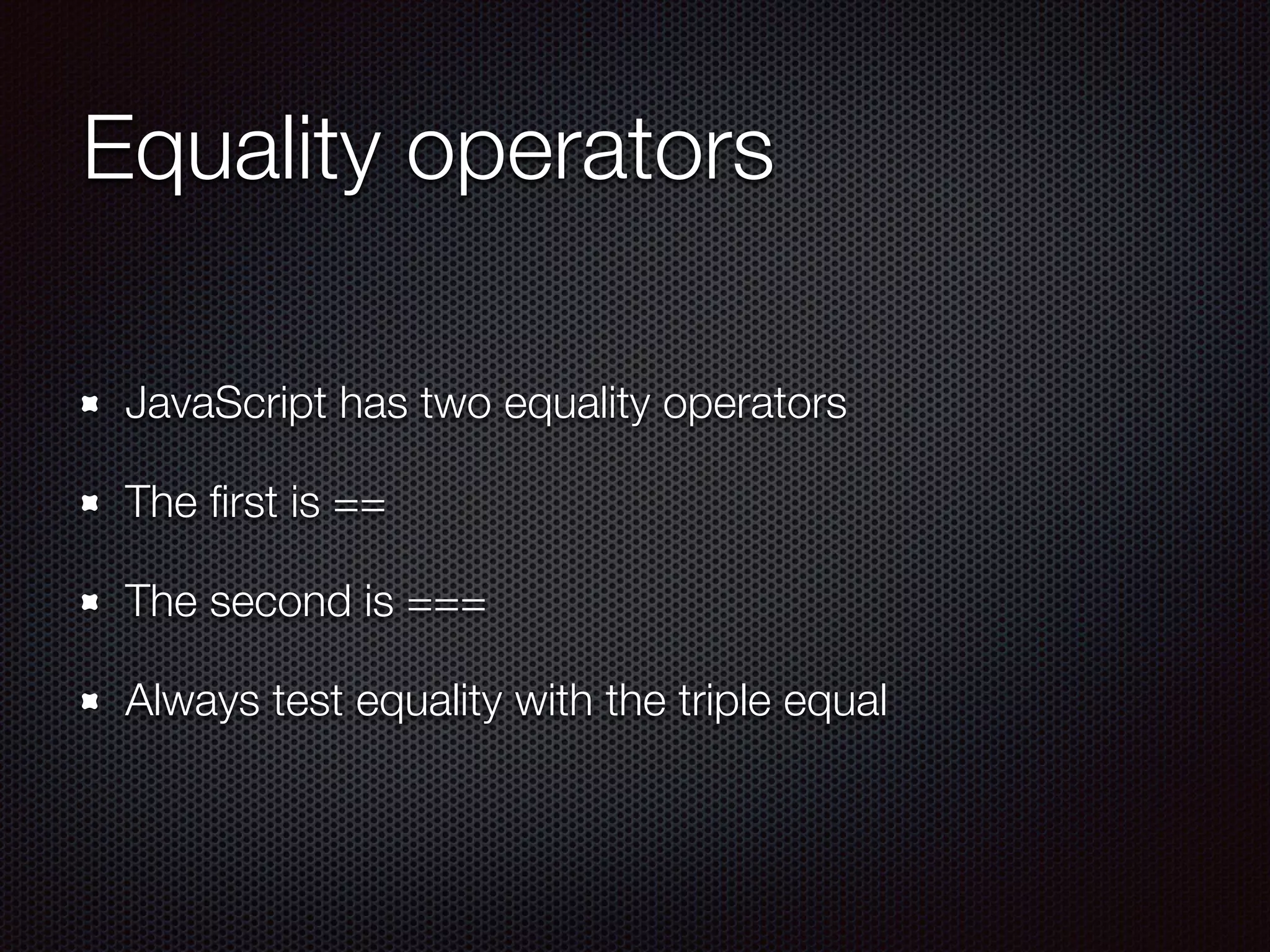
Equality operators
JavaScript has two equality operators
The first is ==
The second is ===
Always test equality with the triple equal
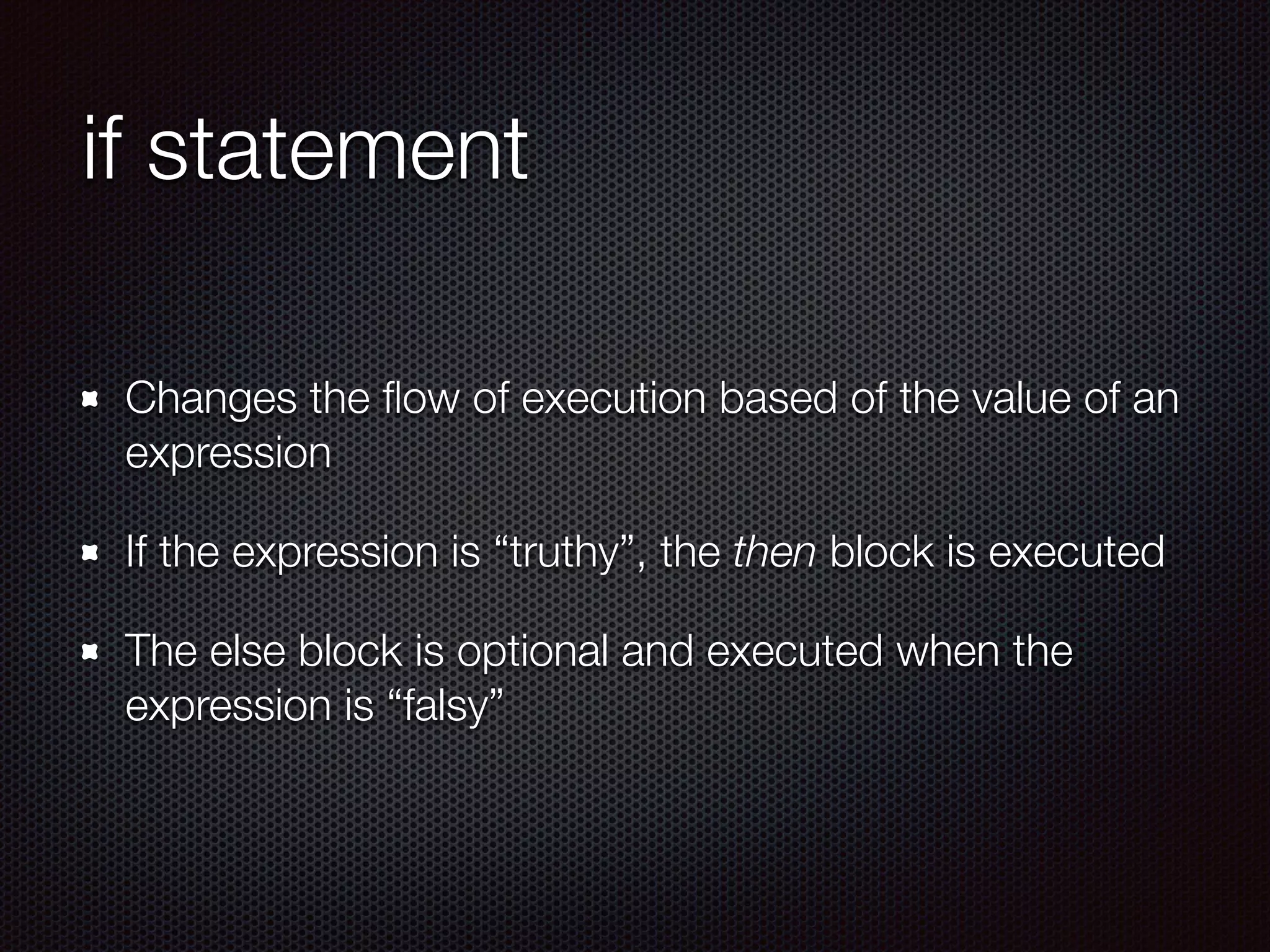
if statement
Changes the flow of execution based of the value of an
expression
If the expression is “truthy”, the then block is executed
The else block is optional and executed when the
expression is “falsy”
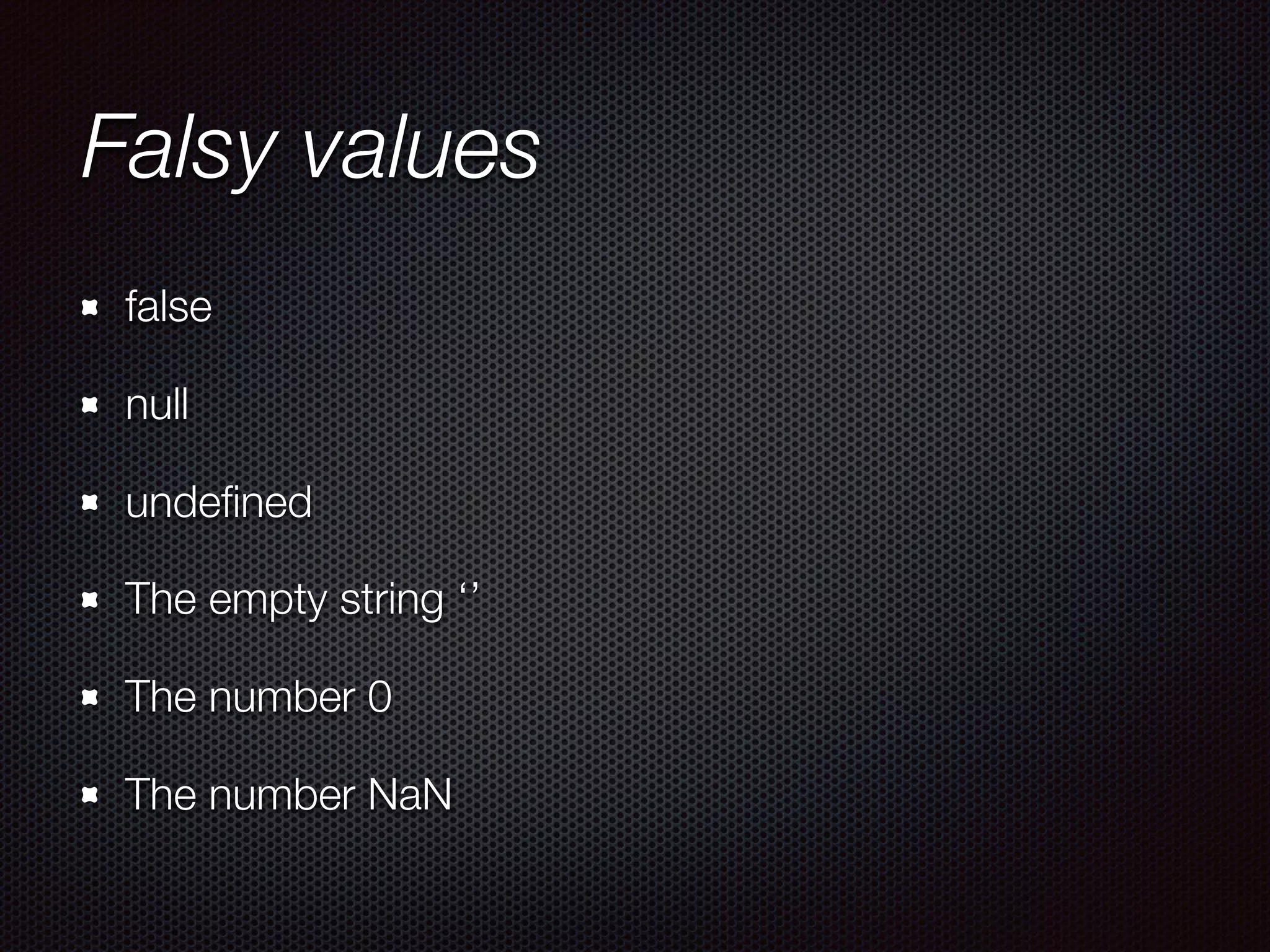
Falsy values
false
null
undefined
The empty string ‘’
The number 0
The number NaN
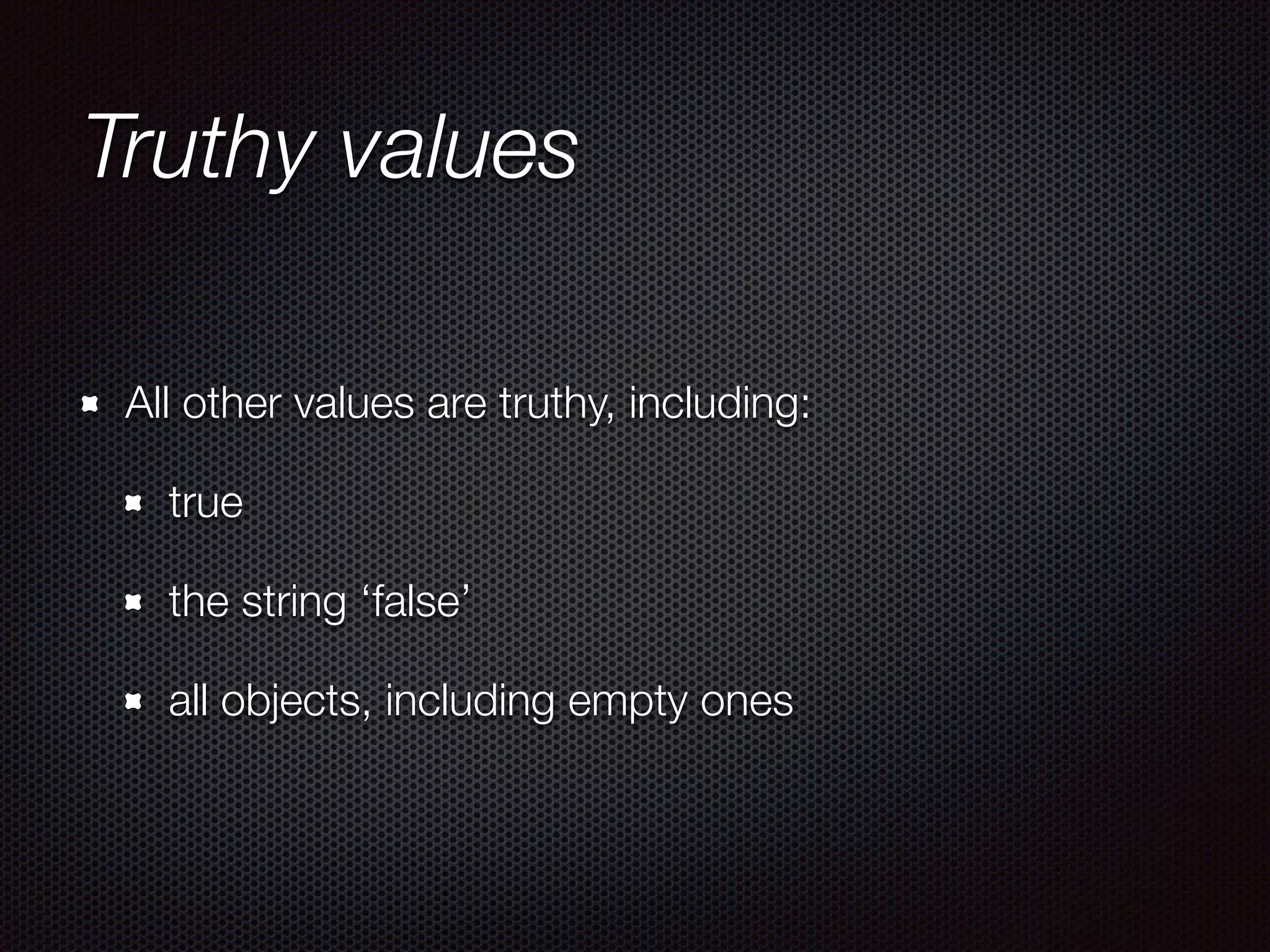
Truthy values
All other values are truthy, including:
true
the string ‘false’
all objects, including empty ones
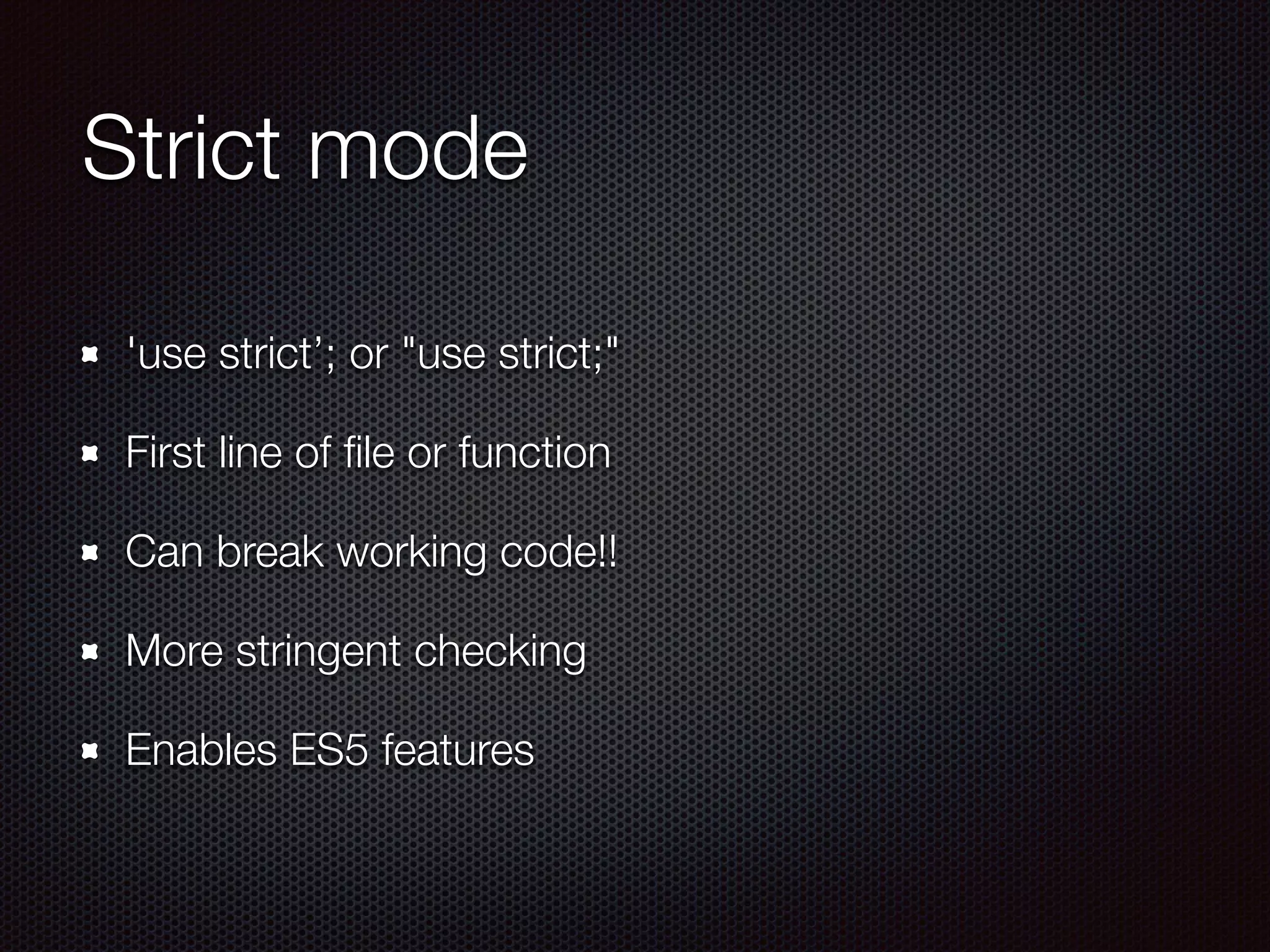
Strict mode
'use strict’; or "use strict;"
First line of file or function
Can break working code!!
More stringent checking
Enables ES5 features
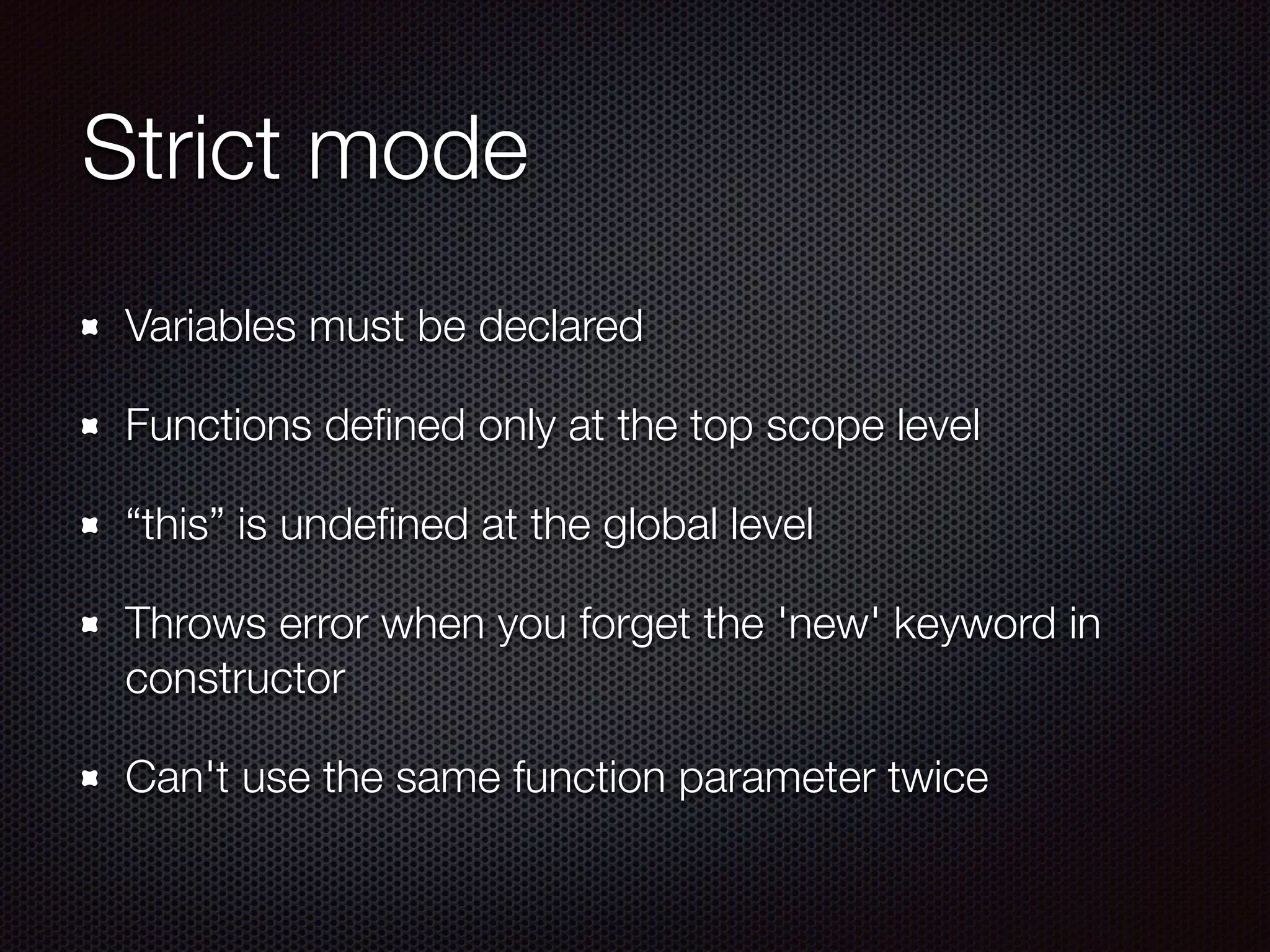
Strict mode
Variables must be declared
Functions defined only at the top scope level
“this” is undefined at the global level
Throws error when you forget the 'new' keyword in
constructor
Can't use the same function parameter twice
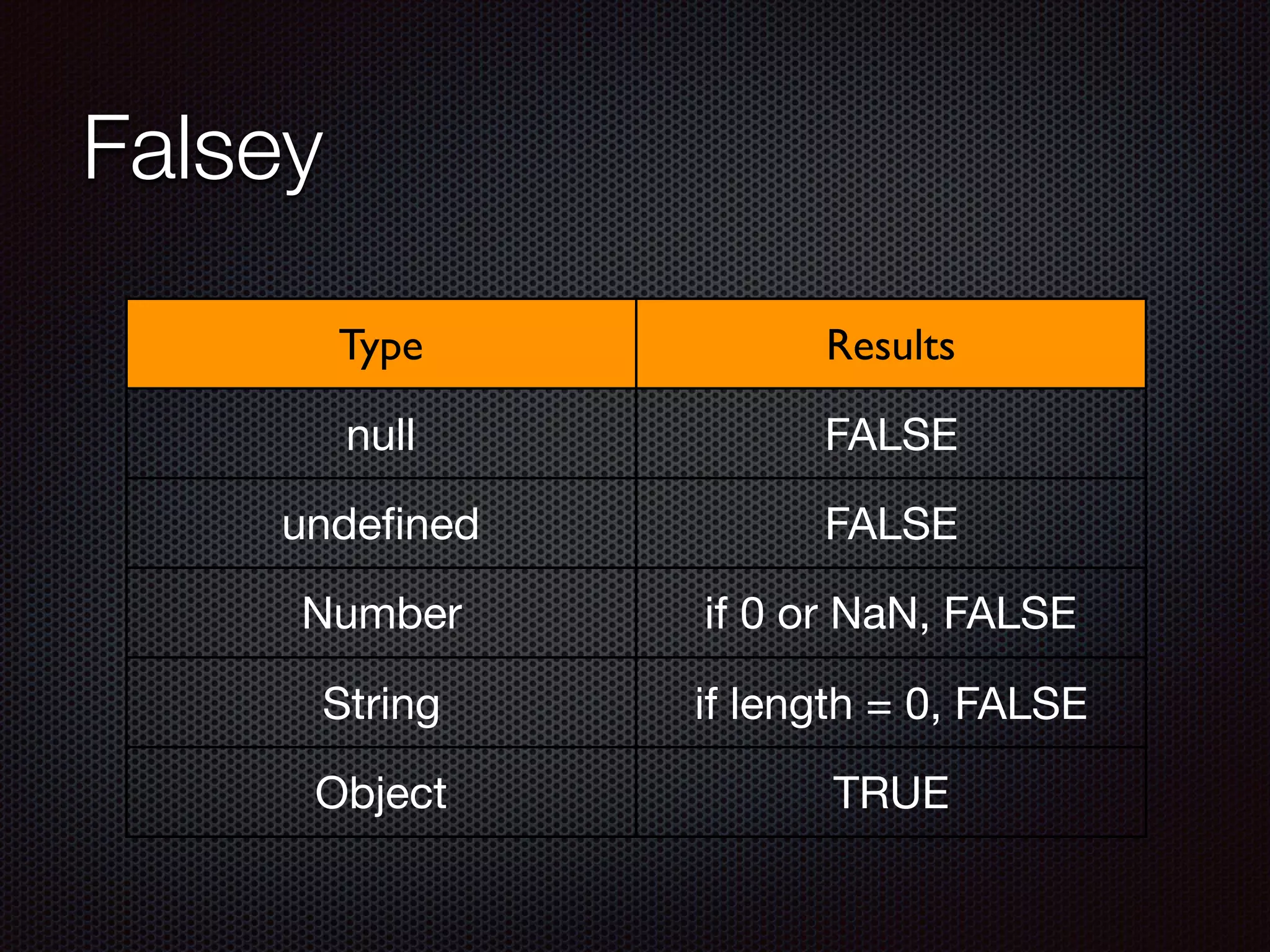
Falsey
Type Results
null FALSE
undefined FALSE
Number if 0 or NaN, FALSE
String if length = 0, FALSE
Object TRUE
Operator precedence
Character Meaning
. [] () field access, array indexing, function calls
++ — - ~ delete new typeof unary operators, return, object creation
* / % multiplication, division, modulo
+ - + addition, subtraction, concatenation
<< >> bit shifting
< <= > >= instanceof comparison
!= === !== equality, inequality
& bitwise AND
^ bitwise XOR
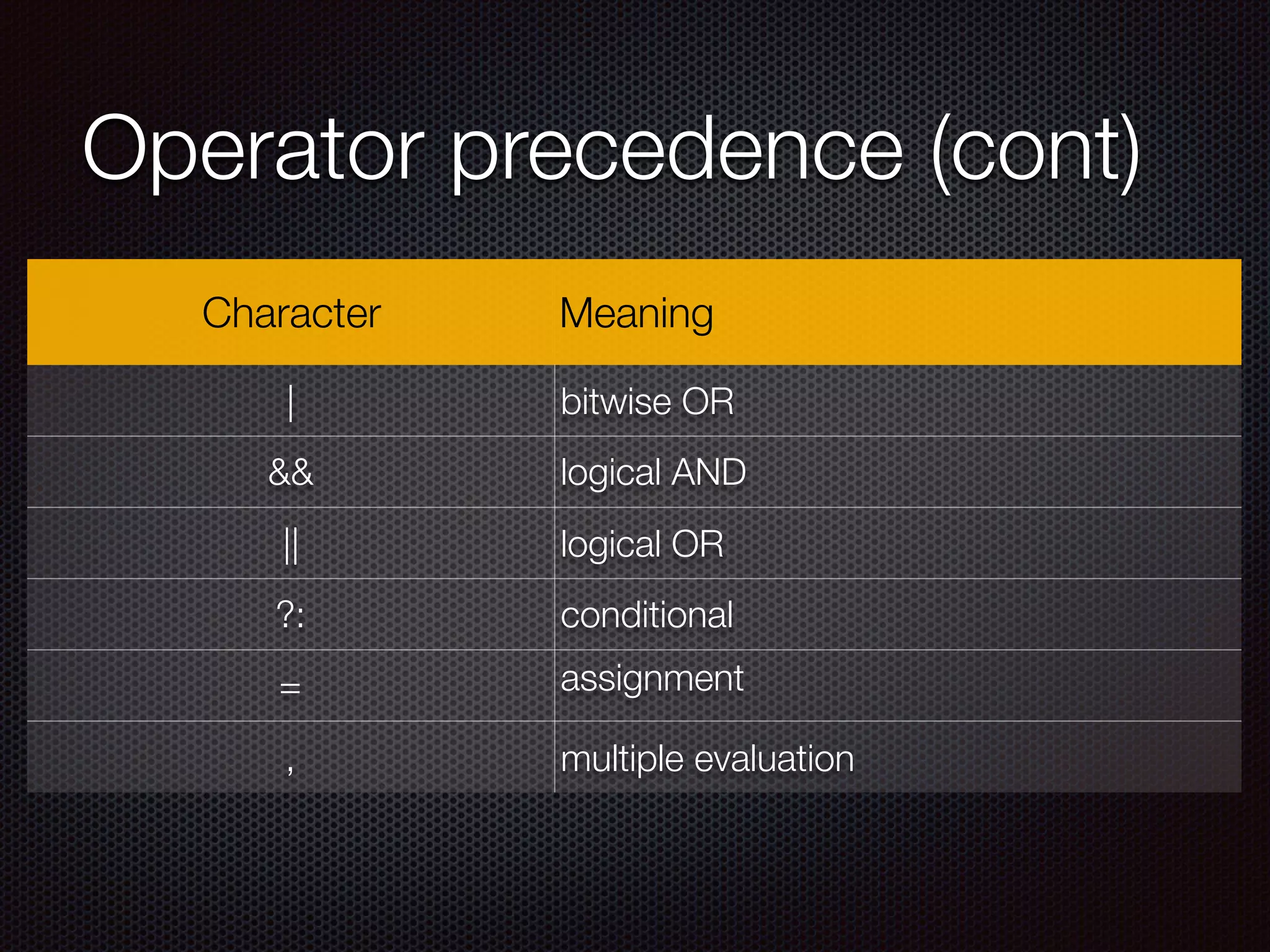
Operator precedence (cont)
Character Meaning
| bitwise OR
&& logical AND
|| logical OR
?: conditional
= assignment
, multiple evaluation
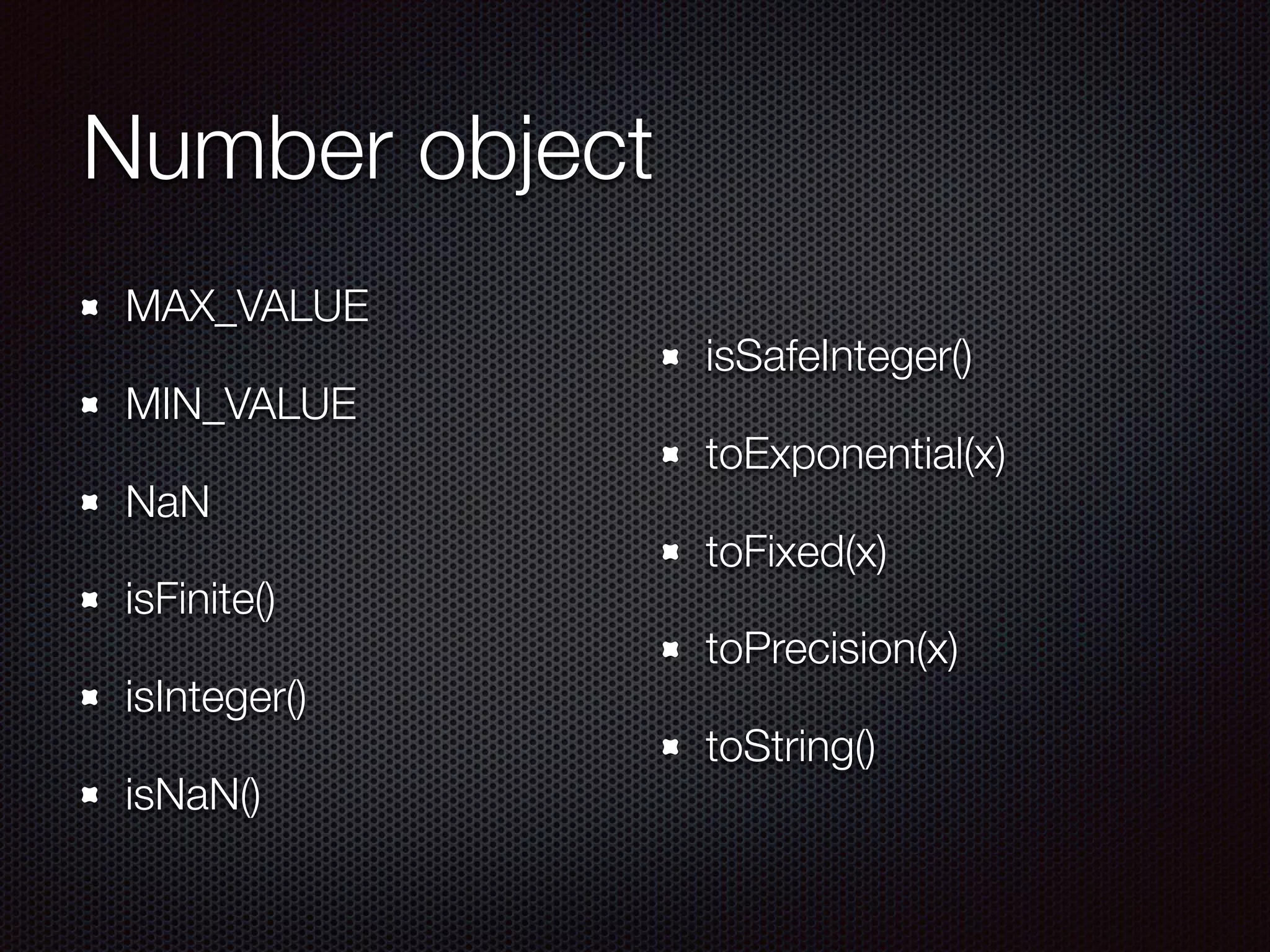
Number object
MAX_VALUE
MIN_VALUE
NaN
isFinite()
isInteger()
isNaN()
isSafeInteger()
toExponential(x)
toFixed(x)
toPrecision(x)
toString()
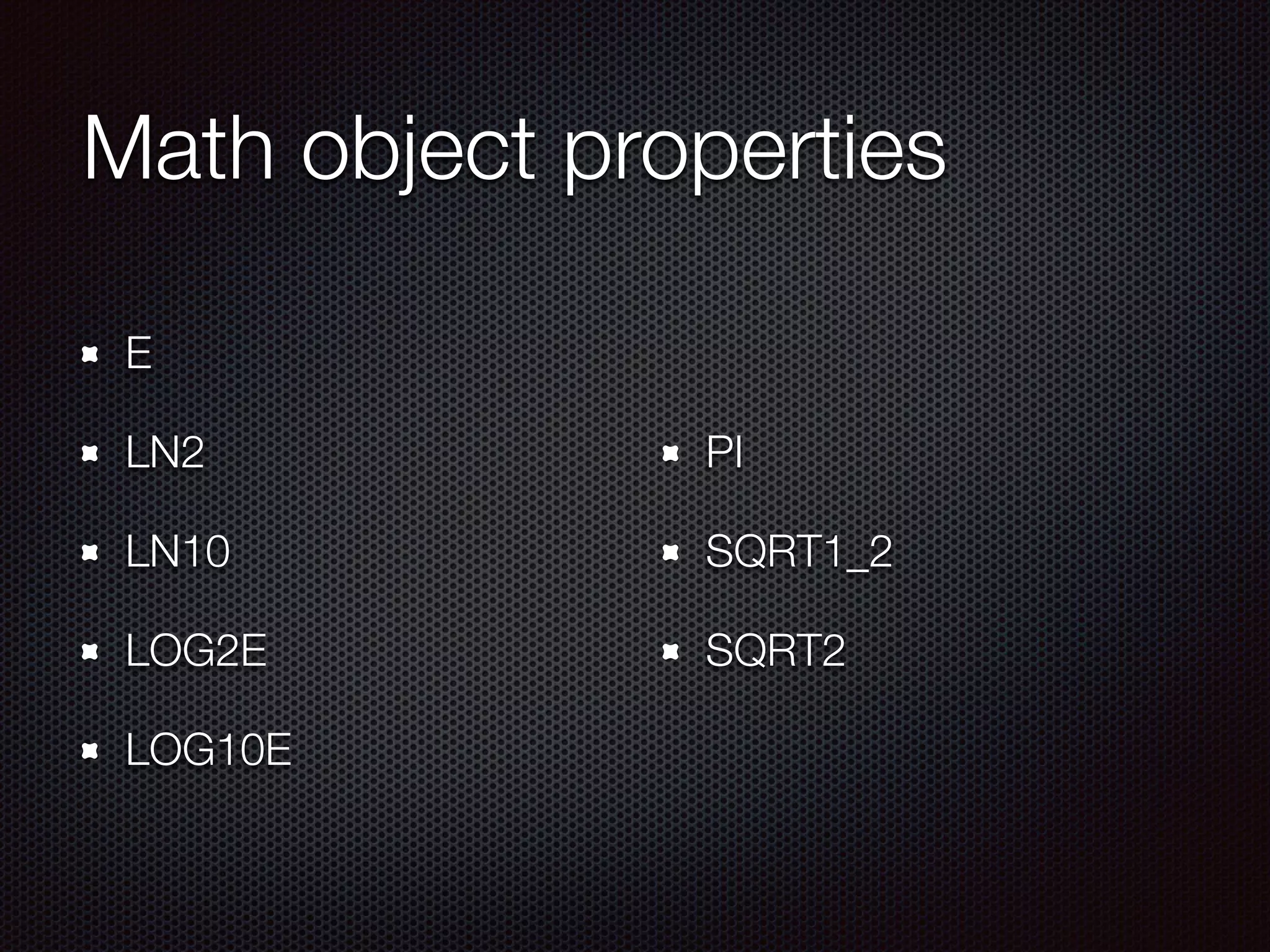
Math object properties
E
LN2
LN10
LOG2E
LOG10E
PI
SQRT1_2
SQRT2
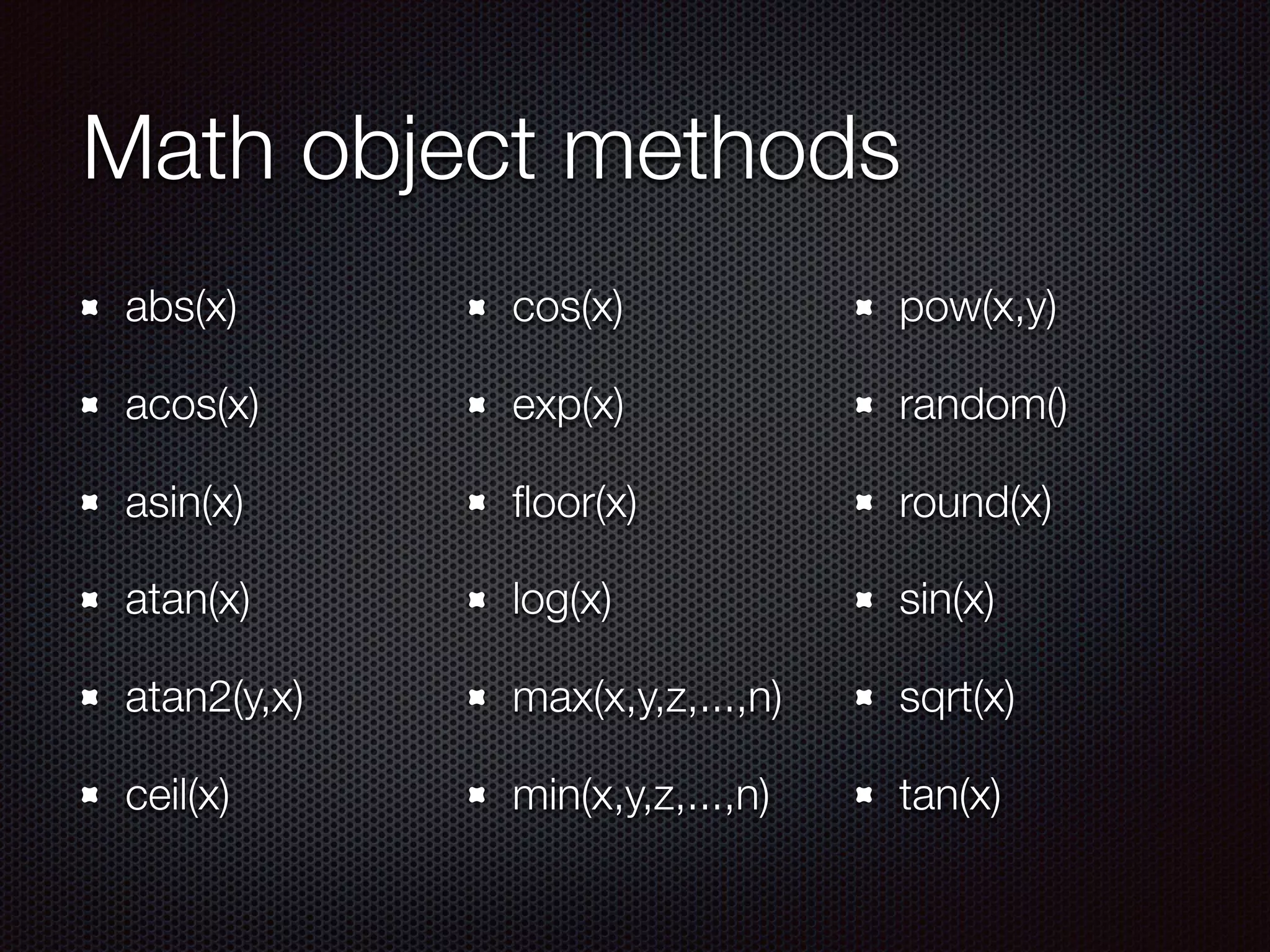
Math object methods
abs(x)
acos(x)
asin(x)
atan(x)
atan2(y,x)
ceil(x)
cos(x)
exp(x)
floor(x)
log(x)
max(x,y,z,...,n)
min(x,y,z,...,n)
pow(x,y)
random()
round(x)
sin(x)
sqrt(x)
tan(x)
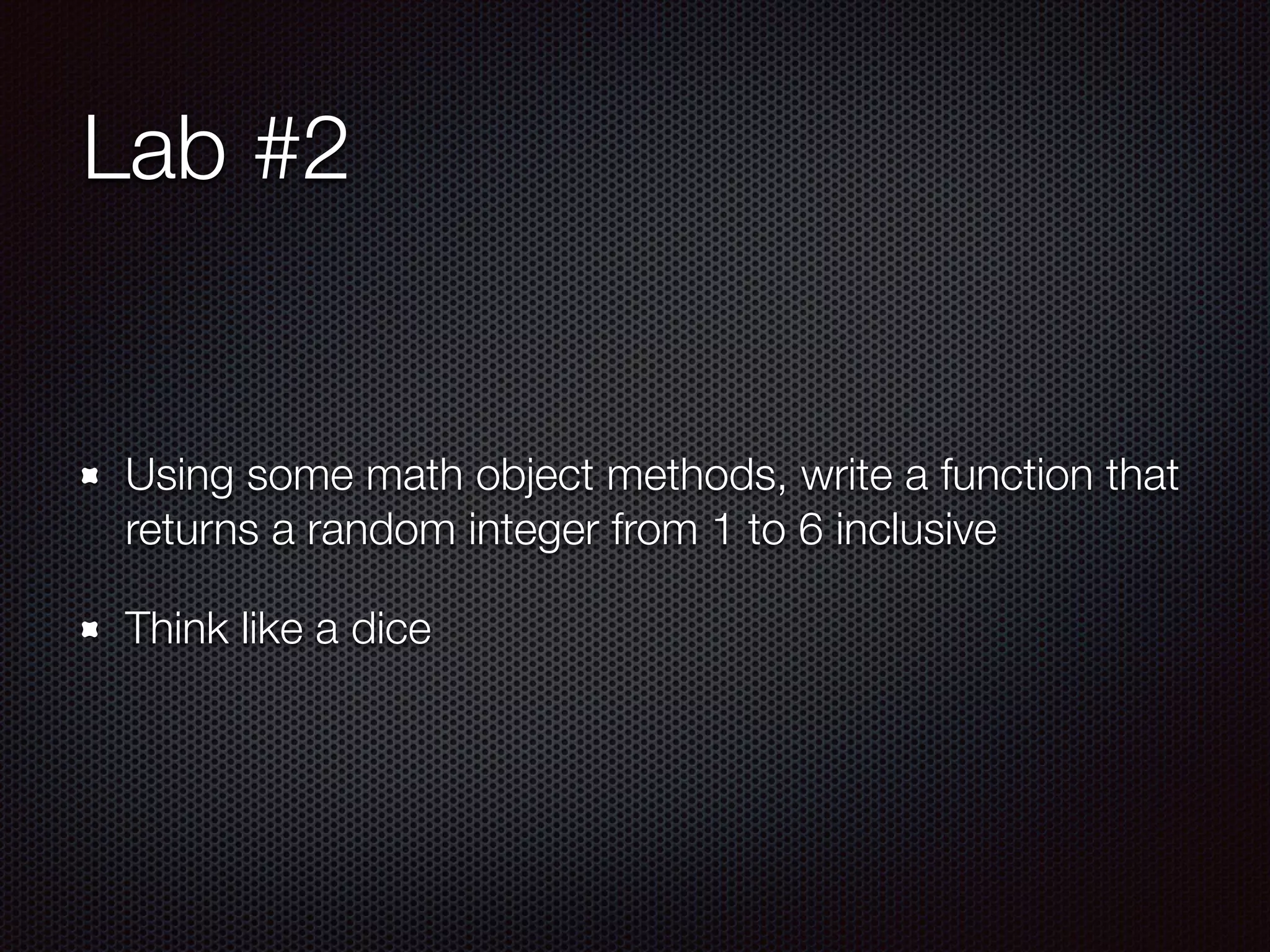
Lab #2
Using some math object methods, write a function that
returns a random integer from 1 to 6 inclusive
Think like a dice
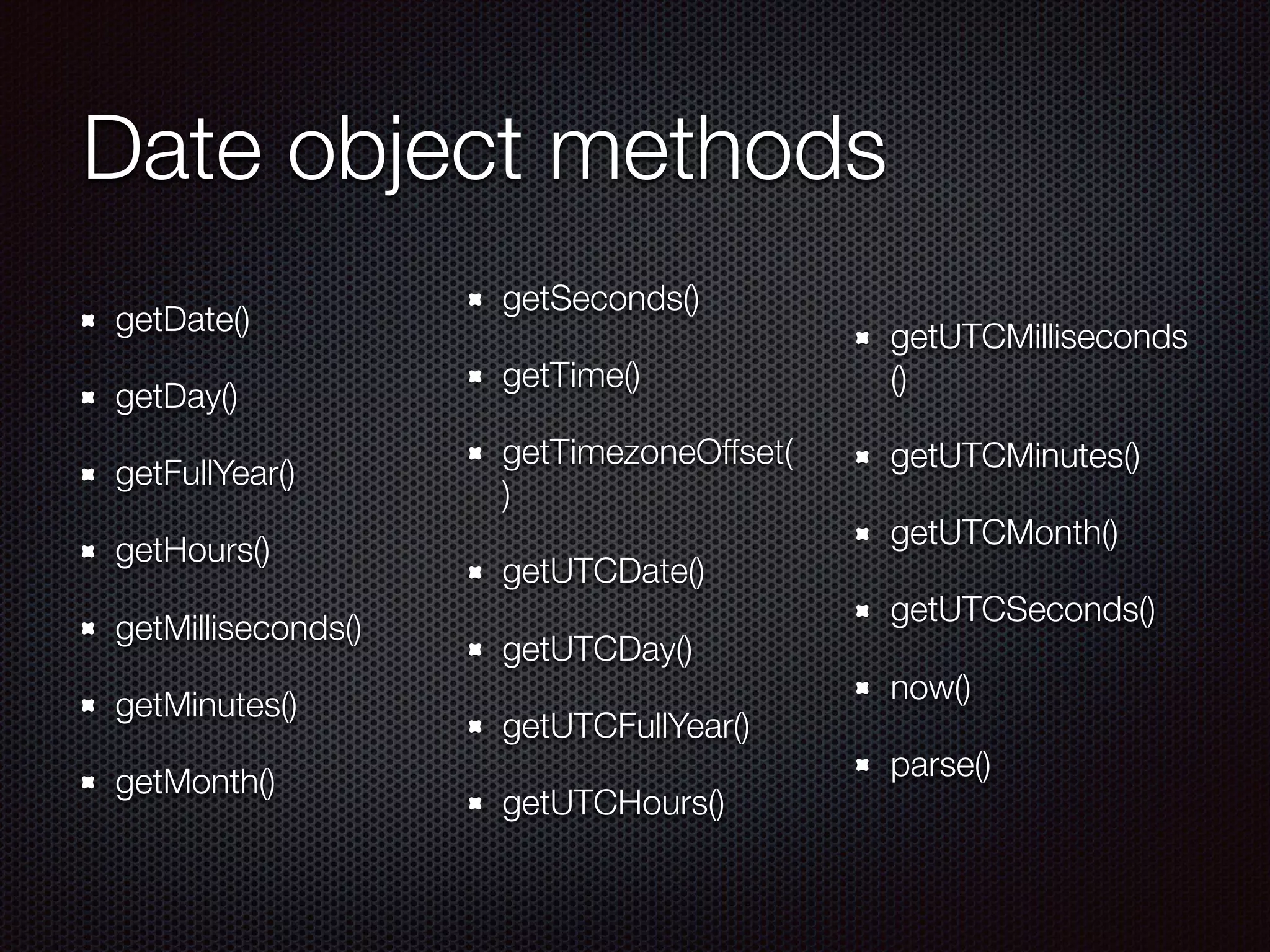
Date object methods
getDate()
getDay()
getFullYear()
getHours()
getMilliseconds()
getMinutes()
getMonth()
getSeconds()
getTime()
getTimezoneOffset(
)
getUTCDate()
getUTCDay()
getUTCFullYear()
getUTCHours()
getUTCMilliseconds
()
getUTCMinutes()
getUTCMonth()
getUTCSeconds()
now()
parse()
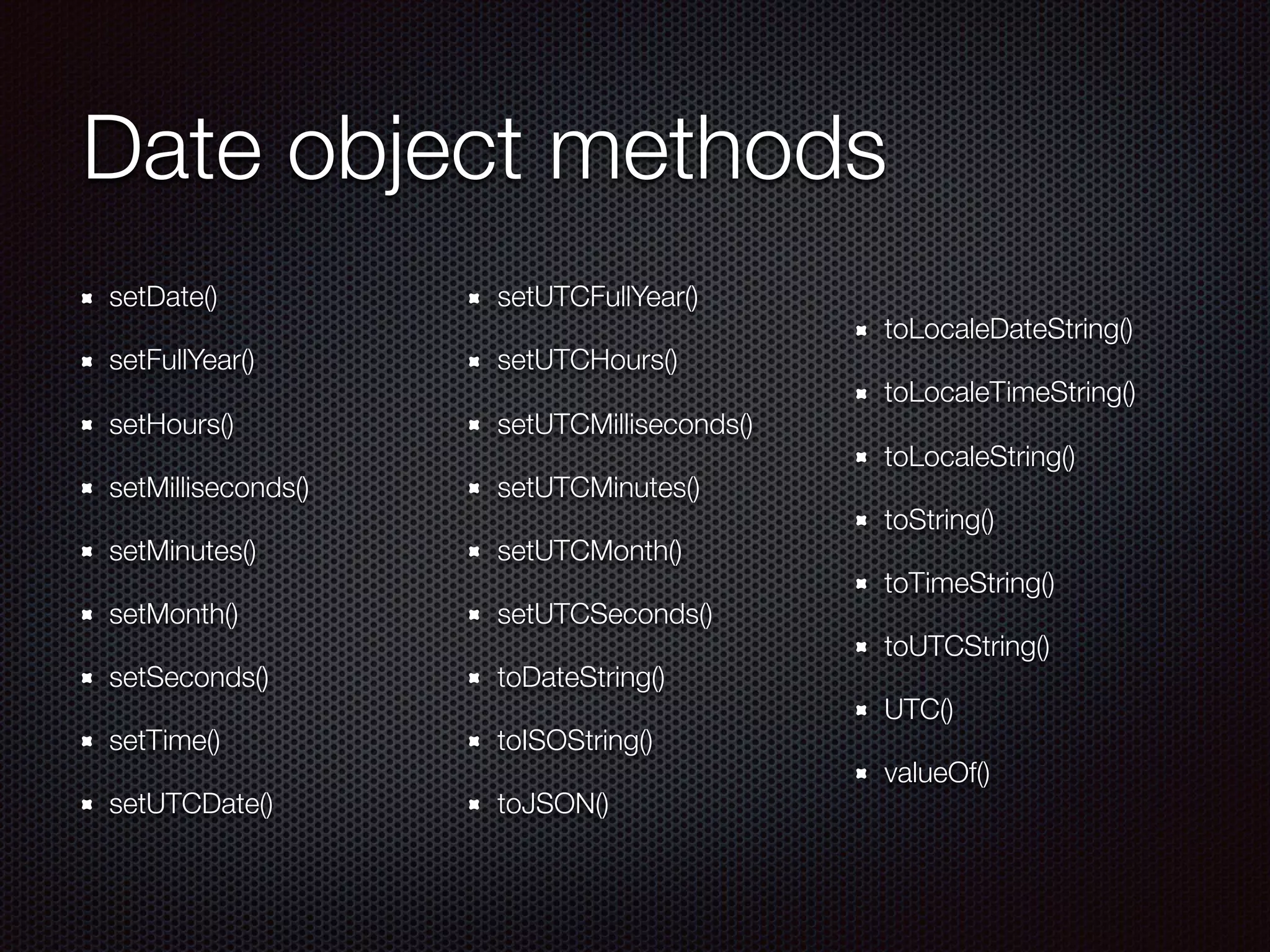
Date object methods
setDate()
setFullYear()
setHours()
setMilliseconds()
setMinutes()
setMonth()
setSeconds()
setTime()
setUTCDate()
setUTCFullYear()
setUTCHours()
setUTCMilliseconds()
setUTCMinutes()
setUTCMonth()
setUTCSeconds()
toDateString()
toISOString()
toJSON()
toLocaleDateString()
toLocaleTimeString()
toLocaleString()
toString()
toTimeString()
toUTCString()
UTC()
valueOf()
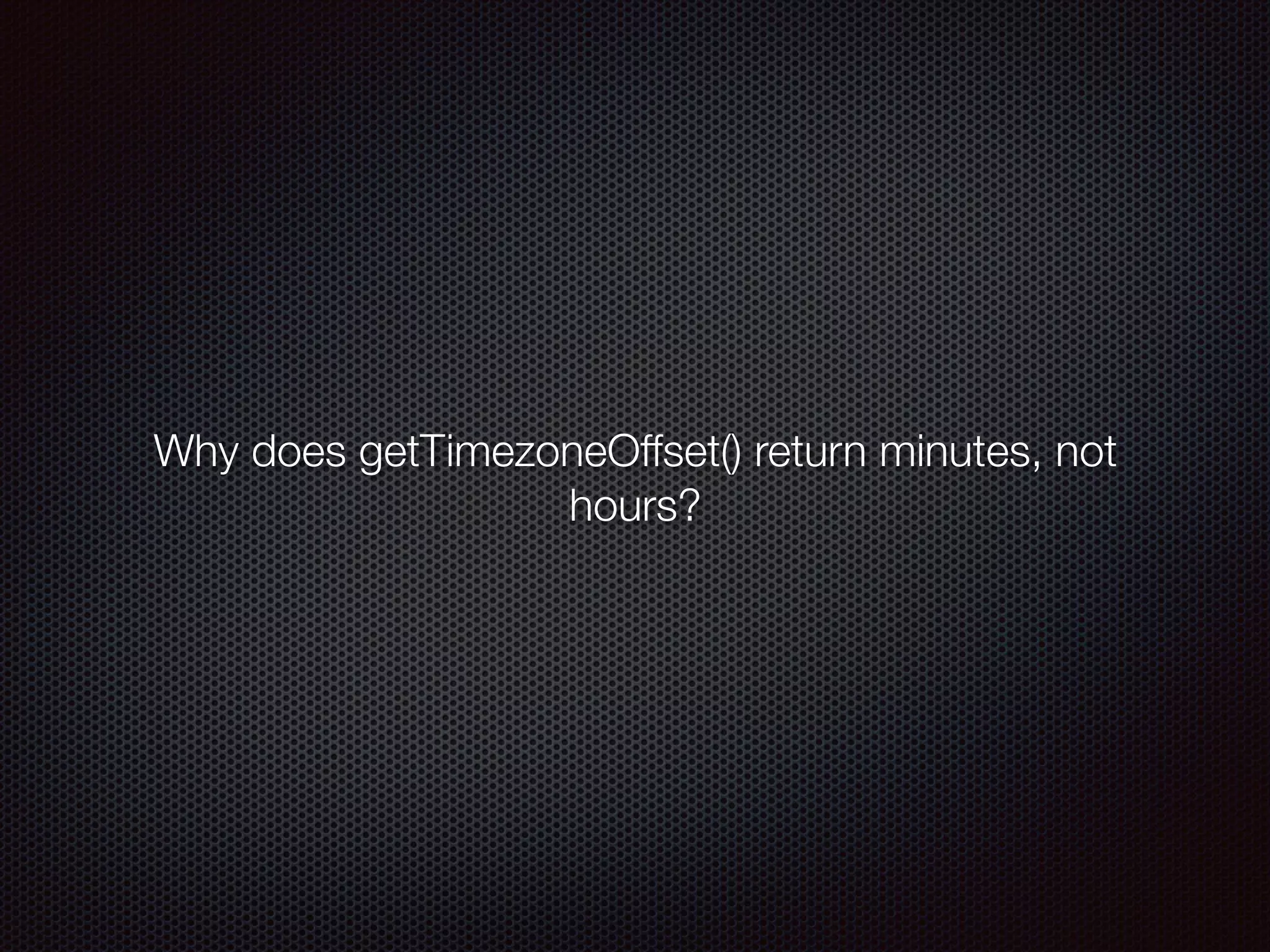
Why does getTimezoneOffset() return minutes, not
hours?
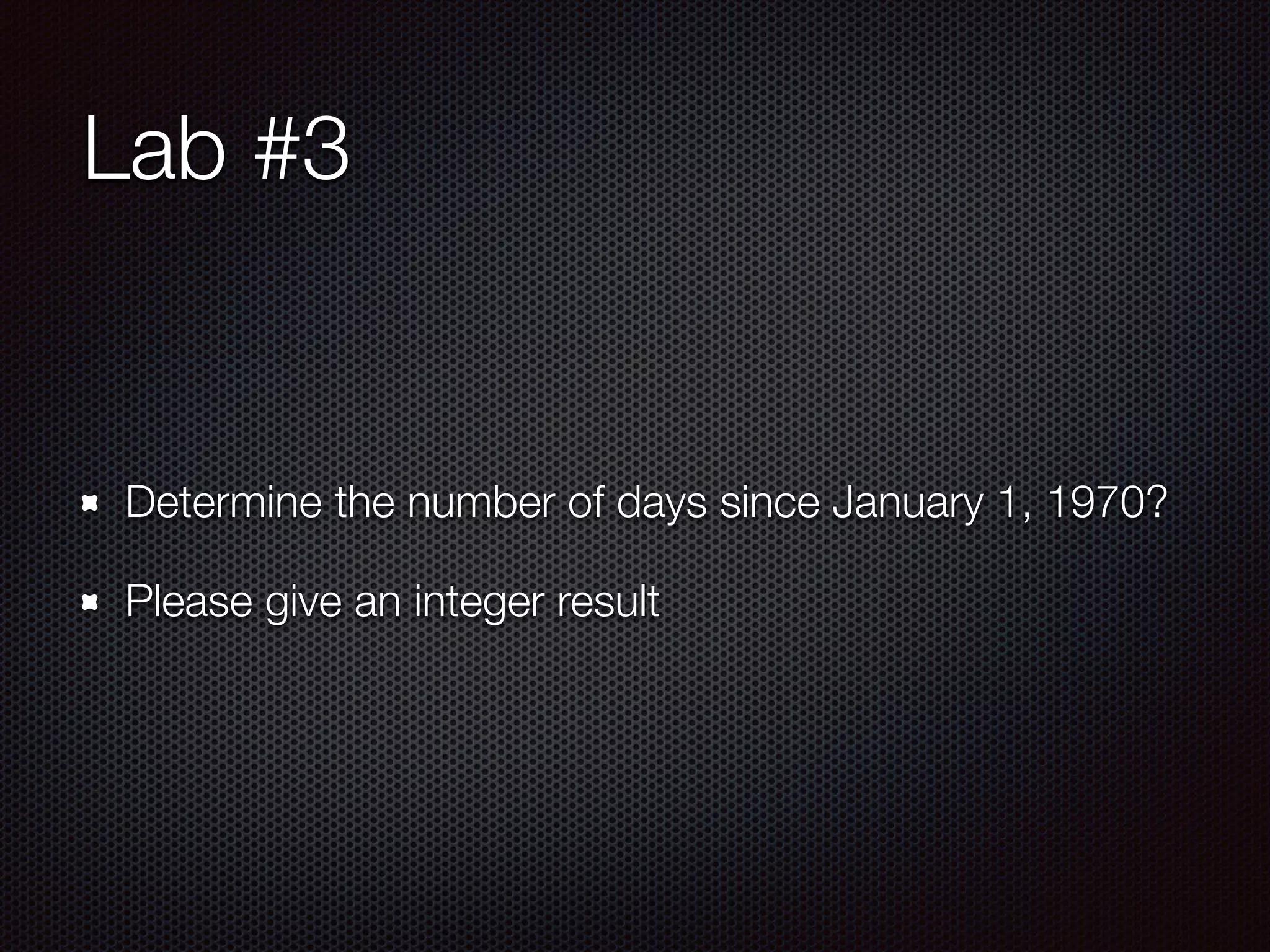
Lab #3
Determine the number of days since January 1, 1970?
Please give an integer result
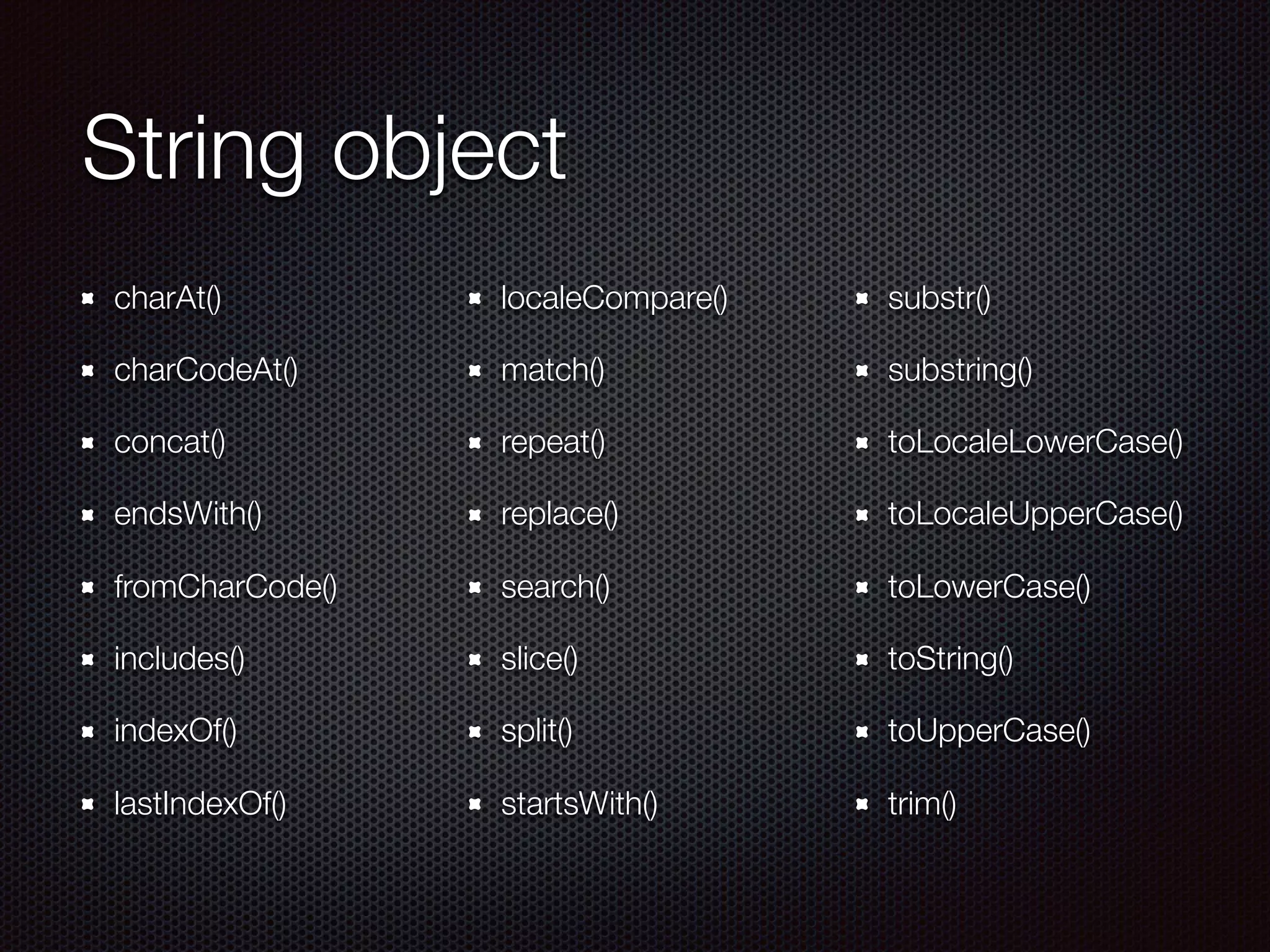
String object
charAt()
charCodeAt()
concat()
endsWith()
fromCharCode()
includes()
indexOf()
lastIndexOf()
localeCompare()	
match()
repeat()
replace()
search()
slice()
split()
startsWith()
substr()
substring()
toLocaleLowerCase()
toLocaleUpperCase()
toLowerCase()
toString()
toUpperCase()
trim()
Lab #4
RegEx object
exec()	
test()
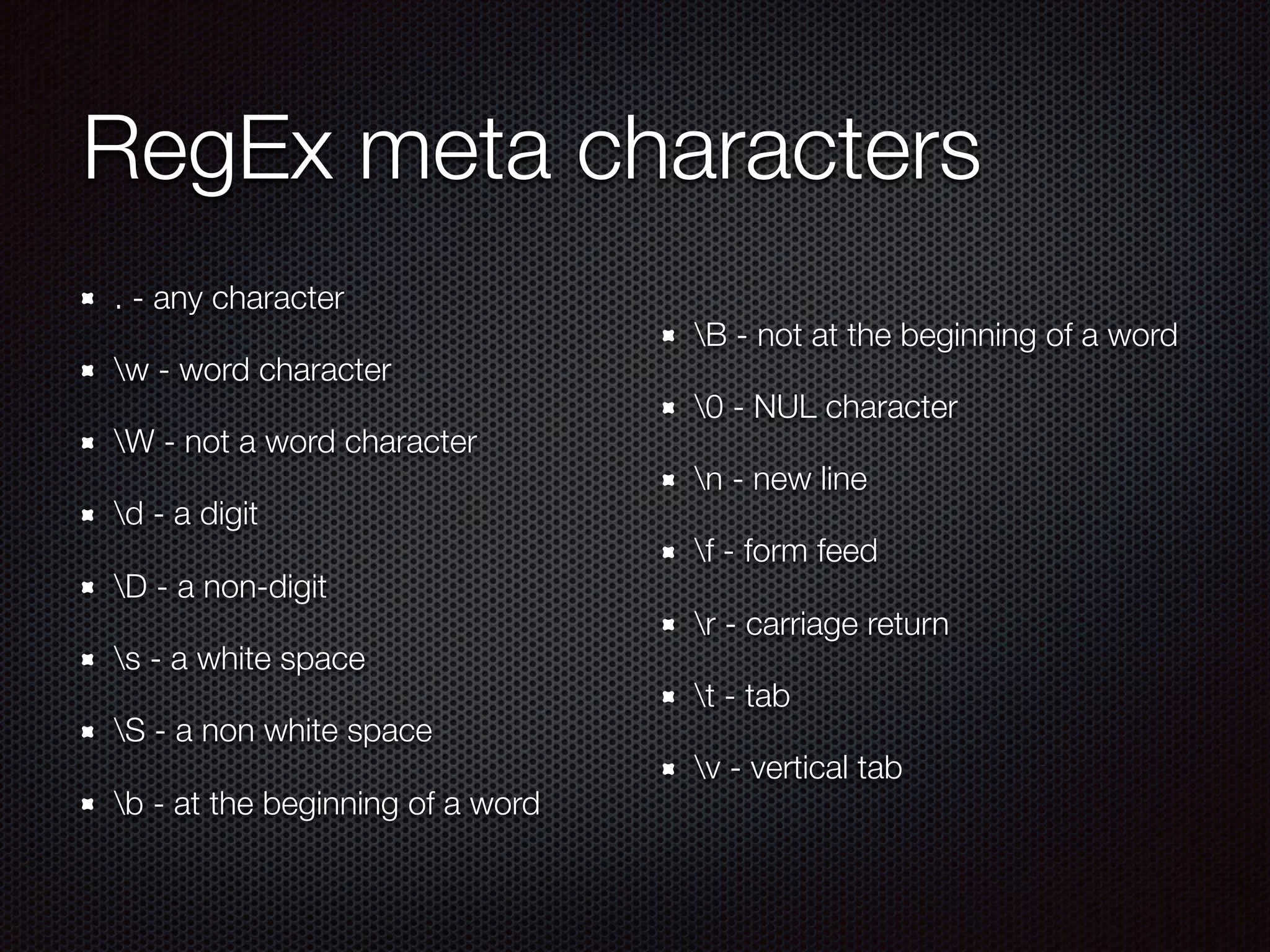
RegEx meta characters
. - any character
w - word character
W - not a word character
d - a digit
D - a non-digit
s - a white space
S - a non white space
b - at the beginning of a word
B - not at the beginning of a word
0 - NUL character
n - new line
f - form feed
r - carriage return
t - tab
v - vertical tab
Functions
Syntax
Variable scoping
Passing arguments
Returning a value
4 ways to call a function
Named functions
Anonymous functions
Callbacks
Recursion
Closure
Object-oriented
Programming
What is object-oriented programming?
Class inheritance vs prototypal inheritance
Object creation in JavaScript
Extending and inheriting objects
Encapsulation

JavaScript Foundations Day1