The document provides an overview of Java and its object-oriented programming features, including the definition and significance of tokens such as keywords, identifiers, and constants. It discusses the structure of Java programs, types of operators, and various forms of comments used in coding. The content aims to enhance understanding of Java syntax and its foundational concepts.
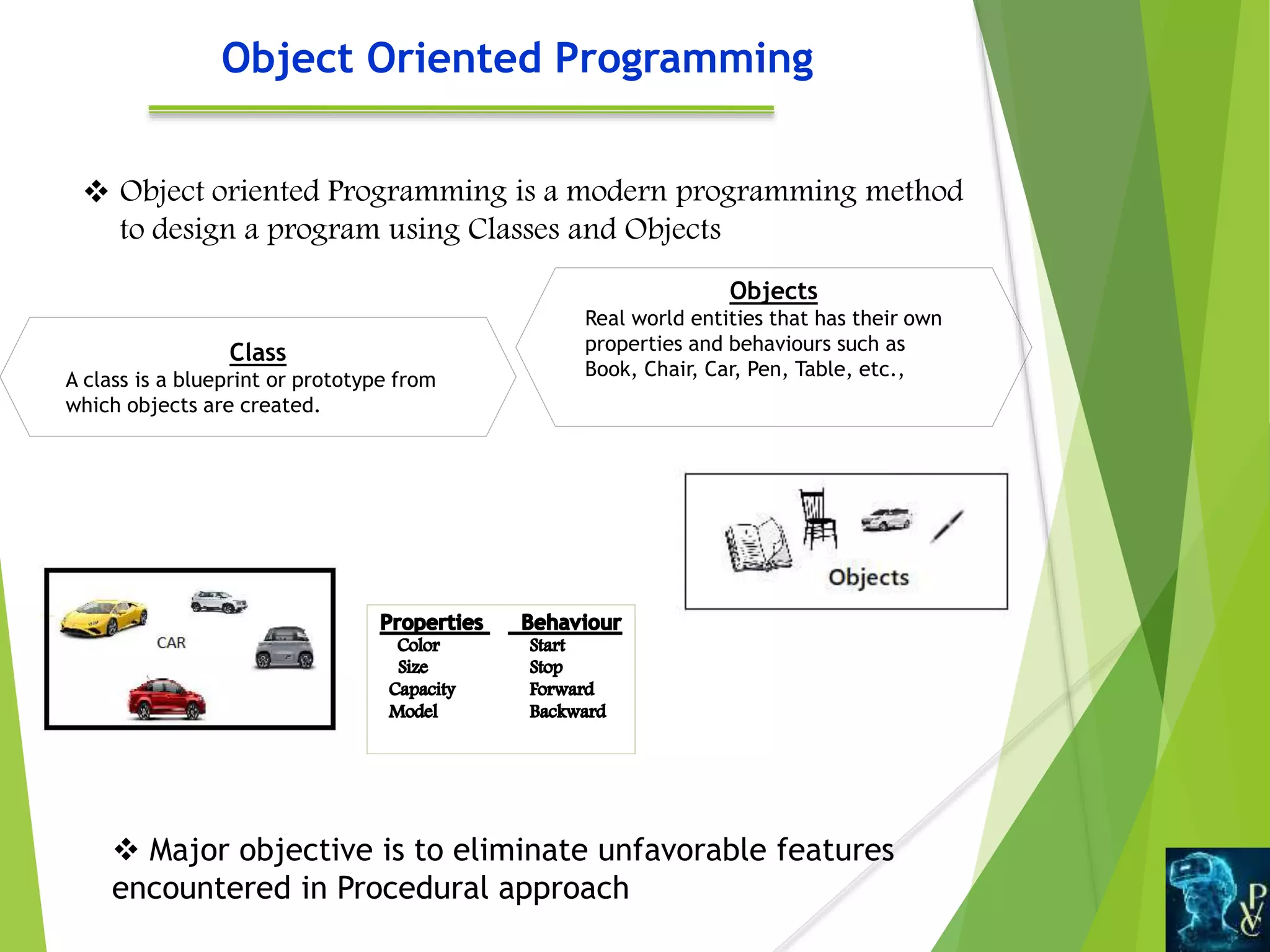
Object Oriented Programming
Object oriented Programming is a modern programming method
to design a program using Classes and Objects
Objects
Real world entities that has their own
properties and behaviours such as
Book, Chair, Car, Pen, Table, etc.,
Class
A class is a blueprint or prototype from
which objects are created.
Major objective is to eliminate unfavorable features
encountered in Procedural approach
5.
What is
Java? Javais a computing platform for application development
and an object-oriented,
Java is Class-based and Concurrent programming
language
It means the code can be executed by multiple processes at
the same time.
Java can run on all platforms and free to access.
Java is Simple, Secure, Robust, Complete Object oriented
and Platform Independent High level Language
It is Portable and Multi-thread technology gives High
Performance.
8.
Java Tokens
AJava Program
contains number of classes
Classes contains number of statements and methods
Methods contains various expressions and statements.
which describes the actions carried out on data.
Smallest individual units in a program are called
“Tokens”
Token is basically smallest element, which is identified
by the Compiler.
Java compiler uses tokens for constructing expressions
and statements.
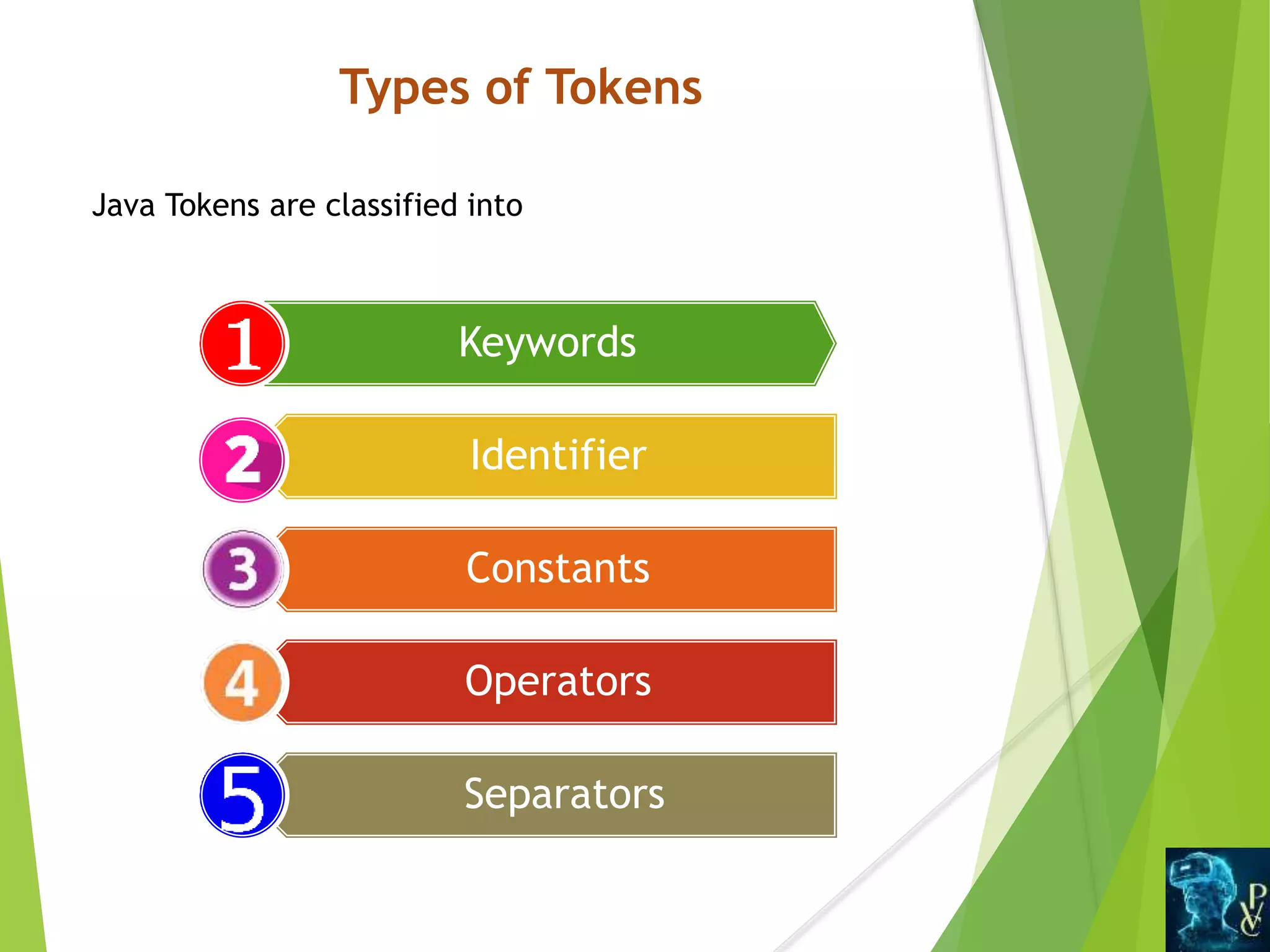
Keywords
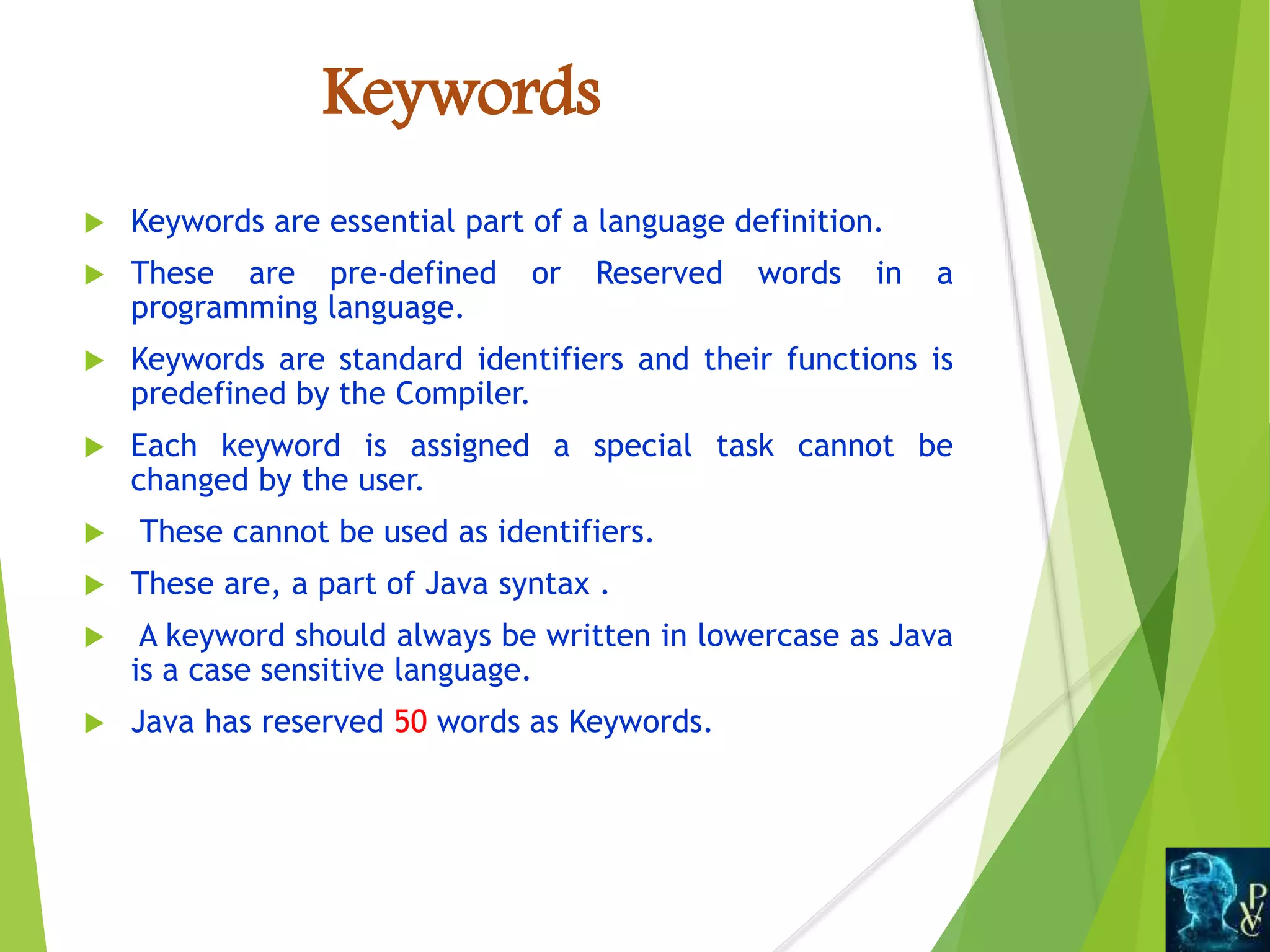
Keywords areessential part of a language definition.
These are pre-defined or Reserved words in a
programming language.
Keywords are standard identifiers and their functions is
predefined by the Compiler.
Each keyword is assigned a special task cannot be
changed by the user.
These cannot be used as identifiers.
These are, a part of Java syntax .
A keyword should always be written in lowercase as Java
is a case sensitive language.
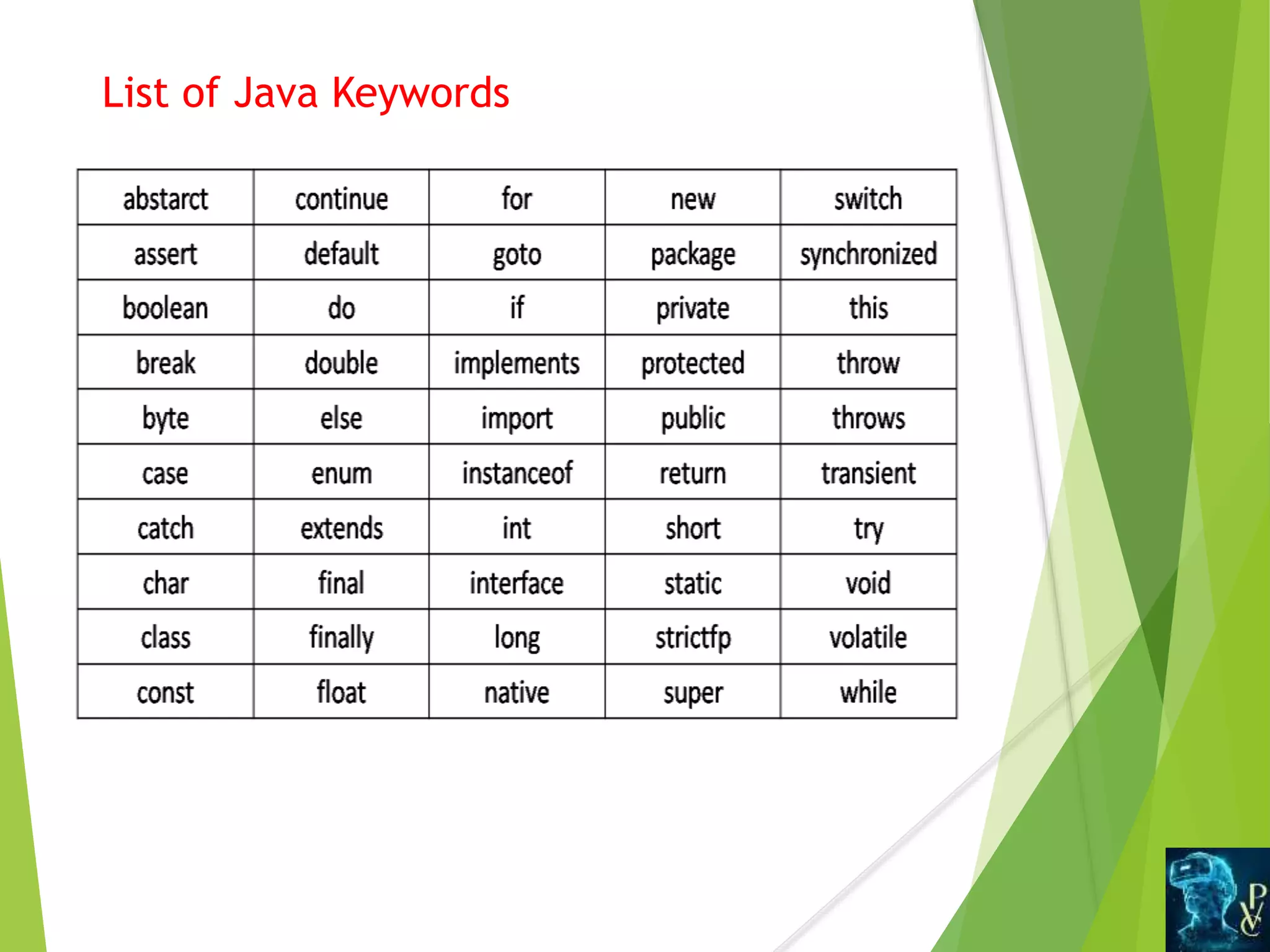
Java has reserved 50 words as Keywords.
Java Identifiers
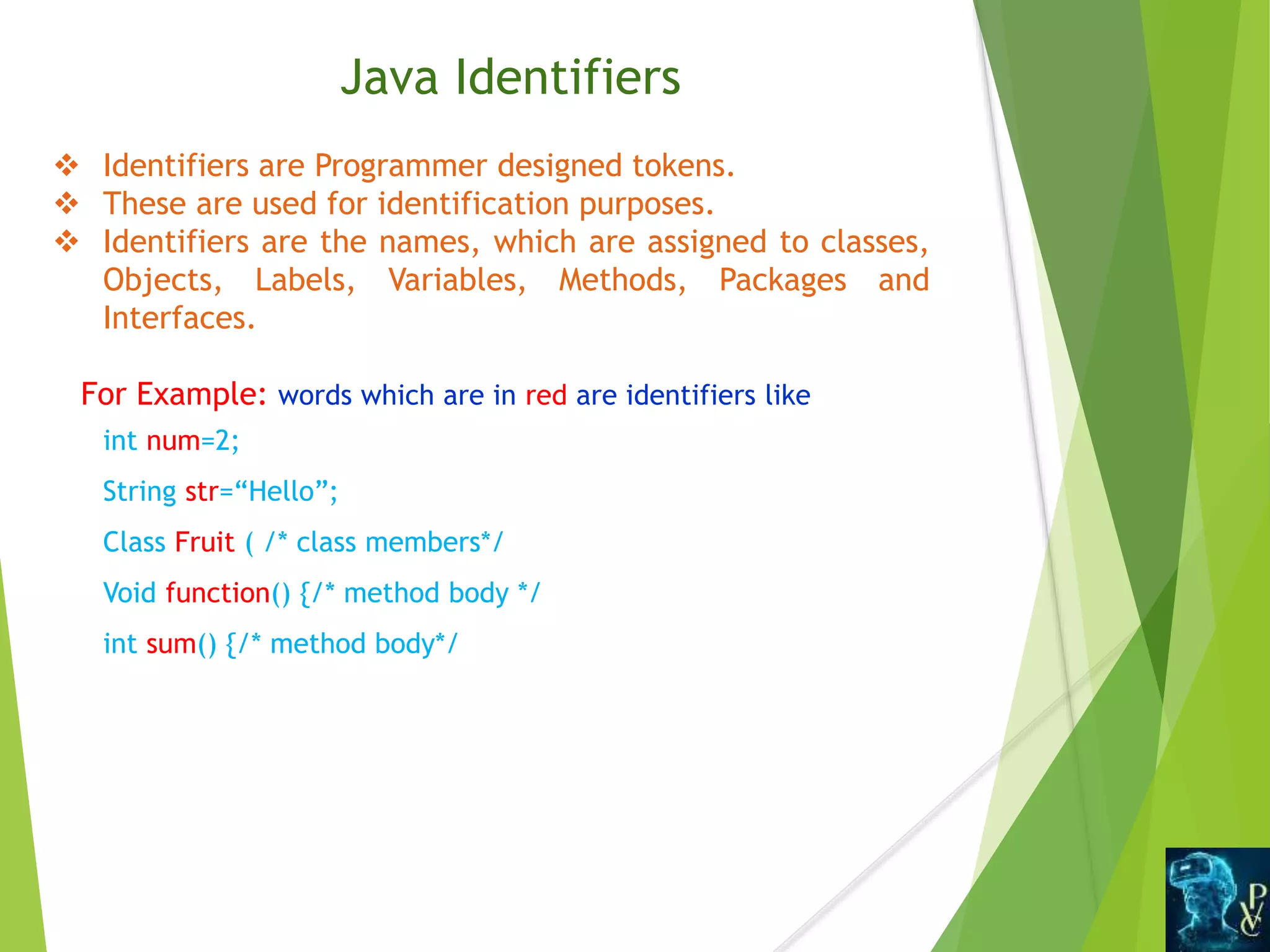
Identifiersare Programmer designed tokens.
These are used for identification purposes.
Identifiers are the names, which are assigned to classes,
Objects, Labels, Variables, Methods, Packages and
Interfaces.
For Example: words which are in red are identifiers like
int num=2;
String str=“Hello”;
Class Fruit ( /* class members*/
Void function() {/* method body */
int sum() {/* method body*/
13.
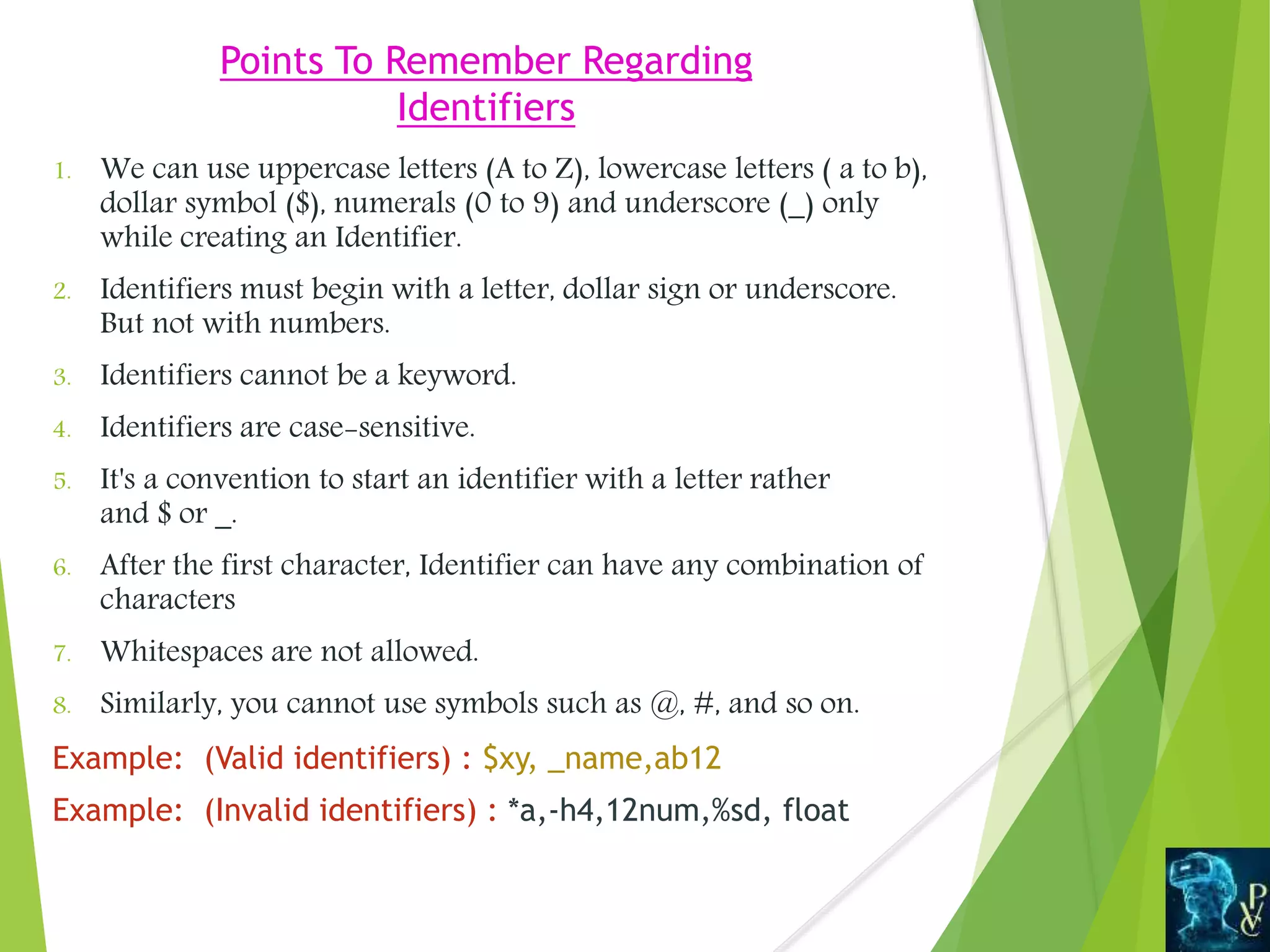
Points To RememberRegarding
Identifiers
1. We can use uppercase letters (A to Z), lowercase letters ( a to b),
dollar symbol ($), numerals (0 to 9) and underscore (_) only
while creating an Identifier.
2. Identifiers must begin with a letter, dollar sign or underscore.
But not with numbers.
3. Identifiers cannot be a keyword.
4. Identifiers are case-sensitive.
5. It's a convention to start an identifier with a letter rather
and $ or _.
6. After the first character, Identifier can have any combination of
characters
7. Whitespaces are not allowed.
8. Similarly, you cannot use symbols such as @, #, and so on.
Example: (Valid identifiers) : $xy, _name,ab12
Example: (Invalid identifiers) : *a,-h4,12num,%sd, float
14.
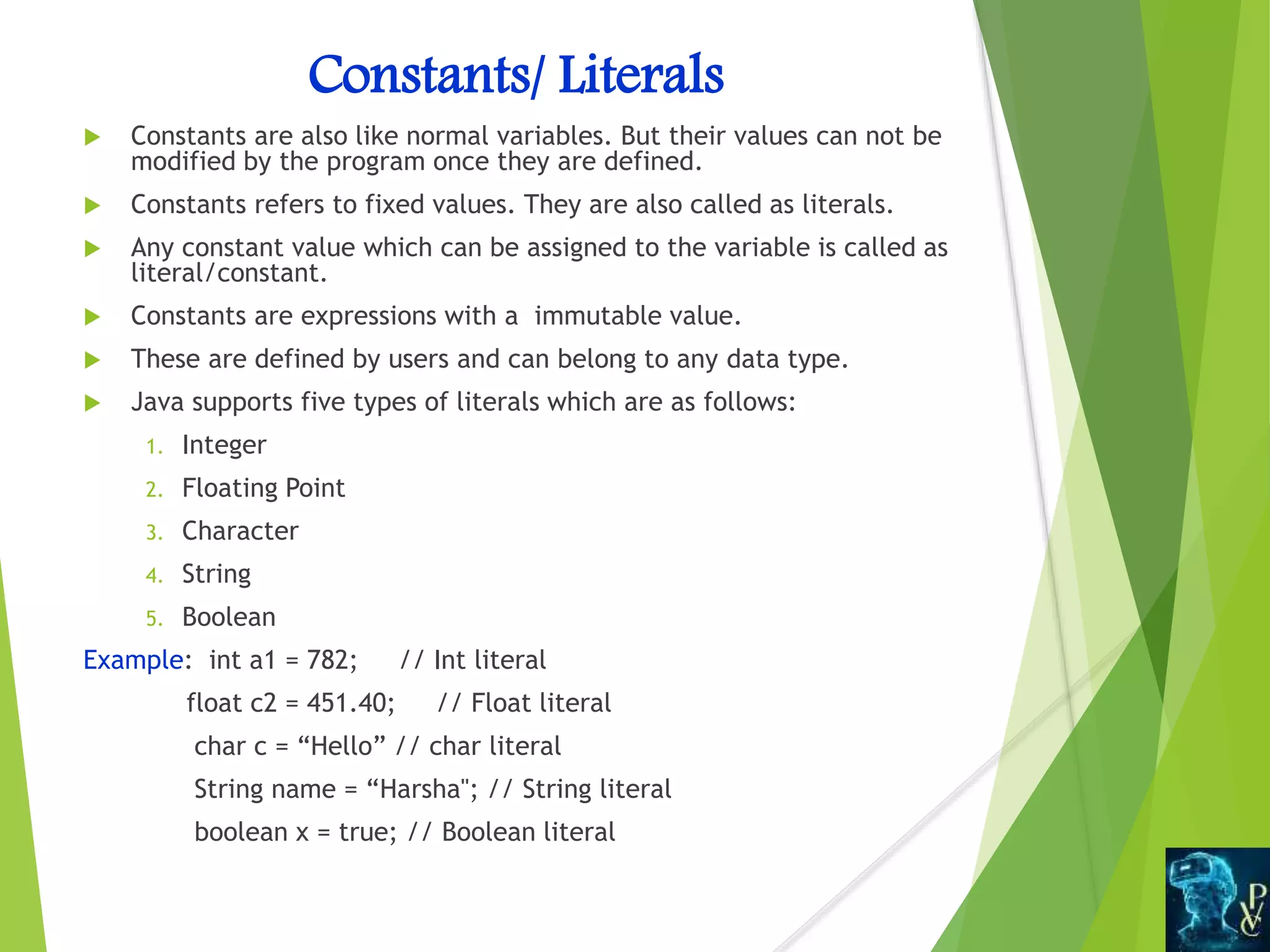
Constants/ Literals
Constantsare also like normal variables. But their values can not be
modified by the program once they are defined.
Constants refers to fixed values. They are also called as literals.
Any constant value which can be assigned to the variable is called as
literal/constant.
Constants are expressions with a immutable value.
These are defined by users and can belong to any data type.
Java supports five types of literals which are as follows:
1. Integer
2. Floating Point
3. Character
4. String
5. Boolean
Example: int a1 = 782; // Int literal
float c2 = 451.40; // Float literal
char c = “Hello” // char literal
String name = “Harsha"; // String literal
boolean x = true; // Boolean literal
15.
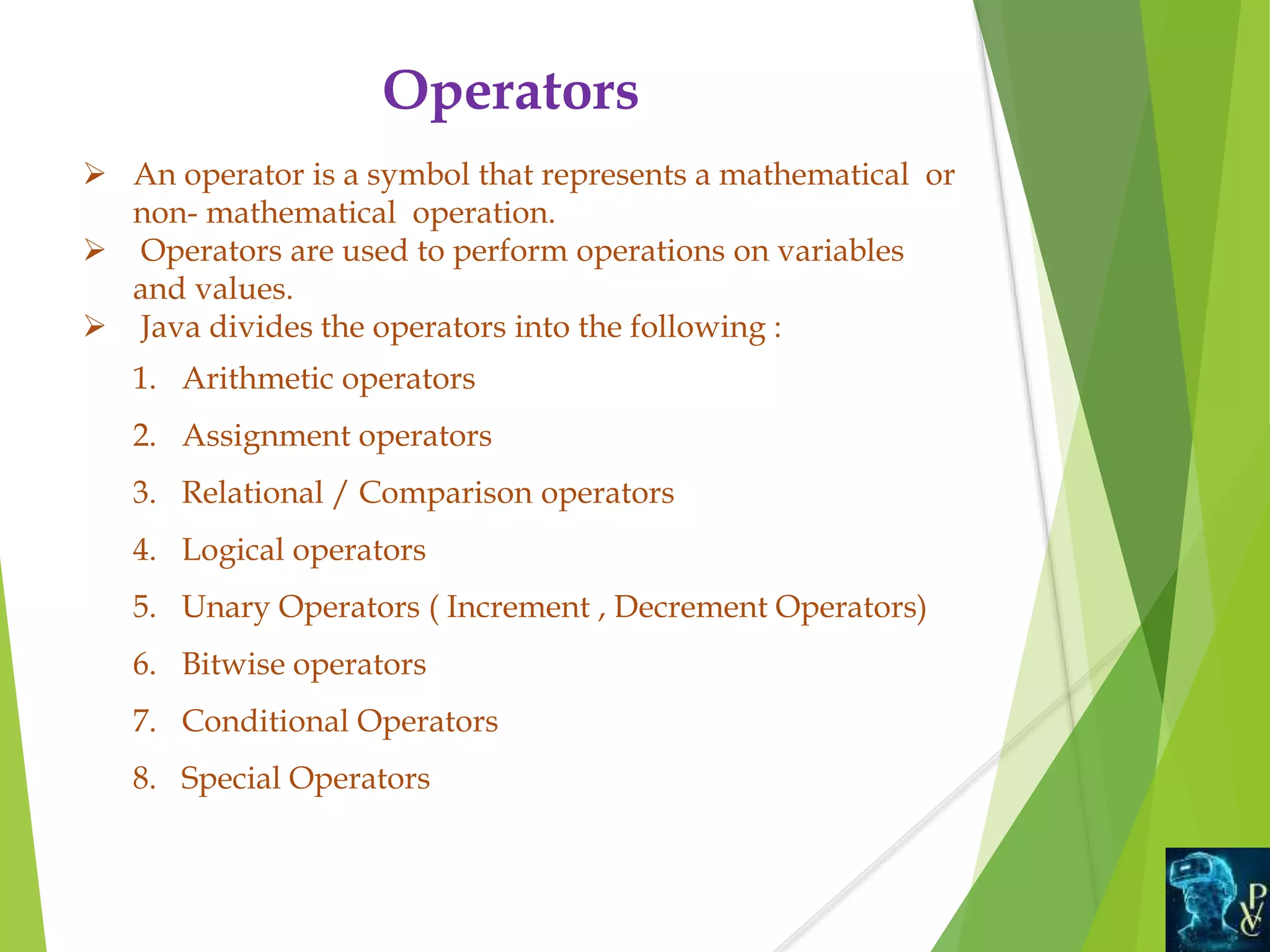
Operators
An operatoris a symbol that represents a mathematical or
non- mathematical operation.
Operators are used to perform operations on variables
and values.
Java divides the operators into the following :
1. Arithmetic operators
2. Assignment operators
3. Relational / Comparison operators
4. Logical operators
5. Unary Operators ( Increment , Decrement Operators)
6. Bitwise operators
7. Conditional Operators
8. Special Operators
16.
Separator isa token used to separate two individual tokens used in a Java
program.
These are Special symbols used to indicate where a groups of code are divided
and arranged.
These are few characters which have special meaning known to Java
compiler and cannot be used for any other purpose.
Separators are also known as Punctuators
Separators
Symbol Description
Brackets []
These are used as an array element reference and also indicates single
and multidimensional subscripts
Parentheses() These indicate a function call along with function parameters
Braces{}
Define the beginning and end of a block of code for Classes, Methods
and local scopes
Comma ( , )
To separate variable declarations, also helps in separating more than one
statement in an expression
Semi-Colon (;)
This is used to invoke an initialization list and also to separate
statements
Asterisk (*) This is used to create a pointer variable in Java
Period(.)
To separate package names from sub packages and classes and also
used to separate a variable or method from a reference variable.
17.
Comments
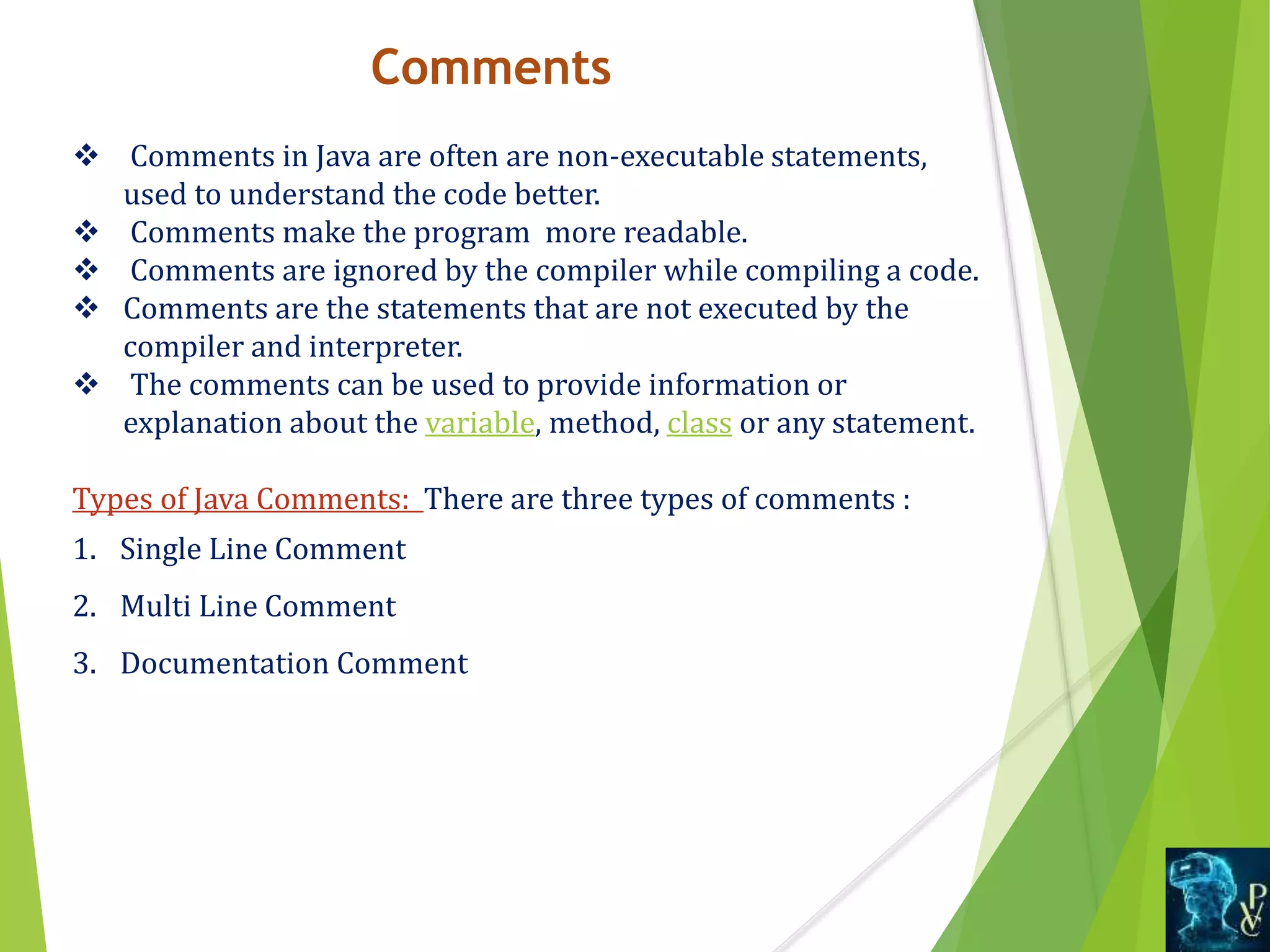
Comments inJava are often are non-executable statements,
used to understand the code better.
Comments make the program more readable.
Comments are ignored by the compiler while compiling a code.
Comments are the statements that are not executed by the
compiler and interpreter.
The comments can be used to provide information or
explanation about the variable, method, class or any statement.
Types of Java Comments: There are three types of comments :
1. Single Line Comment
2. Multi Line Comment
3. Documentation Comment
18.
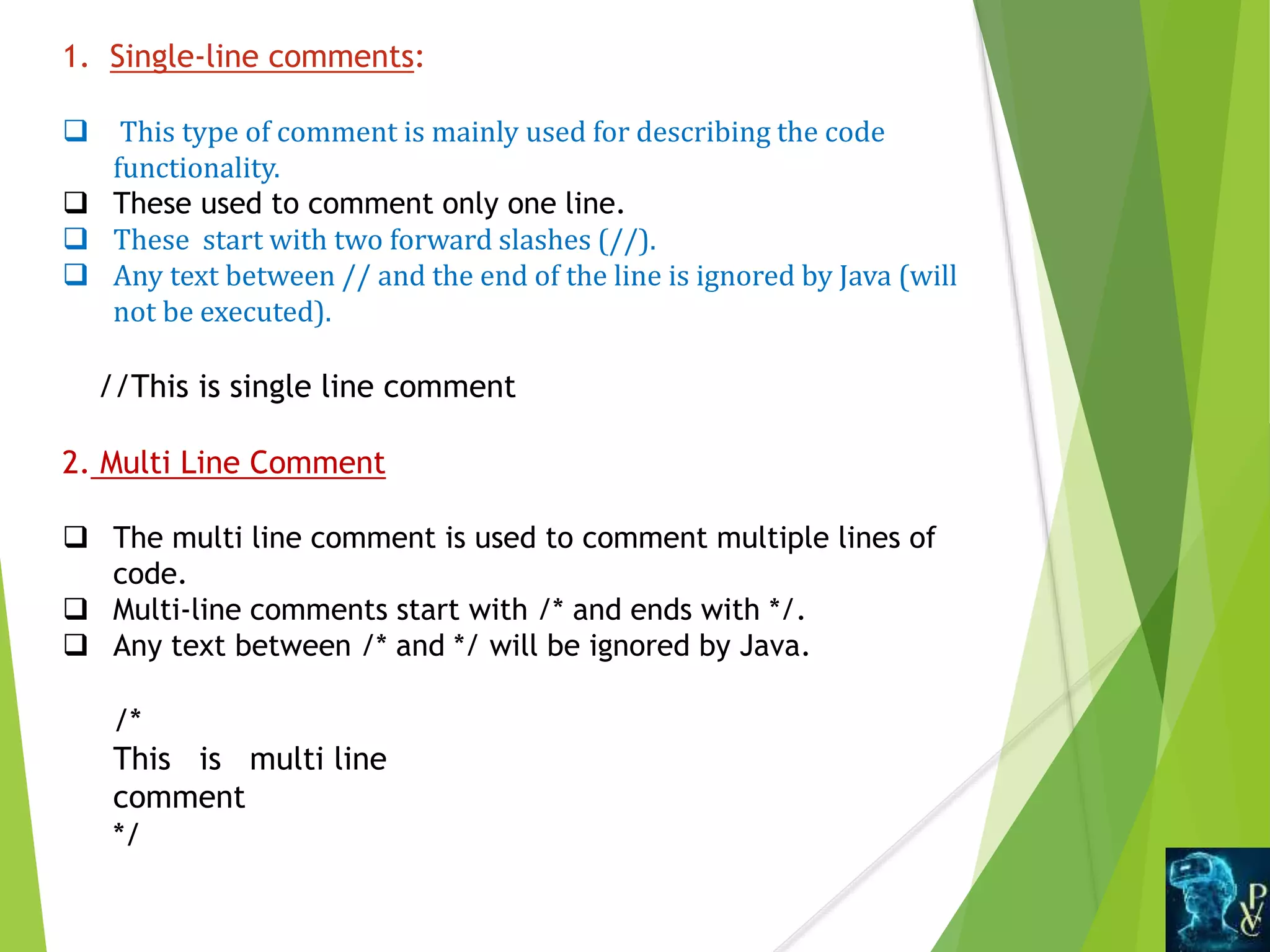
1. Single-line comments:
This type of comment is mainly used for describing the code
functionality.
These used to comment only one line.
These start with two forward slashes (//).
Any text between // and the end of the line is ignored by Java (will
not be executed).
//This is single line comment
2. Multi Line Comment
The multi line comment is used to comment multiple lines of
code.
Multi-line comments start with /* and ends with */.
Any text between /* and */ will be ignored by Java.
/*
This is multi line
comment
*/
19.
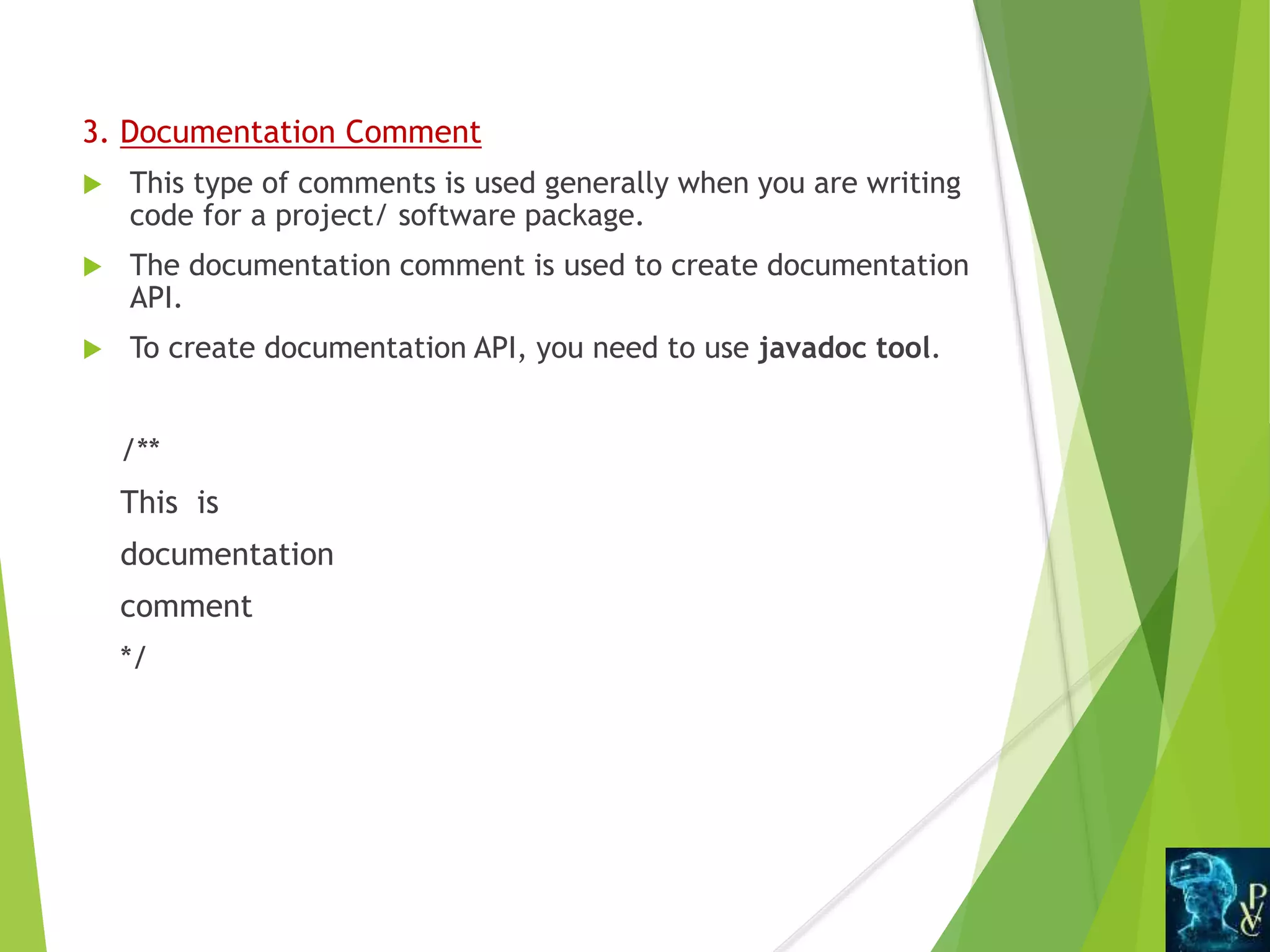
3. Documentation Comment
This type of comments is used generally when you are writing
code for a project/ software package.
The documentation comment is used to create documentation
API.
To create documentation API, you need to use javadoc tool.
/**
This is
documentation
comment
*/
20.
Conclusion
In thislesson you learnt about
Object Oriented Programming
What is Java?
Java Tokens
Comments
![ Separator is a token used to separate two individual tokens used in a Java
program.
These are Special symbols used to indicate where a groups of code are divided
and arranged.
These are few characters which have special meaning known to Java
compiler and cannot be used for any other purpose.
Separators are also known as Punctuators
Separators
Symbol Description
Brackets []
These are used as an array element reference and also indicates single
and multidimensional subscripts
Parentheses() These indicate a function call along with function parameters
Braces{}
Define the beginning and end of a block of code for Classes, Methods
and local scopes
Comma ( , )
To separate variable declarations, also helps in separating more than one
statement in an expression
Semi-Colon (;)
This is used to invoke an initialization list and also to separate
statements
Asterisk (*) This is used to create a pointer variable in Java
Period(.)
To separate package names from sub packages and classes and also
used to separate a variable or method from a reference variable.](https://image.slidesharecdn.com/java-tokens-ss-200916102803/75/Java-Tokens-16-2048.jpg)