Java/J2EE Programming Training
Simple Java I/O
Page 1Classification: Restricted
Agenda
• Streams
• Using a stream
• Manipulating the input data
• Basics of the LineReader constructor
• The LineWriter class
• Flushing the buffer
• PrintWriter
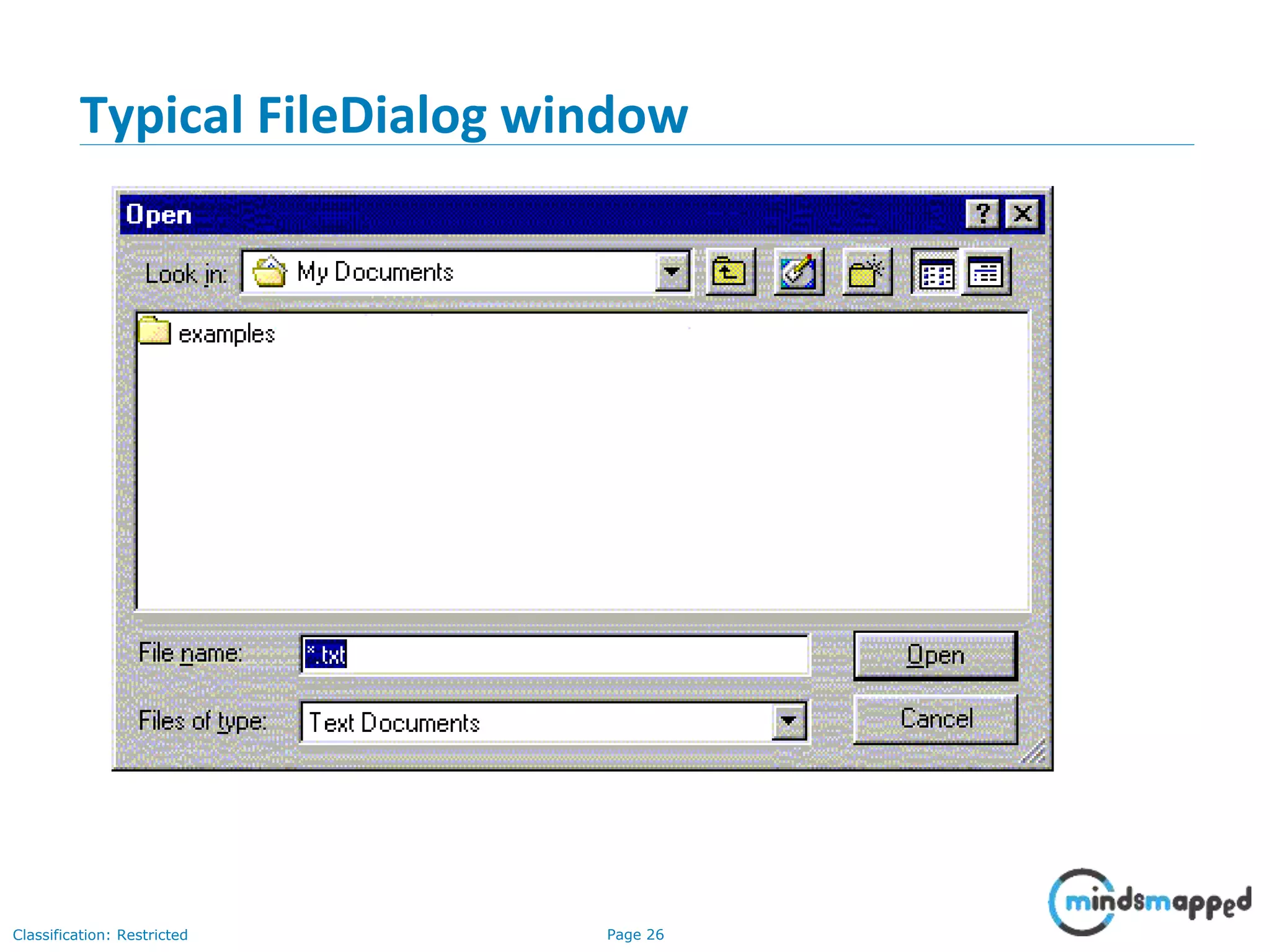
• About FileDialogs
• Typical FileDialog window
• FileDialog constructors
• Useful FileDialog methods I
• Useful FileDialog methods II
• Serialization
• Conditions for serializability
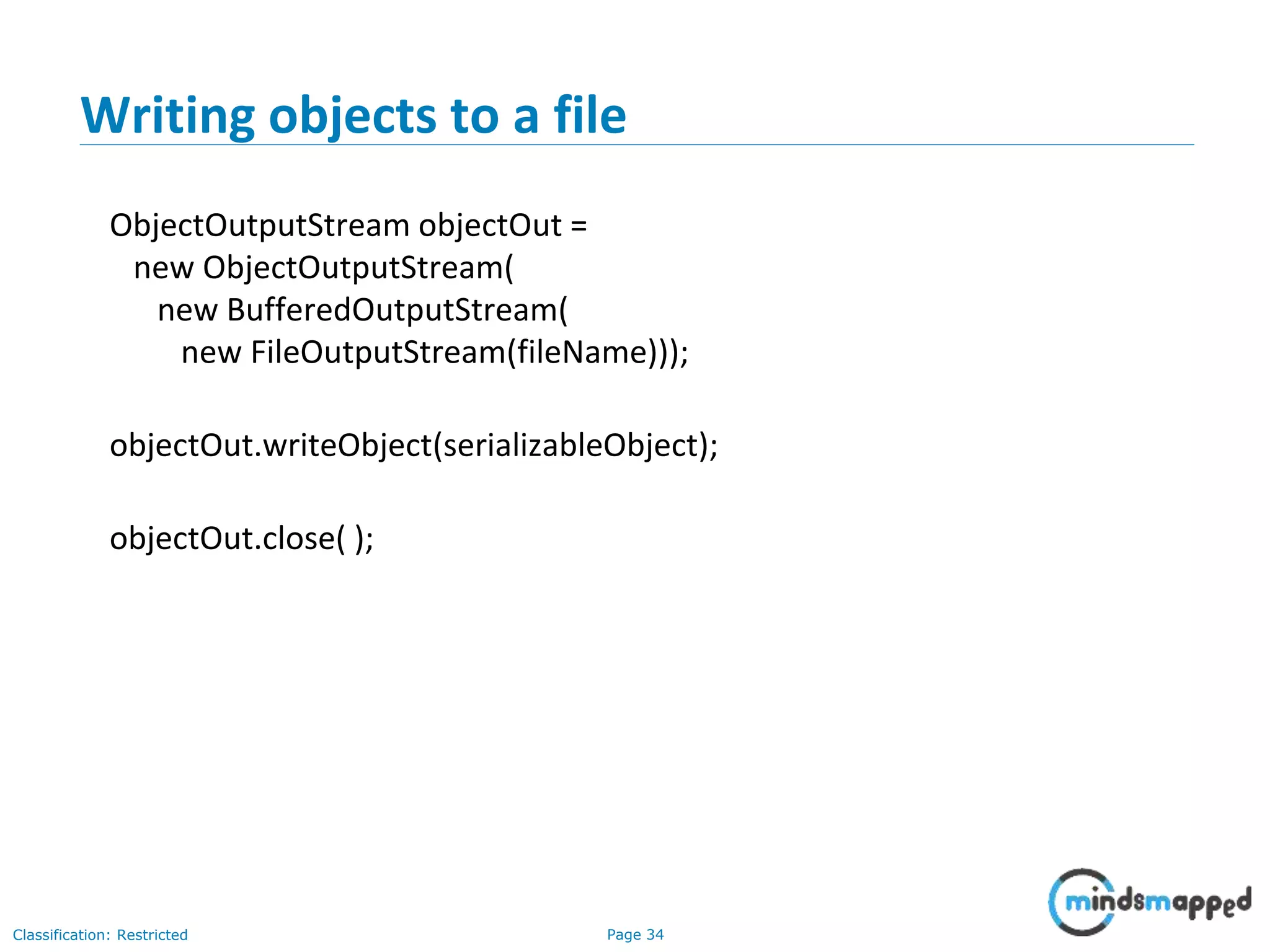
• Writing objects to a file
Page 2Classification: Restricted
Streams
• All modern I/O is stream-based
• A stream is a connection to a source of data or to a destination for data
(sometimes both)
• An input stream may be associated with the keyboard
• An input stream or an output stream may be associated with a file
• Different streams have different characteristics:
• A file has a definite length, and therefore an end
• Keyboard input has no specific end
Page 3Classification: Restricted
How to do I/O
import java.io.*;
• Open the stream
• Use the stream (read, write, or both)
• Close the stream
Page 4Classification: Restricted
Why Java I/O is hard
• Java I/O is very powerful, with an overwhelming number of options
• Any given kind of I/O is not particularly difficult
• The trick is to find your way through the maze of possibilities
open
use
close
Page 5Classification: Restricted
Opening a stream
• There is data external to your program that you want to get, or you want to
put data somewhere outside your program
• When you open a stream, you are making a connection to that external
place
• Once the connection is made, you forget about the external place and just
use the stream
open
use
close
Page 6Classification: Restricted
Example of opening a stream
• A FileReader is a used to connect to a file that will be used for input:
FileReader fileReader =
new FileReader(fileName);
• The fileName specifies where the (external) file is to be found
• You never use fileName again; instead, you use fileReader
Page 7Classification: Restricted
Using a stream
• Some streams can be used only for input, others only for output, still others
for both
• Using a stream means doing input from it or output to it
• But it’s not usually that simple--you need to manipulate the data in some
way as it comes in or goes out
Page 8Classification: Restricted
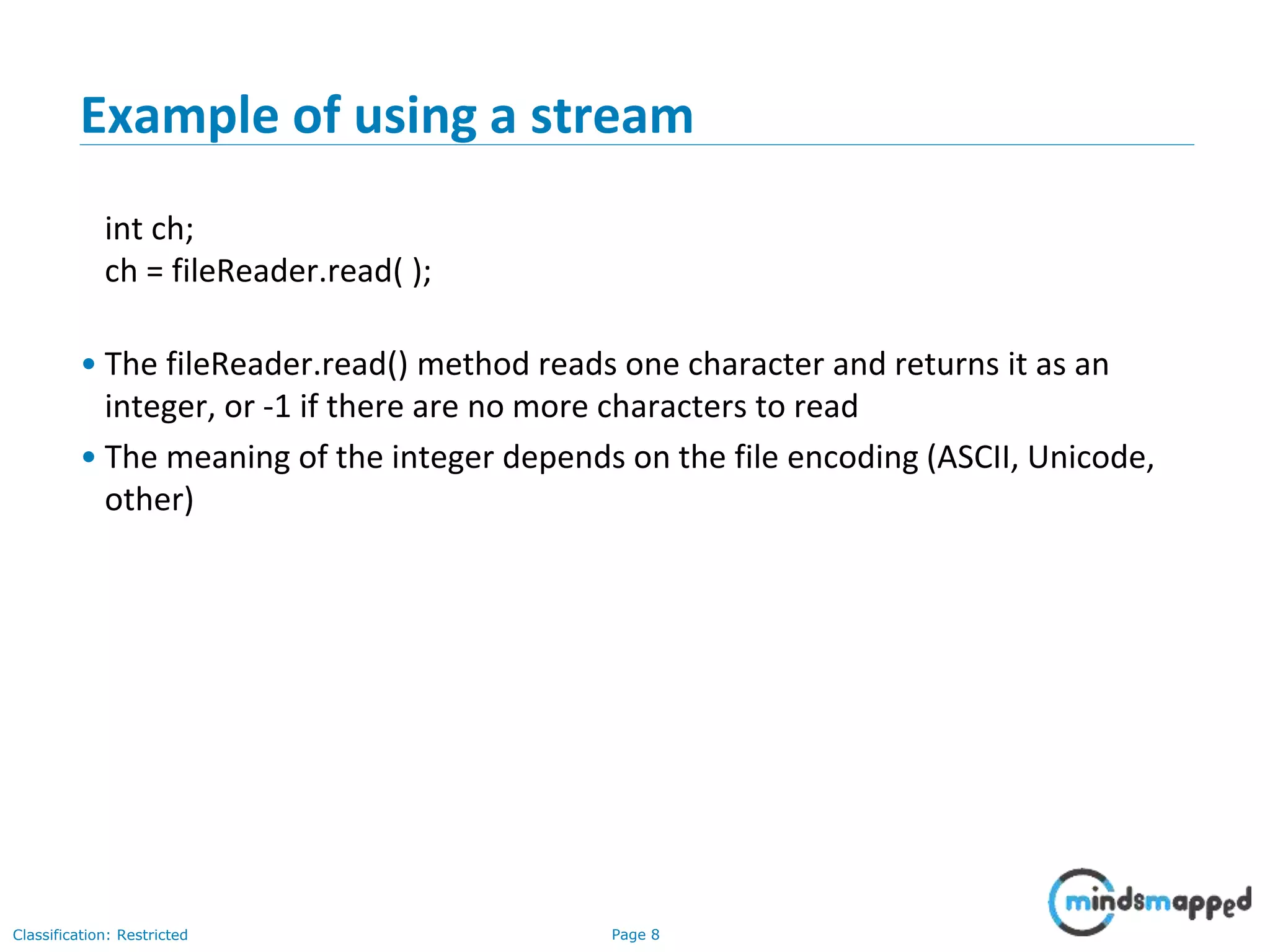
Example of using a stream
int ch;
ch = fileReader.read( );
• The fileReader.read() method reads one character and returns it as an
integer, or -1 if there are no more characters to read
• The meaning of the integer depends on the file encoding (ASCII, Unicode,
other)
Page 9Classification: Restricted
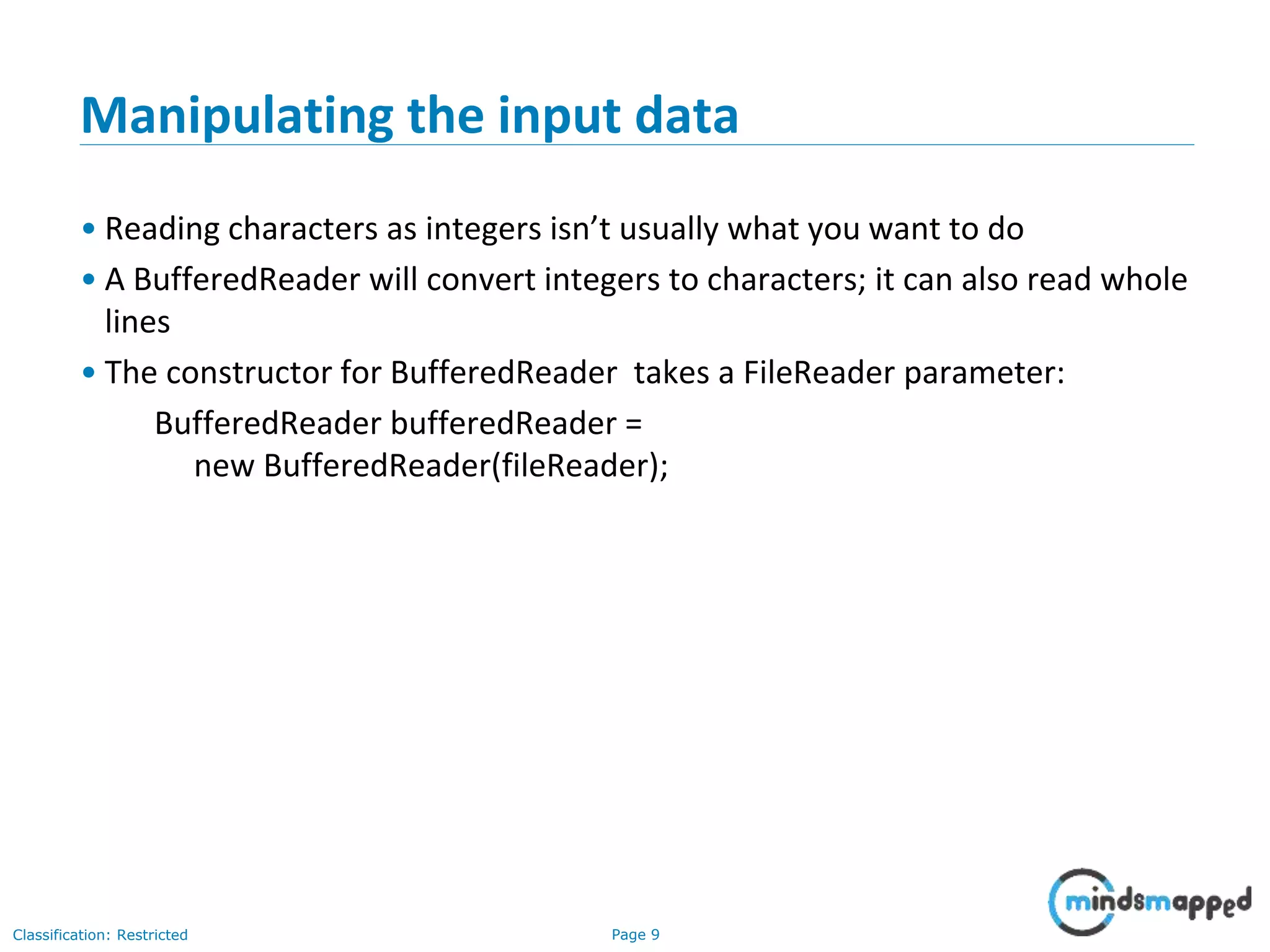
Manipulating the input data
• Reading characters as integers isn’t usually what you want to do
• A BufferedReader will convert integers to characters; it can also read whole
lines
• The constructor for BufferedReader takes a FileReader parameter:
BufferedReader bufferedReader =
new BufferedReader(fileReader);
Page 10Classification: Restricted
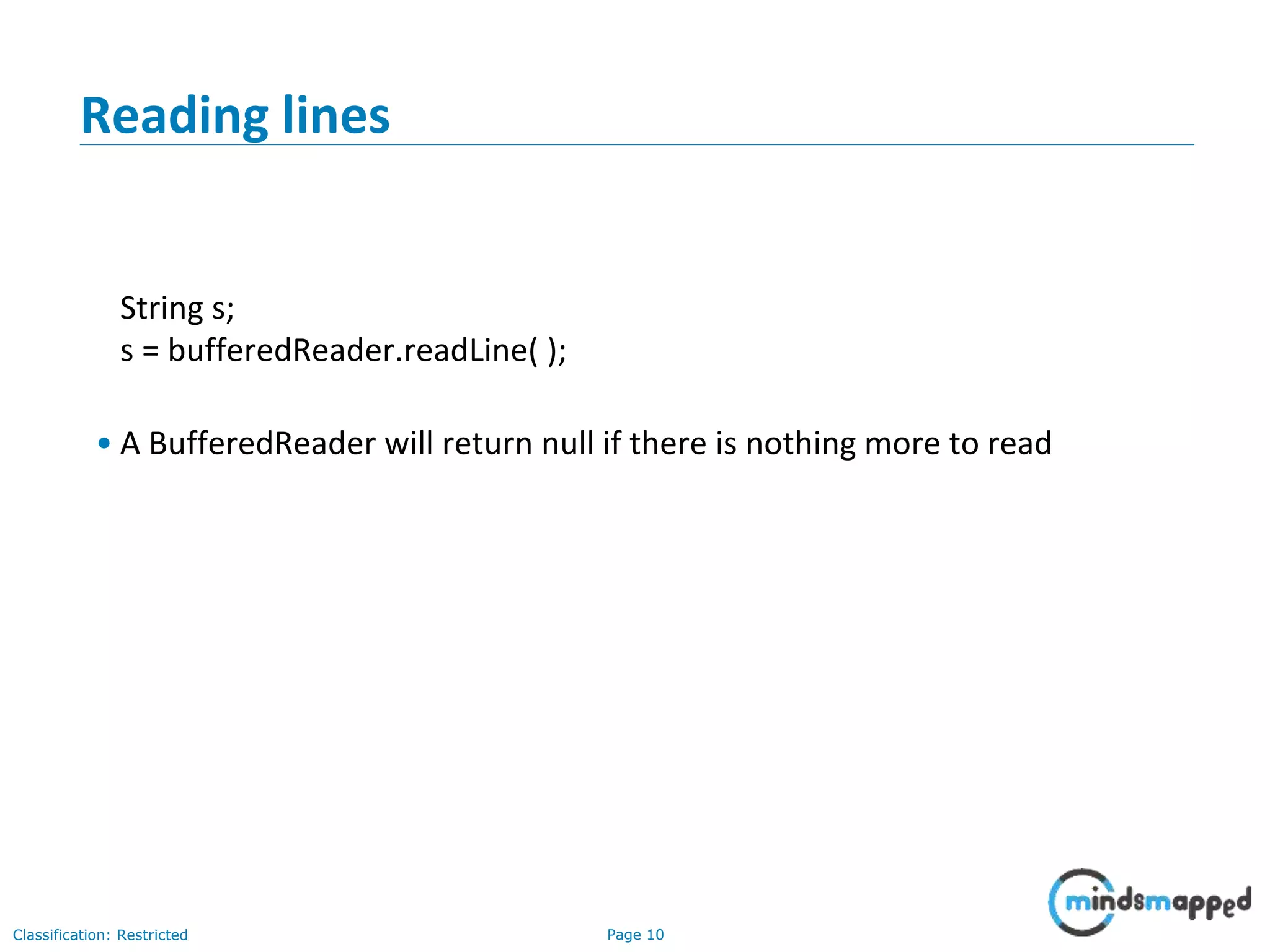
Reading lines
String s;
s = bufferedReader.readLine( );
• A BufferedReader will return null if there is nothing more to read
Page 11Classification: Restricted
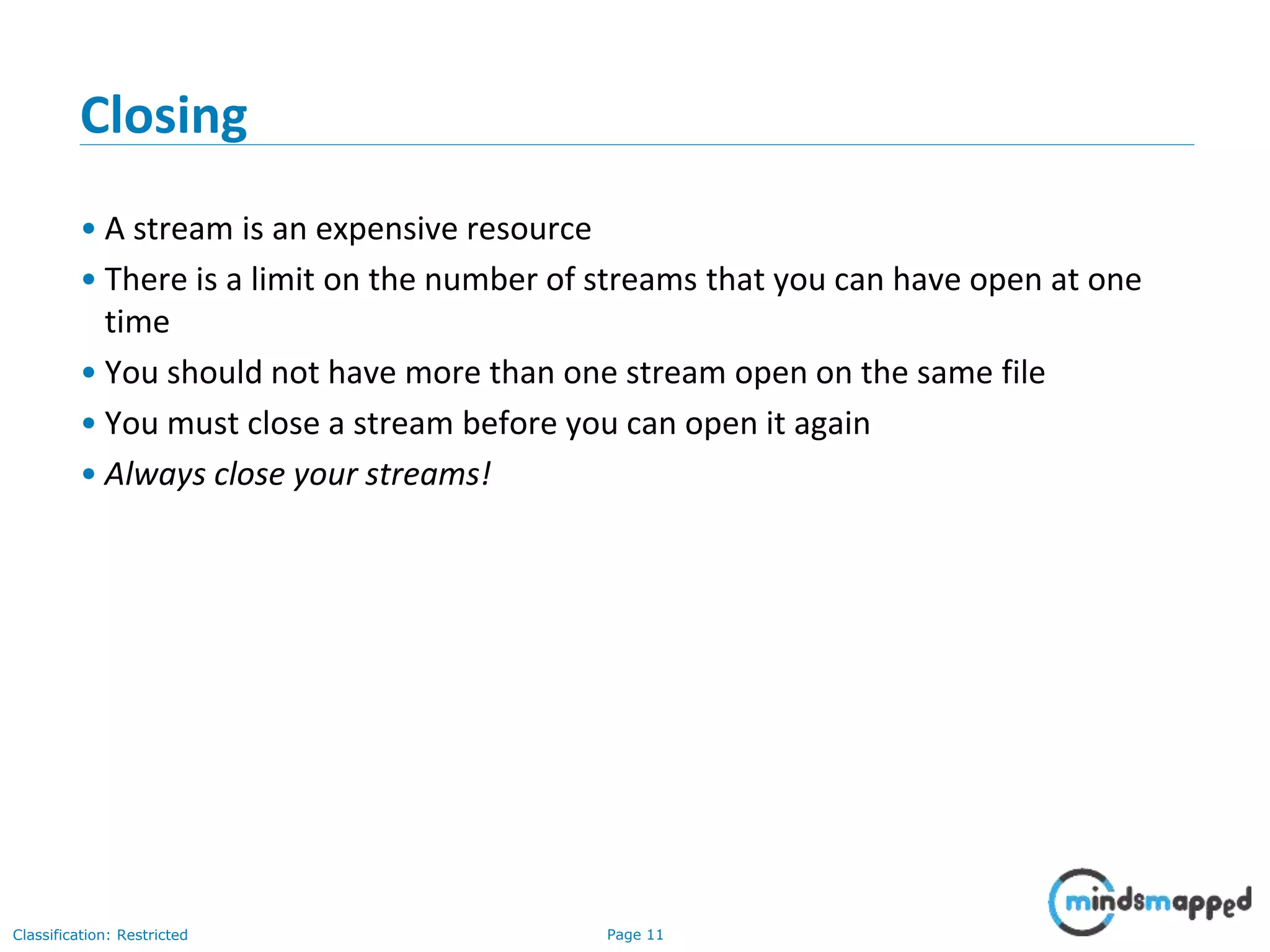
Closing
• A stream is an expensive resource
• There is a limit on the number of streams that you can have open at one
time
• You should not have more than one stream open on the same file
• You must close a stream before you can open it again
• Always close your streams!
Page 12Classification: Restricted
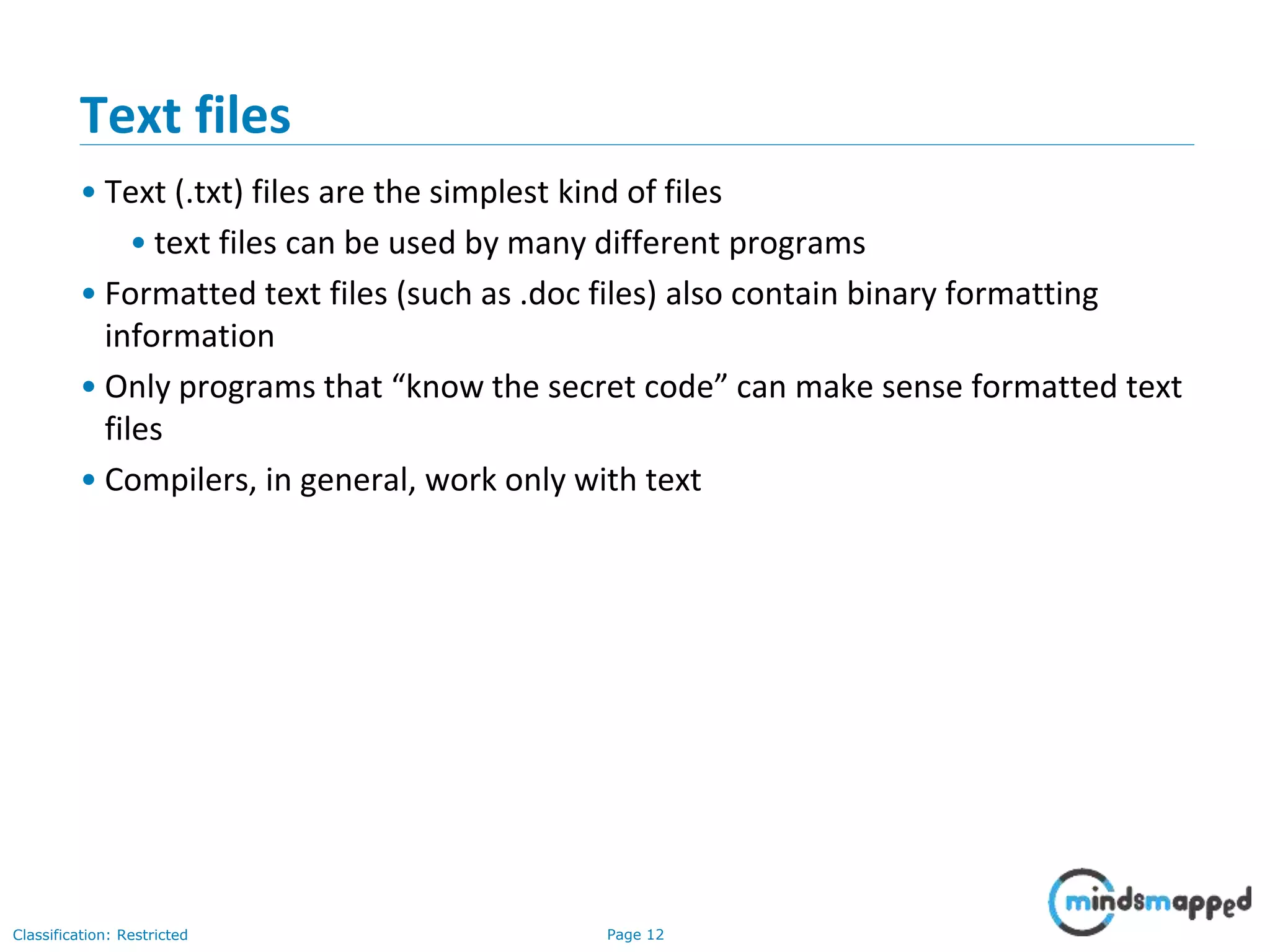
Text files
• Text (.txt) files are the simplest kind of files
• text files can be used by many different programs
• Formatted text files (such as .doc files) also contain binary formatting
information
• Only programs that “know the secret code” can make sense formatted text
files
• Compilers, in general, work only with text
Page 13Classification: Restricted
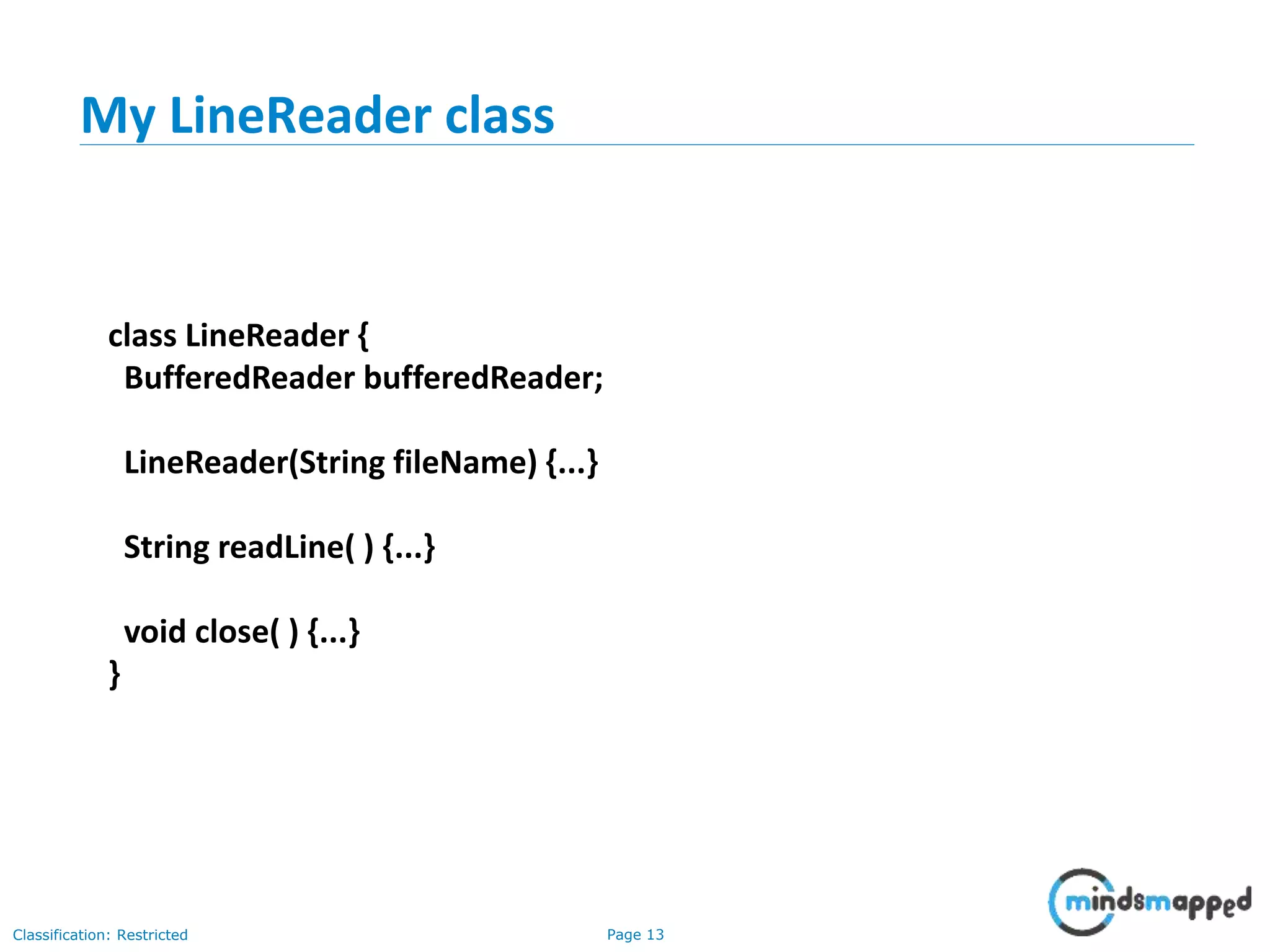
My LineReader class
class LineReader {
BufferedReader bufferedReader;
LineReader(String fileName) {...}
String readLine( ) {...}
void close( ) {...}
}
Page 14Classification: Restricted
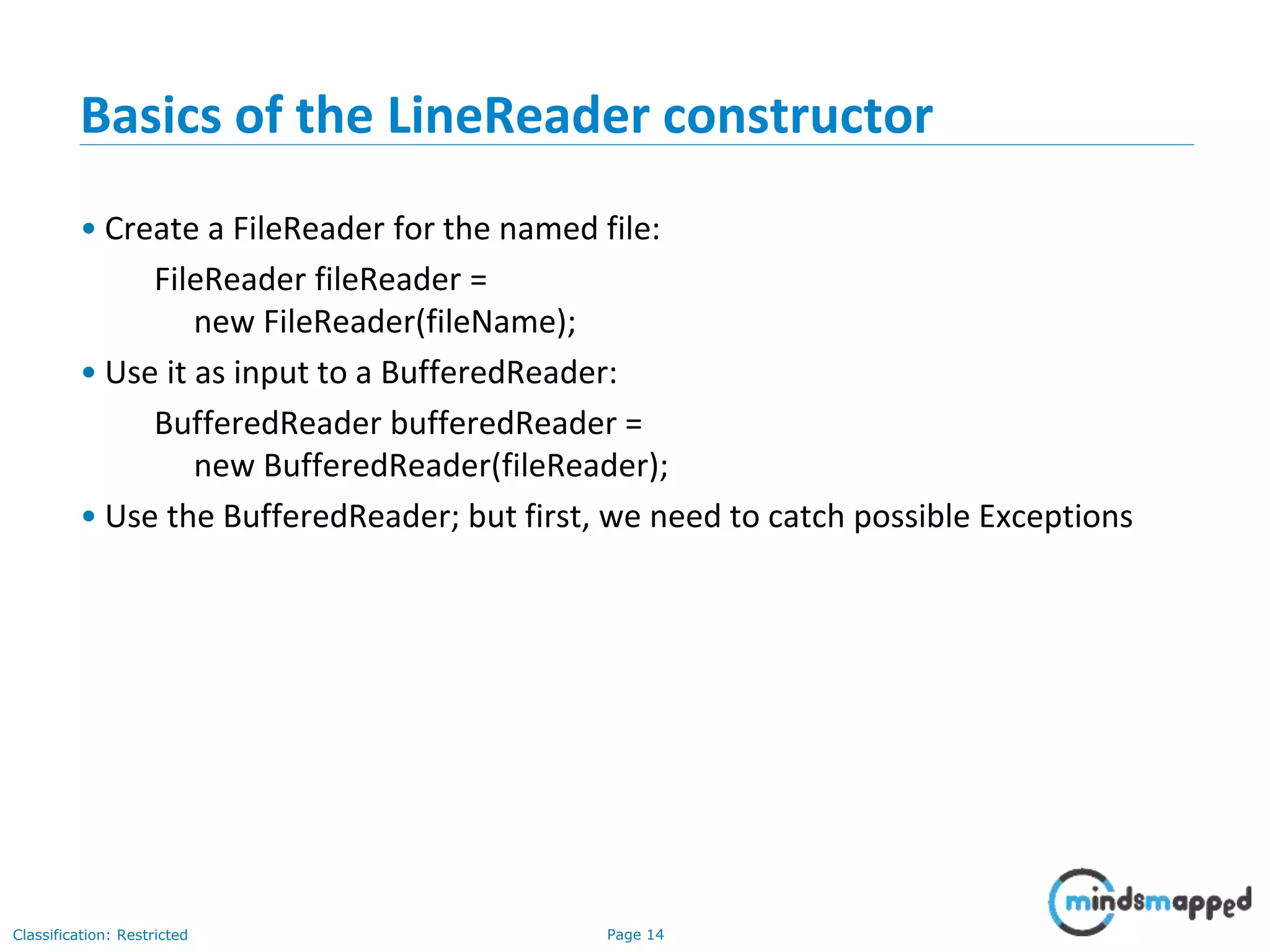
Basics of the LineReader constructor
• Create a FileReader for the named file:
FileReader fileReader =
new FileReader(fileName);
• Use it as input to a BufferedReader:
BufferedReader bufferedReader =
new BufferedReader(fileReader);
• Use the BufferedReader; but first, we need to catch possible Exceptions
Page 15Classification: Restricted
The full LineReader constructor
LineReader(String fileName) {
FileReader fileReader = null;
try { fileReader = new FileReader(fileName); }
catch (FileNotFoundException e) {
System.err.println
("LineReader can't find input file: " + fileName);
e.printStackTrace( );
}
bufferedReader = new BufferedReader(fileReader);
}
Page 16Classification: Restricted
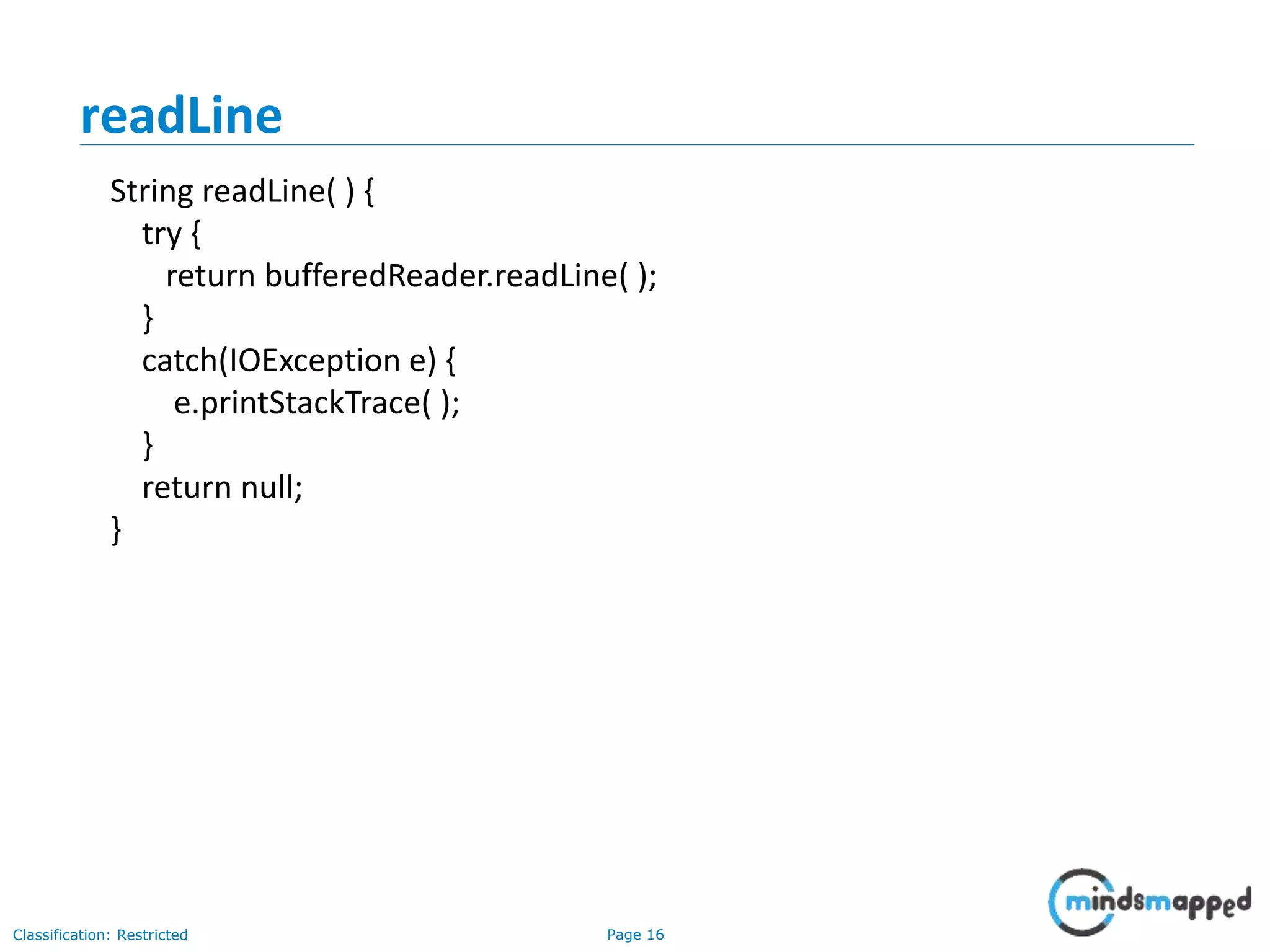
readLine
String readLine( ) {
try {
return bufferedReader.readLine( );
}
catch(IOException e) {
e.printStackTrace( );
}
return null;
}
Page 17Classification: Restricted
close
void close() {
try {
bufferedReader.close( );
}
catch(IOException e) { }
}
Page 18Classification: Restricted
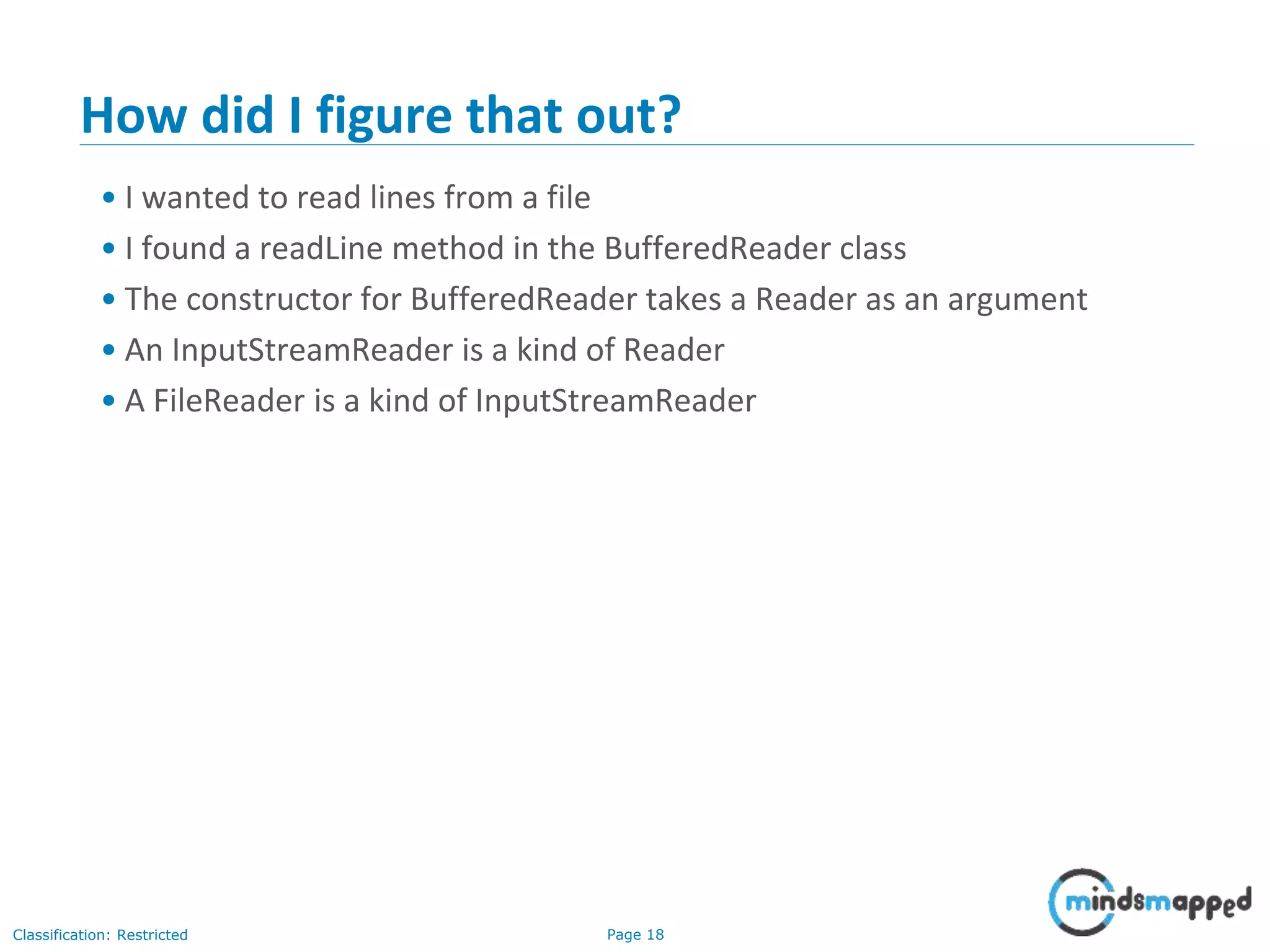
How did I figure that out?
• I wanted to read lines from a file
• I found a readLine method in the BufferedReader class
• The constructor for BufferedReader takes a Reader as an argument
• An InputStreamReader is a kind of Reader
• A FileReader is a kind of InputStreamReader
Page 19Classification: Restricted
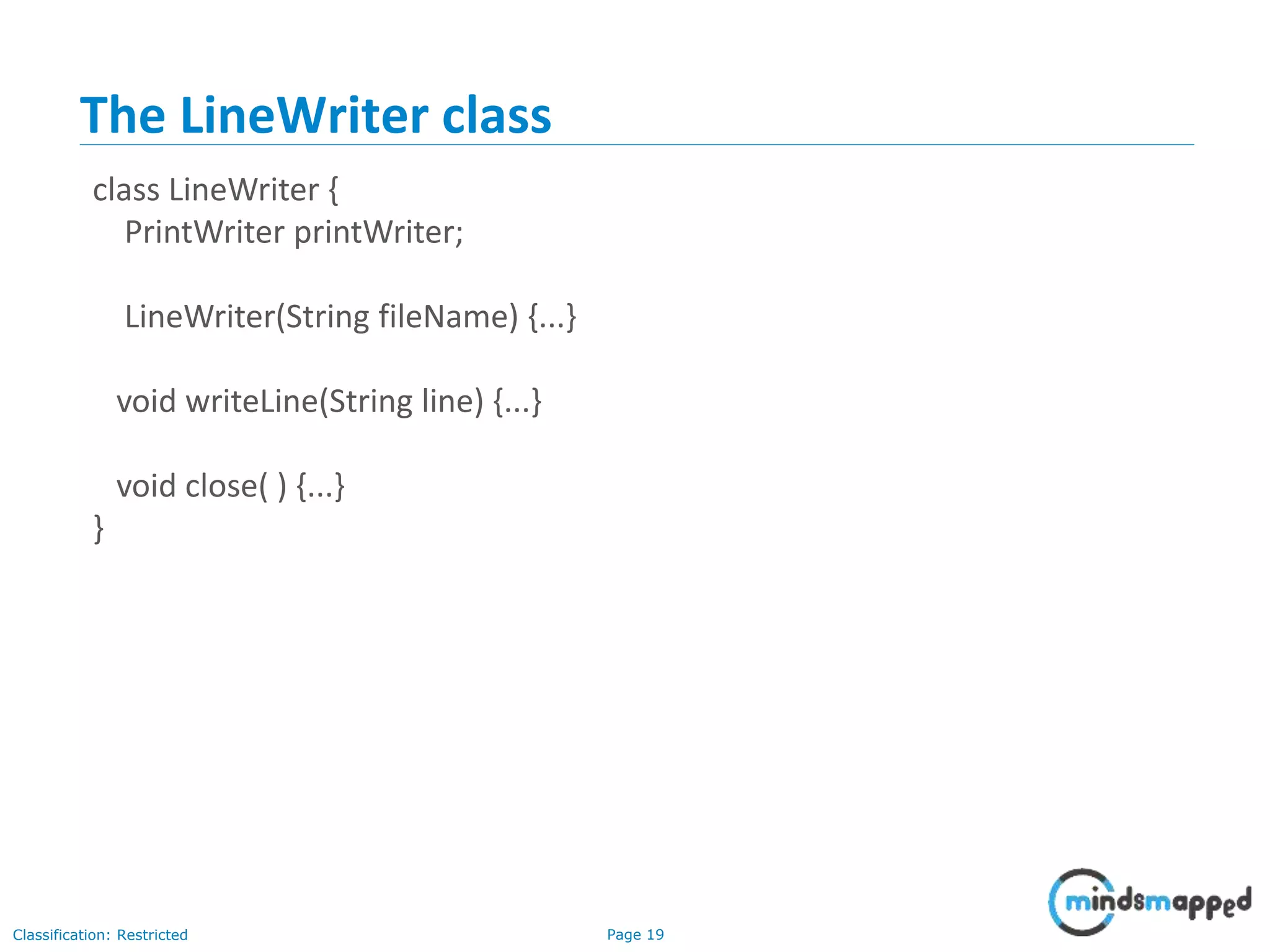
The LineWriter class
class LineWriter {
PrintWriter printWriter;
LineWriter(String fileName) {...}
void writeLine(String line) {...}
void close( ) {...}
}
Page 20Classification: Restricted
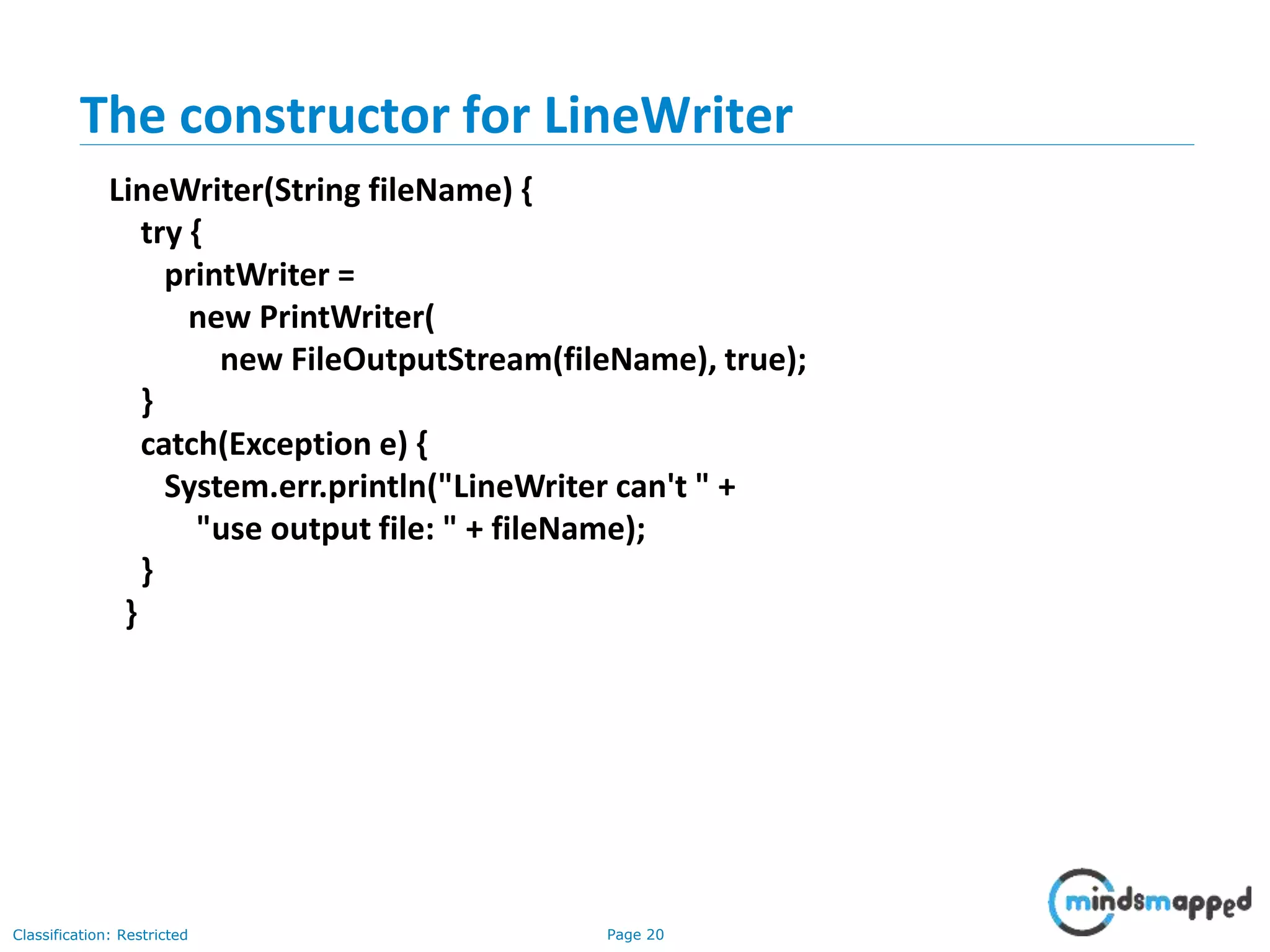
The constructor for LineWriter
LineWriter(String fileName) {
try {
printWriter =
new PrintWriter(
new FileOutputStream(fileName), true);
}
catch(Exception e) {
System.err.println("LineWriter can't " +
"use output file: " + fileName);
}
}
Page 21Classification: Restricted
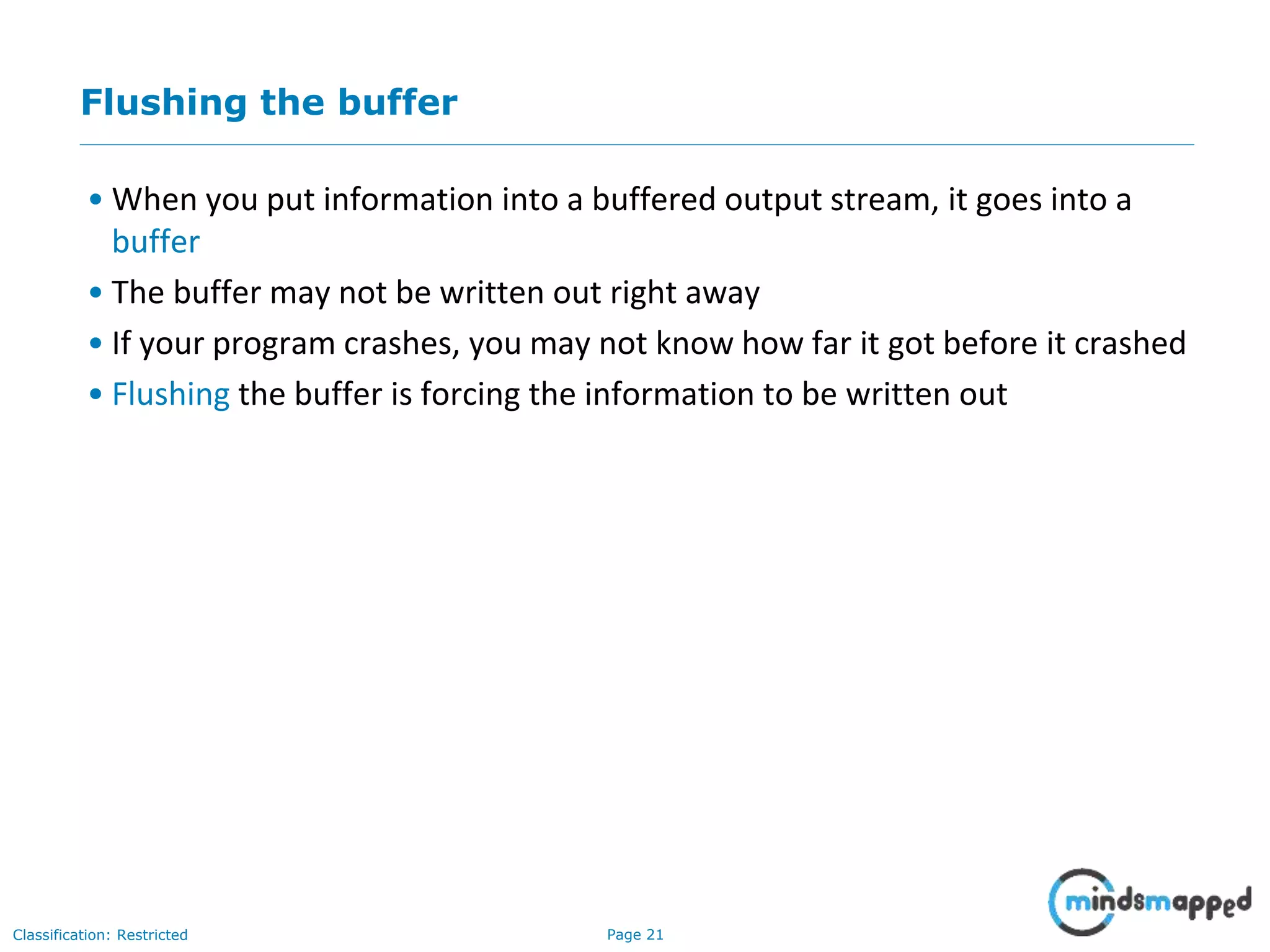
Flushing the buffer
• When you put information into a buffered output stream, it goes into a
buffer
• The buffer may not be written out right away
• If your program crashes, you may not know how far it got before it crashed
• Flushing the buffer is forcing the information to be written out
Page 22Classification: Restricted
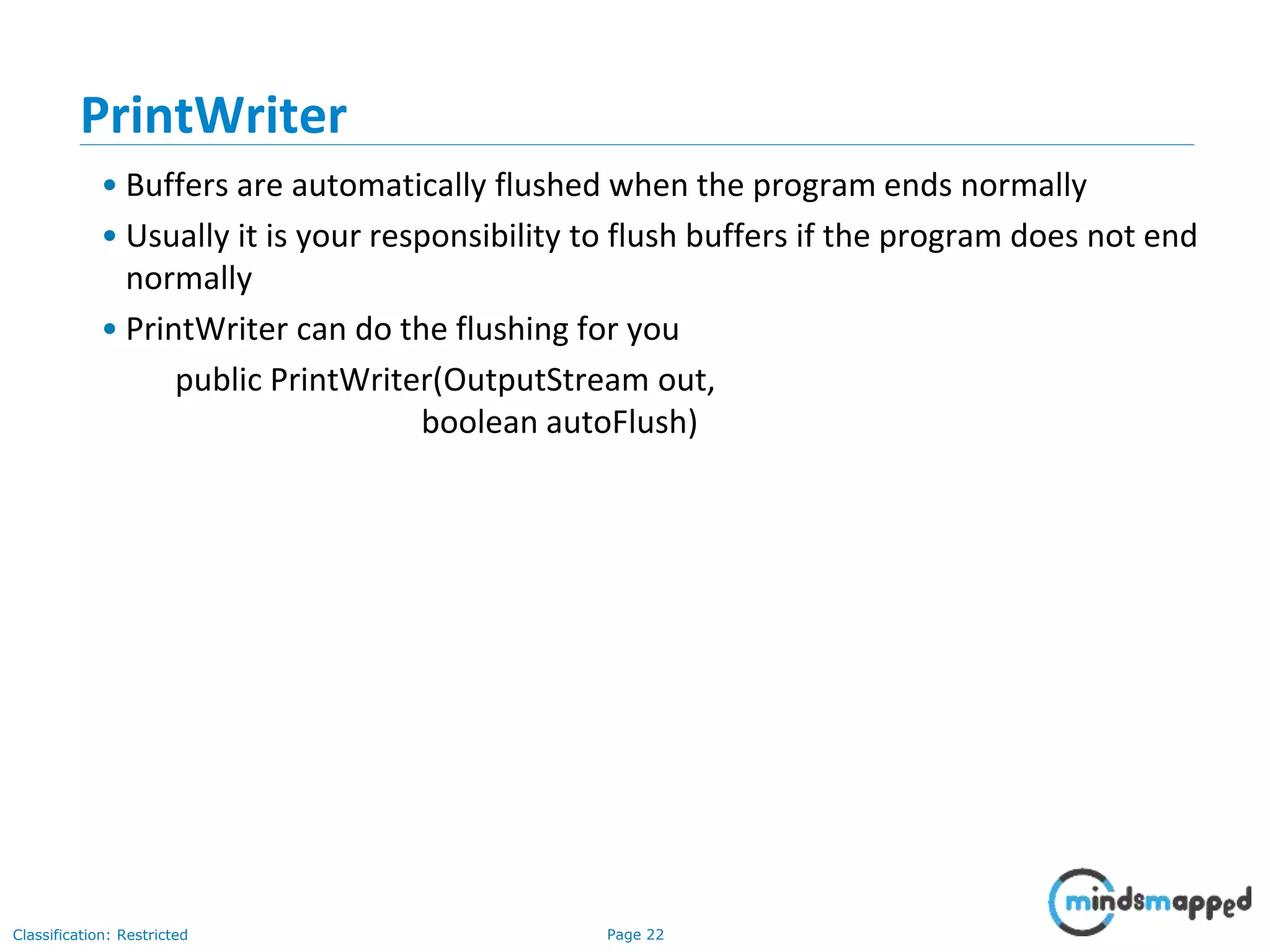
PrintWriter
• Buffers are automatically flushed when the program ends normally
• Usually it is your responsibility to flush buffers if the program does not end
normally
• PrintWriter can do the flushing for you
public PrintWriter(OutputStream out,
boolean autoFlush)
Page 23Classification: Restricted
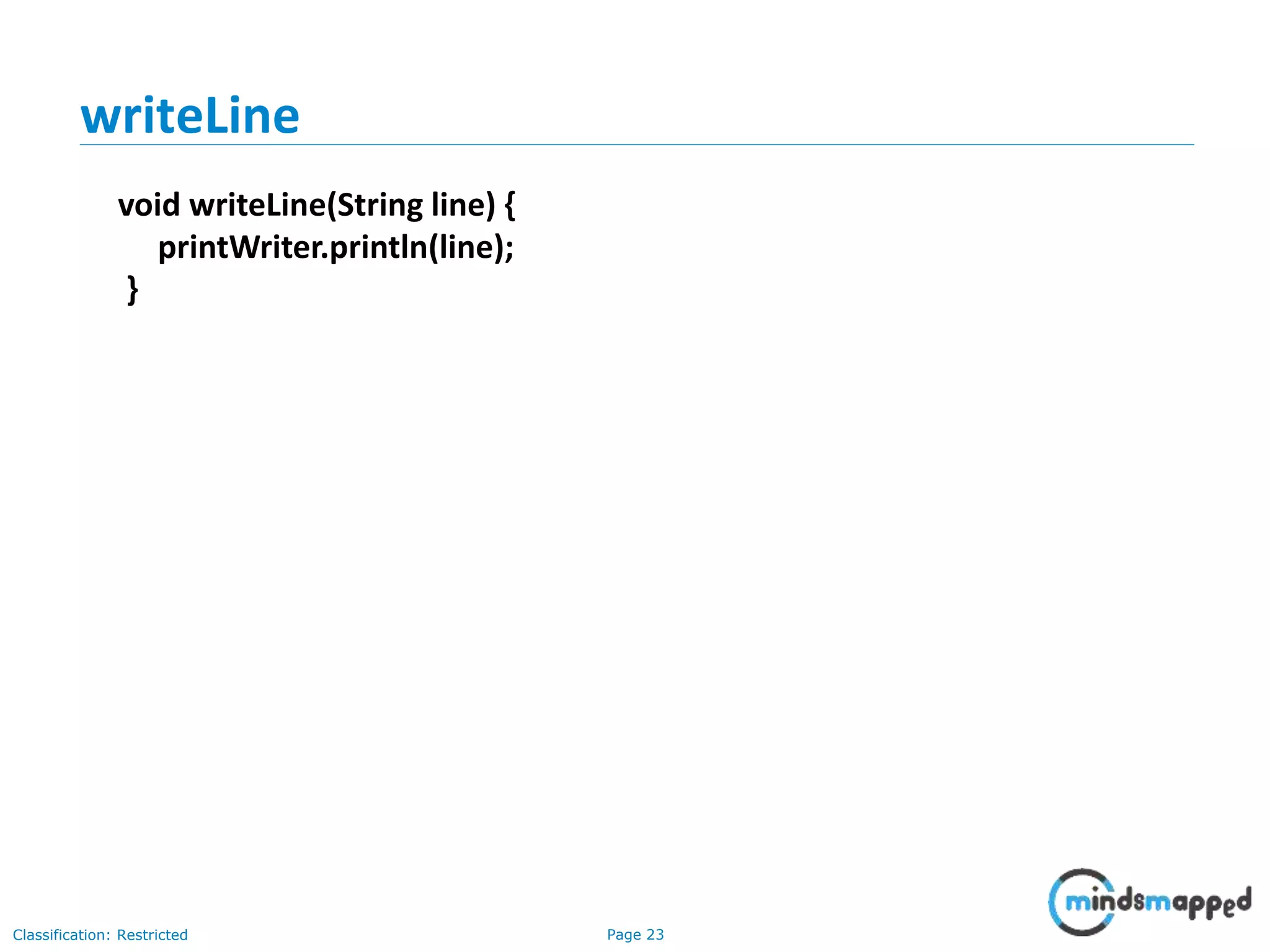
writeLine
void writeLine(String line) {
printWriter.println(line);
}
Page 24Classification: Restricted
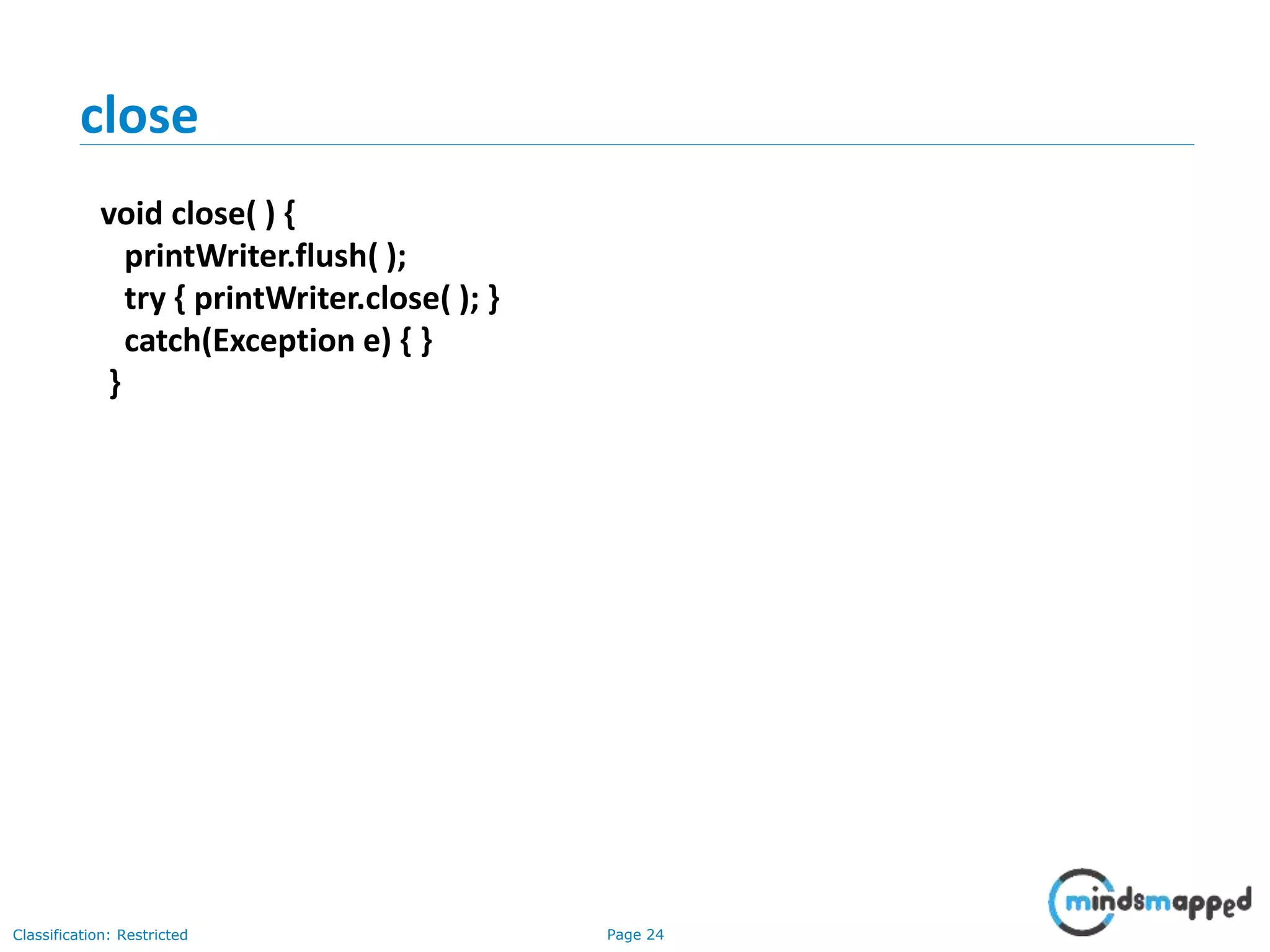
close
void close( ) {
printWriter.flush( );
try { printWriter.close( ); }
catch(Exception e) { }
}
Page 25Classification: Restricted
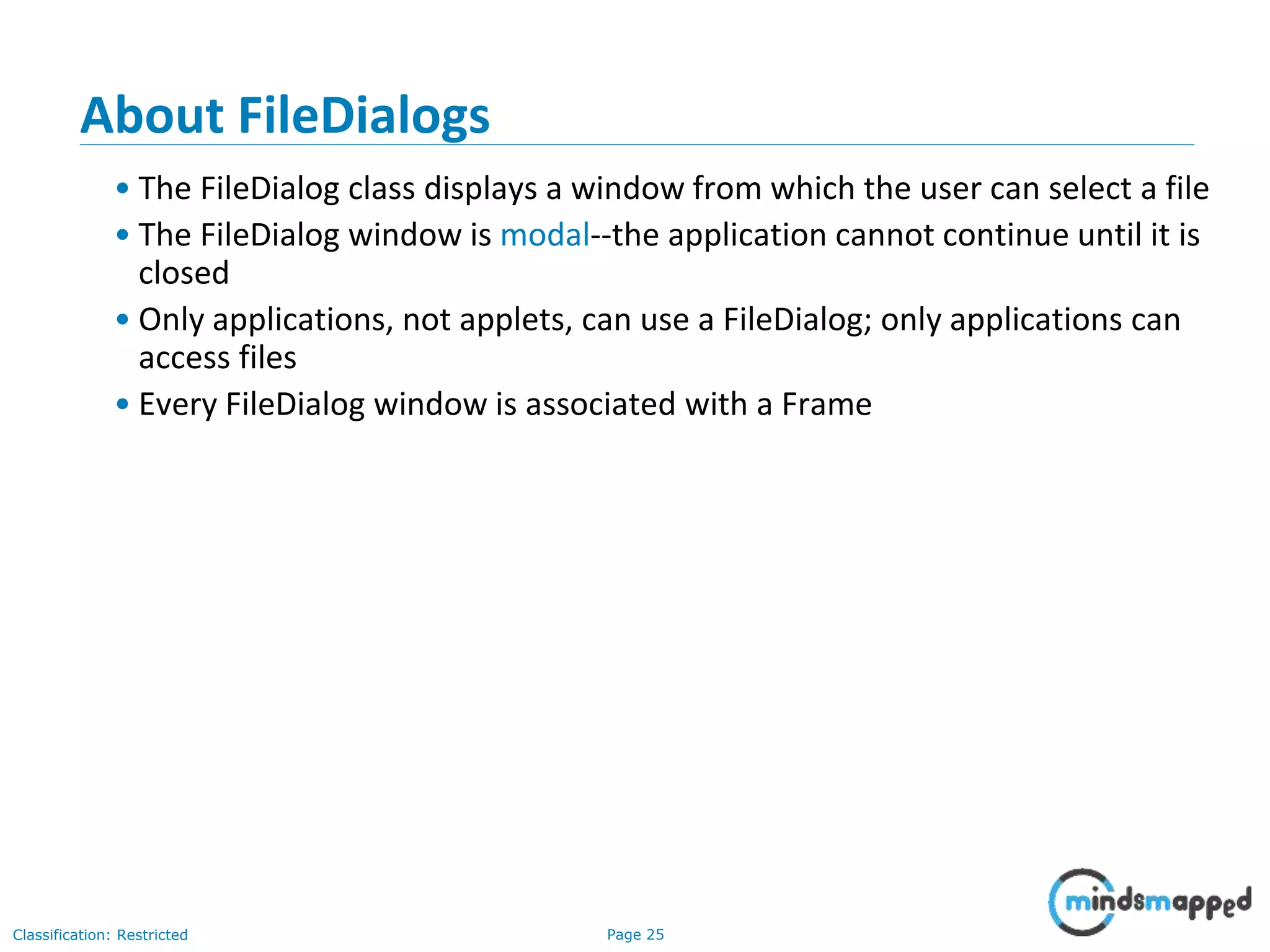
About FileDialogs
• The FileDialog class displays a window from which the user can select a file
• The FileDialog window is modal--the application cannot continue until it is
closed
• Only applications, not applets, can use a FileDialog; only applications can
access files
• Every FileDialog window is associated with a Frame
Page 26Classification: Restricted
Typical FileDialog window
Page 27Classification: Restricted
FileDialog constructors
• FileDialog(Frame f)
• Creates a FileDialog attached to Frame f
• FileDialog(Frame f, String title)
• Creates a FileDialog attached to Frame f, with the given title
• FileDialog(Frame f, String title, int type)
• Creates a FileDialog attached to Frame f, with the given title; the type
can be either FileDialog.LOAD or FileDialog.SAVE
Page 28Classification: Restricted
Useful FileDialog methods I
• String getDirectory()
• Returns the selected directory
• String getFile()
• Returns the name of the currently selected file, or null if no file is
selected
• int getMode()
• Returns either FileDialog.LOAD or FileDialog.SAVE, depending on what
the dialog is being used for
Page 29Classification: Restricted
Useful FileDialog methods II
• void setDirectory(String directory)
• Changes the current directory to directory
• void setFile(String fileName)
• Changes the current file to fileName
• void setMode(int mode)
• Sets the mode to either FileDialog.LOAD or FileDialog.SAVE
Page 30Classification: Restricted
Using a FileDialog
• Using a FileDialog isn’t difficult, but it is lengthy
• See my LineReader class (in the Encryption assignment) for a complete
example
Page 31Classification: Restricted
Serialization
• You can also read and write objects to files
• Object I/O goes by the awkward name of serialization
• Serialization in other languages can be very difficult, because objects may
contain references to other objects
• Java makes serialization (almost) easy
Page 32Classification: Restricted
Conditions for serializability
• If an object is to be serialized:
• The class must be declared as public
• The class must implement Serializable
• The class must have a no-argument constructor
• All fields of the class must be serializable: either primitive types or
serializable objects
Page 33Classification: Restricted
Implementing the Serializable interface
•To “implement” an interface means to
define all the methods declared by that
interface, but...
•The Serializable interface does not define
any methods!
•Question: What possible use is there for an
interface that does not declare any methods?
•Answer: Serializable is used as flag to tell Java it
needs to do extra work with this class
Page 34Classification: Restricted
Writing objects to a file
ObjectOutputStream objectOut =
new ObjectOutputStream(
new BufferedOutputStream(
new FileOutputStream(fileName)));
objectOut.writeObject(serializableObject);
objectOut.close( );
Page 35Classification: Restricted
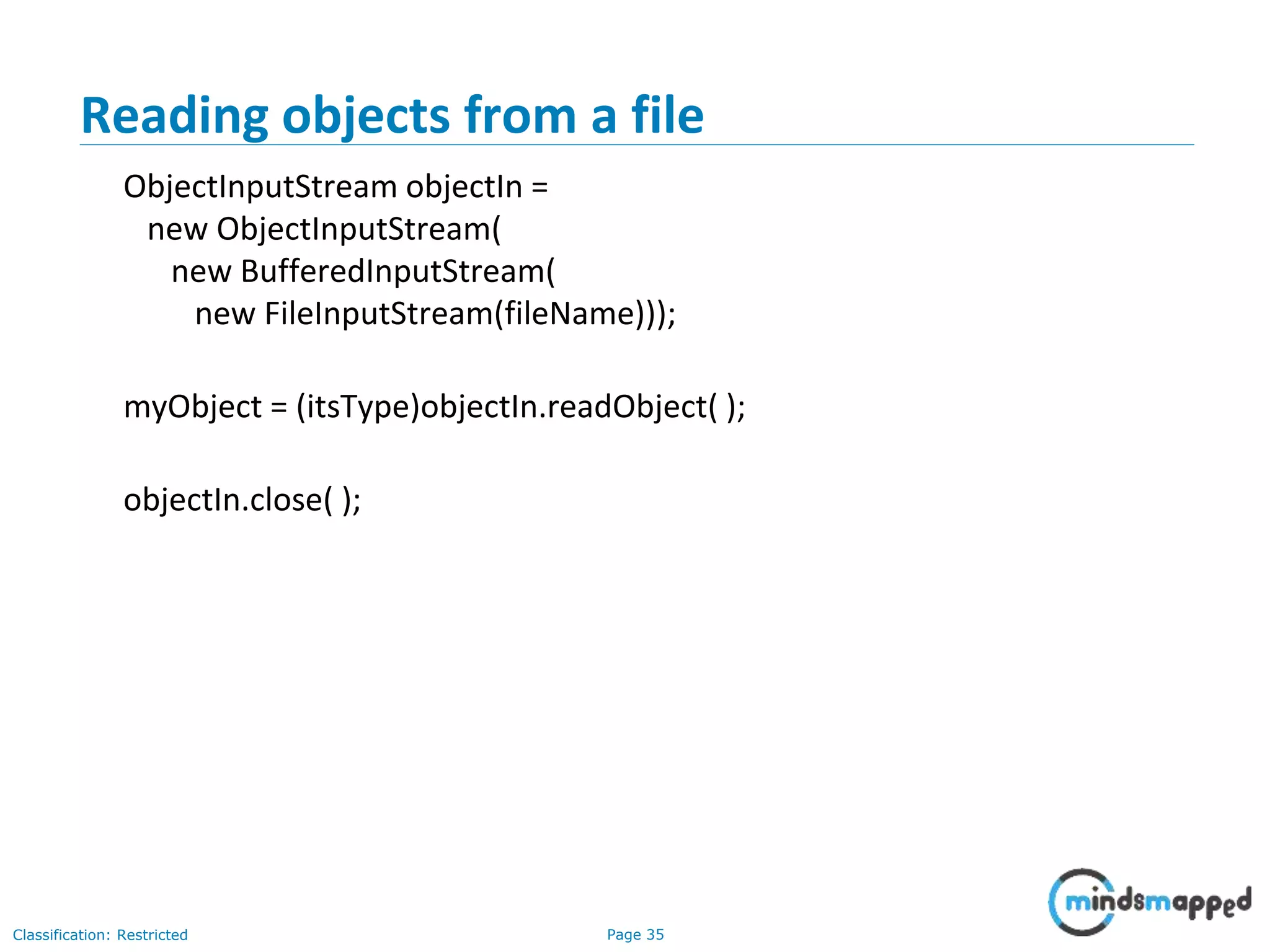
Reading objects from a file
ObjectInputStream objectIn =
new ObjectInputStream(
new BufferedInputStream(
new FileInputStream(fileName)));
myObject = (itsType)objectIn.readObject( );
objectIn.close( );
Page 36Classification: Restricted
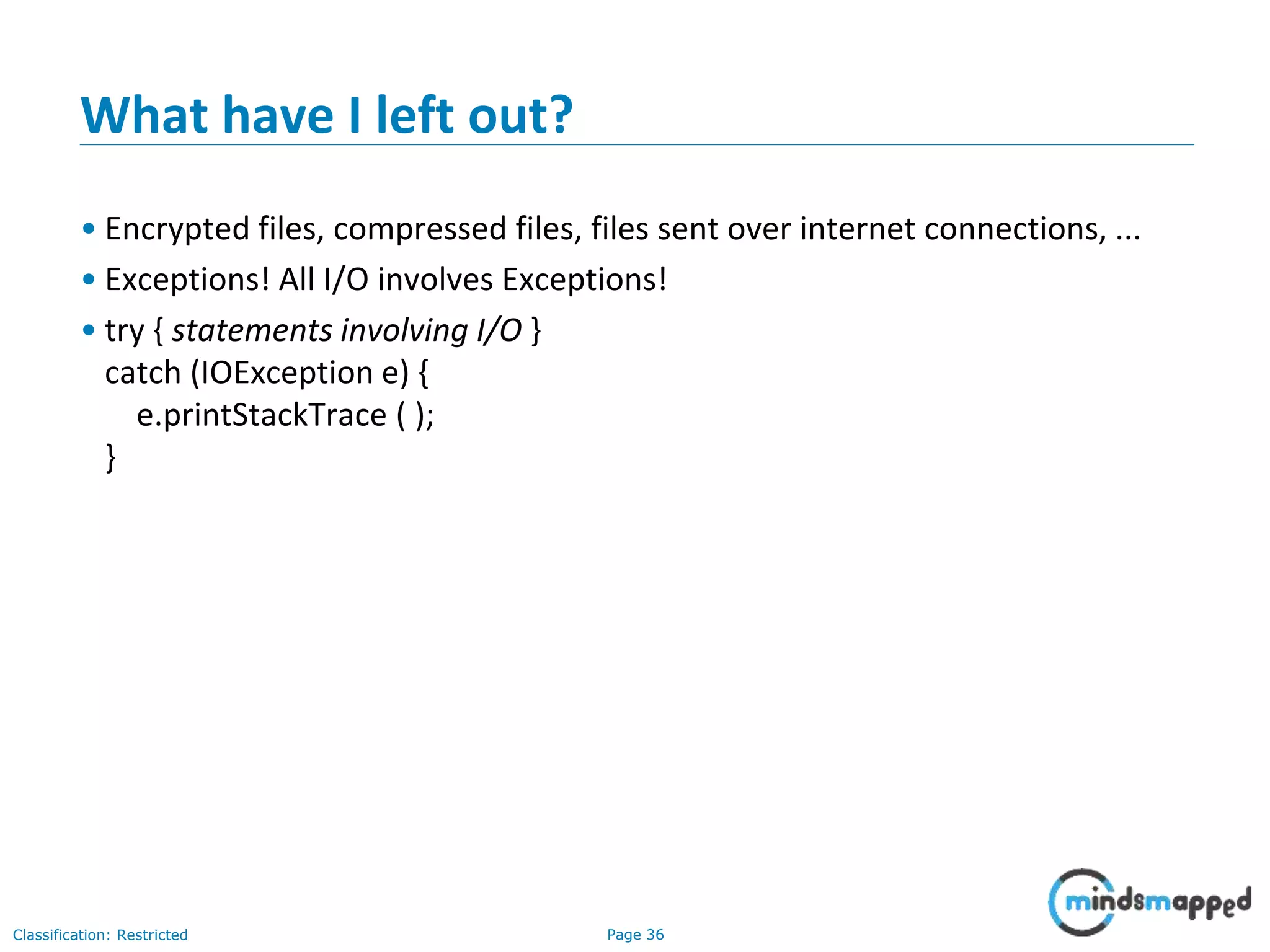
What have I left out?
• Encrypted files, compressed files, files sent over internet connections, ...
• Exceptions! All I/O involves Exceptions!
• try { statements involving I/O }
catch (IOException e) {
e.printStackTrace ( );
}
Page 37Classification: Restricted
Thank You

Java I/O

  • 1.
  • 2.
    Page 1Classification: Restricted Agenda •Streams • Using a stream • Manipulating the input data • Basics of the LineReader constructor • The LineWriter class • Flushing the buffer • PrintWriter • About FileDialogs • Typical FileDialog window • FileDialog constructors • Useful FileDialog methods I • Useful FileDialog methods II • Serialization • Conditions for serializability • Writing objects to a file
  • 3.
    Page 2Classification: Restricted Streams •All modern I/O is stream-based • A stream is a connection to a source of data or to a destination for data (sometimes both) • An input stream may be associated with the keyboard • An input stream or an output stream may be associated with a file • Different streams have different characteristics: • A file has a definite length, and therefore an end • Keyboard input has no specific end
  • 4.
    Page 3Classification: Restricted Howto do I/O import java.io.*; • Open the stream • Use the stream (read, write, or both) • Close the stream
  • 5.
    Page 4Classification: Restricted WhyJava I/O is hard • Java I/O is very powerful, with an overwhelming number of options • Any given kind of I/O is not particularly difficult • The trick is to find your way through the maze of possibilities open use close
  • 6.
    Page 5Classification: Restricted Openinga stream • There is data external to your program that you want to get, or you want to put data somewhere outside your program • When you open a stream, you are making a connection to that external place • Once the connection is made, you forget about the external place and just use the stream open use close
  • 7.
    Page 6Classification: Restricted Exampleof opening a stream • A FileReader is a used to connect to a file that will be used for input: FileReader fileReader = new FileReader(fileName); • The fileName specifies where the (external) file is to be found • You never use fileName again; instead, you use fileReader
  • 8.
    Page 7Classification: Restricted Usinga stream • Some streams can be used only for input, others only for output, still others for both • Using a stream means doing input from it or output to it • But it’s not usually that simple--you need to manipulate the data in some way as it comes in or goes out
  • 9.
    Page 8Classification: Restricted Exampleof using a stream int ch; ch = fileReader.read( ); • The fileReader.read() method reads one character and returns it as an integer, or -1 if there are no more characters to read • The meaning of the integer depends on the file encoding (ASCII, Unicode, other)
  • 10.
    Page 9Classification: Restricted Manipulatingthe input data • Reading characters as integers isn’t usually what you want to do • A BufferedReader will convert integers to characters; it can also read whole lines • The constructor for BufferedReader takes a FileReader parameter: BufferedReader bufferedReader = new BufferedReader(fileReader);
  • 11.
    Page 10Classification: Restricted Readinglines String s; s = bufferedReader.readLine( ); • A BufferedReader will return null if there is nothing more to read
  • 12.
    Page 11Classification: Restricted Closing •A stream is an expensive resource • There is a limit on the number of streams that you can have open at one time • You should not have more than one stream open on the same file • You must close a stream before you can open it again • Always close your streams!
  • 13.
    Page 12Classification: Restricted Textfiles • Text (.txt) files are the simplest kind of files • text files can be used by many different programs • Formatted text files (such as .doc files) also contain binary formatting information • Only programs that “know the secret code” can make sense formatted text files • Compilers, in general, work only with text
  • 14.
    Page 13Classification: Restricted MyLineReader class class LineReader { BufferedReader bufferedReader; LineReader(String fileName) {...} String readLine( ) {...} void close( ) {...} }
  • 15.
    Page 14Classification: Restricted Basicsof the LineReader constructor • Create a FileReader for the named file: FileReader fileReader = new FileReader(fileName); • Use it as input to a BufferedReader: BufferedReader bufferedReader = new BufferedReader(fileReader); • Use the BufferedReader; but first, we need to catch possible Exceptions
  • 16.
    Page 15Classification: Restricted Thefull LineReader constructor LineReader(String fileName) { FileReader fileReader = null; try { fileReader = new FileReader(fileName); } catch (FileNotFoundException e) { System.err.println ("LineReader can't find input file: " + fileName); e.printStackTrace( ); } bufferedReader = new BufferedReader(fileReader); }
  • 17.
    Page 16Classification: Restricted readLine StringreadLine( ) { try { return bufferedReader.readLine( ); } catch(IOException e) { e.printStackTrace( ); } return null; }
  • 18.
    Page 17Classification: Restricted close voidclose() { try { bufferedReader.close( ); } catch(IOException e) { } }
  • 19.
    Page 18Classification: Restricted Howdid I figure that out? • I wanted to read lines from a file • I found a readLine method in the BufferedReader class • The constructor for BufferedReader takes a Reader as an argument • An InputStreamReader is a kind of Reader • A FileReader is a kind of InputStreamReader
  • 20.
    Page 19Classification: Restricted TheLineWriter class class LineWriter { PrintWriter printWriter; LineWriter(String fileName) {...} void writeLine(String line) {...} void close( ) {...} }
  • 21.
    Page 20Classification: Restricted Theconstructor for LineWriter LineWriter(String fileName) { try { printWriter = new PrintWriter( new FileOutputStream(fileName), true); } catch(Exception e) { System.err.println("LineWriter can't " + "use output file: " + fileName); } }
  • 22.
    Page 21Classification: Restricted Flushingthe buffer • When you put information into a buffered output stream, it goes into a buffer • The buffer may not be written out right away • If your program crashes, you may not know how far it got before it crashed • Flushing the buffer is forcing the information to be written out
  • 23.
    Page 22Classification: Restricted PrintWriter •Buffers are automatically flushed when the program ends normally • Usually it is your responsibility to flush buffers if the program does not end normally • PrintWriter can do the flushing for you public PrintWriter(OutputStream out, boolean autoFlush)
  • 24.
    Page 23Classification: Restricted writeLine voidwriteLine(String line) { printWriter.println(line); }
  • 25.
    Page 24Classification: Restricted close voidclose( ) { printWriter.flush( ); try { printWriter.close( ); } catch(Exception e) { } }
  • 26.
    Page 25Classification: Restricted AboutFileDialogs • The FileDialog class displays a window from which the user can select a file • The FileDialog window is modal--the application cannot continue until it is closed • Only applications, not applets, can use a FileDialog; only applications can access files • Every FileDialog window is associated with a Frame
  • 27.
  • 28.
    Page 27Classification: Restricted FileDialogconstructors • FileDialog(Frame f) • Creates a FileDialog attached to Frame f • FileDialog(Frame f, String title) • Creates a FileDialog attached to Frame f, with the given title • FileDialog(Frame f, String title, int type) • Creates a FileDialog attached to Frame f, with the given title; the type can be either FileDialog.LOAD or FileDialog.SAVE
  • 29.
    Page 28Classification: Restricted UsefulFileDialog methods I • String getDirectory() • Returns the selected directory • String getFile() • Returns the name of the currently selected file, or null if no file is selected • int getMode() • Returns either FileDialog.LOAD or FileDialog.SAVE, depending on what the dialog is being used for
  • 30.
    Page 29Classification: Restricted UsefulFileDialog methods II • void setDirectory(String directory) • Changes the current directory to directory • void setFile(String fileName) • Changes the current file to fileName • void setMode(int mode) • Sets the mode to either FileDialog.LOAD or FileDialog.SAVE
  • 31.
    Page 30Classification: Restricted Usinga FileDialog • Using a FileDialog isn’t difficult, but it is lengthy • See my LineReader class (in the Encryption assignment) for a complete example
  • 32.
    Page 31Classification: Restricted Serialization •You can also read and write objects to files • Object I/O goes by the awkward name of serialization • Serialization in other languages can be very difficult, because objects may contain references to other objects • Java makes serialization (almost) easy
  • 33.
    Page 32Classification: Restricted Conditionsfor serializability • If an object is to be serialized: • The class must be declared as public • The class must implement Serializable • The class must have a no-argument constructor • All fields of the class must be serializable: either primitive types or serializable objects
  • 34.
    Page 33Classification: Restricted Implementingthe Serializable interface •To “implement” an interface means to define all the methods declared by that interface, but... •The Serializable interface does not define any methods! •Question: What possible use is there for an interface that does not declare any methods? •Answer: Serializable is used as flag to tell Java it needs to do extra work with this class
  • 35.
    Page 34Classification: Restricted Writingobjects to a file ObjectOutputStream objectOut = new ObjectOutputStream( new BufferedOutputStream( new FileOutputStream(fileName))); objectOut.writeObject(serializableObject); objectOut.close( );
  • 36.
    Page 35Classification: Restricted Readingobjects from a file ObjectInputStream objectIn = new ObjectInputStream( new BufferedInputStream( new FileInputStream(fileName))); myObject = (itsType)objectIn.readObject( ); objectIn.close( );
  • 37.
    Page 36Classification: Restricted Whathave I left out? • Encrypted files, compressed files, files sent over internet connections, ... • Exceptions! All I/O involves Exceptions! • try { statements involving I/O } catch (IOException e) { e.printStackTrace ( ); }
  • 38.