Java Collections
By Durga Sir
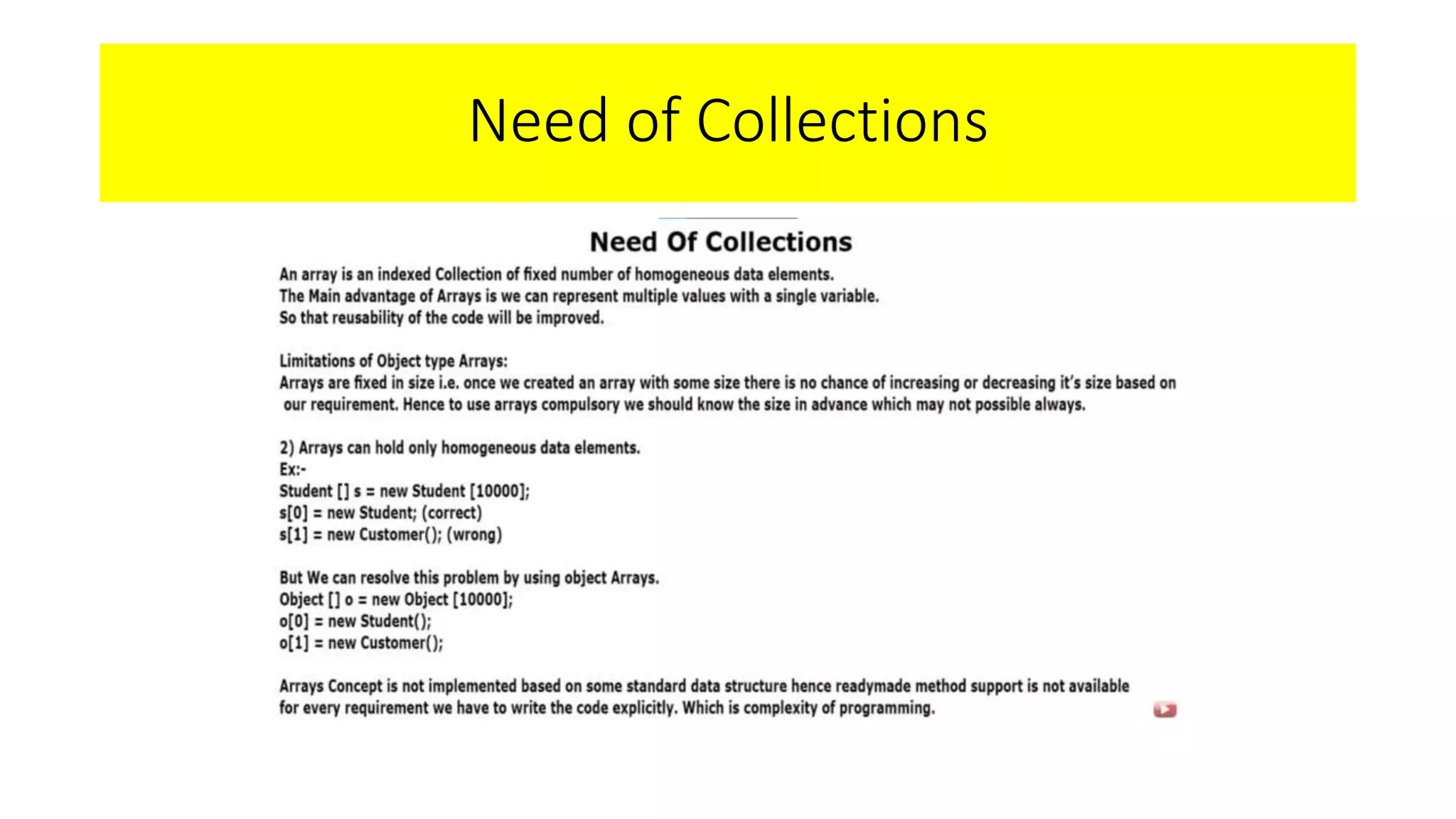
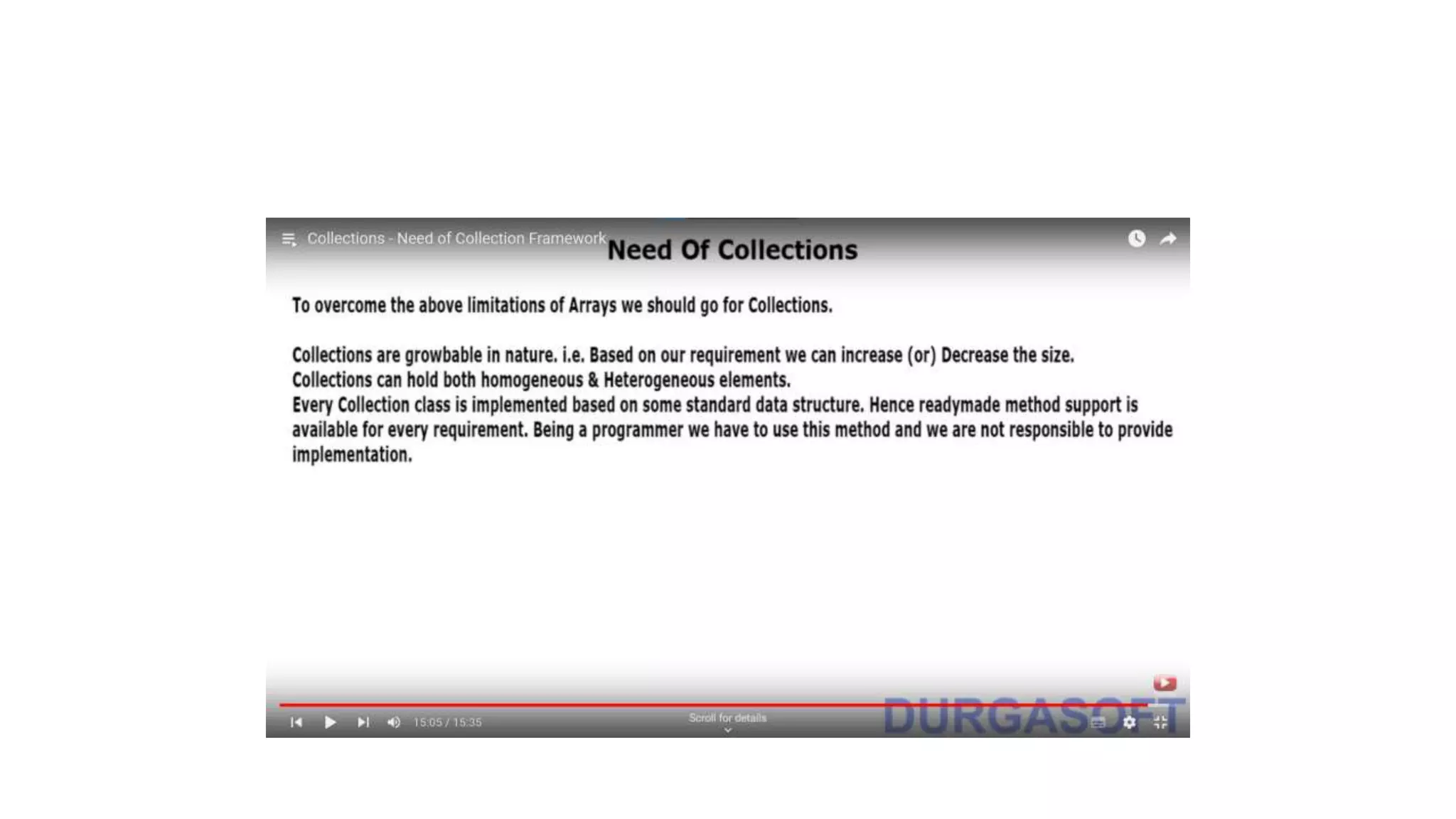
Need of Collections
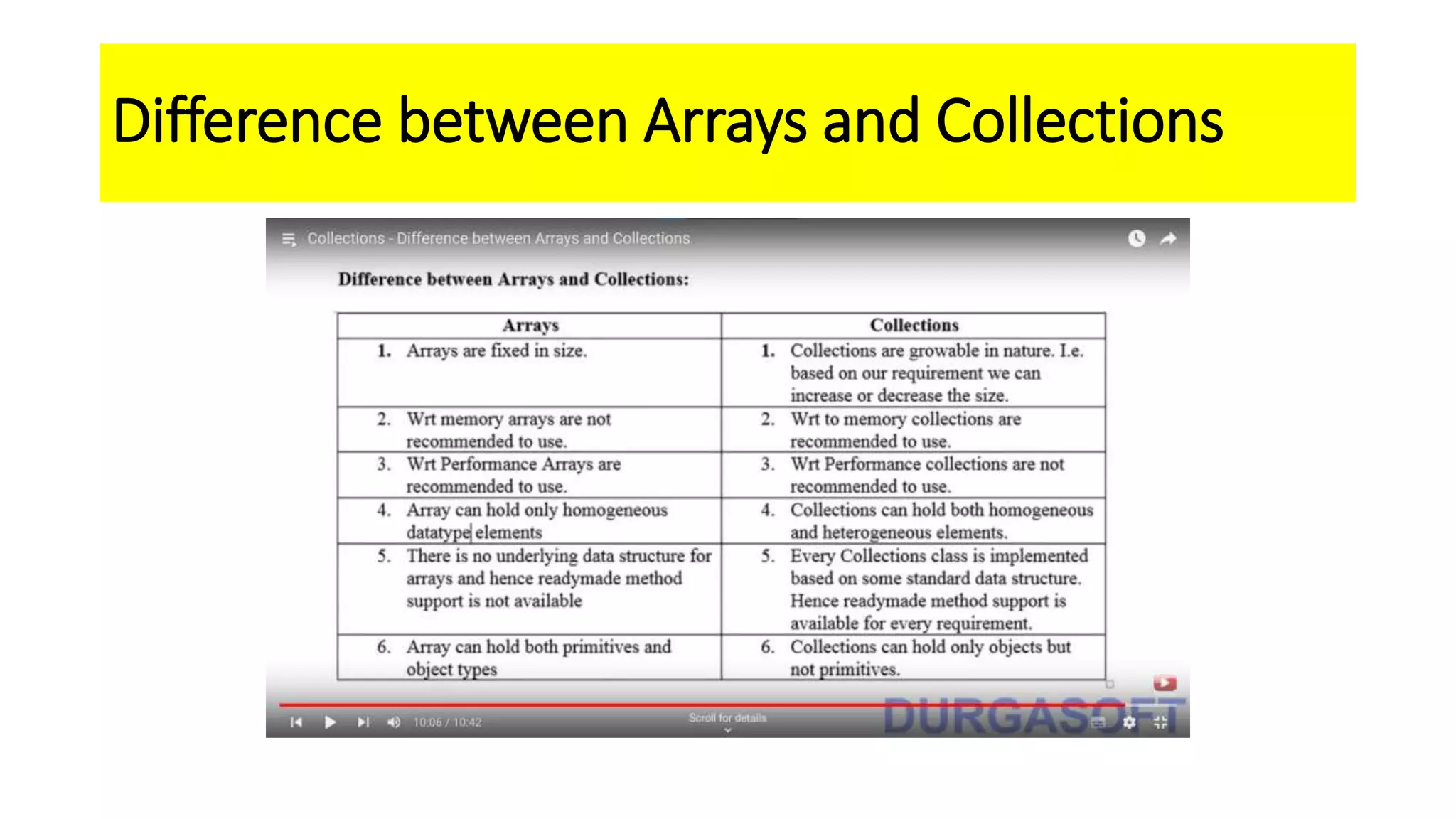
Difference between Arrays and Collections
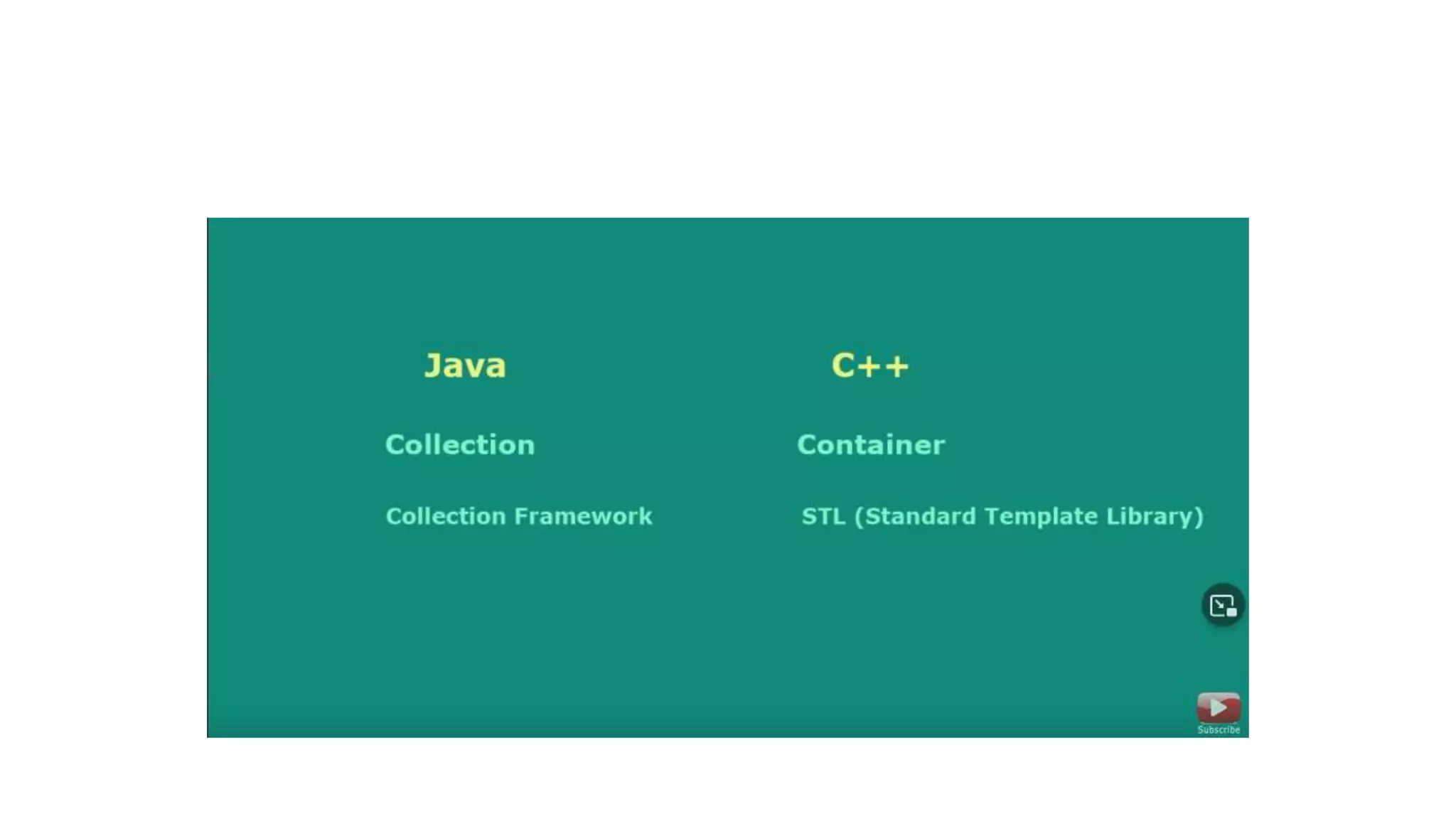
Collection and Collection Framework
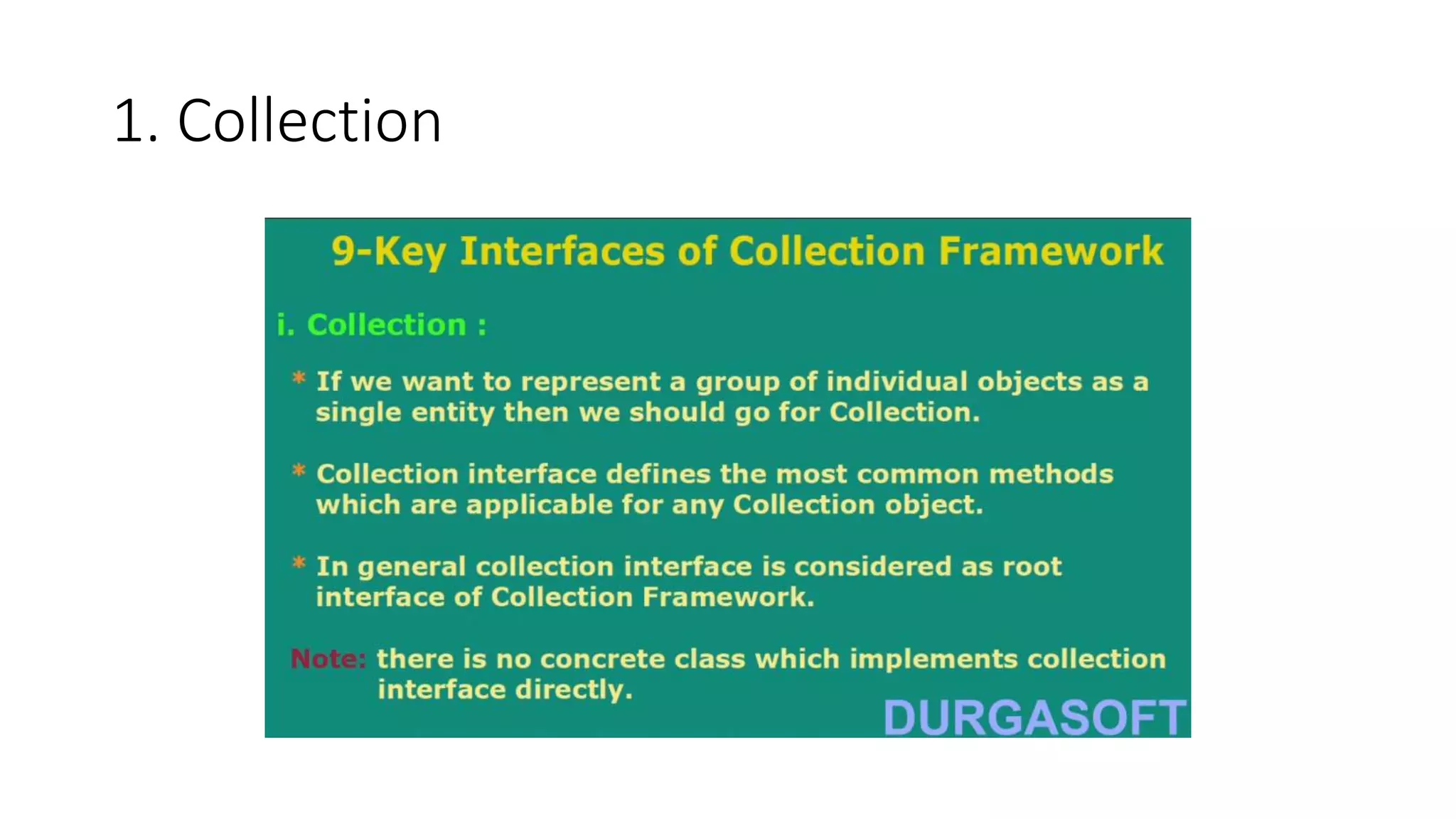
9 key interfaces of Collection framework
1. Collection
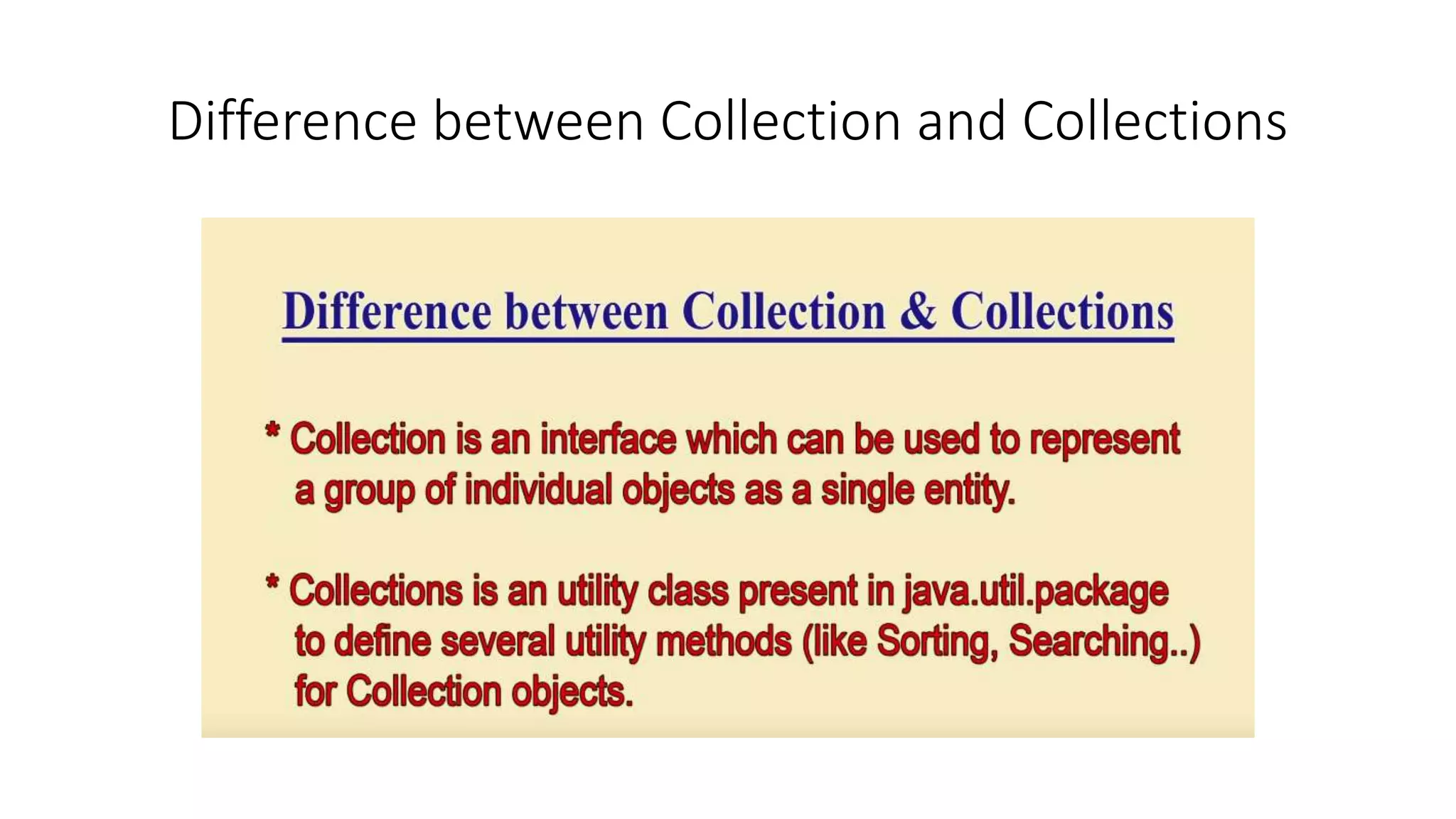
Difference between Collection and Collections
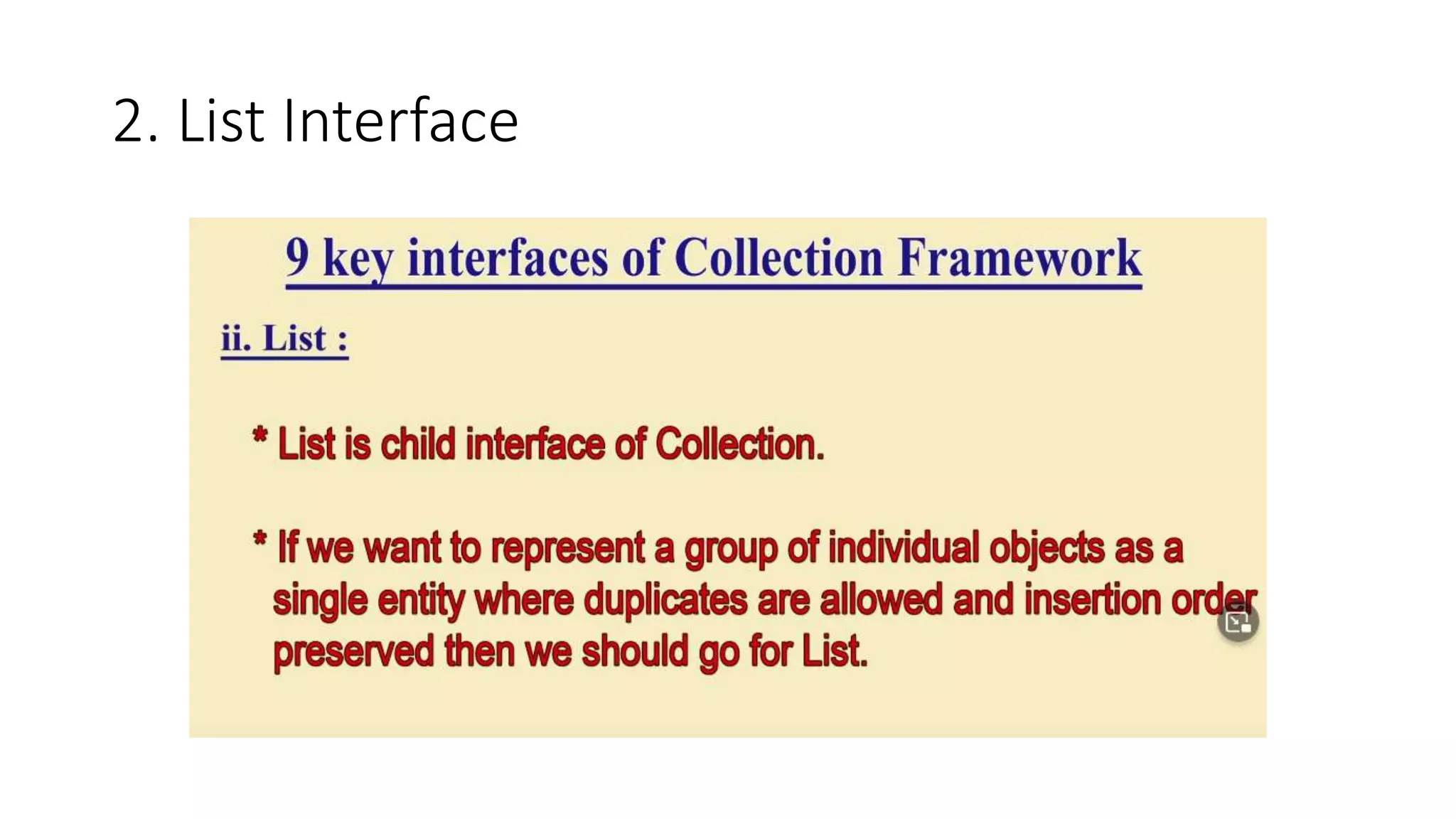
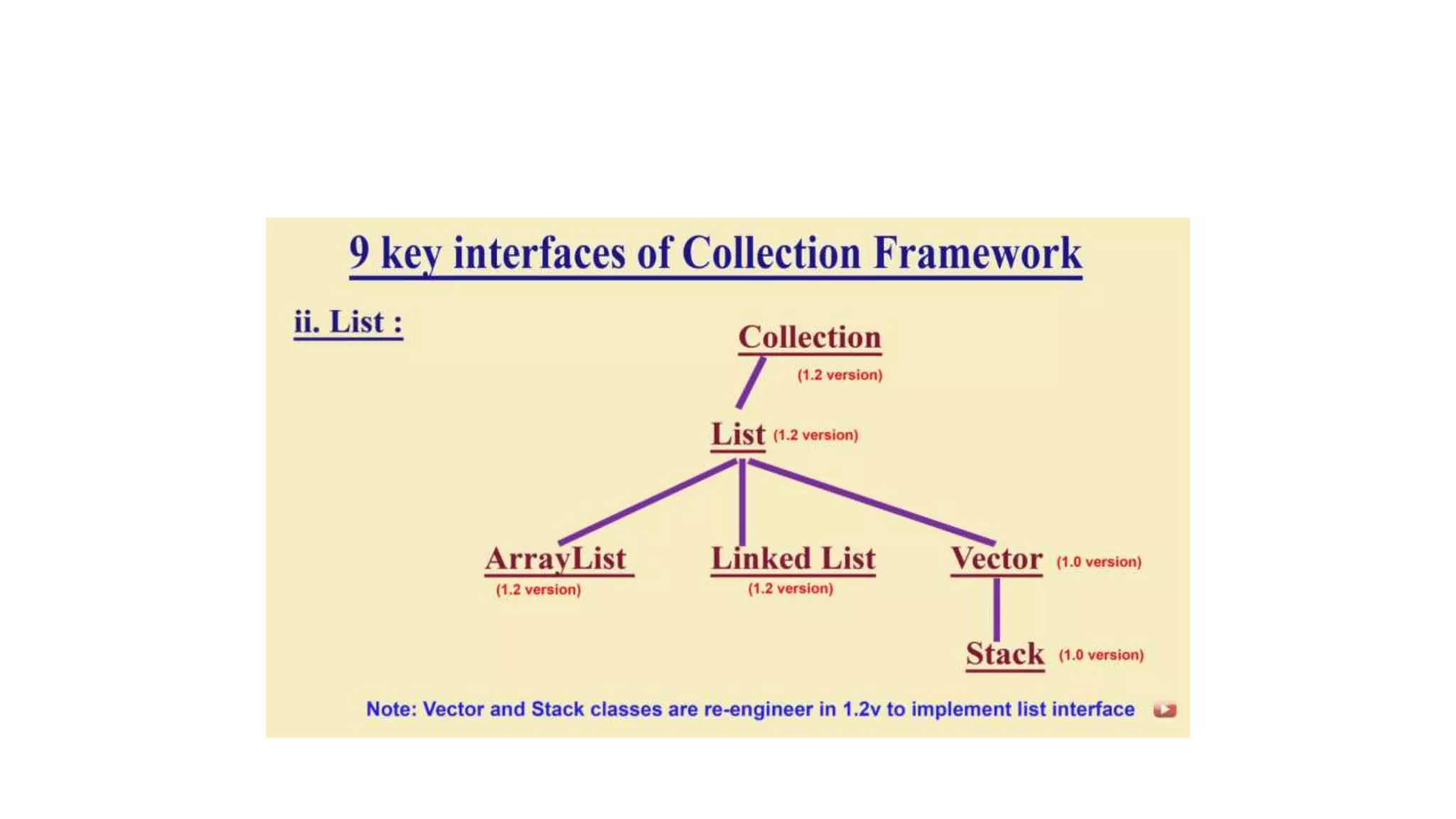
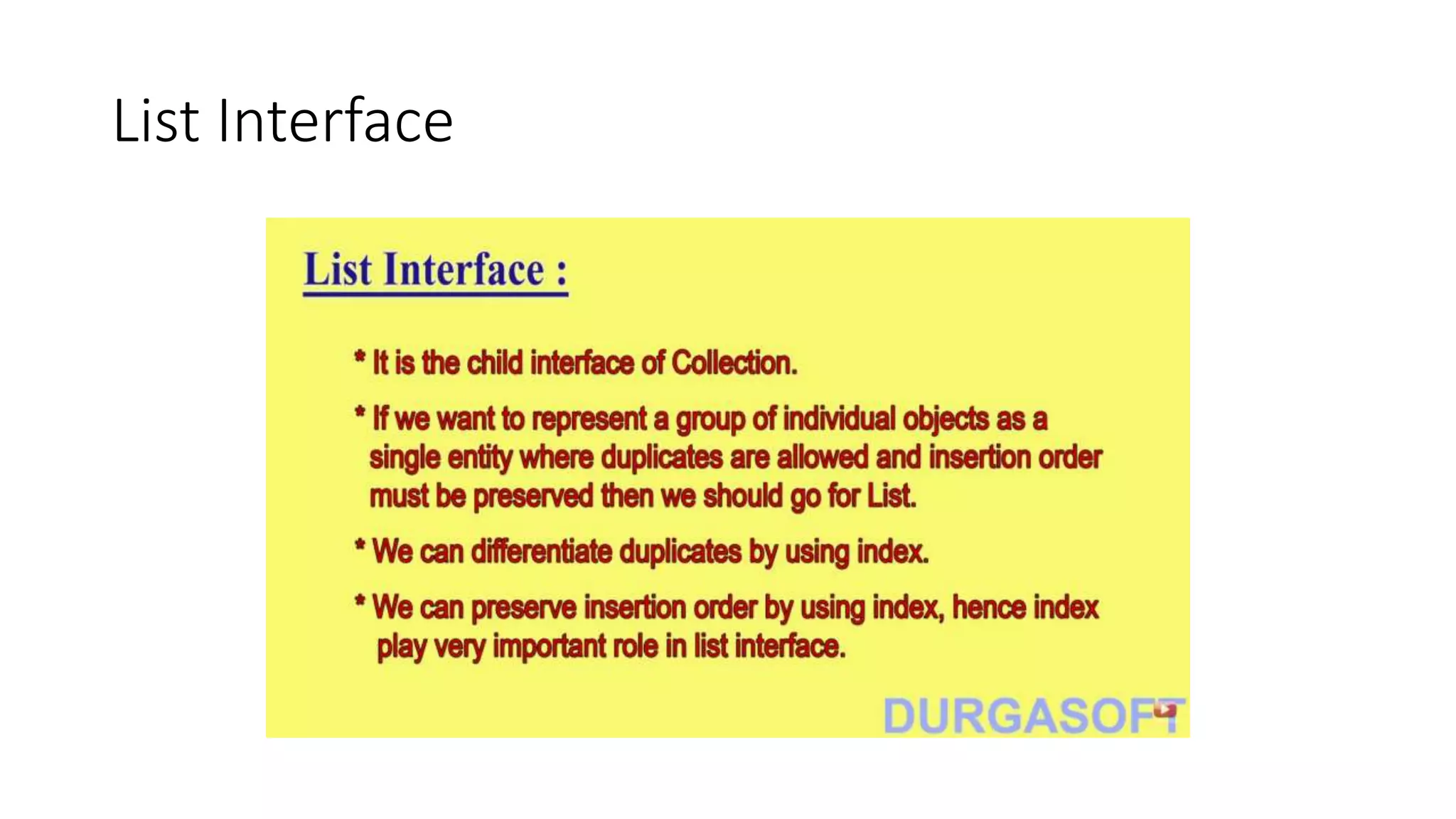
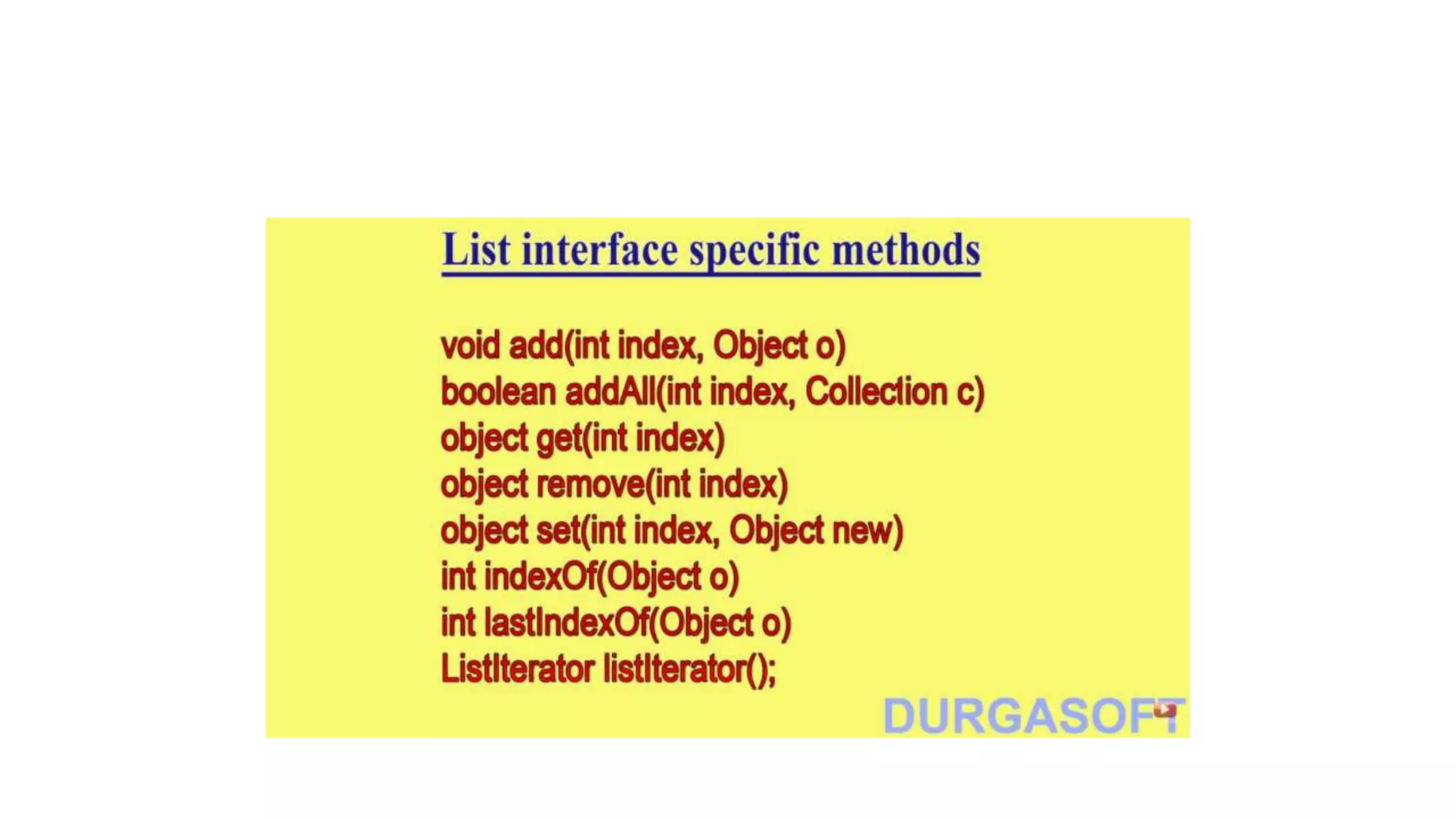
2. List Interface
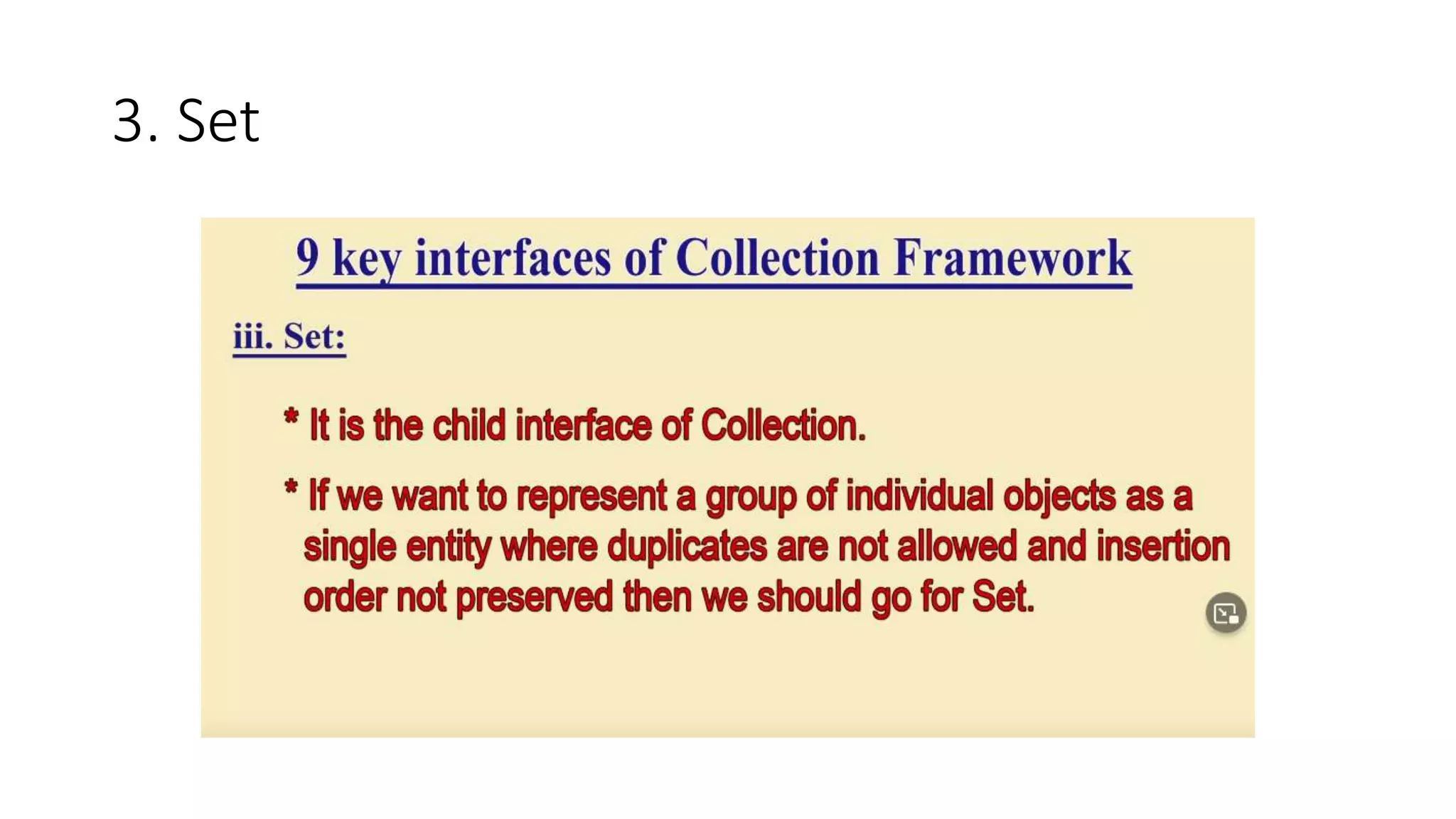
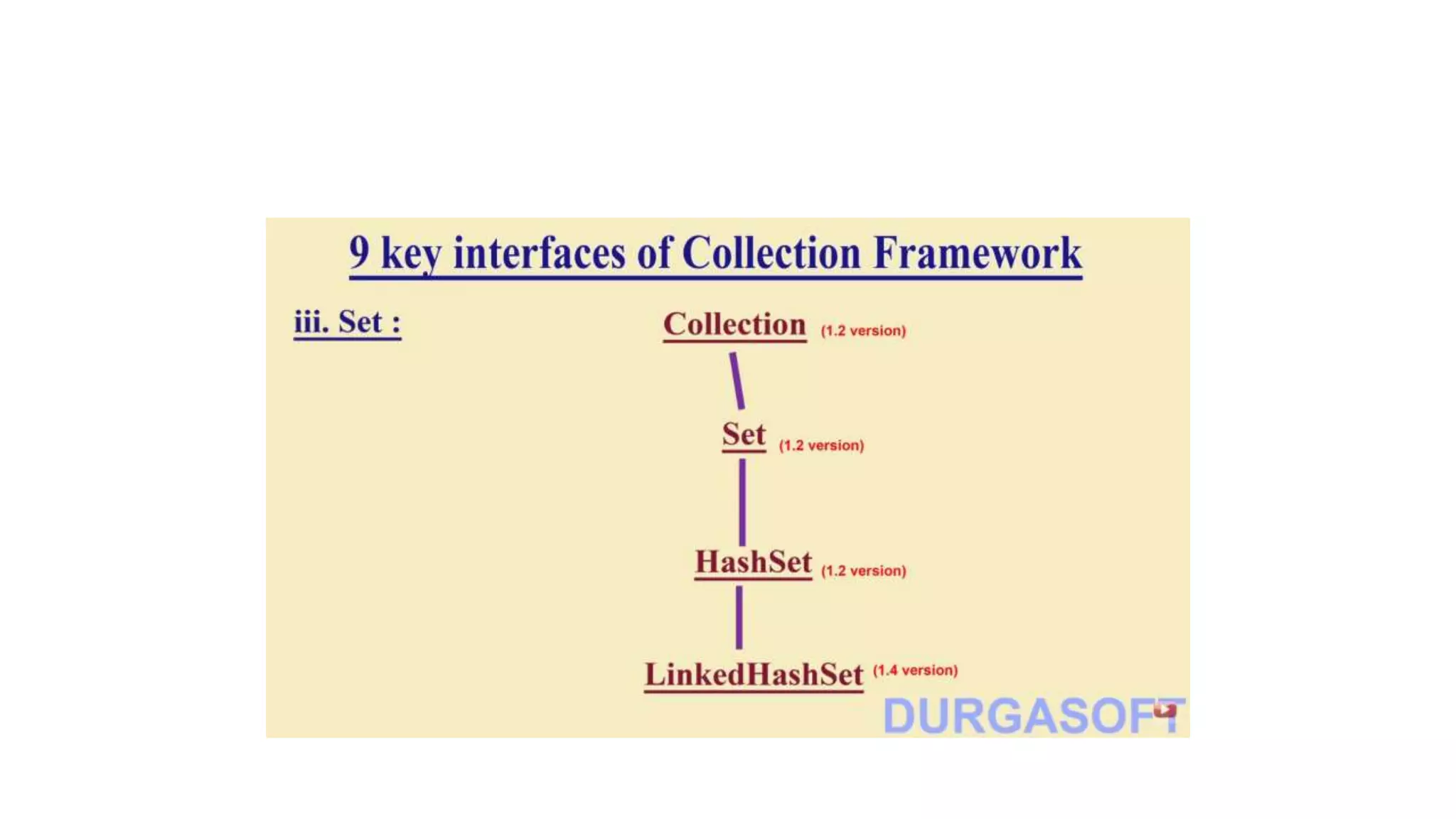
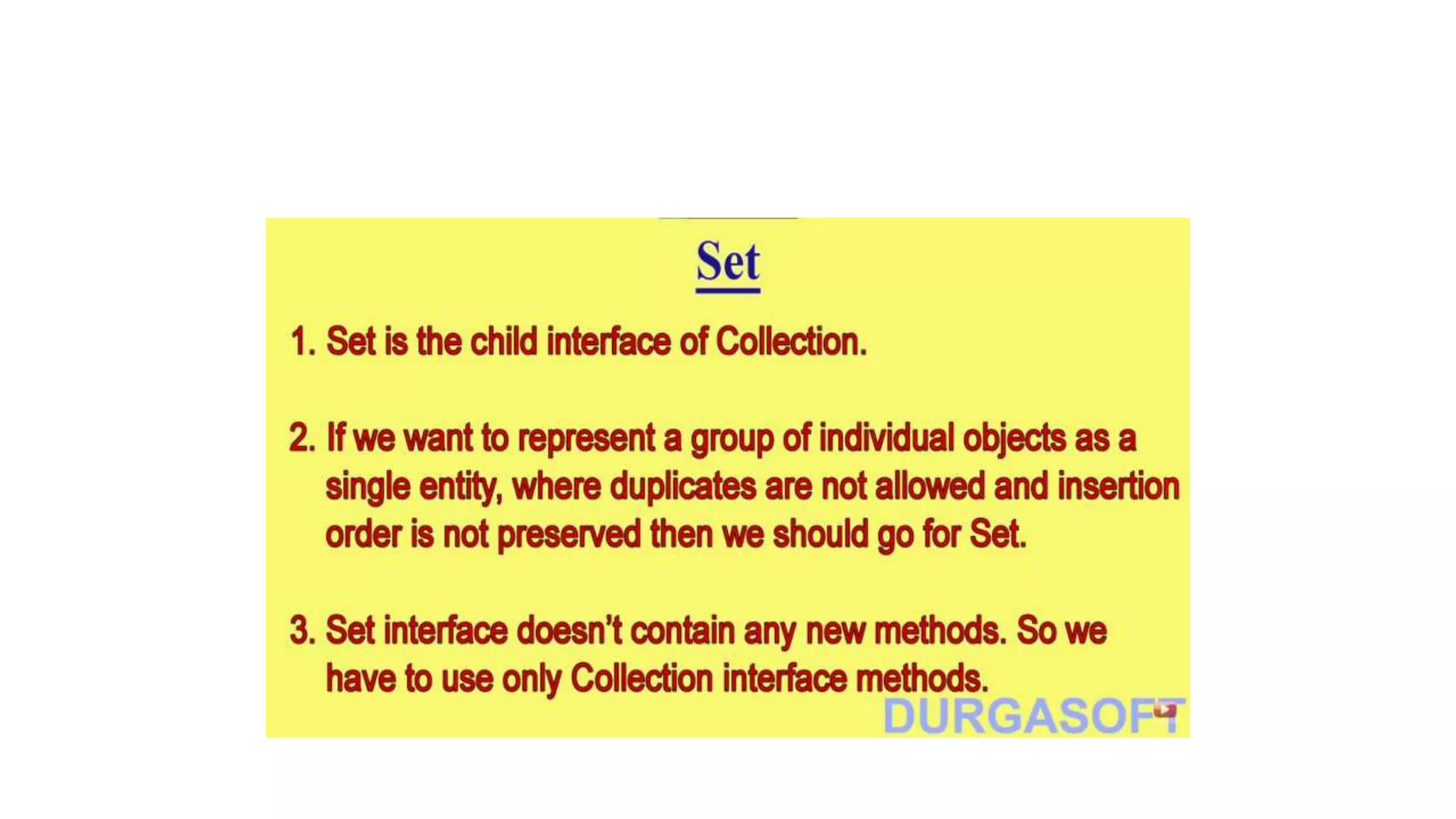
3. Set
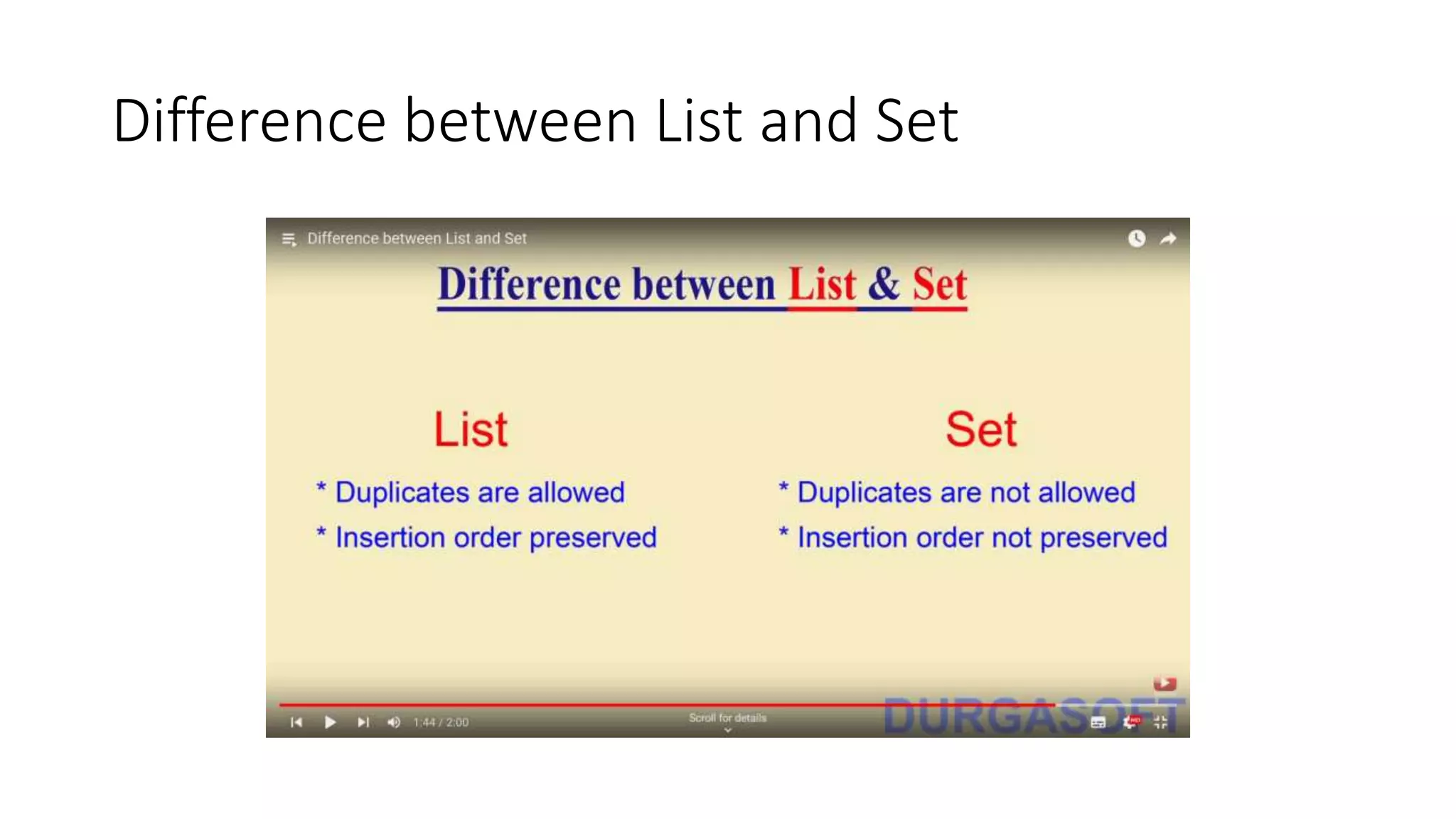
Difference between List and Set
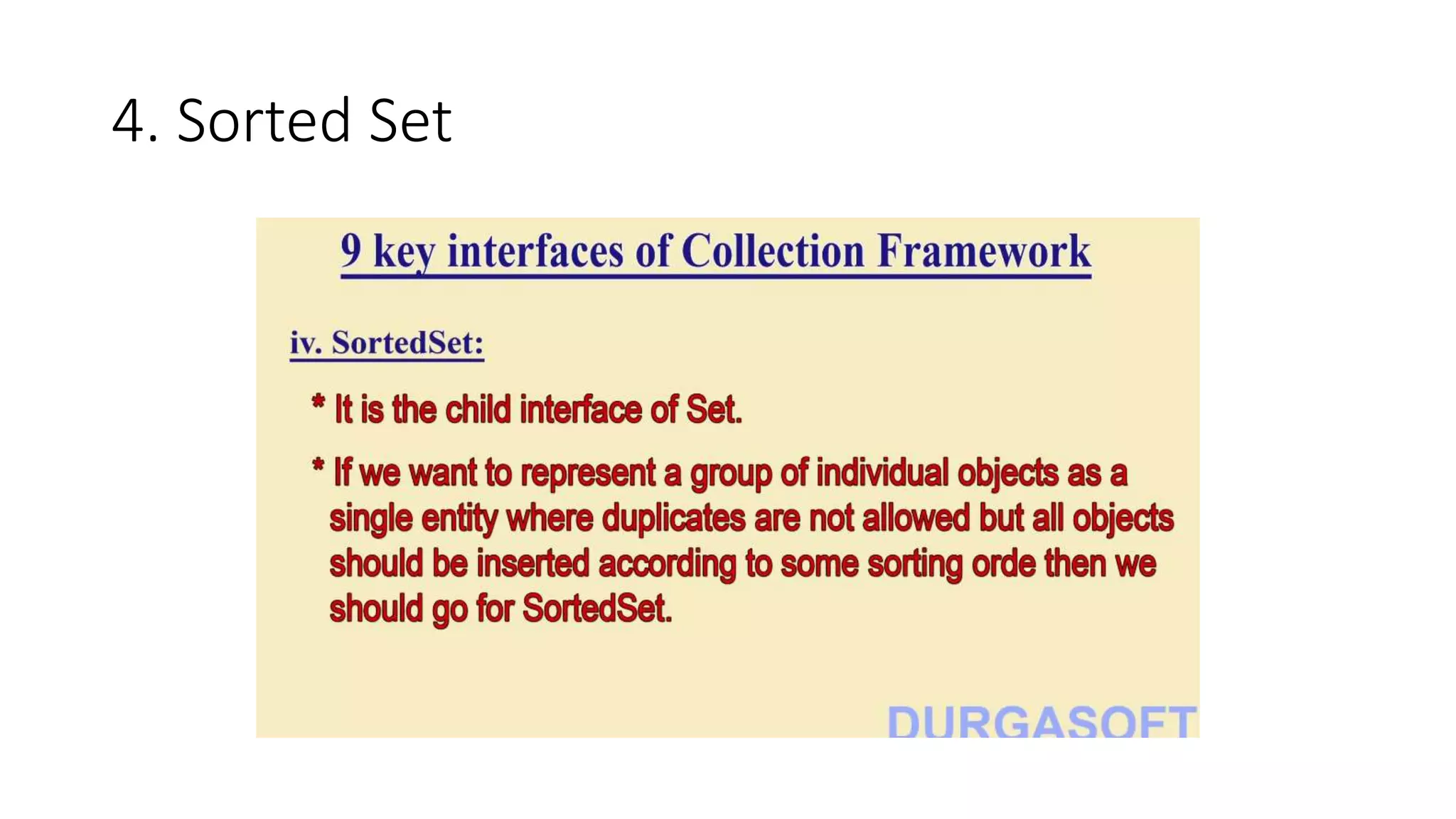
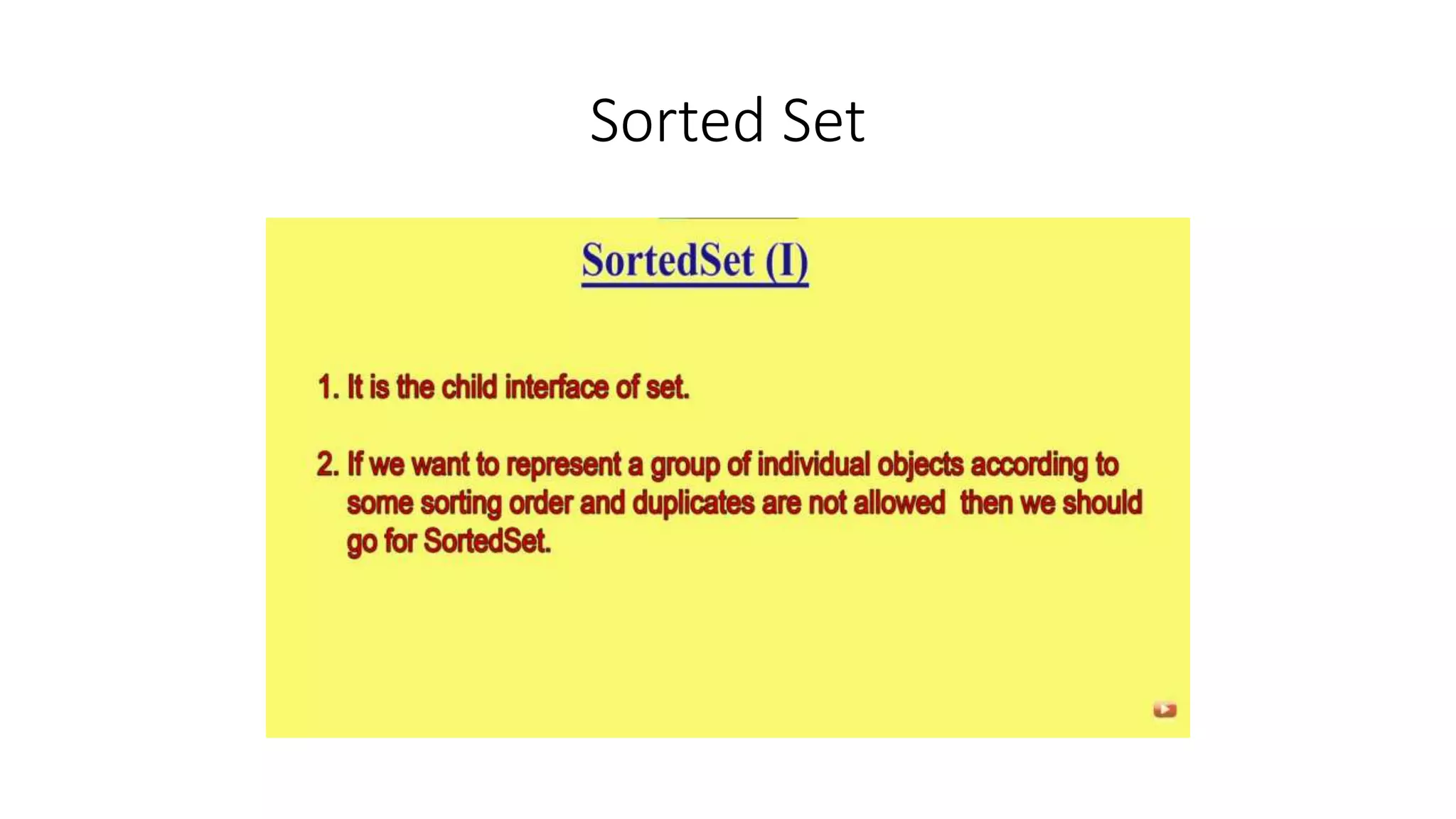
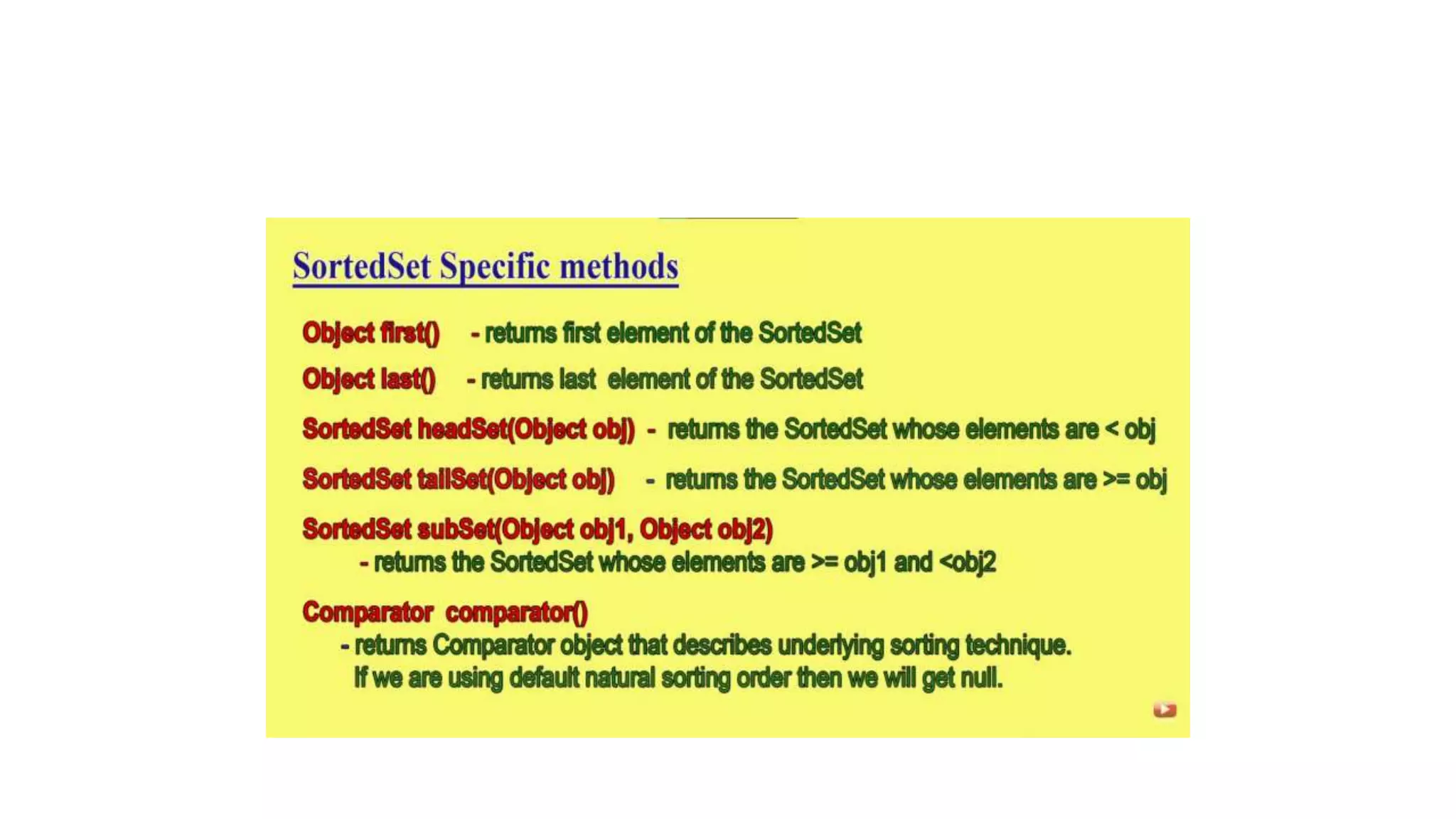
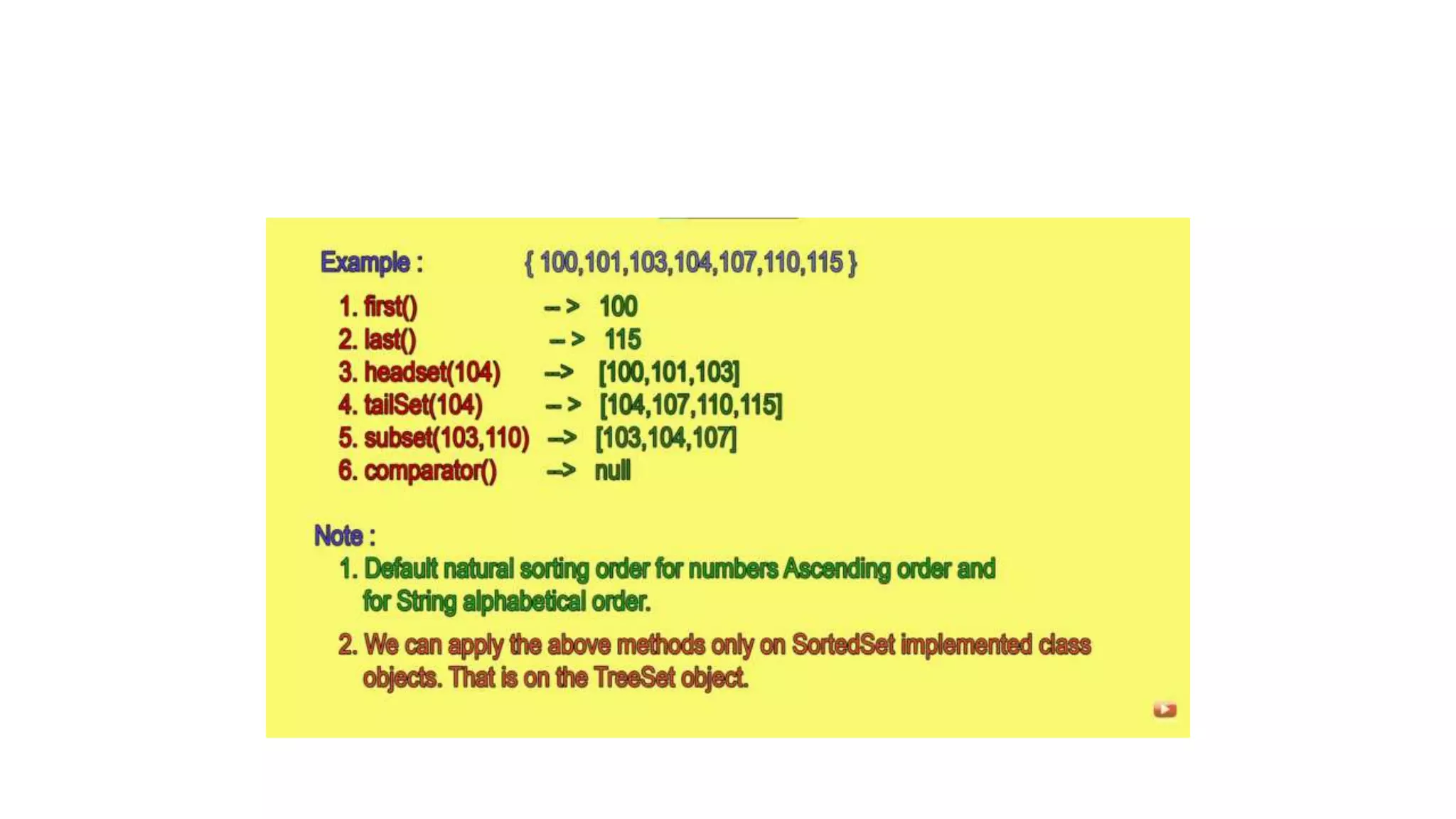
4. Sorted Set
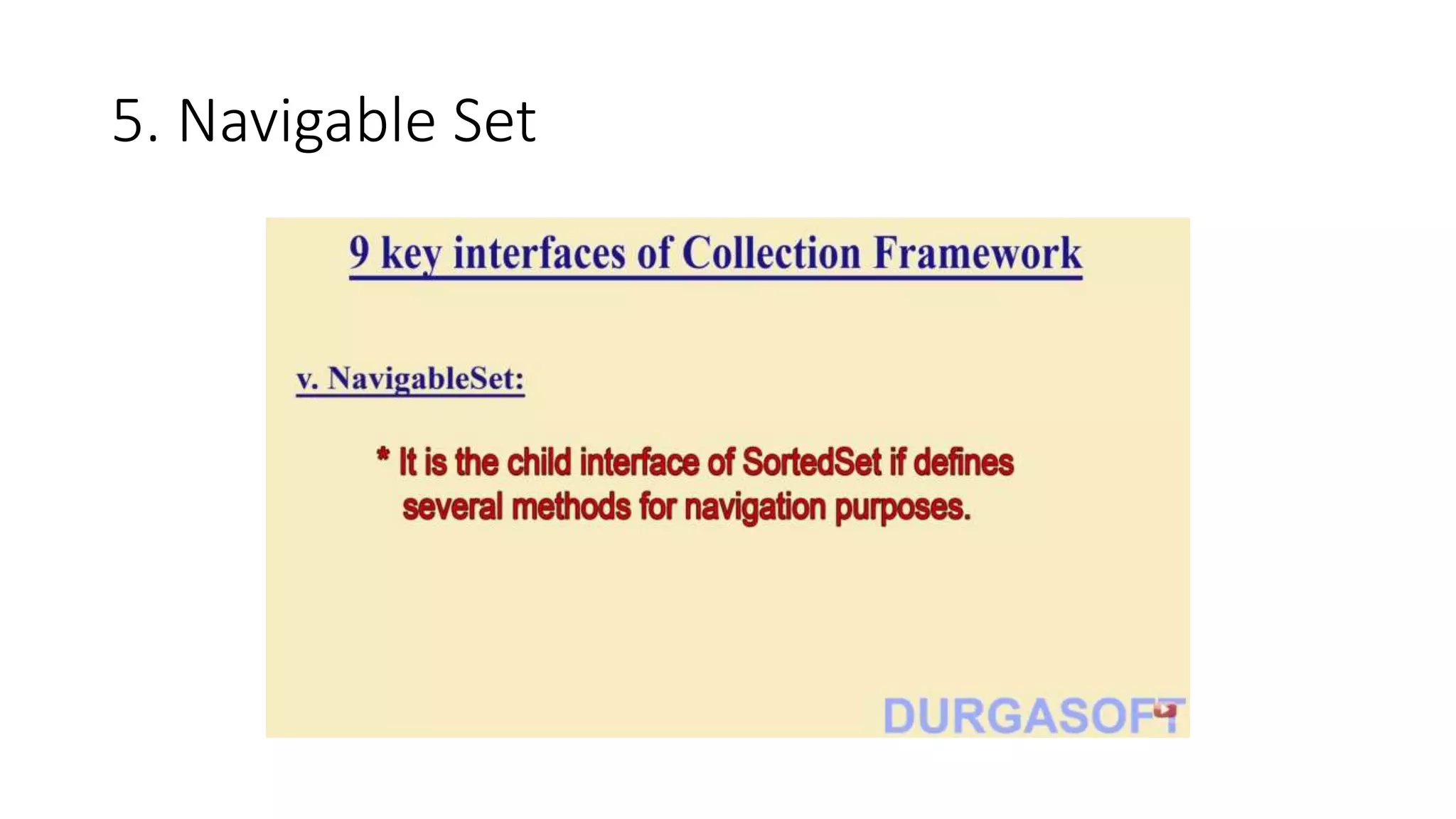
5. Navigable Set
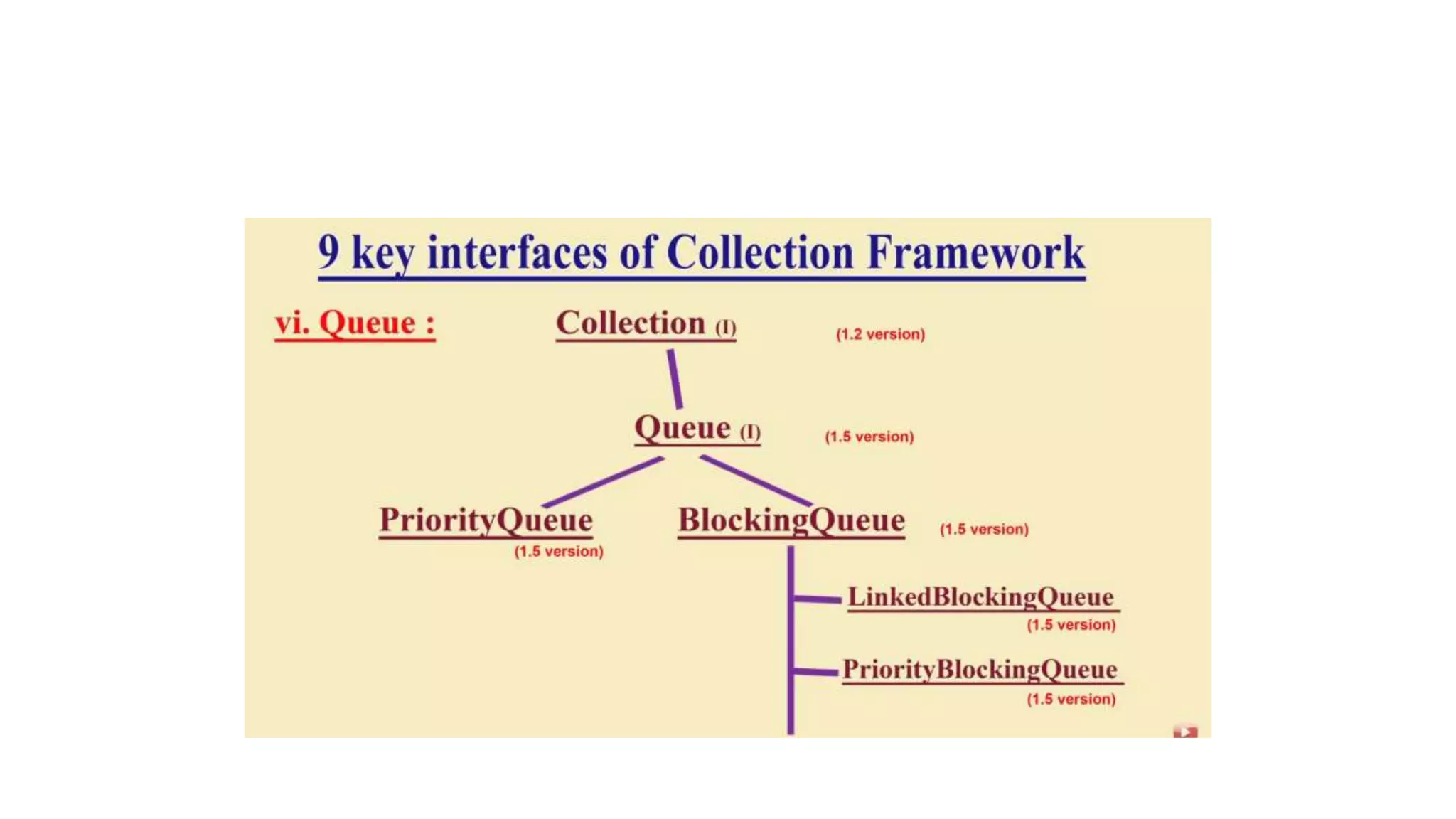
6. Queue
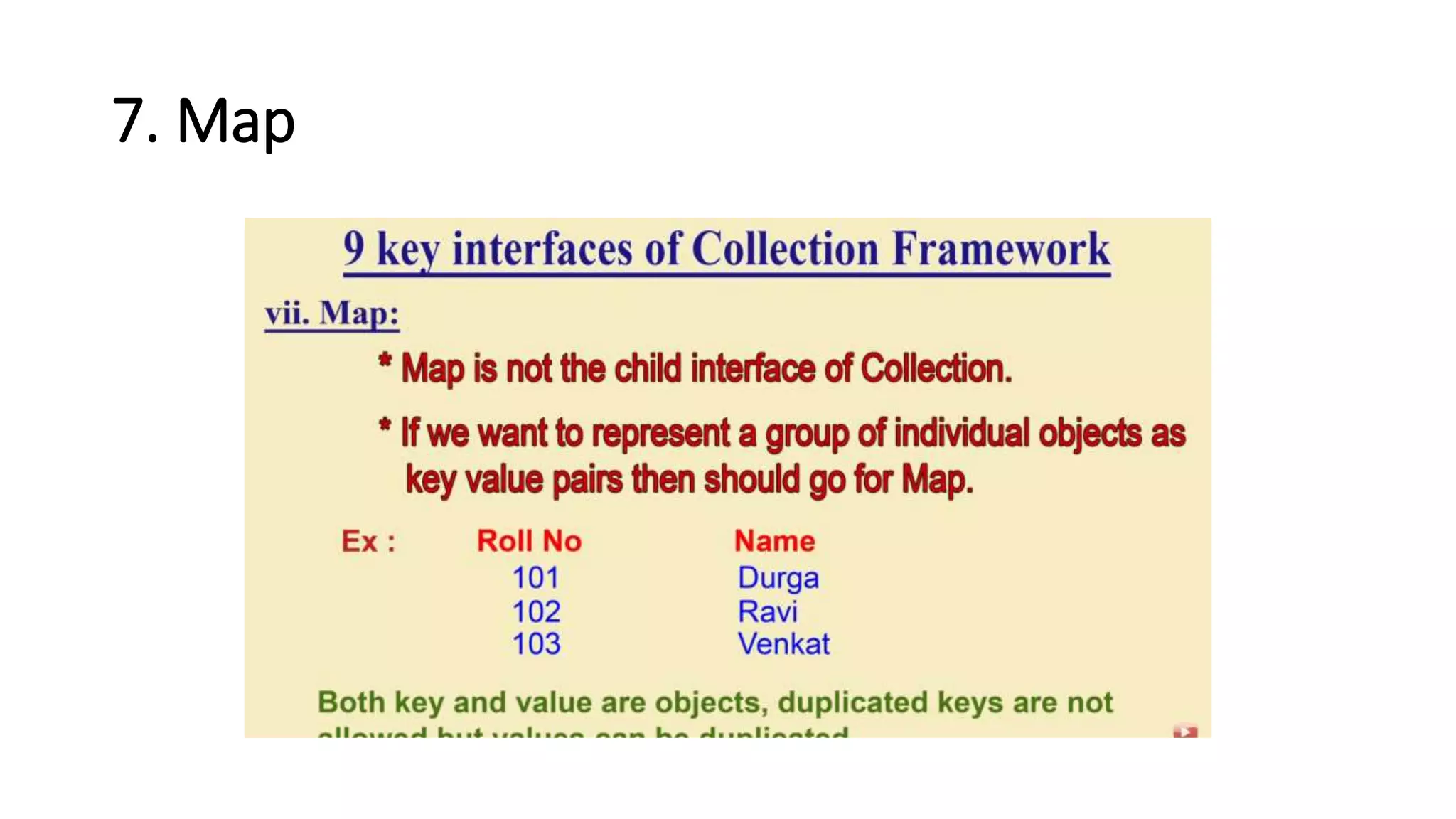
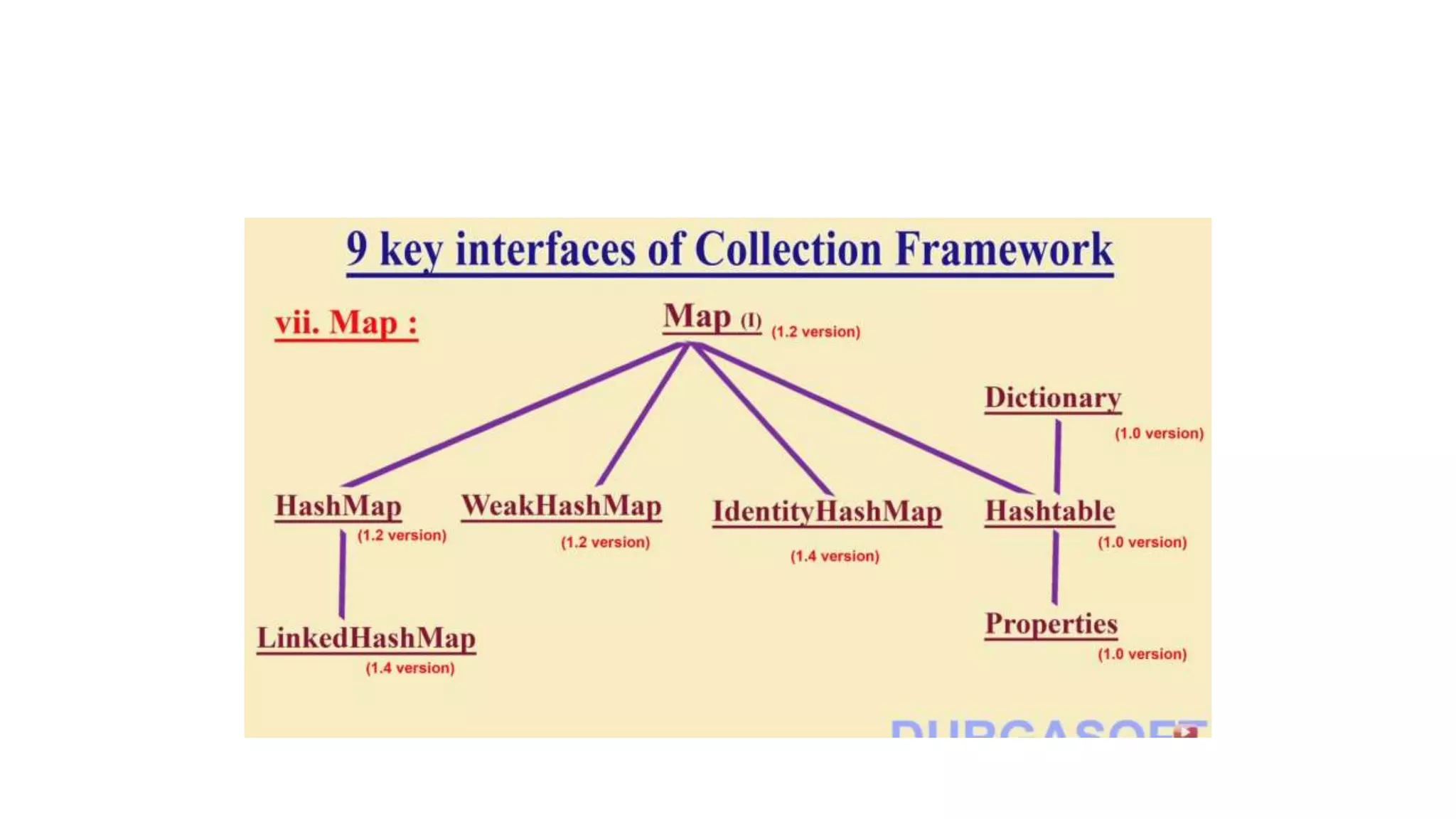
7. Map
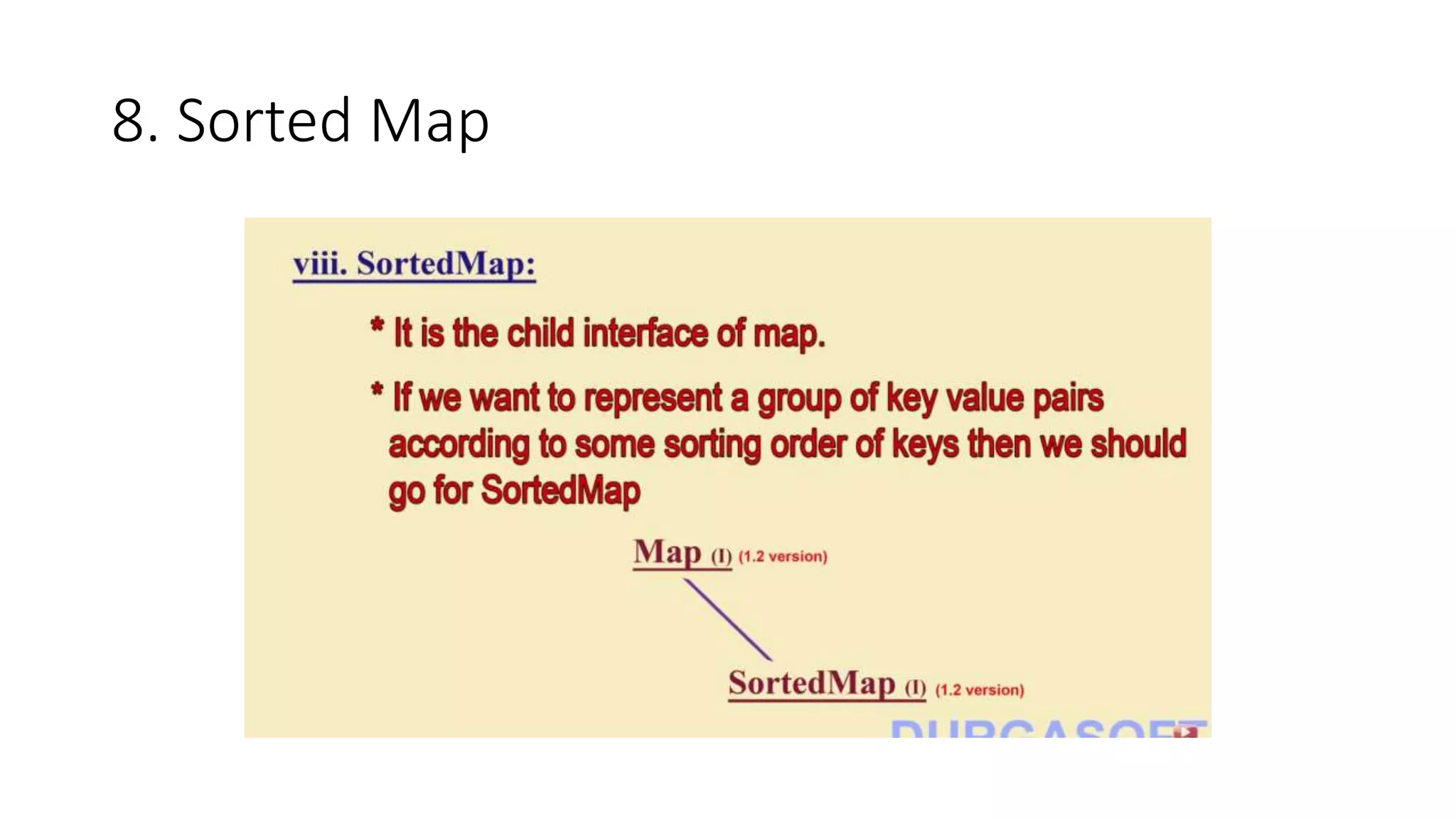
8. Sorted Map
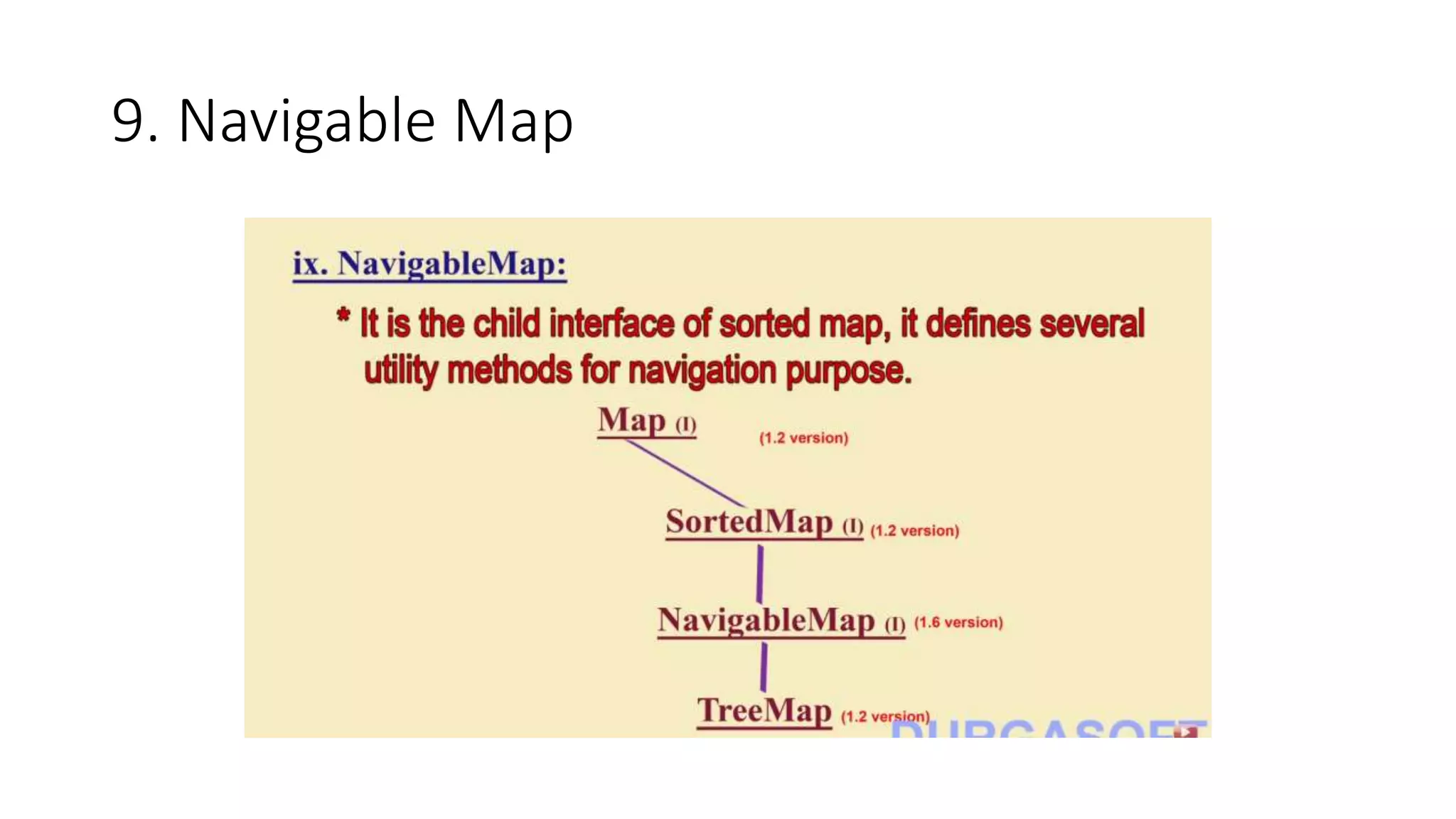
9. Navigable Map
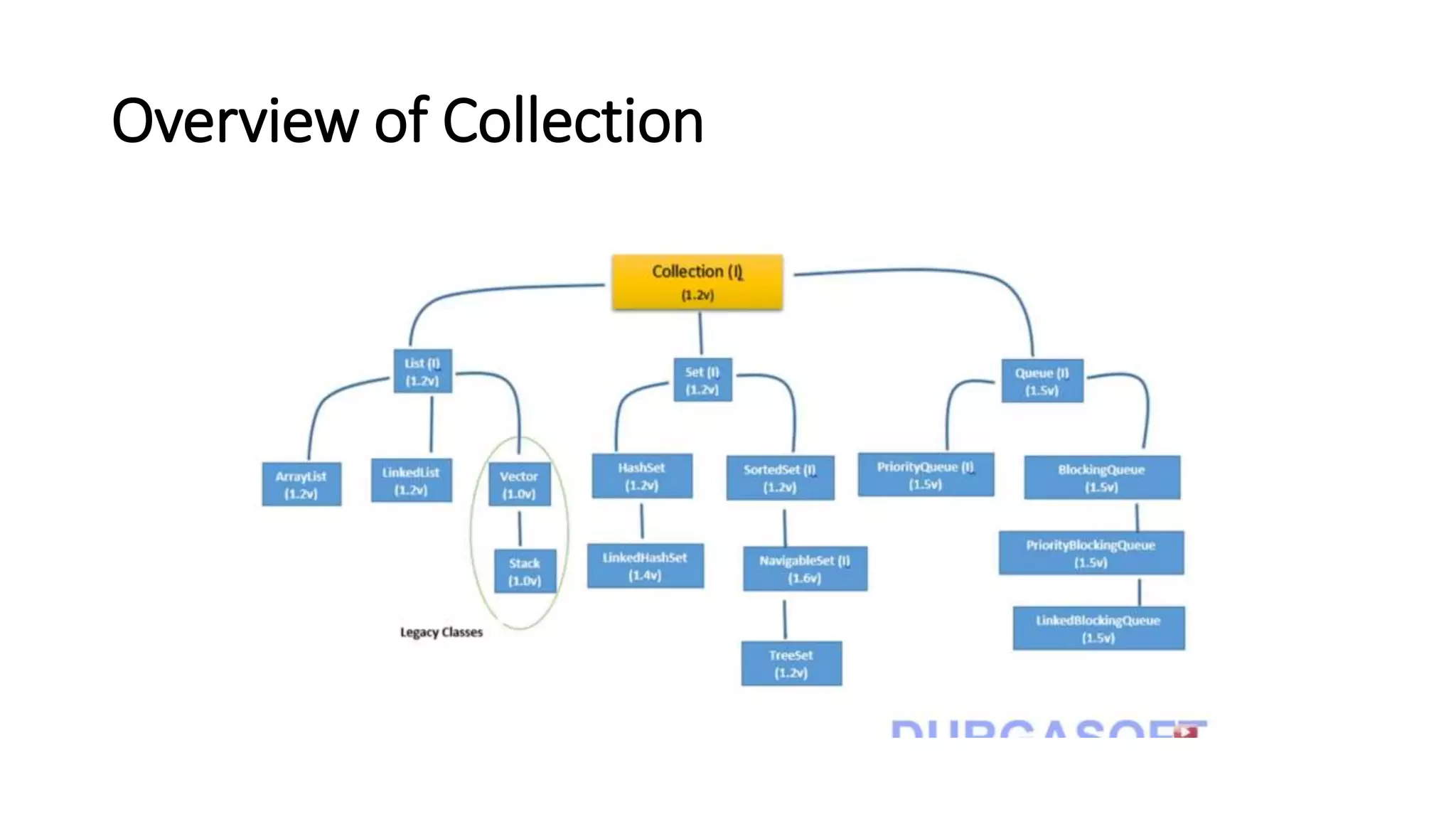
Overview of Collection
Interface in Detail:
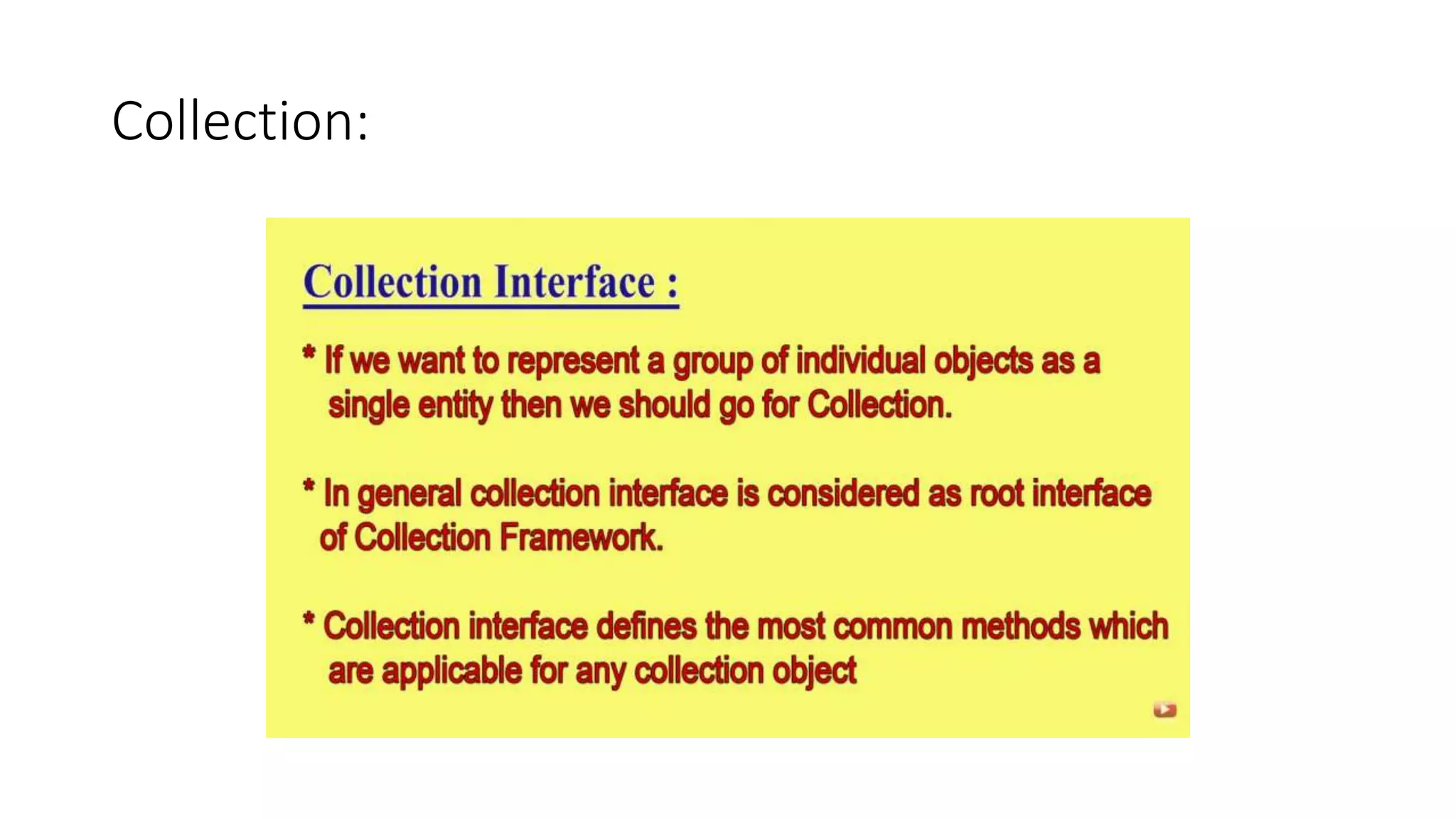
Collection:
List Interface
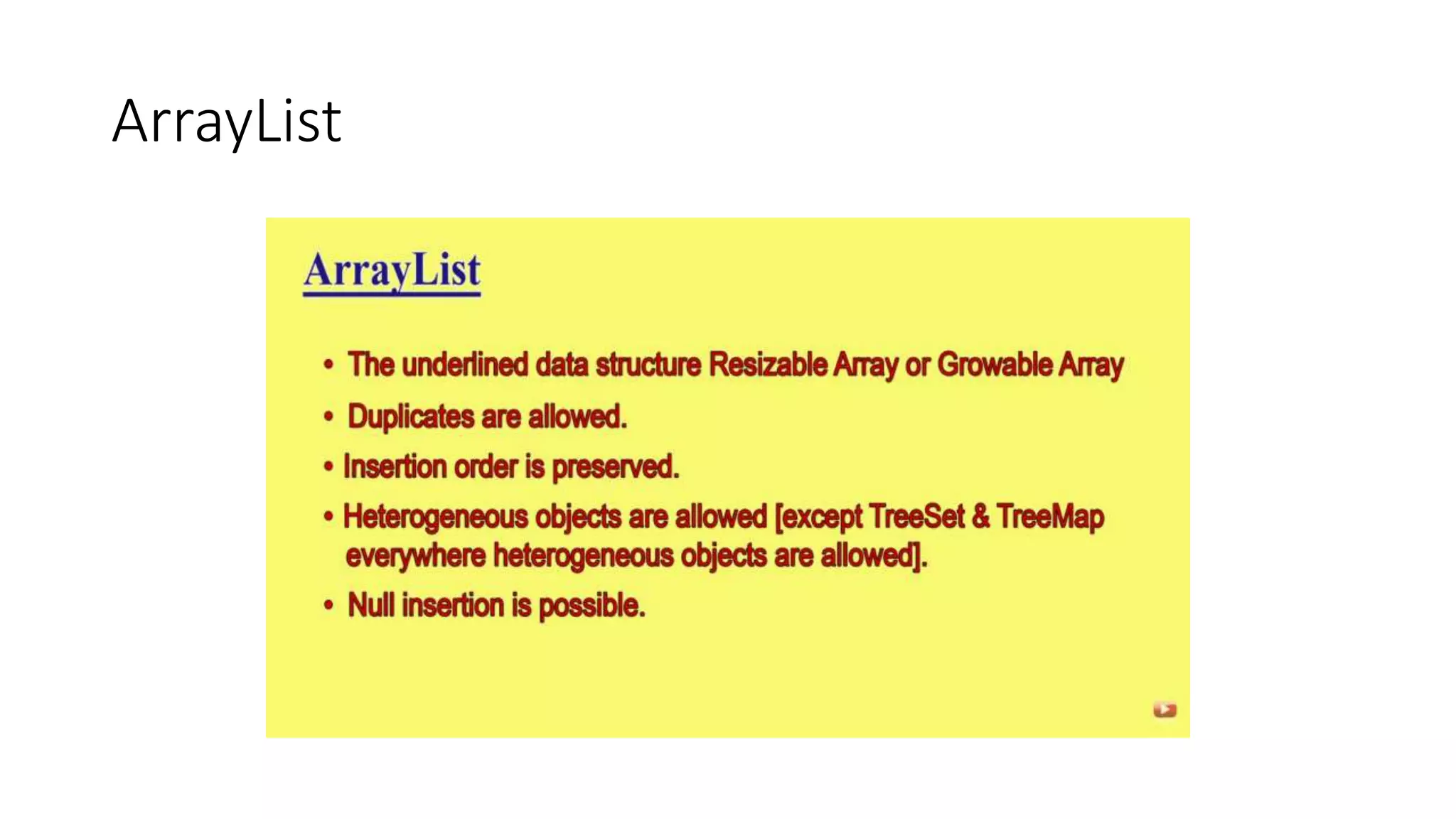
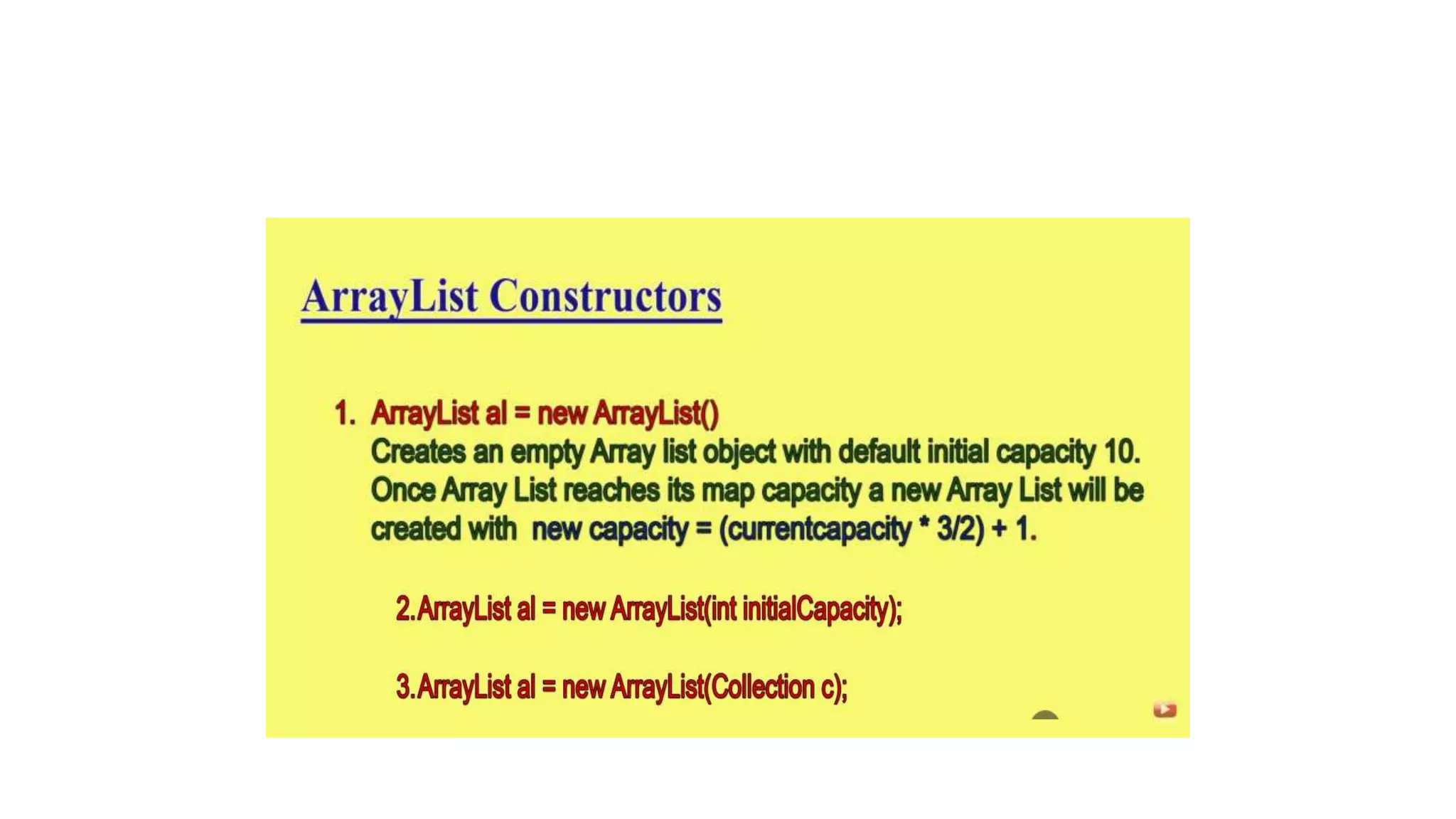
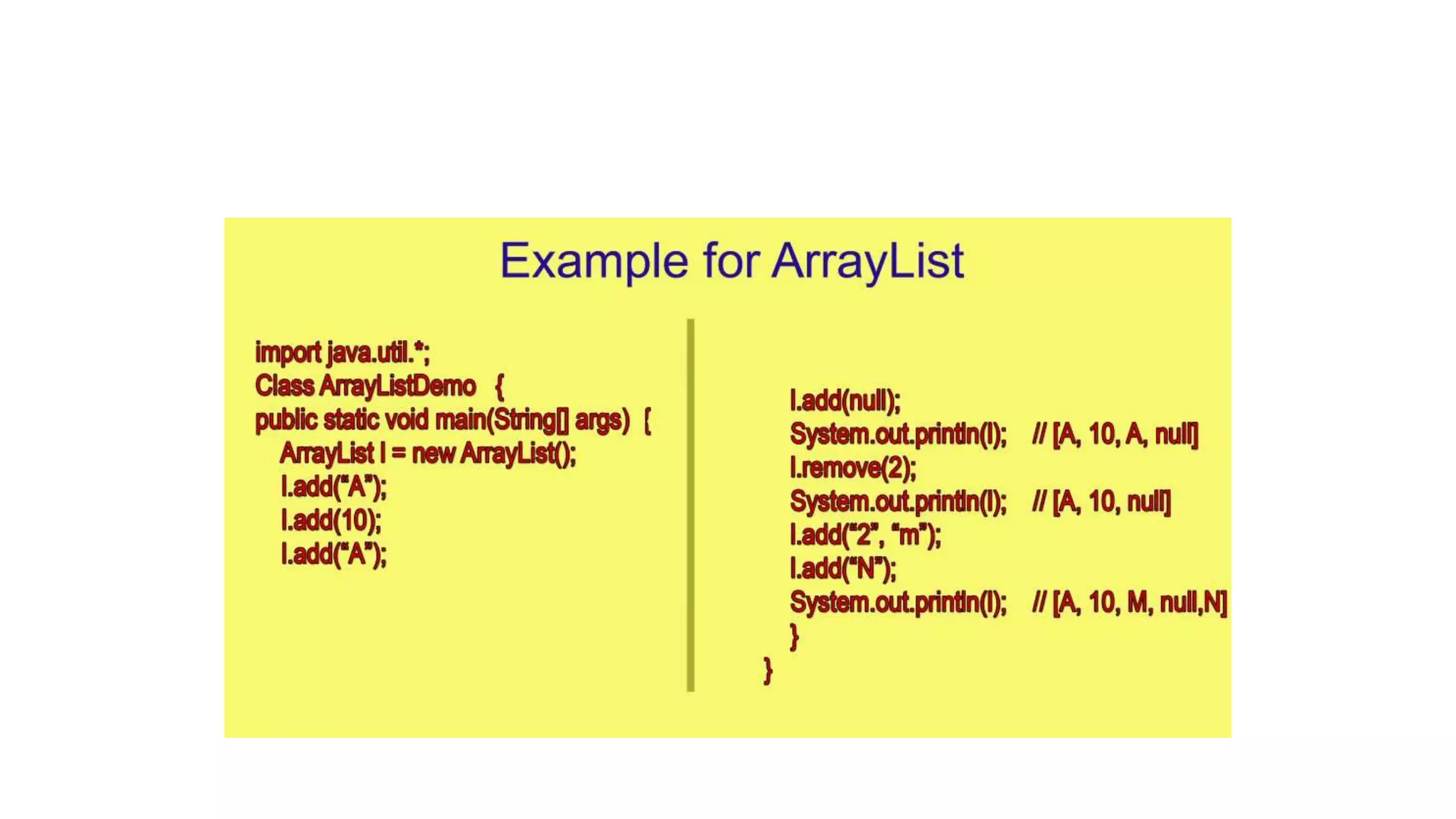
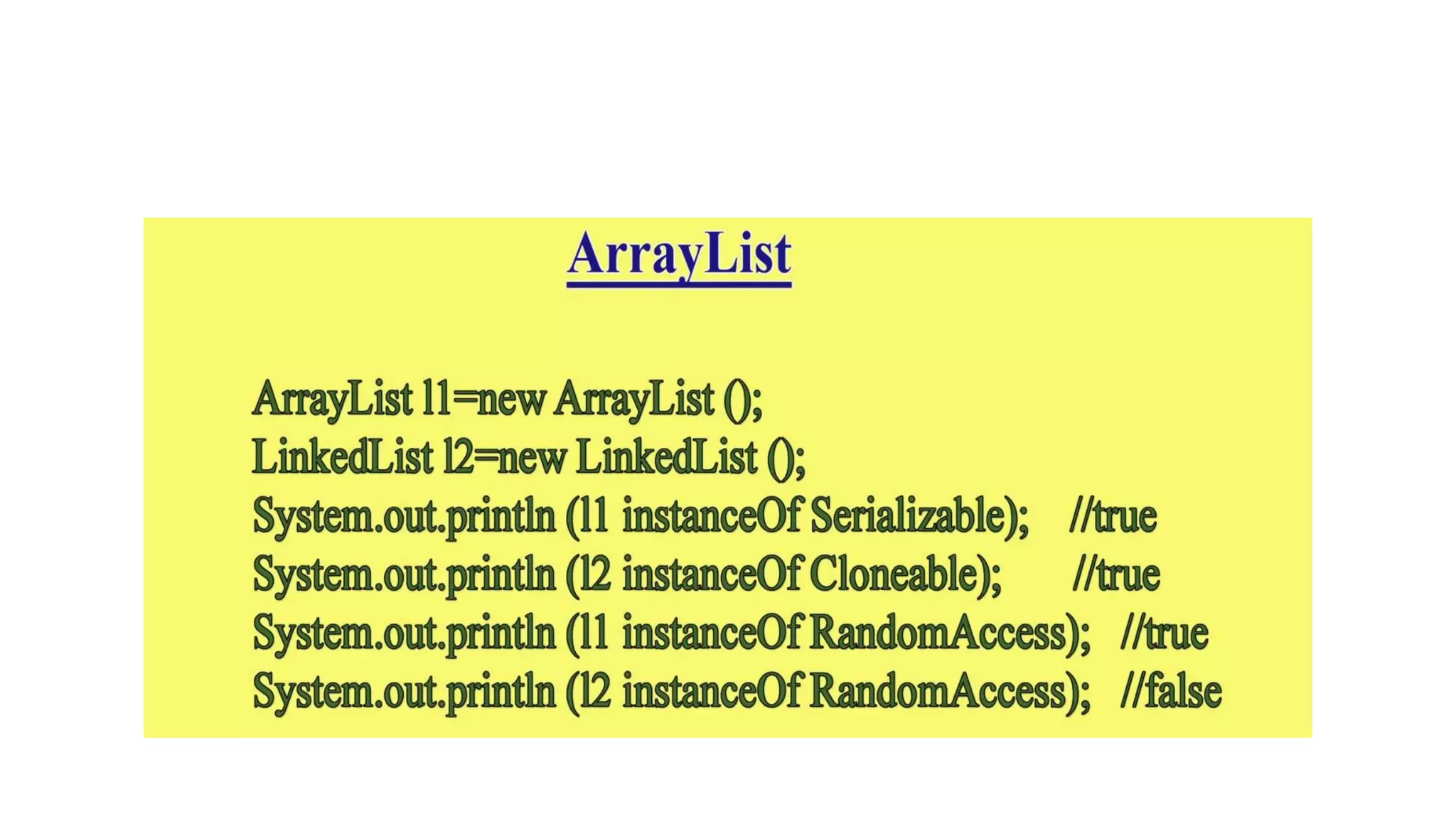
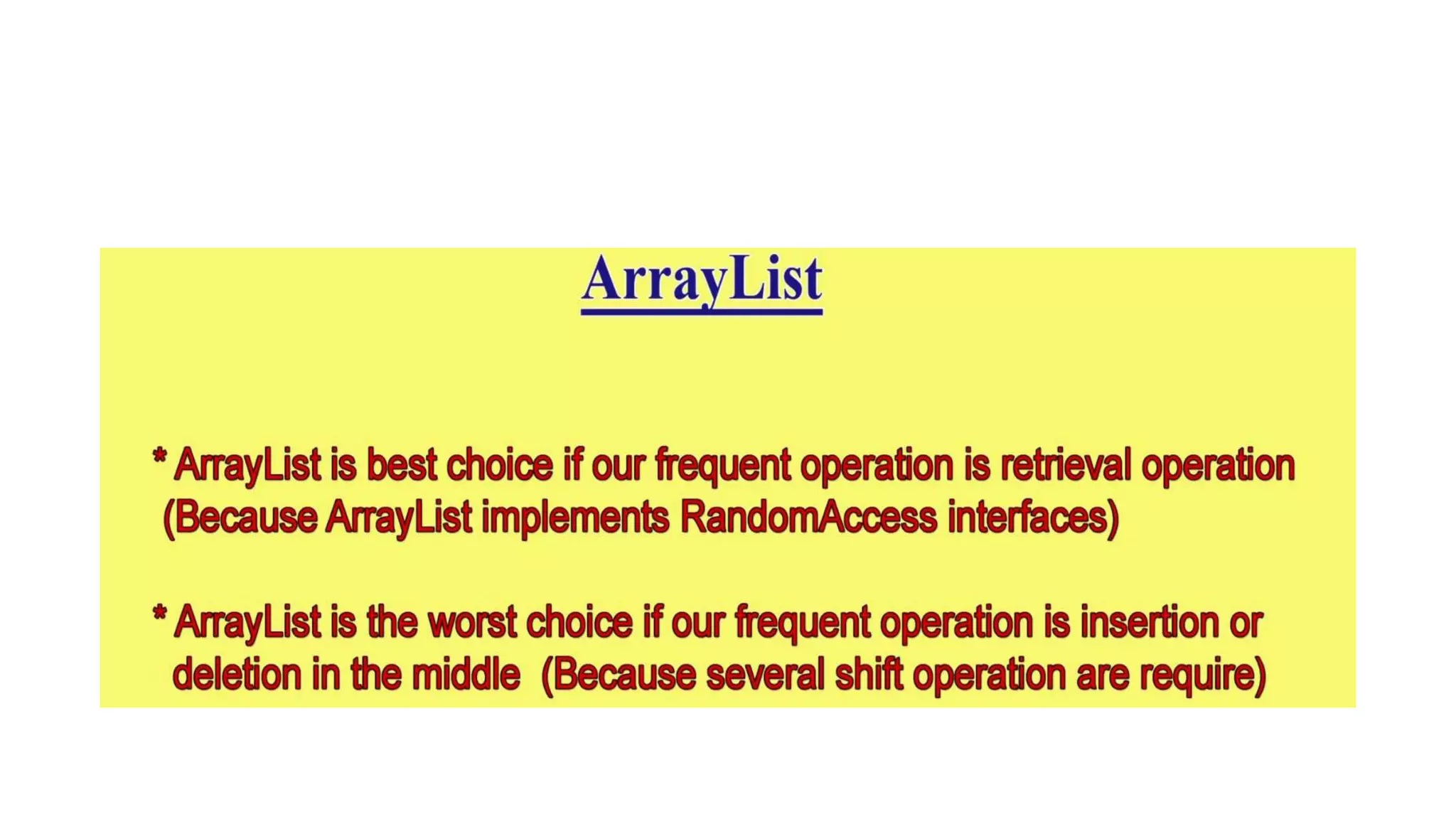
ArrayList
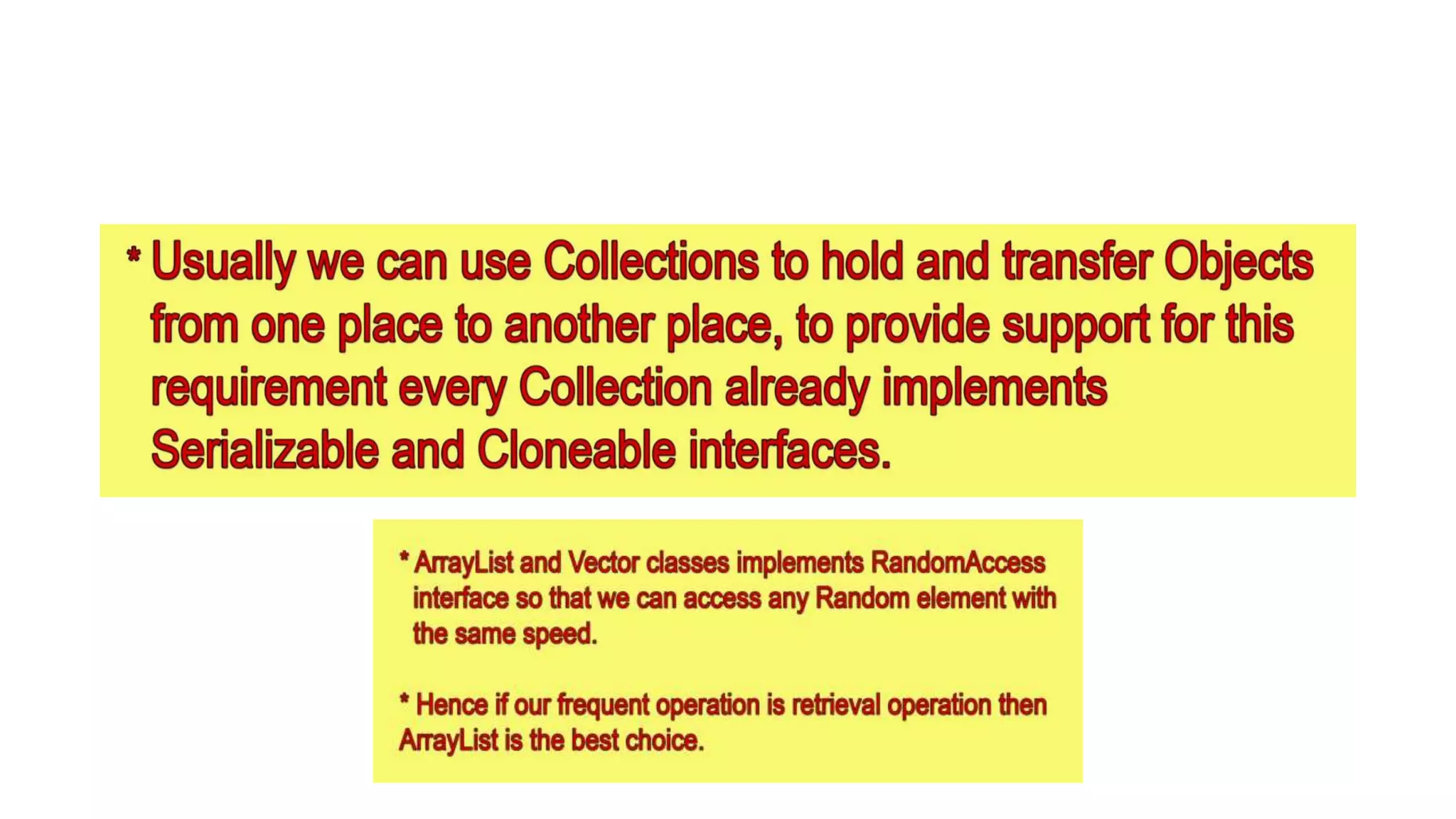
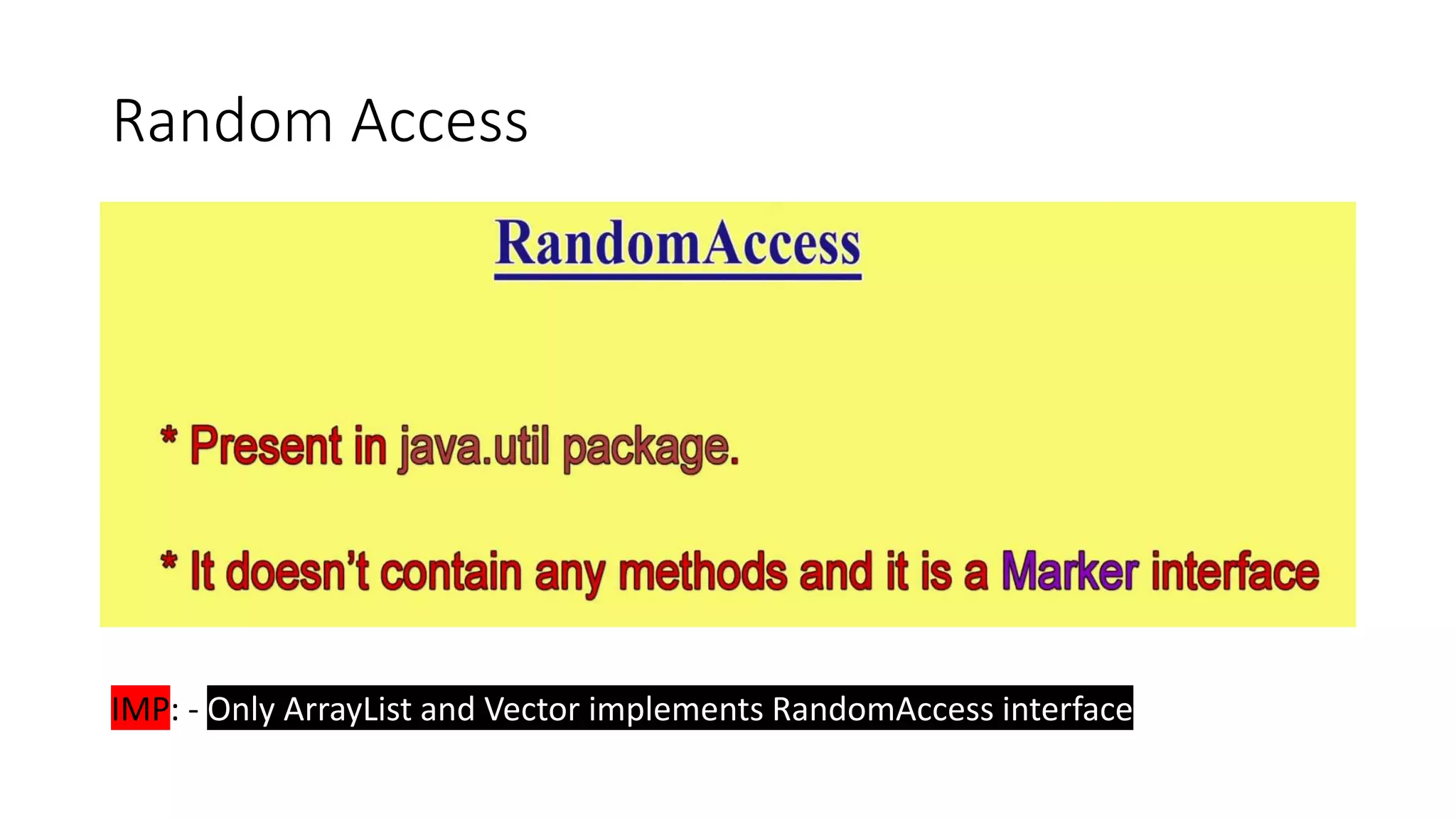
Random Access
IMP: - Only ArrayList and Vector implements RandomAccess interface
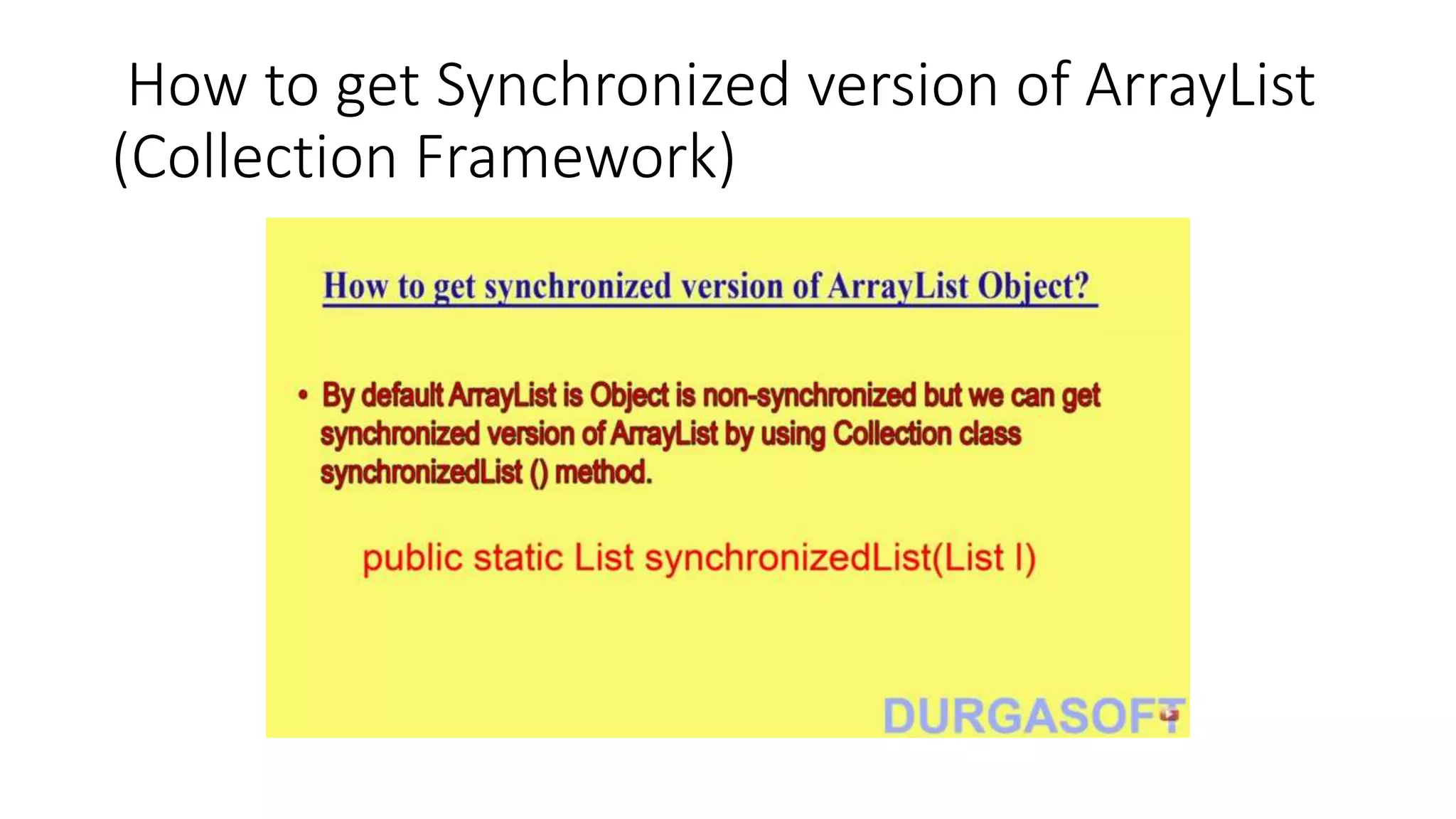
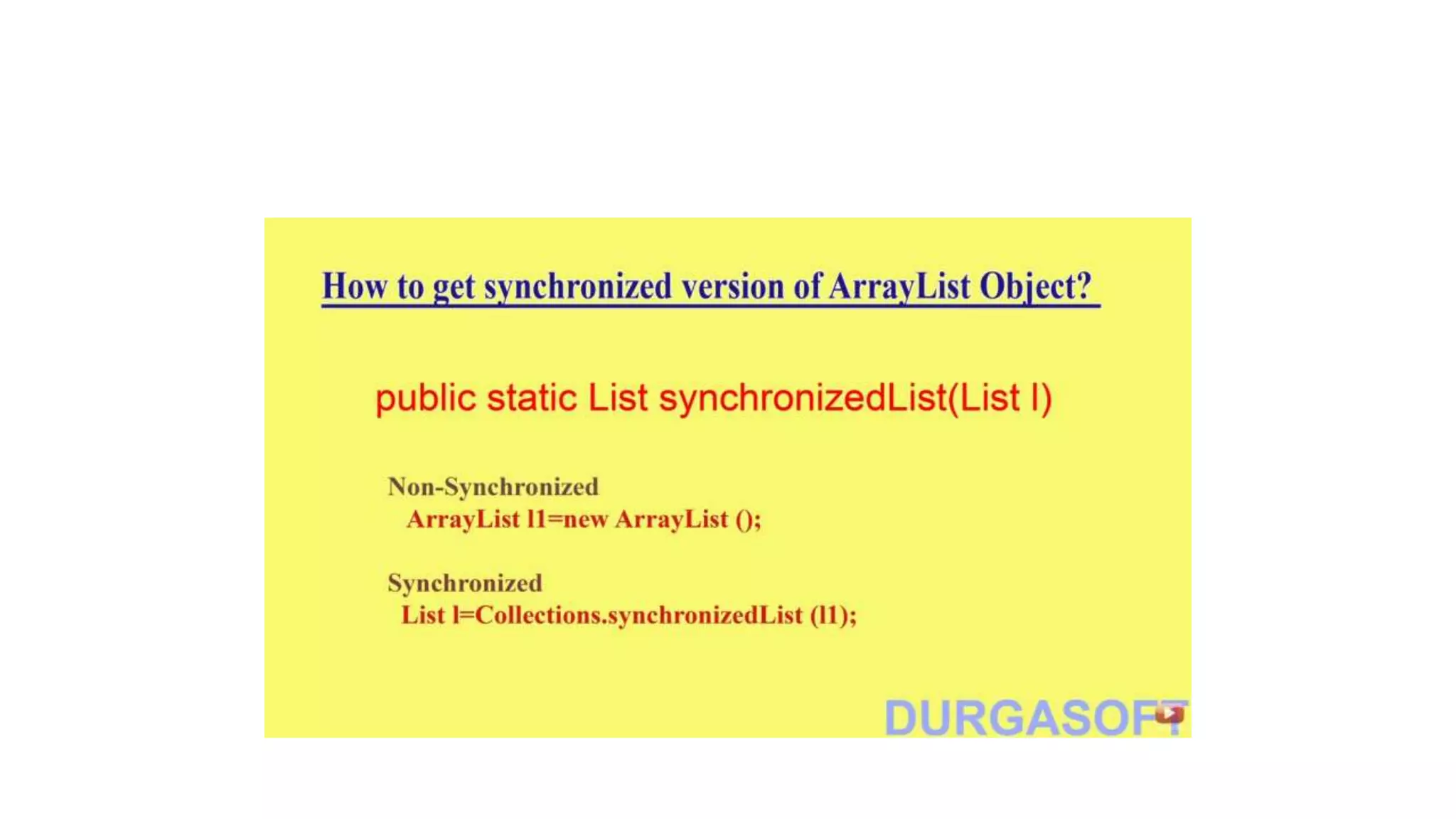
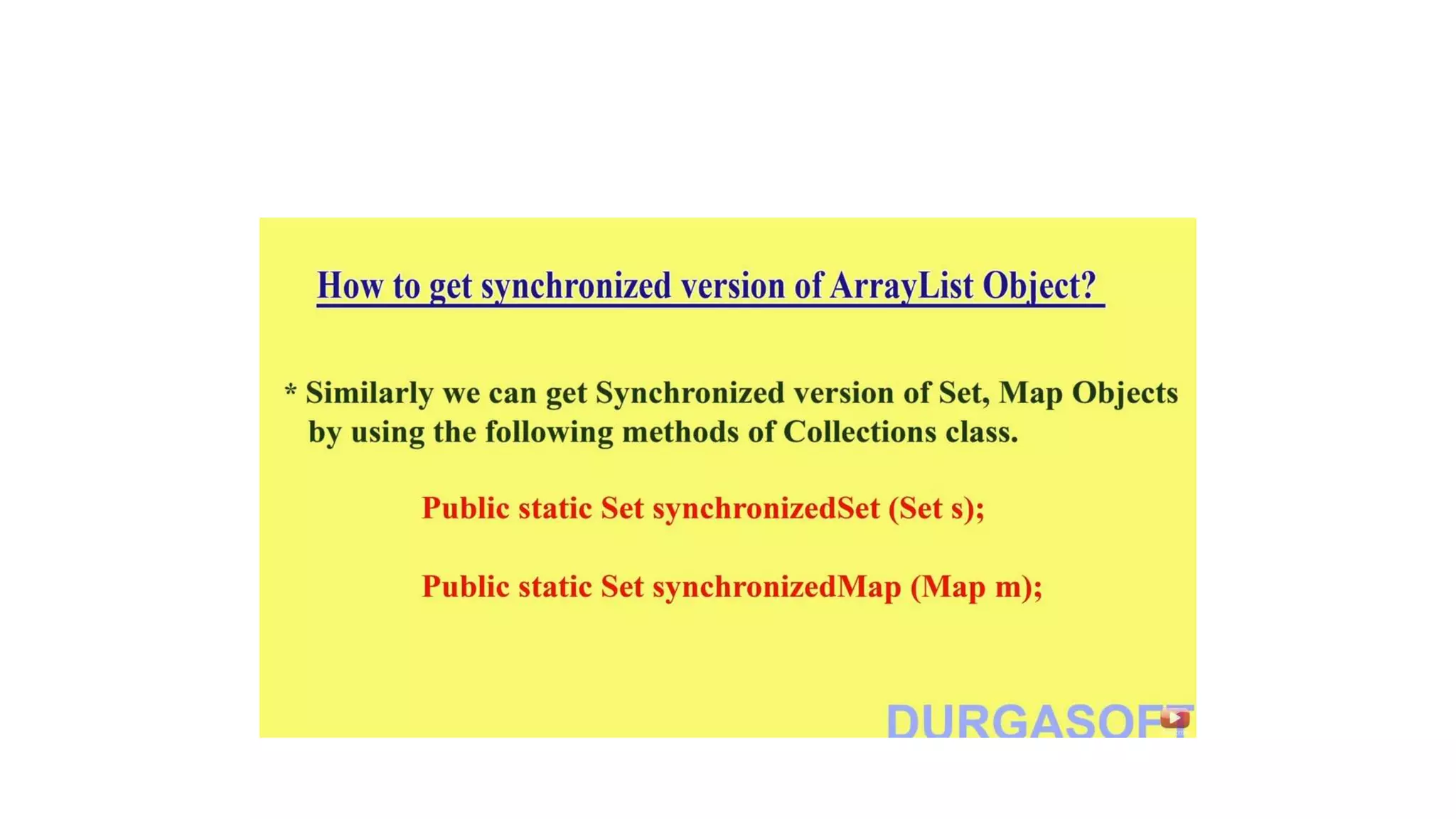
How to get Synchronized version of ArrayList
(Collection Framework)
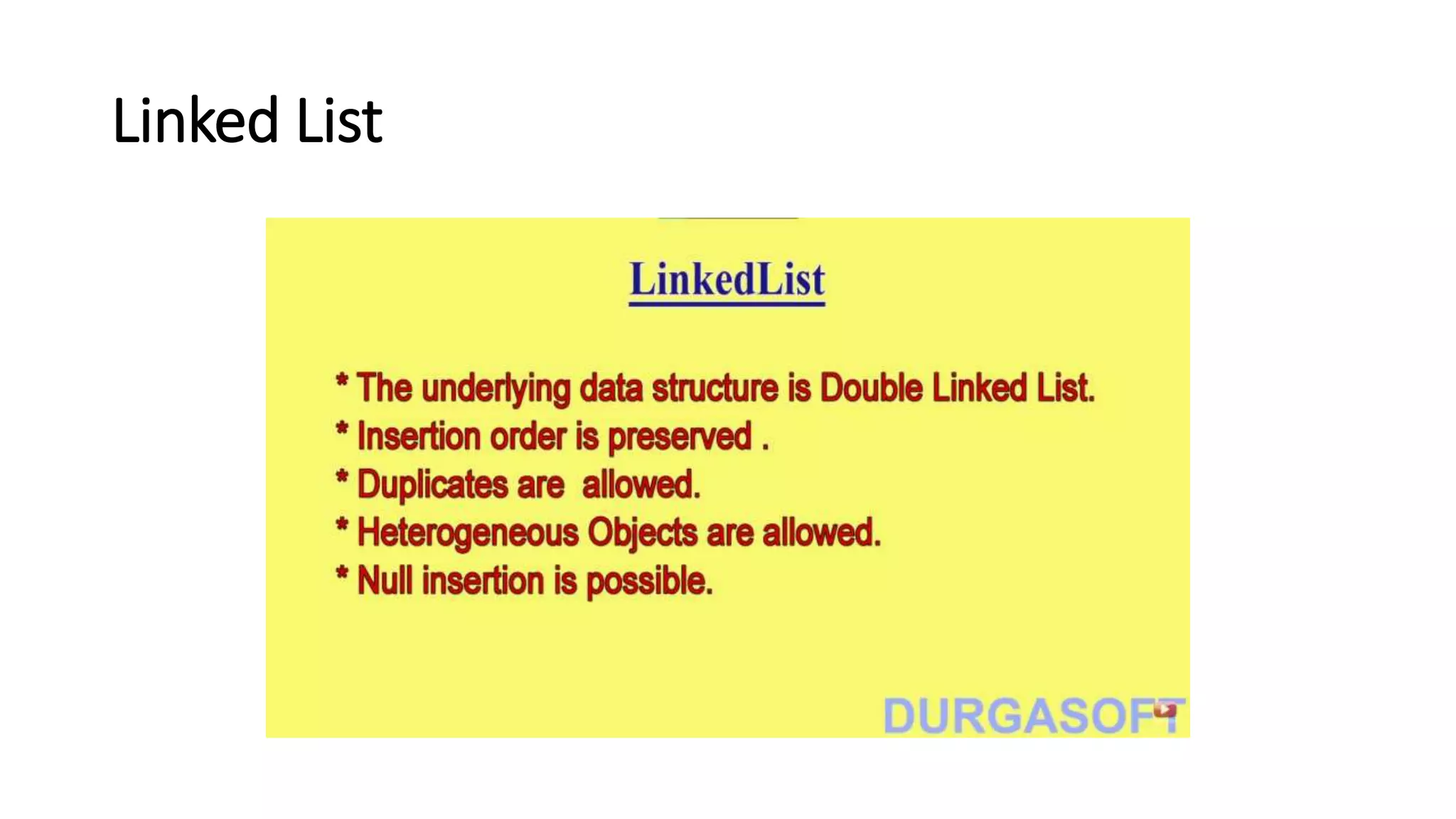
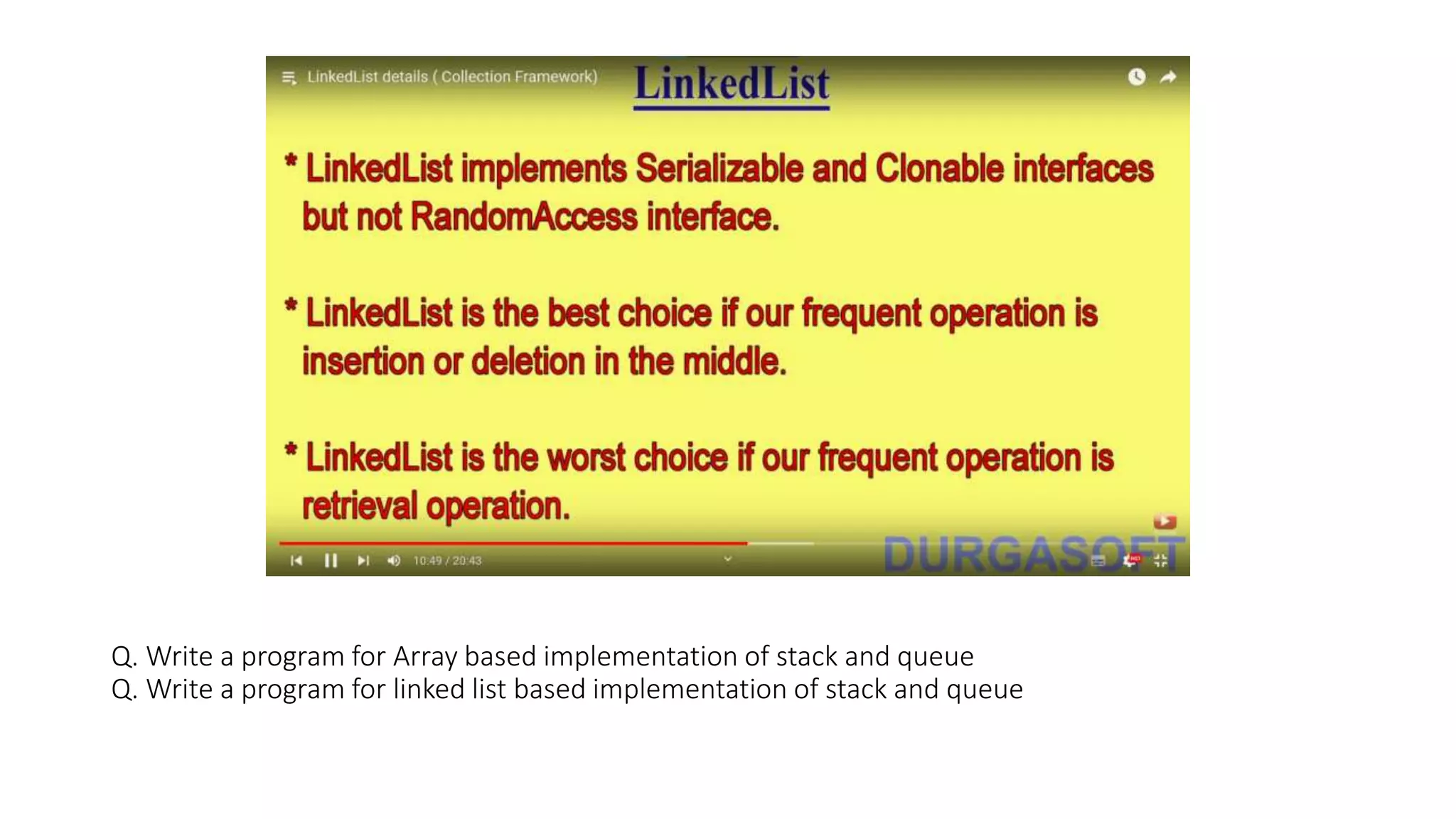
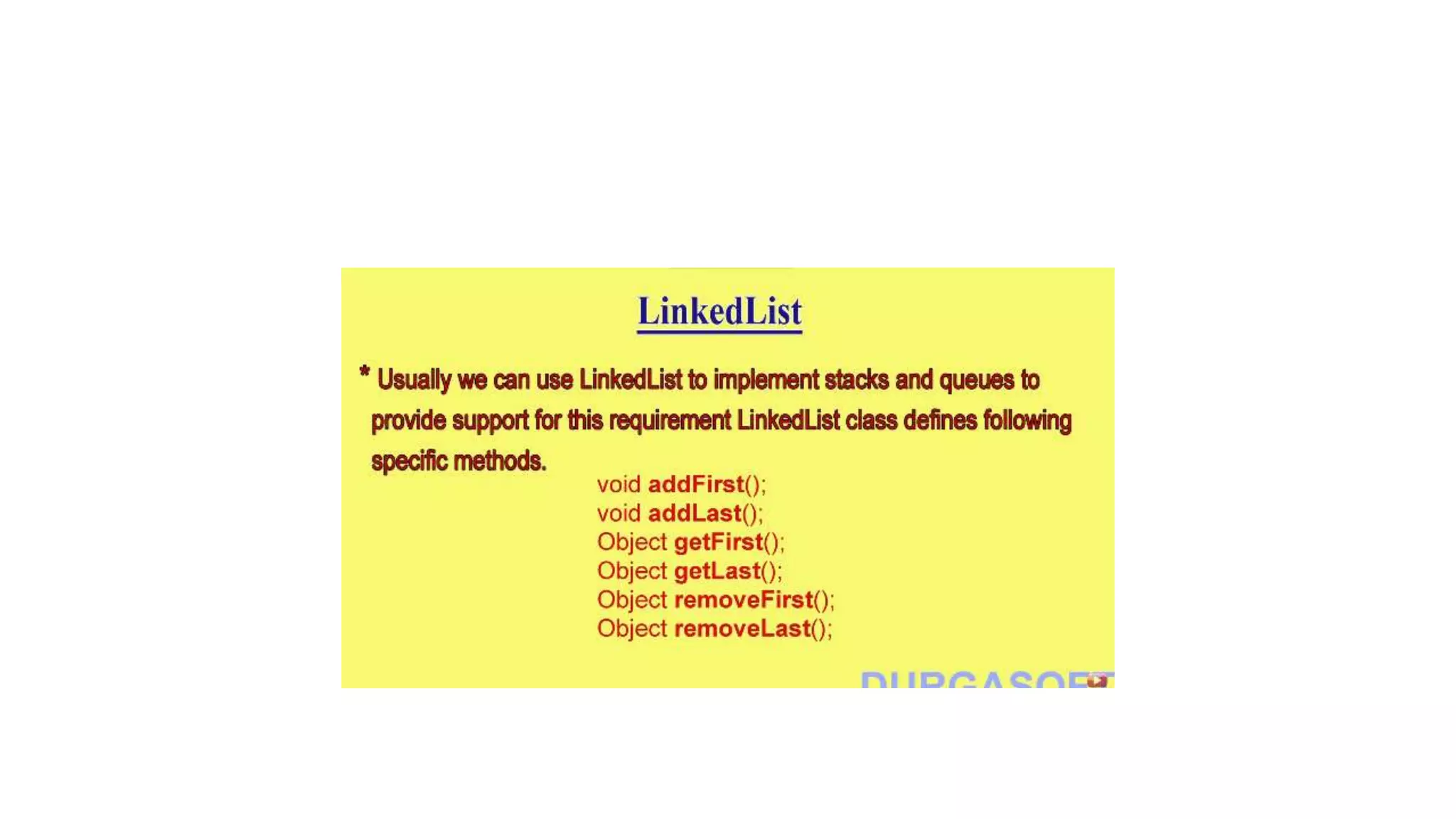
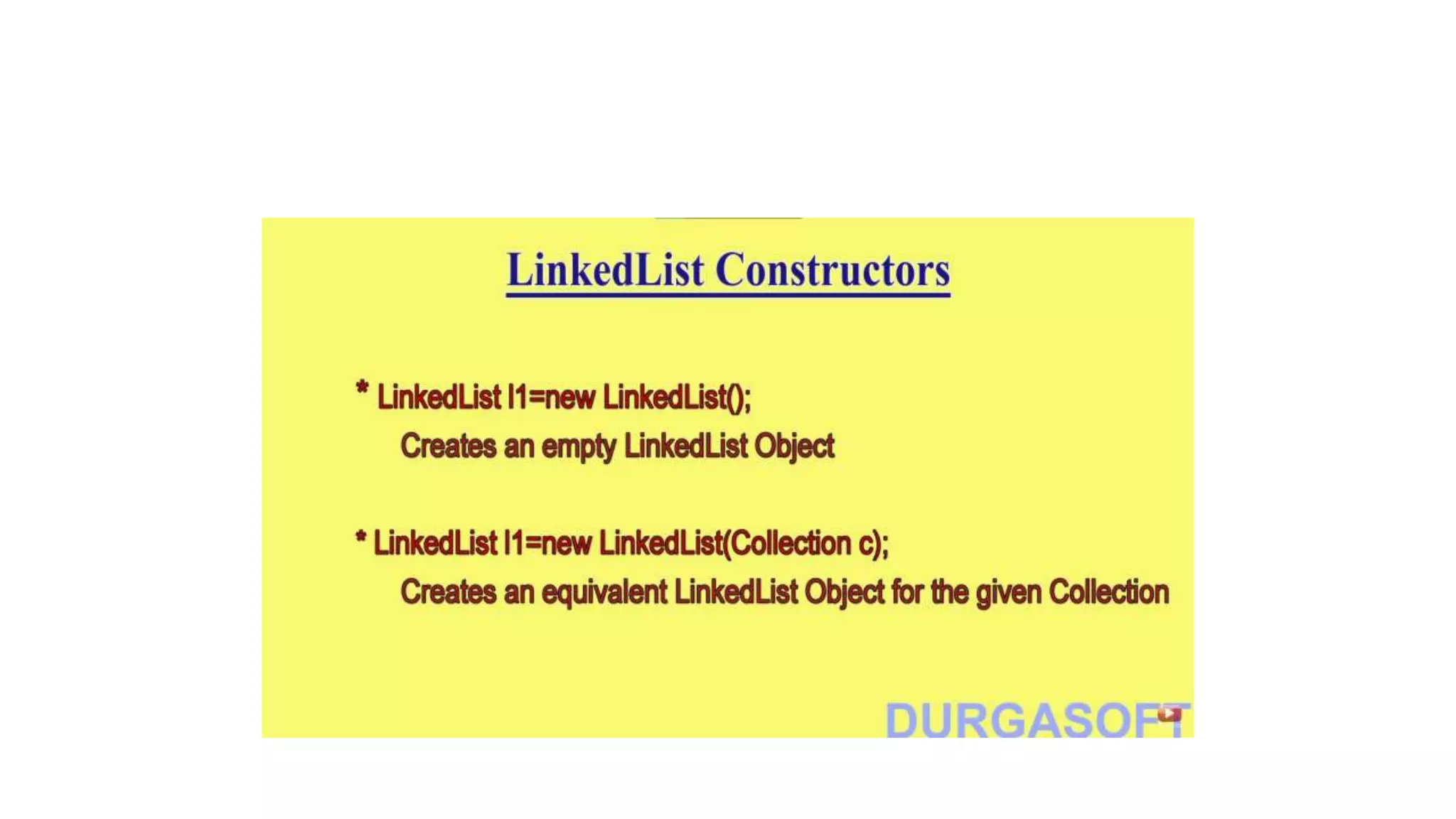
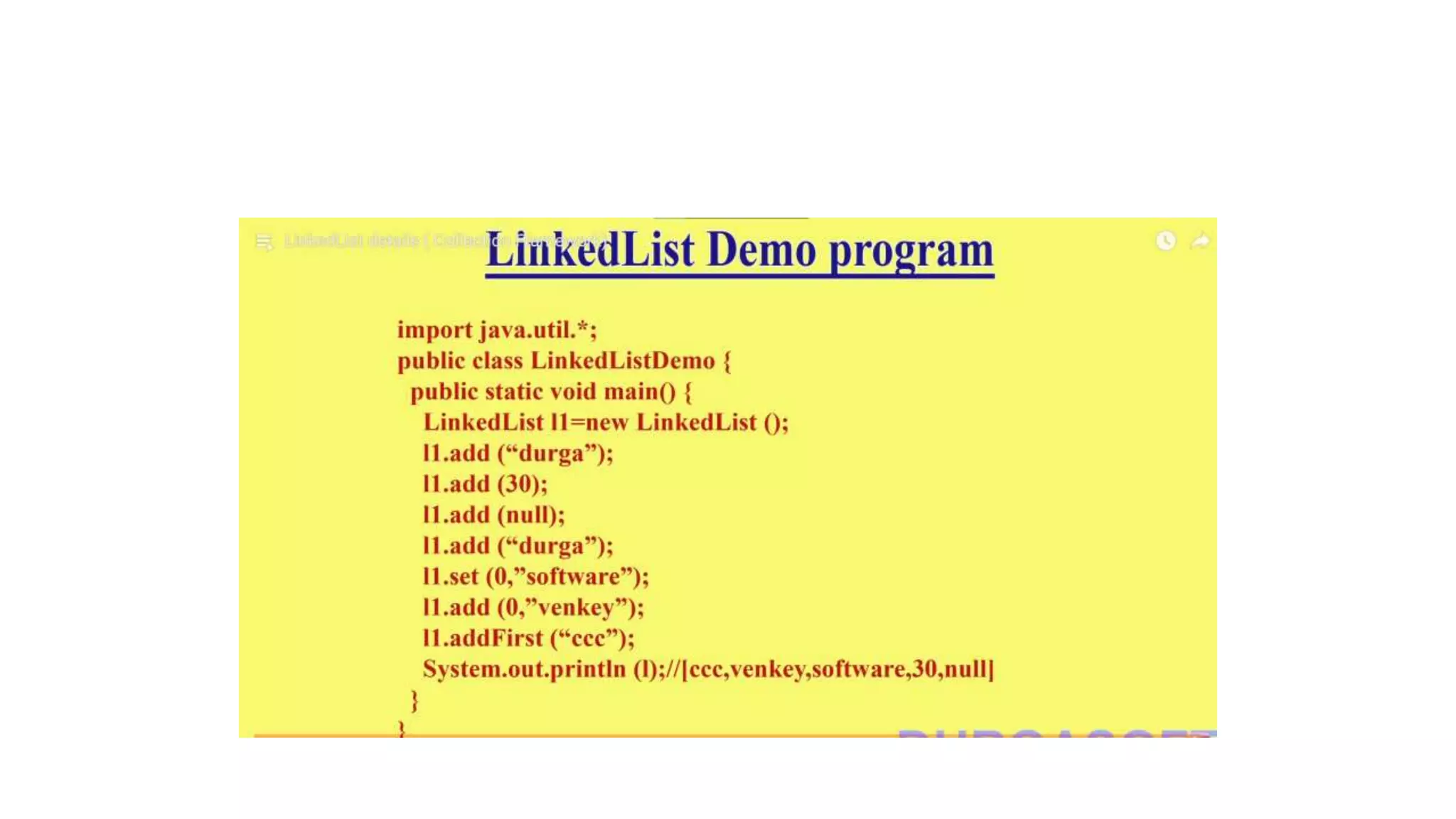
Linked List
Q. Write a program for Array based implementation of stack and queue
Q. Write a program for linked list based implementation of stack and queue
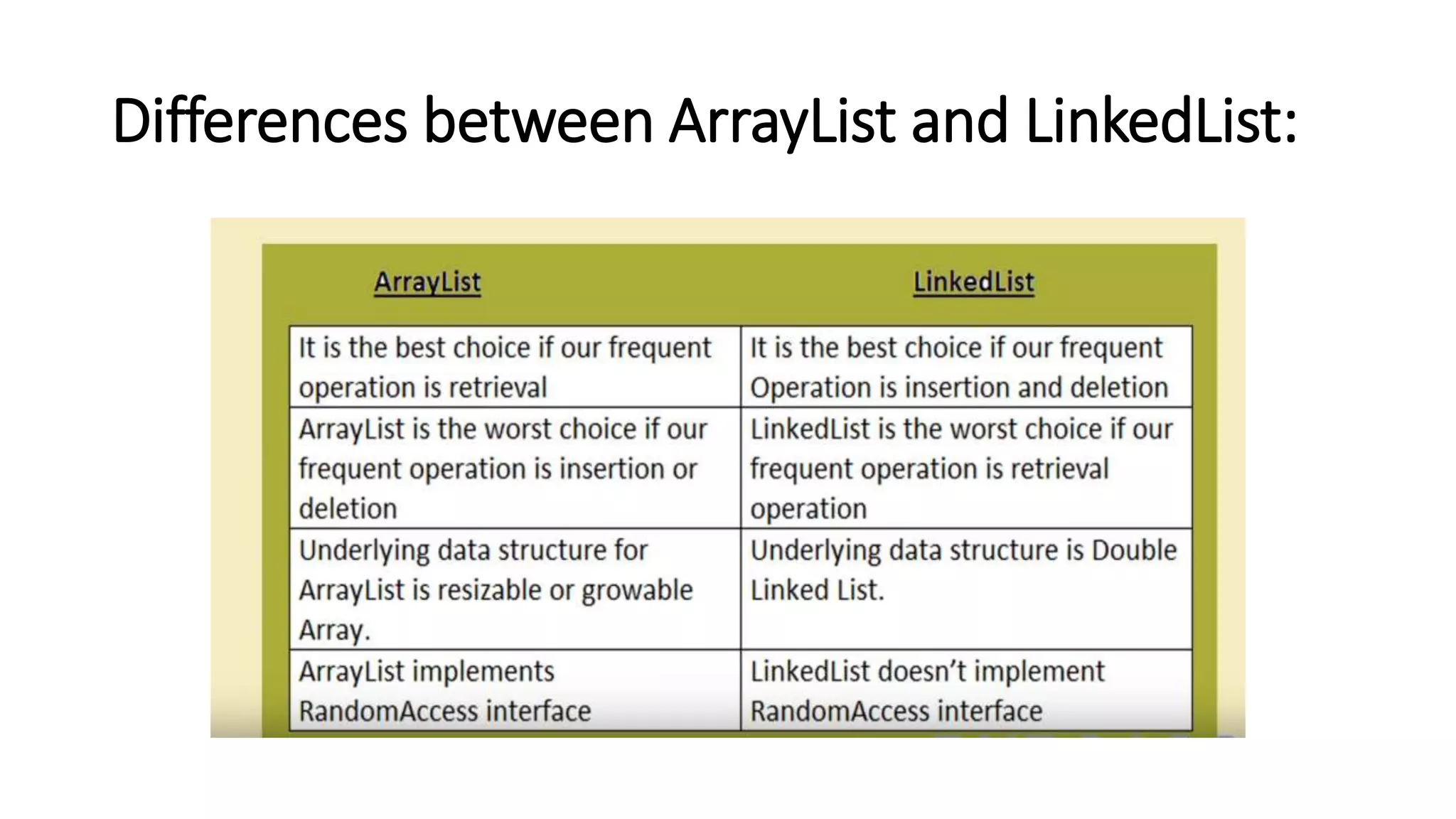
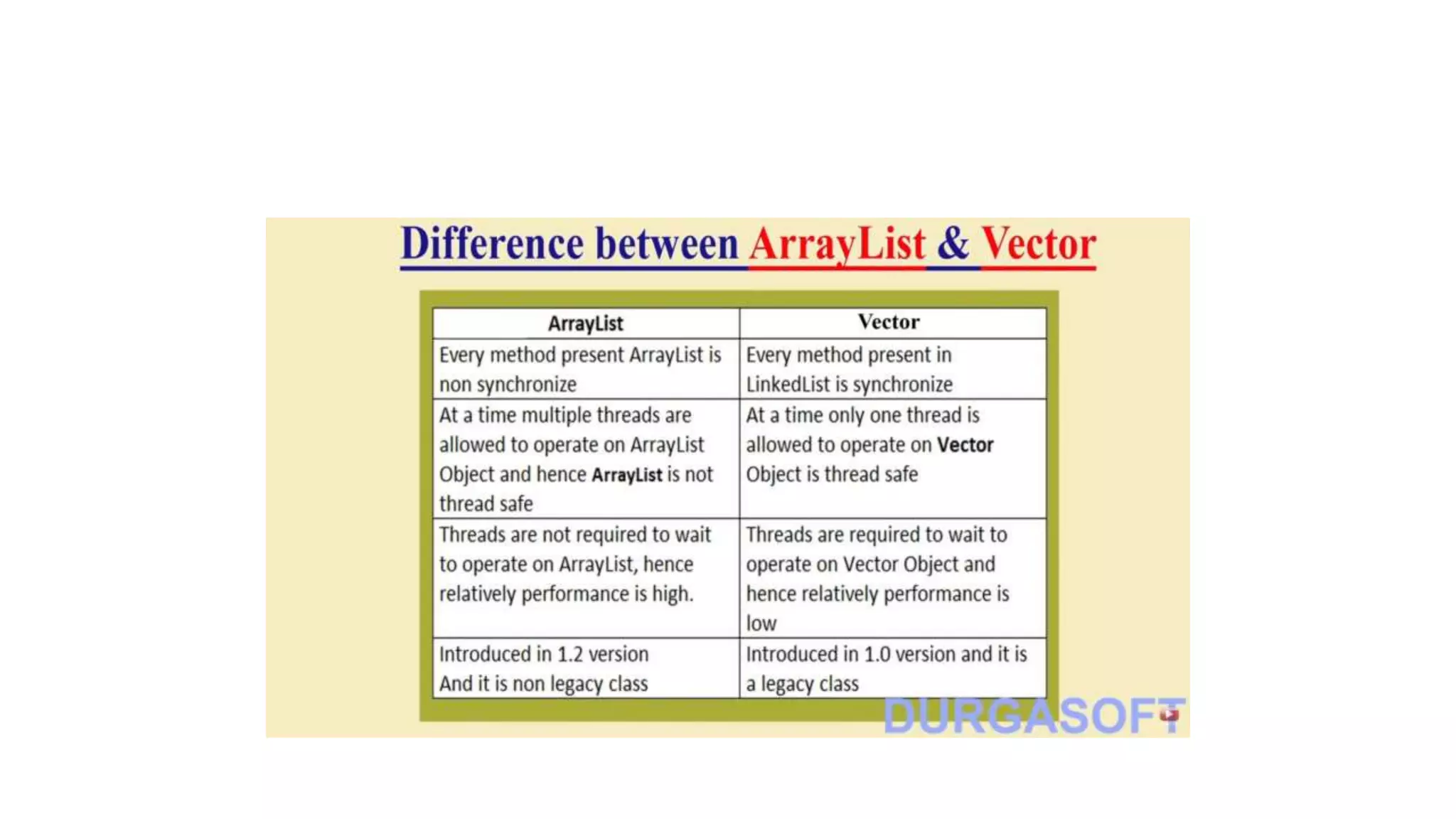
Differences between ArrayList and LinkedList:
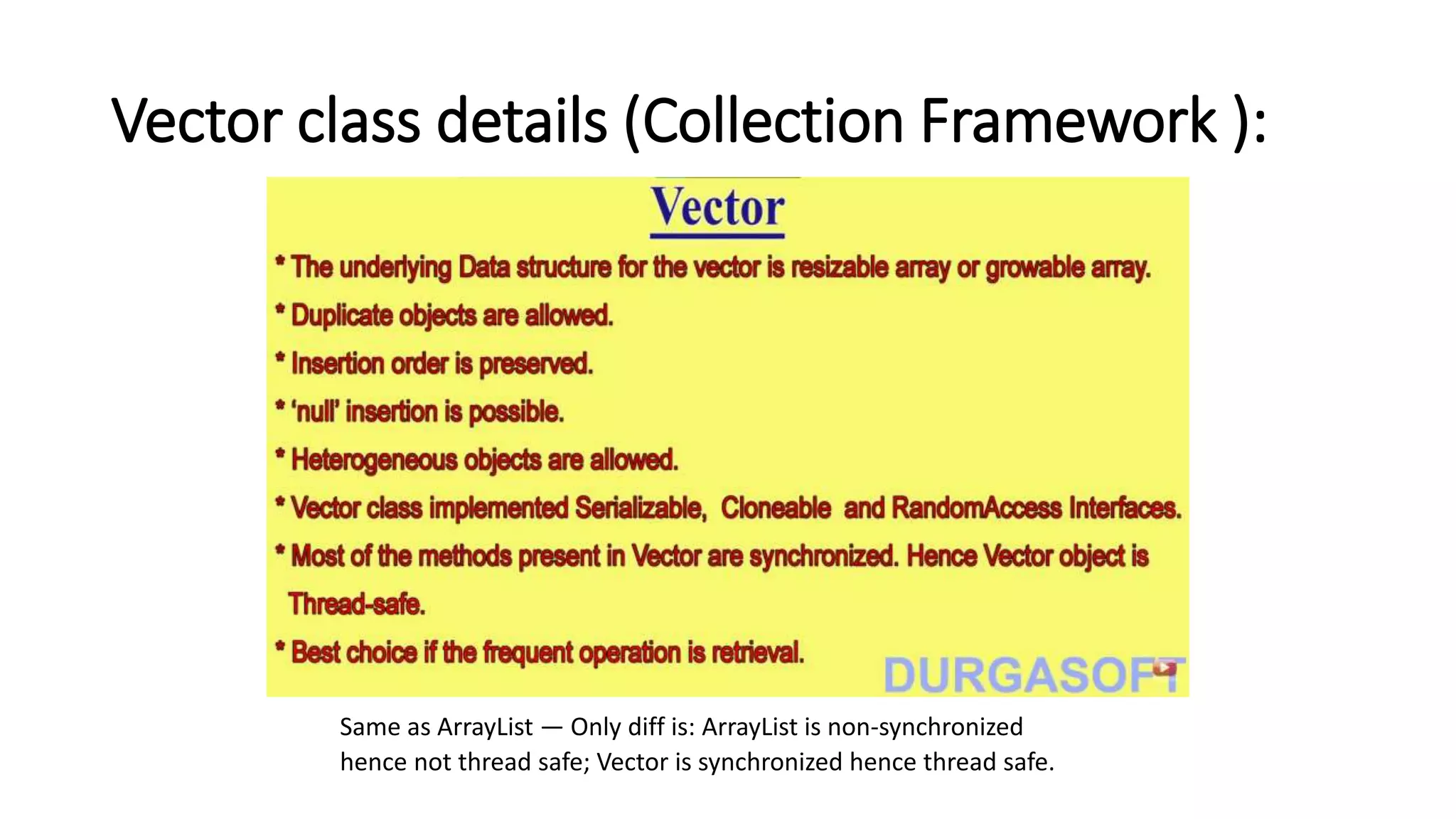
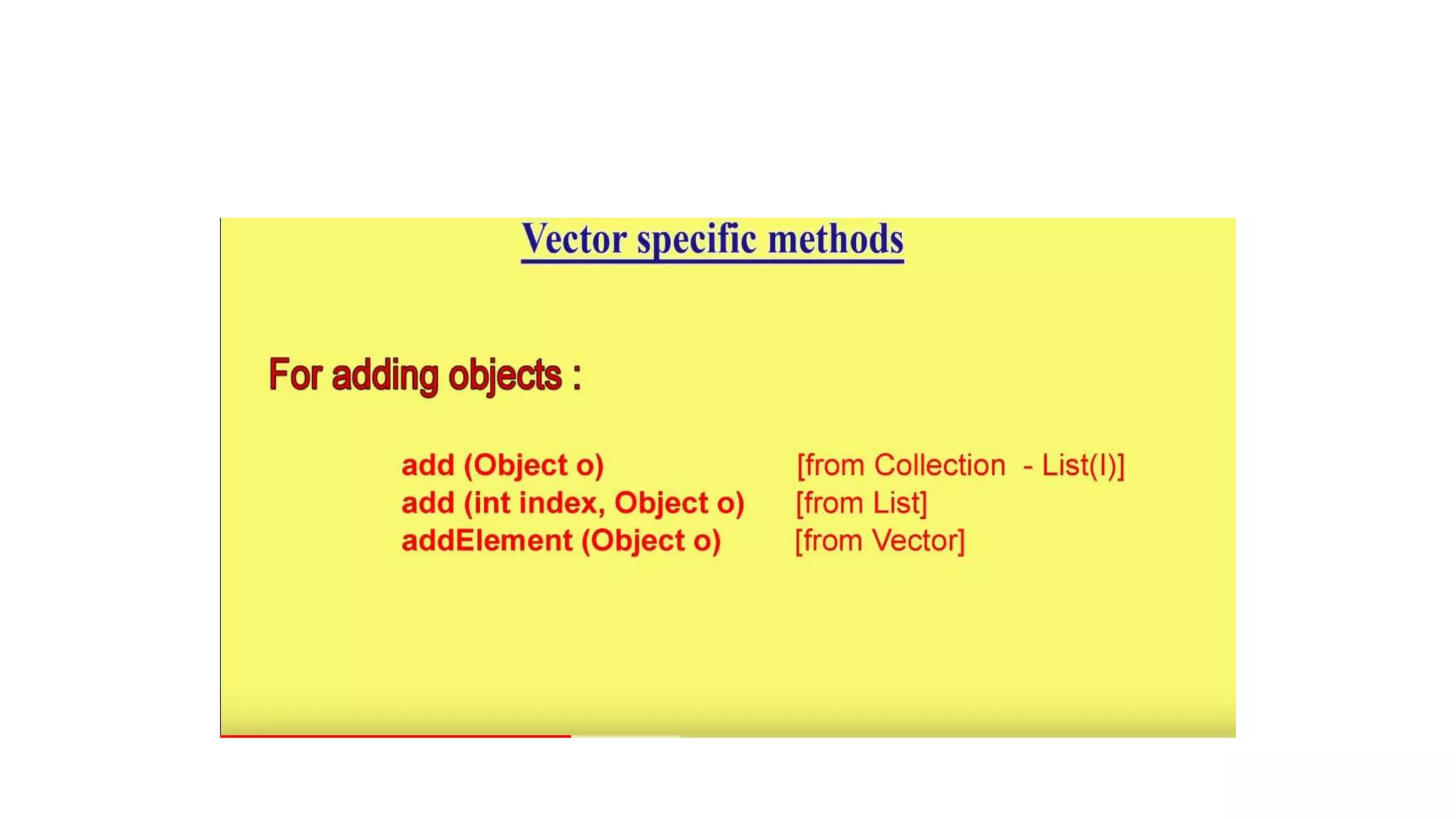
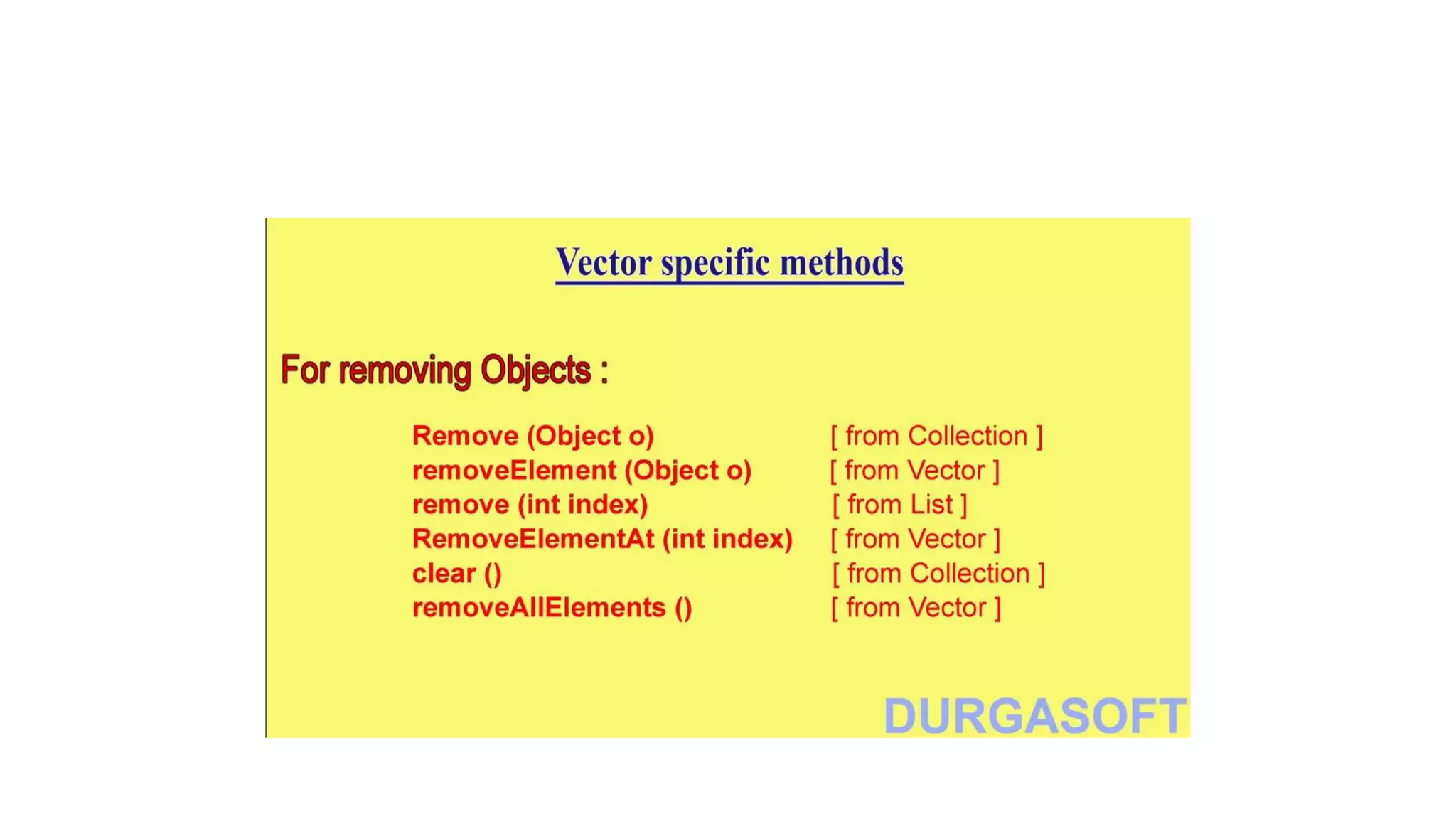
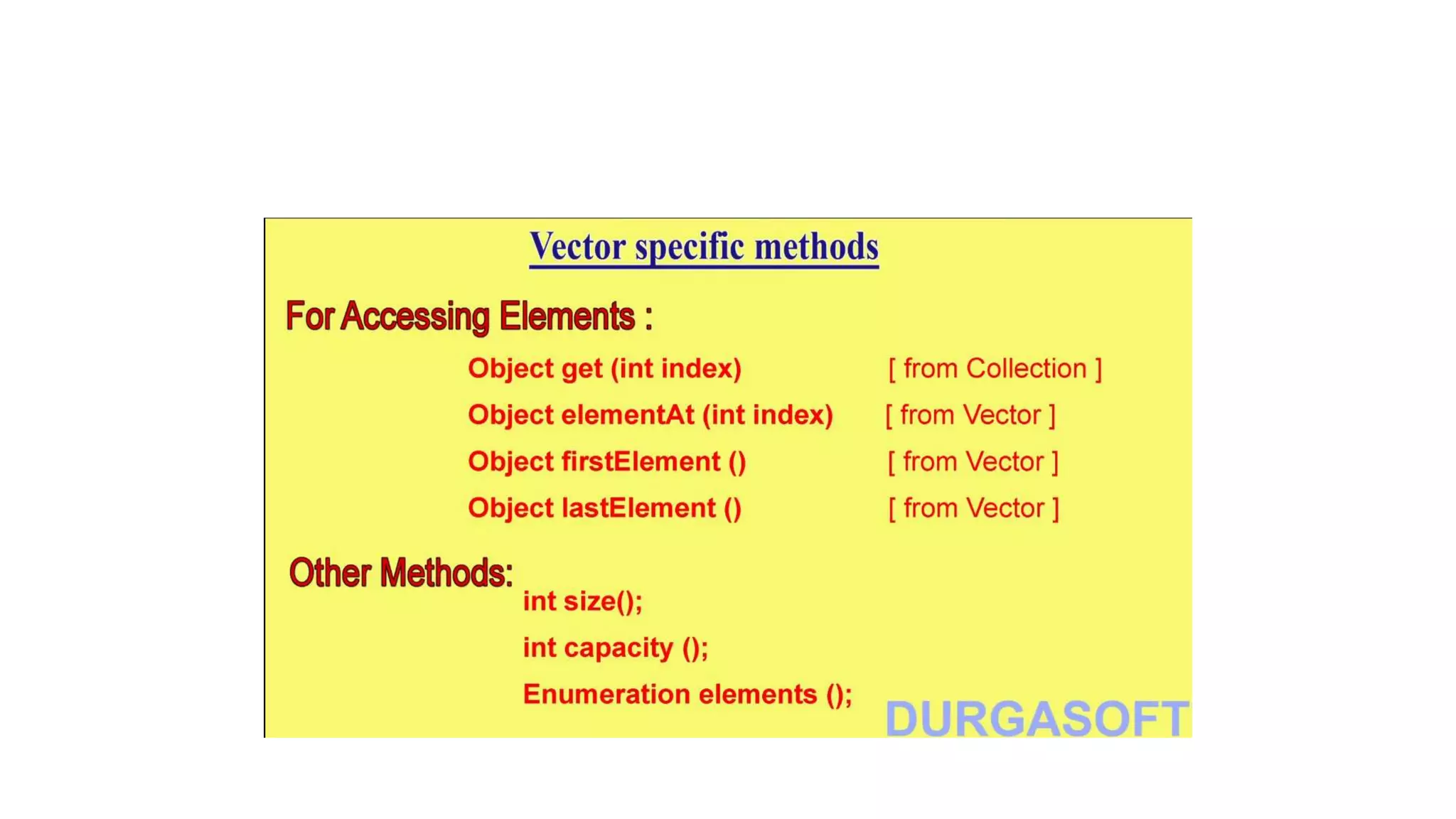
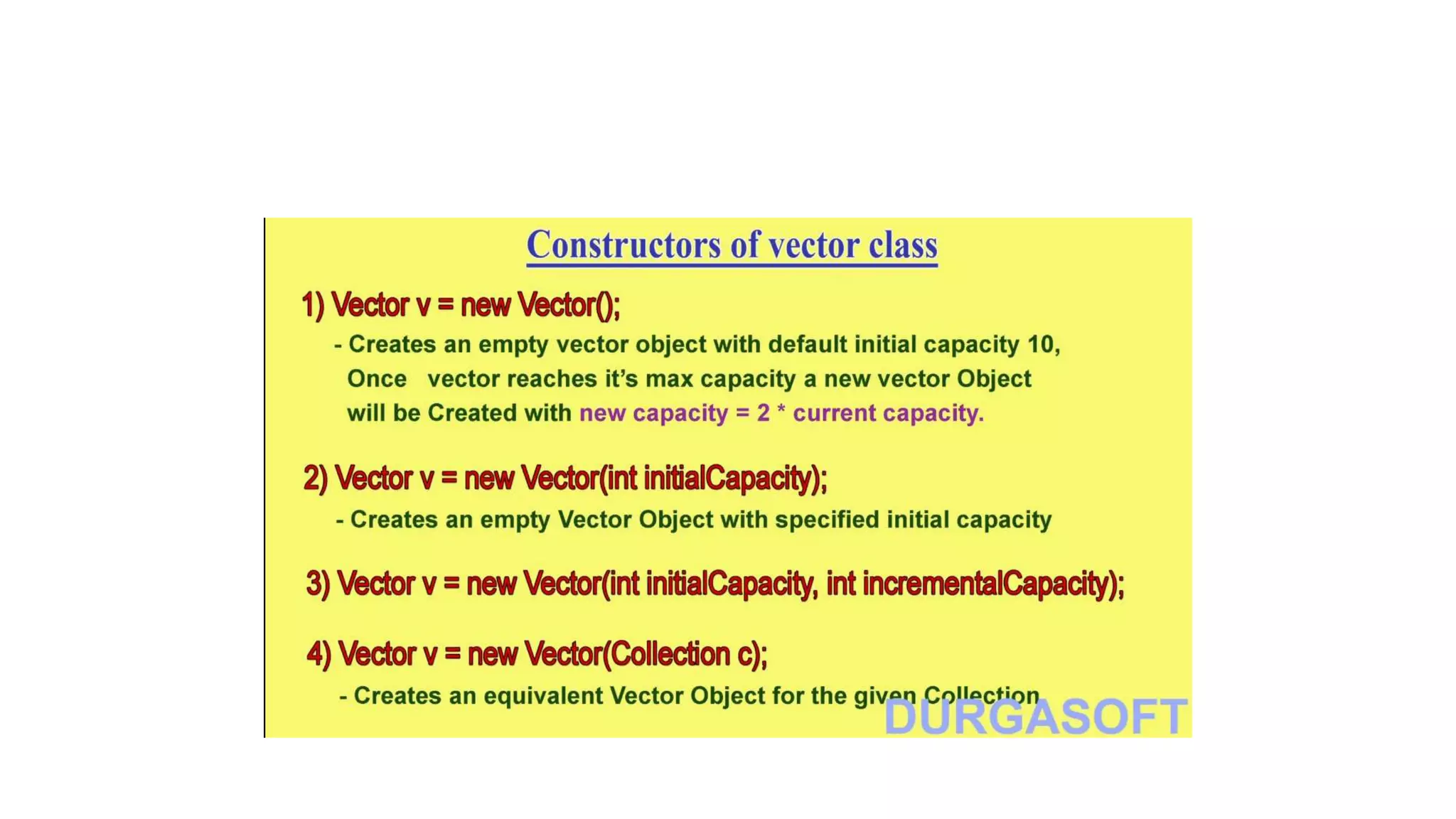
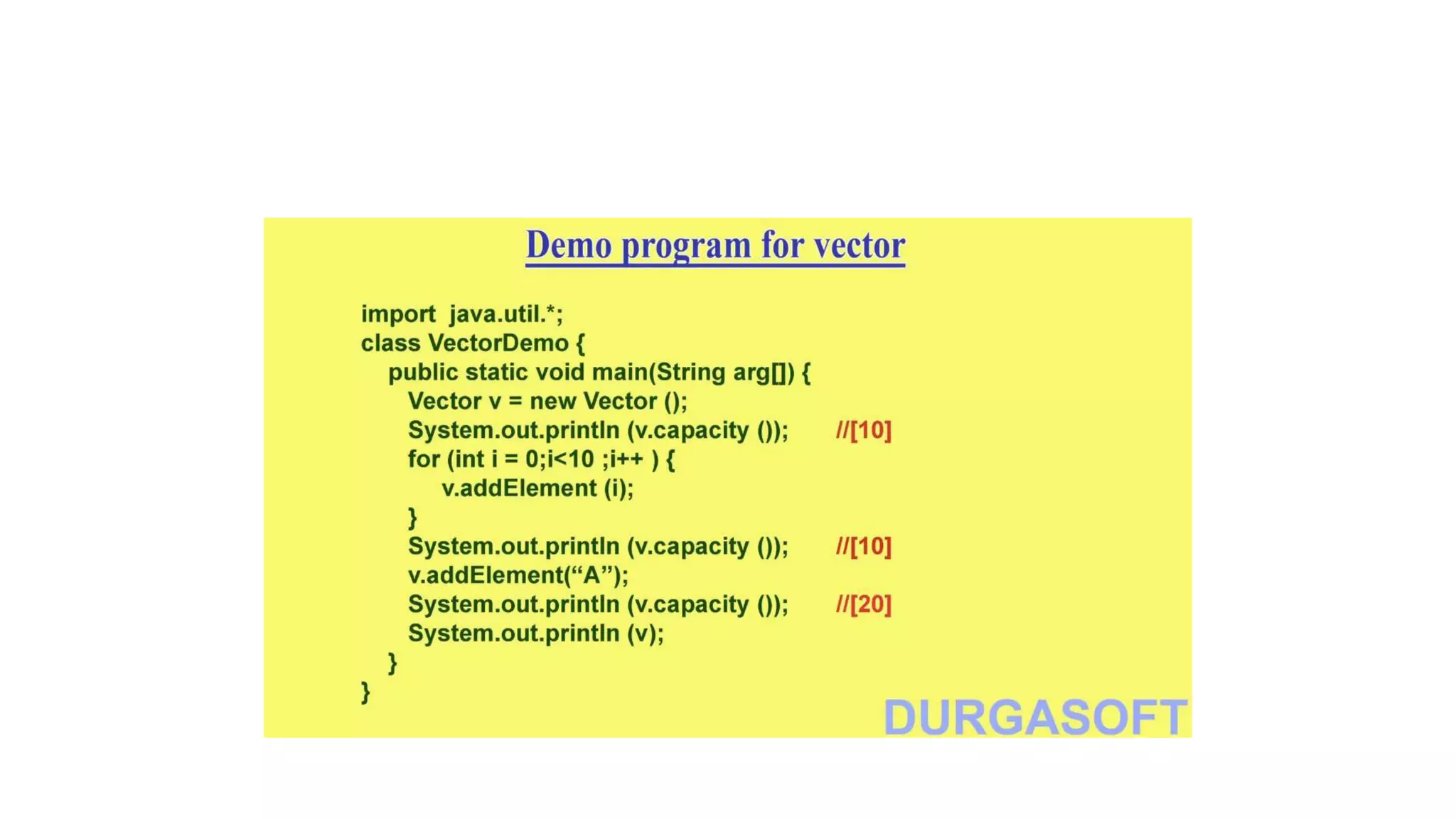
Vector class details (Collection Framework ):
Same as ArrayList — Only diff is: ArrayList is non-synchronized
hence not thread safe; Vector is synchronized hence thread safe.
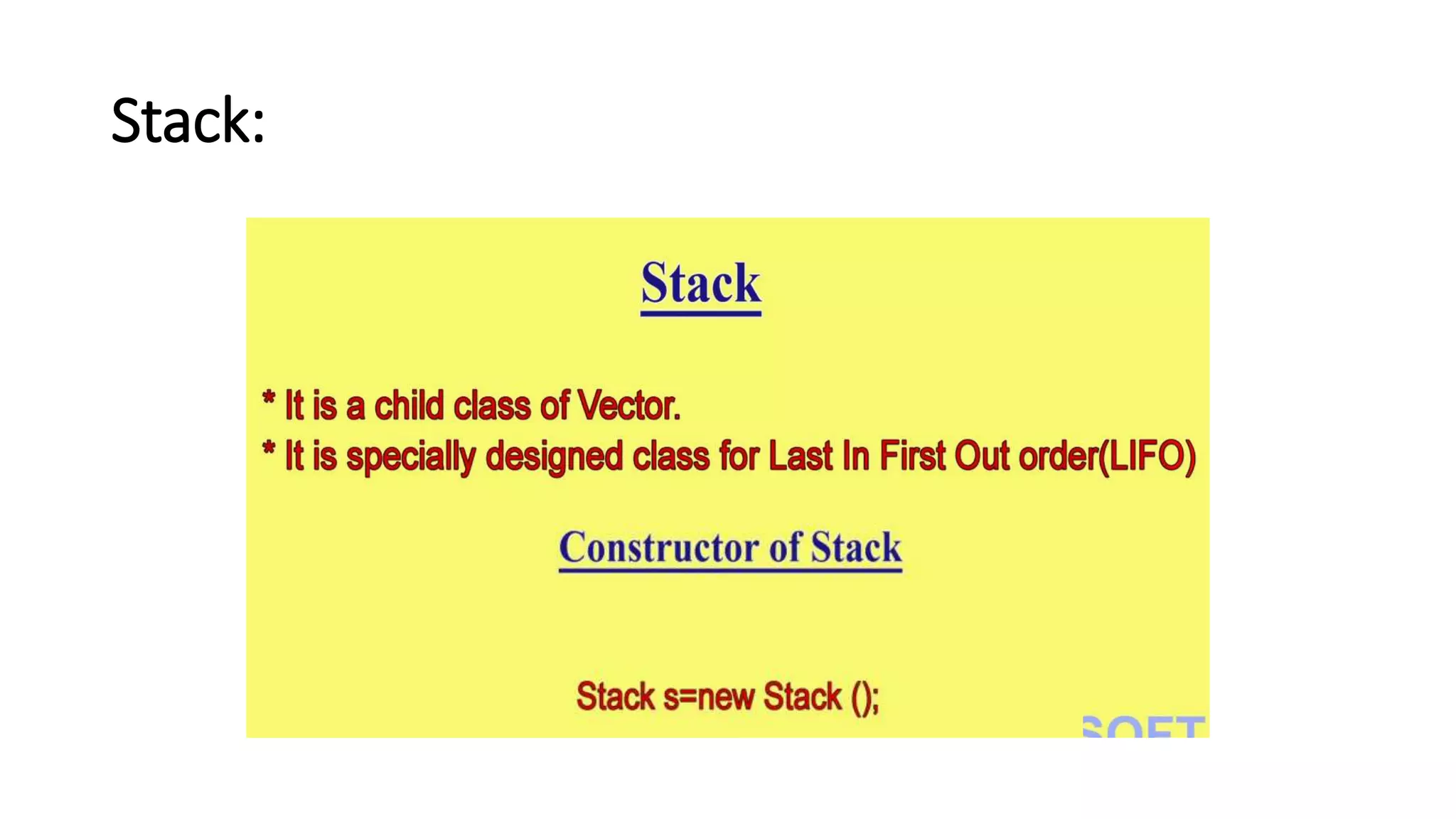
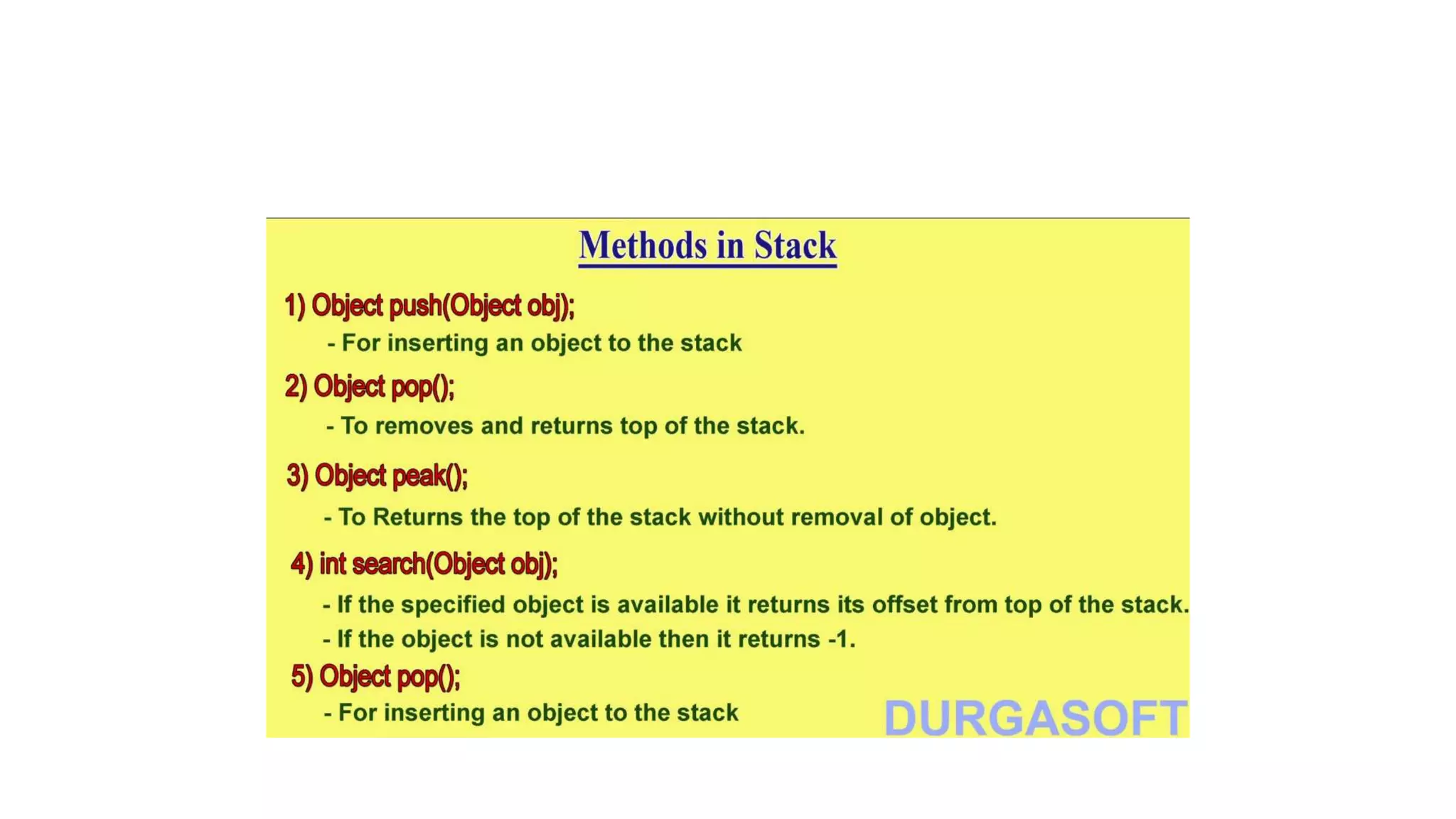
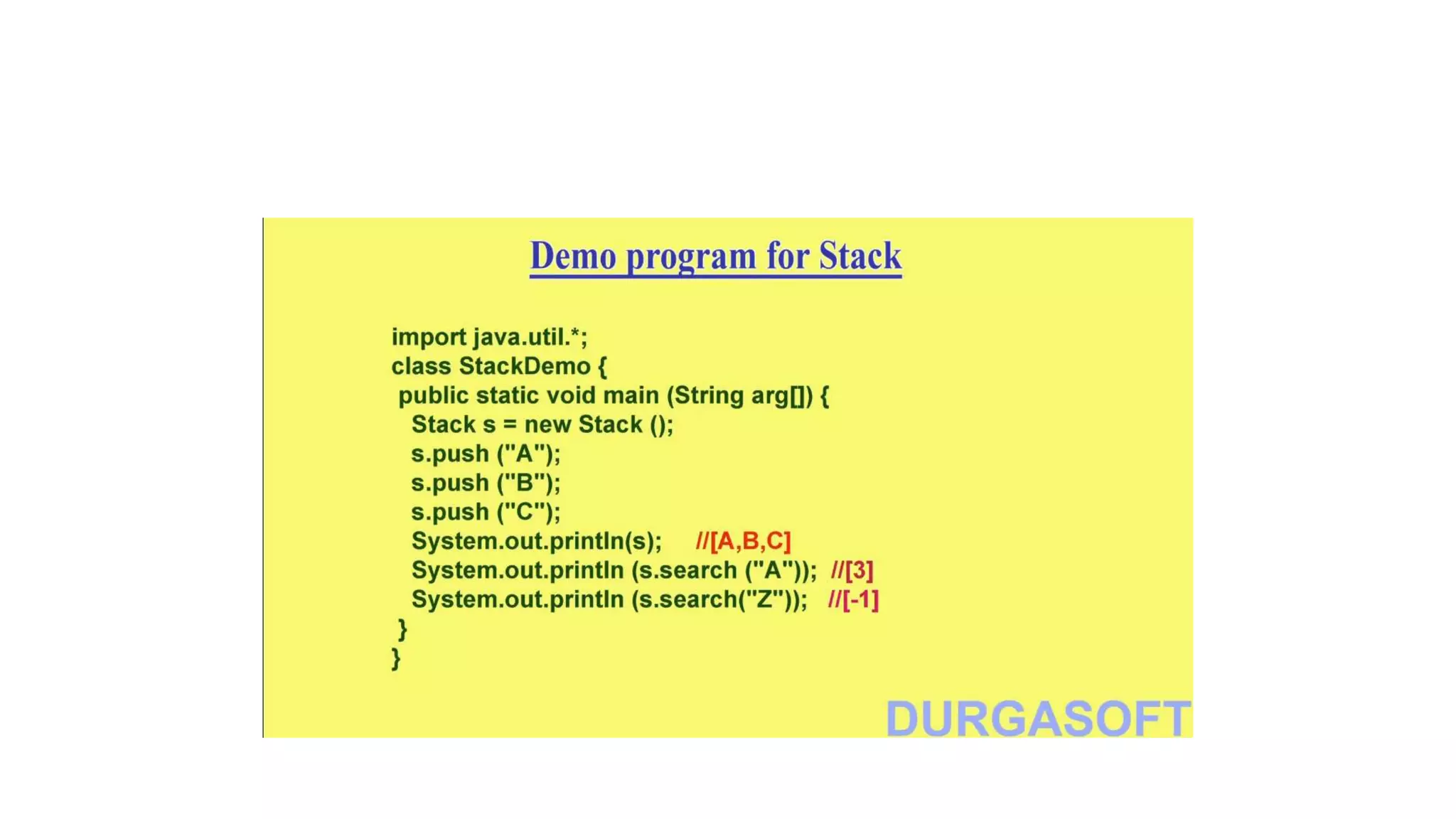
Stack:
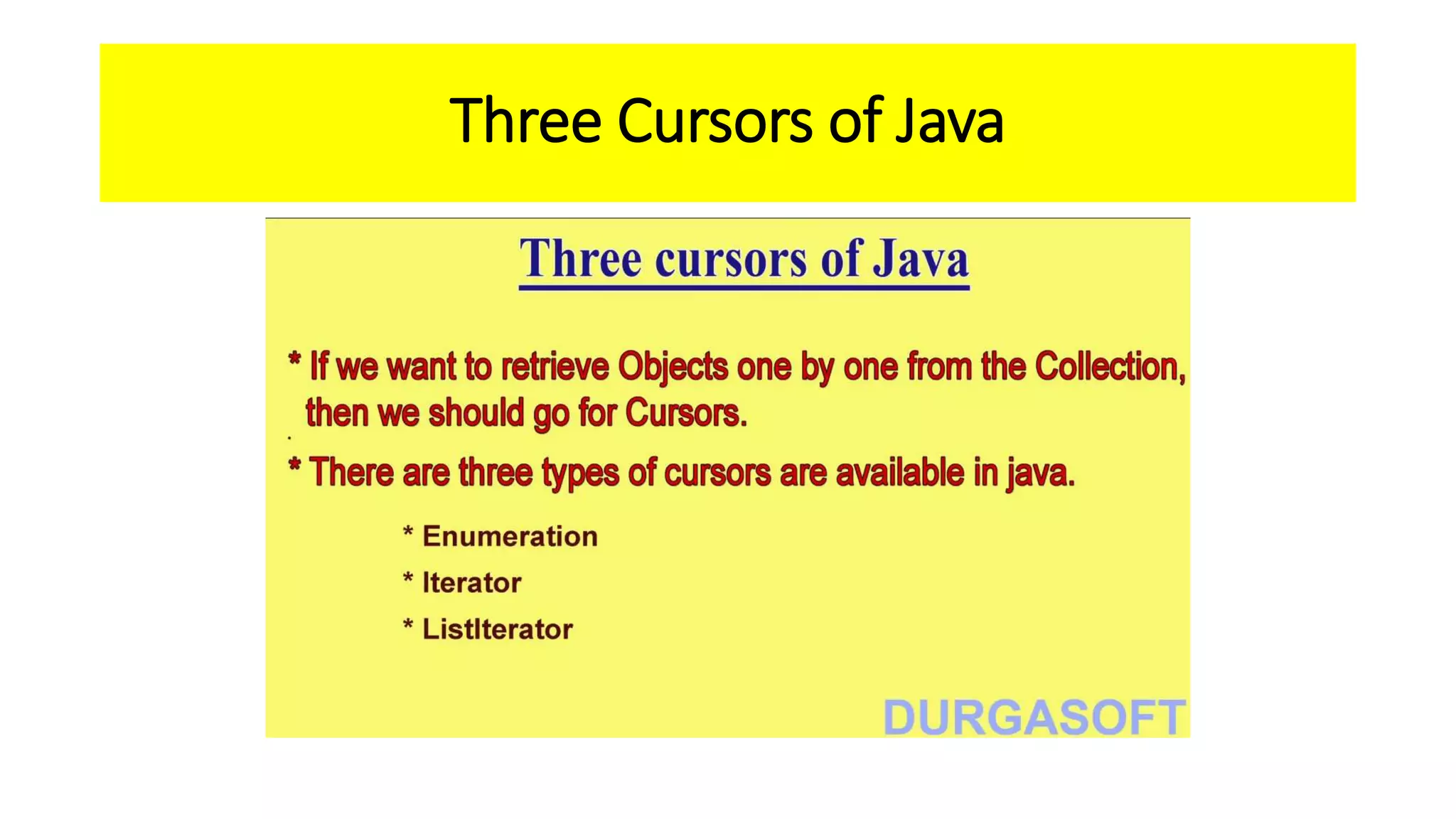
Three Cursors of Java
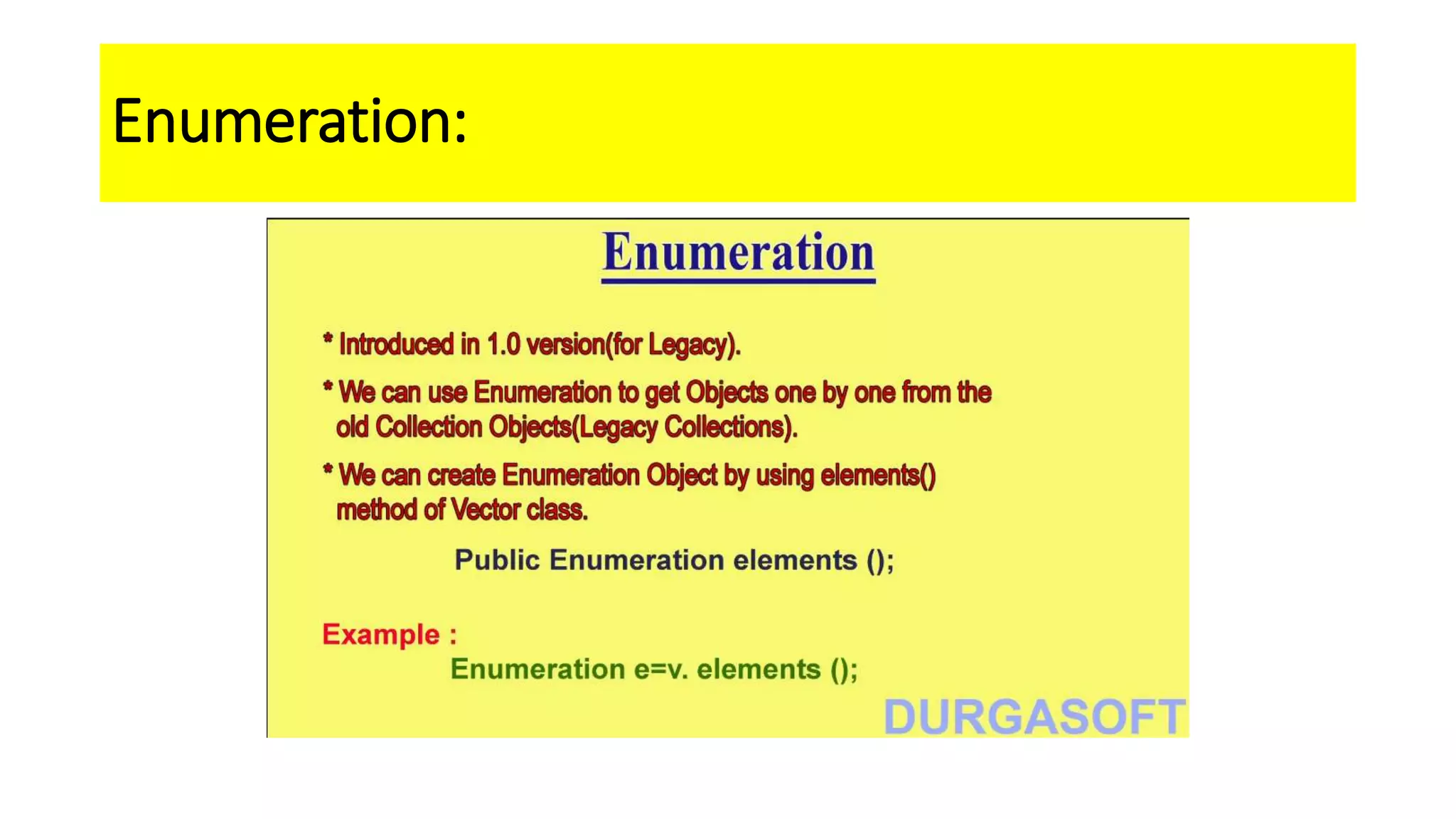
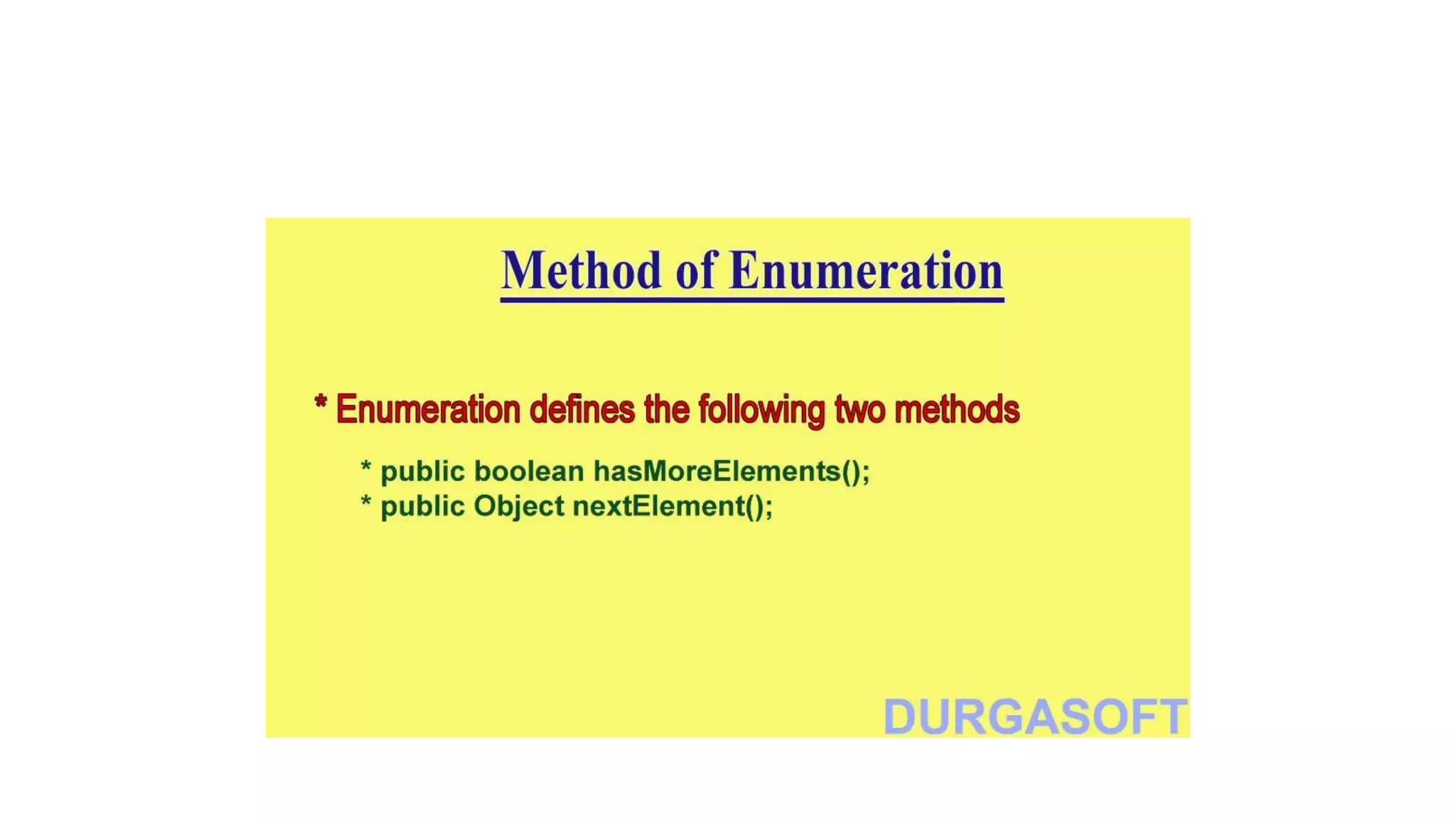
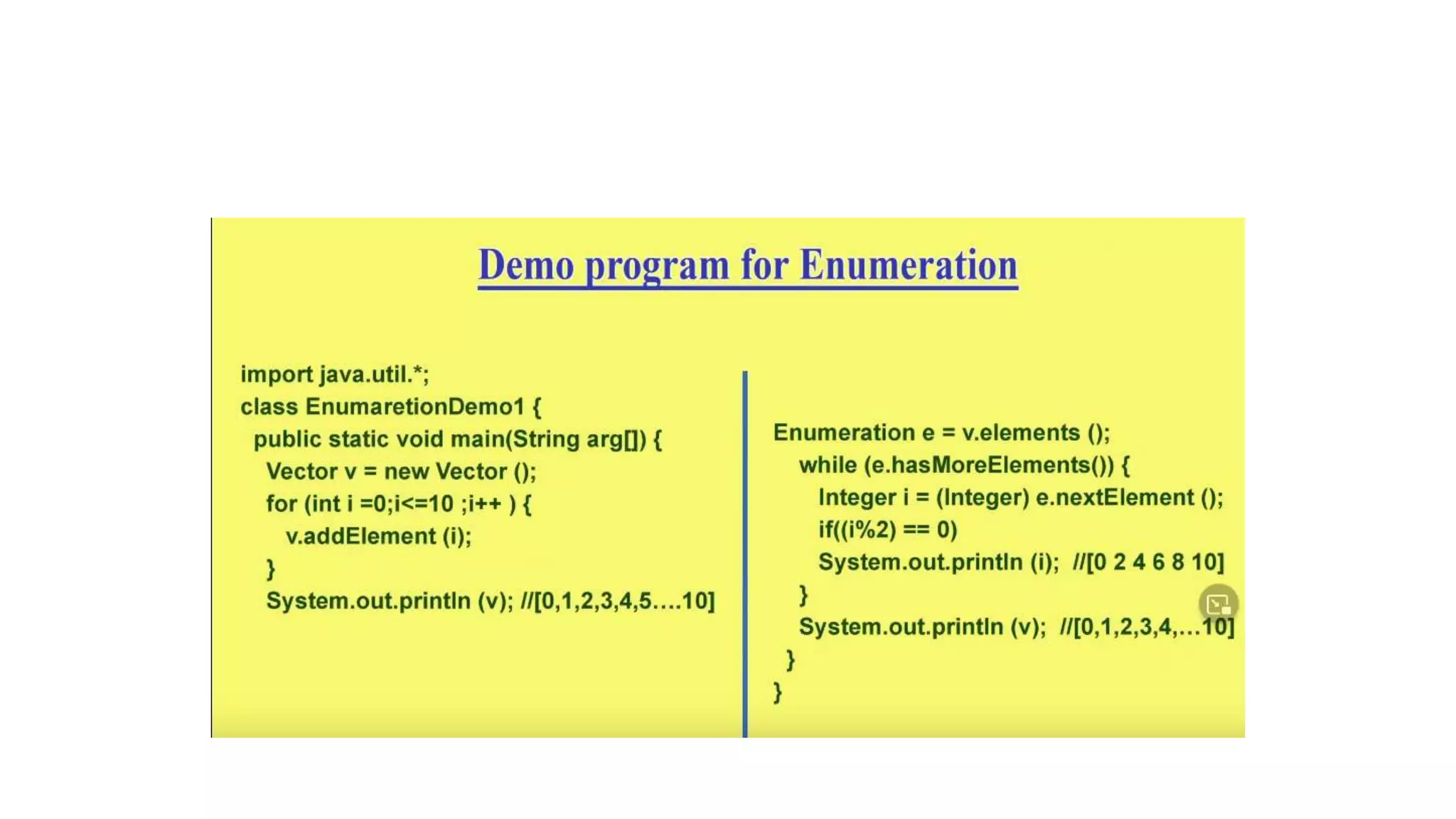
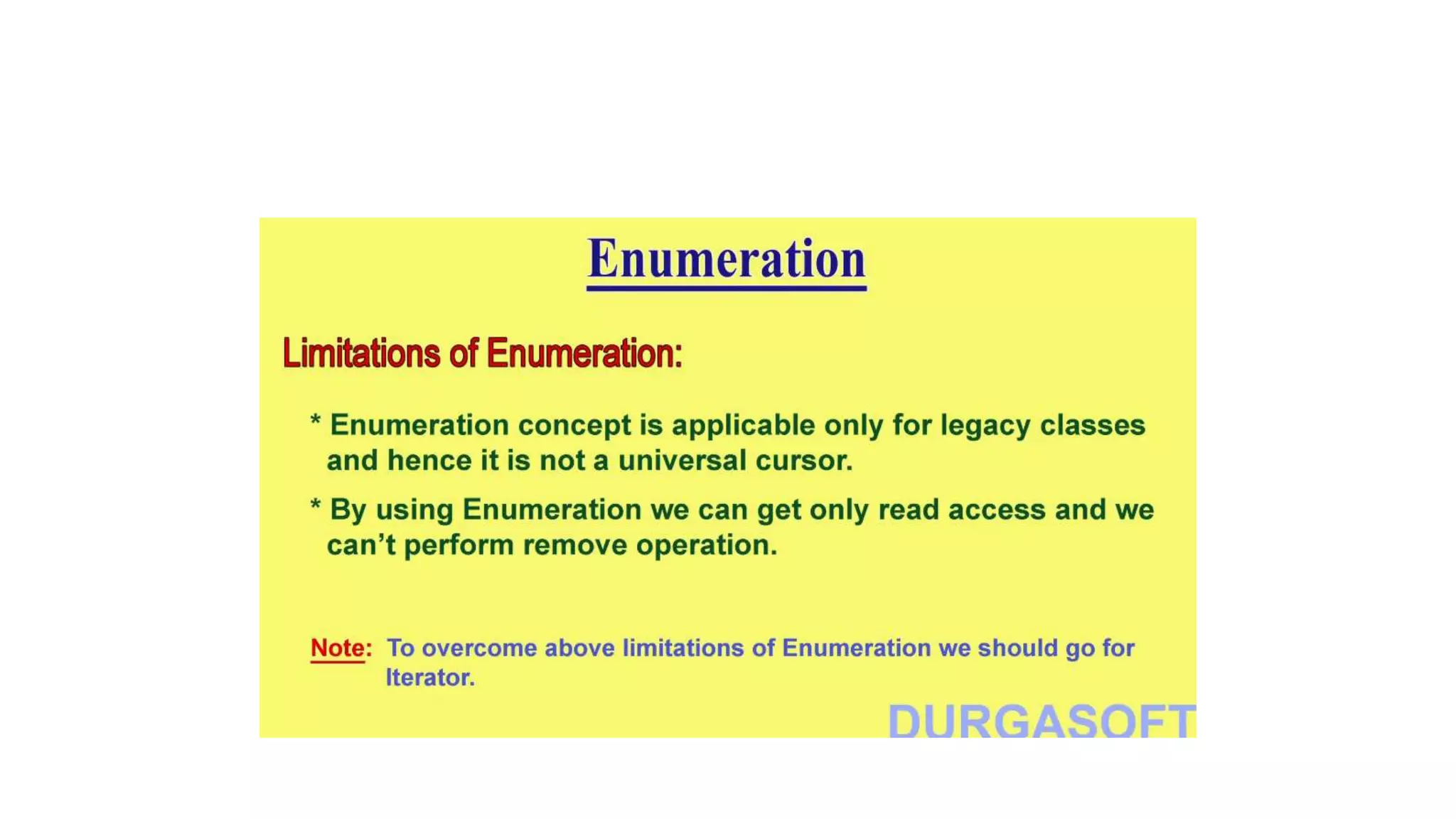
Enumeration:
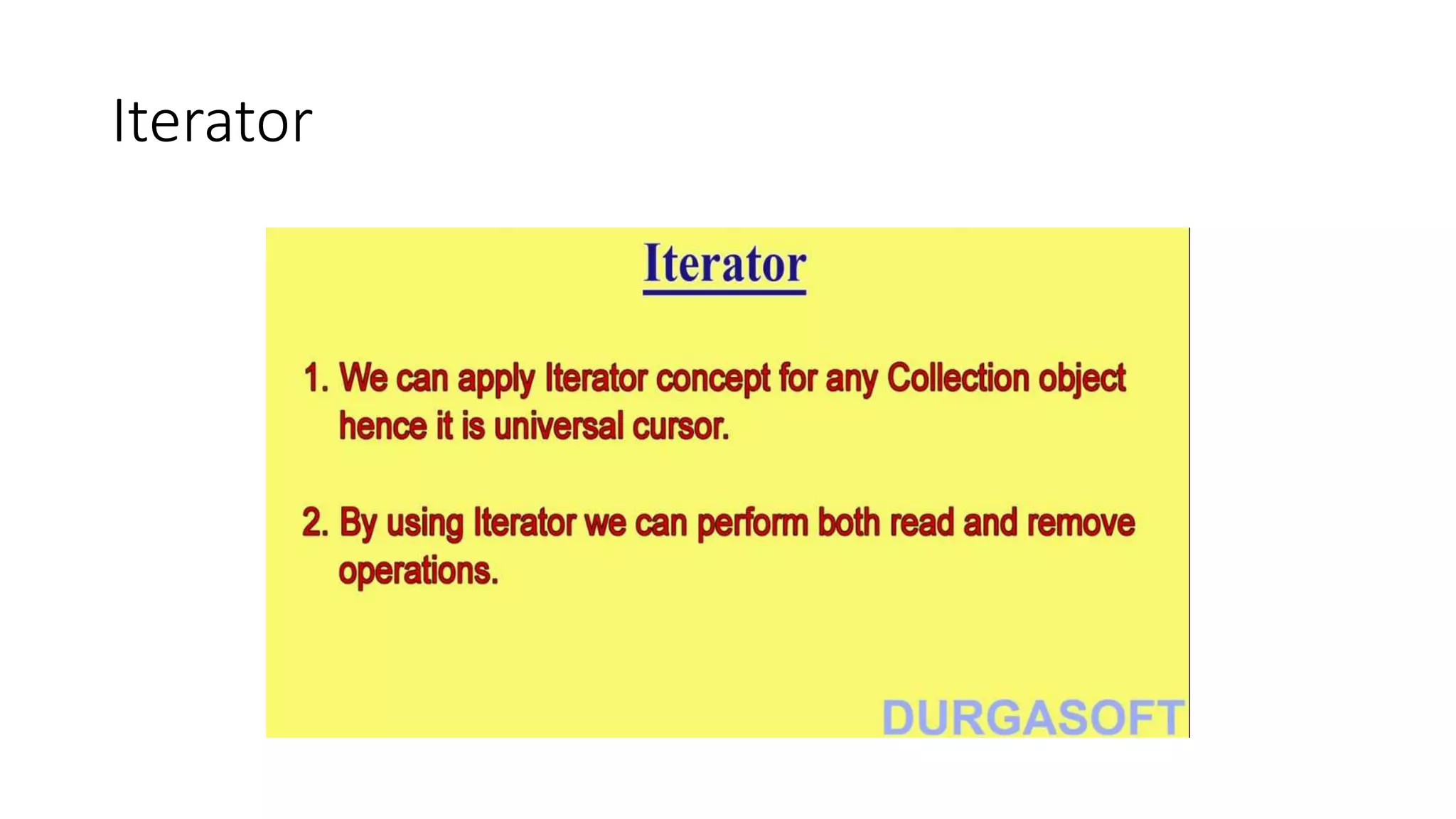
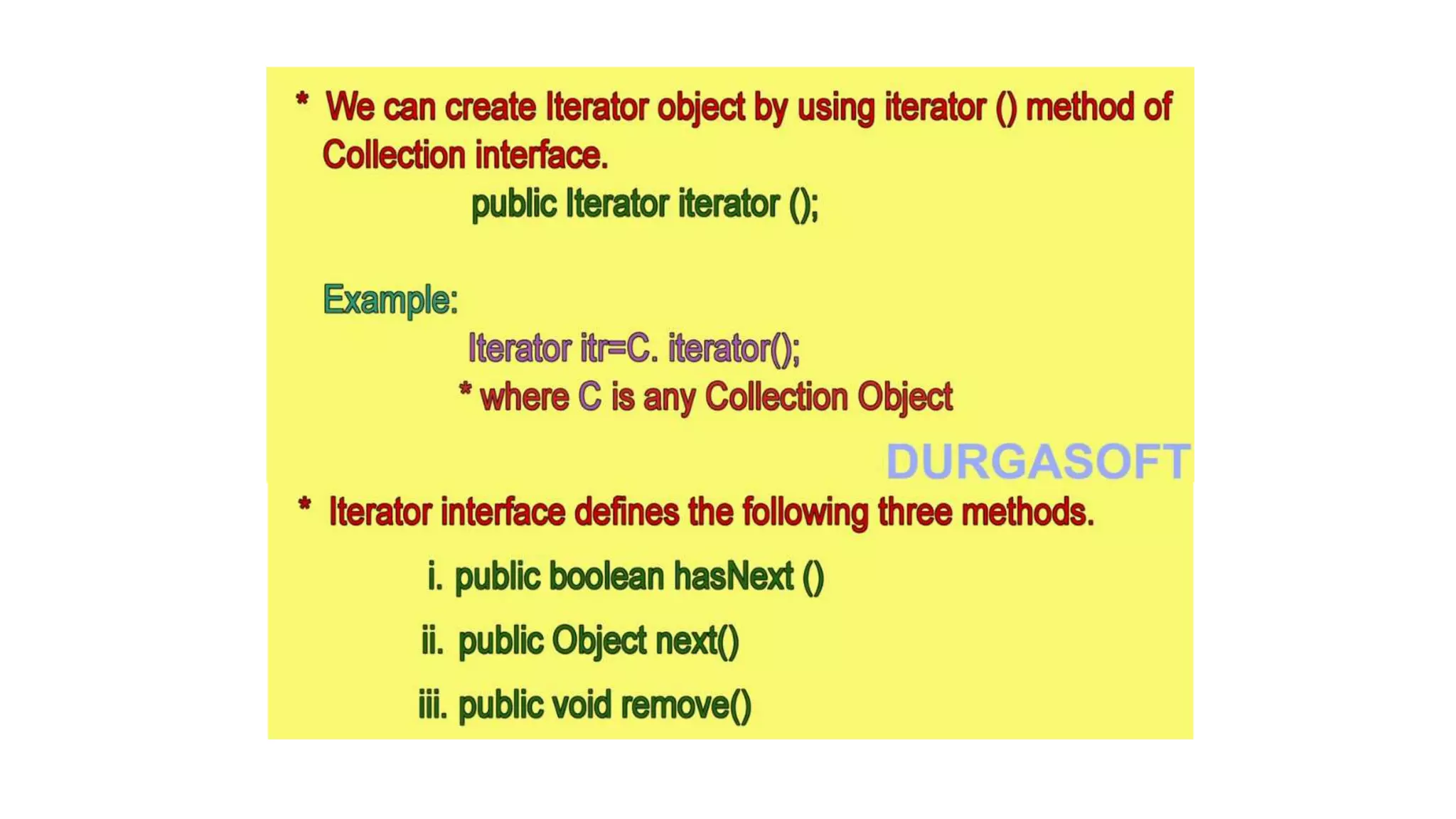
Iterator
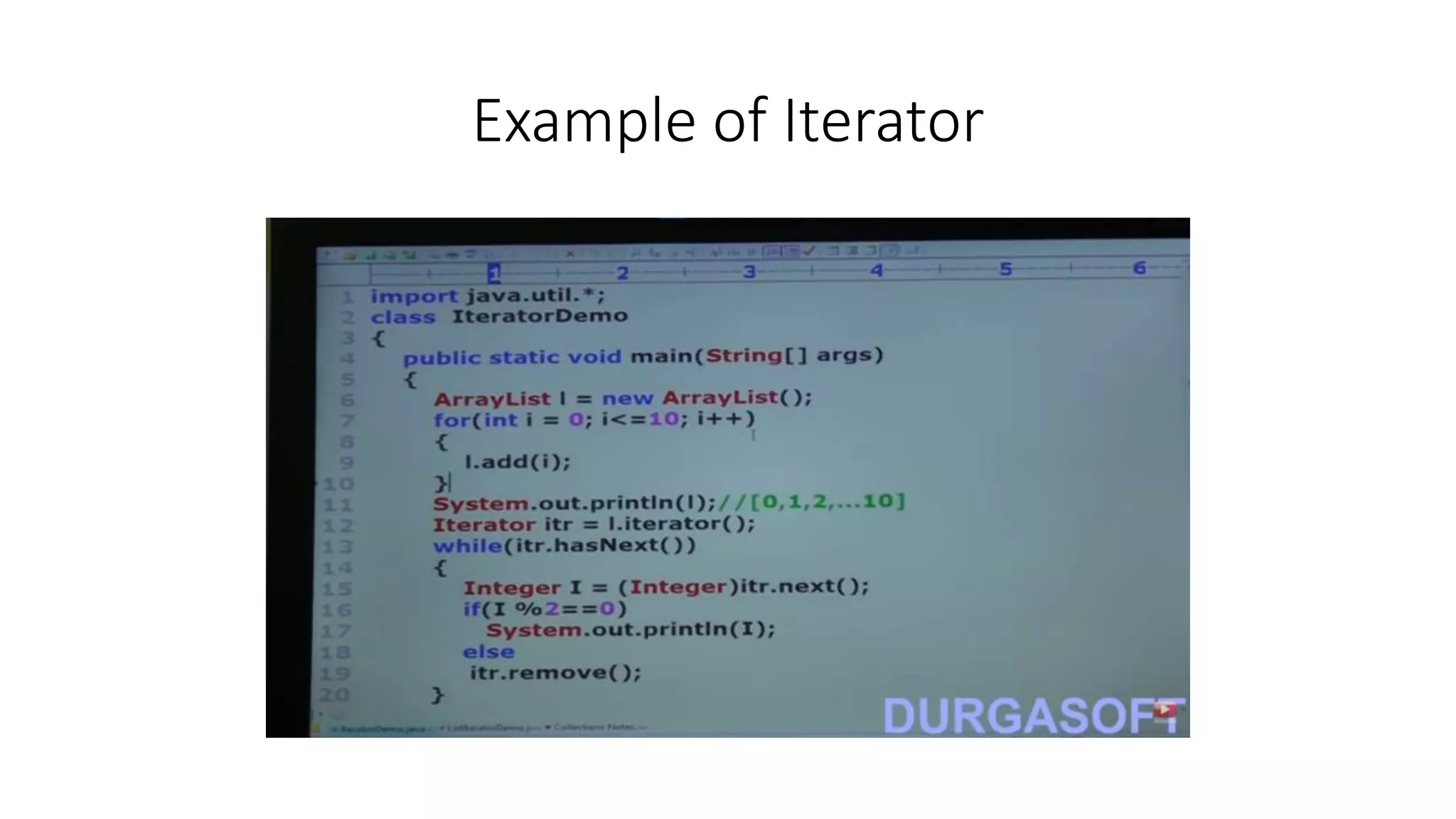
Example of Iterator
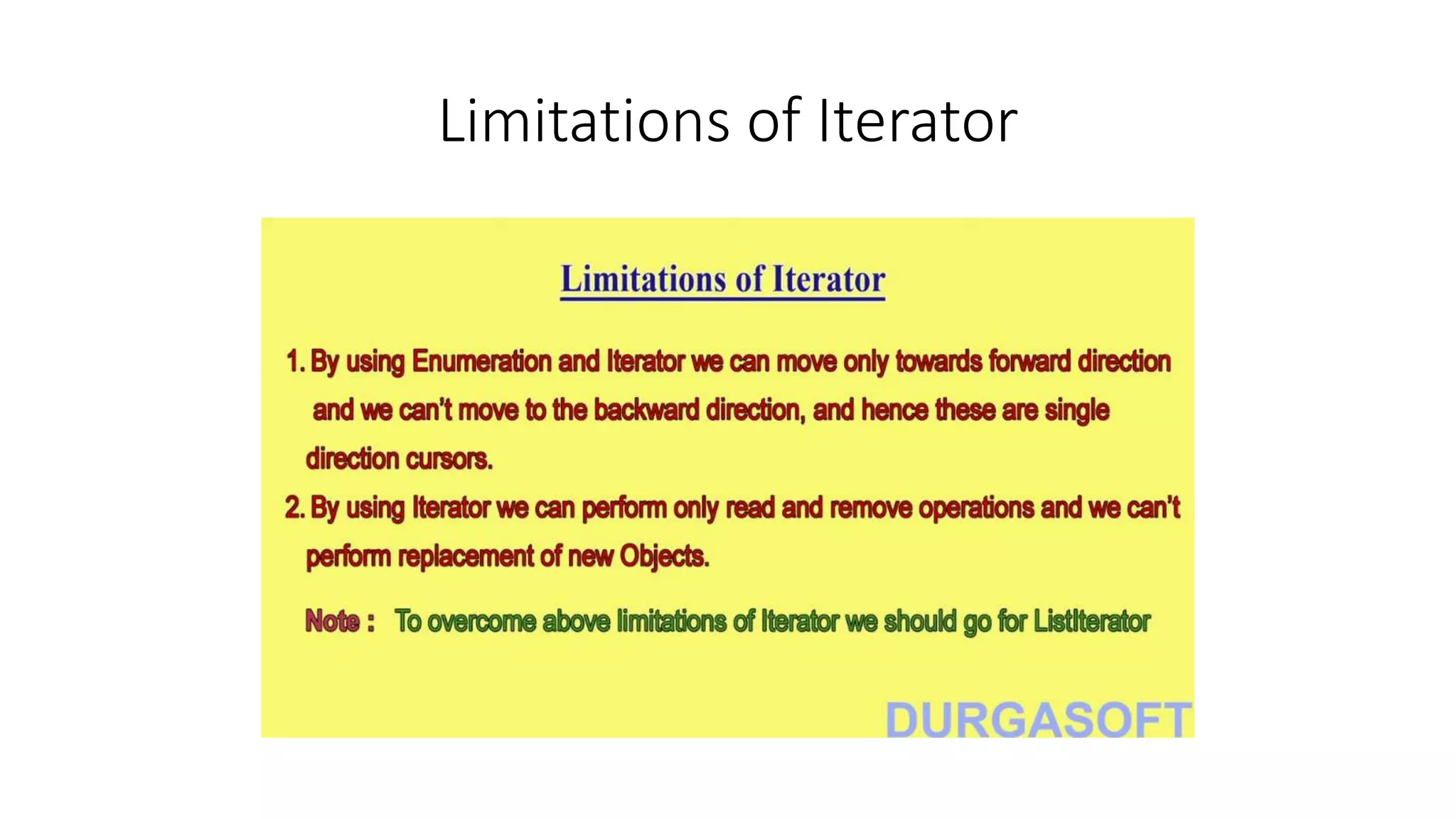
Limitations of Iterator
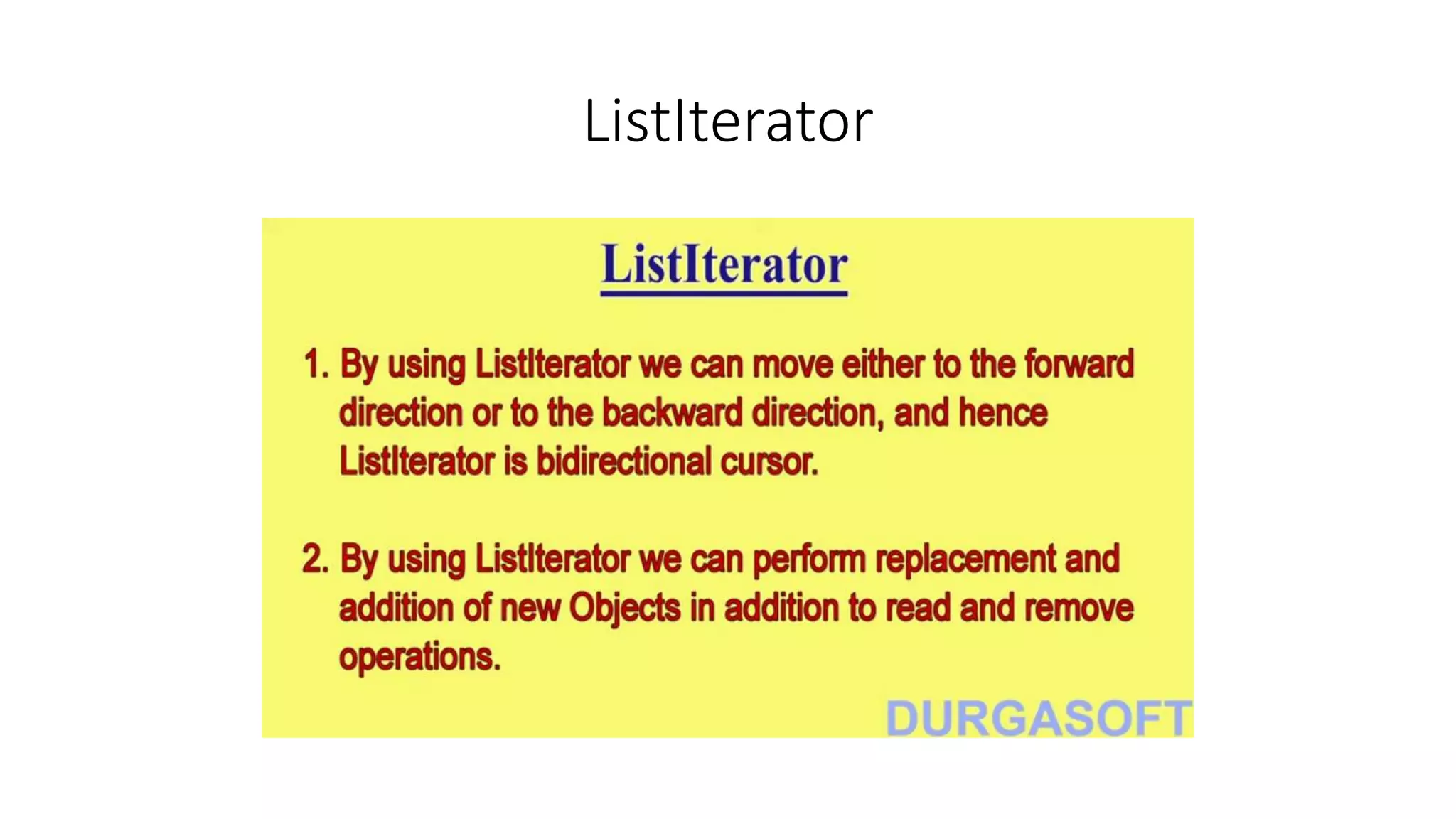
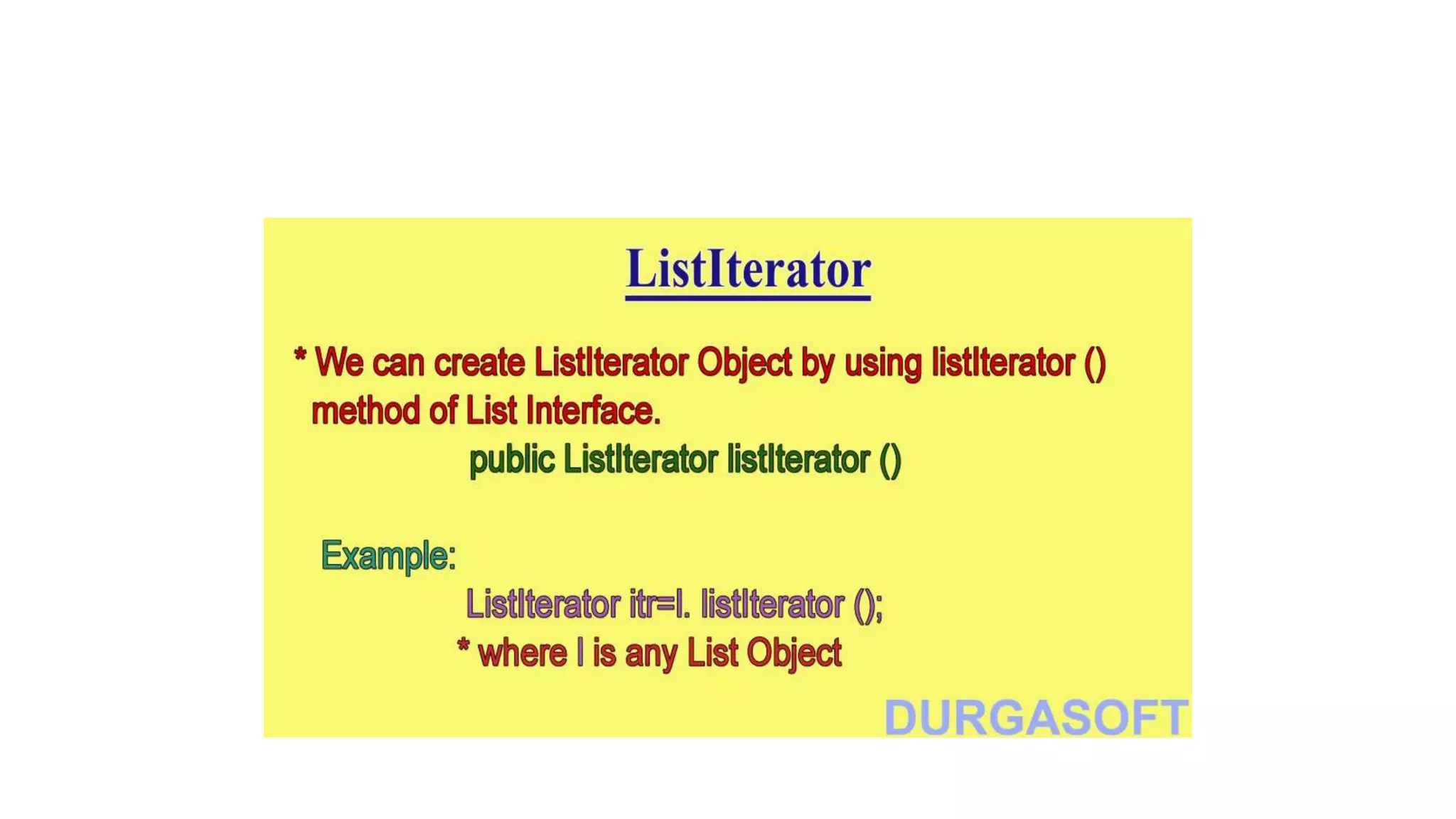
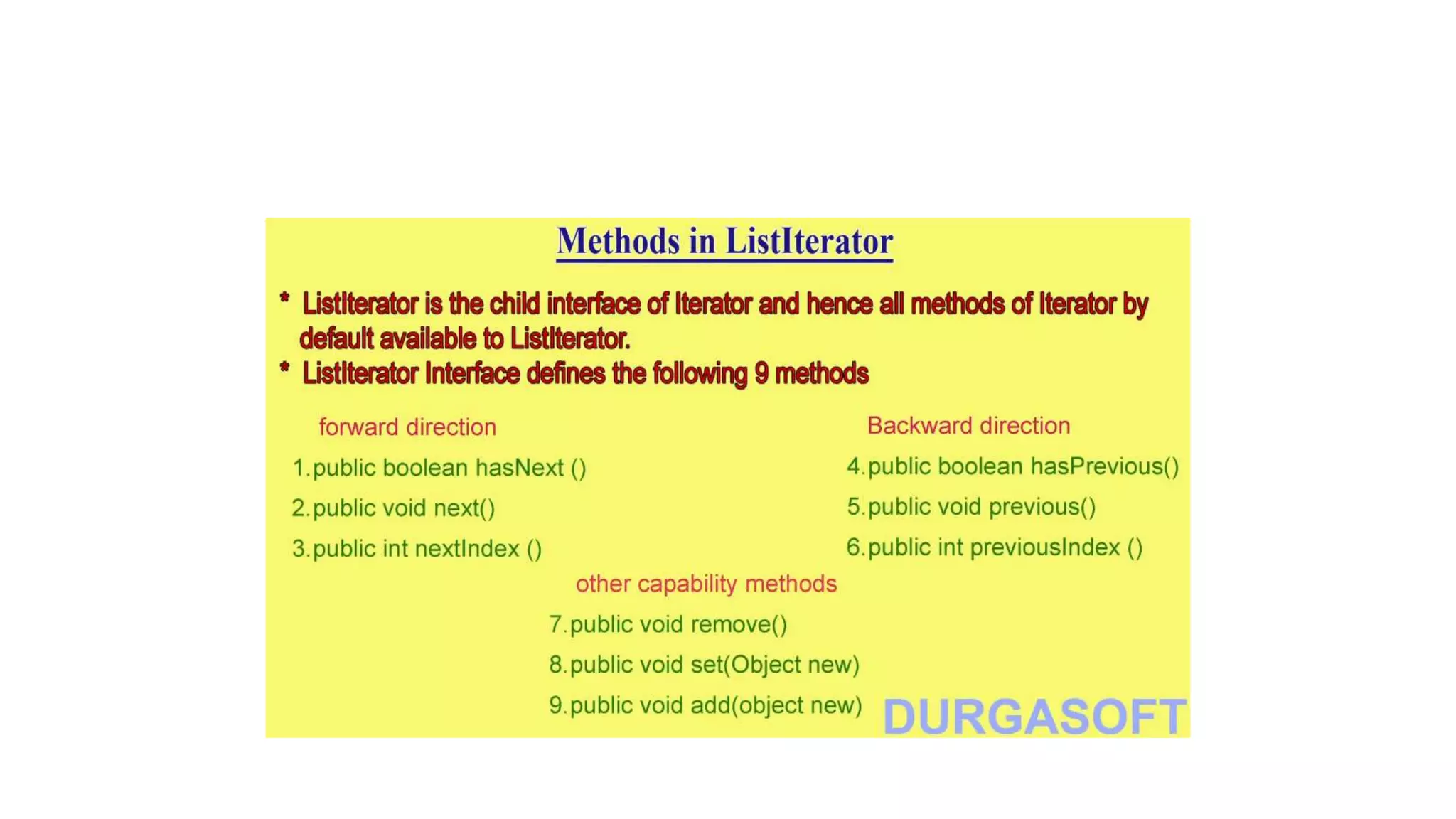
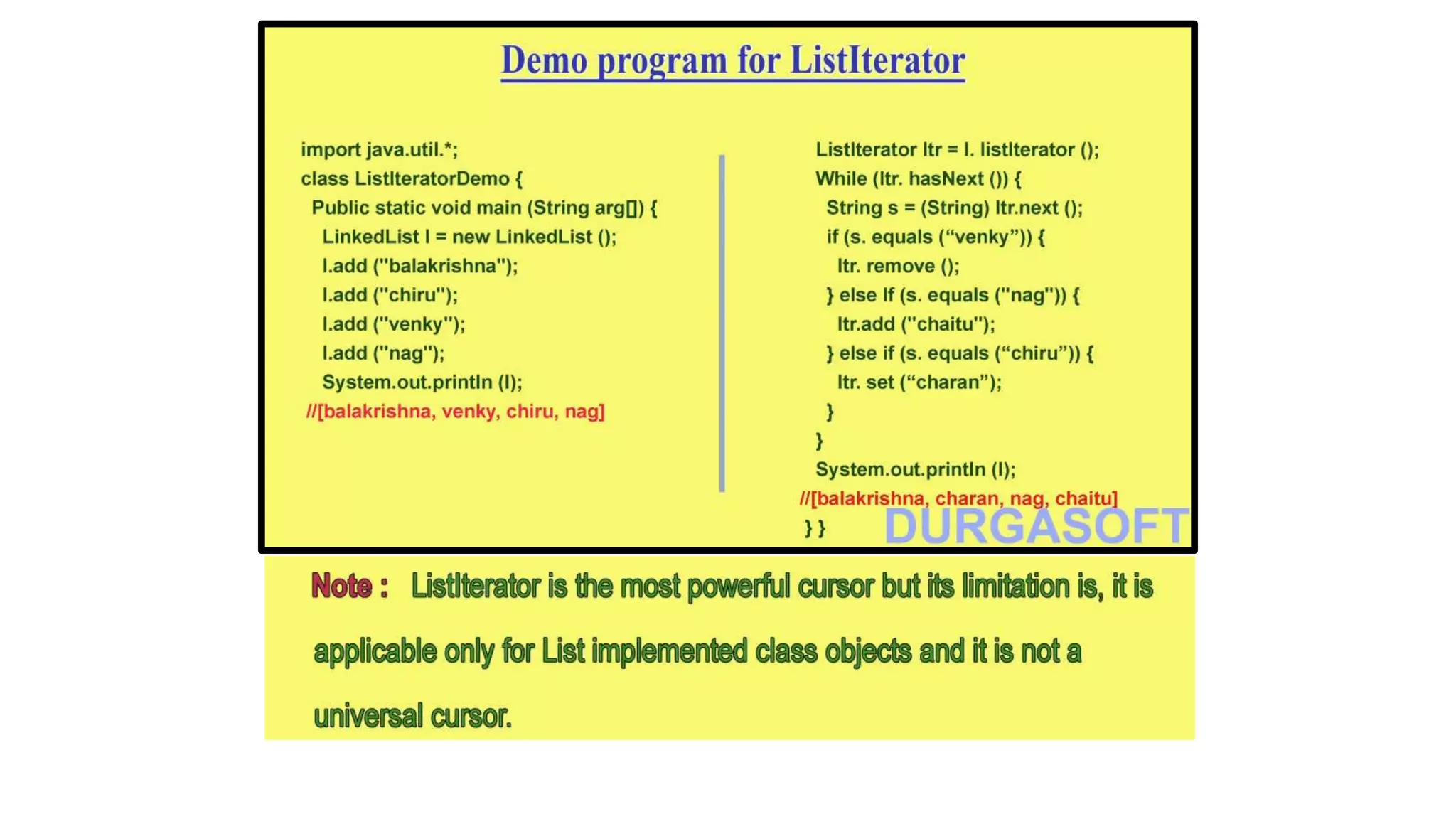
ListIterator
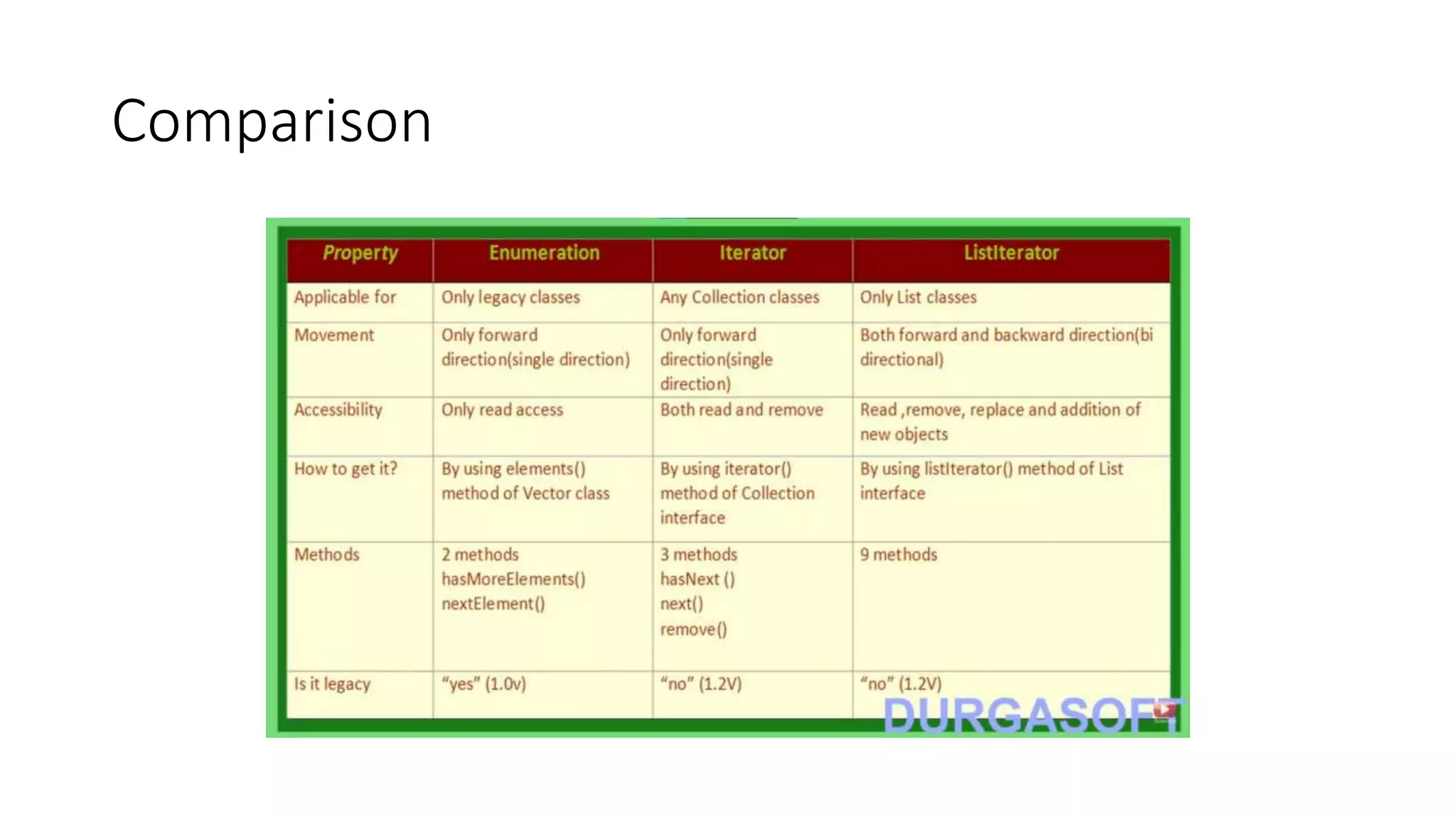
Comparison
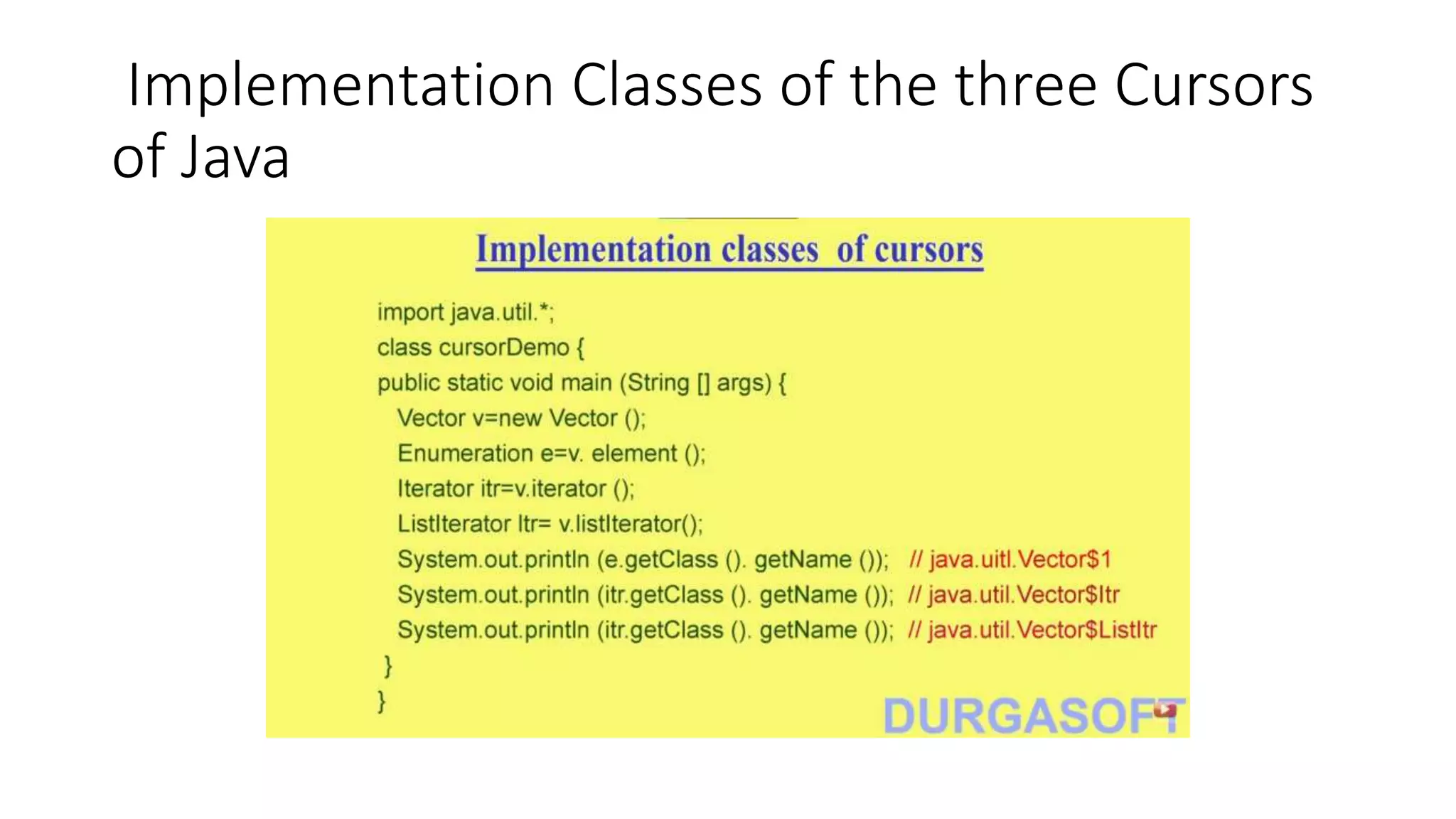
• Inner class without name start with $
Implementation Classes of the three Cursors
of Java
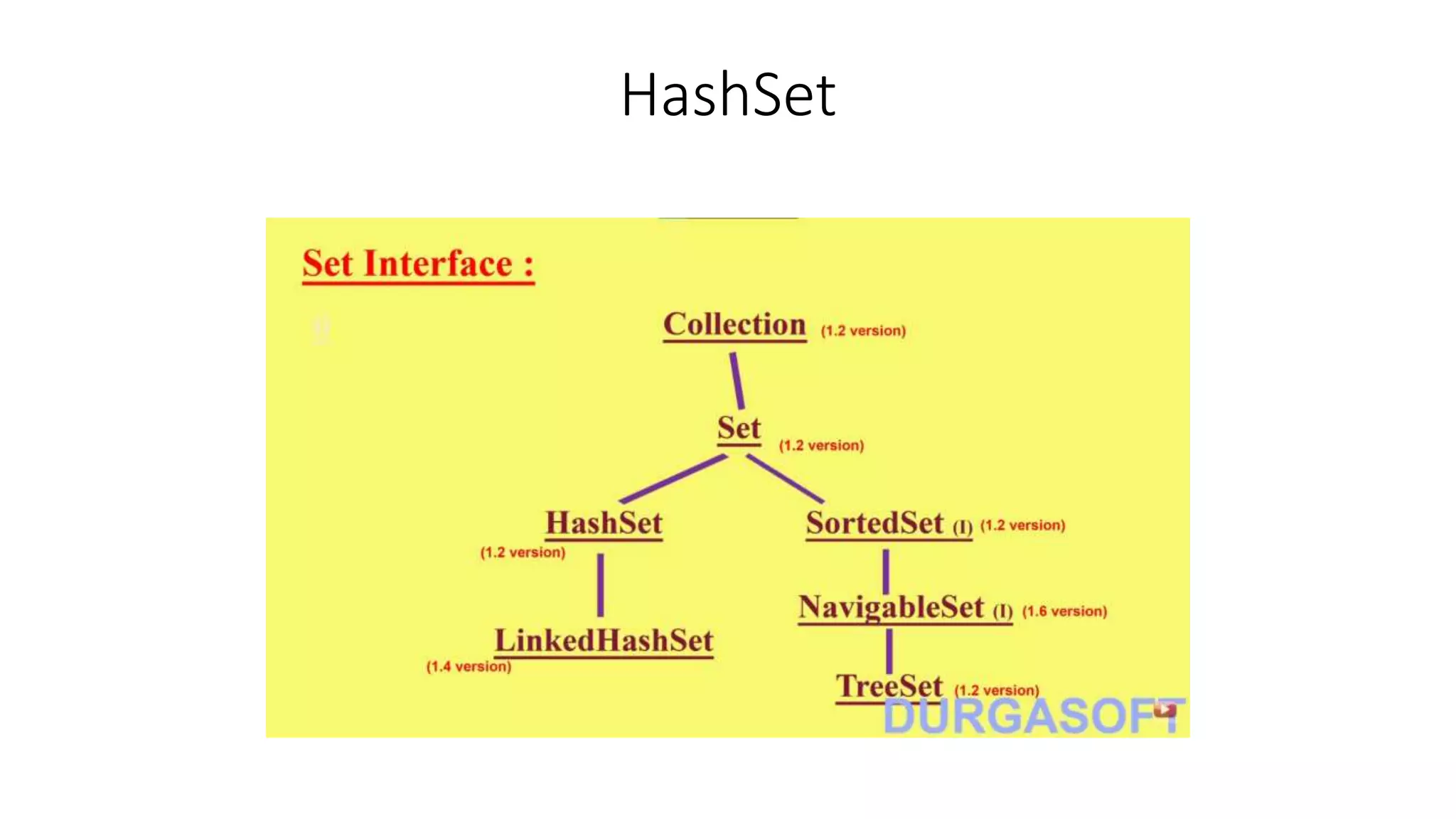
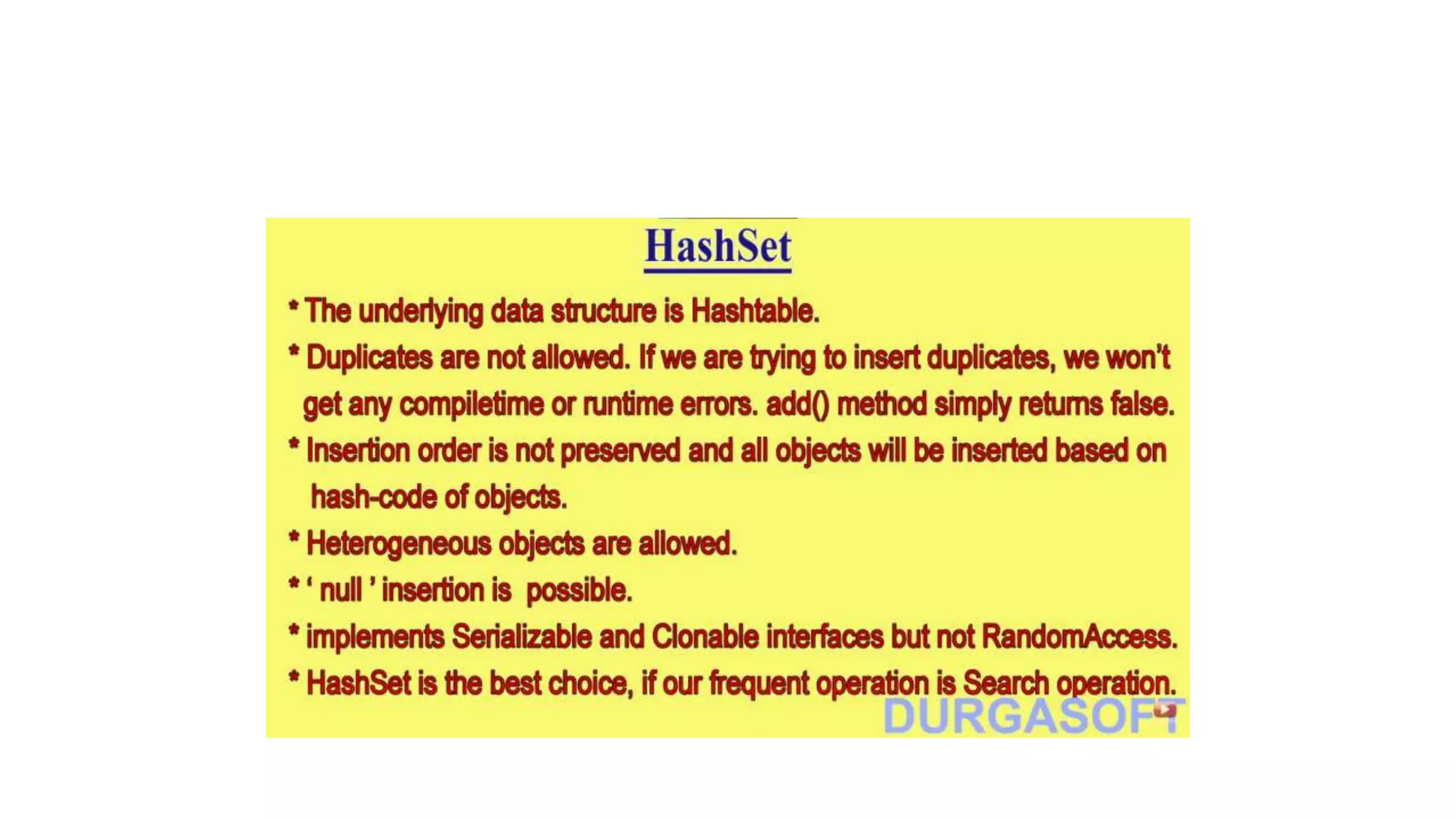
HashSet
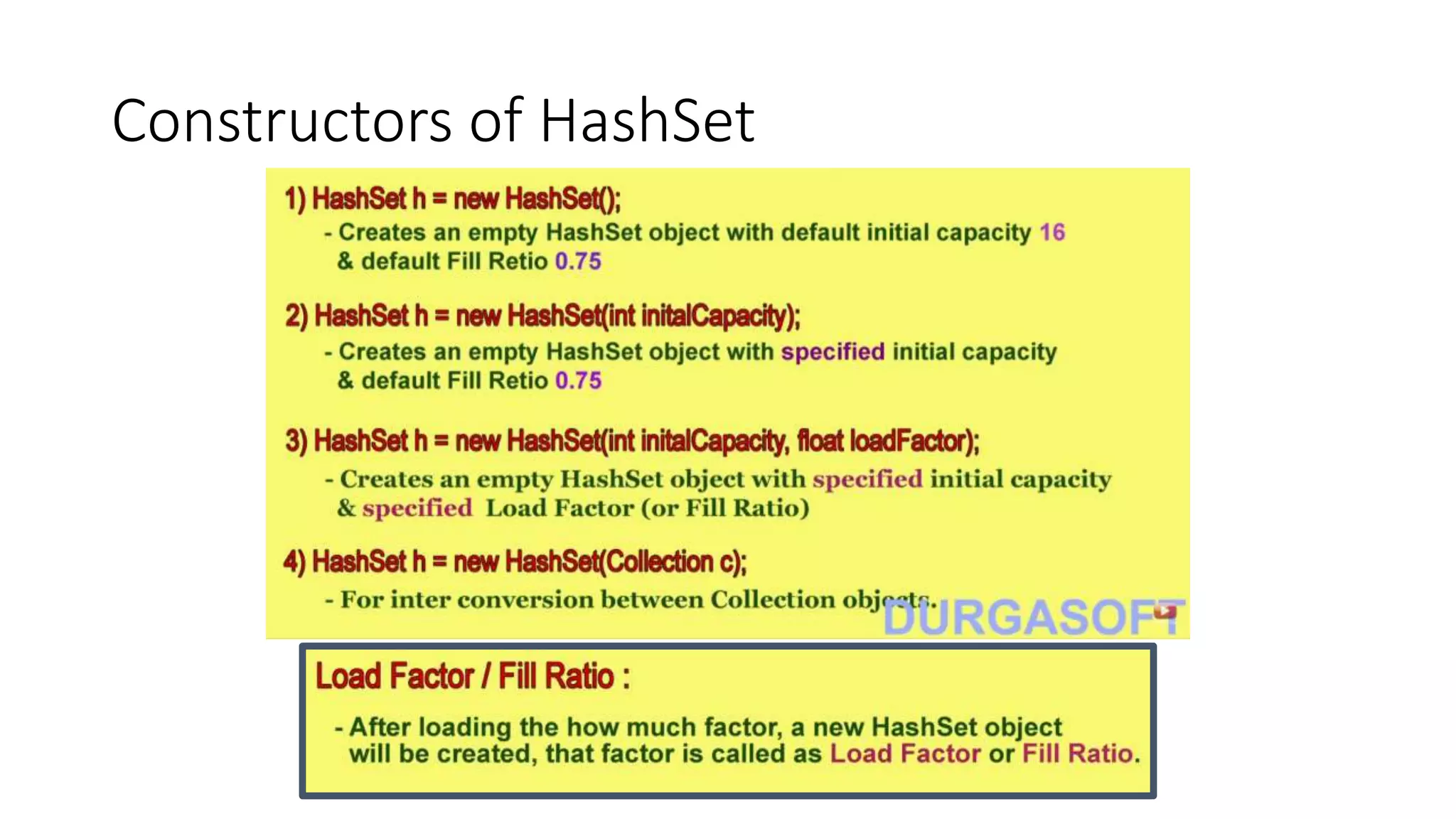
Constructors of HashSet
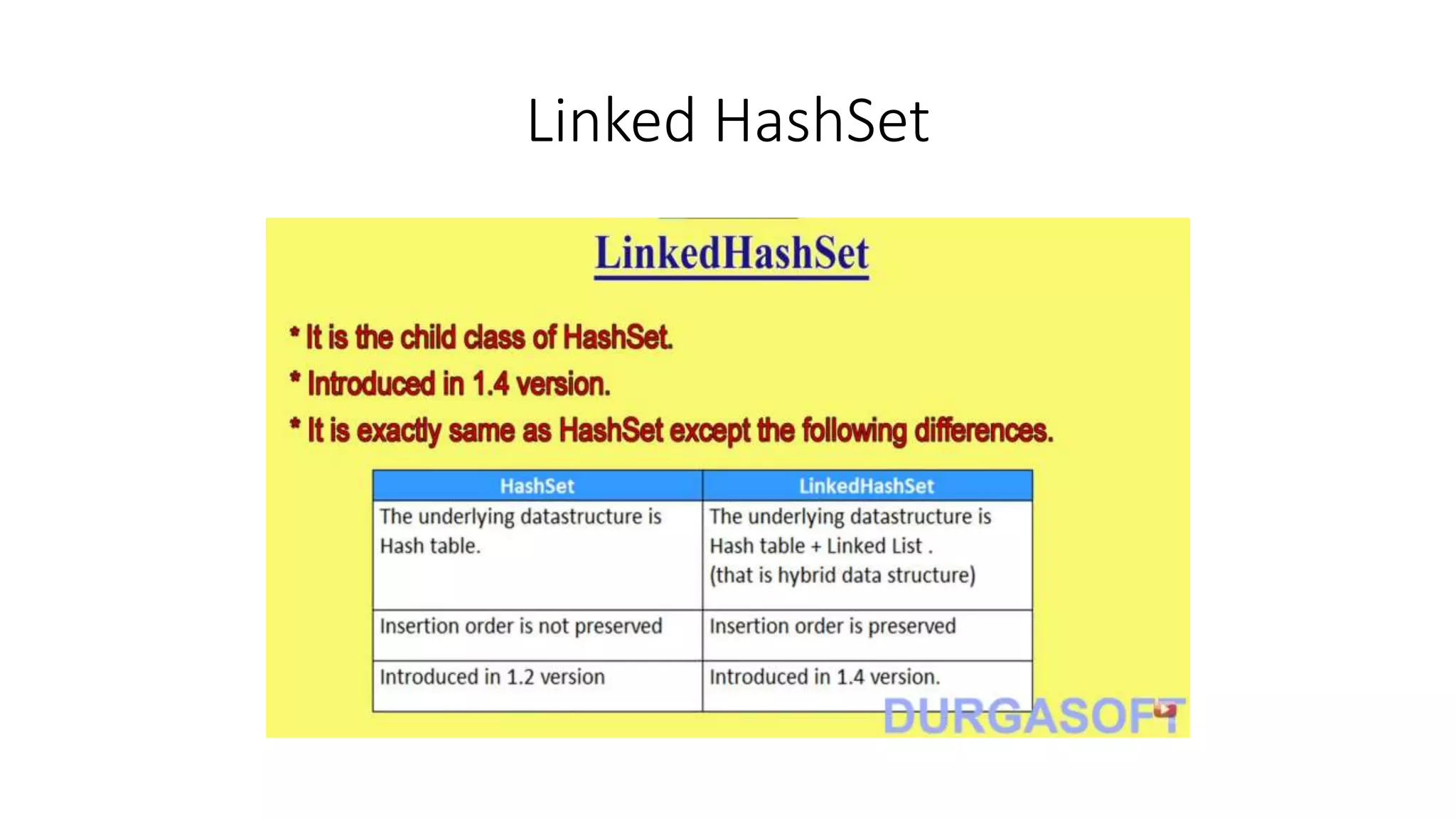
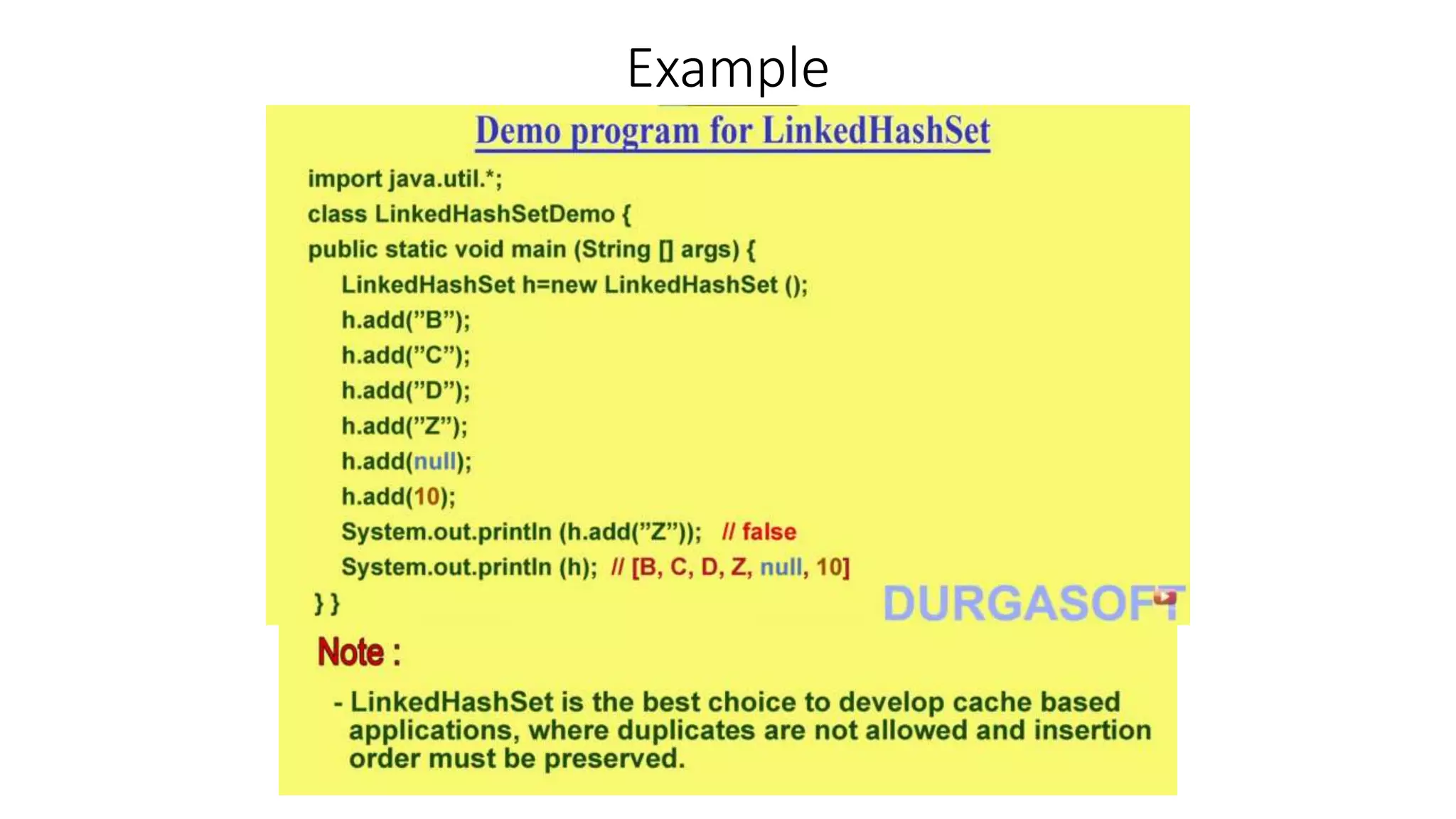
Linked HashSet
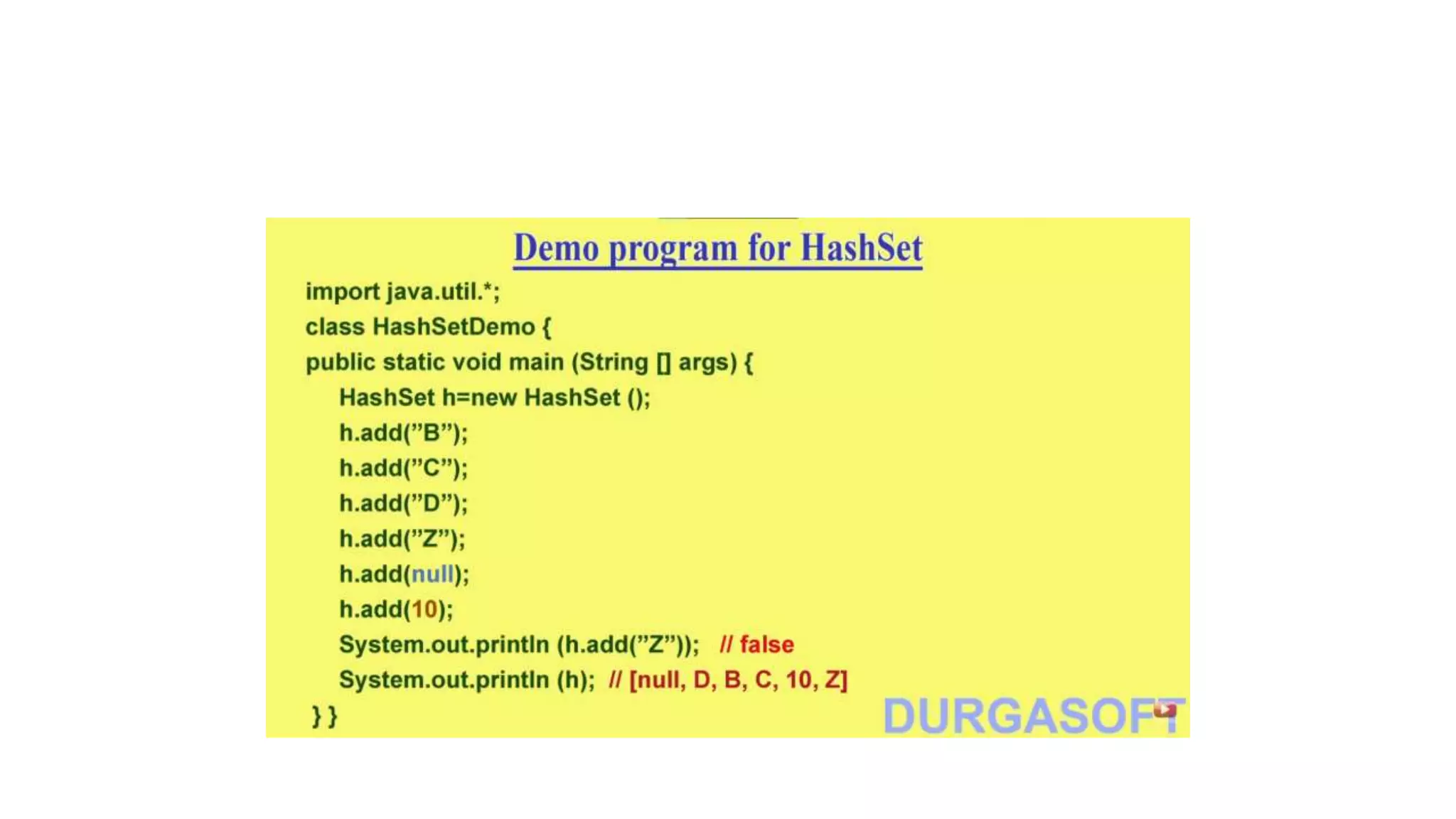
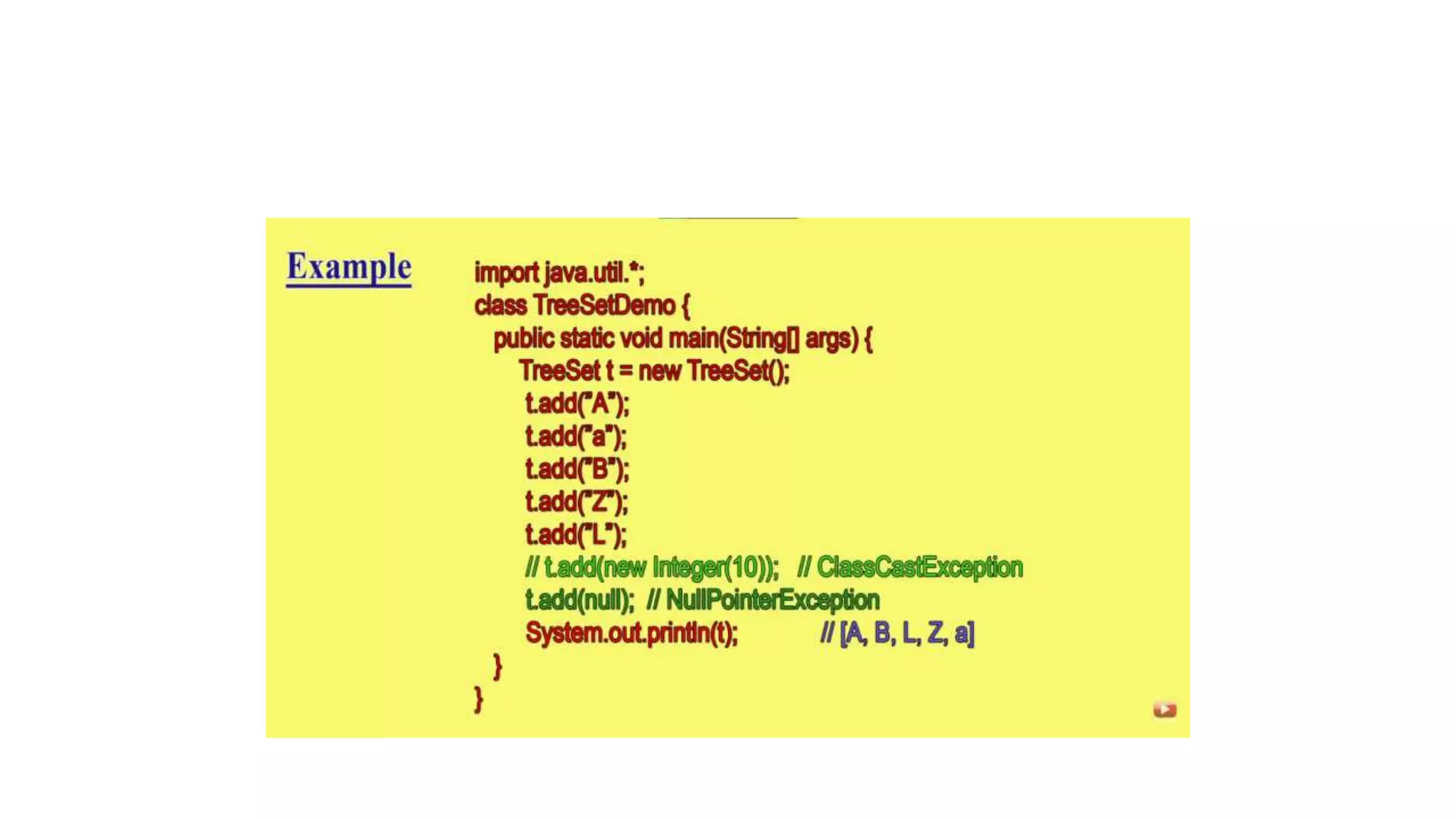
Example
Sorted Set
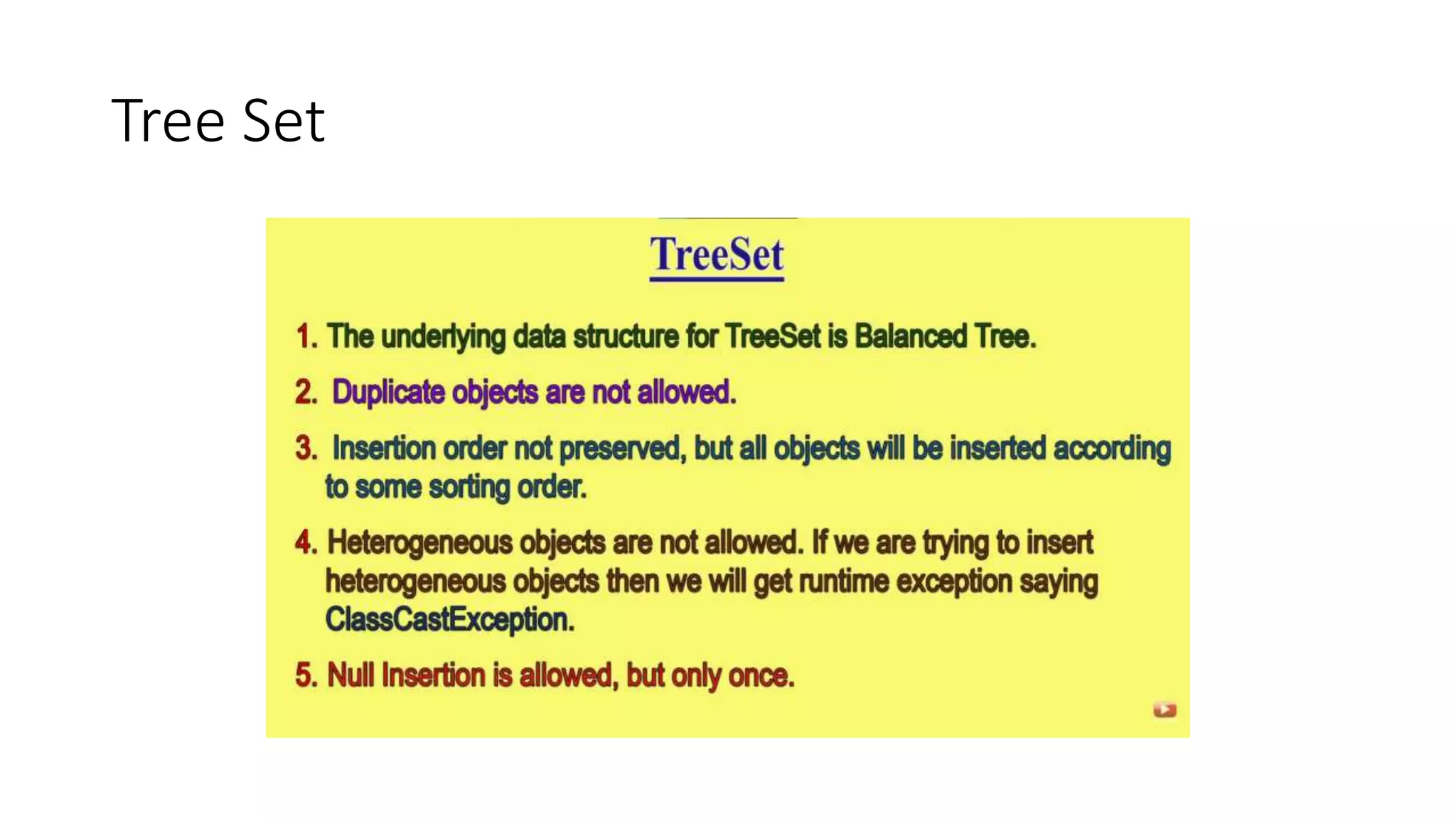
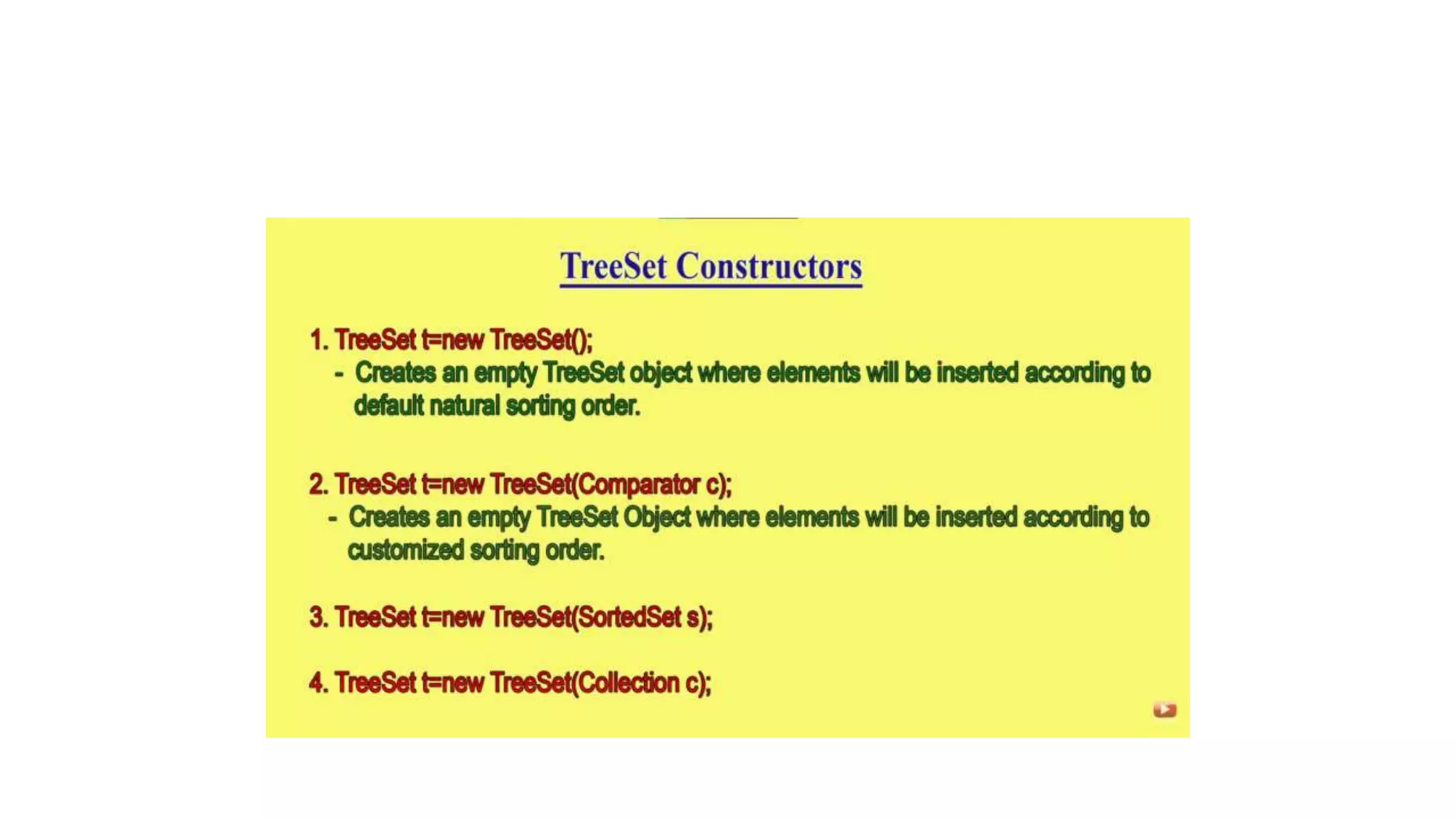
Tree Set
• Null is not allowed in TreeSet
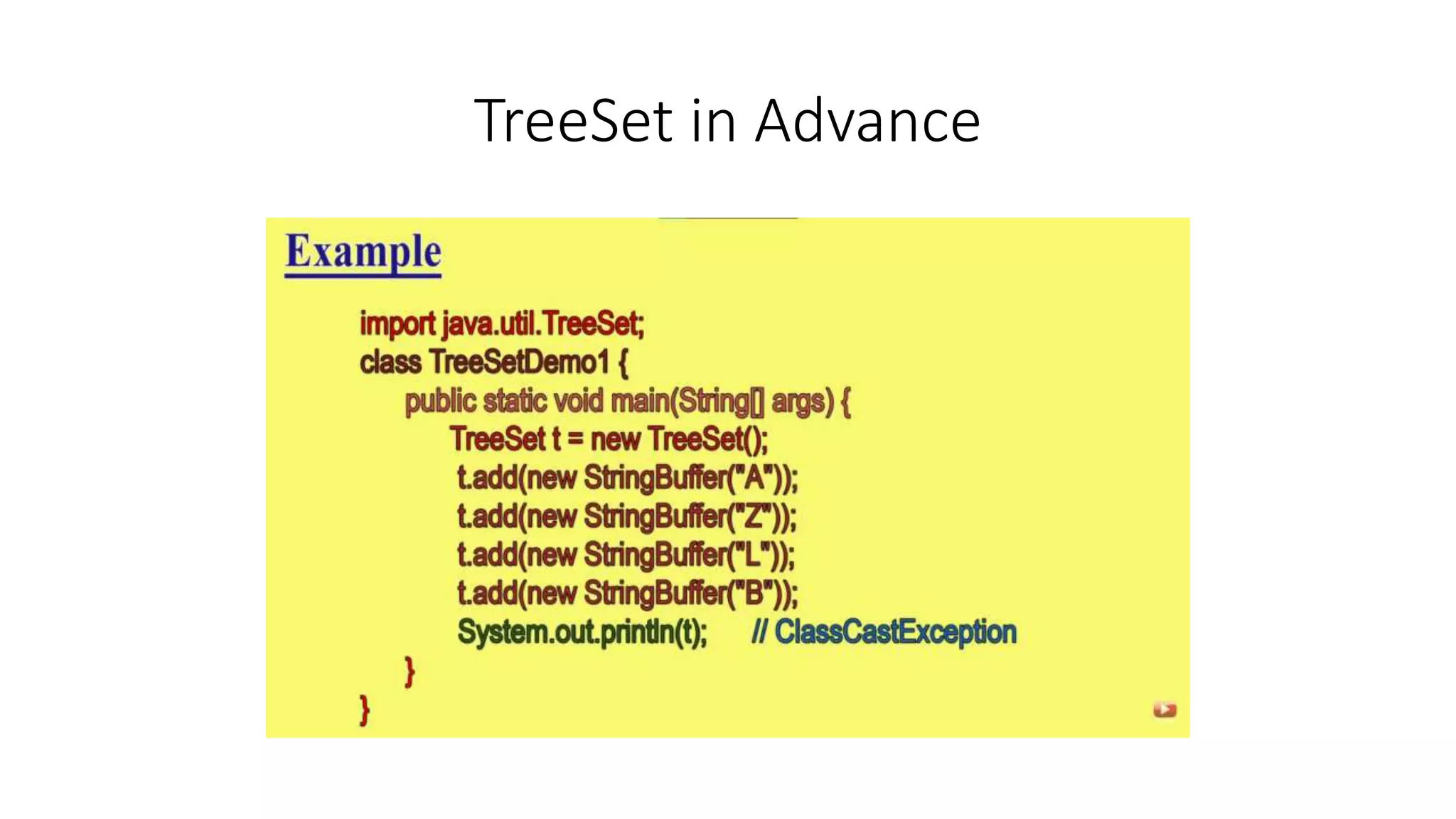
TreeSet in Advance
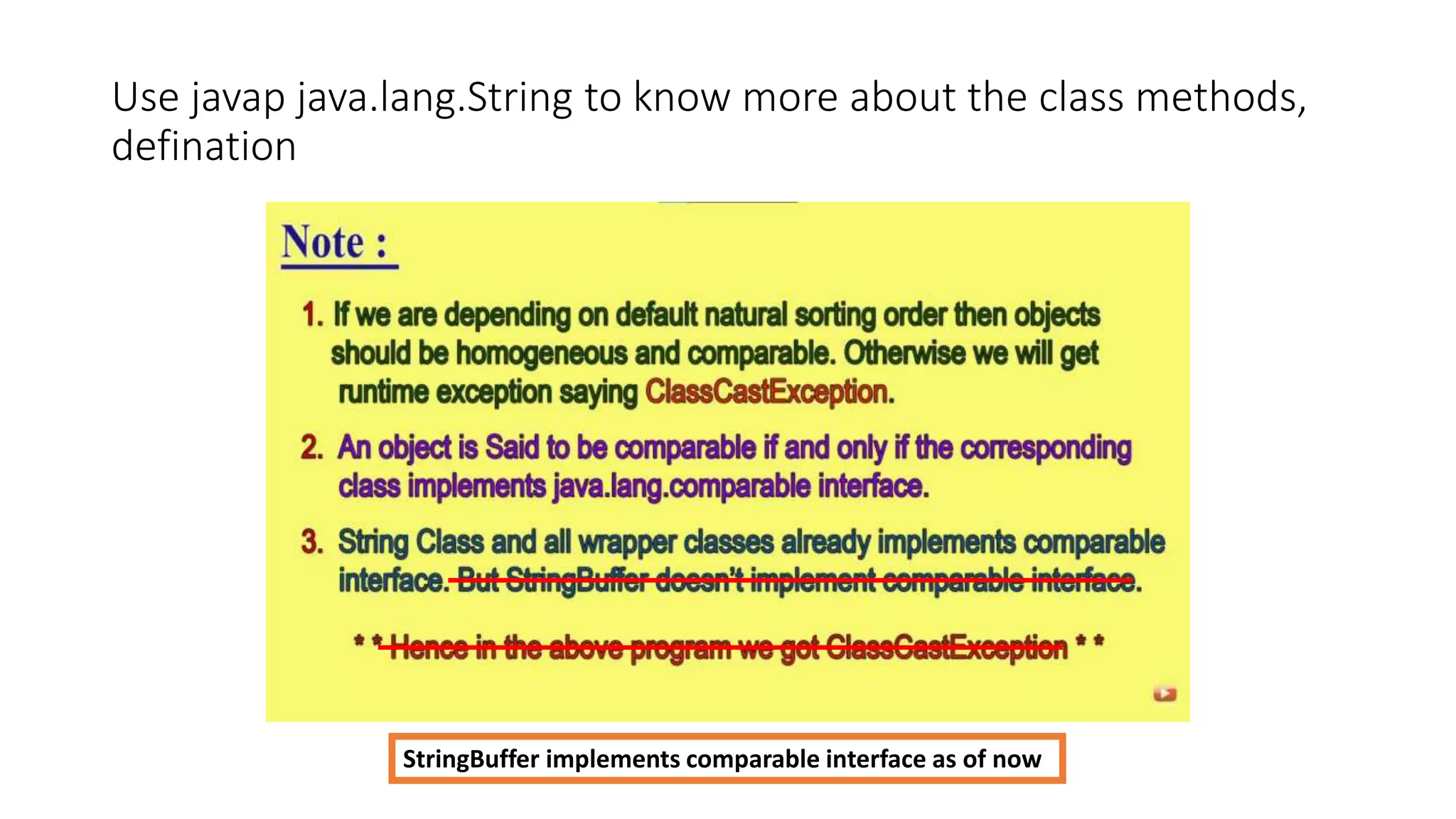
Use javap java.lang.String to know more about the class methods,
defination
StringBuffer implements comparable interface as of now
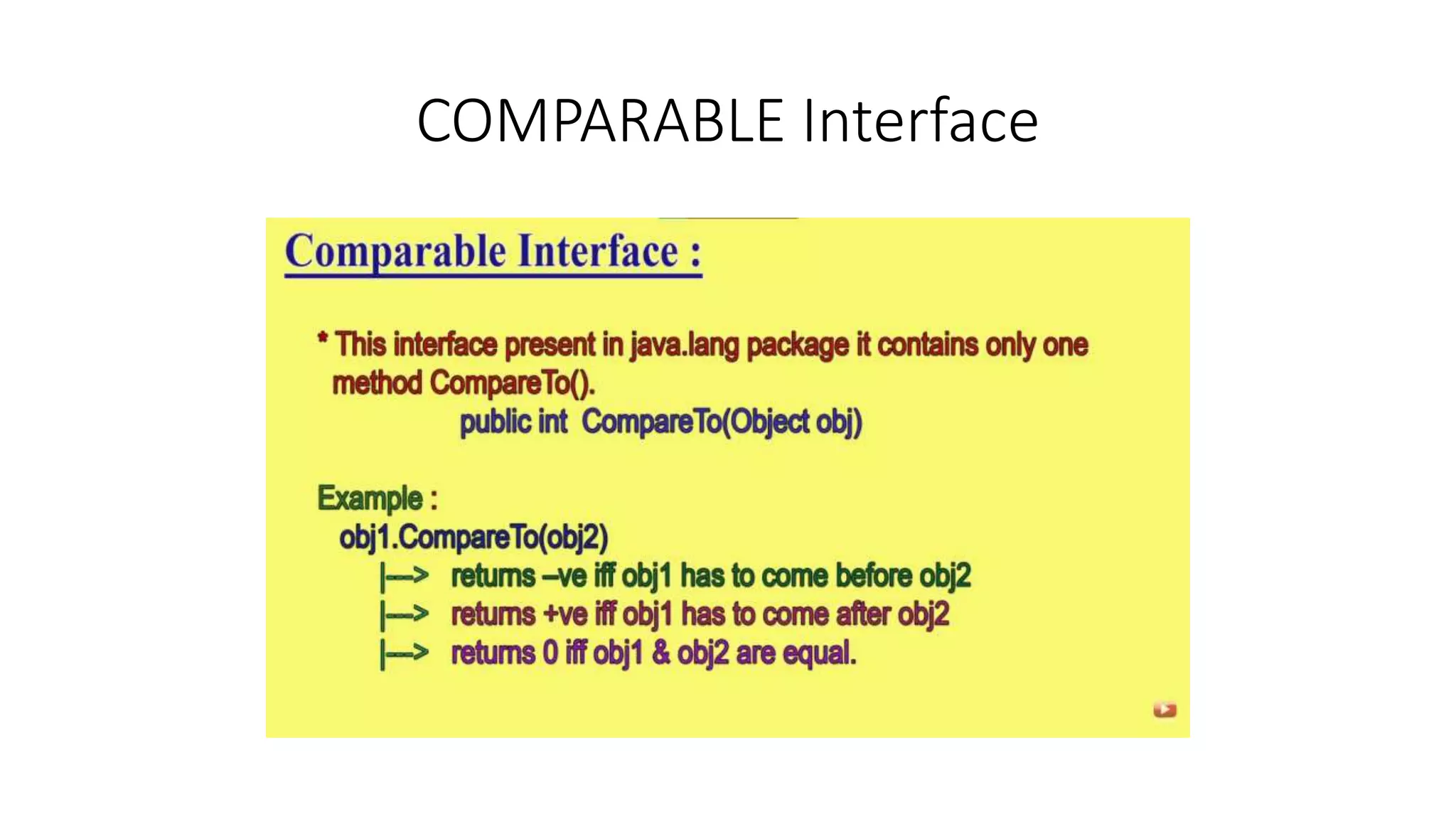
COMPARABLE Interface
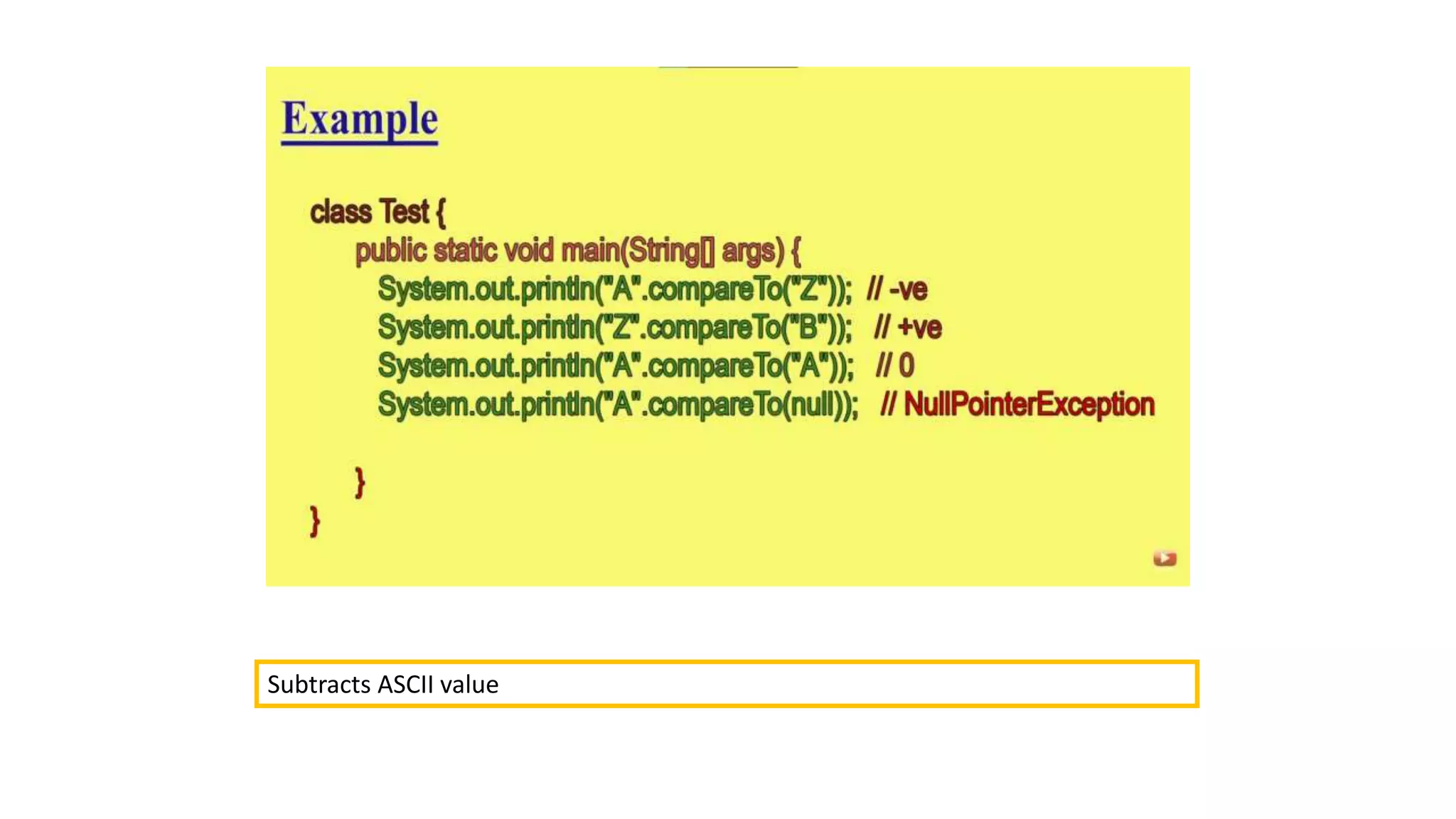
Subtracts ASCII value
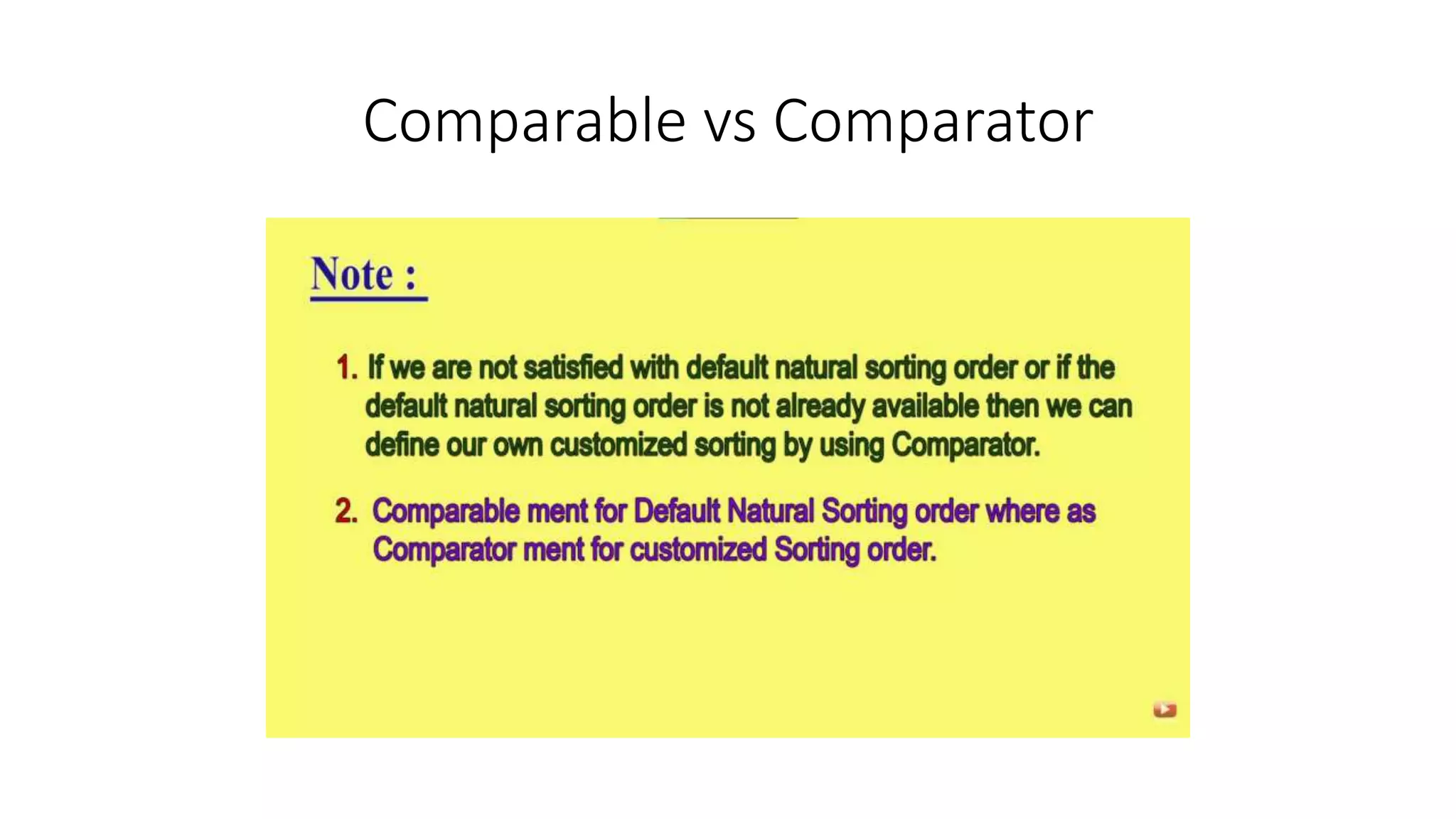
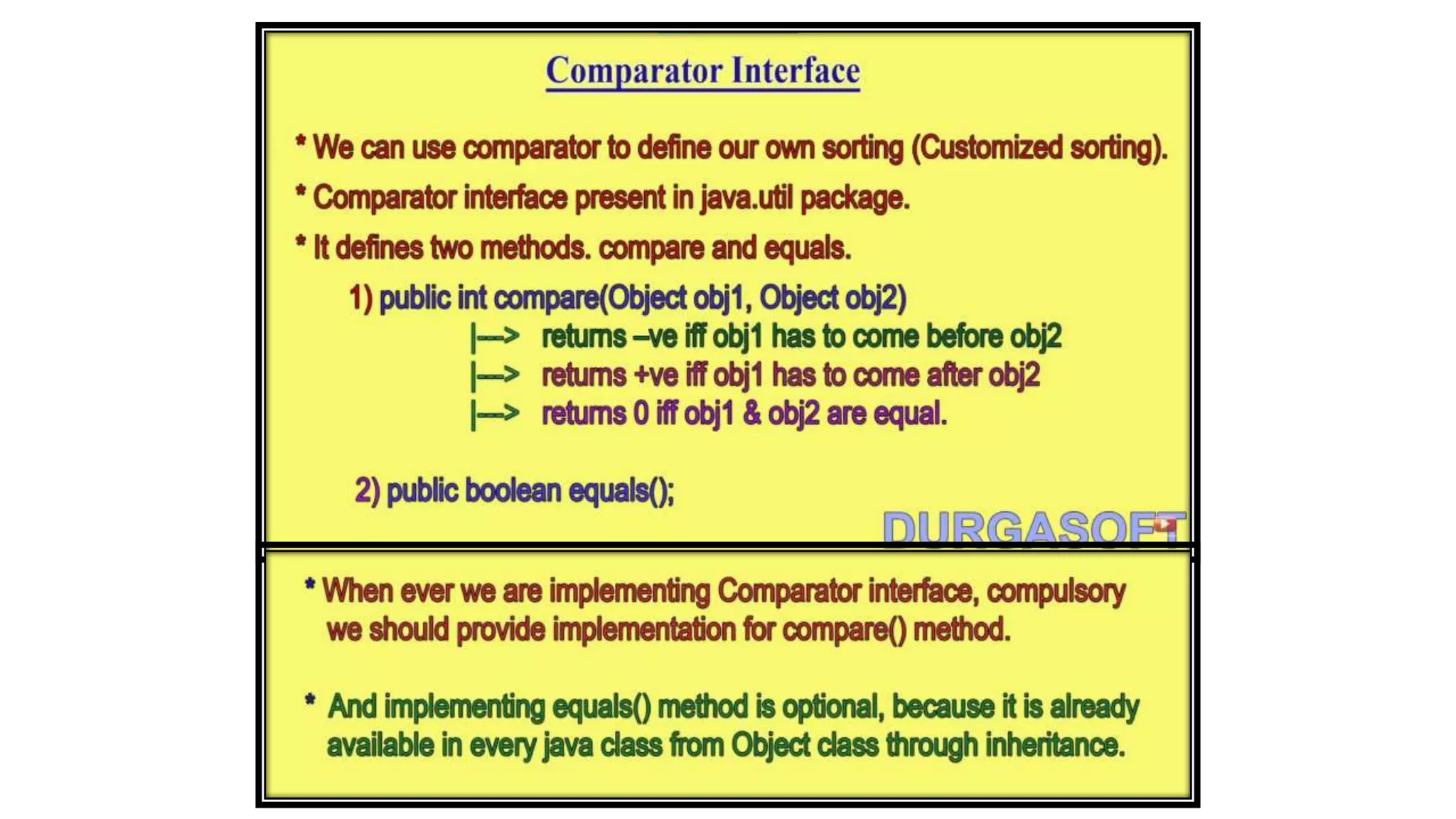
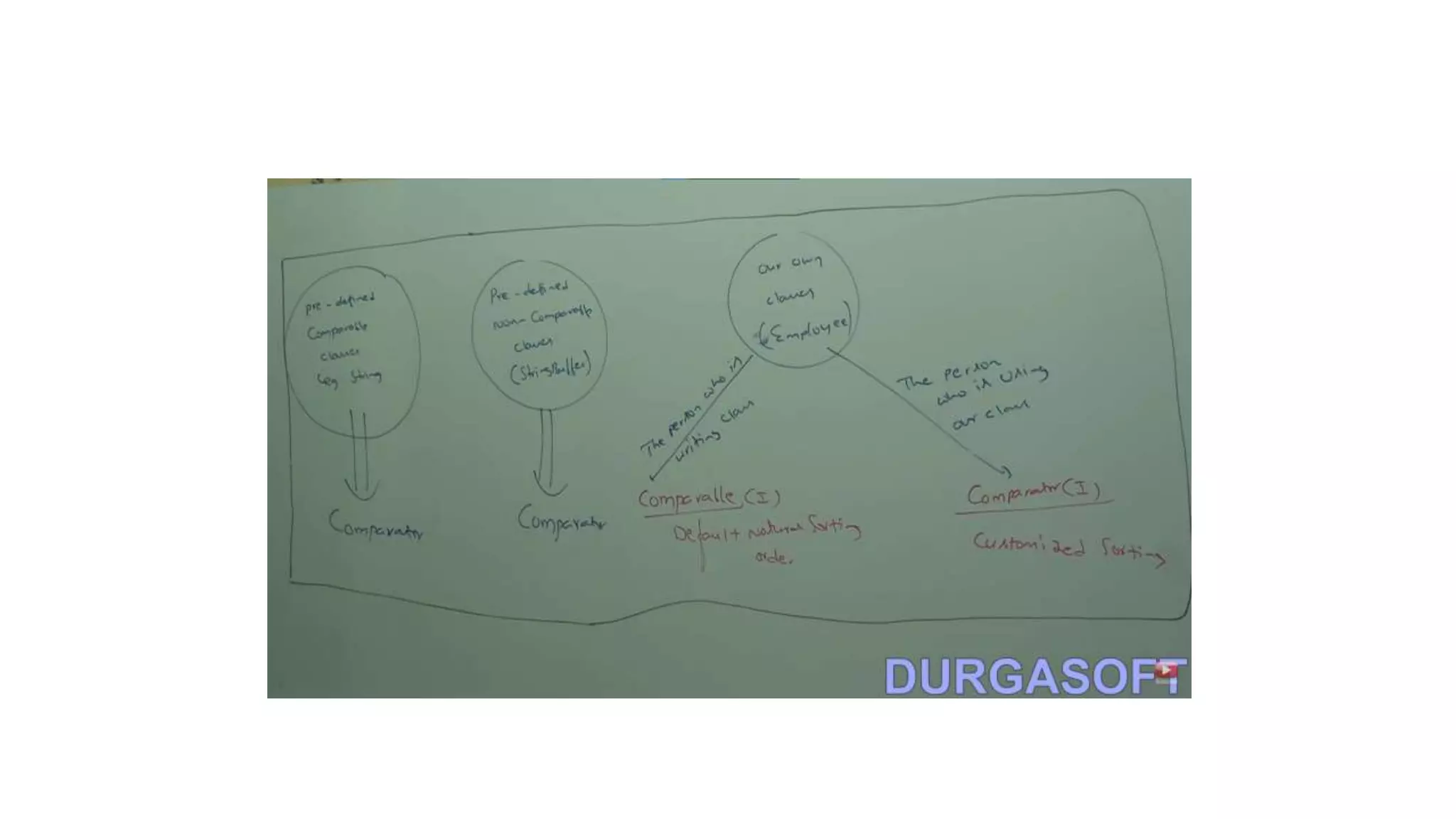
Comparable vs Comparator
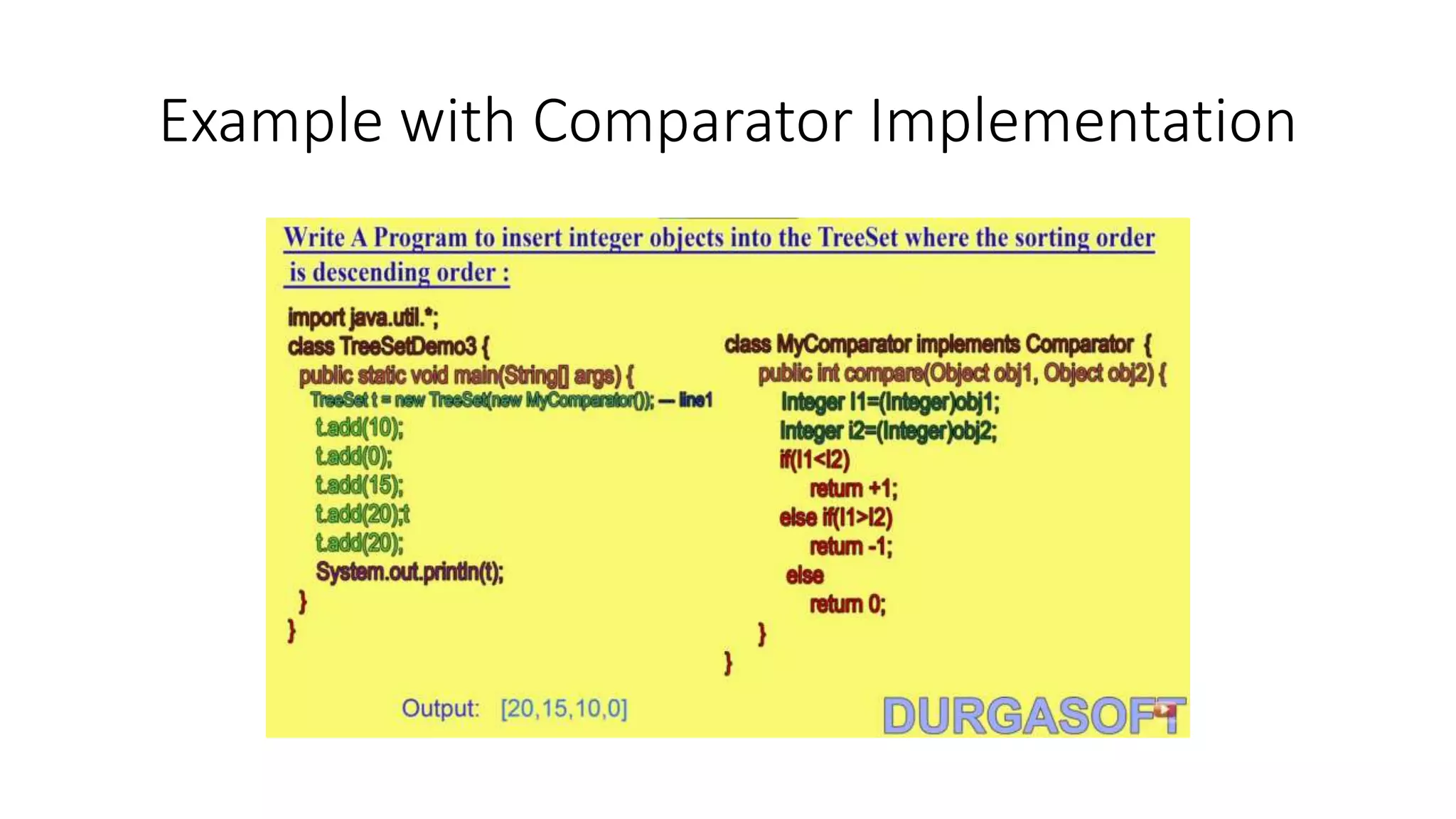
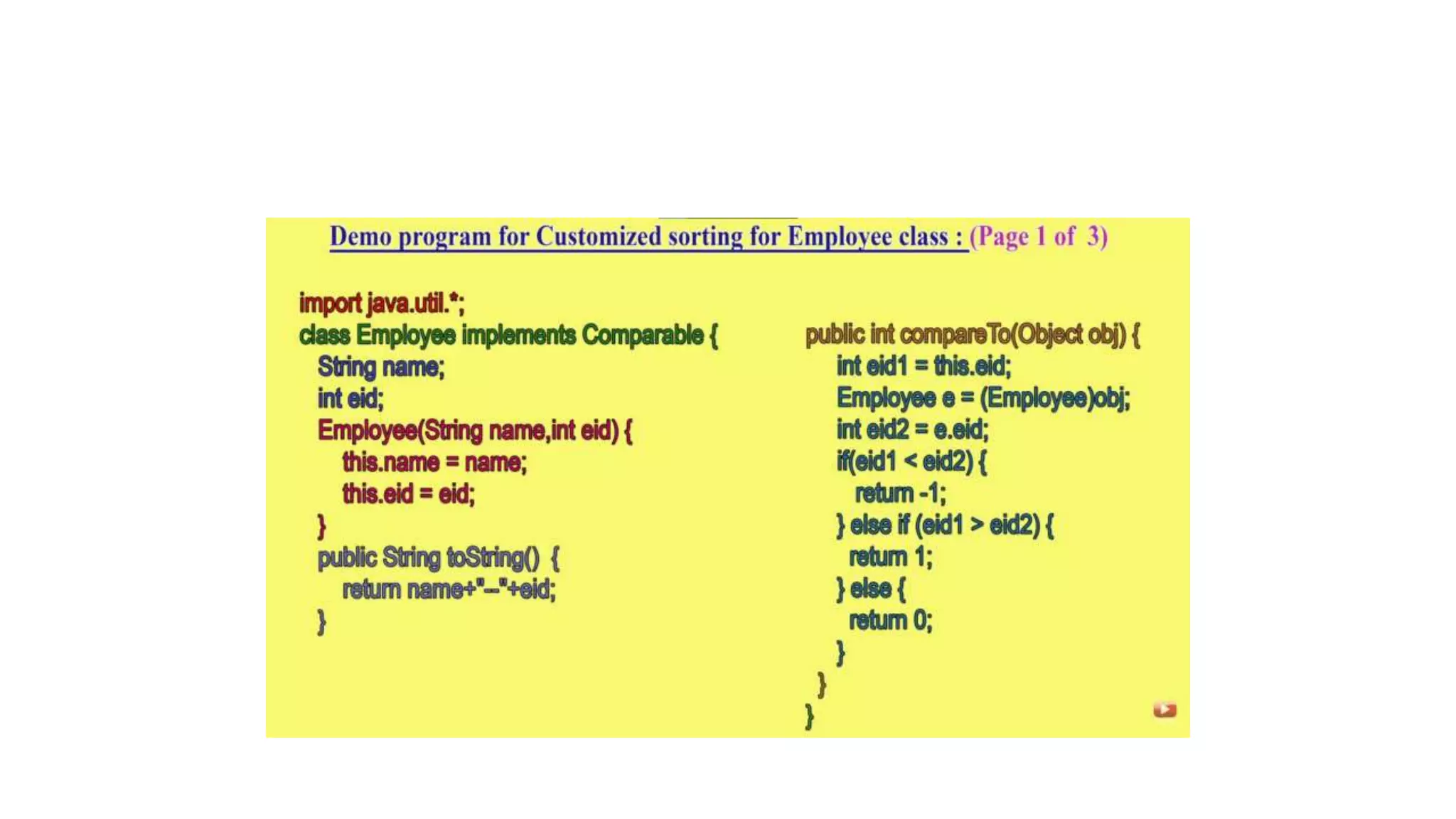
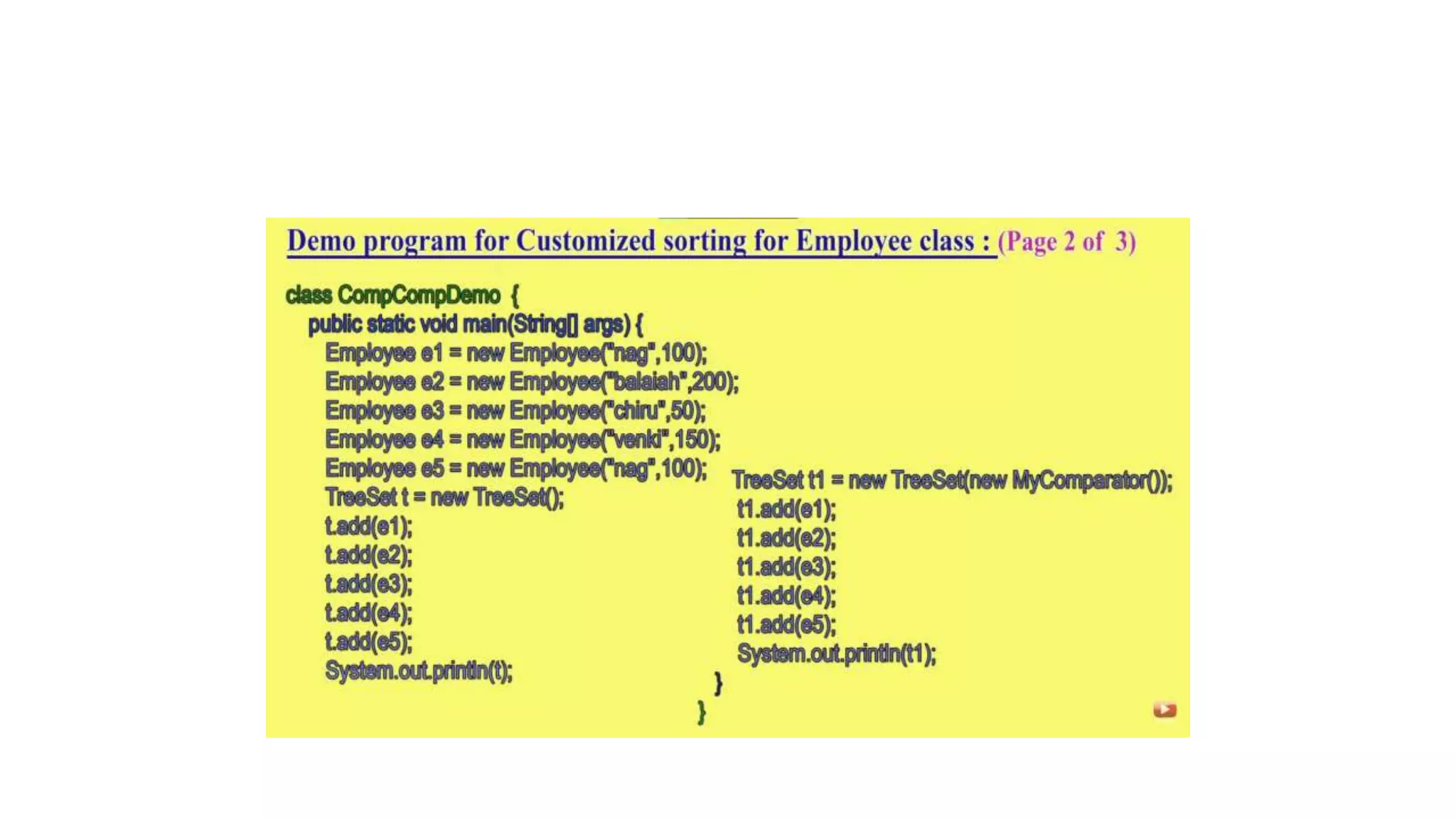
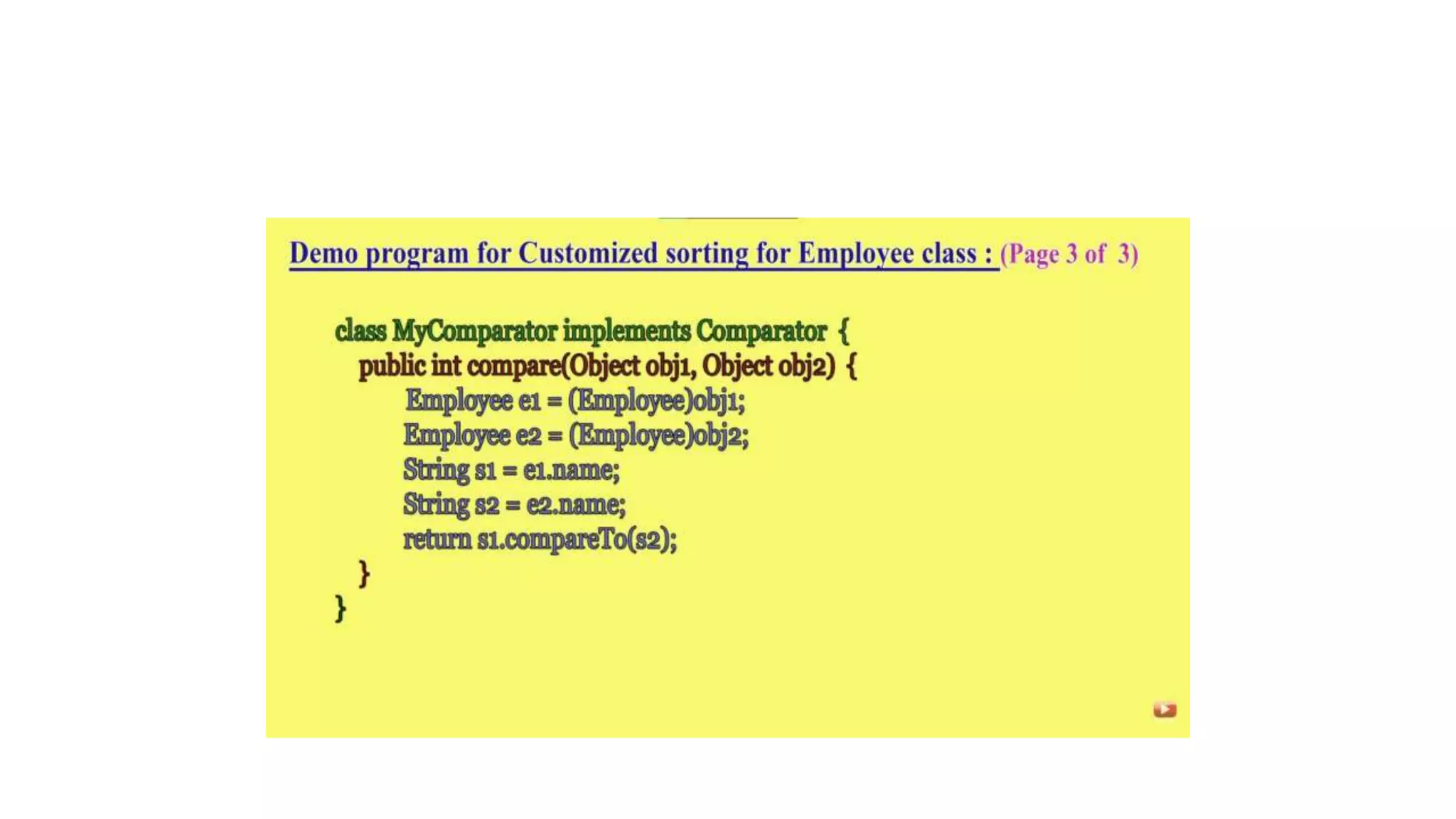
Example with Comparator Implementation
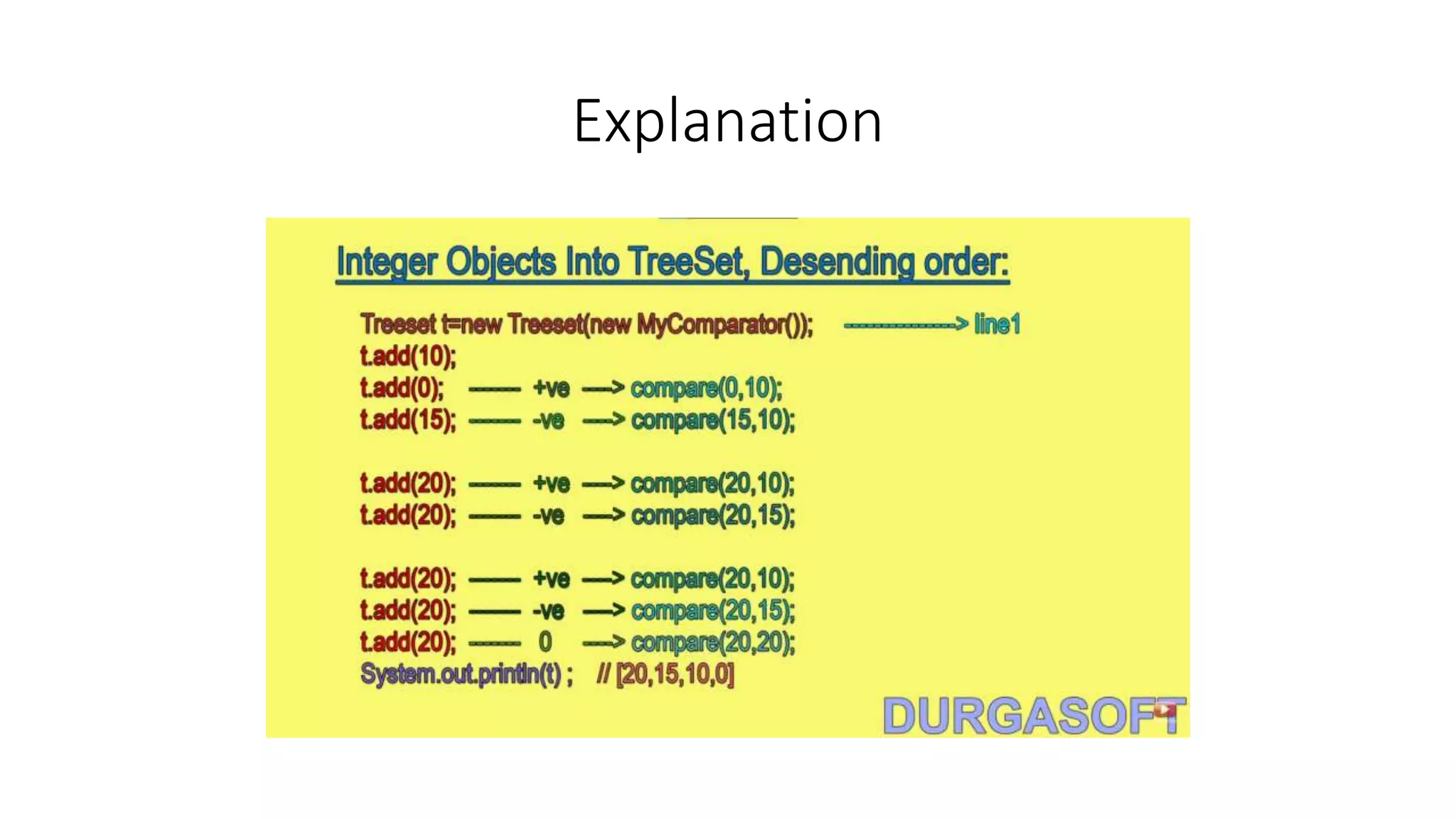
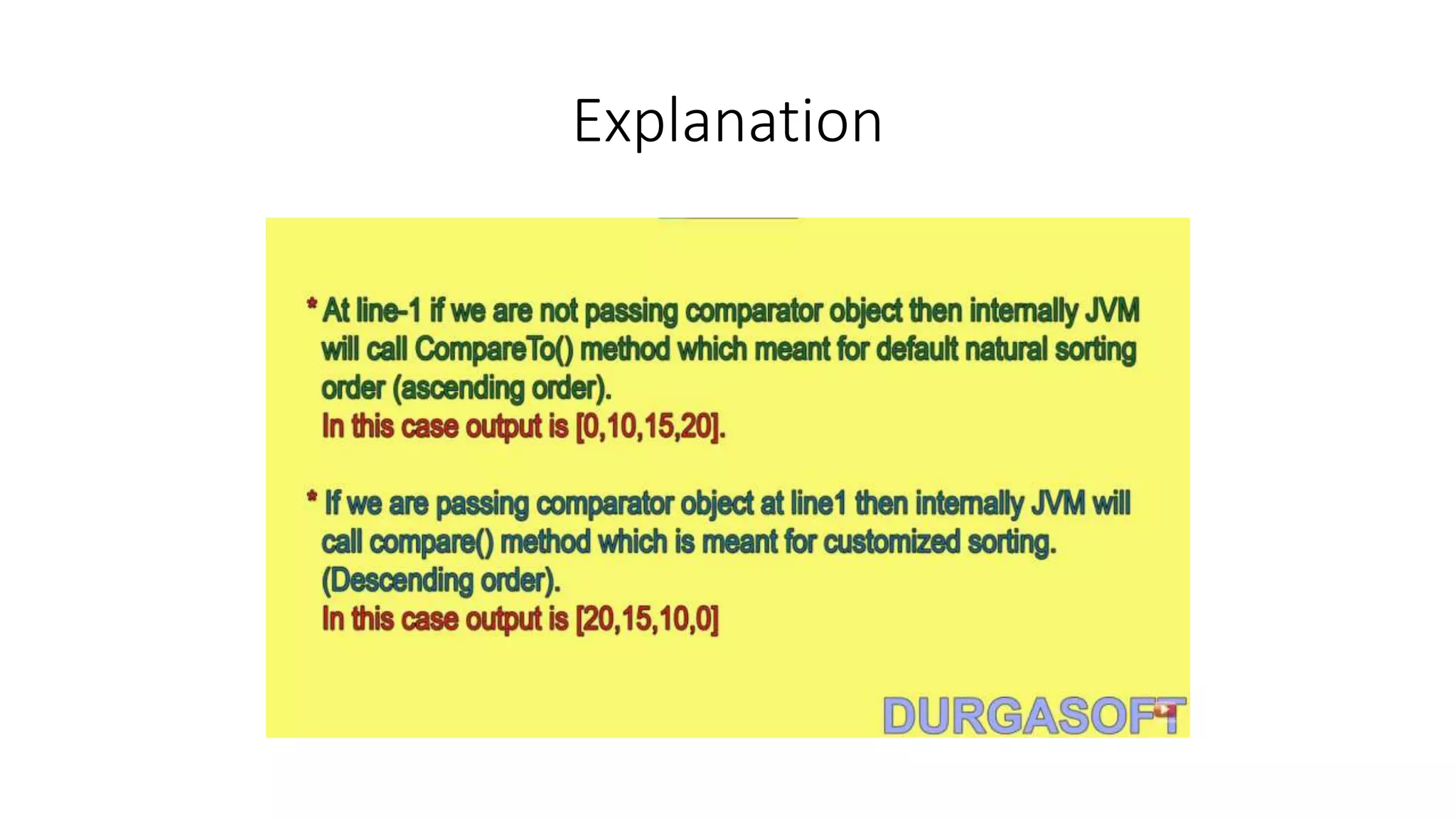
Explanation
Explanation
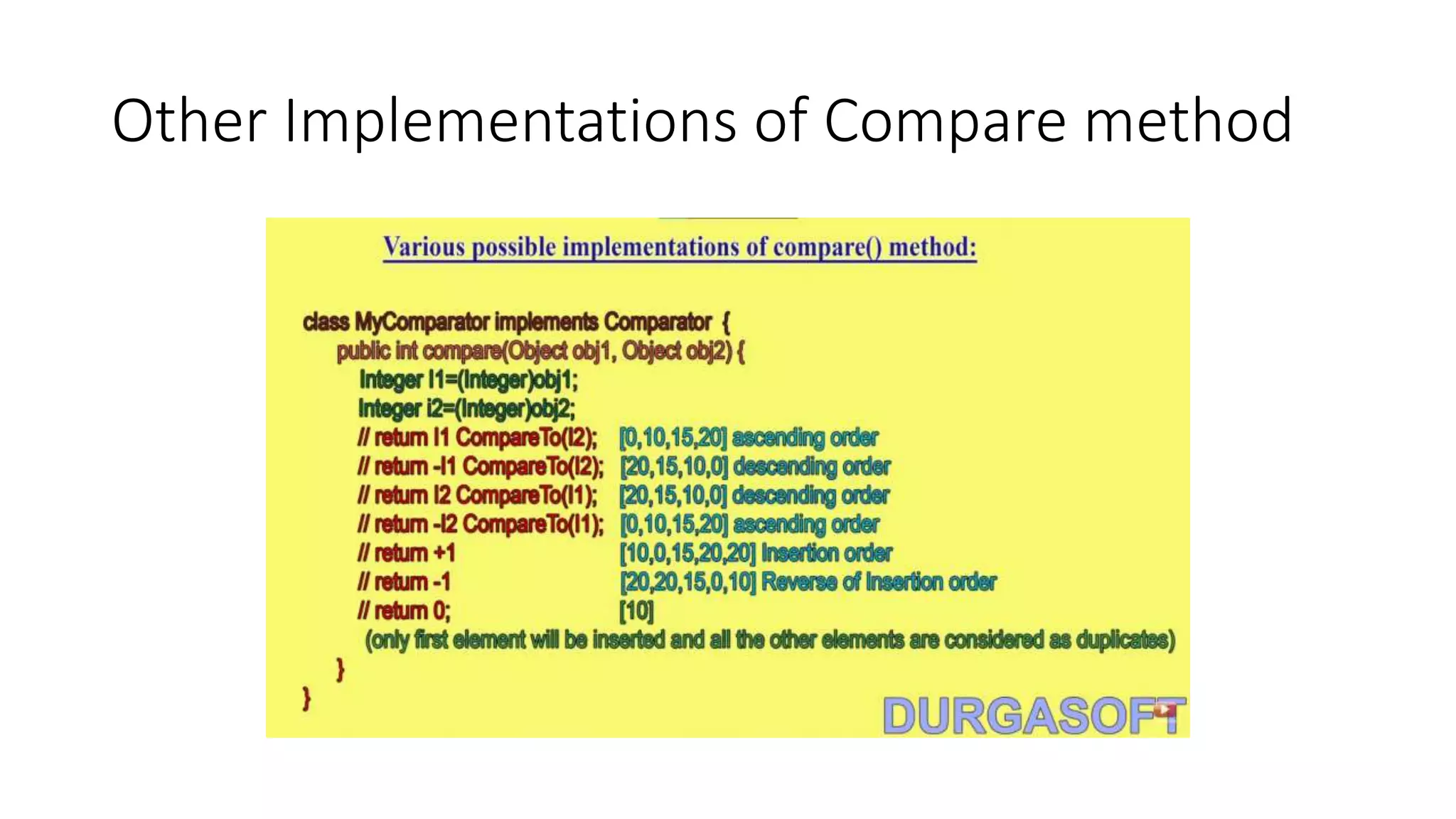
Other Implementations of Compare method
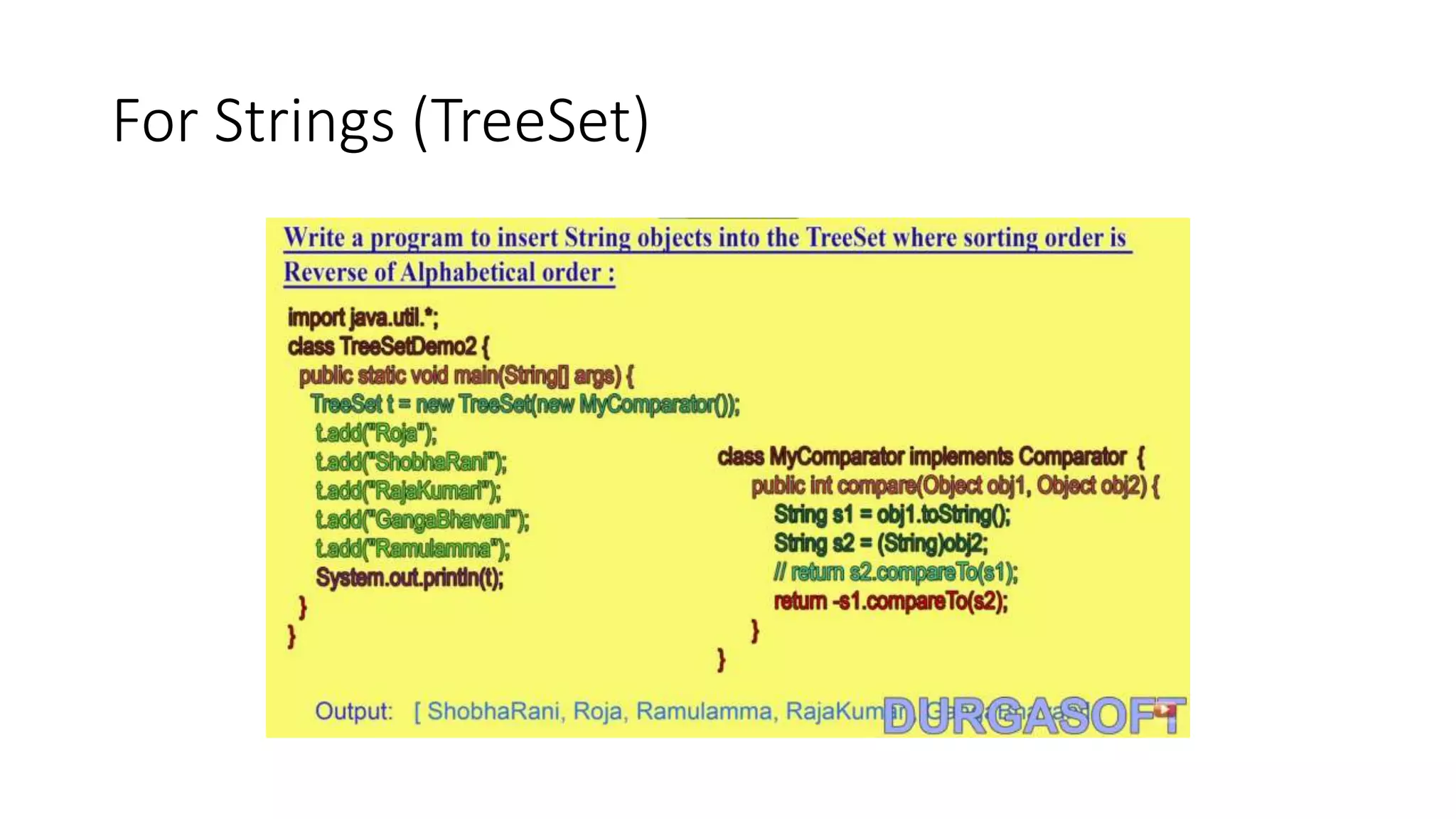
For Strings (TreeSet)
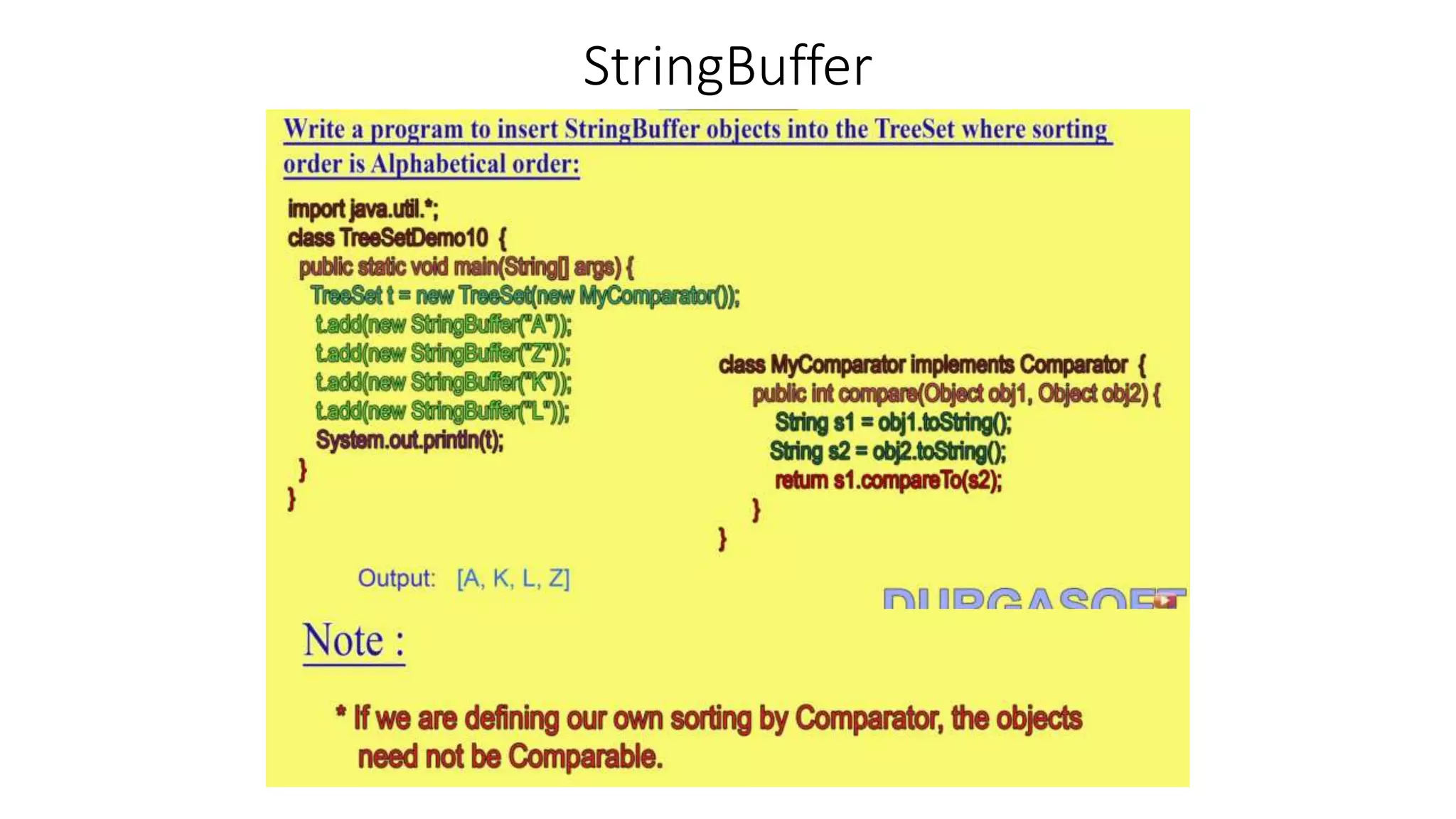
StringBuffer
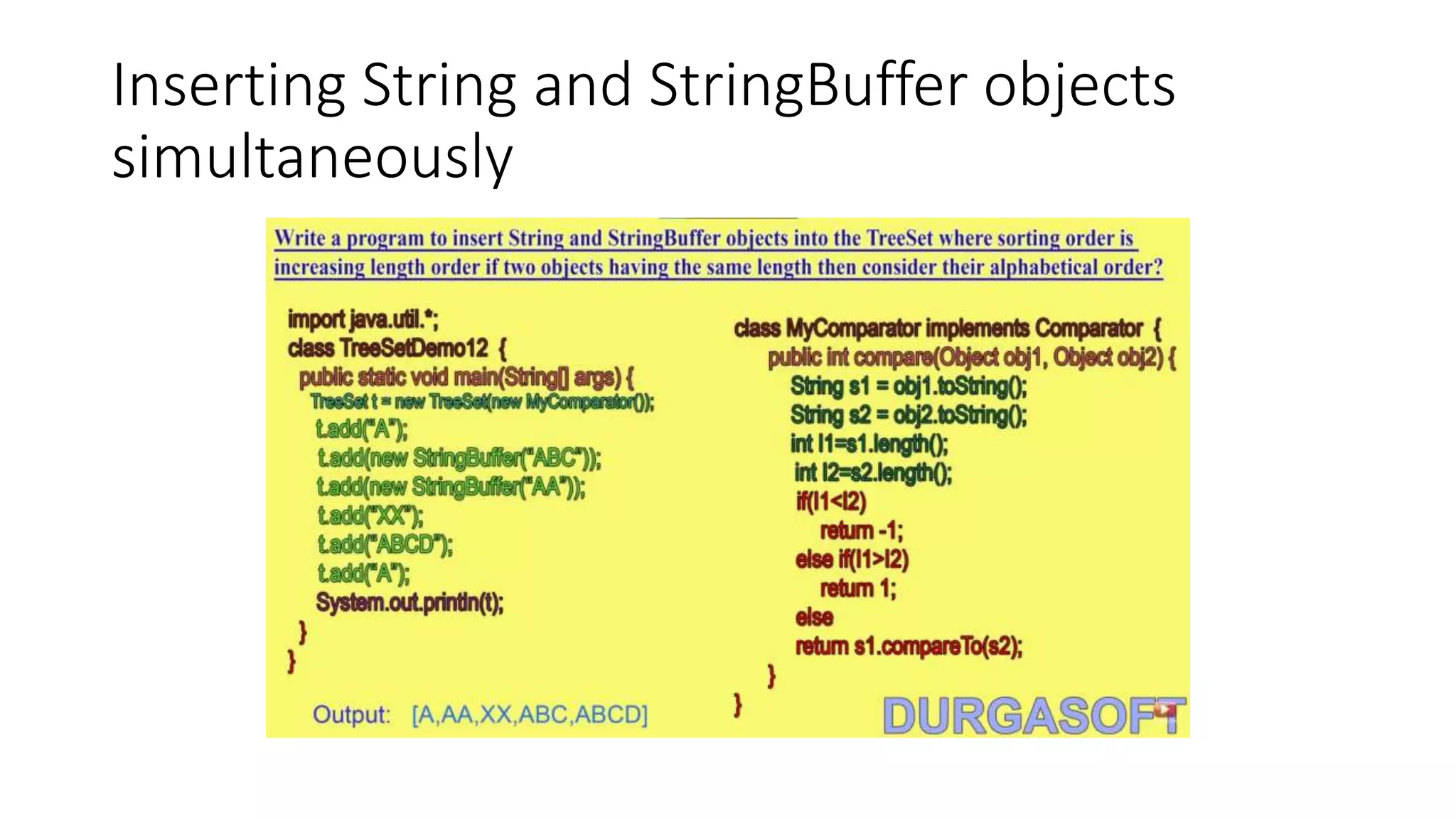
Inserting String and StringBuffer objects
simultaneously
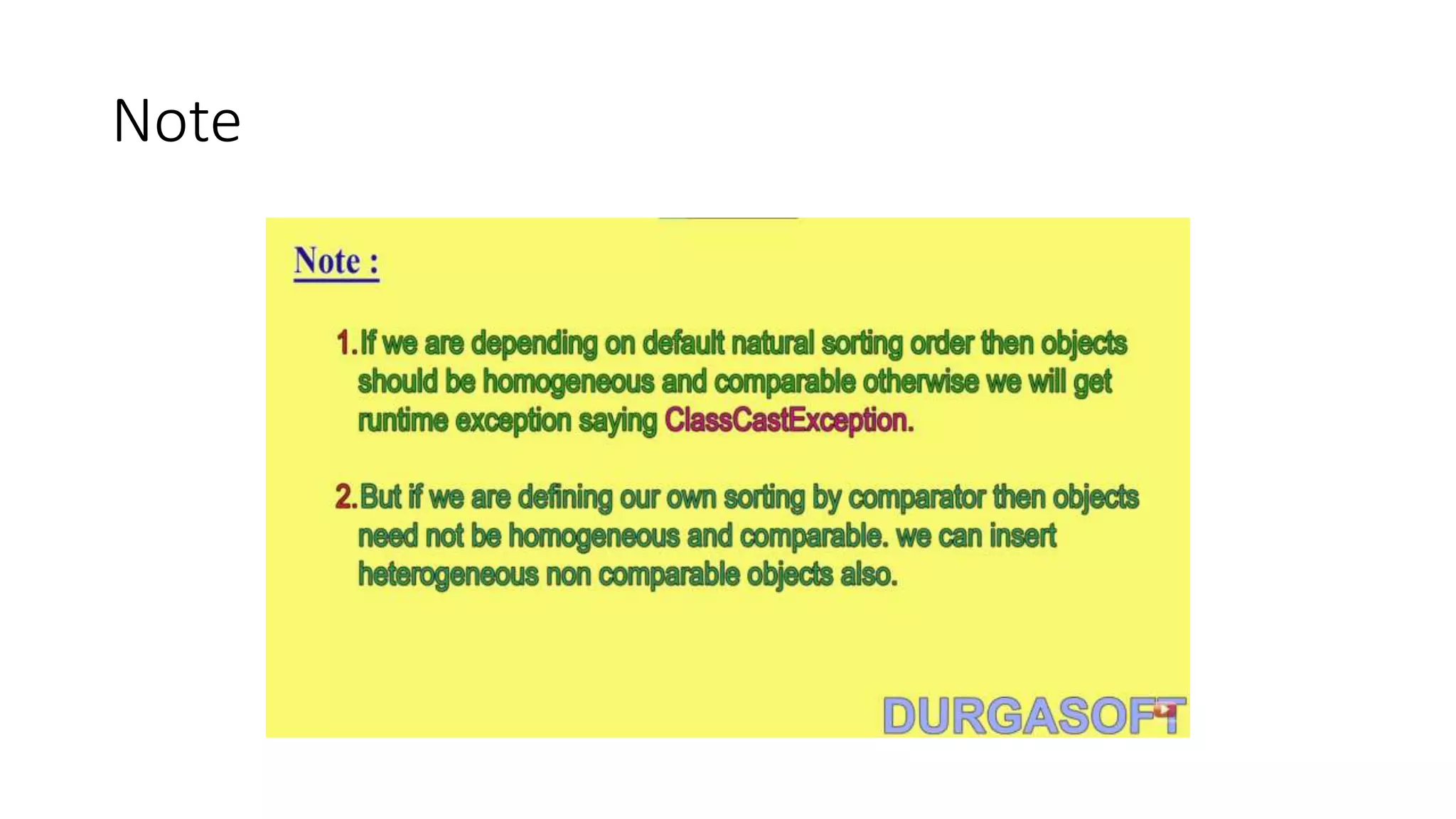
Note
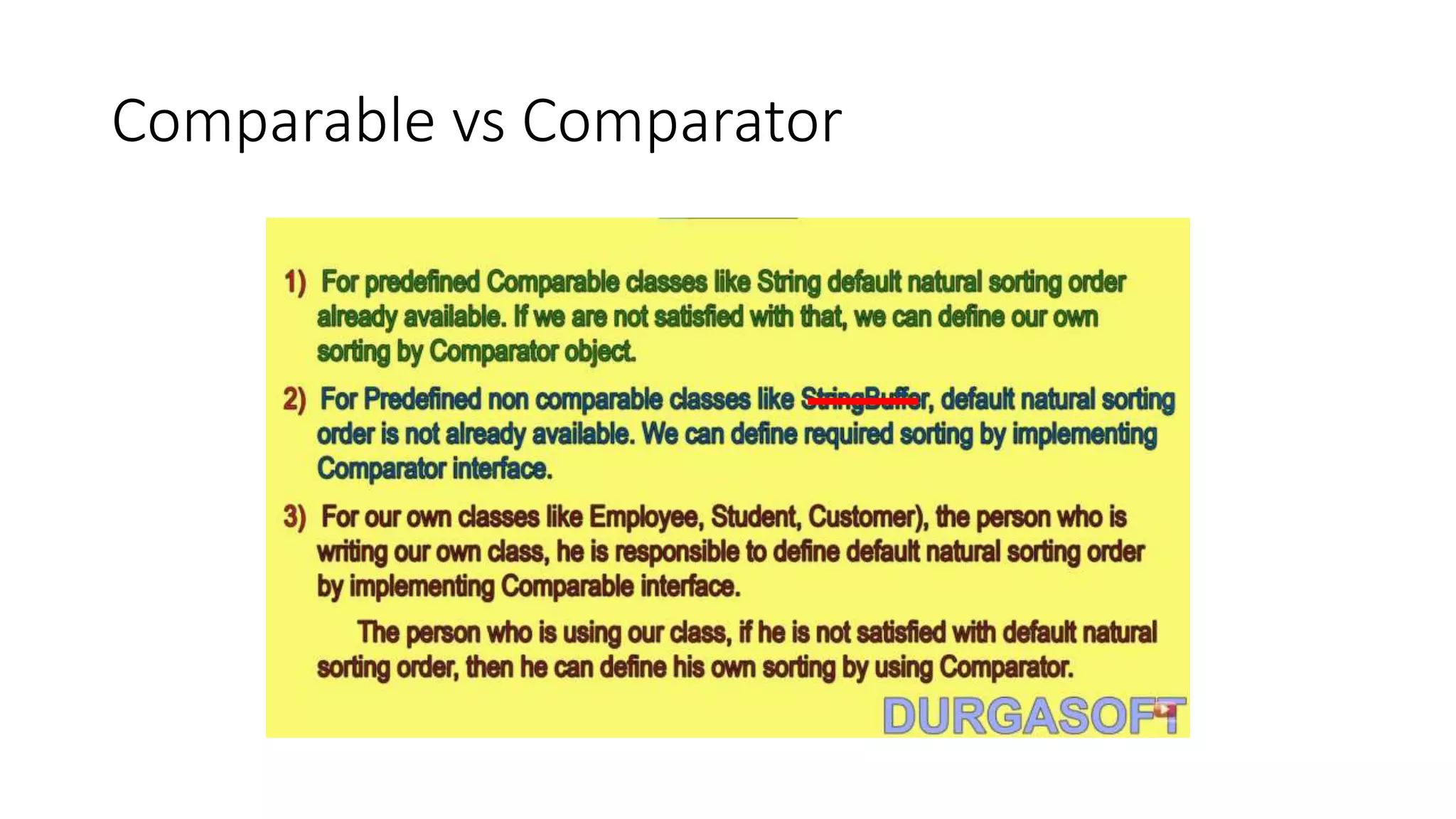
Comparable vs Comparator
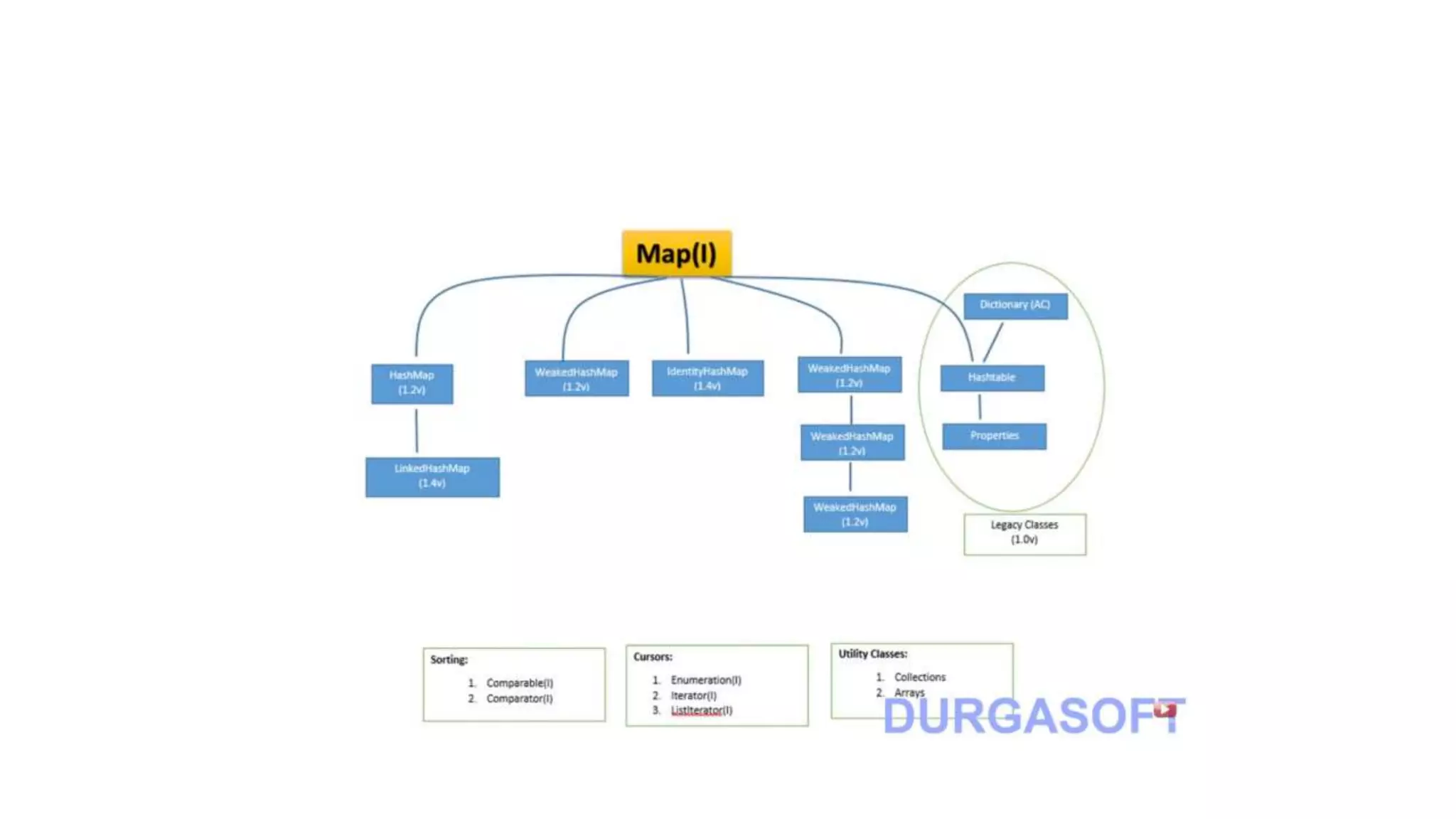
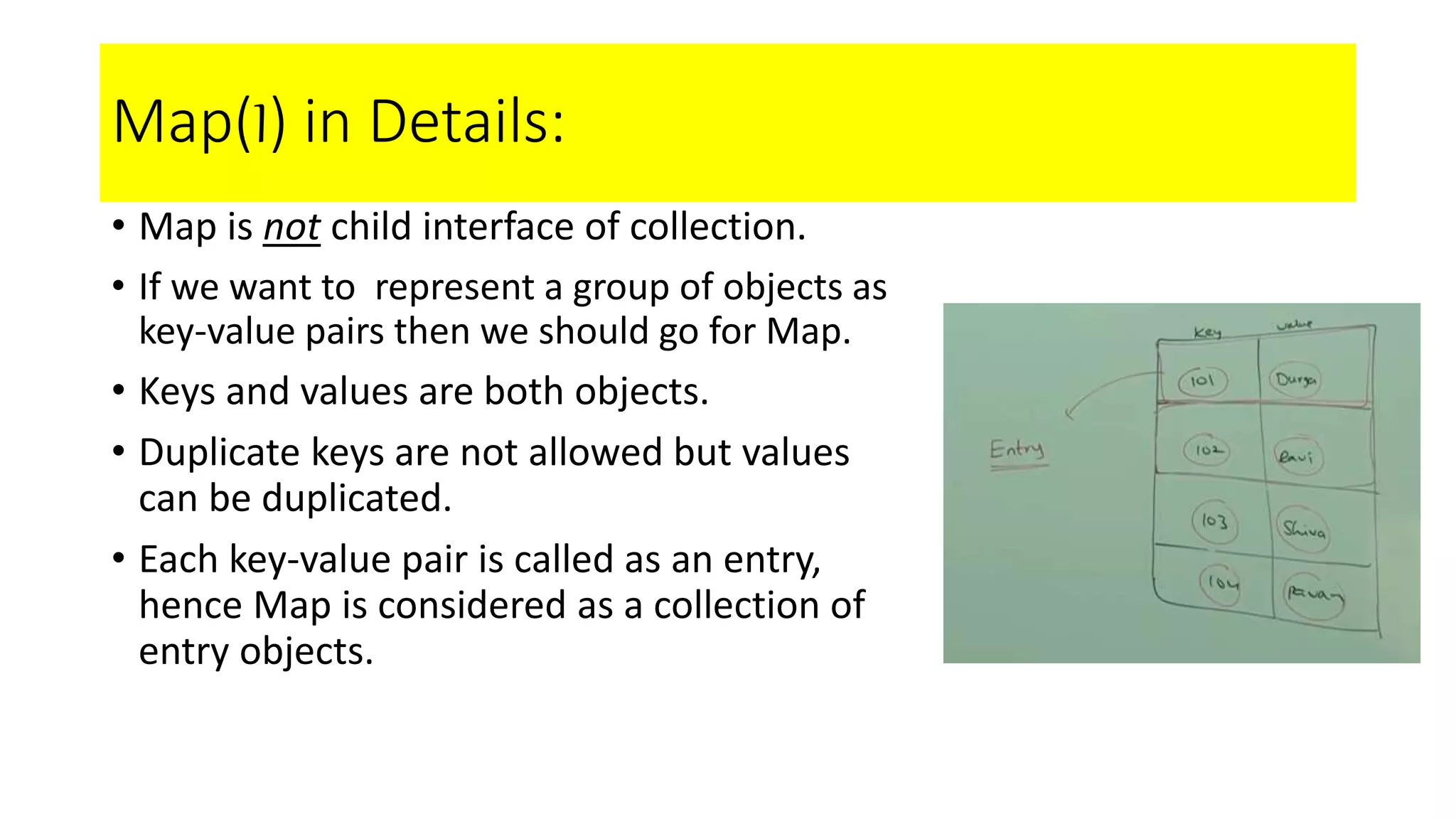
Map(I) in Details:
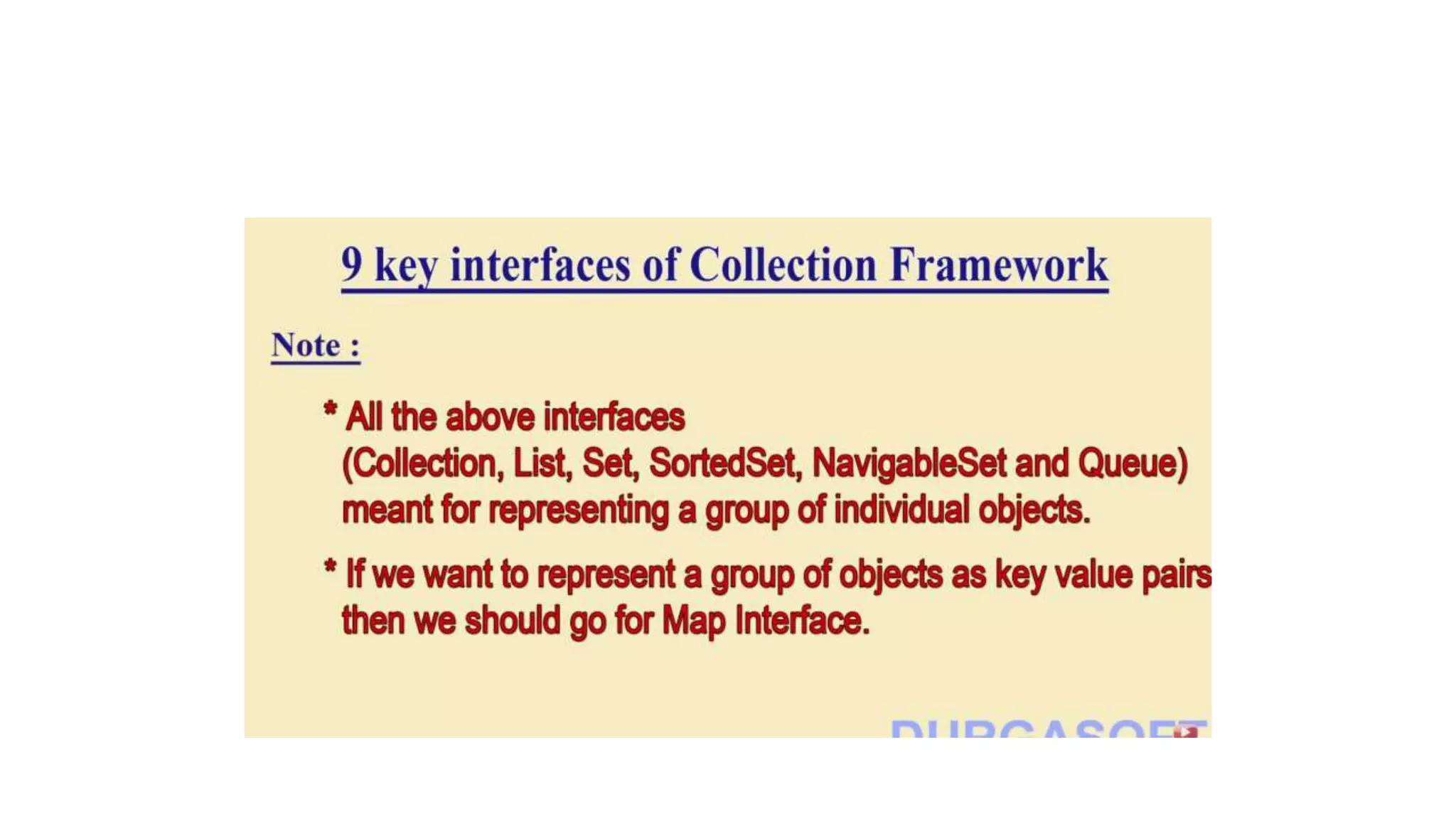
• Map is not child interface of collection.
• If we want to represent a group of objects as
key-value pairs then we should go for Map.
• Keys and values are both objects.
• Duplicate keys are not allowed but values
can be duplicated.
• Each key-value pair is called as an entry,
hence Map is considered as a collection of
entry objects.
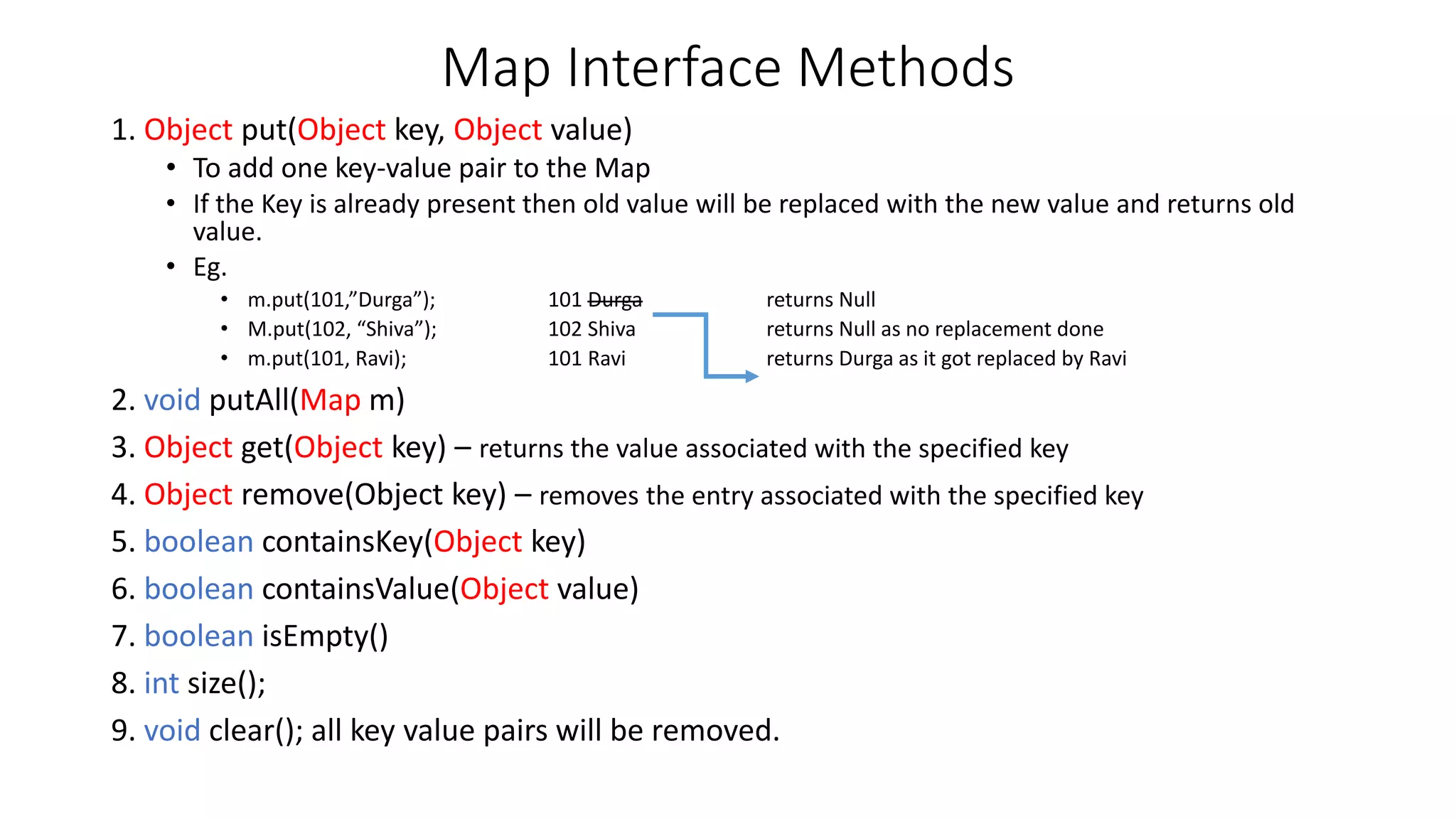
Map Interface Methods
1. Object put(Object key, Object value)
• To add one key-value pair to the Map
• If the Key is already present then old value will be replaced with the new value and returns old
value.
• Eg.
• m.put(101,”Durga”); 101 Durga returns Null
• M.put(102, “Shiva”); 102 Shiva returns Null as no replacement done
• m.put(101, Ravi); 101 Ravi returns Durga as it got replaced by Ravi
2. void putAll(Map m)
3. Object get(Object key) – returns the value associated with the specified key
4. Object remove(Object key) – removes the entry associated with the specified key
5. boolean containsKey(Object key)
6. boolean containsValue(Object value)
7. boolean isEmpty()
8. int size();
9. void clear(); all key value pairs will be removed.
Collection View of Map
• Set keySet()
• Collection values()
• Set entrySet()
• These 3 methods are by default considered as collection views of Map
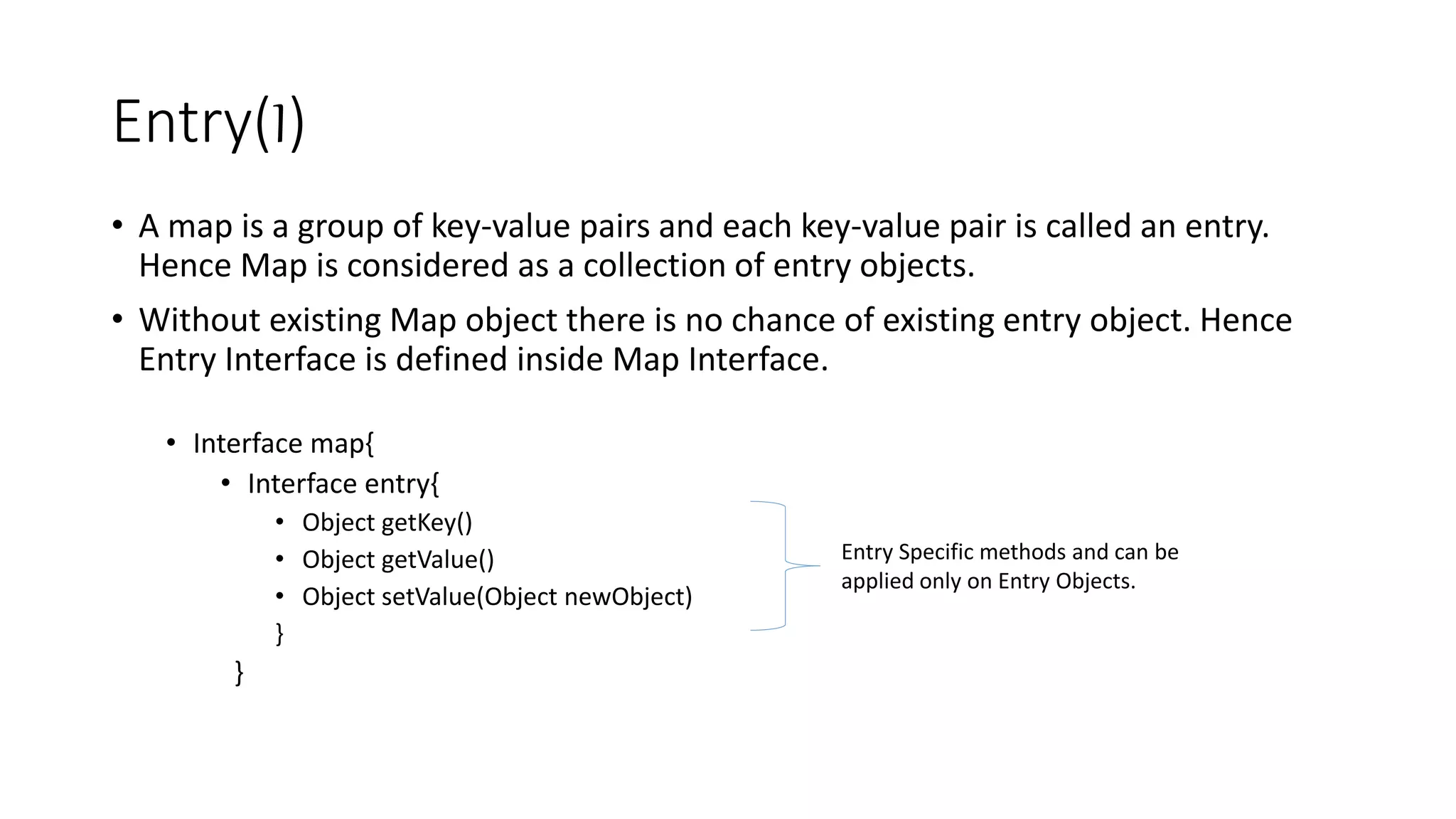
Entry(I)
• A map is a group of key-value pairs and each key-value pair is called an entry.
Hence Map is considered as a collection of entry objects.
• Without existing Map object there is no chance of existing entry object. Hence
Entry Interface is defined inside Map Interface.
• Interface map{
• Interface entry{
• Object getKey()
• Object getValue()
• Object setValue(Object newObject)
}
}
Entry Specific methods and can be
applied only on Entry Objects.
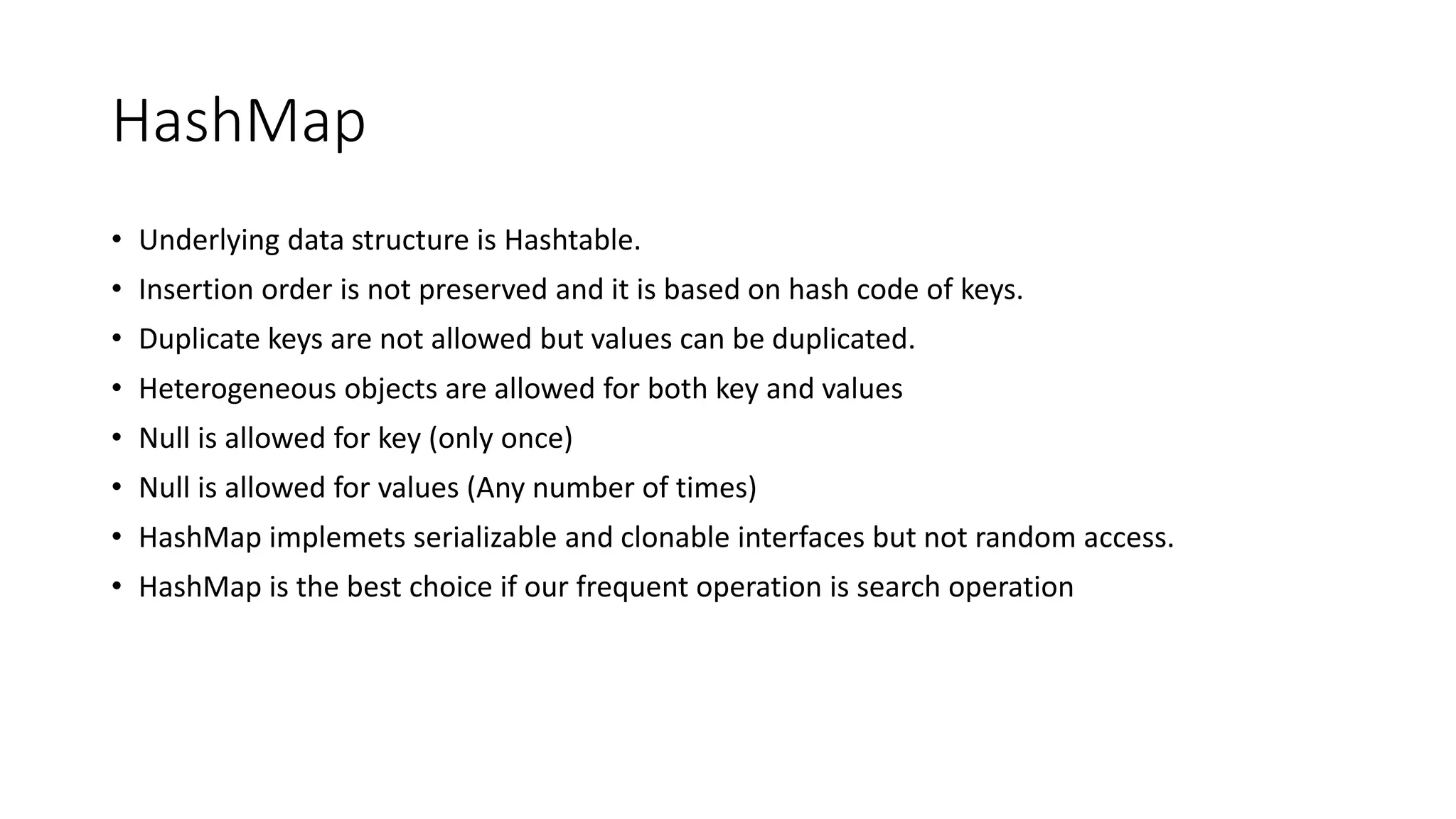
HashMap
• Underlying data structure is Hashtable.
• Insertion order is not preserved and it is based on hash code of keys.
• Duplicate keys are not allowed but values can be duplicated.
• Heterogeneous objects are allowed for both key and values
• Null is allowed for key (only once)
• Null is allowed for values (Any number of times)
• HashMap implemets serializable and clonable interfaces but not random access.
• HashMap is the best choice if our frequent operation is search operation
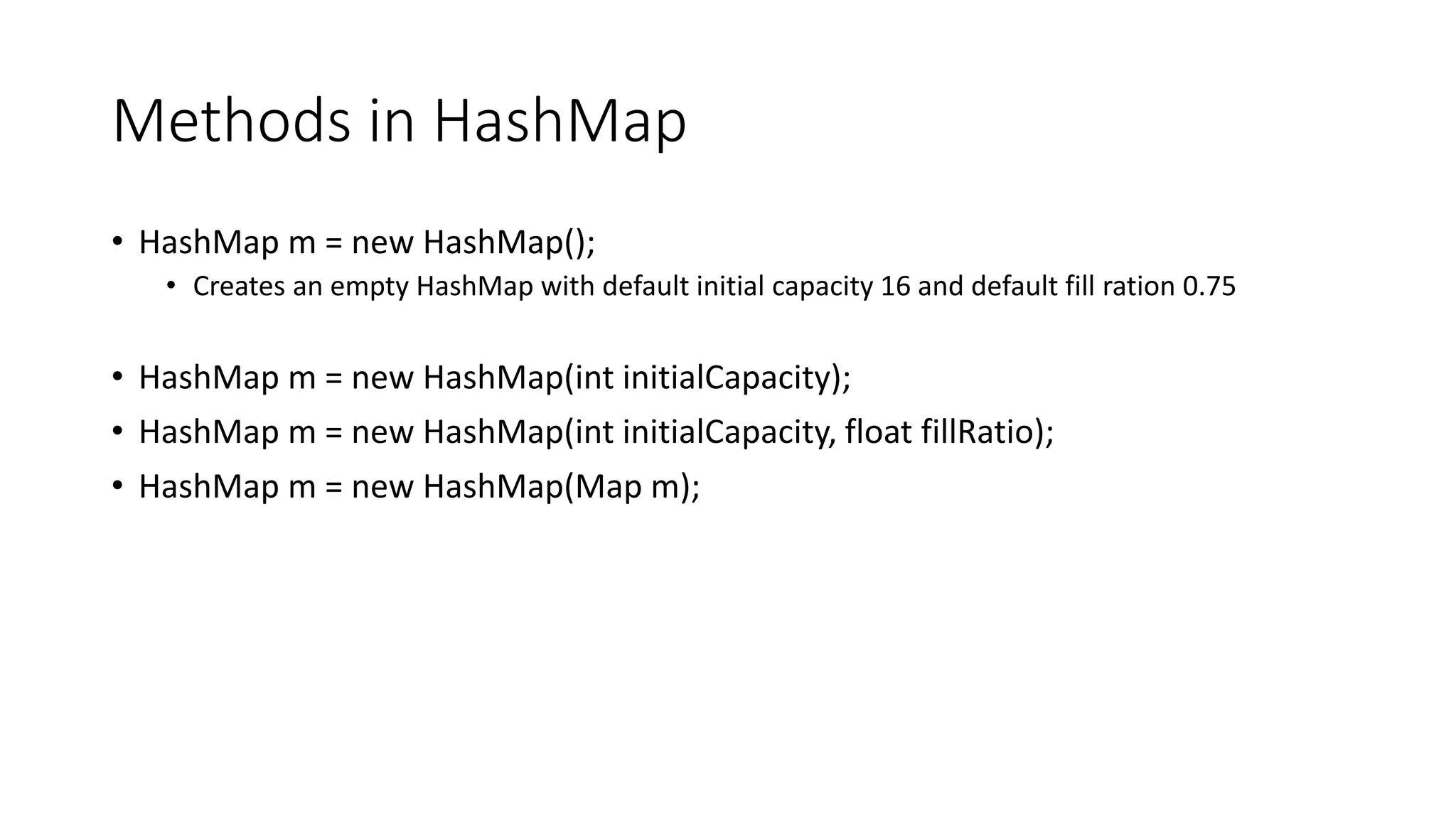
Methods in HashMap
• HashMap m = new HashMap();
• Creates an empty HashMap with default initial capacity 16 and default fill ration 0.75
• HashMap m = new HashMap(int initialCapacity);
• HashMap m = new HashMap(int initialCapacity, float fillRatio);
• HashMap m = new HashMap(Map m);
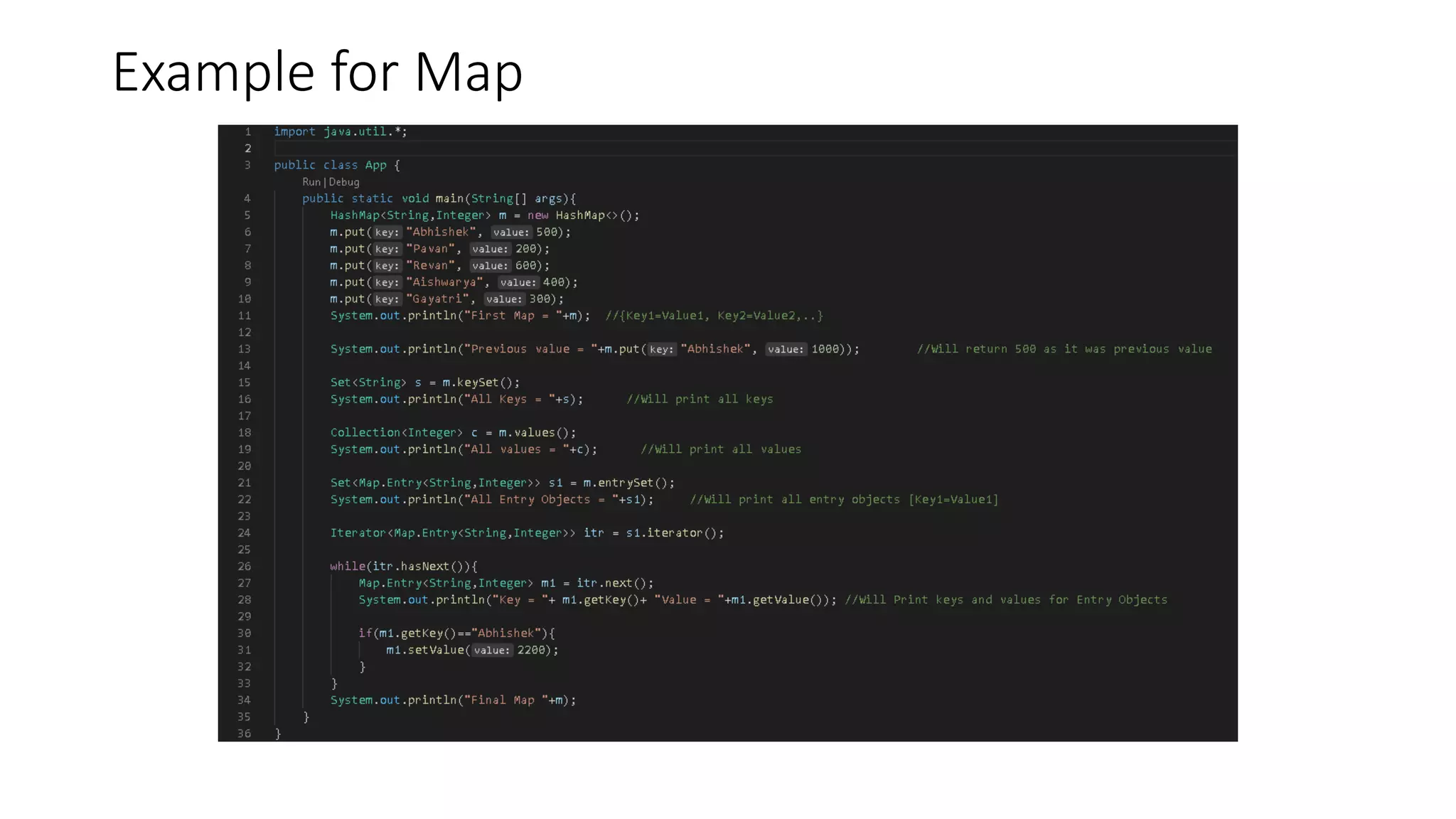
Example for Map
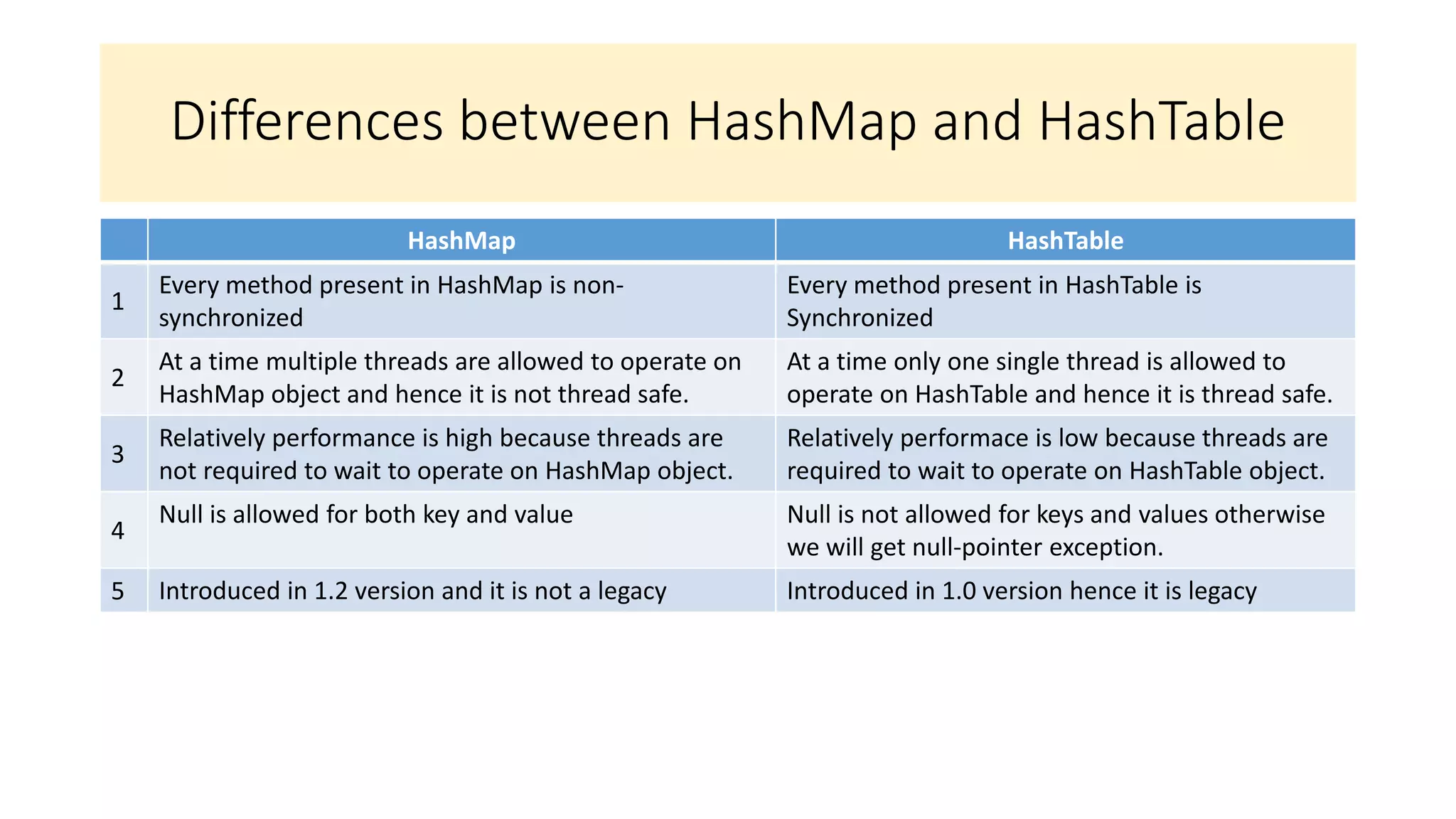
Differences between HashMap and HashTable
HashMap HashTable
1
Every method present in HashMap is non-
synchronized
Every method present in HashTable is
Synchronized
2
At a time multiple threads are allowed to operate on
HashMap object and hence it is not thread safe.
At a time only one single thread is allowed to
operate on HashTable and hence it is thread safe.
3
Relatively performance is high because threads are
not required to wait to operate on HashMap object.
Relatively performace is low because threads are
required to wait to operate on HashTable object.
4
Null is allowed for both key and value Null is not allowed for keys and values otherwise
we will get null-pointer exception.
5 Introduced in 1.2 version and it is not a legacy Introduced in 1.0 version hence it is legacy
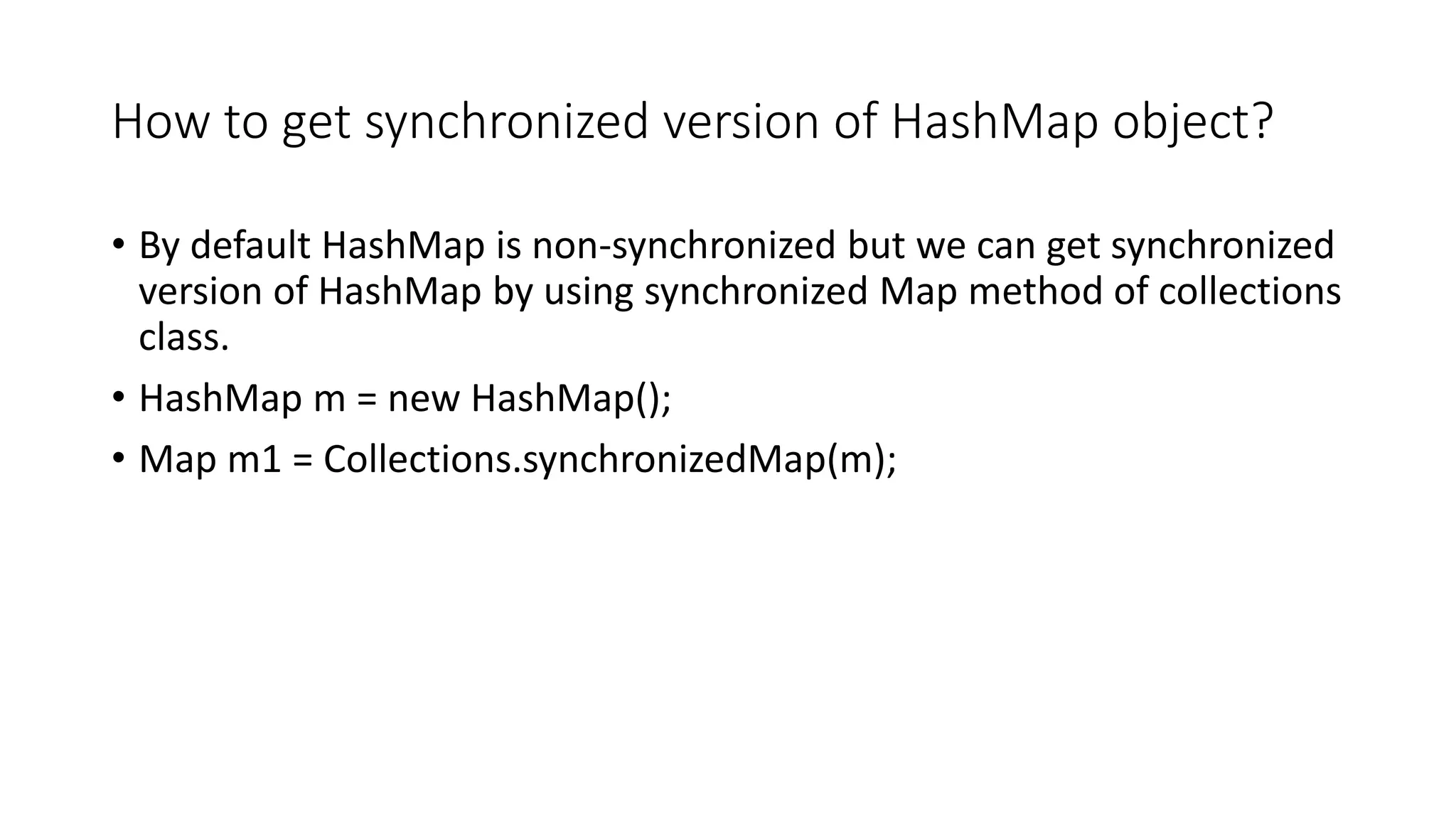
How to get synchronized version of HashMap object?
• By default HashMap is non-synchronized but we can get synchronized
version of HashMap by using synchronized Map method of collections
class.
• HashMap m = new HashMap();
• Map m1 = Collections.synchronizedMap(m);
Linked HashMap
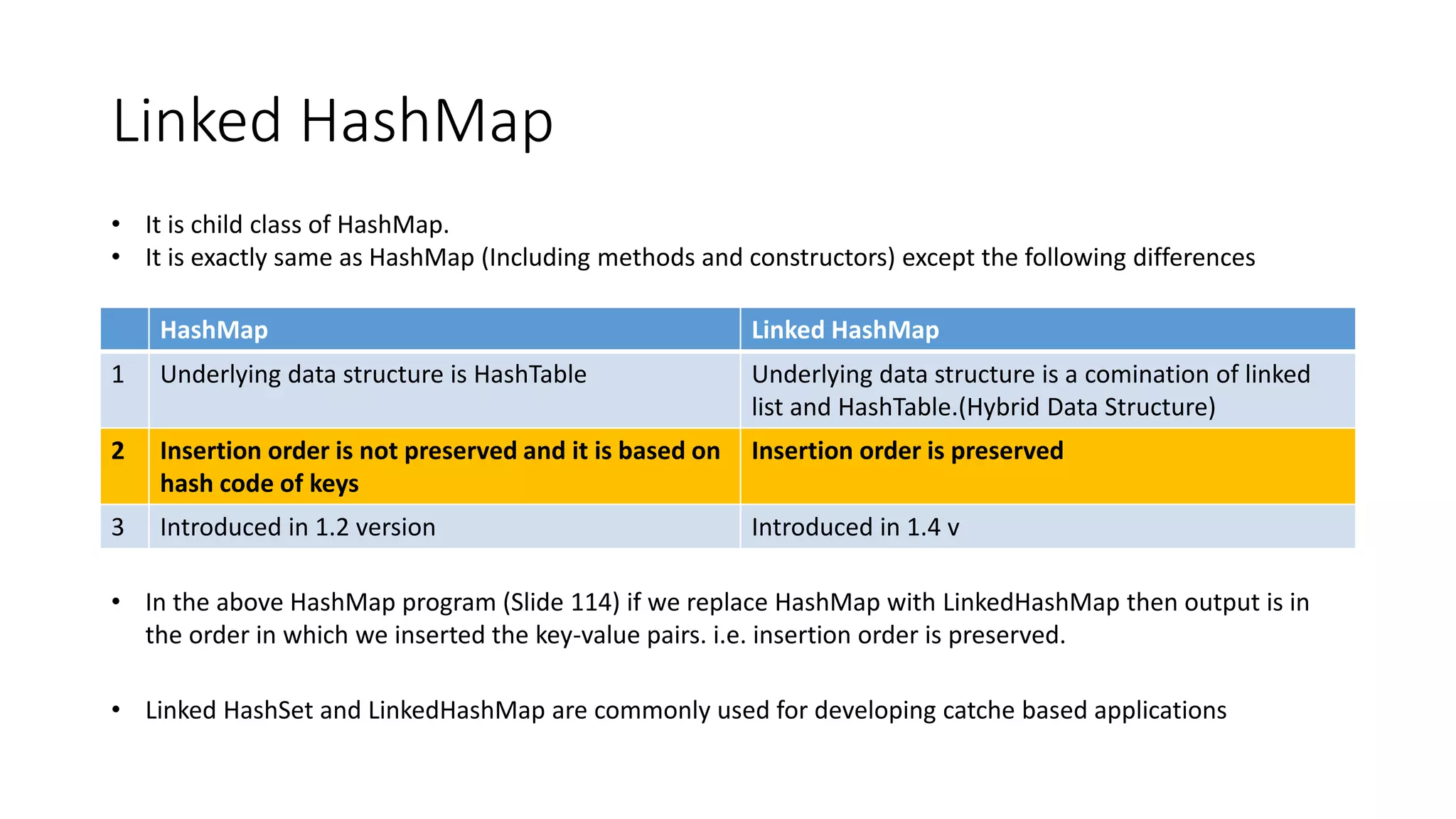
HashMap Linked HashMap
1 Underlying data structure is HashTable Underlying data structure is a comination of linked
list and HashTable.(Hybrid Data Structure)
2 Insertion order is not preserved and it is based on
hash code of keys
Insertion order is preserved
3 Introduced in 1.2 version Introduced in 1.4 v
• It is child class of HashMap.
• It is exactly same as HashMap (Including methods and constructors) except the following differences
• In the above HashMap program (Slide 114) if we replace HashMap with LinkedHashMap then output is in
the order in which we inserted the key-value pairs. i.e. insertion order is preserved.
• Linked HashSet and LinkedHashMap are commonly used for developing catche based applications
Identity HashMap
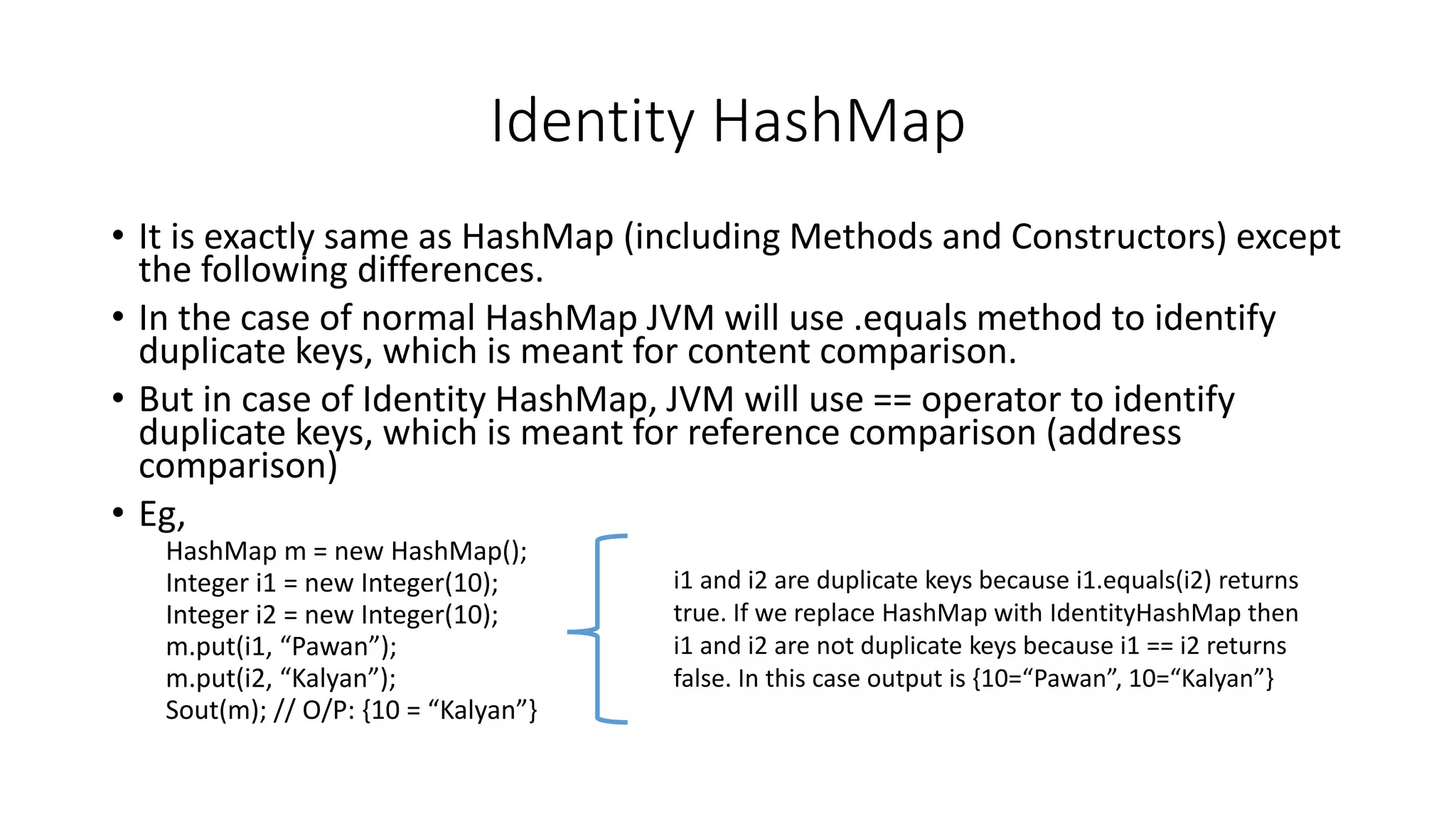
• It is exactly same as HashMap (including Methods and Constructors) except
the following differences.
• In the case of normal HashMap JVM will use .equals method to identify
duplicate keys, which is meant for content comparison.
• But in case of Identity HashMap, JVM will use == operator to identify
duplicate keys, which is meant for reference comparison (address
comparison)
• Eg,
HashMap m = new HashMap();
Integer i1 = new Integer(10);
Integer i2 = new Integer(10);
m.put(i1, “Pawan”);
m.put(i2, “Kalyan”);
Sout(m); // O/P: {10 = “Kalyan”}
i1 and i2 are duplicate keys because i1.equals(i2) returns
true. If we replace HashMap with IdentityHashMap then
i1 and i2 are not duplicate keys because i1 == i2 returns
false. In this case output is {10=“Pawan”, 10=“Kalyan”}
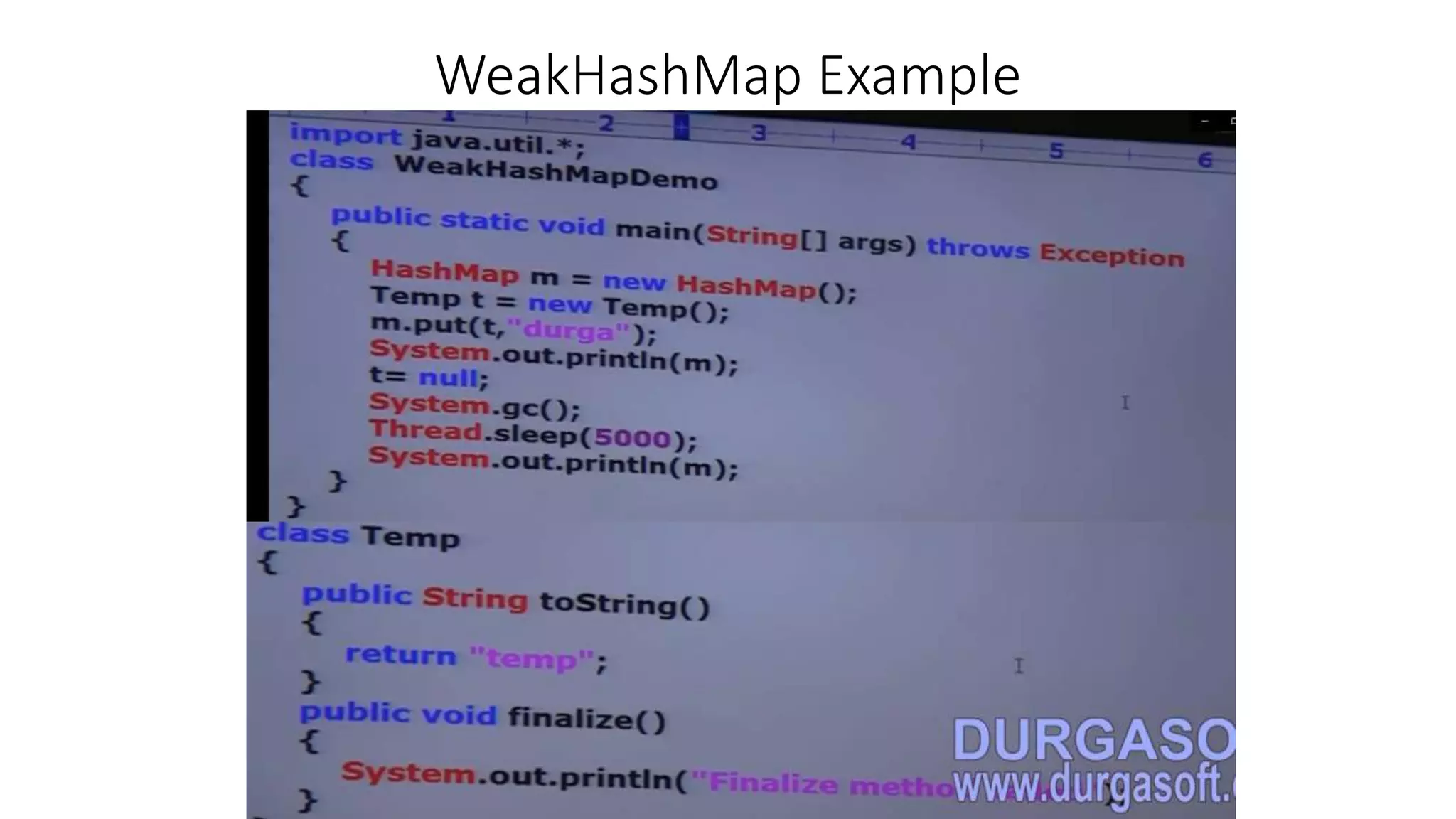
Weak HashMap
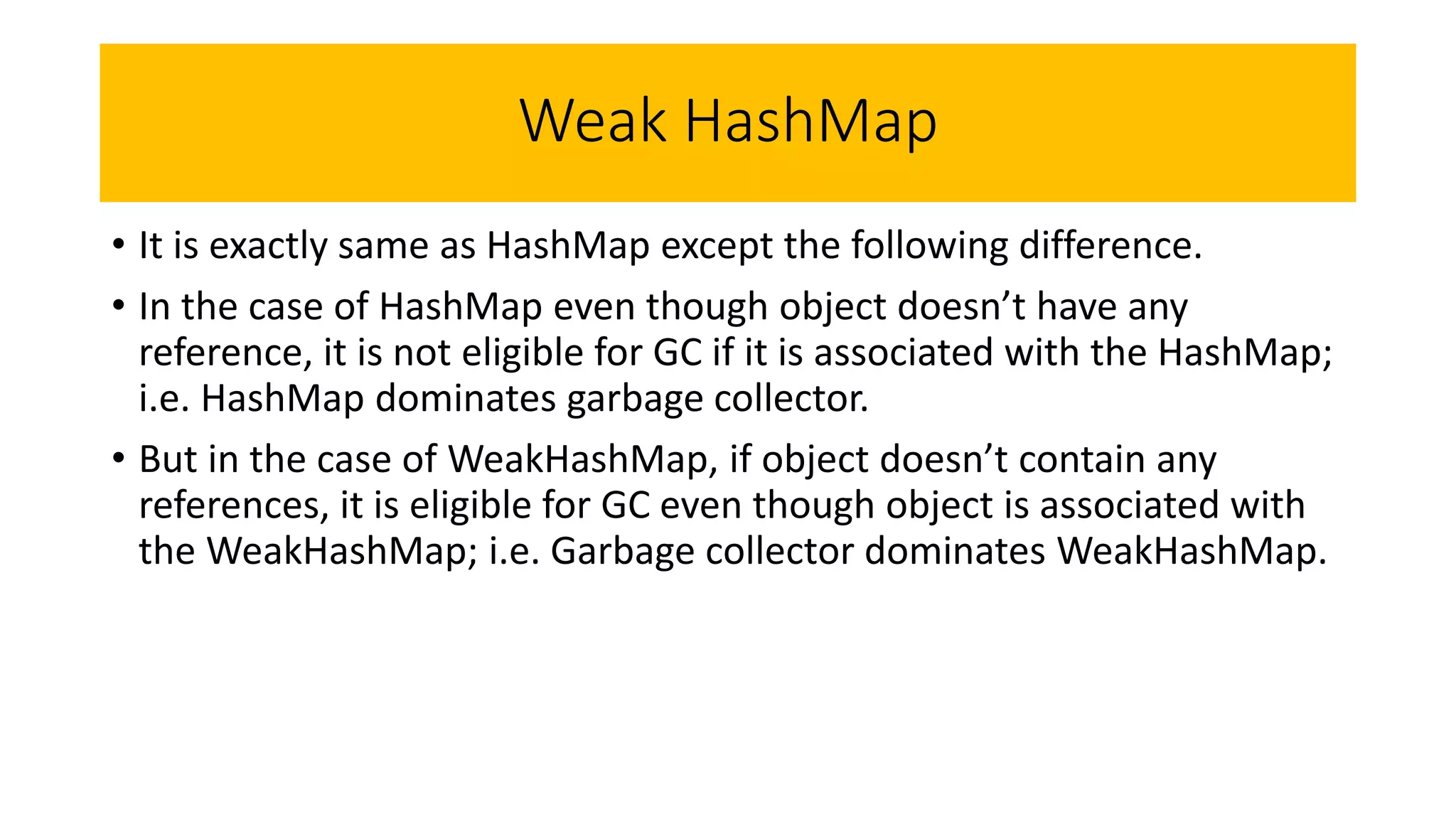
• It is exactly same as HashMap except the following difference.
• In the case of HashMap even though object doesn’t have any
reference, it is not eligible for GC if it is associated with the HashMap;
i.e. HashMap dominates garbage collector.
• But in the case of WeakHashMap, if object doesn’t contain any
references, it is eligible for GC even though object is associated with
the WeakHashMap; i.e. Garbage collector dominates WeakHashMap.
WeakHashMap Example
WeakHashMap Example
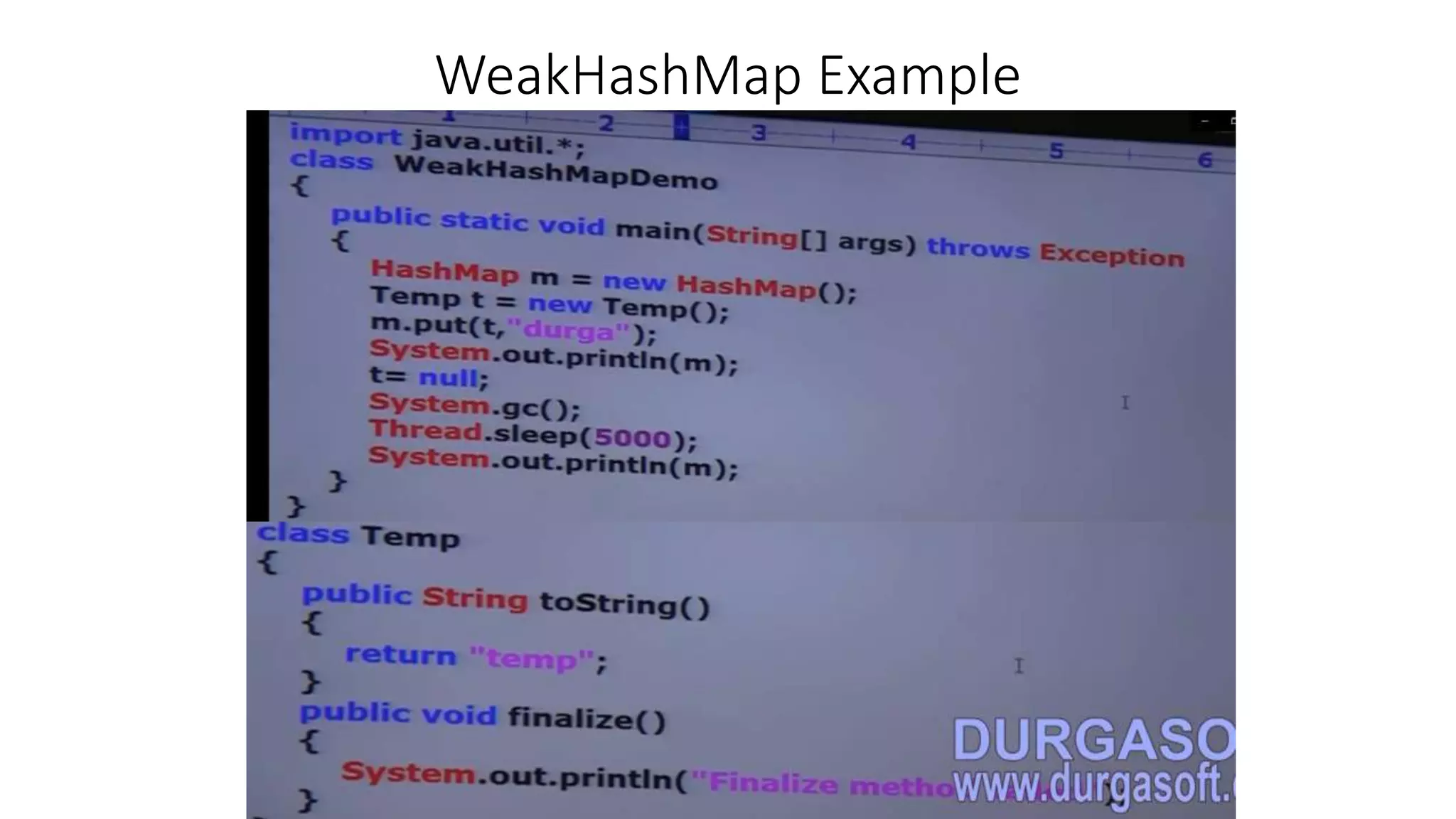
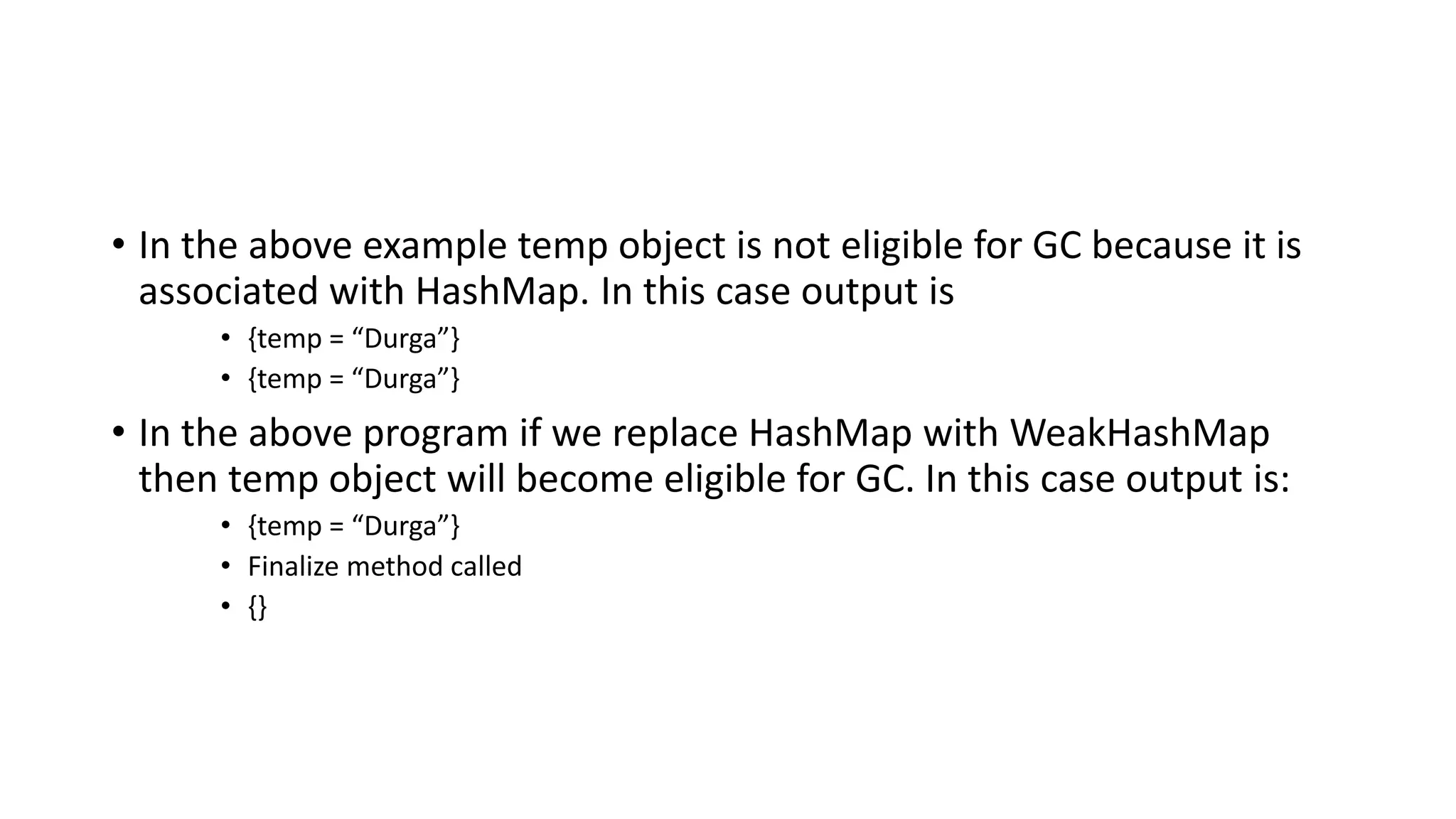
• In the above example temp object is not eligible for GC because it is
associated with HashMap. In this case output is
• {temp = “Durga”}
• {temp = “Durga”}
• In the above program if we replace HashMap with WeakHashMap
then temp object will become eligible for GC. In this case output is:
• {temp = “Durga”}
• Finalize method called
• {}
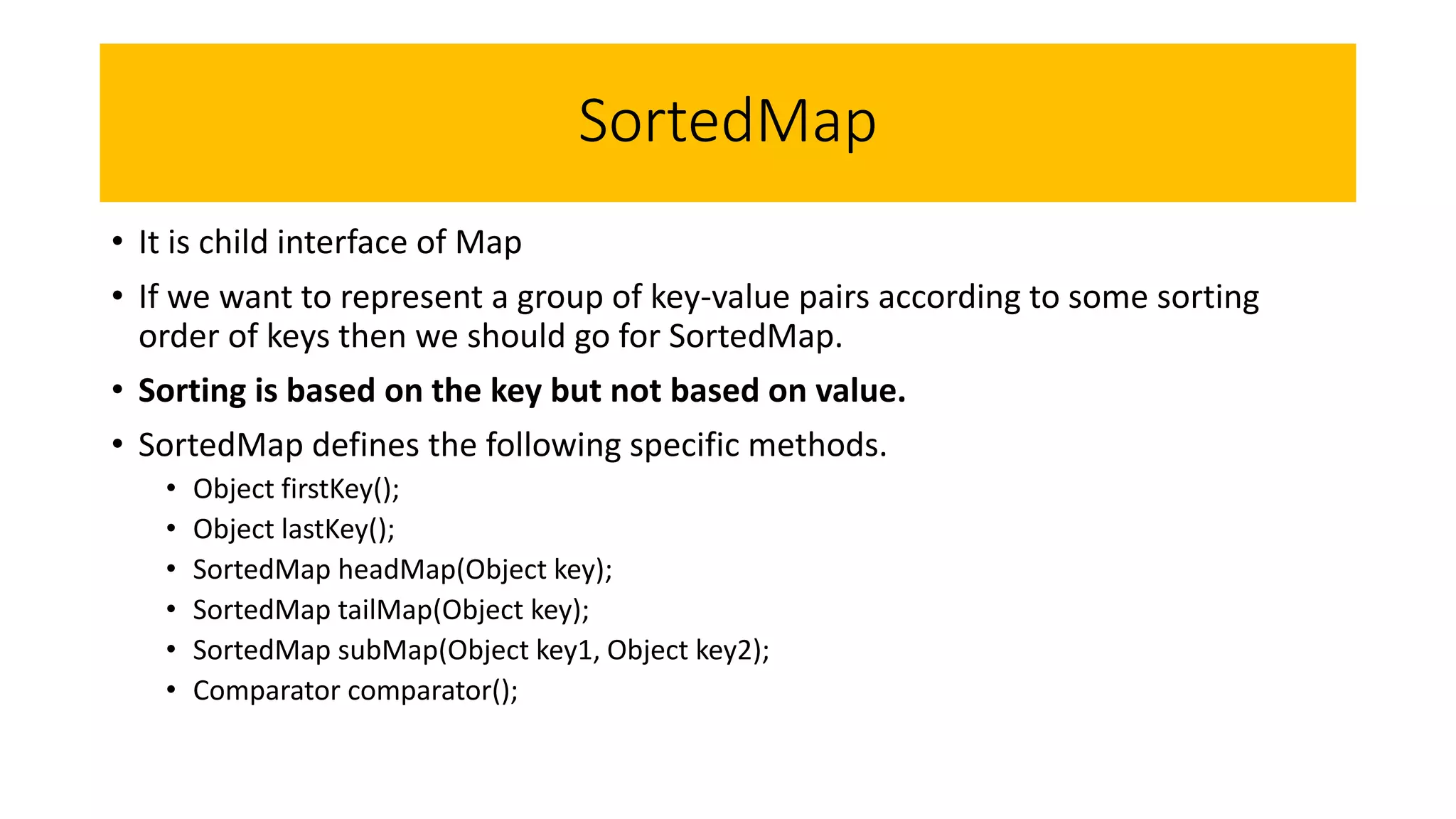
SortedMap
• It is child interface of Map
• If we want to represent a group of key-value pairs according to some sorting
order of keys then we should go for SortedMap.
• Sorting is based on the key but not based on value.
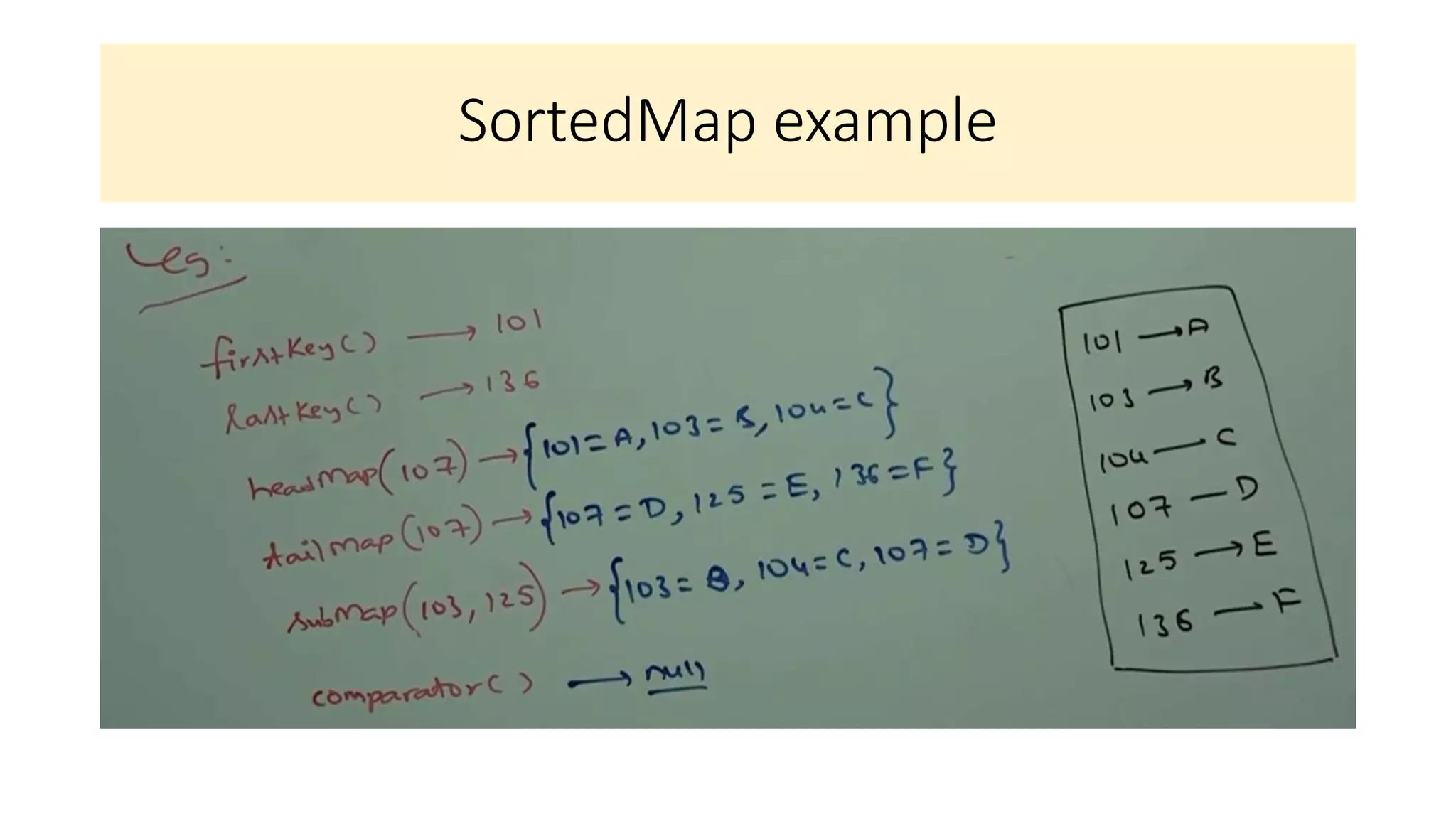
• SortedMap defines the following specific methods.
• Object firstKey();
• Object lastKey();
• SortedMap headMap(Object key);
• SortedMap tailMap(Object key);
• SortedMap subMap(Object key1, Object key2);
• Comparator comparator();
SortedMap example
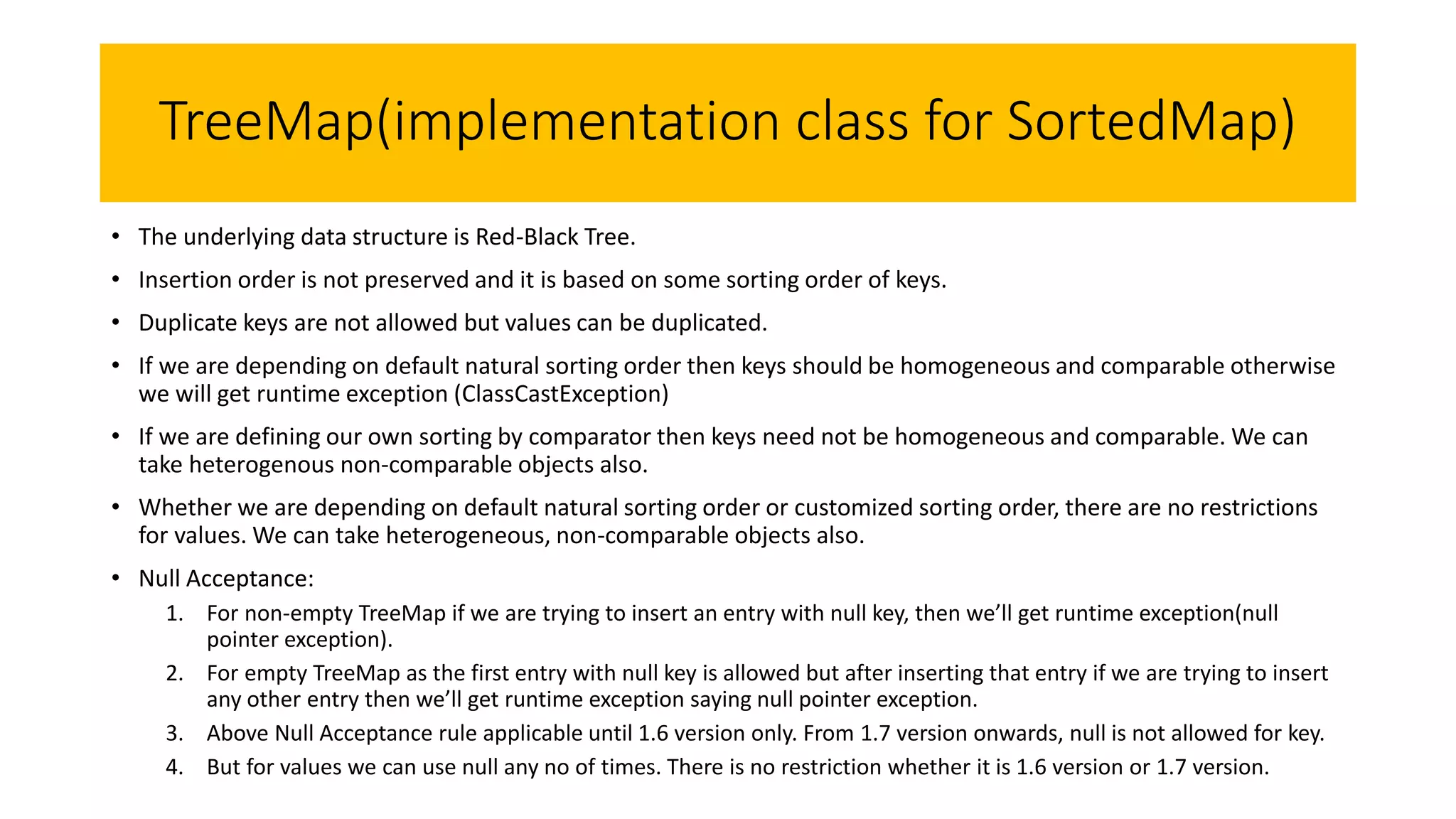
TreeMap(implementation class for SortedMap)
• The underlying data structure is Red-Black Tree.
• Insertion order is not preserved and it is based on some sorting order of keys.
• Duplicate keys are not allowed but values can be duplicated.
• If we are depending on default natural sorting order then keys should be homogeneous and comparable otherwise
we will get runtime exception (ClassCastException)
• If we are defining our own sorting by comparator then keys need not be homogeneous and comparable. We can
take heterogenous non-comparable objects also.
• Whether we are depending on default natural sorting order or customized sorting order, there are no restrictions
for values. We can take heterogeneous, non-comparable objects also.
• Null Acceptance:
1. For non-empty TreeMap if we are trying to insert an entry with null key, then we’ll get runtime exception(null
pointer exception).
2. For empty TreeMap as the first entry with null key is allowed but after inserting that entry if we are trying to insert
any other entry then we’ll get runtime exception saying null pointer exception.
3. Above Null Acceptance rule applicable until 1.6 version only. From 1.7 version onwards, null is not allowed for key.
4. But for values we can use null any no of times. There is no restriction whether it is 1.6 version or 1.7 version.
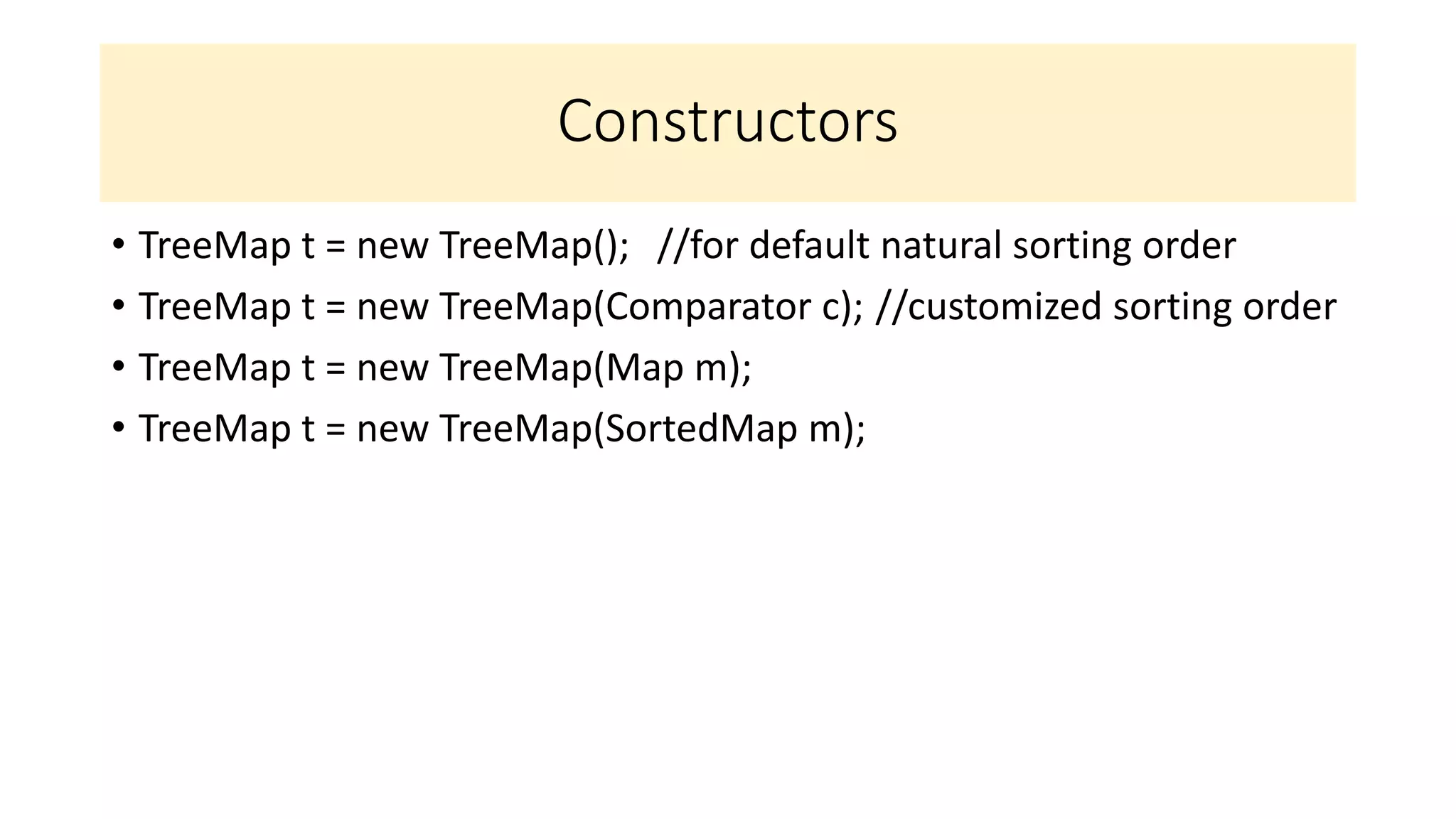
Constructors
• TreeMap t = new TreeMap(); //for default natural sorting order
• TreeMap t = new TreeMap(Comparator c); //customized sorting order
• TreeMap t = new TreeMap(Map m);
• TreeMap t = new TreeMap(SortedMap m);
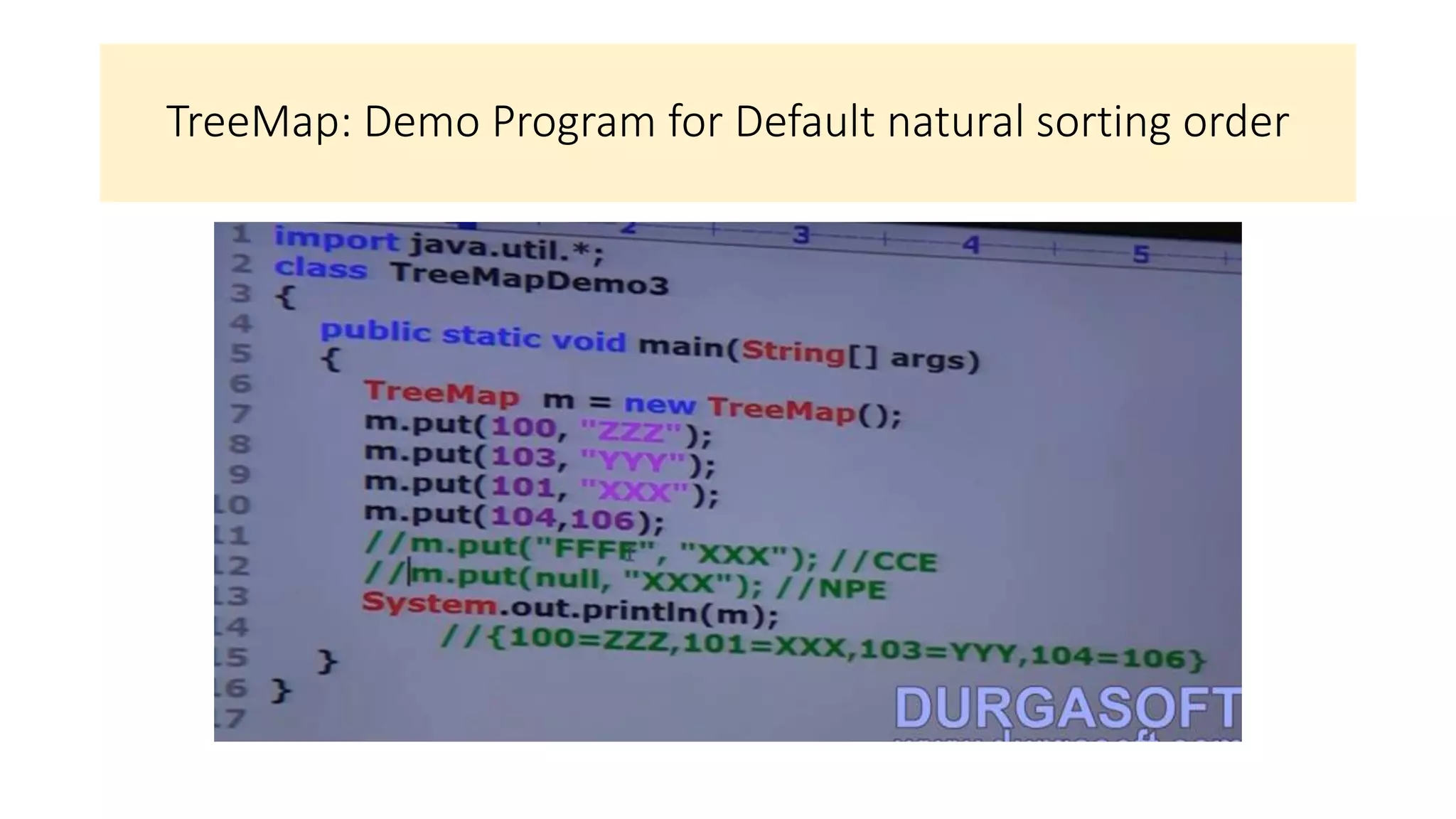
TreeMap: Demo Program for Default natural sorting order
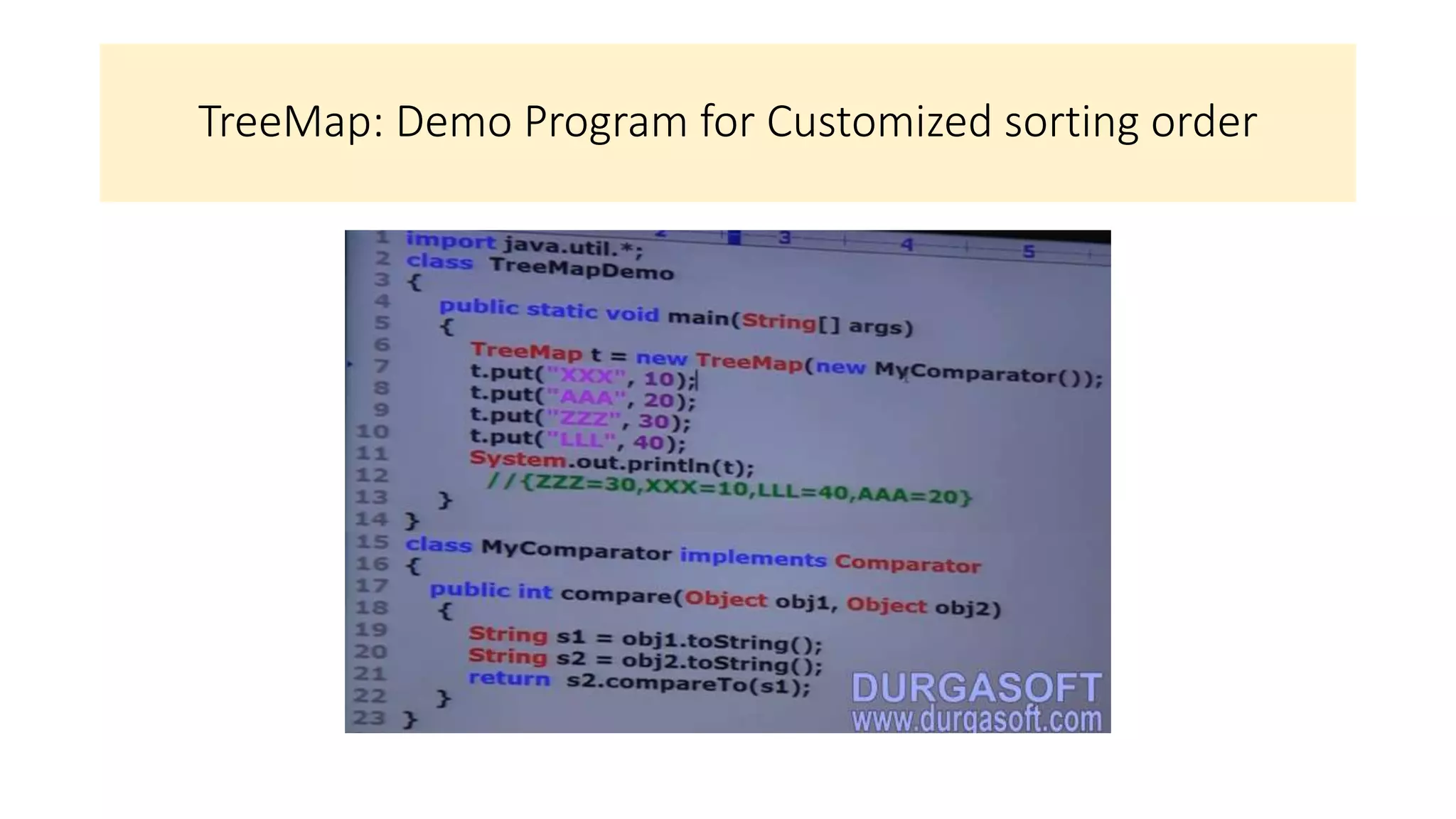
TreeMap: Demo Program for Customized sorting order
Hashtable
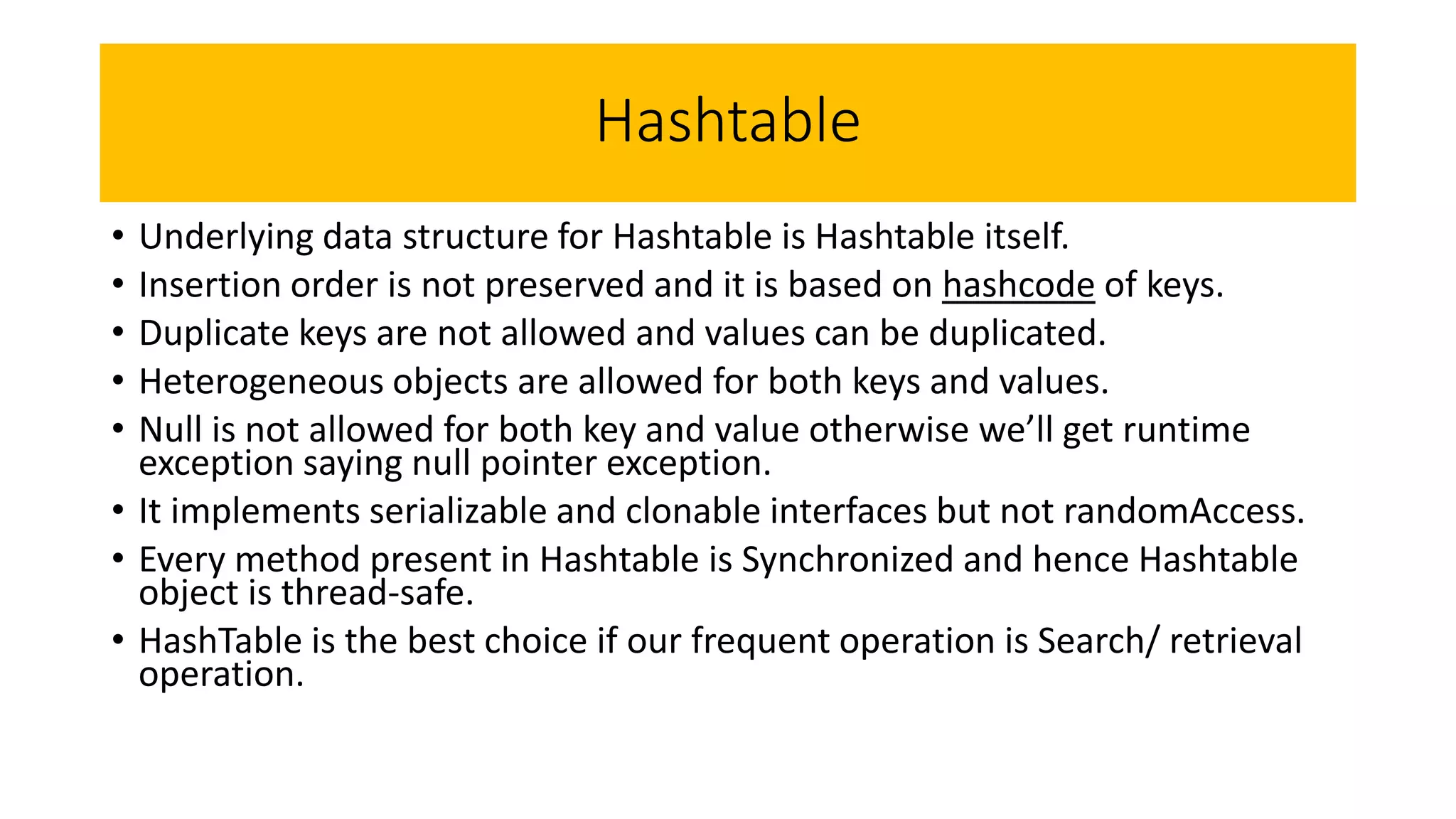
• Underlying data structure for Hashtable is Hashtable itself.
• Insertion order is not preserved and it is based on hashcode of keys.
• Duplicate keys are not allowed and values can be duplicated.
• Heterogeneous objects are allowed for both keys and values.
• Null is not allowed for both key and value otherwise we’ll get runtime
exception saying null pointer exception.
• It implements serializable and clonable interfaces but not randomAccess.
• Every method present in Hashtable is Synchronized and hence Hashtable
object is thread-safe.
• HashTable is the best choice if our frequent operation is Search/ retrieval
operation.
Java Collections.pptx

Java Collections.pptx

  • 1.
  • 2.
  • 4.
  • 5.
  • 8.
    9 key interfacesof Collection framework
  • 9.
  • 10.
  • 11.
  • 13.
  • 15.
  • 16.
  • 17.
  • 18.
  • 21.
  • 23.
  • 24.
  • 25.
  • 27.
  • 28.
  • 30.
  • 32.
  • 36.
    Random Access IMP: -Only ArrayList and Vector implements RandomAccess interface
  • 40.
    How to getSynchronized version of ArrayList (Collection Framework)
  • 43.
  • 44.
    Q. Write aprogram for Array based implementation of stack and queue Q. Write a program for linked list based implementation of stack and queue
  • 48.
  • 49.
    Vector class details(Collection Framework ): Same as ArrayList — Only diff is: ArrayList is non-synchronized hence not thread safe; Vector is synchronized hence thread safe.
  • 55.
  • 58.
  • 59.
  • 63.
  • 65.
  • 66.
  • 67.
  • 71.
  • 72.
    • Inner classwithout name start with $
  • 73.
    Implementation Classes ofthe three Cursors of Java
  • 74.
  • 77.
  • 79.
  • 80.
  • 81.
  • 84.
  • 87.
    • Null isnot allowed in TreeSet
  • 88.
  • 89.
    Use javap java.lang.Stringto know more about the class methods, defination StringBuffer implements comparable interface as of now
  • 90.
  • 91.
  • 93.
  • 95.
  • 96.
  • 97.
  • 98.
  • 99.
  • 100.
  • 101.
    Inserting String andStringBuffer objects simultaneously
  • 102.
  • 103.
  • 108.
    Map(I) in Details: •Map is not child interface of collection. • If we want to represent a group of objects as key-value pairs then we should go for Map. • Keys and values are both objects. • Duplicate keys are not allowed but values can be duplicated. • Each key-value pair is called as an entry, hence Map is considered as a collection of entry objects.
  • 109.
    Map Interface Methods 1.Object put(Object key, Object value) • To add one key-value pair to the Map • If the Key is already present then old value will be replaced with the new value and returns old value. • Eg. • m.put(101,”Durga”); 101 Durga returns Null • M.put(102, “Shiva”); 102 Shiva returns Null as no replacement done • m.put(101, Ravi); 101 Ravi returns Durga as it got replaced by Ravi 2. void putAll(Map m) 3. Object get(Object key) – returns the value associated with the specified key 4. Object remove(Object key) – removes the entry associated with the specified key 5. boolean containsKey(Object key) 6. boolean containsValue(Object value) 7. boolean isEmpty() 8. int size(); 9. void clear(); all key value pairs will be removed.
  • 110.
    Collection View ofMap • Set keySet() • Collection values() • Set entrySet() • These 3 methods are by default considered as collection views of Map
  • 111.
    Entry(I) • A mapis a group of key-value pairs and each key-value pair is called an entry. Hence Map is considered as a collection of entry objects. • Without existing Map object there is no chance of existing entry object. Hence Entry Interface is defined inside Map Interface. • Interface map{ • Interface entry{ • Object getKey() • Object getValue() • Object setValue(Object newObject) } } Entry Specific methods and can be applied only on Entry Objects.
  • 112.
    HashMap • Underlying datastructure is Hashtable. • Insertion order is not preserved and it is based on hash code of keys. • Duplicate keys are not allowed but values can be duplicated. • Heterogeneous objects are allowed for both key and values • Null is allowed for key (only once) • Null is allowed for values (Any number of times) • HashMap implemets serializable and clonable interfaces but not random access. • HashMap is the best choice if our frequent operation is search operation
  • 113.
    Methods in HashMap •HashMap m = new HashMap(); • Creates an empty HashMap with default initial capacity 16 and default fill ration 0.75 • HashMap m = new HashMap(int initialCapacity); • HashMap m = new HashMap(int initialCapacity, float fillRatio); • HashMap m = new HashMap(Map m);
  • 114.
  • 115.
    Differences between HashMapand HashTable HashMap HashTable 1 Every method present in HashMap is non- synchronized Every method present in HashTable is Synchronized 2 At a time multiple threads are allowed to operate on HashMap object and hence it is not thread safe. At a time only one single thread is allowed to operate on HashTable and hence it is thread safe. 3 Relatively performance is high because threads are not required to wait to operate on HashMap object. Relatively performace is low because threads are required to wait to operate on HashTable object. 4 Null is allowed for both key and value Null is not allowed for keys and values otherwise we will get null-pointer exception. 5 Introduced in 1.2 version and it is not a legacy Introduced in 1.0 version hence it is legacy
  • 116.
    How to getsynchronized version of HashMap object? • By default HashMap is non-synchronized but we can get synchronized version of HashMap by using synchronized Map method of collections class. • HashMap m = new HashMap(); • Map m1 = Collections.synchronizedMap(m);
  • 117.
    Linked HashMap HashMap LinkedHashMap 1 Underlying data structure is HashTable Underlying data structure is a comination of linked list and HashTable.(Hybrid Data Structure) 2 Insertion order is not preserved and it is based on hash code of keys Insertion order is preserved 3 Introduced in 1.2 version Introduced in 1.4 v • It is child class of HashMap. • It is exactly same as HashMap (Including methods and constructors) except the following differences • In the above HashMap program (Slide 114) if we replace HashMap with LinkedHashMap then output is in the order in which we inserted the key-value pairs. i.e. insertion order is preserved. • Linked HashSet and LinkedHashMap are commonly used for developing catche based applications
  • 118.
    Identity HashMap • Itis exactly same as HashMap (including Methods and Constructors) except the following differences. • In the case of normal HashMap JVM will use .equals method to identify duplicate keys, which is meant for content comparison. • But in case of Identity HashMap, JVM will use == operator to identify duplicate keys, which is meant for reference comparison (address comparison) • Eg, HashMap m = new HashMap(); Integer i1 = new Integer(10); Integer i2 = new Integer(10); m.put(i1, “Pawan”); m.put(i2, “Kalyan”); Sout(m); // O/P: {10 = “Kalyan”} i1 and i2 are duplicate keys because i1.equals(i2) returns true. If we replace HashMap with IdentityHashMap then i1 and i2 are not duplicate keys because i1 == i2 returns false. In this case output is {10=“Pawan”, 10=“Kalyan”}
  • 119.
    Weak HashMap • Itis exactly same as HashMap except the following difference. • In the case of HashMap even though object doesn’t have any reference, it is not eligible for GC if it is associated with the HashMap; i.e. HashMap dominates garbage collector. • But in the case of WeakHashMap, if object doesn’t contain any references, it is eligible for GC even though object is associated with the WeakHashMap; i.e. Garbage collector dominates WeakHashMap.
  • 120.
  • 121.
  • 122.
    • In theabove example temp object is not eligible for GC because it is associated with HashMap. In this case output is • {temp = “Durga”} • {temp = “Durga”} • In the above program if we replace HashMap with WeakHashMap then temp object will become eligible for GC. In this case output is: • {temp = “Durga”} • Finalize method called • {}
  • 123.
    SortedMap • It ischild interface of Map • If we want to represent a group of key-value pairs according to some sorting order of keys then we should go for SortedMap. • Sorting is based on the key but not based on value. • SortedMap defines the following specific methods. • Object firstKey(); • Object lastKey(); • SortedMap headMap(Object key); • SortedMap tailMap(Object key); • SortedMap subMap(Object key1, Object key2); • Comparator comparator();
  • 124.
  • 125.
    TreeMap(implementation class forSortedMap) • The underlying data structure is Red-Black Tree. • Insertion order is not preserved and it is based on some sorting order of keys. • Duplicate keys are not allowed but values can be duplicated. • If we are depending on default natural sorting order then keys should be homogeneous and comparable otherwise we will get runtime exception (ClassCastException) • If we are defining our own sorting by comparator then keys need not be homogeneous and comparable. We can take heterogenous non-comparable objects also. • Whether we are depending on default natural sorting order or customized sorting order, there are no restrictions for values. We can take heterogeneous, non-comparable objects also. • Null Acceptance: 1. For non-empty TreeMap if we are trying to insert an entry with null key, then we’ll get runtime exception(null pointer exception). 2. For empty TreeMap as the first entry with null key is allowed but after inserting that entry if we are trying to insert any other entry then we’ll get runtime exception saying null pointer exception. 3. Above Null Acceptance rule applicable until 1.6 version only. From 1.7 version onwards, null is not allowed for key. 4. But for values we can use null any no of times. There is no restriction whether it is 1.6 version or 1.7 version.
  • 126.
    Constructors • TreeMap t= new TreeMap(); //for default natural sorting order • TreeMap t = new TreeMap(Comparator c); //customized sorting order • TreeMap t = new TreeMap(Map m); • TreeMap t = new TreeMap(SortedMap m);
  • 127.
    TreeMap: Demo Programfor Default natural sorting order
  • 128.
    TreeMap: Demo Programfor Customized sorting order
  • 129.
    Hashtable • Underlying datastructure for Hashtable is Hashtable itself. • Insertion order is not preserved and it is based on hashcode of keys. • Duplicate keys are not allowed and values can be duplicated. • Heterogeneous objects are allowed for both keys and values. • Null is not allowed for both key and value otherwise we’ll get runtime exception saying null pointer exception. • It implements serializable and clonable interfaces but not randomAccess. • Every method present in Hashtable is Synchronized and hence Hashtable object is thread-safe. • HashTable is the best choice if our frequent operation is Search/ retrieval operation.