Download to read offline
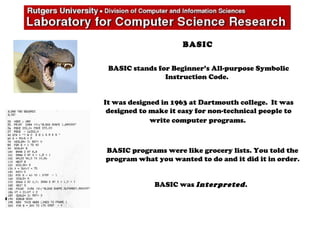
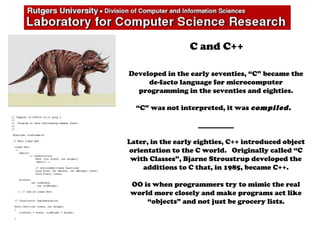


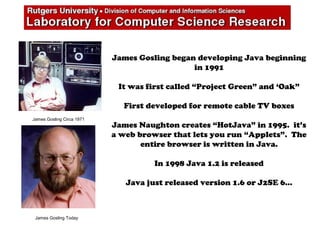


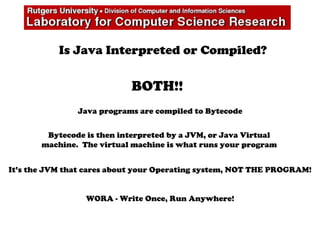

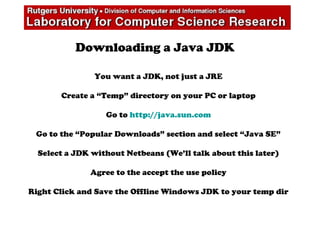
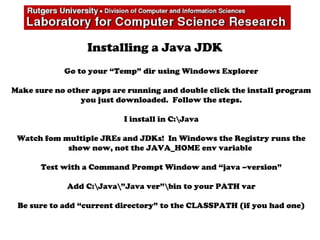
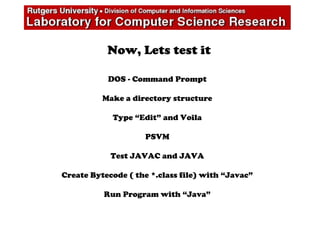
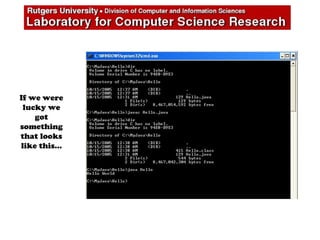


This document provides an overview of how to install and begin using the Java programming language. It first gives a brief history of Java and its origins in the 1990s at Sun Microsystems. It then explains how to download and install the Java Development Kit (JDK) on a Windows computer, covering creating a temp directory, downloading the offline JDK file from Oracle's website, installing it typically in the C:\Java directory, and adding the bin path to the system PATH environment variable. Finally, it demonstrates a simple "Hello World" Java program using the javac compiler to create bytecode and java to run the program, showing the basic workflow of Java's compile and interpret process.


