CF apps...dev to production...
CommandBox,CFConfig,Docker
Now with 200% more productivity
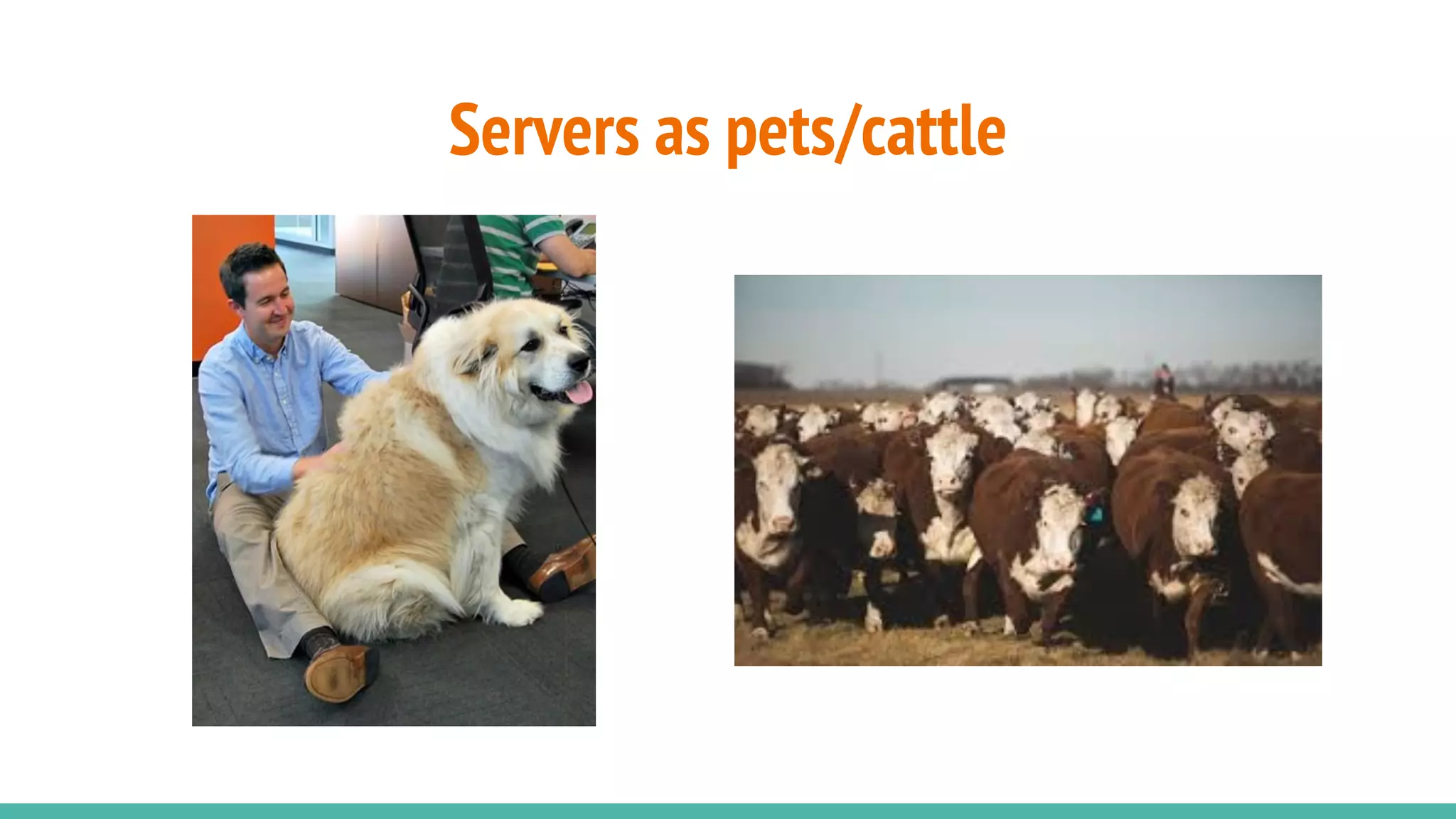
Servers as pets/cattle
Deploying your site anywhere should be:
● Automated
● Repeatable
● Easy
Three pillars of your servers are:
● CF Engine/version
● CF Config (mappings/datasources)
● Your code (CFML)
You shouldn’t need to:
● Download anything
● Run an installer
● Log into a Web UI to enter settings
● Run updaters to get the latest version
● Wonder if this server/PC is the same as all the others
● Take days or weeks to provision a new server
CF Engine/version
CommandBox Servers and server.json
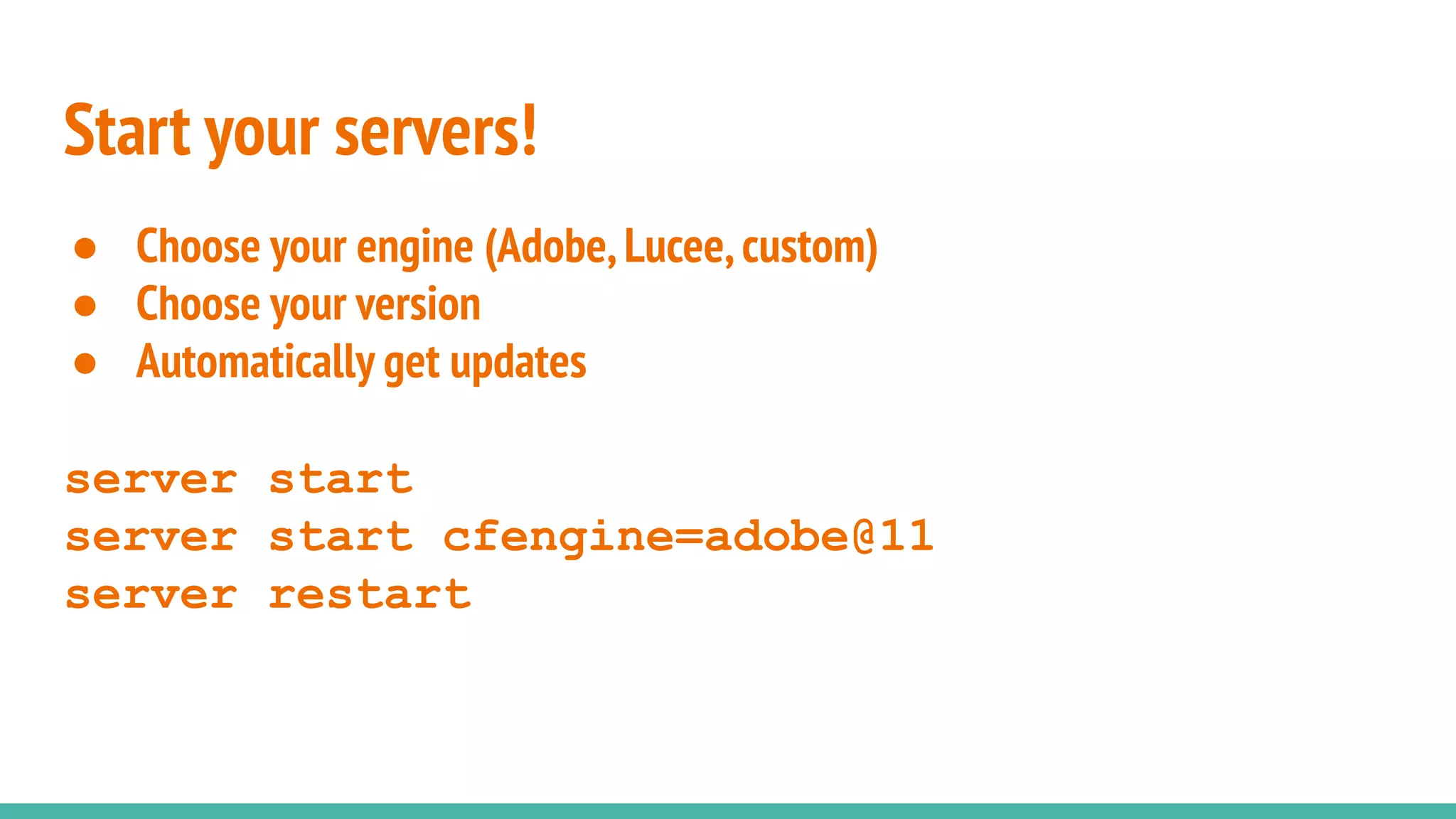
Start your servers!
● Choose your engine (Adobe,Lucee,custom)
● Choose your version
● Automatically get updates
server start
server start cfengine=adobe@11
server restart
Server.json
● Heap size
● JVM args
● Java version
● Ports/HTTP(S)/AJP
● Virtual directories
● Much,much,more...
● Commit to repo to share with team
IIS Connector (Boncode)
● http://www.boncode.net/boncode-connector
● https://www.youtube.com/watch?v=8q7sSZ7gK3E
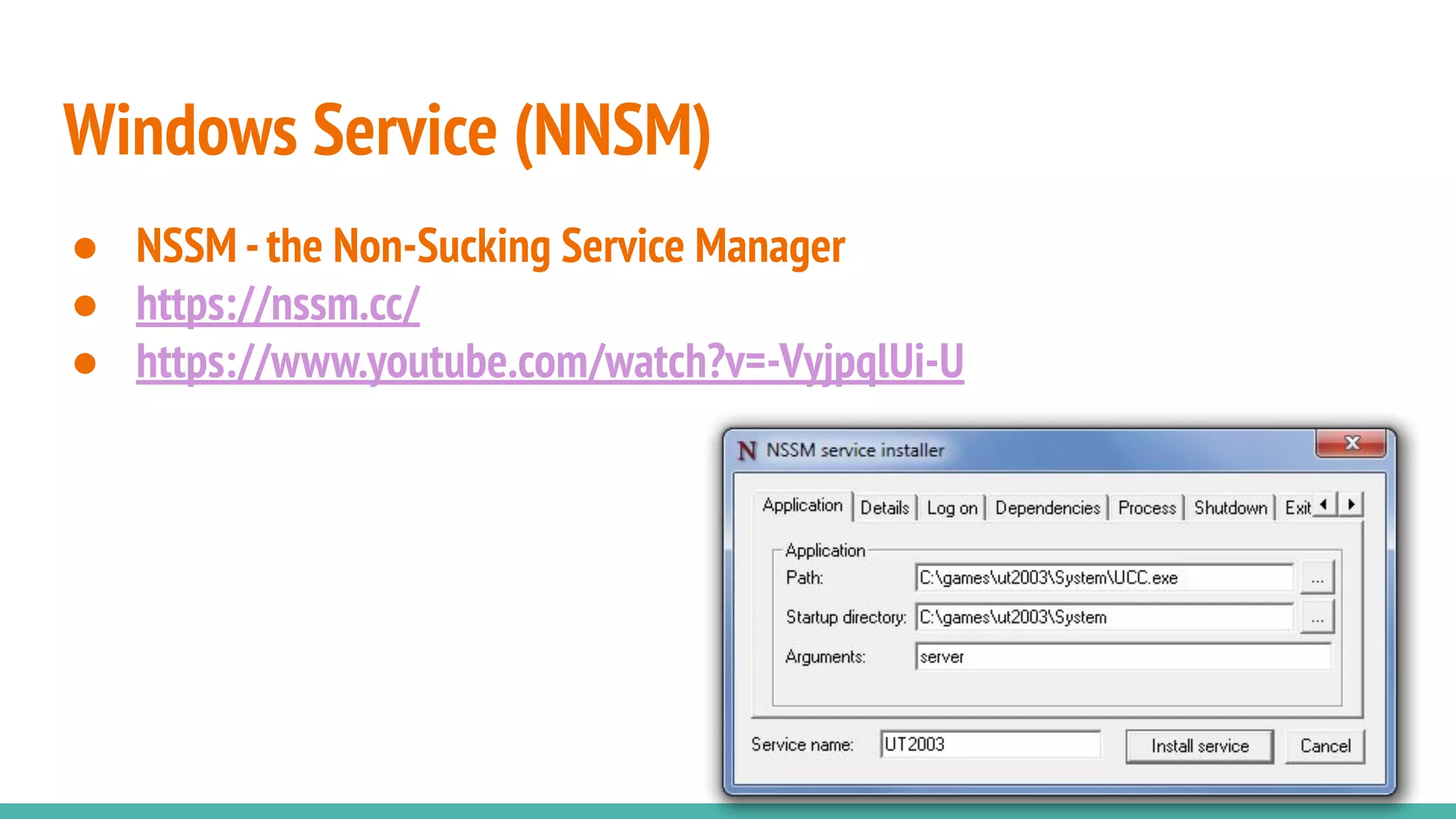
Windows Service (NNSM)
● NSSM -the Non-Sucking Service Manager
● https://nssm.cc/
● https://www.youtube.com/watch?v=-VyjpqlUi-U
CF Config
Configs all the CF things
Manages everything in the CF administrator
● Datasources
● Caches
● CF Mappings
● Debugging/security settings
● Lockdown
● Scheduled tasks
● Mail server(s)
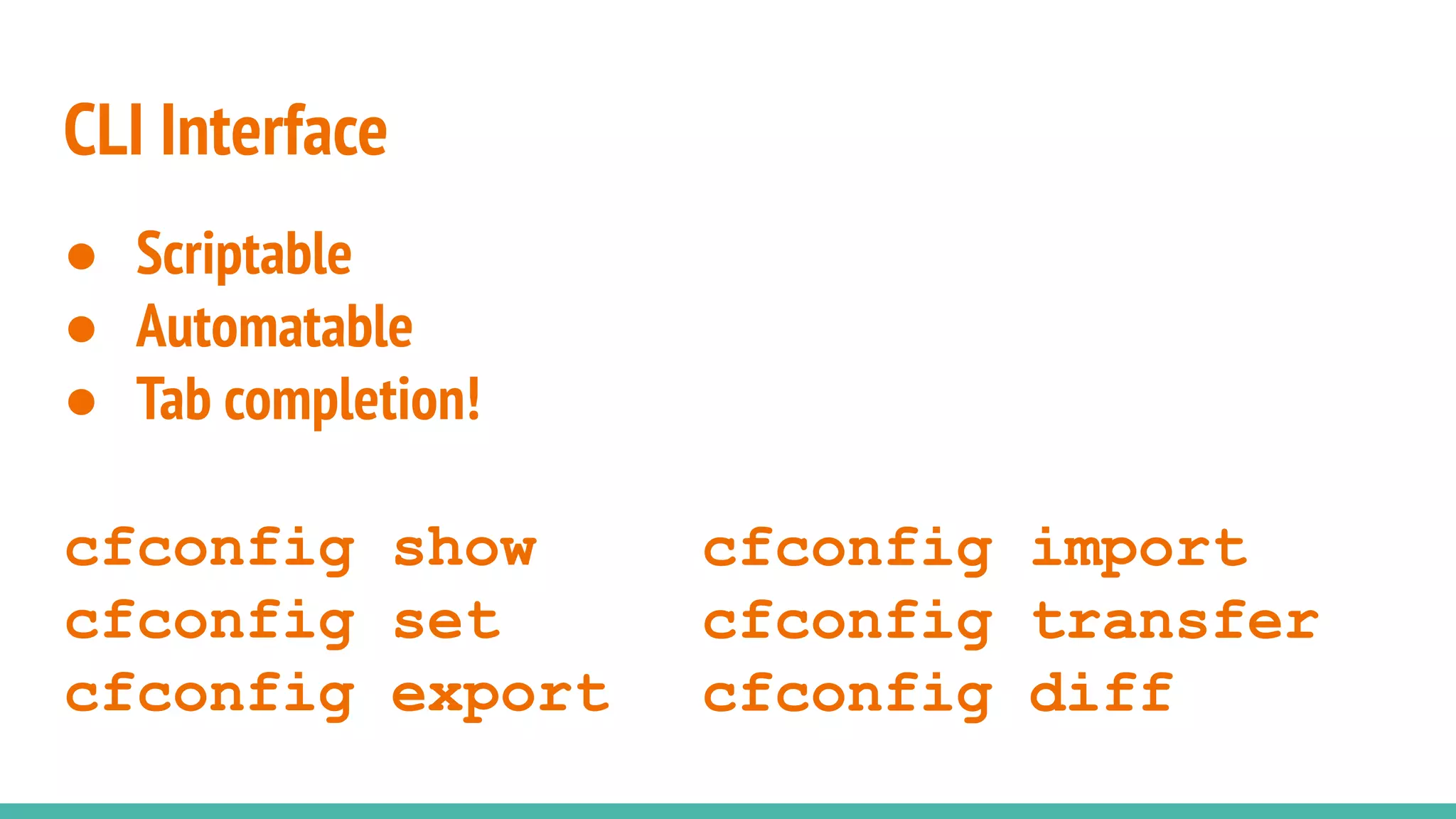
CLI Interface
● Scriptable
● Automatable
● Tab completion!
cfconfig show
cfconfig set
cfconfig export
cfconfig import
cfconfig transfer
cfconfig diff
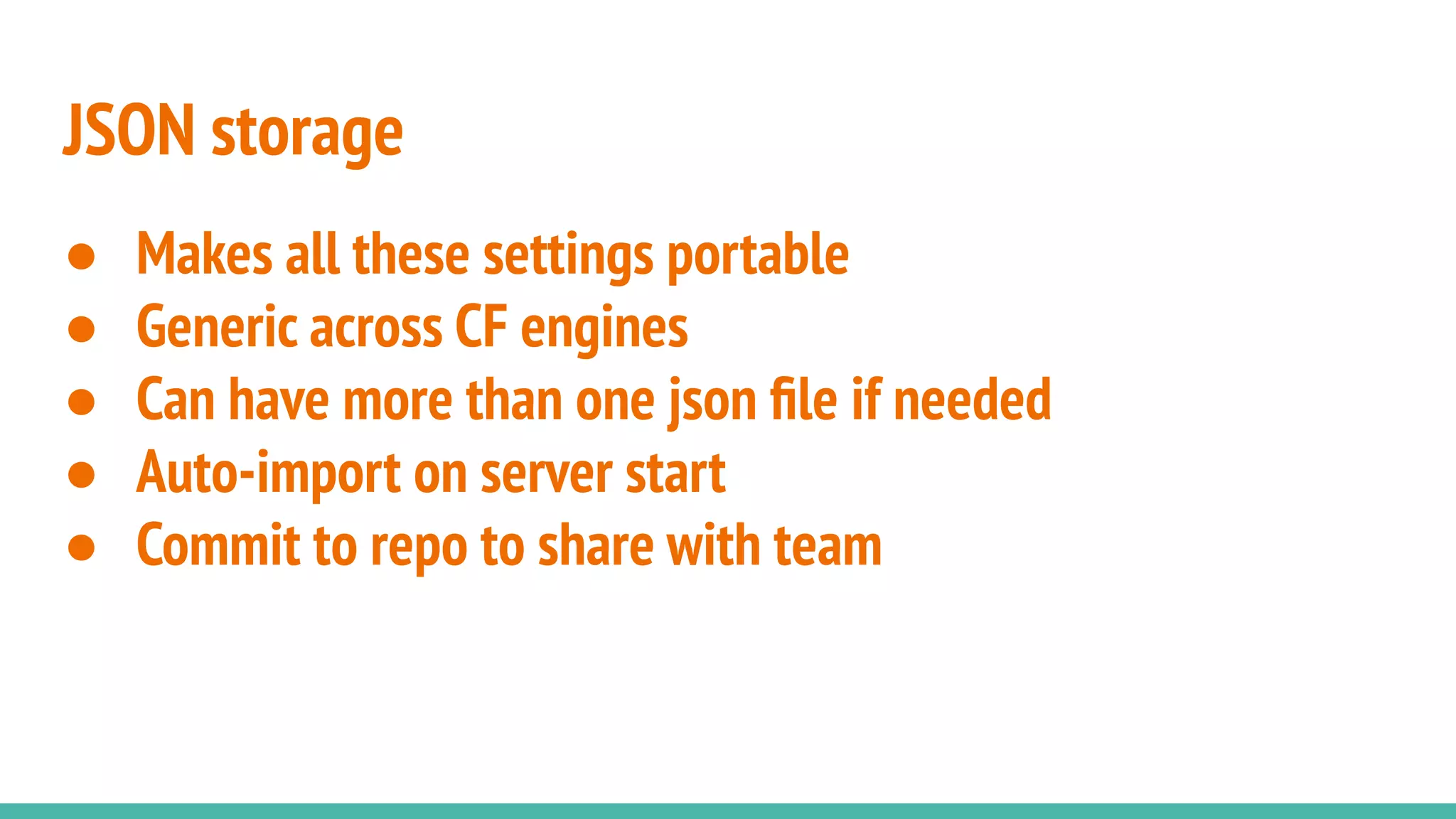
JSON storage
● Makes all these settings portable
● Generic across CF engines
● Can have more than one json file if needed
● Auto-import on server start
● Commit to repo to share with team
Your code
CFML of course!
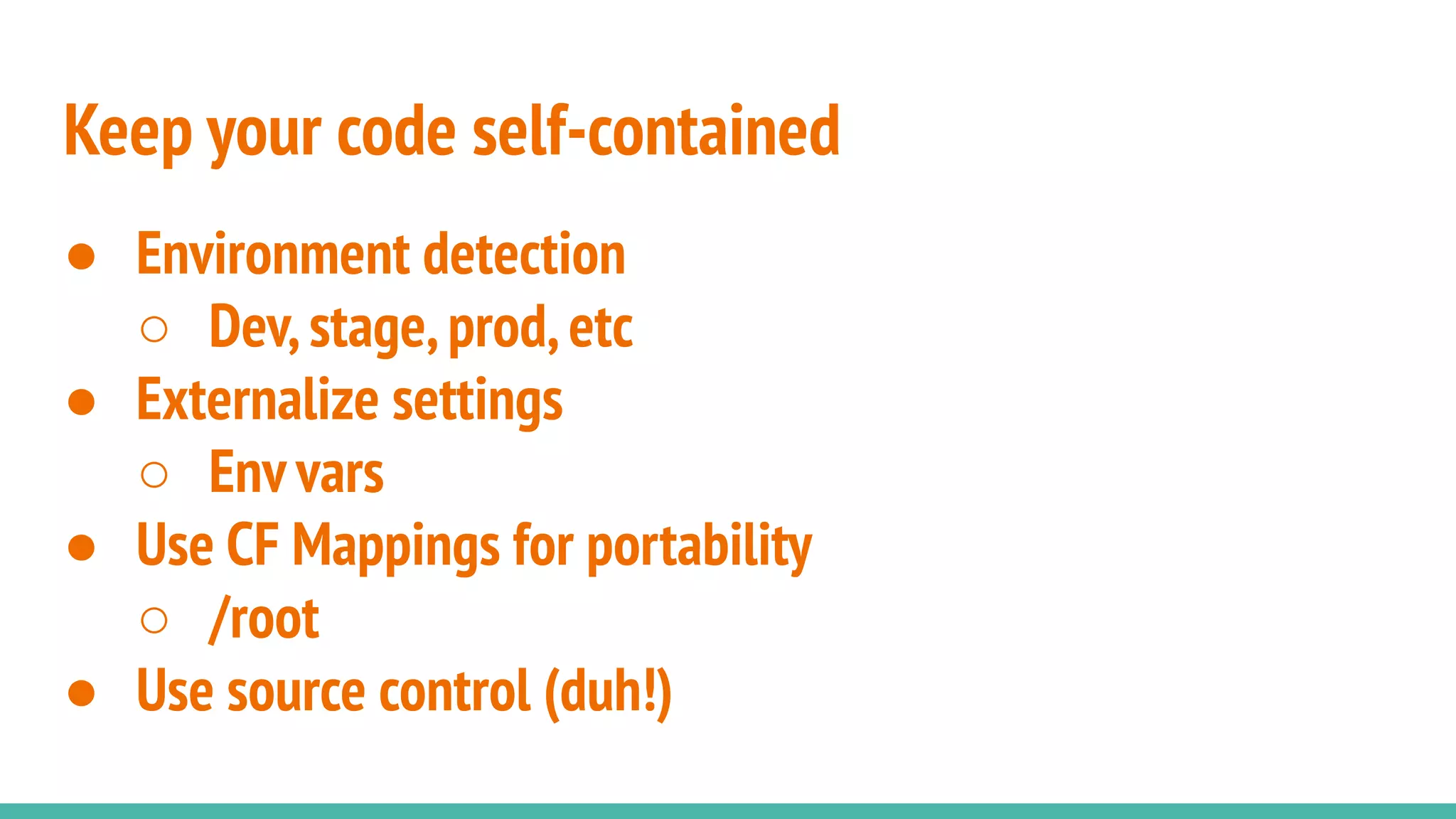
Keep your code self-contained
● Environment detection
○ Dev,stage,prod,etc
● Externalize settings
○ Env vars
● Use CF Mappings for portability
○ /root
● Use source control (duh!)
Use box.json for dependencies
● Define 3rd party frameworks/libraries
● Describes dependencies of your app not in source control
● Can dial in exact versions or version ranges with semver
● Pull in with“box install”to“build out”code
● For a production build,use“install --production”
Environment Variables
Java System props work too
Environment variables
● Used to externalize settings that are different per
server/tier
● Used to secure sensitive settings like passwords
● The standard in cloud deployments
● Can also be Java System properties
Environment variables
● Can be used in CommandBox CLI and JSON files via
${ENV_NAME:default}
○ server.json
○ .cfconfig.json
○ box.json
● Built into Lucee’s“server”scope
● Built into ColdBox 5 configs
● Easily access via CFMLvia Java
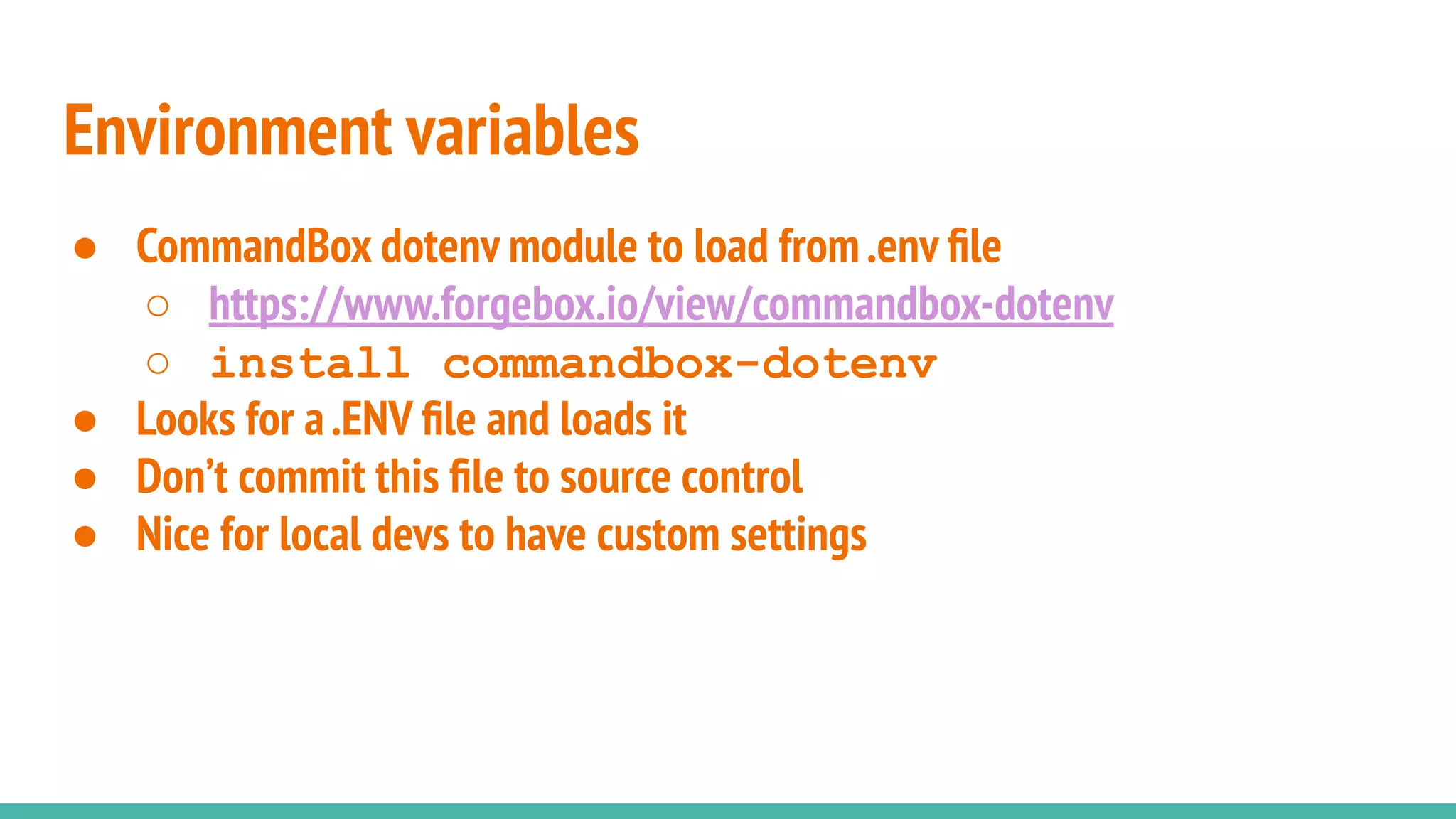
● CommandBox dotenv module to load from.env file
○ https://www.forgebox.io/view/commandbox-dotenv
○ install commandbox-dotenv
● Looks for a.ENV file and loads it
● Don’t commit this file to source control
● Nice for local devs to have custom settings
Environment variables
Destination: Happy Place
Wrap up an entire website server, config,
and code in your source repo with the code
and a few JSON files
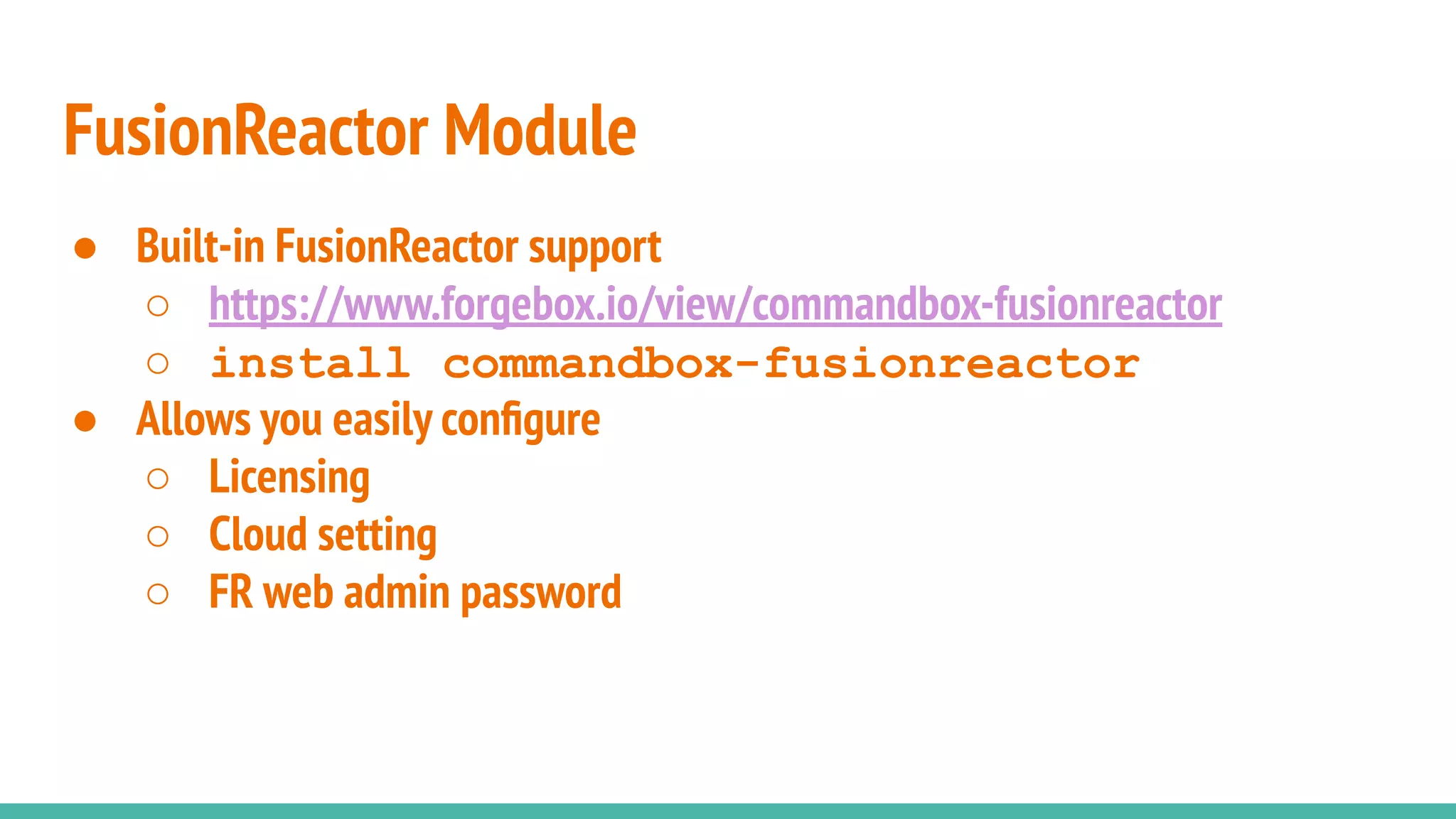
● Built-in FusionReactor support
○ https://www.forgebox.io/view/commandbox-fusionreactor
○ install commandbox-fusionreactor
● Allows you easily configure
○ Licensing
○ Cloud setting
○ FR web admin password
FusionReactor Module
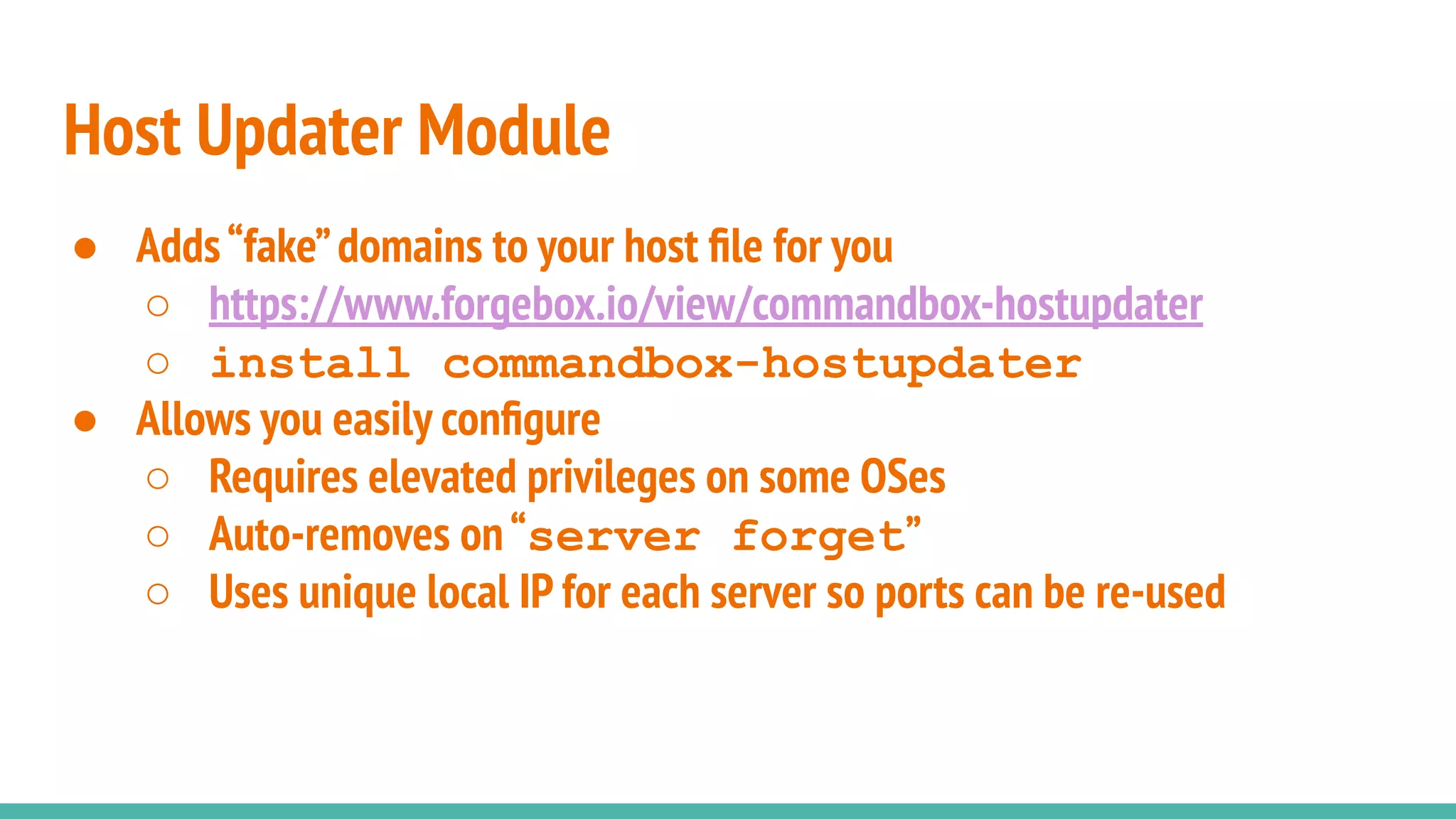
● Adds“fake”domains to your host file for you
○ https://www.forgebox.io/view/commandbox-hostupdater
○ install commandbox-hostupdater
● Allows you easily configure
○ Requires elevated privileges on some OSes
○ Auto-removes on“server forget”
○ Uses unique local IP for each server so ports can be re-used
Host Updater Module
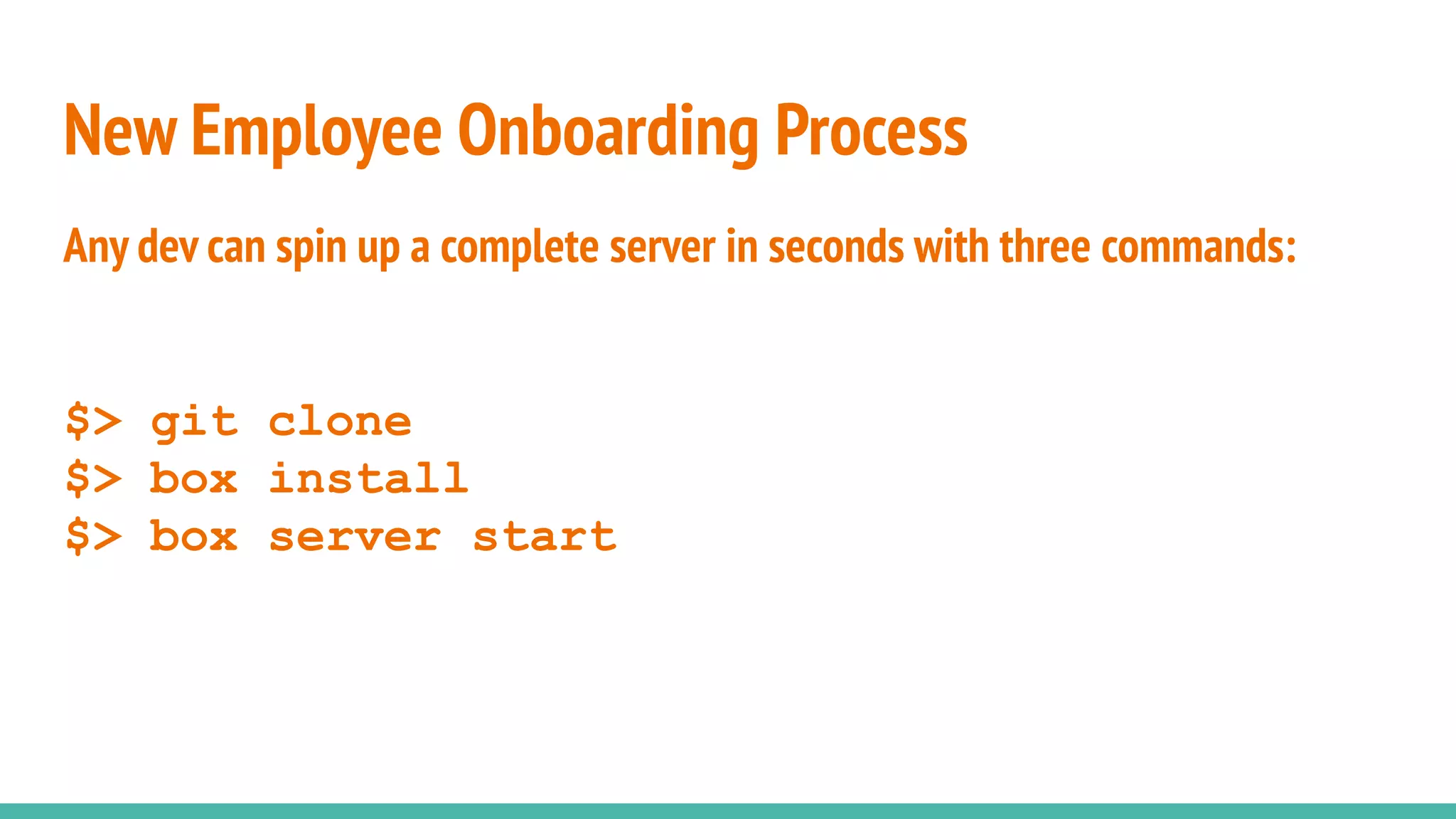
Any dev can spin up a complete server in seconds with three commands:
$> git clone
$> box install
$> box server start
New Employee Onboarding Process
Docker
All aboard the party boat...
● Servers as cattle
● The ultimate in encapsulated server deploys
● Super lightweight
● Super fast to deploy
Docker
● On Docker Hub
● https://hub.docker.com/r/ortussolutions/commandbox/
● All previous CommandBox/CFConfig features apply to Docker
● Server.json gets picked up
● CFConfig gets bundled
● Install dependencies from box.json
● Do a warmup step in your build so everything is ready to go
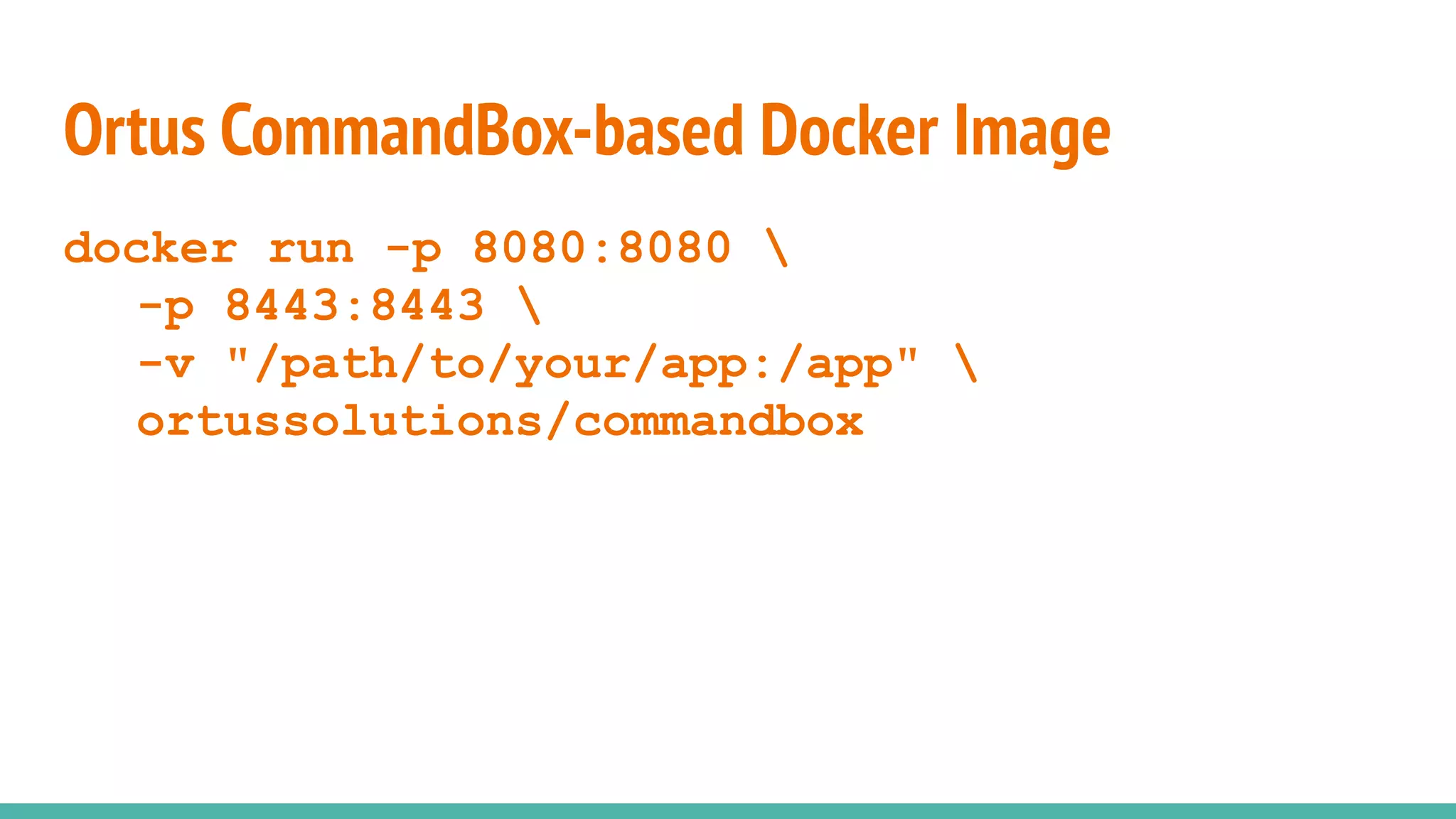
Ortus CommandBox-based Docker Image
docker run -p 8080:8080 
-p 8443:8443 
-v "/path/to/your/app:/app" 
ortussolutions/commandbox
Ortus CommandBox-based Docker Image
● Tons of env vars available
○ PORT / SSL_PORT
○ cfconfigfile
○ cfconfig_[engine setting]
○ HEADLESS
○ BOX_INSTALL
○ URL_REWRITES
● Support for Docker Secrets
Ortus CommandBox-based Docker Image

ITB2019 Scaling with CommandBox in Production! - Brad Wood

  • 1.
    CF apps...dev toproduction... CommandBox,CFConfig,Docker Now with 200% more productivity
  • 2.
  • 3.
    Deploying your siteanywhere should be: ● Automated ● Repeatable ● Easy
  • 4.
    Three pillars ofyour servers are: ● CF Engine/version ● CF Config (mappings/datasources) ● Your code (CFML)
  • 5.
    You shouldn’t needto: ● Download anything ● Run an installer ● Log into a Web UI to enter settings ● Run updaters to get the latest version ● Wonder if this server/PC is the same as all the others ● Take days or weeks to provision a new server
  • 6.
  • 7.
    Start your servers! ●Choose your engine (Adobe,Lucee,custom) ● Choose your version ● Automatically get updates server start server start cfengine=adobe@11 server restart
  • 8.
    Server.json ● Heap size ●JVM args ● Java version ● Ports/HTTP(S)/AJP ● Virtual directories ● Much,much,more... ● Commit to repo to share with team
  • 9.
    IIS Connector (Boncode) ●http://www.boncode.net/boncode-connector ● https://www.youtube.com/watch?v=8q7sSZ7gK3E
  • 10.
    Windows Service (NNSM) ●NSSM -the Non-Sucking Service Manager ● https://nssm.cc/ ● https://www.youtube.com/watch?v=-VyjpqlUi-U
  • 11.
  • 12.
    Manages everything inthe CF administrator ● Datasources ● Caches ● CF Mappings ● Debugging/security settings ● Lockdown ● Scheduled tasks ● Mail server(s)
  • 13.
    CLI Interface ● Scriptable ●Automatable ● Tab completion! cfconfig show cfconfig set cfconfig export cfconfig import cfconfig transfer cfconfig diff
  • 14.
    JSON storage ● Makesall these settings portable ● Generic across CF engines ● Can have more than one json file if needed ● Auto-import on server start ● Commit to repo to share with team
  • 15.
  • 16.
    Keep your codeself-contained ● Environment detection ○ Dev,stage,prod,etc ● Externalize settings ○ Env vars ● Use CF Mappings for portability ○ /root ● Use source control (duh!)
  • 17.
    Use box.json fordependencies ● Define 3rd party frameworks/libraries ● Describes dependencies of your app not in source control ● Can dial in exact versions or version ranges with semver ● Pull in with“box install”to“build out”code ● For a production build,use“install --production”
  • 18.
  • 19.
    Environment variables ● Usedto externalize settings that are different per server/tier ● Used to secure sensitive settings like passwords ● The standard in cloud deployments ● Can also be Java System properties
  • 20.
    Environment variables ● Canbe used in CommandBox CLI and JSON files via ${ENV_NAME:default} ○ server.json ○ .cfconfig.json ○ box.json ● Built into Lucee’s“server”scope ● Built into ColdBox 5 configs ● Easily access via CFMLvia Java
  • 21.
    ● CommandBox dotenvmodule to load from.env file ○ https://www.forgebox.io/view/commandbox-dotenv ○ install commandbox-dotenv ● Looks for a.ENV file and loads it ● Don’t commit this file to source control ● Nice for local devs to have custom settings Environment variables
  • 22.
    Destination: Happy Place Wrapup an entire website server, config, and code in your source repo with the code and a few JSON files
  • 23.
    ● Built-in FusionReactorsupport ○ https://www.forgebox.io/view/commandbox-fusionreactor ○ install commandbox-fusionreactor ● Allows you easily configure ○ Licensing ○ Cloud setting ○ FR web admin password FusionReactor Module
  • 24.
    ● Adds“fake”domains toyour host file for you ○ https://www.forgebox.io/view/commandbox-hostupdater ○ install commandbox-hostupdater ● Allows you easily configure ○ Requires elevated privileges on some OSes ○ Auto-removes on“server forget” ○ Uses unique local IP for each server so ports can be re-used Host Updater Module
  • 25.
    Any dev canspin up a complete server in seconds with three commands: $> git clone $> box install $> box server start New Employee Onboarding Process
  • 26.
    Docker All aboard theparty boat...
  • 27.
    ● Servers ascattle ● The ultimate in encapsulated server deploys ● Super lightweight ● Super fast to deploy Docker
  • 28.
    ● On DockerHub ● https://hub.docker.com/r/ortussolutions/commandbox/ ● All previous CommandBox/CFConfig features apply to Docker ● Server.json gets picked up ● CFConfig gets bundled ● Install dependencies from box.json ● Do a warmup step in your build so everything is ready to go Ortus CommandBox-based Docker Image
  • 29.
    docker run -p8080:8080 -p 8443:8443 -v "/path/to/your/app:/app" ortussolutions/commandbox Ortus CommandBox-based Docker Image
  • 30.
    ● Tons ofenv vars available ○ PORT / SSL_PORT ○ cfconfigfile ○ cfconfig_[engine setting] ○ HEADLESS ○ BOX_INSTALL ○ URL_REWRITES ● Support for Docker Secrets Ortus CommandBox-based Docker Image