www.intothebox.org
GET STARTED
CI Pipelines can help your team work smarter, not harder. We’ll look at some ways
CI can help your team sleep better at night.
CI is still code, and that means more code to maintain…
Portable CI w/GitLab and Github
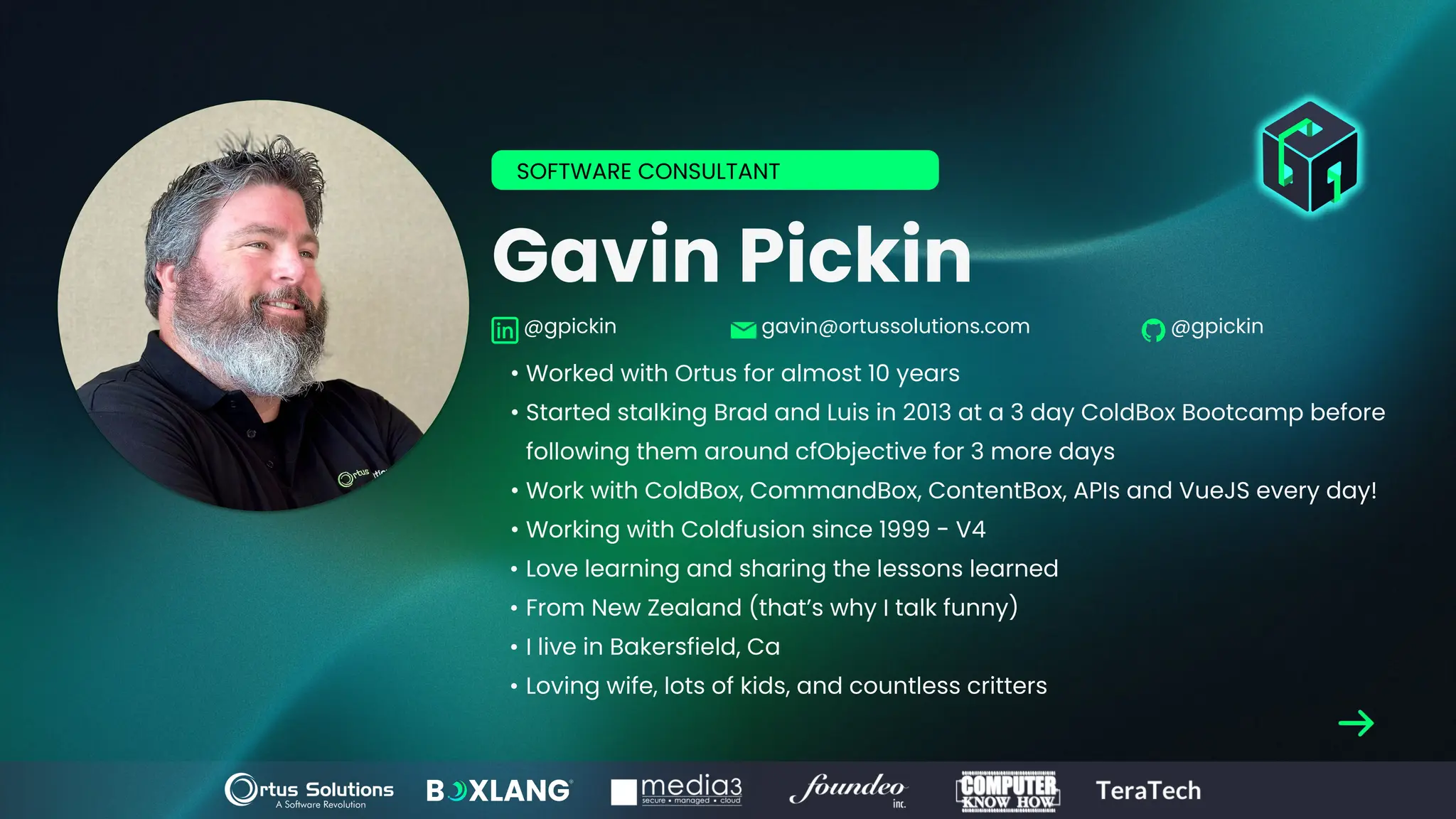
Gavin Pickin
• Worked with Ortus for almost 10 years
• Started stalking Brad and Luis in 2013 at a 3 day ColdBox Bootcamp before
following them around cfObjective for 3 more days
• Work with ColdBox, CommandBox, ContentBox, APIs and VueJS every day!
• Working with Coldfusion since 1999 - V4
• Love learning and sharing the lessons learned
• From New Zealand (that’s why I talk funny)
• I live in Bakersfield, Ca
• Loving wife, lots of kids, and countless critters
SOFTWARE CONSULTANT
@gpickin gavin@ortussolutions.com @gpickin
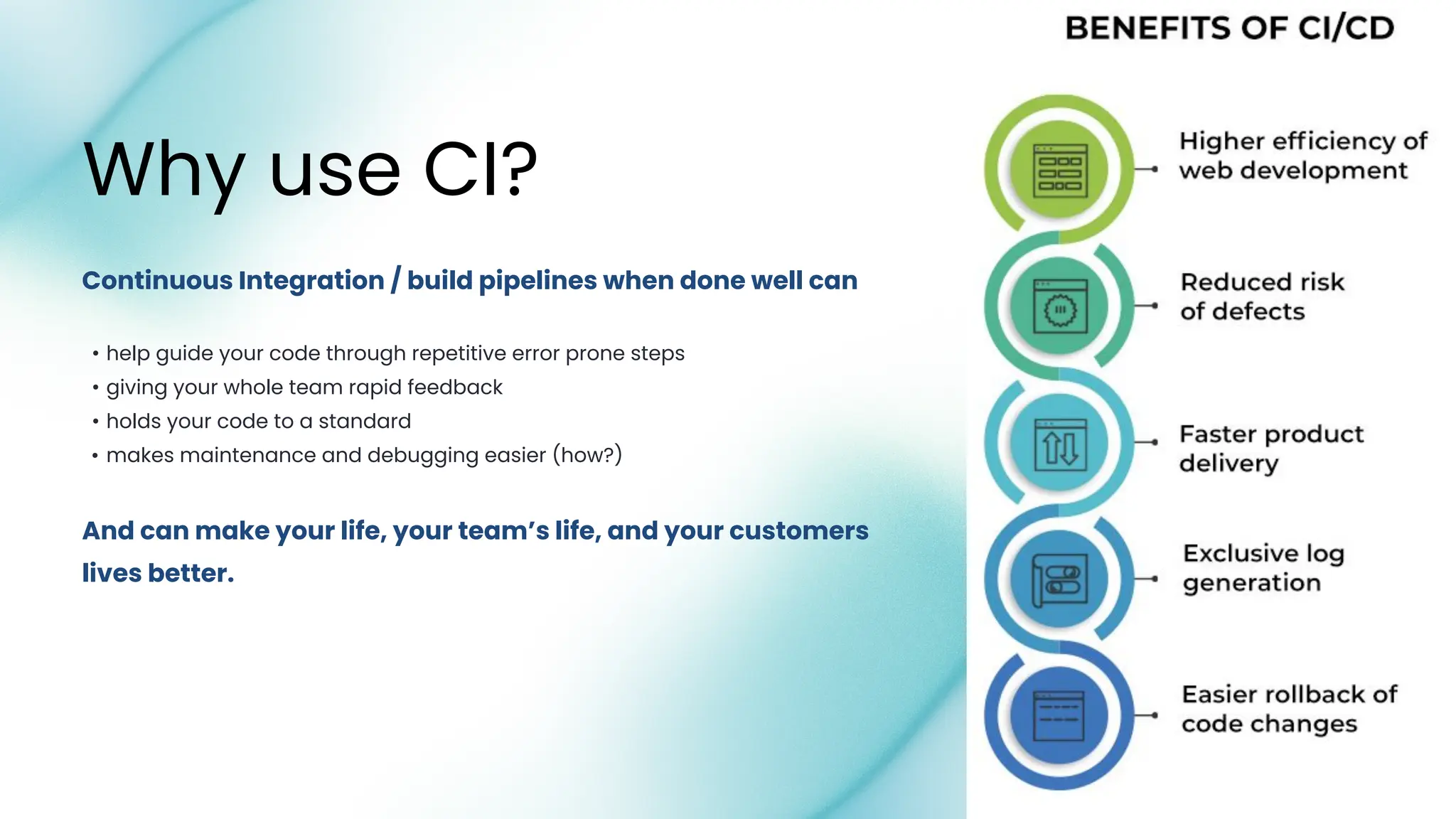
And can make your life, your team’s life, and your customers
lives better.
• help guide your code through repetitive error prone steps
• giving your whole team rapid feedback
• holds your code to a standard
• makes maintenance and debugging easier (how?)
Continuous Integration / build pipelines when done well can
Why use CI?
The problem is:
we have to build those pipelines,
we have to maintain those pipelines,
at the end of the day, it’s more code.
•AWESOME
•REUSABLE
•PORTABLE
How can “YOU” make your CI more:
So what is this talk about?
•So you suffer less
•So you can Build better pipelines
•Have more info to Debug your issues faster
•Sleep better at night
I want to share some lessons I learned
Why should I change my CI?
• Clone your repo
• Install NPM packages if you need them
• Run NPM builds like Webpack or Vite
• Install modules with CommandBox (even private packages with
ForgeBox Login)
• Generate DocBox Docs
• Generate Open API (Swagger) Docs
• Setup Artifacts Directories to track what my Build App contains
Build my App
What could my CI Pipeline do?
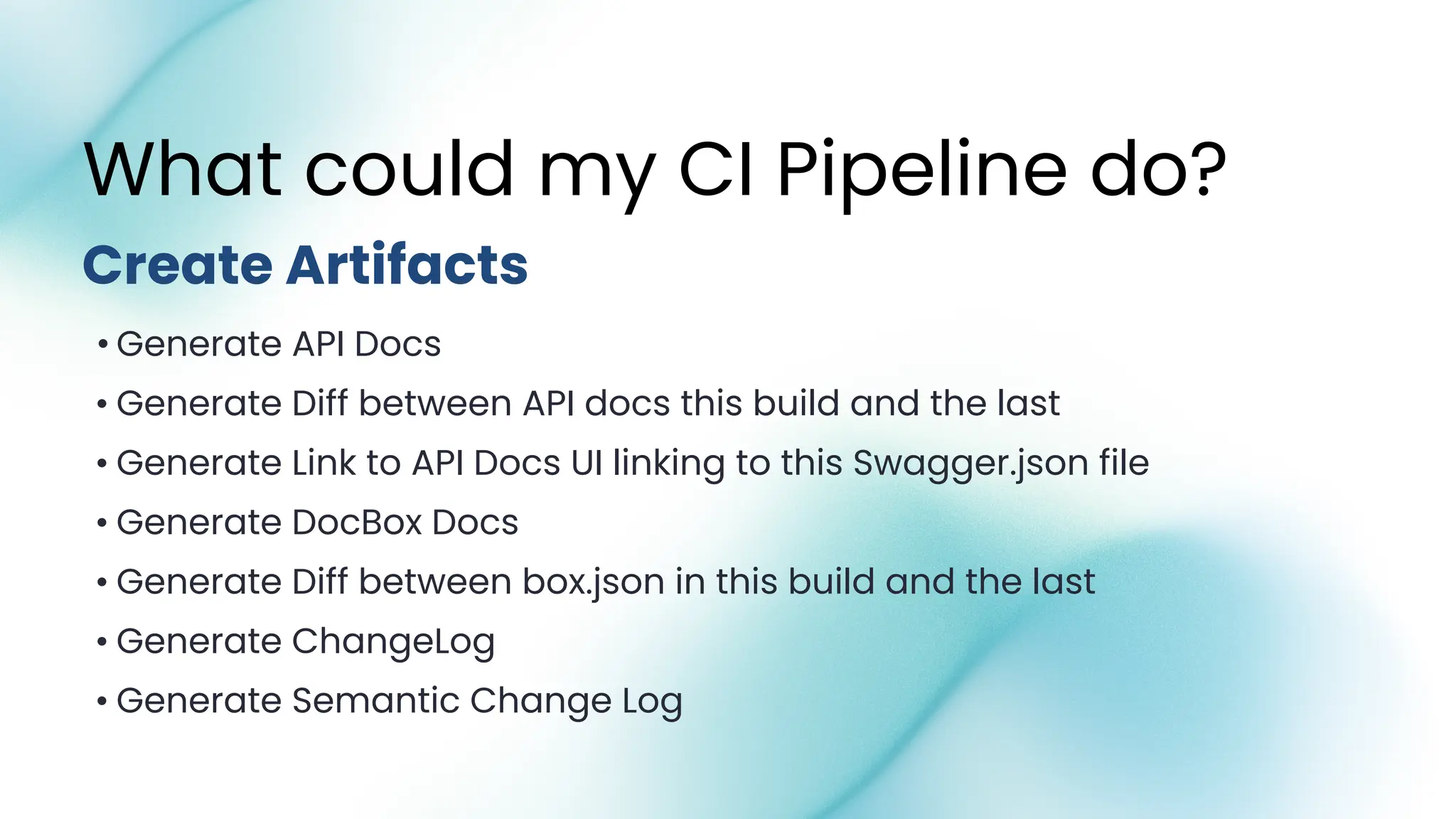
• Generate API Docs
• Generate Diff between API docs this build and the last
• Generate Link to API Docs UI linking to this Swagger.json file
• Generate DocBox Docs
• Generate Diff between box.json in this build and the last
• Generate ChangeLog
• Generate Semantic Change Log
Create Artifacts
What could my CI Pipeline do?
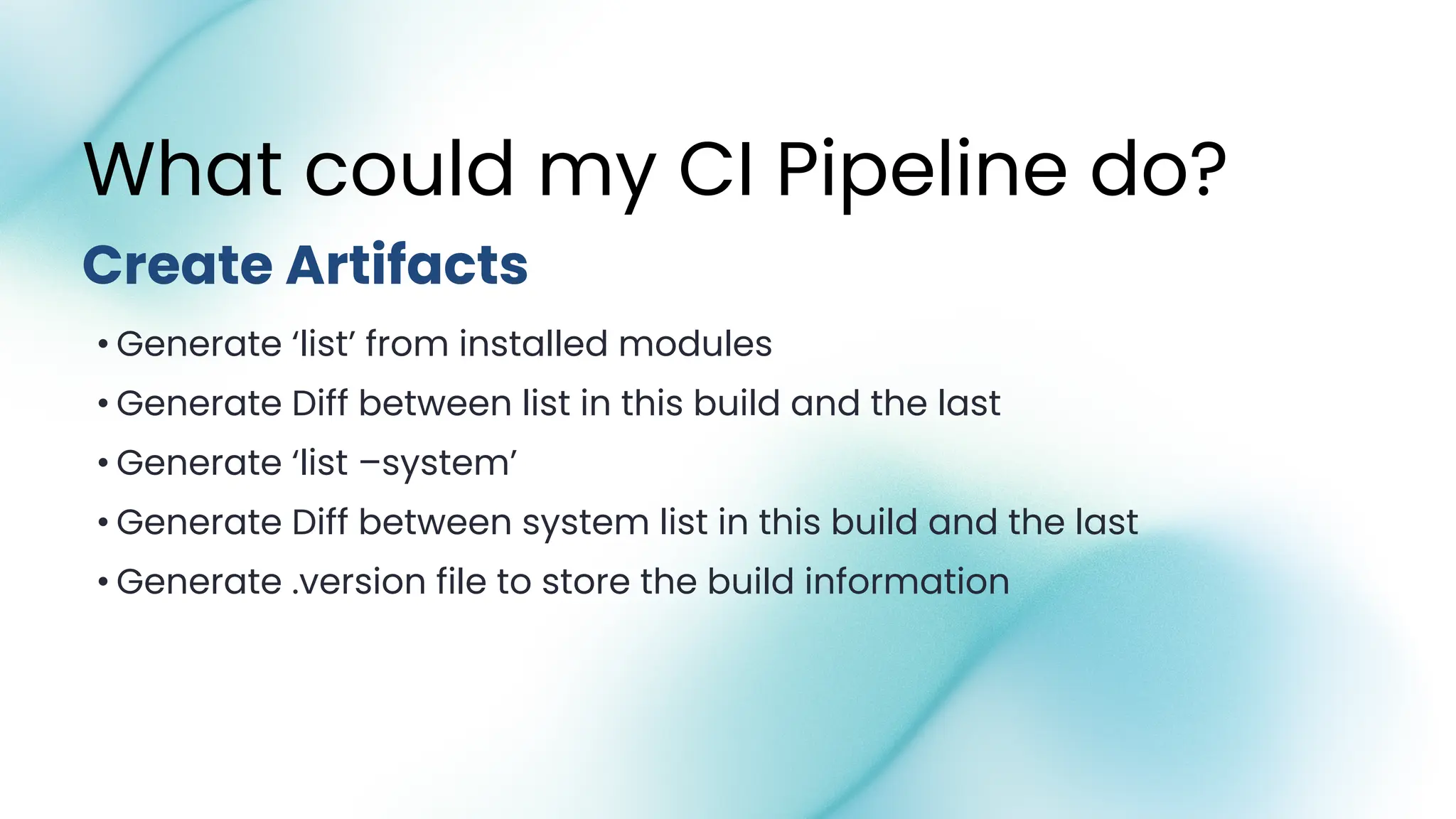
• Generate ‘list’ from installed modules
• Generate Diff between list in this build and the last
• Generate ‘list –system’
• Generate Diff between system list in this build and the last
• Generate .version file to store the build information
What could my CI Pipeline do?
Create Artifacts
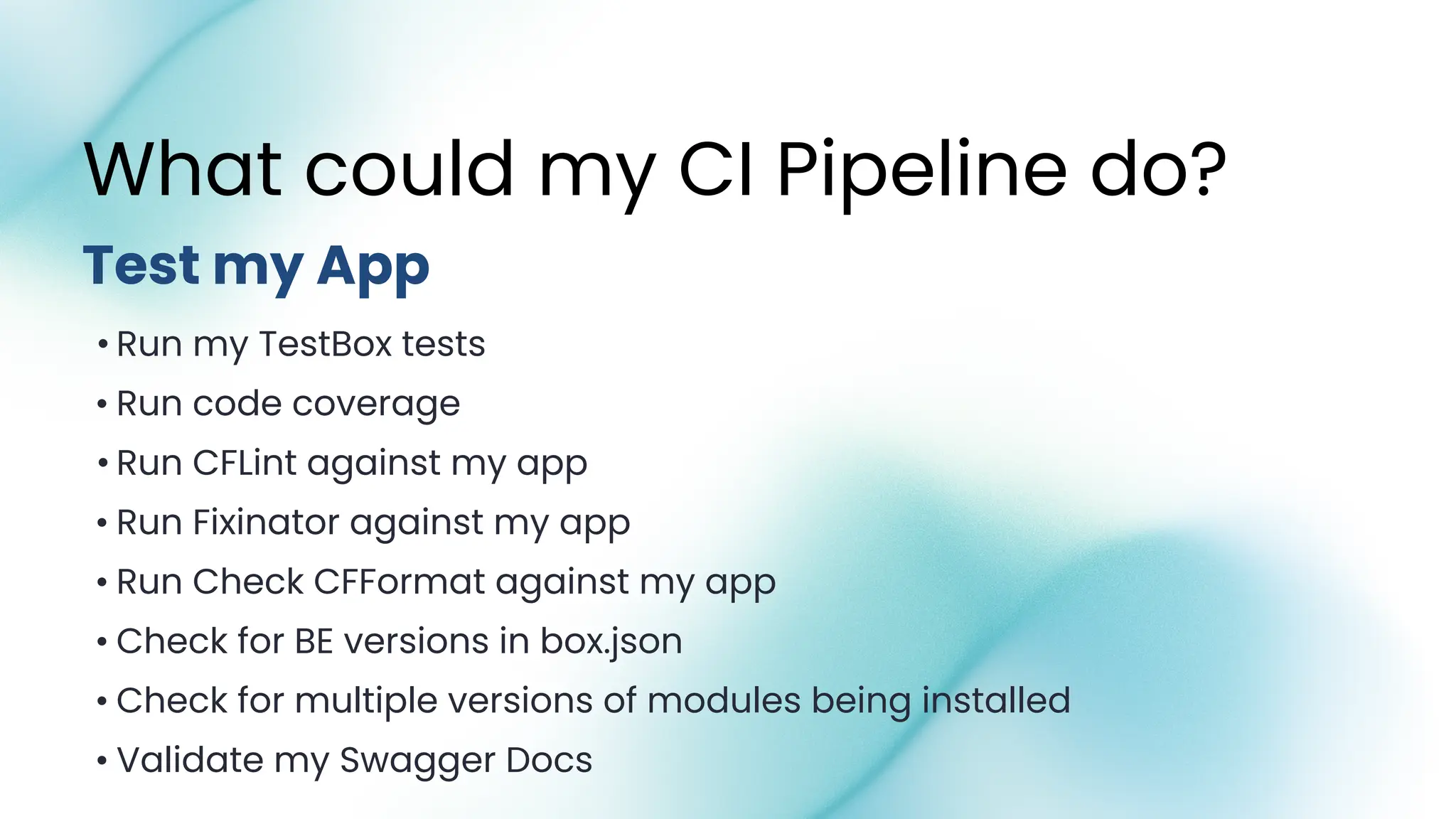
• Run my TestBox tests
• Run code coverage
• Run CFLint against my app
• Run Fixinator against my app
• Run Check CFFormat against my app
• Check for BE versions in box.json
• Check for multiple versions of modules being installed
• Validate my Swagger Docs
What could my CI Pipeline do?
Test my App
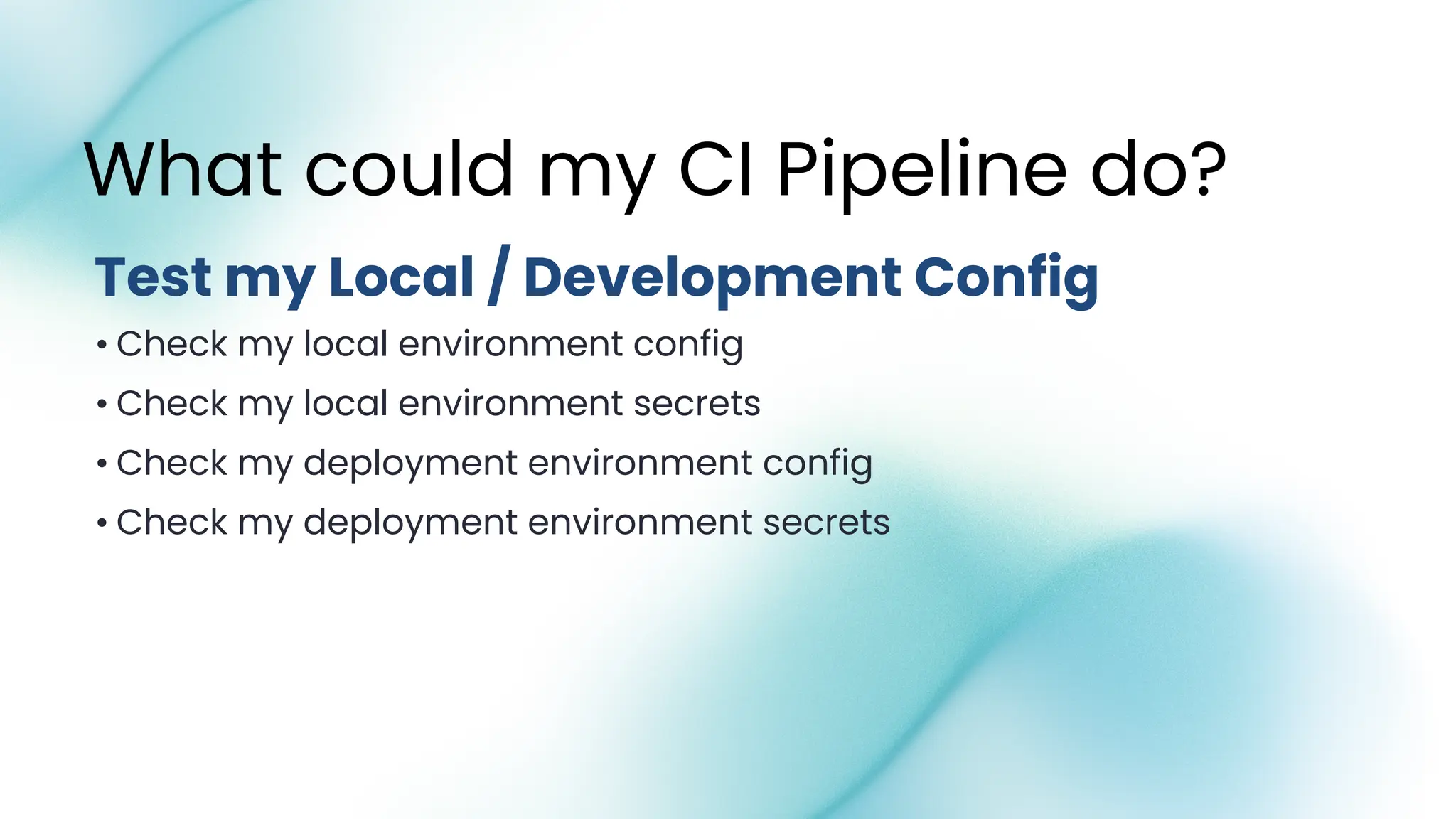
• Check my local environment config
• Check my local environment secrets
• Check my deployment environment config
• Check my deployment environment secrets
What could my CI Pipeline do?
Test my Local / Development Config
• Verify the Build is safe to Deploy
• Verify the Build is ready to Deploy
• Deploy my new Environment Configuration if it’s needed
What could my CI Pipeline do?
Ensure my Build is safe and ready to Deploy
• Copy my tiered files into built files
• Build the ForgeBox package
• Build the docker image
• Store the docker image in registry
What could my CI Pipeline do?
Bundle my App / Docker Image
• Update my Environment Config to be deployed
• Deploy my Docker Image to Portainer
What could my CI Pipeline do?
Deploy my App
• Publish my Bundle Package to ForgeBox
• Rollback my deploy if needed
What could my CI Pipeline do?
After I Deploy my App
• Commit artifacts back to Repo
• Store testbox artifacts
• Store .version, box.json, list.json, list-system.json etc
• Store Swagger Docs
• Store DocBox Docs
• Notify Sentry of new Build Release
• Notify Sentry of a new Deploy
What could my CI Pipeline do?
Store my Artifacts
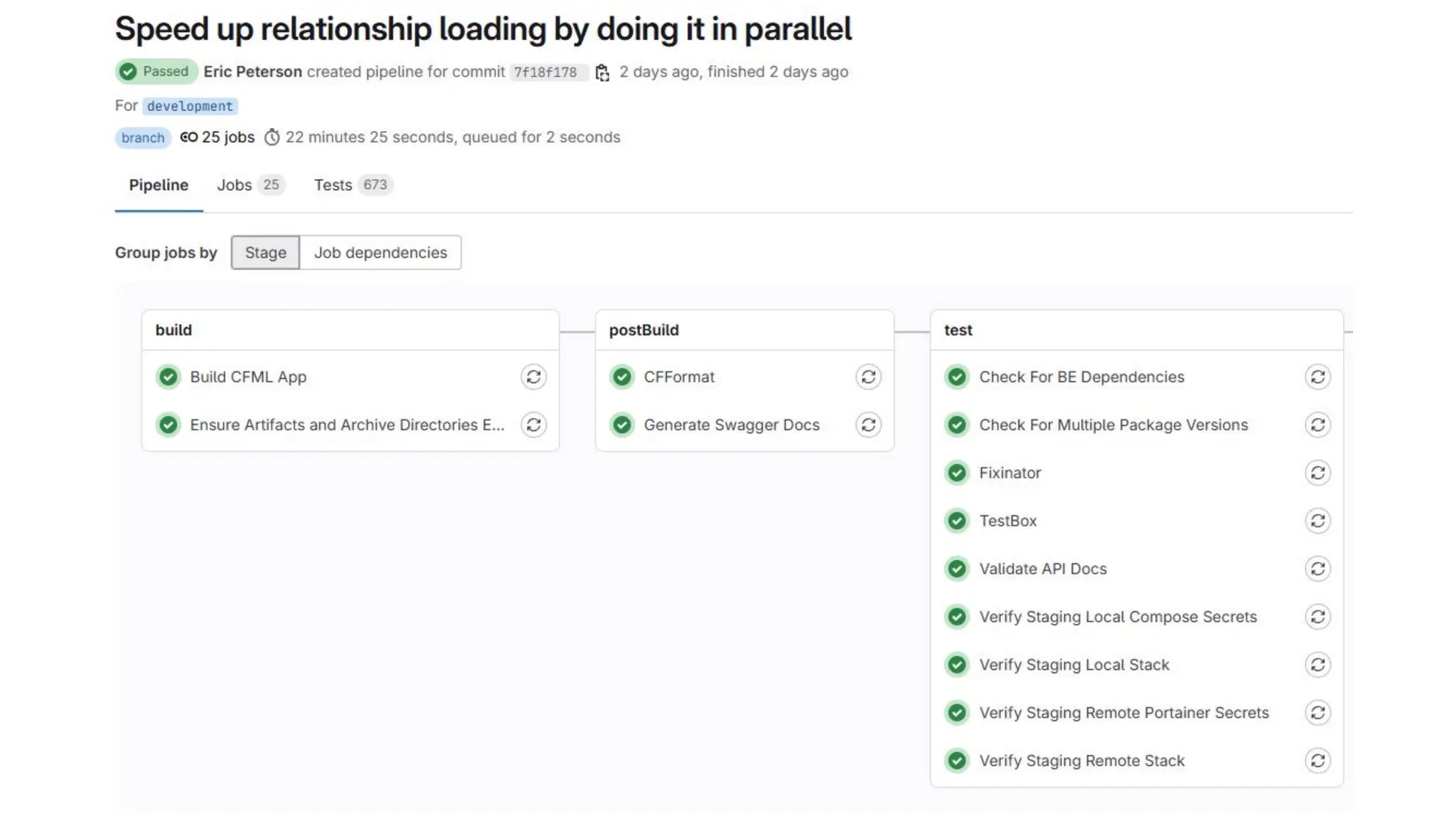
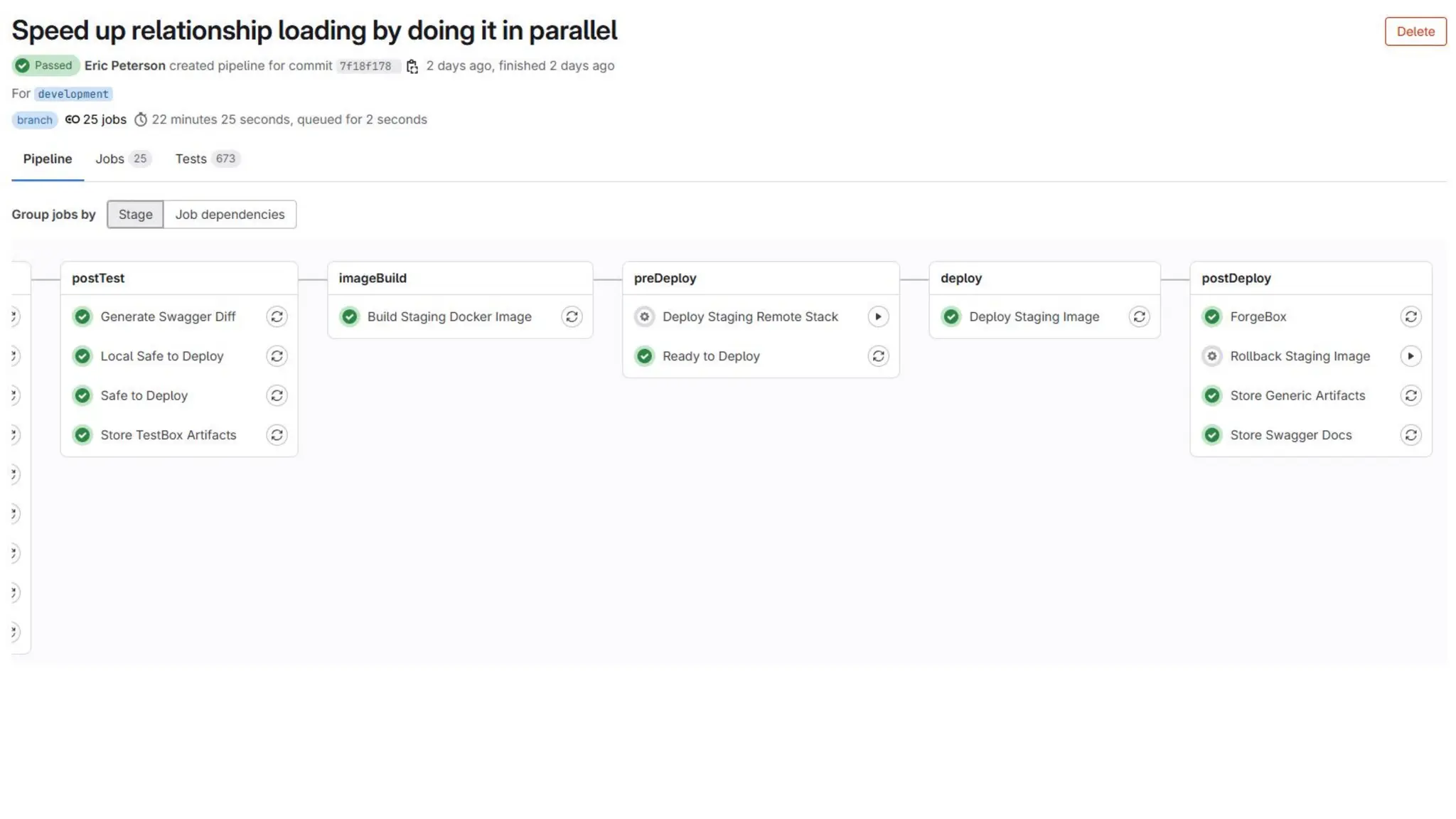
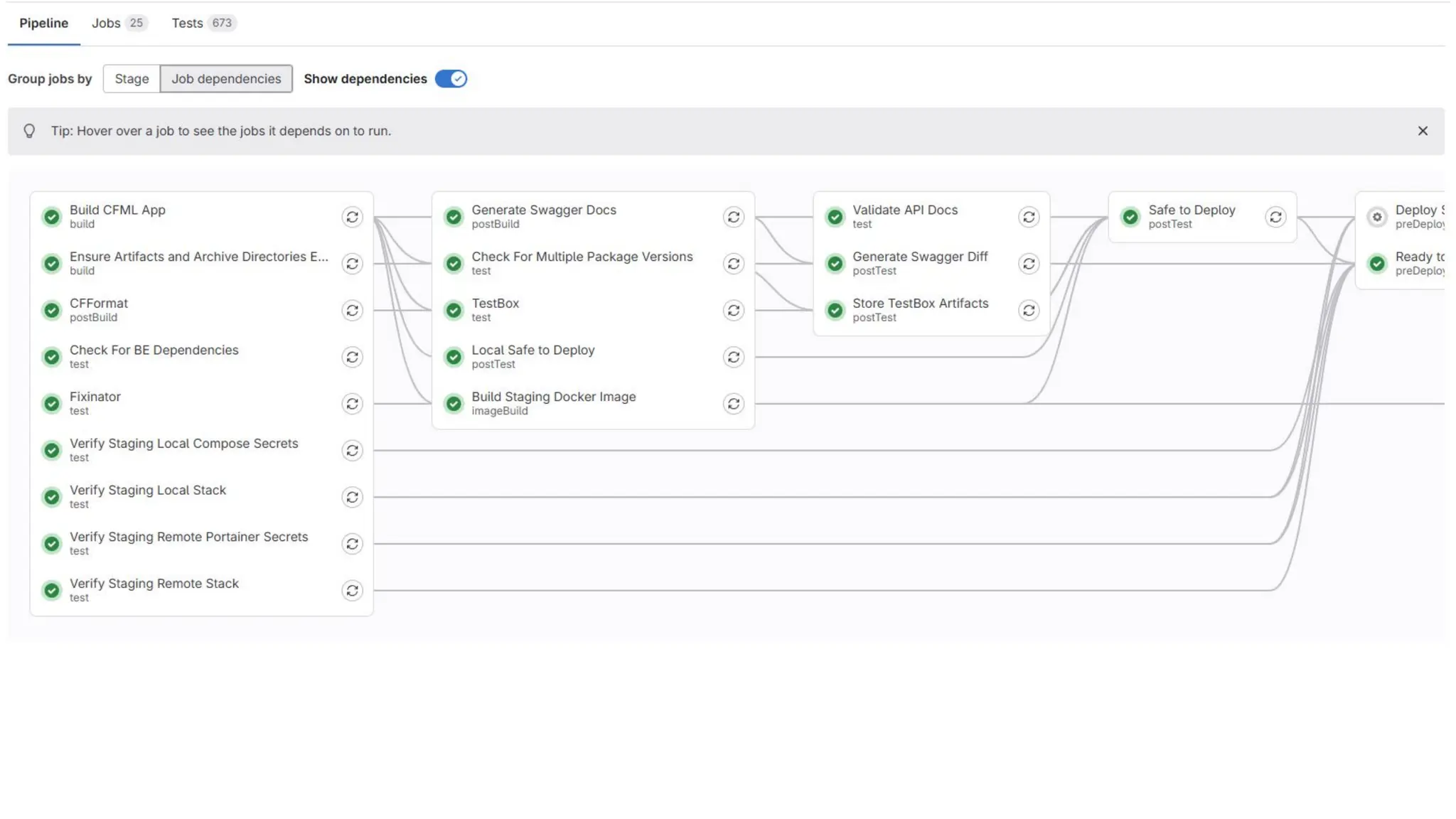
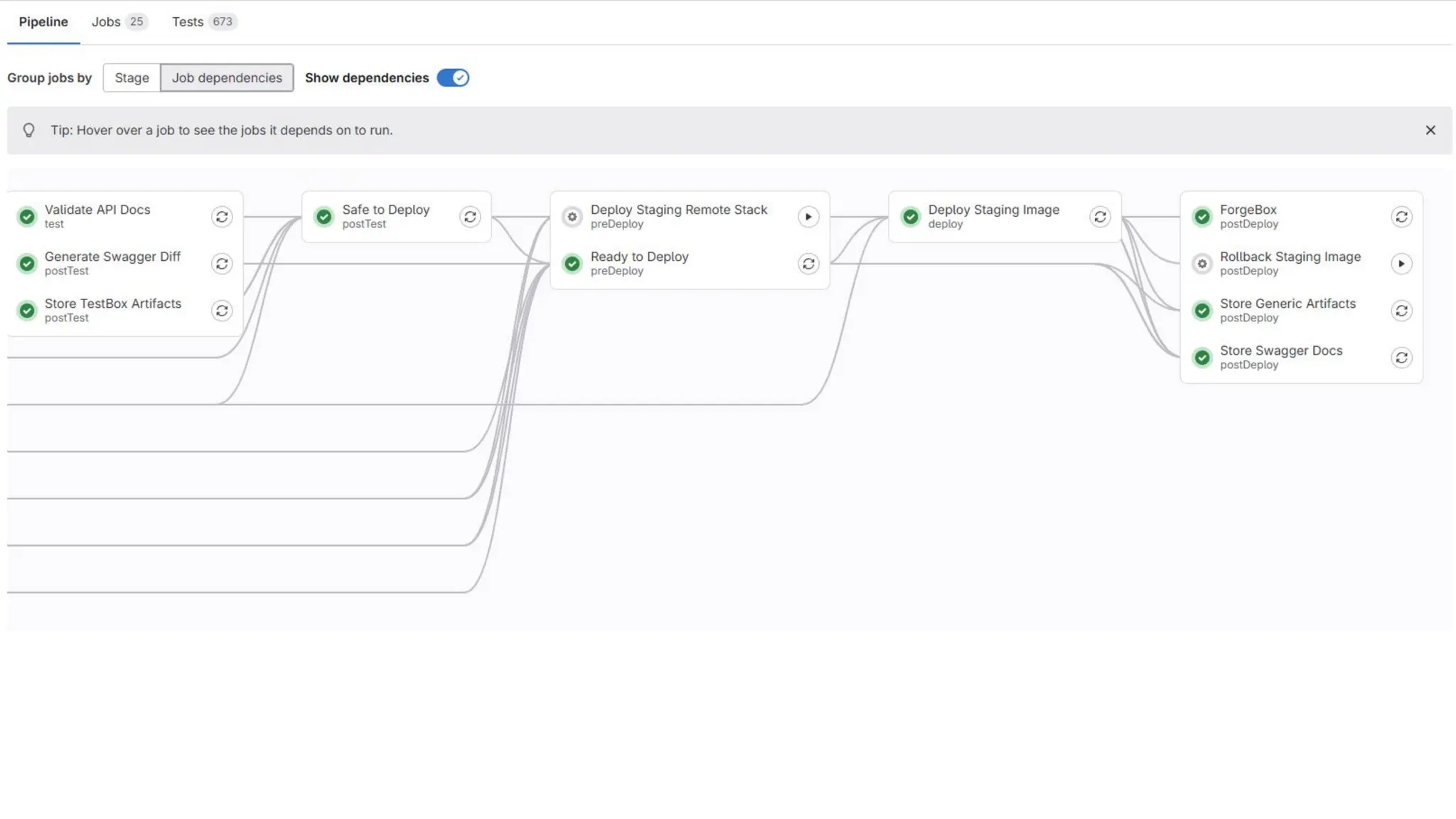
Want to see that that might look like?
How many lines of code in that build
process?
How many lines of code in that build
process?
OVER 1,000 LOC
If I have 20 apps, how many lines of
code is there in build processes?
If I have 20 apps, how many lines of
code is there in build processes?
OVER 20,000 LOC
How many hours did I spend
updating 20 apps CI pipelines,
waiting for all the builds to run, and
debug each of them separately?
How many hours did I spend
updating 20 apps CI pipelines,
waiting for all the builds to run, and
debug each of them separately?
WAY TOO MANY HOURS
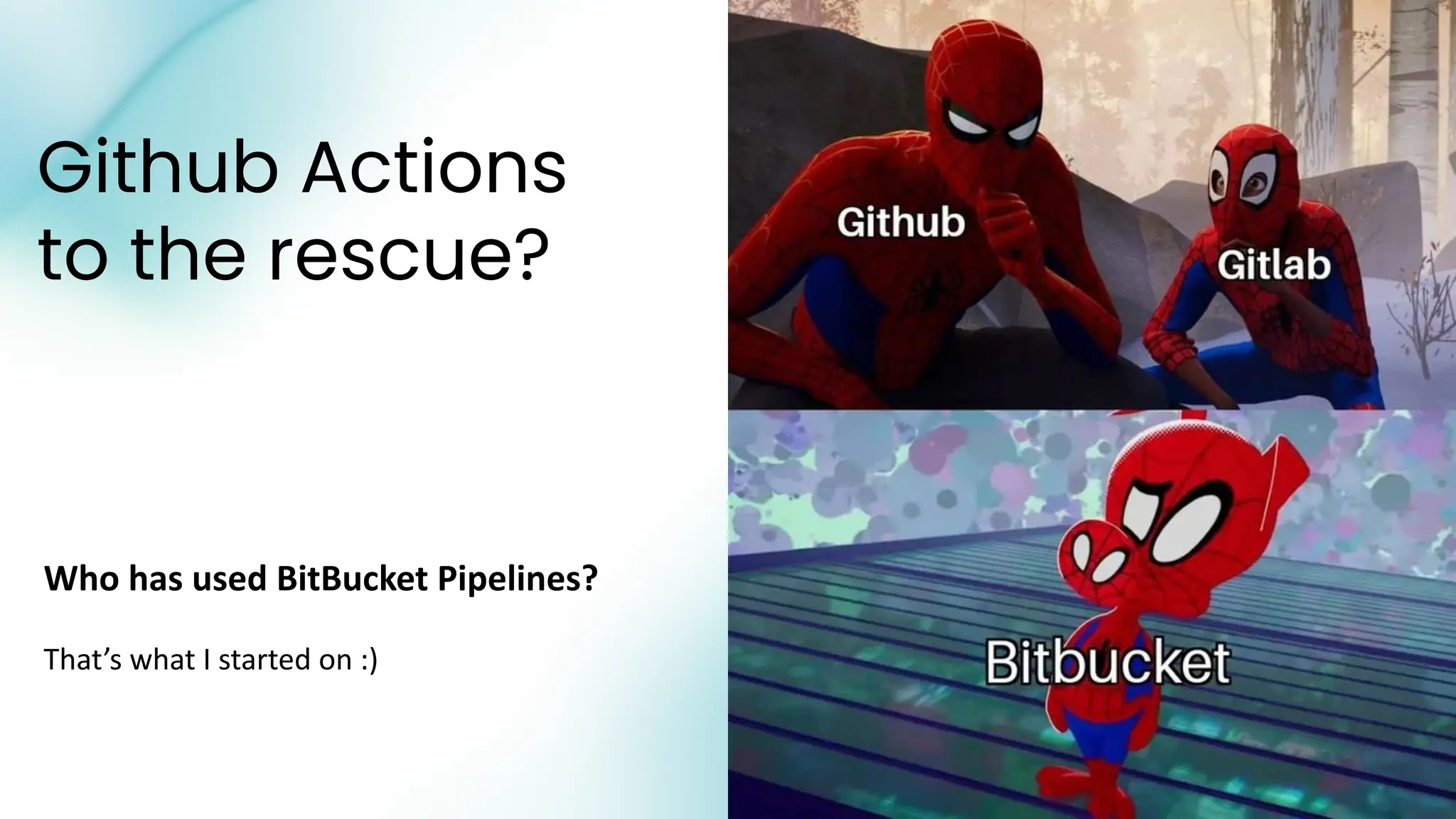
Github Actions
to the rescue?
Who has used BitBucket Pipelines?
That’s what I started on :)
Github Actions makes reusable CI
easier
GitHub Actions is built by and for developers and is
designed to make it easy to build a CI/CD pipeline
without a dedicated DevOps engineer.
● Build your own CI Actions, and reuse them between
repos
● Even better, use other peoples CI Actions and reuse
them between repos
But, can Github Actions do it all?
Honestly - I do not know.
● I have used Gitlab for approximately 6-7 years
● I have used Github Actions for small projects for less than 2 years
● I am still learning more about Github Actions… will share those
resources later.
If you know Github Actions, maybe you can help me fill the gaps in
my knowledge.
While these two tools offer almost the same exact same functionality, there are a
few key differences between them:
Don’t trust me, I got this summary from here:
https://graphite.dev/guides/gitlab-cicd--vs-github-actions
Github Actions vs Gitlab
● Deployment strategies: GitLab CI/CD is particularly known for its built-in support
for advanced deployment strategies such as canary deployments, blue-green
deployments, and rolling updates. While GitHub Actions offers flexibility, these
advanced approaches require manual configuration. You can implement these
deployment strategies in GitHub Actions using one of the prebuilt workflows
from the community, but it requires manual tinkering; in GitLab CI/Cde, it’s
available out-of-the-box.
● Supported environments: GitLab CI/CD currently offers Linux runners and beta
versions of macOS and Windows runners. GitHub Actions supports Linux,
Windows, and macOS runners, providing a wider range of stable options out of
the box.
● Usability and configuration: GitLab CI/CD offers a visual editor out-of-the-box for
basic workflows, but complex configurations require YAML code. GitHub Actions
primarily uses YAML, and the thriving community offers prebuilt workflows and
tools to simplify configuration. You can also use tools like yml2dot to visualize
your GitHub Actions configuration files.
● Feature set: Both offer core CI/CD functionality, but GitLab CI/CD integrates
seamlessly with other GitLab features, such as security scanning and artifact
management. GitHub Actions relies on external integrations for these features.
Github Actions vs Gitlab
Github Reusable Actions = Job Level
A reusable action is essentially a Job (correct me if I am wrong)
You have to wire your jobs together in your repo.
You have to provide the plumbing, the glue to put all of the Jobs together.
AGAIN - I might be wrong, I dont know what I don’t know.
What I want to do with Github Actions, is what I have done with Gitlab.
So let’s dive into that.
What if I could do all of that with 20
lines of code in my repo?
Yes, you read that right.
With 20 lines of code, which is a little magic, and some
configuration, we can have pipelines that do perform approx 25
jobs in your pipeline.
Let’s see how.
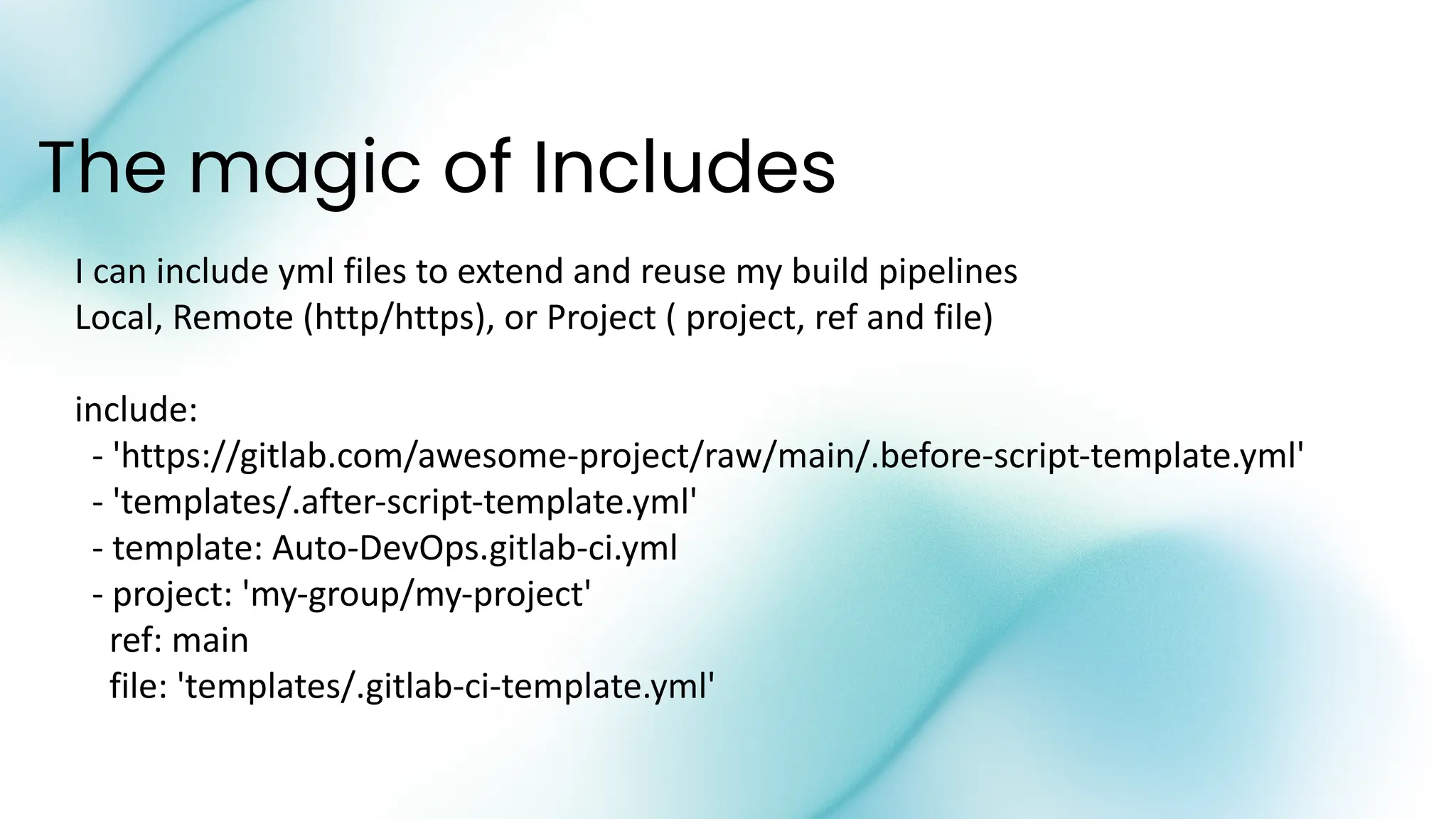
The magic of Includes
I can include yml files to extend and reuse my build pipelines
Local, Remote (http/https), or Project ( project, ref and file)
include:
- 'https://gitlab.com/awesome-project/raw/main/.before-script-template.yml'
- 'templates/.after-script-template.yml'
- template: Auto-DevOps.gitlab-ci.yml
- project: 'my-group/my-project'
ref: main
file: 'templates/.gitlab-ci-template.yml'
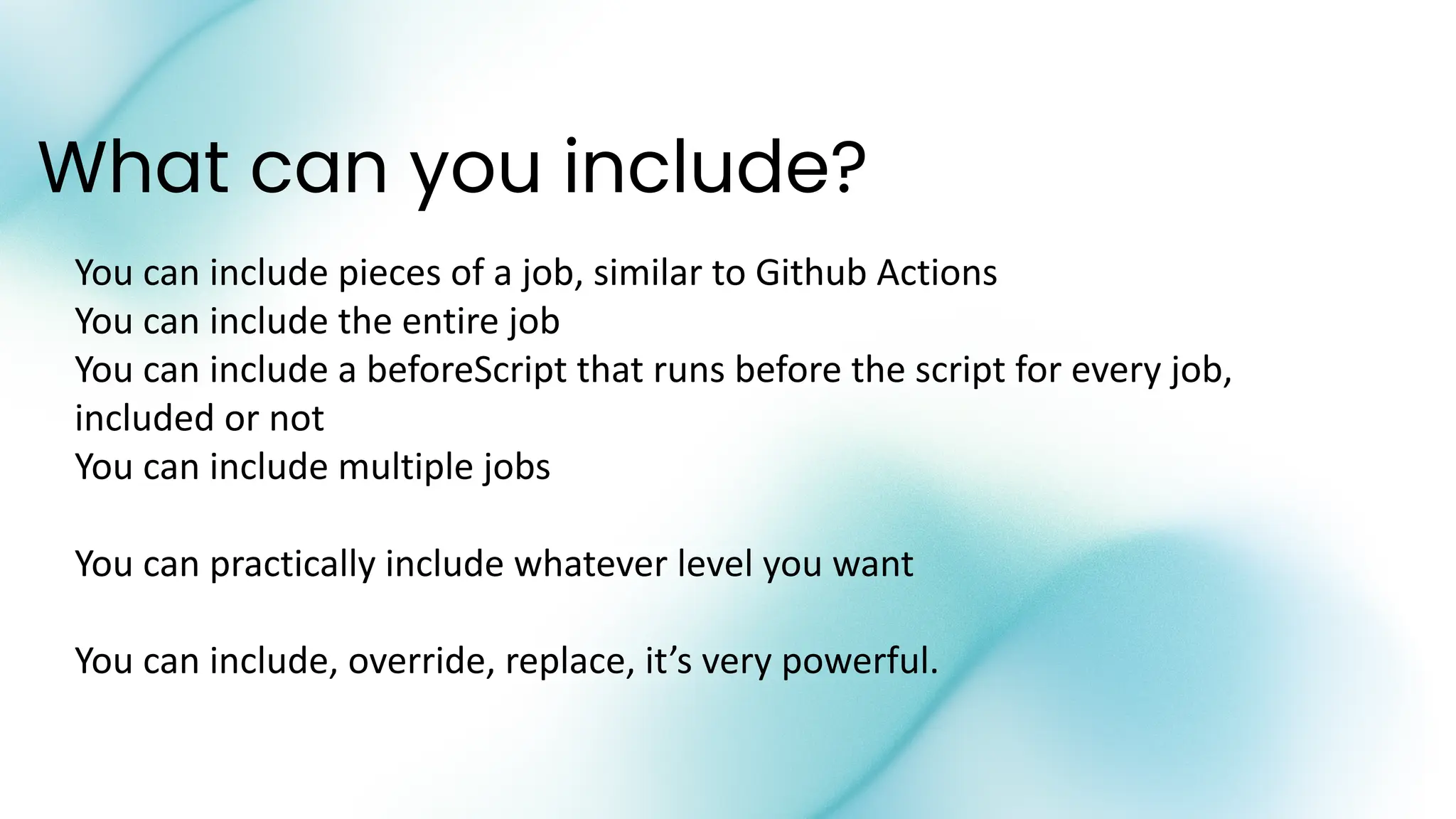
What can you include?
You can include pieces of a job, similar to Github Actions
You can include the entire job
You can include a beforeScript that runs before the script for every job,
included or not
You can include multiple jobs
You can practically include whatever level you want
You can include, override, replace, it’s very powerful.
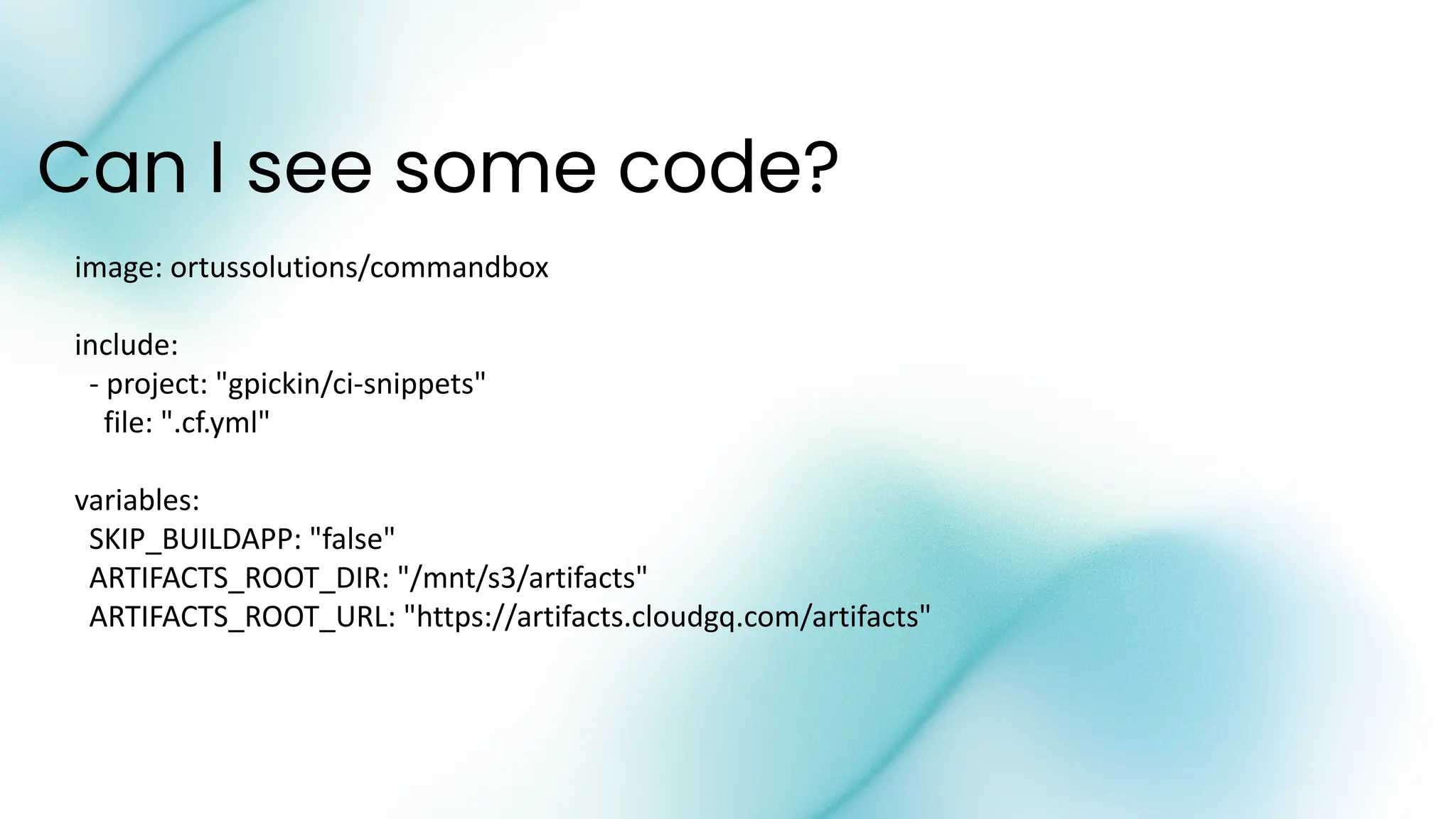
Can I see some code?
image: ortussolutions/commandbox
include:
- project: "gpickin/ci-snippets"
file: ".cf.yml"
variables:
SKIP_BUILDAPP: "false"
ARTIFACTS_ROOT_DIR: "/mnt/s3/artifacts"
ARTIFACTS_ROOT_URL: "https://artifacts.cloudgq.com/artifacts"
Building this for one vs many
● Over time we build this for one customer
● It’s complication, because it is flexible
● BUT when you take into consideration the way EVERYONE else
builds and deploys
● Things get even crazier :)
Question time:
● Who codes on the production server?
● Who burns their code onto disk, and copies from cd to production server?
● Who ftp’s their code to the production server?
● Who SCP/SSH’es their code to the production server?
● Who secure copies their code to the production server?
● Who uses source control and does a git pull on the production server?
● Who deploys with docker, but uses FTP or SCP/SSH to get the files to
Docker to mount into the Docker image?
● Who bundles their code into their docker image?
● Do you deploy to AWS, Azure, GCP, DO, Bare Metal?
● Docker through ECS, or Portainer, K8s, or more
More Questions:
● Do you do the same on a dev server?
● Do you do the same on a stg server?
● Do you do the same on a auditing server?
● Do you do the same on a qa server?
● How do you handle credentials?
● How do you have differences between environments?
● How do you check your config and credentials go out the same
time with your code?
Ok, let’s dive into some code
Let’s see what the code gods will let us play with today
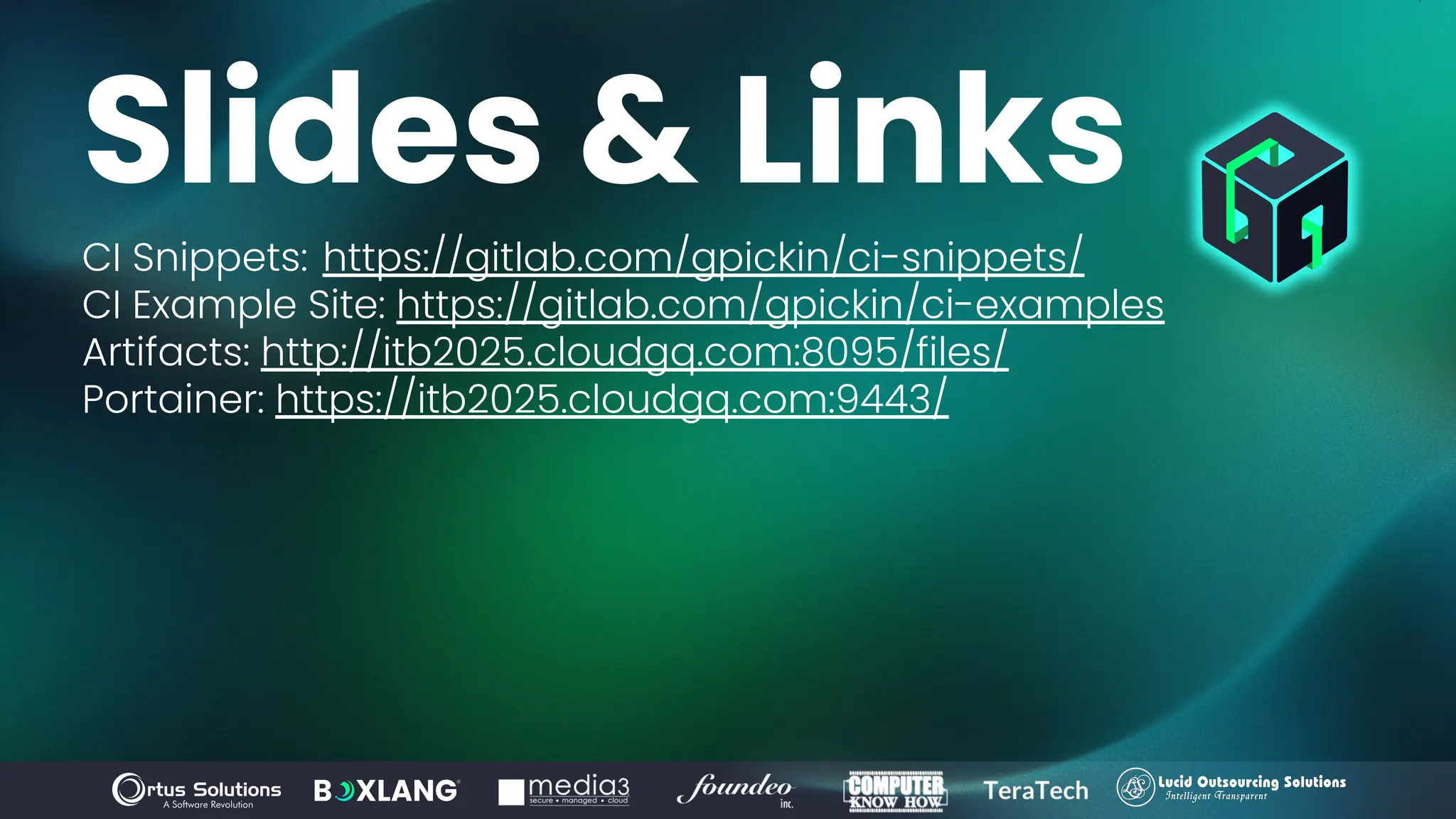
Slides & Links
CI Snippets: https://gitlab.com/gpickin/ci-snippets/
CI Example Site: https://gitlab.com/gpickin/ci-examples
Artifacts: http://itb2025.cloudgq.com:8095/files/
Portainer: https://itb2025.cloudgq.com:9443/
More Github Action Resources
Get started using GitHub Actions
Go to GitHub Actions Tutorial on the Learning Lab to get started using GitHub Actions
today.
https://lab.github.com/githubtraining/github-actions:-hello-world?scid=7013o000002CceTAAS
Additional resources
Check out the following tutorials and resources to learn more about GitHub Actions:
● Simple GitHub Actions Examples: GitHub Docs
https://docs.github.com/en/actions/quickstart?scid=7013o000002CceTAAS
● GitHub Actions Kubernetes Deployments: GitHub Docs
https://docs.github.com/en/actions/deployment/deploying-to-google-kubernetes-engine?scid=7013o000002CceTAAS
● How to manage GitHub Actions permissions in your organization:
GitHub Docs
https://docs.github.com/en/organizations/managing-organization-settings/disabling-or-limiting-github-actions-for-your-organizatio
n#managing-github-actions-permissions-for-your-organization?scid=7013o000002CceTAAS
More Github Action Resources
Free Code Camp - Github Actions Certification Course
https://www.youtube.com/watch?v=Tz7FsunBbfQ
Free Practice Exam from the creators of the above Video Course
https://www.exampro.co/github-actions
More Github Action Resources
Gitlab CI/CD Hands on Lab
https://handbook.gitlab.com/handbook/customer-success/professional-services-en
gineering/education-services/gitlabcicdhandson/
Gitlab CI/CD Training - $$ EXPENSIVE $$
https://university.gitlab.com/pages/ci-cd-training
Thank You!
The Future of Modern Development Starts Here, with you! 🚀

Portable CI wGitLab and Github led by Gavin Pickin.pdf

  • 2.
    www.intothebox.org GET STARTED CI Pipelinescan help your team work smarter, not harder. We’ll look at some ways CI can help your team sleep better at night. CI is still code, and that means more code to maintain… Portable CI w/GitLab and Github
  • 3.
    Gavin Pickin • Workedwith Ortus for almost 10 years • Started stalking Brad and Luis in 2013 at a 3 day ColdBox Bootcamp before following them around cfObjective for 3 more days • Work with ColdBox, CommandBox, ContentBox, APIs and VueJS every day! • Working with Coldfusion since 1999 - V4 • Love learning and sharing the lessons learned • From New Zealand (that’s why I talk funny) • I live in Bakersfield, Ca • Loving wife, lots of kids, and countless critters SOFTWARE CONSULTANT @gpickin gavin@ortussolutions.com @gpickin
  • 4.
    And can makeyour life, your team’s life, and your customers lives better. • help guide your code through repetitive error prone steps • giving your whole team rapid feedback • holds your code to a standard • makes maintenance and debugging easier (how?) Continuous Integration / build pipelines when done well can Why use CI?
  • 5.
    The problem is: wehave to build those pipelines, we have to maintain those pipelines, at the end of the day, it’s more code.
  • 6.
    •AWESOME •REUSABLE •PORTABLE How can “YOU”make your CI more: So what is this talk about?
  • 7.
    •So you sufferless •So you can Build better pipelines •Have more info to Debug your issues faster •Sleep better at night I want to share some lessons I learned Why should I change my CI?
  • 8.
    • Clone yourrepo • Install NPM packages if you need them • Run NPM builds like Webpack or Vite • Install modules with CommandBox (even private packages with ForgeBox Login) • Generate DocBox Docs • Generate Open API (Swagger) Docs • Setup Artifacts Directories to track what my Build App contains Build my App What could my CI Pipeline do?
  • 9.
    • Generate APIDocs • Generate Diff between API docs this build and the last • Generate Link to API Docs UI linking to this Swagger.json file • Generate DocBox Docs • Generate Diff between box.json in this build and the last • Generate ChangeLog • Generate Semantic Change Log Create Artifacts What could my CI Pipeline do?
  • 10.
    • Generate ‘list’from installed modules • Generate Diff between list in this build and the last • Generate ‘list –system’ • Generate Diff between system list in this build and the last • Generate .version file to store the build information What could my CI Pipeline do? Create Artifacts
  • 11.
    • Run myTestBox tests • Run code coverage • Run CFLint against my app • Run Fixinator against my app • Run Check CFFormat against my app • Check for BE versions in box.json • Check for multiple versions of modules being installed • Validate my Swagger Docs What could my CI Pipeline do? Test my App
  • 12.
    • Check mylocal environment config • Check my local environment secrets • Check my deployment environment config • Check my deployment environment secrets What could my CI Pipeline do? Test my Local / Development Config
  • 13.
    • Verify theBuild is safe to Deploy • Verify the Build is ready to Deploy • Deploy my new Environment Configuration if it’s needed What could my CI Pipeline do? Ensure my Build is safe and ready to Deploy
  • 14.
    • Copy mytiered files into built files • Build the ForgeBox package • Build the docker image • Store the docker image in registry What could my CI Pipeline do? Bundle my App / Docker Image
  • 15.
    • Update myEnvironment Config to be deployed • Deploy my Docker Image to Portainer What could my CI Pipeline do? Deploy my App
  • 16.
    • Publish myBundle Package to ForgeBox • Rollback my deploy if needed What could my CI Pipeline do? After I Deploy my App
  • 17.
    • Commit artifactsback to Repo • Store testbox artifacts • Store .version, box.json, list.json, list-system.json etc • Store Swagger Docs • Store DocBox Docs • Notify Sentry of new Build Release • Notify Sentry of a new Deploy What could my CI Pipeline do? Store my Artifacts
  • 18.
    Want to seethat that might look like?
  • 23.
    How many linesof code in that build process?
  • 24.
    How many linesof code in that build process? OVER 1,000 LOC
  • 25.
    If I have20 apps, how many lines of code is there in build processes?
  • 26.
    If I have20 apps, how many lines of code is there in build processes? OVER 20,000 LOC
  • 27.
    How many hoursdid I spend updating 20 apps CI pipelines, waiting for all the builds to run, and debug each of them separately?
  • 28.
    How many hoursdid I spend updating 20 apps CI pipelines, waiting for all the builds to run, and debug each of them separately? WAY TOO MANY HOURS
  • 29.
    Github Actions to therescue? Who has used BitBucket Pipelines? That’s what I started on :)
  • 30.
    Github Actions makesreusable CI easier GitHub Actions is built by and for developers and is designed to make it easy to build a CI/CD pipeline without a dedicated DevOps engineer. ● Build your own CI Actions, and reuse them between repos ● Even better, use other peoples CI Actions and reuse them between repos
  • 31.
    But, can GithubActions do it all? Honestly - I do not know. ● I have used Gitlab for approximately 6-7 years ● I have used Github Actions for small projects for less than 2 years ● I am still learning more about Github Actions… will share those resources later. If you know Github Actions, maybe you can help me fill the gaps in my knowledge.
  • 32.
    While these twotools offer almost the same exact same functionality, there are a few key differences between them: Don’t trust me, I got this summary from here: https://graphite.dev/guides/gitlab-cicd--vs-github-actions Github Actions vs Gitlab
  • 33.
    Github Actions vsGitlab ● Deployment strategies: GitLab CI/CD is particularly known for its built-in support for advanced deployment strategies such as canary deployments, blue-green deployments, and rolling updates. While GitHub Actions offers flexibility, these advanced approaches require manual configuration. You can implement these deployment strategies in GitHub Actions using one of the prebuilt workflows from the community, but it requires manual tinkering; in GitLab CI/Cde, it’s available out-of-the-box. ● Supported environments: GitLab CI/CD currently offers Linux runners and beta versions of macOS and Windows runners. GitHub Actions supports Linux, Windows, and macOS runners, providing a wider range of stable options out of the box.
  • 34.
    ● Usability andconfiguration: GitLab CI/CD offers a visual editor out-of-the-box for basic workflows, but complex configurations require YAML code. GitHub Actions primarily uses YAML, and the thriving community offers prebuilt workflows and tools to simplify configuration. You can also use tools like yml2dot to visualize your GitHub Actions configuration files. ● Feature set: Both offer core CI/CD functionality, but GitLab CI/CD integrates seamlessly with other GitLab features, such as security scanning and artifact management. GitHub Actions relies on external integrations for these features. Github Actions vs Gitlab
  • 35.
    Github Reusable Actions= Job Level A reusable action is essentially a Job (correct me if I am wrong) You have to wire your jobs together in your repo. You have to provide the plumbing, the glue to put all of the Jobs together. AGAIN - I might be wrong, I dont know what I don’t know. What I want to do with Github Actions, is what I have done with Gitlab. So let’s dive into that.
  • 36.
    What if Icould do all of that with 20 lines of code in my repo? Yes, you read that right. With 20 lines of code, which is a little magic, and some configuration, we can have pipelines that do perform approx 25 jobs in your pipeline. Let’s see how.
  • 37.
    The magic ofIncludes I can include yml files to extend and reuse my build pipelines Local, Remote (http/https), or Project ( project, ref and file) include: - 'https://gitlab.com/awesome-project/raw/main/.before-script-template.yml' - 'templates/.after-script-template.yml' - template: Auto-DevOps.gitlab-ci.yml - project: 'my-group/my-project' ref: main file: 'templates/.gitlab-ci-template.yml'
  • 38.
    What can youinclude? You can include pieces of a job, similar to Github Actions You can include the entire job You can include a beforeScript that runs before the script for every job, included or not You can include multiple jobs You can practically include whatever level you want You can include, override, replace, it’s very powerful.
  • 39.
    Can I seesome code? image: ortussolutions/commandbox include: - project: "gpickin/ci-snippets" file: ".cf.yml" variables: SKIP_BUILDAPP: "false" ARTIFACTS_ROOT_DIR: "/mnt/s3/artifacts" ARTIFACTS_ROOT_URL: "https://artifacts.cloudgq.com/artifacts"
  • 42.
    Building this forone vs many ● Over time we build this for one customer ● It’s complication, because it is flexible ● BUT when you take into consideration the way EVERYONE else builds and deploys ● Things get even crazier :)
  • 43.
    Question time: ● Whocodes on the production server? ● Who burns their code onto disk, and copies from cd to production server? ● Who ftp’s their code to the production server? ● Who SCP/SSH’es their code to the production server? ● Who secure copies their code to the production server? ● Who uses source control and does a git pull on the production server? ● Who deploys with docker, but uses FTP or SCP/SSH to get the files to Docker to mount into the Docker image? ● Who bundles their code into their docker image? ● Do you deploy to AWS, Azure, GCP, DO, Bare Metal? ● Docker through ECS, or Portainer, K8s, or more
  • 44.
    More Questions: ● Doyou do the same on a dev server? ● Do you do the same on a stg server? ● Do you do the same on a auditing server? ● Do you do the same on a qa server? ● How do you handle credentials? ● How do you have differences between environments? ● How do you check your config and credentials go out the same time with your code?
  • 45.
    Ok, let’s diveinto some code Let’s see what the code gods will let us play with today
  • 46.
    Slides & Links CISnippets: https://gitlab.com/gpickin/ci-snippets/ CI Example Site: https://gitlab.com/gpickin/ci-examples Artifacts: http://itb2025.cloudgq.com:8095/files/ Portainer: https://itb2025.cloudgq.com:9443/
  • 47.
    More Github ActionResources Get started using GitHub Actions Go to GitHub Actions Tutorial on the Learning Lab to get started using GitHub Actions today. https://lab.github.com/githubtraining/github-actions:-hello-world?scid=7013o000002CceTAAS Additional resources Check out the following tutorials and resources to learn more about GitHub Actions: ● Simple GitHub Actions Examples: GitHub Docs https://docs.github.com/en/actions/quickstart?scid=7013o000002CceTAAS ● GitHub Actions Kubernetes Deployments: GitHub Docs https://docs.github.com/en/actions/deployment/deploying-to-google-kubernetes-engine?scid=7013o000002CceTAAS ● How to manage GitHub Actions permissions in your organization: GitHub Docs https://docs.github.com/en/organizations/managing-organization-settings/disabling-or-limiting-github-actions-for-your-organizatio n#managing-github-actions-permissions-for-your-organization?scid=7013o000002CceTAAS
  • 48.
    More Github ActionResources Free Code Camp - Github Actions Certification Course https://www.youtube.com/watch?v=Tz7FsunBbfQ Free Practice Exam from the creators of the above Video Course https://www.exampro.co/github-actions
  • 49.
    More Github ActionResources Gitlab CI/CD Hands on Lab https://handbook.gitlab.com/handbook/customer-success/professional-services-en gineering/education-services/gitlabcicdhandson/ Gitlab CI/CD Training - $$ EXPENSIVE $$ https://university.gitlab.com/pages/ci-cd-training
  • 50.
    Thank You! The Futureof Modern Development Starts Here, with you! 🚀