ISchool  WebBoard   Teacher in the Web e-Learning Project
Licensing Stuff and Copyright This is an open content compilation and distribution on the body of knowledge, implementation cases, reusable templates, and open source licensed software to jumpstart the effective and efficient service delivery of Infocommunications technology in the instruction and learning.  The information, documents and software introduced in this presentation belong to the cited author(s) or company(s), and subject to the copyright and licensing terms of the original author/s. This educational presentation does not claim connection nor represens the cited products or corporation. All brand names and logos cited in this educational presentation are copyrighted to the original author or corporation. This educational presentations adheres to applicable open source/content license, and freely reusable clause provided by the source of the materials.
The Objectives Define the common language, work objectives, work packages, process and technology to implement e-learning Build a common understanding on Instructional Design to integrate digital technology resources in instruction and learning. Create the Instruction Plan template that incorporates modalities of e-learning, and content from readily available digital repositories. Initiate the process of designing of a course e-learning webboard to contain competency standards, study guide, lecture notes, links to on-line forum, e-mail group, blogs, wikipedia, and knowledge references. Introduce the use of curricular content and standard references from the World Wide Web Provide initial guidance on the use of software to create presentation, web pages, and to get into the Internet.
Work Schedule
Day 1 Morning: Instructional Design and Planning Model Learning, Instruction, and Competency Instructional Design Process Task List of Instructional Designer Afternoon: Program of Instruction and e-Learning Modalities  e-Learning Defined e-Learning Modalities On-line Identities
Day 2 Morning: Open Source Software to Implement e-Learning Front-end Solution Back-end Solution Afternoon: Open Source Services in the Internet Web Mail Web Log Wiki Web Host Learning Content Management System
Day 3 Morning: Building the ISchool Web Board  Discovery and Design  Define the Learner Define Course Materials Technology Support  Afternoon:  Lesson Plan Evaluation Search the Net Evaluate Net Content
Day 4 Morning: Building the ISchool Web Board Part II Setup Web Mail and Web Log Afternoon:  Setup Wikipedia, and On-Line Assessment
Day 5 Morning: Create the Web Page Write a lesson web page to contain presentation, activities, and assessment Afternoon: Create the Web Page How to publish the web page, and to perform editing. Training Evaluation
Herbert Simon, Nobel Laureate “ For the computer to bring about  a revolution in education,  its introduction must be  accompanied by improvements  in our understanding of  learning and teaching.”
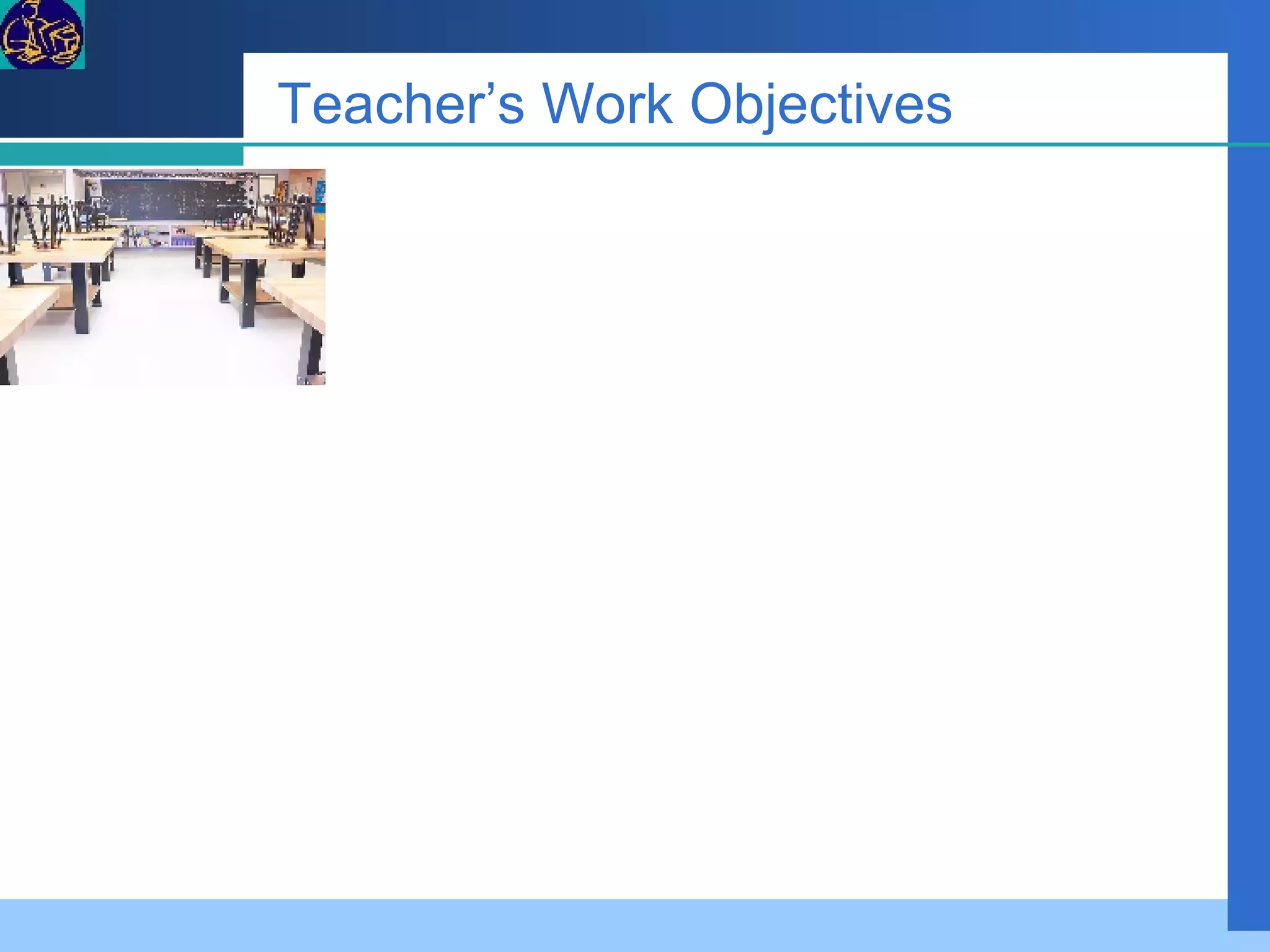
Teacher’s Work Objectives
Work Packages of Teacher
Learning & Instruction Learning:  The process that results in changes in the human behavior and in the human capabilities to function or perform. Instruction:   Set of events that affects learners in their way to achieve learning.
Learning & Instruction Competency ...an integrated set of  skills, knowledge, and attitudes that enables one to effectively perform the activities of a given occupation or function to the standards expected in employment.
Learning & Instruction Content Suitability Outcome Learner Attitude Aptitude Environment Instruction Face to Face Blended Activities
Bloom’s Taxonomy of Learning Knowledge : arrange, define, duplicate, label, list, memorize, name, order, recognize, relate, recall, repeat, reproduce state.  Comprehension : classify, describe, discuss, explain, express, identify, indicate, locate, recognize, report, restate, review, select, translate,  Application : apply, choose, demonstrate, dramatize, employ, illustrate, interpret, operate, practice, schedule, sketch, solve, use, write.  Analysis : analyze, appraise, calculate, categorize, compare, contrast, criticize, differentiate, discriminate, distinguish, examine, experiment, question, test.  Synthesis : arrange, assemble, collect, compose, construct, create, design, develop, formulate, manage, organize, plan, prepare, propose, set up, write.  Evaluation : appraise, argue, assess, attach, choose compare, defend estimate, judge, predict, rate, core, select, support, value, evaluate.
Instructional Tasks Learner Knowledge Level – selection of appropriate content topic, and instructional activity Learner Learning Attitude – Selection of appropriate activity Assessment – selection of evaluation tool to test attainment of learning outcome
The Term E-Learning It covers the wide set of applications and processes, such as Web-based learning, computer-based learning, virtual classrooms, and digital collaboration. It includes the delivery of content via Internet, intranet/extranet (LAN/WAN), audio- and videotape, satellite broadcast, interactive TV, CD-ROM, and more.  Glossary of E-learning Circuit Electronic Learning
Instructional Technology Instructional Technology is the theory and practice of design, development, utilization, management and evaluation of processes and resources for learning. Seels & Richey (1994).
e-learning The utilization of digital technology for: Learning Reference Instructional Event View e -Learning Project
e-Learning Tasks References Presentation Activity Assessment The iSchool WebBoard e-Learning Project
FGD  What is instructional design? What is DEPED process model in instructional design?
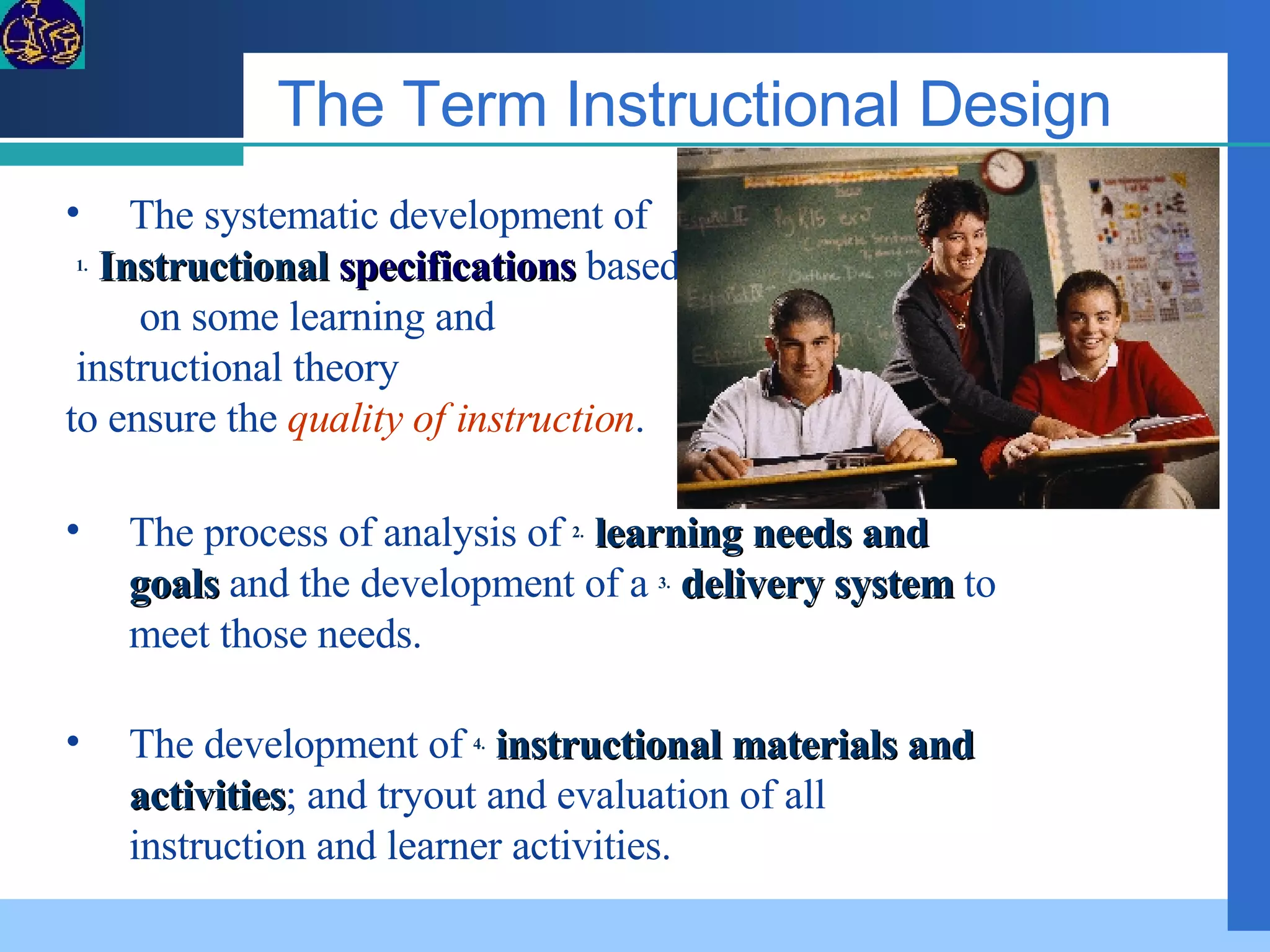
The Term Instructional Design The development of  4.   instructional materials and activities ; and tryout and evaluation of all instruction and learner activities. The systematic development of 1.   Instructional   specifications  based  on some learning and instructional theory  to ensure the  quality of instruction . The process of analysis of  2.   learning needs and goals  and the development of a  3.   delivery system  to meet those needs.
Instructional Design Goal Setting Analysis Develop Objectives Develop Assessment Metrics Identify Instructional Strategy Develop Materials Implement Essential Steps Standard Learner Evaluate Revise
ID Step 1 - Goal Setting   Identifying the overall course goal  
Set Goals Goals are clearly stated in terms of what students know and are able to do as the result of instruction and learning. Goals are appropriate for the intended learners. Goals are related to the needs of all learners. Goals are stated in terms of student learning. Carefully consider the amount of discipline-specific and task-specific knowledge and skills needed by the learners to be successful. Include goals focusing on communication and thinking as well as discipline-specific topics, concepts , and processes. Set affective goals focusing on the essential attitudes and dispositions required by the learner in the unit ( e.g.  positive interpersonal relationships due to the cooperative learning activities).
ID Step 2  - Analysis Analysis of what is to be learned, of the learners, of the learning environment, and, of the environment in which the learning is to eventually be applied
ID Step 3 –  Objectives Development   Identifying and stating in measurable terms the objectives for each lesson
ID Step 4 -  Assessment Measures Identifying criterion-referenced assessment measures Development
Create Learner Outcomes Outcomes are based on the goals, standards, and needs of the learners. Outcomes are measures of learning. Outcomes identify what is to be assessed, the condition under which the learning must be demonstrated, and the criteria for successful performance. Sample evidence that the learner has successfully demonstrated all performance outcomes indicates that goals have been achieved. Select and target worthy outcomes for student learning. Focus on the important concepts and meaningful knowledge at the heart of essential understandings that students need to develop. Avoid overwhelming the learners with unconnected "factoids" and instead focus on the big ideas linked through higher level thinking/processing. Outcomes should be consistently and clearly communicated in terms that are understood by ALL
ID Step 5 - Instructional Strategies Chunking learning into logical components, selecting the appropriate media, and identifying the instructional strategies that will best facilitate learning Identification
ID Step 6 - Development of Materials Producing the materials and Web site components for an online class; also includes obtaining commercially-produced materials/textbooks/e-books/WBT/CBT as appropriate
ID Step 7 - Implement Instruction Make the stakeholders experience the products.  
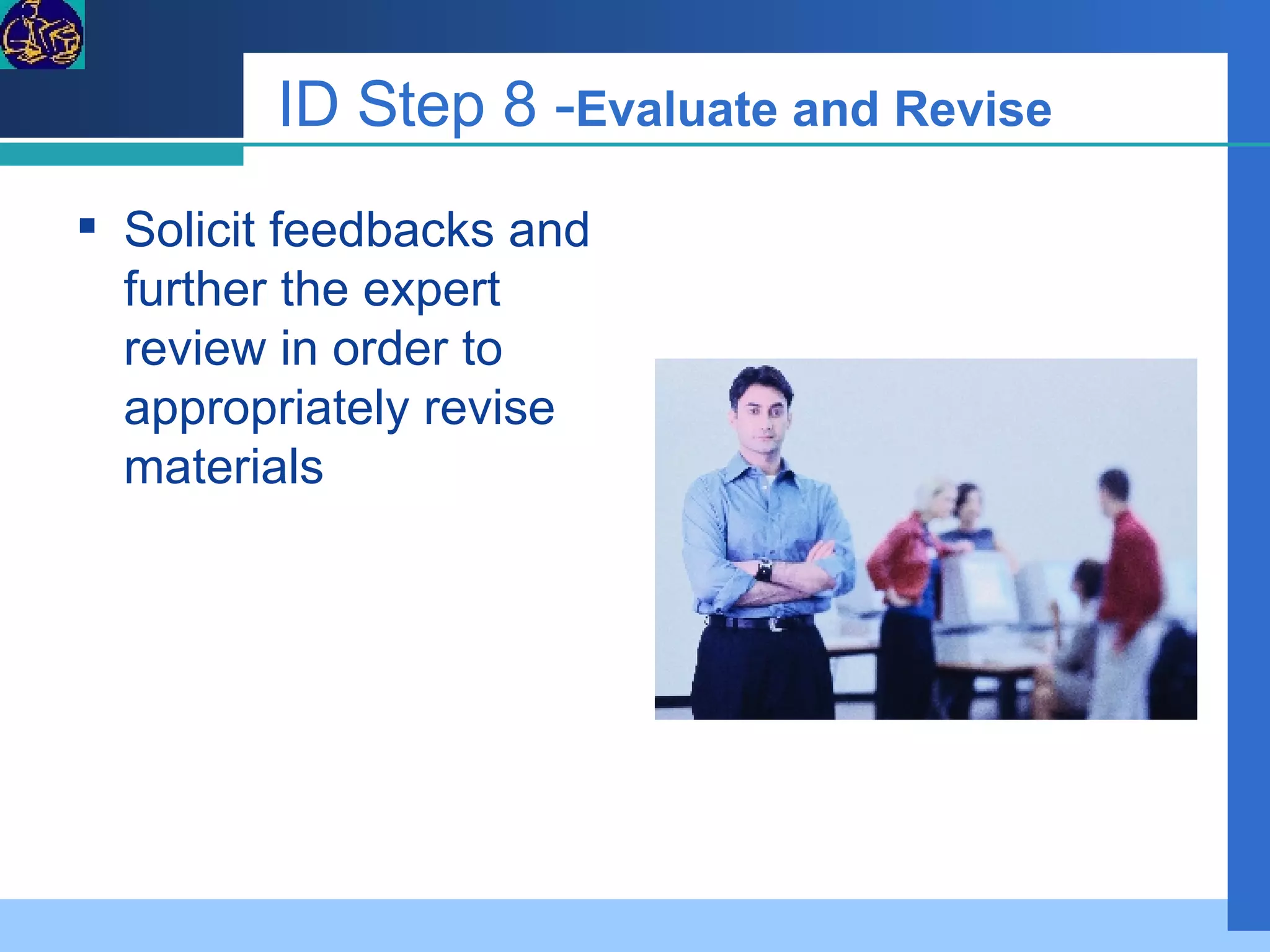
ID Step 8 - Evaluate and Revise   Solicit feedbacks and further the expert review in order to appropriately revise materials
Instructional Designer  The Instructional Designer ID Template
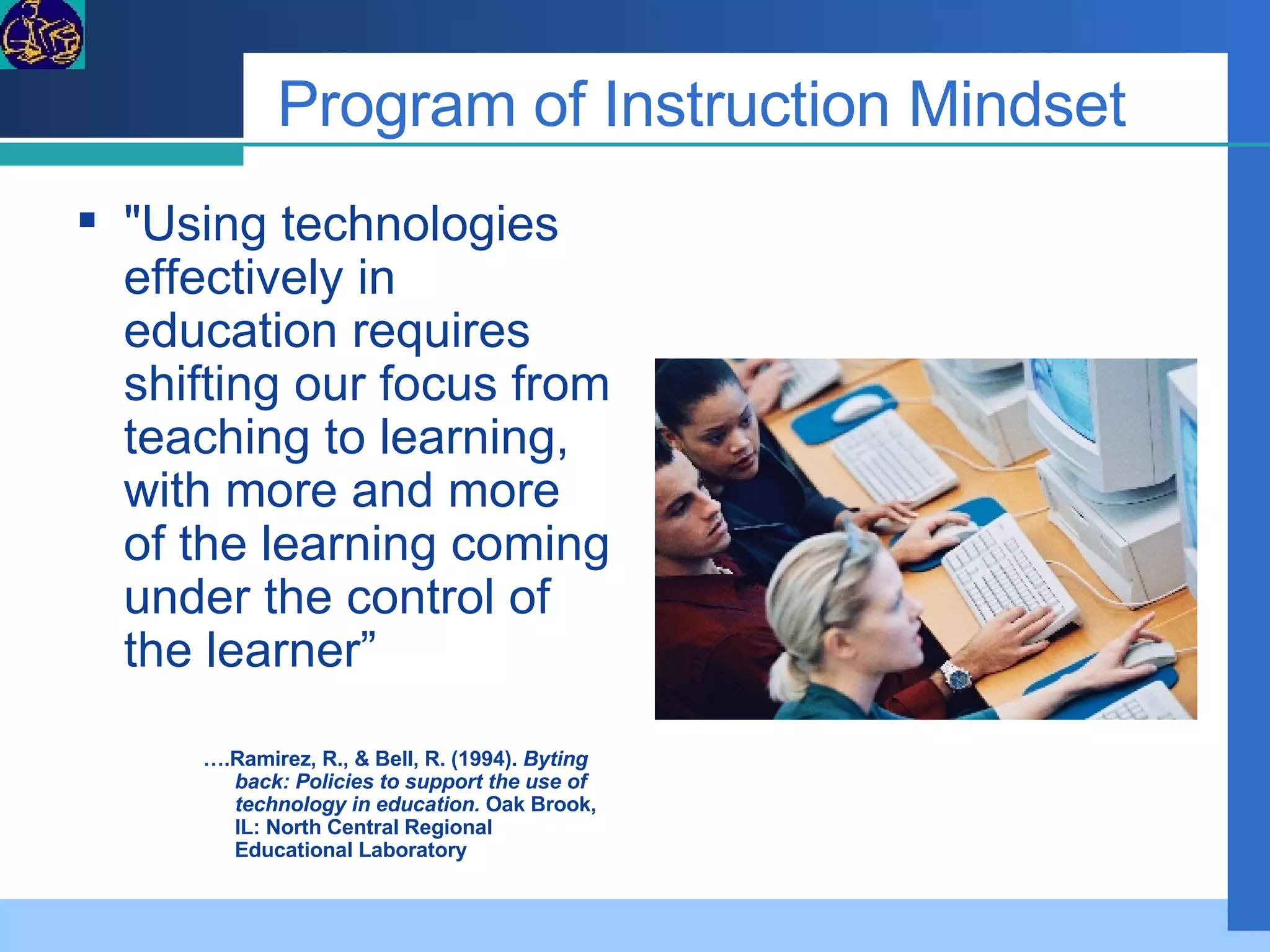
Program of Instruction Mindset "Using technologies effectively in education requires shifting our focus from teaching to learning, with more and more of the learning coming under the control of the learner”  … .Ramirez, R., & Bell, R. (1994).  Byting back: Policies to support the use of technology in education.  Oak Brook, IL: North Central Regional Educational Laboratory
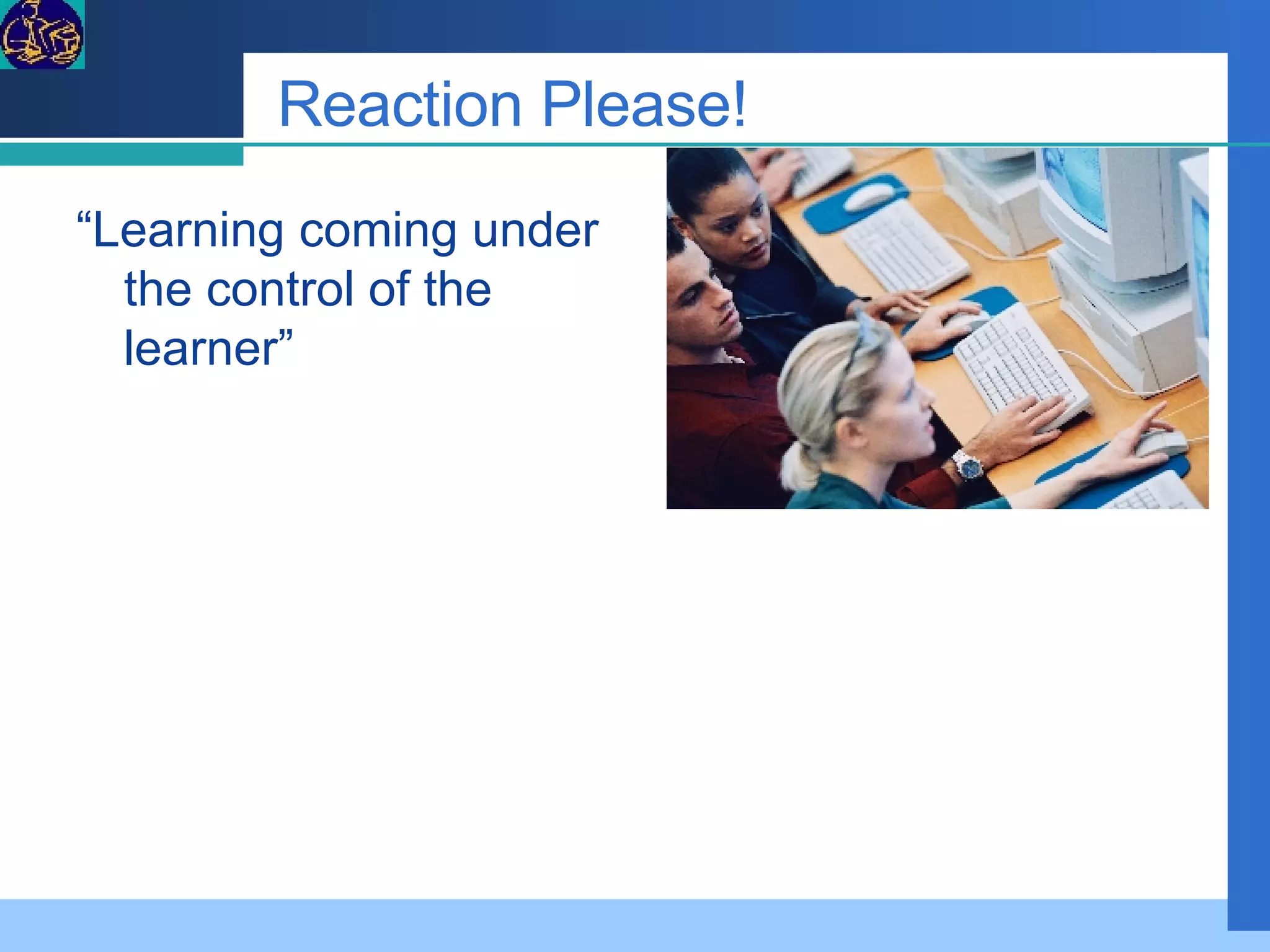
Reaction Please! “ Learning coming under the control of the learner”
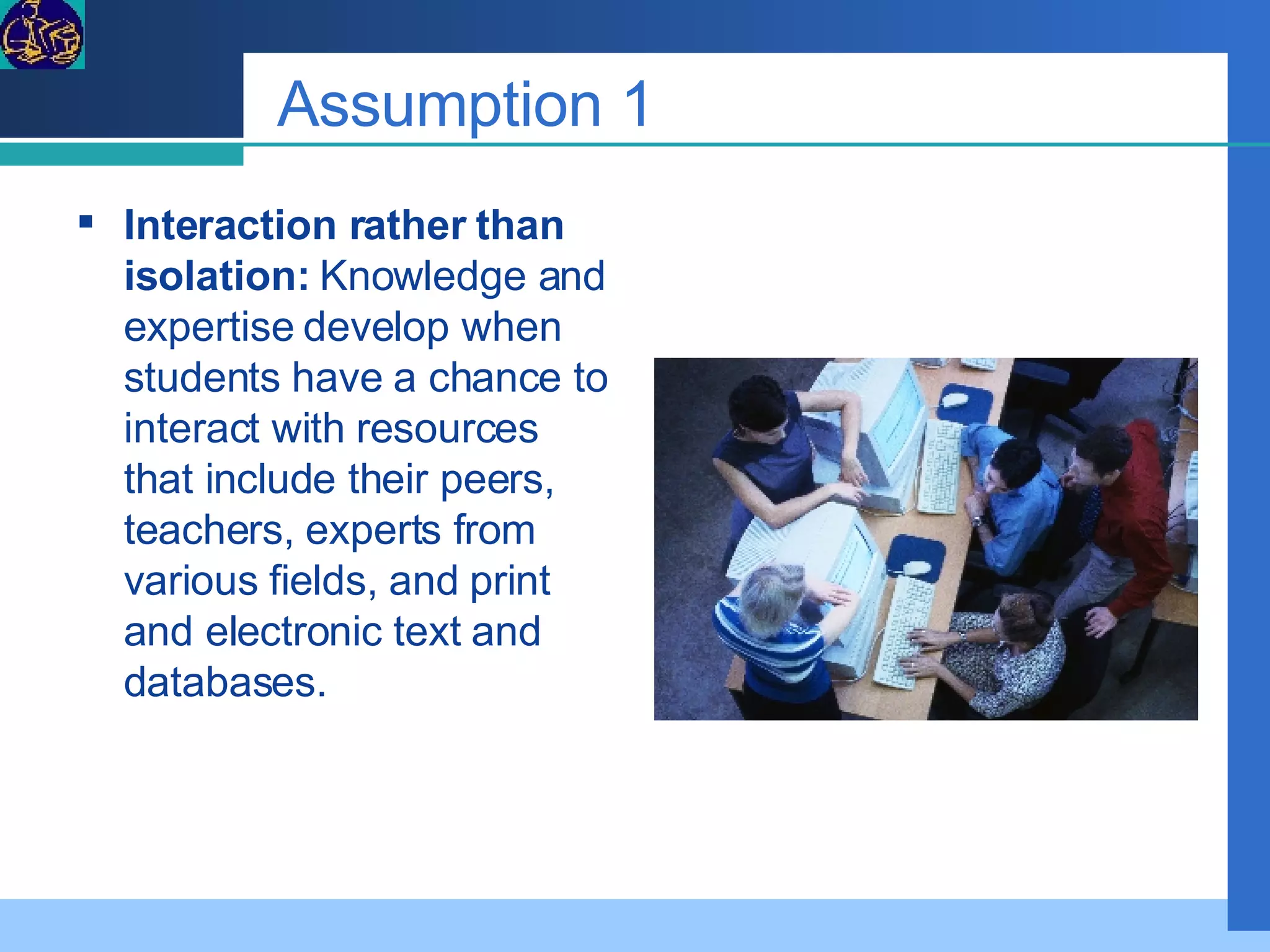
Assumption 1 Interaction rather than isolation:  Knowledge and expertise develop when students have a chance to interact with resources that include their peers, teachers, experts from various fields, and print and electronic text and databases.
Assumption 2 Individual learning styles:  Learners are most successful when they can use a learning style suited to their needs.
Assumption 3 Adequate professional development:  In order to implement and adapt alternative learning strategies, teachers must be helped to become models of active learning.
Assumption 4 Learning as the main consideration in decision making:  Curriculum planning and scheduling should focus on using time according to learning needs, rather than on conforming learning to divisions of time.
Assumption 5 Cognitive research:  Students learn best when the tasks involve meaningful contexts, activities, and problems so that they can actively construct their own knowledge and develop the ability to apply what they learn to new situations.
Assumption 6 Explicitly stated performance outcomes:  Accountability can be ensured if progress on assessment measures reflects skills learned in classroom activities.
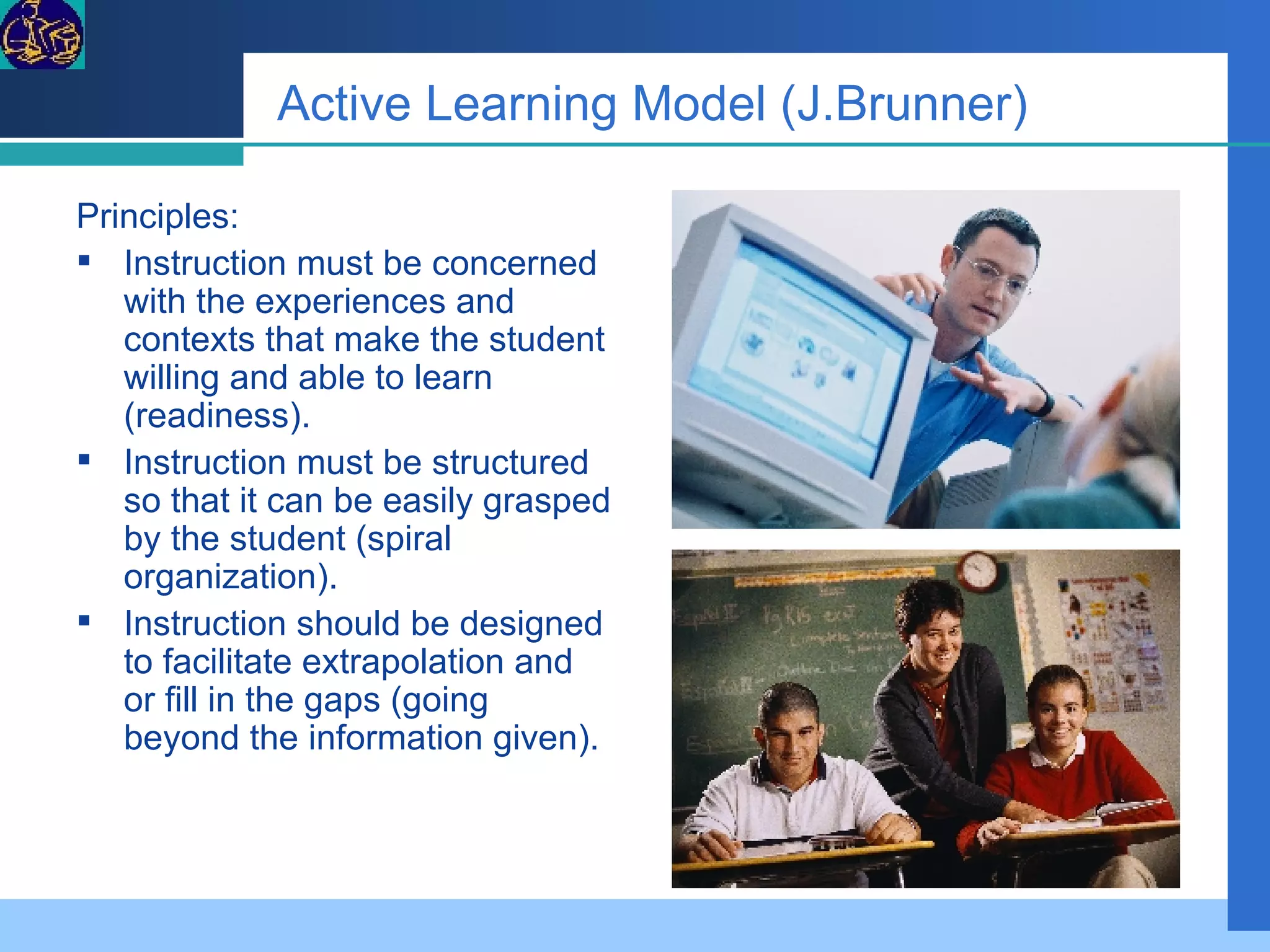
Active Learning Model (J.Brunner) Principles:  Instruction must be concerned with the experiences and contexts that make the student willing and able to learn (readiness).  Instruction must be structured so that it can be easily grasped by the student (spiral organization).  Instruction should be designed to facilitate extrapolation and or fill in the gaps (going beyond the information given).
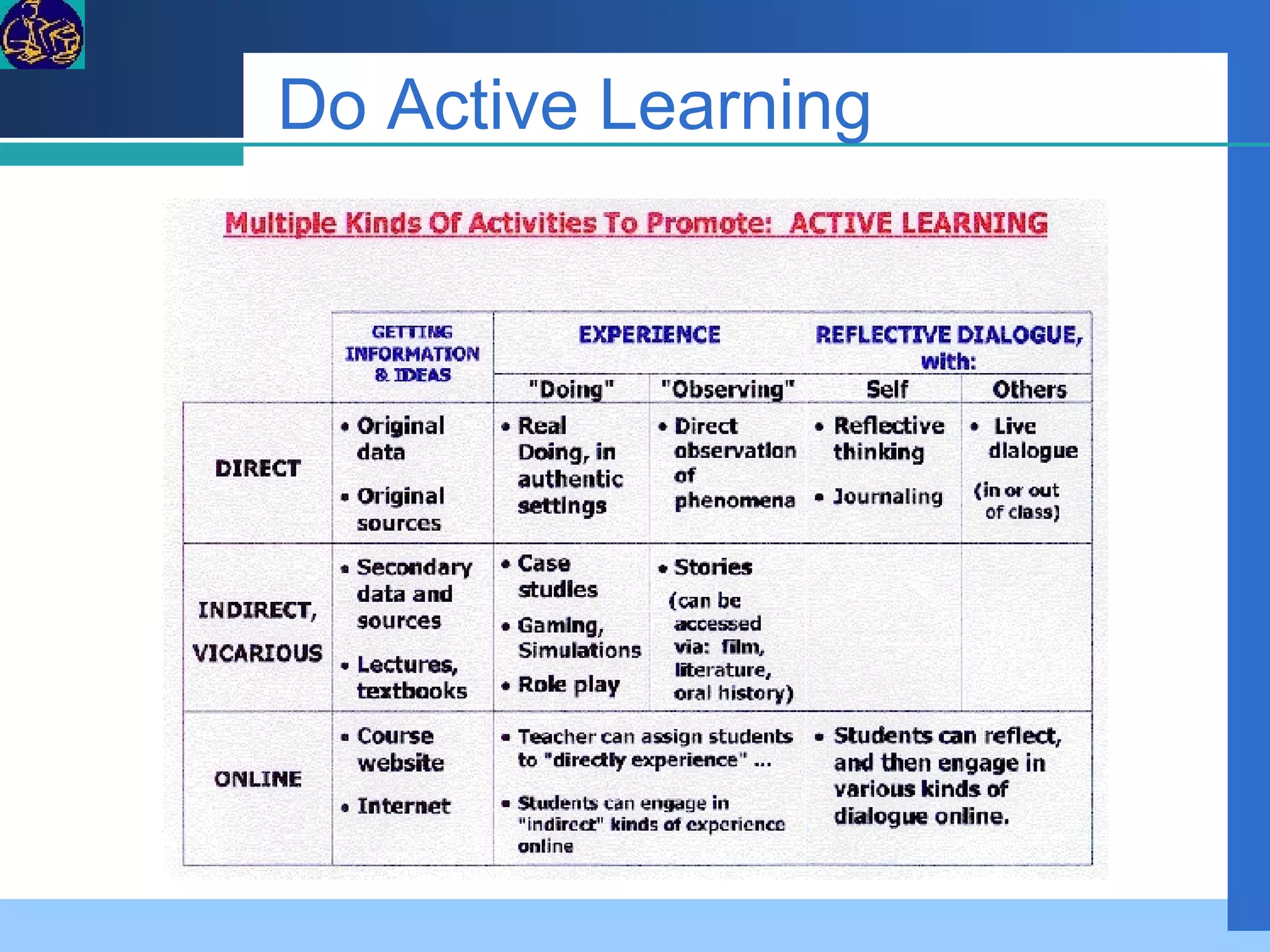
Do Active Learning
Gagne’s Nine Events of Instruction 1. Gain attention   2. Inform learner of objectives 3. Stimulate recall of prior learning 4. Present stimuli with distinctive features   5. Guide learning   6. Elicit performance   7. Provide feedback   8. Assess performance   9. Enhance retention and learning transfer to job
IE1.Gain attention Use of multi-media, graphics and animation Web-design Announcement (Calendar, e-mail) Discussion of current topics (e-forum) Referral to Web sites (Site Link)
IE2. Inform objectives Course orientation Course tutorial Post syllabus
IE3. Stimulate recall of prior learning Getting started self-test e-discussion of prior topics e-book reference 0n-line tutorial sites
IE4 Present the content Web-enhanced lectures,  textbook activities, e-books technology-assisted content deliver Activities through Web-research simulations audio/video E-modules animation
IE5. Provide Learning Guide Post syllabus  course notes assignments  other course materials
IE7. Elicit feedback Web-enabled student surveys Discussions and  Quizzes Students submit work electronically
IE8. Provide feedback Electronic discussions email responses
IE9. Assess performance Online testing Graded work is emailed back to the students
IE9. Enhance retention and job transfer Web-research fosters critical thinking Team collaborations Resolve case studies Use of technologies common in the workplace
Program of Instruction Well defined  objectives  in terms of specific measurable objectives or learning outcomes.  Clearly spelled out  skills, knowledge and attitudes  to be developed.  Available  resources and strategies  to be utilized.  Organize  structuring, sequencing, presentation, and reinforcement  of the content.  Matching of  assessment methods  to the learning objectives to ensure agreement between intended outcomes and assessment measurements.
Mind Map SUBJECT AIM GOAL OBJECTIVES STUDENT STANDARD CONTENT MODULE 1 MODULE 2 MODULE 3 MODULE 4 DURATION CERTIFICATION Topic 1 Topic 2 Topic 3 Terminal Objectives Learning Summary Learning Notes Learning Activity Duration Materials Learning  Reference Learning Assessment
How to be an e-learner The Web Site The Blogs The Forum The e-Mail The e-Book The Help File The Wikipedia The eBB On-line Assessment E-Library Infoweb
On-line Identity E-mail Address Mail Group Web Log Address Web Site Address eForum Address Wiki Address
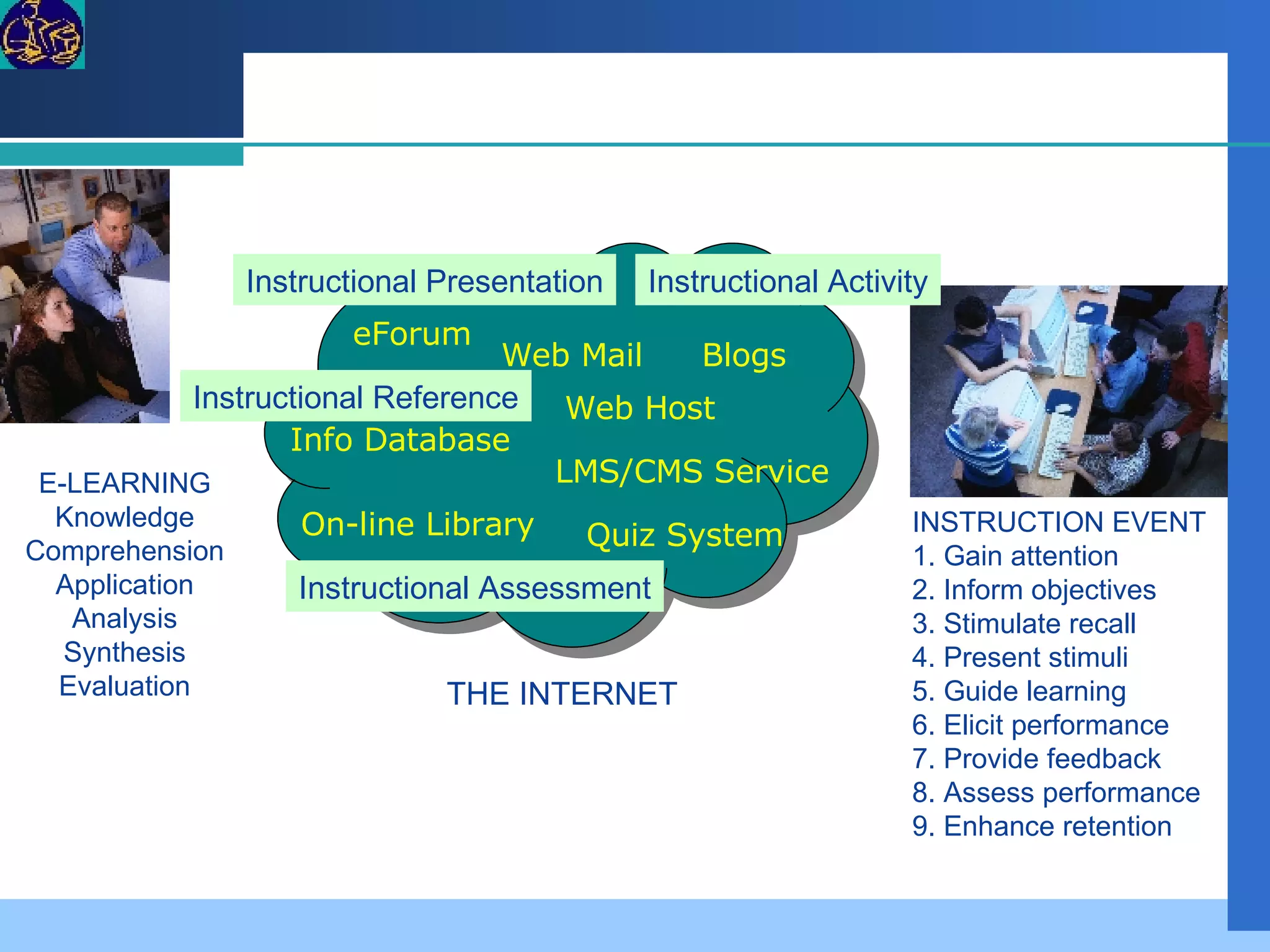
Web Host  Web Mail  eForum  Blogs  LMS/CMS Service Quiz System Info Database On-line Library E-LEARNING Knowledge Comprehension Application Analysis Synthesis Evaluation Instructional Presentation Instructional Assessment Instructional Reference Instructional Activity INSTRUCTION EVENT 1. Gain attention  2. Inform objectives 3. Stimulate recall  4. Present stimuli  5. Guide learning  6. Elicit performance  7. Provide feedback  8. Assess performance  9. Enhance retention THE INTERNET
The Subject Lesson Web Page The Subject Title The A.G.O. The Content Outline The Resource Links The Activities Read and Make a Report Read and Analysis Test Simulation Gamers

Ischoolwebboard 1

  • 1.
    ISchool WebBoard Teacher in the Web e-Learning Project
  • 2.
    Licensing Stuff andCopyright This is an open content compilation and distribution on the body of knowledge, implementation cases, reusable templates, and open source licensed software to jumpstart the effective and efficient service delivery of Infocommunications technology in the instruction and learning. The information, documents and software introduced in this presentation belong to the cited author(s) or company(s), and subject to the copyright and licensing terms of the original author/s. This educational presentation does not claim connection nor represens the cited products or corporation. All brand names and logos cited in this educational presentation are copyrighted to the original author or corporation. This educational presentations adheres to applicable open source/content license, and freely reusable clause provided by the source of the materials.
  • 3.
    The Objectives Definethe common language, work objectives, work packages, process and technology to implement e-learning Build a common understanding on Instructional Design to integrate digital technology resources in instruction and learning. Create the Instruction Plan template that incorporates modalities of e-learning, and content from readily available digital repositories. Initiate the process of designing of a course e-learning webboard to contain competency standards, study guide, lecture notes, links to on-line forum, e-mail group, blogs, wikipedia, and knowledge references. Introduce the use of curricular content and standard references from the World Wide Web Provide initial guidance on the use of software to create presentation, web pages, and to get into the Internet.
  • 4.
  • 5.
    Day 1 Morning:Instructional Design and Planning Model Learning, Instruction, and Competency Instructional Design Process Task List of Instructional Designer Afternoon: Program of Instruction and e-Learning Modalities e-Learning Defined e-Learning Modalities On-line Identities
  • 6.
    Day 2 Morning:Open Source Software to Implement e-Learning Front-end Solution Back-end Solution Afternoon: Open Source Services in the Internet Web Mail Web Log Wiki Web Host Learning Content Management System
  • 7.
    Day 3 Morning:Building the ISchool Web Board Discovery and Design Define the Learner Define Course Materials Technology Support Afternoon: Lesson Plan Evaluation Search the Net Evaluate Net Content
  • 8.
    Day 4 Morning:Building the ISchool Web Board Part II Setup Web Mail and Web Log Afternoon: Setup Wikipedia, and On-Line Assessment
  • 9.
    Day 5 Morning:Create the Web Page Write a lesson web page to contain presentation, activities, and assessment Afternoon: Create the Web Page How to publish the web page, and to perform editing. Training Evaluation
  • 10.
    Herbert Simon, NobelLaureate “ For the computer to bring about a revolution in education, its introduction must be accompanied by improvements in our understanding of learning and teaching.”
  • 11.
  • 12.
  • 13.
    Learning & InstructionLearning: The process that results in changes in the human behavior and in the human capabilities to function or perform. Instruction: Set of events that affects learners in their way to achieve learning.
  • 14.
    Learning & InstructionCompetency ...an integrated set of  skills, knowledge, and attitudes that enables one to effectively perform the activities of a given occupation or function to the standards expected in employment.
  • 15.
    Learning & InstructionContent Suitability Outcome Learner Attitude Aptitude Environment Instruction Face to Face Blended Activities
  • 16.
    Bloom’s Taxonomy ofLearning Knowledge : arrange, define, duplicate, label, list, memorize, name, order, recognize, relate, recall, repeat, reproduce state. Comprehension : classify, describe, discuss, explain, express, identify, indicate, locate, recognize, report, restate, review, select, translate, Application : apply, choose, demonstrate, dramatize, employ, illustrate, interpret, operate, practice, schedule, sketch, solve, use, write. Analysis : analyze, appraise, calculate, categorize, compare, contrast, criticize, differentiate, discriminate, distinguish, examine, experiment, question, test. Synthesis : arrange, assemble, collect, compose, construct, create, design, develop, formulate, manage, organize, plan, prepare, propose, set up, write. Evaluation : appraise, argue, assess, attach, choose compare, defend estimate, judge, predict, rate, core, select, support, value, evaluate.
  • 17.
    Instructional Tasks LearnerKnowledge Level – selection of appropriate content topic, and instructional activity Learner Learning Attitude – Selection of appropriate activity Assessment – selection of evaluation tool to test attainment of learning outcome
  • 18.
    The Term E-LearningIt covers the wide set of applications and processes, such as Web-based learning, computer-based learning, virtual classrooms, and digital collaboration. It includes the delivery of content via Internet, intranet/extranet (LAN/WAN), audio- and videotape, satellite broadcast, interactive TV, CD-ROM, and more. Glossary of E-learning Circuit Electronic Learning
  • 19.
    Instructional Technology InstructionalTechnology is the theory and practice of design, development, utilization, management and evaluation of processes and resources for learning. Seels & Richey (1994).
  • 20.
    e-learning The utilizationof digital technology for: Learning Reference Instructional Event View e -Learning Project
  • 21.
    e-Learning Tasks ReferencesPresentation Activity Assessment The iSchool WebBoard e-Learning Project
  • 22.
    FGD Whatis instructional design? What is DEPED process model in instructional design?
  • 23.
    The Term InstructionalDesign The development of 4. instructional materials and activities ; and tryout and evaluation of all instruction and learner activities. The systematic development of 1. Instructional specifications based on some learning and instructional theory to ensure the quality of instruction . The process of analysis of 2. learning needs and goals and the development of a 3. delivery system to meet those needs.
  • 24.
    Instructional Design GoalSetting Analysis Develop Objectives Develop Assessment Metrics Identify Instructional Strategy Develop Materials Implement Essential Steps Standard Learner Evaluate Revise
  • 25.
    ID Step 1- Goal Setting Identifying the overall course goal  
  • 26.
    Set Goals Goalsare clearly stated in terms of what students know and are able to do as the result of instruction and learning. Goals are appropriate for the intended learners. Goals are related to the needs of all learners. Goals are stated in terms of student learning. Carefully consider the amount of discipline-specific and task-specific knowledge and skills needed by the learners to be successful. Include goals focusing on communication and thinking as well as discipline-specific topics, concepts , and processes. Set affective goals focusing on the essential attitudes and dispositions required by the learner in the unit ( e.g. positive interpersonal relationships due to the cooperative learning activities).
  • 27.
    ID Step 2 - Analysis Analysis of what is to be learned, of the learners, of the learning environment, and, of the environment in which the learning is to eventually be applied
  • 28.
    ID Step 3– Objectives Development Identifying and stating in measurable terms the objectives for each lesson
  • 29.
    ID Step 4- Assessment Measures Identifying criterion-referenced assessment measures Development
  • 30.
    Create Learner OutcomesOutcomes are based on the goals, standards, and needs of the learners. Outcomes are measures of learning. Outcomes identify what is to be assessed, the condition under which the learning must be demonstrated, and the criteria for successful performance. Sample evidence that the learner has successfully demonstrated all performance outcomes indicates that goals have been achieved. Select and target worthy outcomes for student learning. Focus on the important concepts and meaningful knowledge at the heart of essential understandings that students need to develop. Avoid overwhelming the learners with unconnected "factoids" and instead focus on the big ideas linked through higher level thinking/processing. Outcomes should be consistently and clearly communicated in terms that are understood by ALL
  • 31.
    ID Step 5- Instructional Strategies Chunking learning into logical components, selecting the appropriate media, and identifying the instructional strategies that will best facilitate learning Identification
  • 32.
    ID Step 6- Development of Materials Producing the materials and Web site components for an online class; also includes obtaining commercially-produced materials/textbooks/e-books/WBT/CBT as appropriate
  • 33.
    ID Step 7- Implement Instruction Make the stakeholders experience the products.  
  • 34.
    ID Step 8- Evaluate and Revise Solicit feedbacks and further the expert review in order to appropriately revise materials
  • 35.
    Instructional Designer The Instructional Designer ID Template
  • 36.
    Program of InstructionMindset "Using technologies effectively in education requires shifting our focus from teaching to learning, with more and more of the learning coming under the control of the learner” … .Ramirez, R., & Bell, R. (1994). Byting back: Policies to support the use of technology in education. Oak Brook, IL: North Central Regional Educational Laboratory
  • 37.
    Reaction Please! “Learning coming under the control of the learner”
  • 38.
    Assumption 1 Interactionrather than isolation: Knowledge and expertise develop when students have a chance to interact with resources that include their peers, teachers, experts from various fields, and print and electronic text and databases.
  • 39.
    Assumption 2 Individuallearning styles: Learners are most successful when they can use a learning style suited to their needs.
  • 40.
    Assumption 3 Adequateprofessional development: In order to implement and adapt alternative learning strategies, teachers must be helped to become models of active learning.
  • 41.
    Assumption 4 Learningas the main consideration in decision making: Curriculum planning and scheduling should focus on using time according to learning needs, rather than on conforming learning to divisions of time.
  • 42.
    Assumption 5 Cognitiveresearch: Students learn best when the tasks involve meaningful contexts, activities, and problems so that they can actively construct their own knowledge and develop the ability to apply what they learn to new situations.
  • 43.
    Assumption 6 Explicitlystated performance outcomes: Accountability can be ensured if progress on assessment measures reflects skills learned in classroom activities.
  • 44.
    Active Learning Model(J.Brunner) Principles: Instruction must be concerned with the experiences and contexts that make the student willing and able to learn (readiness). Instruction must be structured so that it can be easily grasped by the student (spiral organization). Instruction should be designed to facilitate extrapolation and or fill in the gaps (going beyond the information given).
  • 45.
  • 46.
    Gagne’s Nine Eventsof Instruction 1. Gain attention 2. Inform learner of objectives 3. Stimulate recall of prior learning 4. Present stimuli with distinctive features 5. Guide learning 6. Elicit performance 7. Provide feedback 8. Assess performance 9. Enhance retention and learning transfer to job
  • 47.
    IE1.Gain attention Useof multi-media, graphics and animation Web-design Announcement (Calendar, e-mail) Discussion of current topics (e-forum) Referral to Web sites (Site Link)
  • 48.
    IE2. Inform objectivesCourse orientation Course tutorial Post syllabus
  • 49.
    IE3. Stimulate recallof prior learning Getting started self-test e-discussion of prior topics e-book reference 0n-line tutorial sites
  • 50.
    IE4 Present thecontent Web-enhanced lectures, textbook activities, e-books technology-assisted content deliver Activities through Web-research simulations audio/video E-modules animation
  • 51.
    IE5. Provide LearningGuide Post syllabus course notes assignments other course materials
  • 52.
    IE7. Elicit feedbackWeb-enabled student surveys Discussions and Quizzes Students submit work electronically
  • 53.
    IE8. Provide feedbackElectronic discussions email responses
  • 54.
    IE9. Assess performanceOnline testing Graded work is emailed back to the students
  • 55.
    IE9. Enhance retentionand job transfer Web-research fosters critical thinking Team collaborations Resolve case studies Use of technologies common in the workplace
  • 56.
    Program of InstructionWell defined objectives in terms of specific measurable objectives or learning outcomes. Clearly spelled out skills, knowledge and attitudes to be developed. Available resources and strategies to be utilized. Organize structuring, sequencing, presentation, and reinforcement of the content. Matching of assessment methods to the learning objectives to ensure agreement between intended outcomes and assessment measurements.
  • 57.
    Mind Map SUBJECTAIM GOAL OBJECTIVES STUDENT STANDARD CONTENT MODULE 1 MODULE 2 MODULE 3 MODULE 4 DURATION CERTIFICATION Topic 1 Topic 2 Topic 3 Terminal Objectives Learning Summary Learning Notes Learning Activity Duration Materials Learning Reference Learning Assessment
  • 58.
    How to bean e-learner The Web Site The Blogs The Forum The e-Mail The e-Book The Help File The Wikipedia The eBB On-line Assessment E-Library Infoweb
  • 59.
    On-line Identity E-mailAddress Mail Group Web Log Address Web Site Address eForum Address Wiki Address
  • 60.
    Web Host Web Mail eForum Blogs LMS/CMS Service Quiz System Info Database On-line Library E-LEARNING Knowledge Comprehension Application Analysis Synthesis Evaluation Instructional Presentation Instructional Assessment Instructional Reference Instructional Activity INSTRUCTION EVENT 1. Gain attention 2. Inform objectives 3. Stimulate recall 4. Present stimuli 5. Guide learning 6. Elicit performance 7. Provide feedback 8. Assess performance 9. Enhance retention THE INTERNET
  • 61.
    The Subject LessonWeb Page The Subject Title The A.G.O. The Content Outline The Resource Links The Activities Read and Make a Report Read and Analysis Test Simulation Gamers