Download to read offline

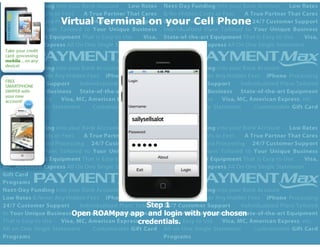


The document provides a 7 step guide for using a credit card processing app on an iPhone 4 to complete mobile credit card sales. The steps include opening the app and logging in, selecting "Credit Sale" from the menu, entering the sale amount and credit card information, adding billing details and notes, and submitting the sale to get instant authorization approval or decline.


