Introduction to Google
Ads
This section provides an overview of Google Ads, a powerful platform for
advertising and reaching potential customers online. It covers the basics
of how Google Ads works and its significance for businesses of all sizes.
by Pedro Kiatecua
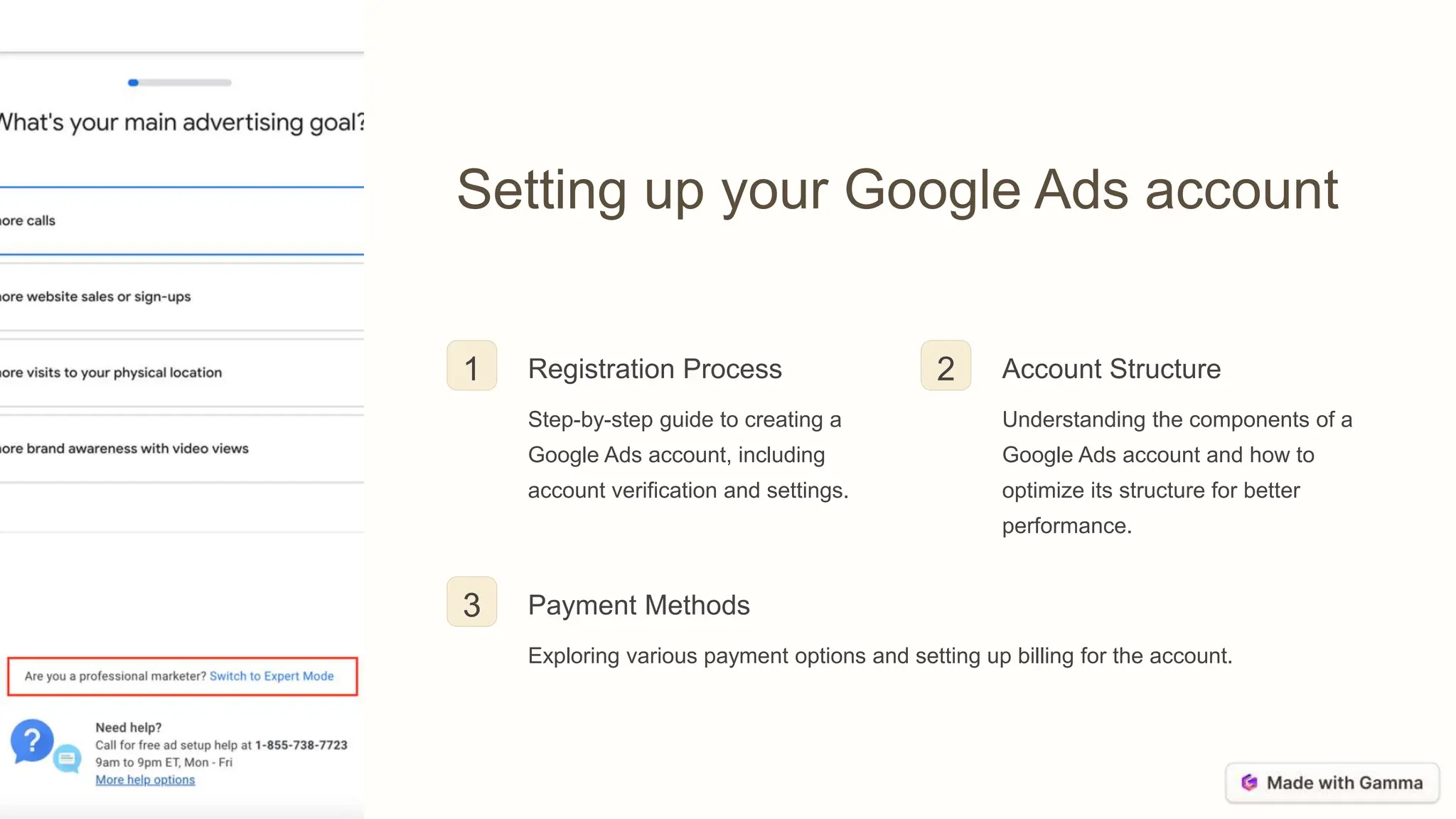
Setting up your Google Ads account
1 Registration Process
Step-by-step guide to creating a
Google Ads account, including
account verification and settings.
2 Account Structure
Understanding the components of a
Google Ads account and how to
optimize its structure for better
performance.
3 Payment Methods
Exploring various payment options and setting up billing for the account.
Understanding keywords and ad targeting
Keyword Research
How to conduct in-depth keyword research to
identify the most effective keywords for ad
targeting.
Utilizing keyword planner tools and analytics for
data-driven decision-making.
Ad Targeting
Exploring different ad targeting options, such as
location, demographics, interests, and more.
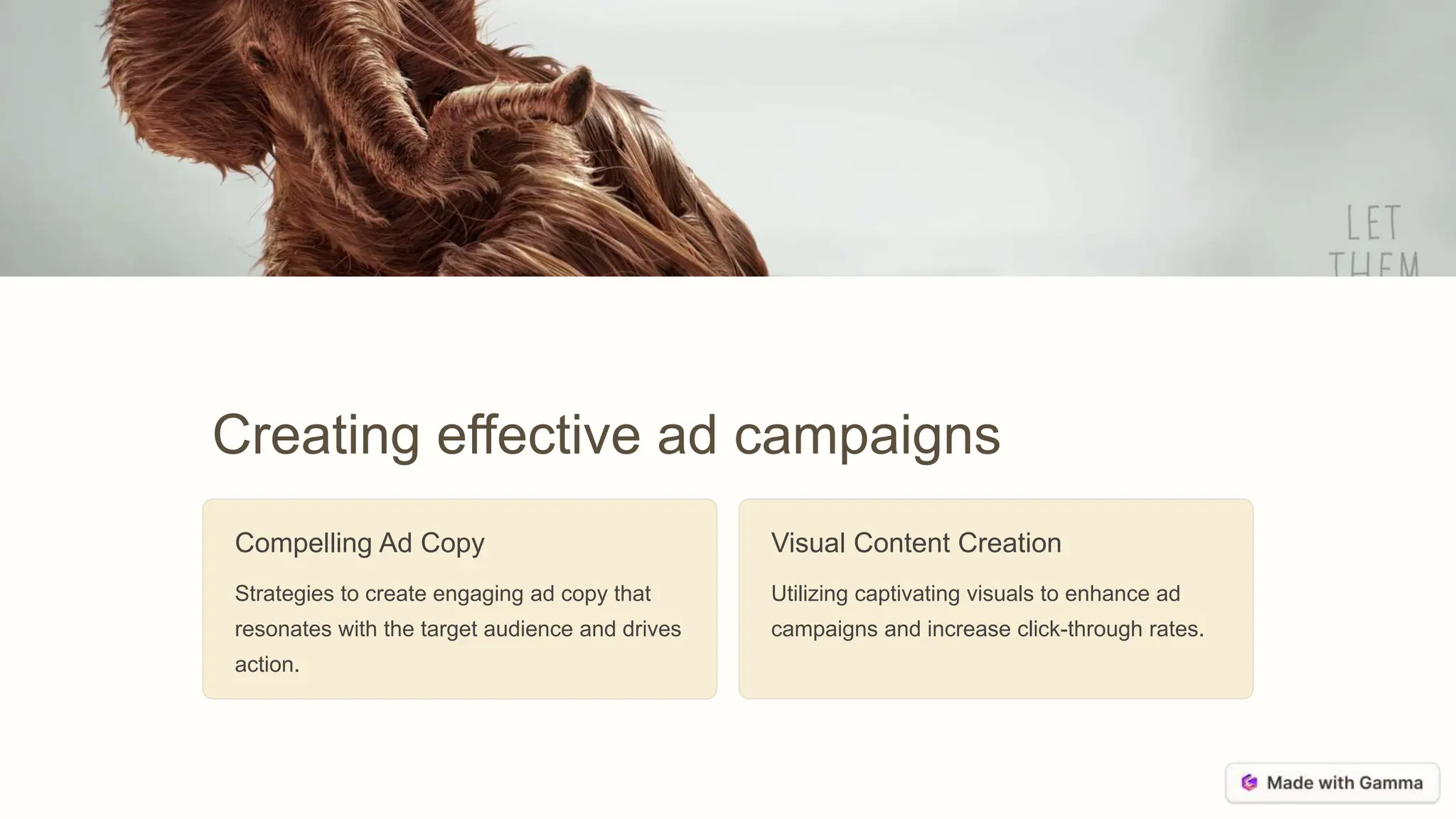
Creating effective ad campaigns
Compelling Ad Copy
Strategies to create engaging ad copy that
resonates with the target audience and drives
action.
Visual Content Creation
Utilizing captivating visuals to enhance ad
campaigns and increase click-through rates.
Measuring and analyzing your ad
performance
ROI
Return on Investment (ROI)
Understanding how to measure the effectiveness
of ad campaigns through ROI analysis.
CTR
Click-Through Rate (CTR)
Interpreting CTR metrics to evaluate the
performance of ad creatives and audience
engagement.
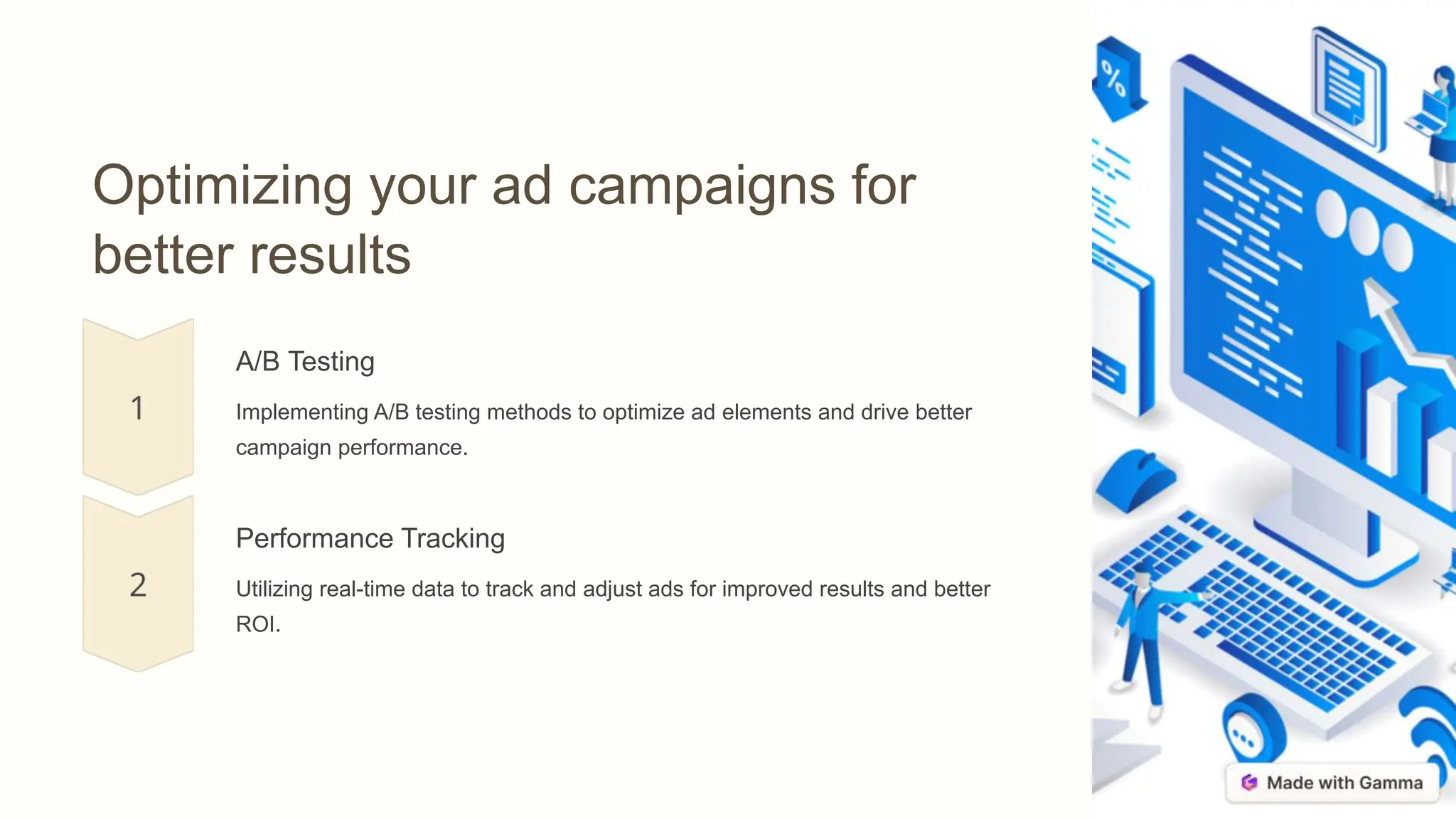
Optimizing your ad campaigns for
better results
A/B Testing
Implementing A/B testing methods to optimize ad elements and drive better
campaign performance.
Performance Tracking
Utilizing real-time data to track and adjust ads for improved results and better
ROI.
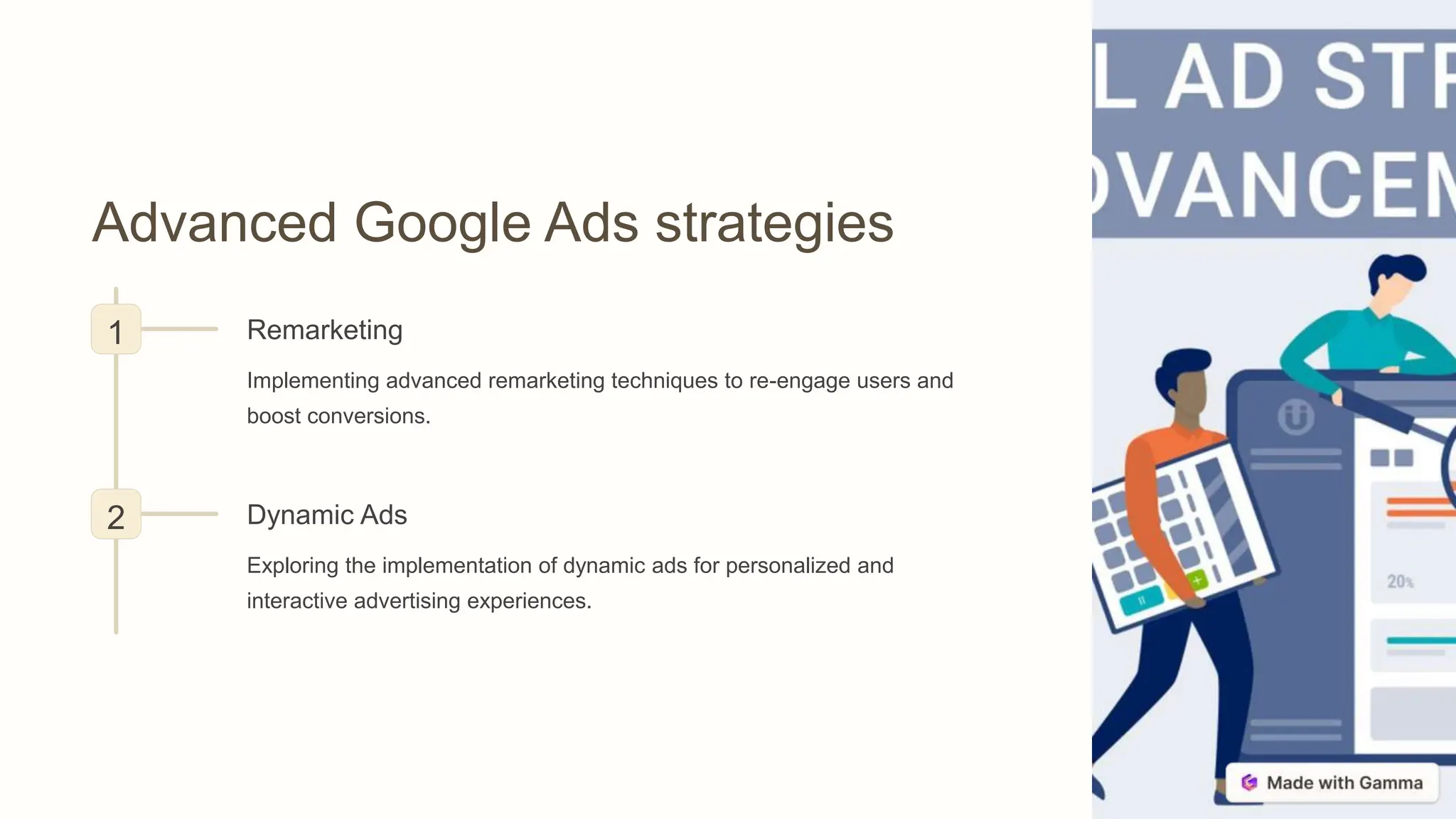
Advanced Google Ads strategies
1 Remarketing
Implementing advanced remarketing techniques to re-engage users and
boost conversions.
2 Dynamic Ads
Exploring the implementation of dynamic ads for personalized and
interactive advertising experiences.
Conclusion and next steps
1 Performance Review
Summarizing key learnings and insights
gained from the Google Ads course.
2 Future Strategies
Discussing potential next steps and
strategies for implementing the learnings
into future advertising campaigns.
Link to Complete Course
For the complete Google Ads course, visit the following link to gain
access to comprehensive learning materials and resources.
https://www.christoph-mohr.com/google-ads-videokurs#aff=KIATECUA

Introduction-to-Google-Ads.pptx free

  • 1.
    Introduction to Google Ads Thissection provides an overview of Google Ads, a powerful platform for advertising and reaching potential customers online. It covers the basics of how Google Ads works and its significance for businesses of all sizes. by Pedro Kiatecua
  • 2.
    Setting up yourGoogle Ads account 1 Registration Process Step-by-step guide to creating a Google Ads account, including account verification and settings. 2 Account Structure Understanding the components of a Google Ads account and how to optimize its structure for better performance. 3 Payment Methods Exploring various payment options and setting up billing for the account.
  • 3.
    Understanding keywords andad targeting Keyword Research How to conduct in-depth keyword research to identify the most effective keywords for ad targeting. Utilizing keyword planner tools and analytics for data-driven decision-making. Ad Targeting Exploring different ad targeting options, such as location, demographics, interests, and more.
  • 4.
    Creating effective adcampaigns Compelling Ad Copy Strategies to create engaging ad copy that resonates with the target audience and drives action. Visual Content Creation Utilizing captivating visuals to enhance ad campaigns and increase click-through rates.
  • 5.
    Measuring and analyzingyour ad performance ROI Return on Investment (ROI) Understanding how to measure the effectiveness of ad campaigns through ROI analysis. CTR Click-Through Rate (CTR) Interpreting CTR metrics to evaluate the performance of ad creatives and audience engagement.
  • 6.
    Optimizing your adcampaigns for better results A/B Testing Implementing A/B testing methods to optimize ad elements and drive better campaign performance. Performance Tracking Utilizing real-time data to track and adjust ads for improved results and better ROI.
  • 7.
    Advanced Google Adsstrategies 1 Remarketing Implementing advanced remarketing techniques to re-engage users and boost conversions. 2 Dynamic Ads Exploring the implementation of dynamic ads for personalized and interactive advertising experiences.
  • 8.
    Conclusion and nextsteps 1 Performance Review Summarizing key learnings and insights gained from the Google Ads course. 2 Future Strategies Discussing potential next steps and strategies for implementing the learnings into future advertising campaigns.
  • 9.
    Link to CompleteCourse For the complete Google Ads course, visit the following link to gain access to comprehensive learning materials and resources. https://www.christoph-mohr.com/google-ads-videokurs#aff=KIATECUA