Alexa & ColdBox APIs
Gavin Pickin
Into the Box 2018
What do you need to start building for Alexa?
● Amazon Developer Account
● AWS Services Account
● Look at Github Alexa Repos
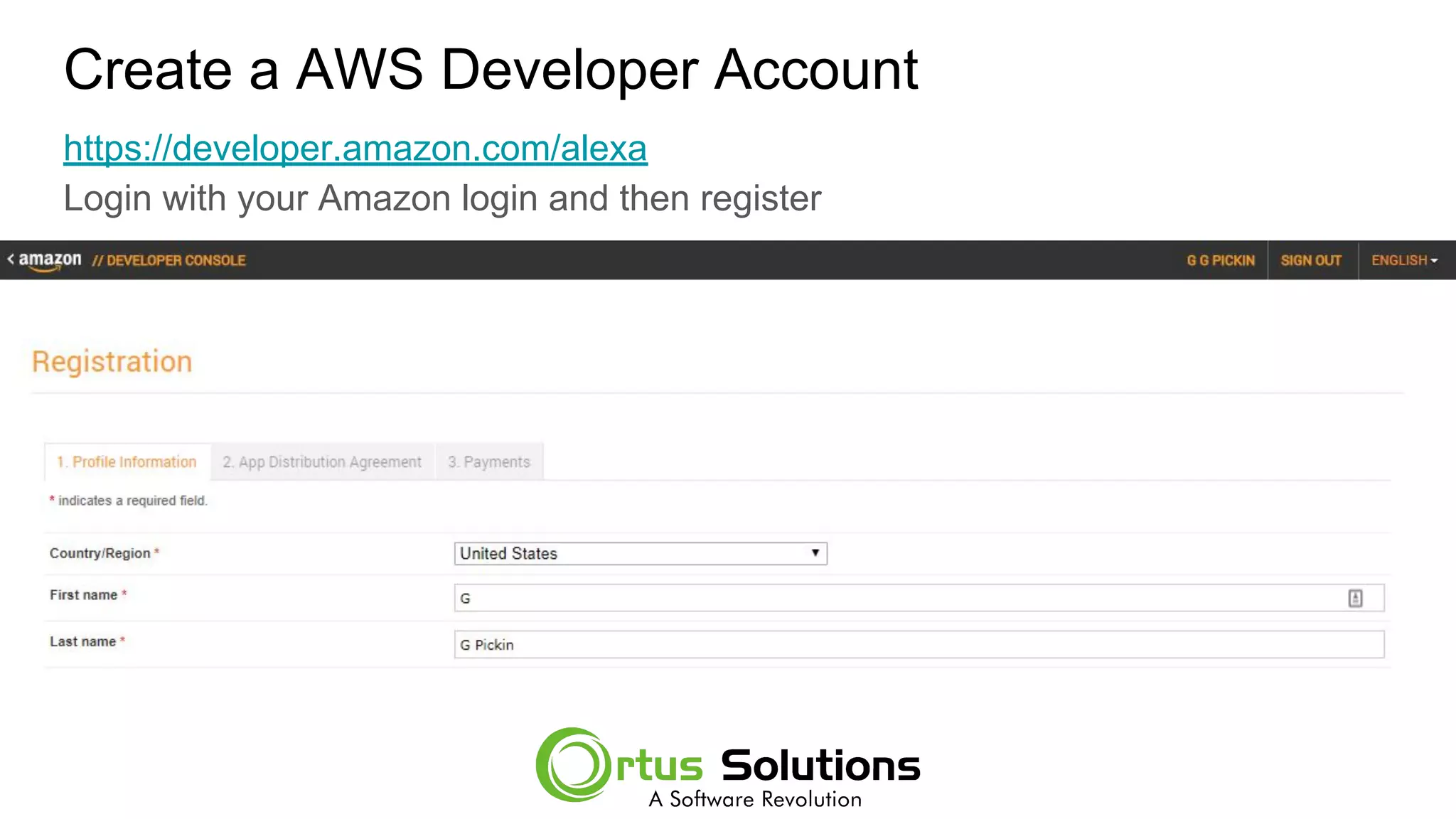
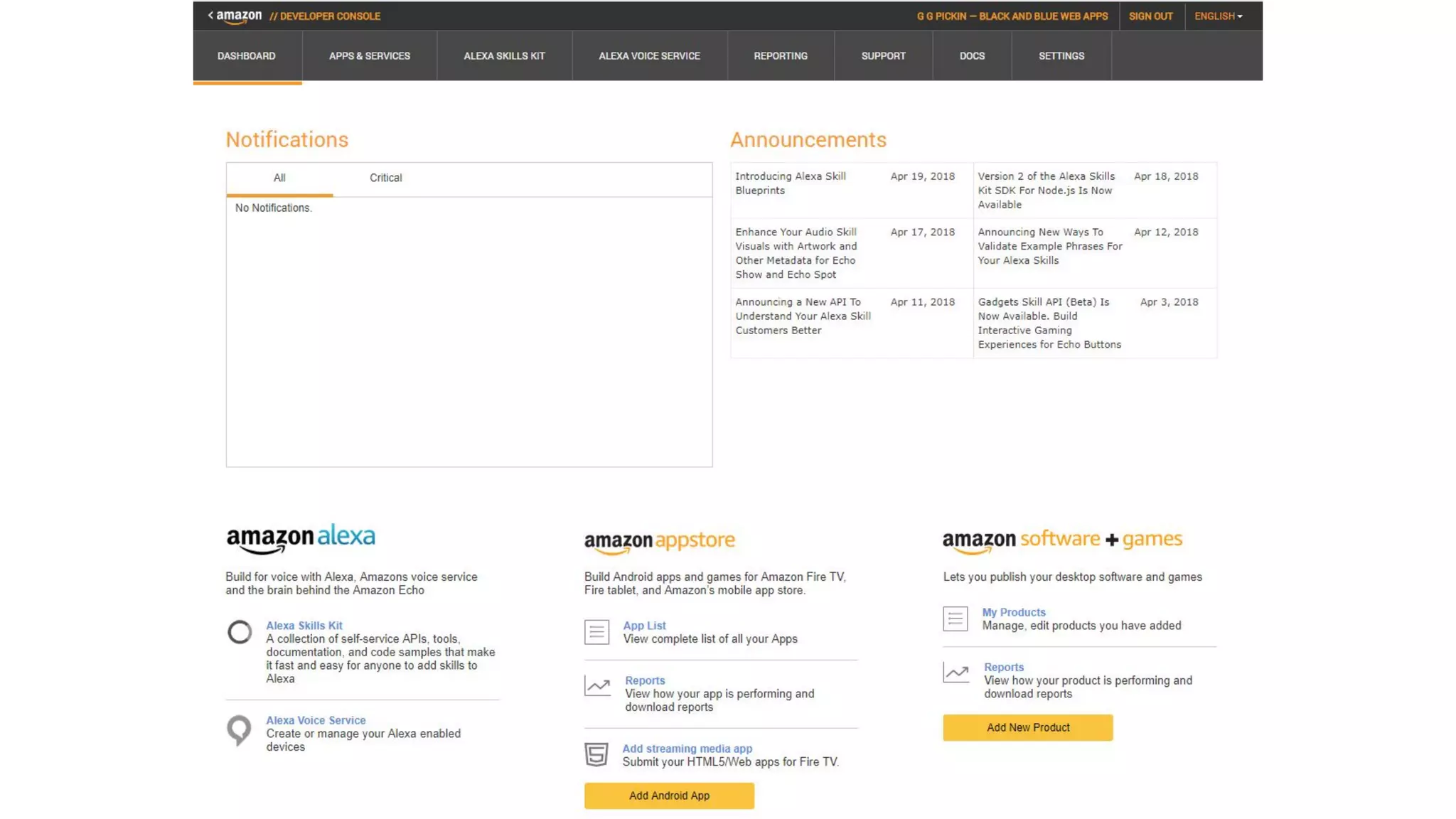
Create a AWS Developer Account
https://developer.amazon.com/alexa
Login with your Amazon login and then register
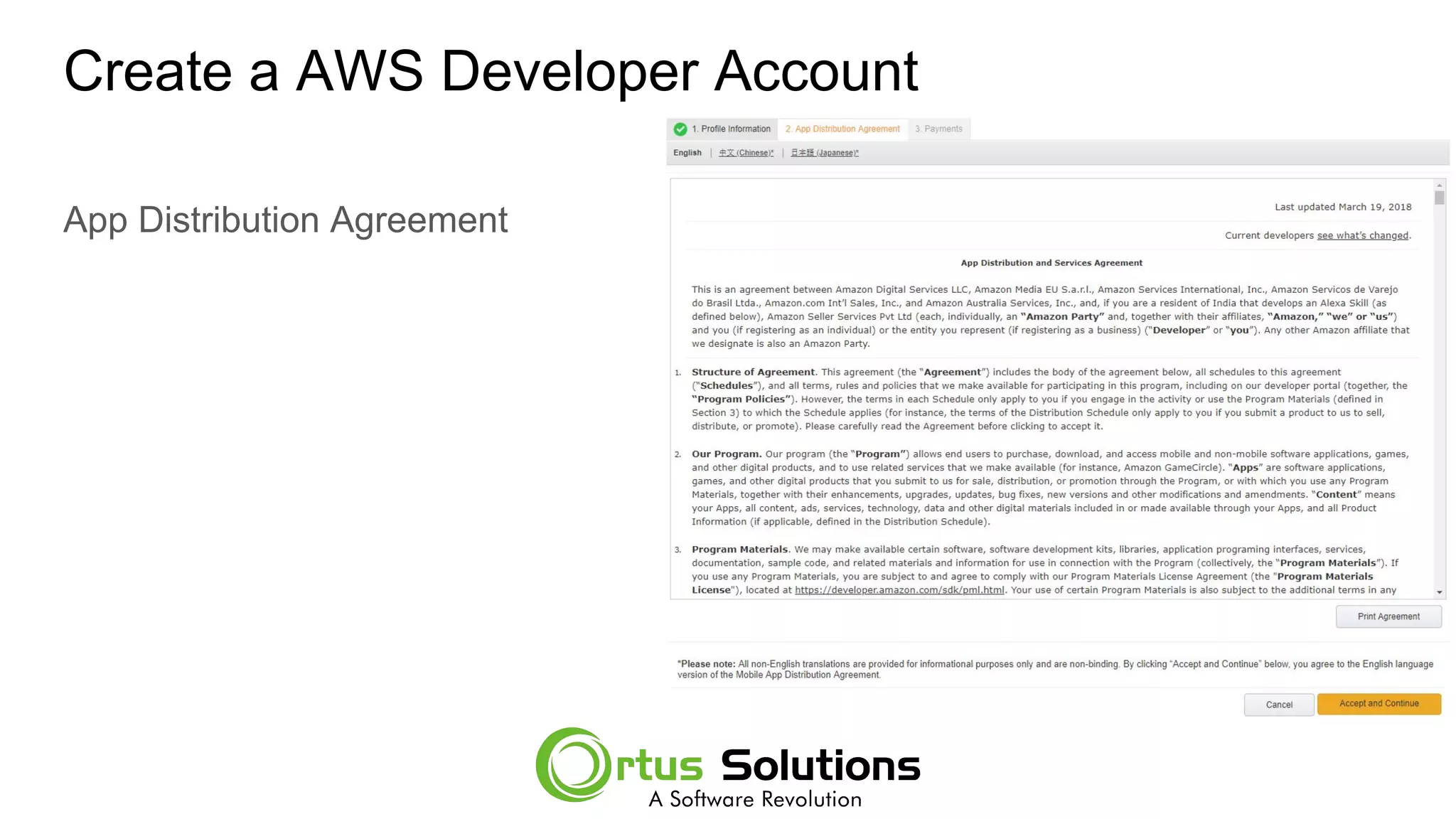
Create a AWS Developer Account
App Distribution Agreement
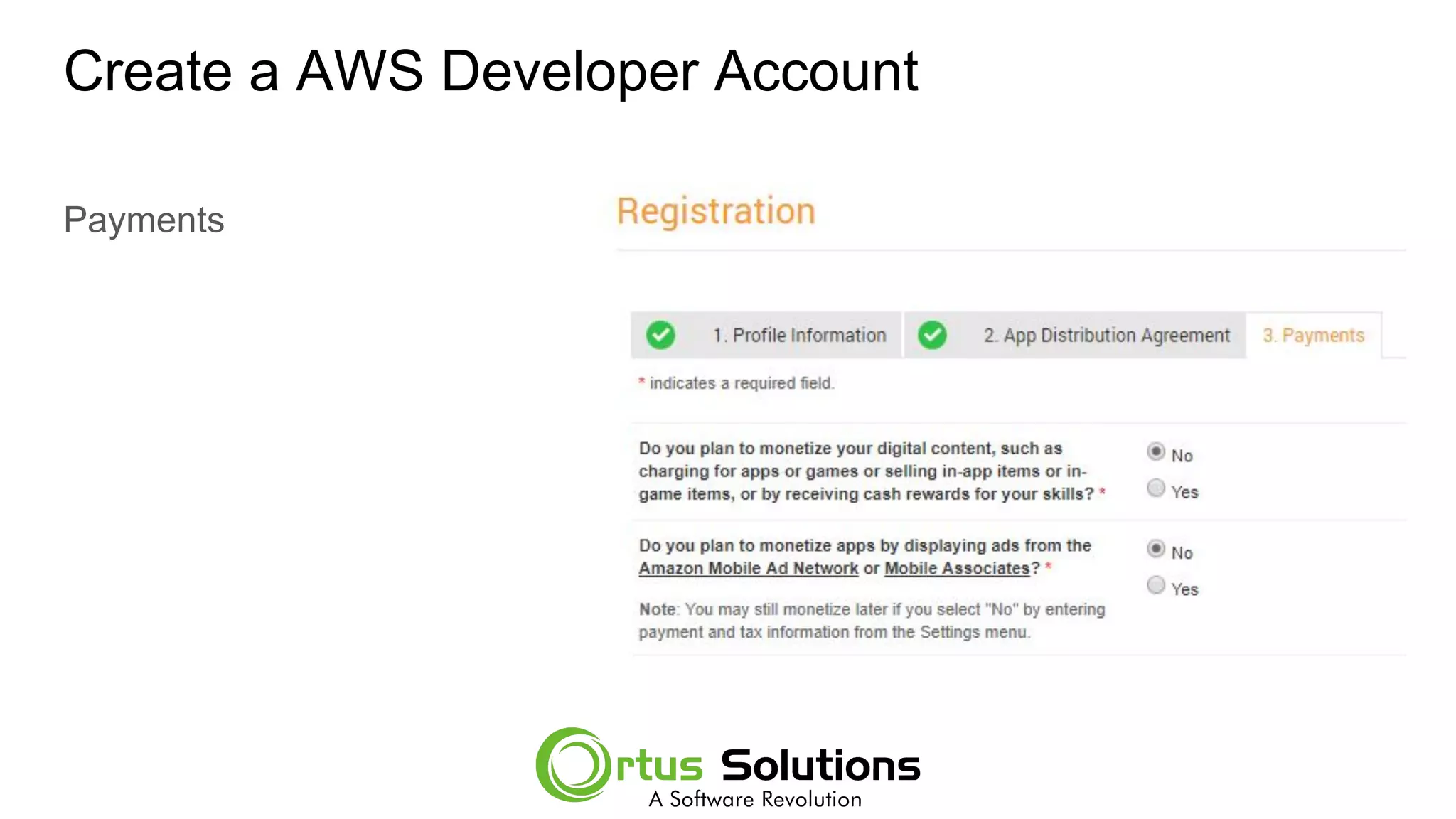
Create a AWS Developer Account
Payments
Setup your AWS Services Account
● https://aws.amazon.com/
● Does require a credit card
● Does have a free tier which is great
Nothing we will be doing here, will incur a cost.
Alexa Github Repos
● https://github.com/alexa
● Lots of great examples and templates.
● The Repos have a lot of the getting started information in them
Starting Our First Alexa Skill
● Login at https://aws.amazon.com/ with your AWS Services account
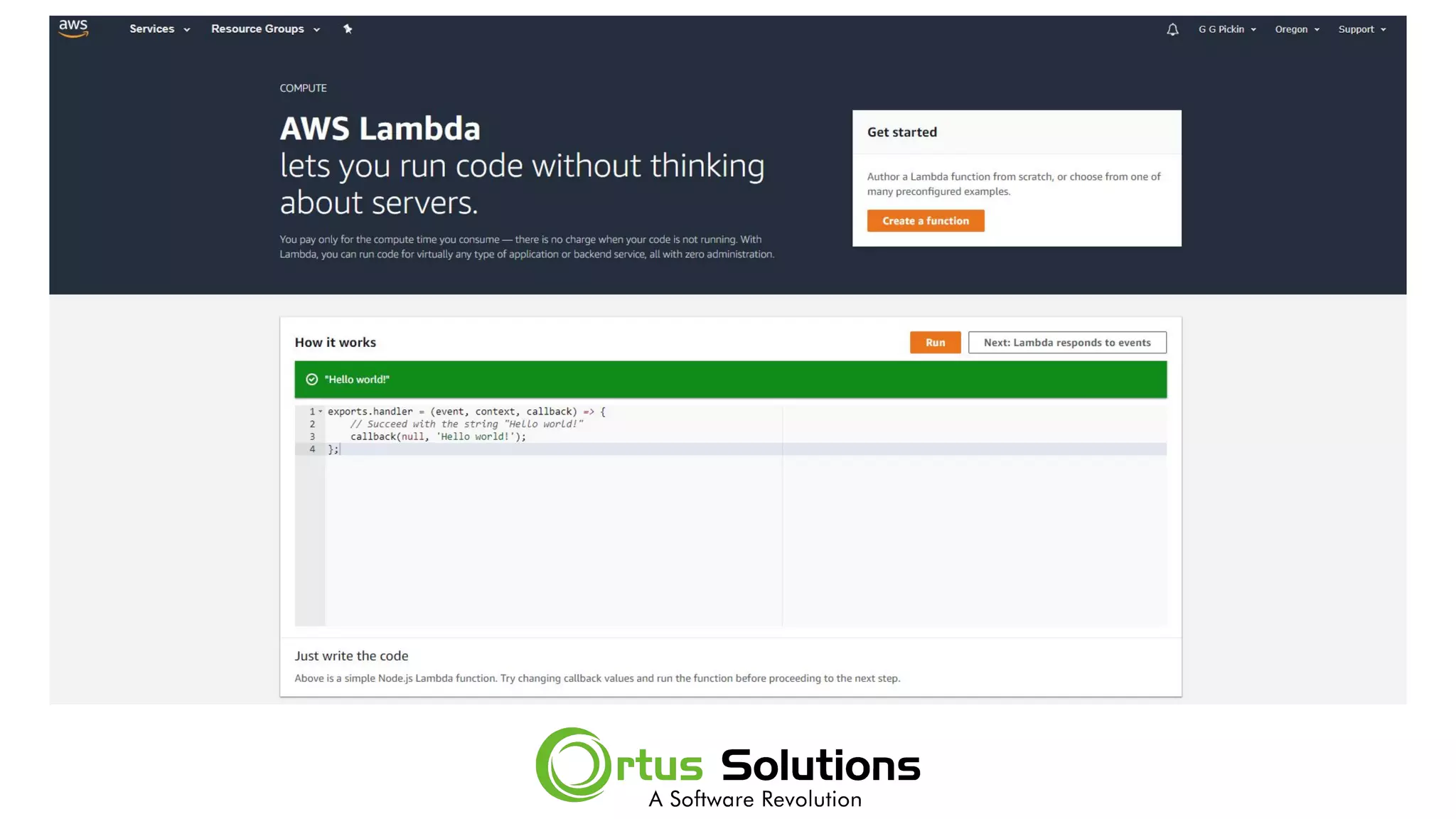
● We are going to start with Lambda, so go to Services and click on Lambda
under the Compute heading.
● Click ‘Create a function’ on the Lambda page.
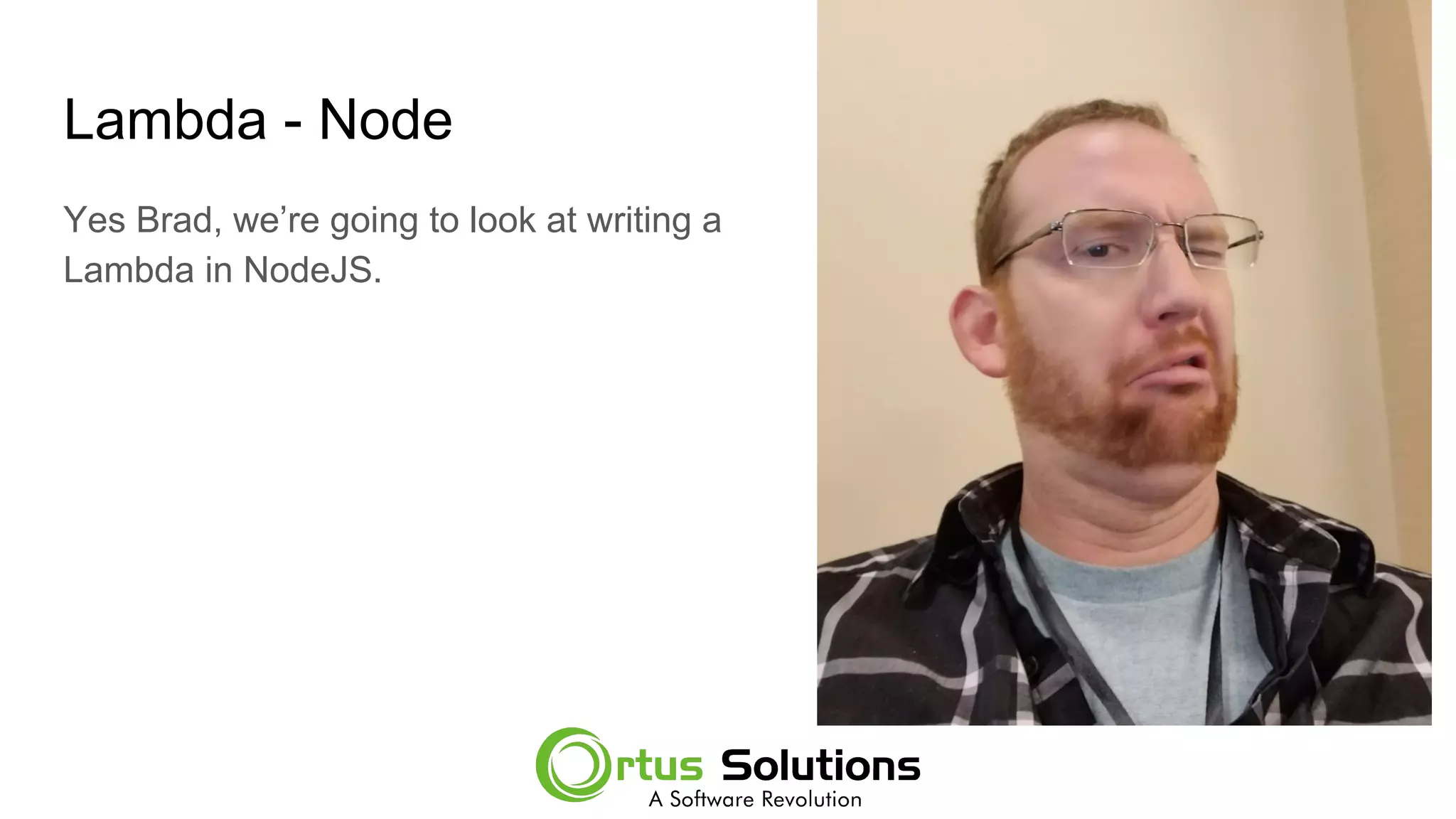
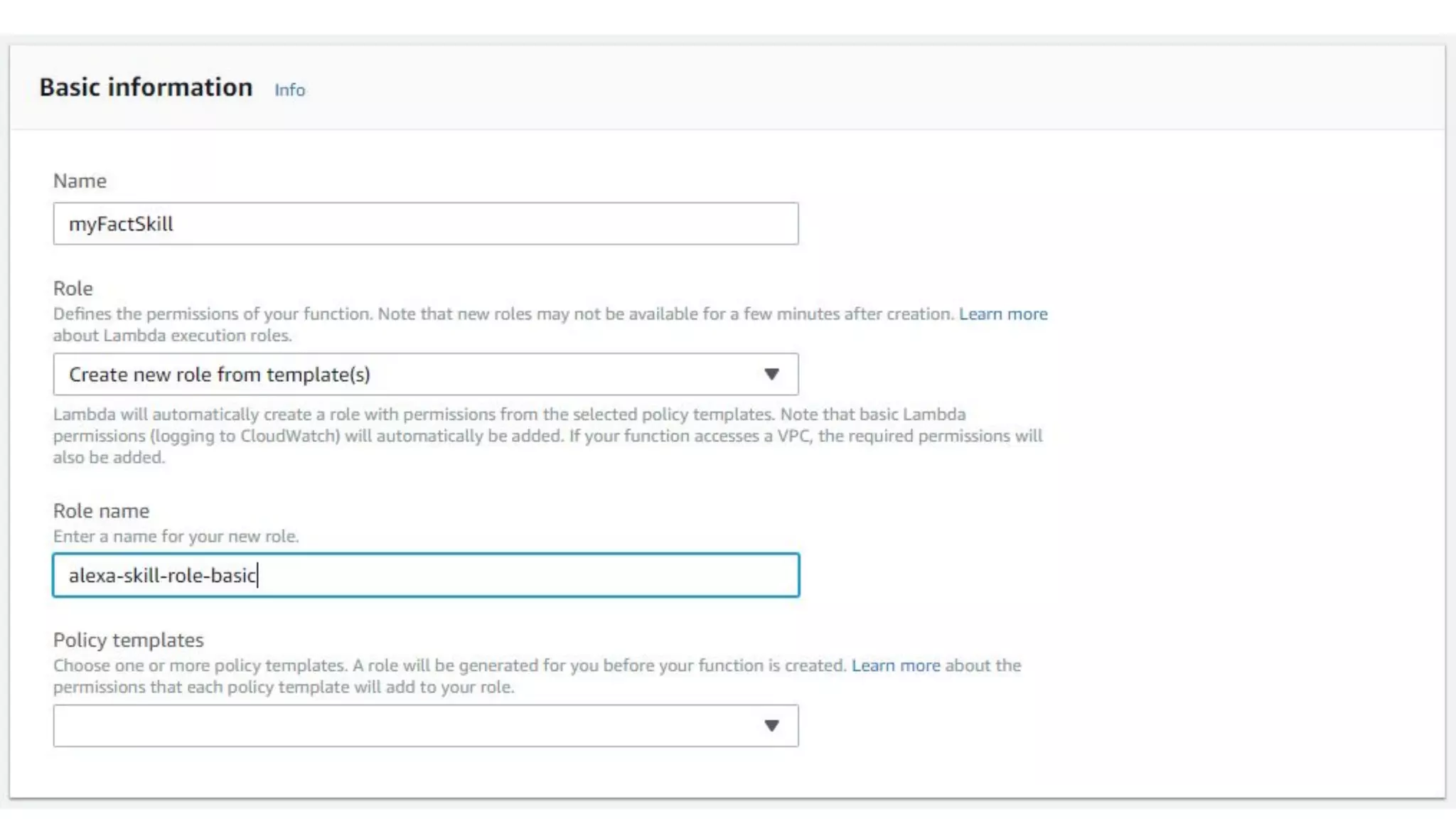
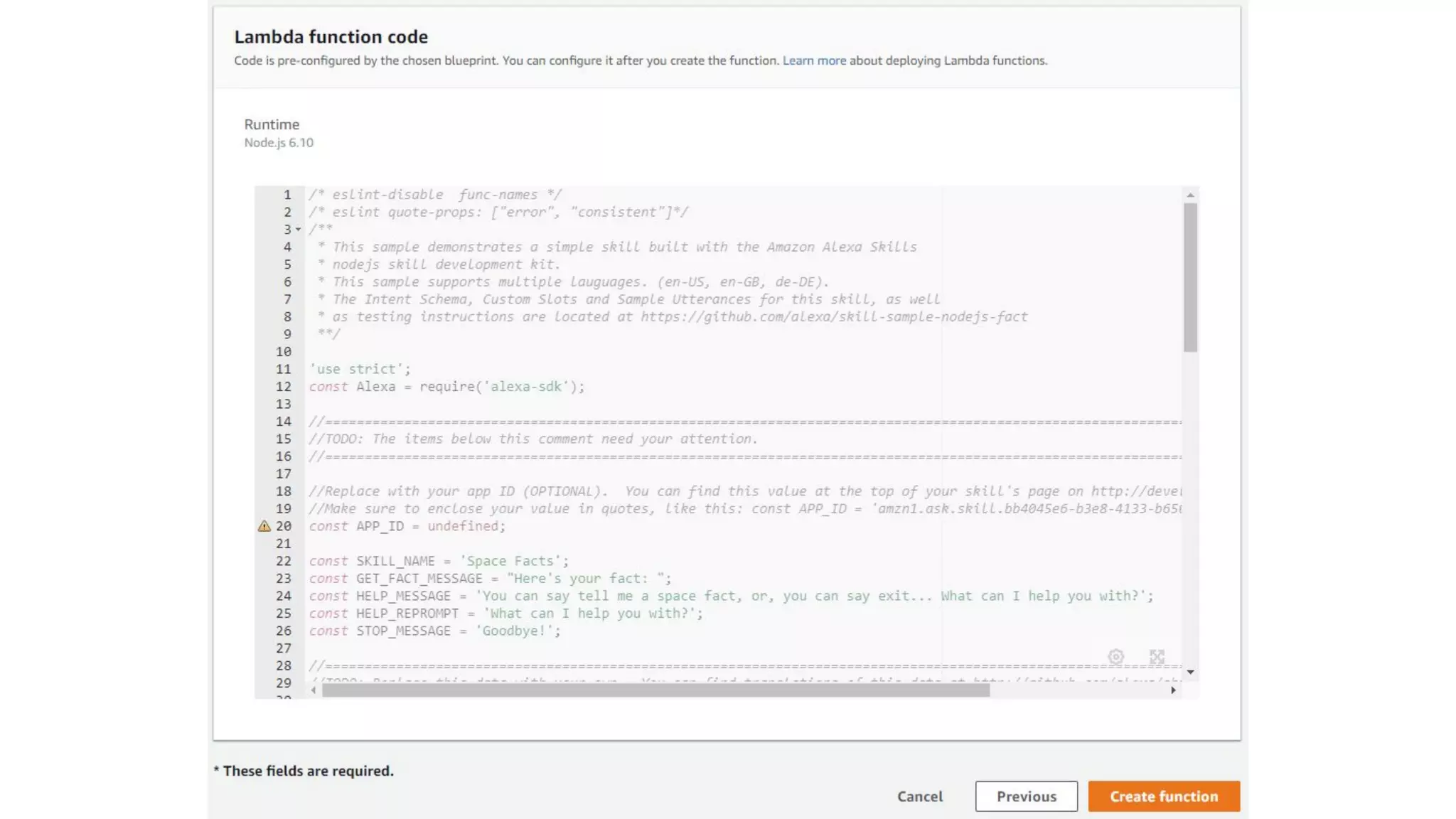
Lambda - Node
Yes Brad, we’re going to look at writing a
Lambda in NodeJS.
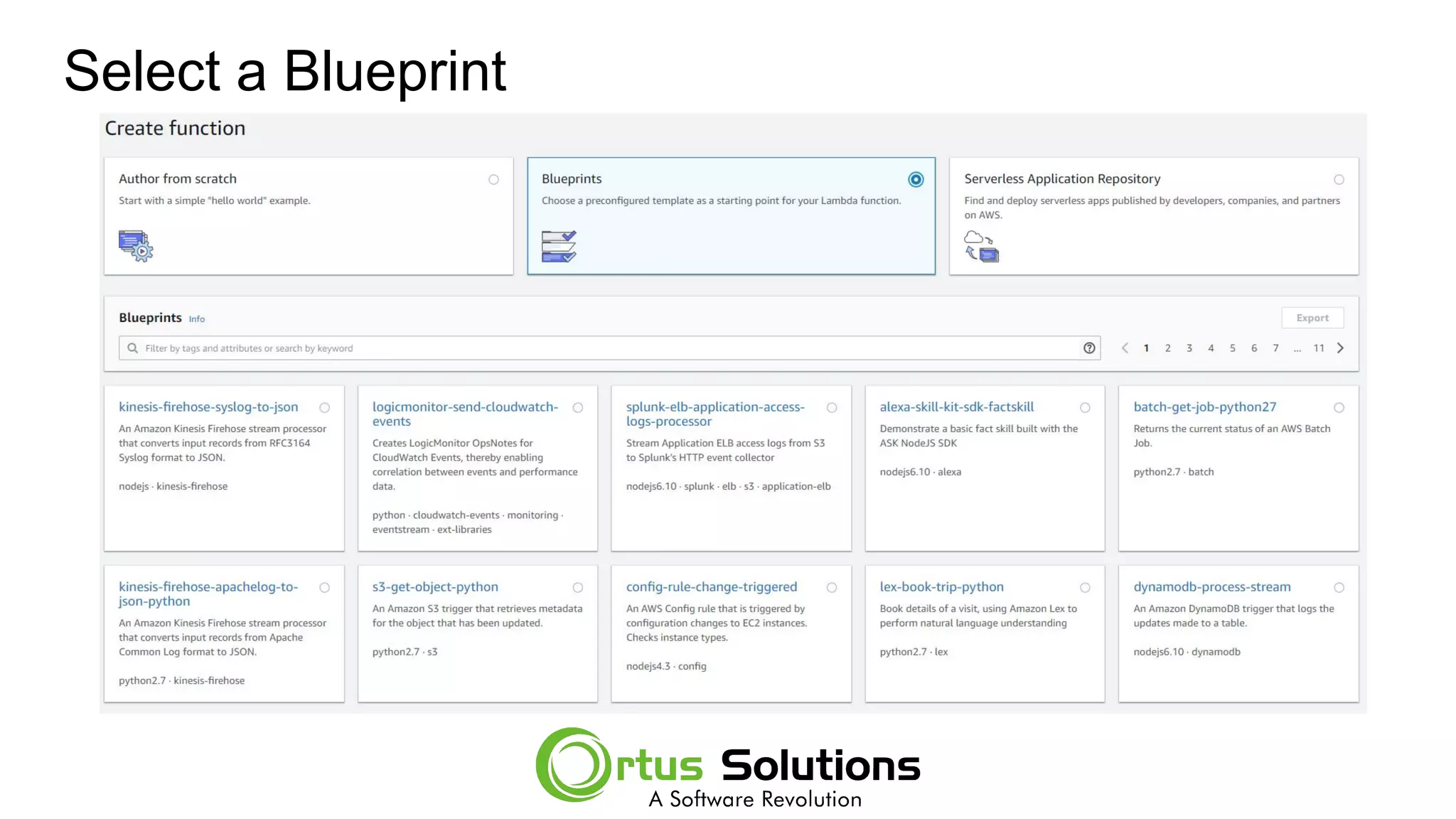
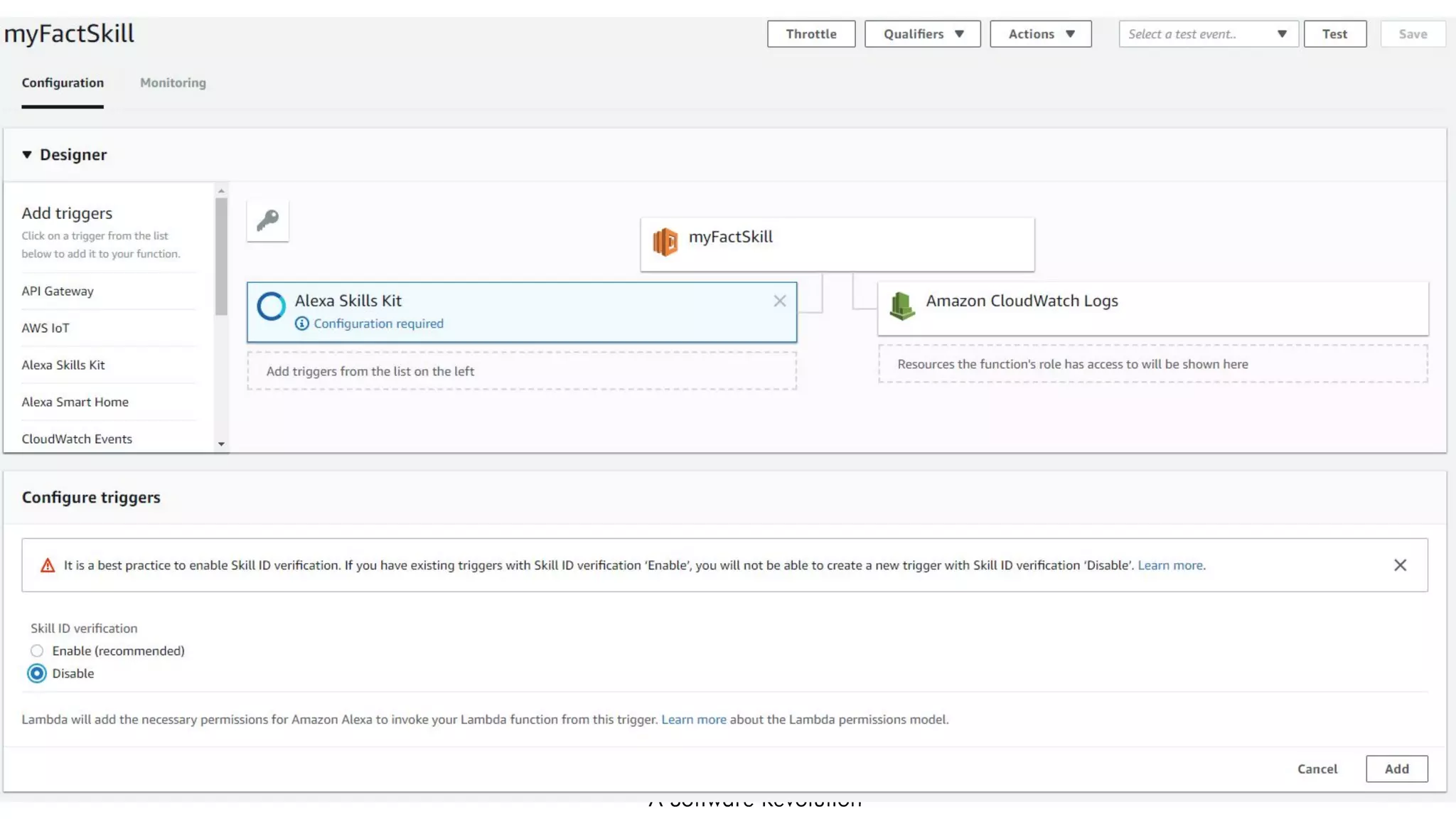
Select a Blueprint
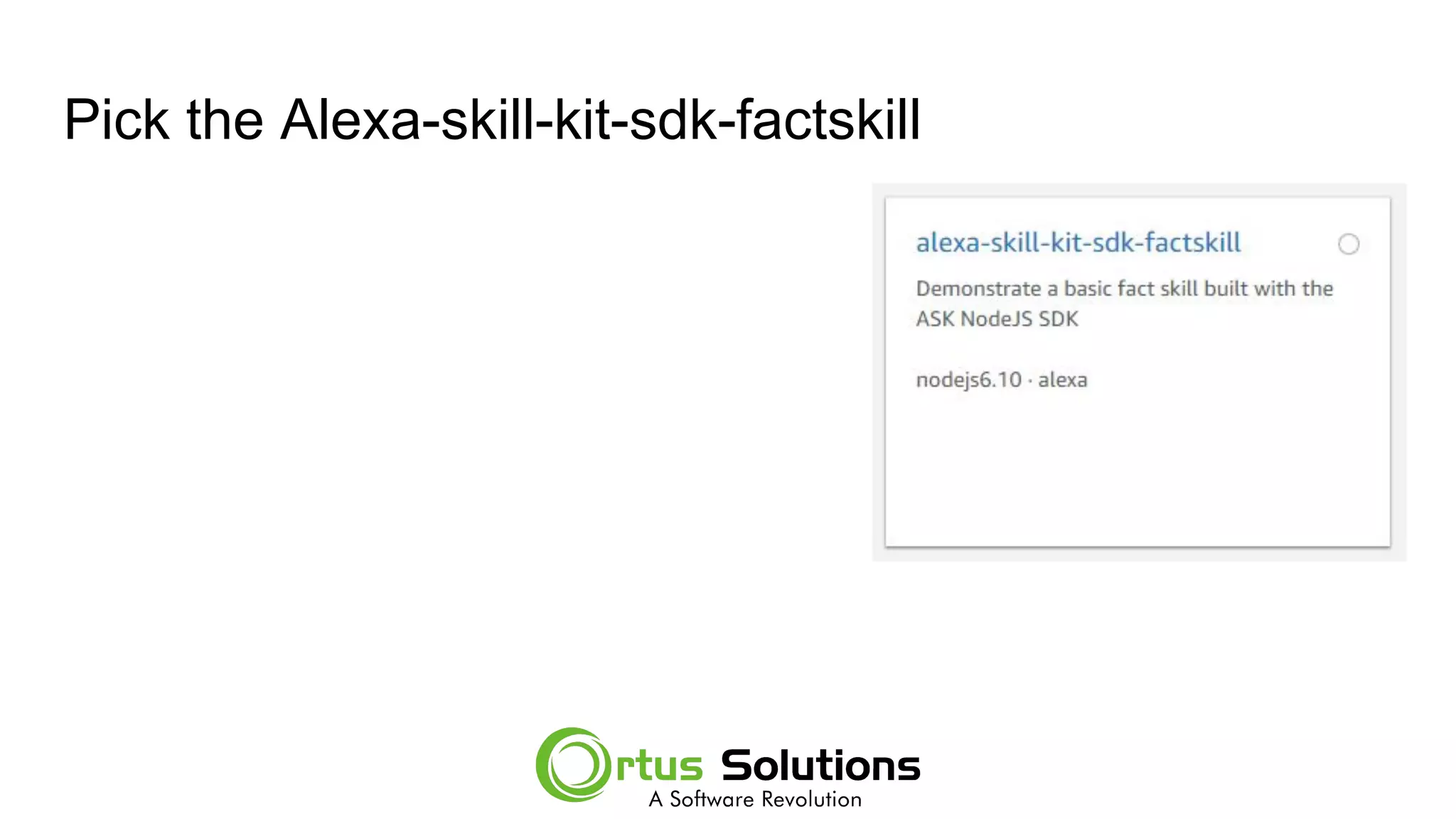
Pick the Alexa-skill-kit-sdk-factskill
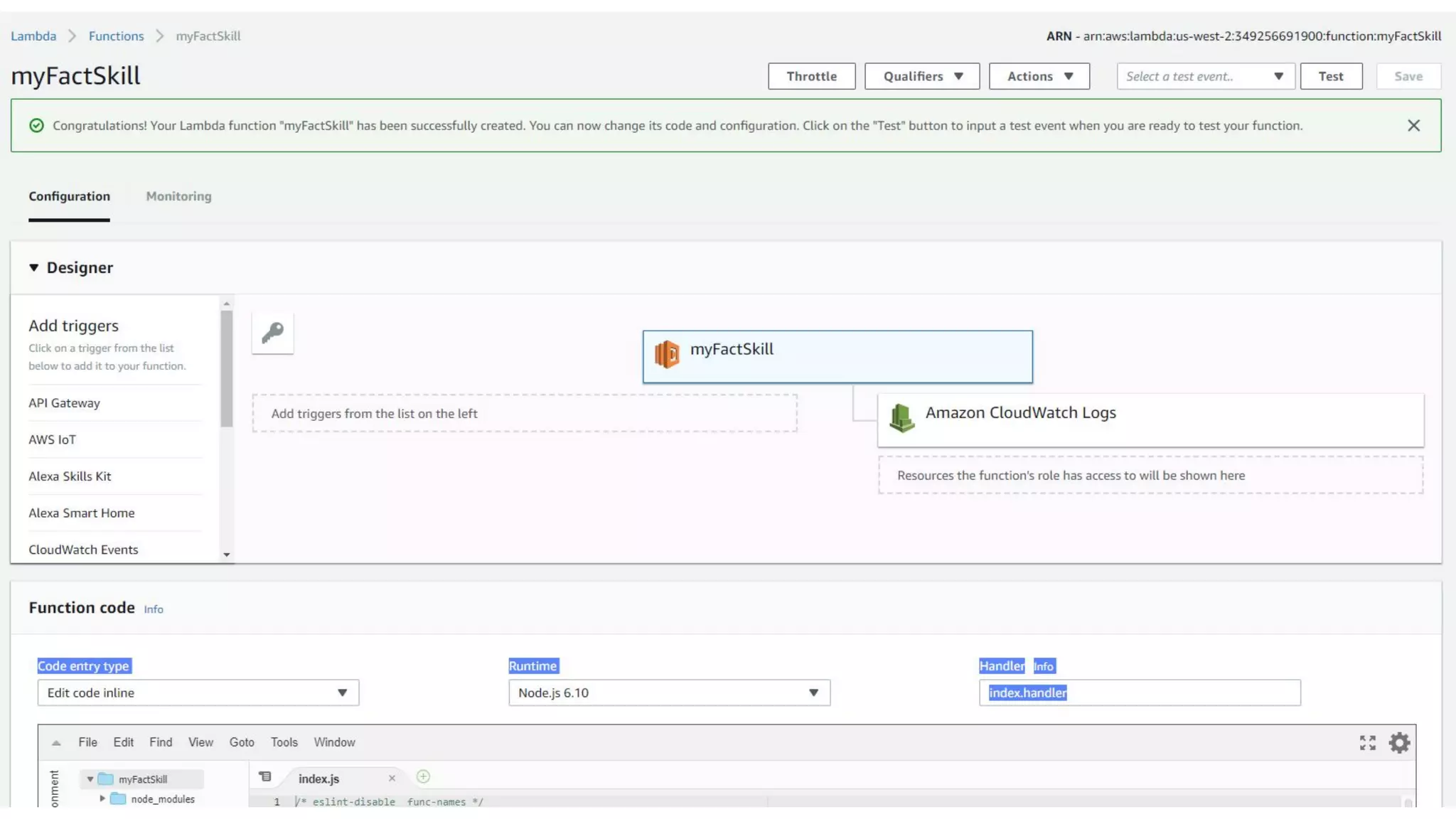
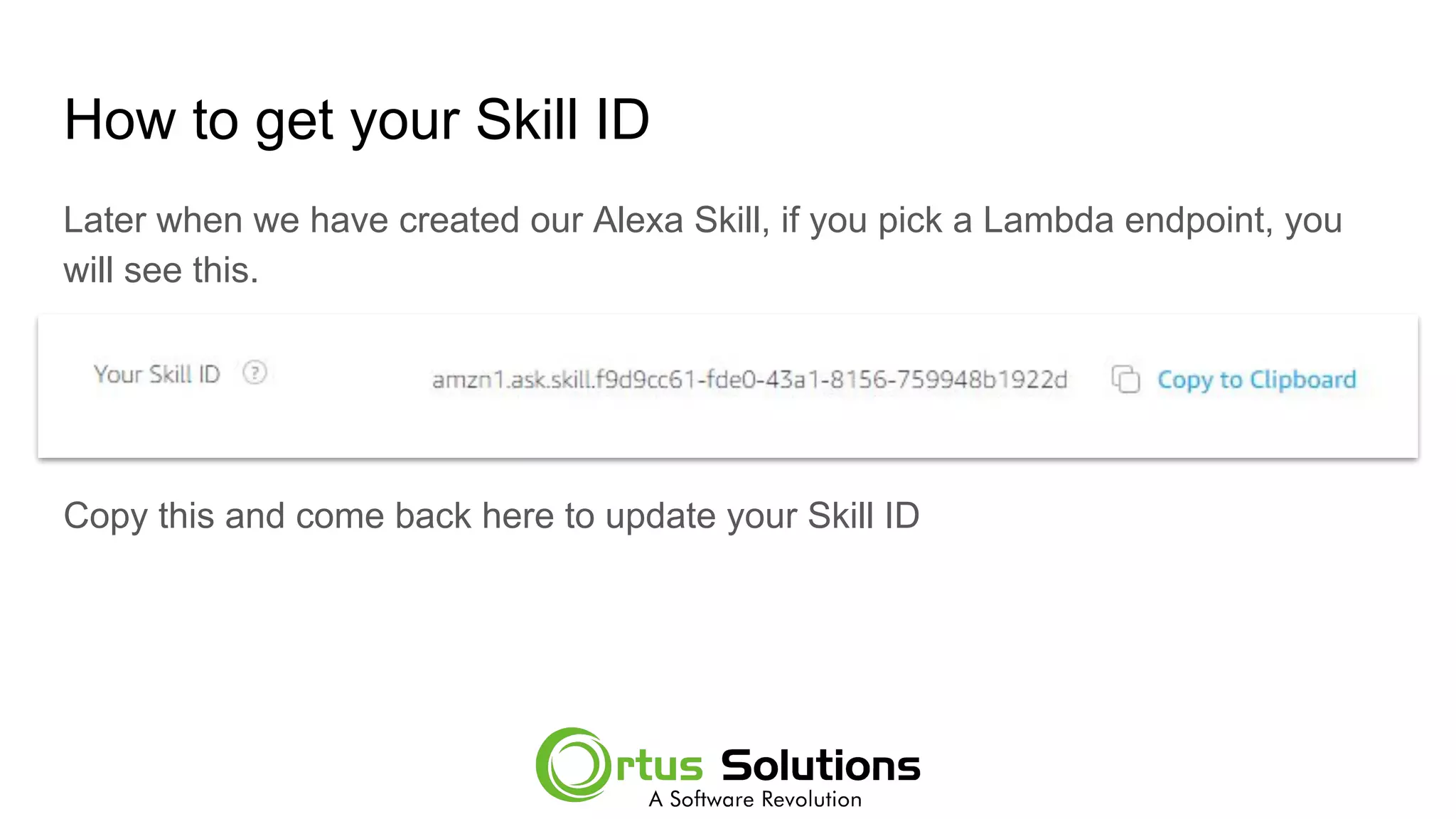
How to get your Skill ID
Later when we have created our Alexa Skill, if you pick a Lambda endpoint, you
will see this.
Copy this and come back here to update your Skill ID
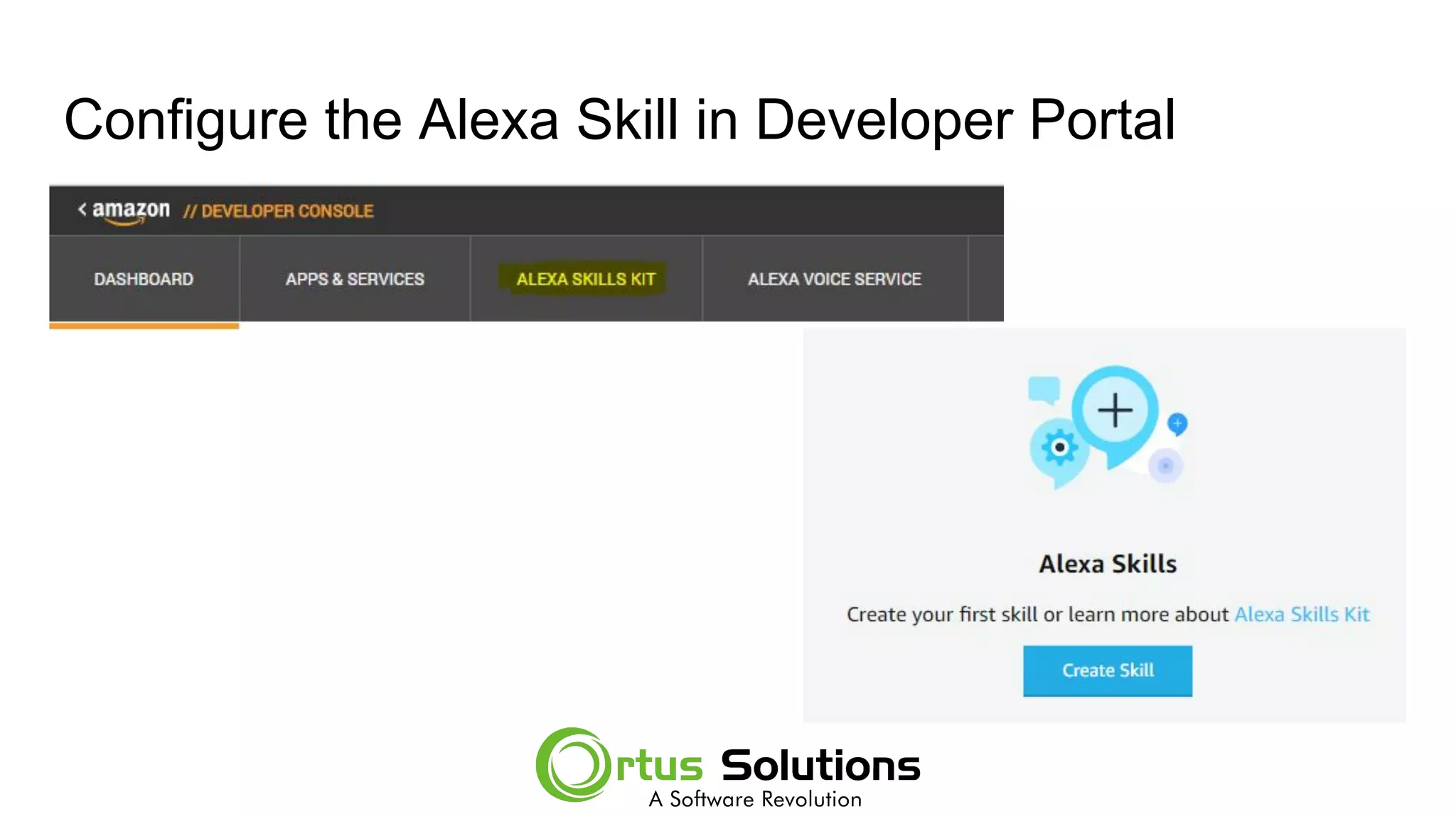
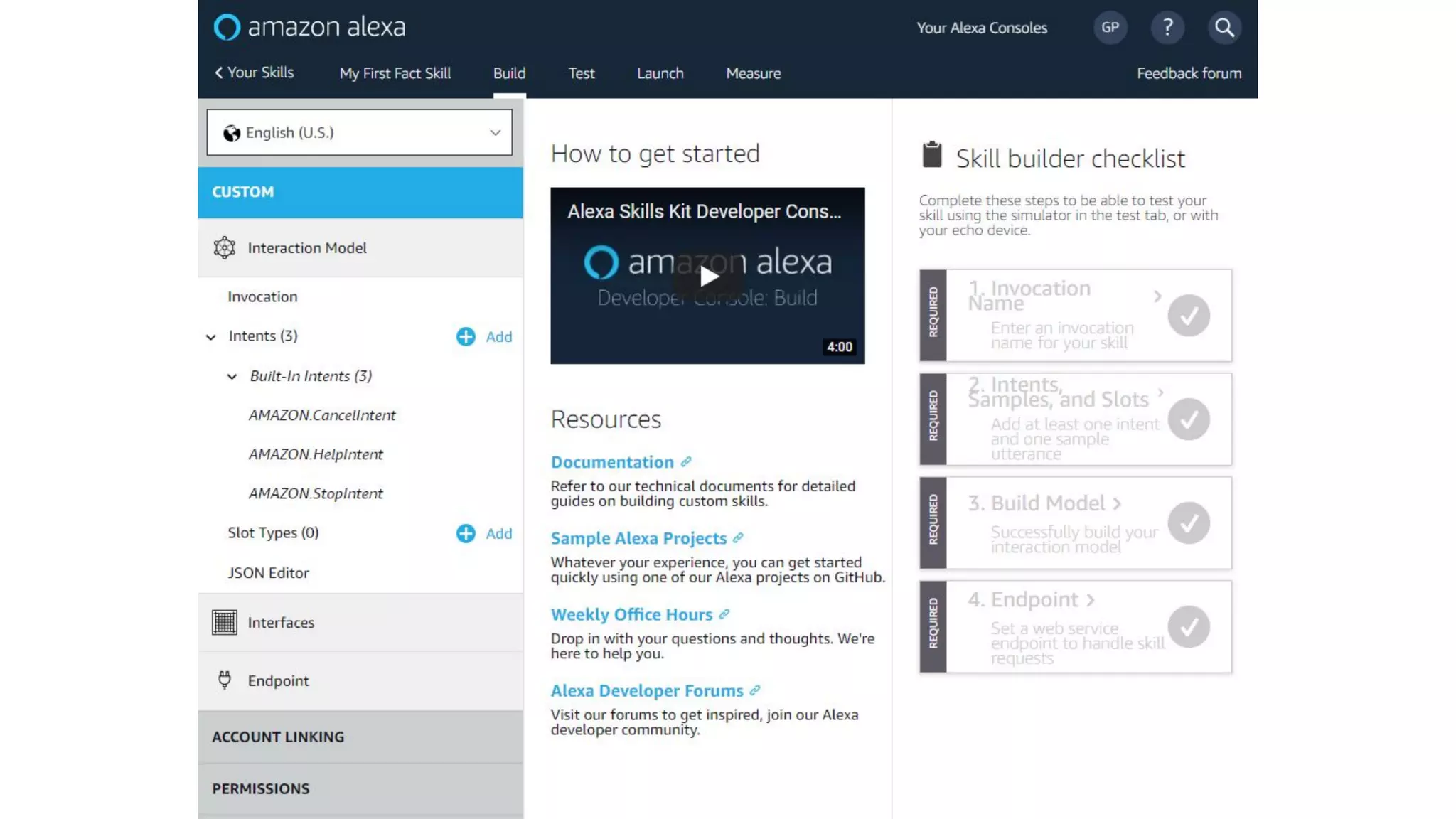
Configure the Alexa Skill in Developer Portal
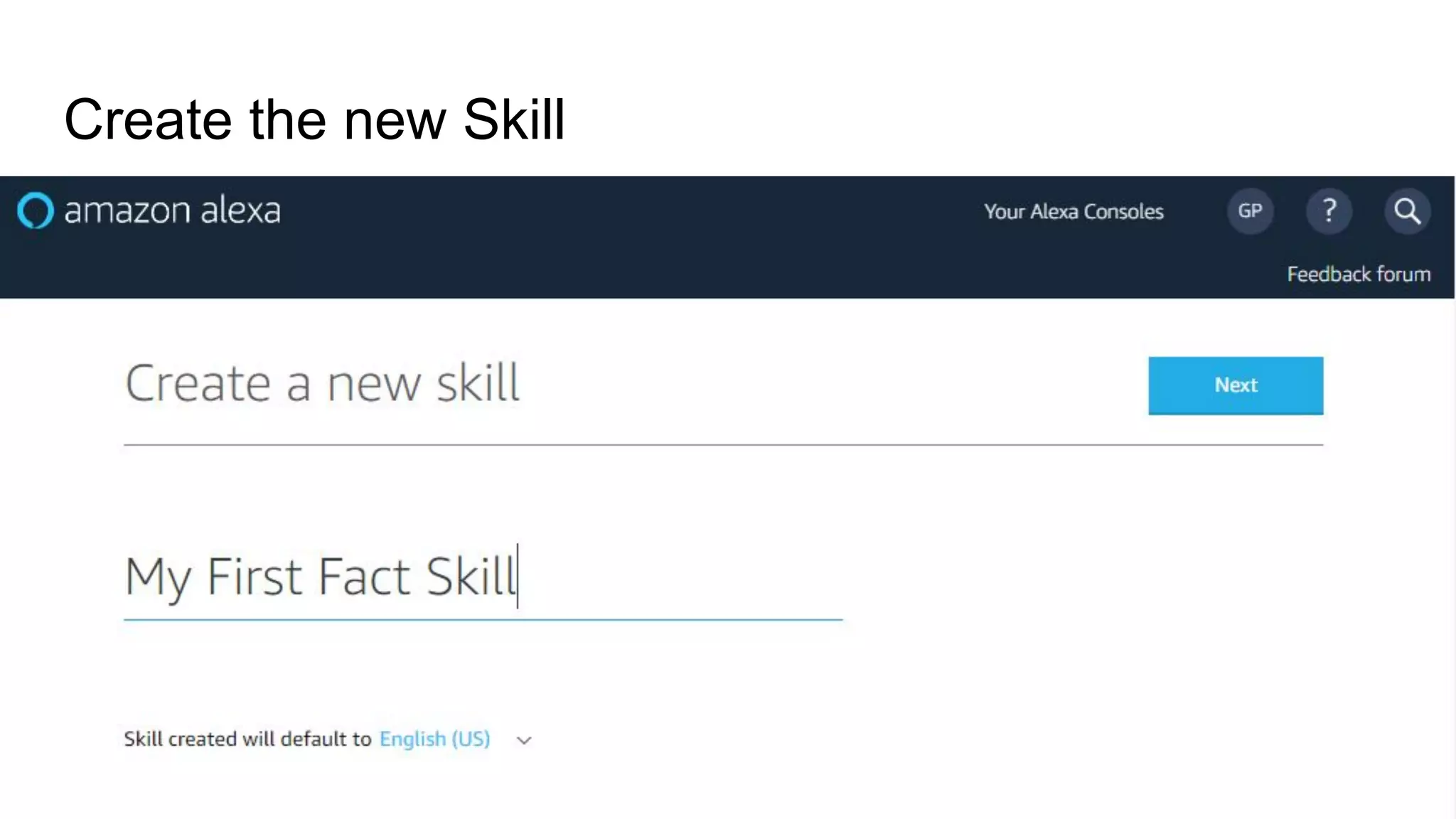
Create the new Skill
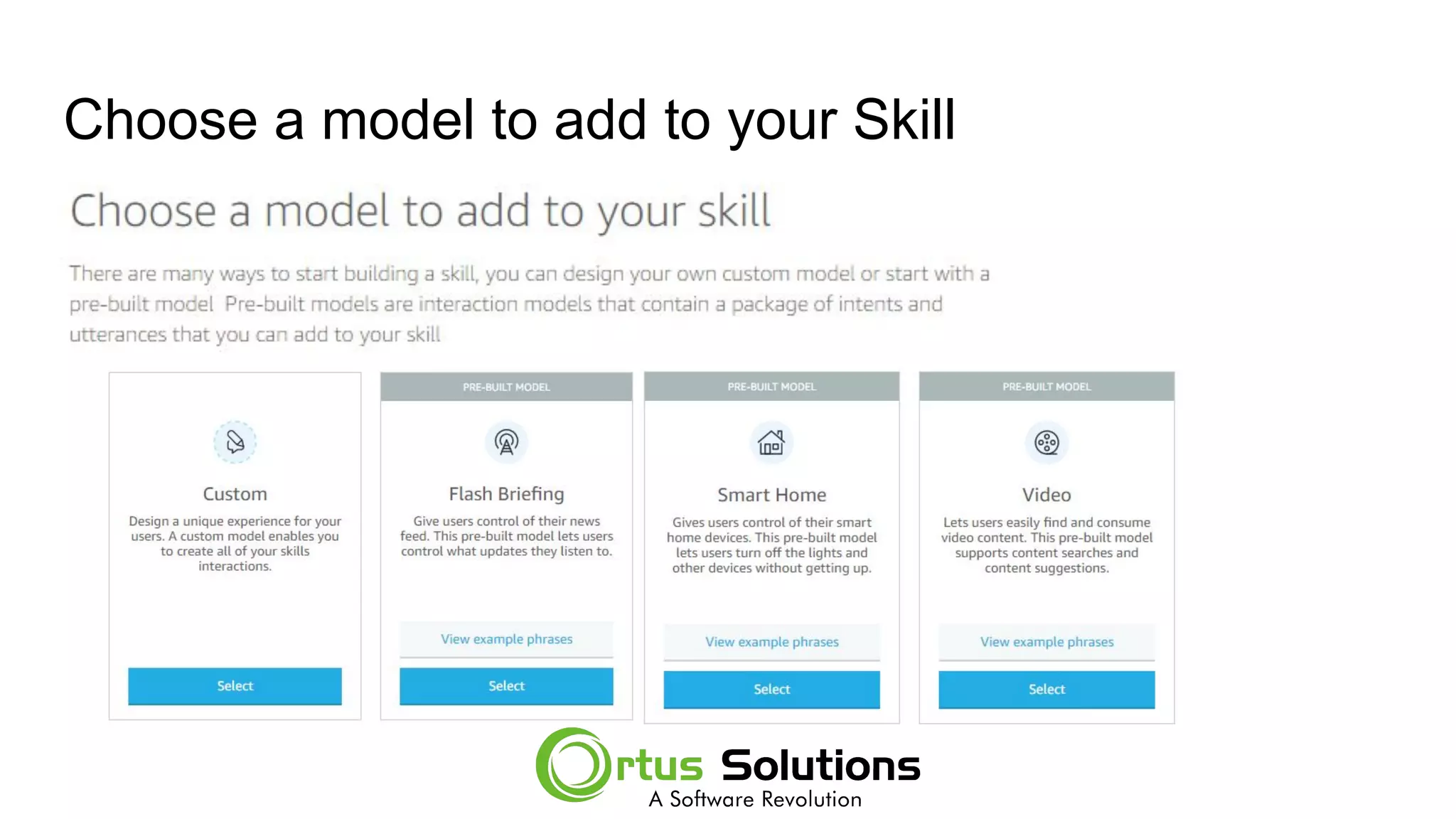
Choose a model to add to your Skill
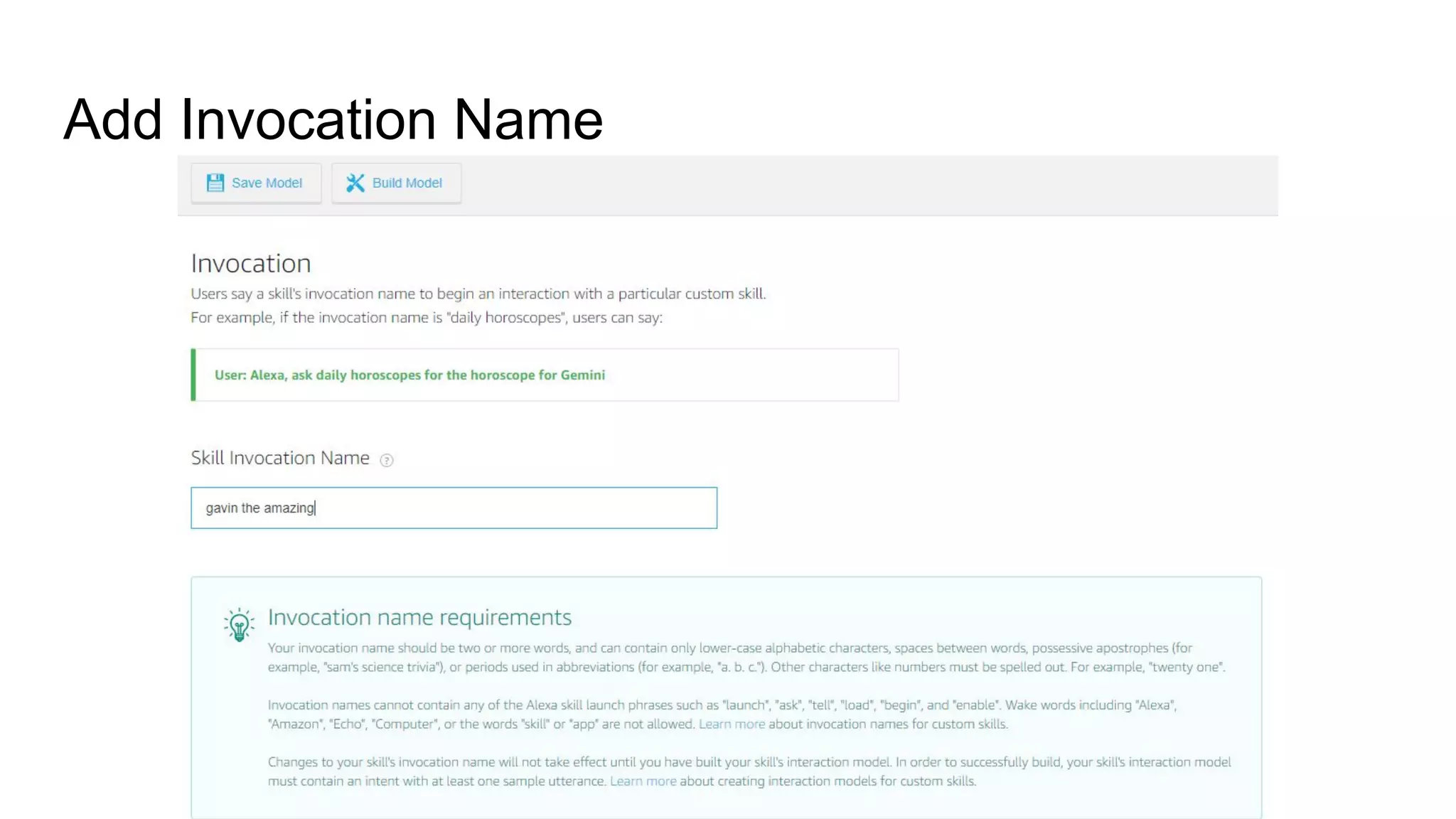
Add Invocation Name
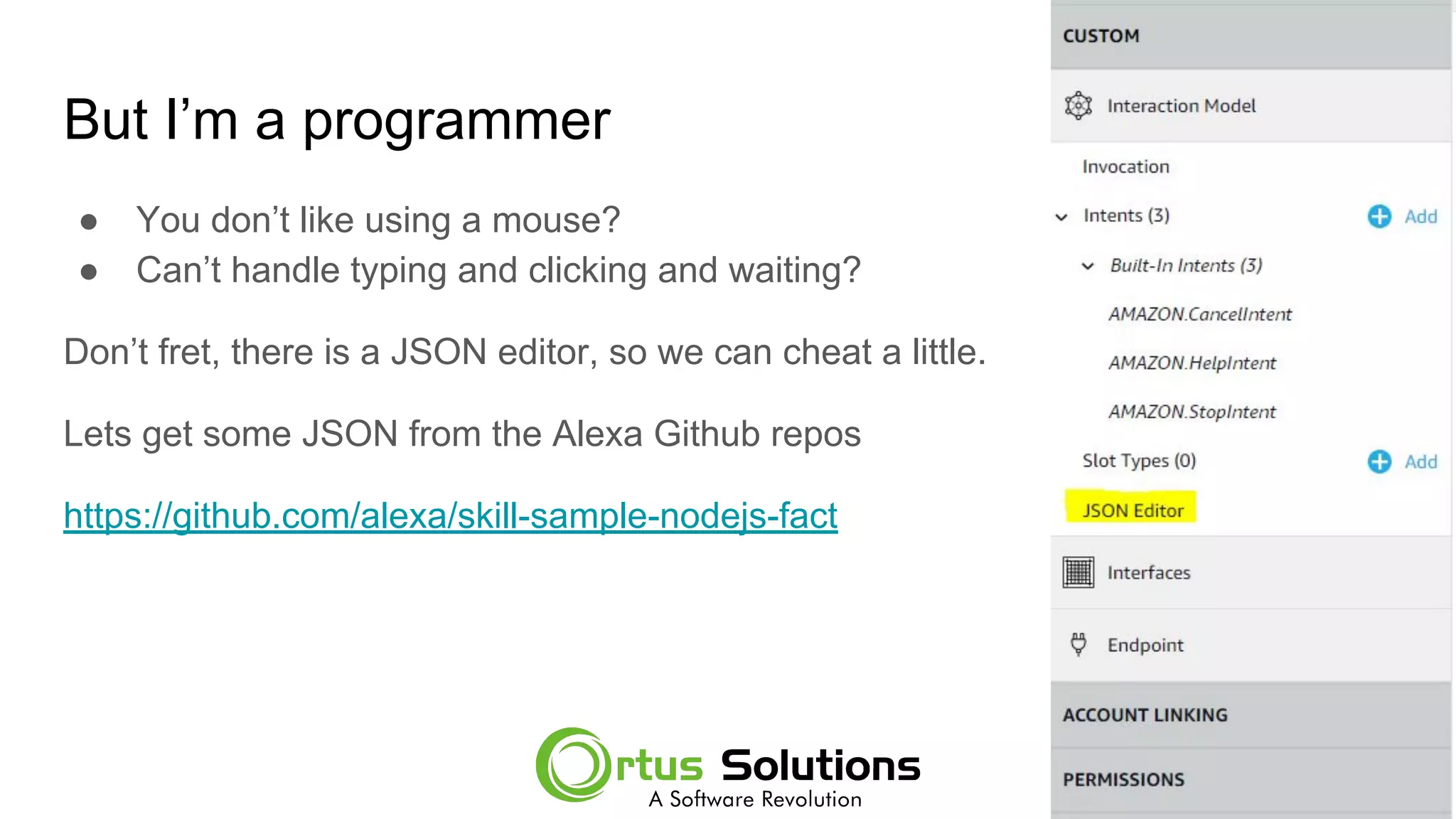
But I’m a programmer
● You don’t like using a mouse?
● Can’t handle typing and clicking and waiting?
Don’t fret, there is a JSON editor, so we can cheat a little.
Lets get some JSON from the Alexa Github repos
https://github.com/alexa/skill-sample-nodejs-fact
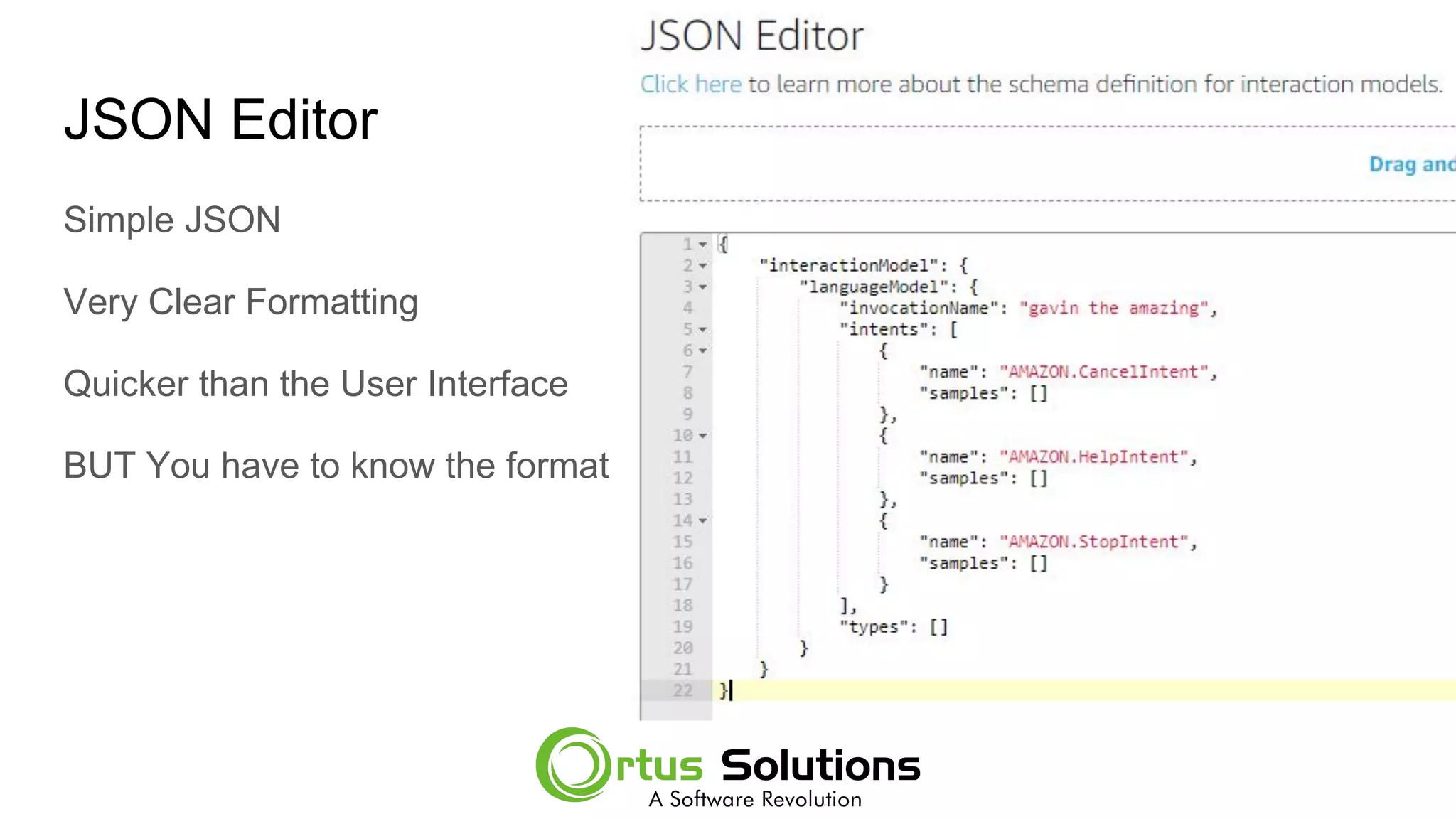
JSON Editor
Simple JSON
Very Clear Formatting
Quicker than the User Interface
BUT You have to know the format
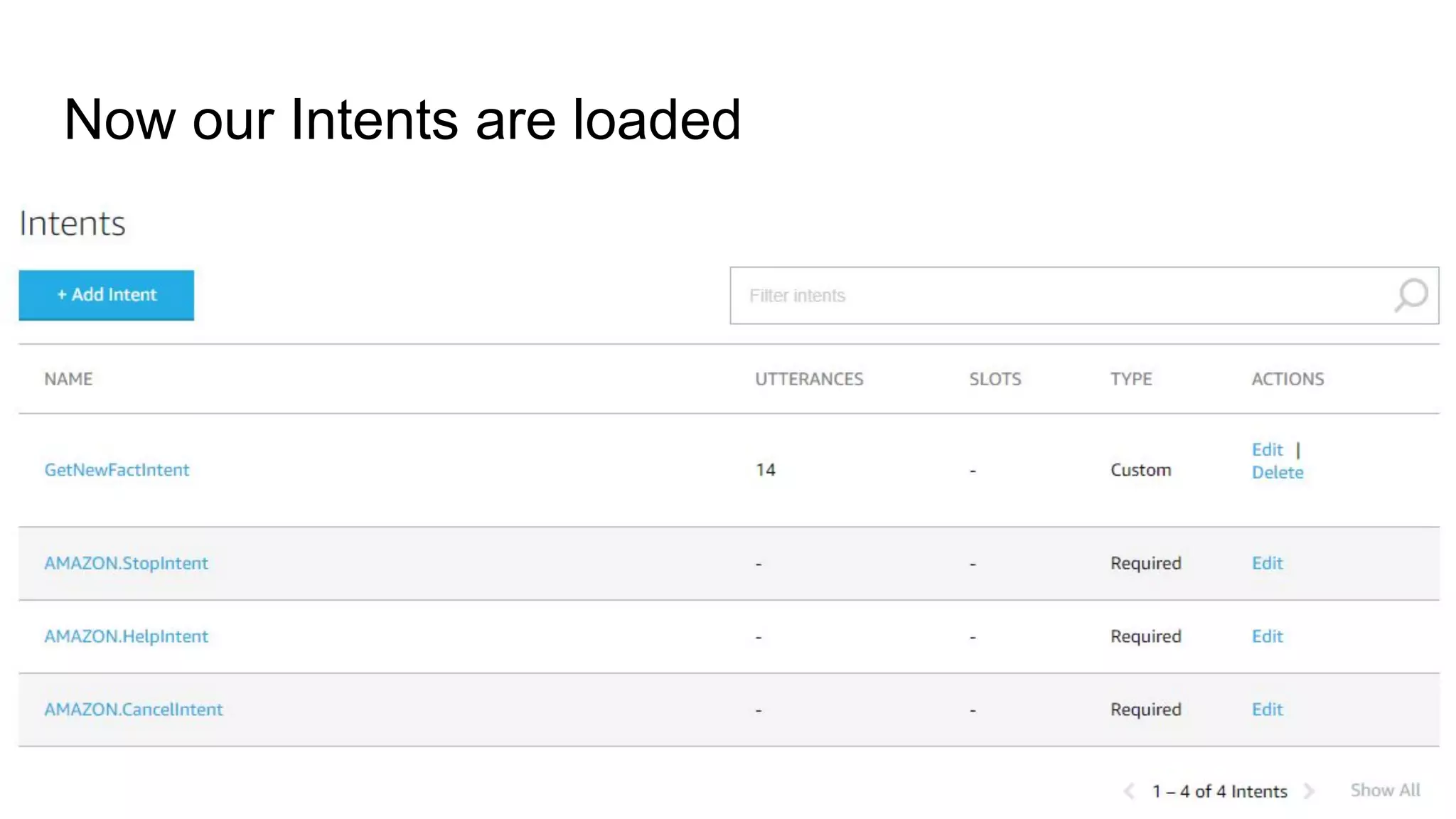
Now our Intents are loaded
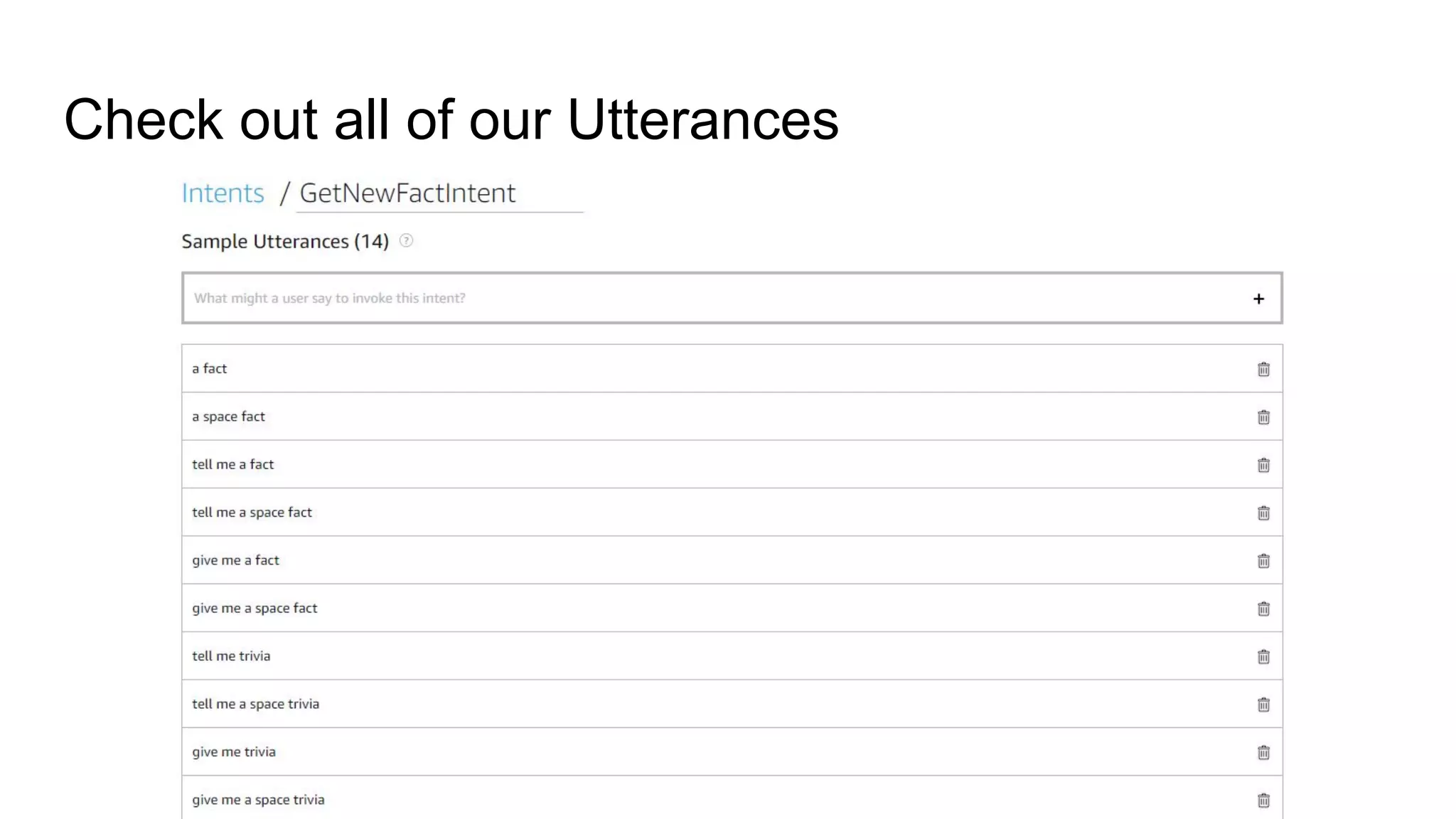
Check out all of our Utterances
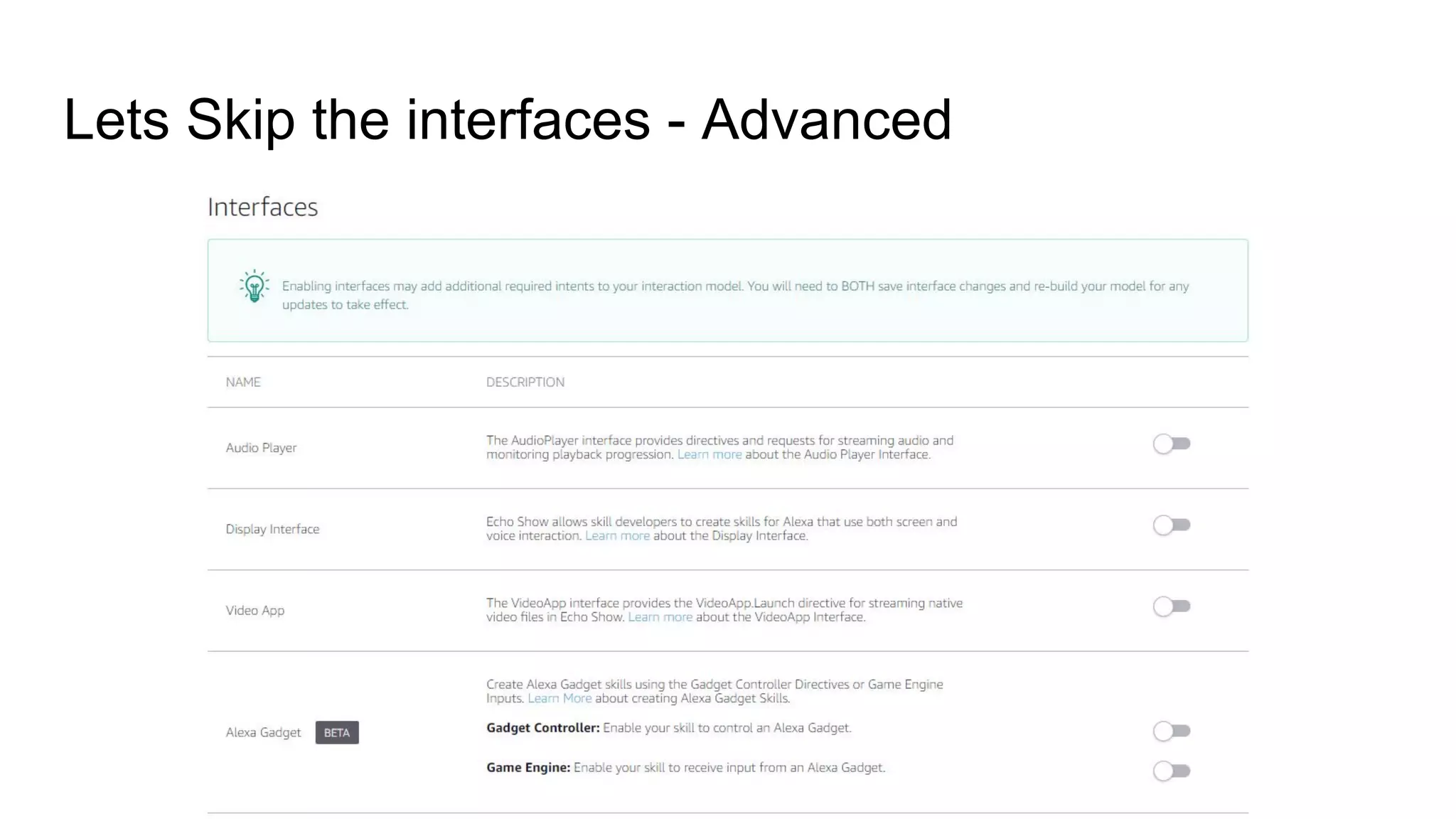
Lets Skip the interfaces - Advanced
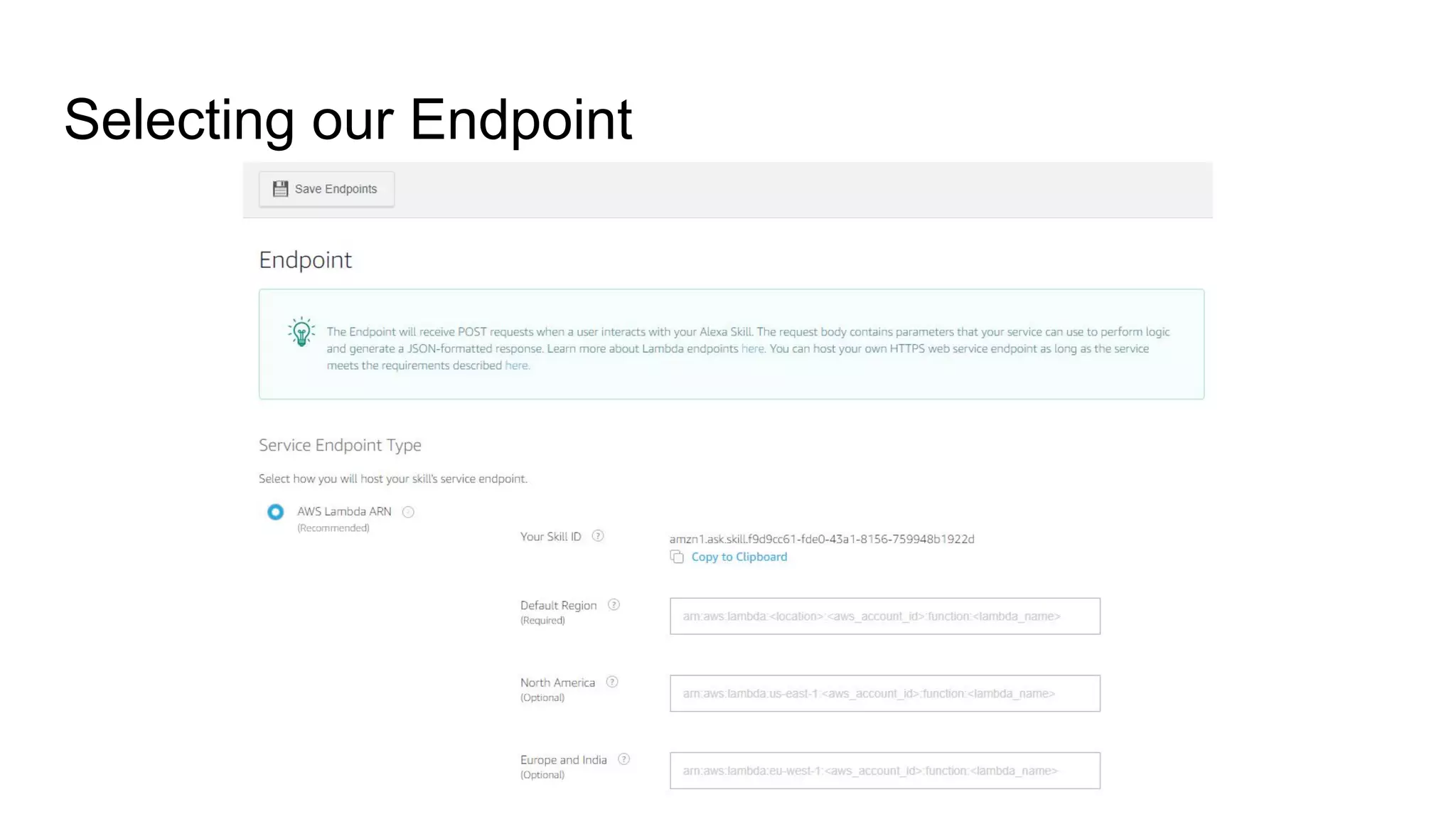
Selecting our Endpoint
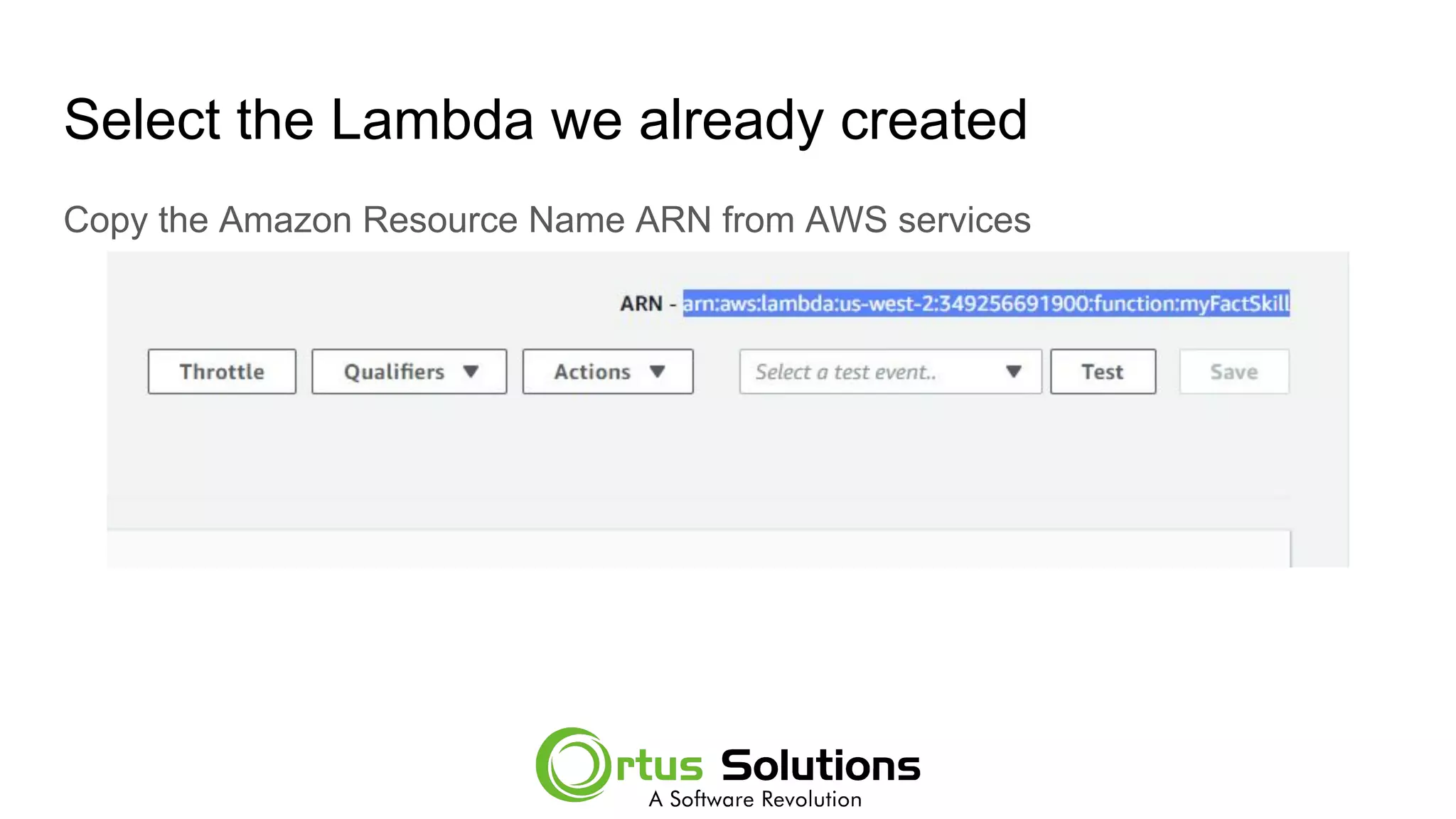
Select the Lambda we already created
Copy the Amazon Resource Name ARN from AWS services
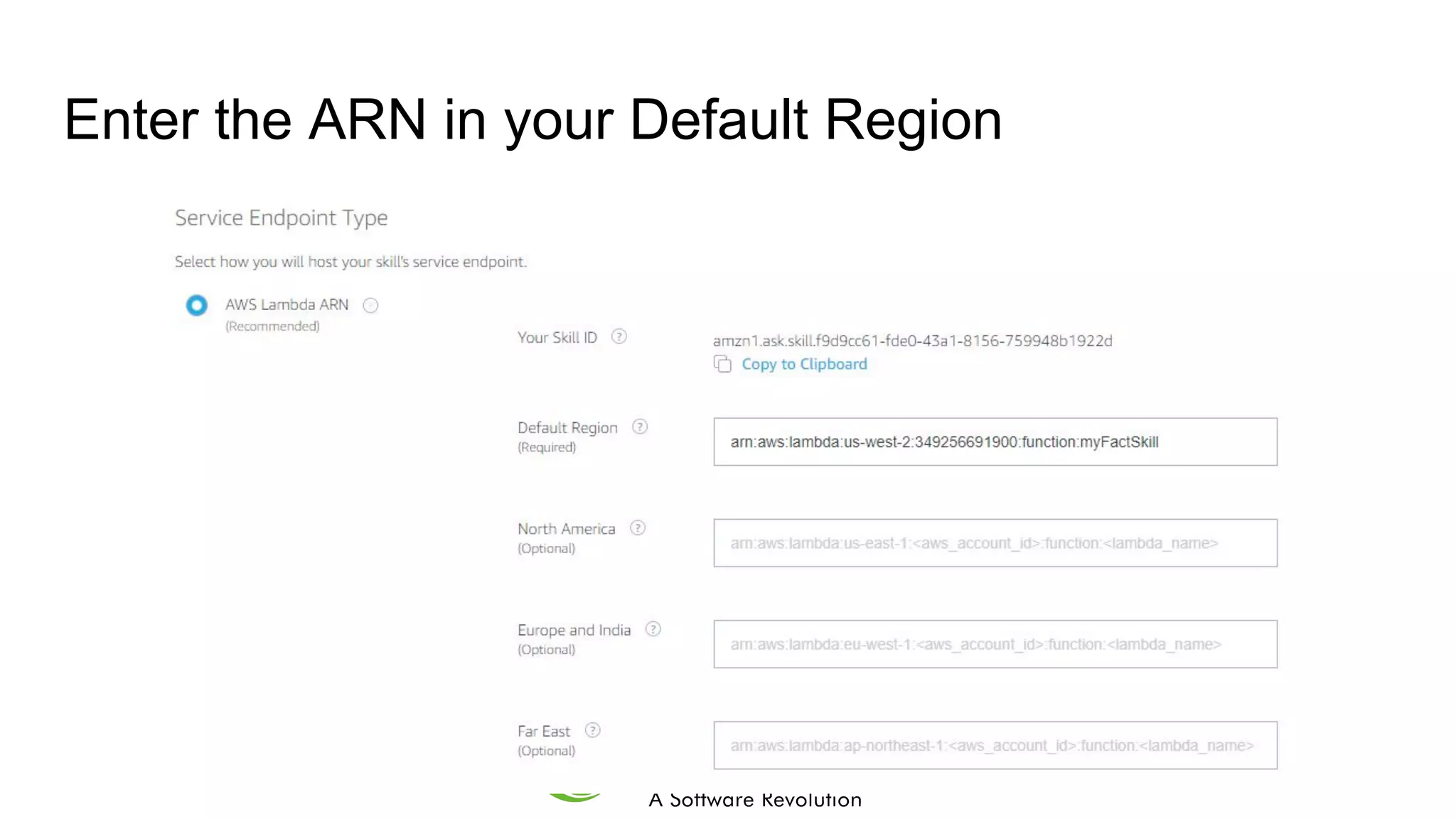
Enter the ARN in your Default Region
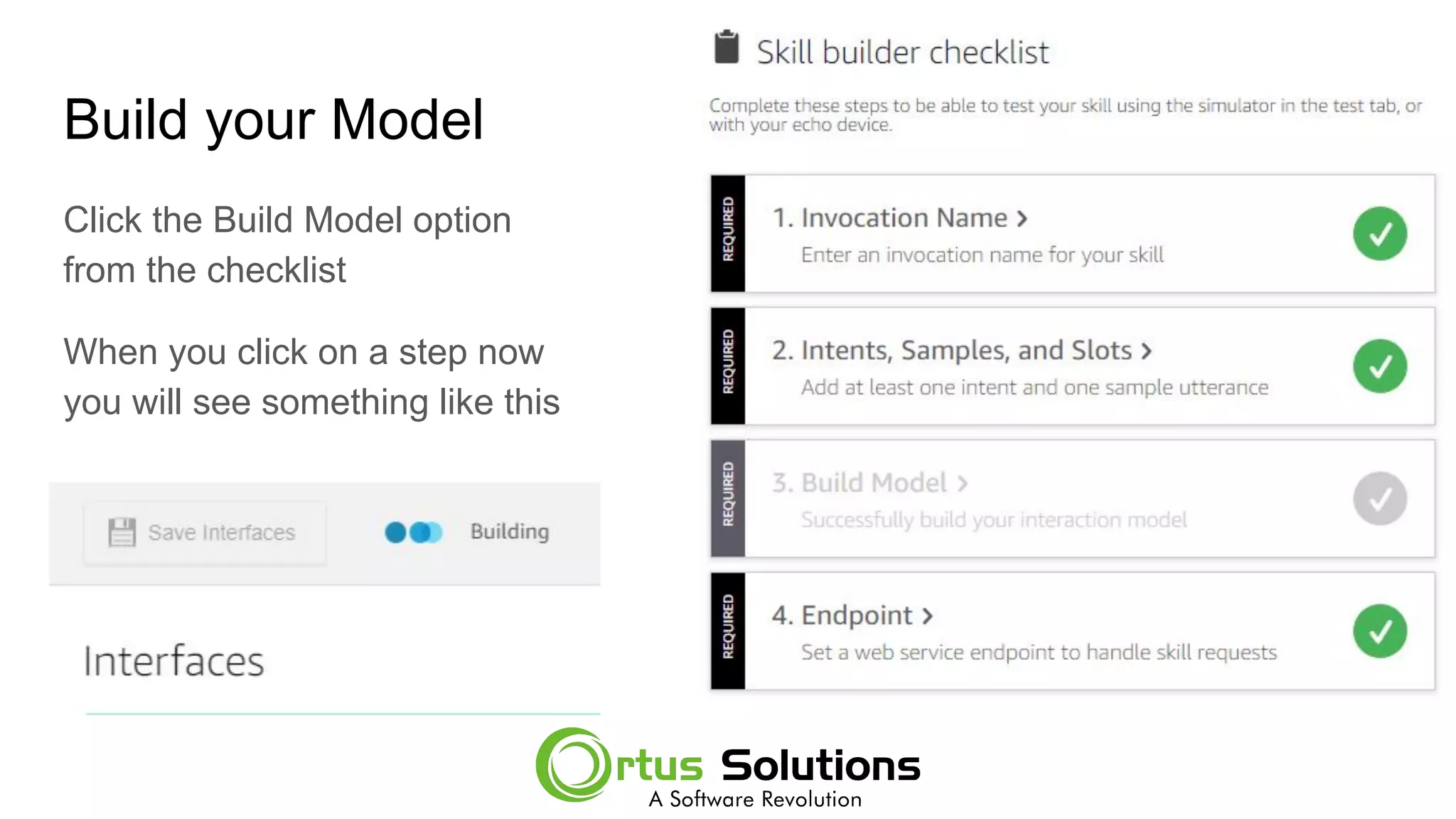
Build your Model
Click the Build Model option
from the checklist
When you click on a step now
you will see something like this
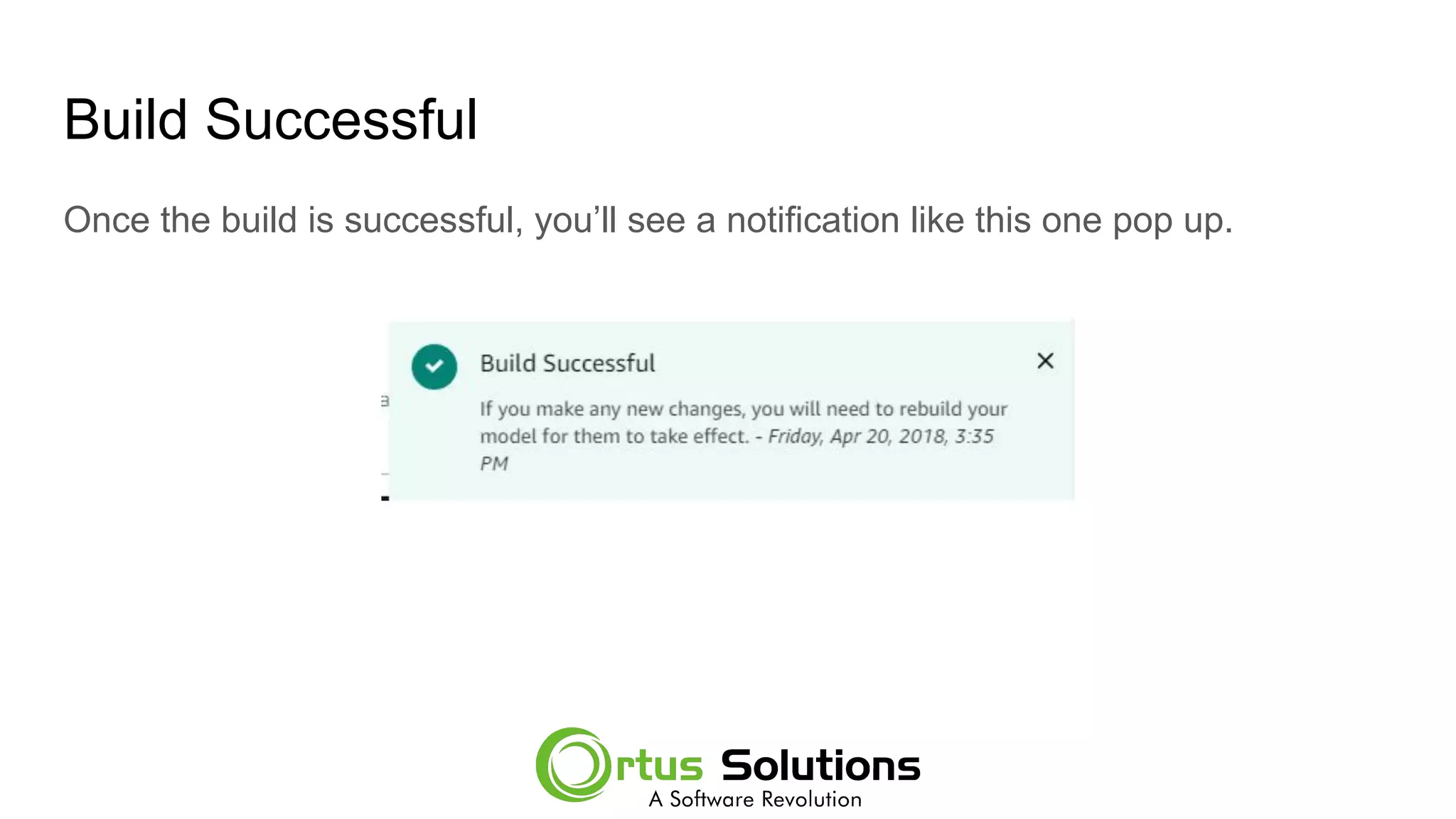
Build Successful
Once the build is successful, you’ll see a notification like this one pop up.
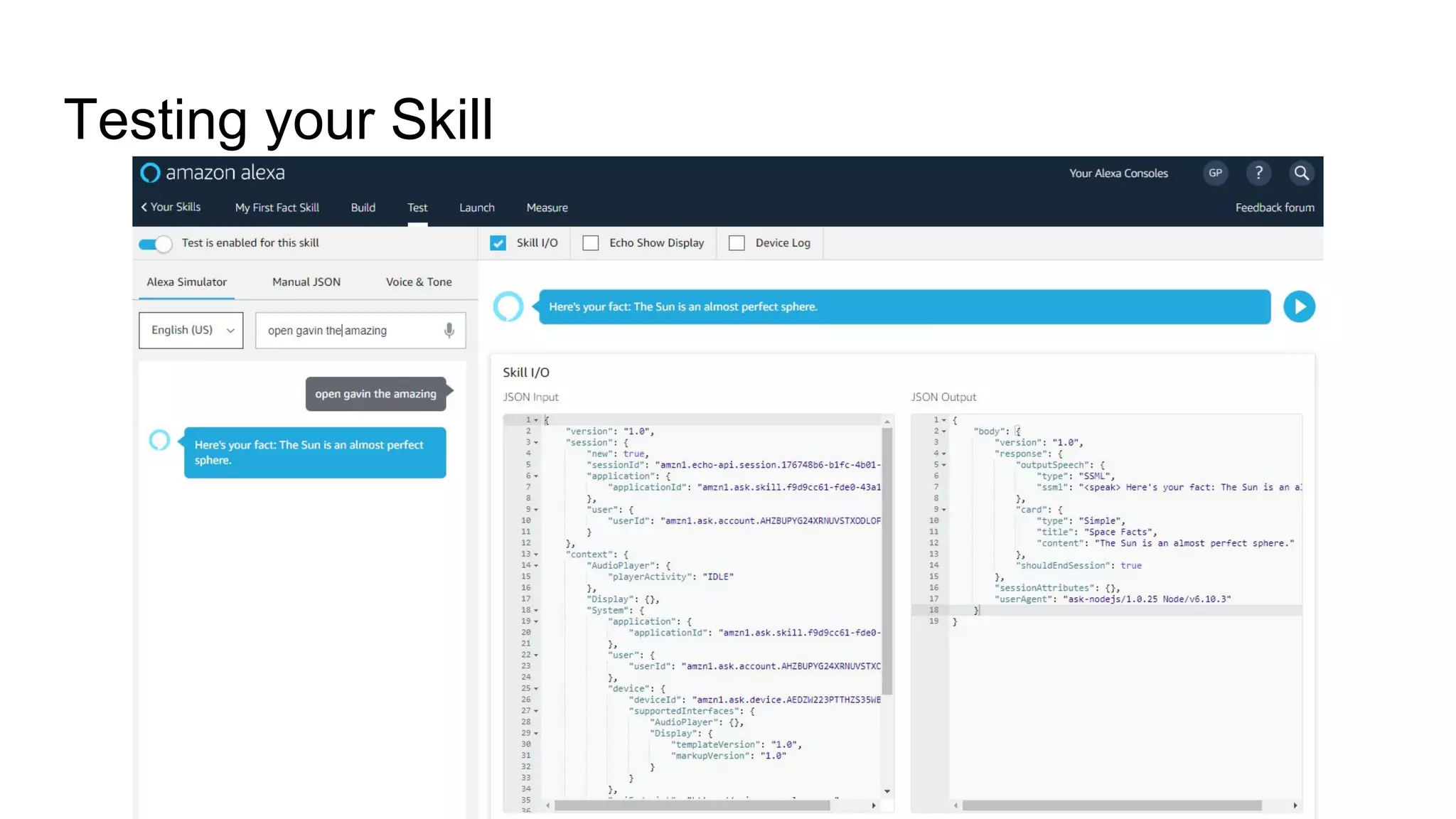
Testing your Skill
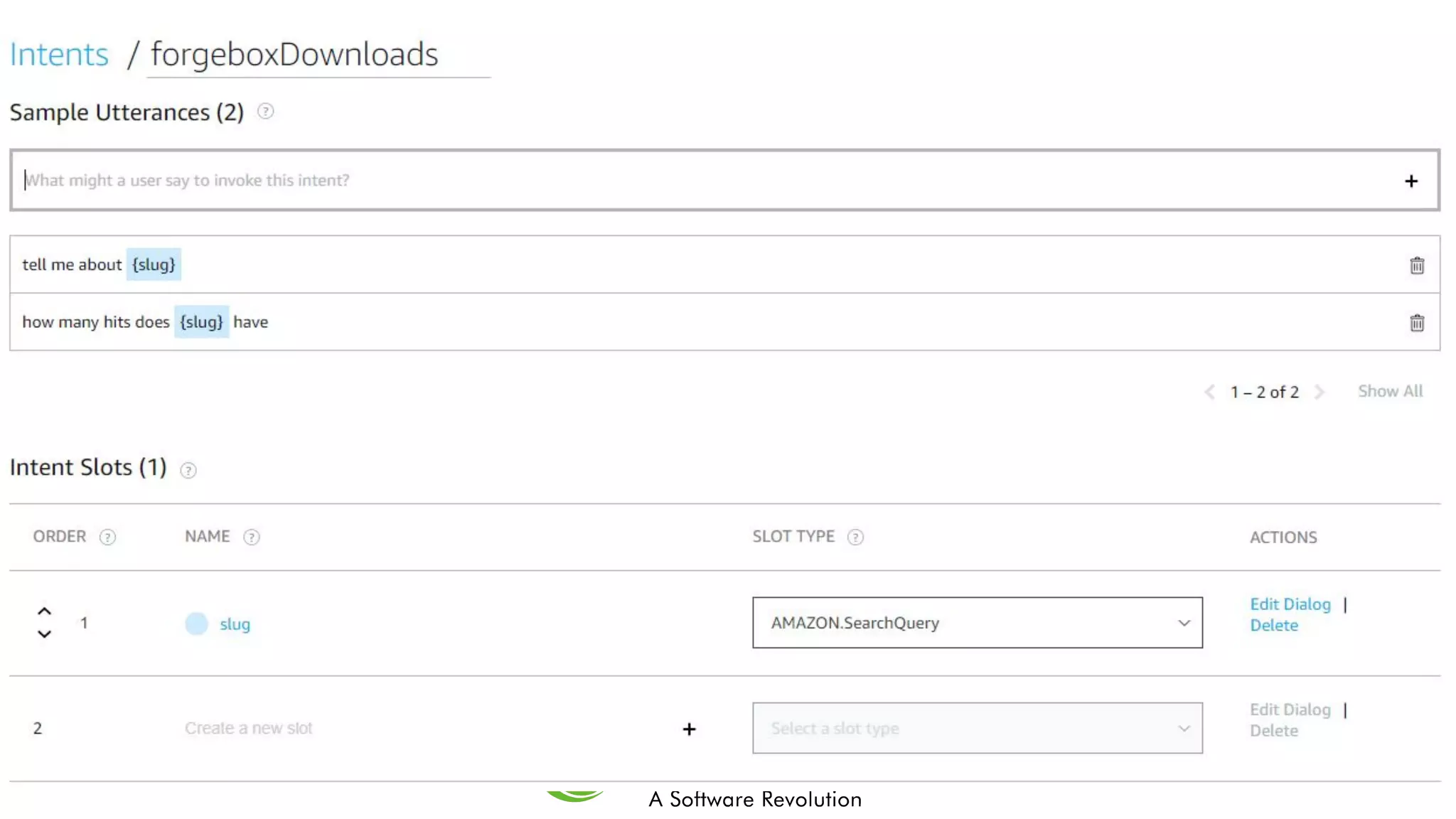
Adding Slots
Adding slots into your utterances really give your Alexa App power.
You can pass information into your endpoint with these slots, and customize the
experience.
Alexa ask Forgebox how many hits does {kiwiSays} have?
These are similar arguments to your function.
Note: there were some difficulties with slots.
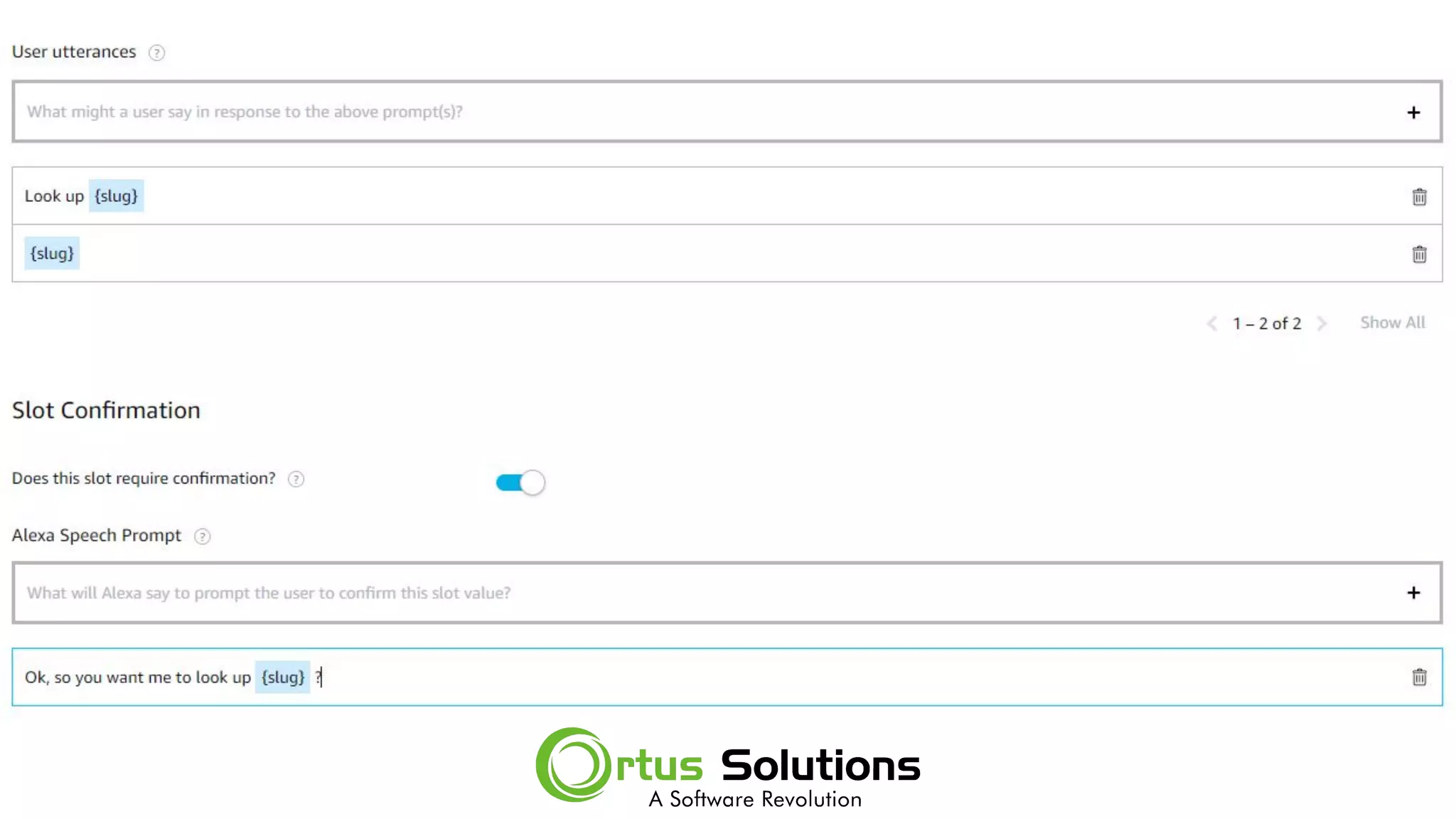
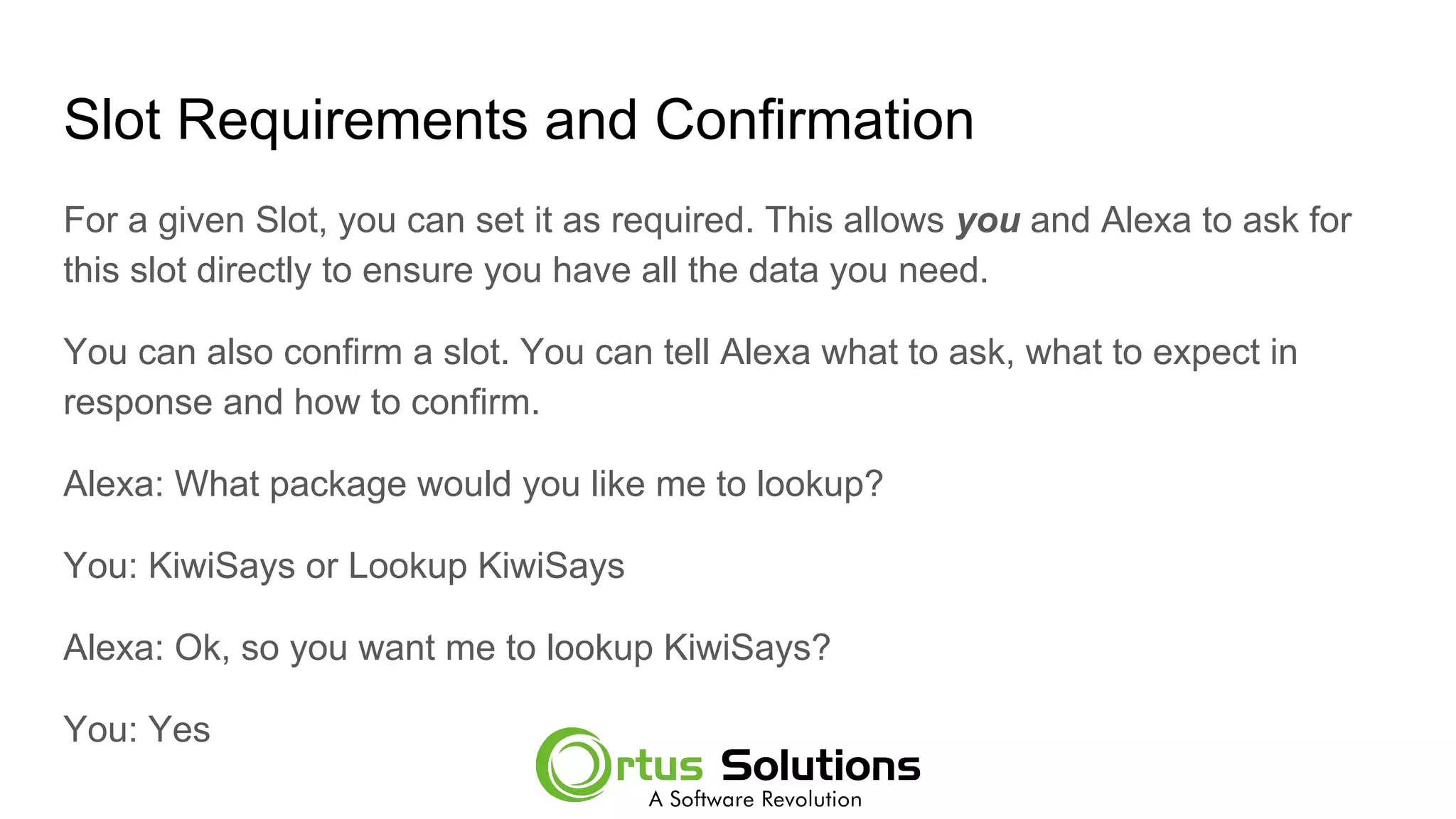
Slot Requirements and Confirmation
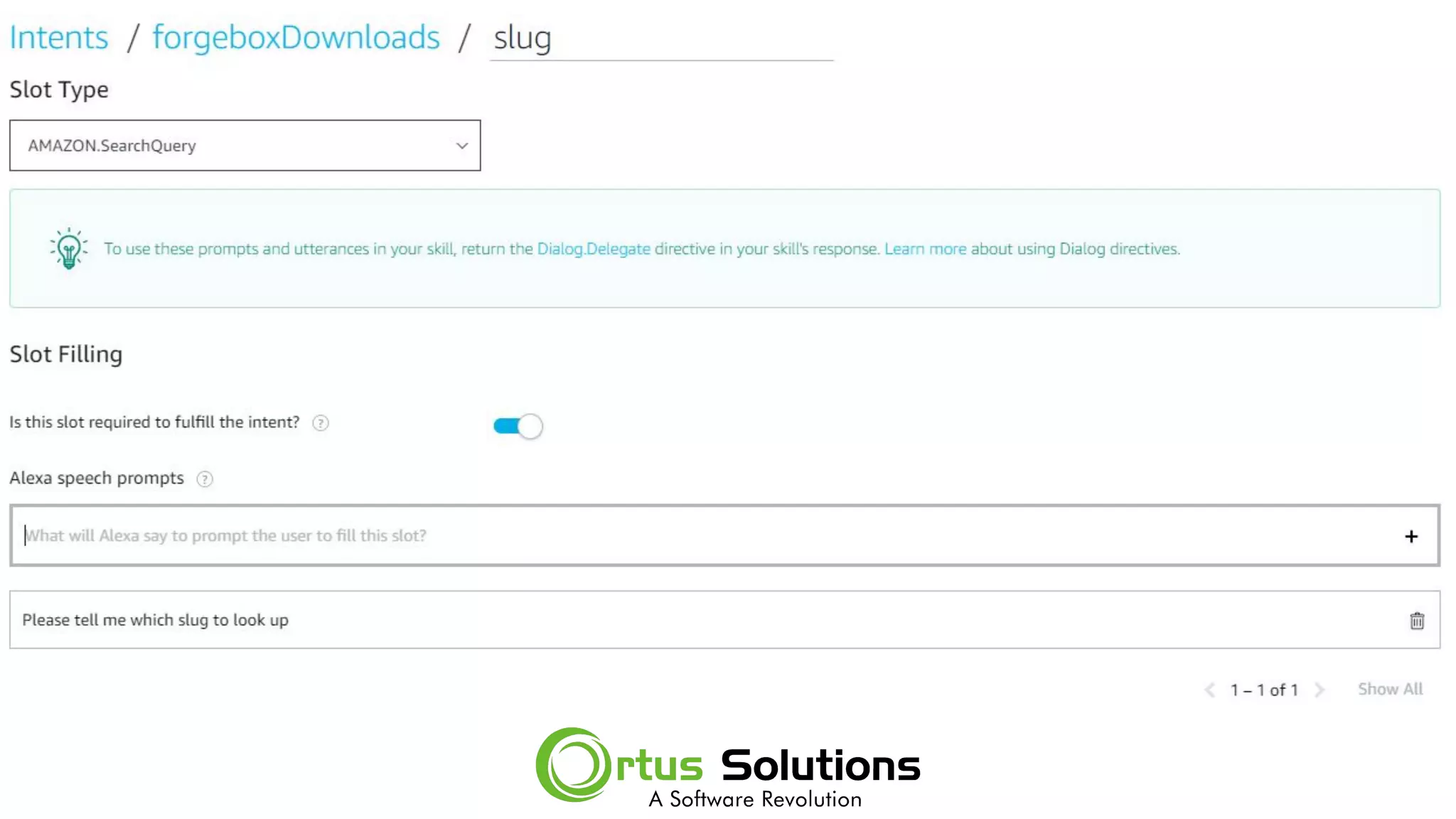
For a given Slot, you can set it as required. This allows you and Alexa to ask for
this slot directly to ensure you have all the data you need.
You can also confirm a slot. You can tell Alexa what to ask, what to expect in
response and how to confirm.
Alexa: What package would you like me to lookup?
You: KiwiSays or Lookup KiwiSays
Alexa: Ok, so you want me to lookup KiwiSays?
You: Yes
Issues with Slots
Alexa does not automatically process the Dialog for you.
You get a list of the slots, but they are not always defined. An error in your
Lambda can break your skill.
You should be able to return a Dialog.delegate and then Alexa will process until
complete… but I had issues with this.
Building a REST API to talk to
● We will be looking at ColdBox REST today
● Its easy to add onto existing ColdBox Apps
● Or start a new app with our AdvancedScript or REST skeleton
● REST Template does most of the REST boilerplate for you
● You can just do your thing
Scaffold our App
CommandBox has a lot of create commands, today we’ll use the
ColdBox Create App command.
We could specify a skeleton to use when creating the ColdBox app so we can hit
the ground running. We could use the REST Skeleton which you can find out more
about here: https://www.forgebox.io/view/cbtemplate-rest
You could make your own template and use that from ColdBox Create App ( even
if it wasn’t coldbox )
The default is advancedScript - which is fine for this example.
Run our CommandBox command
Coldbox create app name=myAPI skeleton=rest
This will download the REST template, and do a box install.
Start commandbox and you’ll see your first API response.
http://127.0.0.1:55944/
{
"data": "Welcome to my ColdBox RESTFul Service",
"error": false,
"messages": []
}
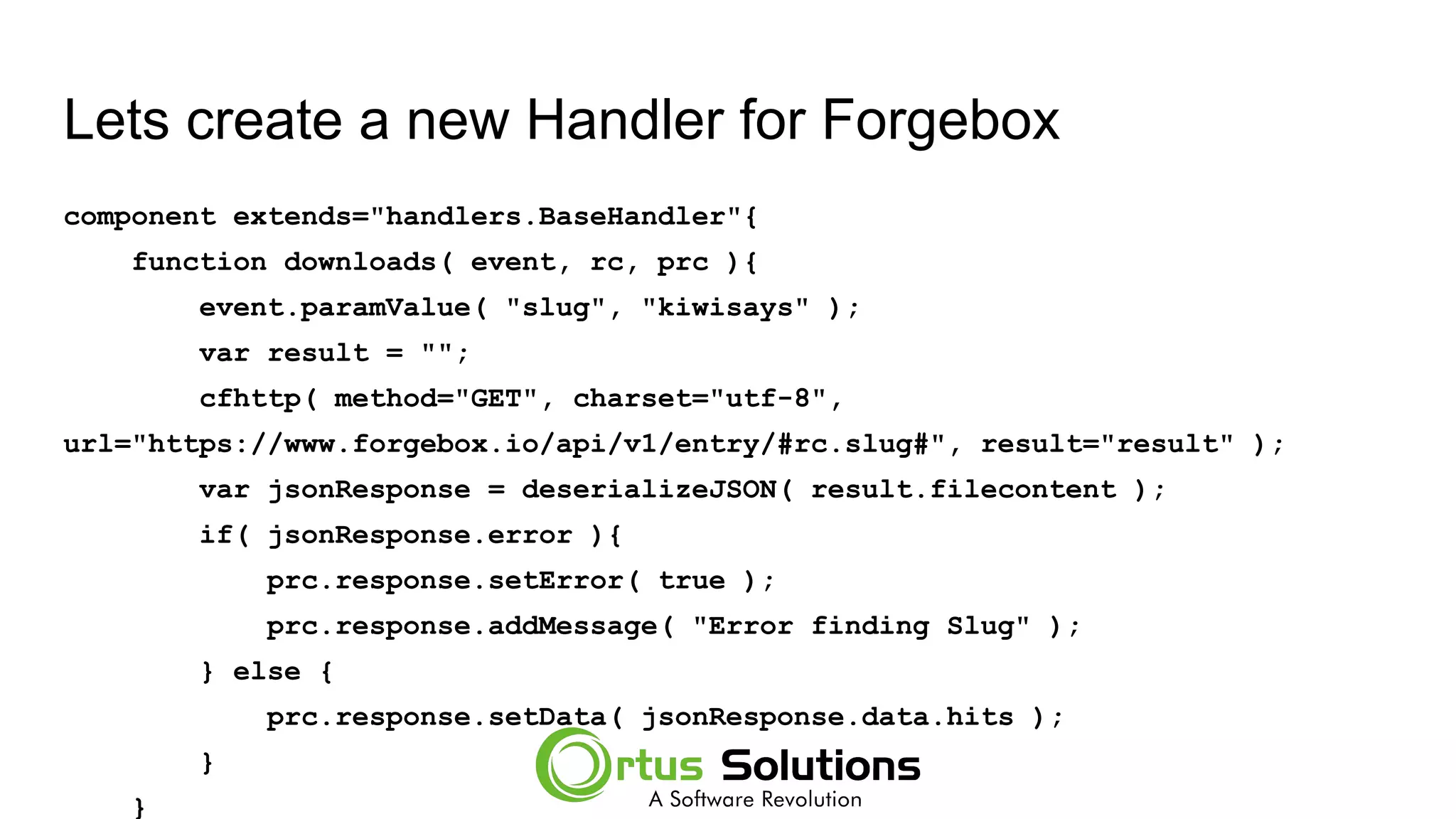
Lets create a new Handler for Forgebox
component extends="handlers.BaseHandler"{
function downloads( event, rc, prc ){
event.paramValue( "slug", "kiwisays" );
var result = "";
cfhttp( method="GET", charset="utf-8",
url="https://www.forgebox.io/api/v1/entry/#rc.slug#", result="result" );
var jsonResponse = deserializeJSON( result.filecontent );
if( jsonResponse.error ){
prc.response.setError( true );
prc.response.addMessage( "Error finding Slug" );
} else {
prc.response.setData( jsonResponse.data.hits );
}
}
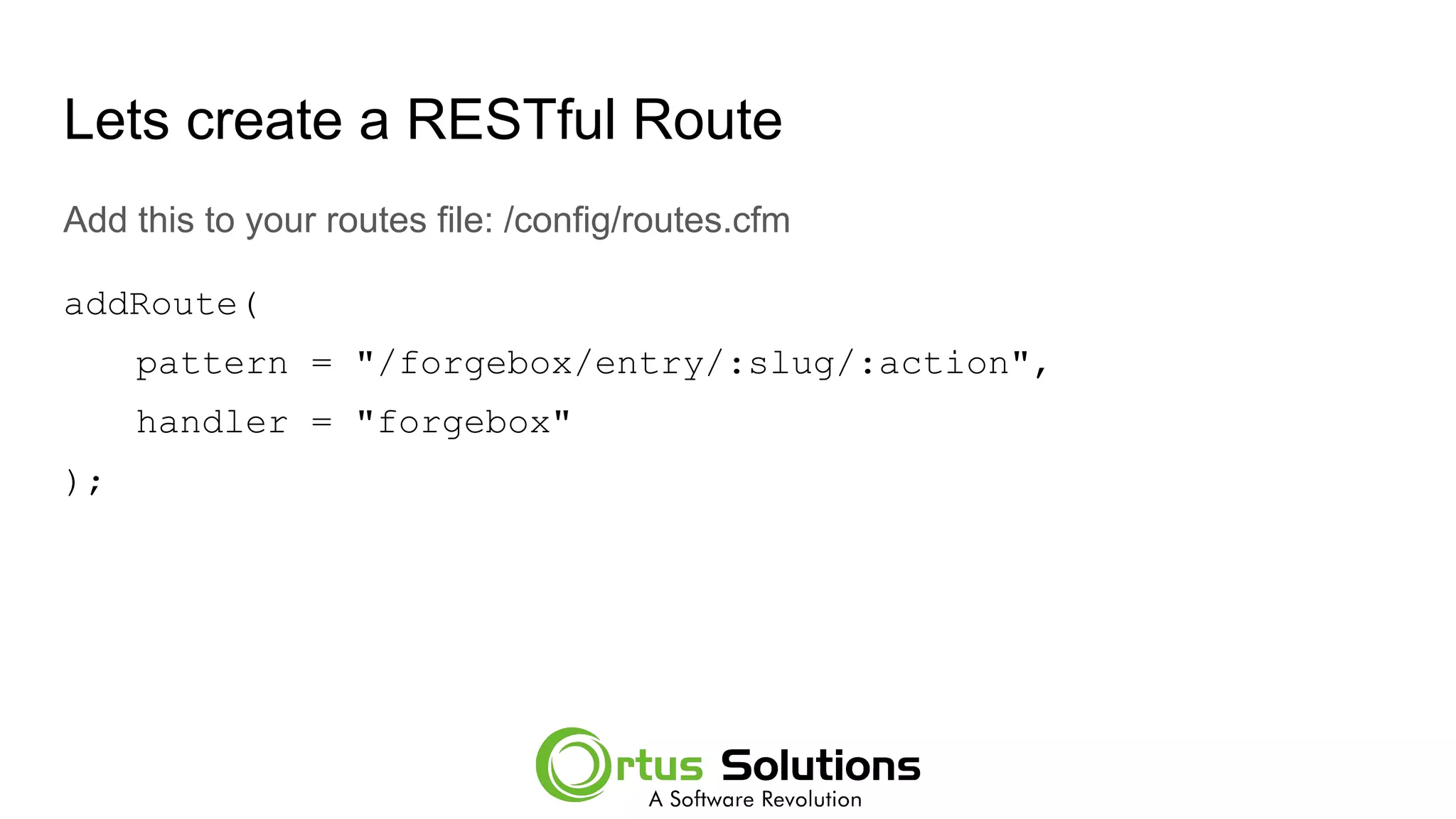
Lets create a RESTful Route
Add this to your routes file: /config/routes.cfm
addRoute(
pattern = "/forgebox/entry/:slug/:action",
handler = "forgebox"
);
Reinit App and Test the endpoint
Reinit the app
http://127.0.0.1:55944/?fwreinit=1
Test the endpoint
http://127.0.0.1:55944/forgebox/entry/kiwisays/downloads
{
"data": 1432,
"error": false,
"messages": []
}
Why are we using a API to call an API
Short Answer: NODE
Using a Lambda, you are using Node.
Node doesn’t support http and https requests natively, so you install a module
for that.
HTTPS is a great tool, BUT if you want to hit an HTTPS site, you have to
manually install the SSL cert. So you can load files on the fly to make the call…
or you can call a ColdFusion API and let cfhttp do it for you :)
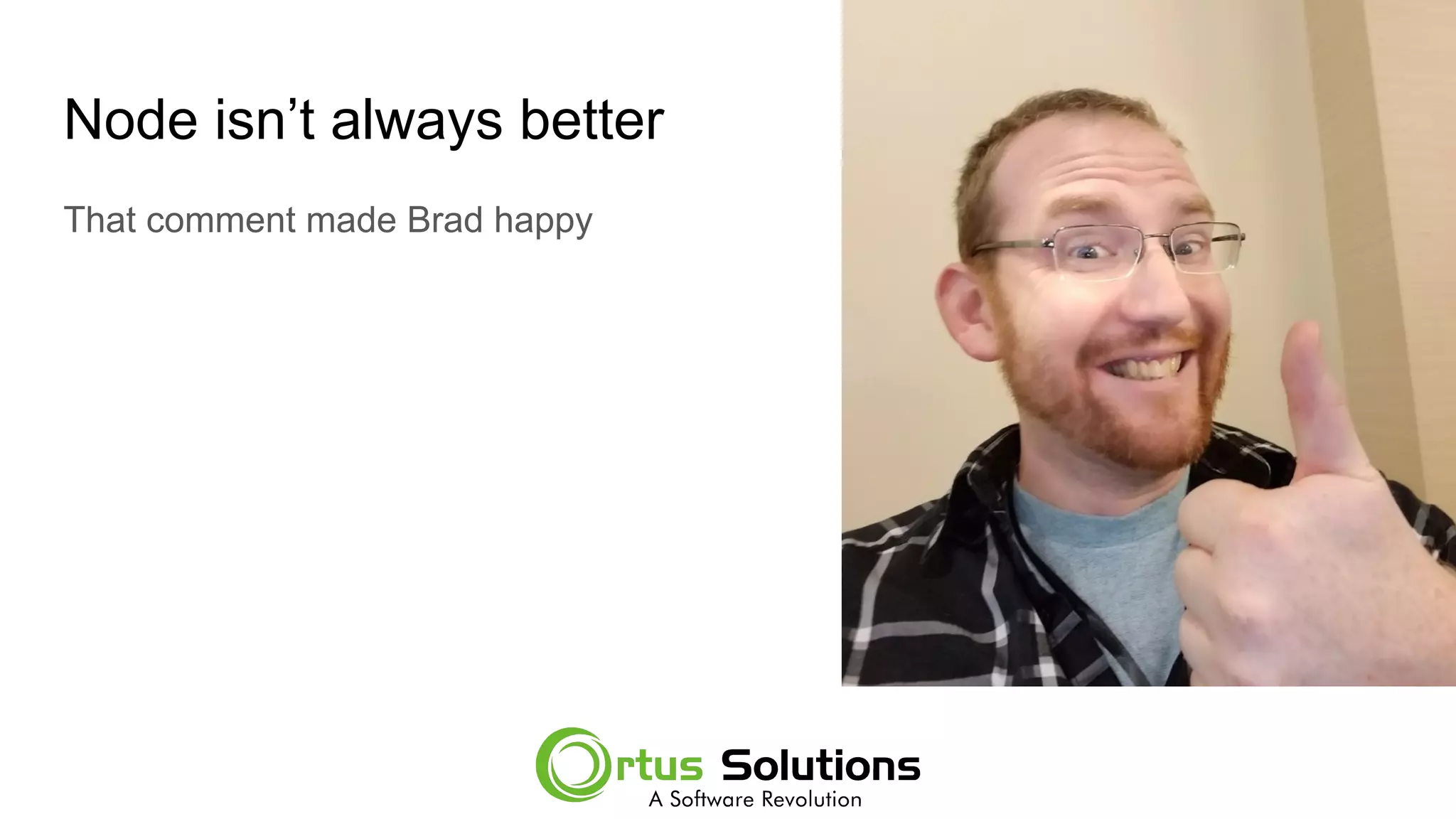
Node isn’t always better
That comment made Brad happy
Create a Lambda for API Call
Here is a Gist of a lambda function
https://gist.github.com/gpickin/4a57d996df15079abb7b7136e25bf414
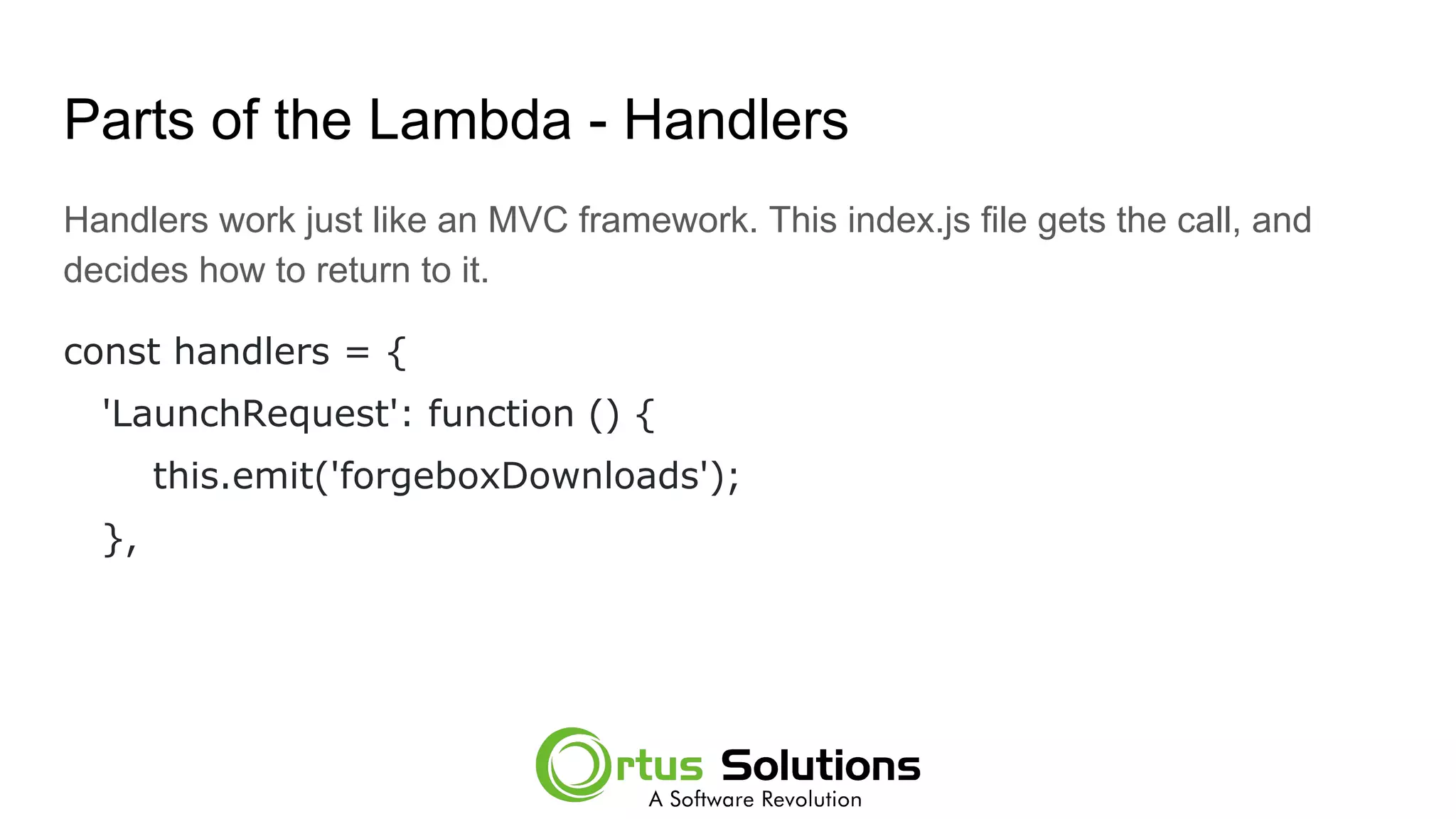
Parts of the Lambda - Handlers
Handlers work just like an MVC framework. This index.js file gets the call, and
decides how to return to it.
const handlers = {
'LaunchRequest': function () {
this.emit('forgeboxDownloads');
},
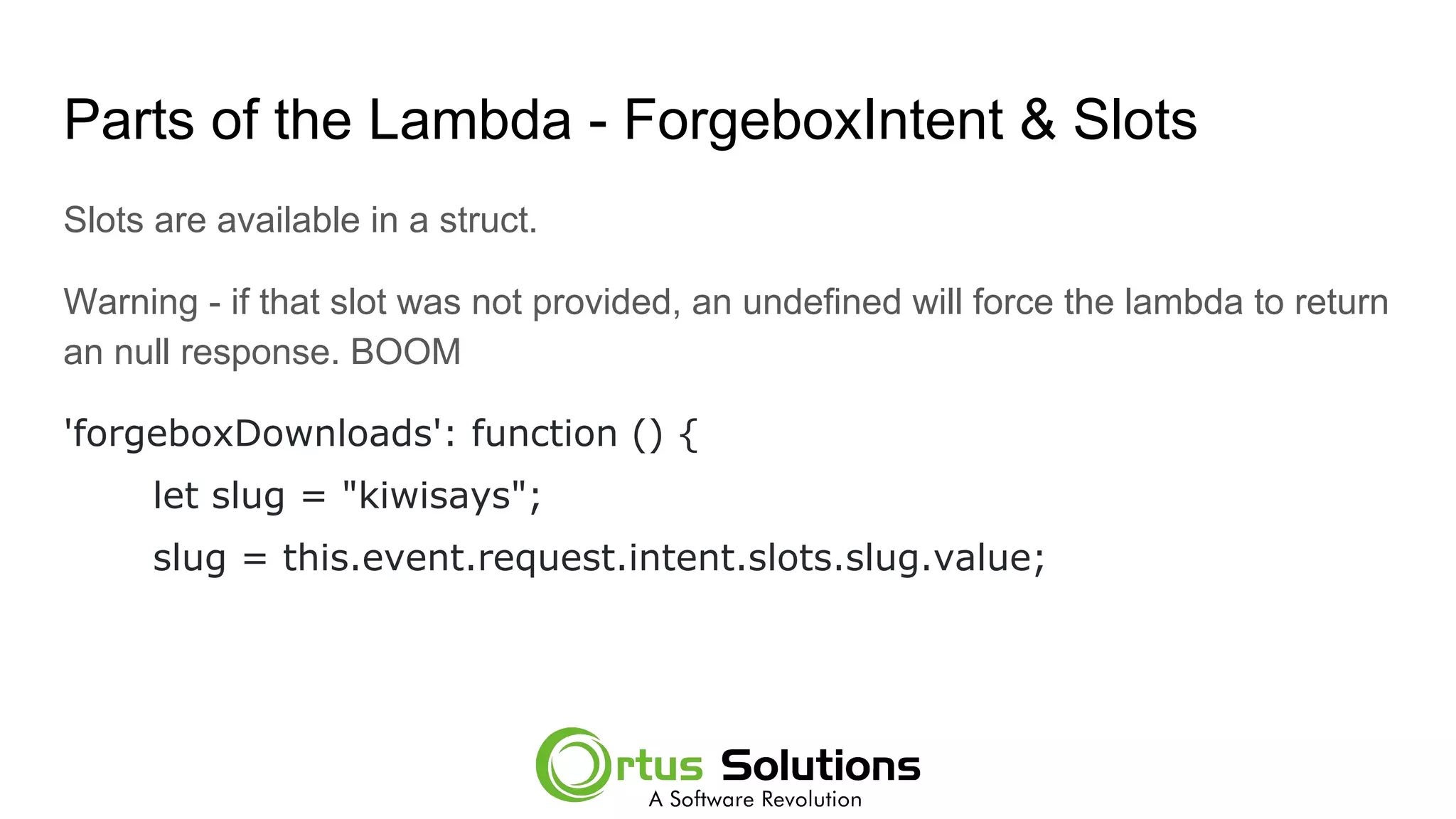
Parts of the Lambda - ForgeboxIntent & Slots
Slots are available in a struct.
Warning - if that slot was not provided, an undefined will force the lambda to return
an null response. BOOM
'forgeboxDownloads': function () {
let slug = "kiwisays";
slug = this.event.request.intent.slots.slug.value;
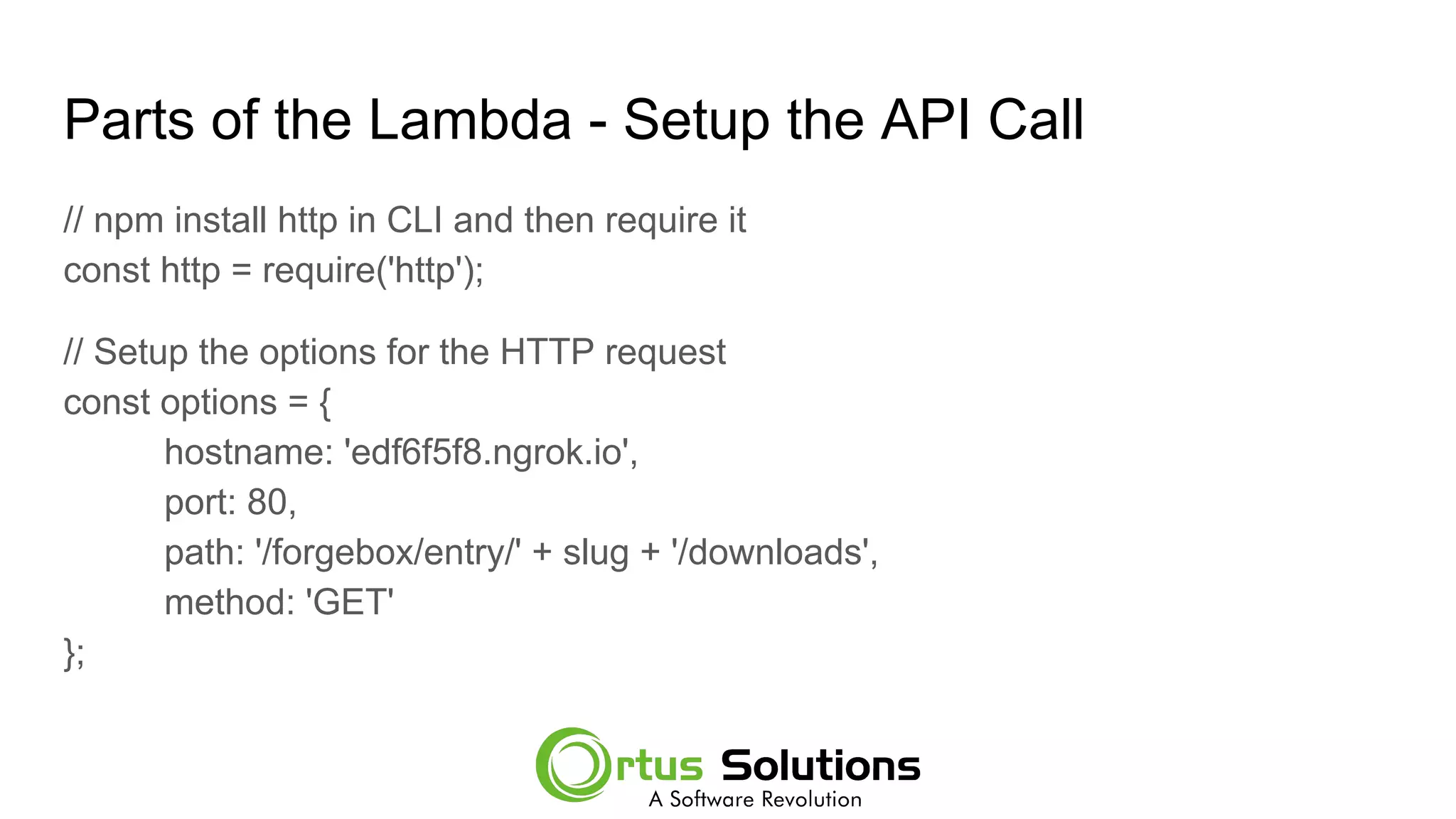
Parts of the Lambda - Setup the API Call
// npm install http in CLI and then require it
const http = require('http');
// Setup the options for the HTTP request
const options = {
hostname: 'edf6f5f8.ngrok.io',
port: 80,
path: '/forgebox/entry/' + slug + '/downloads',
method: 'GET'
};
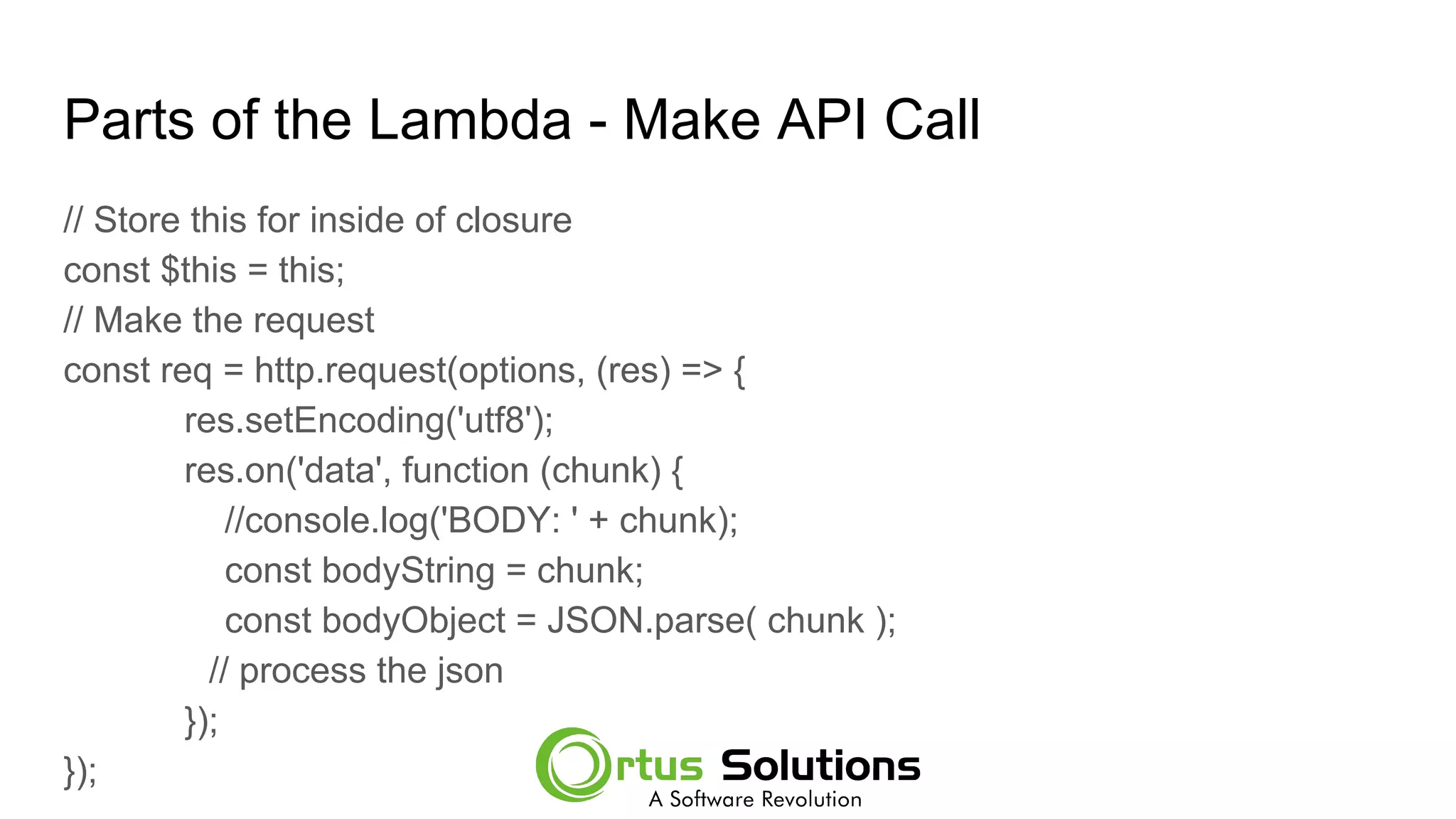
Parts of the Lambda - Make API Call
// Store this for inside of closure
const $this = this;
// Make the request
const req = http.request(options, (res) => {
res.setEncoding('utf8');
res.on('data', function (chunk) {
//console.log('BODY: ' + chunk);
const bodyString = chunk;
const bodyObject = JSON.parse( chunk );
// process the json
});
});
Parts of the Lambda - Process the API Response
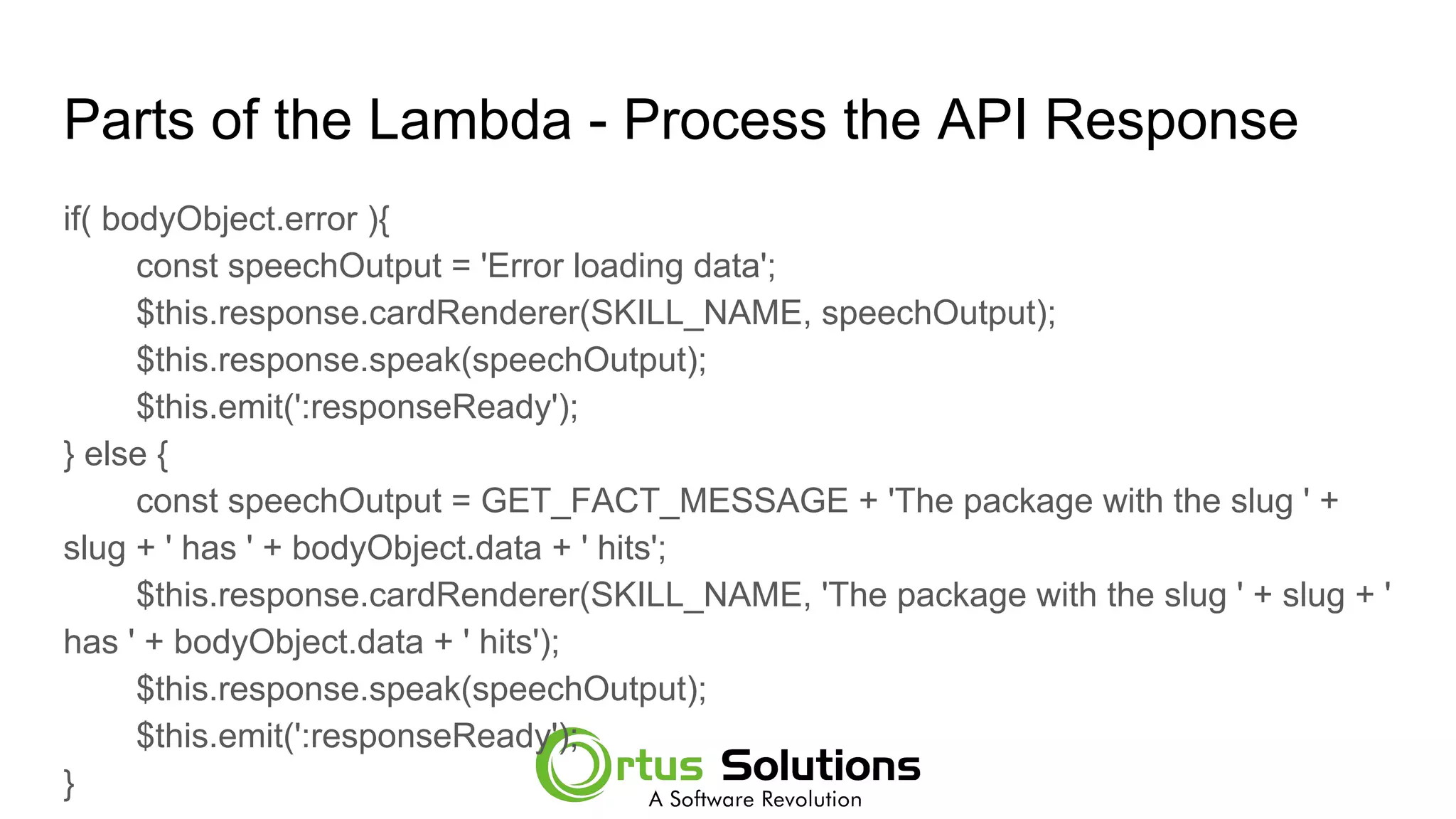
if( bodyObject.error ){
const speechOutput = 'Error loading data';
$this.response.cardRenderer(SKILL_NAME, speechOutput);
$this.response.speak(speechOutput);
$this.emit(':responseReady');
} else {
const speechOutput = GET_FACT_MESSAGE + 'The package with the slug ' +
slug + ' has ' + bodyObject.data + ' hits';
$this.response.cardRenderer(SKILL_NAME, 'The package with the slug ' + slug + '
has ' + bodyObject.data + ' hits');
$this.response.speak(speechOutput);
$this.emit(':responseReady');
}
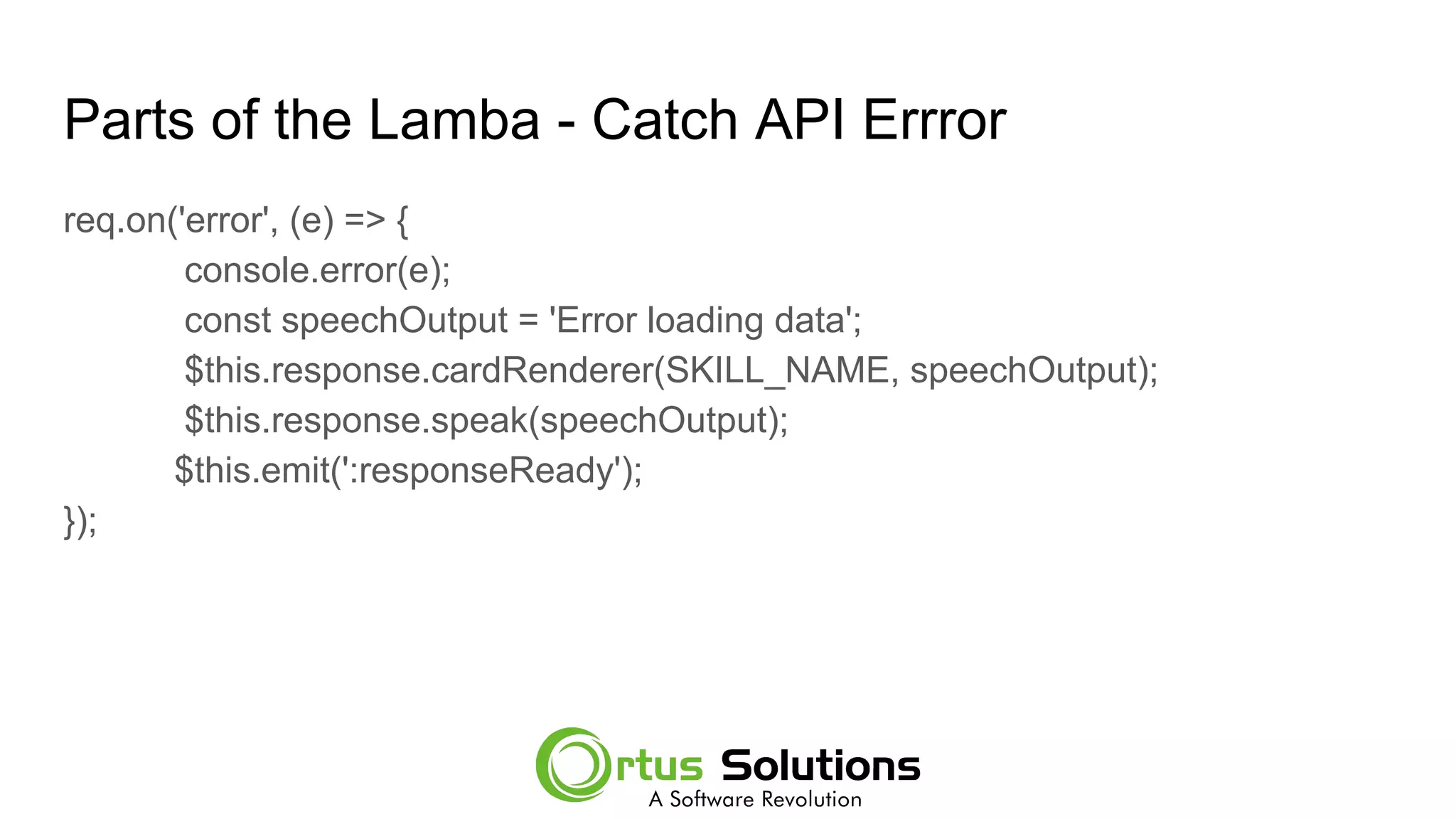
Parts of the Lamba - Catch API Errror
req.on('error', (e) => {
console.error(e);
const speechOutput = 'Error loading data';
$this.response.cardRenderer(SKILL_NAME, speechOutput);
$this.response.speak(speechOutput);
$this.emit(':responseReady');
});
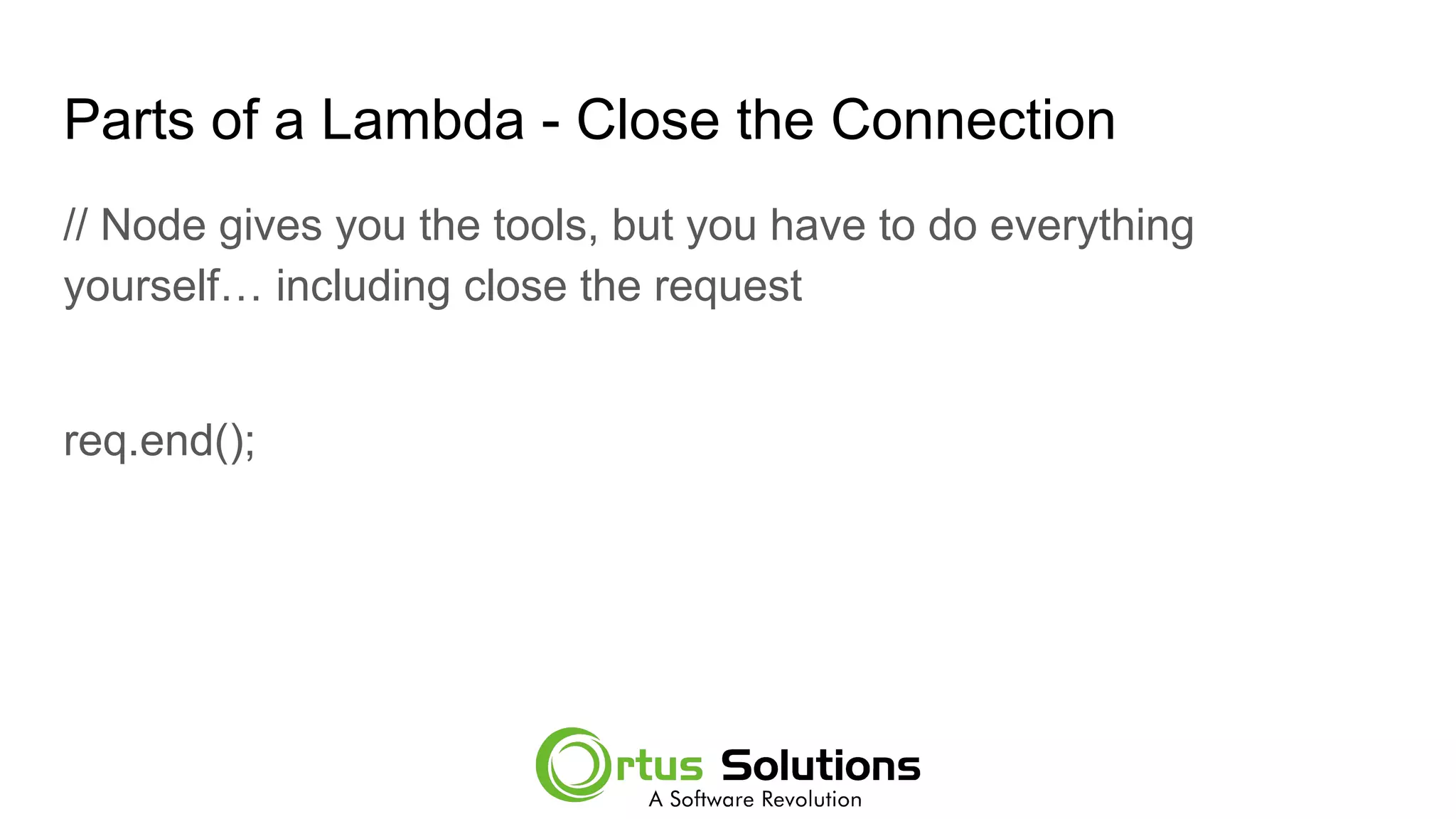
Parts of a Lambda - Close the Connection
// Node gives you the tools, but you have to do everything
yourself… including close the request
req.end();
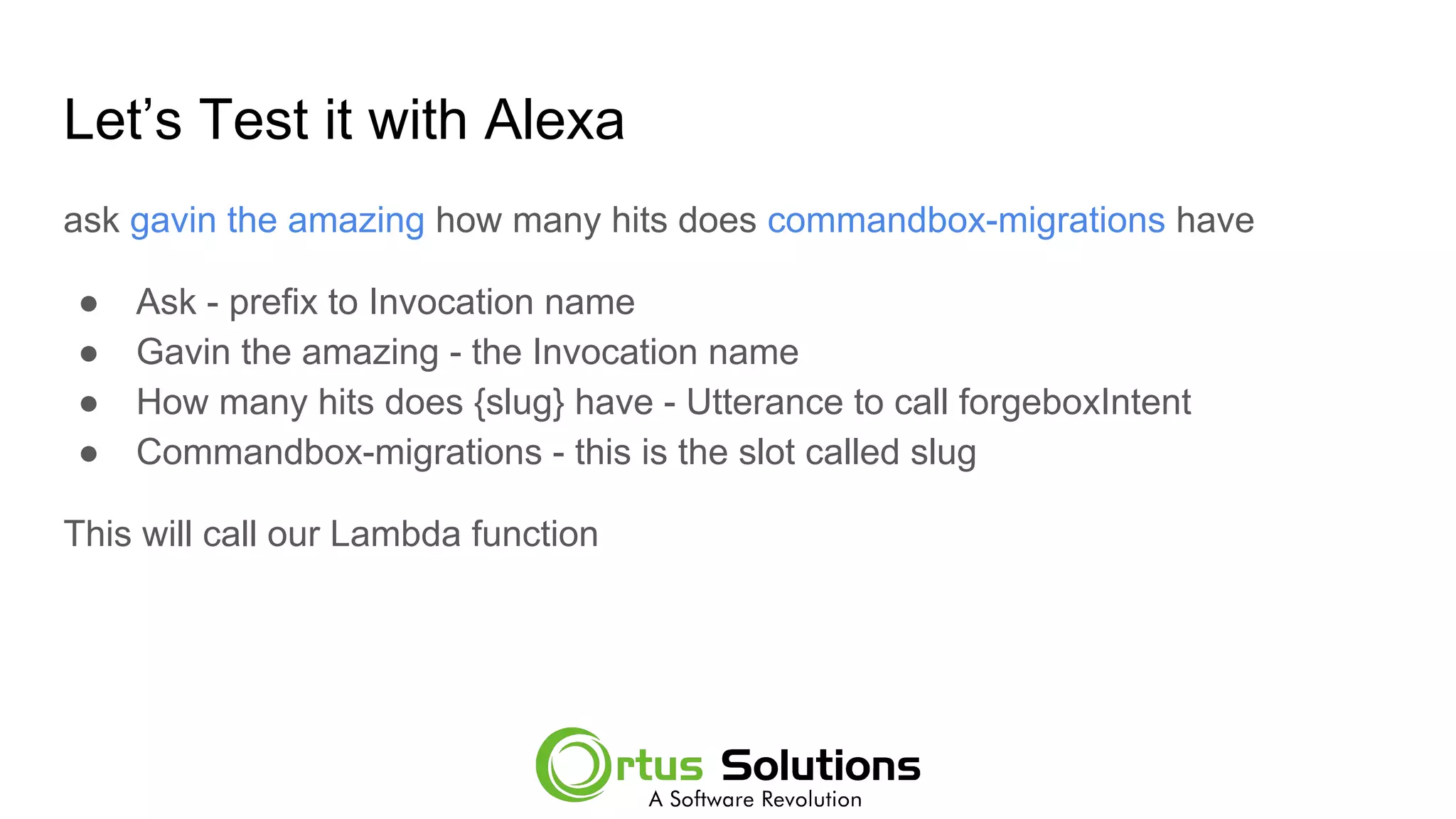
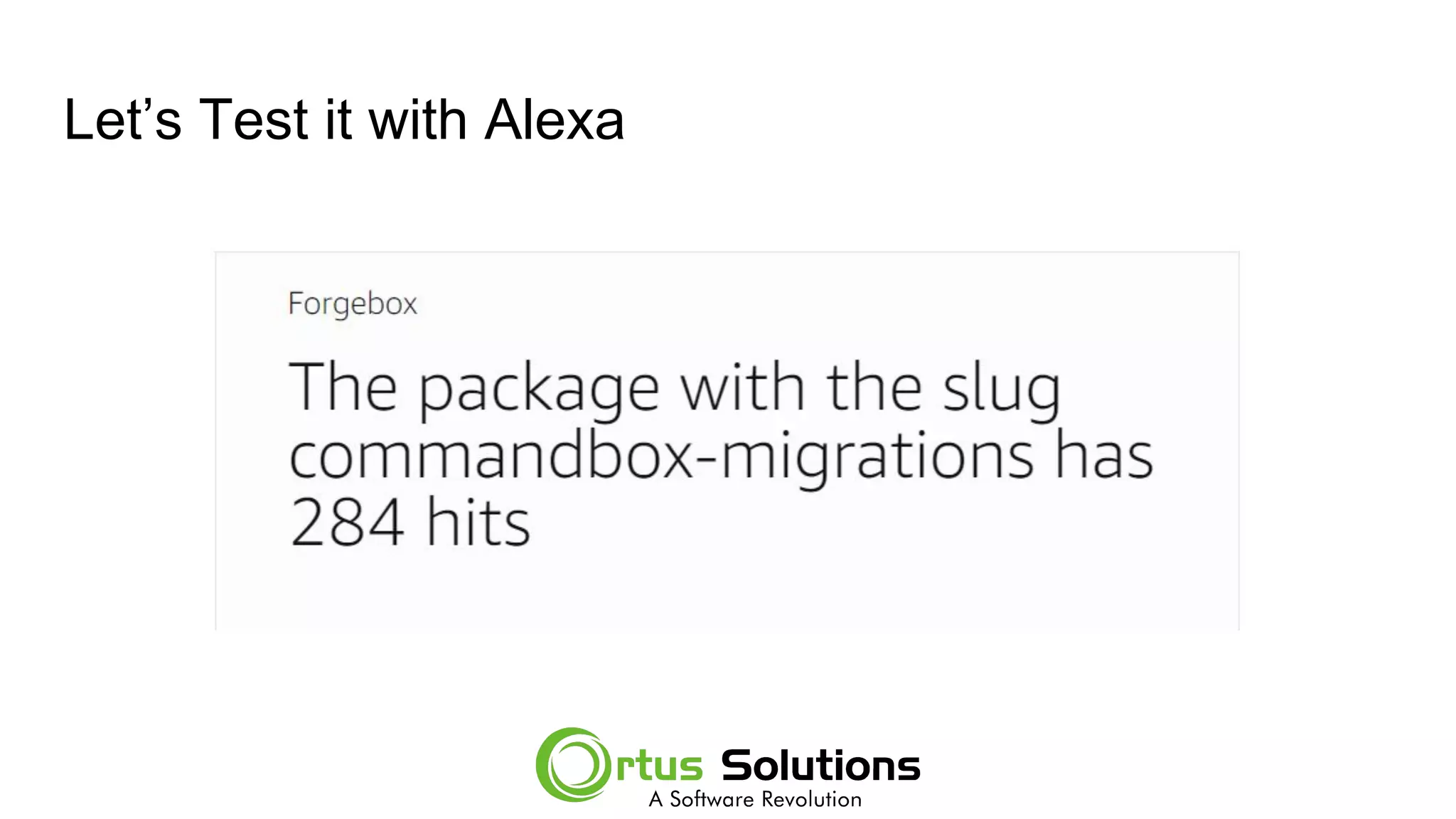
Let’s Test it with Alexa
ask gavin the amazing how many hits does commandbox-migrations have
● Ask - prefix to Invocation name
● Gavin the amazing - the Invocation name
● How many hits does {slug} have - Utterance to call forgeboxIntent
● Commandbox-migrations - this is the slot called slug
This will call our Lambda function
Let’s Test it with Alexa
Why are you using Node??
Brad No like Node :)
Alexa SDK
There are SDKs for NodeJS, Java etc, but not CFML…. But that’s ok.
They have a JSON version you can setup with an HTTPS endpoint.
Thanks to Steve Drucker’s repo, we had a solid starting point
https://github.com/sdruckerfig/CF-Alexa
Note: I had to make a lot of changes to get it to work.
Alexa.cfc
This is the base object, with the core functions you need to interact with Alexa
Included Functions:
● say()
● setTitle()
● setText()
● setImage()
● And many more.
To use this, you extend Alexa.cfc in your Service ( AlexaBot in this example )
AlexaBot.cfc
This is your template for your service.
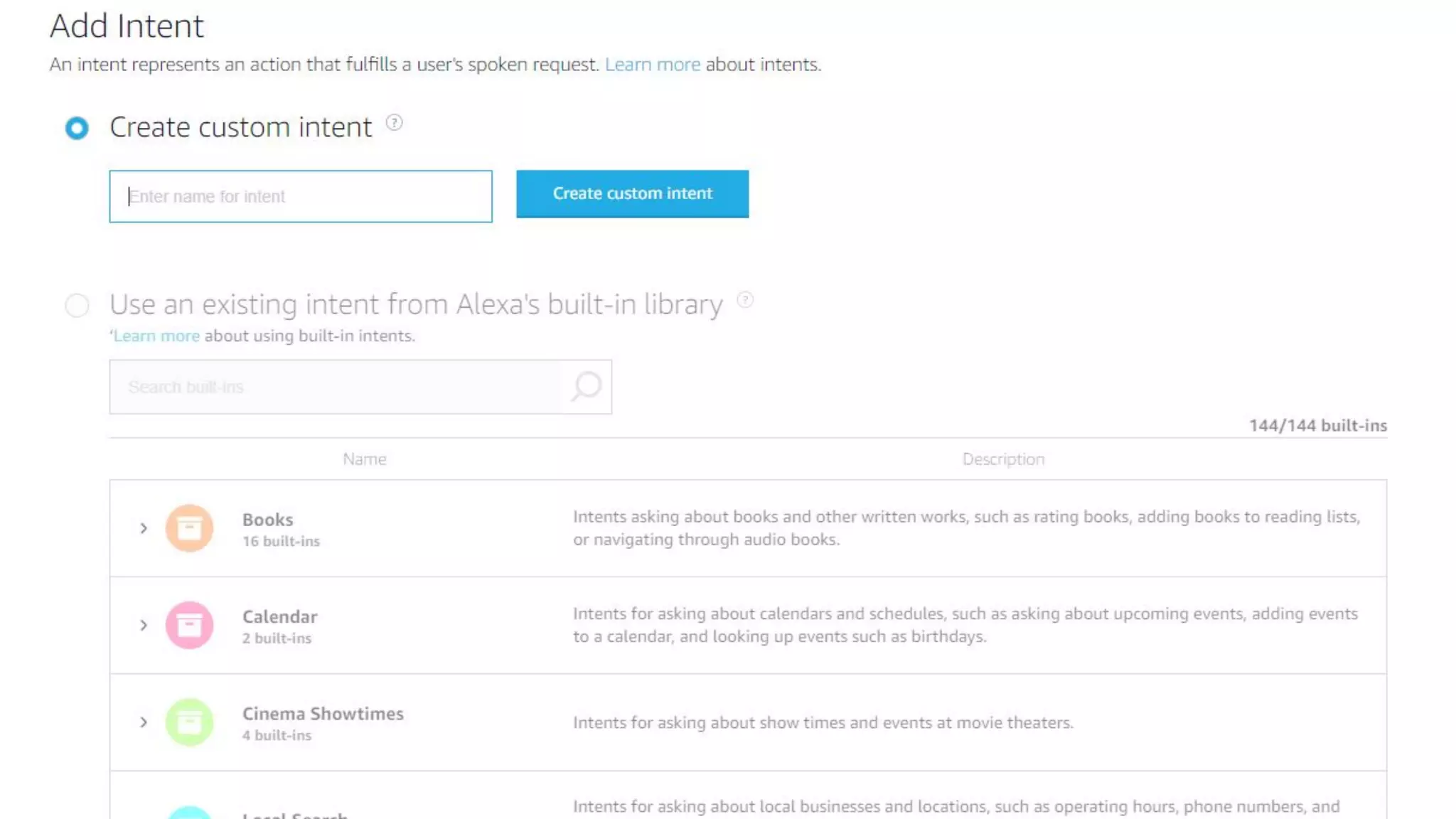
Define your Intents
Create functions to handle your incoming Intents
Functions respond to Alexa with JSON returns
Alexa.cfc handles the DSL to do the hard work for you.
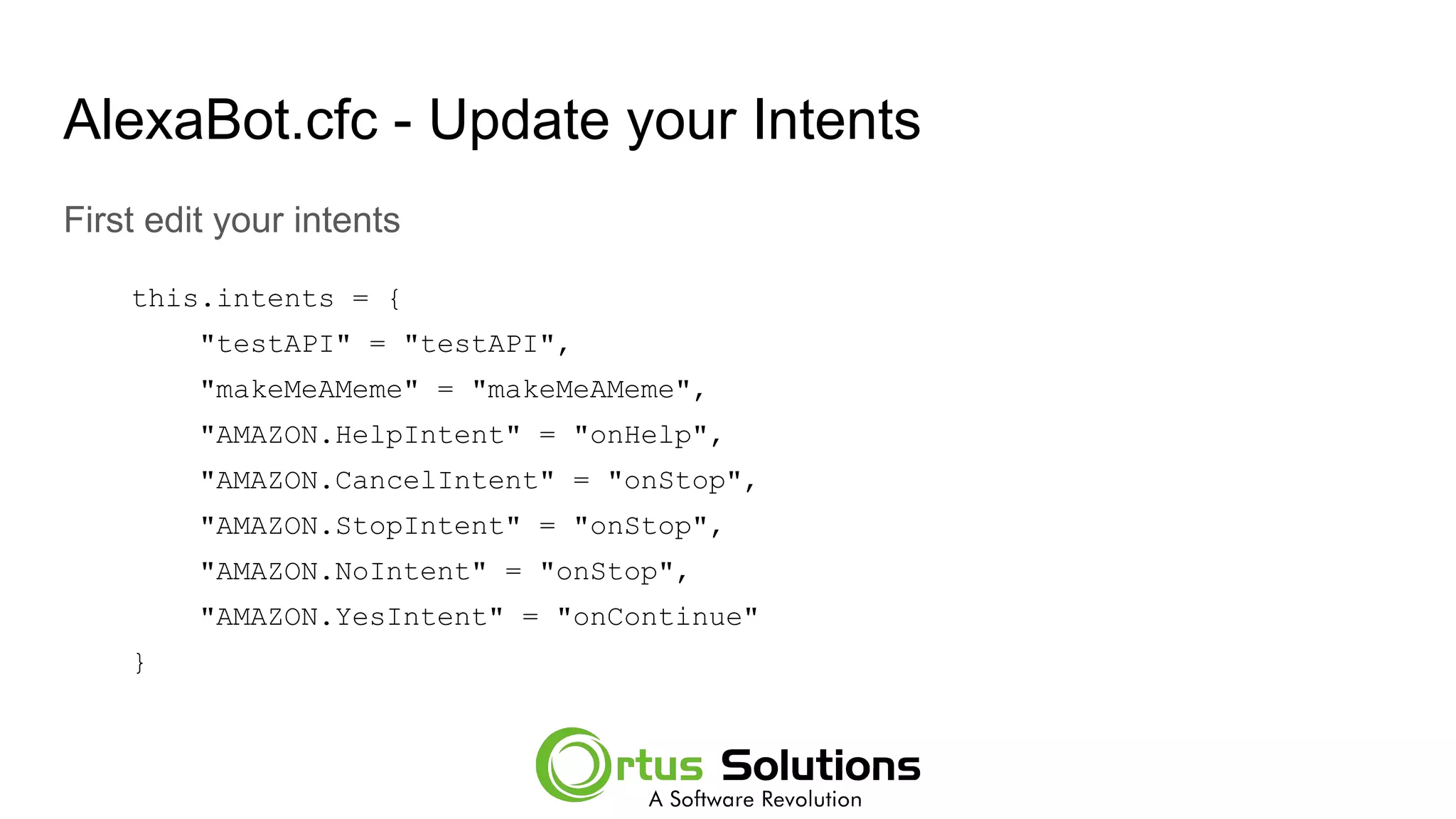
AlexaBot.cfc - Update your Intents
First edit your intents
this.intents = {
"testAPI" = "testAPI",
"makeMeAMeme" = "makeMeAMeme",
"AMAZON.HelpIntent" = "onHelp",
"AMAZON.CancelIntent" = "onStop",
"AMAZON.StopIntent" = "onStop",
"AMAZON.NoIntent" = "onStop",
"AMAZON.YesIntent" = "onContinue"
}
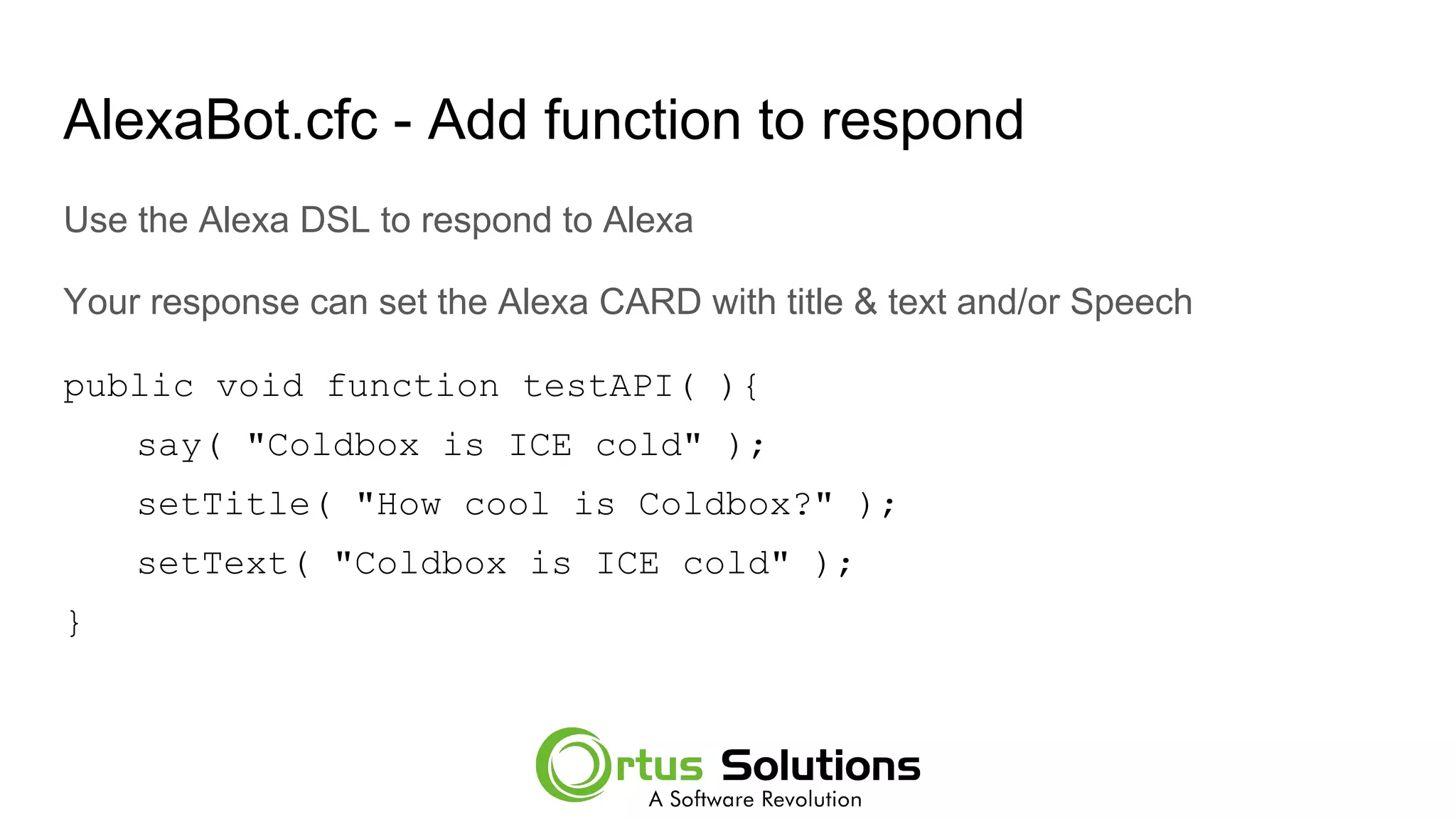
AlexaBot.cfc - Add function to respond
Use the Alexa DSL to respond to Alexa
Your response can set the Alexa CARD with title & text and/or Speech
public void function testAPI( ){
say( "Coldbox is ICE cold" );
setTitle( "How cool is Coldbox?" );
setText( "Coldbox is ICE cold" );
}
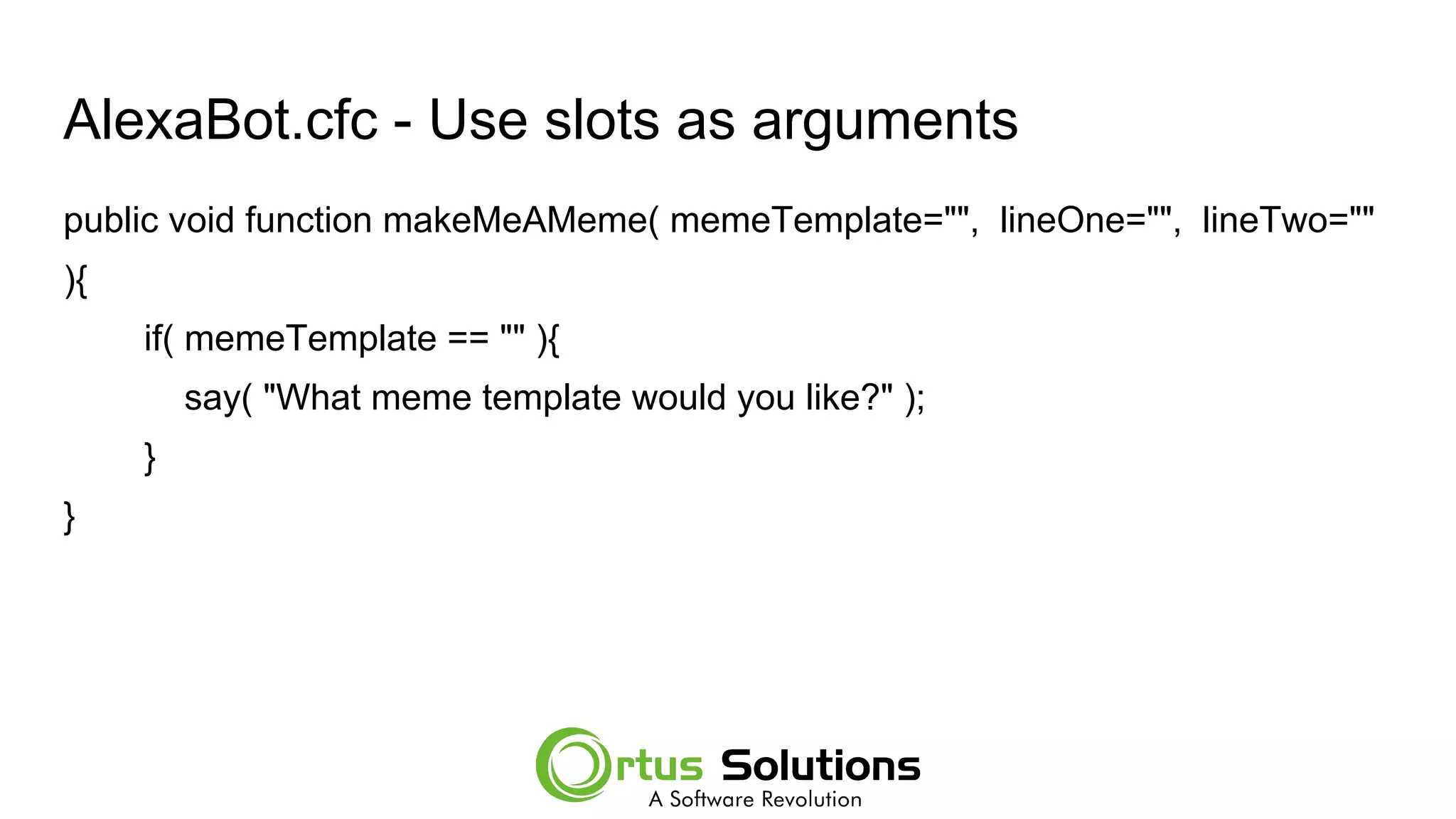
AlexaBot.cfc - Use slots as arguments
public void function makeMeAMeme( memeTemplate="", lineOne="", lineTwo=""
){
if( memeTemplate == "" ){
say( "What meme template would you like?" );
}
}
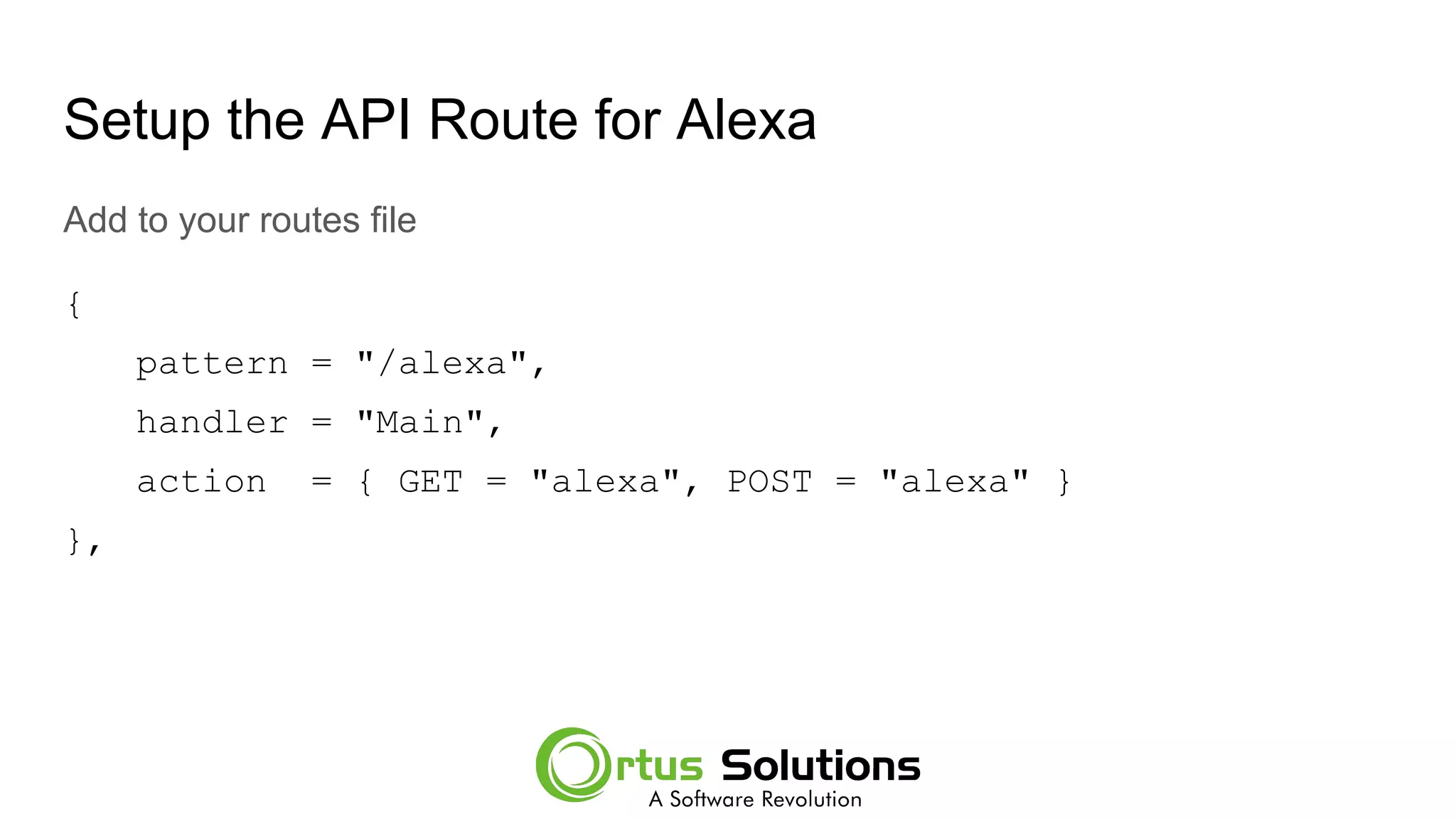
Setup the API Route for Alexa
Add to your routes file
{
pattern = "/alexa",
handler = "Main",
action = { GET = "alexa", POST = "alexa" }
},
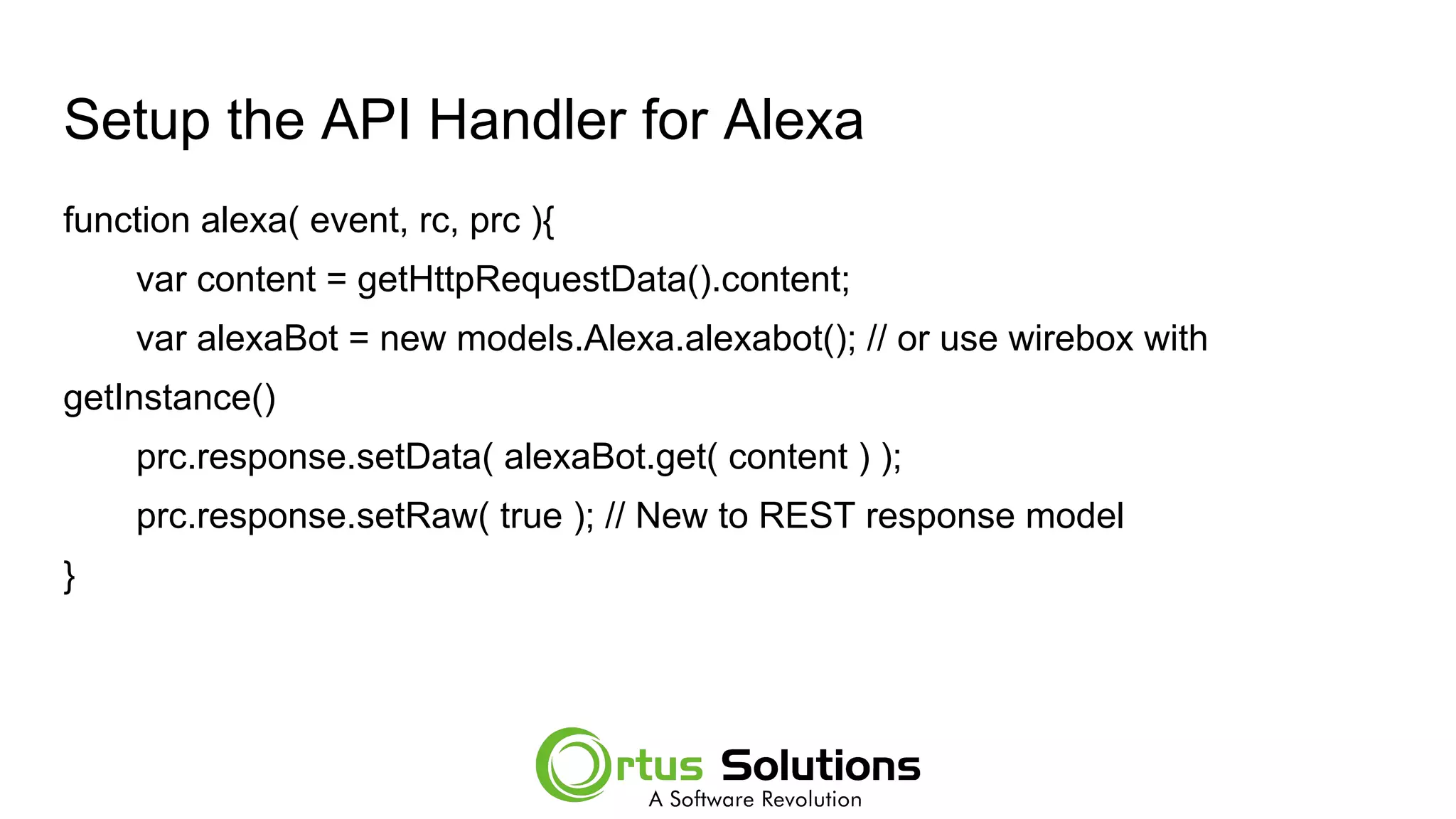
Setup the API Handler for Alexa
function alexa( event, rc, prc ){
var content = getHttpRequestData().content;
var alexaBot = new models.Alexa.alexabot(); // or use wirebox with
getInstance()
prc.response.setData( alexaBot.get( content ) );
prc.response.setRaw( true ); // New to REST response model
}
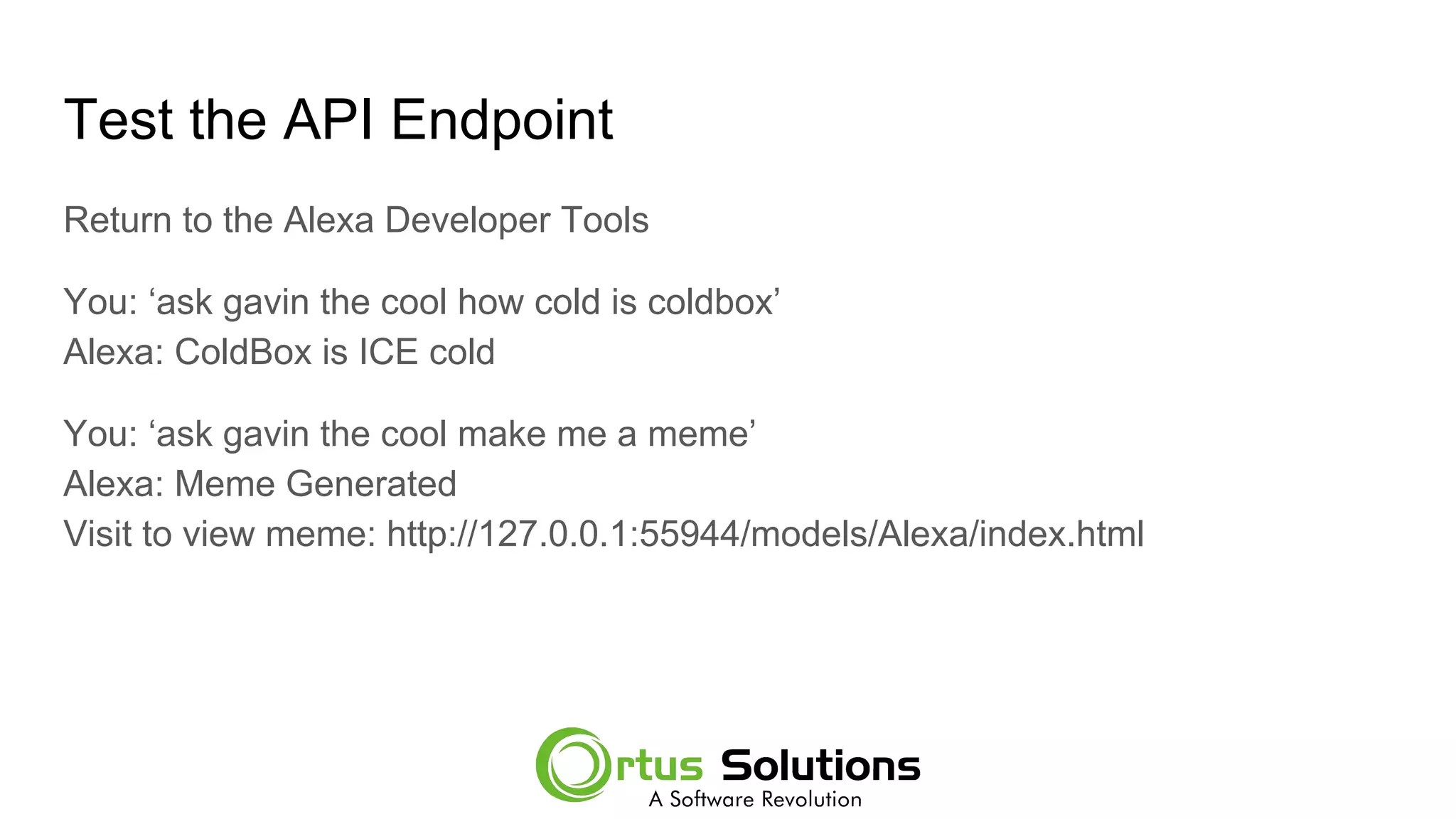
Test the API Endpoint
Return to the Alexa Developer Tools
You: ‘ask gavin the cool how cold is coldbox’
Alexa: ColdBox is ICE cold
You: ‘ask gavin the cool make me a meme’
Alexa: Meme Generated
Visit to view meme: http://127.0.0.1:55944/models/Alexa/index.html
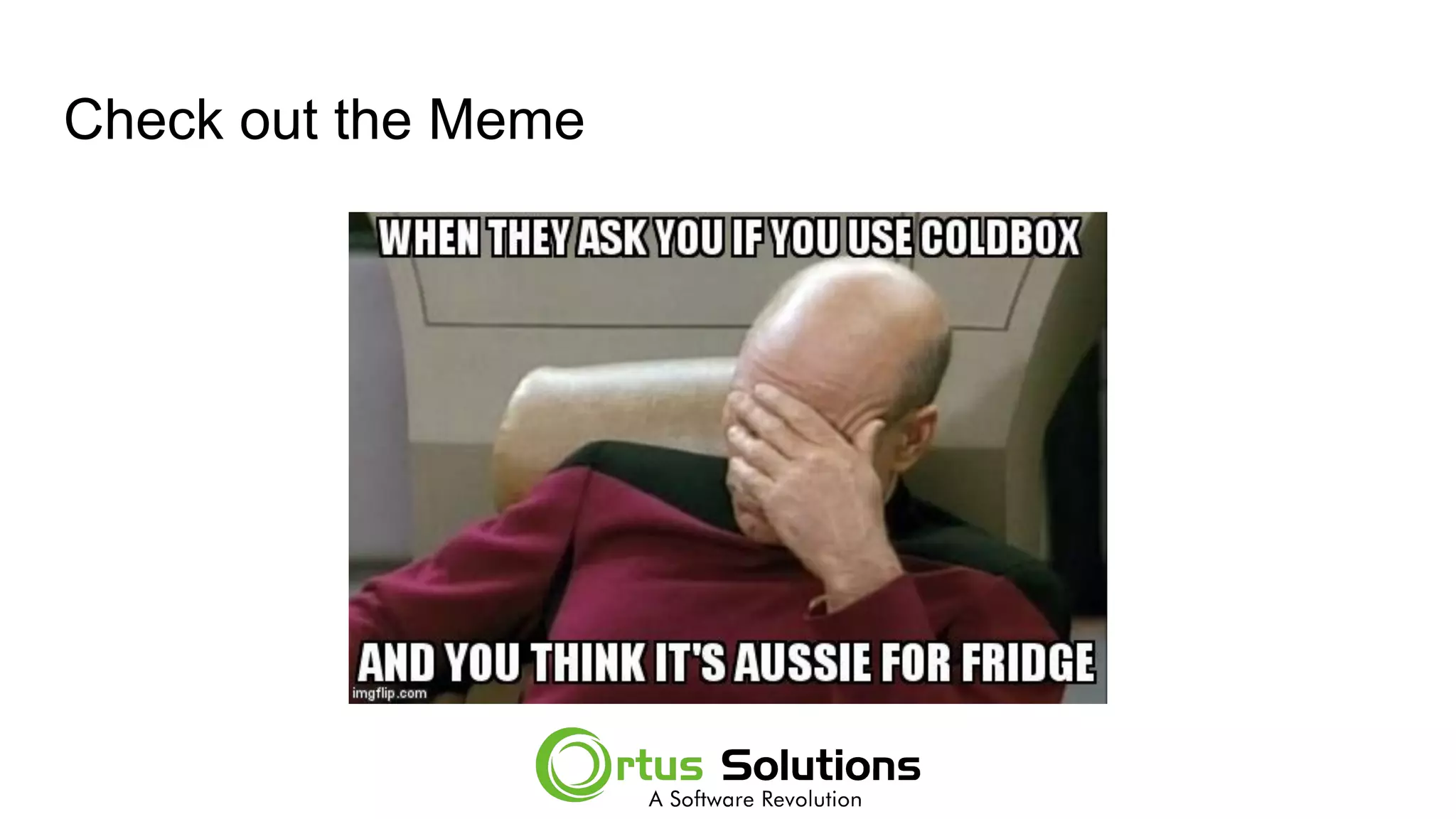
Check out the Meme
What’s next?
I hope this was a good introduction to using Alexa, and ColdBox APIs
● We have a lot more information on REST in our REST Roadshow we
recorded in 2016
https://www.ortussolutions.com/events/restful-roadshow-2016
● Check out our blog on Ortussolutions.com
● We offer training online and in person
● We have Brad the monkey manning slack 34 hours a day.
ColdBox REST is simple, lots more support in ColdBox 5, and all the ForgeBox
modules at your disposal
Thanks
I hope you enjoyed the session.
Visit www.gpickin.com to see my follow up blog post with links to code and slides.
Don’t forget to come see my ContentBox + Docker - Friday at 3:25pm
Got questions? Find me at Happy Box right after this session and the live panel
podcast recording.

Into The Box | Alexa and ColdBox Api's

  • 1.
    Alexa & ColdBoxAPIs Gavin Pickin Into the Box 2018
  • 2.
    What do youneed to start building for Alexa? ● Amazon Developer Account ● AWS Services Account ● Look at Github Alexa Repos
  • 3.
    Create a AWSDeveloper Account https://developer.amazon.com/alexa Login with your Amazon login and then register
  • 4.
    Create a AWSDeveloper Account App Distribution Agreement
  • 5.
    Create a AWSDeveloper Account Payments
  • 7.
    Setup your AWSServices Account ● https://aws.amazon.com/ ● Does require a credit card ● Does have a free tier which is great Nothing we will be doing here, will incur a cost.
  • 8.
    Alexa Github Repos ●https://github.com/alexa ● Lots of great examples and templates. ● The Repos have a lot of the getting started information in them
  • 9.
    Starting Our FirstAlexa Skill ● Login at https://aws.amazon.com/ with your AWS Services account ● We are going to start with Lambda, so go to Services and click on Lambda under the Compute heading. ● Click ‘Create a function’ on the Lambda page.
  • 11.
    Lambda - Node YesBrad, we’re going to look at writing a Lambda in NodeJS.
  • 12.
  • 13.
  • 18.
    How to getyour Skill ID Later when we have created our Alexa Skill, if you pick a Lambda endpoint, you will see this. Copy this and come back here to update your Skill ID
  • 19.
    Configure the AlexaSkill in Developer Portal
  • 20.
  • 21.
    Choose a modelto add to your Skill
  • 23.
  • 25.
    But I’m aprogrammer ● You don’t like using a mouse? ● Can’t handle typing and clicking and waiting? Don’t fret, there is a JSON editor, so we can cheat a little. Lets get some JSON from the Alexa Github repos https://github.com/alexa/skill-sample-nodejs-fact
  • 26.
    JSON Editor Simple JSON VeryClear Formatting Quicker than the User Interface BUT You have to know the format
  • 27.
    Now our Intentsare loaded
  • 28.
    Check out allof our Utterances
  • 29.
    Lets Skip theinterfaces - Advanced
  • 30.
  • 31.
    Select the Lambdawe already created Copy the Amazon Resource Name ARN from AWS services
  • 32.
    Enter the ARNin your Default Region
  • 33.
    Build your Model Clickthe Build Model option from the checklist When you click on a step now you will see something like this
  • 34.
    Build Successful Once thebuild is successful, you’ll see a notification like this one pop up.
  • 35.
  • 36.
    Adding Slots Adding slotsinto your utterances really give your Alexa App power. You can pass information into your endpoint with these slots, and customize the experience. Alexa ask Forgebox how many hits does {kiwiSays} have? These are similar arguments to your function. Note: there were some difficulties with slots.
  • 38.
    Slot Requirements andConfirmation For a given Slot, you can set it as required. This allows you and Alexa to ask for this slot directly to ensure you have all the data you need. You can also confirm a slot. You can tell Alexa what to ask, what to expect in response and how to confirm. Alexa: What package would you like me to lookup? You: KiwiSays or Lookup KiwiSays Alexa: Ok, so you want me to lookup KiwiSays? You: Yes
  • 41.
    Issues with Slots Alexadoes not automatically process the Dialog for you. You get a list of the slots, but they are not always defined. An error in your Lambda can break your skill. You should be able to return a Dialog.delegate and then Alexa will process until complete… but I had issues with this.
  • 42.
    Building a RESTAPI to talk to ● We will be looking at ColdBox REST today ● Its easy to add onto existing ColdBox Apps ● Or start a new app with our AdvancedScript or REST skeleton ● REST Template does most of the REST boilerplate for you ● You can just do your thing
  • 43.
    Scaffold our App CommandBoxhas a lot of create commands, today we’ll use the ColdBox Create App command. We could specify a skeleton to use when creating the ColdBox app so we can hit the ground running. We could use the REST Skeleton which you can find out more about here: https://www.forgebox.io/view/cbtemplate-rest You could make your own template and use that from ColdBox Create App ( even if it wasn’t coldbox ) The default is advancedScript - which is fine for this example.
  • 44.
    Run our CommandBoxcommand Coldbox create app name=myAPI skeleton=rest This will download the REST template, and do a box install. Start commandbox and you’ll see your first API response. http://127.0.0.1:55944/ { "data": "Welcome to my ColdBox RESTFul Service", "error": false, "messages": [] }
  • 45.
    Lets create anew Handler for Forgebox component extends="handlers.BaseHandler"{ function downloads( event, rc, prc ){ event.paramValue( "slug", "kiwisays" ); var result = ""; cfhttp( method="GET", charset="utf-8", url="https://www.forgebox.io/api/v1/entry/#rc.slug#", result="result" ); var jsonResponse = deserializeJSON( result.filecontent ); if( jsonResponse.error ){ prc.response.setError( true ); prc.response.addMessage( "Error finding Slug" ); } else { prc.response.setData( jsonResponse.data.hits ); } }
  • 46.
    Lets create aRESTful Route Add this to your routes file: /config/routes.cfm addRoute( pattern = "/forgebox/entry/:slug/:action", handler = "forgebox" );
  • 47.
    Reinit App andTest the endpoint Reinit the app http://127.0.0.1:55944/?fwreinit=1 Test the endpoint http://127.0.0.1:55944/forgebox/entry/kiwisays/downloads { "data": 1432, "error": false, "messages": [] }
  • 48.
    Why are weusing a API to call an API Short Answer: NODE Using a Lambda, you are using Node. Node doesn’t support http and https requests natively, so you install a module for that. HTTPS is a great tool, BUT if you want to hit an HTTPS site, you have to manually install the SSL cert. So you can load files on the fly to make the call… or you can call a ColdFusion API and let cfhttp do it for you :)
  • 49.
    Node isn’t alwaysbetter That comment made Brad happy
  • 50.
    Create a Lambdafor API Call Here is a Gist of a lambda function https://gist.github.com/gpickin/4a57d996df15079abb7b7136e25bf414
  • 51.
    Parts of theLambda - Handlers Handlers work just like an MVC framework. This index.js file gets the call, and decides how to return to it. const handlers = { 'LaunchRequest': function () { this.emit('forgeboxDownloads'); },
  • 52.
    Parts of theLambda - ForgeboxIntent & Slots Slots are available in a struct. Warning - if that slot was not provided, an undefined will force the lambda to return an null response. BOOM 'forgeboxDownloads': function () { let slug = "kiwisays"; slug = this.event.request.intent.slots.slug.value;
  • 53.
    Parts of theLambda - Setup the API Call // npm install http in CLI and then require it const http = require('http'); // Setup the options for the HTTP request const options = { hostname: 'edf6f5f8.ngrok.io', port: 80, path: '/forgebox/entry/' + slug + '/downloads', method: 'GET' };
  • 54.
    Parts of theLambda - Make API Call // Store this for inside of closure const $this = this; // Make the request const req = http.request(options, (res) => { res.setEncoding('utf8'); res.on('data', function (chunk) { //console.log('BODY: ' + chunk); const bodyString = chunk; const bodyObject = JSON.parse( chunk ); // process the json }); });
  • 55.
    Parts of theLambda - Process the API Response if( bodyObject.error ){ const speechOutput = 'Error loading data'; $this.response.cardRenderer(SKILL_NAME, speechOutput); $this.response.speak(speechOutput); $this.emit(':responseReady'); } else { const speechOutput = GET_FACT_MESSAGE + 'The package with the slug ' + slug + ' has ' + bodyObject.data + ' hits'; $this.response.cardRenderer(SKILL_NAME, 'The package with the slug ' + slug + ' has ' + bodyObject.data + ' hits'); $this.response.speak(speechOutput); $this.emit(':responseReady'); }
  • 56.
    Parts of theLamba - Catch API Errror req.on('error', (e) => { console.error(e); const speechOutput = 'Error loading data'; $this.response.cardRenderer(SKILL_NAME, speechOutput); $this.response.speak(speechOutput); $this.emit(':responseReady'); });
  • 57.
    Parts of aLambda - Close the Connection // Node gives you the tools, but you have to do everything yourself… including close the request req.end();
  • 58.
    Let’s Test itwith Alexa ask gavin the amazing how many hits does commandbox-migrations have ● Ask - prefix to Invocation name ● Gavin the amazing - the Invocation name ● How many hits does {slug} have - Utterance to call forgeboxIntent ● Commandbox-migrations - this is the slot called slug This will call our Lambda function
  • 59.
    Let’s Test itwith Alexa
  • 60.
    Why are youusing Node?? Brad No like Node :)
  • 61.
    Alexa SDK There areSDKs for NodeJS, Java etc, but not CFML…. But that’s ok. They have a JSON version you can setup with an HTTPS endpoint. Thanks to Steve Drucker’s repo, we had a solid starting point https://github.com/sdruckerfig/CF-Alexa Note: I had to make a lot of changes to get it to work.
  • 62.
    Alexa.cfc This is thebase object, with the core functions you need to interact with Alexa Included Functions: ● say() ● setTitle() ● setText() ● setImage() ● And many more. To use this, you extend Alexa.cfc in your Service ( AlexaBot in this example )
  • 63.
    AlexaBot.cfc This is yourtemplate for your service. Define your Intents Create functions to handle your incoming Intents Functions respond to Alexa with JSON returns Alexa.cfc handles the DSL to do the hard work for you.
  • 64.
    AlexaBot.cfc - Updateyour Intents First edit your intents this.intents = { "testAPI" = "testAPI", "makeMeAMeme" = "makeMeAMeme", "AMAZON.HelpIntent" = "onHelp", "AMAZON.CancelIntent" = "onStop", "AMAZON.StopIntent" = "onStop", "AMAZON.NoIntent" = "onStop", "AMAZON.YesIntent" = "onContinue" }
  • 65.
    AlexaBot.cfc - Addfunction to respond Use the Alexa DSL to respond to Alexa Your response can set the Alexa CARD with title & text and/or Speech public void function testAPI( ){ say( "Coldbox is ICE cold" ); setTitle( "How cool is Coldbox?" ); setText( "Coldbox is ICE cold" ); }
  • 66.
    AlexaBot.cfc - Useslots as arguments public void function makeMeAMeme( memeTemplate="", lineOne="", lineTwo="" ){ if( memeTemplate == "" ){ say( "What meme template would you like?" ); } }
  • 67.
    Setup the APIRoute for Alexa Add to your routes file { pattern = "/alexa", handler = "Main", action = { GET = "alexa", POST = "alexa" } },
  • 68.
    Setup the APIHandler for Alexa function alexa( event, rc, prc ){ var content = getHttpRequestData().content; var alexaBot = new models.Alexa.alexabot(); // or use wirebox with getInstance() prc.response.setData( alexaBot.get( content ) ); prc.response.setRaw( true ); // New to REST response model }
  • 69.
    Test the APIEndpoint Return to the Alexa Developer Tools You: ‘ask gavin the cool how cold is coldbox’ Alexa: ColdBox is ICE cold You: ‘ask gavin the cool make me a meme’ Alexa: Meme Generated Visit to view meme: http://127.0.0.1:55944/models/Alexa/index.html
  • 70.
  • 71.
    What’s next? I hopethis was a good introduction to using Alexa, and ColdBox APIs ● We have a lot more information on REST in our REST Roadshow we recorded in 2016 https://www.ortussolutions.com/events/restful-roadshow-2016 ● Check out our blog on Ortussolutions.com ● We offer training online and in person ● We have Brad the monkey manning slack 34 hours a day. ColdBox REST is simple, lots more support in ColdBox 5, and all the ForgeBox modules at your disposal
  • 72.
    Thanks I hope youenjoyed the session. Visit www.gpickin.com to see my follow up blog post with links to code and slides. Don’t forget to come see my ContentBox + Docker - Friday at 3:25pm Got questions? Find me at Happy Box right after this session and the live panel podcast recording.