Integrating an App with Amazon Web Services SimpleDB  “ A Matter of Choices” Presented by Mark Maslyn – mmaslyn@msn.com
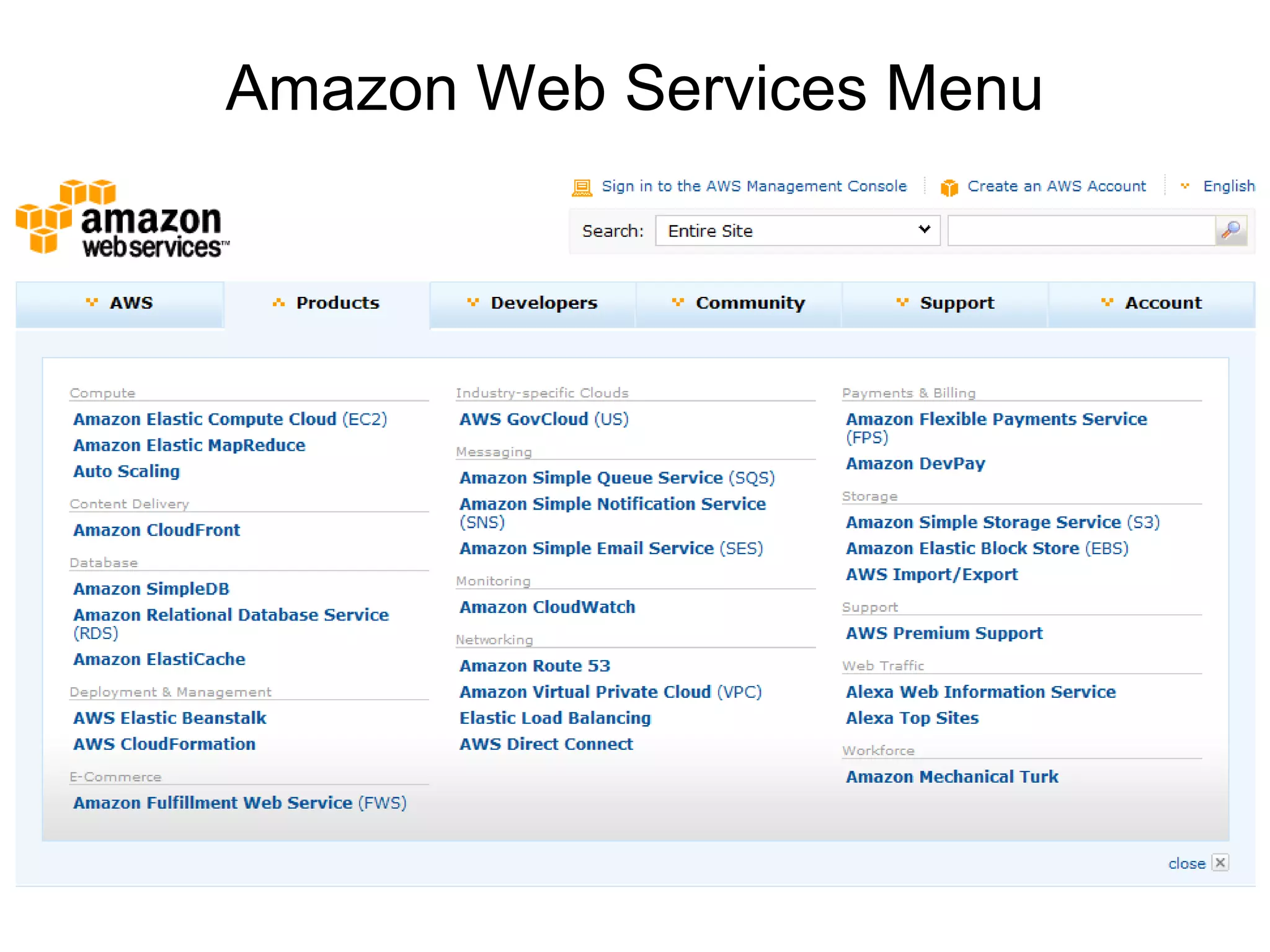
Amazon Web Services Menu
Amazon Web Service Databases RDB (Relational Database) S3 (Large Object Database) SimpleDB (NoSQL Database)
Amazon SimpleDB NoSQL Database – Non Relational Distributed  - Highly Scalable, Highly Reliable, Incremental Writes Primarily for Database Reads RESTful Calls Passing Credentials and Query Very Low Cost – First 25 Hours Free Each Month.
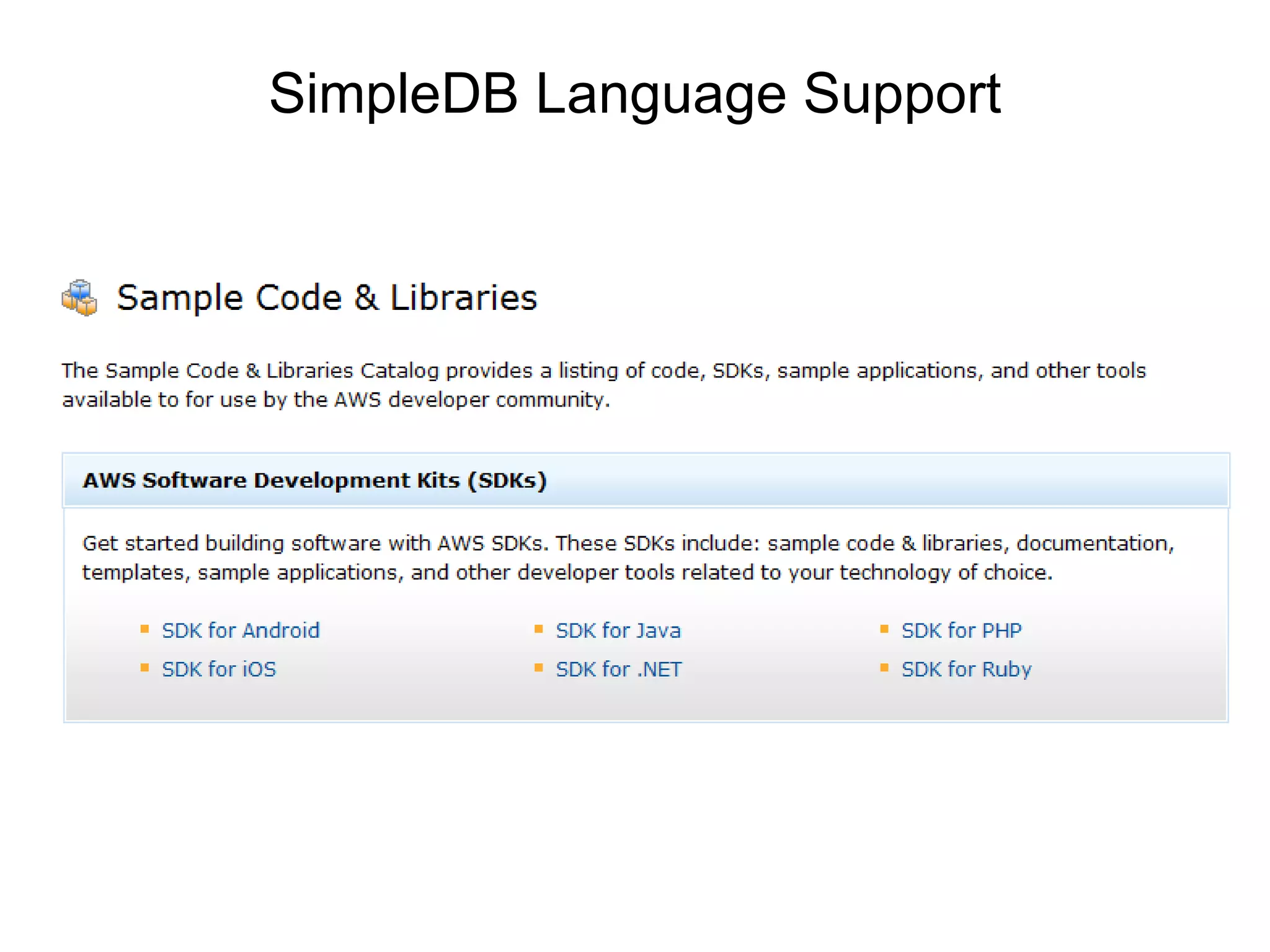
SimpleDB Language Support
Whoa… Non – Relational ??? From WikiMedia Commons
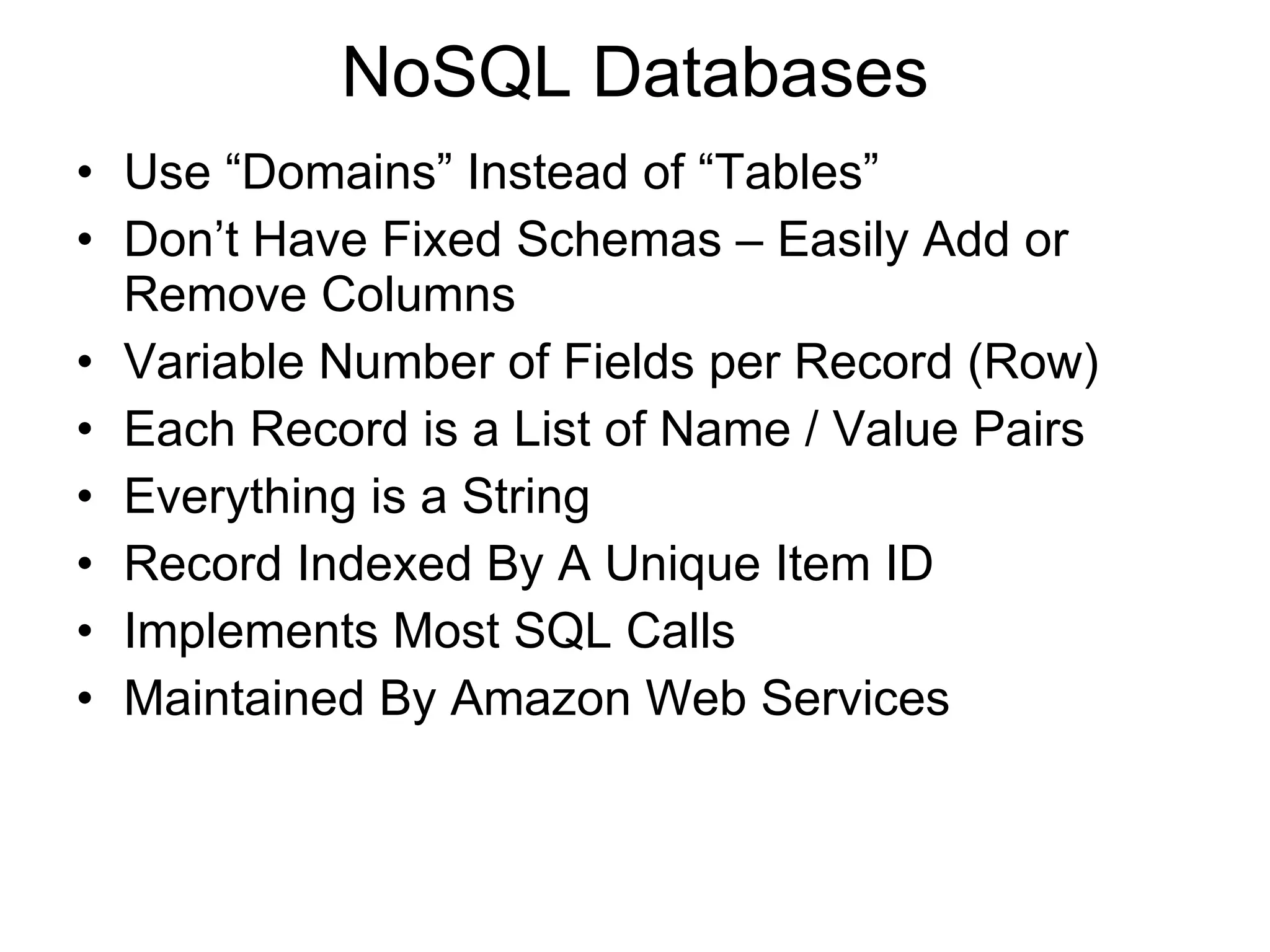
NoSQL Databases Use “Domains” Instead of “Tables” Don’t Have Fixed Schemas – Easily Add or Remove Columns Variable Number of Fields per Record (Row) Each Record is a List of Name / Value Pairs Everything is a String Record Indexed By A Unique Item ID Implements Most SQL Calls Maintained By Amazon Web Services
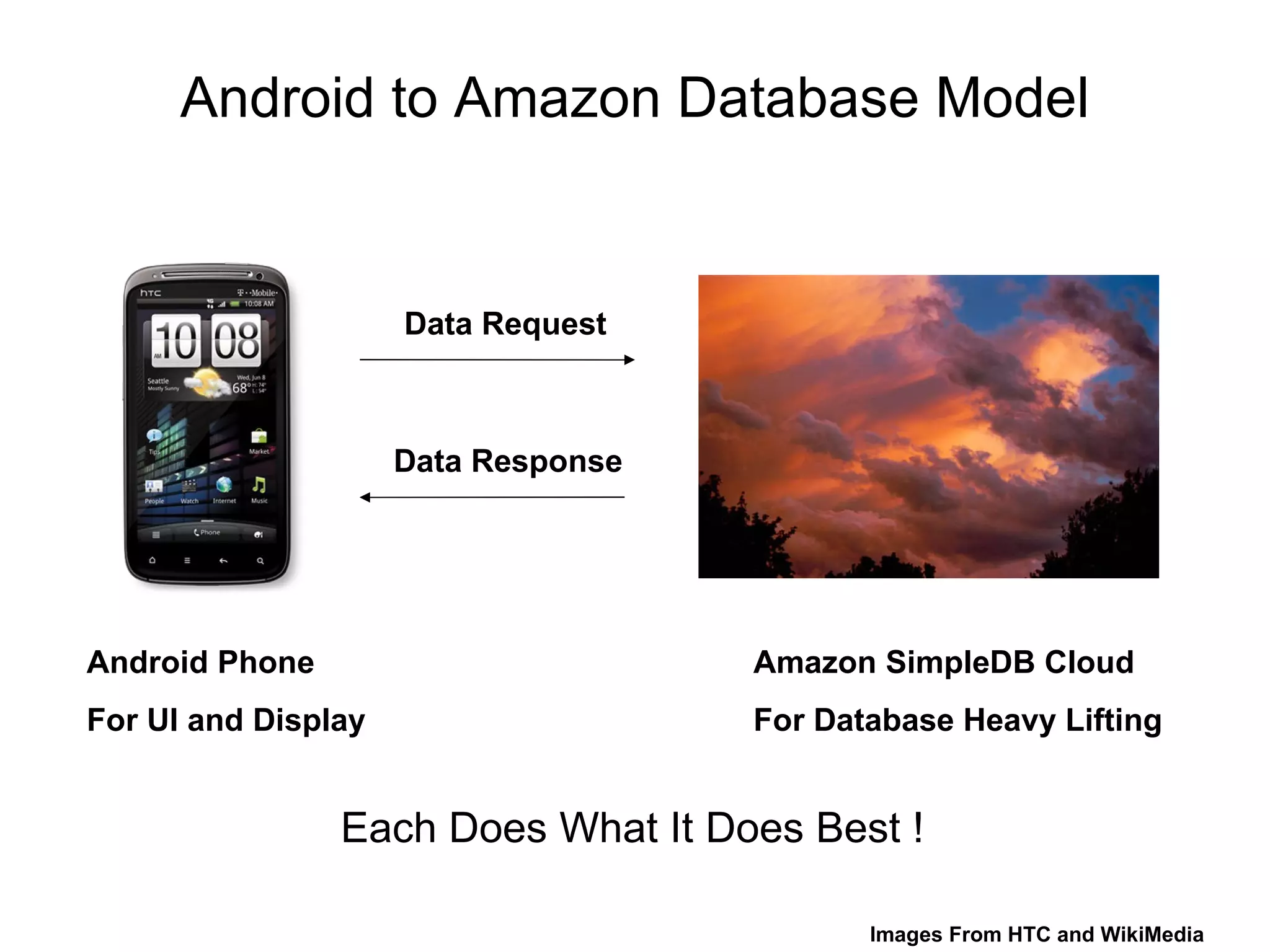
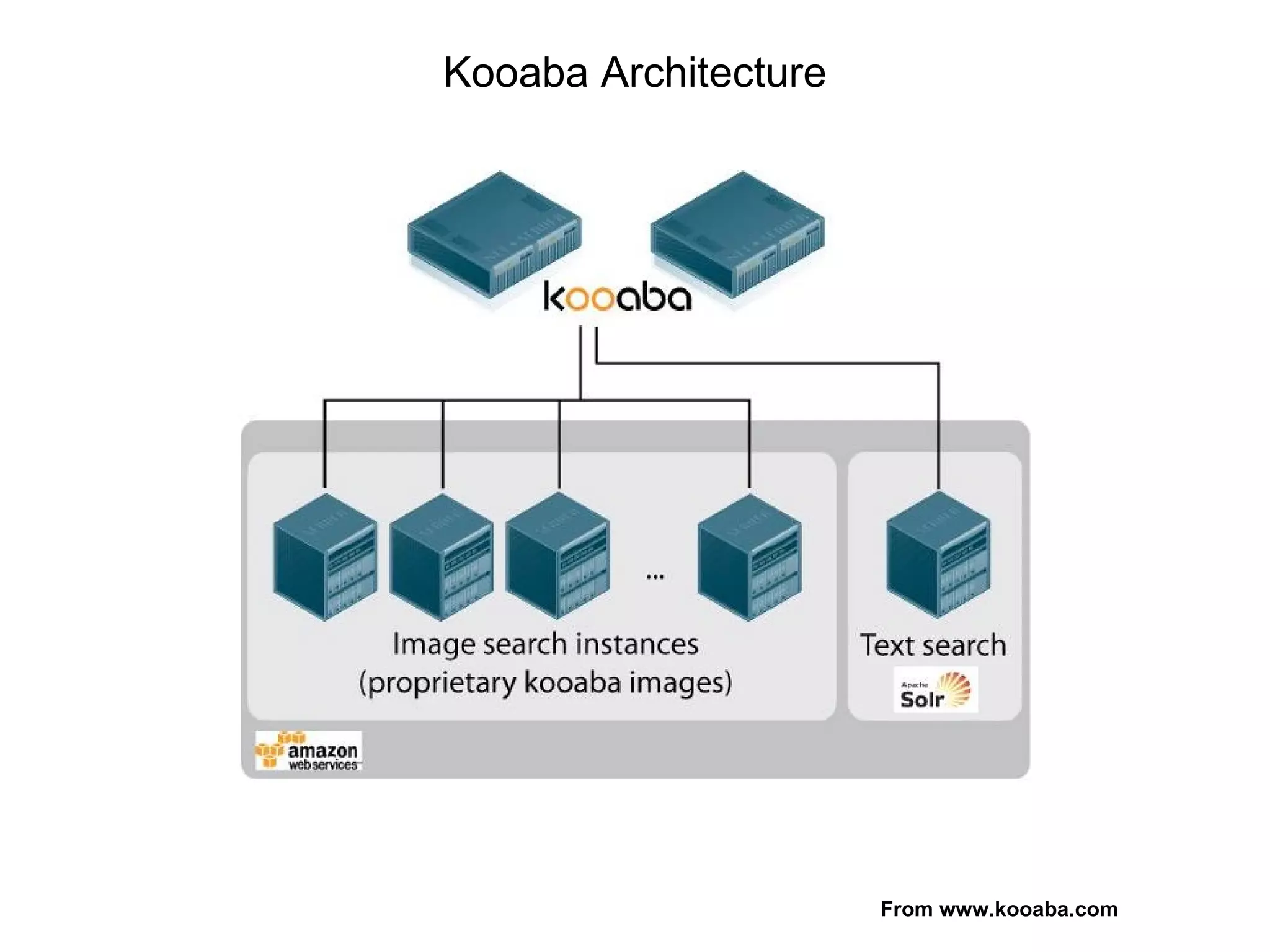
Android to Amazon Database Model Android Phone  For UI and Display Amazon SimpleDB Cloud  For Database Heavy Lifting Data Request Data Response Each Does What It Does Best ! Images From HTC and WikiMedia
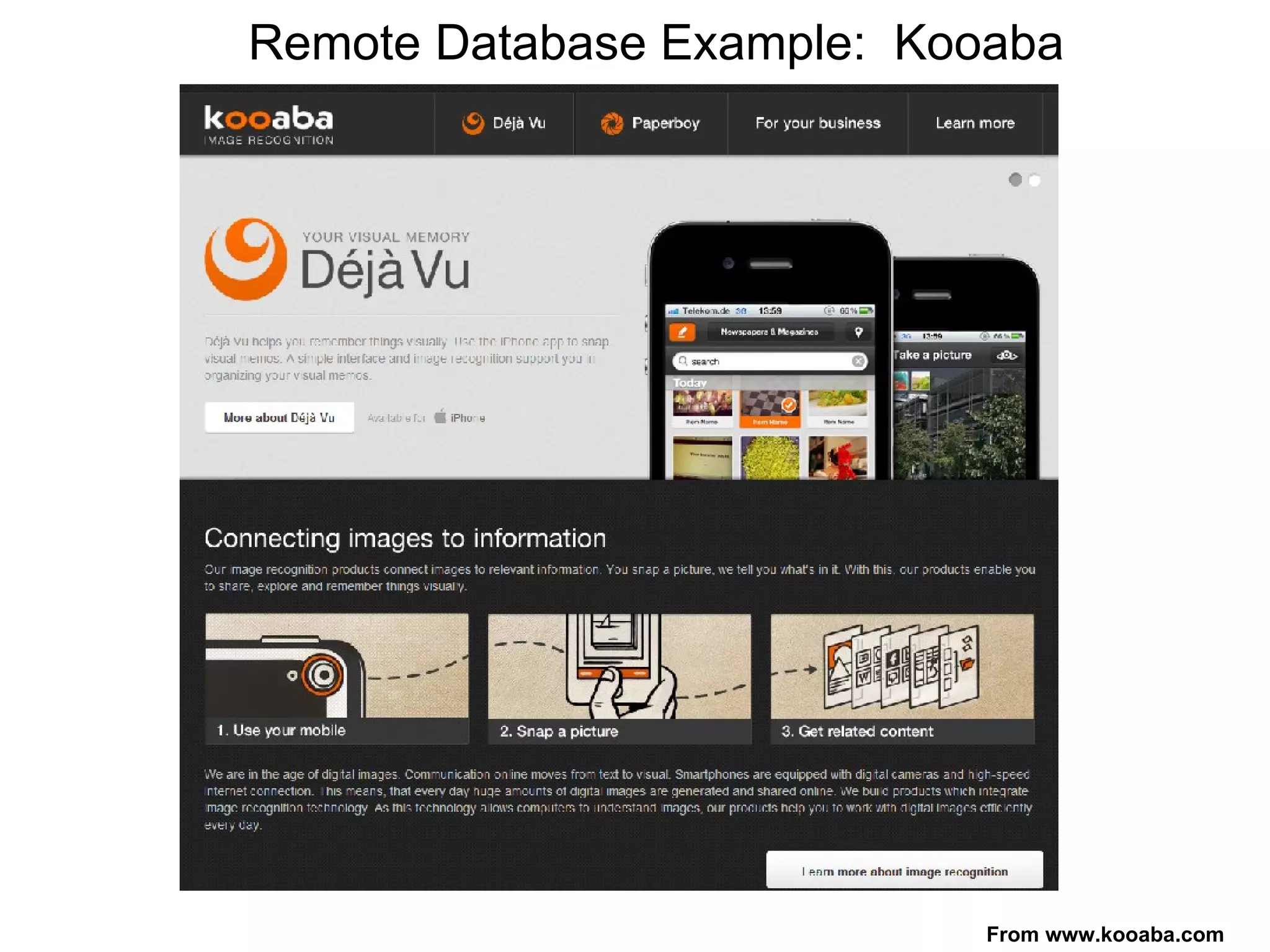
Remote Database Example:  Kooaba From www.kooaba.com
Kooaba Architecture From www.kooaba.com
My Application – Oil Well Information Location (Latitude / Longitude) Well Status Land Survey Boundaries Must Have the Ability to “Drill Down” for More Information
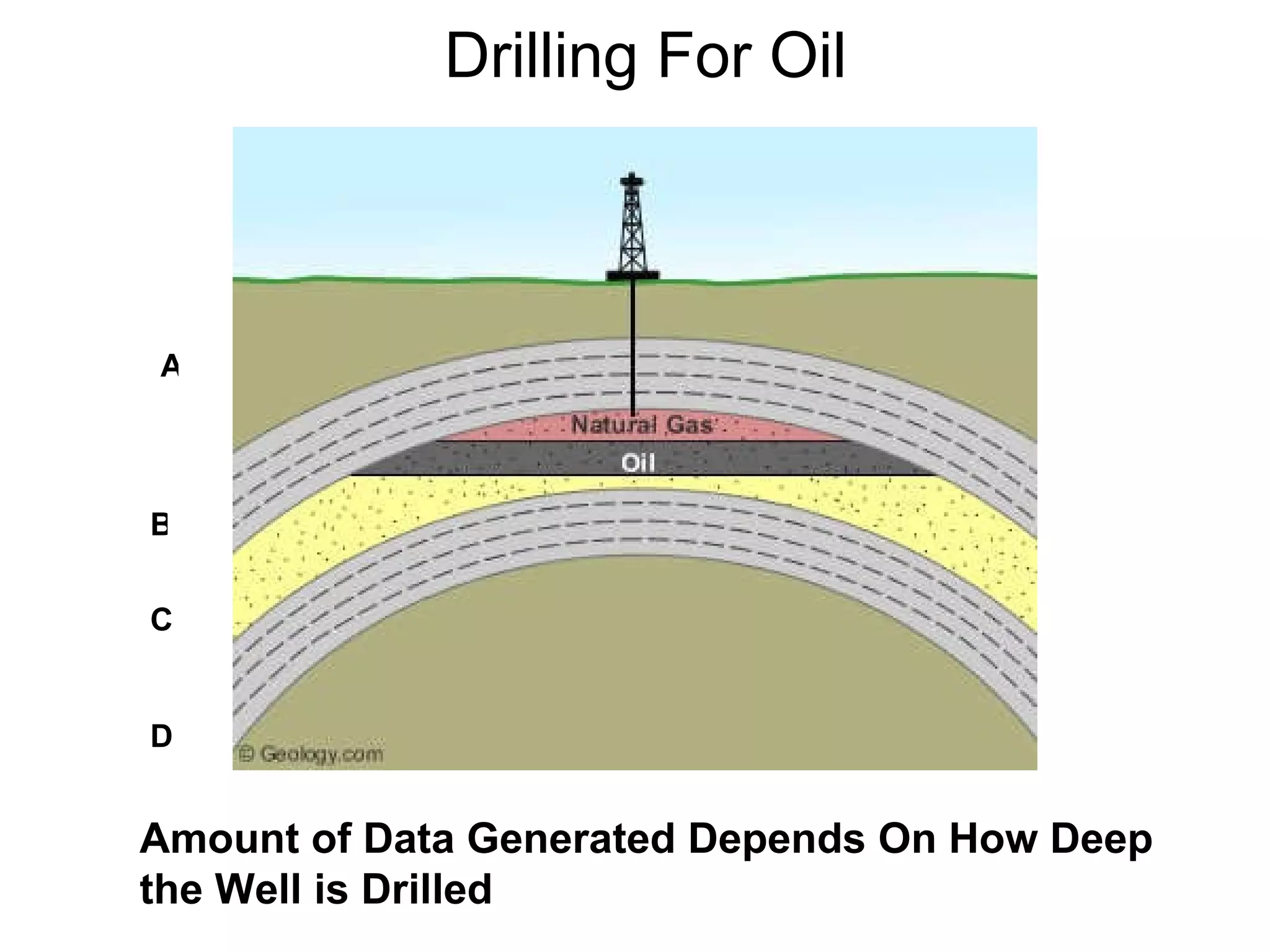
Drilling For Oil Amount of Data Generated Depends On How Deep the Well is Drilled A B C D
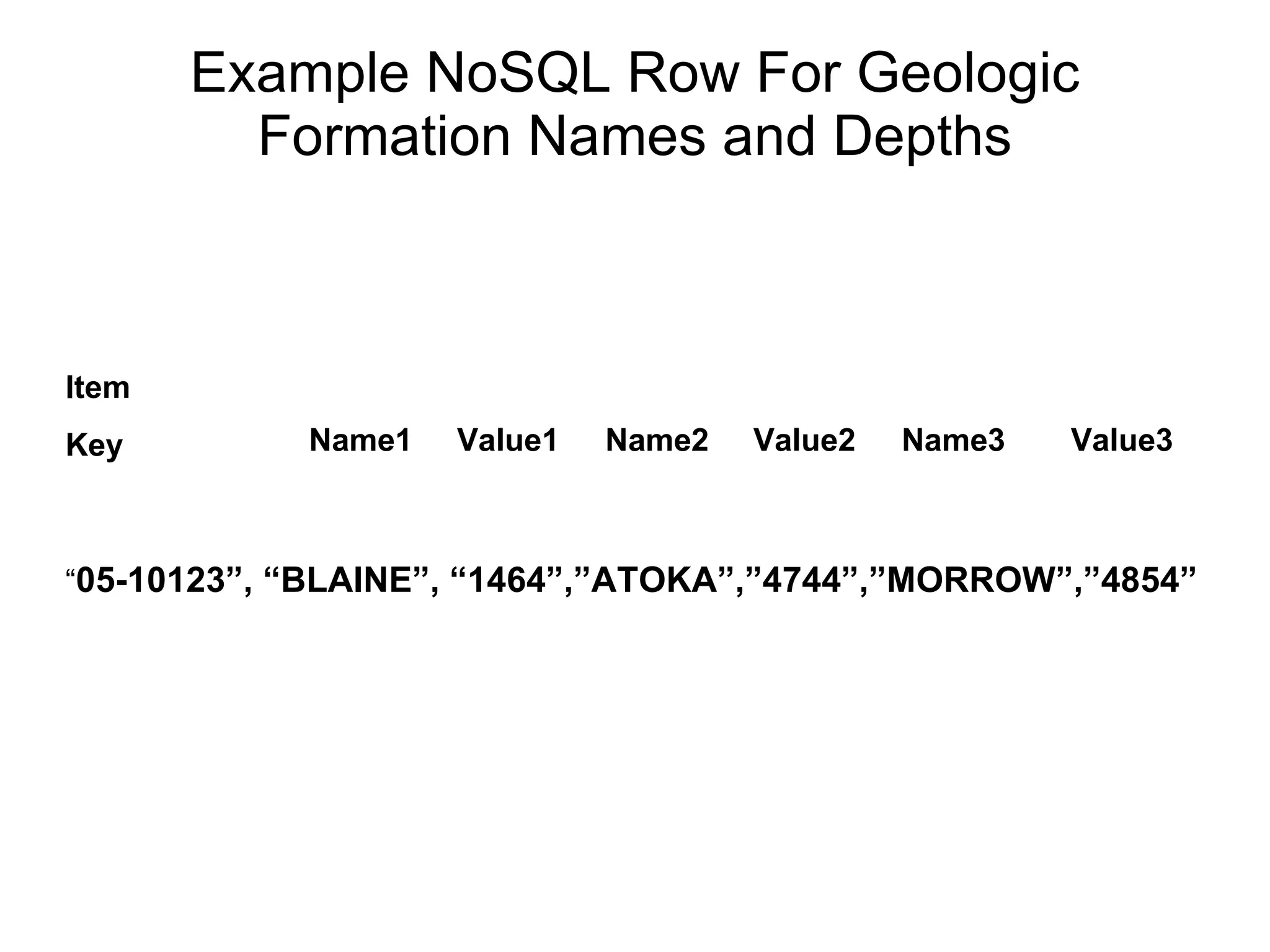
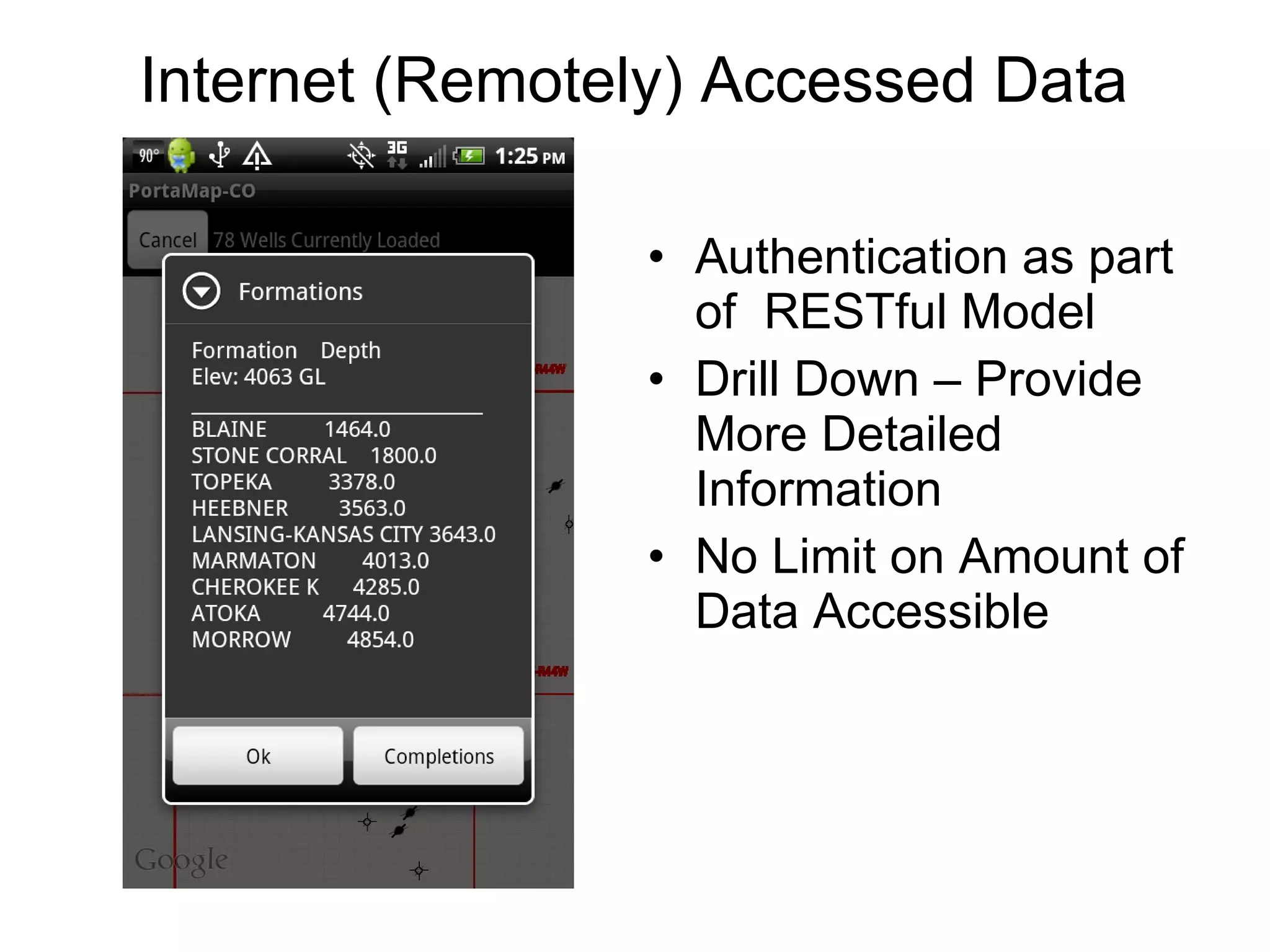
Example NoSQL Row For Geologic Formation Names and Depths Item Key “ 05-10123”, “BLAINE”, “1464”,”ATOKA”,”4744”,”MORROW”,”4854” Name3 Name2 Name1 Value1 Value2 Value3
Coding the Connection From Android Image From http://www.vpnchoice.com/blog/wp-content/uploads/2011/06/android-vpn-300x187.jpg
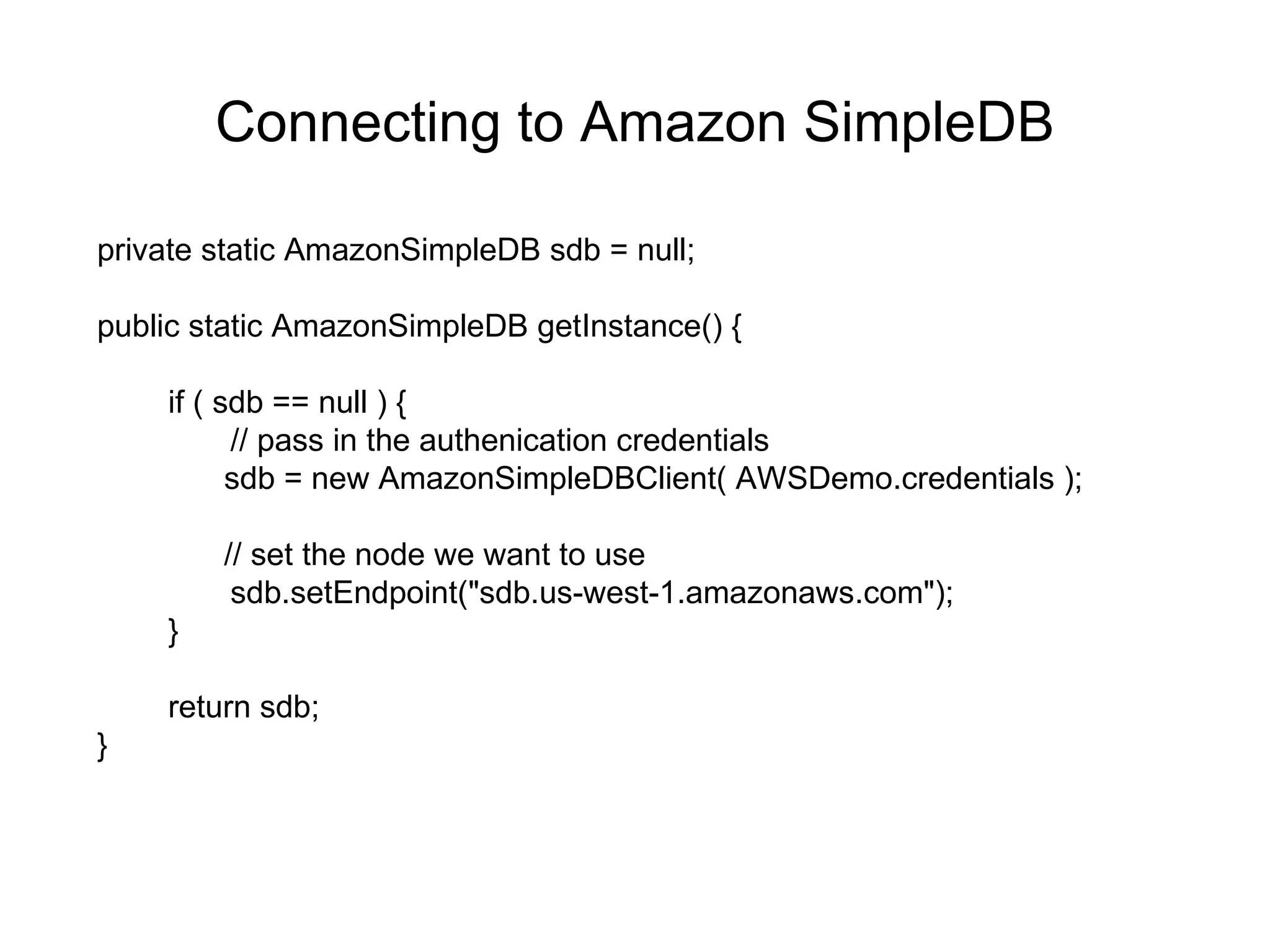
Connecting to Amazon SimpleDB private static AmazonSimpleDB sdb = null; public static AmazonSimpleDB getInstance() { if ( sdb == null ) { // pass in the authenication credentials sdb = new AmazonSimpleDBClient( AWSDemo.credentials ); // set the node we want to use sdb.setEndpoint("sdb.us-west-1.amazonaws.com"); } return sdb; }
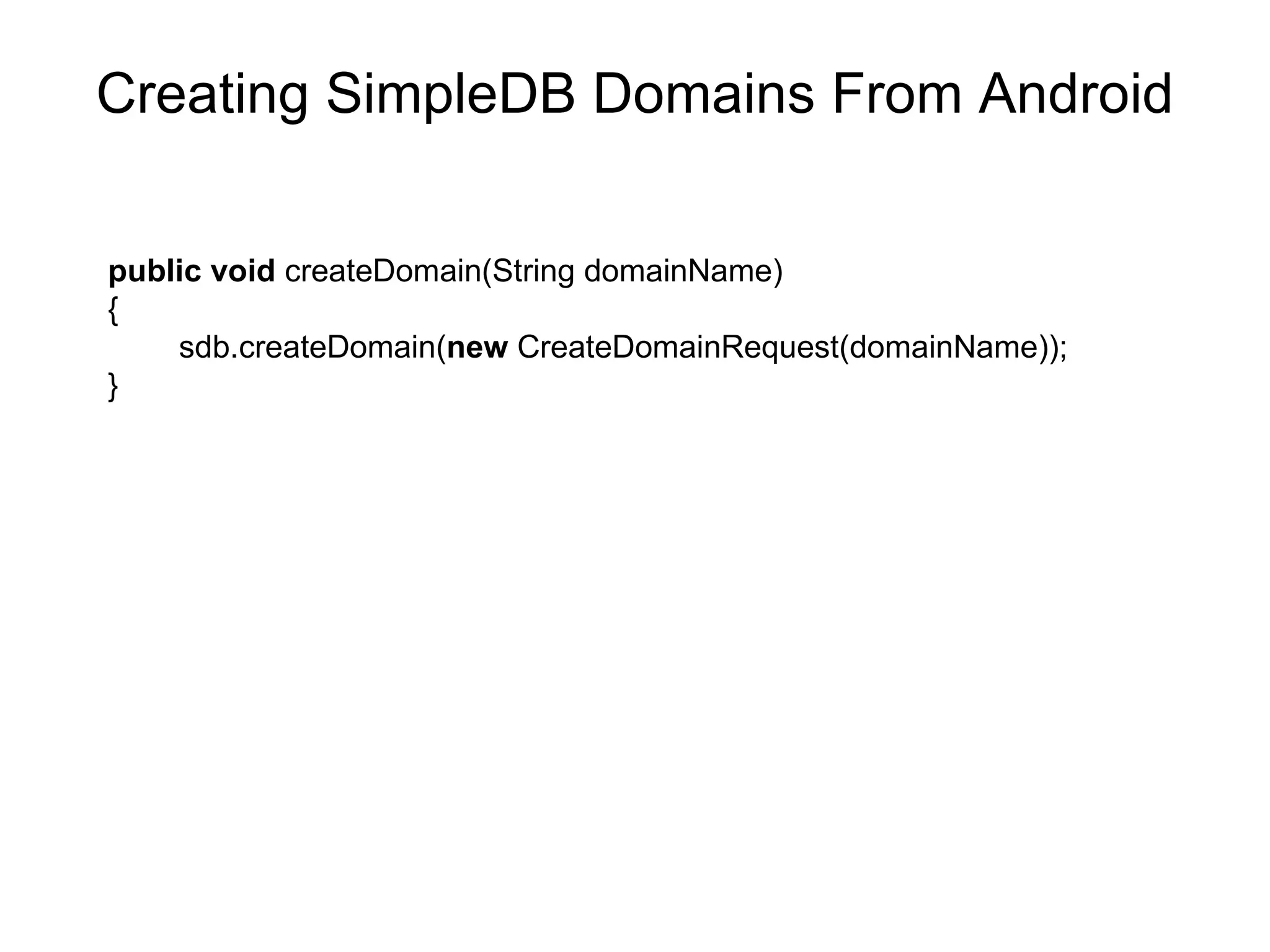
Creating SimpleDB Domains From Android public   void  createDomain(String domainName)  { sdb.createDomain( new  CreateDomainRequest(domainName)); }
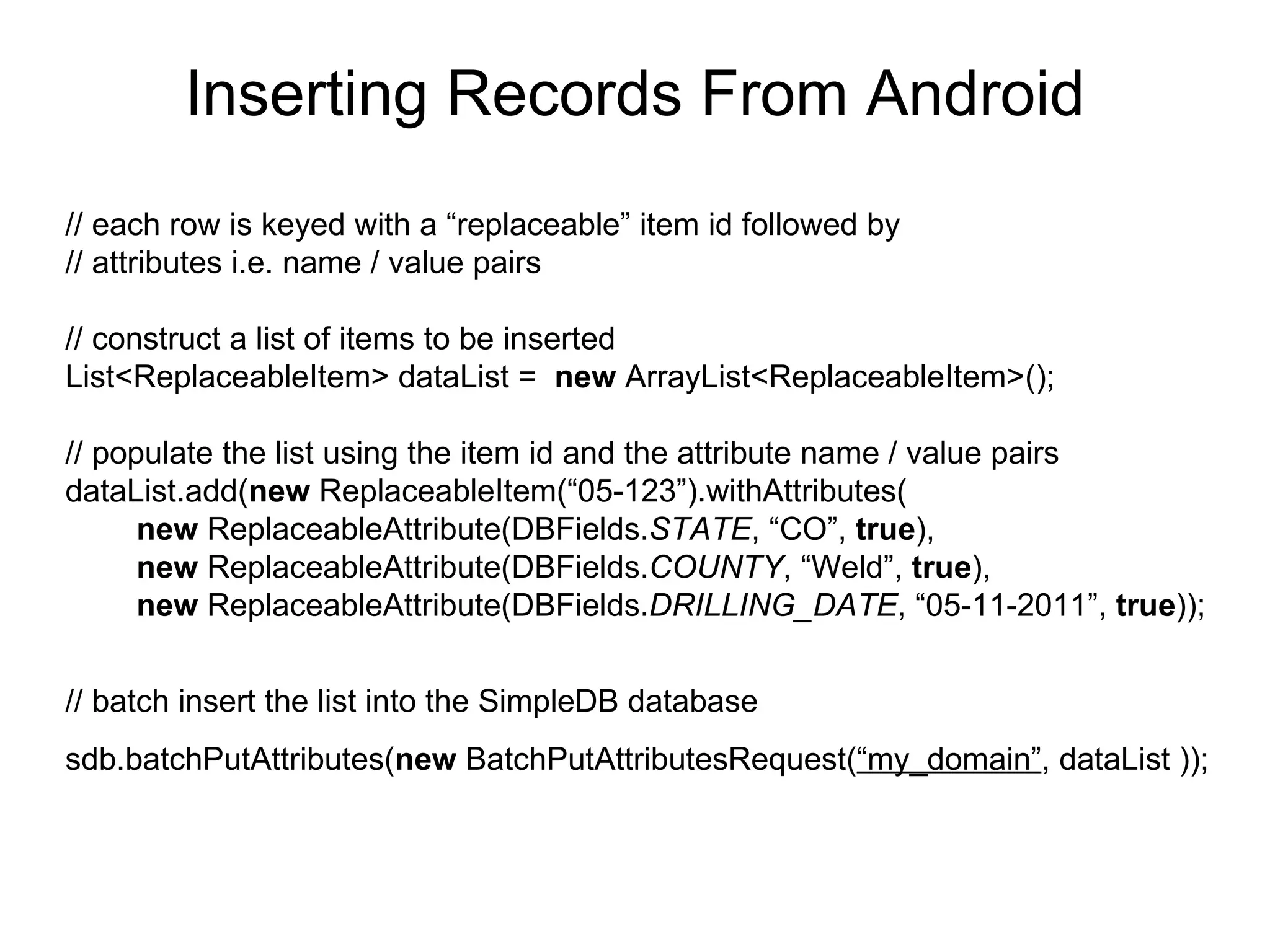
Inserting Records From Android // each row is keyed with a “replaceable” item id followed by  // attributes i.e. name / value pairs // construct a list of items to be inserted List<ReplaceableItem> dataList =  new  ArrayList<ReplaceableItem>(); // populate the list using the item id and the attribute name / value pairs dataList.add( new  ReplaceableItem(“05-123”).withAttributes( new  ReplaceableAttribute(DBFields. STATE , “CO”,  true ), new  ReplaceableAttribute(DBFields. COUNTY , “Weld”,  true ), new  ReplaceableAttribute(DBFields. DRILLING_DATE , “05-11-2011”,  true )); // batch insert the list into the SimpleDB database sdb.batchPutAttributes( new  BatchPutAttributesRequest( “my_domain” , dataList   ));
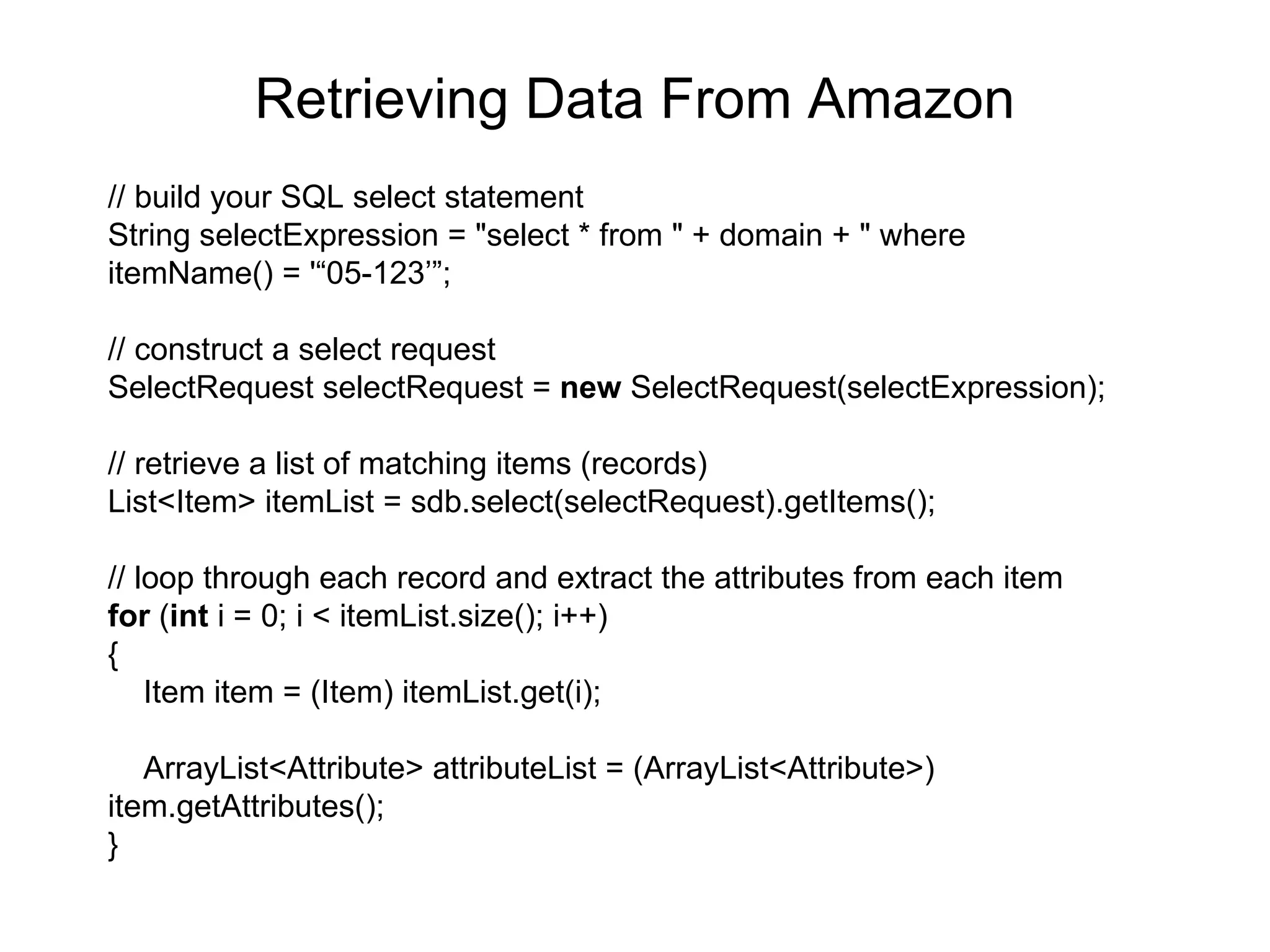
Retrieving Data From Amazon // build your SQL select statement String selectExpression = &quot;select * from &quot; + domain + &quot; where  itemName() = '“05-123’”; // construct a select request SelectRequest selectRequest =  new  SelectRequest(selectExpression); // retrieve a list of matching items (records) List<Item> itemList = sdb.select(selectRequest).getItems(); // loop through each record and extract the attributes from each item for  ( int  i = 0; i < itemList.size(); i++) { Item item = (Item) itemList.get(i);  ArrayList<Attribute> attributeList = (ArrayList<Attribute>)  item.getAttributes(); }
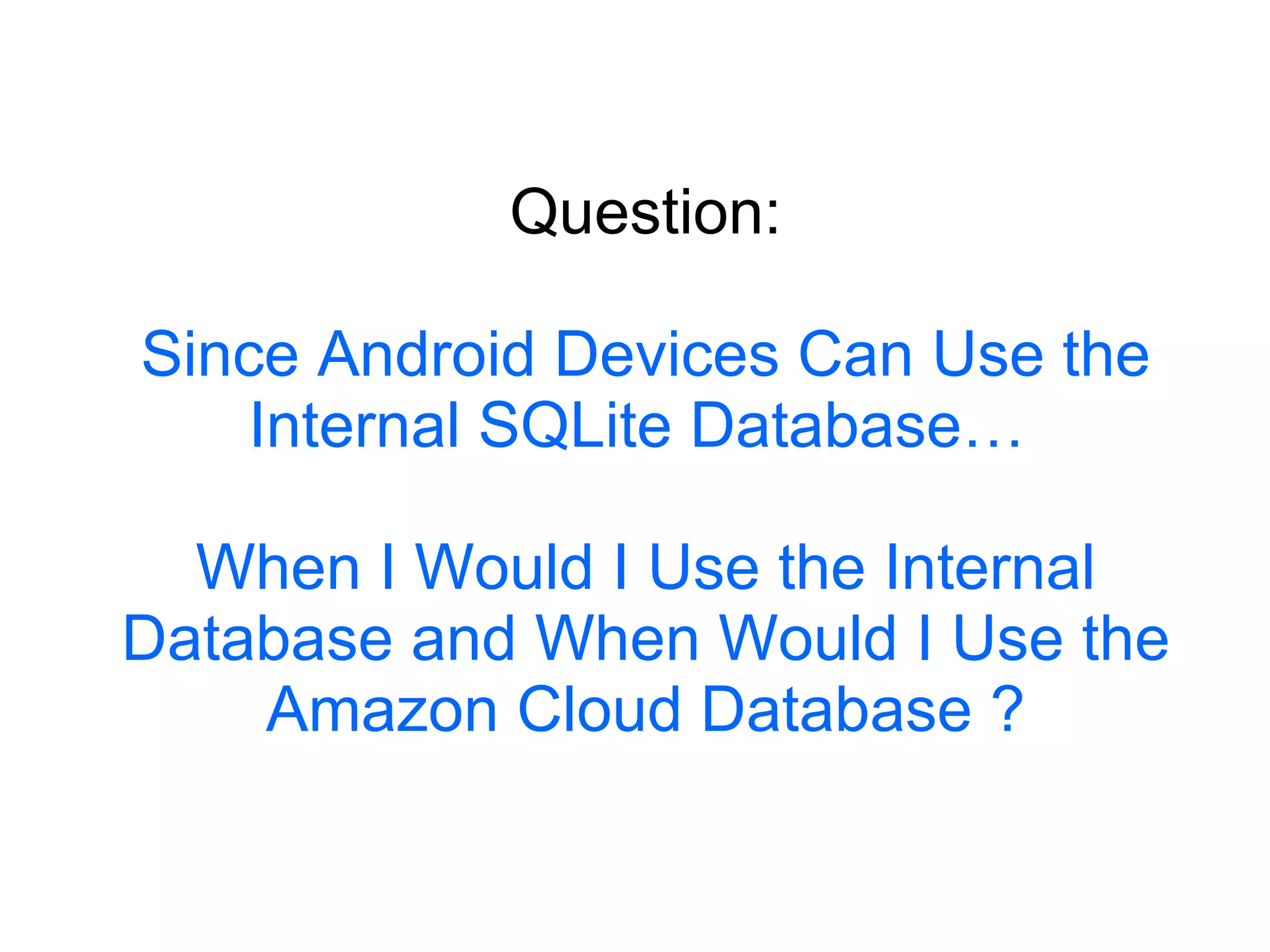
Question: Since Android Devices Can Use the Internal SQLite Database…  When I Would I Use the Internal Database and When Would I Use the Amazon Cloud Database ?
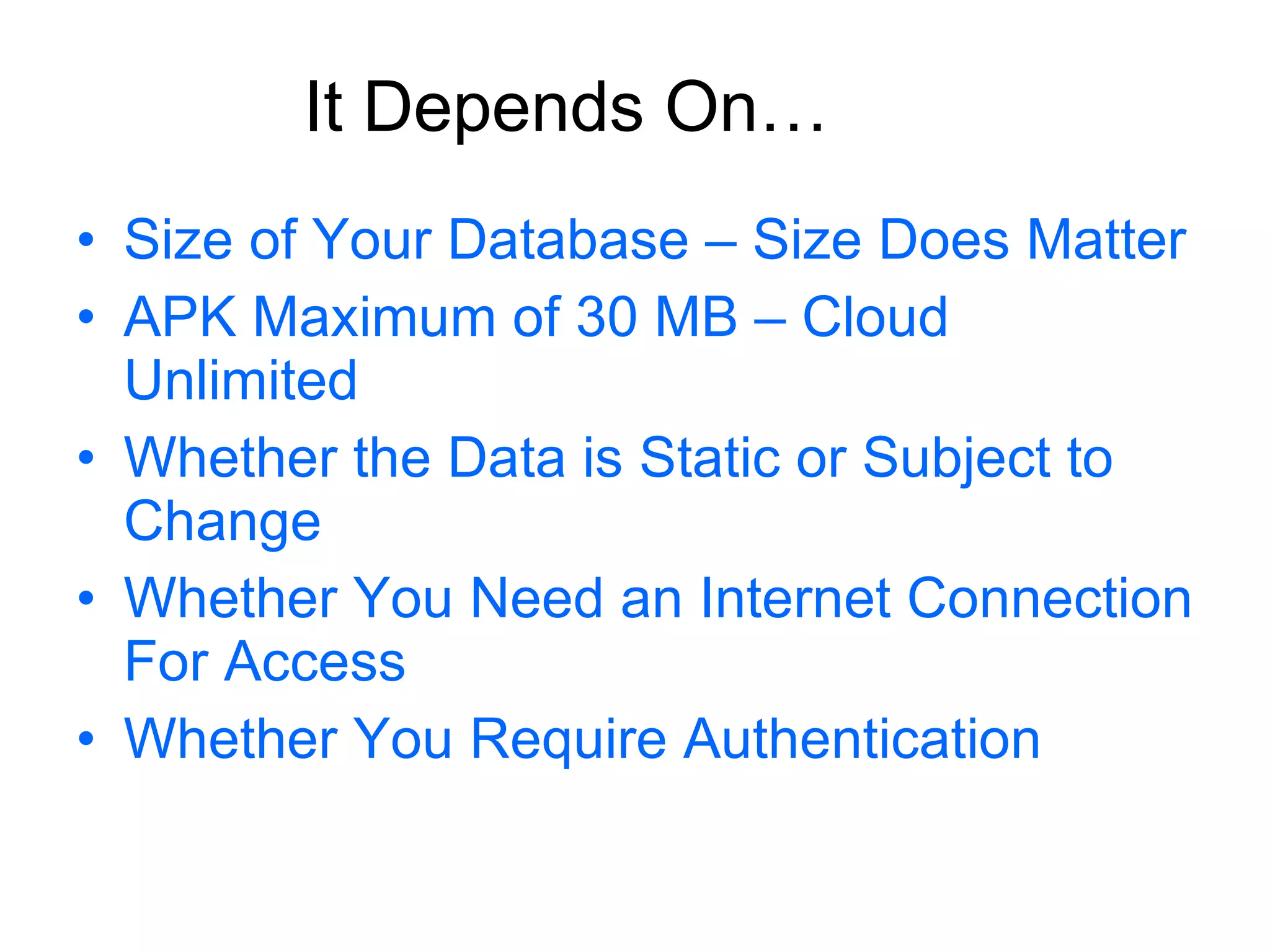
Size of Your Database – Size Does Matter APK Maximum of 30 MB – Cloud Unlimited Whether the Data is Static or Subject to Change Whether You Need an Internet Connection For Access Whether You Require Authentication It Depends On…
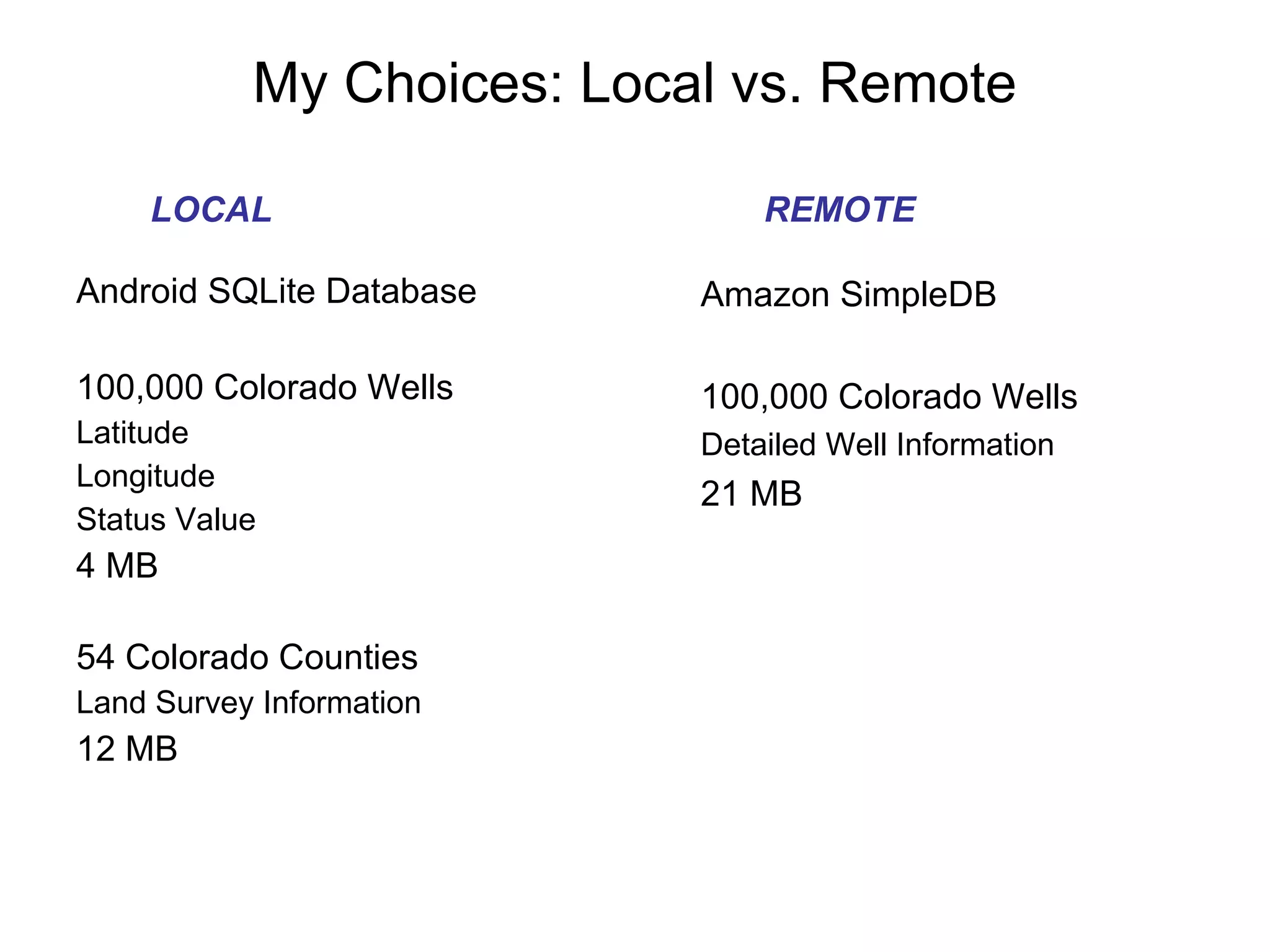
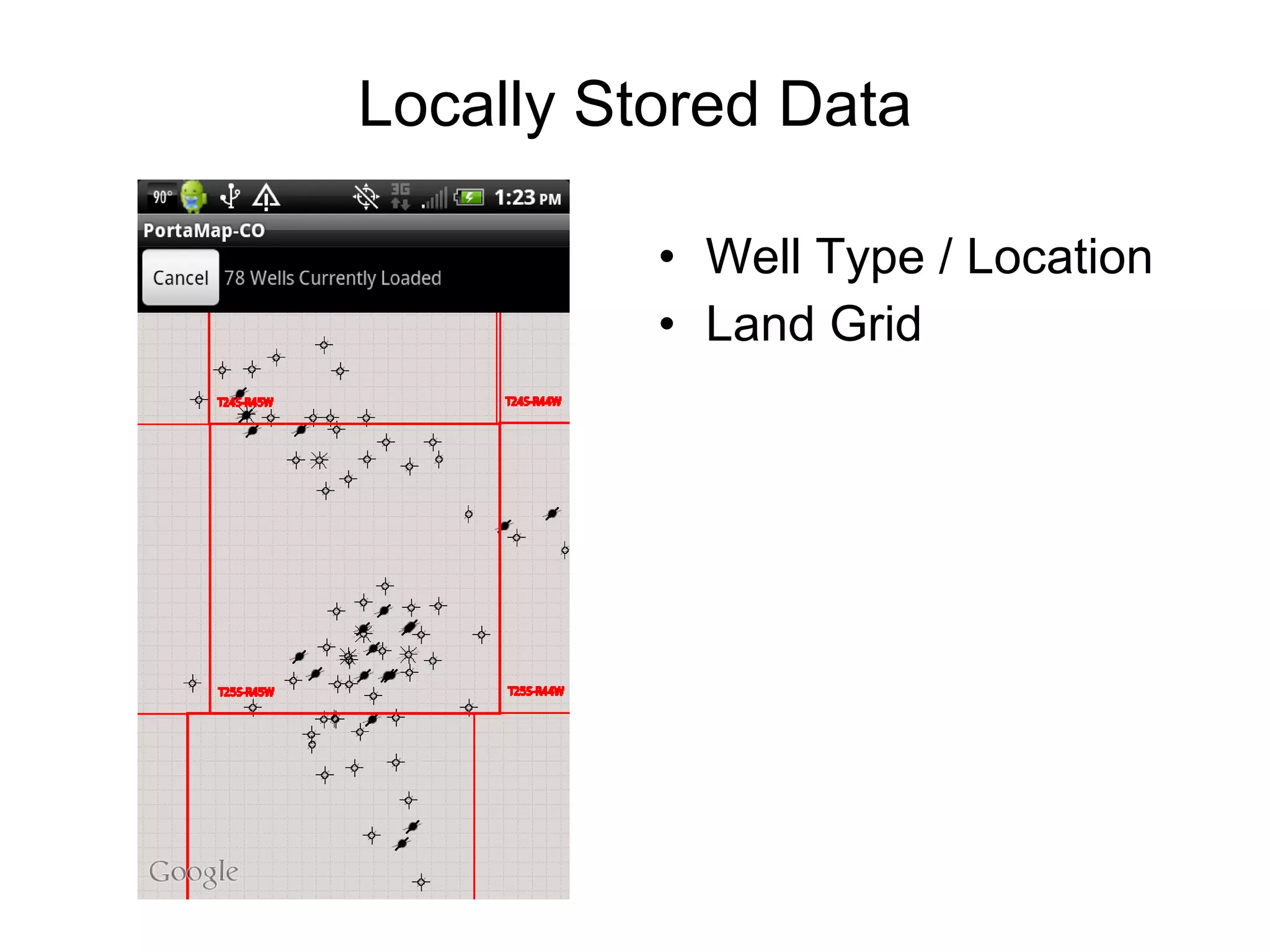
My Choices: Local vs. Remote Android SQLite Database 100,000 Colorado Wells Latitude Longitude Status Value 4 MB  54 Colorado Counties Land Survey Information 12 MB  Amazon SimpleDB 100,000 Colorado Wells Detailed Well Information 21 MB LOCAL REMOTE
Locally Stored Data Well Type / Location Land Grid
Authentication as part of  RESTful Model Drill Down – Provide More Detailed Information No Limit on Amount of Data Accessible Internet (Remotely) Accessed Data
For Further Information Amazon Web Services For SDK’s, Tutorials, Case Studies and Sample Code : http://aws.amazon.com Mark Maslyn:  [email_address]

Integrating an App with Amazon Web Services SimpleDB - A Matter of Choices

  • 1.
    Integrating an Appwith Amazon Web Services SimpleDB “ A Matter of Choices” Presented by Mark Maslyn – mmaslyn@msn.com
  • 2.
  • 3.
    Amazon Web ServiceDatabases RDB (Relational Database) S3 (Large Object Database) SimpleDB (NoSQL Database)
  • 4.
    Amazon SimpleDB NoSQLDatabase – Non Relational Distributed - Highly Scalable, Highly Reliable, Incremental Writes Primarily for Database Reads RESTful Calls Passing Credentials and Query Very Low Cost – First 25 Hours Free Each Month.
  • 5.
  • 6.
    Whoa… Non –Relational ??? From WikiMedia Commons
  • 7.
    NoSQL Databases Use“Domains” Instead of “Tables” Don’t Have Fixed Schemas – Easily Add or Remove Columns Variable Number of Fields per Record (Row) Each Record is a List of Name / Value Pairs Everything is a String Record Indexed By A Unique Item ID Implements Most SQL Calls Maintained By Amazon Web Services
  • 8.
    Android to AmazonDatabase Model Android Phone For UI and Display Amazon SimpleDB Cloud For Database Heavy Lifting Data Request Data Response Each Does What It Does Best ! Images From HTC and WikiMedia
  • 9.
    Remote Database Example: Kooaba From www.kooaba.com
  • 10.
  • 11.
    My Application –Oil Well Information Location (Latitude / Longitude) Well Status Land Survey Boundaries Must Have the Ability to “Drill Down” for More Information
  • 12.
    Drilling For OilAmount of Data Generated Depends On How Deep the Well is Drilled A B C D
  • 13.
    Example NoSQL RowFor Geologic Formation Names and Depths Item Key “ 05-10123”, “BLAINE”, “1464”,”ATOKA”,”4744”,”MORROW”,”4854” Name3 Name2 Name1 Value1 Value2 Value3
  • 14.
    Coding the ConnectionFrom Android Image From http://www.vpnchoice.com/blog/wp-content/uploads/2011/06/android-vpn-300x187.jpg
  • 15.
    Connecting to AmazonSimpleDB private static AmazonSimpleDB sdb = null; public static AmazonSimpleDB getInstance() { if ( sdb == null ) { // pass in the authenication credentials sdb = new AmazonSimpleDBClient( AWSDemo.credentials ); // set the node we want to use sdb.setEndpoint(&quot;sdb.us-west-1.amazonaws.com&quot;); } return sdb; }
  • 16.
    Creating SimpleDB DomainsFrom Android public void createDomain(String domainName) { sdb.createDomain( new CreateDomainRequest(domainName)); }
  • 17.
    Inserting Records FromAndroid // each row is keyed with a “replaceable” item id followed by // attributes i.e. name / value pairs // construct a list of items to be inserted List<ReplaceableItem> dataList = new ArrayList<ReplaceableItem>(); // populate the list using the item id and the attribute name / value pairs dataList.add( new ReplaceableItem(“05-123”).withAttributes( new ReplaceableAttribute(DBFields. STATE , “CO”, true ), new ReplaceableAttribute(DBFields. COUNTY , “Weld”, true ), new ReplaceableAttribute(DBFields. DRILLING_DATE , “05-11-2011”, true )); // batch insert the list into the SimpleDB database sdb.batchPutAttributes( new BatchPutAttributesRequest( “my_domain” , dataList ));
  • 18.
    Retrieving Data FromAmazon // build your SQL select statement String selectExpression = &quot;select * from &quot; + domain + &quot; where itemName() = '“05-123’”; // construct a select request SelectRequest selectRequest = new SelectRequest(selectExpression); // retrieve a list of matching items (records) List<Item> itemList = sdb.select(selectRequest).getItems(); // loop through each record and extract the attributes from each item for ( int i = 0; i < itemList.size(); i++) { Item item = (Item) itemList.get(i); ArrayList<Attribute> attributeList = (ArrayList<Attribute>) item.getAttributes(); }
  • 19.
    Question: Since AndroidDevices Can Use the Internal SQLite Database… When I Would I Use the Internal Database and When Would I Use the Amazon Cloud Database ?
  • 20.
    Size of YourDatabase – Size Does Matter APK Maximum of 30 MB – Cloud Unlimited Whether the Data is Static or Subject to Change Whether You Need an Internet Connection For Access Whether You Require Authentication It Depends On…
  • 21.
    My Choices: Localvs. Remote Android SQLite Database 100,000 Colorado Wells Latitude Longitude Status Value 4 MB 54 Colorado Counties Land Survey Information 12 MB Amazon SimpleDB 100,000 Colorado Wells Detailed Well Information 21 MB LOCAL REMOTE
  • 22.
    Locally Stored DataWell Type / Location Land Grid
  • 23.
    Authentication as partof RESTful Model Drill Down – Provide More Detailed Information No Limit on Amount of Data Accessible Internet (Remotely) Accessed Data
  • 24.
    For Further InformationAmazon Web Services For SDK’s, Tutorials, Case Studies and Sample Code : http://aws.amazon.com Mark Maslyn: [email_address]