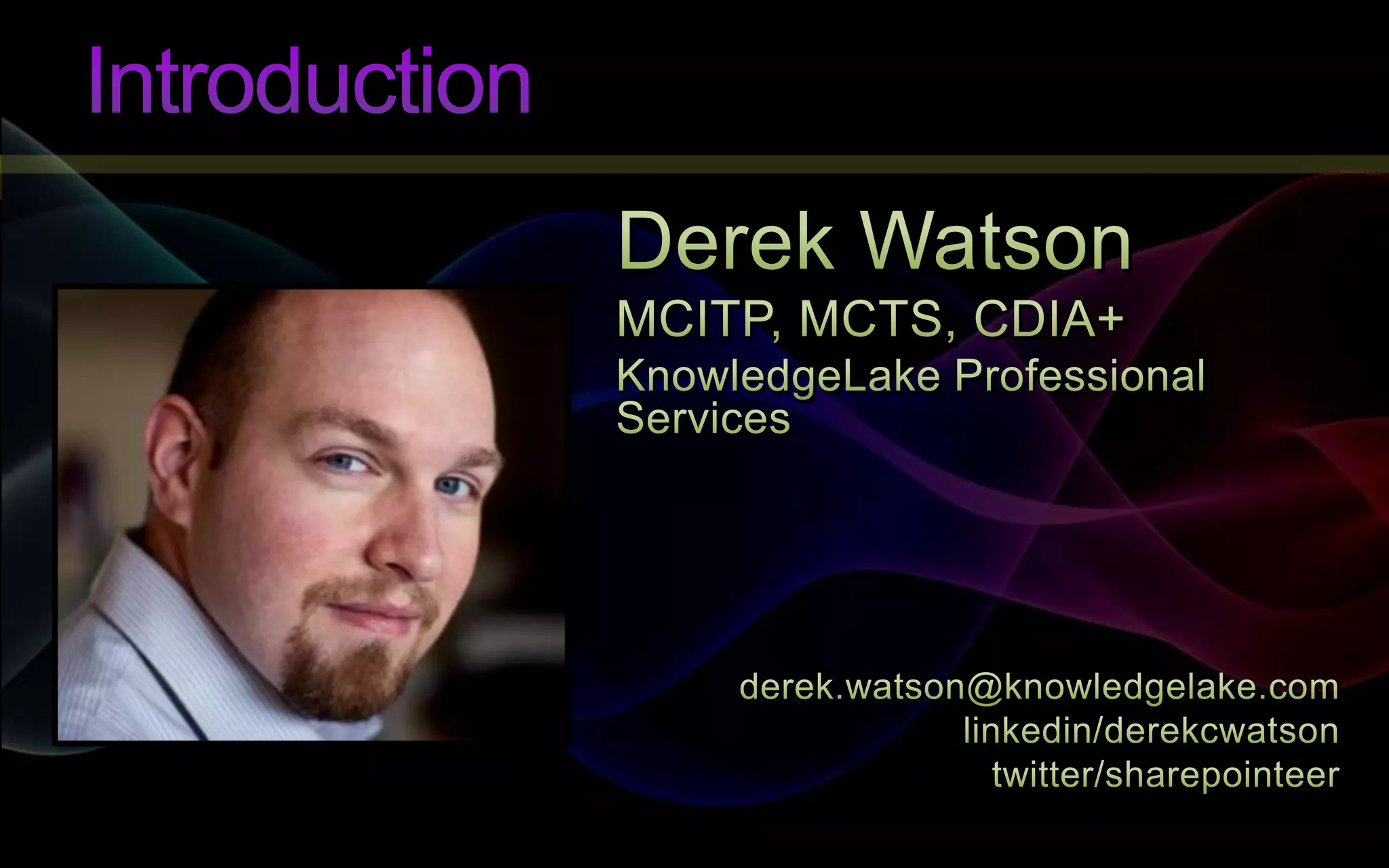
#4 IntroductionDerek WatsonProfessional Services Team at KnowledgelakeSenior SharePoint ConsultantBased out of home office in St. Louis, MissouriPlatforms specialist, light developmentActive in SharePoint Community - SharePoint Saturday, SharePoint User GroupConnect with me on twitter / linkedin
#6 OverviewAs a platforms specialist I am often hired to implement specific solutions for a customer. Many of my projects include designing and installing enterprise class ECM systems utilizing SharePoint. The scope of these projects are very well defined and are typically limited to one business unit, location, or region and often the information is very segregated. So many times I see room for opportunity – why does everything have to be so separate? If the systems could talk to each other, what would that mean for the business?Think about how far we have come with technology and business processes. I know it is hard to believe by looking at me, but I’m not too young to remember the days of paper records. In college I needed a copy of my transcripts. How would I get them? In the University of Missouri school system I would start by calling my school, lets say UMSL (University of Missouri of St. Louis). Once I found the person who handled transcripts, I would give her my information. She would determine how long I have been out of the school system, because if I was a recent student (defined as current up to two years ago) my records would be at one site. If I was out of school more than two years my transcript would be located at a different archival site. I am obviously more than 2 years out of college so she would contact the appropriate resource at the archival site located in Columbia, MO – about 3 hours away. The archivist would lookup my information in the catalog and retrieve my record. She then would then mail it to the UMSL campus where the local registrar agent would mail the record to me. At the time this was “normal”, but how does it sound today?[to be continued…]
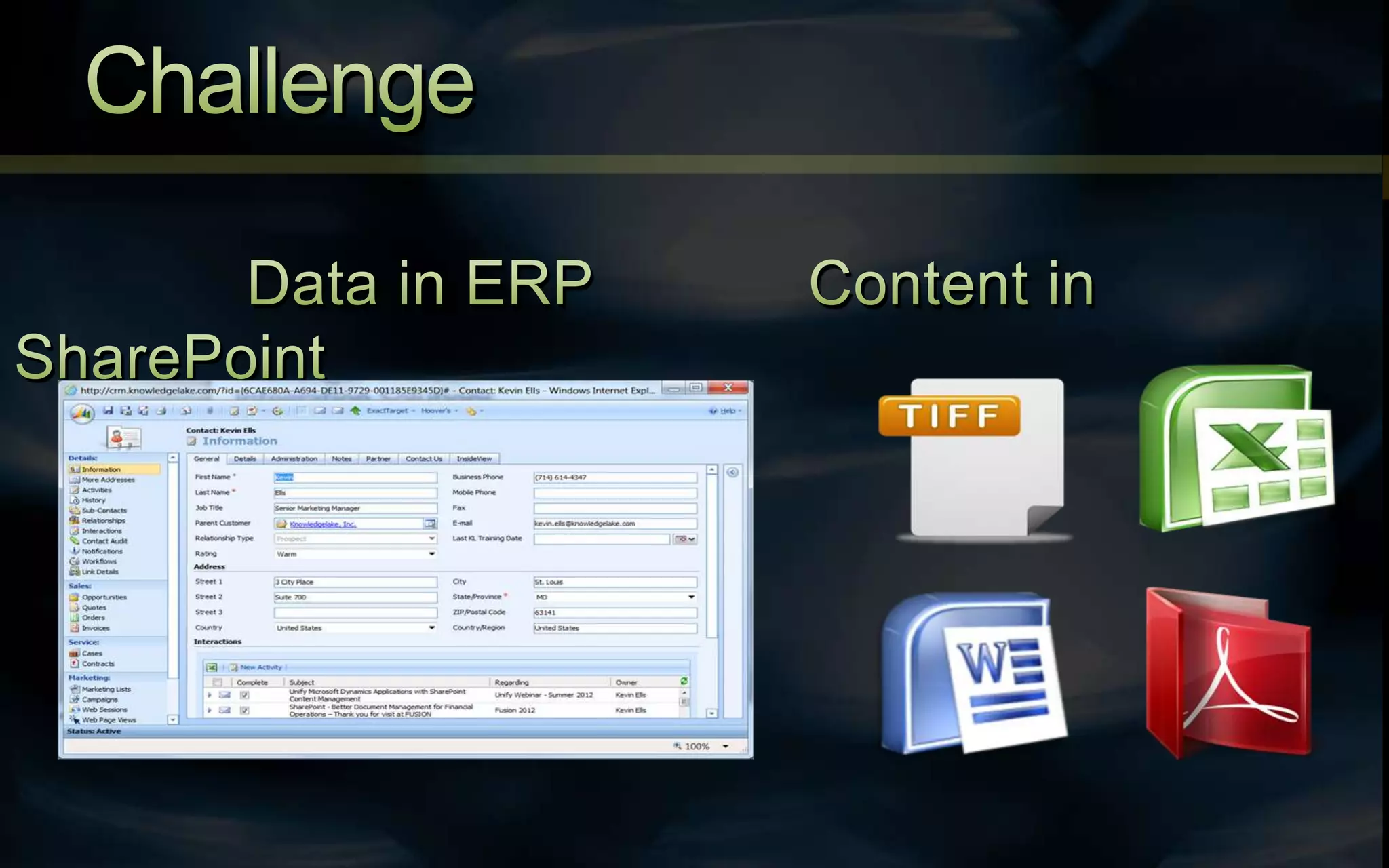
#7 Challenge(Challenges of Traditional LOB Integration Solutions)Let’s take a look at another scenario based on Supply Chain Management. You want to setup a new distribution center for your products. You will need to do things like lease a facility, coordinate the routing of trucks, and create new contracts. All these activities have supporting documents that you store in SharePoint. Your company also houses all it’s business data in an ERP system. How do you get your information from SharePoint accessible in your ERP solution? The challenge is that ERP structured data is very database driven, and not designed as a content management system. SharePoint, however is designed to handle electronic documents and manage them very effectively. It’s designed for access controls, records management and even workflow.
#8 Integration(Introduction to LOB Integration)Let’s revisit my “college transcripts” scenario from earlier. So much work to get a document in my hands. I envision a much simpler scenario. I call the local registrars office and give them my information. The representative then looks up my information in HR management system. With my record on her screen she clicks on a button that instantly takes her to search result that shows all documents that relate to me. With a few clicks she sends my transcript as an attachment to my verified email address. What we have done here is shown the integration of two key systems. Some of the benefits of integration include…The Elimination of Paperwork and Duplicate Work - If you have content in a single location you don’t have to go everywhere looking for it, or adding it to multiple systems.Connecting Information Silos - Sharing information between LOB systems is not easy but the benefits are numerousFaster Access to Information – Placing access to documents directly from LOB saves time, effort and even trainingBetter Decision Making – Faster access to information provides ability to make decisions faster and more accuratelyReduced Training and IT Costs – Supporting few systems reduces overhead and training for both the users and the IT staff.
#9 Methods(Methods for Integration)You say “I like working efficiently. I like having better decision making information. I like reducing costs! How can I integrate my systems?” The answer is you have a few different options. The first option is to modify your source code. Assuming your platforms allow customization, code modification is definitely a viable option when integrating disparate systems, but there are some serious things to consider. The first is the cost. Developing a custom solution is going to be your highest cost option. Secondly is the risk factor. When a solution is developed for a single client, it doesn’t have the benefit of being tested in a wide variety of scenarios and customer environments. Even if you follow the best practices for developing and deploying code you still are making significant changes to your system which leads to increased risk. Lastly, the only constant is change. Your applications change and you will eventually be patching and upgrading. Will your custom solution work with the new version? When you are dealing with two systems you only double the chances of something going wrong. One of the things I specialize in is SharePoint and KnowledgeLake upgrades. I can tell you from personal experience that any time I encounter custom code that falls within the scope of one of my projects is that we instantly identify it as a risk and we also build in additional discovery to make sure that it won’t cause issues – thereby increasing the project cost.
#10 Methods (cont)(Methods for Integration)Another method that you can use to integrate is through the use of API’s. Because you are using a standard interface the cost may not be as expensive as a truly “custom” solution to implement, but there is still a significant risk involved. This method is less susceptible to issues due to change, but it still relies on vendor-specific programming languages.Each LOB system is unique and that in itself provides a challenge in finding appropriate resources. Do you have people on staff that are skilled in these API’s? What about both API’s for the two systems you would be wanting to integrate? If the answer is no then you are again looking to outside resources which will most definitely drive your costs up.[First solution is databases and also code, use the term API referring to code that reacts to user interface itself so it will be essentially sitting on top of the solution][differentiators are that these solutions don’t include – drag and drop interface, aren’t written in c# - a standard language]
#11 Methods (cont)(Methods for Integration)Everyone here has experienced the monotony of endlessly copying and pasting data from cell to cell in a spreadsheet or in a database. Imagine if you had to do it with every transaction! I don’t know about you but I’m not sure I even consider this a viable integration method, but I included it because it fits in the scope of this discussion.
#12 Bridging the Gap(It’s Time To Bridge the Gap)It’s time to bridge the gap. Just say “no” to changing your LOB application, “no” to custom programming languages, and make your solution consistent for all LOB applications! Learn one application that applies to all variations of LOB systems.
#13 KnowledgeLake Unify(What is KnowledgeLake Unify)
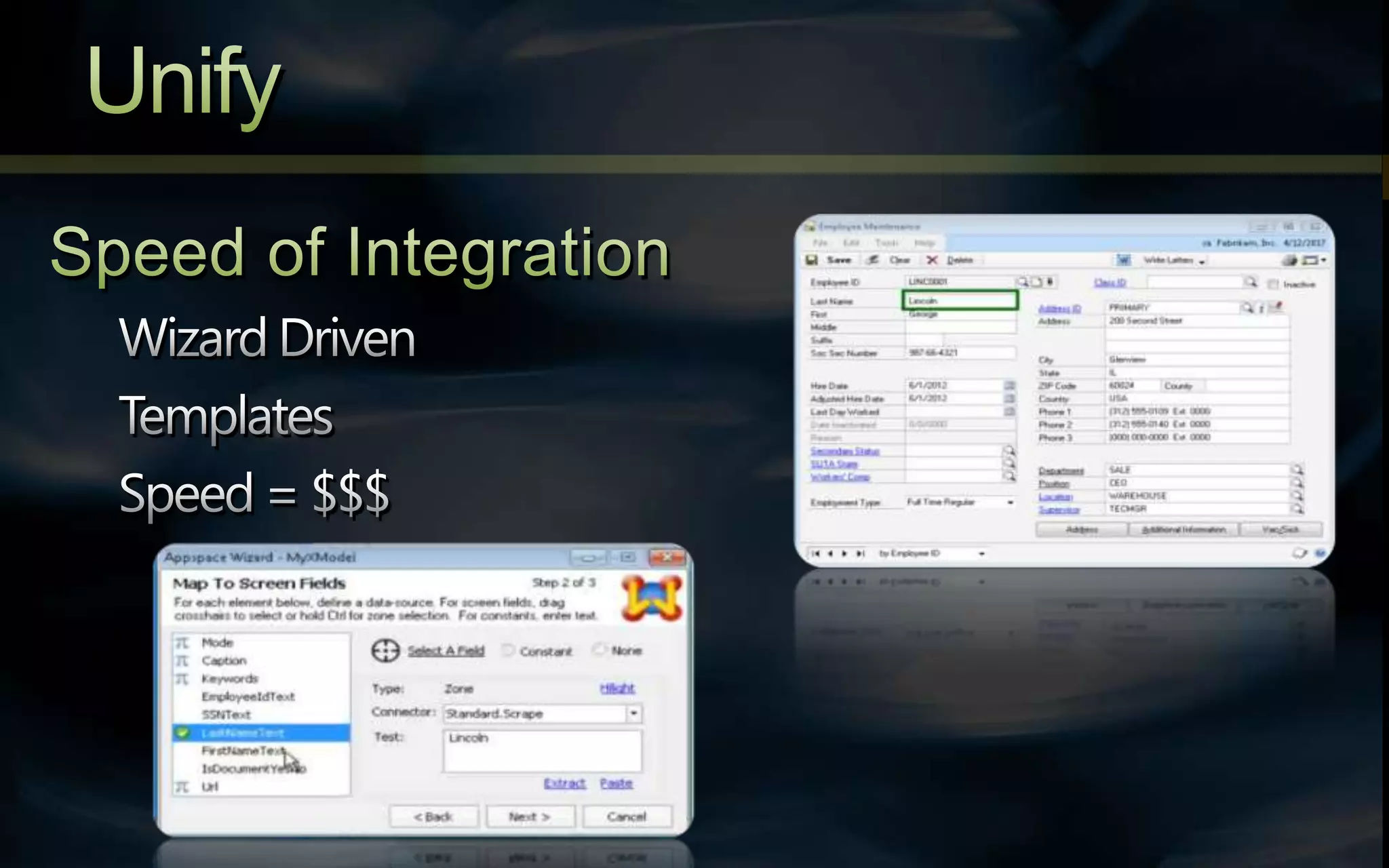
#14 UnifySo what is KnowledgeLake Unify? It is the solution to the systems integration problem. Right from within any LOB app you simply push a button and have ability to add or access content without ever leaving the LOB or caring where it’s coming from. Users don’t need to be trained how to use SharePoint to take advantage of it’s powerful Content Management capabilities.The biggest feature of Unify is its speed of integration. Driven by it’s wizard-based, drag and drop interface it allows you to point and capture metadata and use templates to quickly duplicate integrations across workstations. All these capabilities save you time and, in turn, money.I will be showing a demonstration of how these wizards work a little later in the presentation.
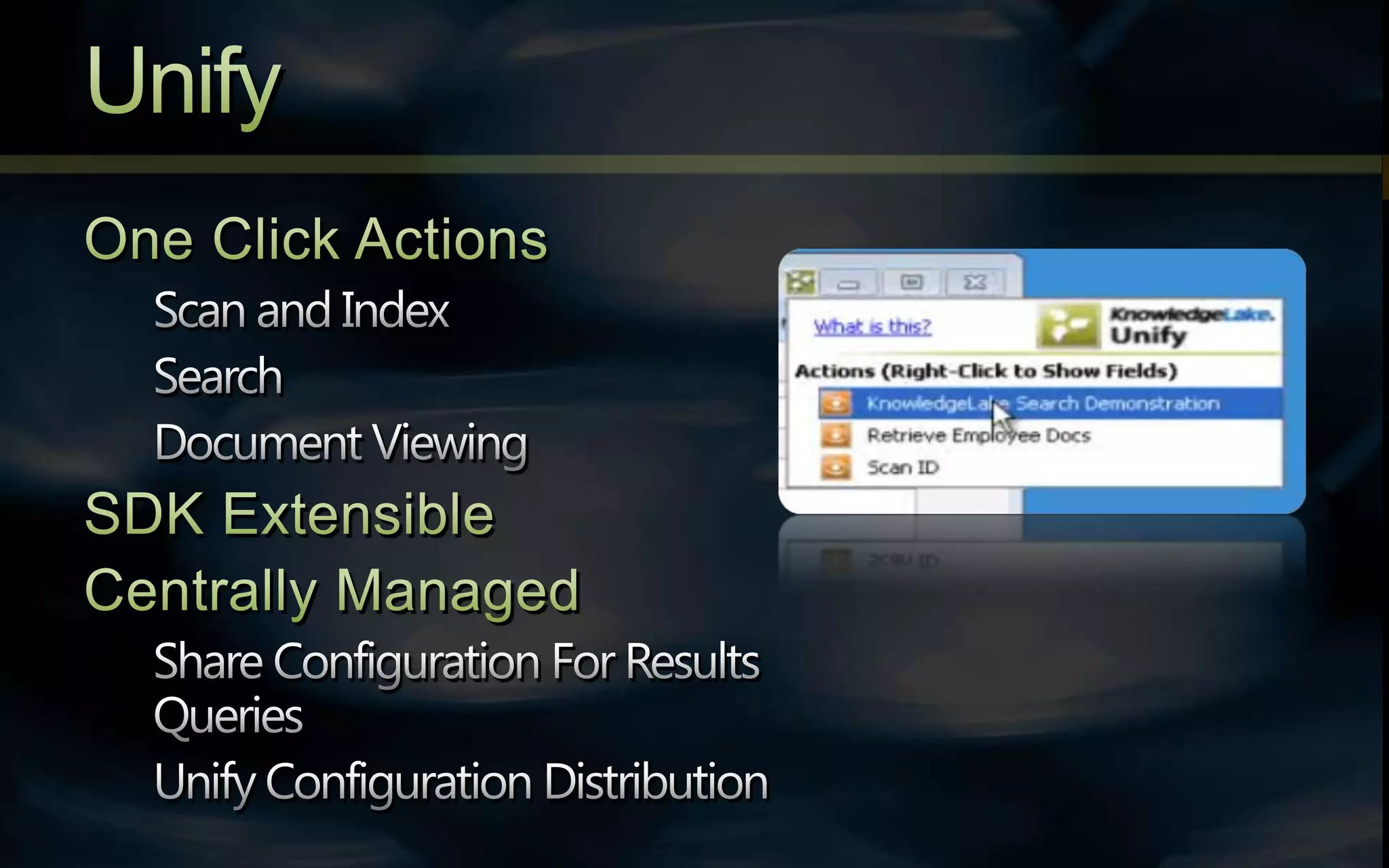
#15 UnifyOnce everything is configured with one click a user can search, save, or scan using metadata from their LOB application. For intricate and complex integrations, an SDK is available to go above and beyond what the wizard can provide. (80/20) If you have multiple users that would like to share integrations, the solution is centrally managed giving you the power to create the connection once and distribute it to your organization.____________________________One Click ActionsScan and IndexTag Content with LOB Data AutomaticallySearchDiscover Multiple Document Types in Single QueryDocument ViewingSDK ExtensibleCentrally ManagedShare Configuration For Results QueriesUnify Configuration Distribution
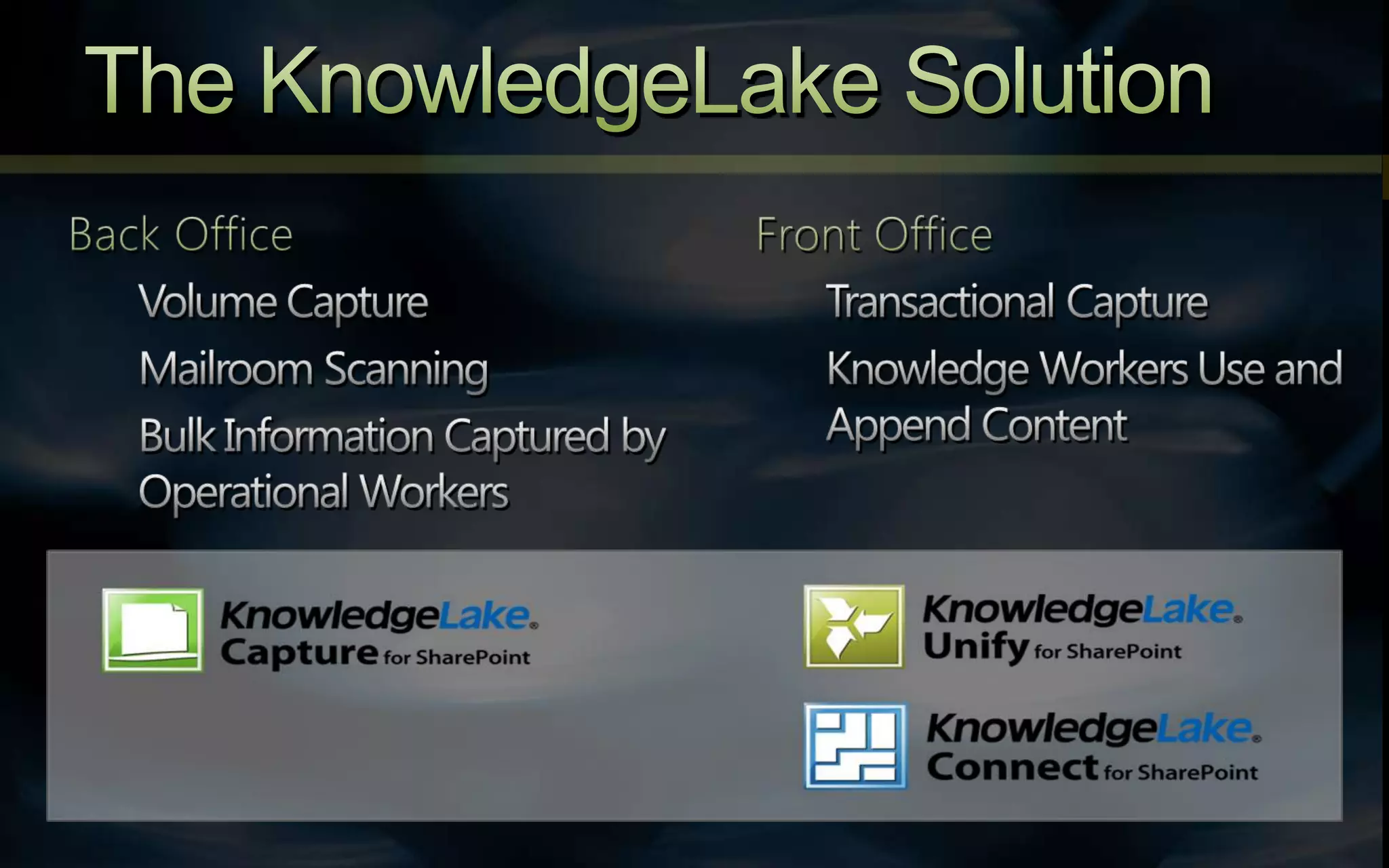
#16 The KnowledgeLake SolutionIn this slide I highlight the complete KnowledgeLake solution. On the backside we have the ability to do bulk capture of documents via our Capture solution. On the front side, your everyday workstation user has access to SharePoint through Connect and Unify. Connect provides direct SharePoint search and upload capabilities via your desktop and Unify provides those same capabilities from within your everyday LOB application.
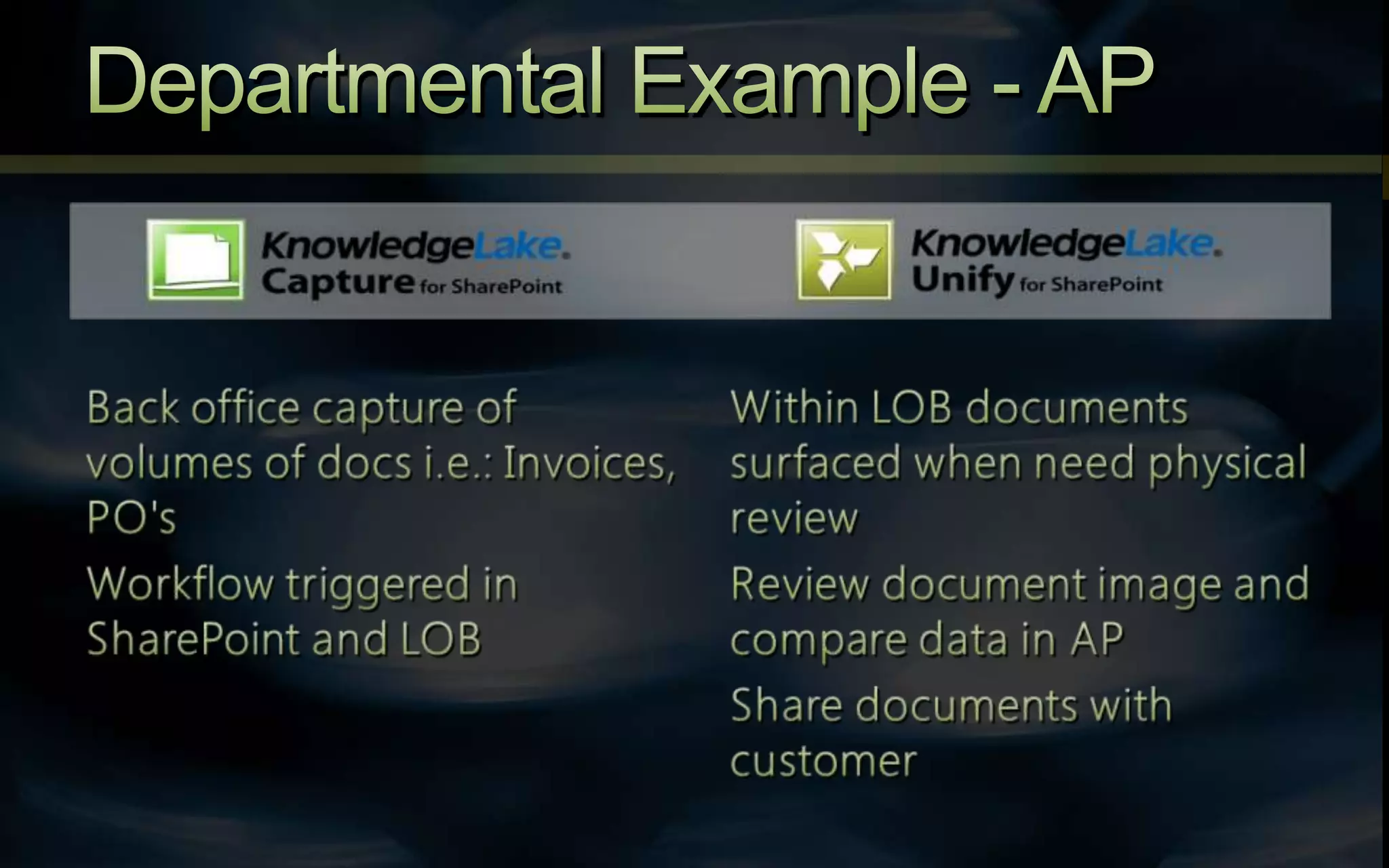
#17 Departmental Example – Accounts PayableSo lets take a look at the previous model applied to an Accounts Payable scenario. In this case the backoffice is going to capture bulk volumes of documents that can include Invoices and POs. A standard approve/deny workflow can be triggered within SharePoint and the LOB system. Then a different user armed with Unify can review the document image against AP and share it, approve it, annotate it, or any other feature available through Imaging in SharePoint.
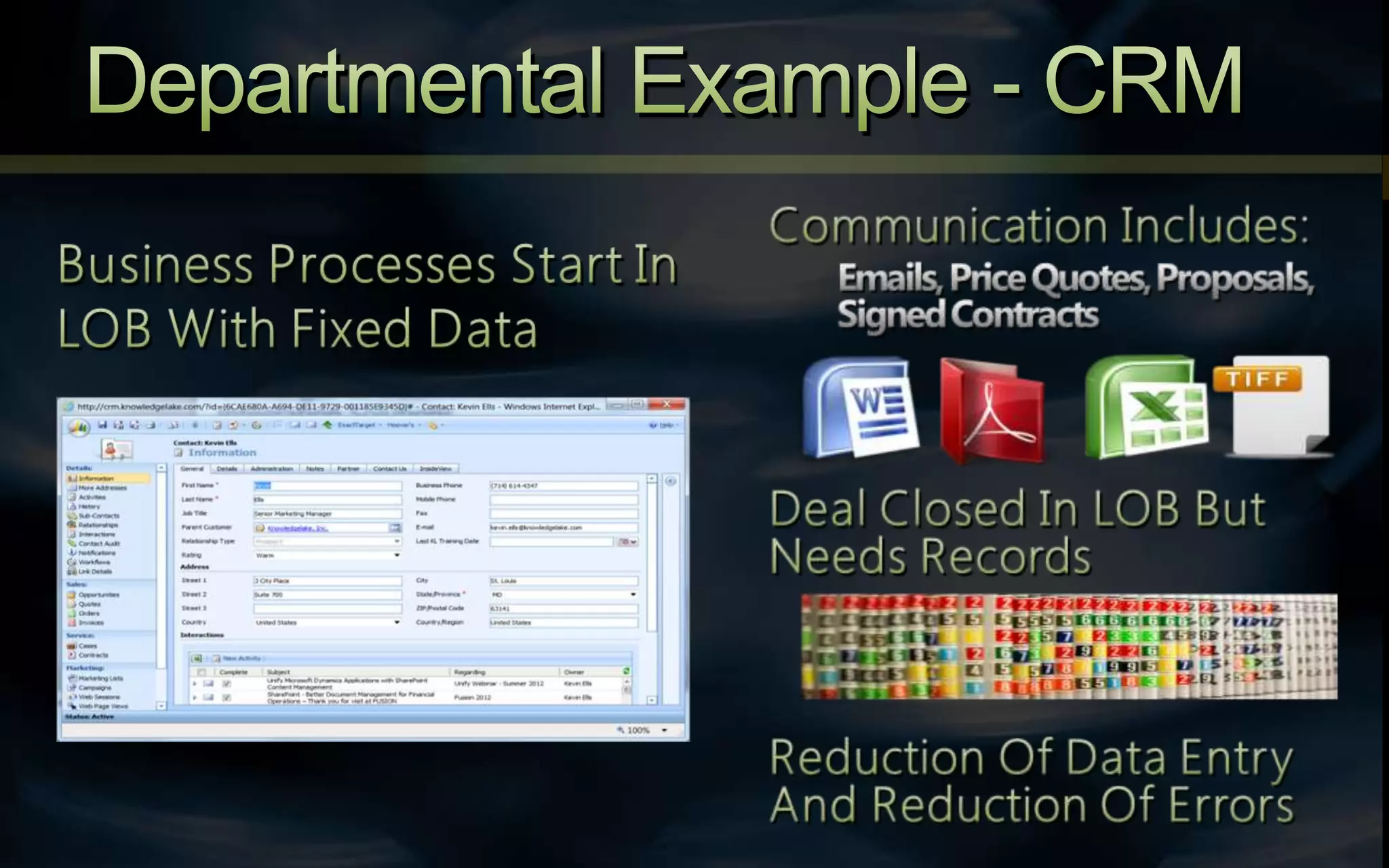
#18 Departmental Example - CRMLet’s apply the model to CRM. First you would create a new account in your system. Then as you work with the account through a buying cycle, you would start to add supporting documents for the account. As the cycle proceeds, documents are generally input in an ad-hoc basis. Documents can be added to the system immediately, as opposed to archiving at the end of the process. By adding automation and auto indexing, errors are reduced and productivity increases.Now lets take a look at some demos. __________________________________________Business Processes Start In LOB With Fixed DataCommunication Includes: Emails, Price Quotes, Proposals, Signed ContractsDeal Closed In LOB But Needs RecordsReduction Of Data Entry And Reduction Of Errors
#19 DEMO: Introduction to UnifySince we value our Microsoft Partnership so greatly, we will start off our series of demos with an introduction to Unify featuring five Microsoft Dynamics Products and showcasing how we can make them work with SharePoint.
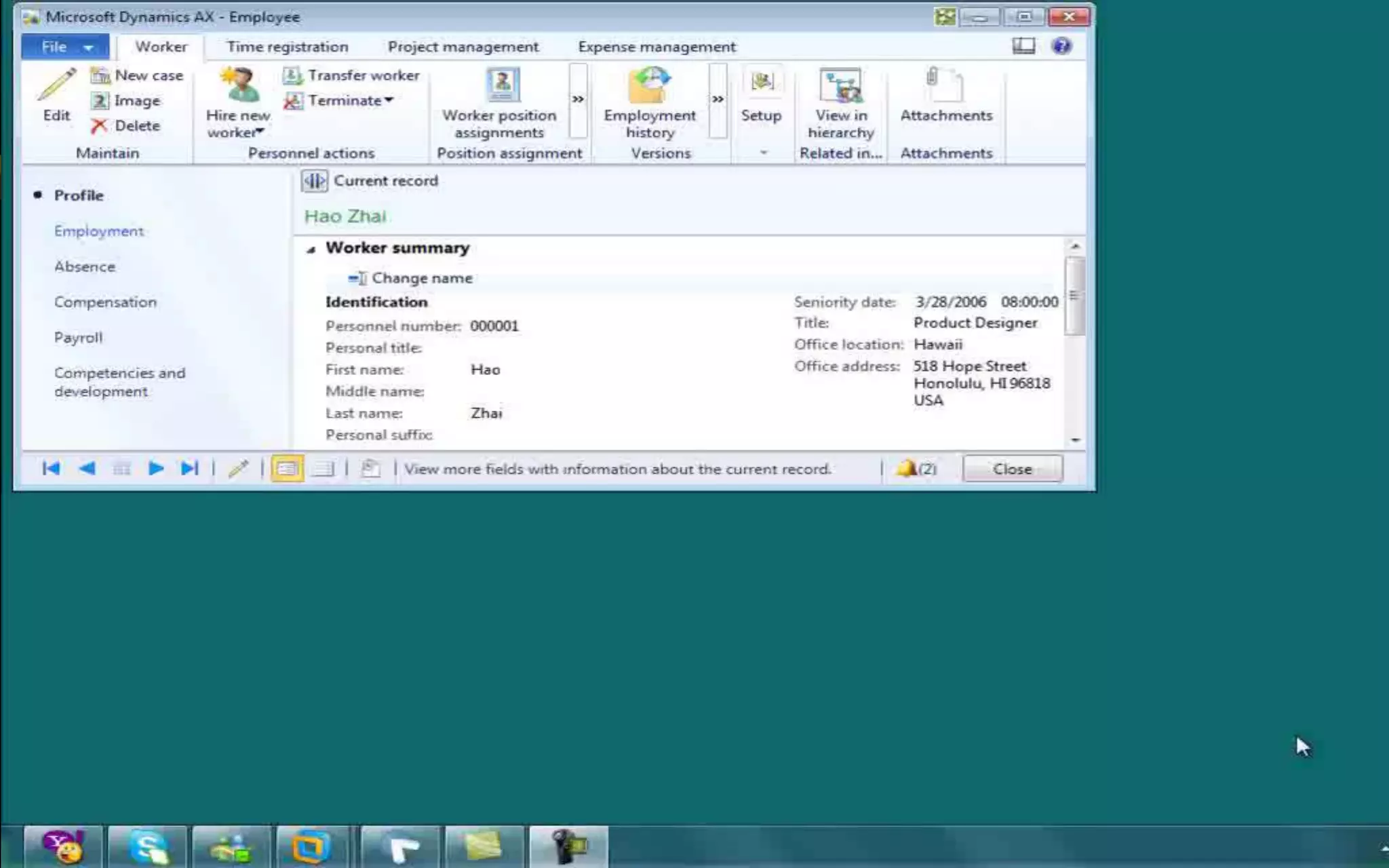
#20 DEMO: Introduction to UnifySo for this example we will start with Dynamics AX showing a common HR process. First, we have a new employee who has filled out his I-9 form and we want to scan, index, and release to SharePoint. We start by clicking the Unify button, and choose our integration to “scan I9 form”. We scan the document and we see inside the index panel that the metadata is pre-populated from AX. Now, after the document is saved to SharePoint we want to do a search to see all related documents to this employee. Dynamics AXDynamics CRMDynamicsGP (Great Plains)Dynamics NAVDynamics SL
#21 Demo: Government and HealthcareScenario: We work in the government or healthcare industry in a claims processing center. We get work requests from a customer or another department. The information in the Claims Management System contains all details about the claim, but SharePoint contains the content about the resolution for the claim. If you think about it in terms of a book, the CMS contains the summary but SharePoint contains the full novel. Let’s take a look at how we can get the whole picture.
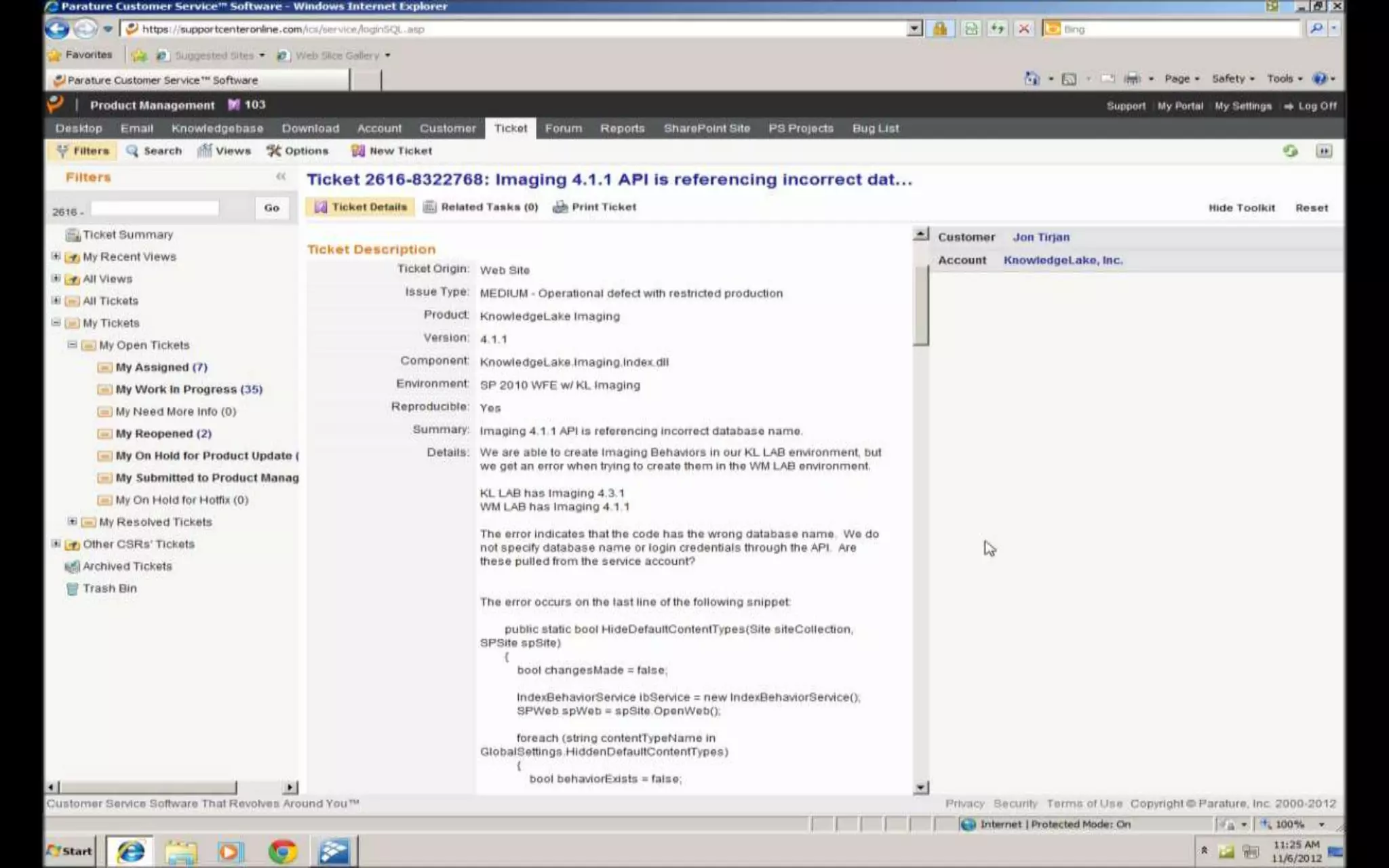
#22 Demo: Government and HealthcareIn this demo we begin with the Claims system open. We want to search SharePoint for information on Jon Tirjan, our customer. Note that Unify passes the information from our LOB system to Connect, where the results are displayed.
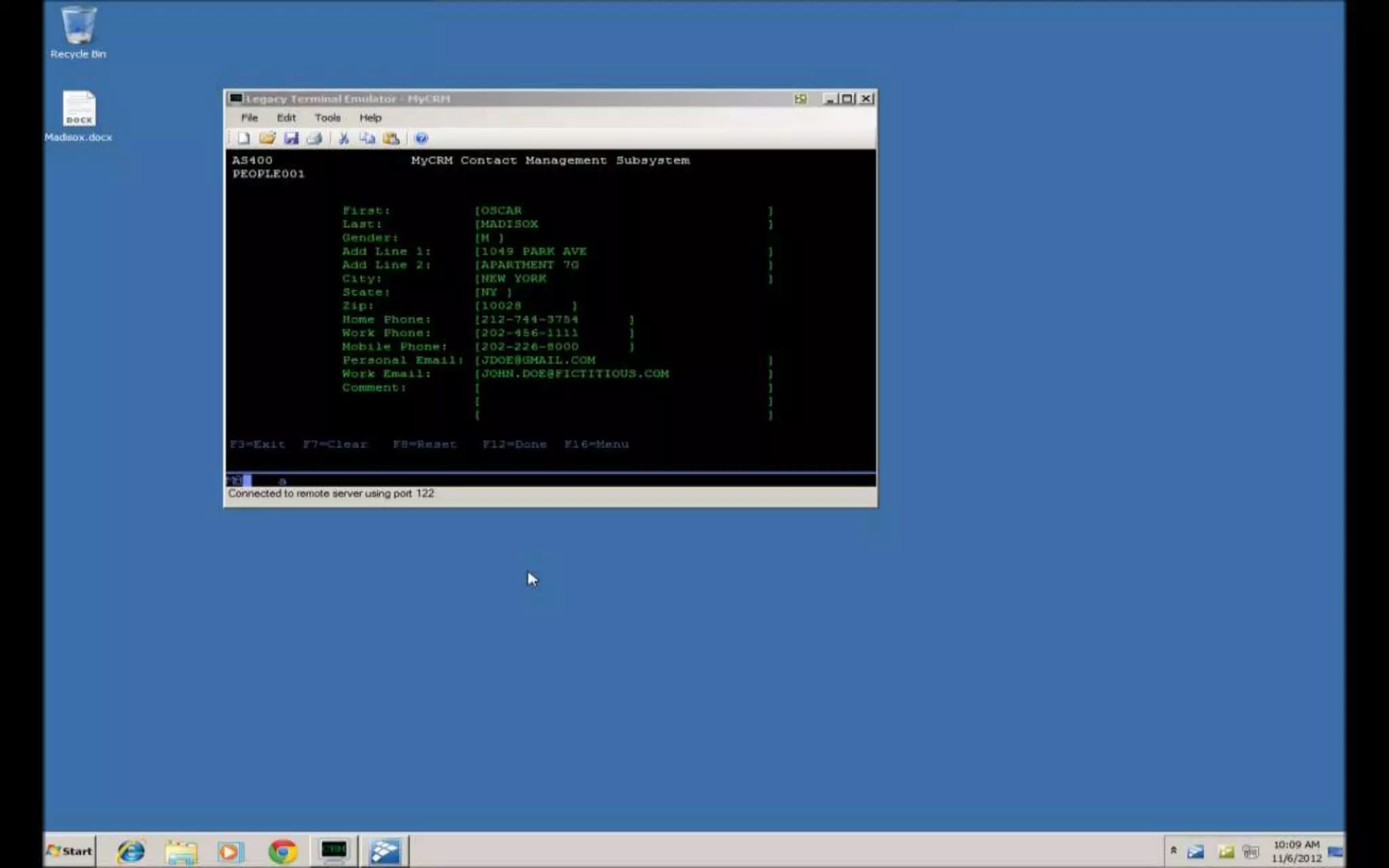
#23 DEMO: Financial ServicesScenario: We work in the financial services industry doing mortgage processing. Mortgage processing can be simplified down to five steps - Application, Pre-Approval, Providing of the Inspection, Signing of the Contract, and Loan Issuance. At each or any of these steps the bank may receive a document from the borrower and want to add it to their ECM system complete with relevant metadata. In this demo, we show how Unify allows the bank employee to simultaneously upload a document and have all of the metadata information pre populate from their terminal application.
#24 DEMO: Financial ServicesSo in this brief demo we first want to show that this is actually a working terminal app. So we want to upload this document to SharePoint, utilizing the information from the green screen. So we click the Unify button, click our Upload link and it brings up the drag and drop upload window. We select the file, drop it in the drop zone, and it pops up our Connect client. So here, putting the windows side by side we show that the metadata has been prepopulated from the terminal app and we just need to click to release to SharePoint.
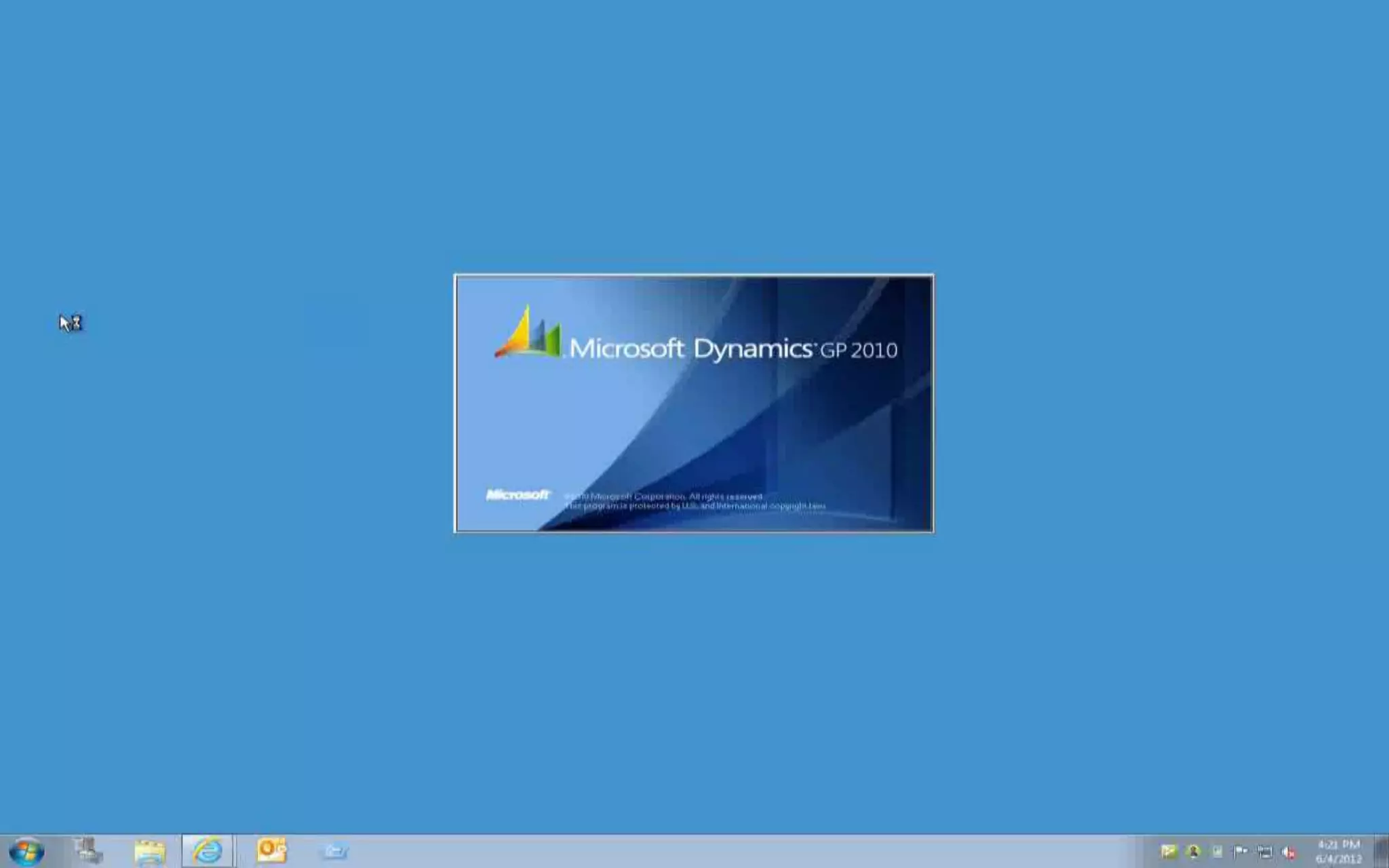
#25 DEMO: ManufacturingPreviously we had shown Unify working with Dynamics GP, now showing more details and the use case around Manufacturing. Just built new plant, need to hire new people, GP provides a great system around HR activities. Here we show the use of Dynamics GP and Unify and how the integrations are setup and how quickly they can be created.
#26 DEMO: ManufacturingJumping into Great Plains. Now we are going to show you an existing search and how we created it. Building an integration into a LOB system to search SharePoint for a specific form - employee records. Click on unify button, retrieve or scan a document so we will pick the Retrieve feature. Results come back in a new screen, that is customizable. Cool interface, but up to you on how you want to expose the content to the user. Now lets create a new integration. First we have to tell the application what we want to do, so we are going to do a search. We want to send the results to this page (the URL to the site we just saw). Going to give the search a unique name. Now we see the fields that we can pass over to the query. Next step will be going through a wizard to tell where i want to put the integration. Run the wizard, it says where do you want to search, point the target to the app window. Next step is we have to pick some fields to send over. You can do drag / drop, point to fields, there are about 10 different ways to get the info over. Give the button a name we'll use Employee demonstration search. Save it. Screen will automatically update. Now it has a new button - KnowledgeLake Search Demonstration. So in about 2 minutes we have added search integration to a screen inside a LOB system.
#27 This session was about making your systems work for you, the way you want them to. We talked about the various integration methods, and we gave you a new choice – KnowledgeLake Unify. We covered quite a few scenarios in products in this session, including integration with 5 different Dynamics packages and a terminal-based application. Some of the scenarios we discussed were:Education - Getting College TranscriptsSupply Chain Management - Setting up a new distribution centerGeneral Business - Accounts Payable & CRMGovernment and Healthcare - Working with a claims systemFinancial Services - loan processingManufacturing - HR functionsIn addition to the systems you have seen today Unify works withPeopleSoftSAPSiebelOracle…and any LOB we can screen scrape, we can get any information off of any form.
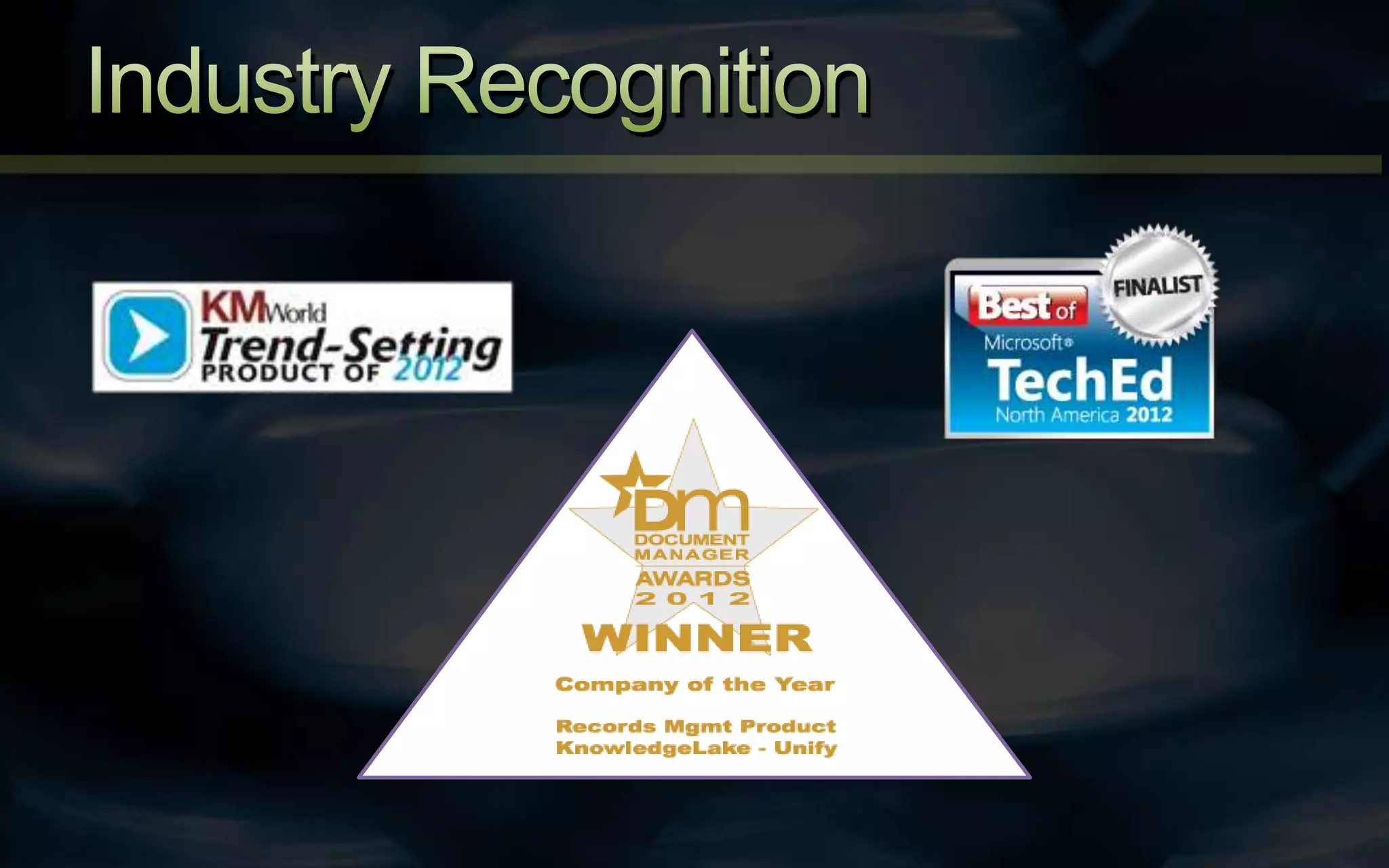
#28 The KMWorld Trend-Setting Products of 2012 identifies the most meaningful products in the knowledge management industry. Unify was chosen as it demonstrates true innovation that leads to a dramatic increase in end-user productivity.The Best of TechEdAward recognizes the innovative products and services showcased at Microsoft TechEd North America 2012. Unify was selected as a finalist for the Best of TechEd Award in the SharePoint Administration category.The Document Manager Awards are the UK’s Document and Content Management’s most prestigious awards that recognize the best companies and products the industry has to offer, worldwide. In 2012, Unify was named the Records Management Product of the Year.
#29 [hand out surveys]Please fill out this short survey! We will select one of the bunch and one of our Systems Engineers will create a custom demo using your systems and use cases and show you directly how Unify can solve your integration problems.
#30 Thank you for attending my session! I will be at the KnowledgeLake Training Lab at Milano 4 after this if anyone has further questions.