Download to read offline
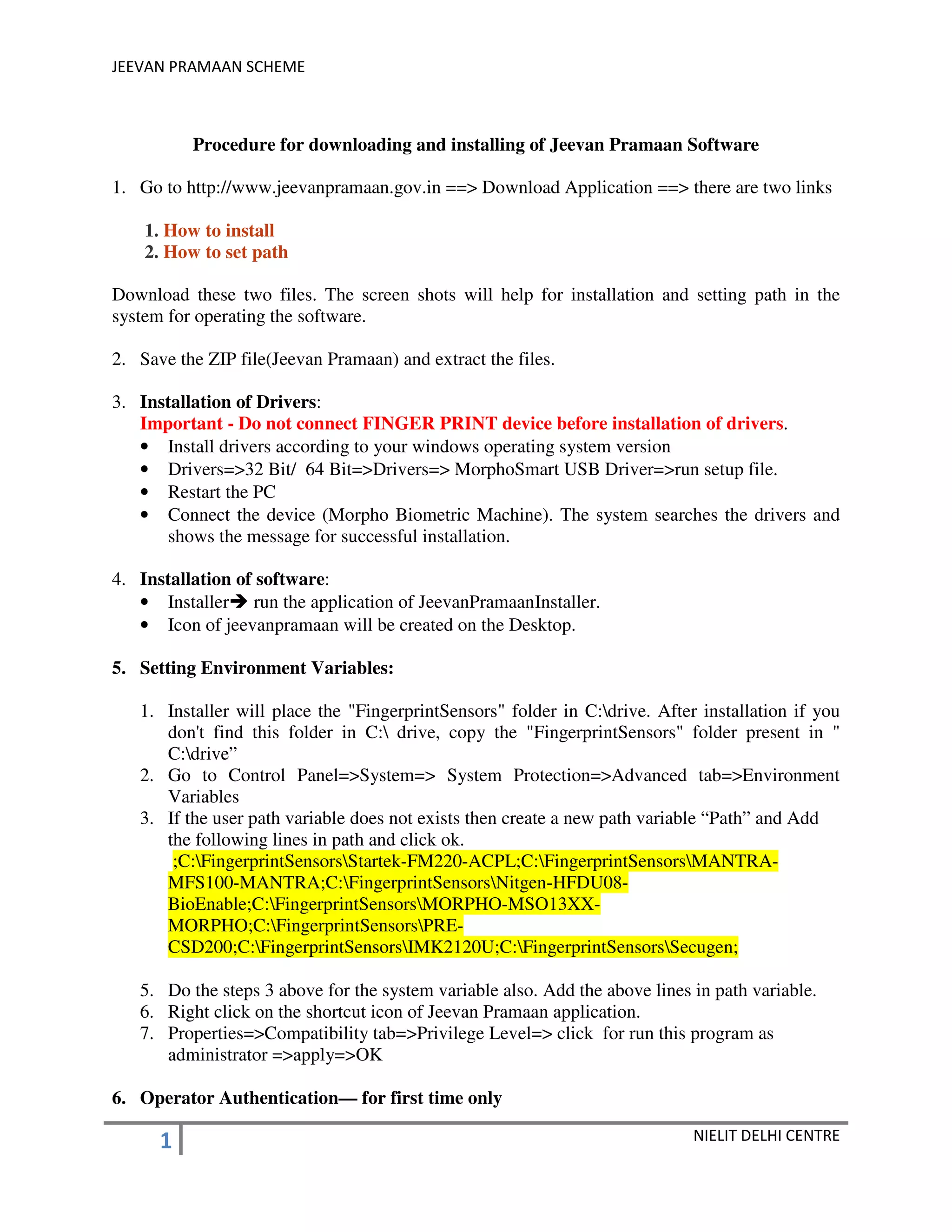


The document provides instructions for downloading and installing the Jeevan Pramaan software for biometric authentication of pensioners in India. It outlines 7 steps: 1) downloading installation guides and the software ZIP file, 2) extracting and installing driver software for the biometric device, 3) running the installer, 4) setting environment variables to enable the software, 5) operator authentication on first use, 6) pensioner registration which involves entering details and scanning fingerprints, and 7) notes on disabling antivirus software during installation and ensuring .NET and Visual C++ software is installed.


