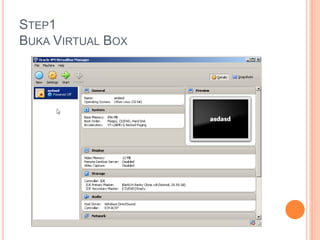
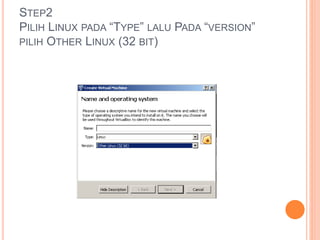
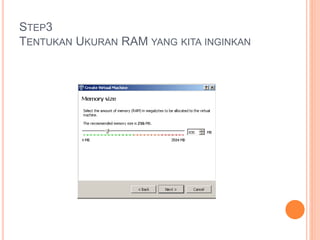
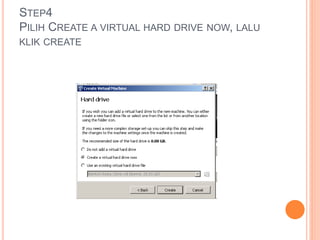
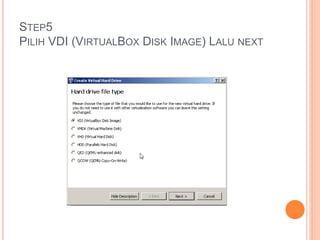
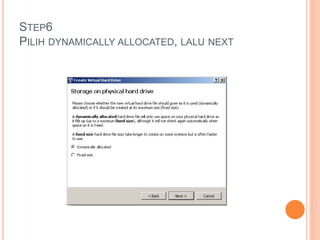
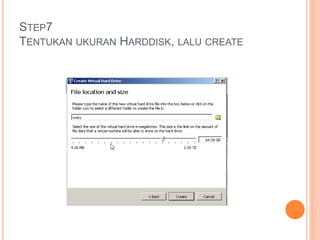
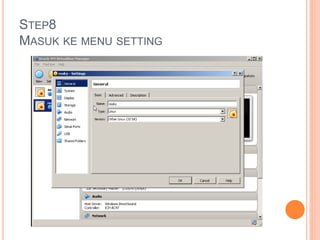
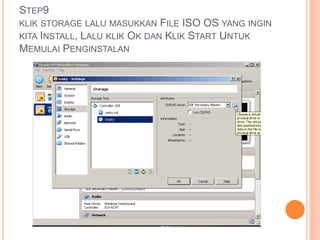
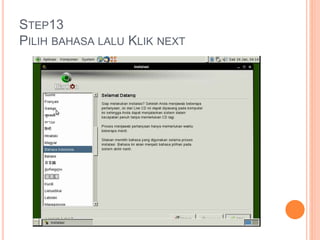
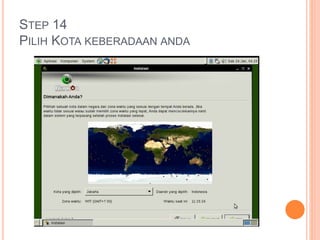
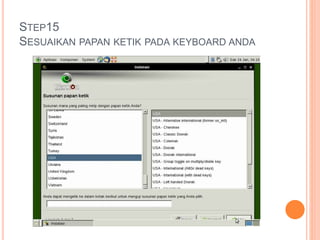
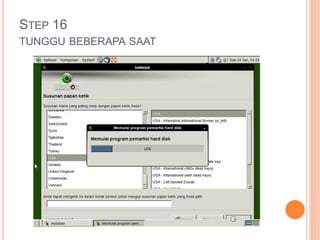
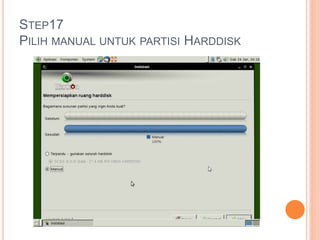
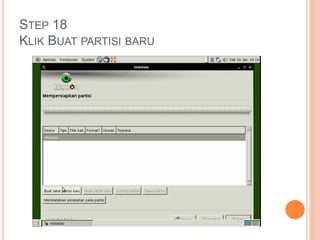
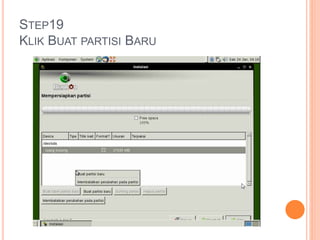
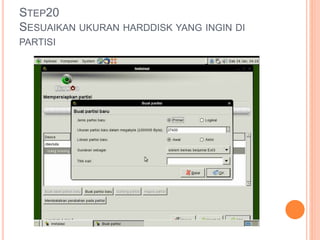
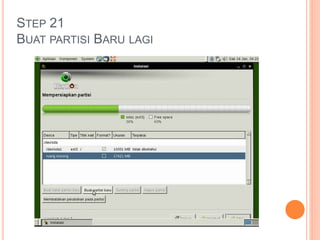
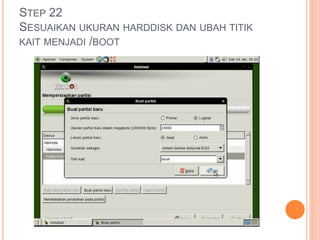
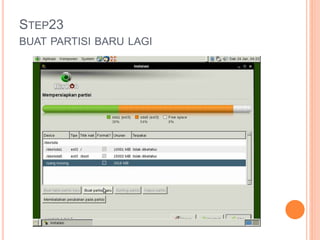
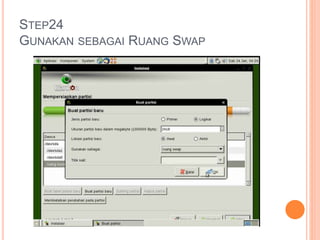
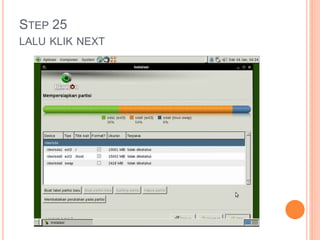
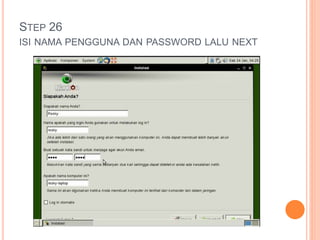
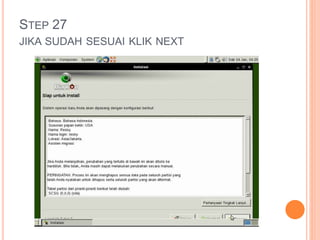
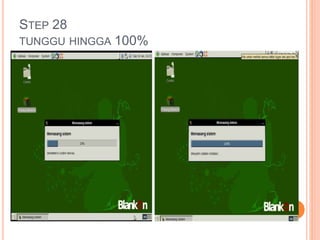
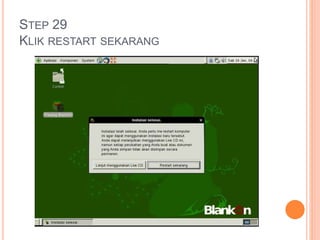
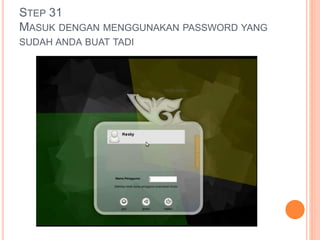
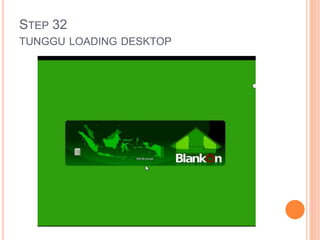
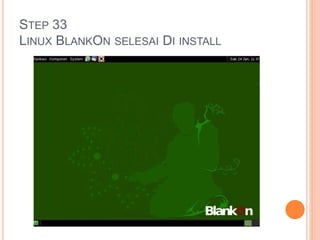
The document provides 33 step-by-step instructions for installing the BlankOn Linux operating system in a VirtualBox virtual machine on a computer. It details steps such as choosing Linux as the operating system type, allocating RAM and disk space, mounting the BlankOn ISO file, installing to the partitions, setting up a user account, and restarting the virtual machine once installation is complete.