Increase Internet Speed by
20%
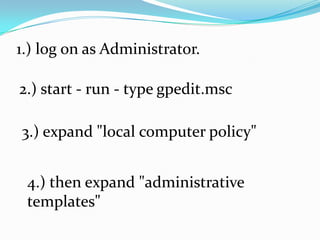
1.) log on as Administrator.
2.) start - run - type gpedit.msc
3.) expand "local computer policy"
4.) then expand "administrative
templates"
5.) then expand "network branch"
6.) Highlight the "QoS Packet
Scheduler"
7.) on right window double click
"limit reservable bandwidth"
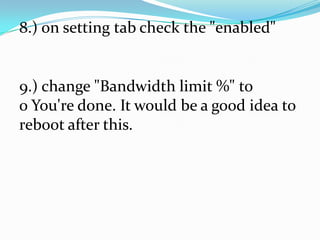
8.) on setting tab check the "enabled"
9.) change "Bandwidth limit %" to
0 You're done. It would be a good idea to
reboot after this.

Increase internet speed by 20%

  • 1.
  • 2.
    1.) log onas Administrator. 2.) start - run - type gpedit.msc 3.) expand "local computer policy" 4.) then expand "administrative templates"
  • 3.
    5.) then expand"network branch" 6.) Highlight the "QoS Packet Scheduler" 7.) on right window double click "limit reservable bandwidth"
  • 4.
    8.) on settingtab check the "enabled" 9.) change "Bandwidth limit %" to 0 You're done. It would be a good idea to reboot after this.