What is ICT used for in Primary School Education?ACM1010- Assignment 1: BlogTaryn Richardson, Lisa Scotti & Melanie Fletcherhttp://www.metali2010.wordpress.com/
ICT can be used as aTeaching tool !
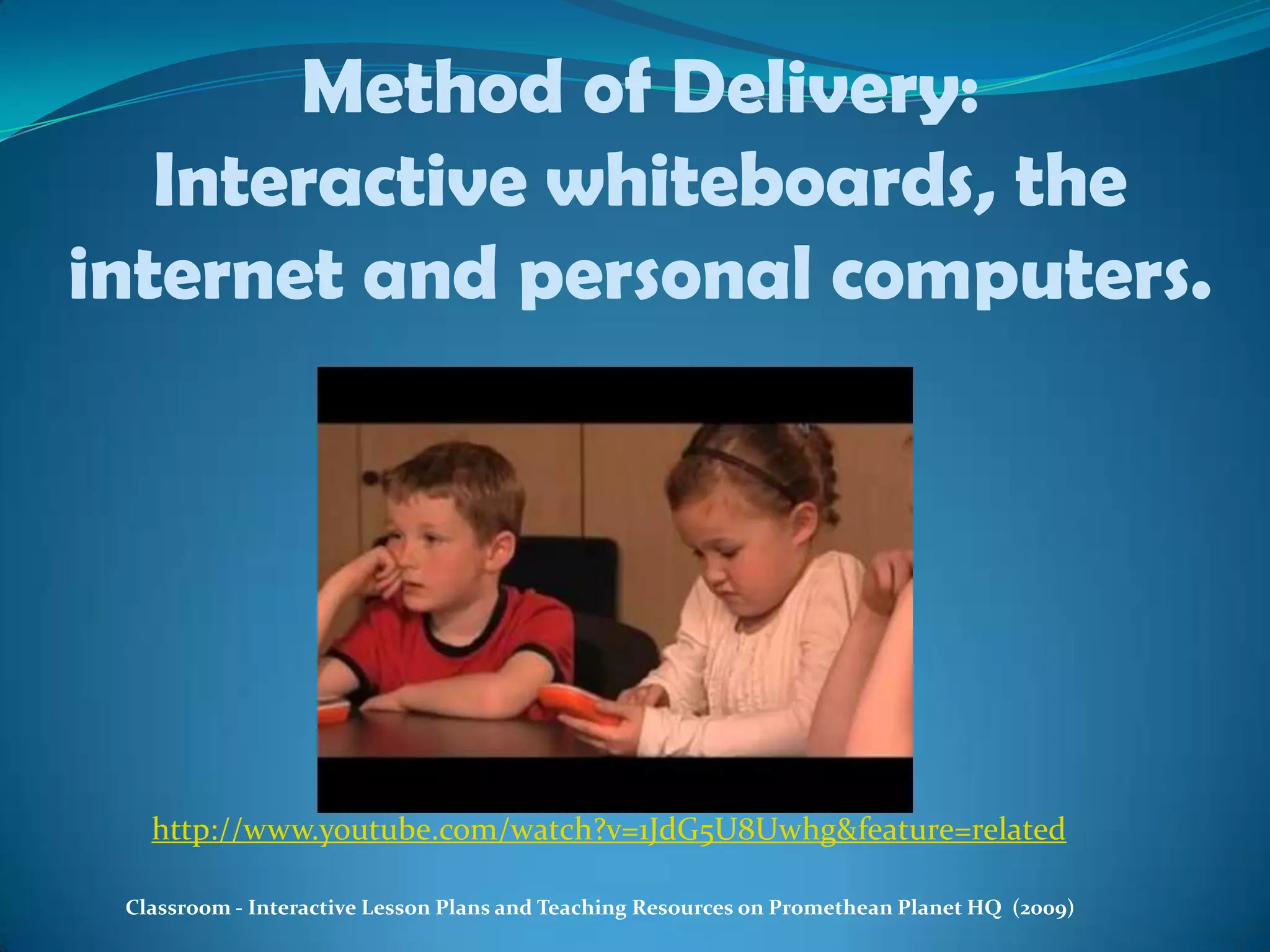
Method of Delivery:Interactive whiteboards, the internet and personal computers.http://www.youtube.com/watch?v=1JdG5U8Uwhg&feature=relatedClassroom - Interactive Lesson Plans and Teaching Resources on Promethean Planet HQ  (2009)
The Electronic WhiteboardIs a very useful tool that is used by teachers and students in the classroom.
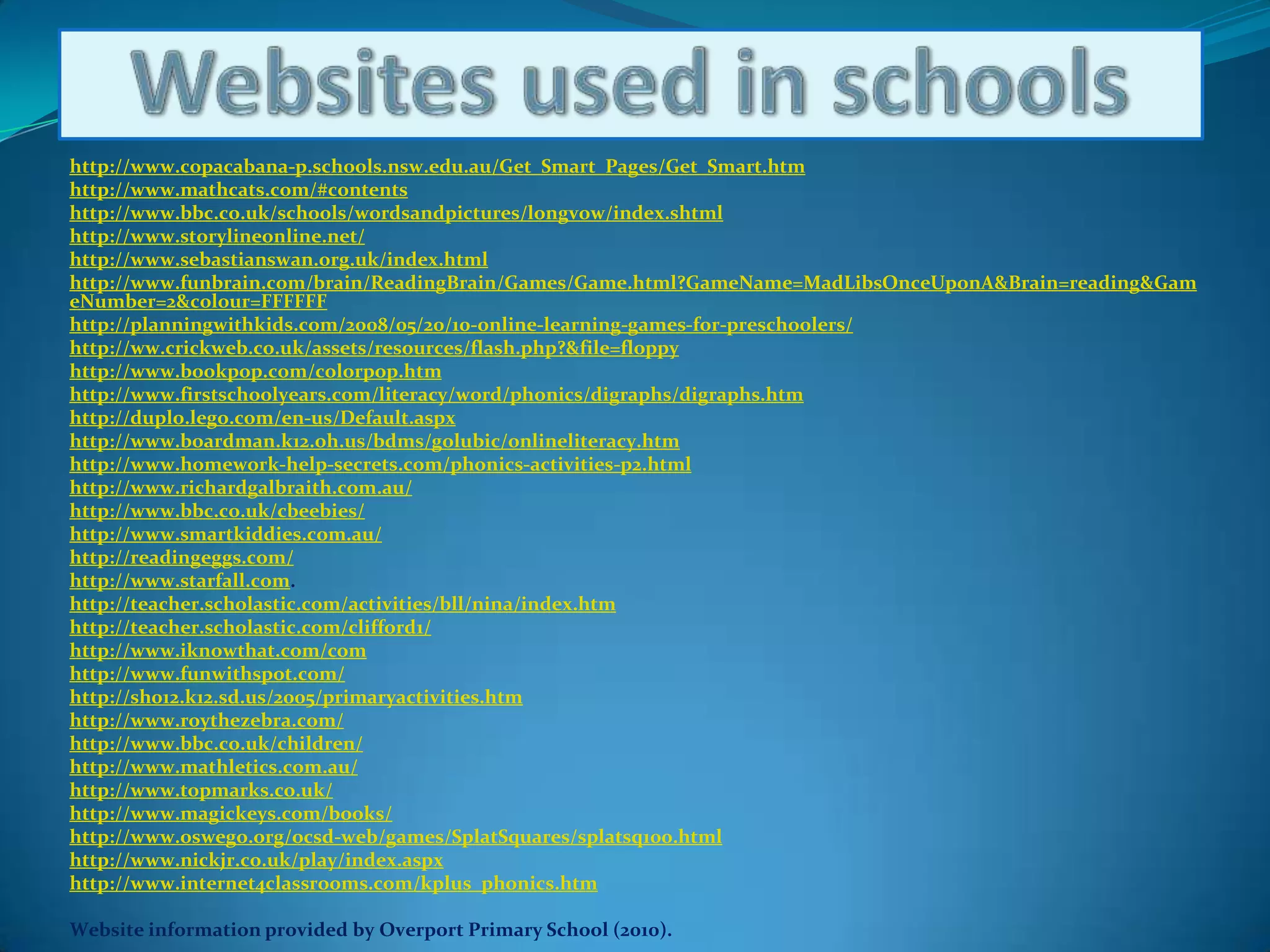
Websites used in schoolshttp://www.copacabana-p.schools.nsw.edu.au/Get_Smart_Pages/Get_Smart.htmhttp://www.mathcats.com/#contentshttp://www.bbc.co.uk/schools/wordsandpictures/longvow/index.shtmlhttp://www.storylineonline.net/http://www.sebastianswan.org.uk/index.htmlhttp://www.funbrain.com/brain/ReadingBrain/Games/Game.html?GameName=MadLibsOnceUponA&Brain=reading&GameNumber=2&colour=FFFFFFhttp://planningwithkids.com/2008/05/20/10-online-learning-games-for-preschoolers/http://ww.crickweb.co.uk/assets/resources/flash.php?&file=floppyhttp://www.bookpop.com/colorpop.htmhttp://www.firstschoolyears.com/literacy/word/phonics/digraphs/digraphs.htmhttp://duplo.lego.com/en-us/Default.aspxhttp://www.boardman.k12.oh.us/bdms/golubic/onlineliteracy.htmhttp://www.homework-help-secrets.com/phonics-activities-p2.htmlhttp://www.richardgalbraith.com.au/http://www.bbc.co.uk/cbeebies/http://www.smartkiddies.com.au/http://readingeggs.com/http://www.starfall.com. http://teacher.scholastic.com/activities/bll/nina/index.htmhttp://teacher.scholastic.com/clifford1/http://www.iknowthat.com/comhttp://www.funwithspot.com/http://sh012.k12.sd.us/2005/primaryactivities.htmhttp://www.roythezebra.com/http://www.bbc.co.uk/children/http://www.mathletics.com.au/http://www.topmarks.co.uk/http://www.magickeys.com/books/http://www.oswego.org/ocsd-web/games/SplatSquares/splatsq100.htmlhttp://www.nickjr.co.uk/play/index.aspxhttp://www.internet4classrooms.com/kplus_phonics.htmWebsite information provided by Overport Primary School (2010).
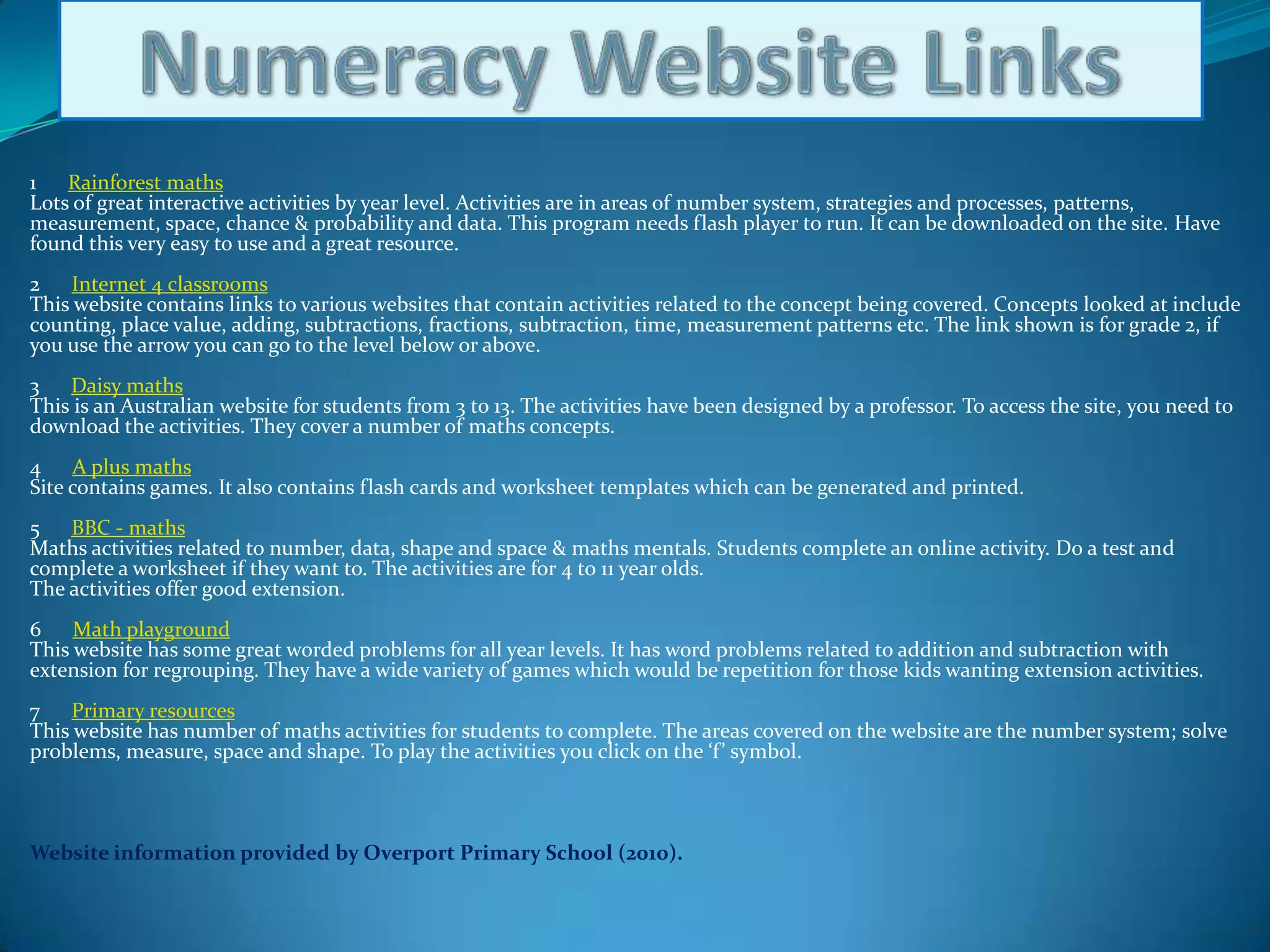
Numeracy Website Links1      Rainforest mathsLots of great interactive activities by year level. Activities are in areas of number system, strategies and processes, patterns, measurement, space, chance & probability and data. This program needs flash player to run. It can be downloaded on the site. Have found this very easy to use and a great resource.2      Internet 4 classroomsThis website contains links to various websites that contain activities related to the concept being covered. Concepts looked at include counting, place value, adding, subtractions, fractions, subtraction, time, measurement patterns etc. The link shown is for grade 2, if you use the arrow you can go to the level below or above.3      Daisy mathsThis is an Australian website for students from 3 to 13. The activities have been designed by a professor. To access the site, you need to download the activities. They cover a number of maths concepts. 4      A plus mathsSite contains games. It also contains flash cards and worksheet templates which can be generated and printed.5      BBC - mathsMaths activities related to number, data, shape and space & maths mentals. Students complete an online activity. Do a test and complete a worksheet if they want to. The activities are for 4 to 11 year olds. The activities offer good extension.6      Math playgroundThis website has some great worded problems for all year levels. It has word problems related to addition and subtraction with extension for regrouping. They have a wide variety of games which would be repetition for those kids wanting extension activities.7      Primary resourcesThis website has number of maths activities for students to complete. The areas covered on the website are the number system; solve problems, measure, space and shape. To play the activities you click on the ‘f’ symbol.Website information provided by Overport Primary School (2010).
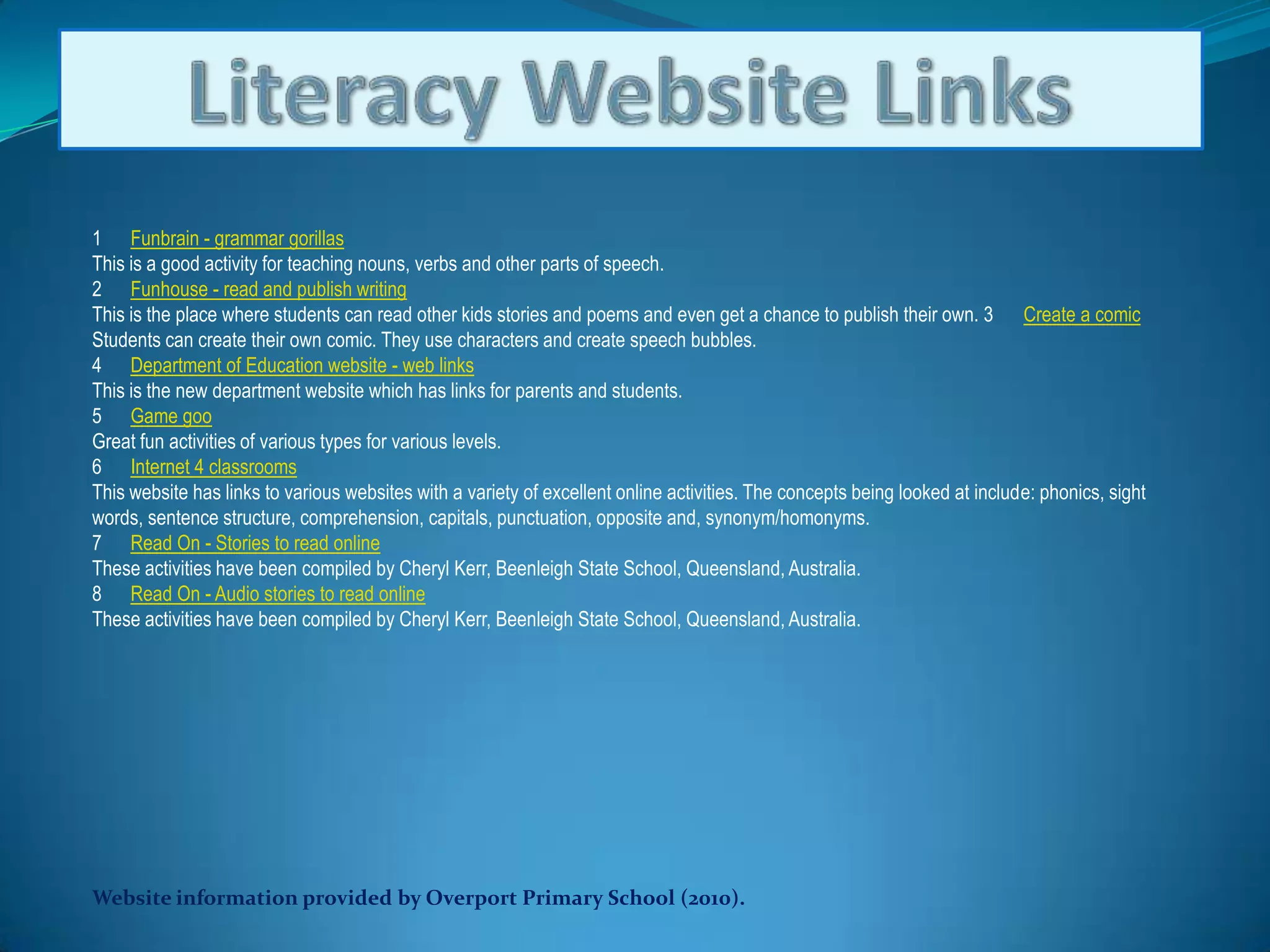
Literacy Website Links1      Funbrain - grammar gorillasThis is a good activity for teaching nouns, verbs and other parts of speech. 2      Funhouse - read and publish writingThis is the place where students can read other kids stories and poems and even get a chance to publish their own. 3      Create a comicStudents can create their own comic. They use characters and create speech bubbles. 4      Department of Education website - web linksThis is the new department website which has links for parents and students. 5      Game gooGreat fun activities of various types for various levels. 6      Internet 4 classroomsThis website has links to various websites with a variety of excellent online activities. The concepts being looked at include: phonics, sight words, sentence structure, comprehension, capitals, punctuation, opposite and, synonym/homonyms. 7      Read On - Stories to read onlineThese activities have been compiled by Cheryl Kerr, Beenleigh State School, Queensland, Australia. 8      Read On - Audio stories to read onlineThese activities have been compiled by Cheryl Kerr, Beenleigh State School, Queensland, Australia.Website information provided by Overport Primary School (2010).
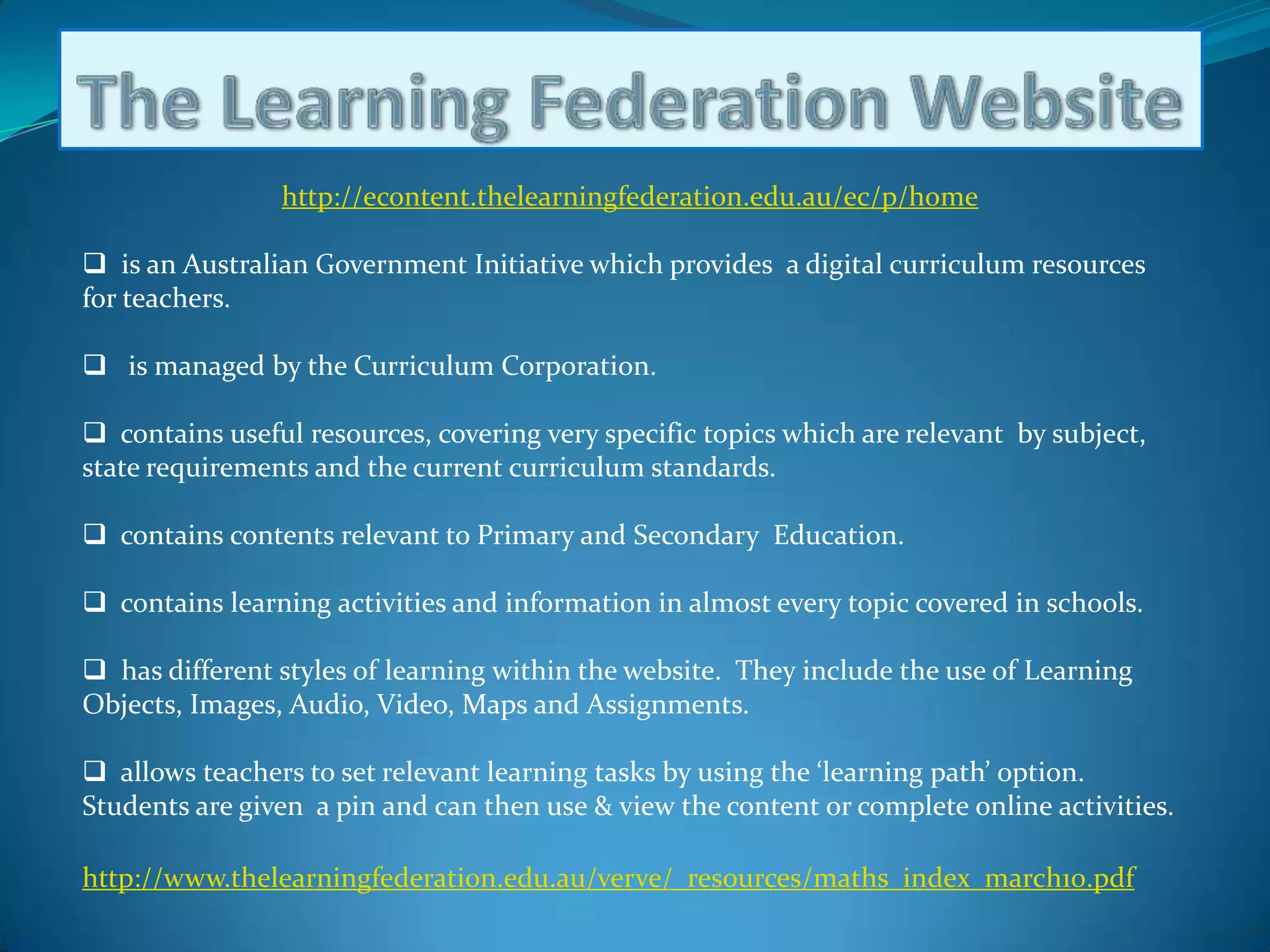
The Learning Federation Websitehttp://econtent.thelearningfederation.edu.au/ec/p/home  is an Australian Government Initiative which provides  a digital curriculum resources for teachers.
   is managed by the Curriculum Corporation.
  contains useful resources, covering very specific topics which are relevant  by subject, state requirements and the current curriculum standards.
  contains contents relevant to Primary and Secondary  Education.
  contains learning activities and information in almost every topic covered in schools.
  has different styles of learning within the website.  They include the use of Learning Objects, Images, Audio, Video, Maps and Assignments.
  allows teachers to set relevant learning tasks by using the ‘learning path’ option. Students are given  a pin and can then use & view the content or complete online activities.http://www.thelearningfederation.edu.au/verve/_resources/maths_index_march10.pdf
The School PortalIs a very useful tool that can be used by teachers, administration, students and parents .
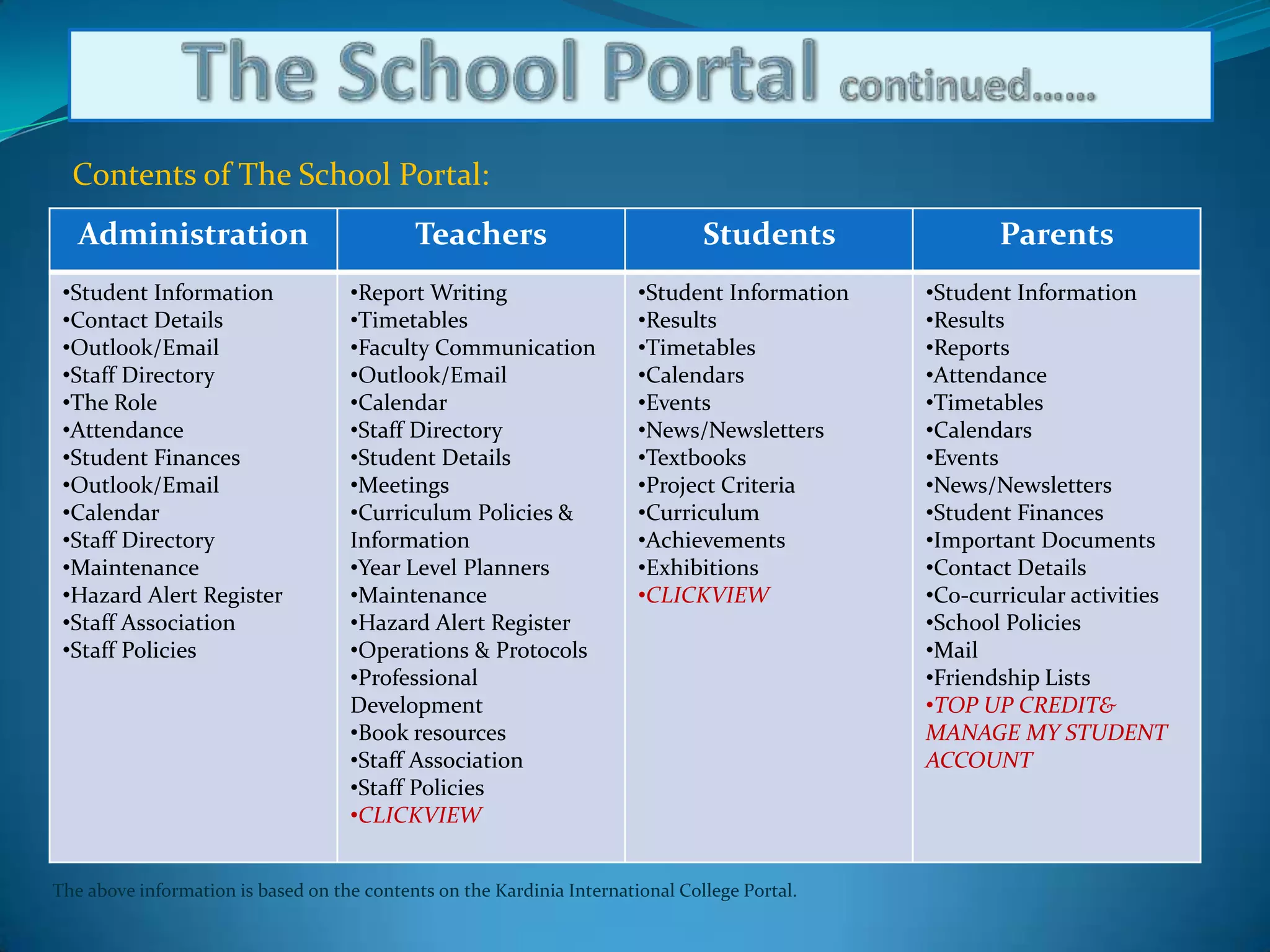
The School Portal continued……Contents of The School Portal:The above information is based on the contents on the Kardinia International College Portal.
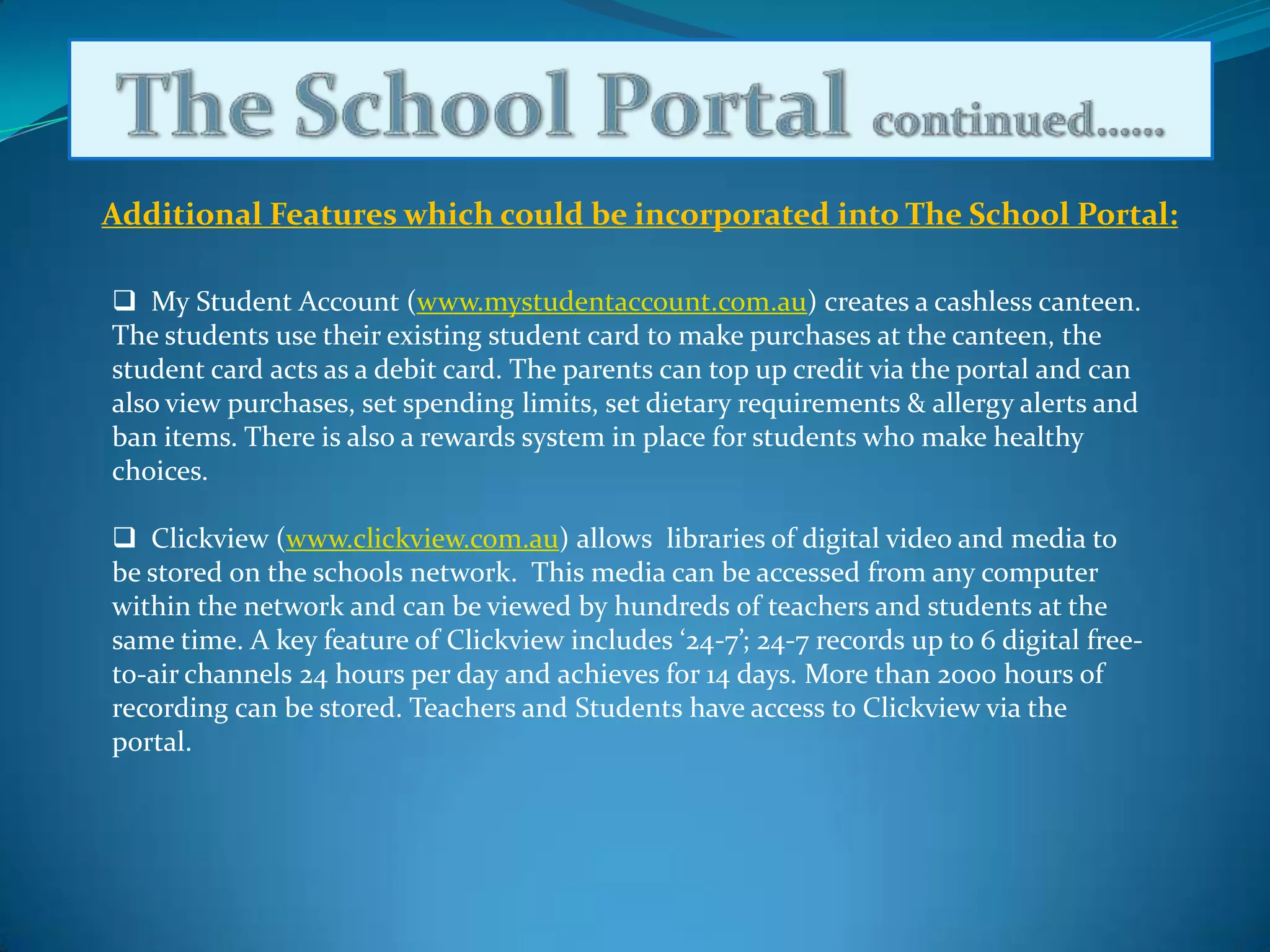
The School Portal continued……Additional Features which could be incorporated into The School Portal:  My Student Account (www.mystudentaccount.com.au) creates a cashless canteen. The students use their existing student card to make purchases at the canteen, the student card acts as a debit card. The parents can top up credit via the portal and can also view purchases, set spending limits, set dietary requirements & allergy alerts and ban items. There is also a rewards system in place for students who make healthy choices.
Clickview(www.clickview.com.au) allows  libraries of digital video and media to be stored on the schools network.  This media can be accessed from any computer within the network and can be viewed by hundreds of teachers and students at the same time. A key feature of Clickview includes ‘24-7’; 24-7 records up to 6 digital free-to-air channels 24 hours per day and achieves for 14 days. More than 2000 hours of recording can be stored. Teachers and Students have access to Clickview via the portal.My school:Is a Website that can be accessed via the internet.  IT can be utilised by parents, teachers and prospective parents.

ICT Presentation

  • 1.
    What is ICTused for in Primary School Education?ACM1010- Assignment 1: BlogTaryn Richardson, Lisa Scotti & Melanie Fletcherhttp://www.metali2010.wordpress.com/
  • 2.
    ICT can beused as aTeaching tool !
  • 3.
    Method of Delivery:Interactivewhiteboards, the internet and personal computers.http://www.youtube.com/watch?v=1JdG5U8Uwhg&feature=relatedClassroom - Interactive Lesson Plans and Teaching Resources on Promethean Planet HQ (2009)
  • 4.
    The Electronic WhiteboardIsa very useful tool that is used by teachers and students in the classroom.
  • 5.
    Websites used inschoolshttp://www.copacabana-p.schools.nsw.edu.au/Get_Smart_Pages/Get_Smart.htmhttp://www.mathcats.com/#contentshttp://www.bbc.co.uk/schools/wordsandpictures/longvow/index.shtmlhttp://www.storylineonline.net/http://www.sebastianswan.org.uk/index.htmlhttp://www.funbrain.com/brain/ReadingBrain/Games/Game.html?GameName=MadLibsOnceUponA&Brain=reading&GameNumber=2&colour=FFFFFFhttp://planningwithkids.com/2008/05/20/10-online-learning-games-for-preschoolers/http://ww.crickweb.co.uk/assets/resources/flash.php?&file=floppyhttp://www.bookpop.com/colorpop.htmhttp://www.firstschoolyears.com/literacy/word/phonics/digraphs/digraphs.htmhttp://duplo.lego.com/en-us/Default.aspxhttp://www.boardman.k12.oh.us/bdms/golubic/onlineliteracy.htmhttp://www.homework-help-secrets.com/phonics-activities-p2.htmlhttp://www.richardgalbraith.com.au/http://www.bbc.co.uk/cbeebies/http://www.smartkiddies.com.au/http://readingeggs.com/http://www.starfall.com. http://teacher.scholastic.com/activities/bll/nina/index.htmhttp://teacher.scholastic.com/clifford1/http://www.iknowthat.com/comhttp://www.funwithspot.com/http://sh012.k12.sd.us/2005/primaryactivities.htmhttp://www.roythezebra.com/http://www.bbc.co.uk/children/http://www.mathletics.com.au/http://www.topmarks.co.uk/http://www.magickeys.com/books/http://www.oswego.org/ocsd-web/games/SplatSquares/splatsq100.htmlhttp://www.nickjr.co.uk/play/index.aspxhttp://www.internet4classrooms.com/kplus_phonics.htmWebsite information provided by Overport Primary School (2010).
  • 6.
    Numeracy Website Links1     Rainforest mathsLots of great interactive activities by year level. Activities are in areas of number system, strategies and processes, patterns, measurement, space, chance & probability and data. This program needs flash player to run. It can be downloaded on the site. Have found this very easy to use and a great resource.2      Internet 4 classroomsThis website contains links to various websites that contain activities related to the concept being covered. Concepts looked at include counting, place value, adding, subtractions, fractions, subtraction, time, measurement patterns etc. The link shown is for grade 2, if you use the arrow you can go to the level below or above.3      Daisy mathsThis is an Australian website for students from 3 to 13. The activities have been designed by a professor. To access the site, you need to download the activities. They cover a number of maths concepts. 4      A plus mathsSite contains games. It also contains flash cards and worksheet templates which can be generated and printed.5      BBC - mathsMaths activities related to number, data, shape and space & maths mentals. Students complete an online activity. Do a test and complete a worksheet if they want to. The activities are for 4 to 11 year olds. The activities offer good extension.6      Math playgroundThis website has some great worded problems for all year levels. It has word problems related to addition and subtraction with extension for regrouping. They have a wide variety of games which would be repetition for those kids wanting extension activities.7      Primary resourcesThis website has number of maths activities for students to complete. The areas covered on the website are the number system; solve problems, measure, space and shape. To play the activities you click on the ‘f’ symbol.Website information provided by Overport Primary School (2010).
  • 7.
    Literacy Website Links1     Funbrain - grammar gorillasThis is a good activity for teaching nouns, verbs and other parts of speech. 2      Funhouse - read and publish writingThis is the place where students can read other kids stories and poems and even get a chance to publish their own. 3      Create a comicStudents can create their own comic. They use characters and create speech bubbles. 4      Department of Education website - web linksThis is the new department website which has links for parents and students. 5      Game gooGreat fun activities of various types for various levels. 6      Internet 4 classroomsThis website has links to various websites with a variety of excellent online activities. The concepts being looked at include: phonics, sight words, sentence structure, comprehension, capitals, punctuation, opposite and, synonym/homonyms. 7      Read On - Stories to read onlineThese activities have been compiled by Cheryl Kerr, Beenleigh State School, Queensland, Australia. 8      Read On - Audio stories to read onlineThese activities have been compiled by Cheryl Kerr, Beenleigh State School, Queensland, Australia.Website information provided by Overport Primary School (2010).
  • 8.
    The Learning FederationWebsitehttp://econtent.thelearningfederation.edu.au/ec/p/home is an Australian Government Initiative which provides a digital curriculum resources for teachers.
  • 9.
    is managed by the Curriculum Corporation.
  • 10.
    containsuseful resources, covering very specific topics which are relevant by subject, state requirements and the current curriculum standards.
  • 11.
    containscontents relevant to Primary and Secondary Education.
  • 12.
    containslearning activities and information in almost every topic covered in schools.
  • 13.
    hasdifferent styles of learning within the website. They include the use of Learning Objects, Images, Audio, Video, Maps and Assignments.
  • 14.
    allowsteachers to set relevant learning tasks by using the ‘learning path’ option. Students are given a pin and can then use & view the content or complete online activities.http://www.thelearningfederation.edu.au/verve/_resources/maths_index_march10.pdf
  • 15.
    The School PortalIsa very useful tool that can be used by teachers, administration, students and parents .
  • 16.
    The School Portalcontinued……Contents of The School Portal:The above information is based on the contents on the Kardinia International College Portal.
  • 17.
    The School Portalcontinued……Additional Features which could be incorporated into The School Portal: My Student Account (www.mystudentaccount.com.au) creates a cashless canteen. The students use their existing student card to make purchases at the canteen, the student card acts as a debit card. The parents can top up credit via the portal and can also view purchases, set spending limits, set dietary requirements & allergy alerts and ban items. There is also a rewards system in place for students who make healthy choices.
  • 18.
    Clickview(www.clickview.com.au) allows libraries of digital video and media to be stored on the schools network. This media can be accessed from any computer within the network and can be viewed by hundreds of teachers and students at the same time. A key feature of Clickview includes ‘24-7’; 24-7 records up to 6 digital free-to-air channels 24 hours per day and achieves for 14 days. More than 2000 hours of recording can be stored. Teachers and Students have access to Clickview via the portal.My school:Is a Website that can be accessed via the internet. IT can be utilised by parents, teachers and prospective parents.
  • 19.
    My School Website:http://www.myschool.edu.au is a website that provides profiles for approx 10,000 schools within Australia
  • 20.
    profiles includecontextual and statistical information and compares them statistically with similar schools around Australia
  • 21.
    was developedby the Australian Curriculum, Assessment and Reporting Authority (ACARA)
  • 22.
    canbe utilised as a research tool for parents looking at schools to send their children to
  • 23.
    makesindividual schools more accountable, and indicates areas of concern that could be addressed
  • 24.
    hasgiven parents access to their schools results for the National Assessment Program – Literacy and Numeracy
  • 25.
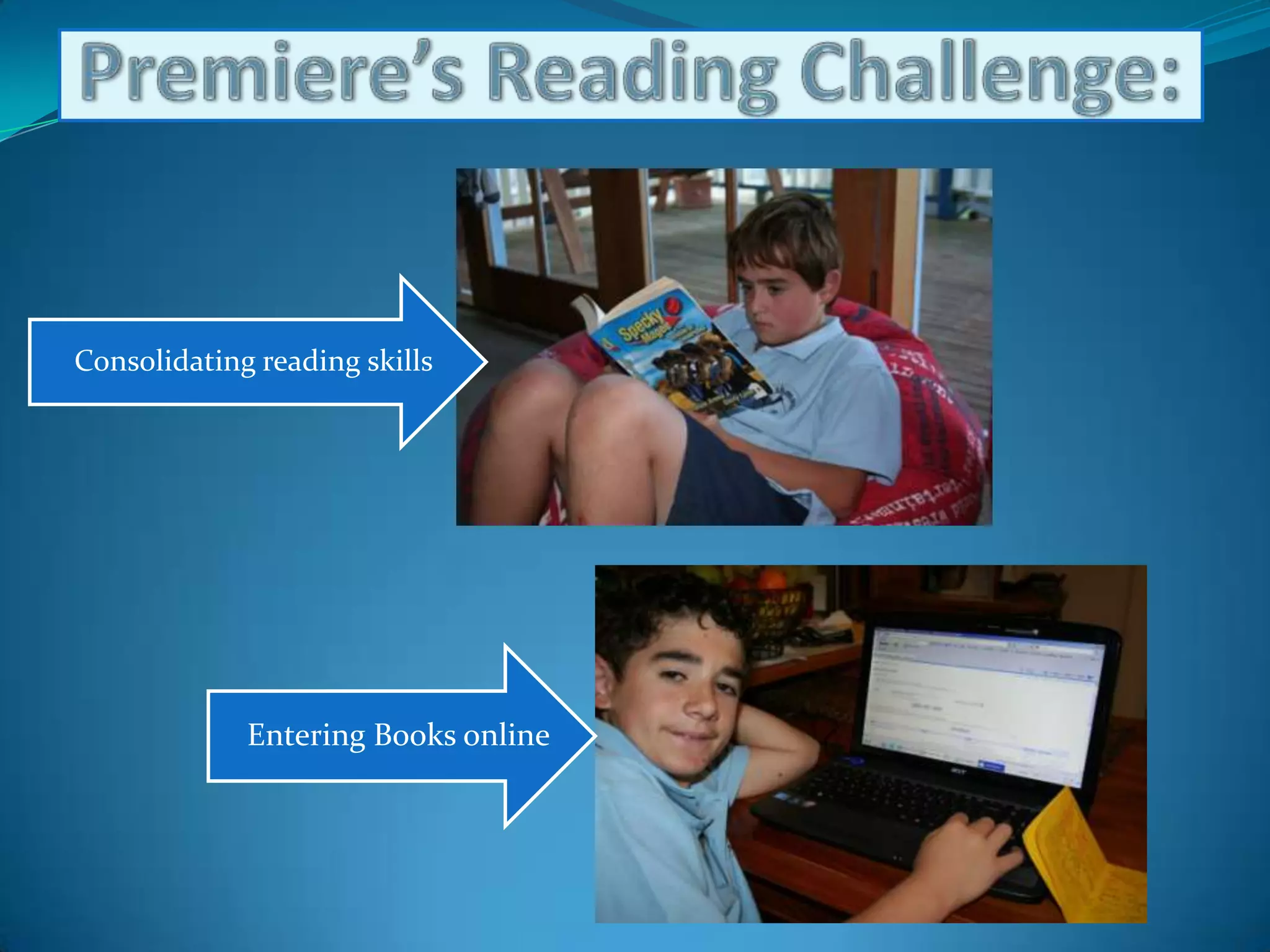
    provides detailsabout how many students and teachers are at the schoolPremiere’s Reading Challenge :Is a website that can be accessed via the internet. It is mainly used by teachers and students
  • 26.
    Premiere’s Reading Challenge:http://www.education.vic.gov.au/prc/allows students to register as a challenger and keep a record of your reading on the website. This is usually set up by the school
  • 27.
    is open toall Victorian prep to year 10 students
  • 28.
    studentswill set their own reading targets (to be achieved over three school terms) by reference to the targets set for their year level
  • 29.
    book lists for each year level are available on the website. They are printable as well
  • 30.
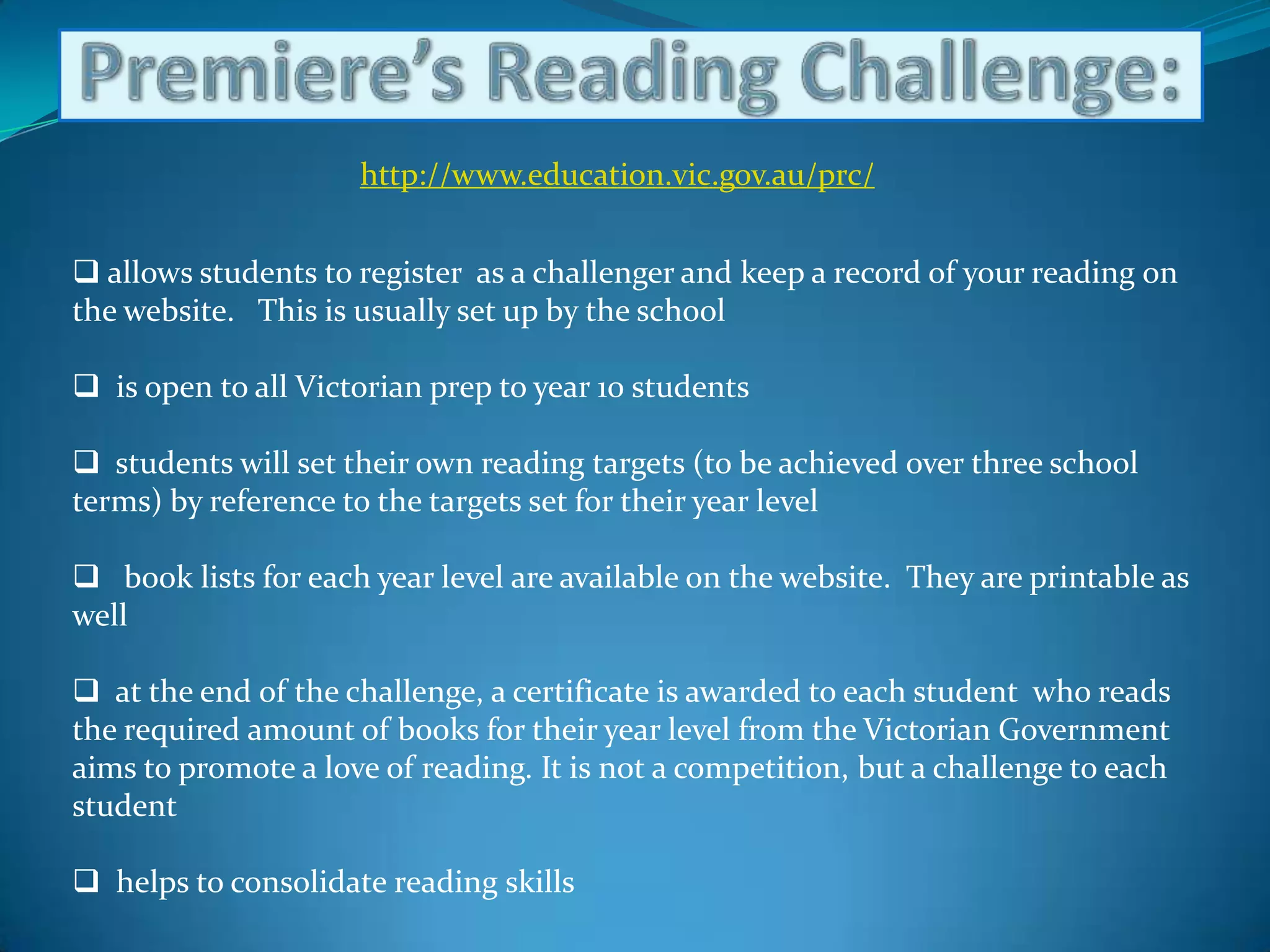
    atthe end of the challenge, a certificate is awarded to each student who reads the required amount of books for their year level from the Victorian Government aims to promote a love of reading. It is not a competition, but a challenge to each student
  • 31.
    helpsto consolidate reading skillsPremiere’s Reading Challenge:
  • 32.
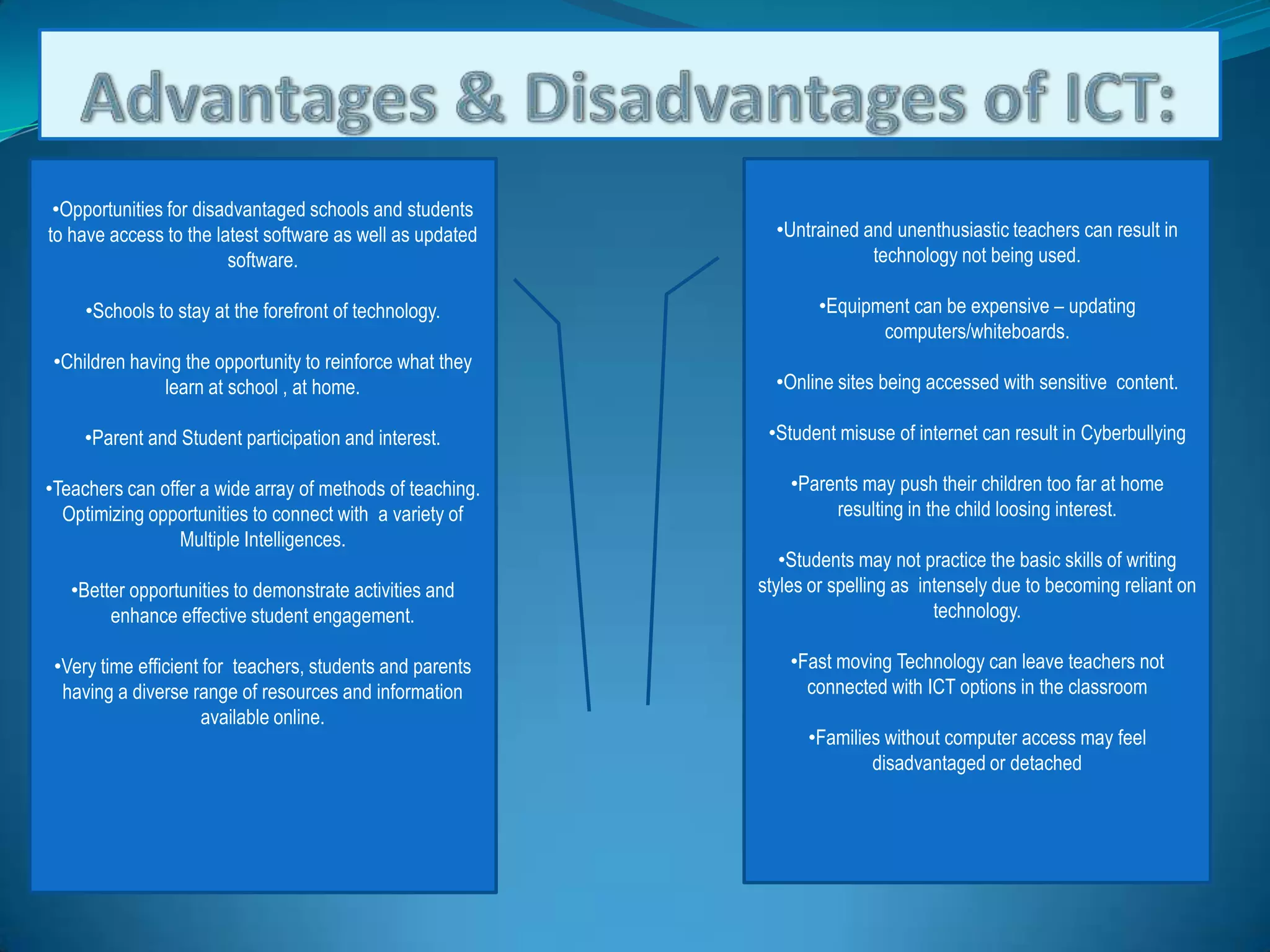
    Advantages & Disadvantagesof ICT:Untrained and unenthusiastic teachers can result in technology not being used.
  • 33.
    Equipment can beexpensive – updating computers/whiteboards.
  • 34.
    Online sites beingaccessed with sensitive content.
  • 35.
    Student misuse ofinternet can result in Cyberbullying
  • 36.
    Parents may pushtheir children too far at home resulting in the child loosing interest.
  • 37.
    Students may notpractice the basic skills of writing styles or spelling as intensely due to becoming reliant on technology.
  • 38.
    Fast moving Technologycan leave teachers not connected with ICT options in the classroom
  • 39.
    Families without computeraccess may feel disadvantaged or detached
  • 40.
    Opportunities for disadvantagedschools and students to have access to the latest software as well as updated software.
  • 41.
    Schools to stayat the forefront of technology.
  • 42.
    Children having theopportunity to reinforce what they learn at school , at home.
  • 43.
    Parent and Studentparticipation and interest.
  • 44.
    Teachers can offera wide array of methods of teaching. Optimizing opportunities to connect with a variety of Multiple Intelligences.
  • 45.
    Better opportunities todemonstrate activities and enhance effective student engagement.
  • 46.
    Very time efficientfor teachers, students and parents having a diverse range of resources and information available online.References: Overport Primary School 2010, viewed 20 March 2010http://www.overport-ps.vic.edu.au/text/as65.htmPremier’ s Reading challenge 2010, viewed 15 March 2010http://www.education.vic.gov.au/prc/Classroom - Interactive Lesson Plans and Teaching Resources on Promethean Planet HQ 2009, viewed 1st May 2010http://www.youtube.com/watch?v=1JdG5U8Uwhg&feature=relatedMy School Website 2010, viewed 11 March 2010http://www.myschool.edu.au/www.thelearningfederation.com.auPhoto on slide 16 by Lisa Scotti.