





Beyond
 Homework Help


               Using the
               Internet to
              support your
                  child

T. D’Amico, OCSB
Discover at least one new
Learning Goal   site/tool that will help your
                child learn
If you drop your child off at
    the library – will they
     necessarily learn ?
Devices alone are not the
        answer
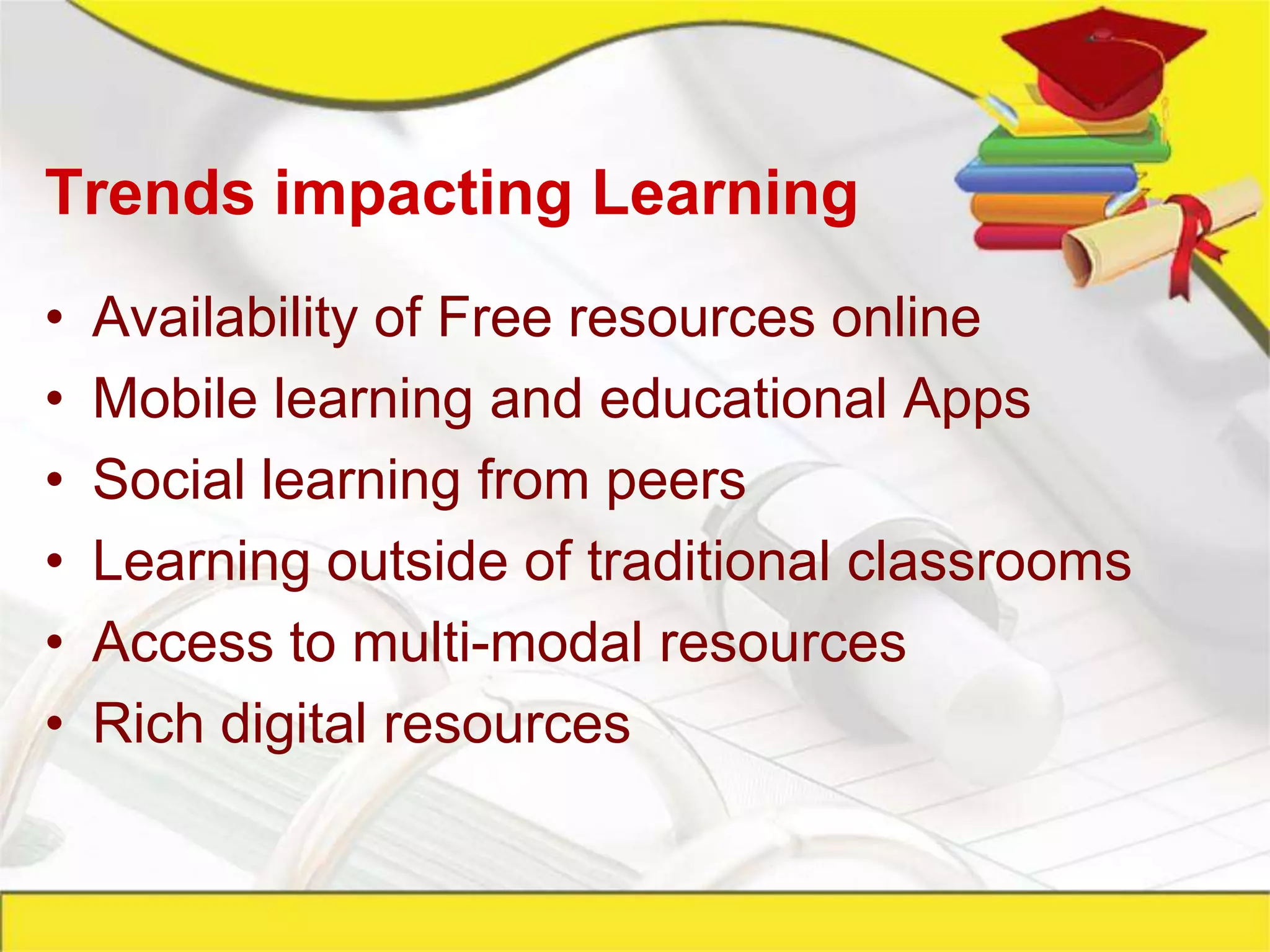
Trends impacting Learning
•   Availability of Free resources online
•   Mobile learning and educational Apps
•   Social learning from peers
•   Learning outside of traditional classrooms
•   Access to multi-modal resources
•   Rich digital resources
Digital Native does not mean Digital Learner
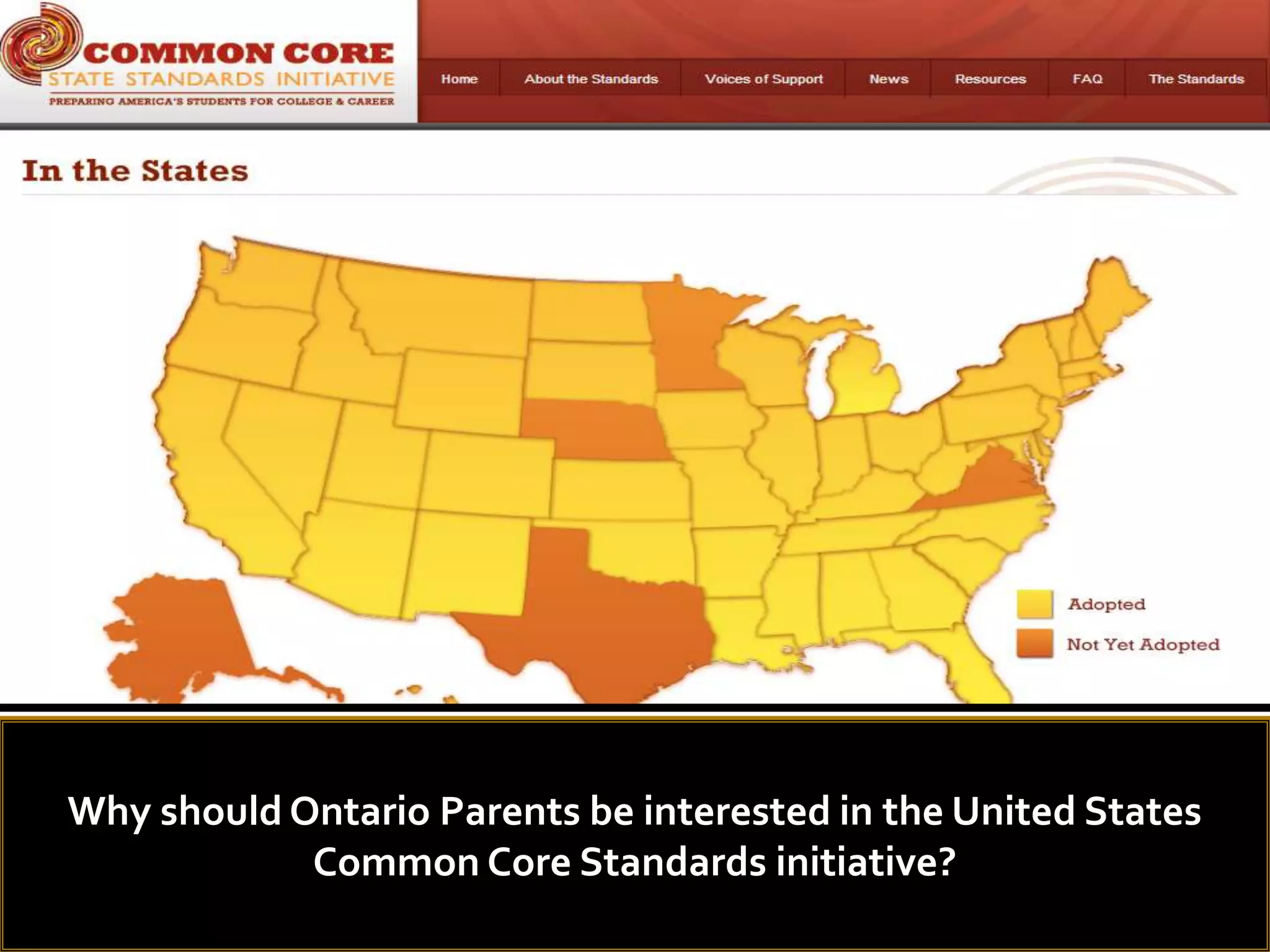
Why should Ontario Parents be interested in the United States
            Common Core Standards initiative?
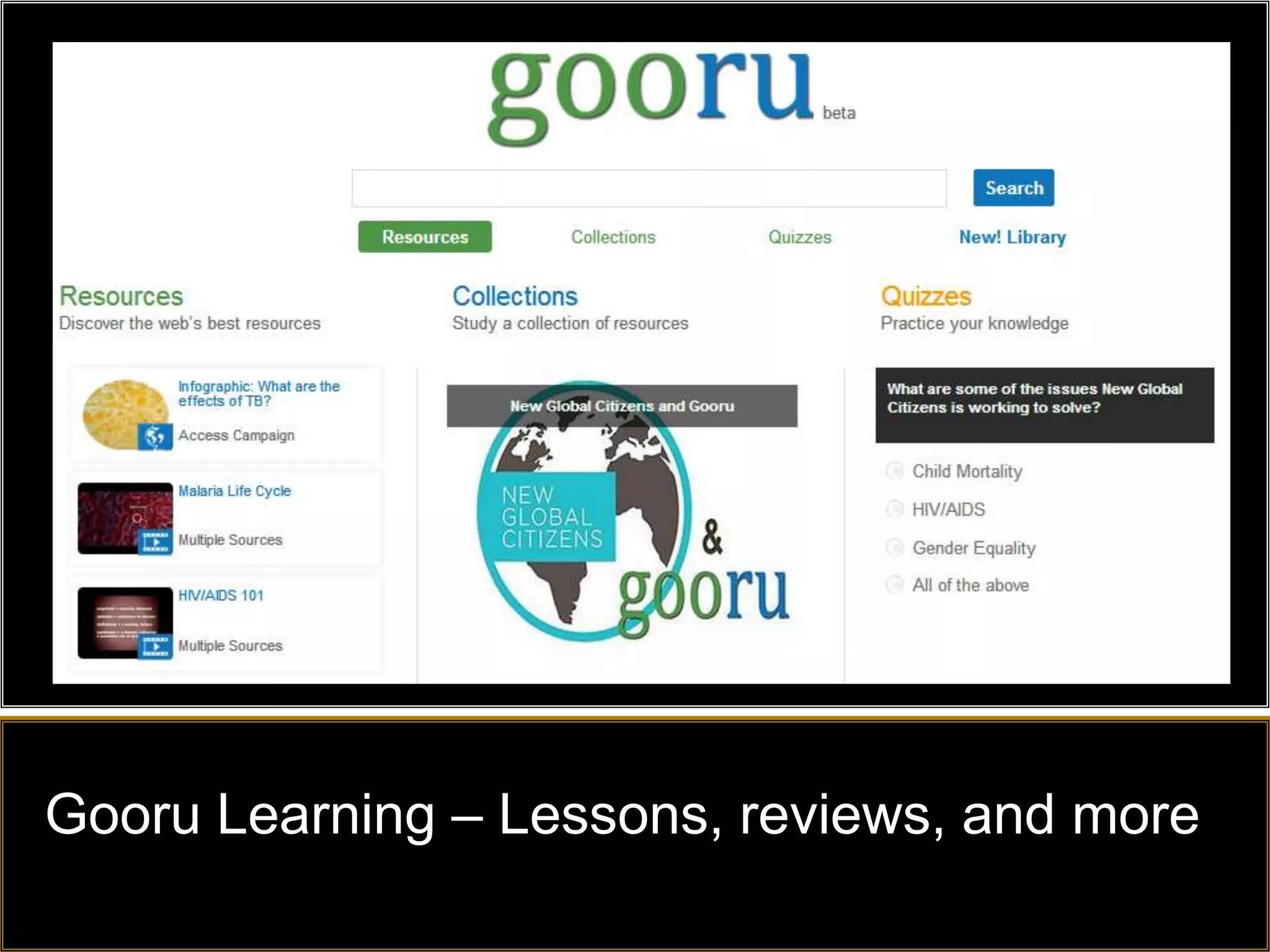
Gooru Learning – Lessons, reviews, and more
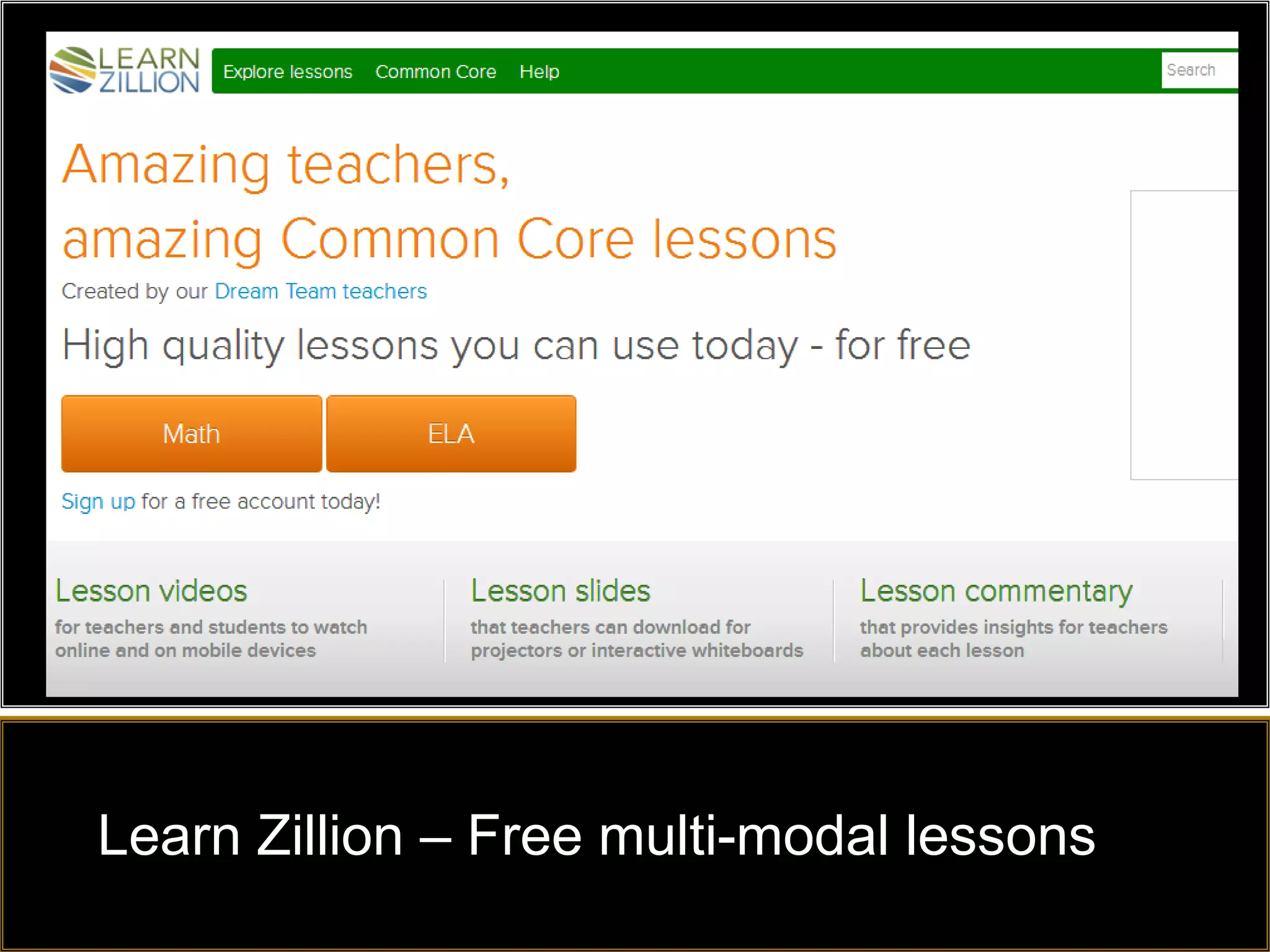
Learn Zillion – Free multi-modal lessons
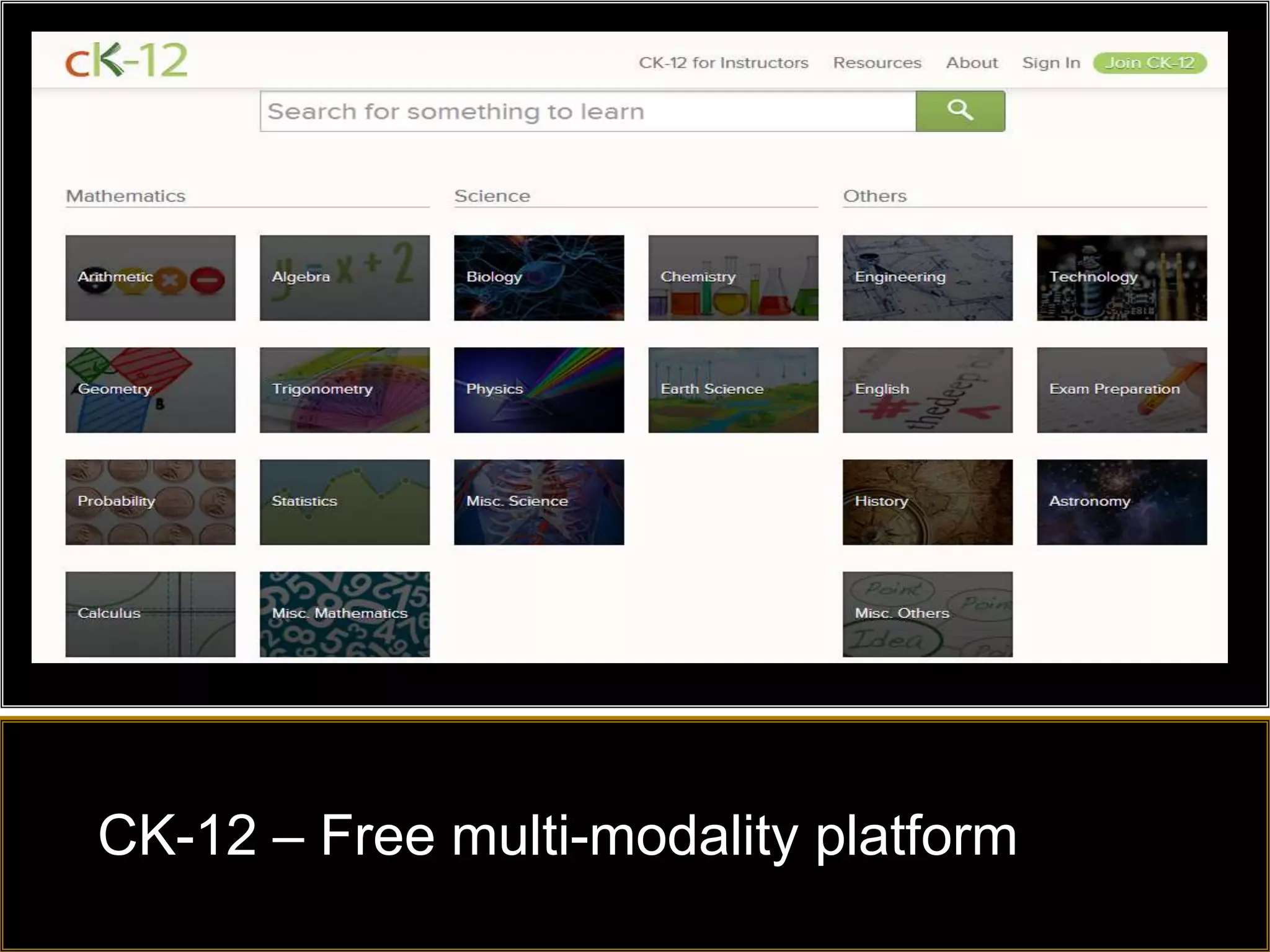
CK-12 – Free multi-modality platform
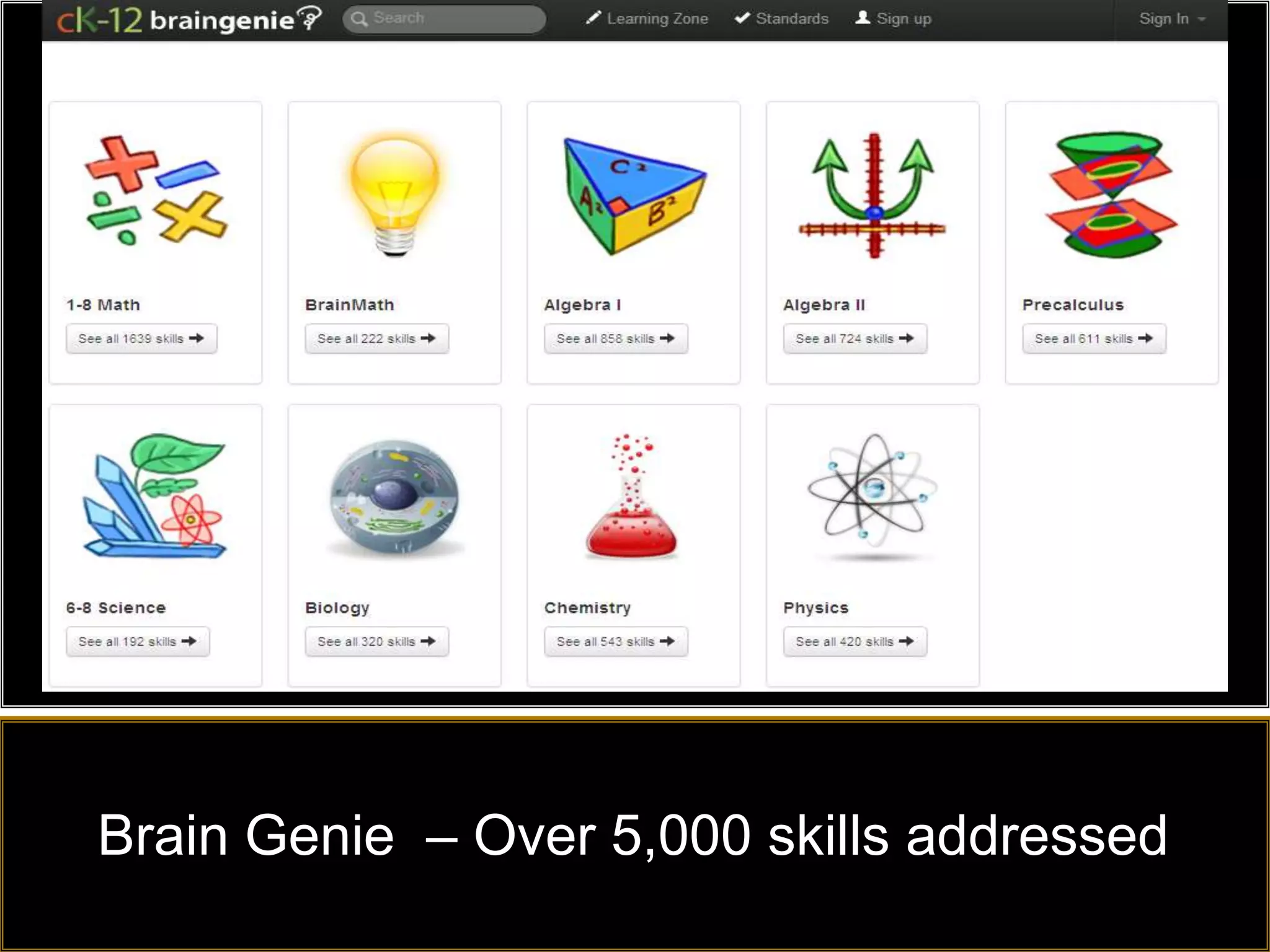
Brain Genie – Over 5,000 skills addressed
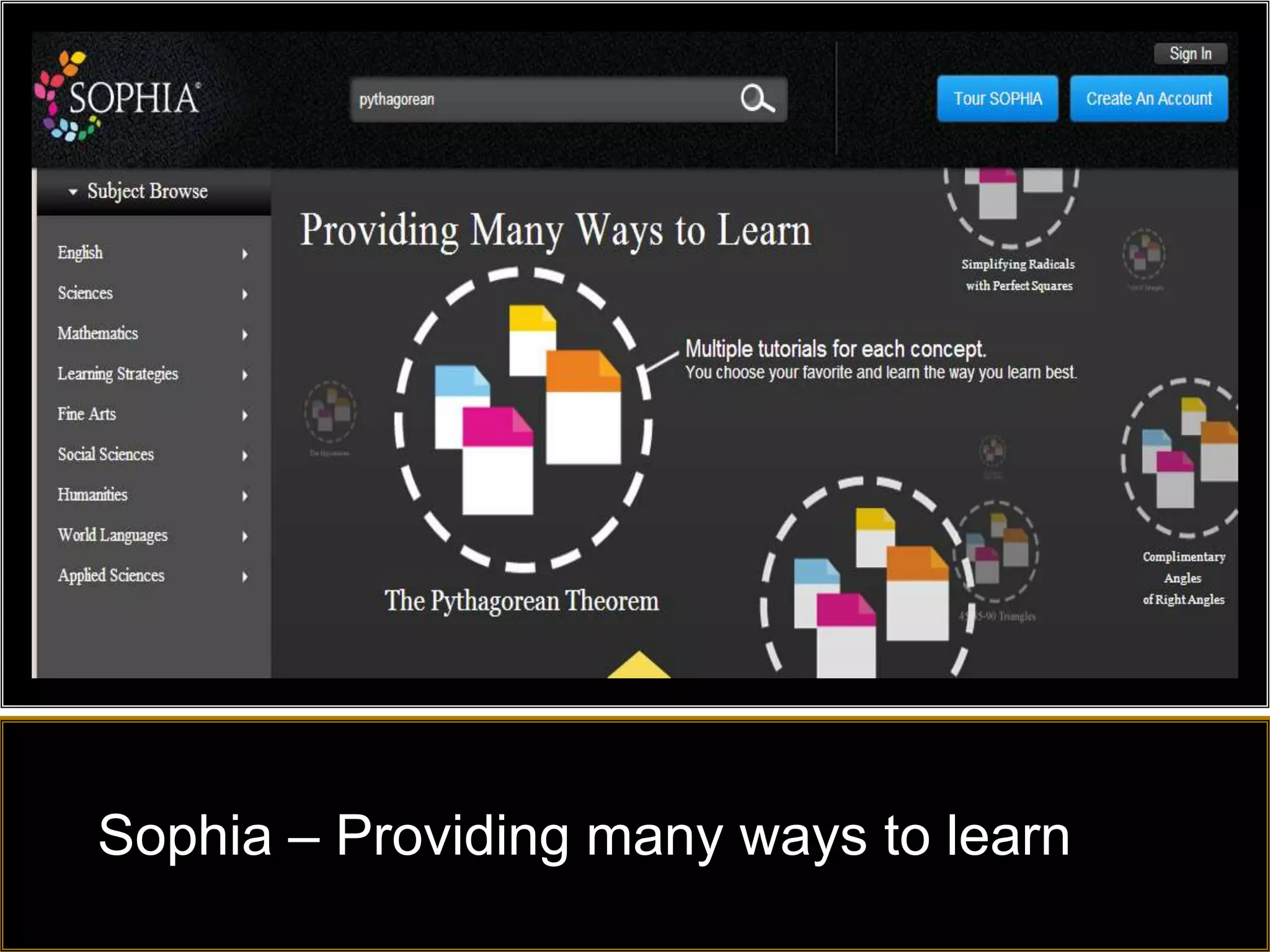
Sophia – Providing many ways to learn
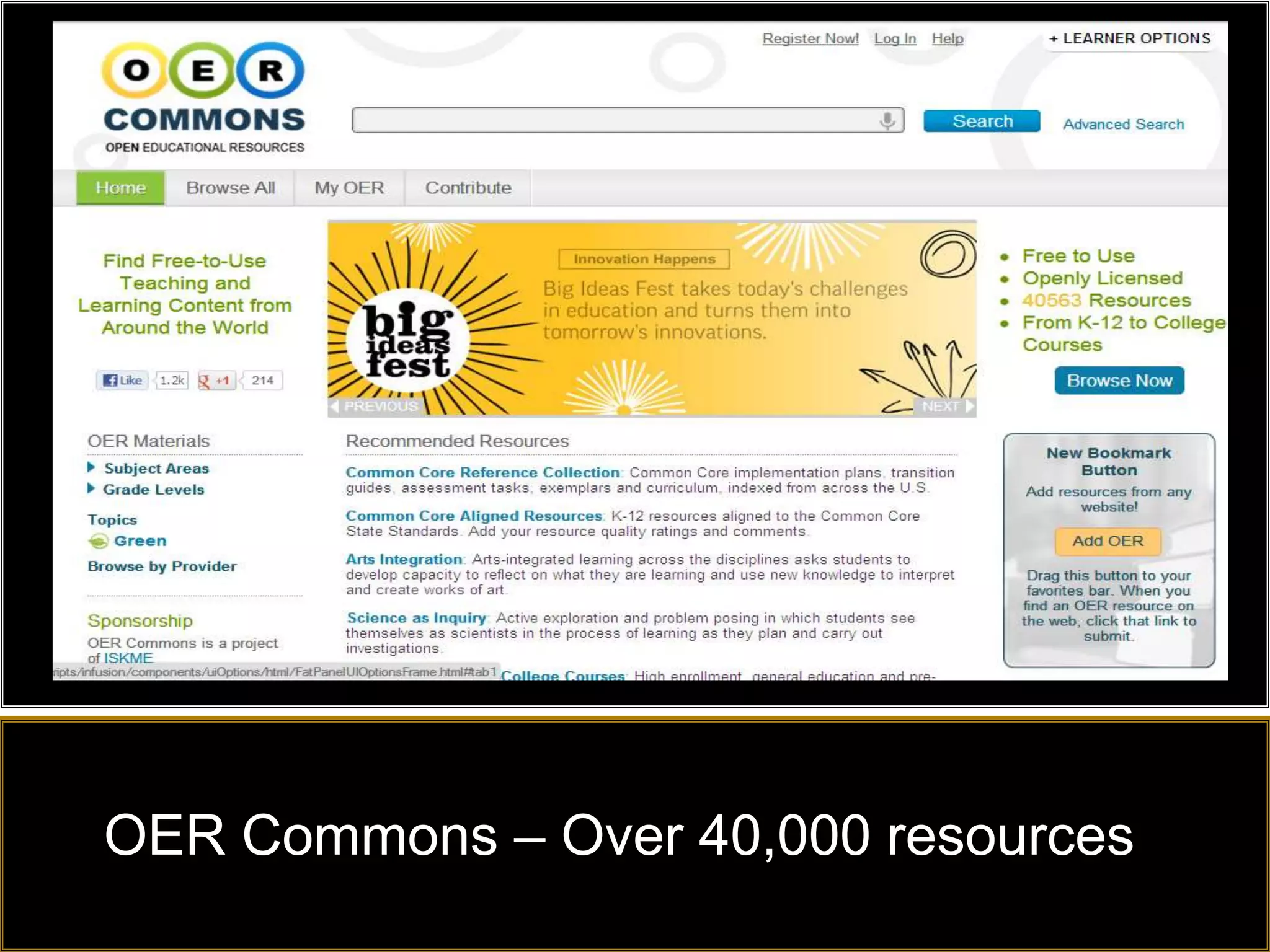
OER Commons – Over 40,000 resources
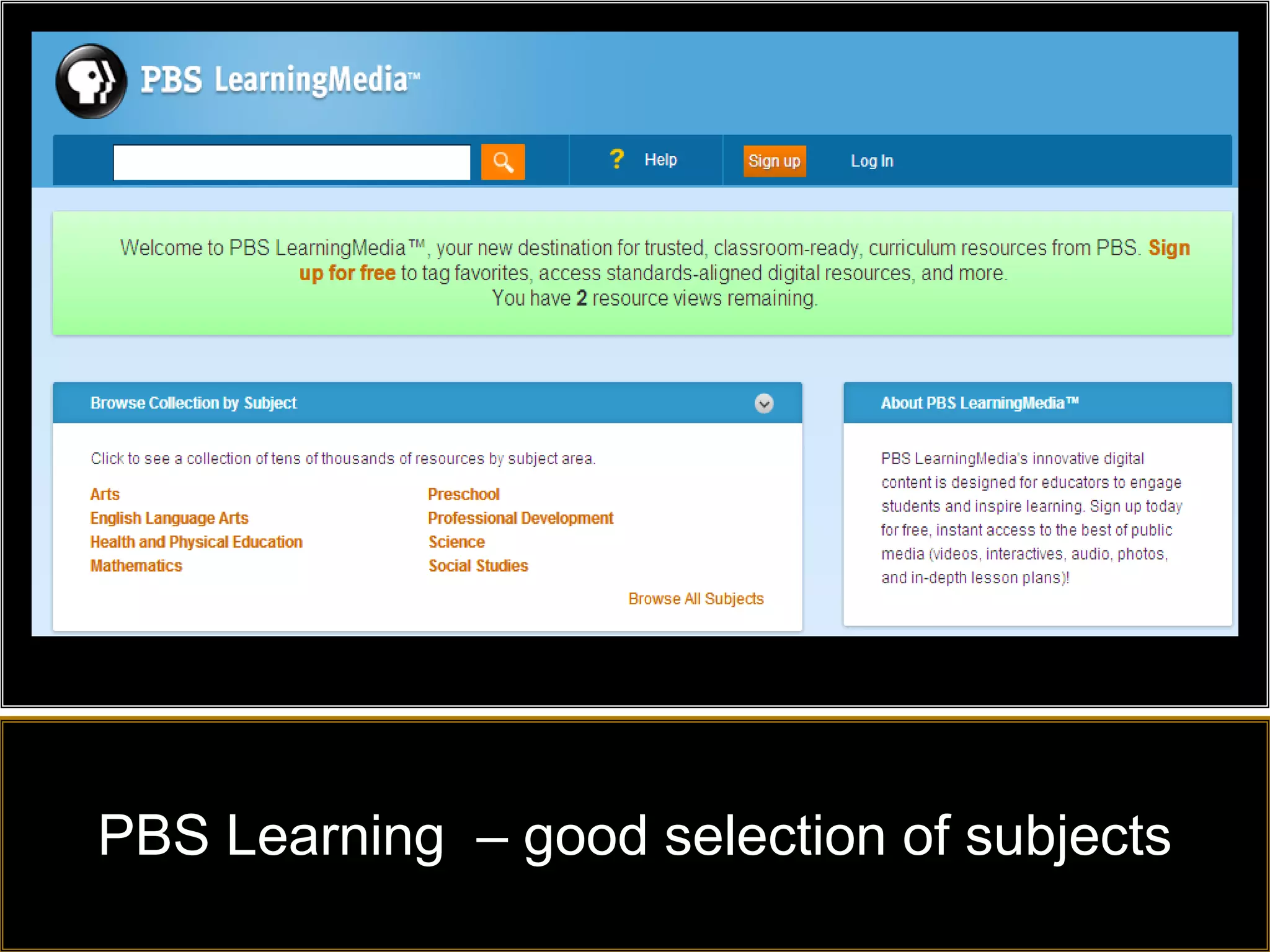
PBS Learning – good selection of subjects
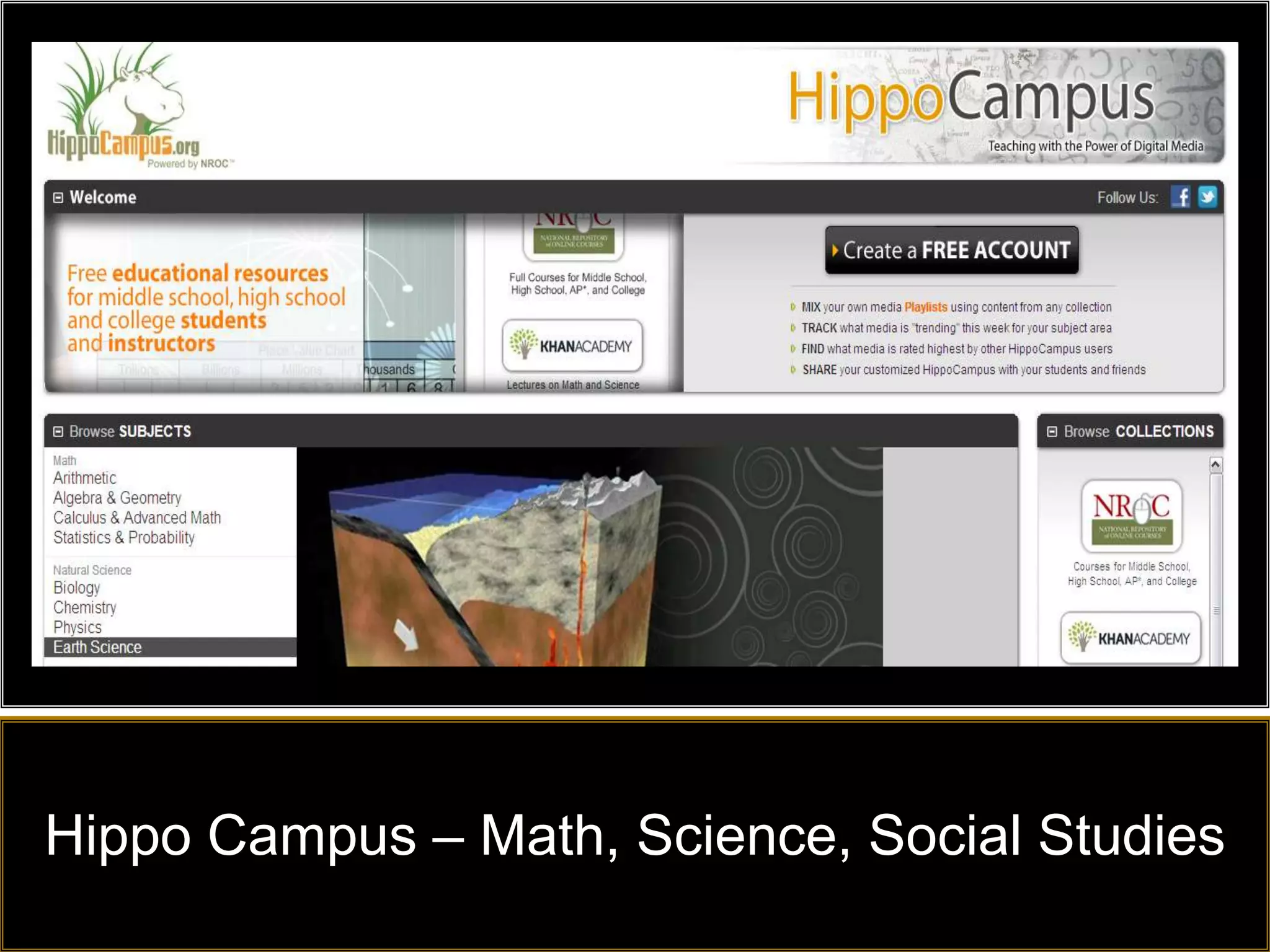
Hippo Campus – Math, Science, Social Studies
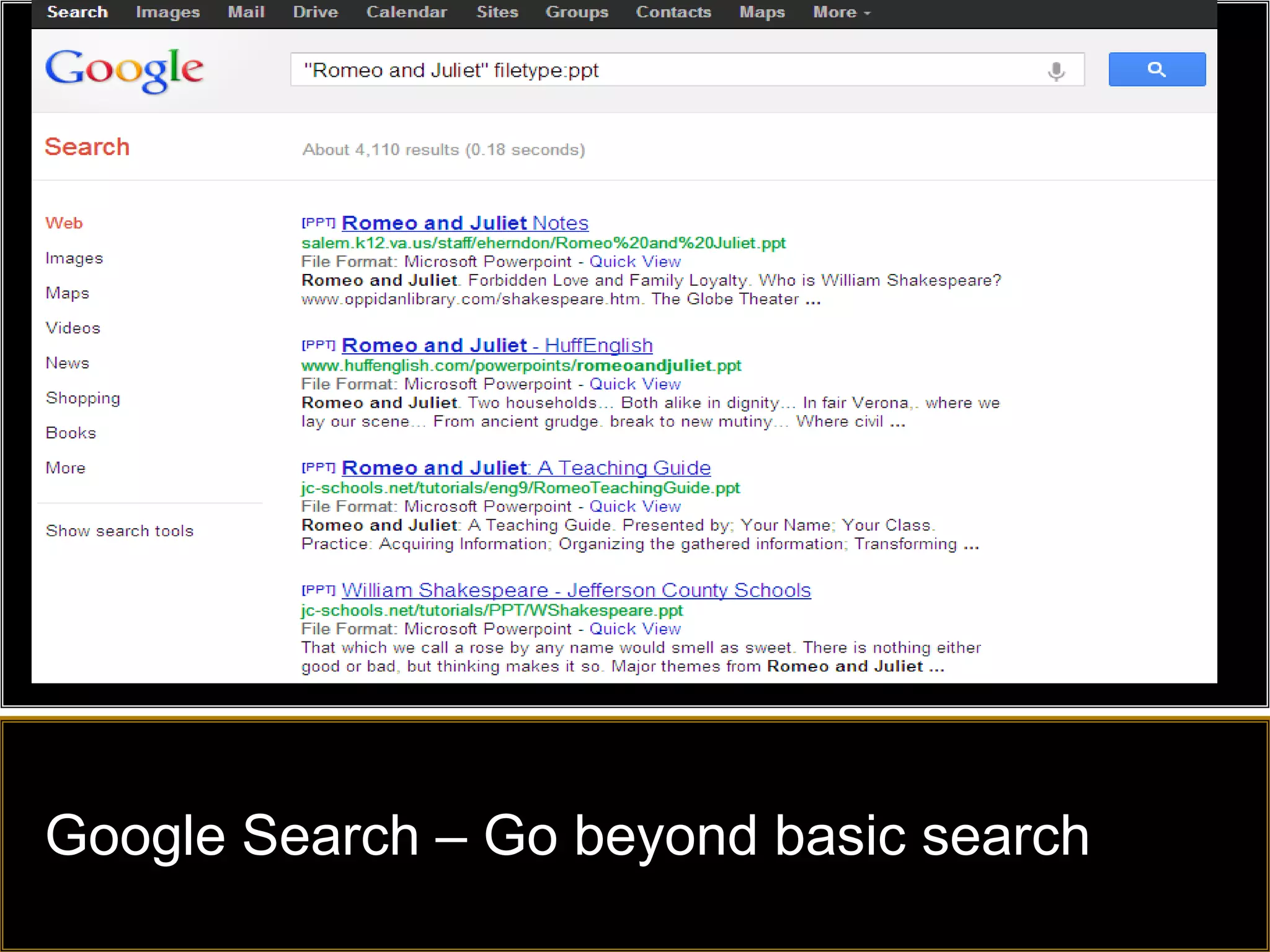
Google Search – Go beyond basic search
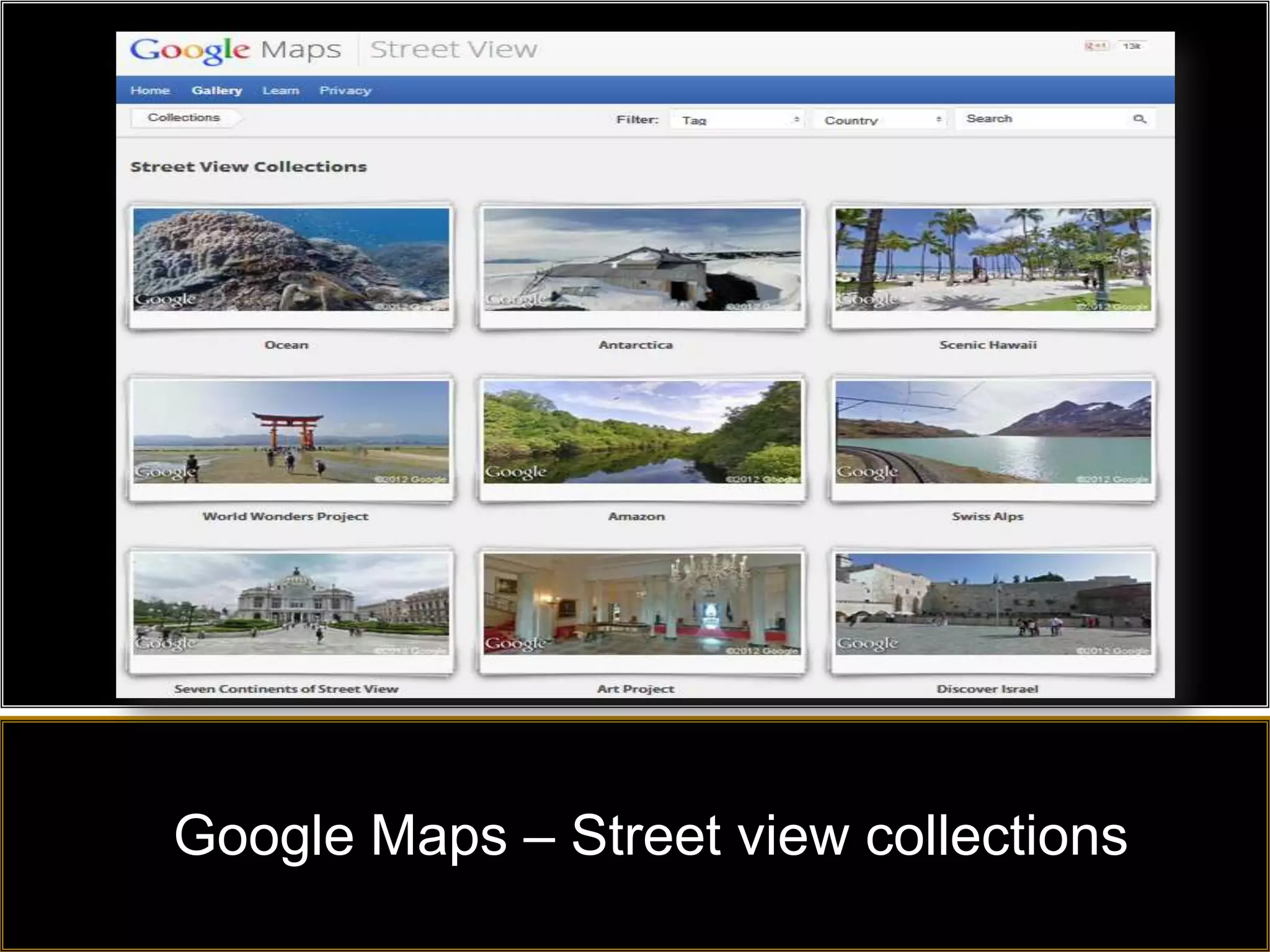
Google Maps – Street view collections
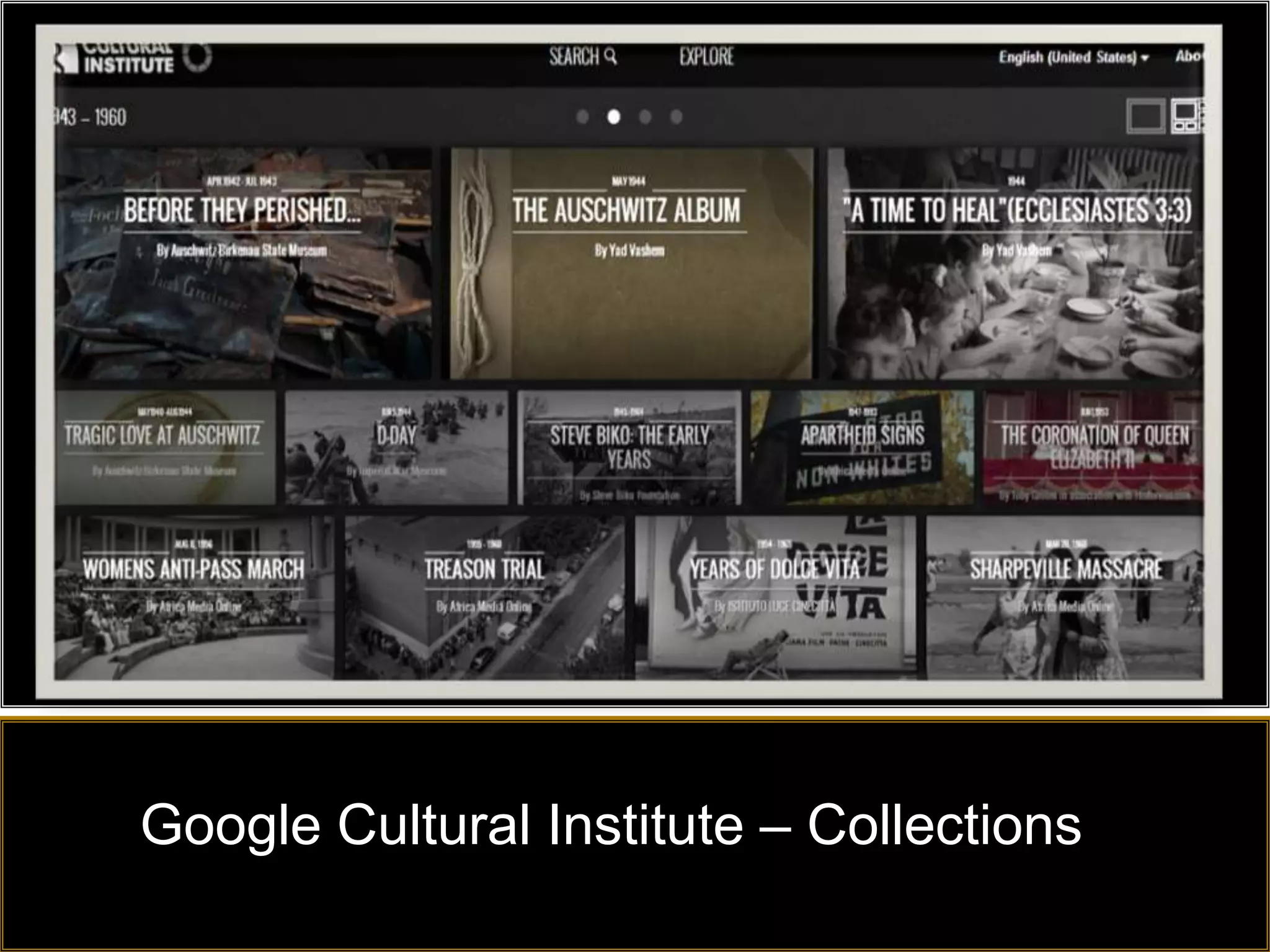
Google Cultural Institute – Collections
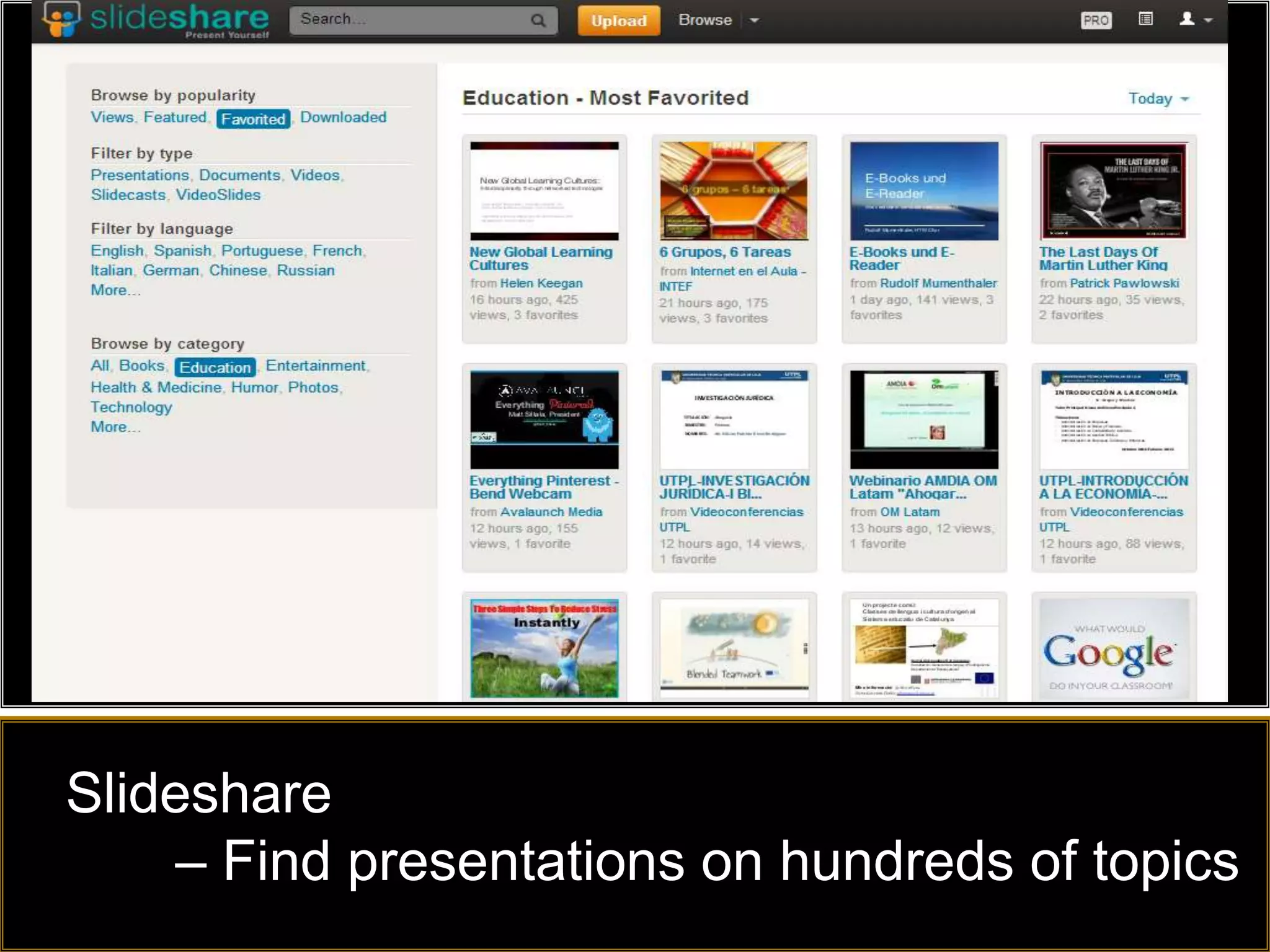
Slideshare
    – Find presentations on hundreds of topics
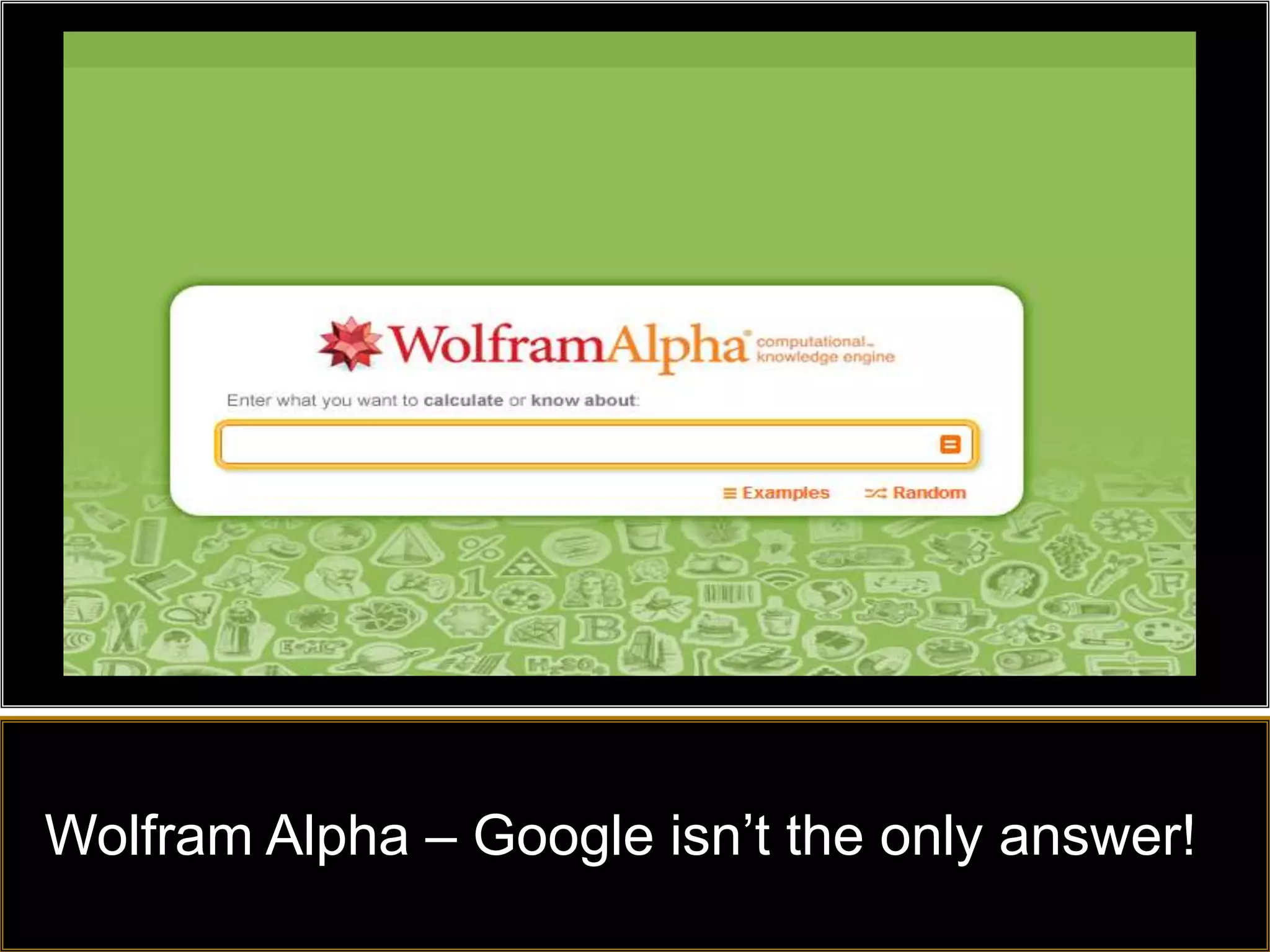
Wolfram Alpha – Google isn’t the only answer!
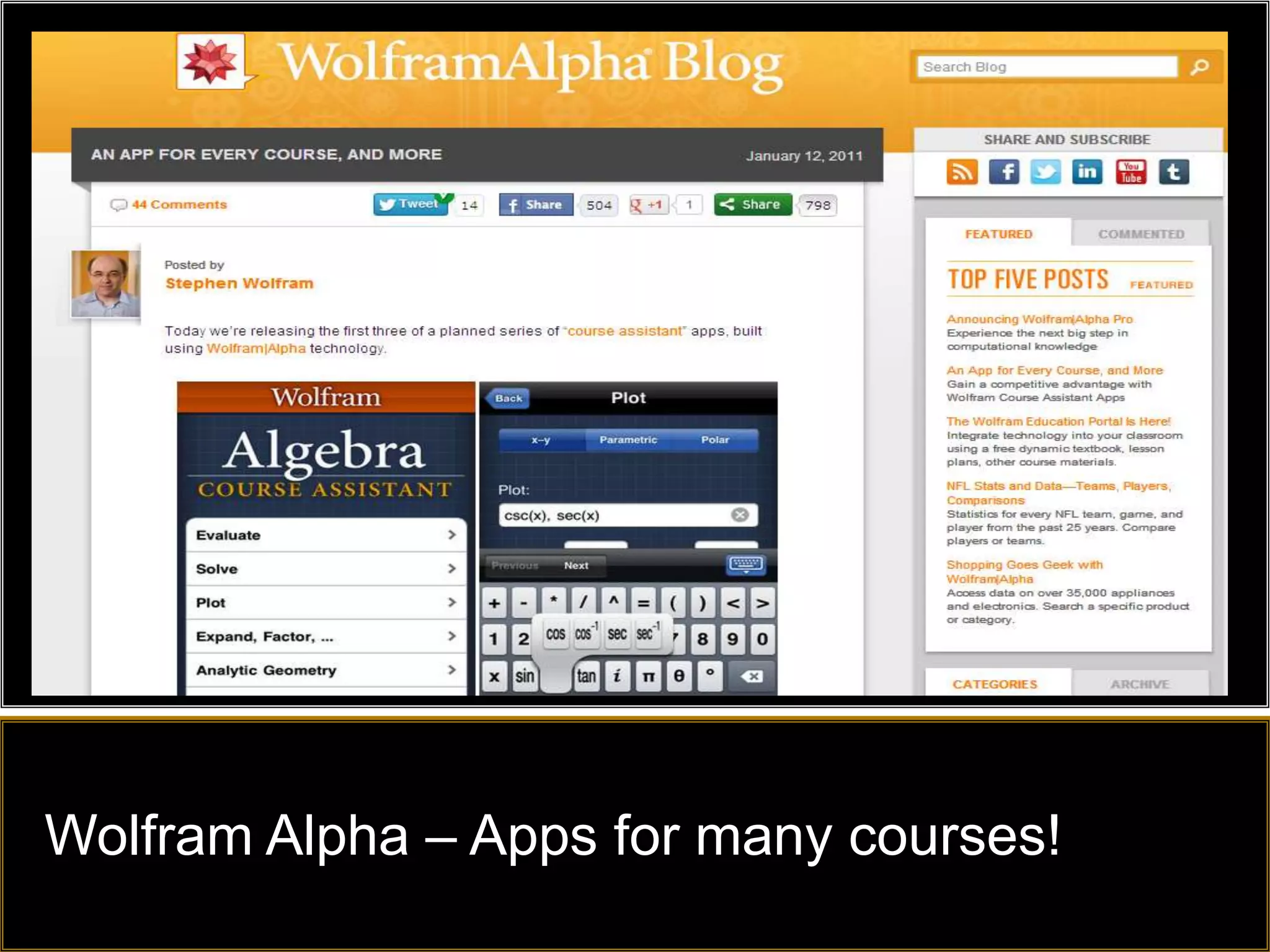
Wolfram Alpha – Apps for many courses!
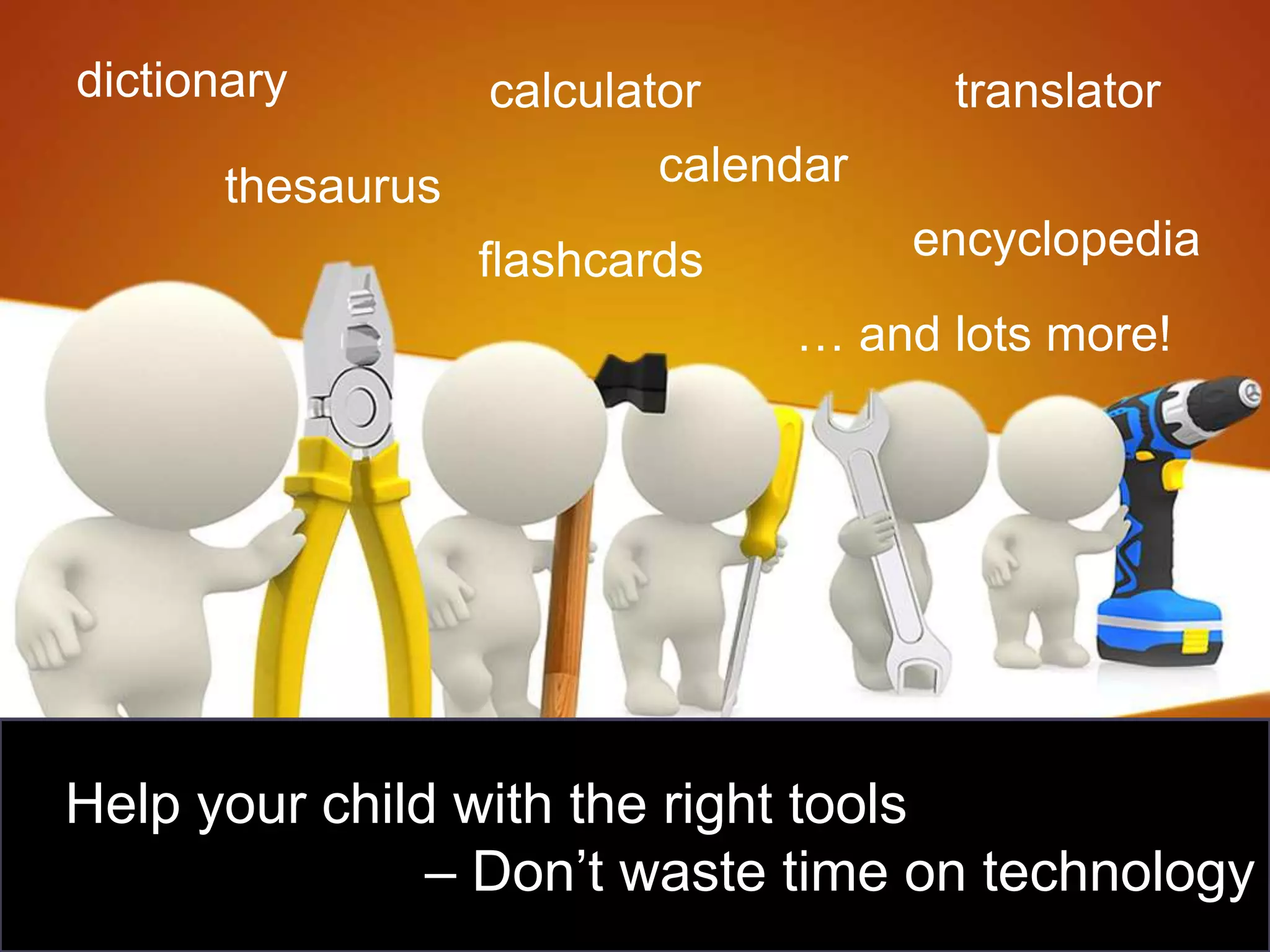
dictionary         calculator          translator
       thesaurus           calendar
                   flashcards         encyclopedia
                                … and lots more!


Help your child with the right tools
               – Don’t waste time on technology
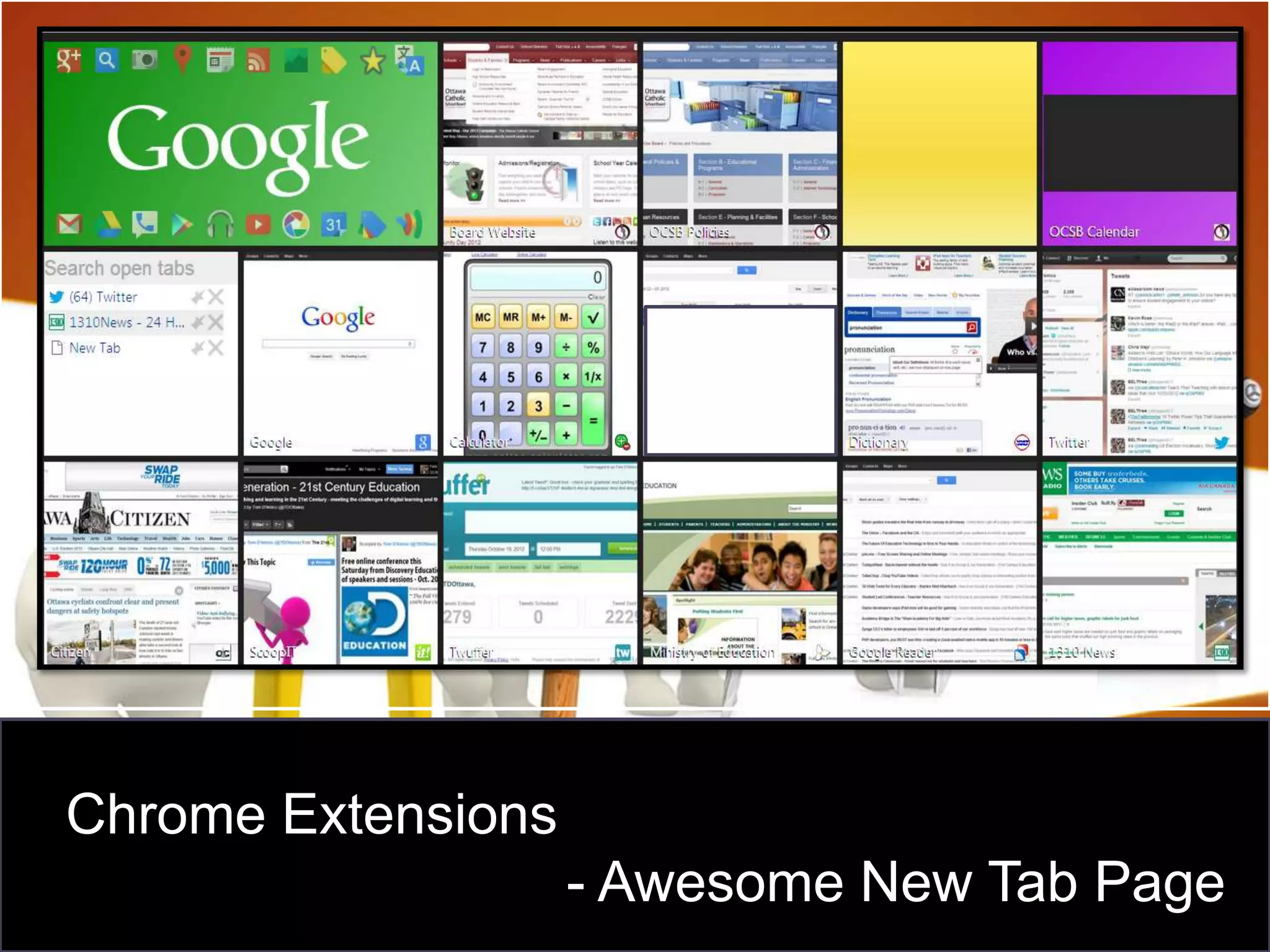
Chrome Extensions
                    - Awesome New Tab Page
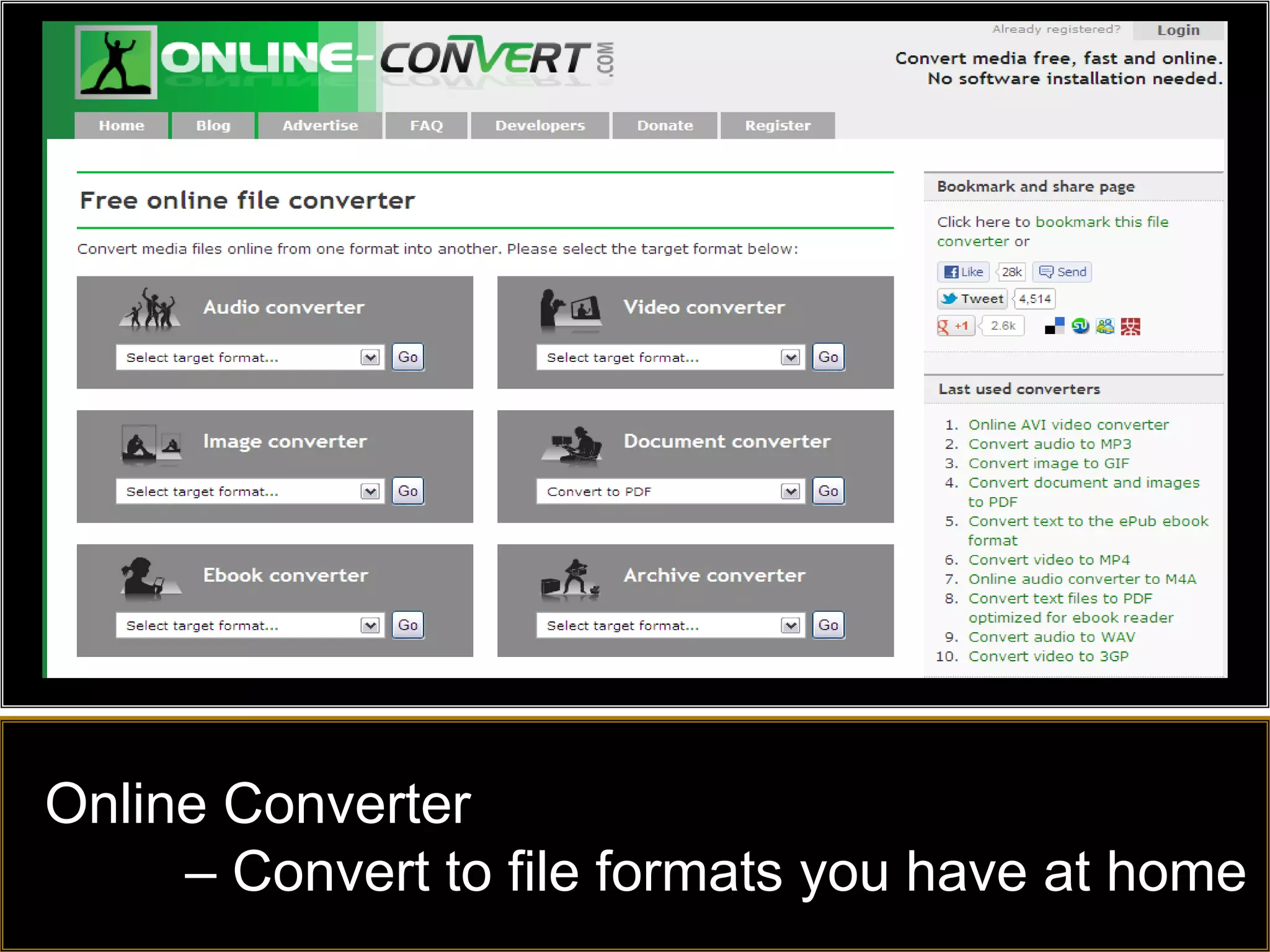
Online Converter
     – Convert to file formats you have at home
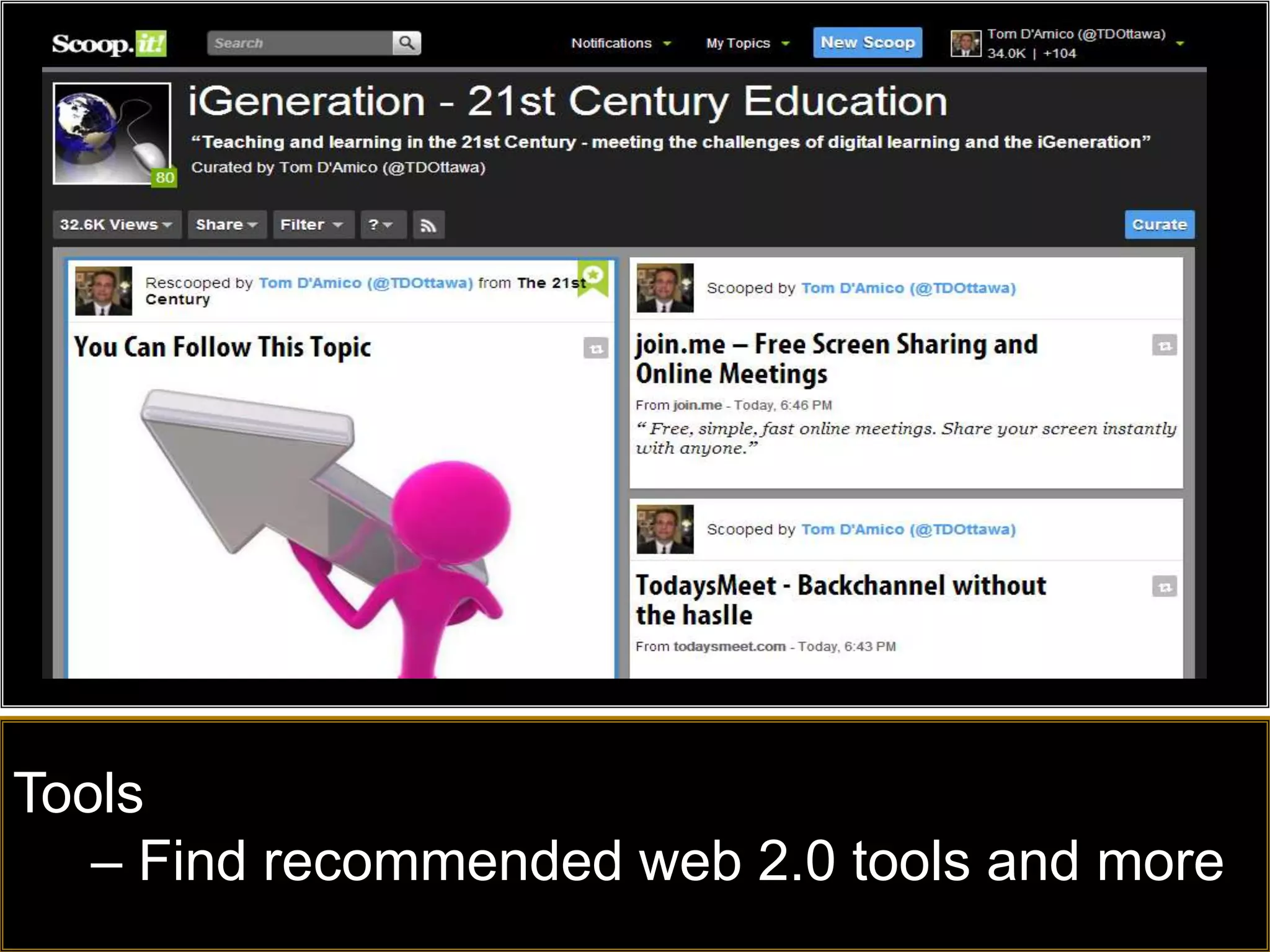
Tools
   – Find recommended web 2.0 tools and more
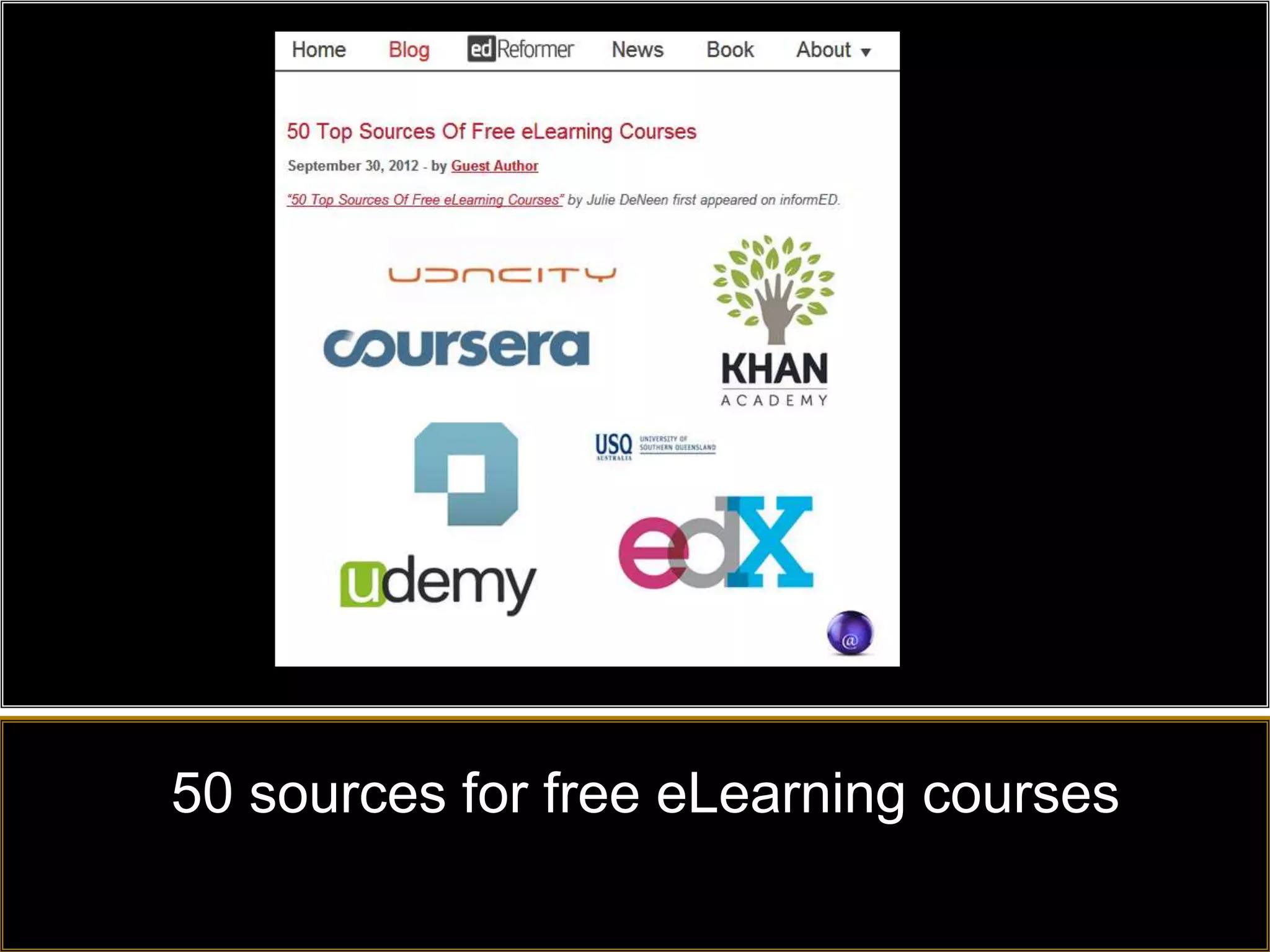
50 sources for free eLearning courses
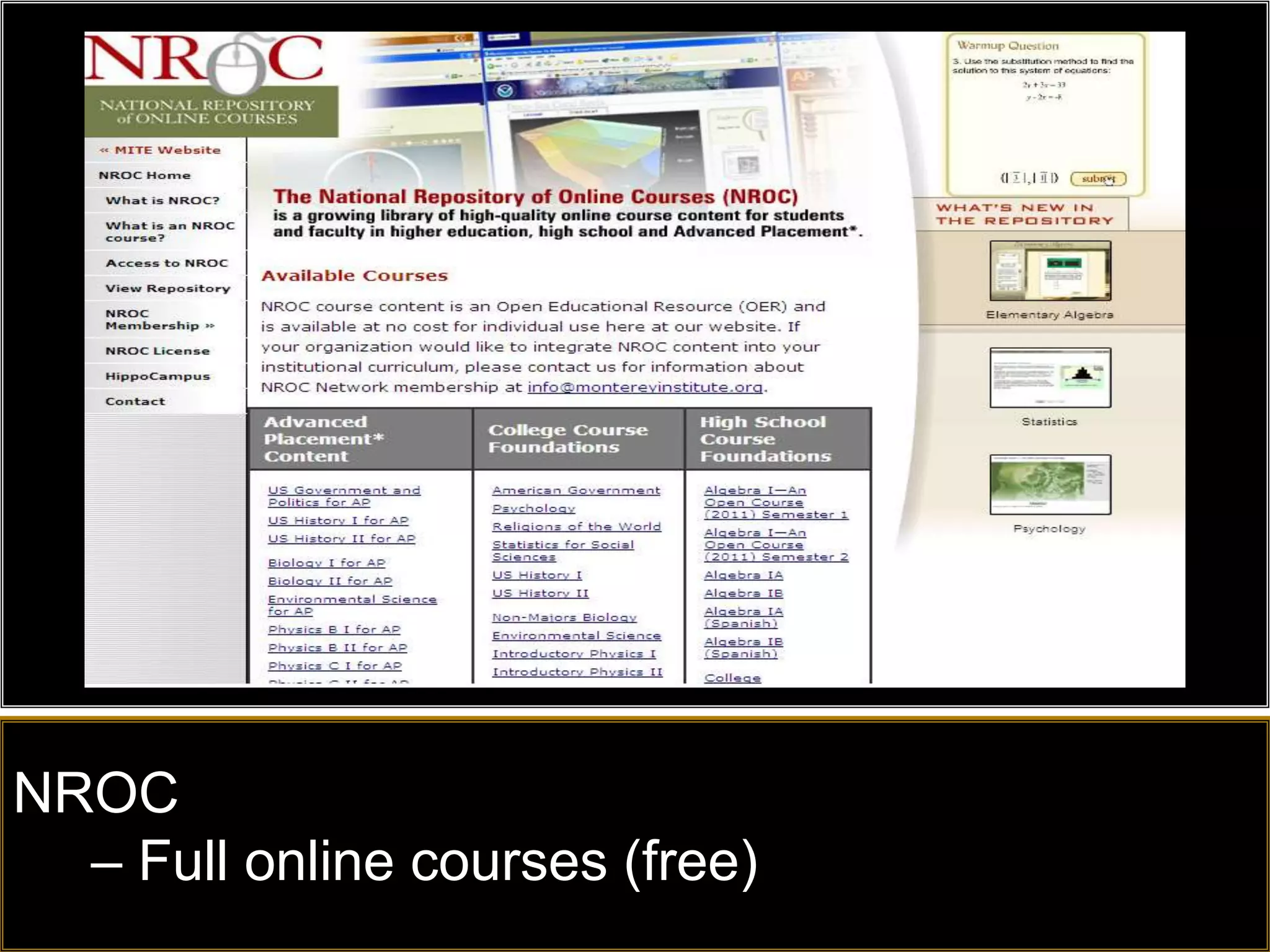
NROC
  – Full online courses (free)
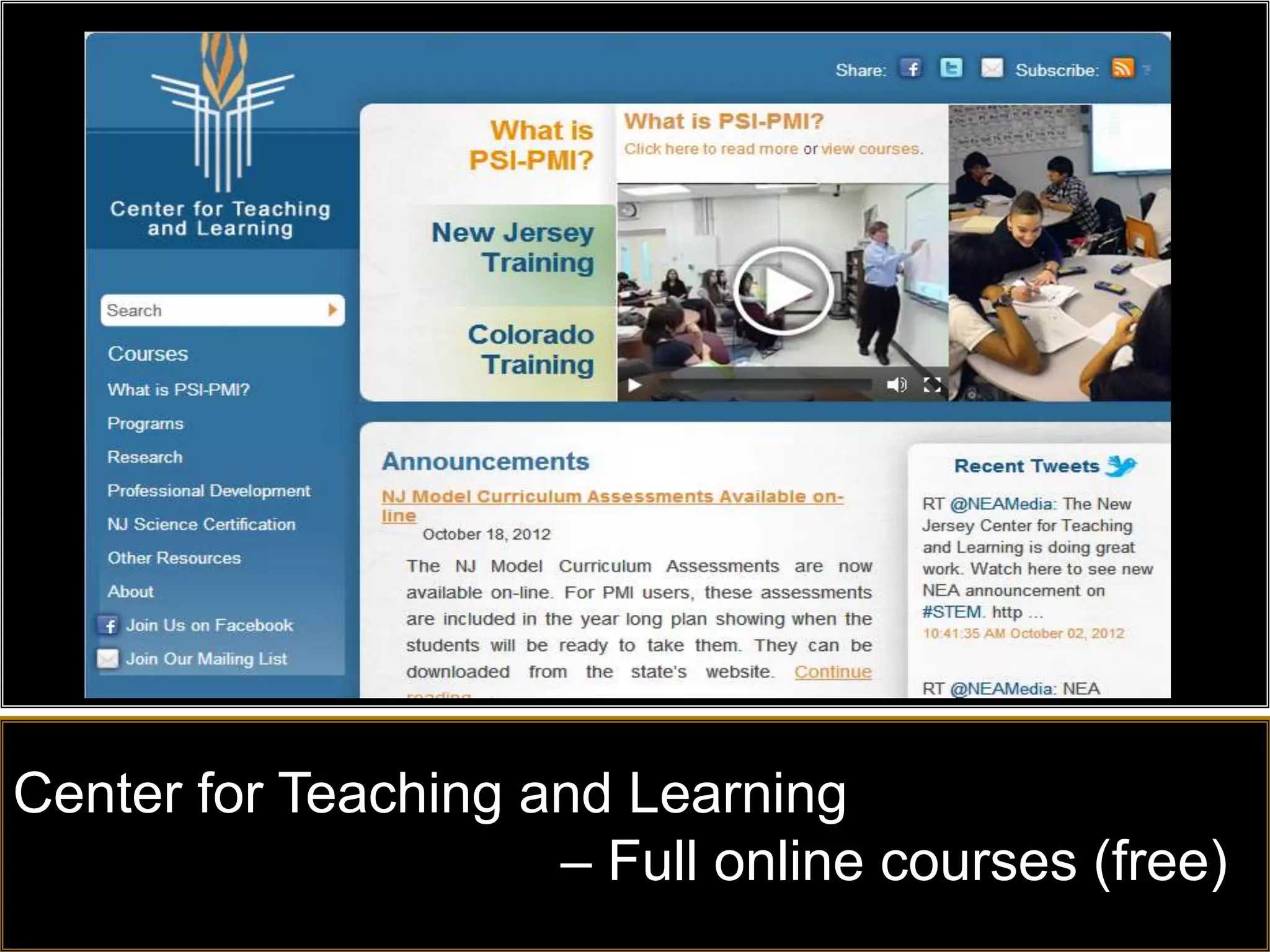
Center for Teaching and Learning
                     – Full online courses (free)
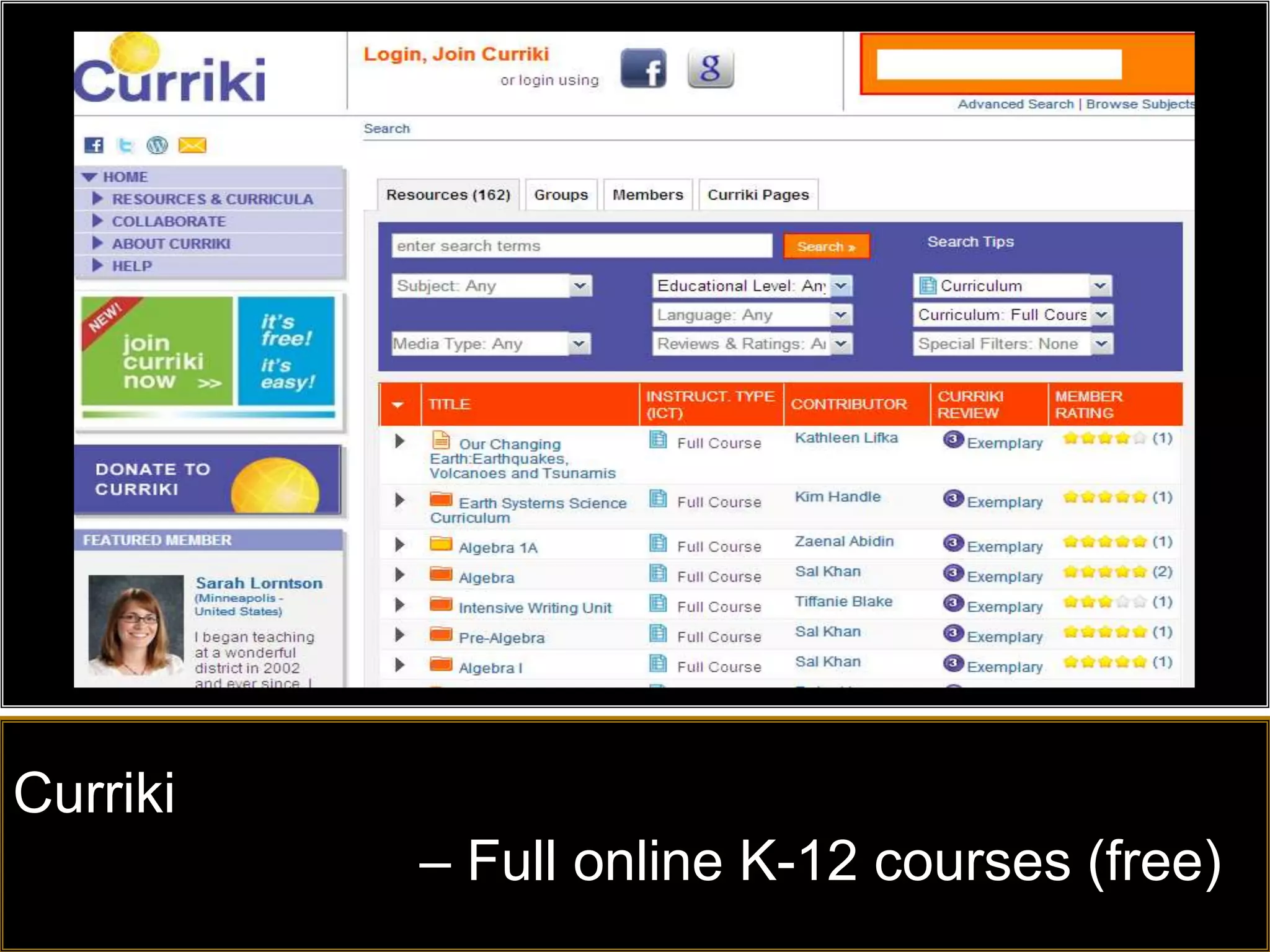
Curriki
          – Full online K-12 courses (free)
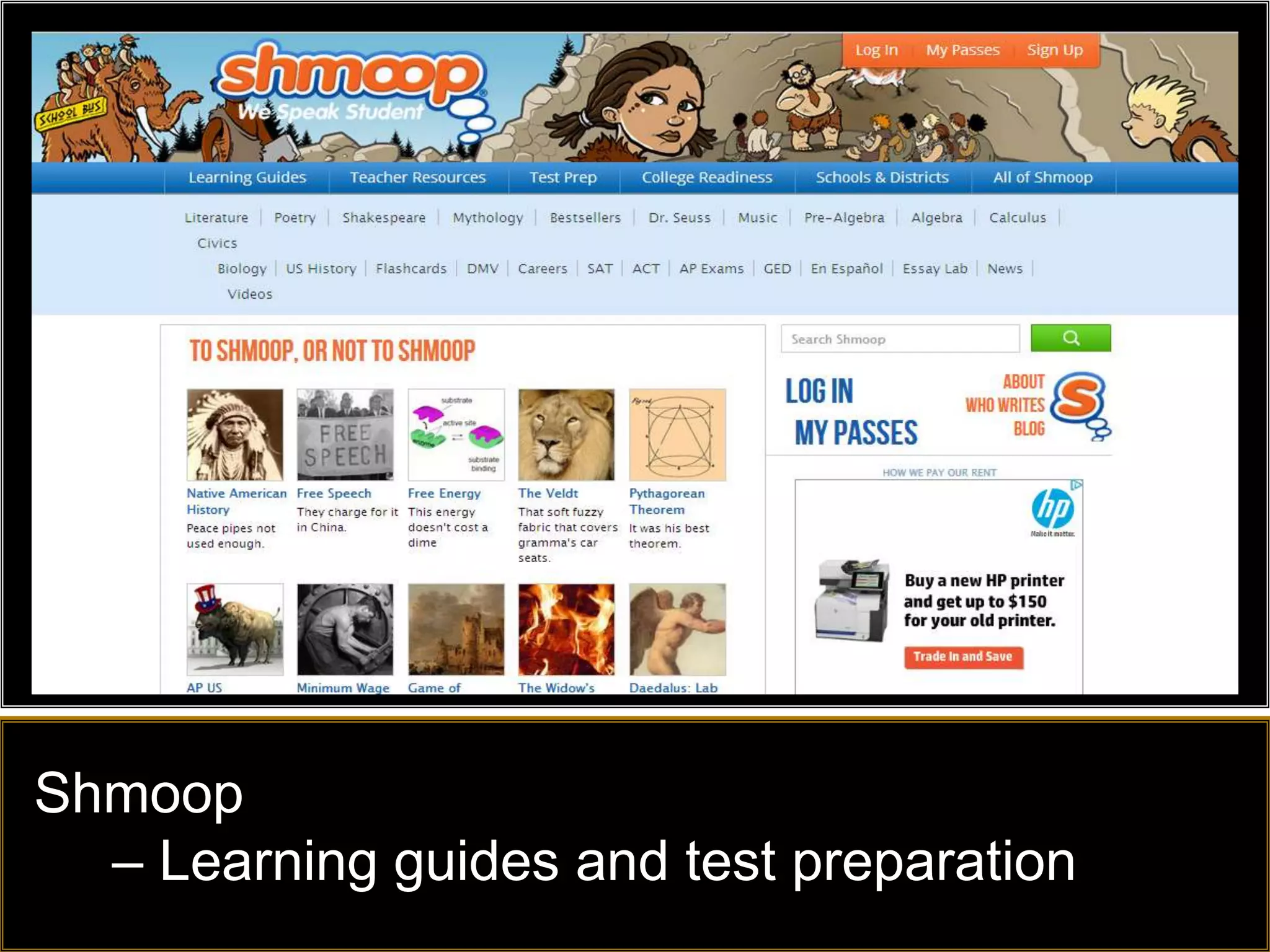
Shmoop
  – Learning guides and test preparation
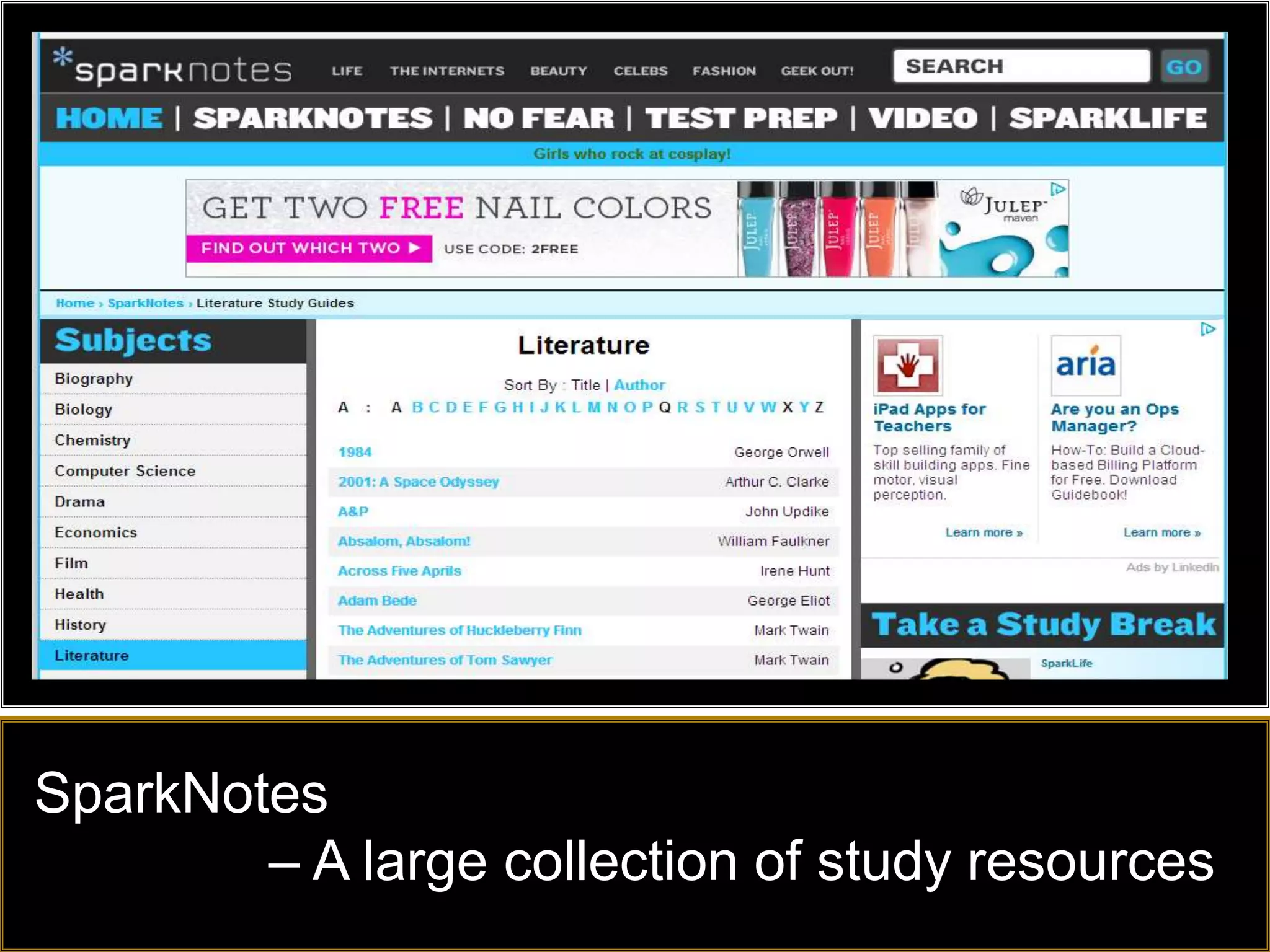
SparkNotes
        – A large collection of study resources
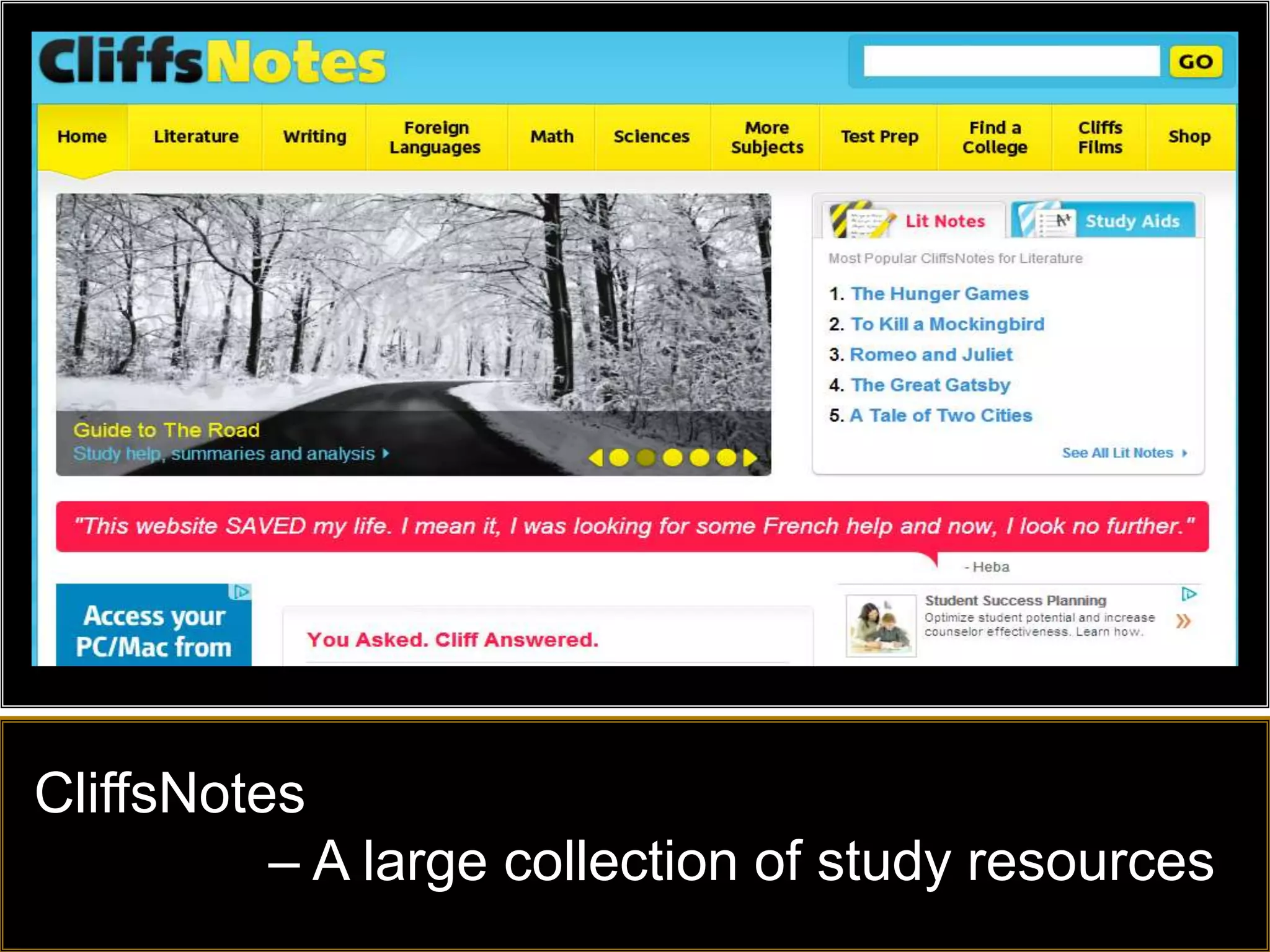
CliffsNotes
          – A large collection of study resources
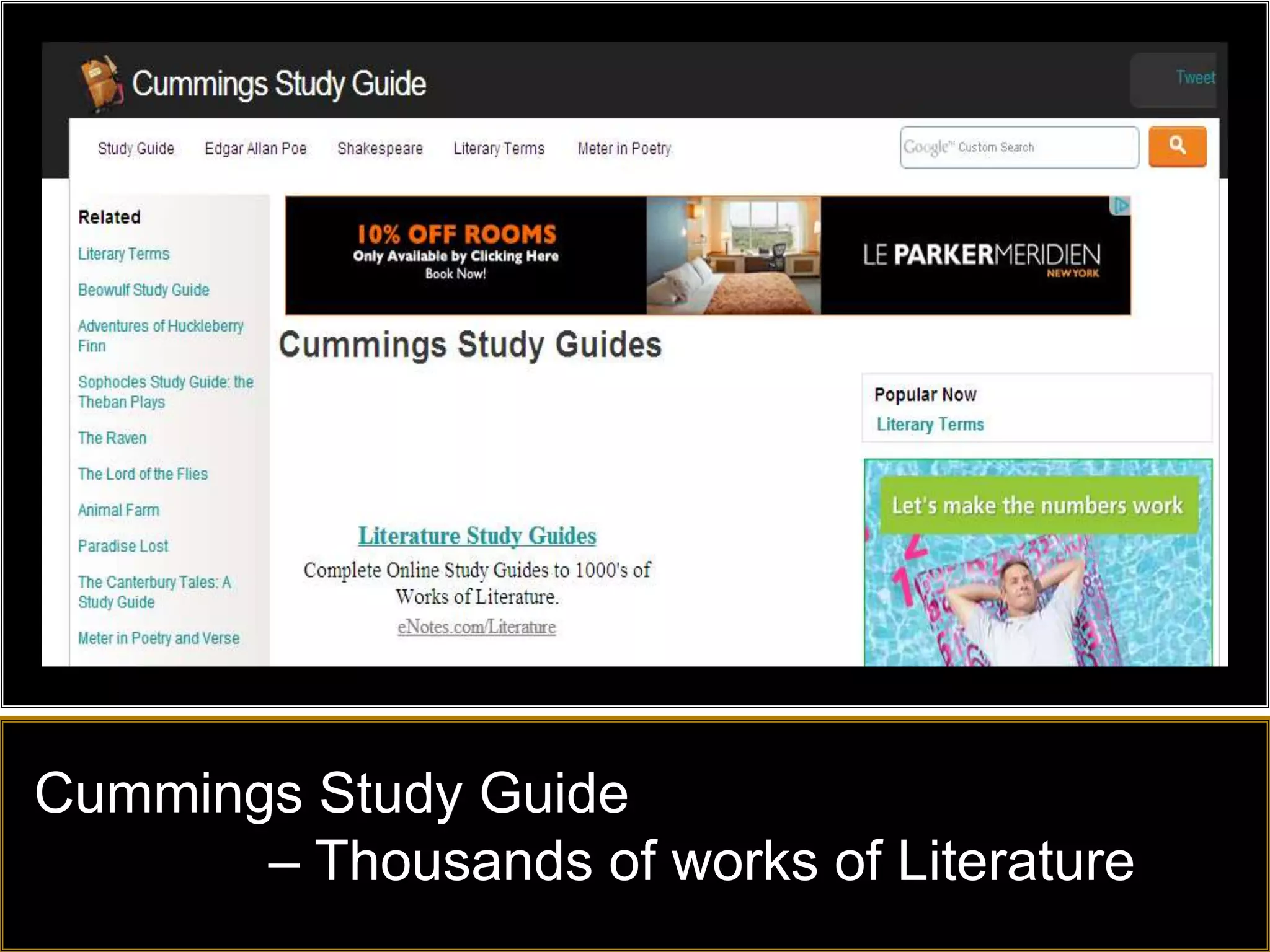
Cummings Study Guide
       – Thousands of works of Literature
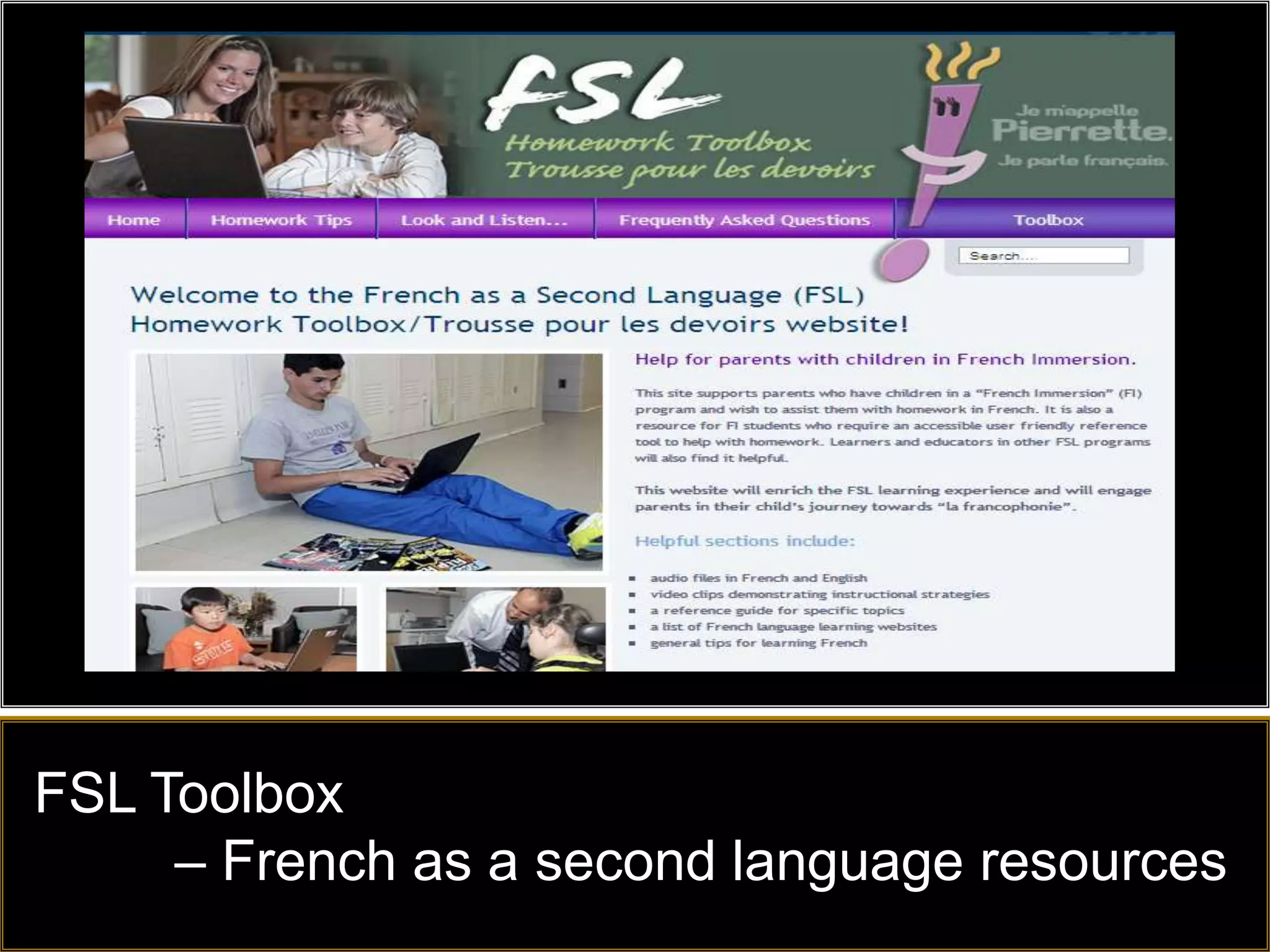
FSL Toolbox
     – French as a second language resources
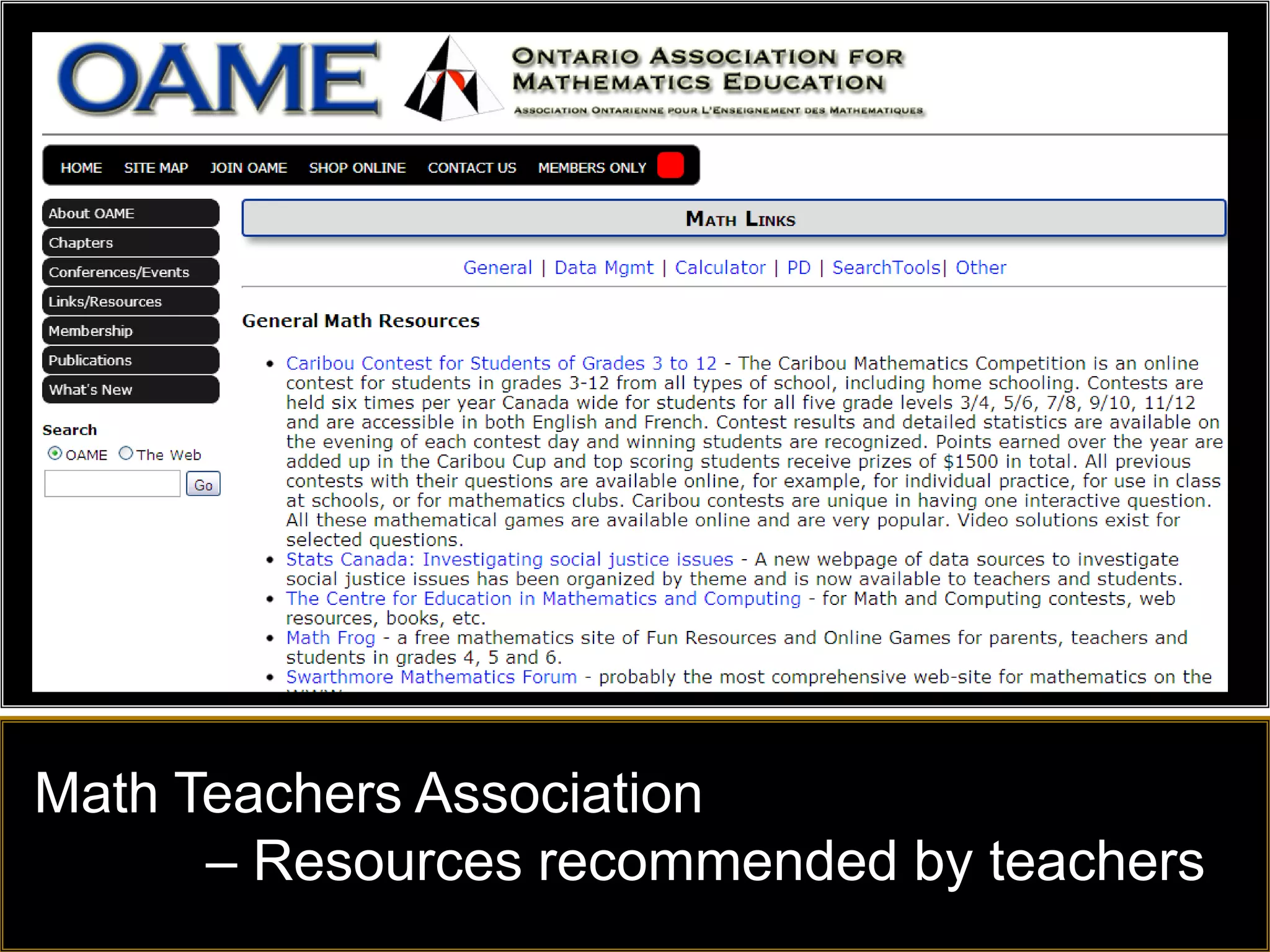
Math Teachers Association
      – Resources recommended by teachers
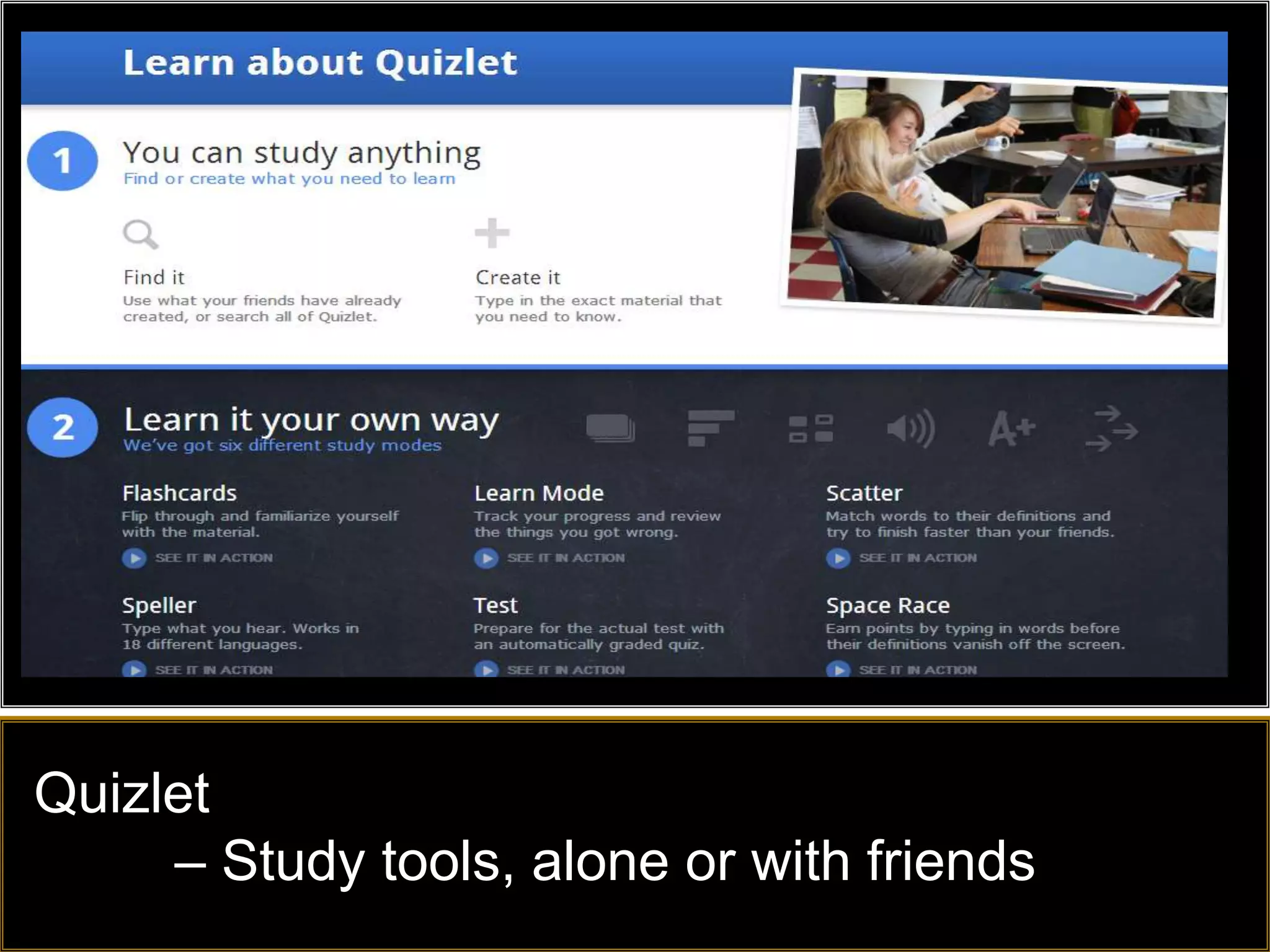
Quizlet
     – Study tools, alone or with friends
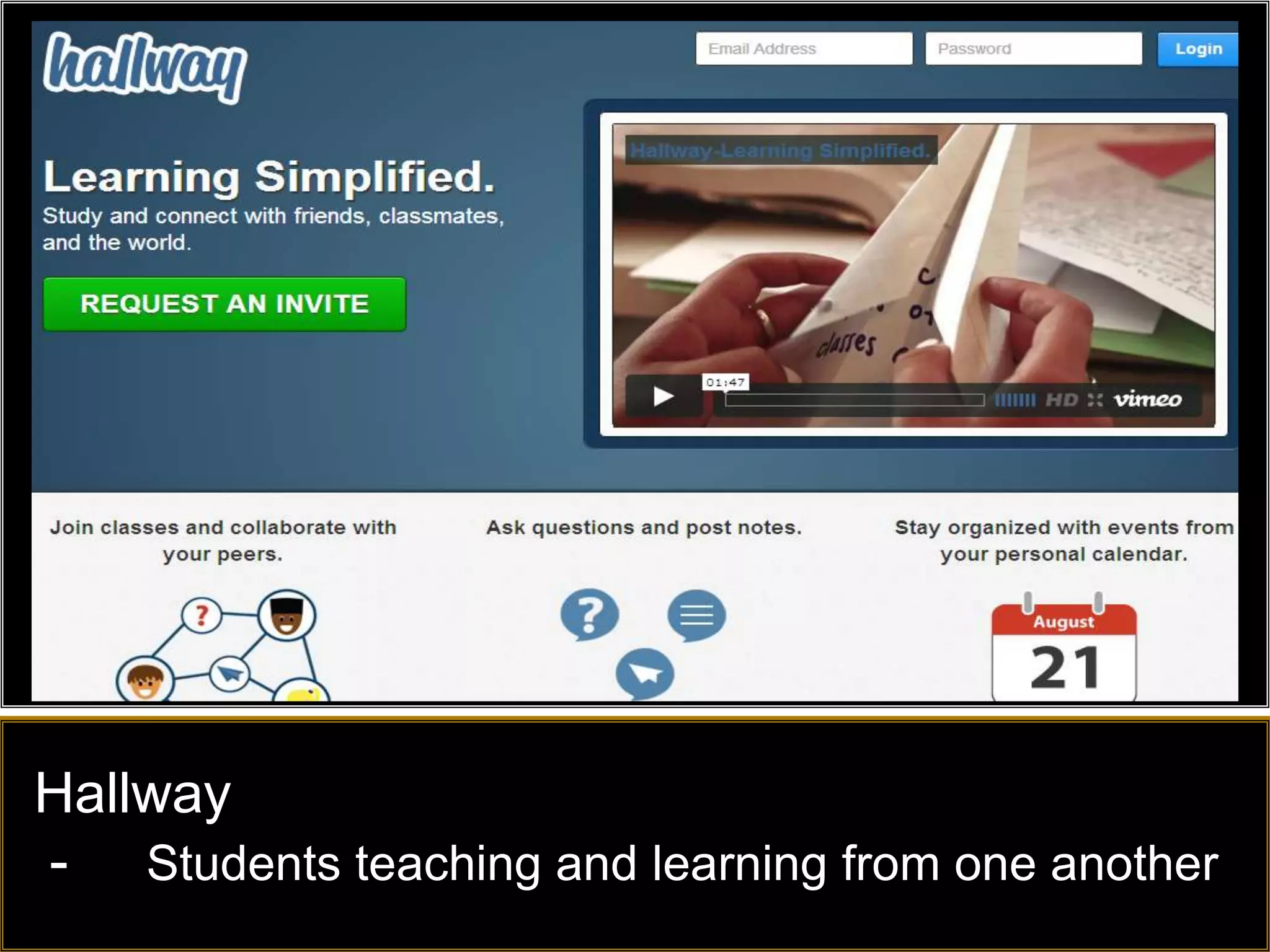
Hallway
- Students teaching and learning from one another
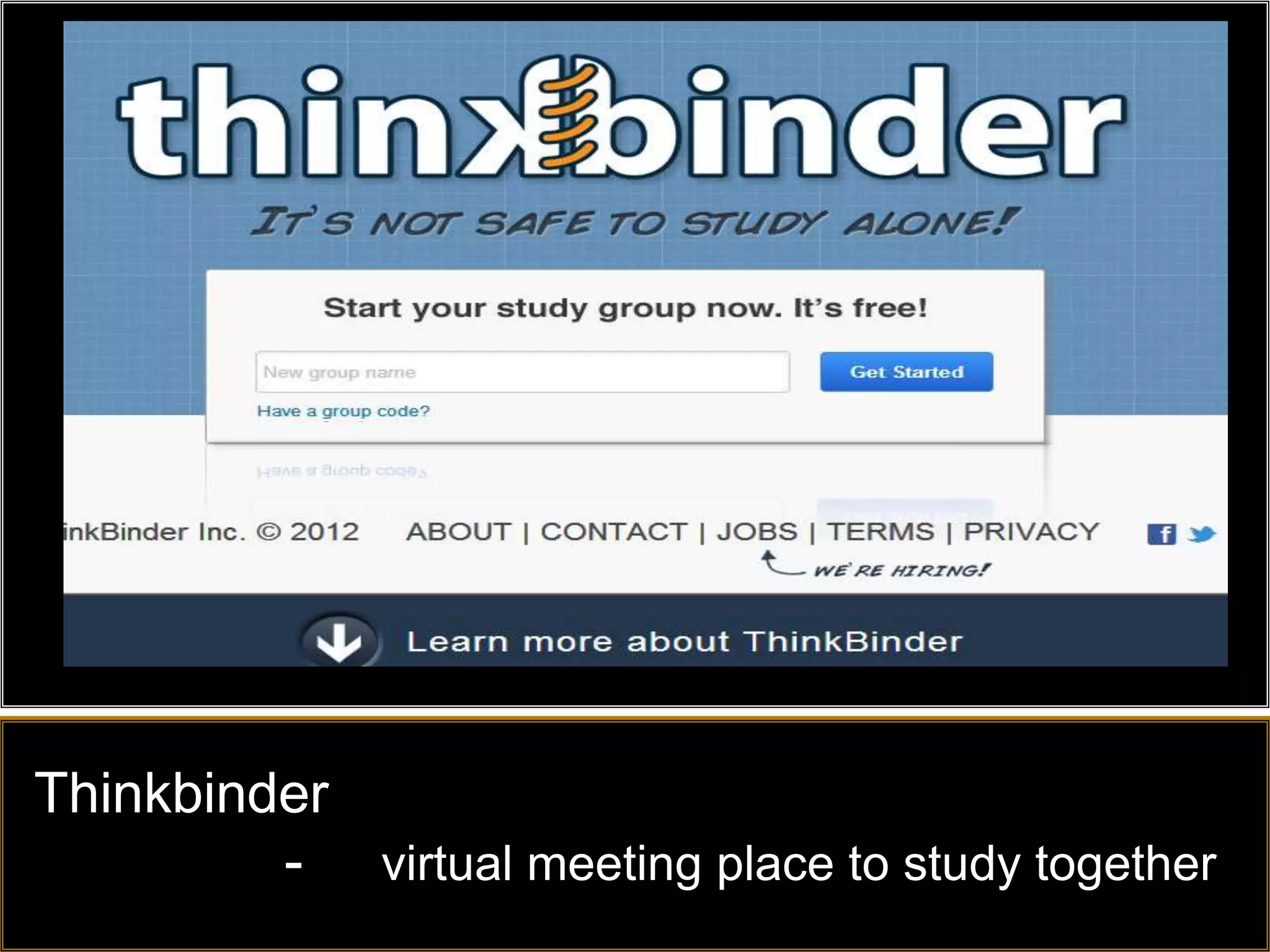
Thinkbinder
         - virtual meeting place to study together
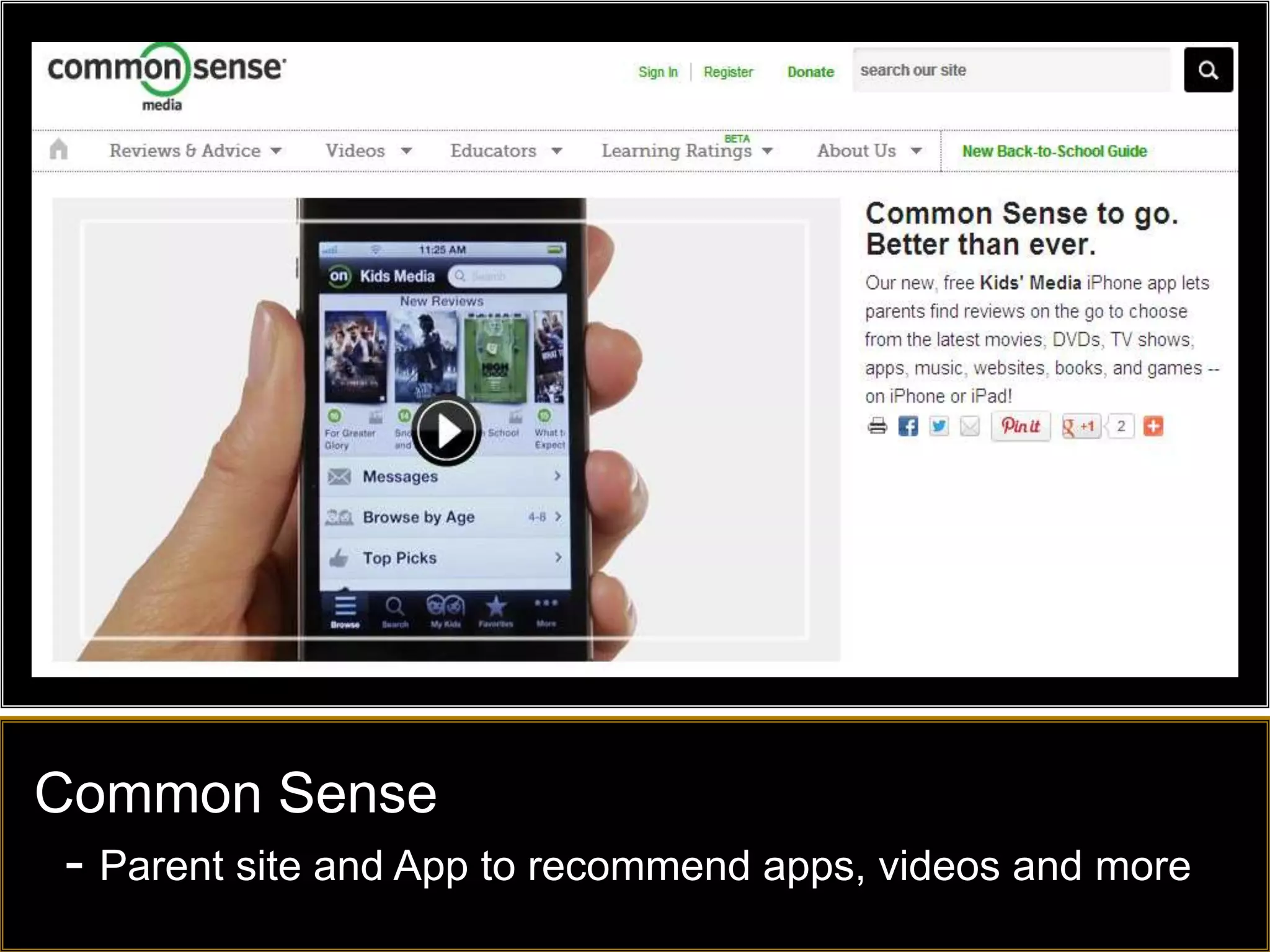
Common Sense
 - Parent site and App to recommend apps, videos and more
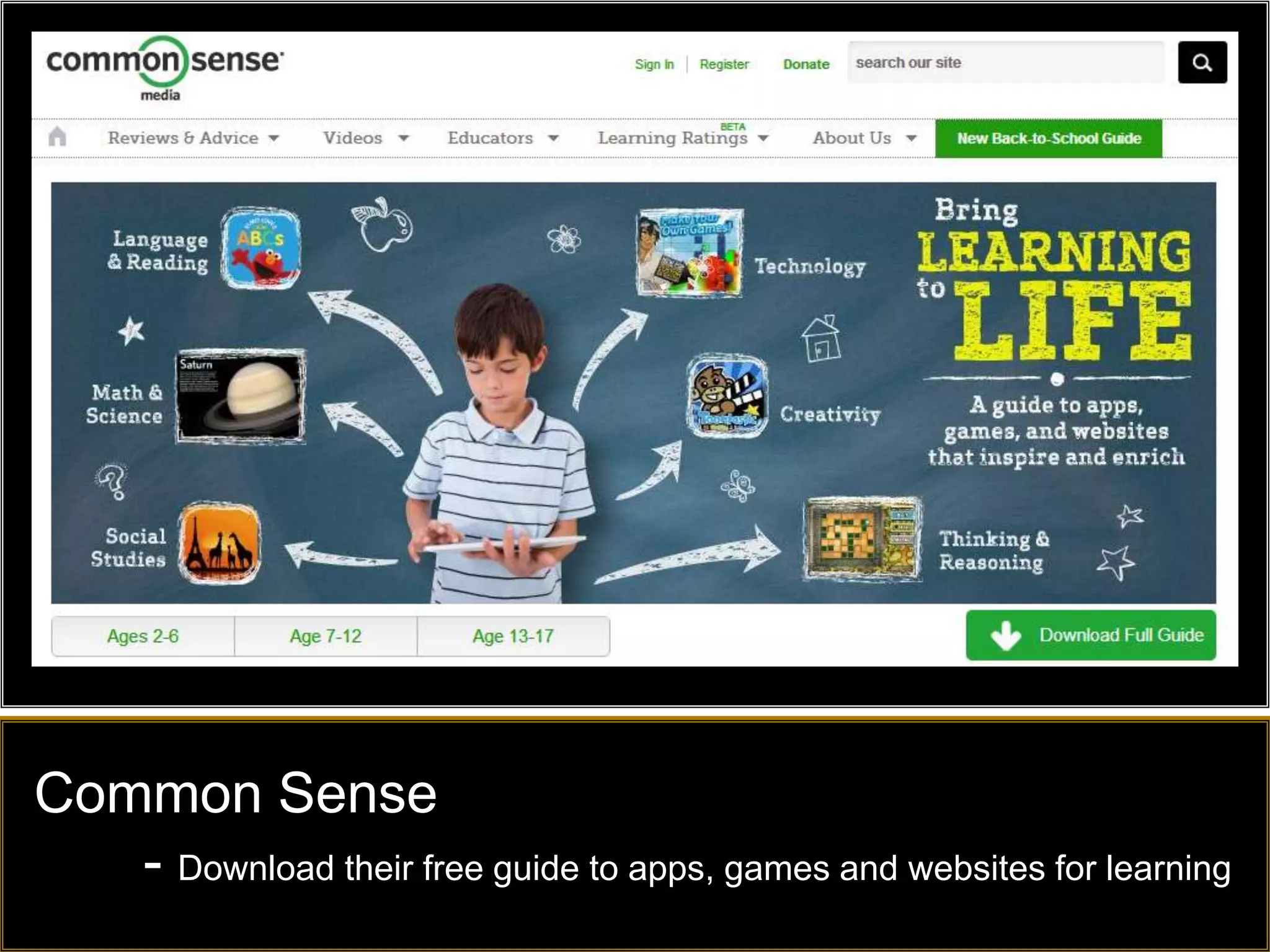
Common Sense
   - Download their free guide to apps, games and websites for learning
Play and Game based Learning
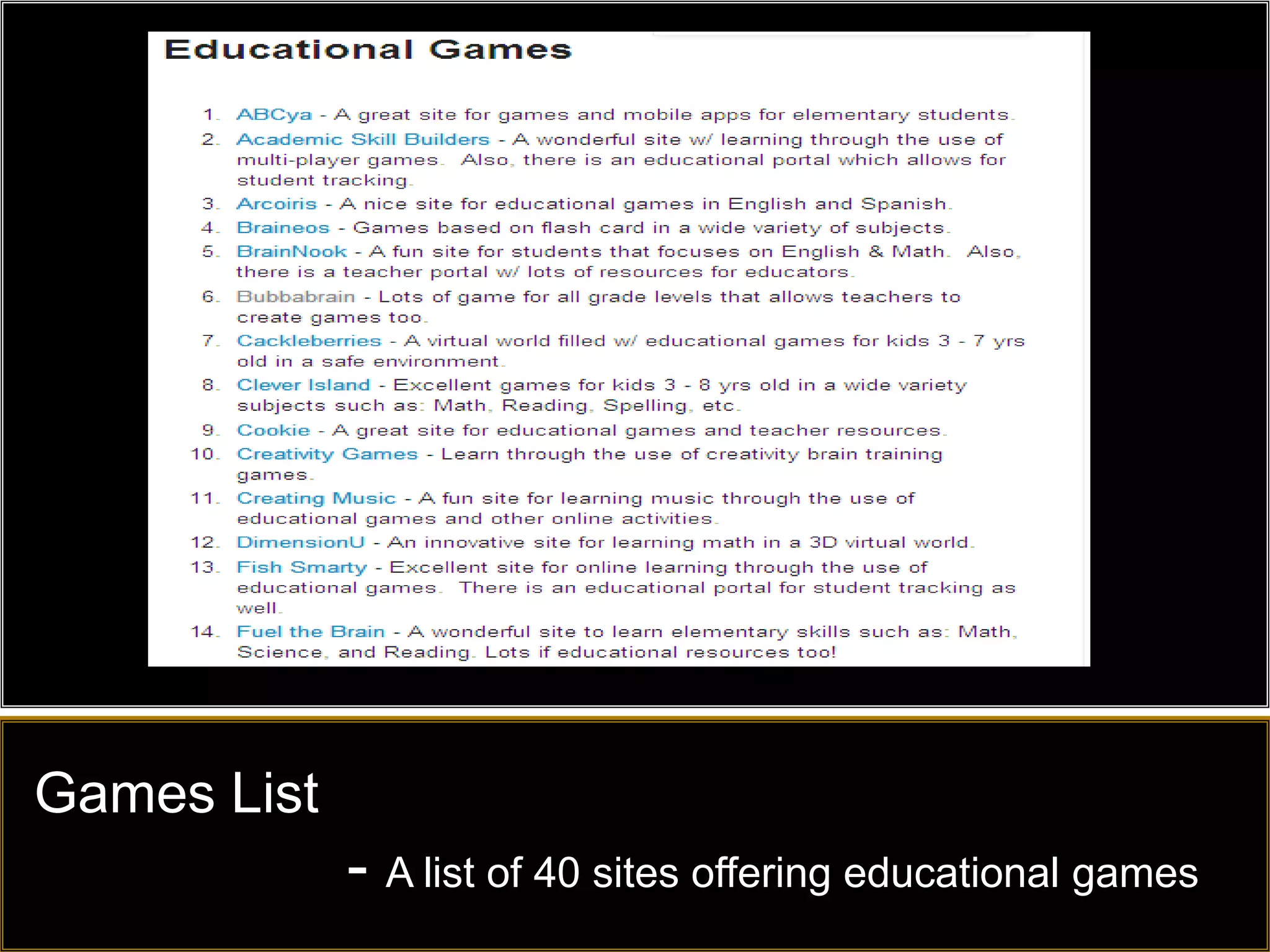
Games List
             - A list of 40 sites offering educational games
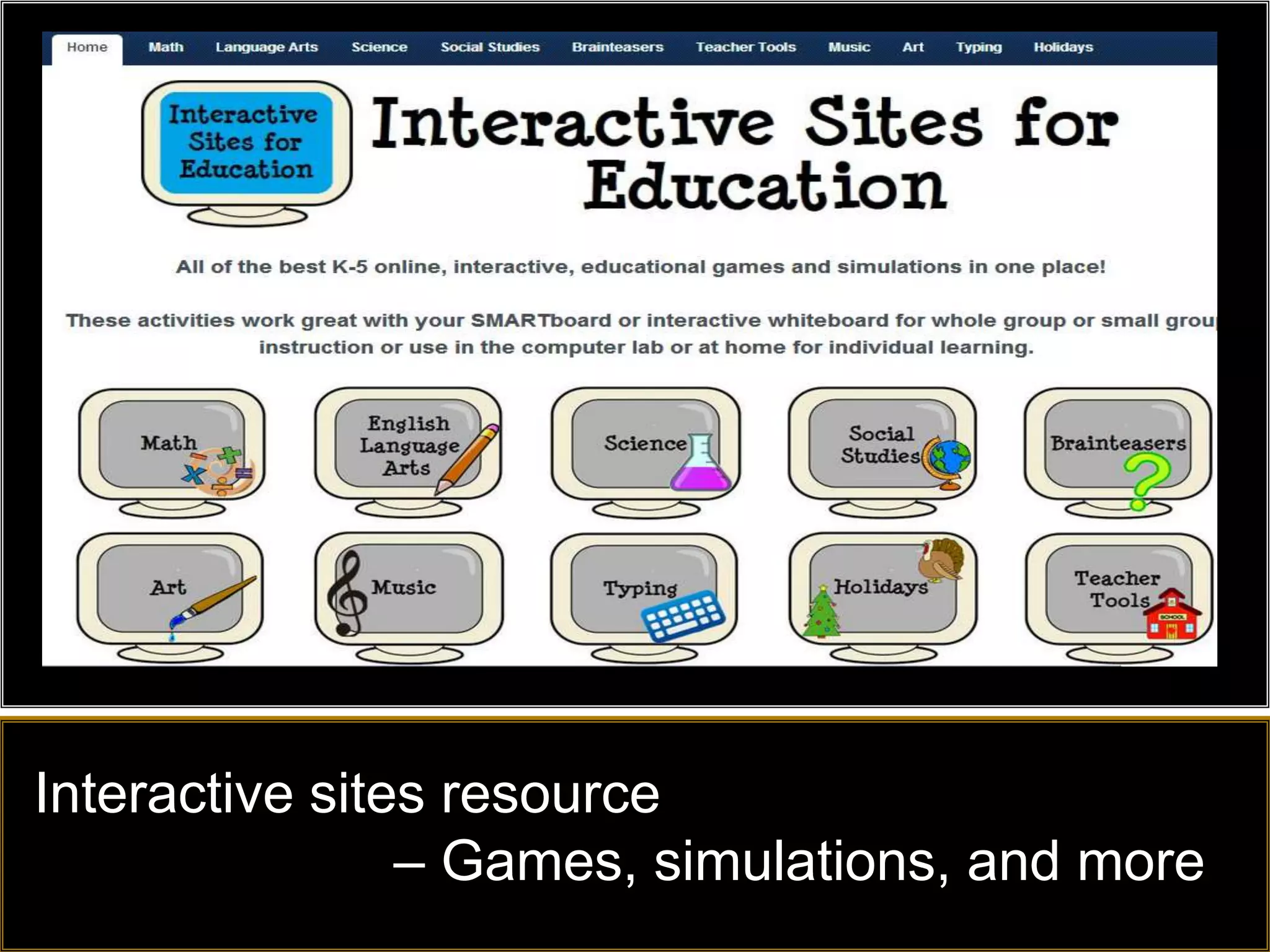
Interactive sites resource
                – Games, simulations, and more
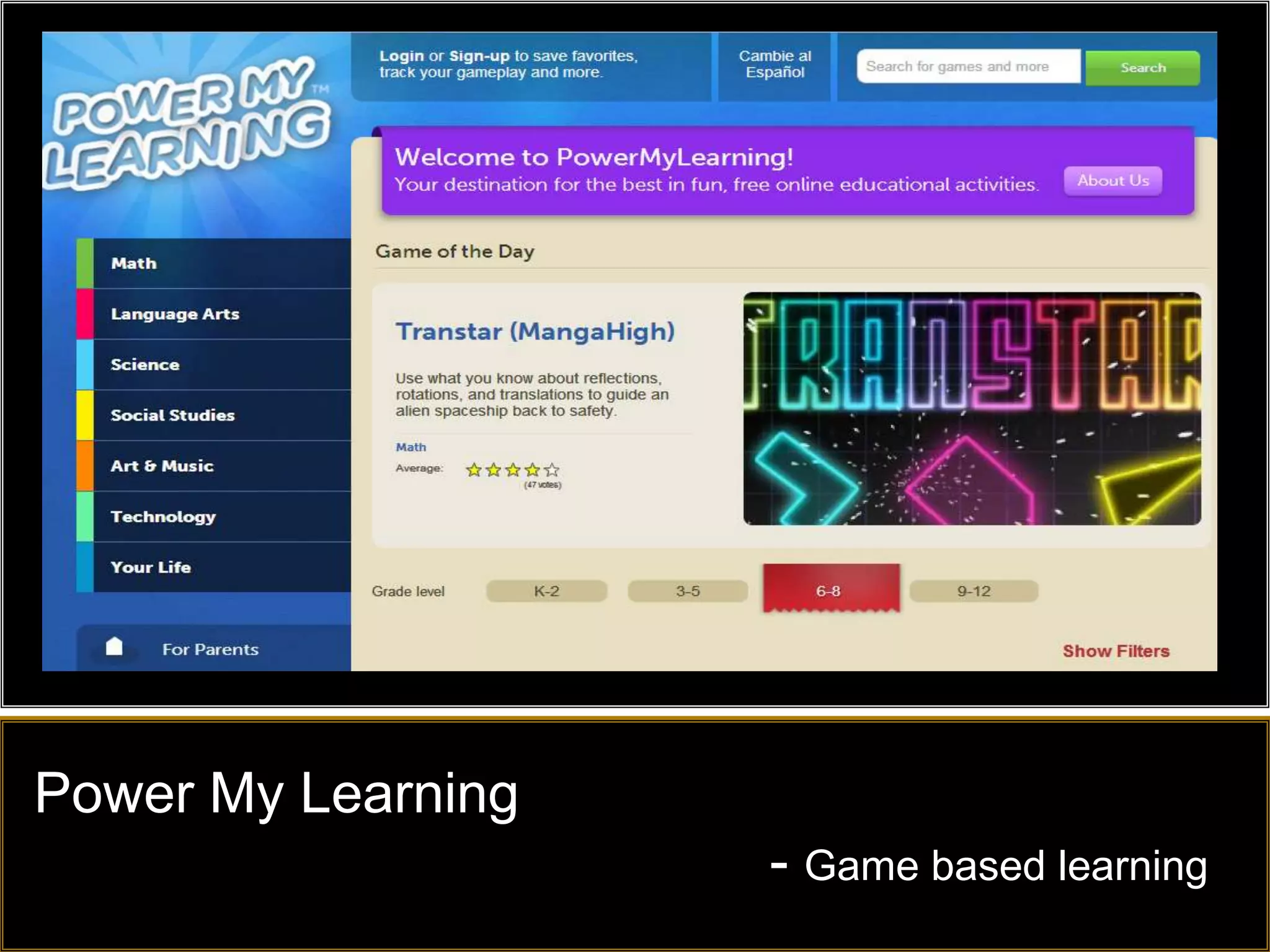
Power My Learning
                    - Game based learning
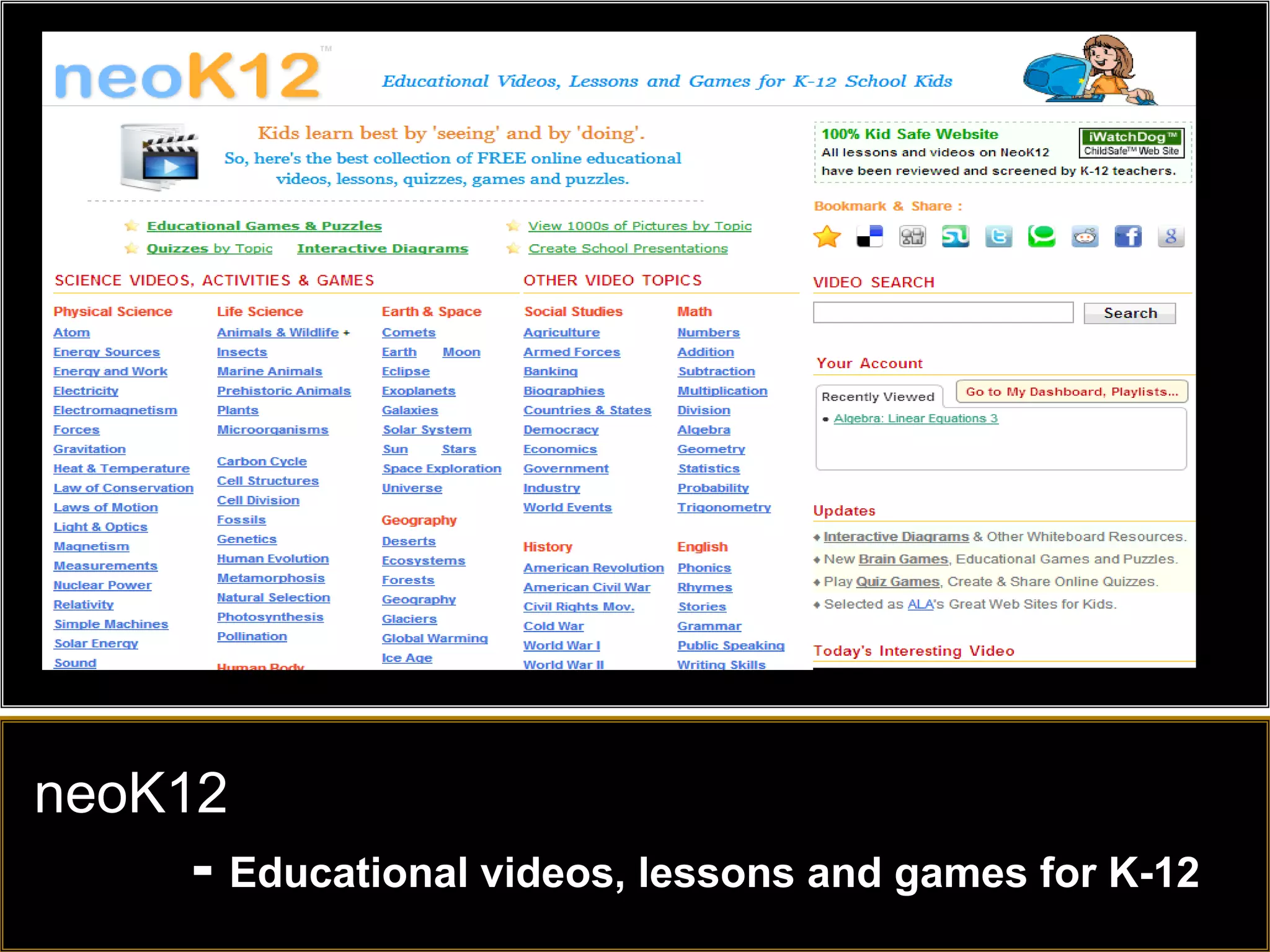
neoK12
    - Educational videos, lessons and games for K-12
Great resources from the Ottawa Catholic
School Board and from the Ministry of Education
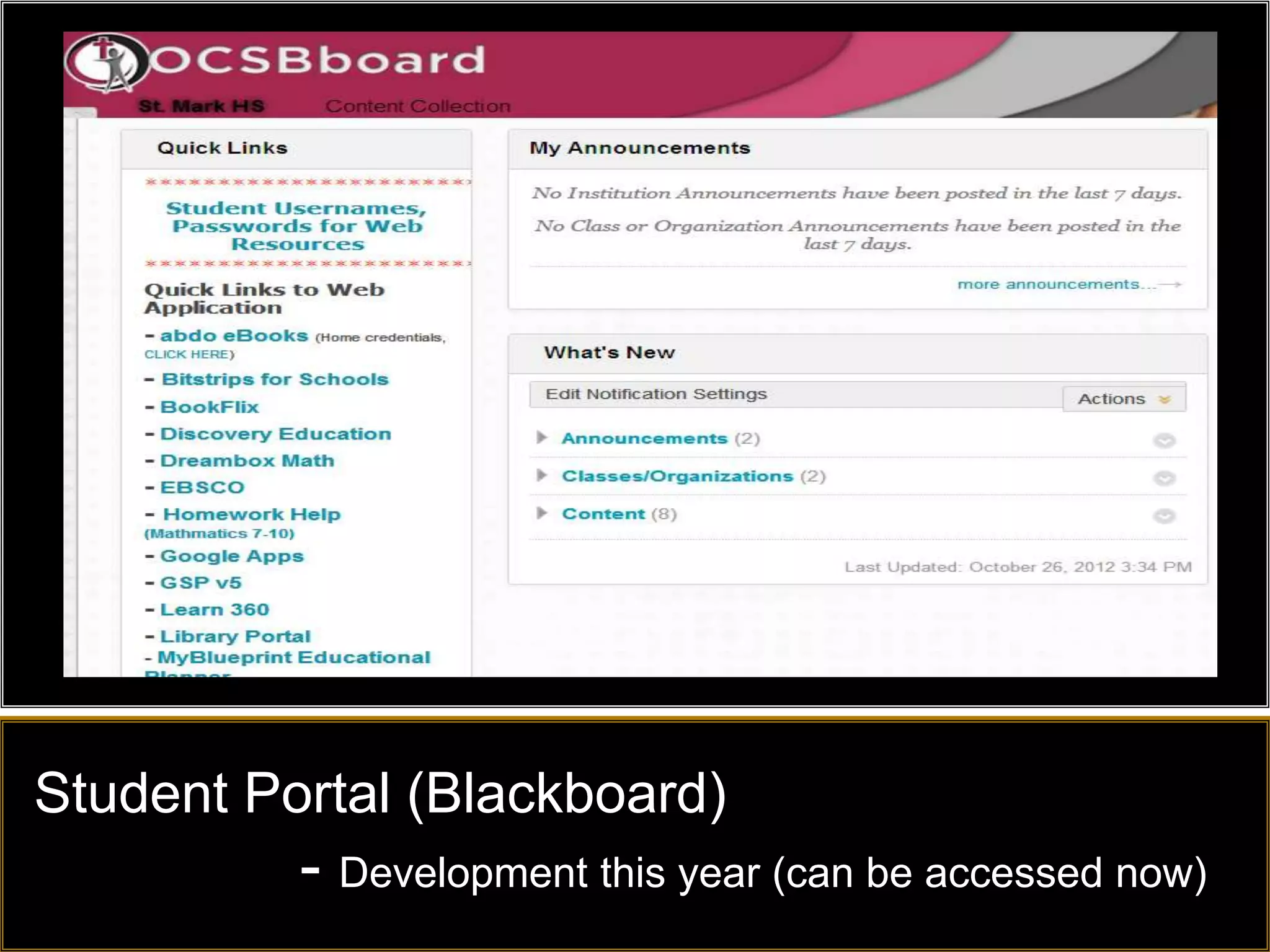
Student Portal (Blackboard)
          - Development this year (can be accessed now)
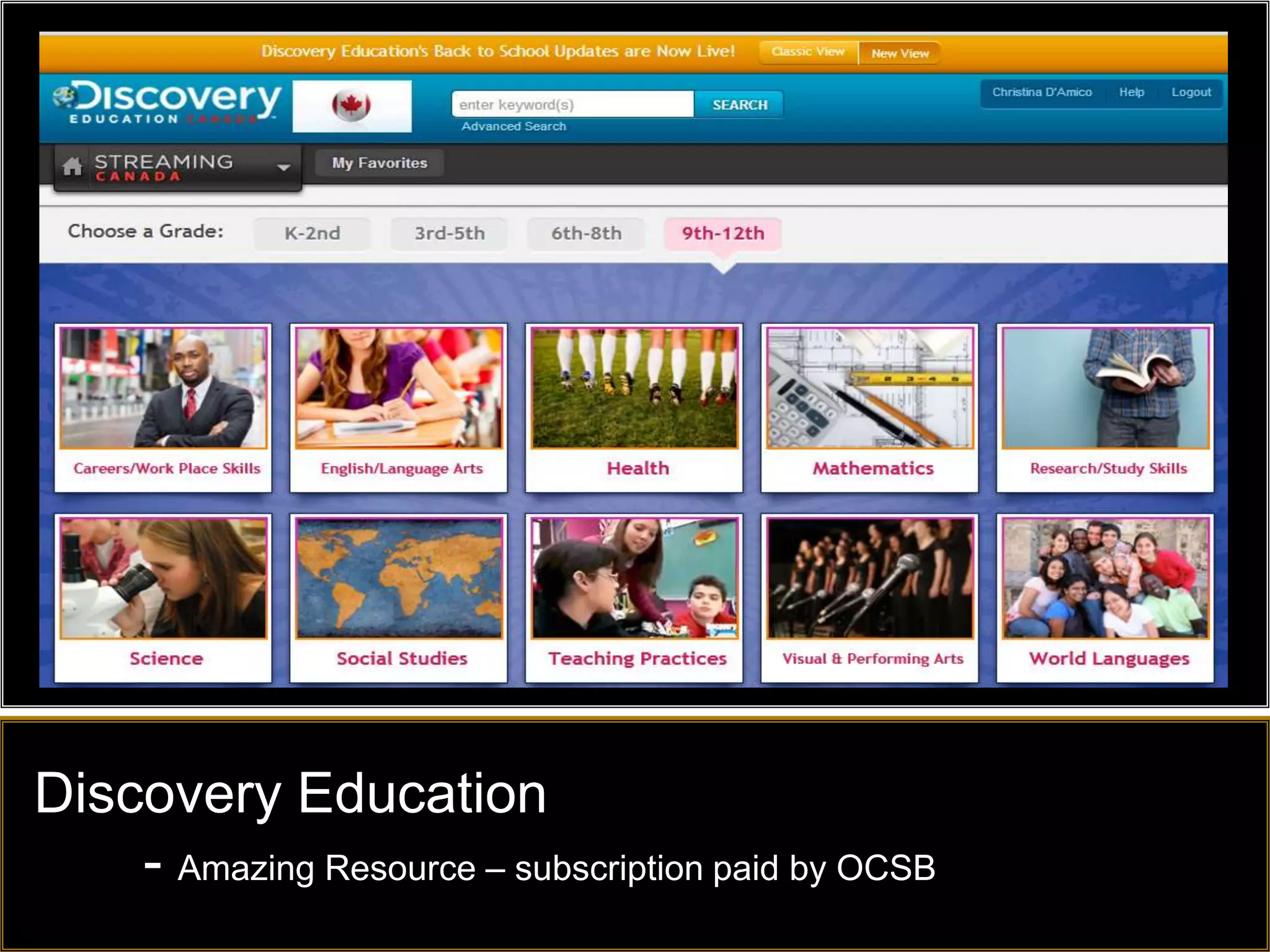
Discovery Education
    - Amazing Resource – subscription paid by OCSB
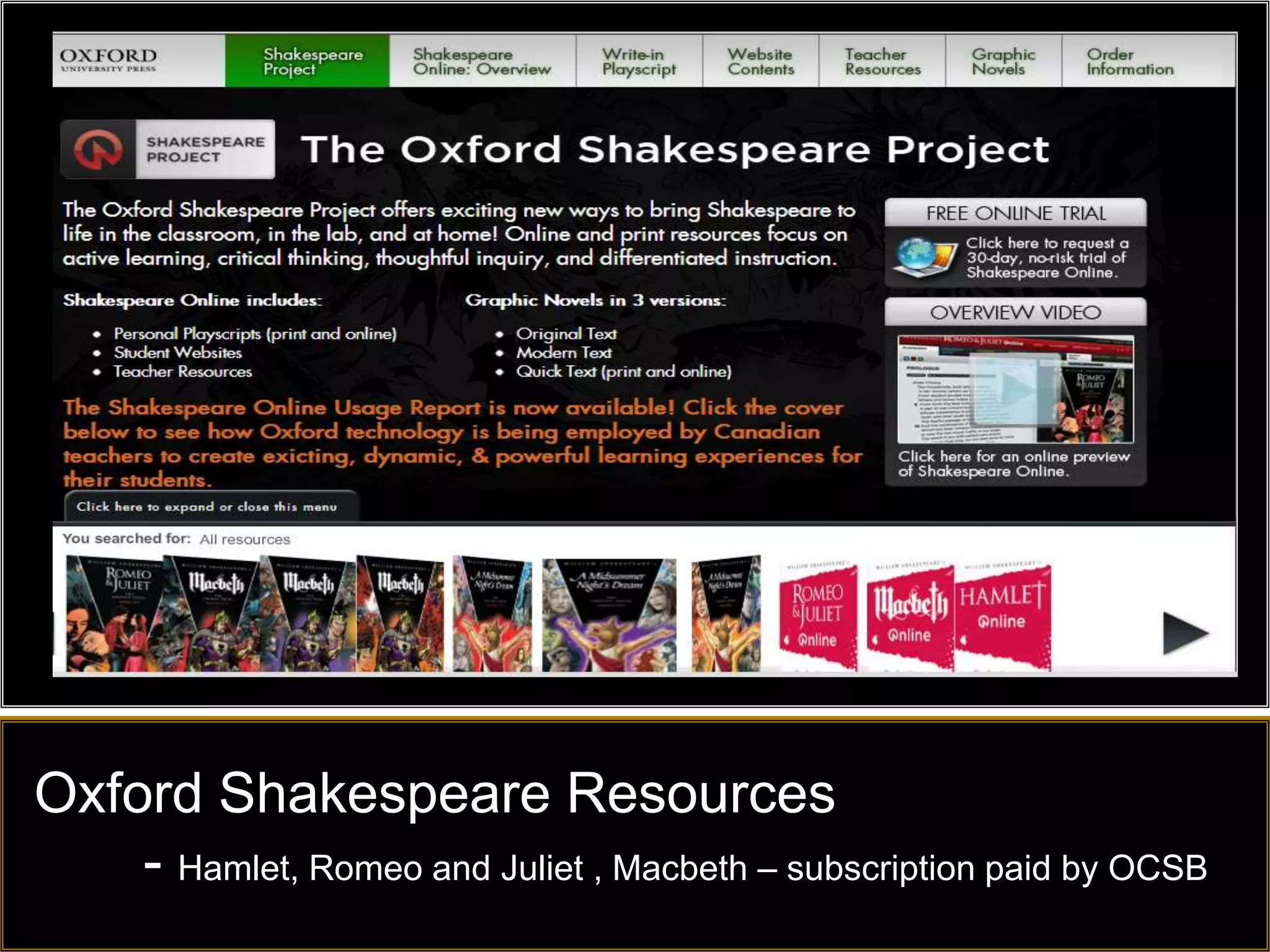
Oxford Shakespeare Resources
    - Hamlet, Romeo and Juliet , Macbeth – subscription paid by OCSB
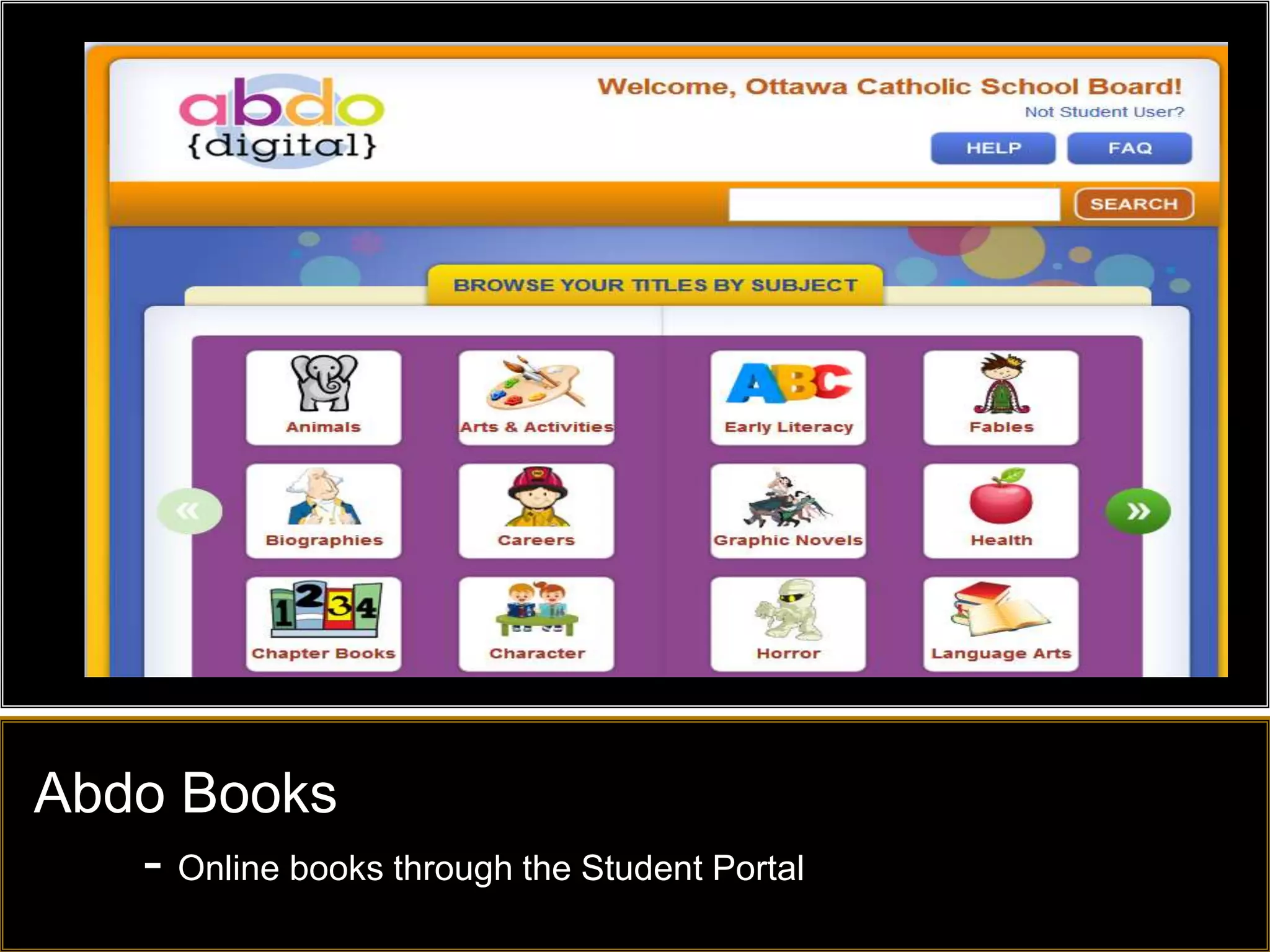
Abdo Books
   - Online books through the Student Portal
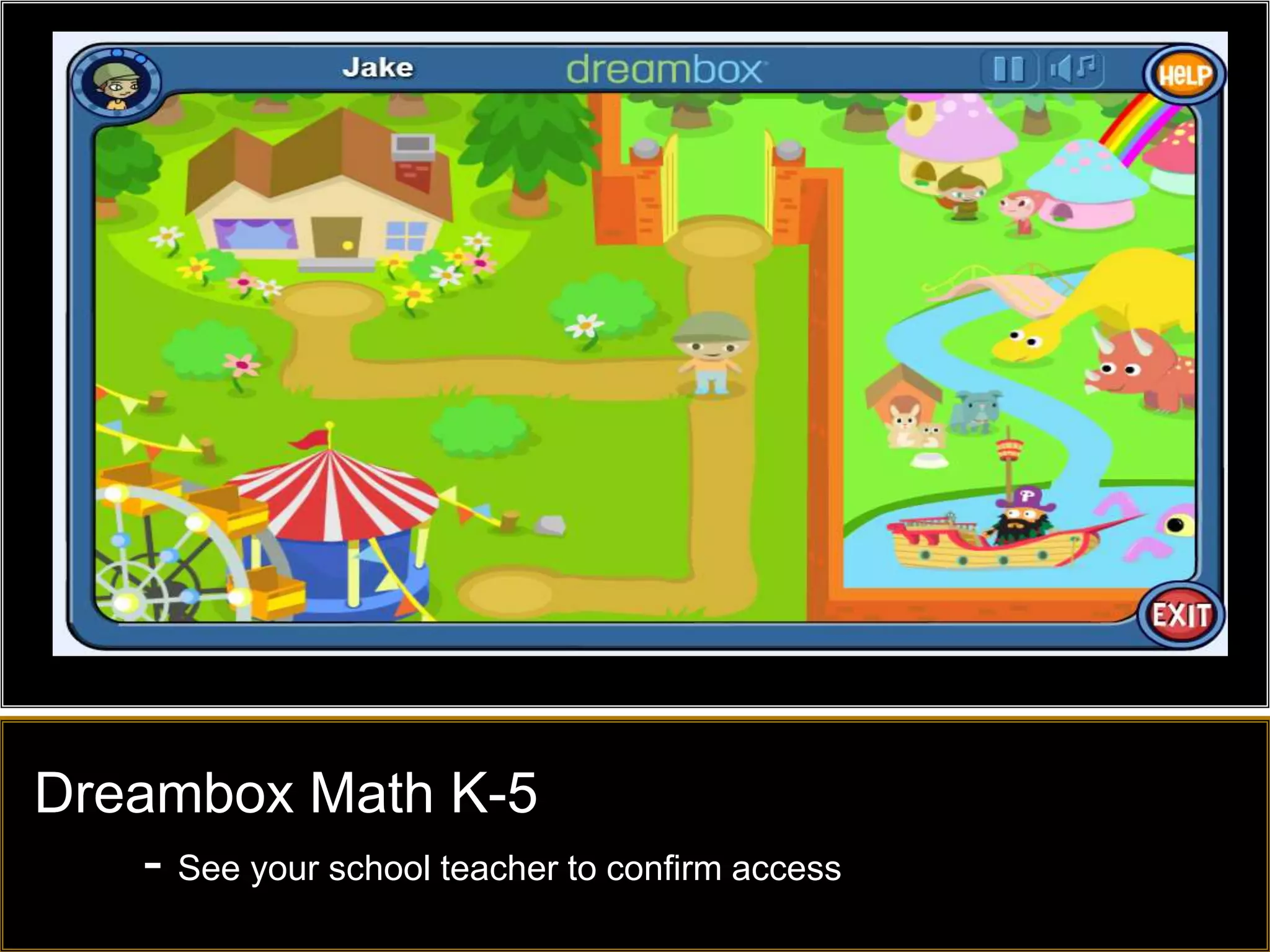
Dreambox Math K-5
    - See your school teacher to confirm access
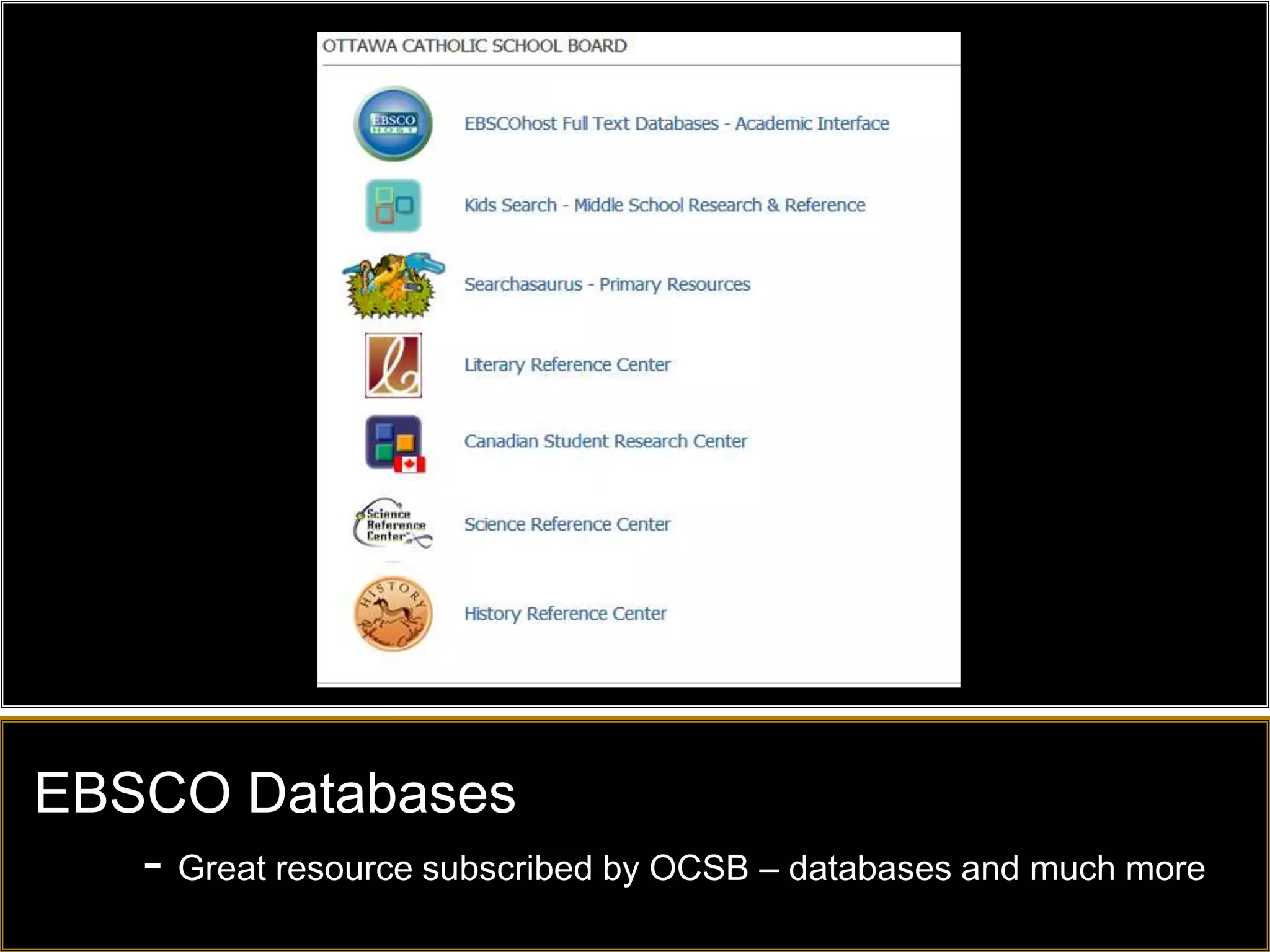
EBSCO Databases
   - Great resource subscribed by OCSB – databases and much more
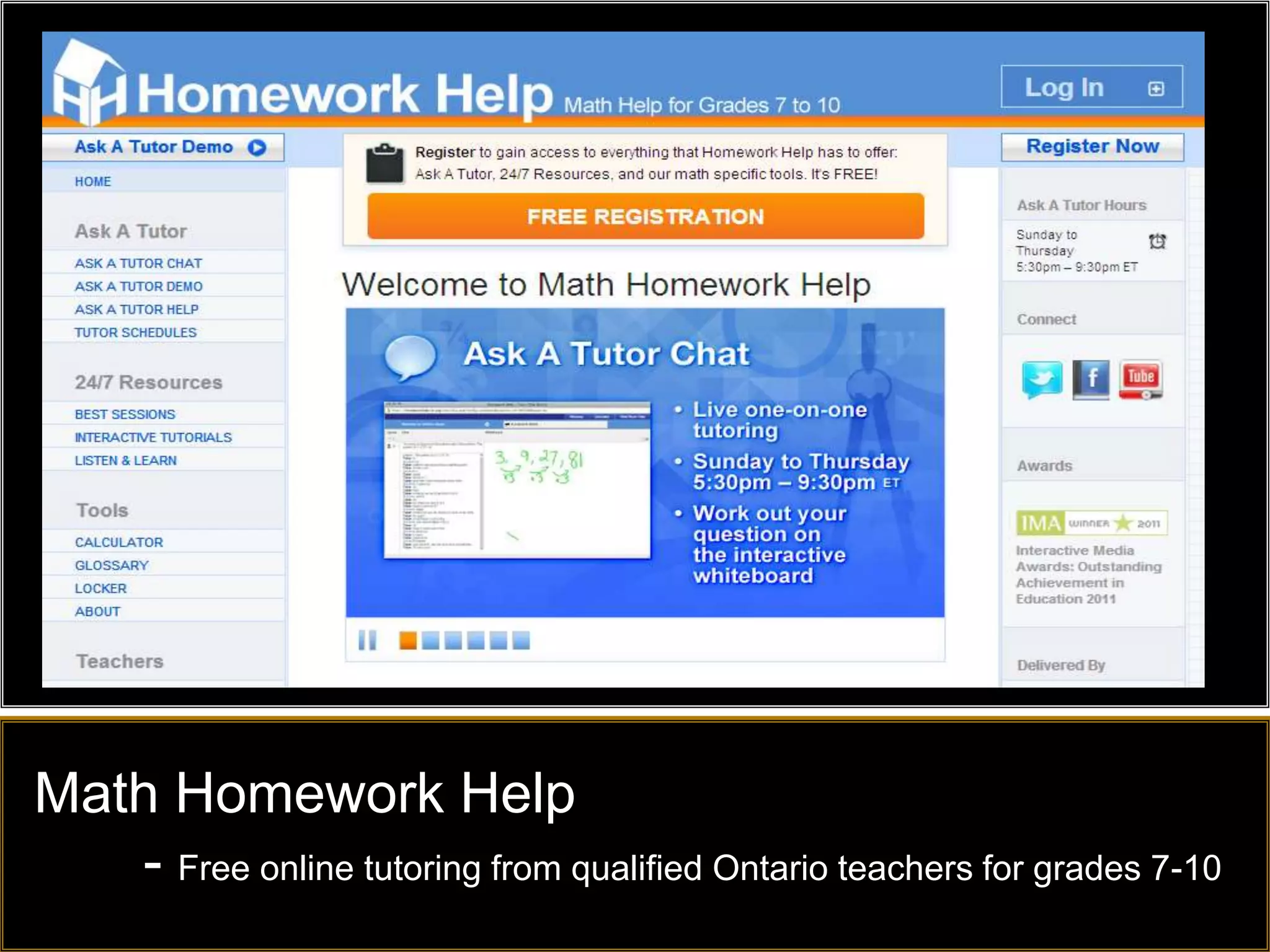
Math Homework Help
   - Free online tutoring from qualified Ontario teachers for grades 7-10
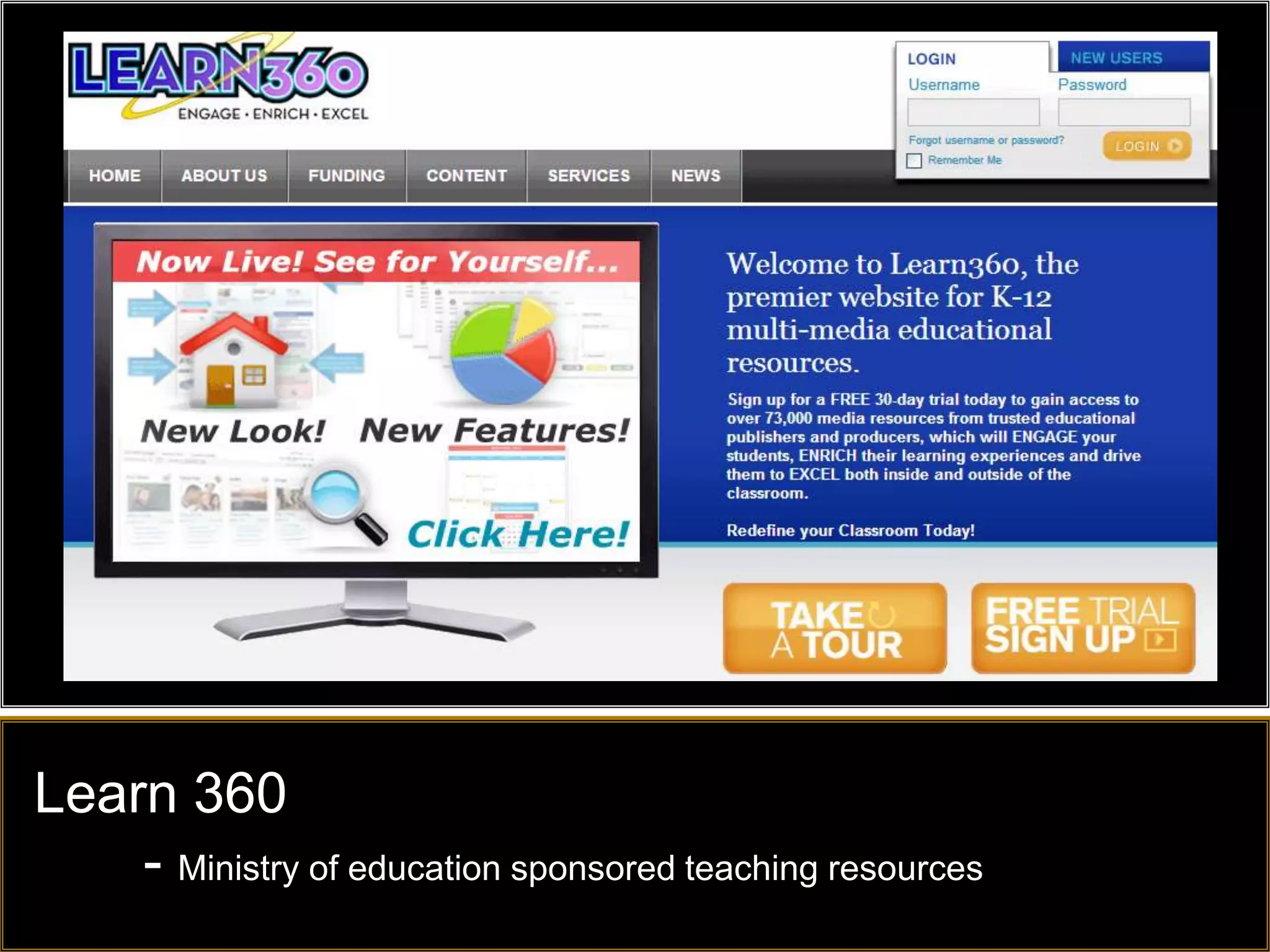
Learn 360
    - Ministry of education sponsored teaching resources
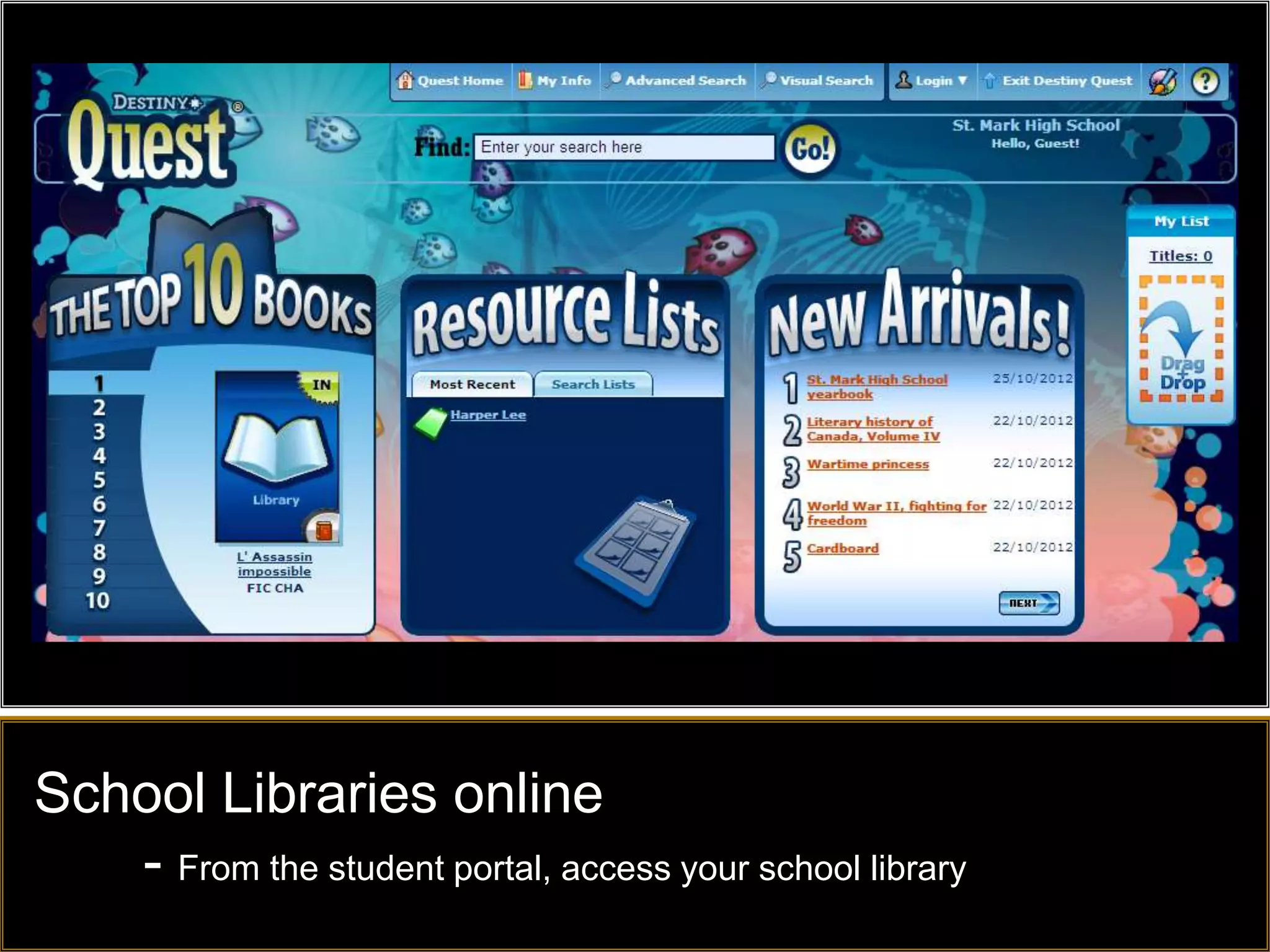
School Libraries online
   - From the student portal, access your school library
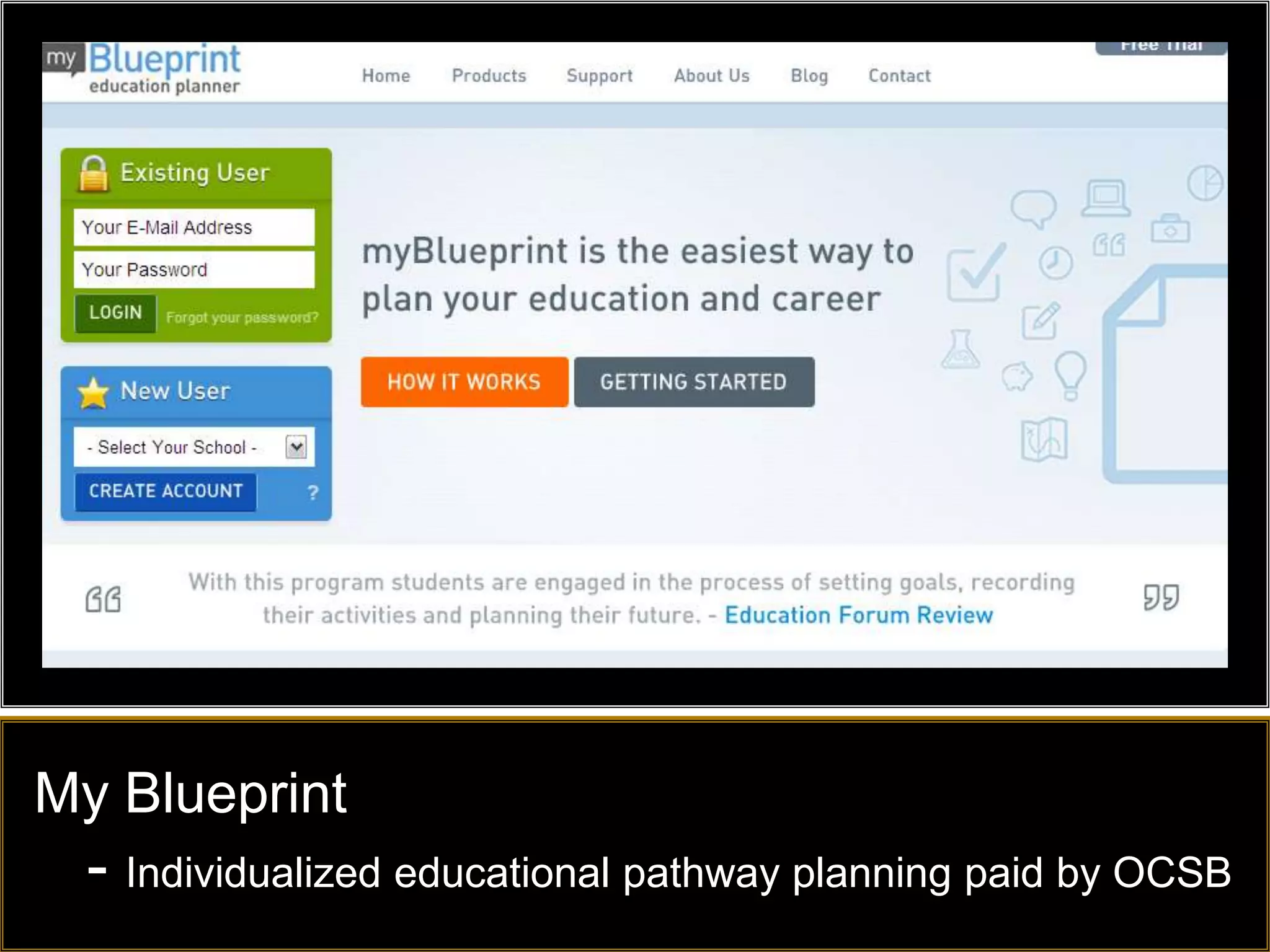
My Blueprint
  - Individualized educational pathway planning paid by OCSB
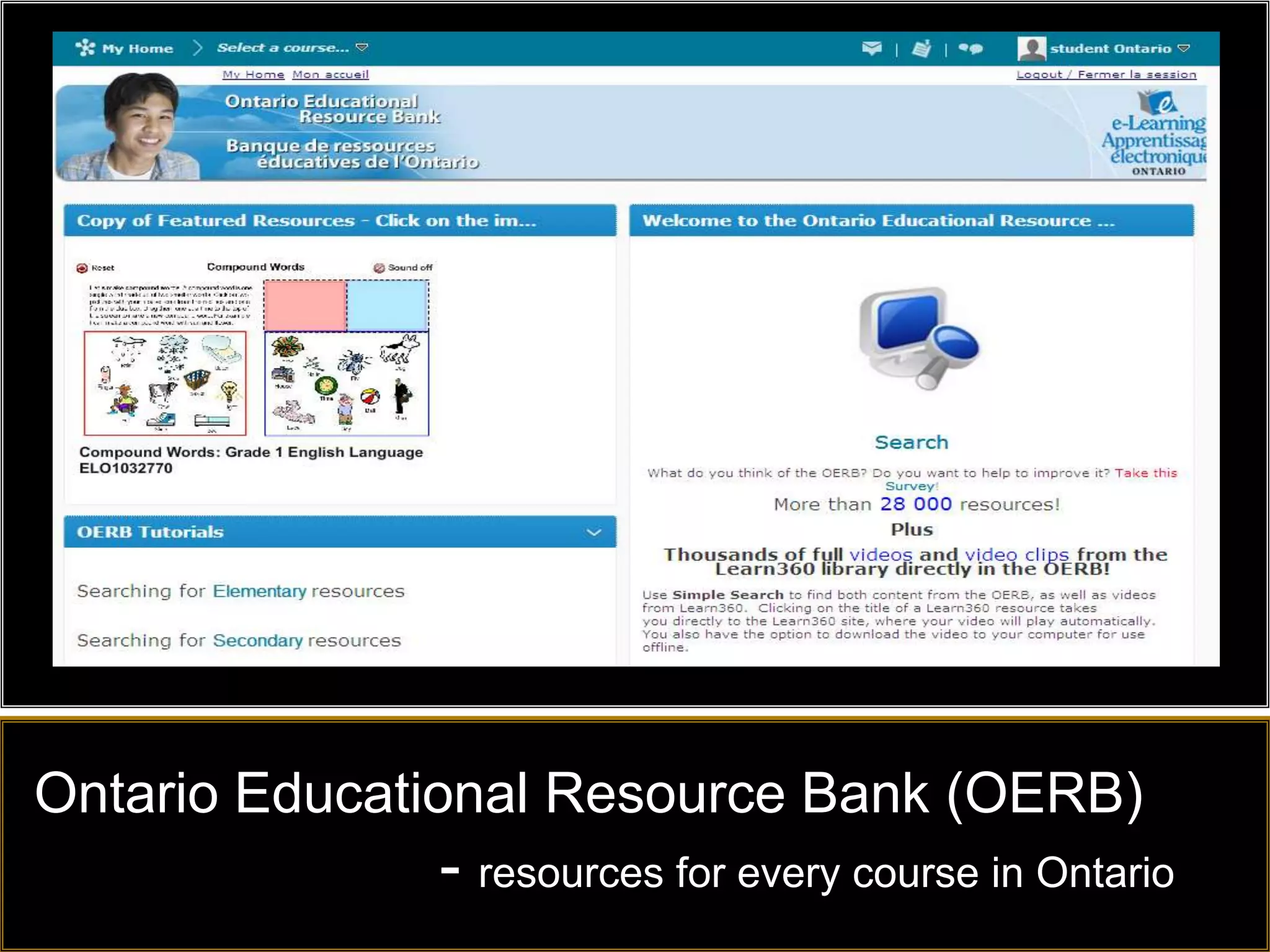
Ontario Educational Resource Bank (OERB)
              - resources for every course in Ontario
What is your recommended site/tool?
Have a great day!
@TDOttawa

Beyond homework help

Editor's Notes

  • #2 Beyond Homework Help – Using the Internet to support your child
  • #3 In the next one and a half hours we will review several sites that may help your child with their learning
  • #4 No – they can get lost, they can get off-task, they may be bored, and they may pick the wrong resources
  • #5 Technology is changing at rapid pace but the device on its own is not the solution – the applications are the key to learning or the website that your child visits – and the same comments about dropping your child off at a library is true about the Internet - They can get lost, they can waste time, and they may choose the wrong resources
  • #7 A major shift for students is the ability to connect online.Caution – Connecting online does not mean they know how to learn online and it does not mean they are doing school workThere is a time and place for social media and it can be used effectively to study, and to learn from Peers; or it can be used to disrupt the learning process and to take the focus away from studying and learning
  • #8 The United States move to have 45 States agree to common core states is resulting in an increase in free or Open Educational Resources (OER) that correlate to many of the Ontario curriculum expectations – this means there are more free resources available to students on the Internet
  • #9 GooruLearning.org – is an example of a great free resource available to students to help them learn, review materials, or extend their areas of interest
  • #10 Show demo of PicMonkey onlineA rich feature online tool to manipulate imagesGreat for manipulating images to use in flyers and special events
  • #11 Great resources covering many subject areas – different login for students and teachers
  • #12 Great resources covering many subject areas – different login for students and teachers
  • #13 Show demo of PicMonkey onlineA rich feature online tool to manipulate imagesGreat for manipulating images to use in flyers and special events
  • #14 Click on link and go through some quick Google Search tips using the list provided People use Google every day but they haven’t taken the time to learn how to use it efficiently to save themselves time
  • #15 Show demo of PicMonkey onlineA rich feature online tool to manipulate imagesGreat for manipulating images to use in flyers and special events
  • #16 Hippo Campus includes resources packaged from Khan and from NROC and other areas with a nice searchable index
  • #17 Click on link and go through some quick Google Search tips using the list provided People use Google every day but they haven’t taken the time to learn how to use it efficiently to save themselves time
  • #18 Teach your child how to use Google effectively – ie. Use search by filetype:ppt to find presentations on any topic of interest
  • #19 Click on link and go through some quick Google Search tips using the list provided People use Google every day but they haven’t taken the time to learn how to use it efficiently to save themselves time
  • #20 Click on link and go through some quick Google Search tips using the list provided People use Google every day but they haven’t taken the time to learn how to use it efficiently to save themselves time
  • #21 Visit Slide Share to find premade presentations on many topics
  • #22 Click on link and go through some quick Google Search tips using the list provided People use Google every day but they haven’t taken the time to learn how to use it efficiently to save themselves time
  • #23 The WolframAlpha site also has apps that can be used for many courses – note a fee applies
  • #24 Click on link and go through some quick Google Search tips using the list provided People use Google every day but they haven’t taken the time to learn how to use it efficiently to save themselves time
  • #25 A great extension to save you time is the Awesome New Tab Page- Click on the picture to see a video of how to setup a new tab page with your most frequently used sites
  • #26 Don’t waste time with file types that won’t open properly because you don’t have the correct software – help your child or show them how to convert the materials onlineConvert any file – A nice online tool to convert almost anything, including converting PDF files to Word so that you can modify pdf files
  • #27 Link to my ScoopIt page where I curate web2.0 tools
  • #28 Link to my ScoopIt page where I curate web2.0 tools
  • #29 Link to my ScoopIt page where I curate web2.0 tools
  • #30 Full courses in math from K-10 and other courses from New Jersey
  • #31 Full courses in many subjects from Curriki
  • #32 Shmoop – H.S. and College focus in student friendly language – many subjects
  • #33 Shmoop – H.S. and College focus in student friendly language – many subjects
  • #34 Shmoop – H.S. and College focus in student friendly language – many subjects
  • #35 Shmoop – H.S. and College focus in student friendly language – many subjects
  • #36 Looking for math resources or games to develop a love of math in your children – check out the sites recommended by math teachers across the province
  • #37 Looking for math resources or games to develop a love of math in your children – check out the sites recommended by math teachers across the province
  • #38 Flash cards and other games to help study concepts, can also use French words and pronunciations
  • #39 Looking for math resources or games to develop a love of math in your children – check out the sites recommended by math teachers across the province
  • #40 Thinkbinder is a virtual meeting place to share resources, chat and study together
  • #41 Thinkbinder is a virtual meeting place to share resources, chat and study together
  • #42 Power My Learning – Games for all ages with a focus on learning
  • #43 Remember that learning can be fun – there are many sites and apps that promote game based learning
  • #44 Discovery Education – requires password
  • #45 Interactive sites on the Interactive for many subjects, focus on elementary and primary
  • #46 Power My Learning – Games for all ages with a focus on learning
  • #47 Power My Learning – Games for all ages with a focus on learning
  • #48 Looking for math resources or games to develop a love of math in your children – check out the sites recommended by math teachers across the province
  • #49 Student Portal requires login for each of the resources but this will be single sign-on this year
  • #50 Discovery Education – requires password
  • #51 Shakespeare Project – requires password from classroom teacher
  • #52 Abdo online books – requires password
  • #53 Dreambox Math K-5 – requires school licenses and allows home access
  • #54 EBSCO – includes password for home use
  • #55 Homework help – Sunday to Thursday from 5:30pm – 9:30pm ET.
  • #56 Learn 360 – visit to find resources, similar to Discovery, requires password and login
  • #57 Destiny Quest – school library from the student portal
  • #58 My Blueprint – A link to college, university, and work pathways and much more – see your H.S. counsellor
  • #59 OERB – accessible from the student portal – requires password