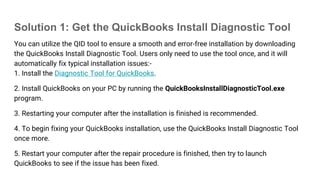
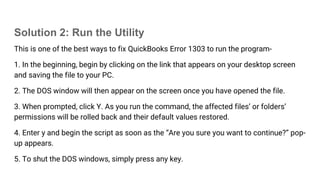
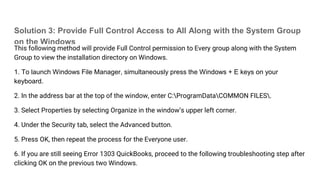
QuickBooks error 1303 occurs during installation or when opening a company file, often due to improper authorizations, damaged files, or antivirus issues. Solutions include using the QuickBooks Install Diagnostic Tool, executing specific commands to restore file permissions, and ensuring proper control access for directories. If problems persist, users are encouraged to seek further assistance for troubleshooting the error.