How to Perform Localization Testing
on Websites and Apps
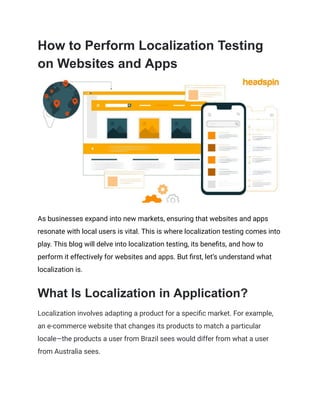
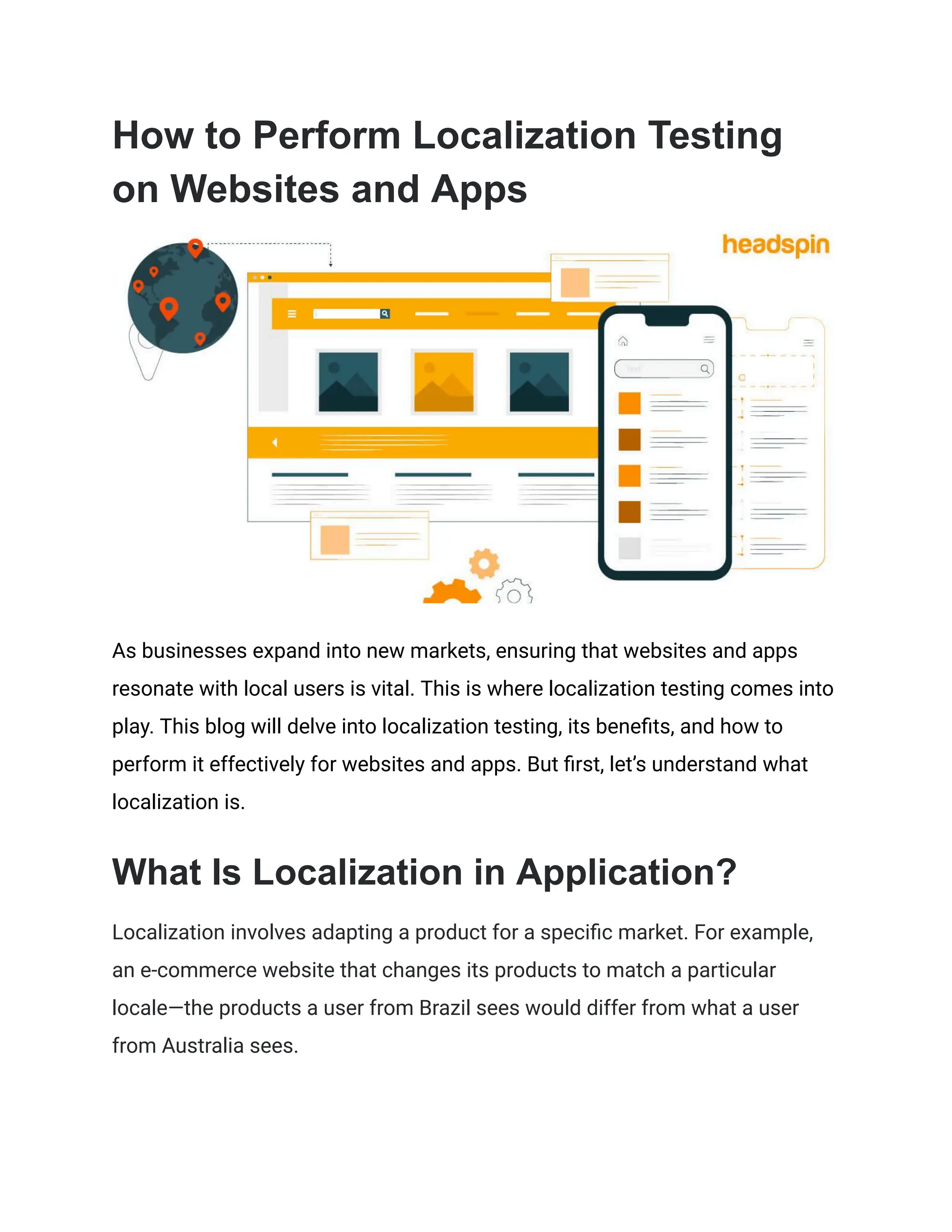
As businesses expand into new markets, ensuring that websites and apps
resonate with local users is vital. This is where localization testing comes into
play. This blog will delve into localization testing, its benefits, and how to
perform it effectively for websites and apps. But first, let’s understand what
localization is.
What Is Localization in Application?
Localization involves adapting a product for a specific market. For example,
an e-commerce website that changes its products to match a particular
locale—the products a user from Brazil sees would differ from what a user
from Australia sees.
The ultimate goal is to make users feel the software was developed
specifically for them, increasing user satisfaction and engagement. So, where
does localization testing come into play?
Localization Testing
Localization testing verifies that software behaves correctly in a particular
locale. It ensures that the product is translated accurately and is culturally
appropriate for the target audience.
The primary aim is to provide a seamless user experience to which users in
different regions can relate. This involves adapting content, functionality, and
design elements to meet local expectations.
Localization testing covers many elements, including language translation,
date and time formats, currency symbols, legal requirements, and even color
schemes with different connotations in different cultures.
Benefits of Localization Testing
1. Enhanced User Experience: While localization adapts software to meet
cultural and linguistic needs, localization testing ensures these
changes do not break existing features. This ensures that new
language scripts, images, and style changes integrate seamlessly,
providing users with a smooth and error-free experience.
2. Functional Assurance: Localization testing checks that all localized
elements, such as date formats, currency symbols, and text direction,
operate as intended. This prevents functional discrepancies from
incorporating local preferences into the software.
3. Regulatory Compliance Verification: Different regions have specific
laws and standards. Localization testing ensures that the software
complies with local regulations and that these compliance features
work correctly in the localized versions, avoiding potential legal issues.
4. Performance Stability: Introducing new localization elements, such as
different scripts or multimedia content, can affect application
performance. Localization testing helps identify and resolve any
performance bottlenecks or crashes resulting from these additions.
Now that we understand localization testing well, let’s see how to perform it.
How to Perform Localization Testing for
Websites and Apps
1. Develop Comprehensive Test Cases: Create detailed scenarios that
cover all localized elements, including text, images, multimedia
content, and functional components. Ensure that these test cases
address both linguistic accuracy and cultural appropriateness.
2. Utilize Native Testers: Employ individuals who are fluent in the target
language and intimately familiar with the local culture. Native testers
can identify nuances and contextual errors that automated tools might
miss.
3. Check Layout and Design: Verify that the user interface adapts
seamlessly to different text lengths, scripts, and reading directions
(left-to-right or right-to-left). Ensure that fonts, icons, and images are
appropriate and render correctly.
4. Validate Date, Time, and Number Formats: Confirm that date formats,
time displays, currency symbols, and numerical separators align with
local conventions.
5. Assess Functional Behavior: Test all features and functionalities to
ensure they work as intended in the local context. This includes form
validations, input methods, and integration with local services like
payment gateways or social media platforms.
6. Review Cultural Elements: Examine graphics, colors, and symbols to
ensure they are appropriate. Adjust any content that may be offensive
or misinterpreted in the target locale.
7. Test for Legal and Regulatory Compliance: Ensure the software
complies with local laws, regulations, and industry standards, like data
protection laws and accessibility requirements.
8. Perform Linguistic Testing: Check for grammar, spelling, and
punctuation errors. Ensure that translations convey the correct
meaning and tone.
9. Simulate Real User Conditions: Test the software under actual
network conditions, screen resolutions, and device settings that are
common in the target locale.
10. Automate Where Possible: Use automation tools for repetitive
tasks like checking language strings and formatting across different
pages or screens. Automation speeds the testing process and
increases coverage.
11. Collect and Incorporate User Feedback: After internal testing,
release a beta version to specific users in the target locale. Use their
feedback to make final adjustments.
To help make localization testing easy, leverage software testing platforms
like HeadSpin.
How HeadSpin Makes Localization
Testing for Websites & Apps Easy
1. HeadSpin enables you to access devices in various locations to check
if your application generates locale-accurate content.
2. Select and start the real device, based on your OS and location
requirements.
3. Open your app/website (e.g., Amazon, Booking.com, Netflix, etc.)
4. Run your tests.
With the ‘How to’ covered, let’s understand the ‘When to’ test for localization.
When to Perform Localization Testing
1. During Development: Incorporate localization testing early in the SDLC
to identify and fix issues promptly, saving time and resources in the
long run.
2. Pre-Launch in New Markets: Conduct thorough localization testing
before releasing the product in a new locale to ensure a smooth
launch.
3. Content Updates: Conduct localization testing during holidays like
Christmas and Halloween, Independence Day, and other days of
national significance to check for relevant content.
4. When Expanding Features: New features may introduce localization
challenges. Testing ensures these features are appropriately adapted.
Knowing when to perform localization testing is vital. However, before you can
start, take note of these best practices.
Best Practices For Localization Testing
1. Ensure Contextual Translation: Provide translators with sufficient
context for each string to prevent misinterpretation. Contextual
information leads to more accurate translations and reduces the
likelihood of errors.
2. Perform Functional Testing: Beyond verifying translation accuracy,
assess the functionality of the localized product. Ensure that features
work as intended and that the user interface accommodates
translated text appropriately.
3. Utilize Automation Wisely: Incorporate automated testing tools to
handle repetitive tasks and validate consistency across different
locales. Automation enhances efficiency but should complement, not
replace, manual testing efforts.
4. Engage Native Speakers for Testing: Involve native speakers in the
testing process to evaluate linguistic accuracy and cultural relevance.
Their insights are invaluable in identifying subtle nuances that
automated tools may miss.
5. Maintain a Feedback Loop: Establish a system for collecting and
addressing feedback from testers and end-users to identify
performance issues. Continuous feedback helps refine the localization
process and improves the overall quality of the product.
6. Plan for Regular Updates: Localization is an ongoing process.
Schedule regular updates to ensure the product remains relevant and
accurate as languages and cultures evolve.
7. Document the Localization Process: Keep detailed records of
localization procedures, decisions, and guidelines. Comprehensive
documentation facilitates consistency and serves as a reference for
future localization projects.
Conclusion
Businesses can significantly enhance user satisfaction and broaden their
global reach by meticulously adapting websites and apps to meet local
expectations—such as accommodating language preferences, adhering to
cultural norms, and complying with regional legal requirements. Effective
localization testing ensures a functional application and builds trust and
loyalty among diverse user bases.
Advanced testing solutions now offer comprehensive capabilities—such as
automated translation verification, real-time collaboration with local experts,
and integration with various international payment gateways—to streamline
the localization process. These platforms provide access to real devices
across the globe, enabling thorough testing under authentic conditions. By
adopting such technologies, organizations can efficiently navigate the
complexities of global markets, ensuring their products are both high-quality
and culturally attuned.
This article was originally published on:
https://www.headspin.io/blog/what-is-localization-testing-how-to-perform

How to Perform Localization Testing on Websites and Apps (1).pdf

  • 1.
    How to PerformLocalization Testing on Websites and Apps As businesses expand into new markets, ensuring that websites and apps resonate with local users is vital. This is where localization testing comes into play. This blog will delve into localization testing, its benefits, and how to perform it effectively for websites and apps. But first, let’s understand what localization is. What Is Localization in Application? Localization involves adapting a product for a specific market. For example, an e-commerce website that changes its products to match a particular locale—the products a user from Brazil sees would differ from what a user from Australia sees.
  • 2.
    The ultimate goalis to make users feel the software was developed specifically for them, increasing user satisfaction and engagement. So, where does localization testing come into play? Localization Testing Localization testing verifies that software behaves correctly in a particular locale. It ensures that the product is translated accurately and is culturally appropriate for the target audience. The primary aim is to provide a seamless user experience to which users in different regions can relate. This involves adapting content, functionality, and design elements to meet local expectations. Localization testing covers many elements, including language translation, date and time formats, currency symbols, legal requirements, and even color schemes with different connotations in different cultures. Benefits of Localization Testing 1. Enhanced User Experience: While localization adapts software to meet cultural and linguistic needs, localization testing ensures these changes do not break existing features. This ensures that new language scripts, images, and style changes integrate seamlessly, providing users with a smooth and error-free experience. 2. Functional Assurance: Localization testing checks that all localized elements, such as date formats, currency symbols, and text direction,
  • 3.
    operate as intended.This prevents functional discrepancies from incorporating local preferences into the software. 3. Regulatory Compliance Verification: Different regions have specific laws and standards. Localization testing ensures that the software complies with local regulations and that these compliance features work correctly in the localized versions, avoiding potential legal issues. 4. Performance Stability: Introducing new localization elements, such as different scripts or multimedia content, can affect application performance. Localization testing helps identify and resolve any performance bottlenecks or crashes resulting from these additions. Now that we understand localization testing well, let’s see how to perform it. How to Perform Localization Testing for Websites and Apps 1. Develop Comprehensive Test Cases: Create detailed scenarios that cover all localized elements, including text, images, multimedia content, and functional components. Ensure that these test cases address both linguistic accuracy and cultural appropriateness. 2. Utilize Native Testers: Employ individuals who are fluent in the target language and intimately familiar with the local culture. Native testers can identify nuances and contextual errors that automated tools might miss. 3. Check Layout and Design: Verify that the user interface adapts seamlessly to different text lengths, scripts, and reading directions
  • 4.
    (left-to-right or right-to-left).Ensure that fonts, icons, and images are appropriate and render correctly. 4. Validate Date, Time, and Number Formats: Confirm that date formats, time displays, currency symbols, and numerical separators align with local conventions. 5. Assess Functional Behavior: Test all features and functionalities to ensure they work as intended in the local context. This includes form validations, input methods, and integration with local services like payment gateways or social media platforms. 6. Review Cultural Elements: Examine graphics, colors, and symbols to ensure they are appropriate. Adjust any content that may be offensive or misinterpreted in the target locale. 7. Test for Legal and Regulatory Compliance: Ensure the software complies with local laws, regulations, and industry standards, like data protection laws and accessibility requirements. 8. Perform Linguistic Testing: Check for grammar, spelling, and punctuation errors. Ensure that translations convey the correct meaning and tone. 9. Simulate Real User Conditions: Test the software under actual network conditions, screen resolutions, and device settings that are common in the target locale. 10. Automate Where Possible: Use automation tools for repetitive tasks like checking language strings and formatting across different pages or screens. Automation speeds the testing process and increases coverage.
  • 5.
    11. Collect andIncorporate User Feedback: After internal testing, release a beta version to specific users in the target locale. Use their feedback to make final adjustments. To help make localization testing easy, leverage software testing platforms like HeadSpin. How HeadSpin Makes Localization Testing for Websites & Apps Easy 1. HeadSpin enables you to access devices in various locations to check if your application generates locale-accurate content. 2. Select and start the real device, based on your OS and location requirements. 3. Open your app/website (e.g., Amazon, Booking.com, Netflix, etc.) 4. Run your tests. With the ‘How to’ covered, let’s understand the ‘When to’ test for localization. When to Perform Localization Testing 1. During Development: Incorporate localization testing early in the SDLC to identify and fix issues promptly, saving time and resources in the long run. 2. Pre-Launch in New Markets: Conduct thorough localization testing before releasing the product in a new locale to ensure a smooth launch.
  • 6.
    3. Content Updates:Conduct localization testing during holidays like Christmas and Halloween, Independence Day, and other days of national significance to check for relevant content. 4. When Expanding Features: New features may introduce localization challenges. Testing ensures these features are appropriately adapted. Knowing when to perform localization testing is vital. However, before you can start, take note of these best practices. Best Practices For Localization Testing 1. Ensure Contextual Translation: Provide translators with sufficient context for each string to prevent misinterpretation. Contextual information leads to more accurate translations and reduces the likelihood of errors. 2. Perform Functional Testing: Beyond verifying translation accuracy, assess the functionality of the localized product. Ensure that features work as intended and that the user interface accommodates translated text appropriately. 3. Utilize Automation Wisely: Incorporate automated testing tools to handle repetitive tasks and validate consistency across different locales. Automation enhances efficiency but should complement, not replace, manual testing efforts. 4. Engage Native Speakers for Testing: Involve native speakers in the testing process to evaluate linguistic accuracy and cultural relevance.
  • 7.
    Their insights areinvaluable in identifying subtle nuances that automated tools may miss. 5. Maintain a Feedback Loop: Establish a system for collecting and addressing feedback from testers and end-users to identify performance issues. Continuous feedback helps refine the localization process and improves the overall quality of the product. 6. Plan for Regular Updates: Localization is an ongoing process. Schedule regular updates to ensure the product remains relevant and accurate as languages and cultures evolve. 7. Document the Localization Process: Keep detailed records of localization procedures, decisions, and guidelines. Comprehensive documentation facilitates consistency and serves as a reference for future localization projects. Conclusion Businesses can significantly enhance user satisfaction and broaden their global reach by meticulously adapting websites and apps to meet local expectations—such as accommodating language preferences, adhering to cultural norms, and complying with regional legal requirements. Effective localization testing ensures a functional application and builds trust and loyalty among diverse user bases. Advanced testing solutions now offer comprehensive capabilities—such as automated translation verification, real-time collaboration with local experts, and integration with various international payment gateways—to streamline
  • 8.
    the localization process.These platforms provide access to real devices across the globe, enabling thorough testing under authentic conditions. By adopting such technologies, organizations can efficiently navigate the complexities of global markets, ensuring their products are both high-quality and culturally attuned. This article was originally published on: https://www.headspin.io/blog/what-is-localization-testing-how-to-perform