Download as PDF, PPTX
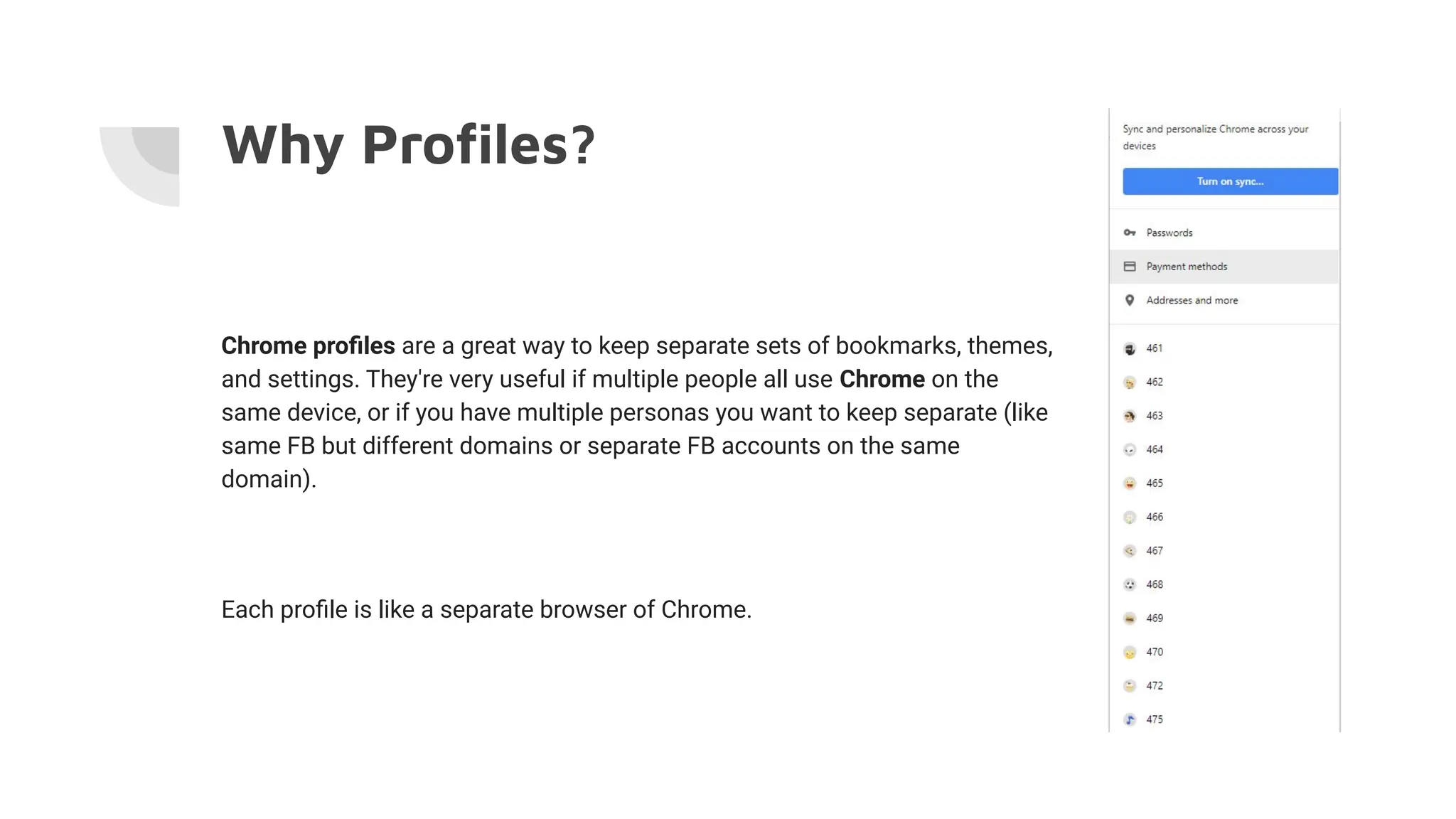
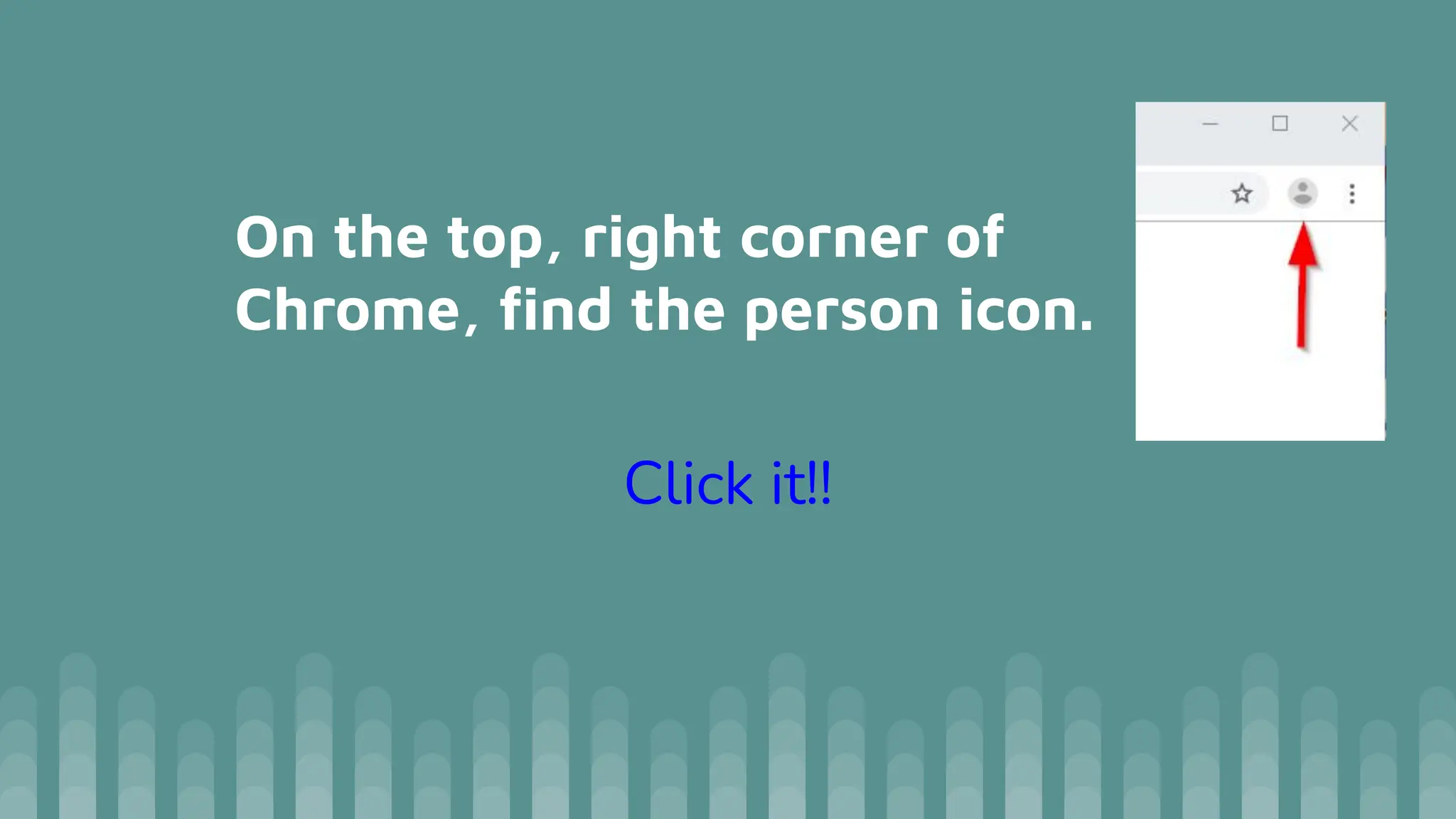
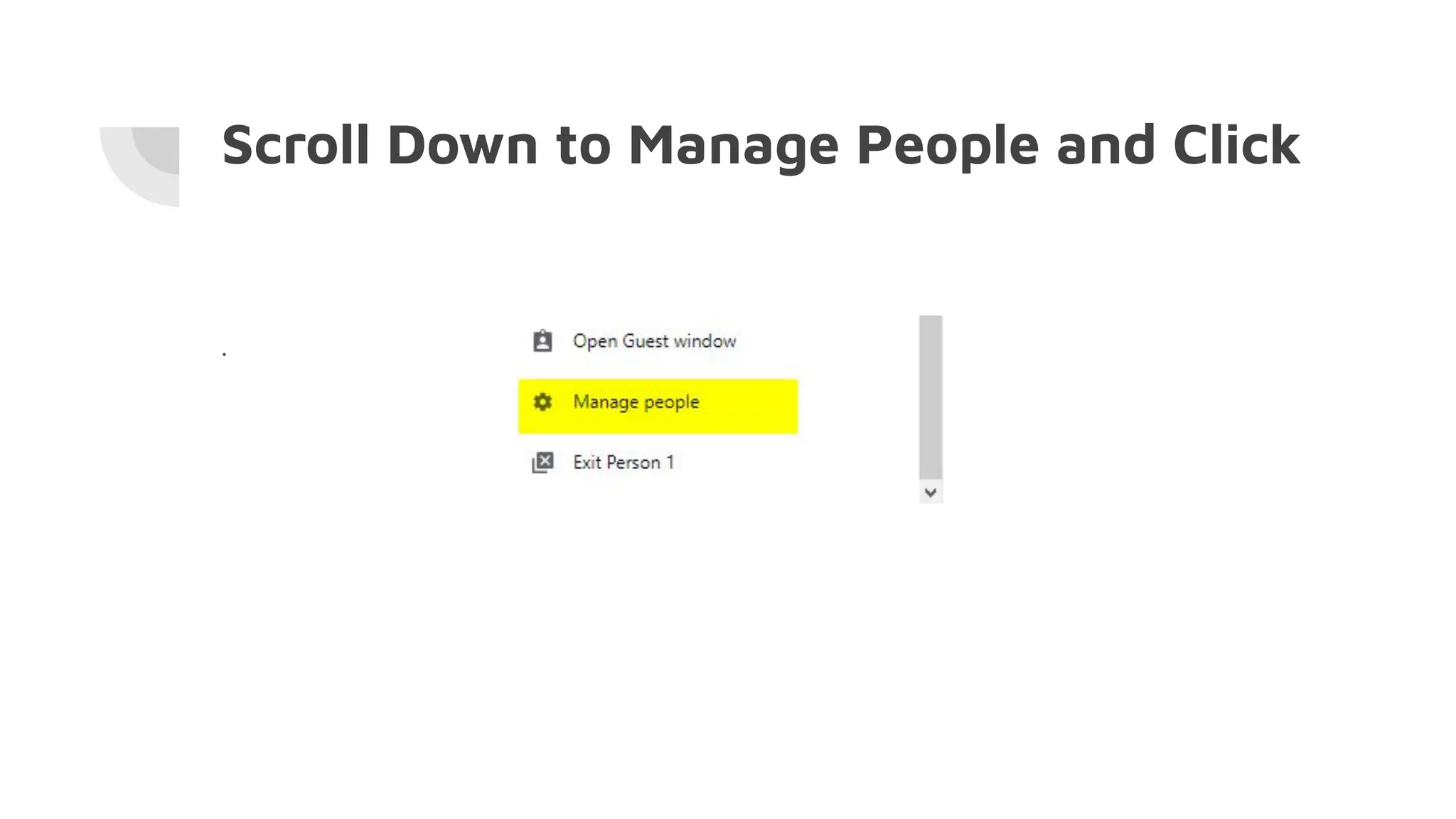
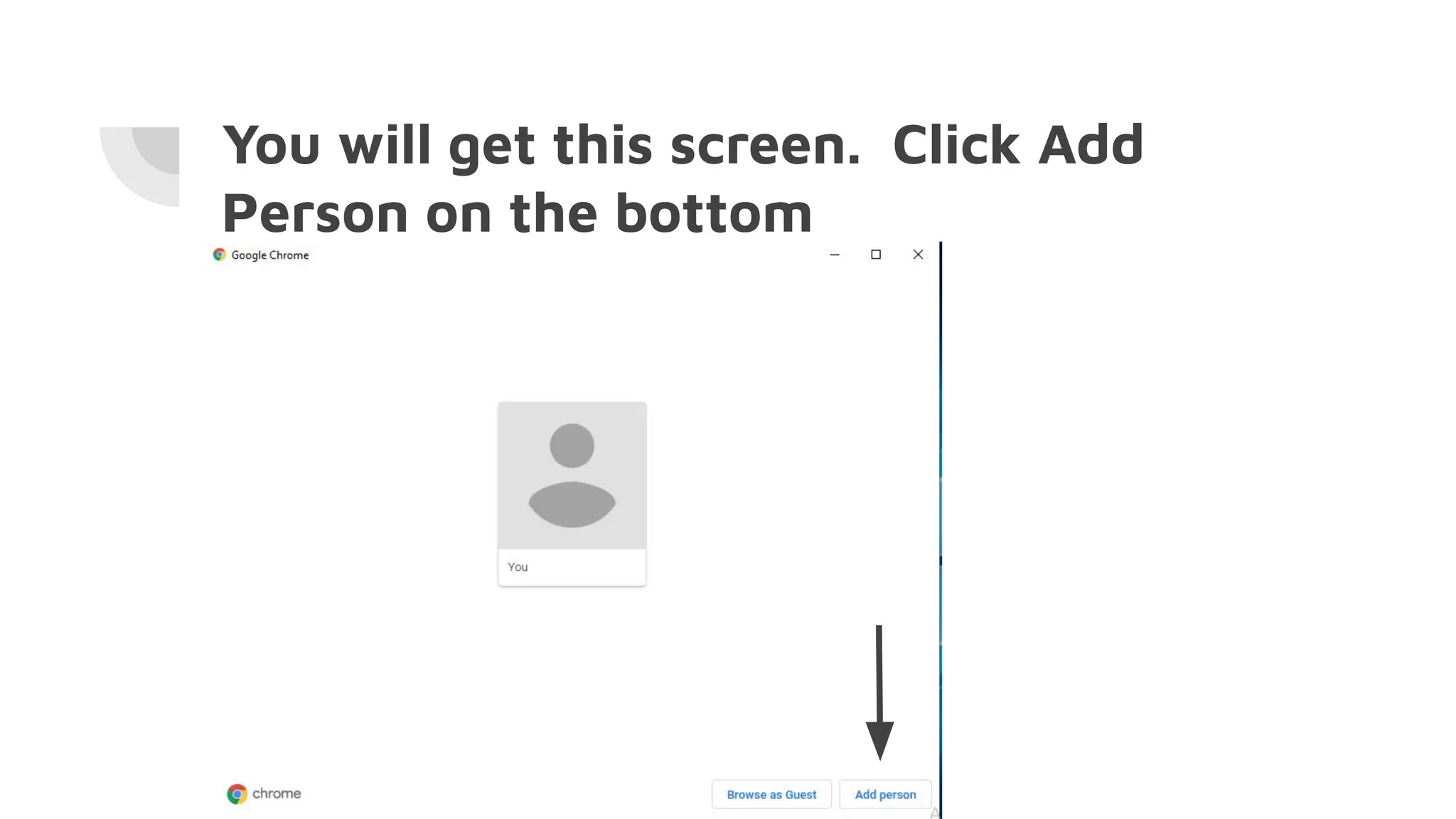

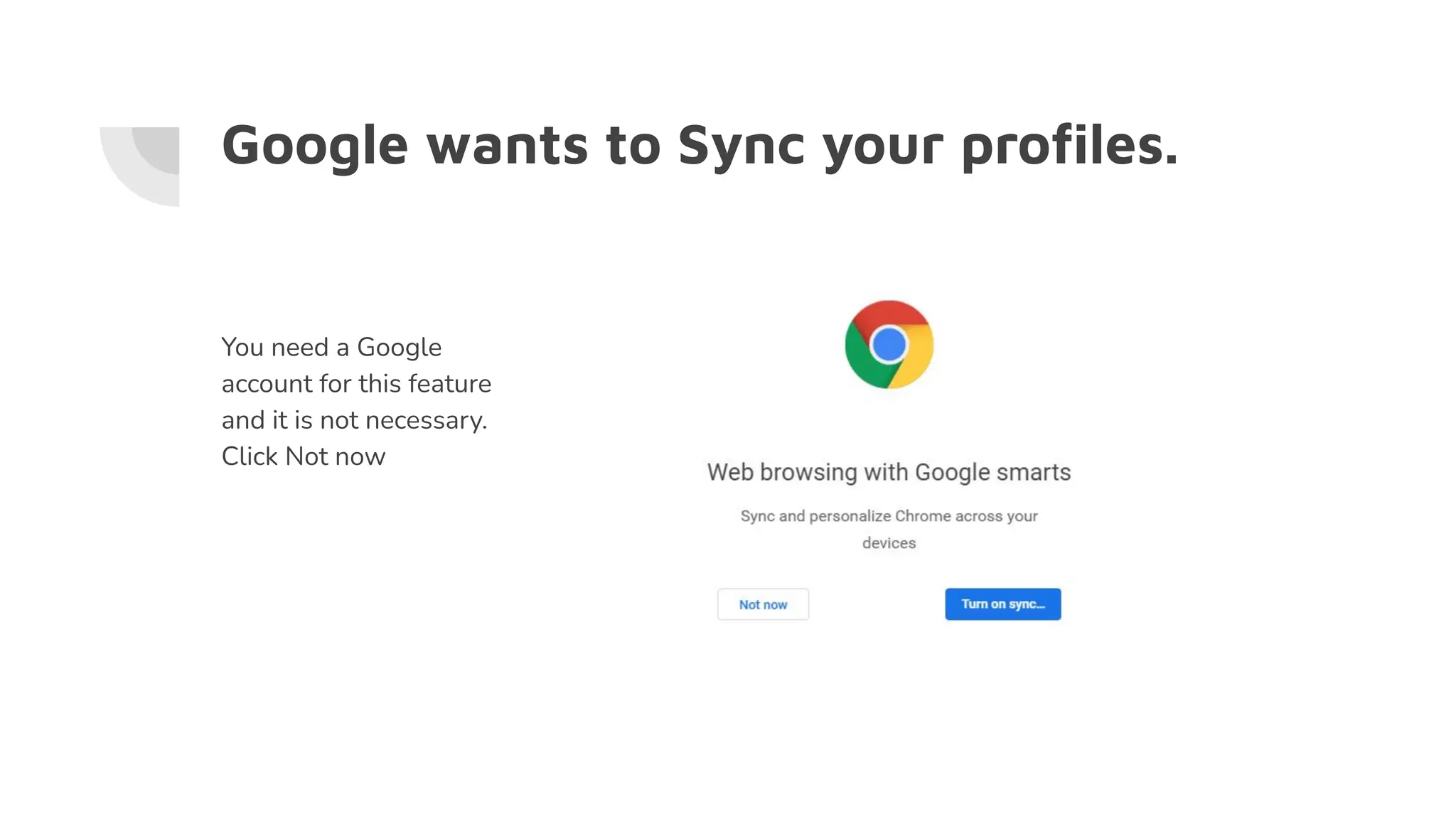


Chrome profiles allow users to create separate browser environments for different users or personas, maintaining distinct settings, bookmarks, and themes. To create a new profile, click the person icon in the top right corner, manage people, and add a new person by naming it and selecting an icon. Google offers a sync feature for profiles, which requires a Google account but is optional.


