How to build simple yet
powerful API
@channaly
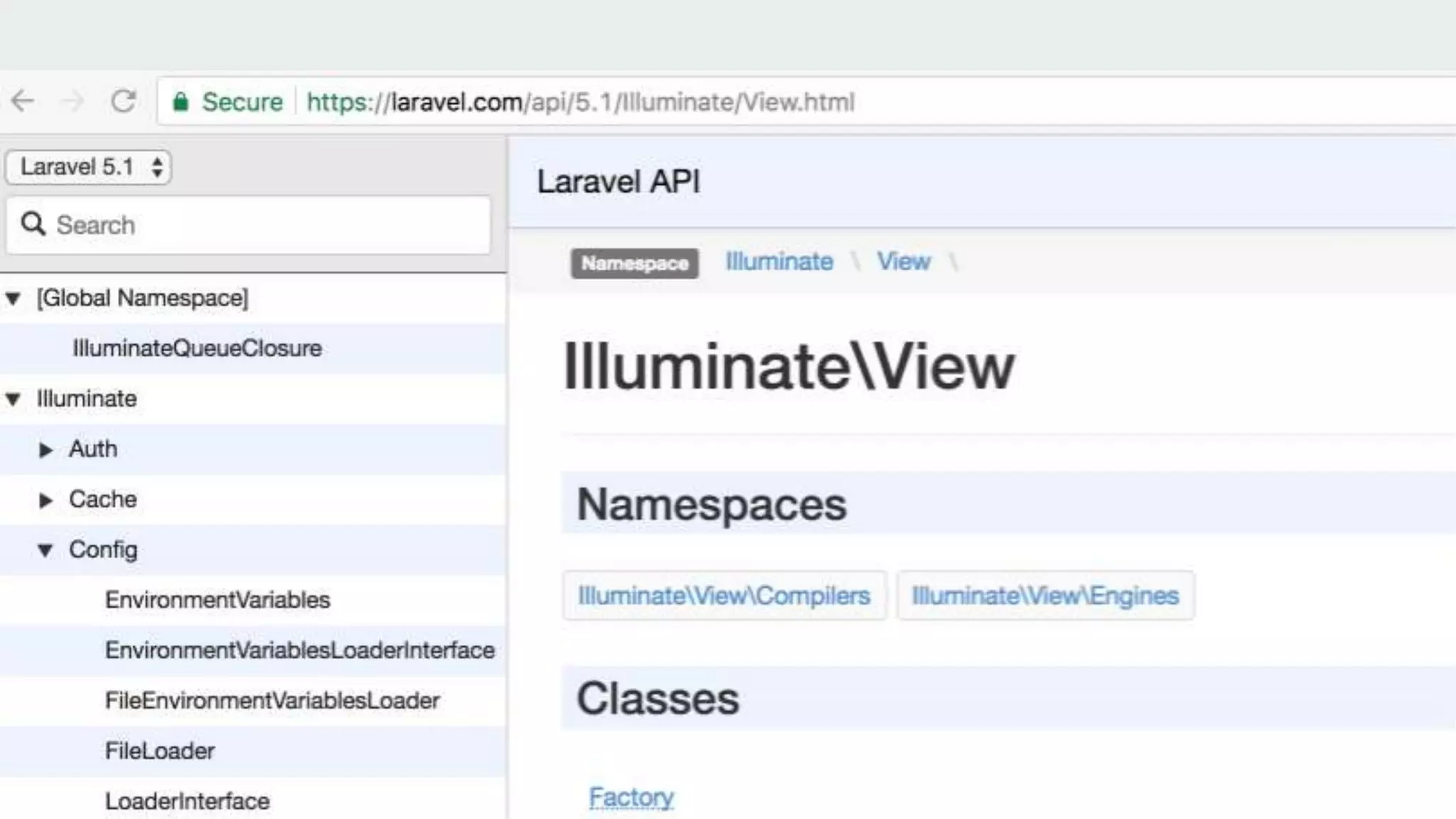
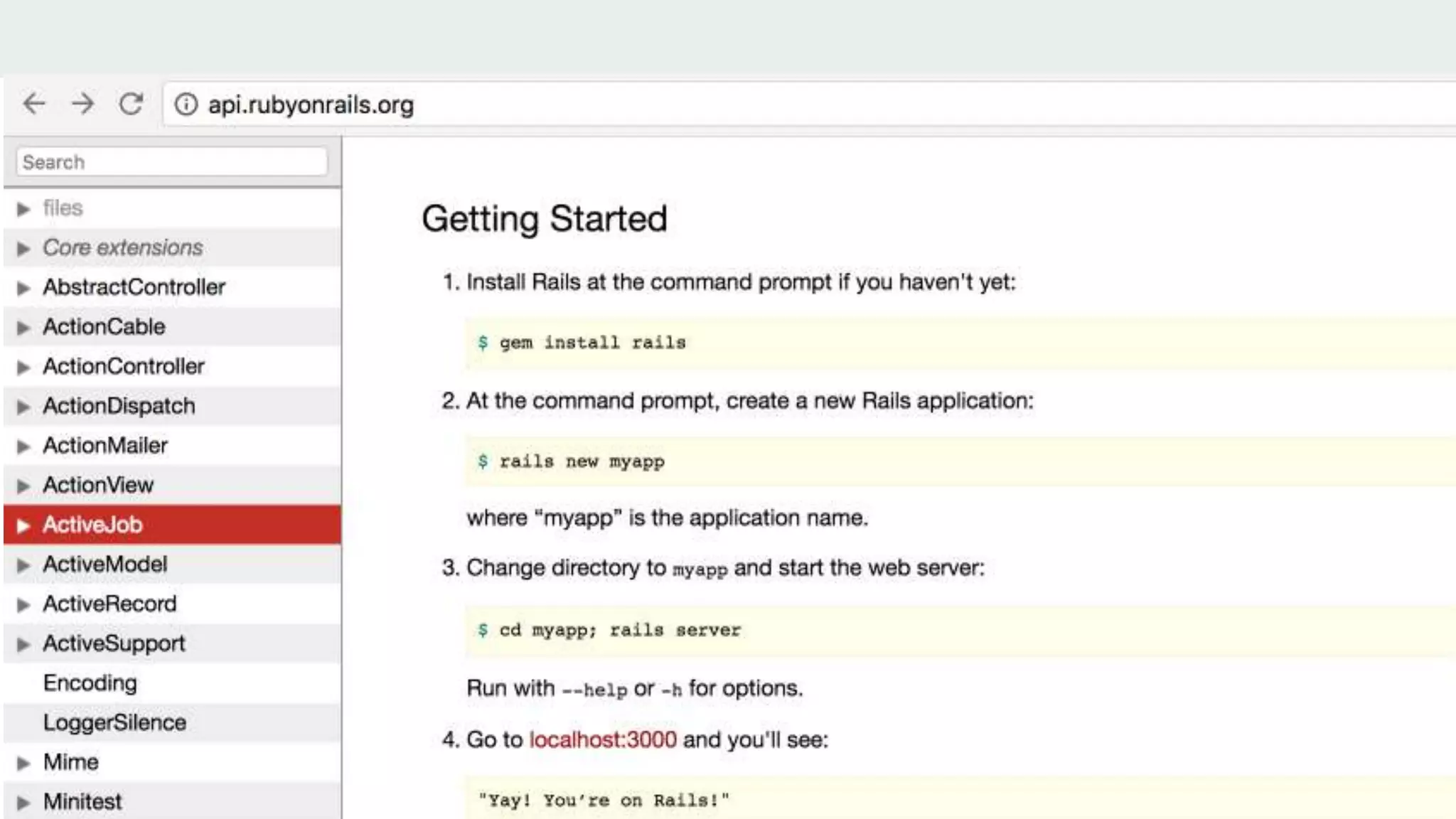
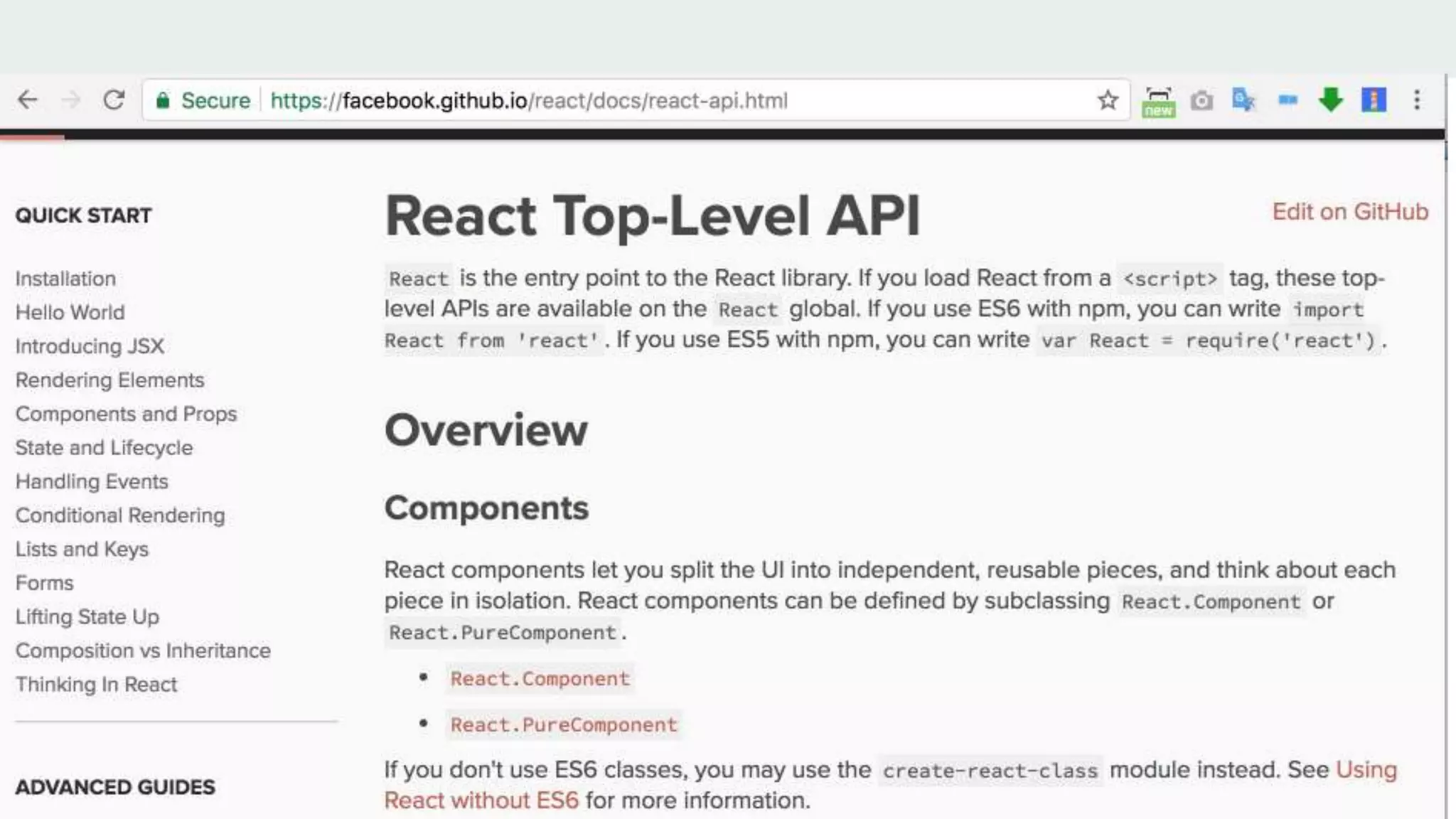
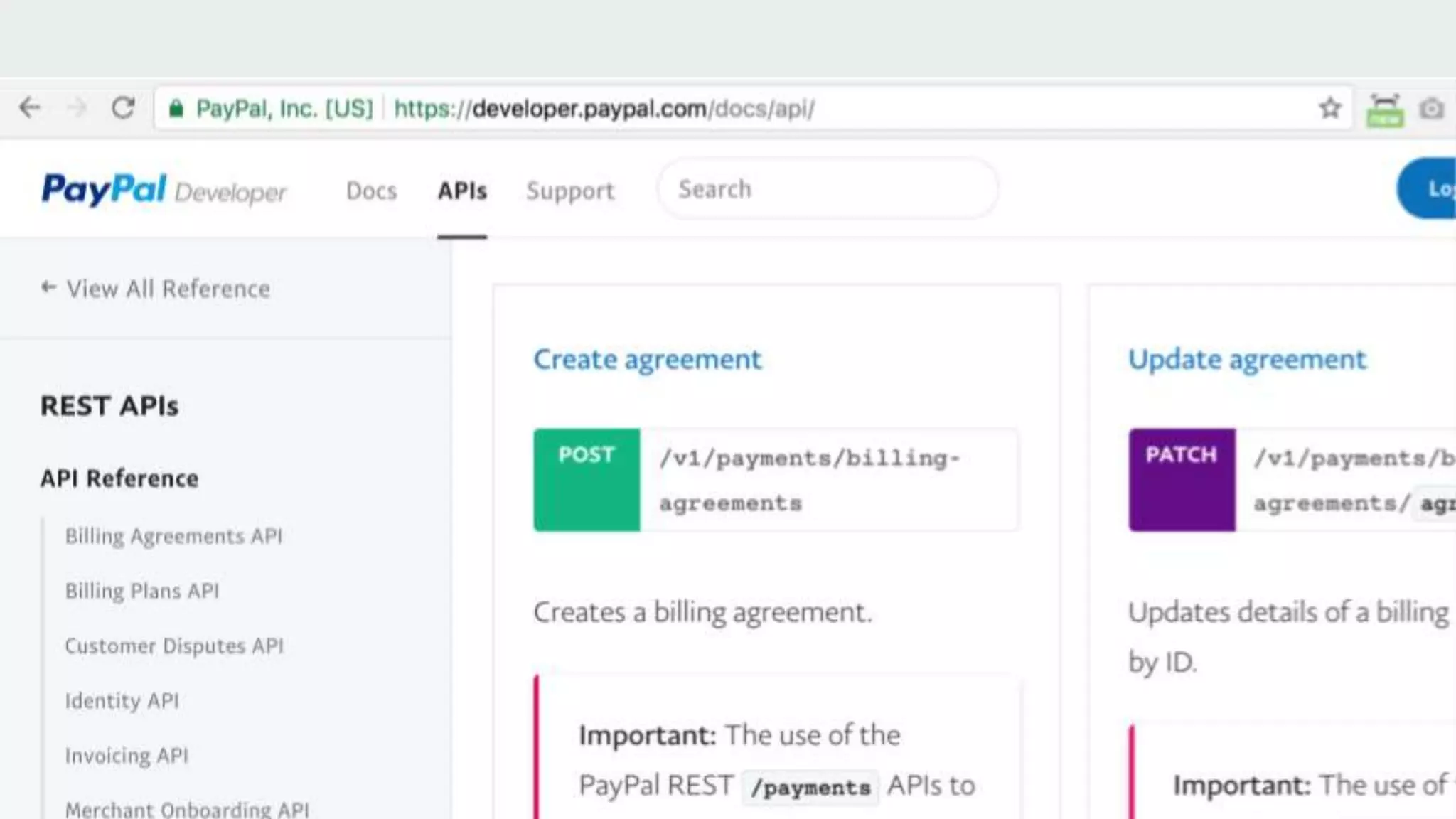
What is an API?
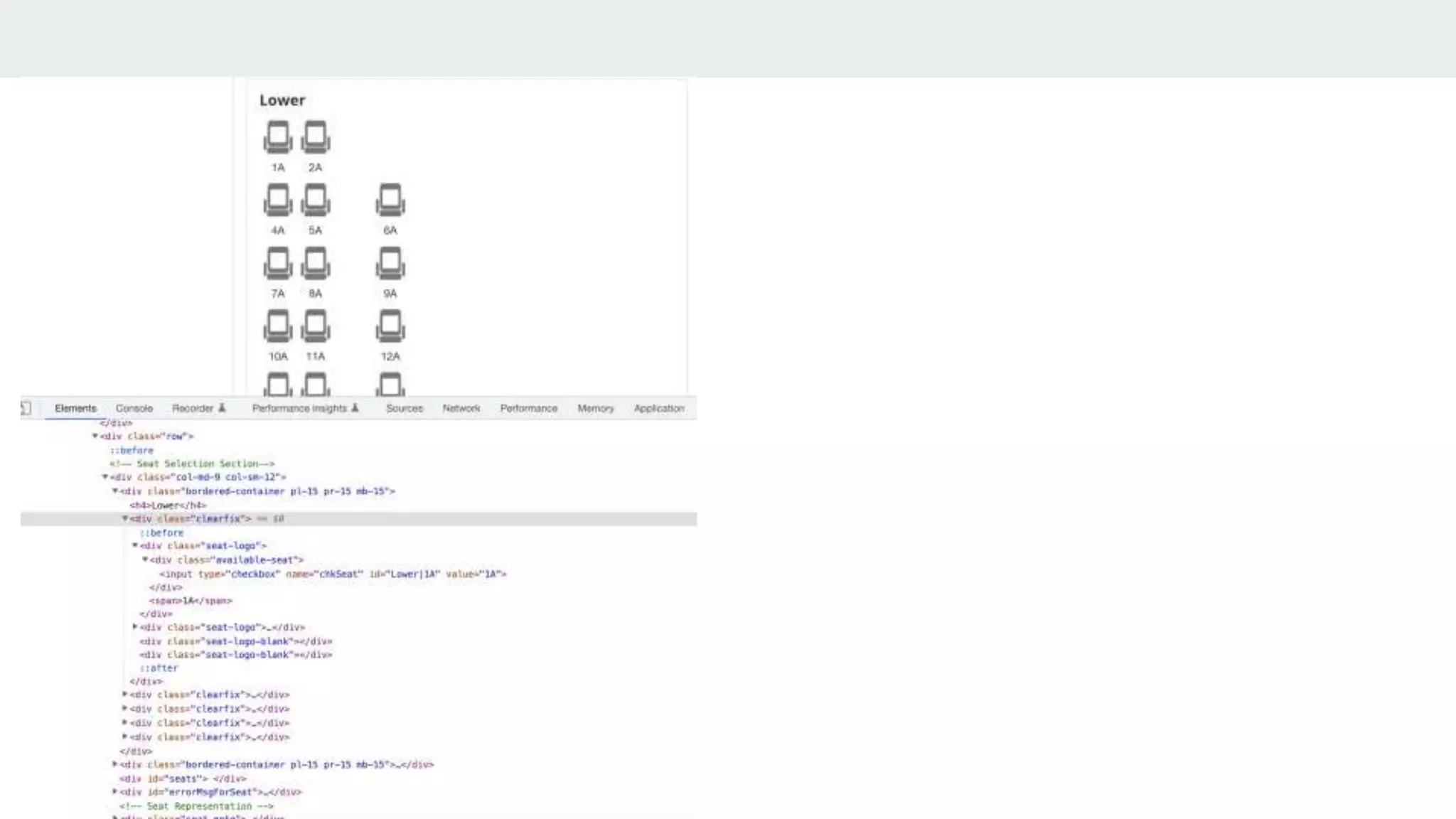
Is this an API?
ob_start( );
ob_get_clean( );
ob_....
What is an API?
We will cover API for client and server communication.
Why API?
● Beyond browsers
● Mobile Apps
● Affiliates
● Microservices
● Information sharing
How to API?
● Handling Request
● Handling Response
● Authentication and Authorization
● Protection
● Agile API ( TDD + CI/CD )
● Documentation
● Versioning
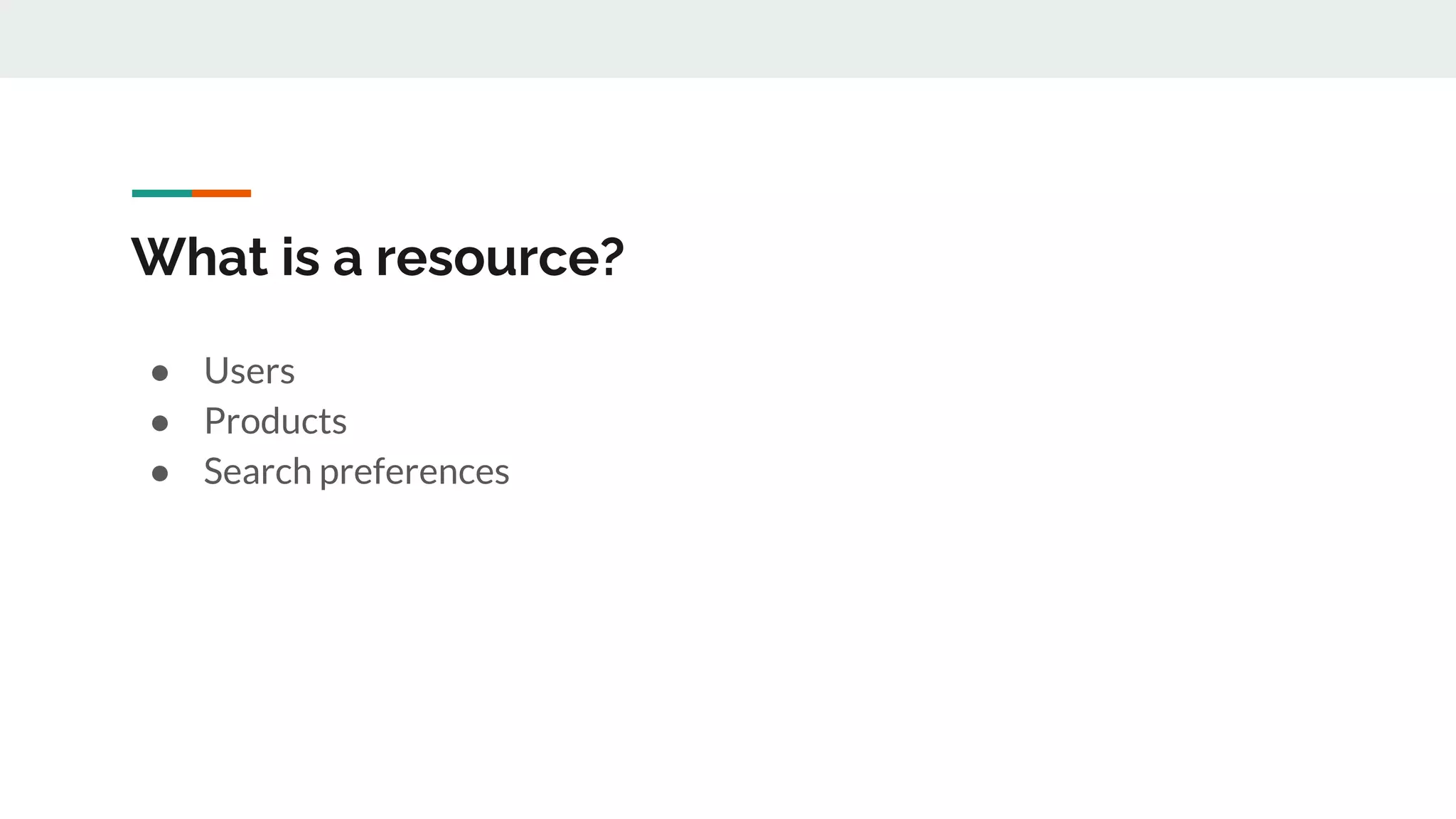
What is a resource?
● Users
● Products
● Search preferences
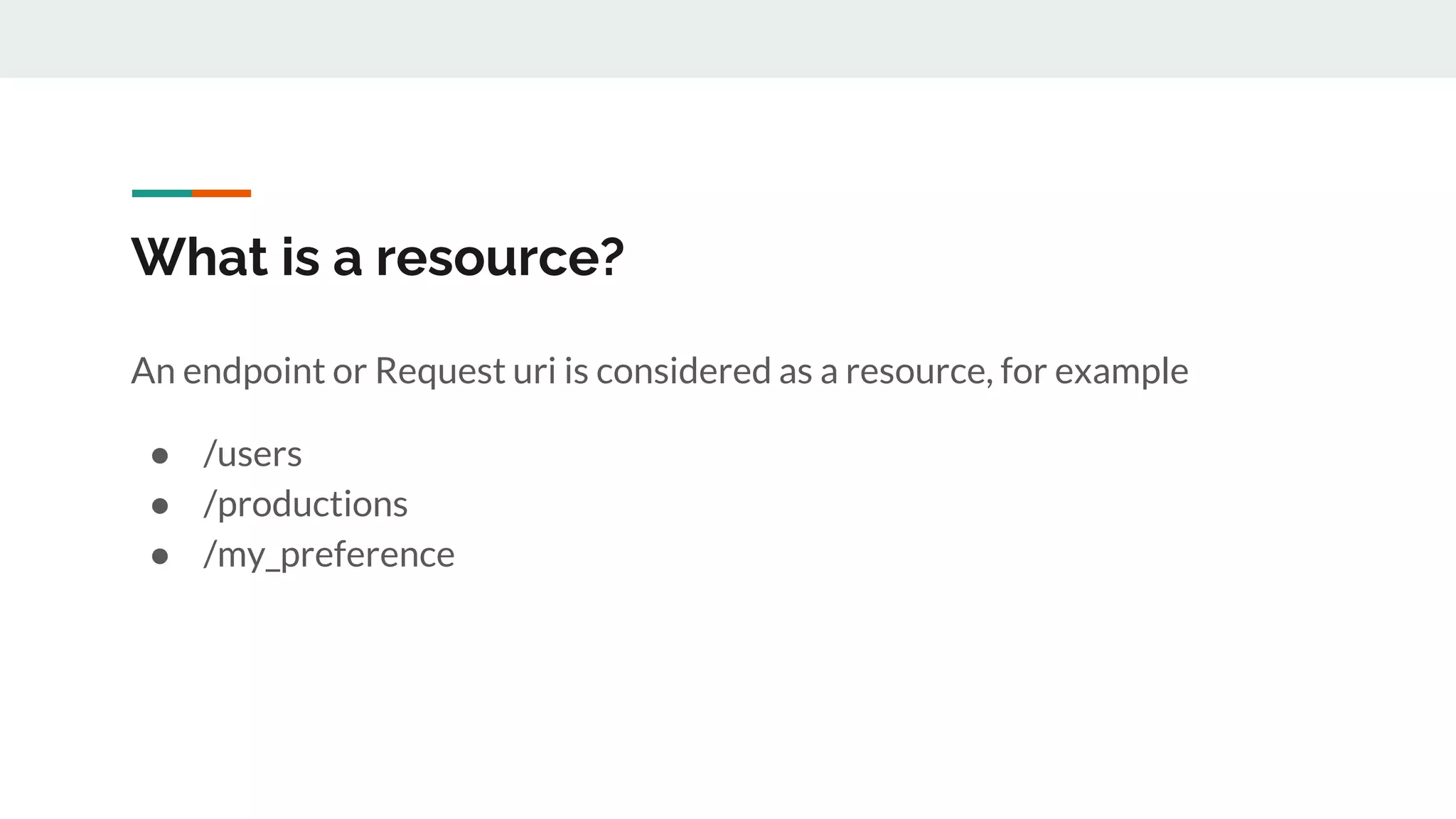
What is a resource?
An endpoint or Request uri is considered as a resource, for example
● /users
● /productions
● /my_preference
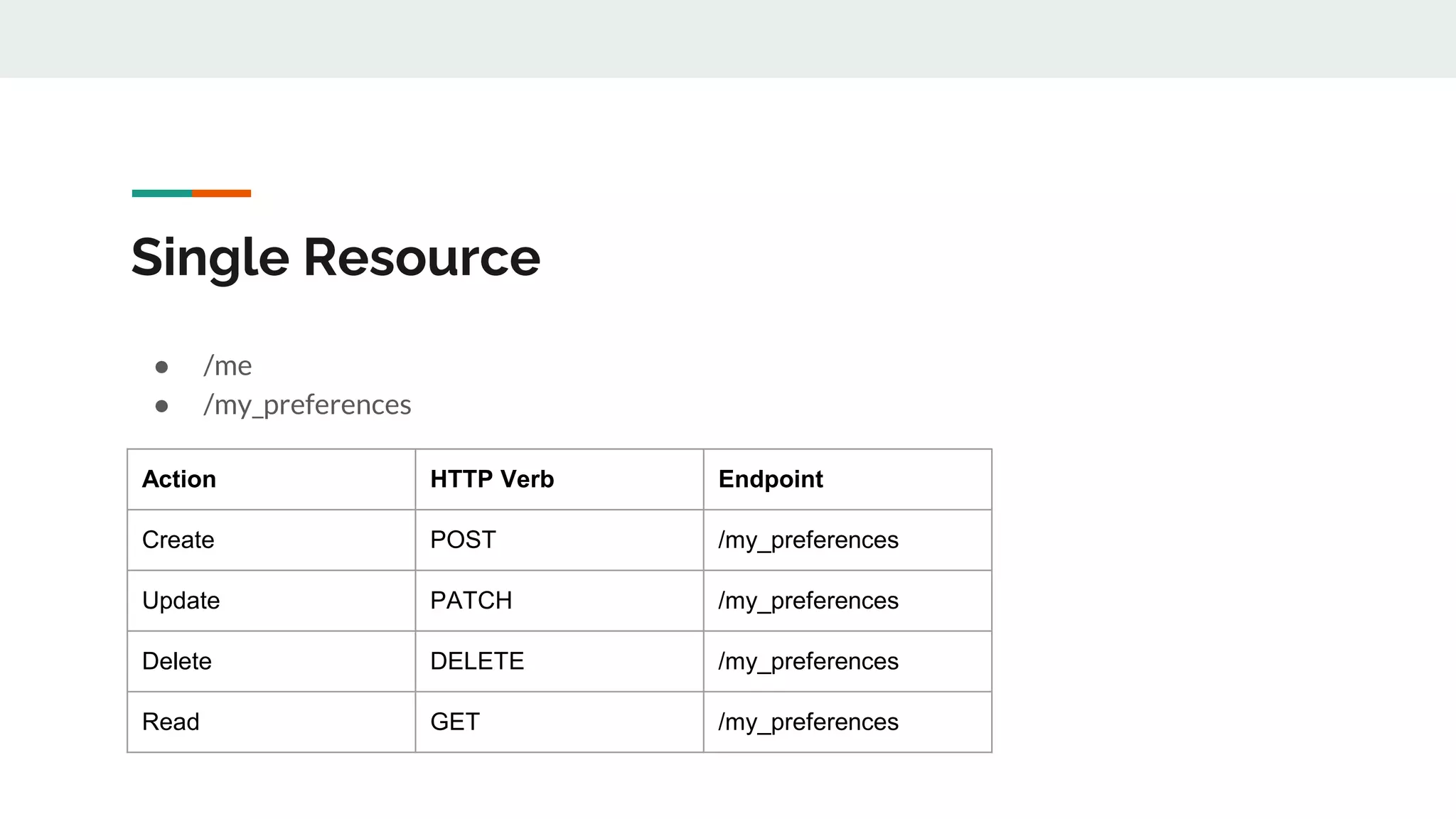
Single Resource
● /me
● /my_preferences
Action HTTP Verb Endpoint
Create POST /my_preferences
Update PATCH /my_preferences
Delete DELETE /my_preferences
Read GET /my_preferences
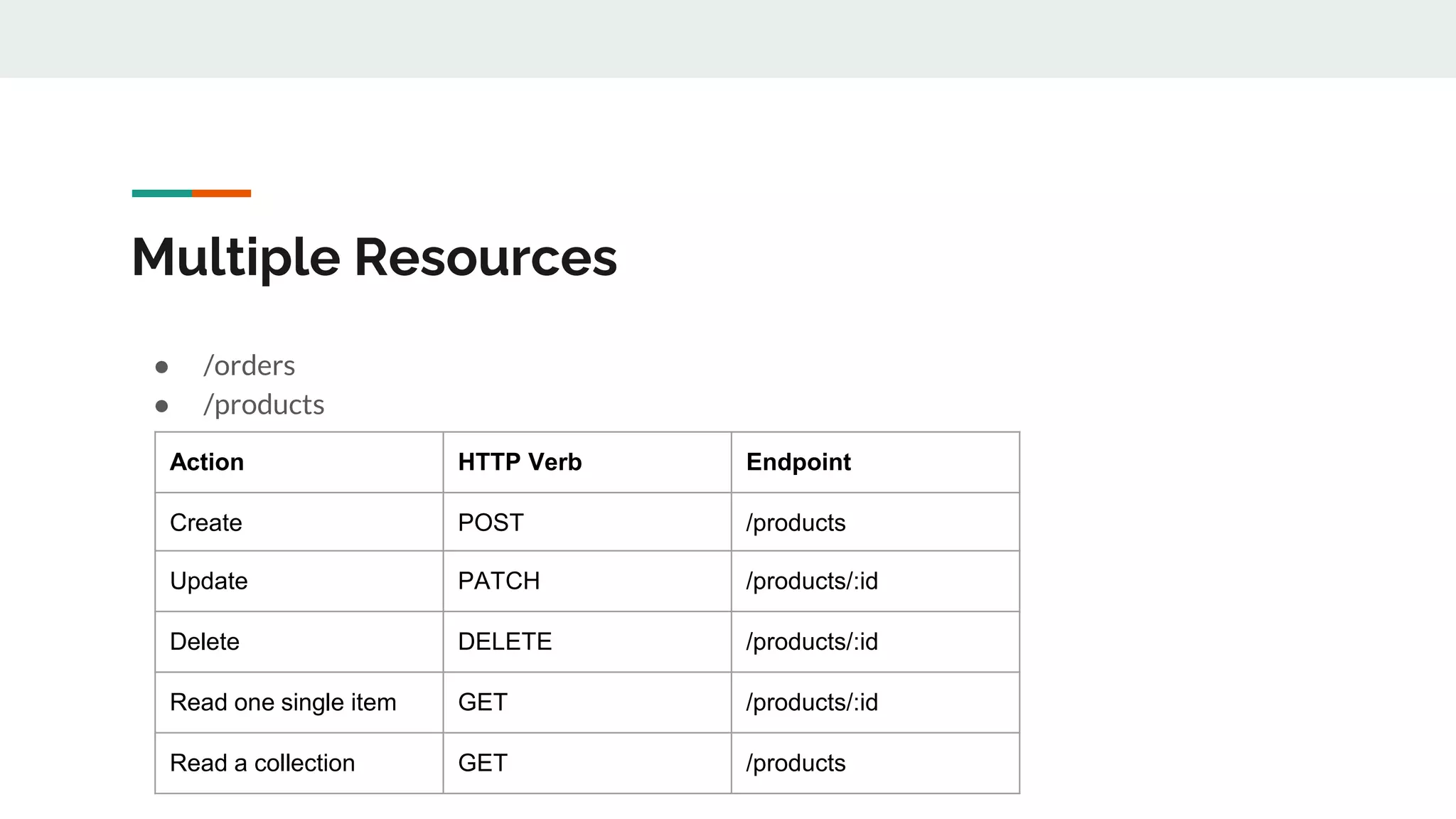
Multiple Resources
● /orders
● /products
Action HTTP Verb Endpoint
Create POST /products
Update PATCH /products/:id
Delete DELETE /products/:id
Read one single item GET /products/:id
Read a collection GET /products
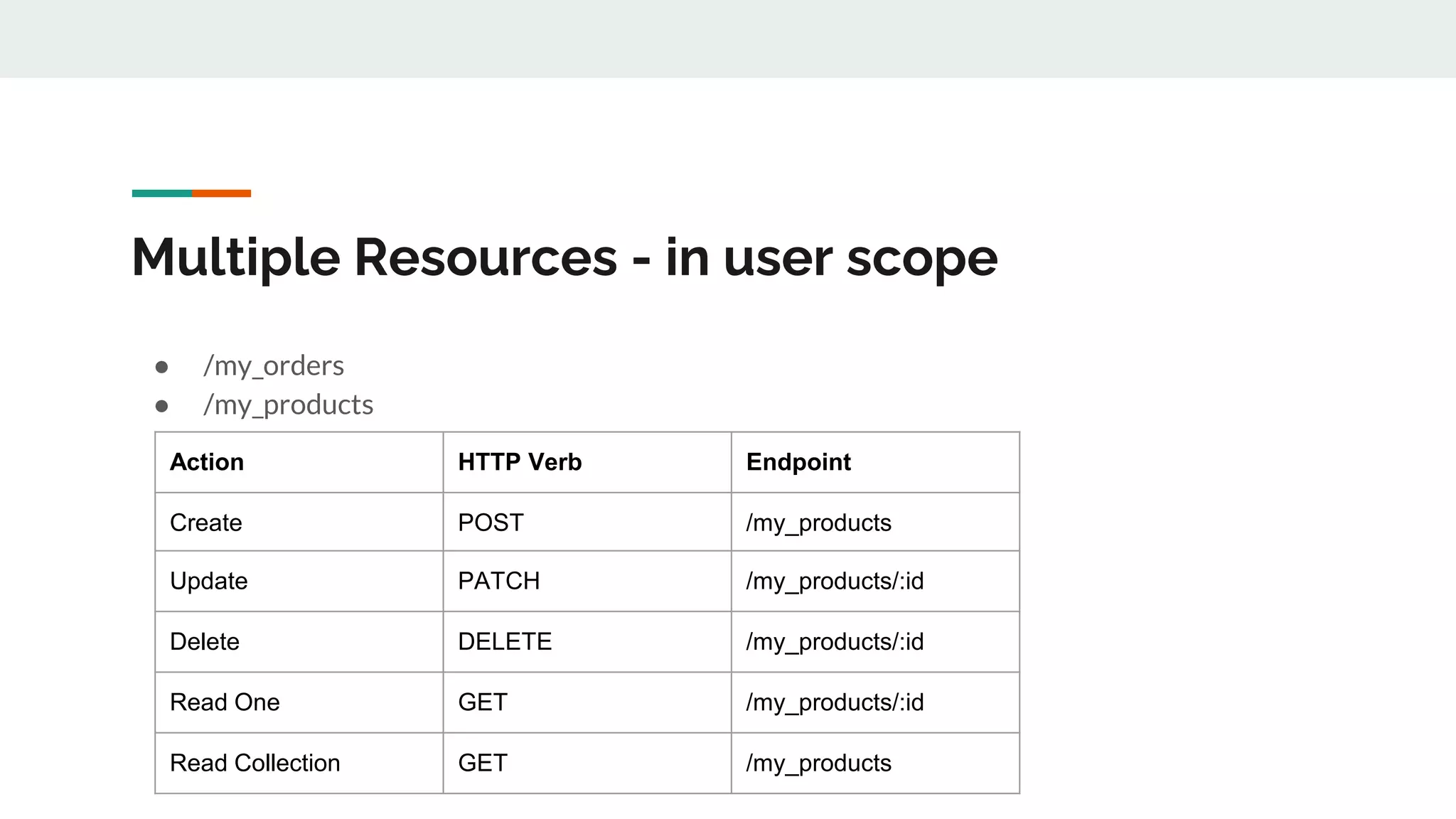
Multiple Resources - in user scope
● /my_orders
● /my_products
Action HTTP Verb Endpoint
Create POST /my_products
Update PATCH /my_products/:id
Delete DELETE /my_products/:id
Read One GET /my_products/:id
Read Collection GET /my_products
Handling Request
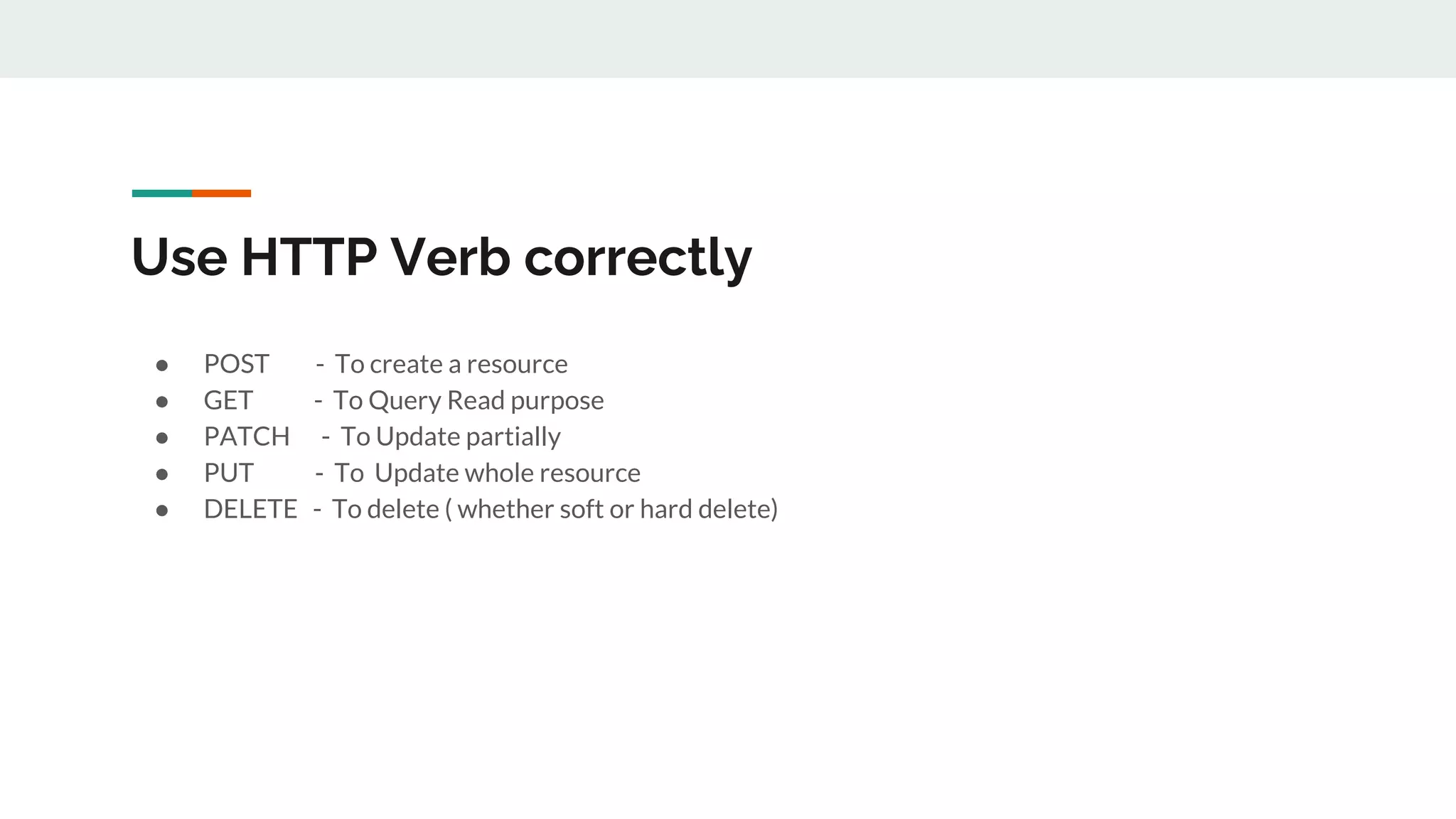
Use HTTP Verb correctly
● POST - To create a resource
● GET - To Query Read purpose
● PATCH - To Update partially
● PUT - To Update whole resource
● DELETE - To delete ( whether soft or hard delete)
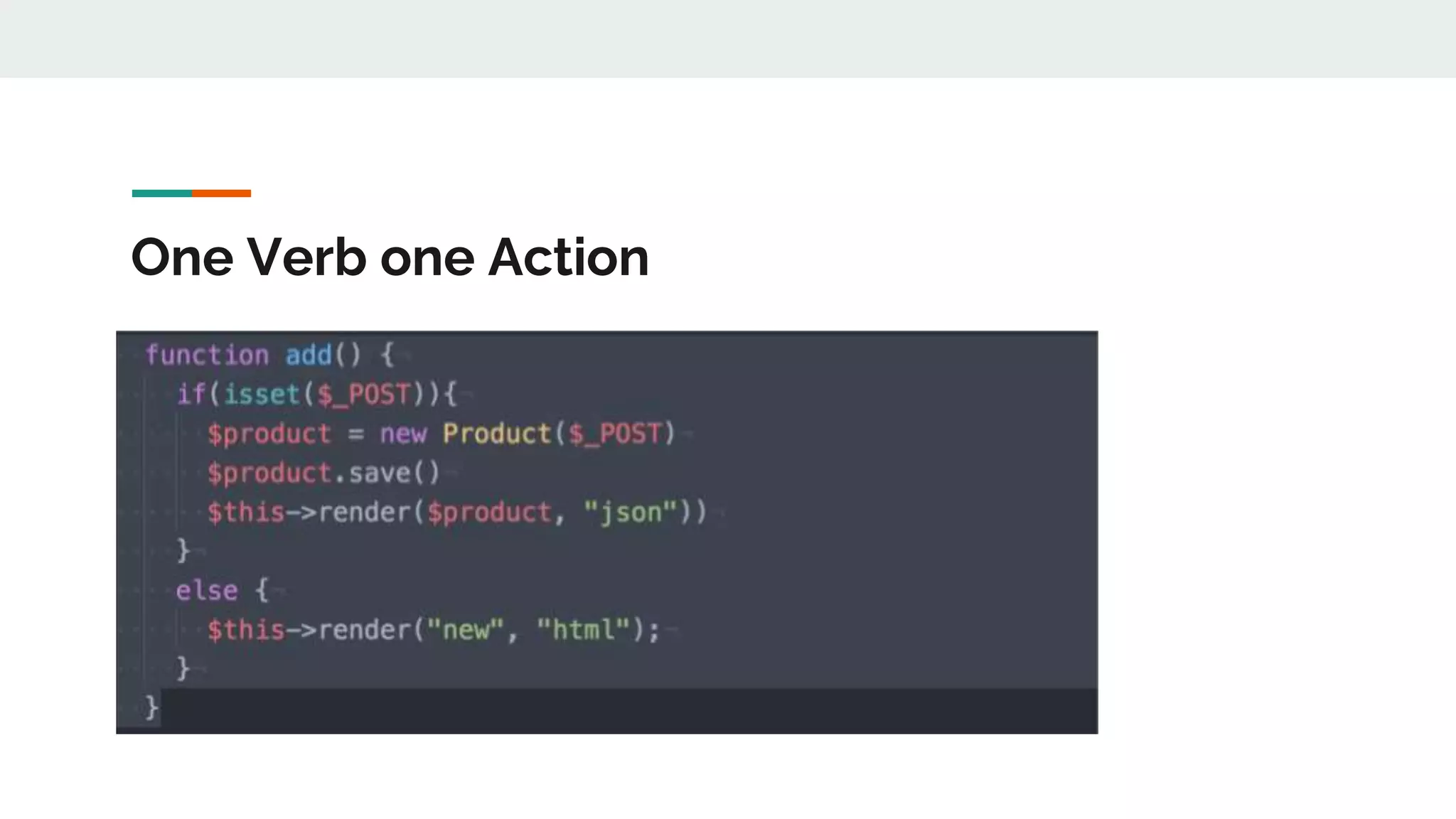
One Verb one Action
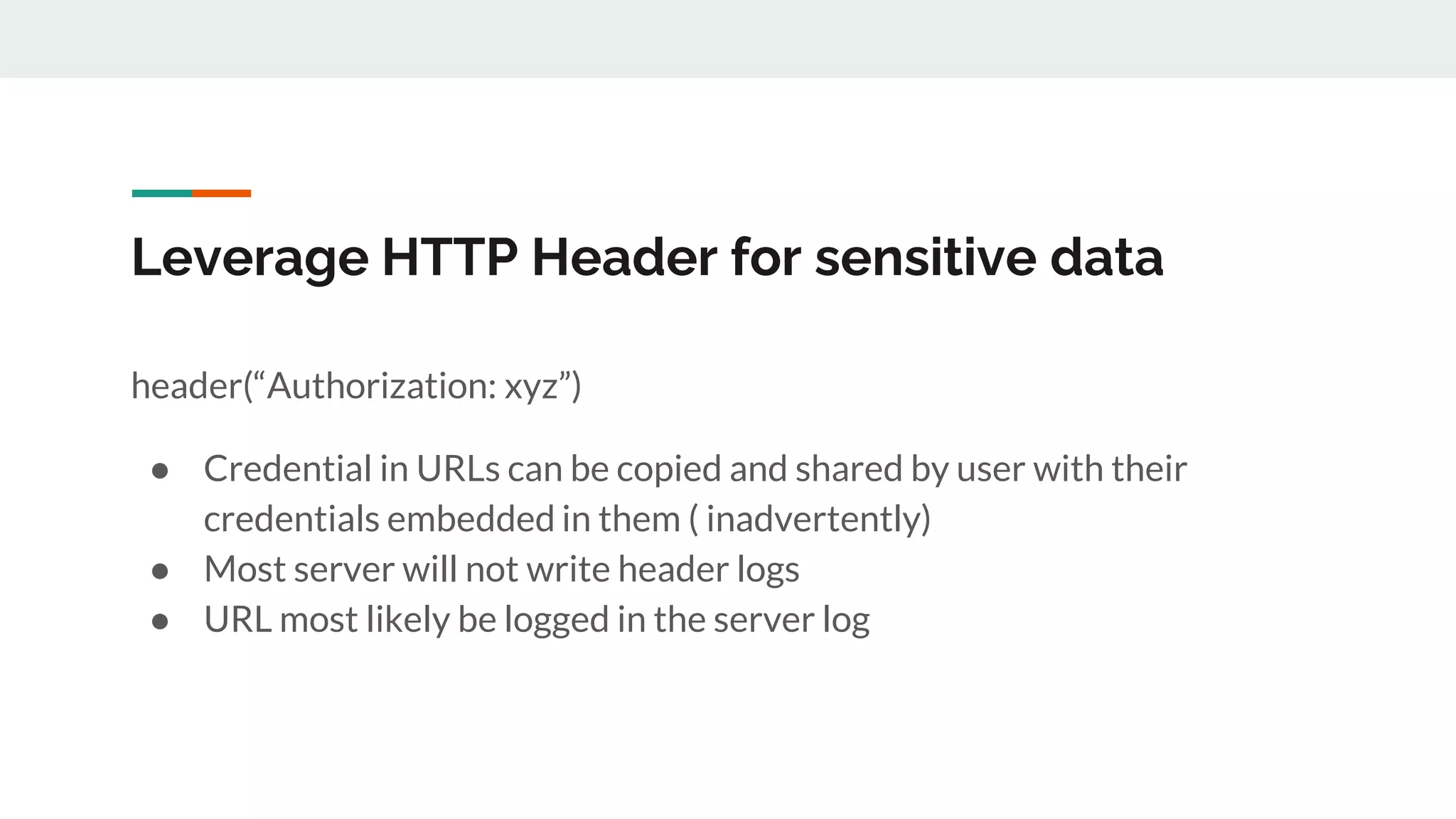
Leverage HTTP Header for sensitive data
header(“Authorization: xyz”)
● Credential in URLs can be copied and shared by user with their
credentials embedded in them ( inadvertently)
● Most server will not write header logs
● URL most likely be logged in the server log
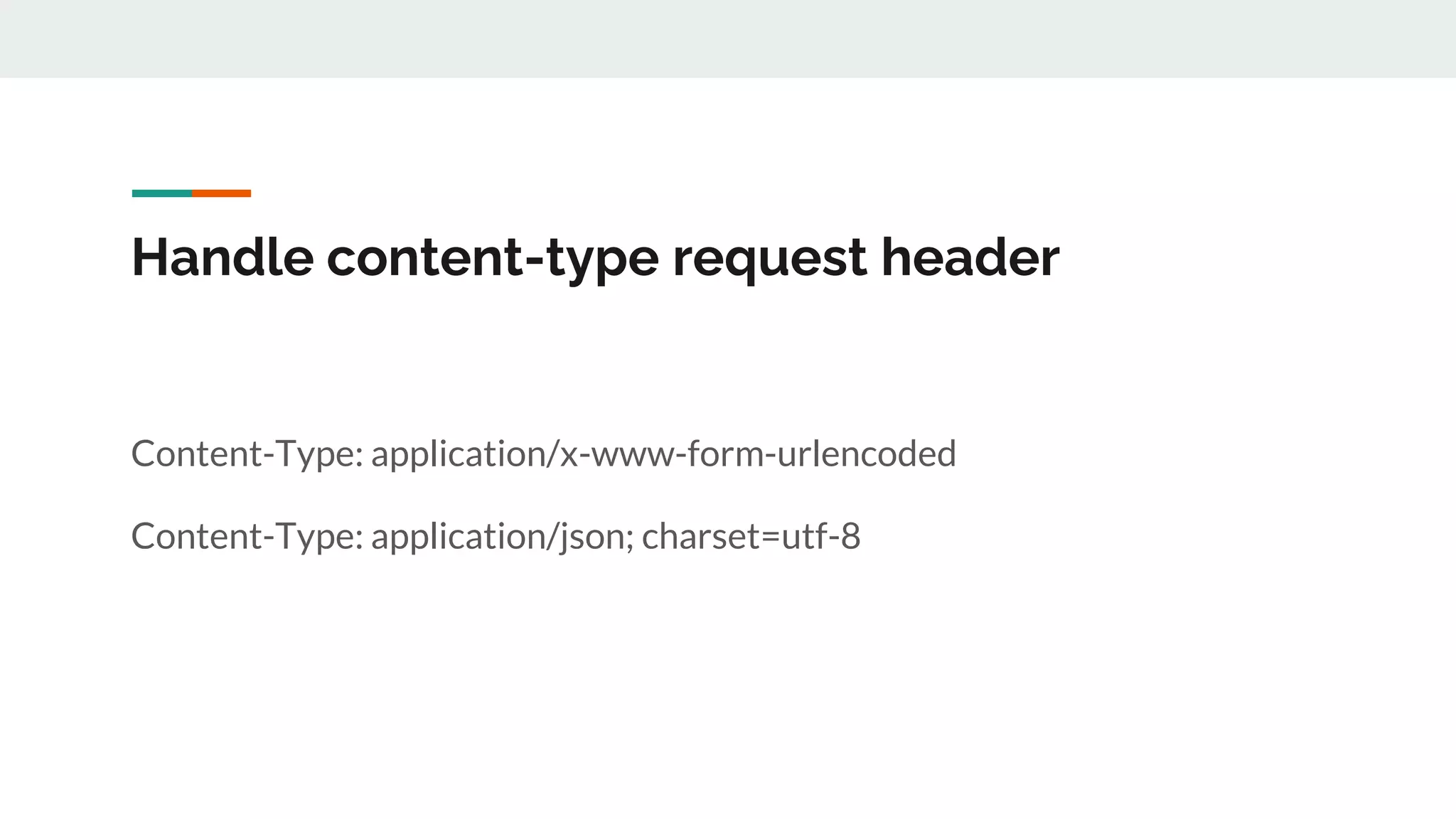
Handle content-type request header
Content-Type: application/x-www-form-urlencoded
Content-Type: application/json; charset=utf-8
Handling Response
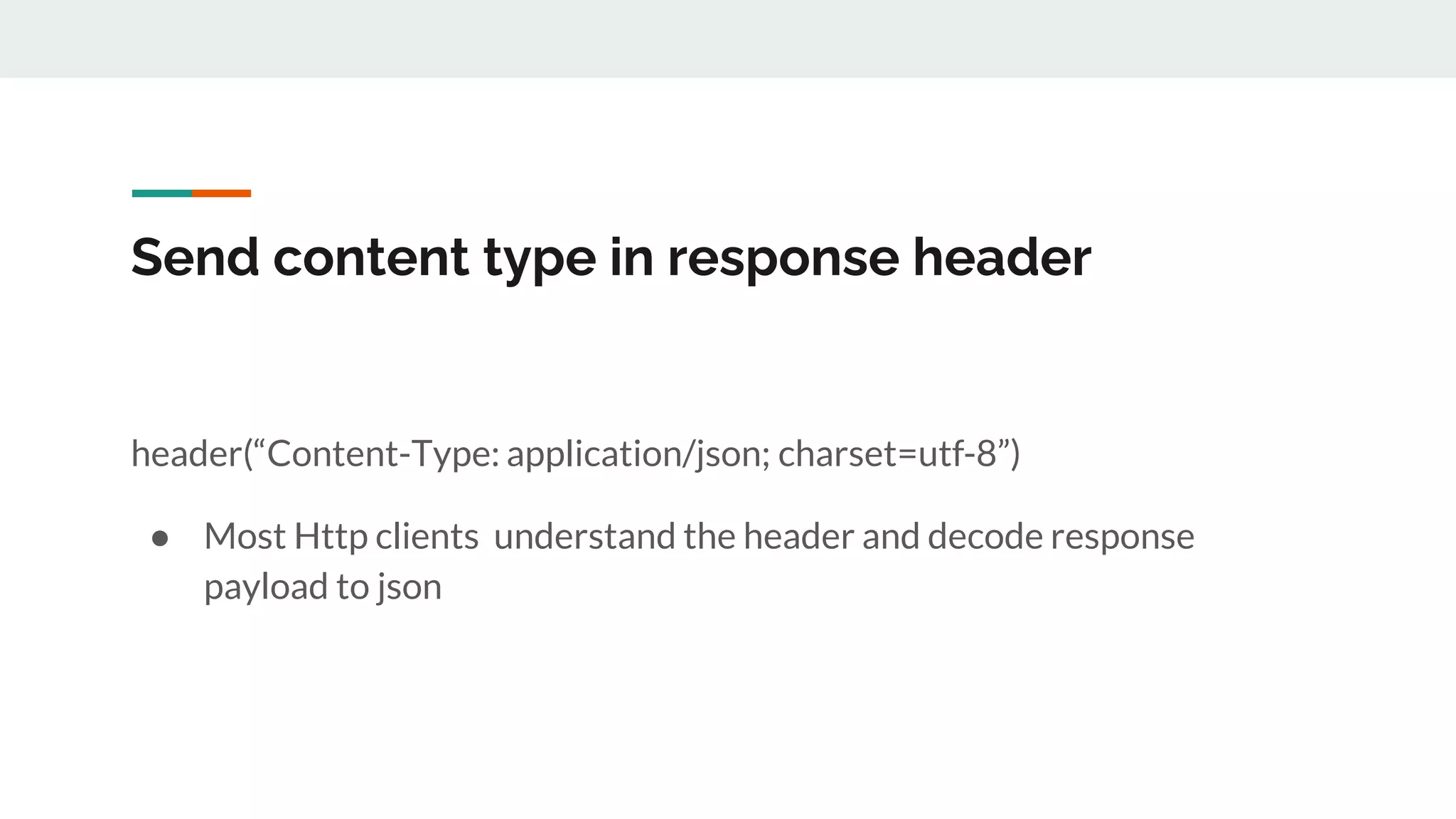
Send content type in response header
header(“Content-Type: application/json; charset=utf-8”)
● Most Http clients understand the header and decode response
payload to json
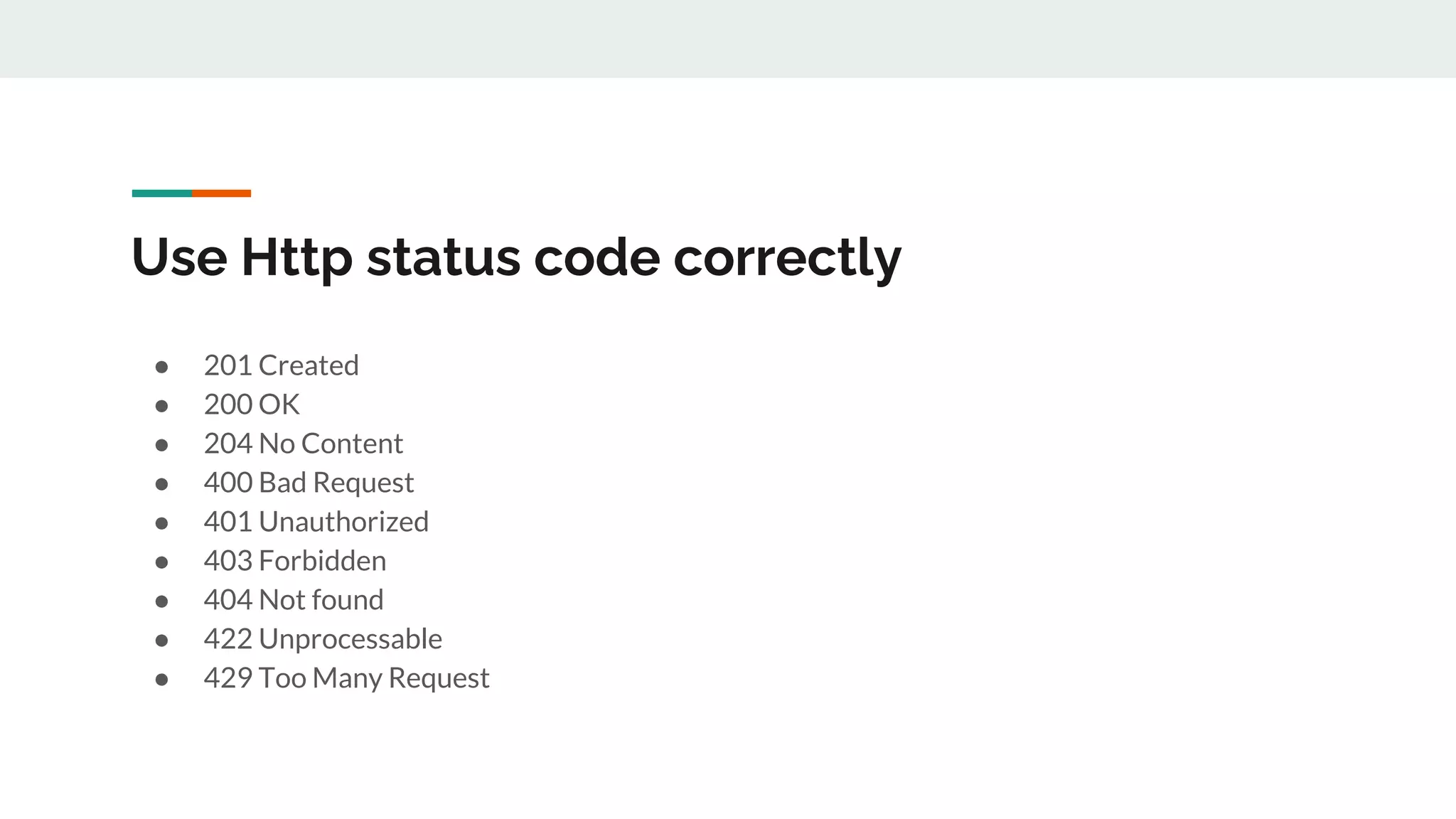
Use Http status code correctly
● 201 Created
● 200 OK
● 204 No Content
● 400 Bad Request
● 401 Unauthorized
● 403 Forbidden
● 404 Not found
● 422 Unprocessable
● 429 Too Many Request
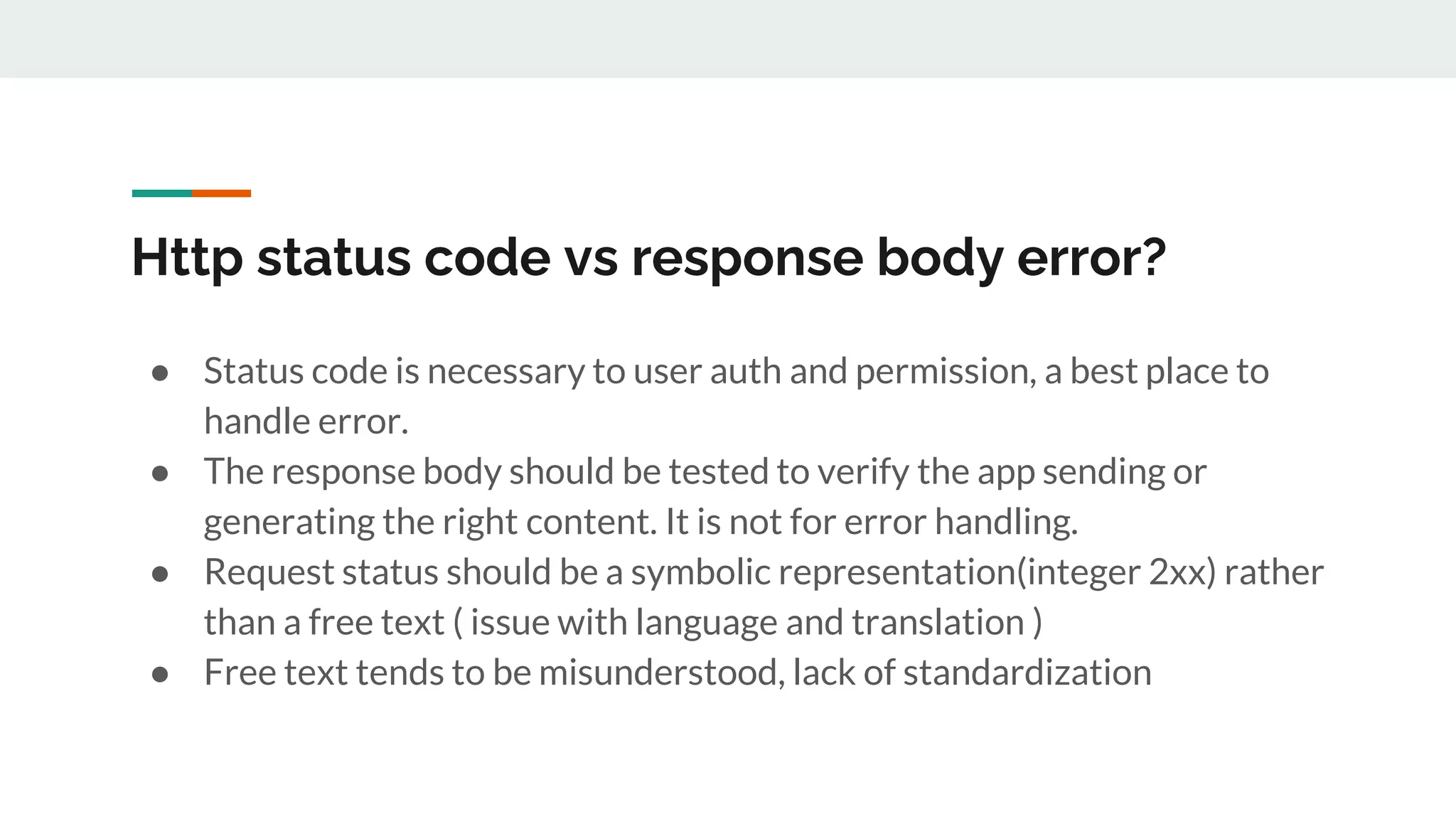
Http status code vs response body error?
● Status code is necessary to user auth and permission, a best place to
handle error.
● The response body should be tested to verify the app sending or
generating the right content. It is not for error handling.
● Request status should be a symbolic representation(integer 2xx) rather
than a free text ( issue with language and translation )
● Free text tends to be misunderstood, lack of standardization
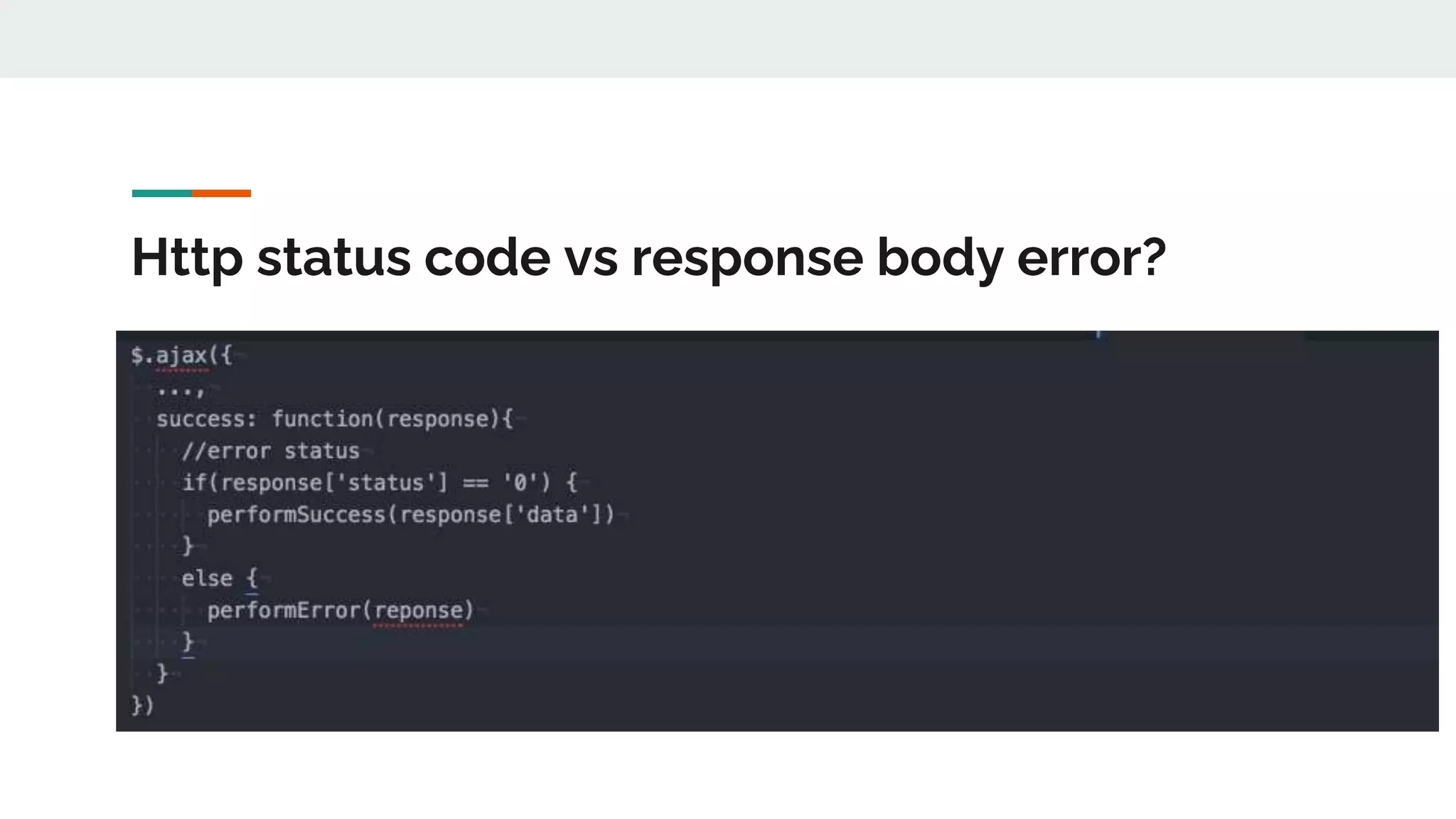
Http status code vs response body error?
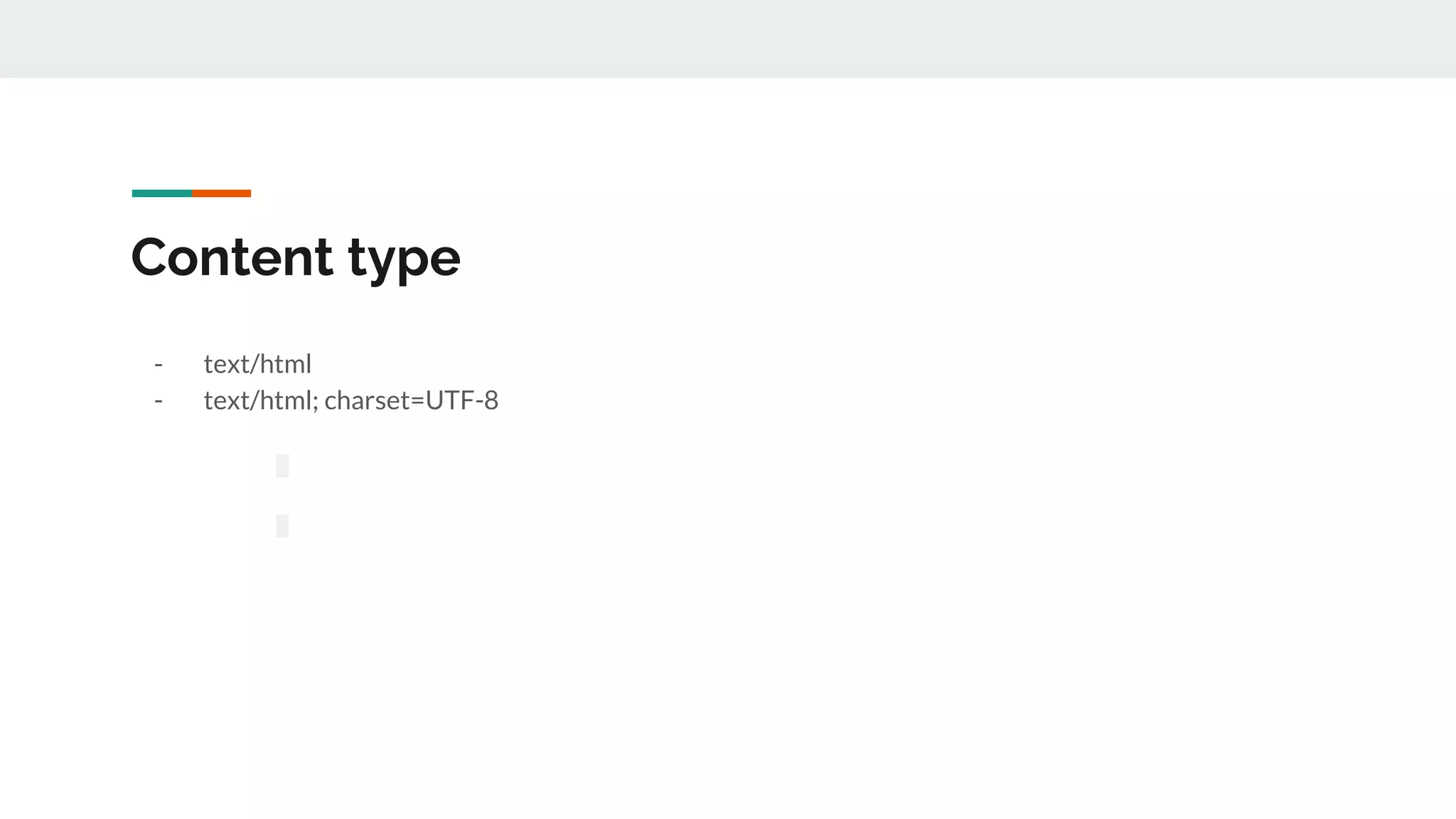
Content type
- text/html
- text/html; charset=UTF-8
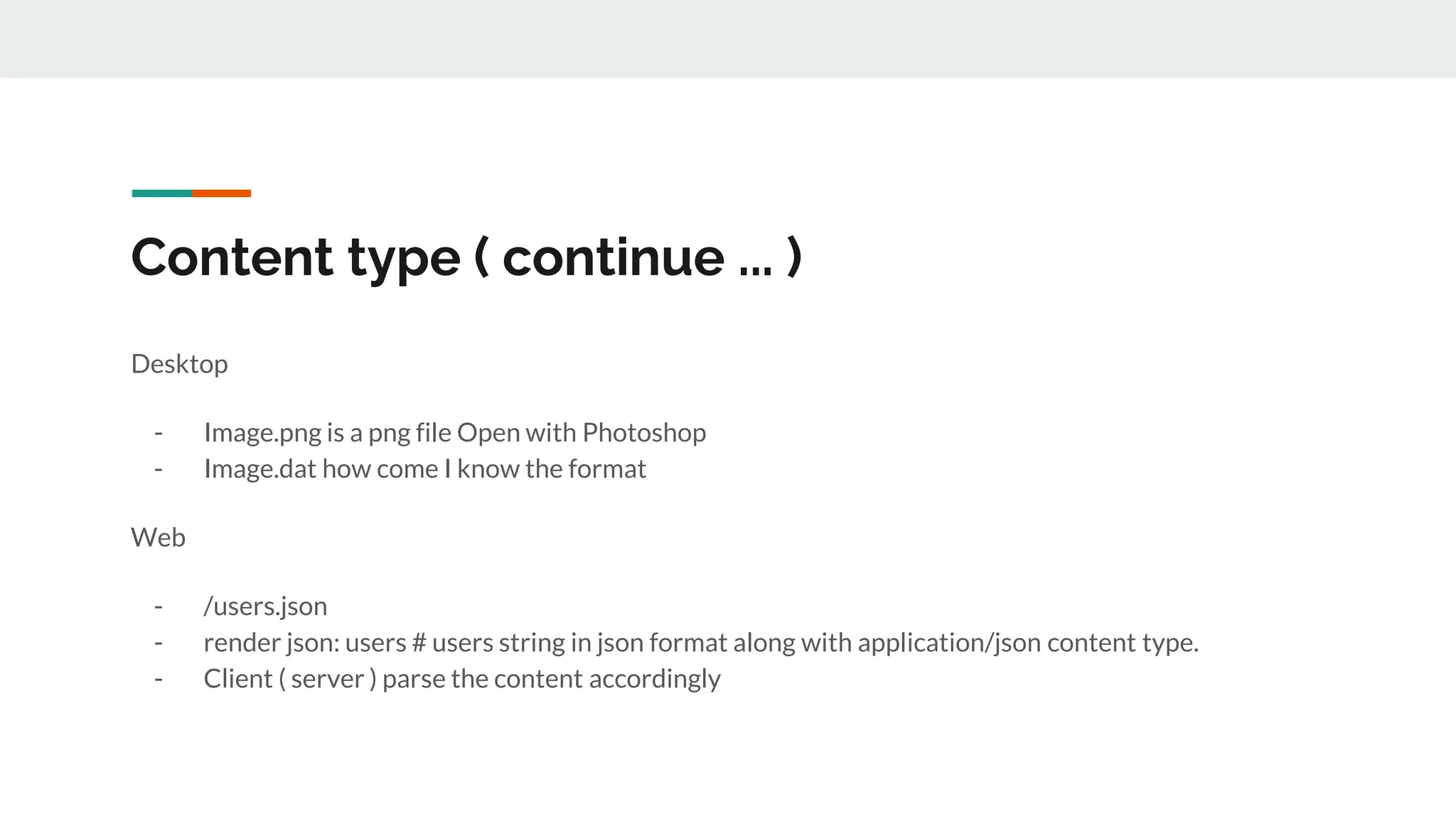
Content type ( continue ... )
Desktop
- Image.png is a png file Open with Photoshop
- Image.dat how come I know the format
Web
- /users.json
- render json: users # users string in json format along with application/json content type.
- Client ( server ) parse the content accordingly
Authentication and Authorization
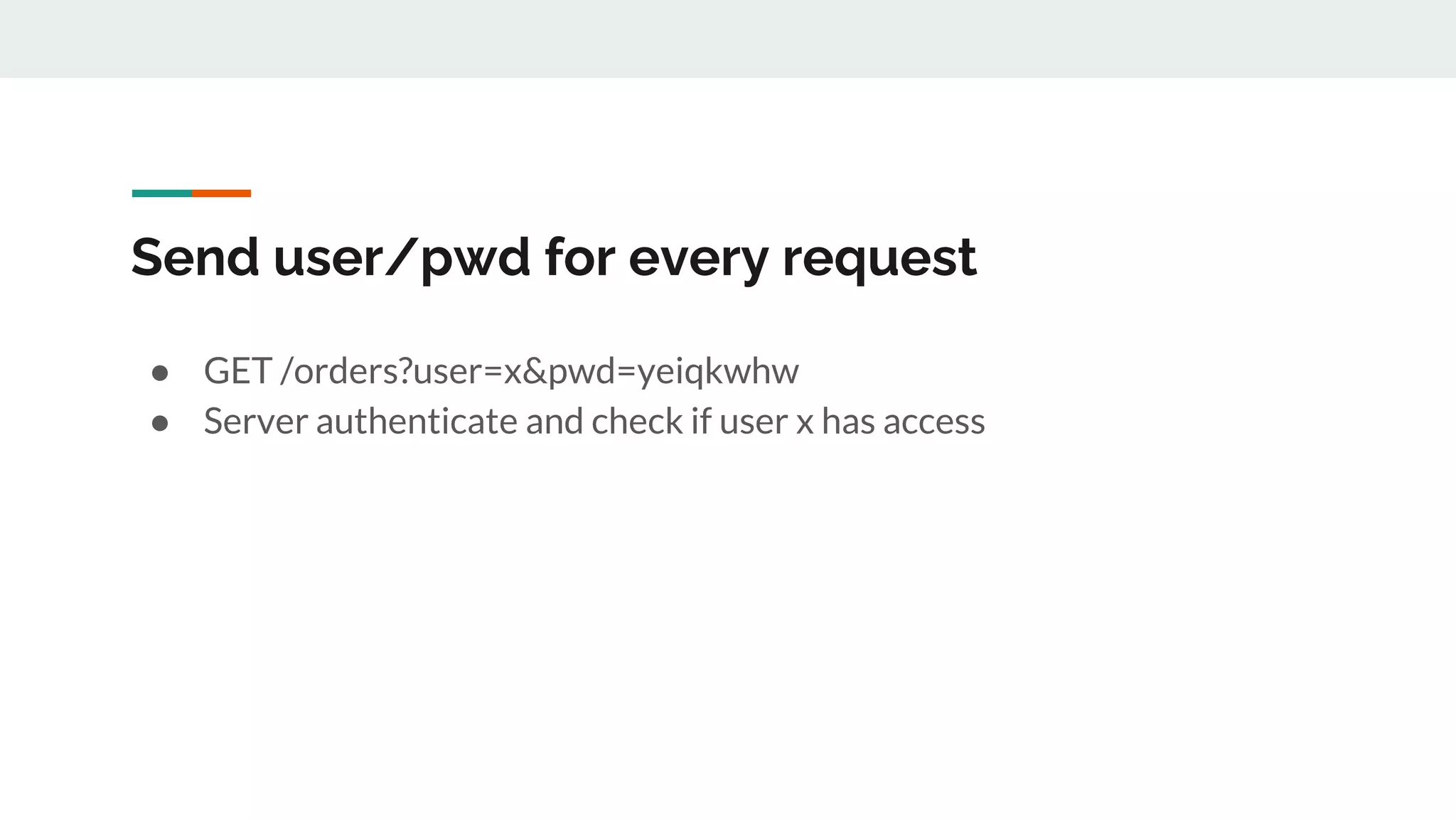
Send user/pwd for every request
● GET /orders?user=x&pwd=yeiqkwhw
● Server authenticate and check if user x has access
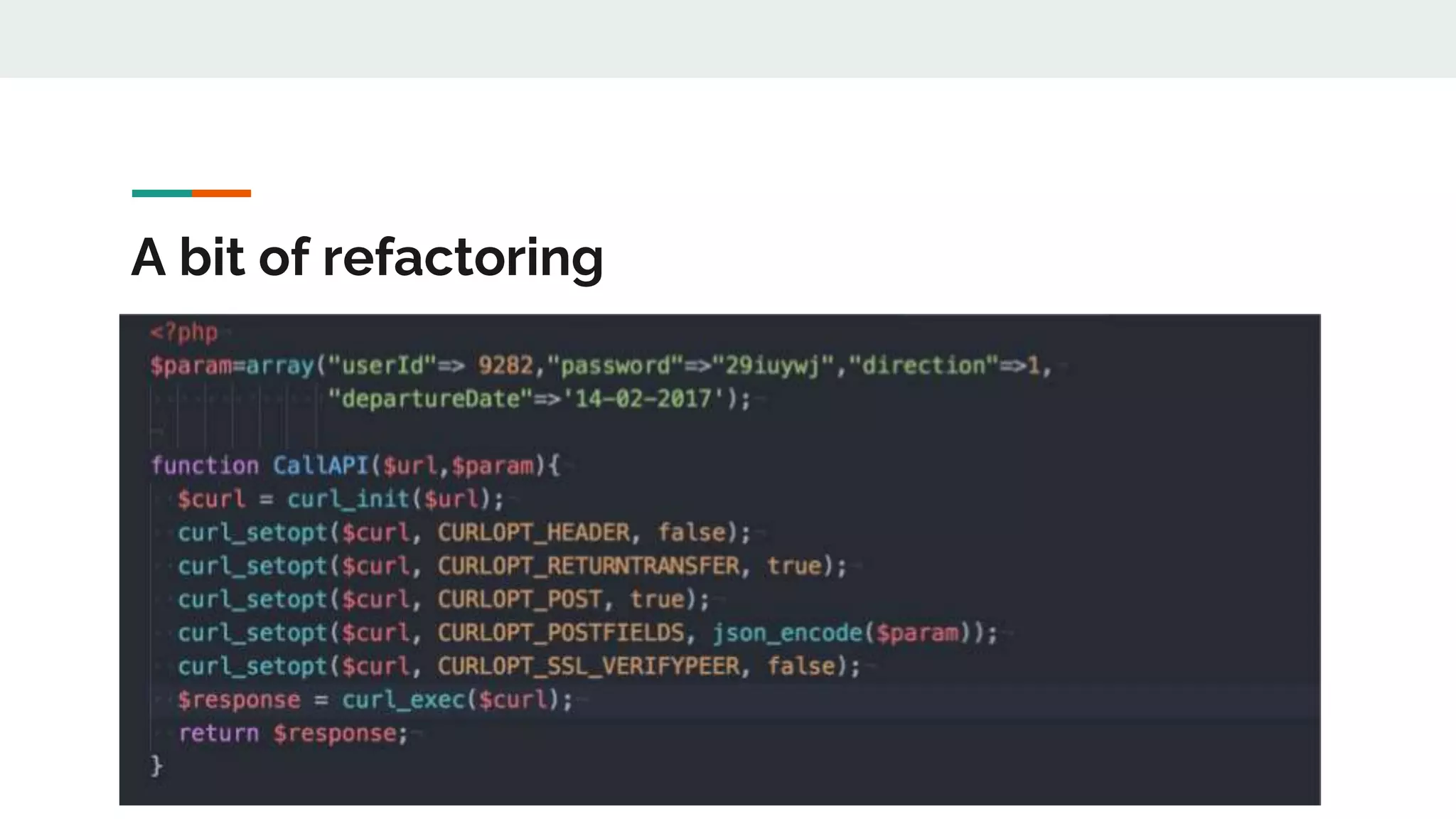
A bit of refactoring
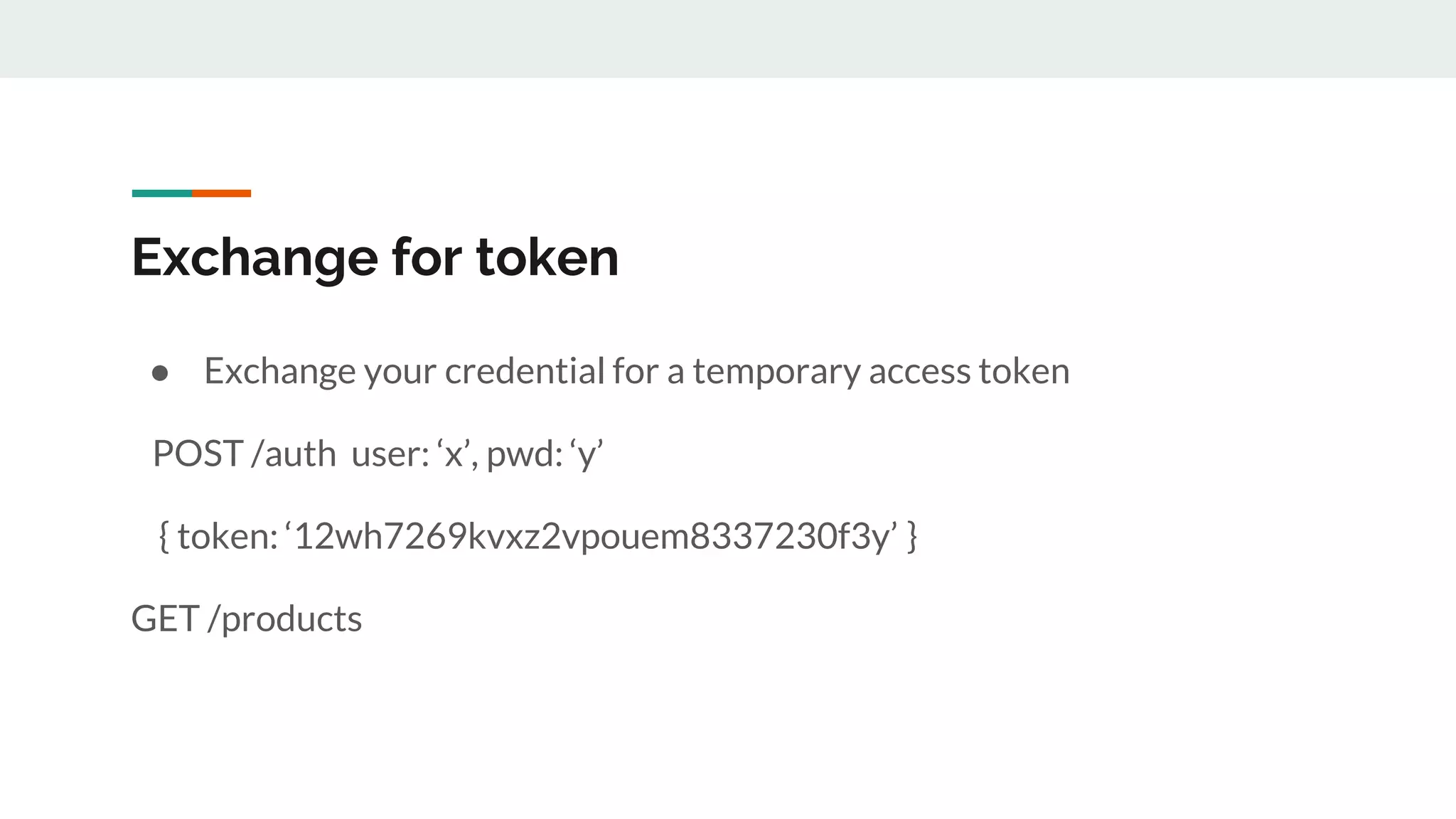
Exchange for token
● Exchange your credential for a temporary access token
POST /auth user: ‘x’, pwd: ‘y’
{ token: ‘12wh7269kvxz2vpouem8337230f3y’ }
GET /products
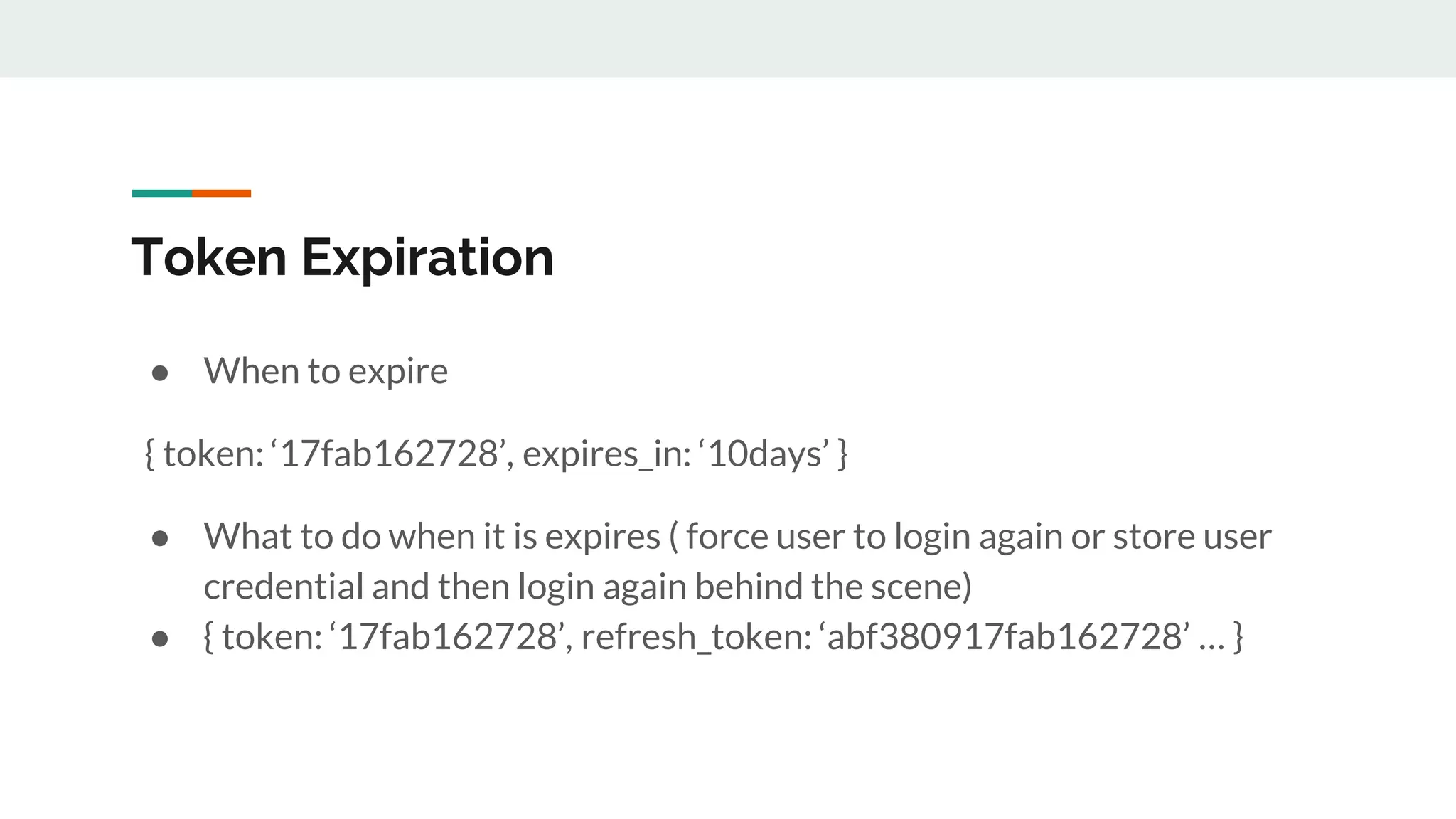
Token Expiration
● When to expire
{ token: ‘17fab162728’, expires_in: ‘10days’ }
● What to do when it is expires ( force user to login again or store user
credential and then login again behind the scene)
● { token: ‘17fab162728’, refresh_token: ‘abf380917fab162728’ … }
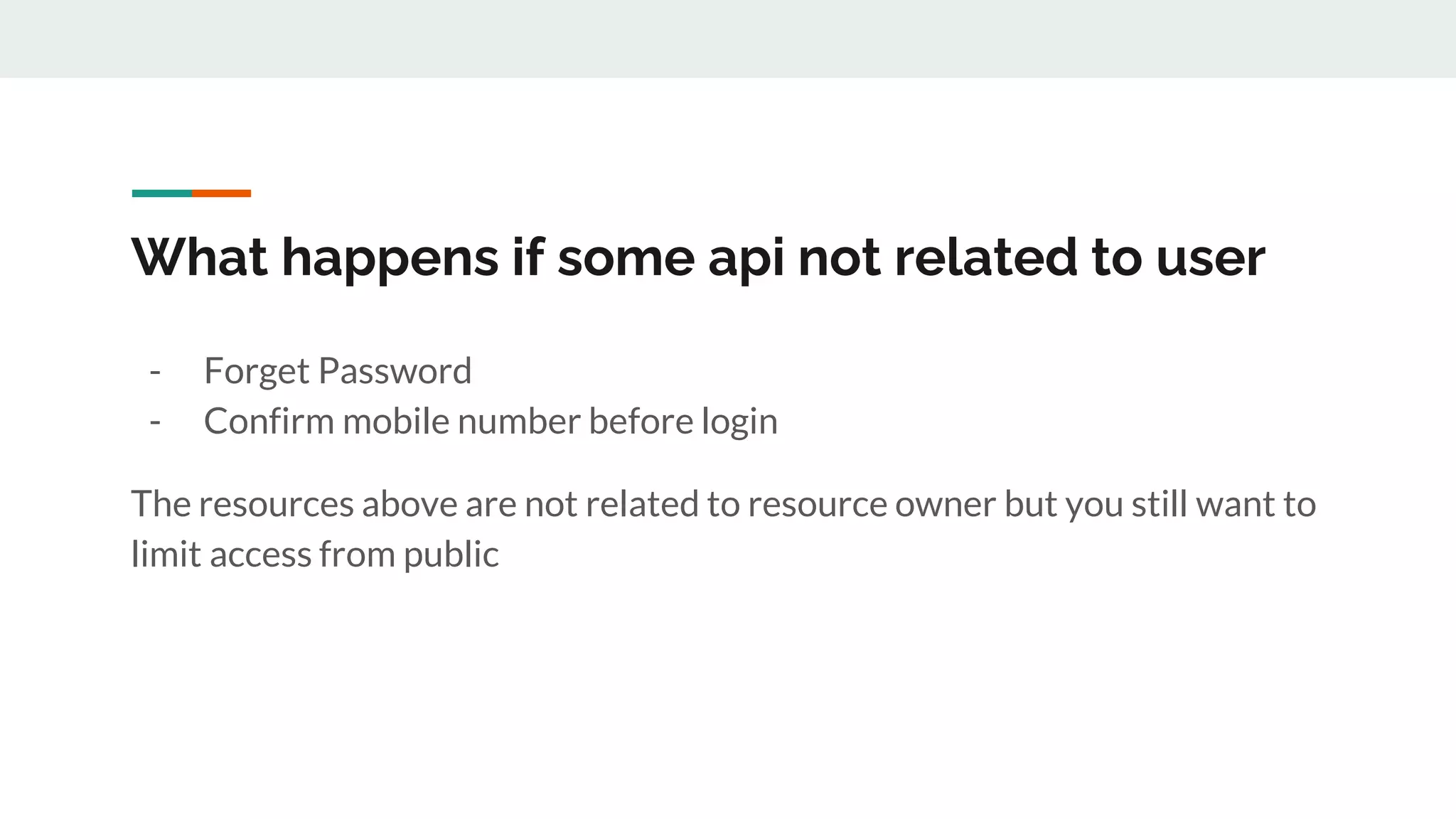
What happens if some api not related to user
- Forget Password
- Confirm mobile number before login
The resources above are not related to resource owner but you still want to
limit access from public
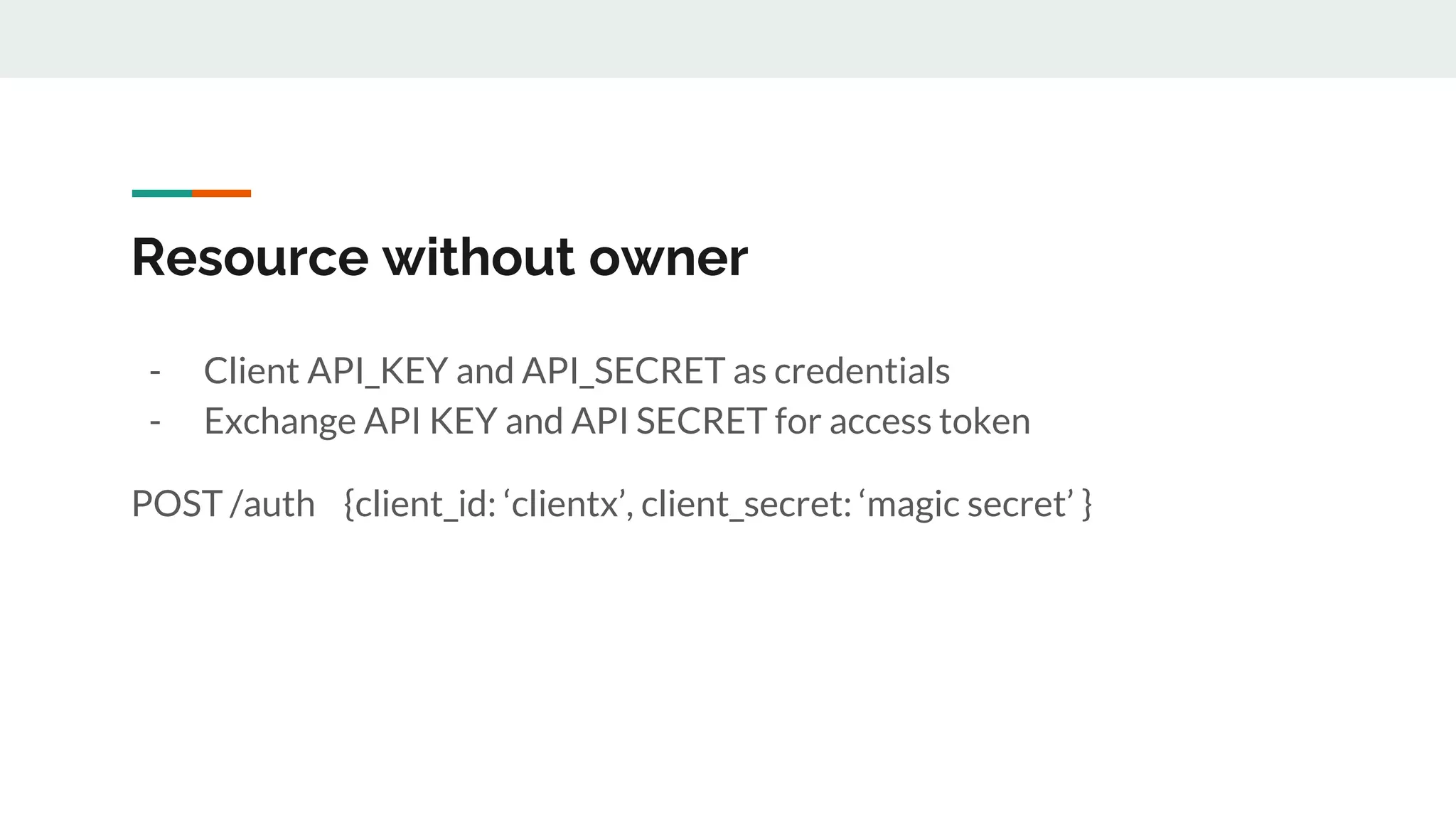
Resource without owner
- Client API_KEY and API_SECRET as credentials
- Exchange API KEY and API SECRET for access token
POST /auth {client_id: ‘clientx’, client_secret: ‘magic secret’ }
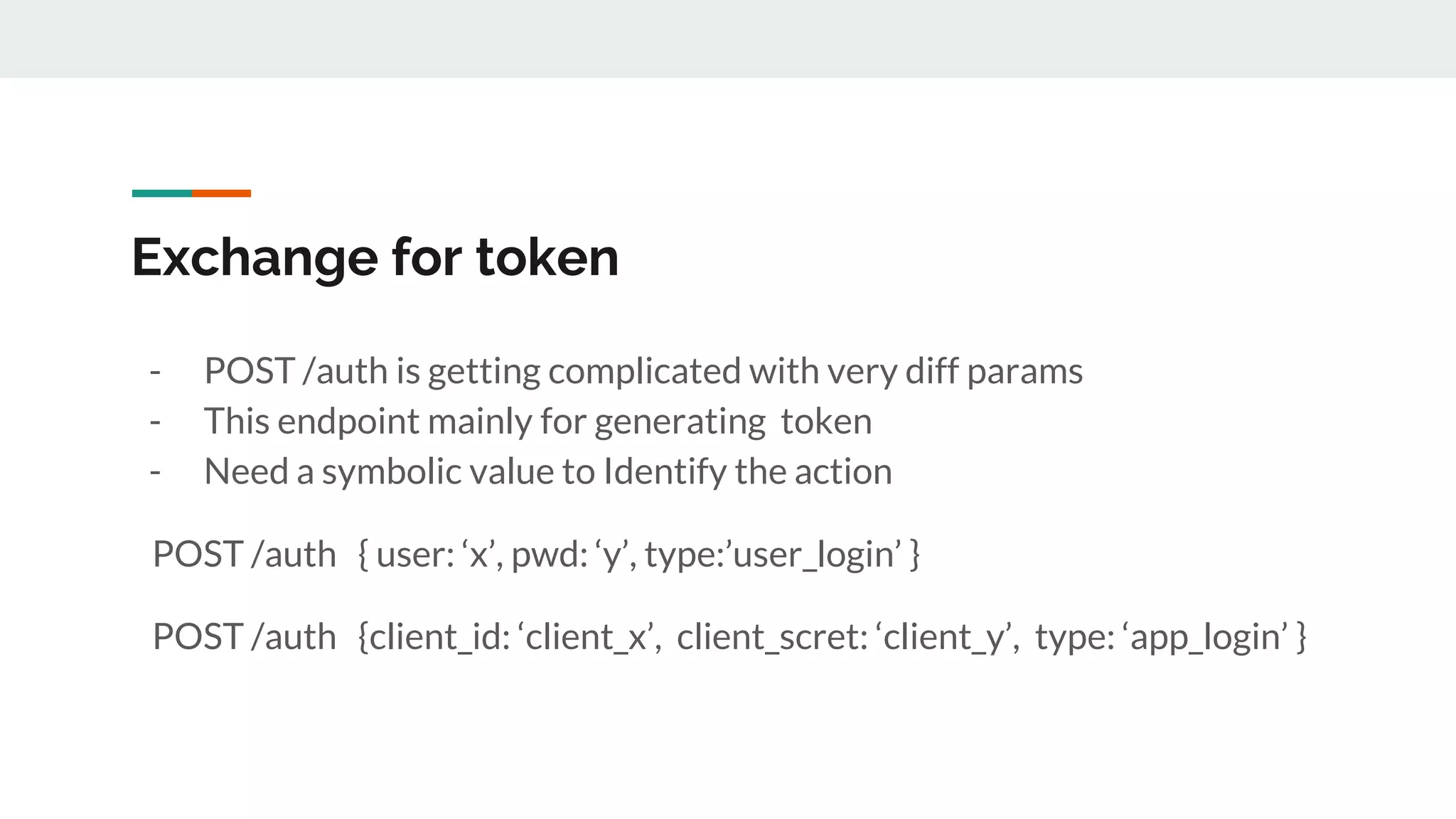
Exchange for token
- POST /auth is getting complicated with very diff params
- This endpoint mainly for generating token
- Need a symbolic value to Identify the action
POST /auth { user: ‘x’, pwd: ‘y’, type:’user_login’ }
POST /auth {client_id: ‘client_x’, client_scret: ‘client_y’, type: ‘app_login’ }
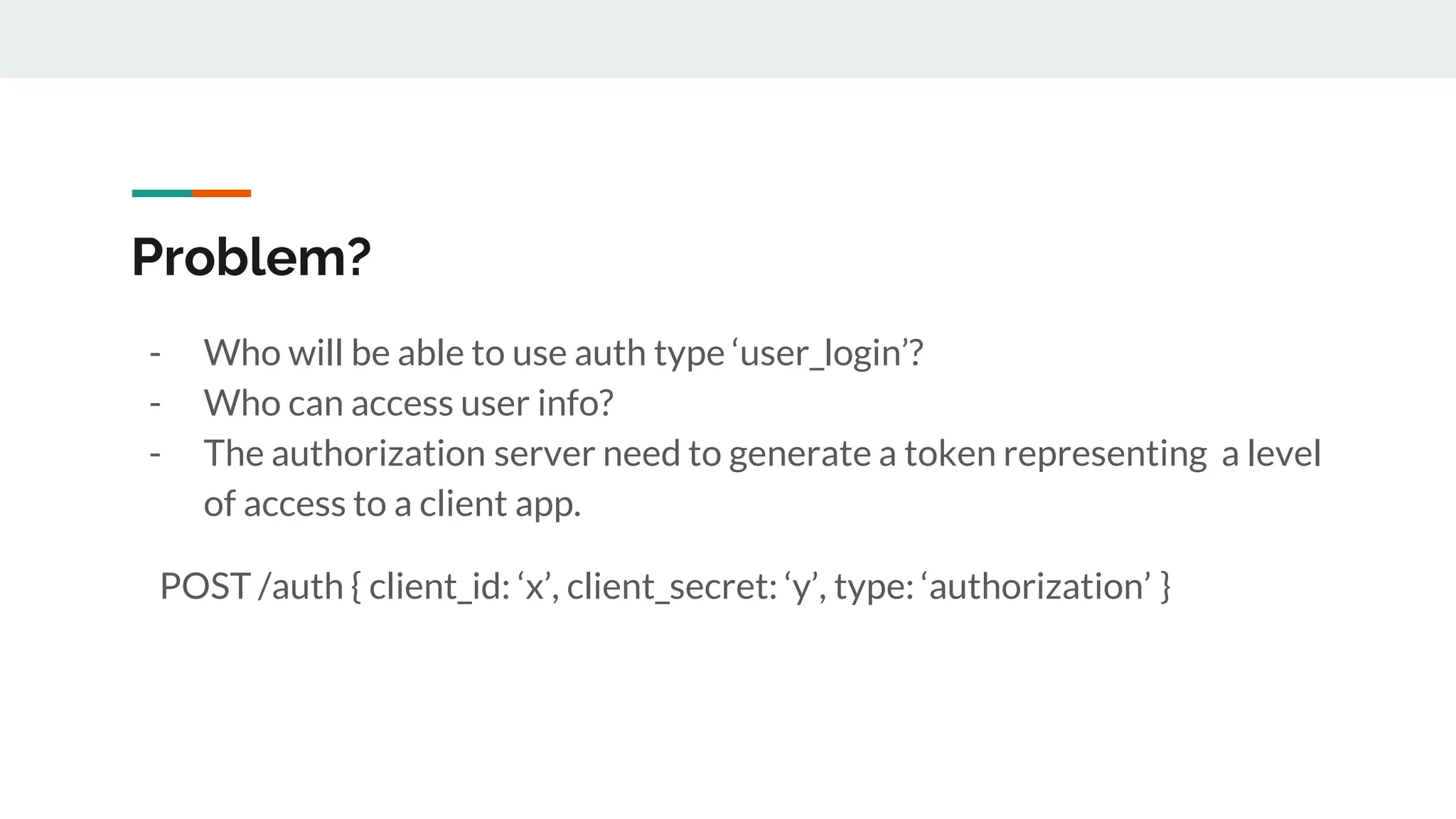
Problem?
- Who will be able to use auth type ‘user_login’?
- Who can access user info?
- The authorization server need to generate a token representing a level
of access to a client app.
POST /auth { client_id: ‘x’, client_secret: ‘y’, type: ‘authorization’ }
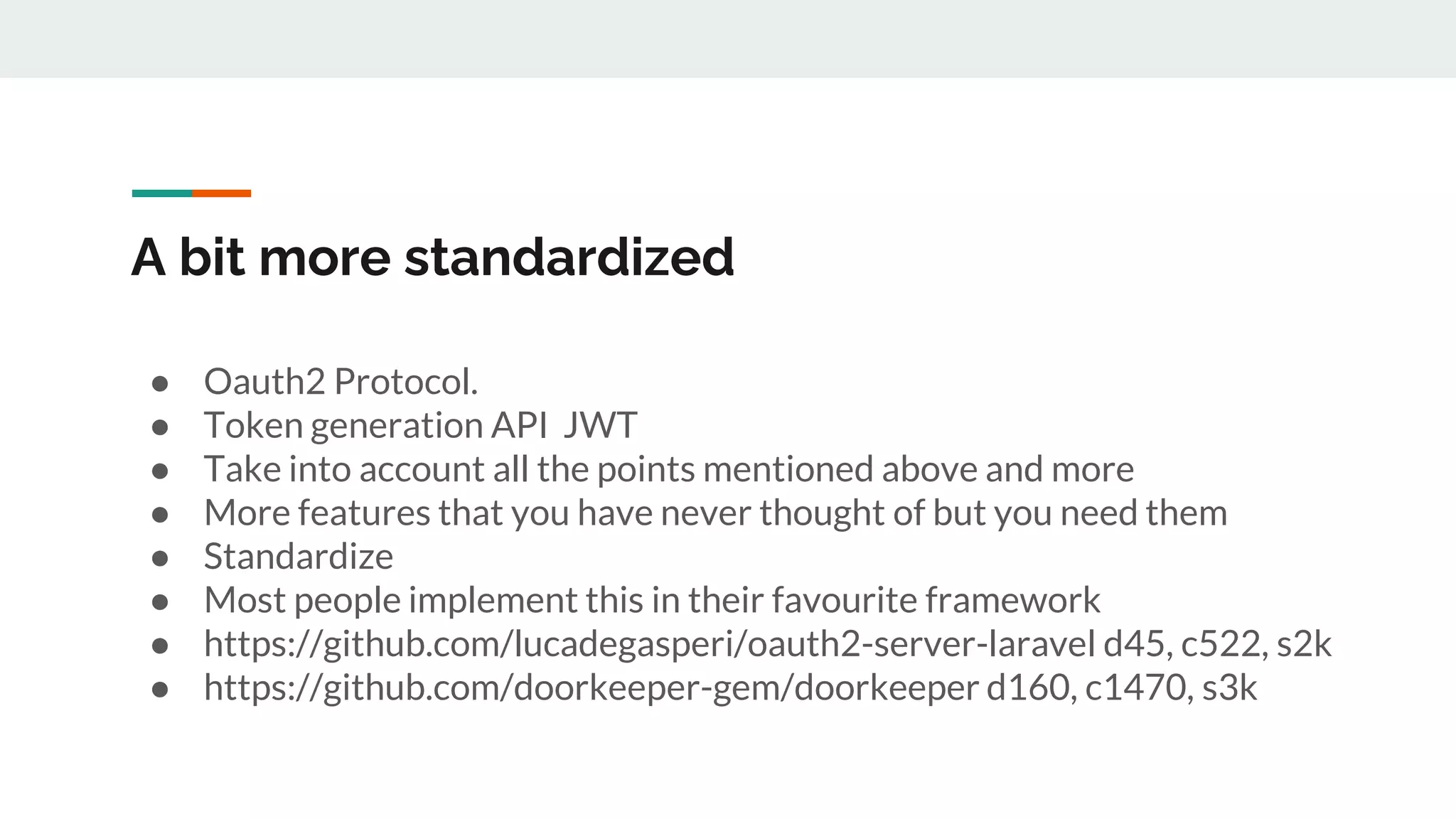
A bit more standardized
● Oauth2 Protocol.
● Token generation API JWT
● Take into account all the points mentioned above and more
● More features that you have never thought of but you need them
● Standardize
● Most people implement this in their favourite framework
● https://github.com/lucadegasperi/oauth2-server-laravel d45, c522, s2k
● https://github.com/doorkeeper-gem/doorkeeper d160, c1470, s3k
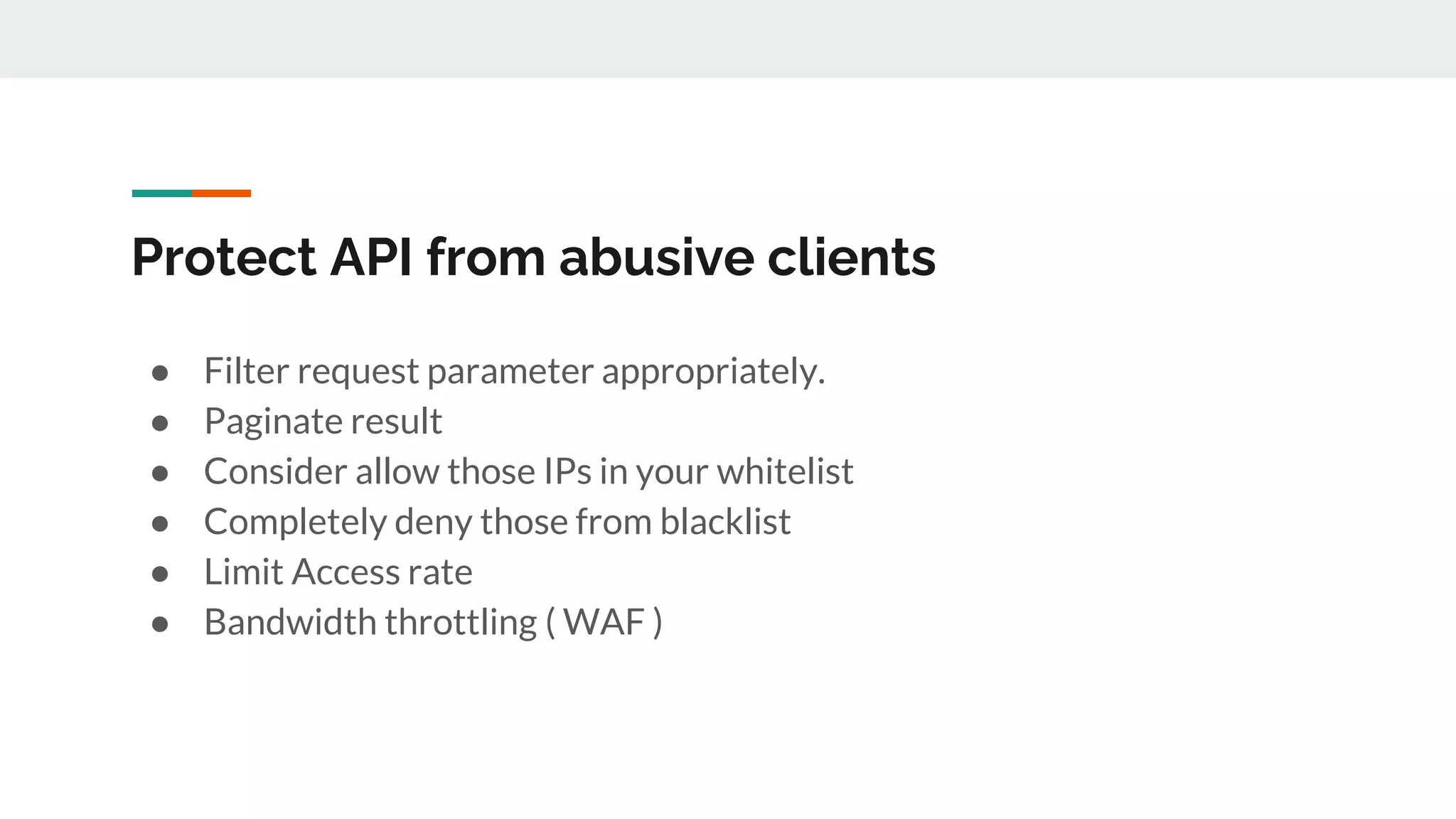
Protect API from abusive clients
● Filter request parameter appropriately.
● Paginate result
● Consider allow those IPs in your whitelist
● Completely deny those from blacklist
● Limit Access rate
● Bandwidth throttling ( WAF )
Automate testing / CI/CD
Why employ automate test?
1. A user enters his phone number
2. The APP connects to the API to request server to send pincode
3. The APP display the verification code screen
4. The user has to wait for the message to arrive
5. The user enter the pin code
6. The APP verify the pin code
7. The APP receive the secret verification token
8. The APP sends to create a user with a secret verification token
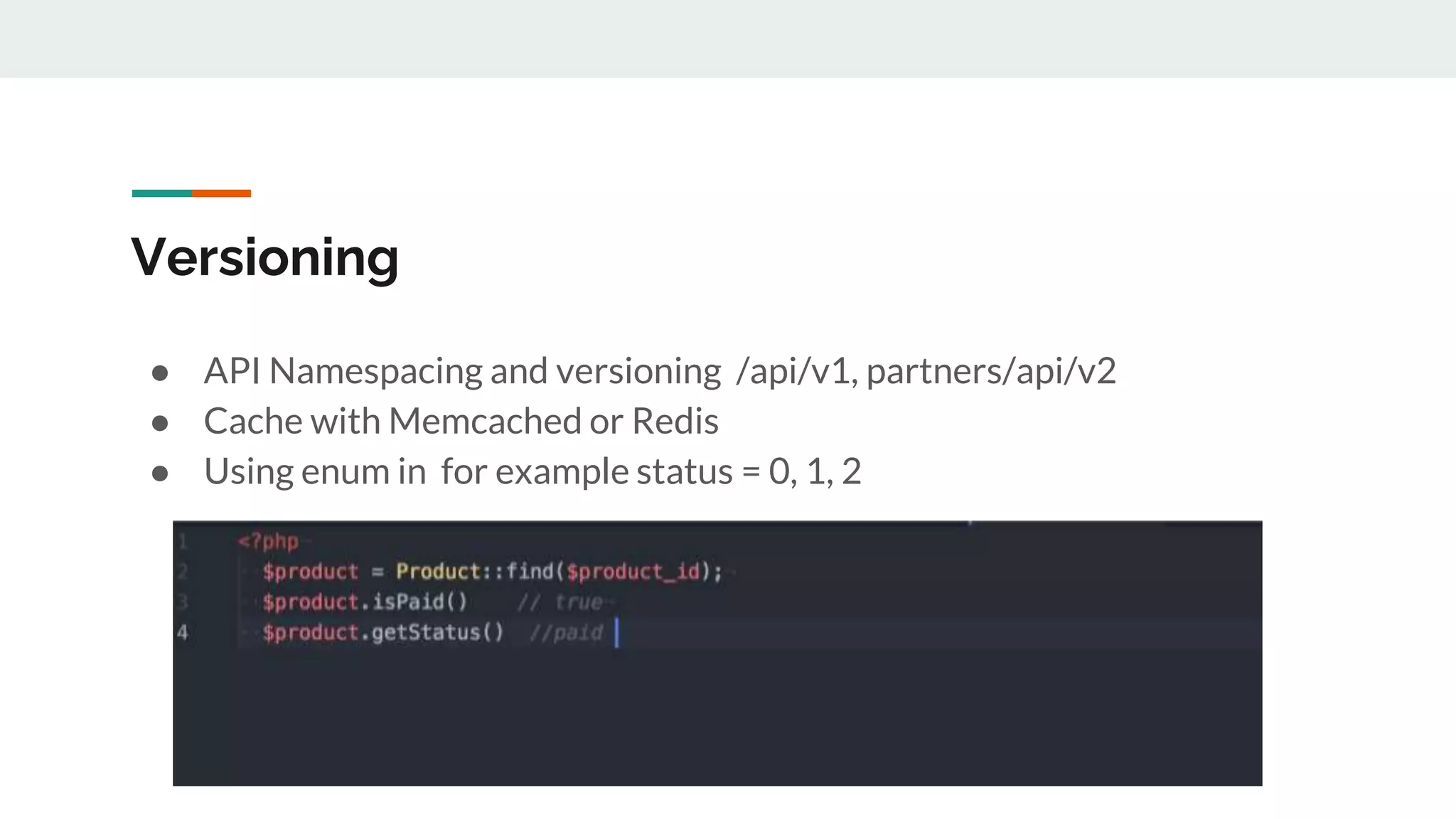
Versioning
● API Namespacing and versioning /api/v1, partners/api/v2
● Cache with Memcached or Redis
● Using enum in for example status = 0, 1, 2
Documenting your API
● Request endpoints with HTTP verb
● Describe request params name with their purposes and data type
● Mandatory ( required , optional )
● Example of request and response payload with full http header and
status code
● Describe response params name along with their meanings
● Business flow and interaction diagram
● Use simulator for quick API test.
API Doc auto generating tools
- https://github.com/zircote/swagger-php
- https://github.com/zipmark/rspec_api_documentation
- https://www.postman.com/ Powerful API collection, env, sample
response, and publish doc )
Try it yourself
● https://www.slideshare.net/ChannaLychannaly/how-to-build-
simple-yet-powerful-apipptx

How to build Simple yet powerful API.pptx

  • 1.
    How to buildsimple yet powerful API @channaly
  • 2.
  • 7.
  • 8.
  • 10.
    What is anAPI? We will cover API for client and server communication.
  • 11.
    Why API? ● Beyondbrowsers ● Mobile Apps ● Affiliates ● Microservices ● Information sharing
  • 12.
    How to API? ●Handling Request ● Handling Response ● Authentication and Authorization ● Protection ● Agile API ( TDD + CI/CD ) ● Documentation ● Versioning
  • 13.
    What is aresource? ● Users ● Products ● Search preferences
  • 14.
    What is aresource? An endpoint or Request uri is considered as a resource, for example ● /users ● /productions ● /my_preference
  • 15.
    Single Resource ● /me ●/my_preferences Action HTTP Verb Endpoint Create POST /my_preferences Update PATCH /my_preferences Delete DELETE /my_preferences Read GET /my_preferences
  • 16.
    Multiple Resources ● /orders ●/products Action HTTP Verb Endpoint Create POST /products Update PATCH /products/:id Delete DELETE /products/:id Read one single item GET /products/:id Read a collection GET /products
  • 17.
    Multiple Resources -in user scope ● /my_orders ● /my_products Action HTTP Verb Endpoint Create POST /my_products Update PATCH /my_products/:id Delete DELETE /my_products/:id Read One GET /my_products/:id Read Collection GET /my_products
  • 18.
  • 19.
    Use HTTP Verbcorrectly ● POST - To create a resource ● GET - To Query Read purpose ● PATCH - To Update partially ● PUT - To Update whole resource ● DELETE - To delete ( whether soft or hard delete)
  • 20.
  • 21.
    Leverage HTTP Headerfor sensitive data header(“Authorization: xyz”) ● Credential in URLs can be copied and shared by user with their credentials embedded in them ( inadvertently) ● Most server will not write header logs ● URL most likely be logged in the server log
  • 22.
    Handle content-type requestheader Content-Type: application/x-www-form-urlencoded Content-Type: application/json; charset=utf-8
  • 23.
  • 24.
    Send content typein response header header(“Content-Type: application/json; charset=utf-8”) ● Most Http clients understand the header and decode response payload to json
  • 25.
    Use Http statuscode correctly ● 201 Created ● 200 OK ● 204 No Content ● 400 Bad Request ● 401 Unauthorized ● 403 Forbidden ● 404 Not found ● 422 Unprocessable ● 429 Too Many Request
  • 26.
    Http status codevs response body error? ● Status code is necessary to user auth and permission, a best place to handle error. ● The response body should be tested to verify the app sending or generating the right content. It is not for error handling. ● Request status should be a symbolic representation(integer 2xx) rather than a free text ( issue with language and translation ) ● Free text tends to be misunderstood, lack of standardization
  • 27.
    Http status codevs response body error?
  • 28.
    Content type - text/html -text/html; charset=UTF-8
  • 29.
    Content type (continue ... ) Desktop - Image.png is a png file Open with Photoshop - Image.dat how come I know the format Web - /users.json - render json: users # users string in json format along with application/json content type. - Client ( server ) parse the content accordingly
  • 30.
  • 31.
    Send user/pwd forevery request ● GET /orders?user=x&pwd=yeiqkwhw ● Server authenticate and check if user x has access
  • 32.
    A bit ofrefactoring
  • 33.
    Exchange for token ●Exchange your credential for a temporary access token POST /auth user: ‘x’, pwd: ‘y’ { token: ‘12wh7269kvxz2vpouem8337230f3y’ } GET /products
  • 34.
    Token Expiration ● Whento expire { token: ‘17fab162728’, expires_in: ‘10days’ } ● What to do when it is expires ( force user to login again or store user credential and then login again behind the scene) ● { token: ‘17fab162728’, refresh_token: ‘abf380917fab162728’ … }
  • 35.
    What happens ifsome api not related to user - Forget Password - Confirm mobile number before login The resources above are not related to resource owner but you still want to limit access from public
  • 36.
    Resource without owner -Client API_KEY and API_SECRET as credentials - Exchange API KEY and API SECRET for access token POST /auth {client_id: ‘clientx’, client_secret: ‘magic secret’ }
  • 37.
    Exchange for token -POST /auth is getting complicated with very diff params - This endpoint mainly for generating token - Need a symbolic value to Identify the action POST /auth { user: ‘x’, pwd: ‘y’, type:’user_login’ } POST /auth {client_id: ‘client_x’, client_scret: ‘client_y’, type: ‘app_login’ }
  • 38.
    Problem? - Who willbe able to use auth type ‘user_login’? - Who can access user info? - The authorization server need to generate a token representing a level of access to a client app. POST /auth { client_id: ‘x’, client_secret: ‘y’, type: ‘authorization’ }
  • 39.
    A bit morestandardized ● Oauth2 Protocol. ● Token generation API JWT ● Take into account all the points mentioned above and more ● More features that you have never thought of but you need them ● Standardize ● Most people implement this in their favourite framework ● https://github.com/lucadegasperi/oauth2-server-laravel d45, c522, s2k ● https://github.com/doorkeeper-gem/doorkeeper d160, c1470, s3k
  • 40.
    Protect API fromabusive clients ● Filter request parameter appropriately. ● Paginate result ● Consider allow those IPs in your whitelist ● Completely deny those from blacklist ● Limit Access rate ● Bandwidth throttling ( WAF )
  • 41.
  • 42.
    Why employ automatetest? 1. A user enters his phone number 2. The APP connects to the API to request server to send pincode 3. The APP display the verification code screen 4. The user has to wait for the message to arrive 5. The user enter the pin code 6. The APP verify the pin code 7. The APP receive the secret verification token 8. The APP sends to create a user with a secret verification token
  • 43.
    Versioning ● API Namespacingand versioning /api/v1, partners/api/v2 ● Cache with Memcached or Redis ● Using enum in for example status = 0, 1, 2
  • 44.
    Documenting your API ●Request endpoints with HTTP verb ● Describe request params name with their purposes and data type ● Mandatory ( required , optional ) ● Example of request and response payload with full http header and status code ● Describe response params name along with their meanings ● Business flow and interaction diagram ● Use simulator for quick API test.
  • 45.
    API Doc autogenerating tools - https://github.com/zircote/swagger-php - https://github.com/zipmark/rspec_api_documentation - https://www.postman.com/ Powerful API collection, env, sample response, and publish doc )
  • 46.
    Try it yourself ●https://www.slideshare.net/ChannaLychannaly/how-to-build- simple-yet-powerful-apipptx

Editor's Notes