How to Add Colour
Kanban Records in
Odoo 17 Notebook
Enterprise
Introduction
Enterprise
In Odoo 17, you can enhance the visual appearance of your
Kanban view by adding color-coded records using the Notebook
feature. This allows you to categorize and distinguish between
different types of records based on specific criteria. By adding
colors, you can quickly identify and prioritize tasks or items,
improving organization and efficiency within your workflow.
Enterprise
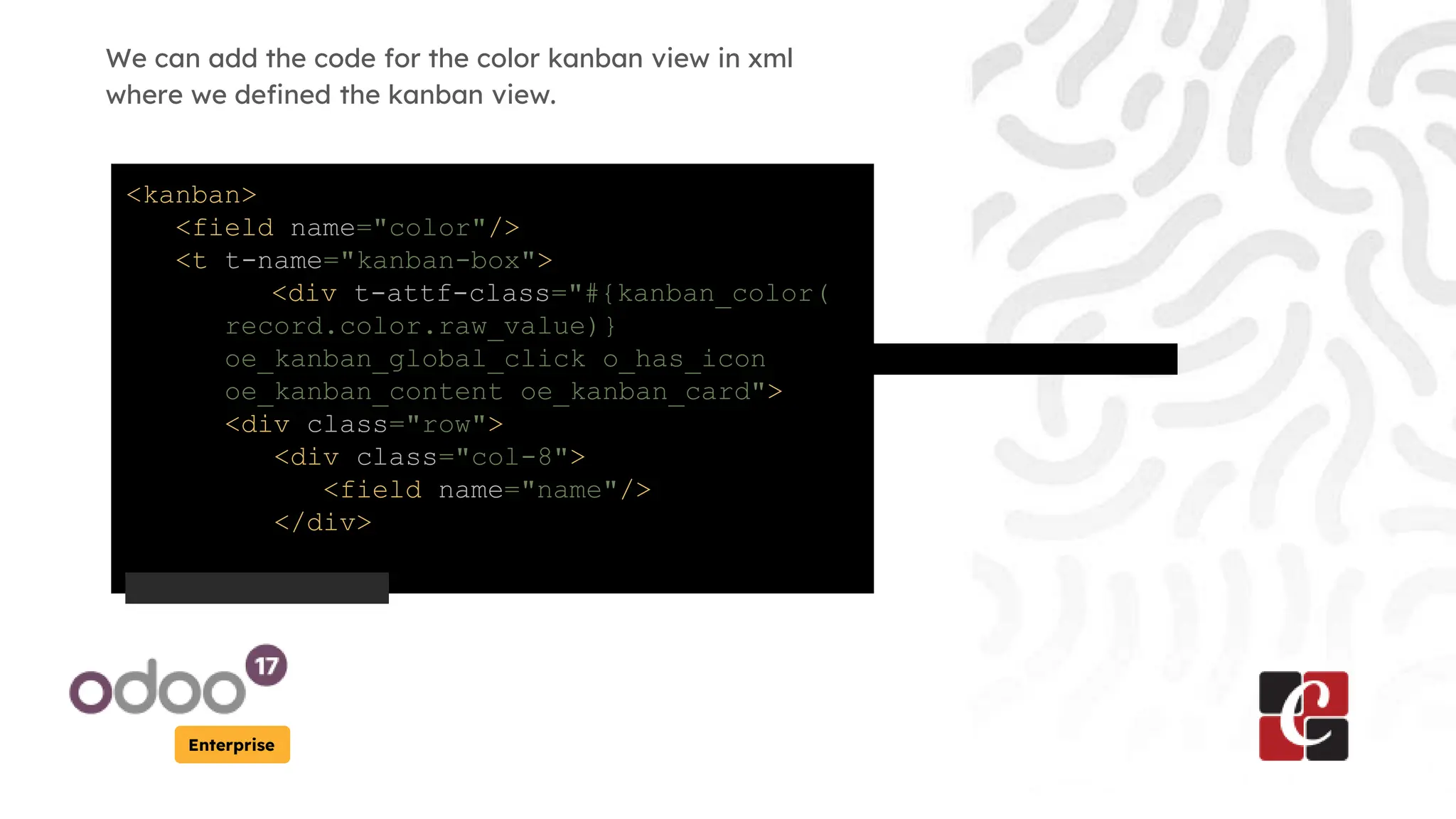
We can add the code for the color kanban view in xml
where we defined the kanban view.
<kanban>
<field name="color"/>
<t t-name="kanban-box">
<div t-attf-class="#{kanban_color(
record.color.raw_value)}
oe_kanban_global_click o_has_icon
oe_kanban_content oe_kanban_card">
<div class="row">
<div class="col-8">
<field name="name"/>
</div>
Enterprise
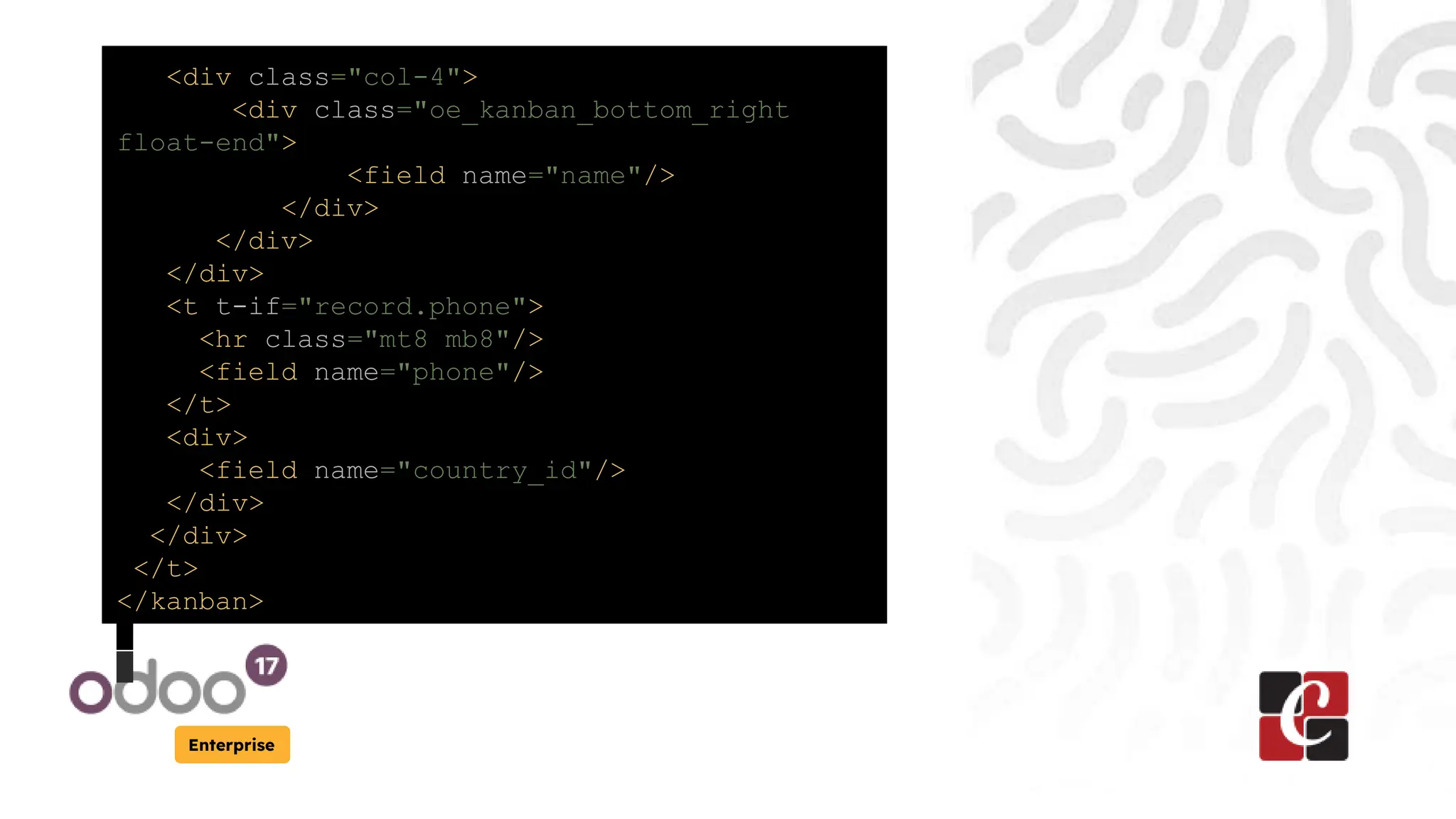
<div class="col-4">
<div class="oe_kanban_bottom_right
float-end">
<field name="name"/>
</div>
</div>
</div>
<t t-if="record.phone">
<hr class="mt8 mb8"/>
<field name="phone"/>
</t>
<div>
<field name="country_id"/>
</div>
</div>
</t>
</kanban>
Enterprise
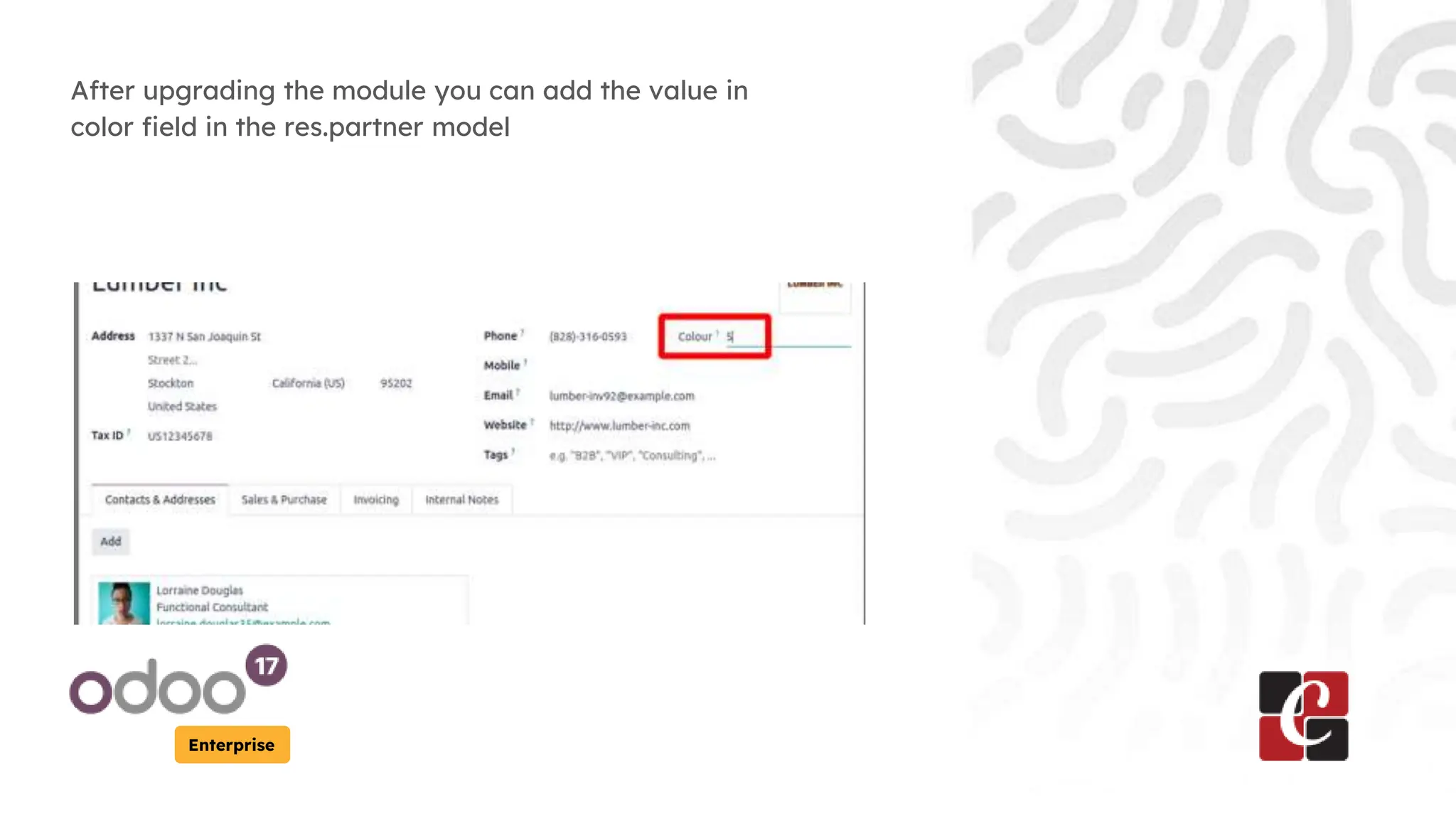
After upgrading the module you can add the value in
color field in the res.partner model
Enterprise
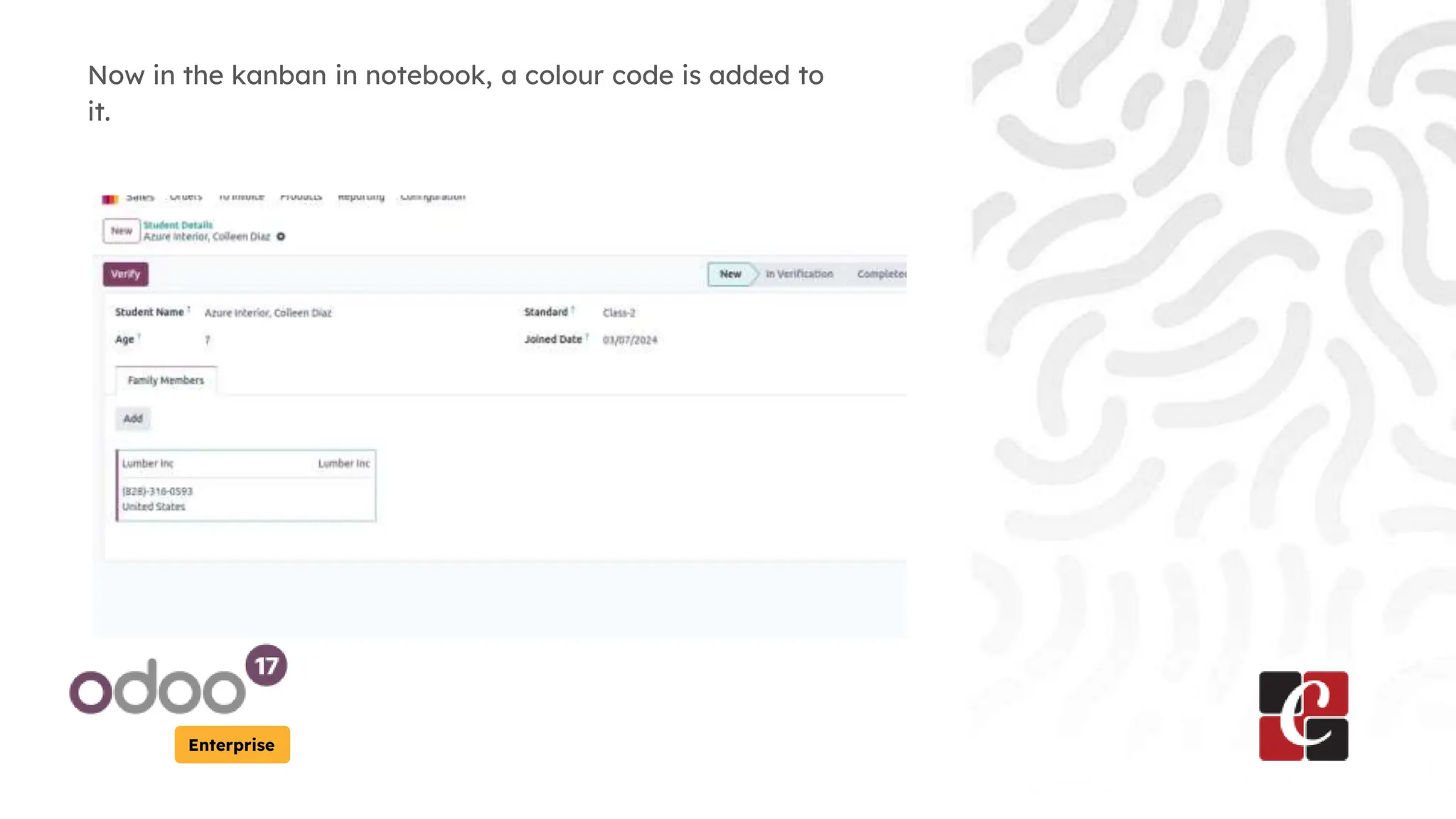
Now in the kanban in notebook, a colour code is added to
it.
For More Info.
Check our company website for related
blogs and Odoo book.
Check our YouTube channel for
functional and technical videos in Odoo.
Enterprise
www.cybrosys.com

How to Add Colour Kanban Records in Odoo 17 Notebook

  • 1.
    How to AddColour Kanban Records in Odoo 17 Notebook Enterprise
  • 2.
    Introduction Enterprise In Odoo 17,you can enhance the visual appearance of your Kanban view by adding color-coded records using the Notebook feature. This allows you to categorize and distinguish between different types of records based on specific criteria. By adding colors, you can quickly identify and prioritize tasks or items, improving organization and efficiency within your workflow.
  • 3.
    Enterprise We can addthe code for the color kanban view in xml where we defined the kanban view. <kanban> <field name="color"/> <t t-name="kanban-box"> <div t-attf-class="#{kanban_color( record.color.raw_value)} oe_kanban_global_click o_has_icon oe_kanban_content oe_kanban_card"> <div class="row"> <div class="col-8"> <field name="name"/> </div>
  • 4.
    Enterprise <div class="col-4"> <div class="oe_kanban_bottom_right float-end"> <fieldname="name"/> </div> </div> </div> <t t-if="record.phone"> <hr class="mt8 mb8"/> <field name="phone"/> </t> <div> <field name="country_id"/> </div> </div> </t> </kanban>
  • 5.
    Enterprise After upgrading themodule you can add the value in color field in the res.partner model
  • 6.
    Enterprise Now in thekanban in notebook, a colour code is added to it.
  • 7.
    For More Info. Checkour company website for related blogs and Odoo book. Check our YouTube channel for functional and technical videos in Odoo. Enterprise www.cybrosys.com