Discover the process of incorporating sophisticated AI multimodal
models into your project through a simple Python API.
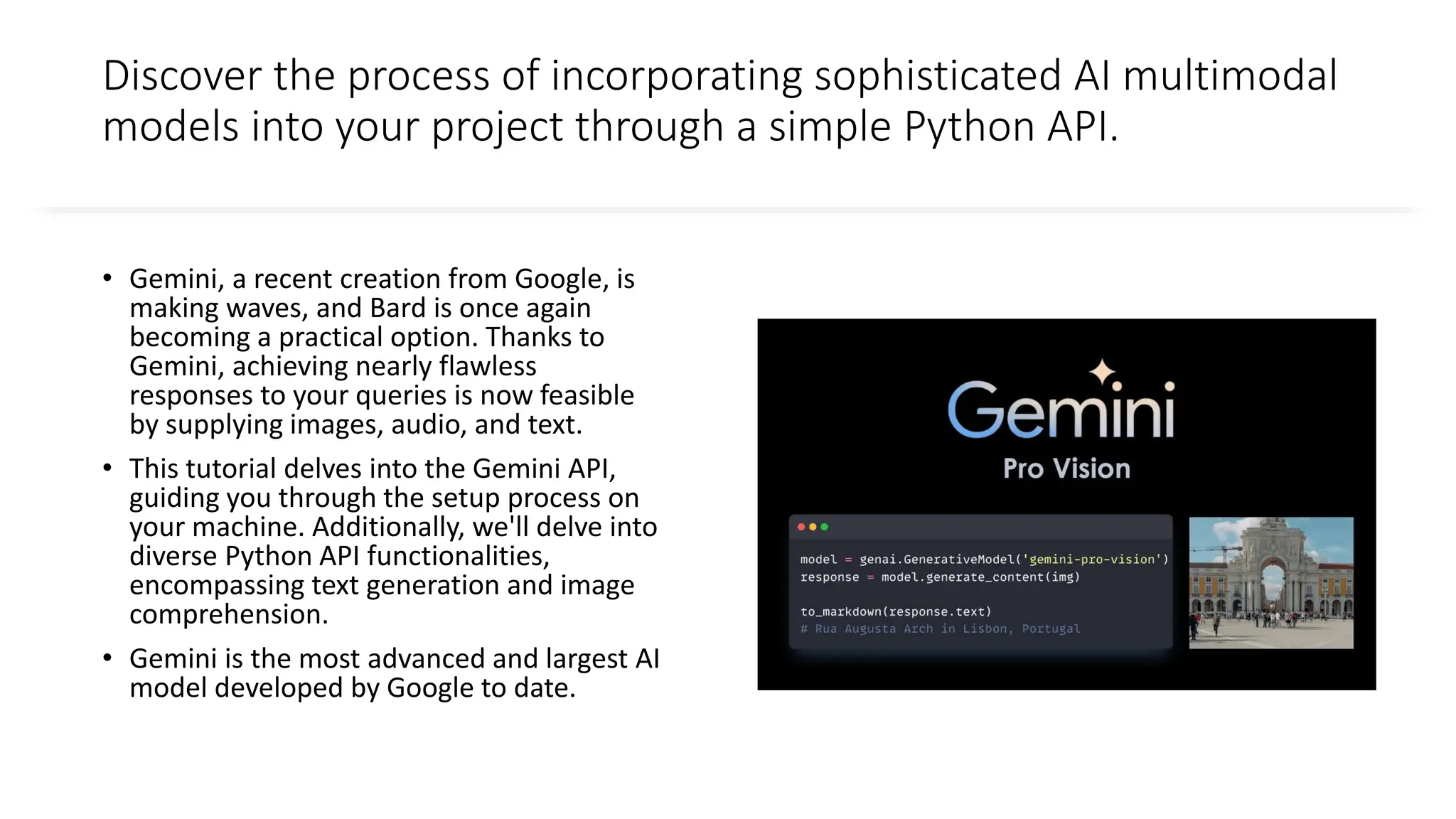
• Gemini, a recent creation from Google, is
making waves, and Bard is once again
becoming a practical option. Thanks to
Gemini, achieving nearly flawless
responses to your queries is now feasible
by supplying images, audio, and text.
• This tutorial delves into the Gemini API,
guiding you through the setup process on
your machine. Additionally, we'll delve into
diverse Python API functionalities,
encompassing text generation and image
comprehension.
• Gemini is the most advanced and largest AI
model developed by Google to date.
Three versions of the Gemini model designed for
different use cases
• Gemini Ultra: Largest and most advanced AI
capable of performing complex tasks.
• Gemini Pro: A balanced model that has good
performance and scalability.
• Gemini Nano: Most efficient for mobile
devices.
Gemini Ultra has state-of-the-art performance,
exceeding the performance of GPT-4 on several
metrics. It is the first model to outperform human
experts on the Massive Multitask Language
Understanding benchmark, which tests world
knowledge and problem solving across 57 diverse
subjects. This showcases its advanced
understanding and problem-solving capabilities.
Setting up – Step 1
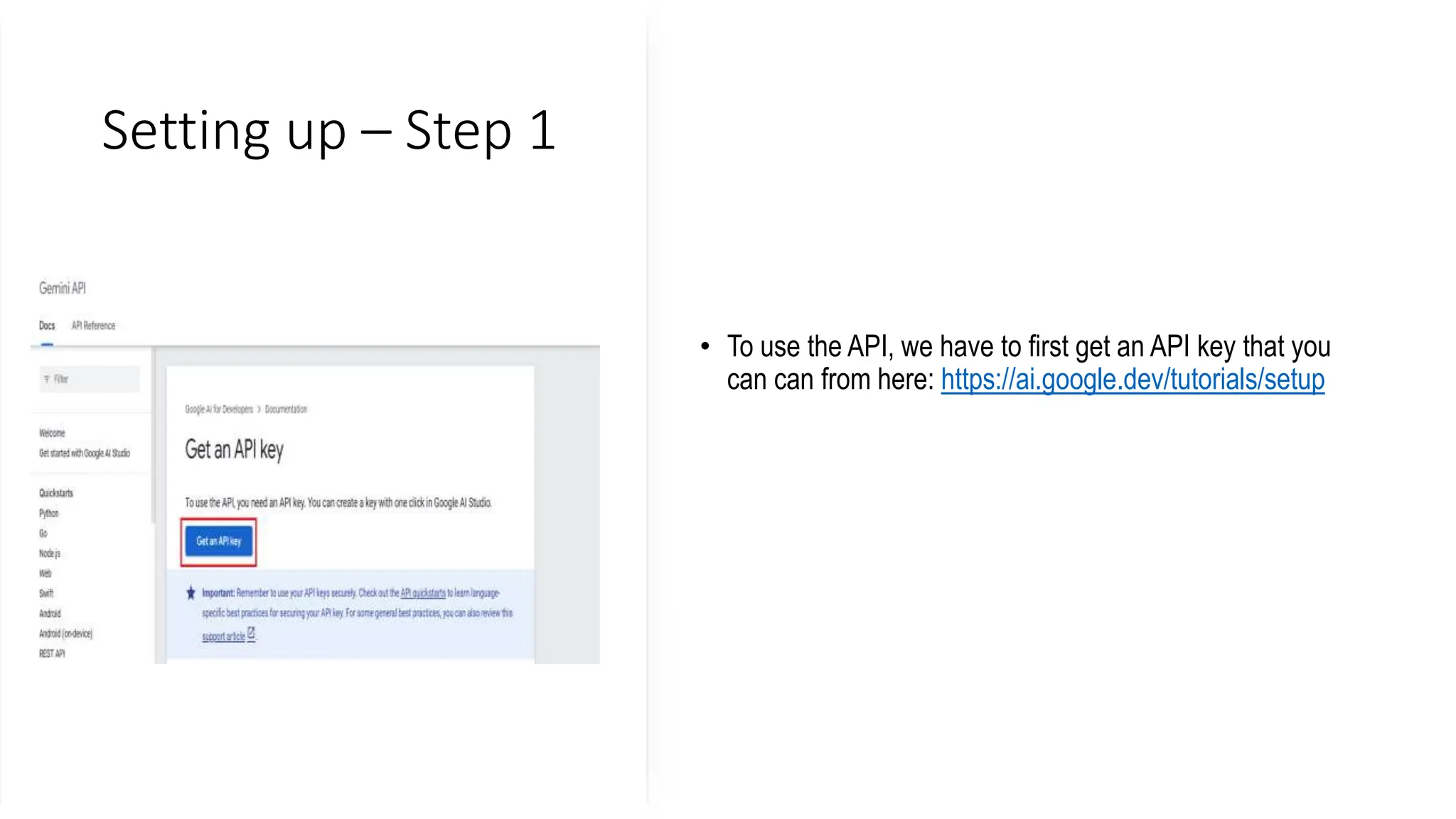
• To use the API, we have to first get an API key that you
can can from here: https://ai.google.dev/tutorials/setup
Setting up – Step 2
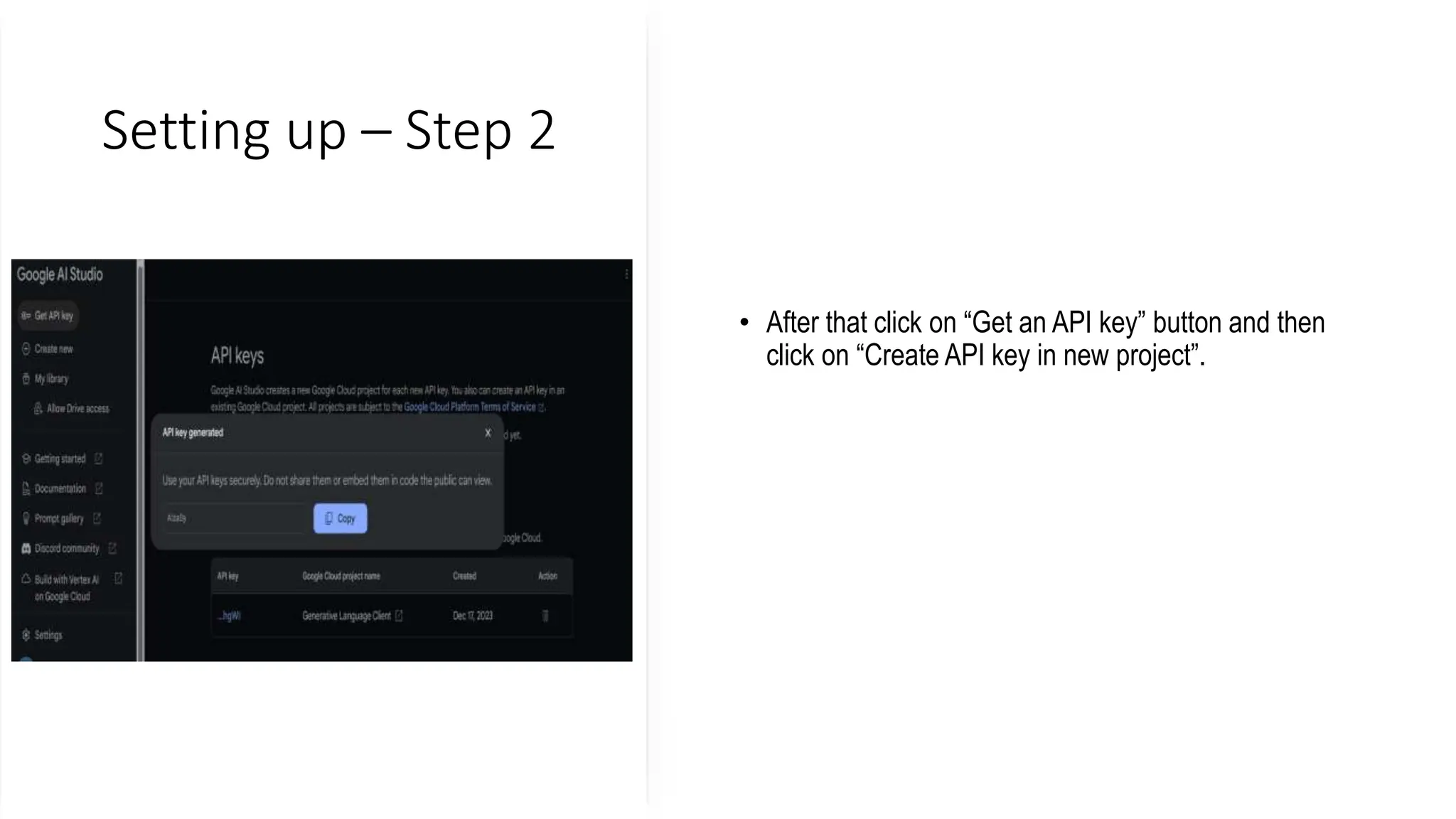
• After that click on “Get an API key” button and then
click on “Create API key in new project”.
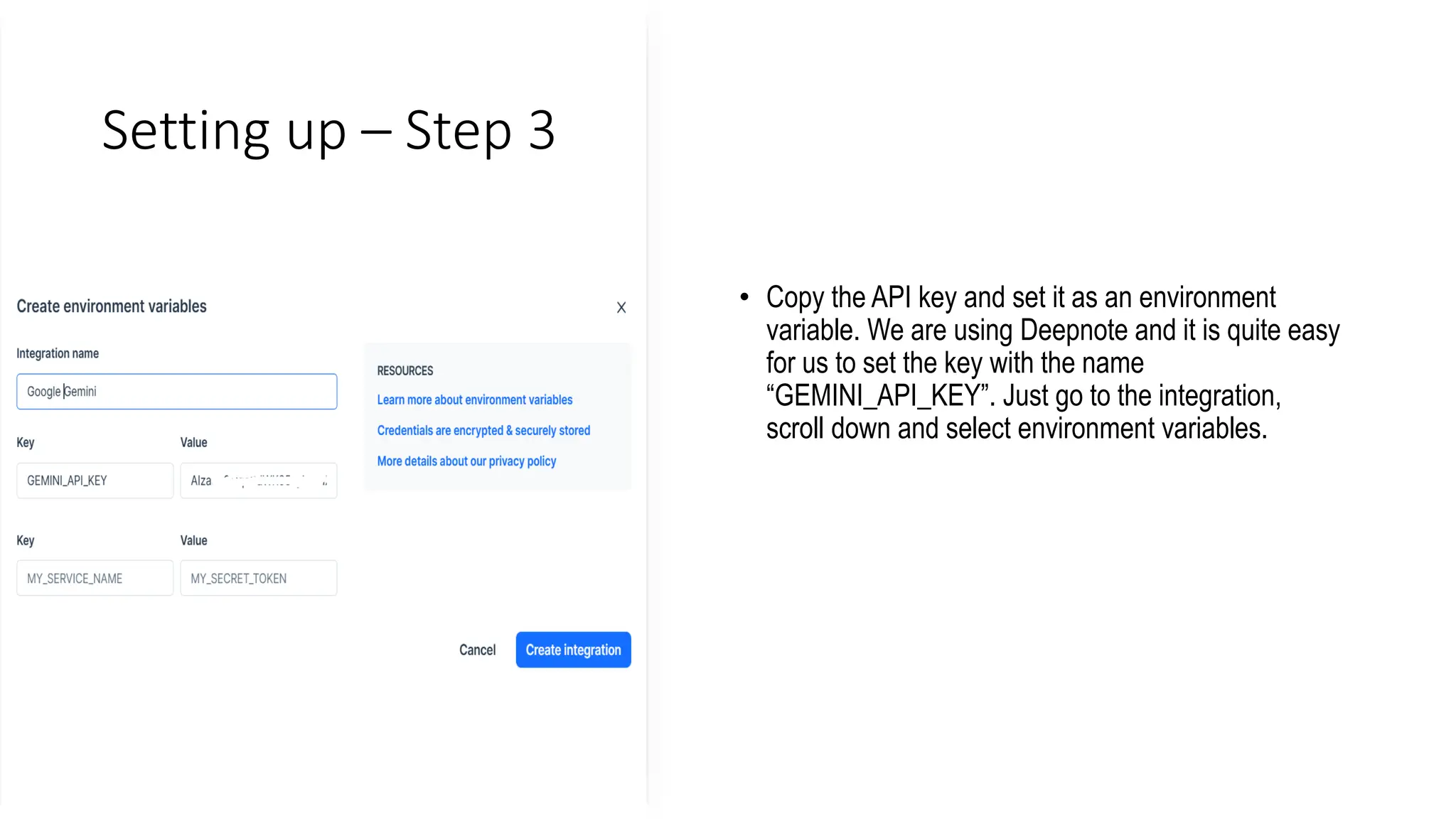
Setting up – Step 3
• Copy the API key and set it as an environment
variable. We are using Deepnote and it is quite easy
for us to set the key with the name
“GEMINI_API_KEY”. Just go to the integration,
scroll down and select environment variables.
Setting up – Step 4
• In the next step, we will install the Python API using PIP:
• pip install -q -U google-generativeai
• After that, we will set the API key to Google’s GenAI and initiate the instance.
• import google.generativeai as genai
• import os
• gemini_api_key = os.environ["GEMINI_API_KEY"]
• genai.configure(api_key = gemini_api_key)
•
Using Gemini Pro

How to Access and Use Gemini API for Free.pptx

  • 2.
    Discover the processof incorporating sophisticated AI multimodal models into your project through a simple Python API. • Gemini, a recent creation from Google, is making waves, and Bard is once again becoming a practical option. Thanks to Gemini, achieving nearly flawless responses to your queries is now feasible by supplying images, audio, and text. • This tutorial delves into the Gemini API, guiding you through the setup process on your machine. Additionally, we'll delve into diverse Python API functionalities, encompassing text generation and image comprehension. • Gemini is the most advanced and largest AI model developed by Google to date.
  • 3.
    Three versions ofthe Gemini model designed for different use cases • Gemini Ultra: Largest and most advanced AI capable of performing complex tasks. • Gemini Pro: A balanced model that has good performance and scalability. • Gemini Nano: Most efficient for mobile devices. Gemini Ultra has state-of-the-art performance, exceeding the performance of GPT-4 on several metrics. It is the first model to outperform human experts on the Massive Multitask Language Understanding benchmark, which tests world knowledge and problem solving across 57 diverse subjects. This showcases its advanced understanding and problem-solving capabilities.
  • 4.
    Setting up –Step 1 • To use the API, we have to first get an API key that you can can from here: https://ai.google.dev/tutorials/setup
  • 5.
    Setting up –Step 2 • After that click on “Get an API key” button and then click on “Create API key in new project”.
  • 6.
    Setting up –Step 3 • Copy the API key and set it as an environment variable. We are using Deepnote and it is quite easy for us to set the key with the name “GEMINI_API_KEY”. Just go to the integration, scroll down and select environment variables.
  • 7.
    Setting up –Step 4 • In the next step, we will install the Python API using PIP: • pip install -q -U google-generativeai • After that, we will set the API key to Google’s GenAI and initiate the instance. • import google.generativeai as genai • import os • gemini_api_key = os.environ["GEMINI_API_KEY"] • genai.configure(api_key = gemini_api_key) •
  • 8.