CONTENTS OF THISTEMPLATE
There’s what you’ll find in this Slidesgo template:
1. A slide structure based on a multi-purpose presentation, which you can easily adapt to
your needs. For more info on how to edit the template, please visit Slidesgo School or
read our FAQs.
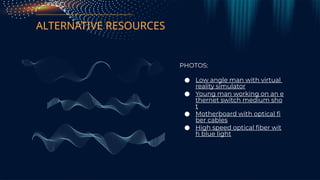
2. An assortment of illustrations and pictures that are suitable for use in the presentation
can be found in the alternative resources slide.
3. A thanks slide, which you must keep so that proper credits for our design are given.
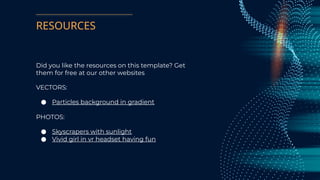
4. A resources slide, where you’ll find links to all the elements used in the template.
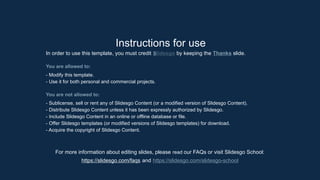
5. Instructions for use.
6. Final slides with:
● The fonts and colors used in the template.
● More infographic resources, whose size and color can be edited.
● Sets of customizable icons of the following themes: general, business, avatar,
creative process, education, help & support, medical, nature, performing arts, SEO
& marketing, and teamwork.
You can delete this slide when you’re done editing the presentation.
3.
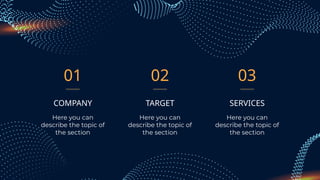
01
TARGET
Here you can
describethe topic of
the section
SERVICES
Here you can
describe the topic of
the section
COMPANY
Here you can
describe the topic of
the section
02 03
4.
WHOA!
This could bethe part of the presentation
where you can introduce yourself, write
your email...
5.
—Someone Famous
“This isa quote, words full
of wisdom that someone
important said and can
make the reader get
inspired.”
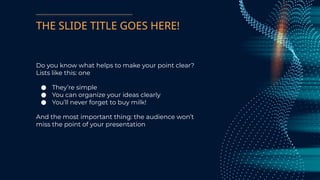
THE SLIDE TITLEGOES HERE!
Do you know what helps to make your point clear?
Lists like this: one
● They’re simple
● You can organize your ideas clearly
● You’ll never forget to buy milk!
And the most important thing: the audience won’t
miss the point of your presentation
8.
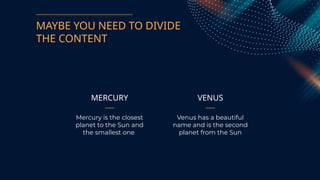
MAYBE YOU NEEDTO DIVIDE
THE CONTENT
MERCURY
Mercury is the closest
planet to the Sun and
the smallest one
VENUS
Venus has a beautiful
name and is the second
planet from the Sun
9.
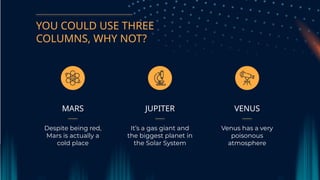
YOU COULD USETHREE
COLUMNS, WHY NOT?
JUPITER
It’s a gas giant and
the biggest planet in
the Solar System
VENUS
Venus has a very
poisonous
atmosphere
MARS
Despite being red,
Mars is actually a
cold place
SOMETIMES, COMPARISONS ARE
GOOD
●You can define one of the
concepts here
● You can define one of the
concepts here
● You can define one of the
concepts here
● You can define one of the
concepts here
● You can define one of the
concepts here
● You can define one of the
concepts here
CONCEPT 1 CONCEPT 2
21.
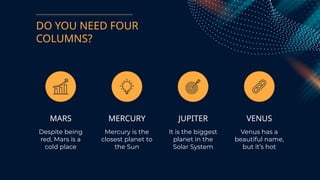
DO YOU NEEDFOUR
COLUMNS?
MARS
Despite being
red, Mars is a
cold place
MERCURY
Mercury is the
closest planet to
the Sun
JUPITER
It is the biggest
planet in the
Solar System
VENUS
Venus has a
beautiful name,
but it’s hot
22.
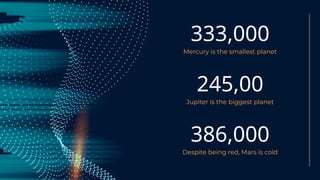
333,000
Mercury is thesmallest planet
245,00
Jupiter is the biggest planet
386,000
Despite being red, Mars is cold
23.
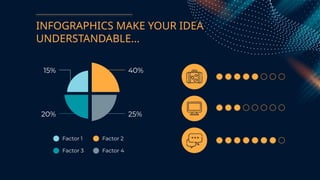
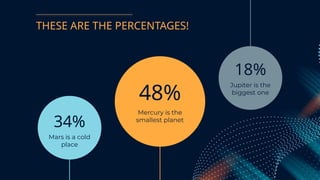
THESE ARE THEPERCENTAGES!
34%
Mars is a cold
place
48%
Mercury is the
smallest planet
18%
Jupiter is the
biggest one
24.
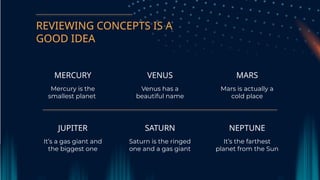
REVIEWING CONCEPTS ISA
GOOD IDEA
VENUS
Venus has a
beautiful name
MARS
Mars is actually a
cold place
MERCURY
Mercury is the
smallest planet
SATURN
Saturn is the ringed
one and a gas giant
NEPTUNE
It’s the farthest
planet from the Sun
JUPITER
It’s a gas giant and
the biggest one
25.
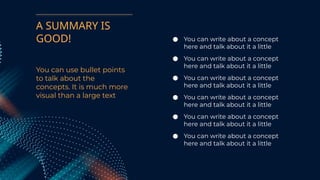
You can usebullet points
to talk about the
concepts. It is much more
visual than a large text
● You can write about a concept
here and talk about it a little
● You can write about a concept
here and talk about it a little
● You can write about a concept
here and talk about it a little
● You can write about a concept
here and talk about it a little
● You can write about a concept
here and talk about it a little
● You can write about a concept
here and talk about it a little
A SUMMARY IS
GOOD!
26.
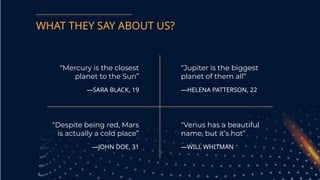
WHAT THEY SAYABOUT US?
—SARA BLACK, 19
“Mercury is the closest
planet to the Sun”
—JOHN DOE, 31
“Despite being red, Mars
is actually a cold place”
—HELENA PATTERSON, 22
“Jupiter is the biggest
planet of them all”
—WILL WHITMAN
“Venus has a beautiful
name, but it’s hot”
27.
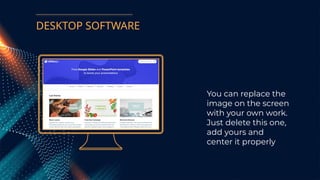
You can replacethe
image on the screen
with your own work.
Just delete this one,
add yours and
center it properly
DESKTOP SOFTWARE
28.
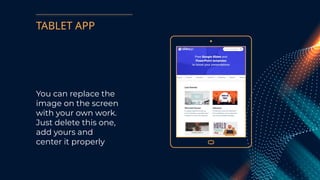
TABLET APP
You canreplace the
image on the screen
with your own work.
Just delete this one,
add yours and
center it properly
29.
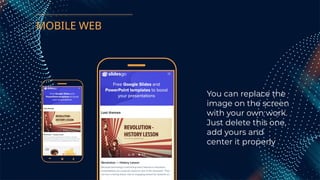
MOBILE WEB
You canreplace the
image on the screen
with your own work.
Just delete this one,
add yours and
center it properly
30.
A GOOD WAYTO END THE
PRESENTATION
Mercury is the closest planet to the
Sun and the smallest one in the
Solar System—it’s only a bit larger
than the Moon
31.
CREDITS: This presentationtemplate was created by
Slidesgo, including icons by Flaticon, and
infographics & images by Freepik.
THANKS!
Do you have any questions?
addyouremail@freepik.com
+91 620 421 838
yourcompany.com
Please keep this slide for attribution.
32.
ALTERNATIVE RESOURCES
PHOTOS:
● Lowangle man with virtual
reality simulator
● Young man working on an e
thernet switch medium sho
t
● Motherboard with optical fi
ber cables
● High speed optical fiber wit
h blue light
33.
RESOURCES
Did you likethe resources on this template? Get
them for free at our other websites
VECTORS:
● Particles background in gradient
PHOTOS:
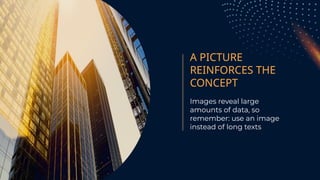
● Skyscrapers with sunlight
● Vivid girl in vr headset having fun
34.
Instructions for use
Inorder to use this template, you must credit Slidesgo by keeping the Thanks slide.
You are allowed to:
- Modify this template.
- Use it for both personal and commercial projects.
You are not allowed to:
- Sublicense, sell or rent any of Slidesgo Content (or a modified version of Slidesgo Content).
- Distribute Slidesgo Content unless it has been expressly authorized by Slidesgo.
- Include Slidesgo Content in an online or offline database or file.
- Offer Slidesgo templates (or modified versions of Slidesgo templates) for download.
- Acquire the copyright of Slidesgo Content.
For more information about editing slides, please read our FAQs or visit Slidesgo School:
https://slidesgo.com/faqs and https://slidesgo.com/slidesgo-school
35.
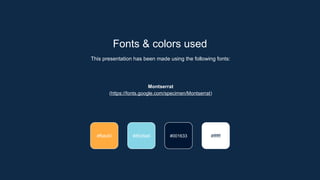
Fonts & colorsused
This presentation has been made using the following fonts:
Montserrat
(https://fonts.google.com/specimen/Montserrat)
#85d5e6 #001633 #ffffff
#ffab40
36.
Use our editablegraphic resources...
You can easily resize these resources without losing quality. To change the color, just ungroup the resource
and click on the object you want to change. Then, click on the paint bucket and select the color you want.
Group the resource again when you’re done.
39.
JANUARY FEBRUARY MARCHAPRIL
PHASE
1
Task 1
Task 2
JANUARY FEBRUARY MARCH APRIL MAY JUNE
PHASE 1
PHASE 2
Task 1
Task 2
Task 1
Task 2
42.
...and our setsof editable icons
You can resize these icons without losing quality.
You can change the stroke and fill color; just select the icon and click on the paint bucket/pen.
In Google Slides, you can also use Flaticon’s extension, allowing you to customize and add even more icons.