CLASSIC PHOTO ALBUM
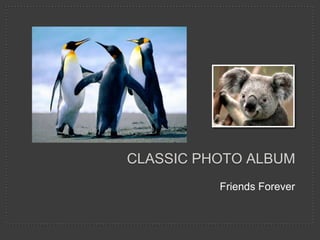
Friends Forever
This photo album contains
sample pages to get you started.
To add your own pages, click
the Home tab, then click the
New Slide gallery.
CHOOSE A LAYOUT
…then click the placeholders to add your own pictures and captions.
On the Picture Tools | Format
tab, you can create your own
frames and make picture
corrections such as adjusting
contrast and brightness or
cropping the picture for just the
right look.
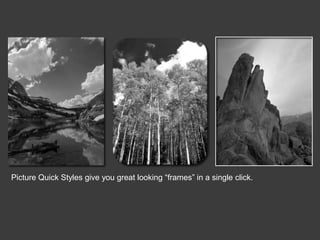
Picture Quick Styles give you great looking “frames” in a single click.
Friends Forever
Friends Forever

Friends Forever

  • 1.
  • 2.
    This photo albumcontains sample pages to get you started. To add your own pages, click the Home tab, then click the New Slide gallery.
  • 3.
    CHOOSE A LAYOUT …thenclick the placeholders to add your own pictures and captions.
  • 4.
    On the PictureTools | Format tab, you can create your own frames and make picture corrections such as adjusting contrast and brightness or cropping the picture for just the right look.
  • 5.
    Picture Quick Stylesgive you great looking “frames” in a single click.