10/11/2012


                                        “Writing the Earth” with GIS

    Free GIS in the
 Geography Classroom
               Alan Parkinson                     a.parkinson@gmail.com
            Freelance Geographer
       VITAL Geography Portal Manager             @GeoBlogs


          GIS =
      Geographical                       “…a digital map, data located on
                                             the map, and a software
      Information                       application (GIS) that links the two
                                                     together”
        Systems
                                                     Diana Freeman (2004)


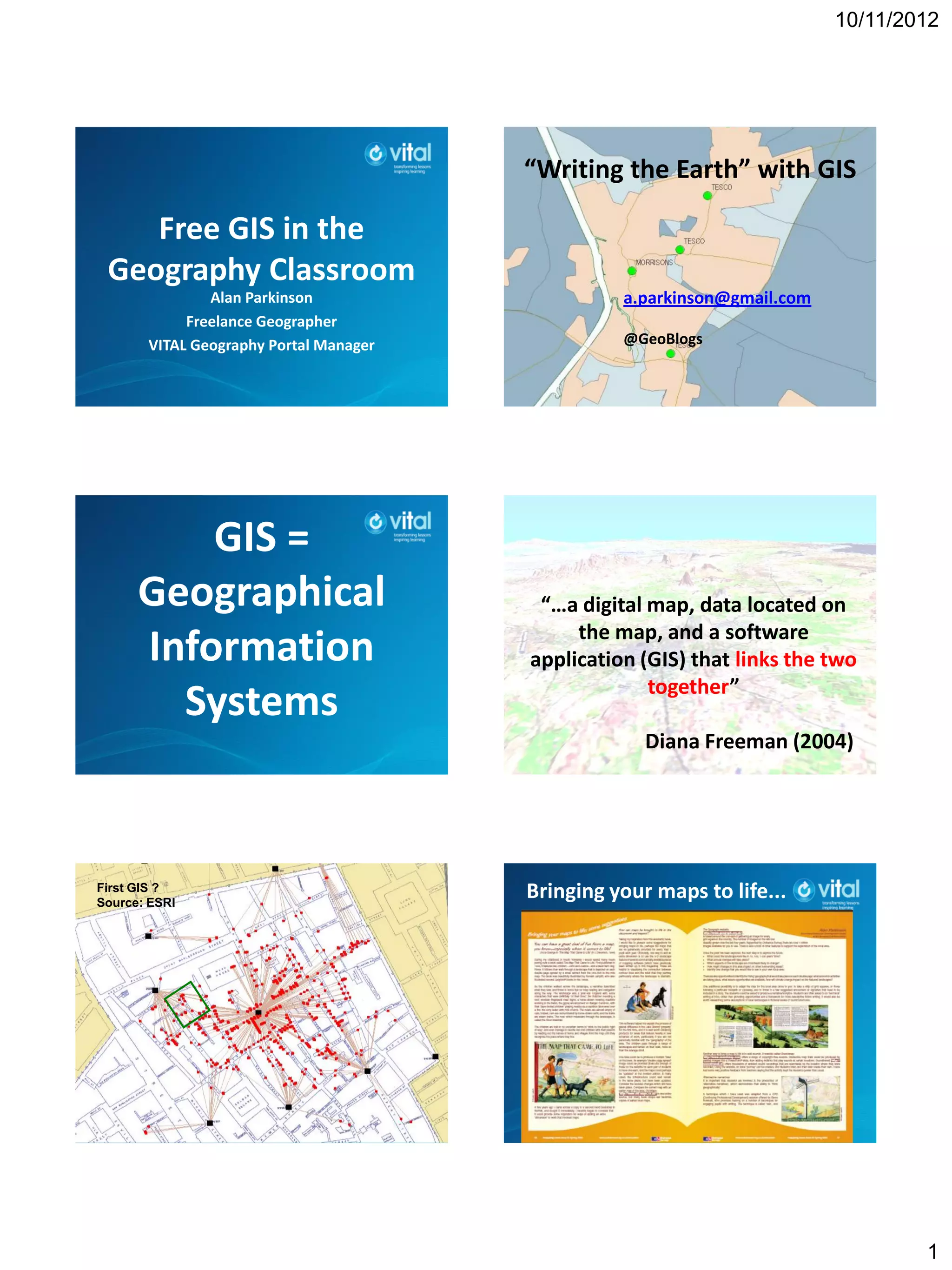
First GIS ?
Source: ESRI
                                        Bringing your maps to life...


                                                                                  1
10/11/2012


           Why use GIS ? 1                          Why use GIS ? 2
                                           • Pupils need to learn what GIS is, but
 • Highlighted within the relevant         as a way of exploring geography. This
 specifications                            should be through using it, rather
 • A need for pupils to be skilled in      than learning about the software.
 this area (‘vocational’)                  • Ideally start with something that the
 • Natural link to enquiry, and use        pupils are already confident (and
 of ICT to display and interrogate         competent) in using
 data                                      • There should be some plan for
                                           progression


  GI = Geographical Information             Start with the questions
                                           that you want to answer...
 What information do
     you have ?                             If GIS can help, then this
                                           might be an opportunity to
 What do you want to                                 use it...
    do with it ?


    Teachers were seen to promote
 creative learning most purposefully
   and effectively when encouraging
  pupils to question and challenge,
      make connections and see
relationships, speculate, keep options
open while pursuing a line of enquiry,
and reflect critically on ideas, actions
              and results.
       OFSTED Geography Subject Report


                                                                                        2
10/11/2012


      ONLINE CPD course…                   GIS at all key stages in geography...
CPD & Events section of GA website


                                          disaster management / planning /
                                          water / land reclamation / energy
                                                     / resources


  = more VISUALISATION                     1: Google Earth

                                           •   1 billion FREE downloads
                                           •   Historical imagery
                                           •   Millions of files shared by users
                                           •   Placemarks can hold text, images, video or audio
                                               – also produce graphs with embed code –
                           = ‘full’ GIS        recording fieldwork…
                                           • http://dexautomation.com/googlechartgenerator.php


                                           https://sites.google.com/site/ncge2011/


                                                                                                  3
10/11/2012


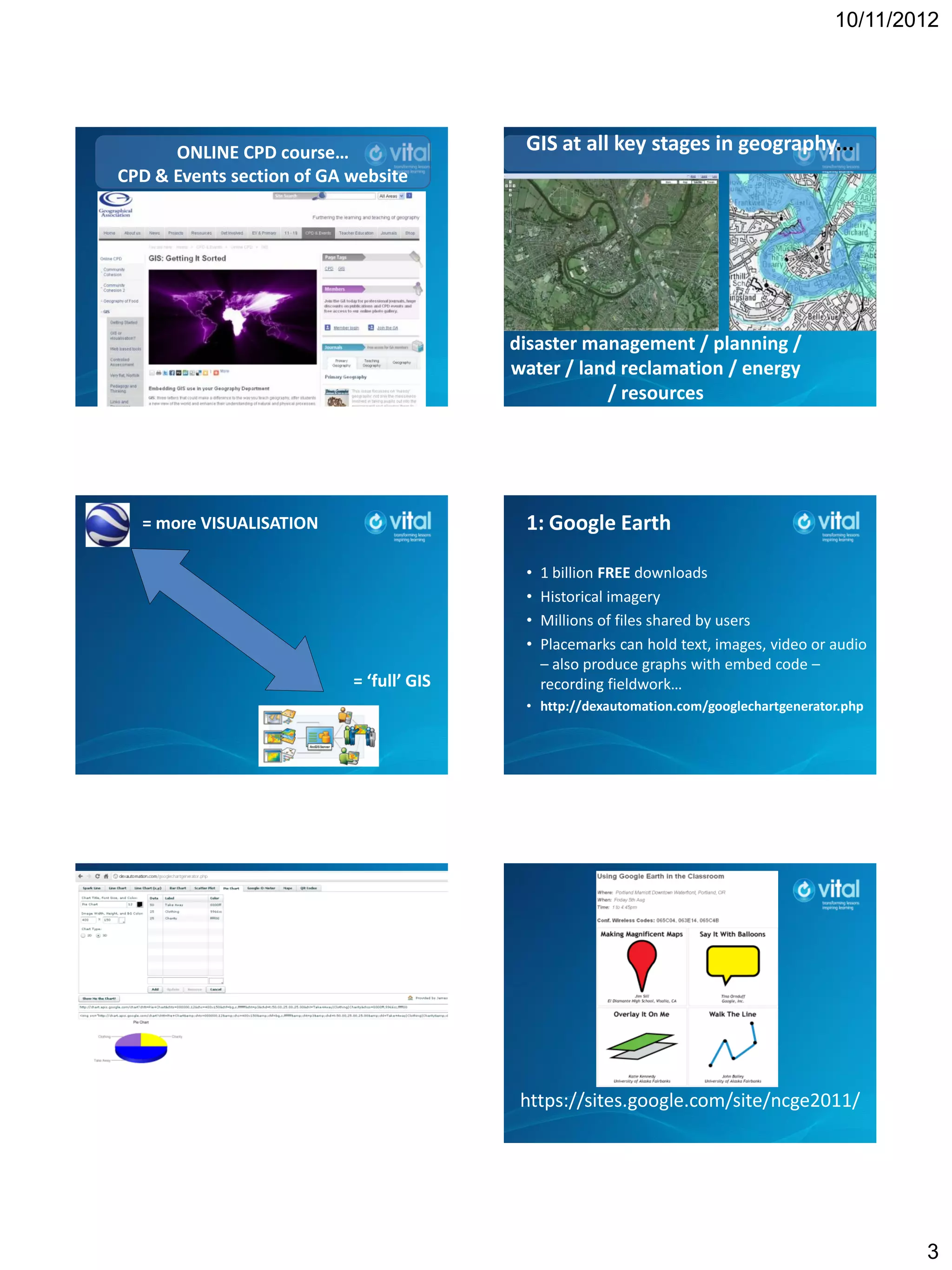
    http://www.merkador.com                       Gavin Brock’s OS Layer
• Quiz – introduces the tools that you can use…


            2: Many Eyes                               World Maps available...


               Many Eyes
            Visualisation Tool
           Uses ESRI map data
            A project of IBM
 http://manyeyes.alphaworks.ibm.com/manyeyes


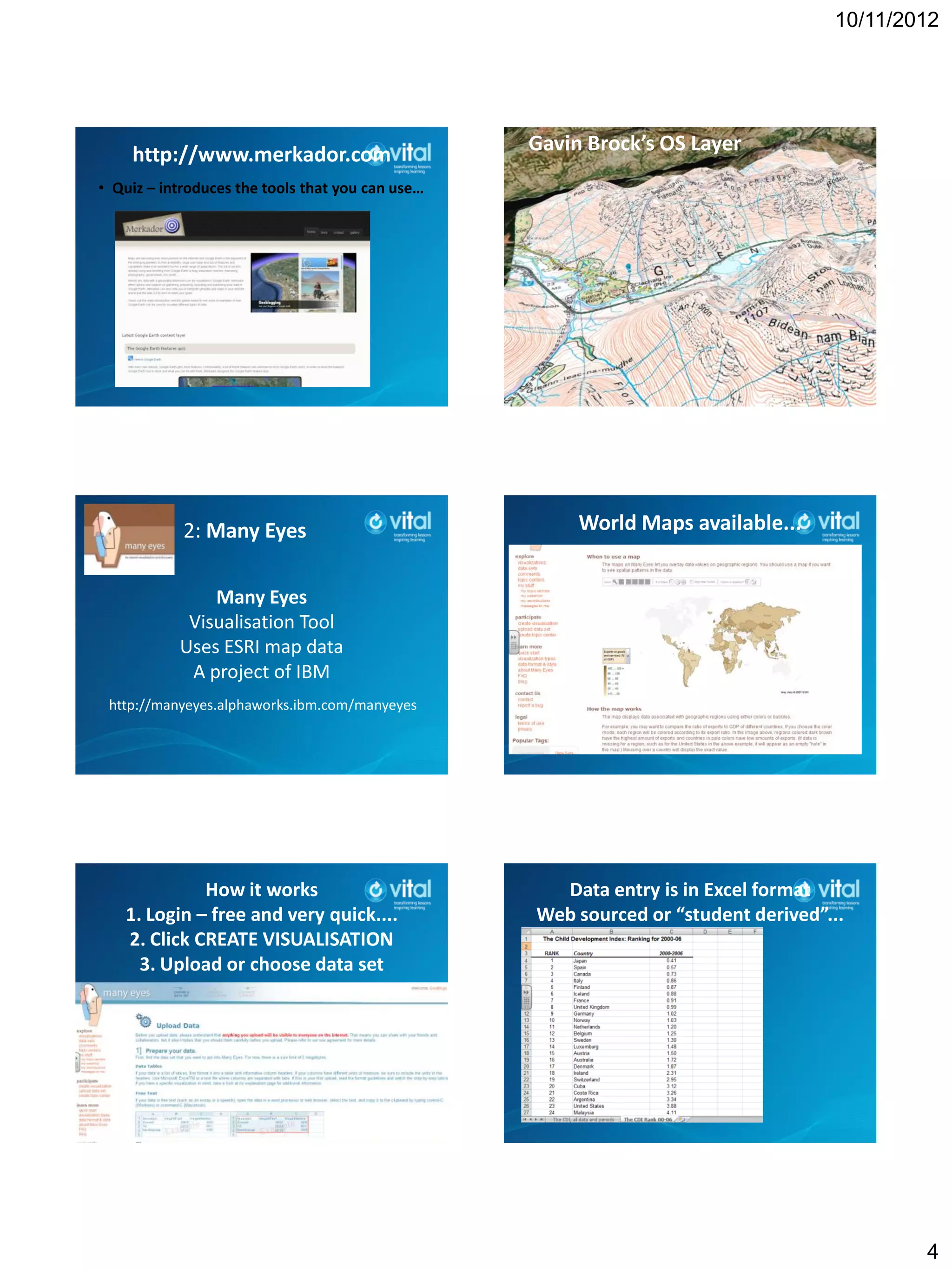
             How it works                           Data entry is in Excel format
   1. Login – free and very quick....             Web sourced or “student derived”...
   2. Click CREATE VISUALISATION
     3. Upload or choose data set


                                                                                           4
10/11/2012


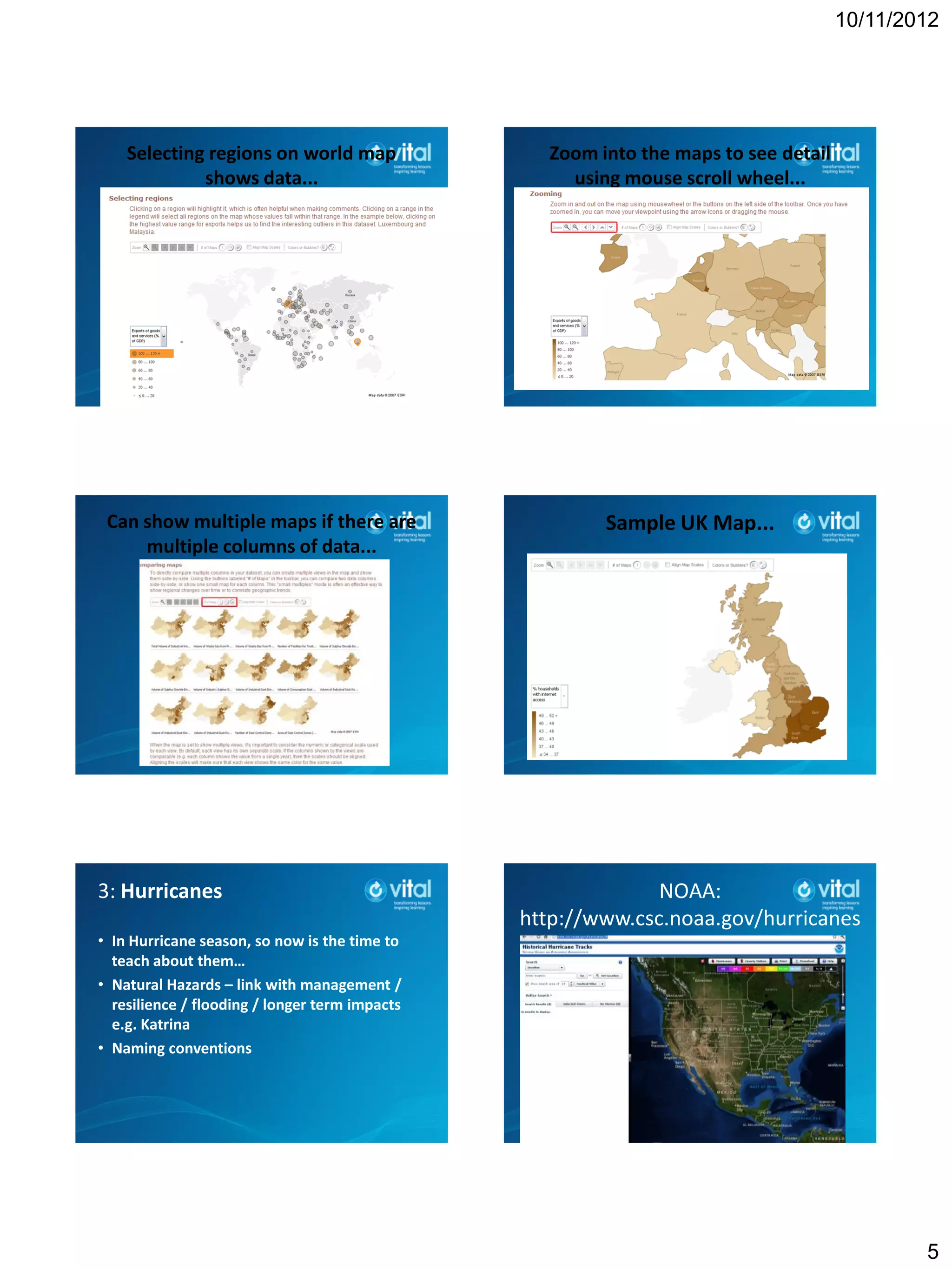
    Selecting regions on world map                Zoom into the maps to see detail
             shows data...                          using mouse scroll wheel...


 Can show multiple maps if there are                    Sample UK Map...
     multiple columns of data...


3: Hurricanes                                                 NOAA:
                                                http://www.csc.noaa.gov/hurricanes
• In Hurricane season, so now is the time to
  teach about them…
• Natural Hazards – link with management /
  resilience / flooding / longer term impacts
  e.g. Katrina
• Naming conventions


                                                                                             5
10/11/2012


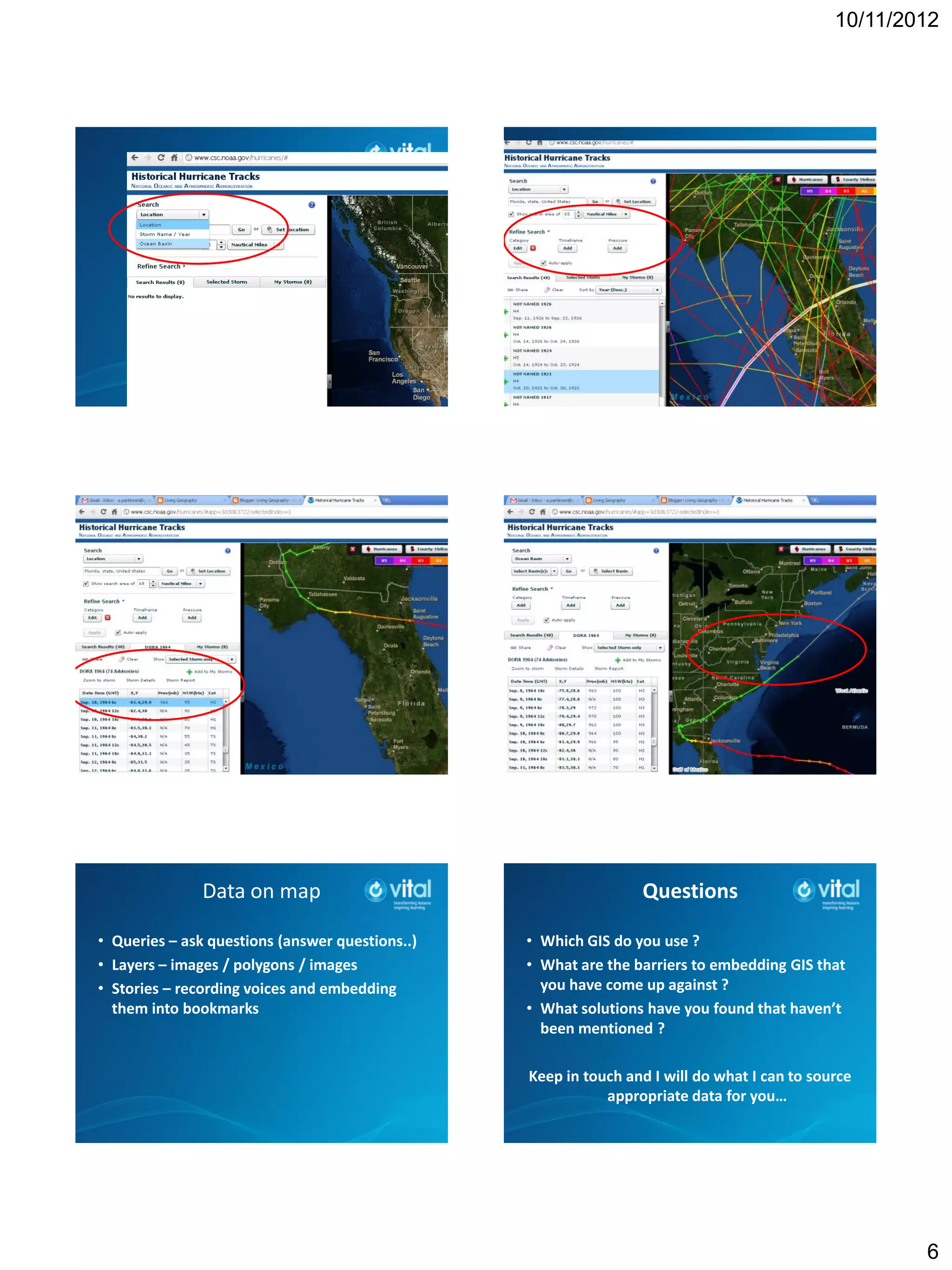
               Data on map                                       Questions

• Queries – ask questions (answer questions..)   • Which GIS do you use ?
• Layers – images / polygons / images            • What are the barriers to embedding GIS that
• Stories – recording voices and embedding         you have come up against ?
  them into bookmarks                            • What solutions have you found that haven’t
                                                   been mentioned ?

                                                 Keep in touch and I will do what I can to source
                                                            appropriate data for you…


                                                                                                      6

Free GIS for Aberdeen

  • 1.
    10/11/2012 “Writing the Earth” with GIS Free GIS in the Geography Classroom Alan Parkinson a.parkinson@gmail.com Freelance Geographer VITAL Geography Portal Manager @GeoBlogs GIS = Geographical “…a digital map, data located on the map, and a software Information application (GIS) that links the two together” Systems Diana Freeman (2004) First GIS ? Source: ESRI Bringing your maps to life... 1
  • 2.
    10/11/2012 Why use GIS ? 1 Why use GIS ? 2 • Pupils need to learn what GIS is, but • Highlighted within the relevant as a way of exploring geography. This specifications should be through using it, rather • A need for pupils to be skilled in than learning about the software. this area (‘vocational’) • Ideally start with something that the • Natural link to enquiry, and use pupils are already confident (and of ICT to display and interrogate competent) in using data • There should be some plan for progression GI = Geographical Information Start with the questions that you want to answer... What information do you have ? If GIS can help, then this might be an opportunity to What do you want to use it... do with it ? Teachers were seen to promote creative learning most purposefully and effectively when encouraging pupils to question and challenge, make connections and see relationships, speculate, keep options open while pursuing a line of enquiry, and reflect critically on ideas, actions and results. OFSTED Geography Subject Report 2
  • 3.
    10/11/2012 ONLINE CPD course… GIS at all key stages in geography... CPD & Events section of GA website disaster management / planning / water / land reclamation / energy / resources = more VISUALISATION 1: Google Earth • 1 billion FREE downloads • Historical imagery • Millions of files shared by users • Placemarks can hold text, images, video or audio – also produce graphs with embed code – = ‘full’ GIS recording fieldwork… • http://dexautomation.com/googlechartgenerator.php https://sites.google.com/site/ncge2011/ 3
  • 4.
    10/11/2012 http://www.merkador.com Gavin Brock’s OS Layer • Quiz – introduces the tools that you can use… 2: Many Eyes World Maps available... Many Eyes Visualisation Tool Uses ESRI map data A project of IBM http://manyeyes.alphaworks.ibm.com/manyeyes How it works Data entry is in Excel format 1. Login – free and very quick.... Web sourced or “student derived”... 2. Click CREATE VISUALISATION 3. Upload or choose data set 4
  • 5.
    10/11/2012 Selecting regions on world map Zoom into the maps to see detail shows data... using mouse scroll wheel... Can show multiple maps if there are Sample UK Map... multiple columns of data... 3: Hurricanes NOAA: http://www.csc.noaa.gov/hurricanes • In Hurricane season, so now is the time to teach about them… • Natural Hazards – link with management / resilience / flooding / longer term impacts e.g. Katrina • Naming conventions 5
  • 6.
    10/11/2012 Data on map Questions • Queries – ask questions (answer questions..) • Which GIS do you use ? • Layers – images / polygons / images • What are the barriers to embedding GIS that • Stories – recording voices and embedding you have come up against ? them into bookmarks • What solutions have you found that haven’t been mentioned ? Keep in touch and I will do what I can to source appropriate data for you… 6