Flutter: Unpacking
Google's UI Toolkit
Explore Flutter, Google's versatile UI toolkit for crafting natively
compiled applications across mobile, web, and desktop from a
single codebase.
What is Flutter? A Unified UI Framework
Google's UI Toolkit
Developed by Google, Flutter is
an open-source UI software
development kit.
Cross-Platform
Development
Builds natively compiled
applications for mobile, web,
and desktop from a single
codebase.
Expressive UI
Enables the creation of
beautiful, high-performance
user interfaces quickly.
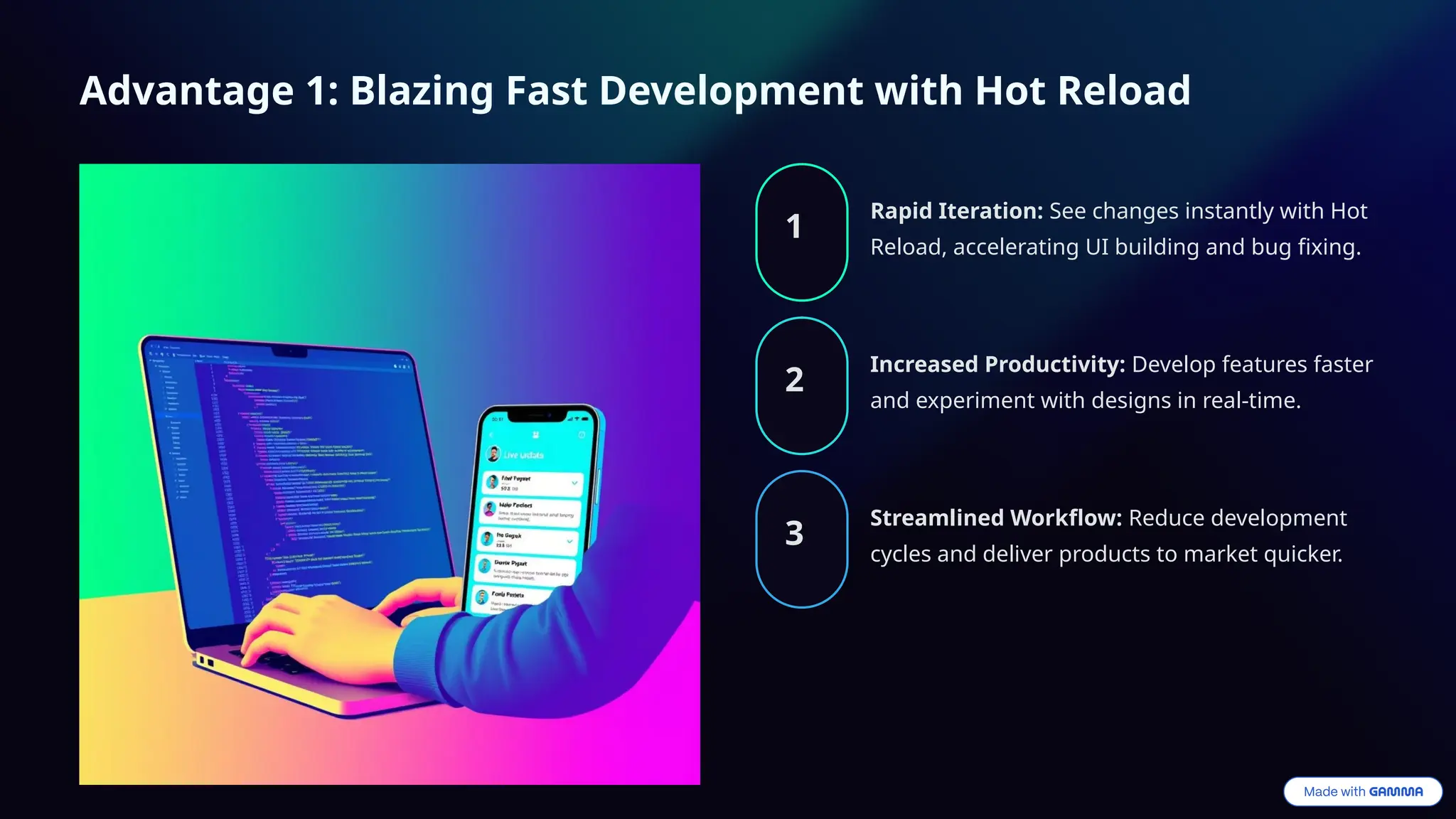
Advantage 1: Blazing Fast Development with Hot Reload
1
Rapid Iteration: See changes instantly with Hot
Reload, accelerating UI building and bug fixing.
2
Increased Productivity: Develop features faster
and experiment with designs in real-time.
3
Streamlined Workflow: Reduce development
cycles and deliver products to market quicker.
Advantage 2: Beautiful, Expressive UI and Native Performance
Rich Widgets
Access a rich set of
customizable Material
Design and Cupertino
widgets for stunning UIs.
Native Performance
Achieve near-native
performance through
Dart's AOT compilation to
machine code.
Pixel-Perfect Control
Gain full control over every
pixel for highly custom and
branded designs.
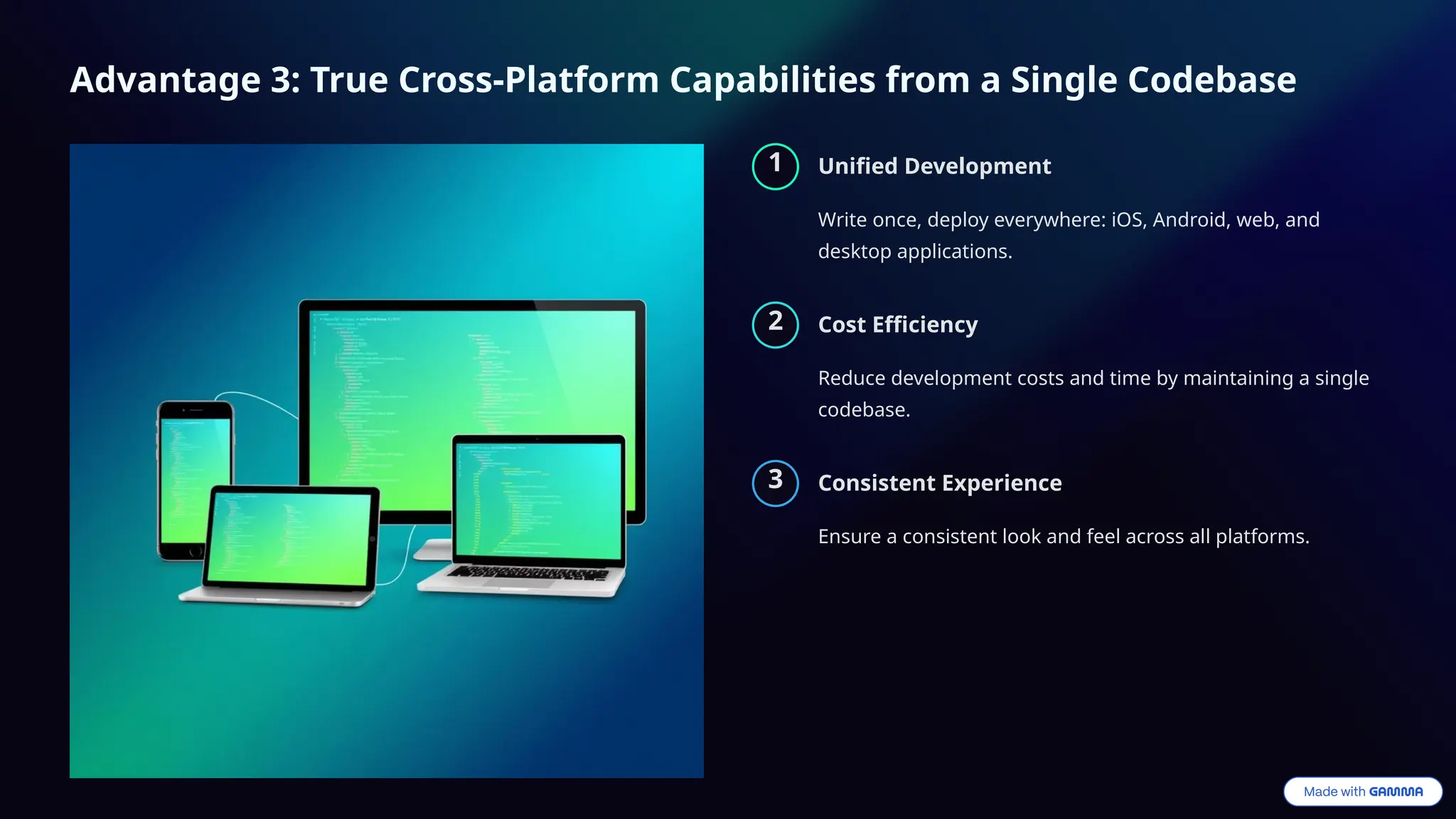
Advantage 3: True Cross-Platform Capabilities from a Single Codebase
1 Unified Development
Write once, deploy everywhere: iOS, Android, web, and
desktop applications.
2 Cost Efficiency
Reduce development costs and time by maintaining a single
codebase.
3 Consistent Experience
Ensure a consistent look and feel across all platforms.
Disadvantage 1: Larger App Size and Niche Skillset
Increased App Size
Flutter apps tend to be larger
due to the bundled engine
and widgets.
Dart Language Barrier
Requires learning Dart, which
has a smaller developer
community than Java/Kotlin or
Swift/Objective-C.
Limited Talent Pool
Finding experienced Flutter
developers can be more
challenging compared to
native platforms.
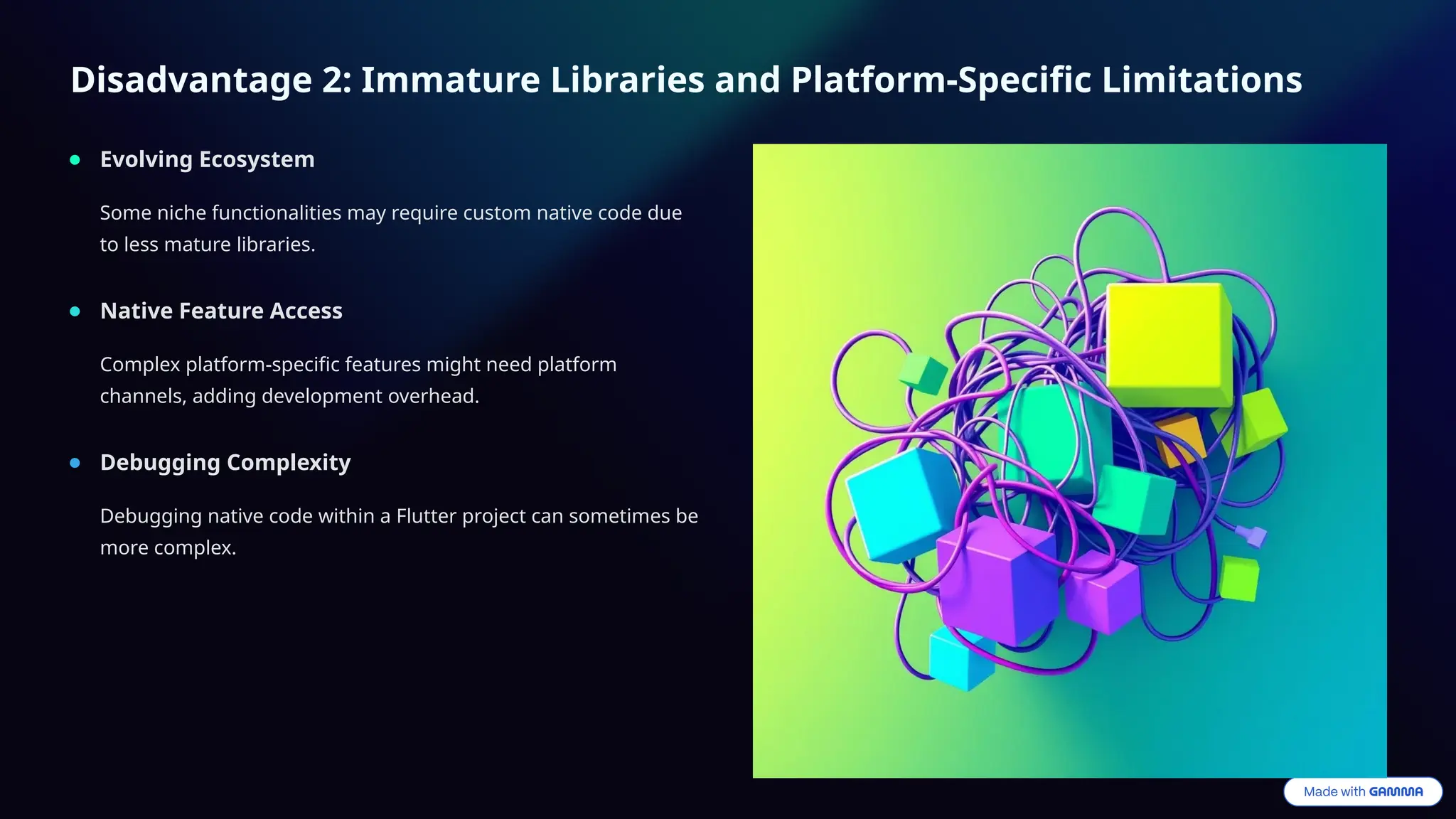
Disadvantage 2: Immature Libraries and Platform-Specific Limitations
Evolving Ecosystem
Some niche functionalities may require custom native code due
to less mature libraries.
Native Feature Access
Complex platform-specific features might need platform
channels, adding development overhead.
Debugging Complexity
Debugging native code within a Flutter project can sometimes be
more complex.
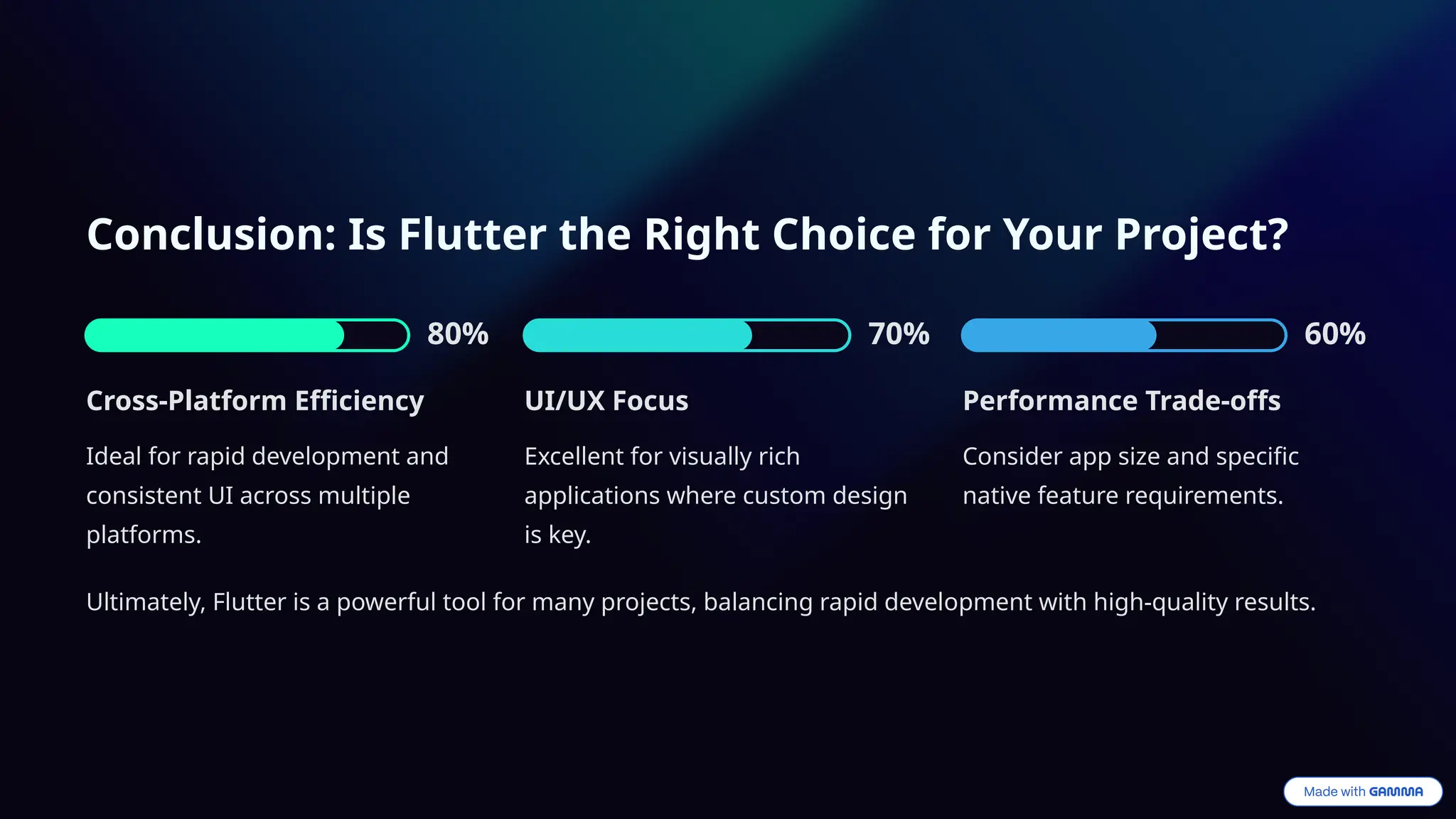
Conclusion: Is Flutter the Right Choice for Your Project?
80%
Cross-Platform Efficiency
Ideal for rapid development and
consistent UI across multiple
platforms.
70%
UI/UX Focus
Excellent for visually rich
applications where custom design
is key.
60%
Performance Trade-offs
Consider app size and specific
native feature requirements.
Ultimately, Flutter is a powerful tool for many projects, balancing rapid development with high-quality results.

Flutter-Unpacking-google-ui-toolkit.pptx

  • 1.
    Flutter: Unpacking Google's UIToolkit Explore Flutter, Google's versatile UI toolkit for crafting natively compiled applications across mobile, web, and desktop from a single codebase.
  • 2.
    What is Flutter?A Unified UI Framework Google's UI Toolkit Developed by Google, Flutter is an open-source UI software development kit. Cross-Platform Development Builds natively compiled applications for mobile, web, and desktop from a single codebase. Expressive UI Enables the creation of beautiful, high-performance user interfaces quickly.
  • 3.
    Advantage 1: BlazingFast Development with Hot Reload 1 Rapid Iteration: See changes instantly with Hot Reload, accelerating UI building and bug fixing. 2 Increased Productivity: Develop features faster and experiment with designs in real-time. 3 Streamlined Workflow: Reduce development cycles and deliver products to market quicker.
  • 4.
    Advantage 2: Beautiful,Expressive UI and Native Performance Rich Widgets Access a rich set of customizable Material Design and Cupertino widgets for stunning UIs. Native Performance Achieve near-native performance through Dart's AOT compilation to machine code. Pixel-Perfect Control Gain full control over every pixel for highly custom and branded designs.
  • 5.
    Advantage 3: TrueCross-Platform Capabilities from a Single Codebase 1 Unified Development Write once, deploy everywhere: iOS, Android, web, and desktop applications. 2 Cost Efficiency Reduce development costs and time by maintaining a single codebase. 3 Consistent Experience Ensure a consistent look and feel across all platforms.
  • 6.
    Disadvantage 1: LargerApp Size and Niche Skillset Increased App Size Flutter apps tend to be larger due to the bundled engine and widgets. Dart Language Barrier Requires learning Dart, which has a smaller developer community than Java/Kotlin or Swift/Objective-C. Limited Talent Pool Finding experienced Flutter developers can be more challenging compared to native platforms.
  • 7.
    Disadvantage 2: ImmatureLibraries and Platform-Specific Limitations Evolving Ecosystem Some niche functionalities may require custom native code due to less mature libraries. Native Feature Access Complex platform-specific features might need platform channels, adding development overhead. Debugging Complexity Debugging native code within a Flutter project can sometimes be more complex.
  • 8.
    Conclusion: Is Flutterthe Right Choice for Your Project? 80% Cross-Platform Efficiency Ideal for rapid development and consistent UI across multiple platforms. 70% UI/UX Focus Excellent for visually rich applications where custom design is key. 60% Performance Trade-offs Consider app size and specific native feature requirements. Ultimately, Flutter is a powerful tool for many projects, balancing rapid development with high-quality results.