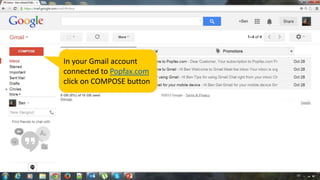
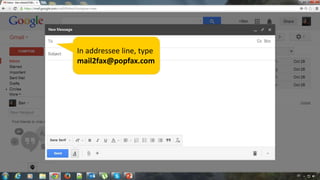
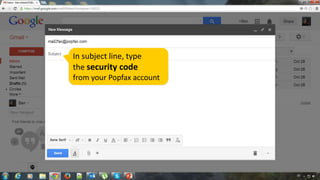
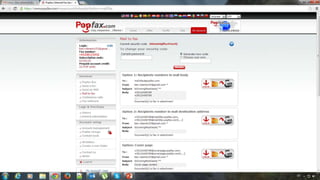
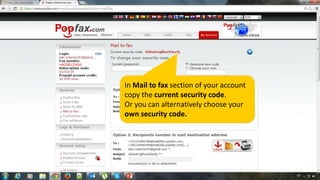
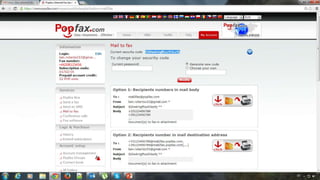
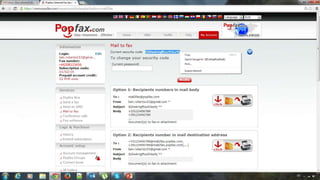
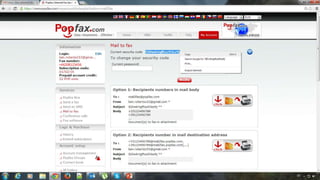
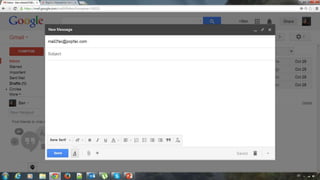
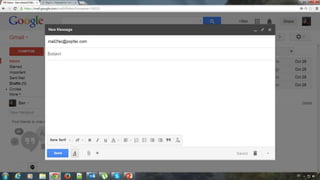
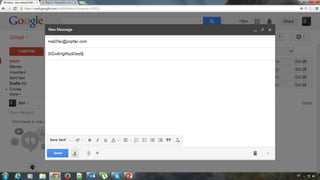
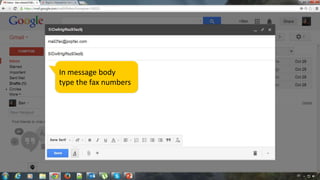
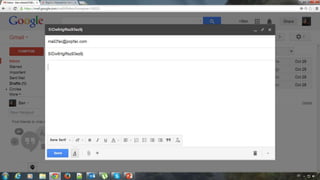
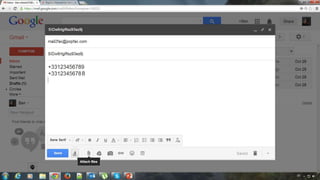
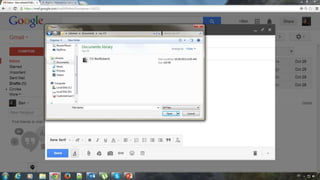
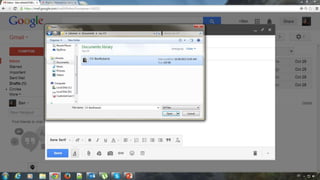
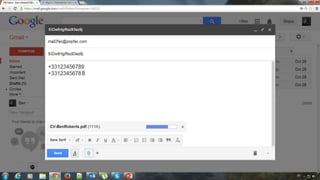
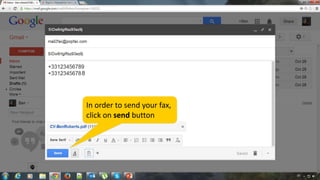
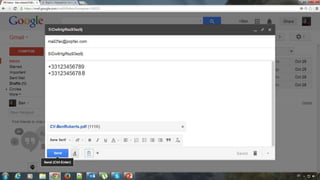
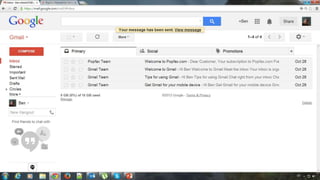
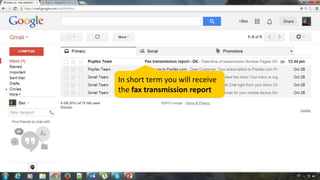
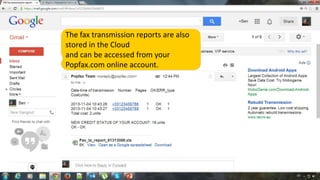
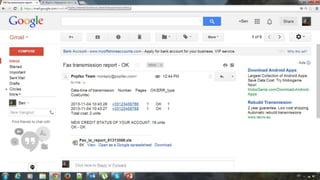
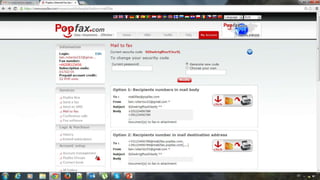
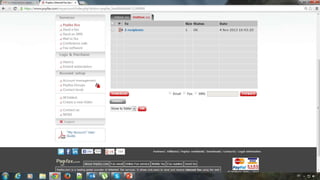
The document outlines the process to send a fax using a Gmail account connected to popfax.com. Users must compose an email to mail2fax@popfax.com, enter a security code and desired fax numbers in the message body, and then click send to receive a fax transmission report. Additionally, users can access their fax transmission reports stored in the cloud through their popfax.com account.