- Arulkumar V
Assistant Professor, SECE
Exception Handling
Guess the Output:
12/19/20172
public class Arithmetic {
public static void main(String[] Geek)
{
Integer a = 2;
Integer b;
b = a / 0;
System.out.println("Value of b is:"
+b);
}
}
Output:
Exception in thread "main" java.lang.ArithmeticException: / by zero at
Arithmatic.main(Arithmatic.java:7)
Introduction
12/19/20173
 An exception is an abnormal condition that
arises in a code sequence at run time. In other
words, an exception is a run-time error.
 In Java it is handled using 5 keywords
try
catch
throw
throws
finally
Using Keywords:
12/19/20174
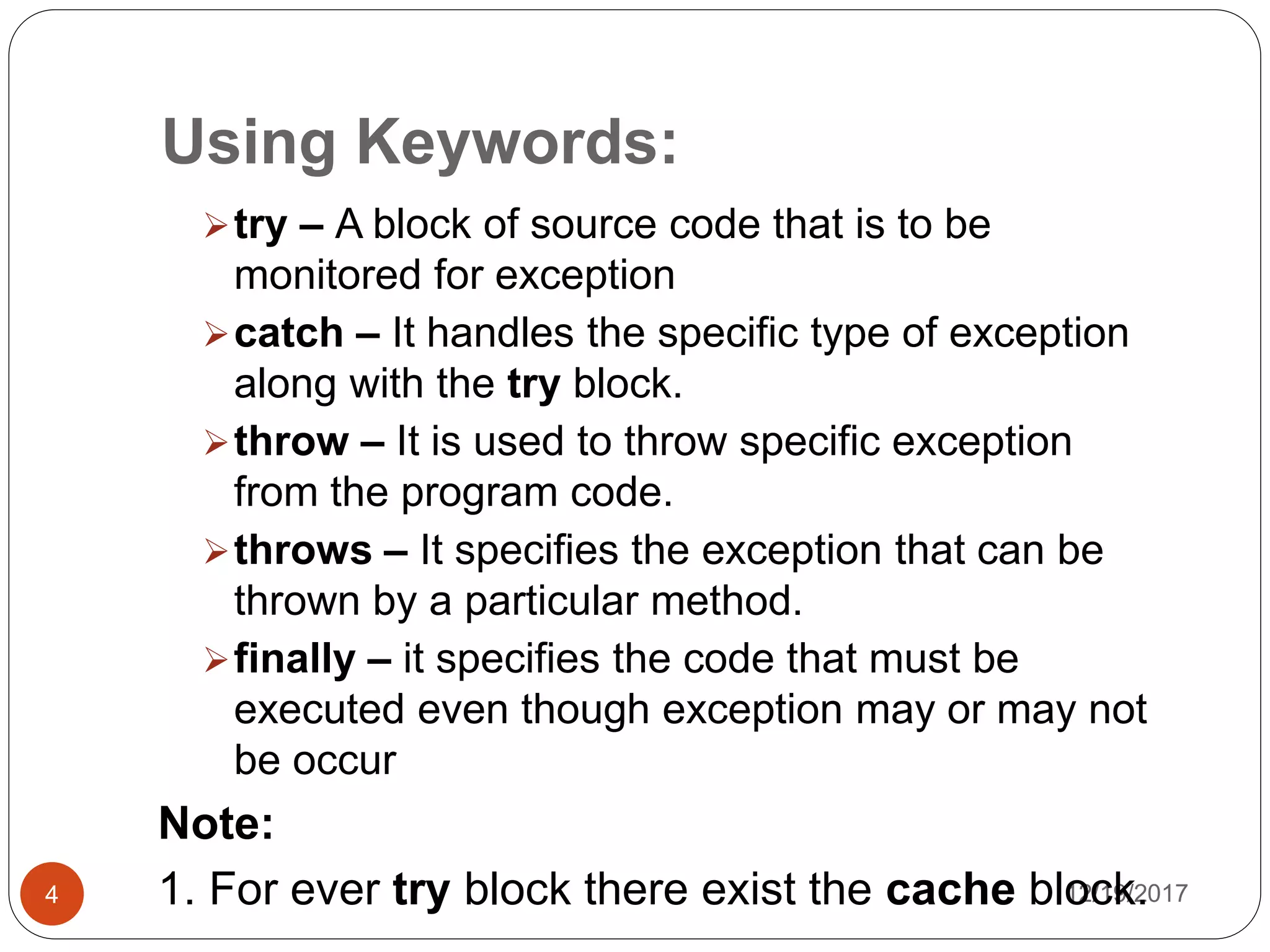
try – A block of source code that is to be
monitored for exception
catch – It handles the specific type of exception
along with the try block.
throw – It is used to throw specific exception
from the program code.
throws – It specifies the exception that can be
thrown by a particular method.
finally – it specifies the code that must be
executed even though exception may or may not
be occur
Note:
1. For ever try block there exist the cache block.
Handling try-cache block:
12/19/20175
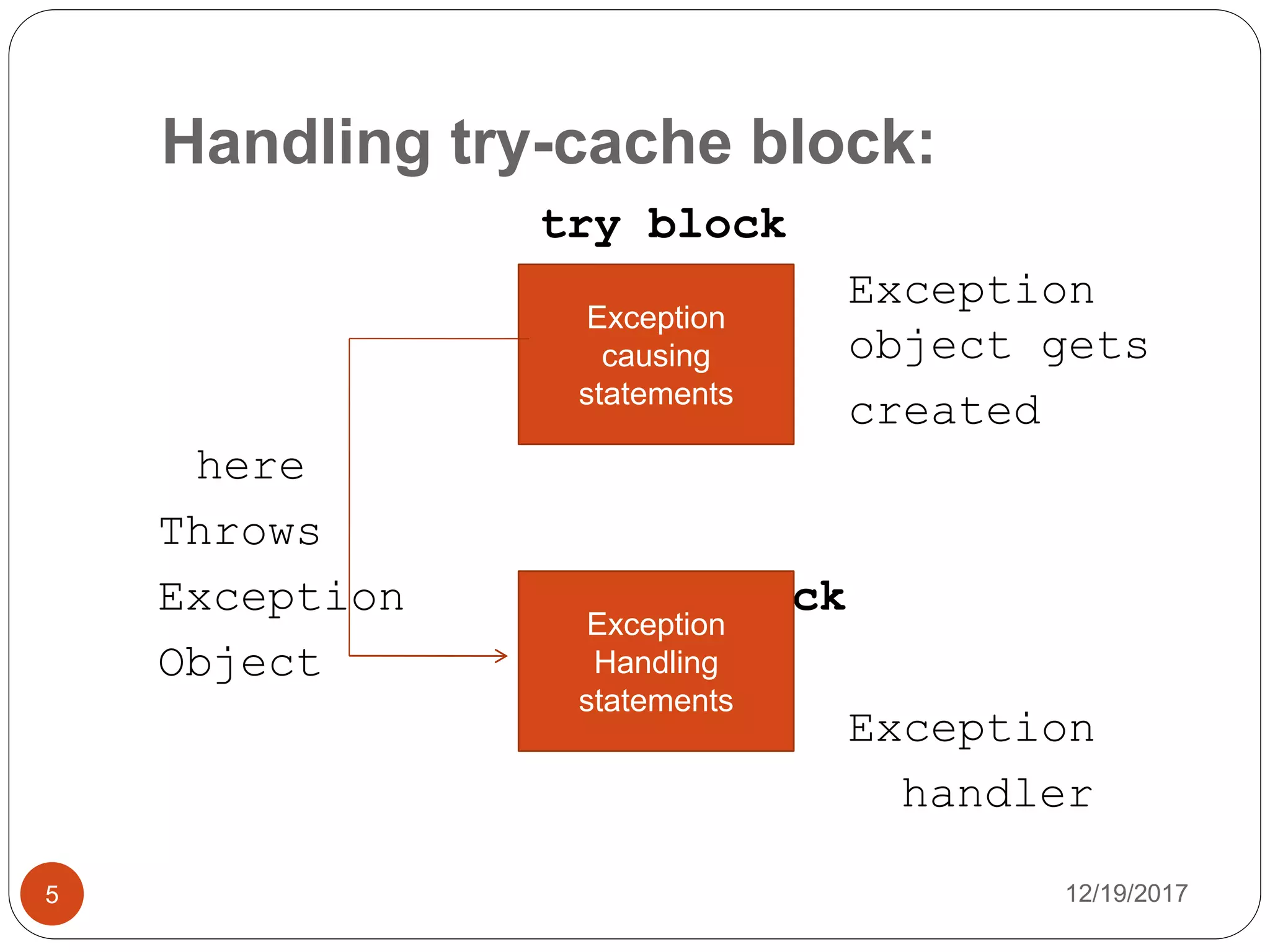
try block
Exception
object gets
created
here
Throws
Exception catch block
Object
Exception
handler
Exception
causing
statements
Exception
Handling
statements
Cont..,
12/19/20176
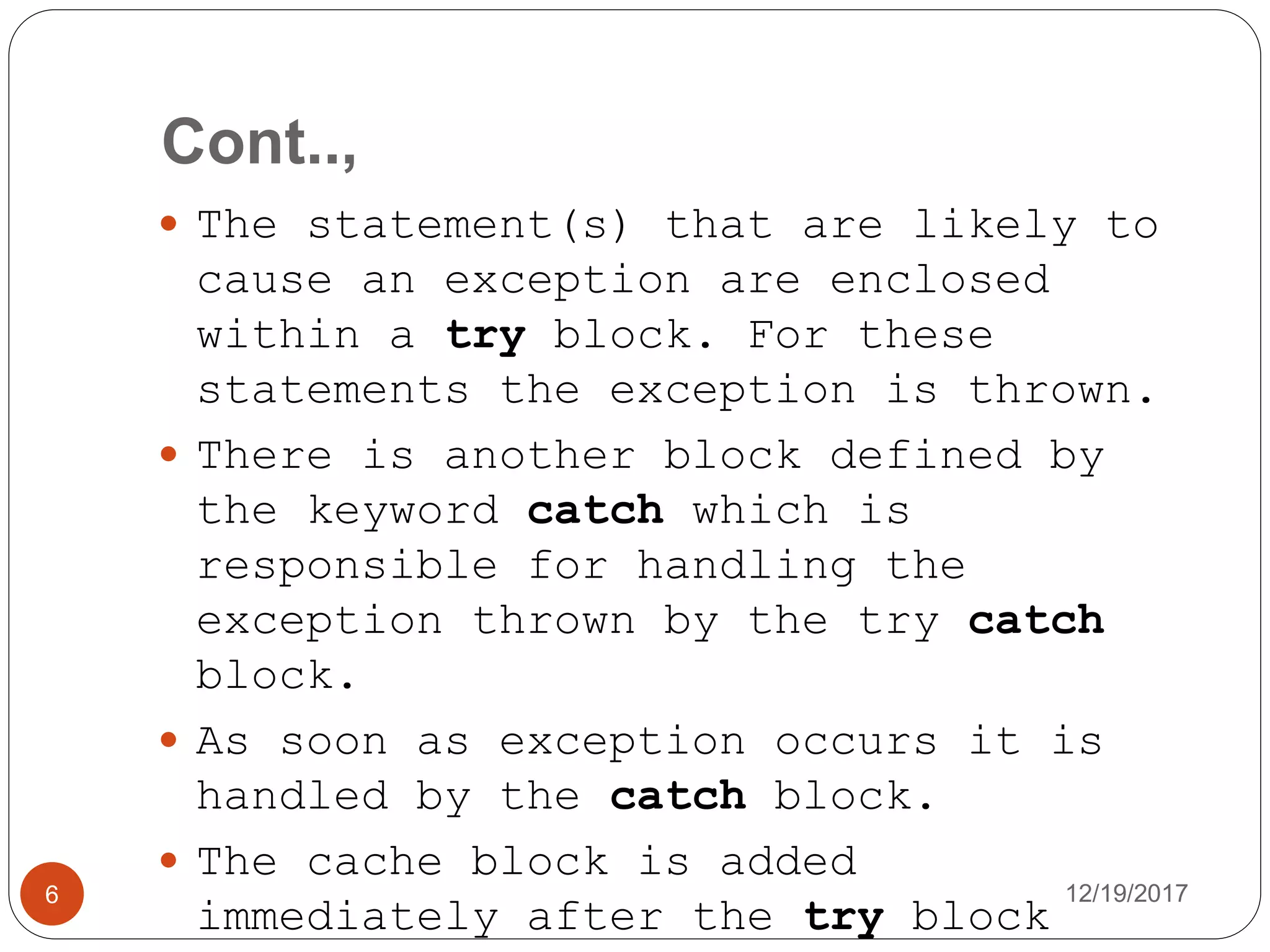
 The statement(s) that are likely to
cause an exception are enclosed
within a try block. For these
statements the exception is thrown.
 There is another block defined by
the keyword catch which is
responsible for handling the
exception thrown by the try catch
block.
 As soon as exception occurs it is
handled by the catch block.
 The cache block is added
immediately after the try block
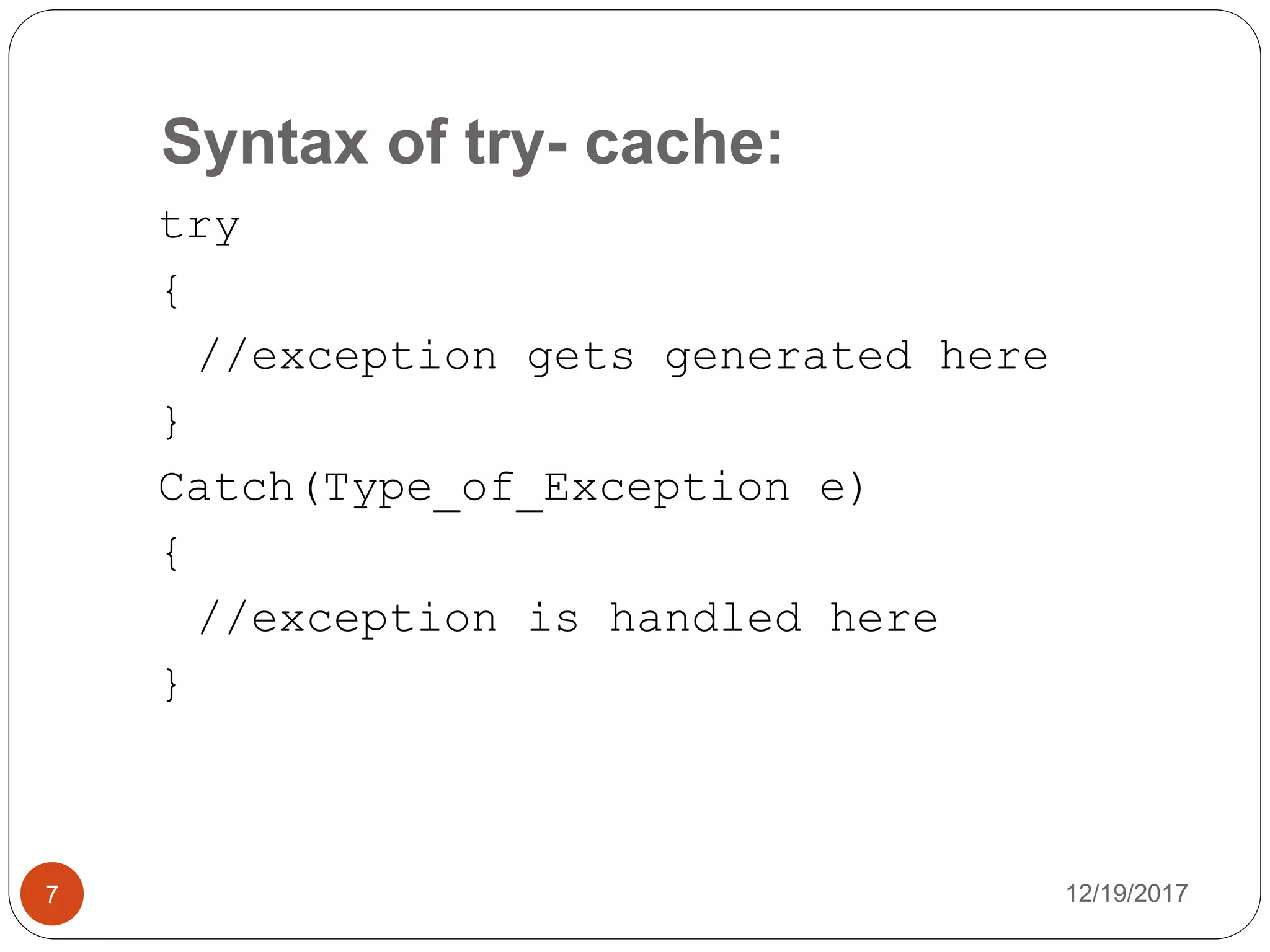
Syntax of try- cache:
12/19/20177
try
{
//exception gets generated here
}
Catch(Type_of_Exception e)
{
//exception is handled here
}
Guess the Output:
12/19/20178
public class Arithmetic {
public static void main(String[] Geek)
{
Integer a = 2;
Integer b;
try
{
b = a / 0;
}
catch (ArithmeticException e)
{
System.out.println(e + "Exception occurs");
}
System.out.println("Exception Example Program");
}
Output:
java.lang.ArithmeticException: / by
zeroException occurs
Exception Example Program
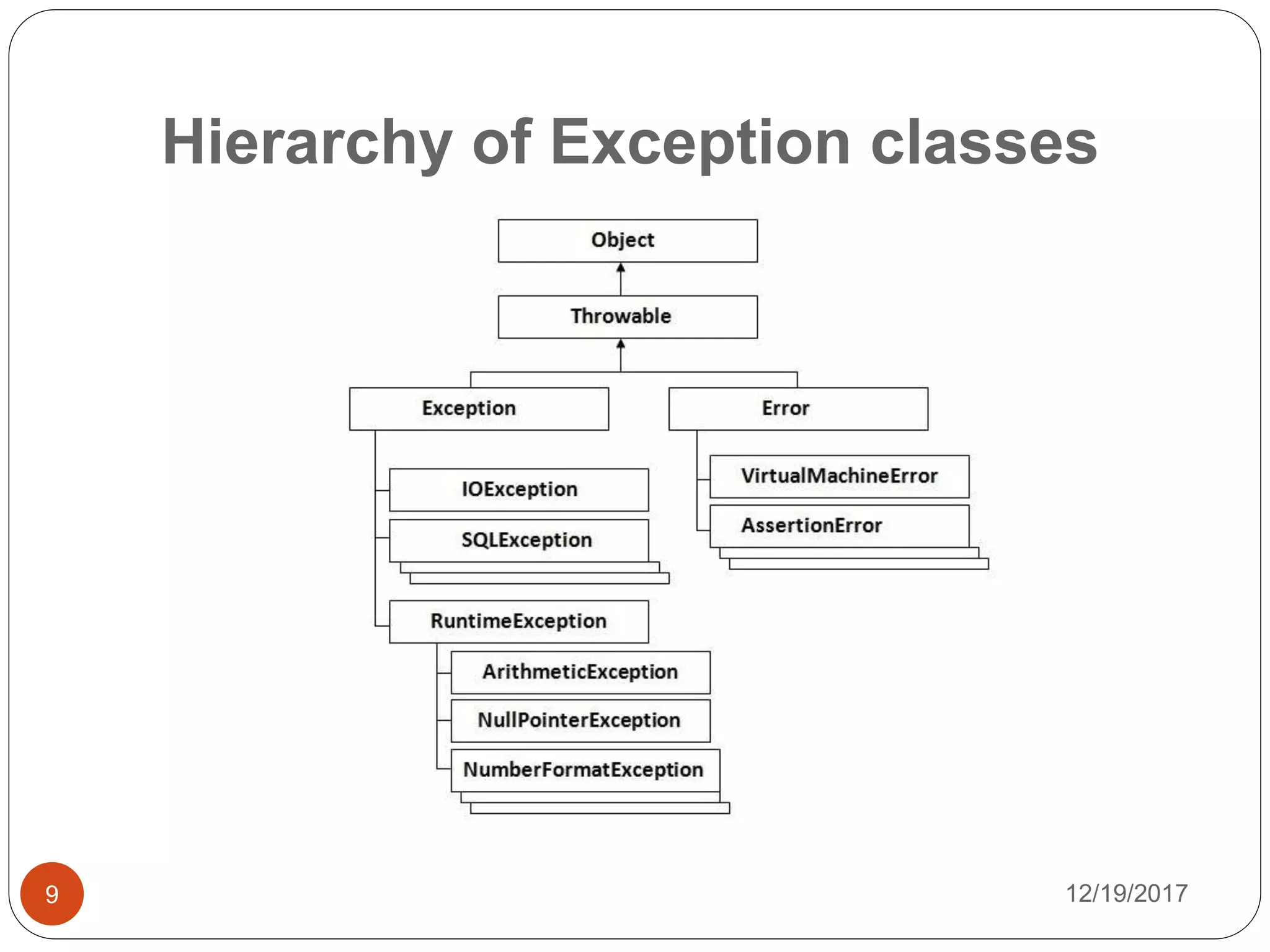
Hierarchy of Exception classes
12/19/20179
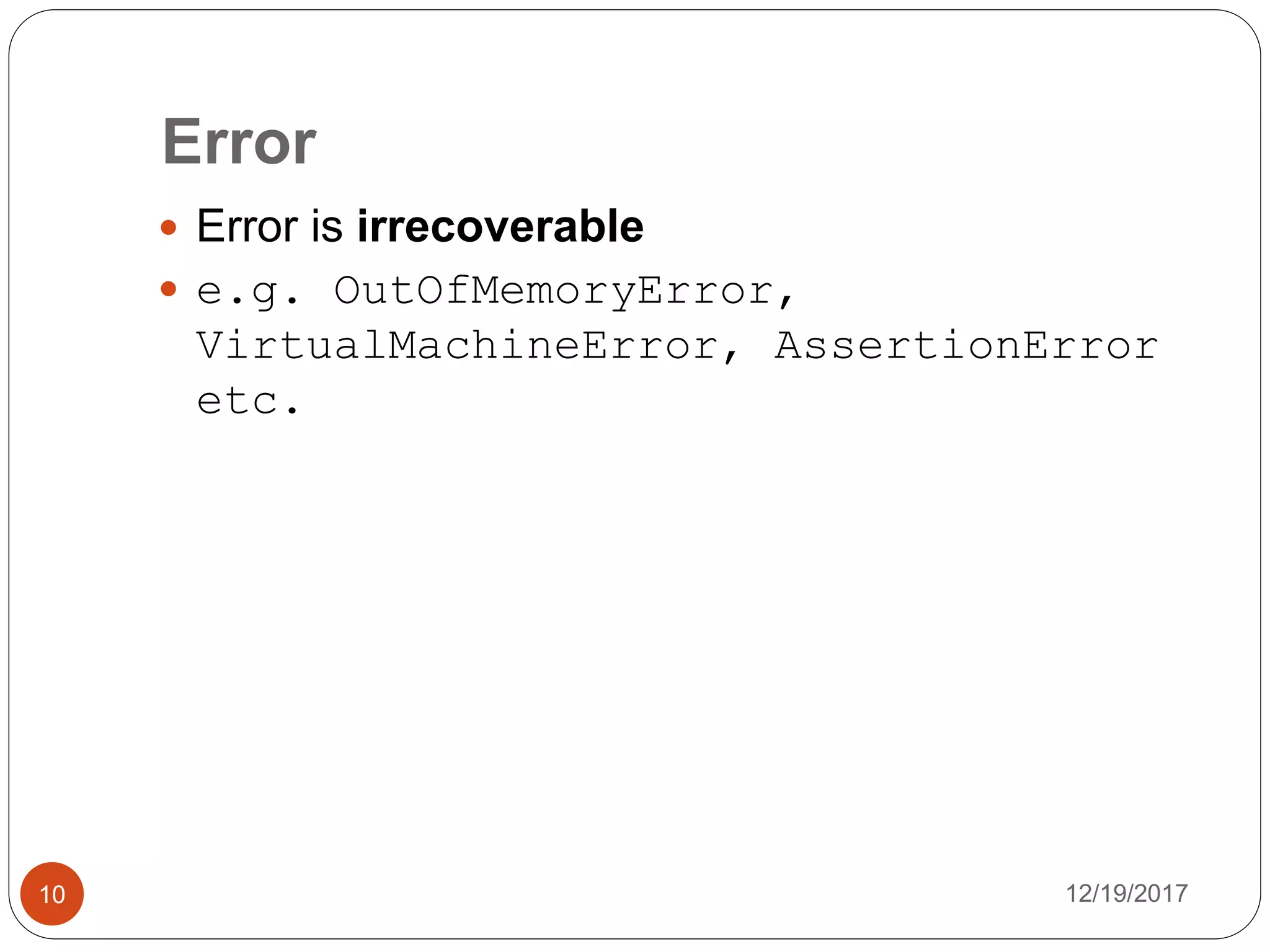
Error
12/19/201710
 Error is irrecoverable
 e.g. OutOfMemoryError,
VirtualMachineError, AssertionError
etc.
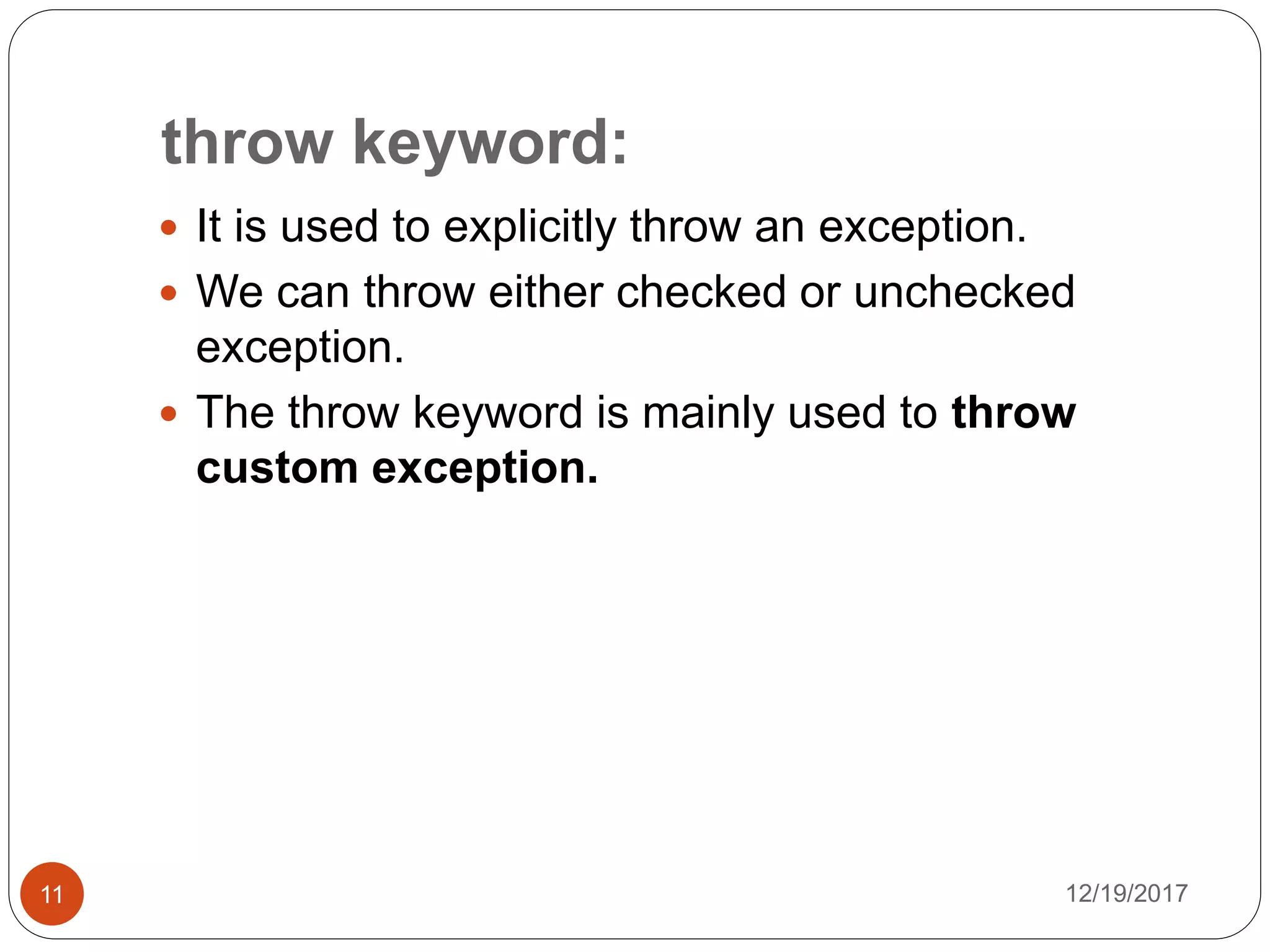
throw keyword:
12/19/201711
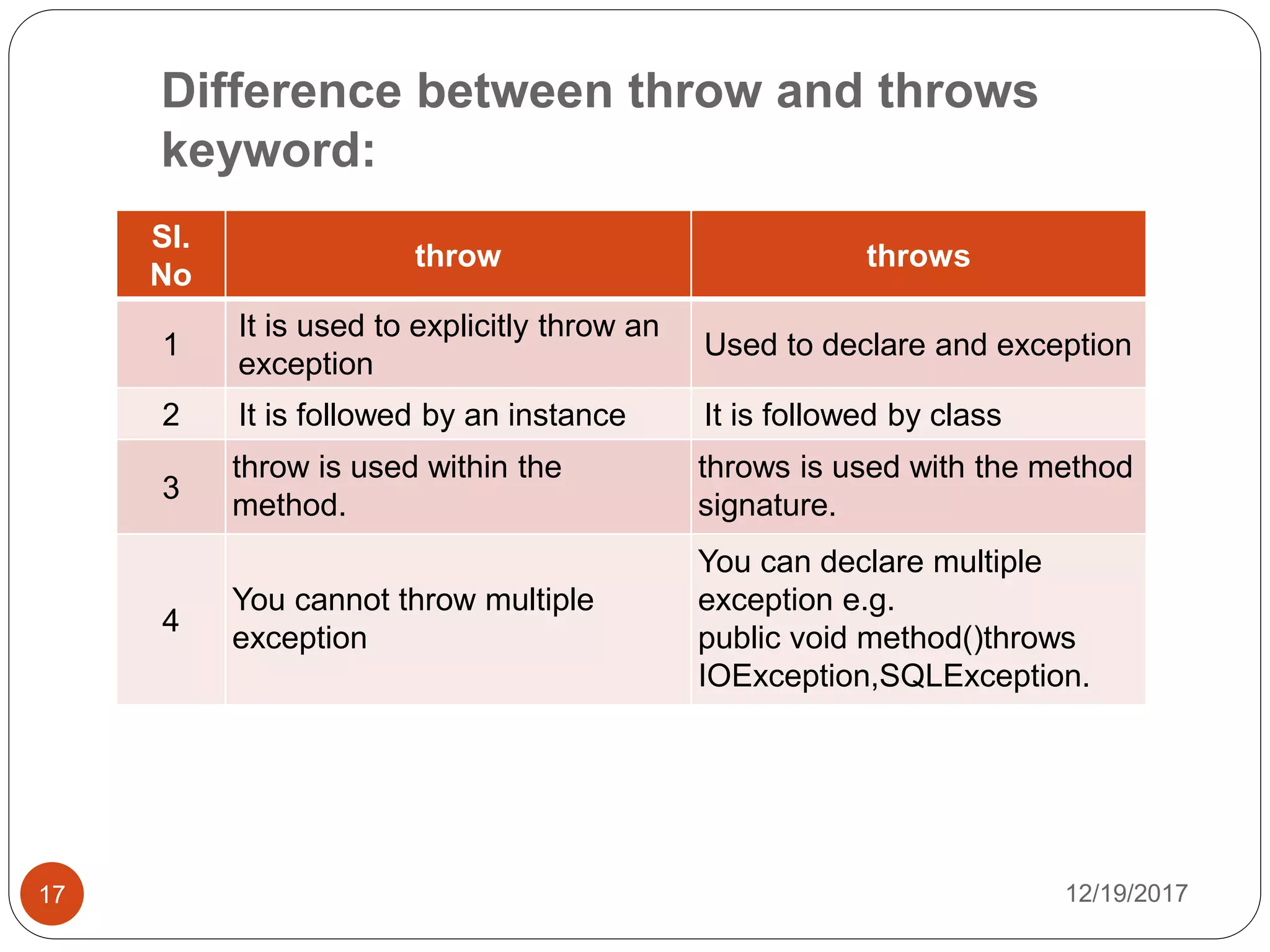
 It is used to explicitly throw an exception.
 We can throw either checked or unchecked
exception.
 The throw keyword is mainly used to throw
custom exception.
throws keyword:
12/19/201712
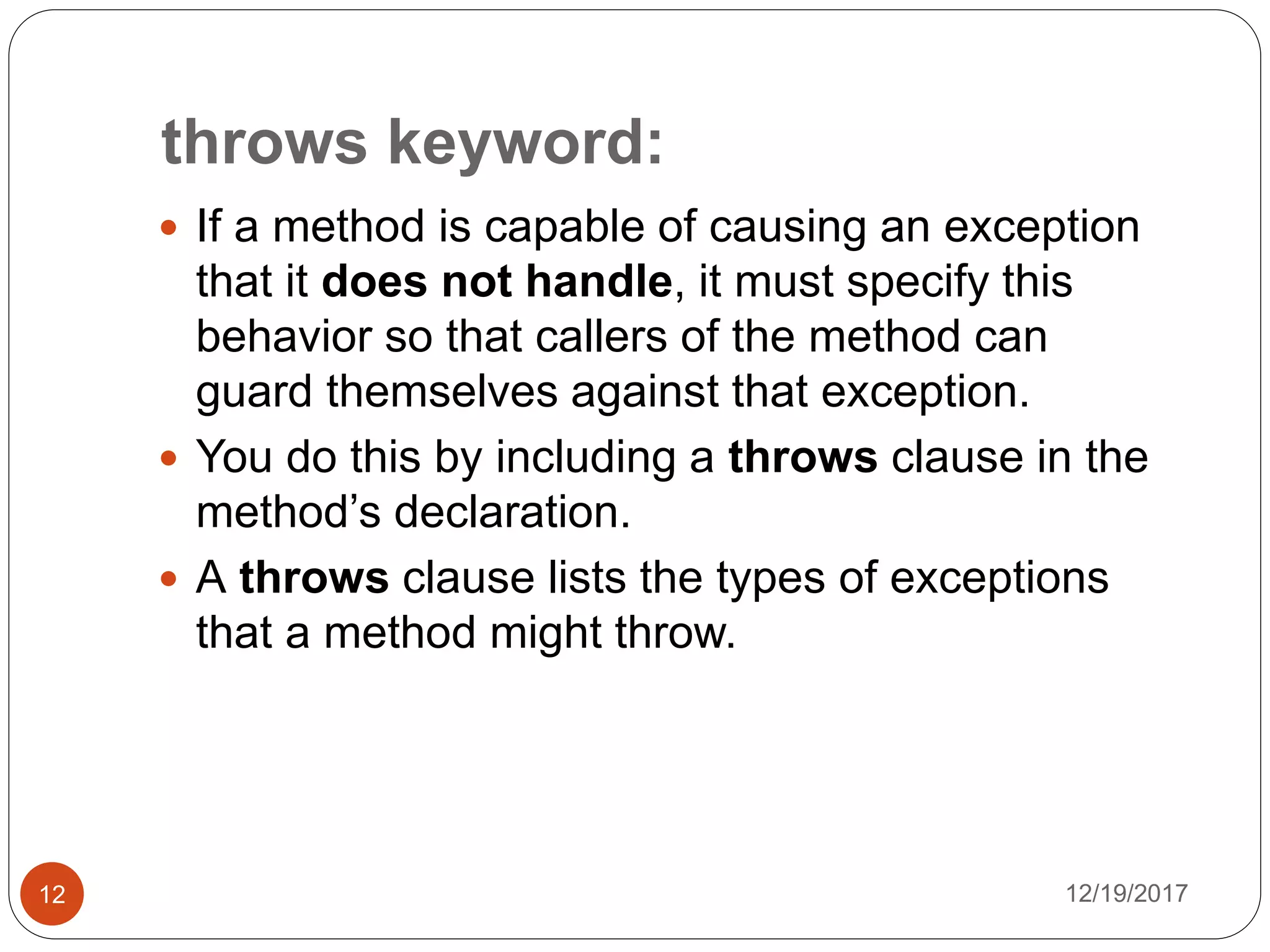
 If a method is capable of causing an exception
that it does not handle, it must specify this
behavior so that callers of the method can
guard themselves against that exception.
 You do this by including a throws clause in the
method’s declaration.
 A throws clause lists the types of exceptions
that a method might throw.
throws keyword:
12/19/201713
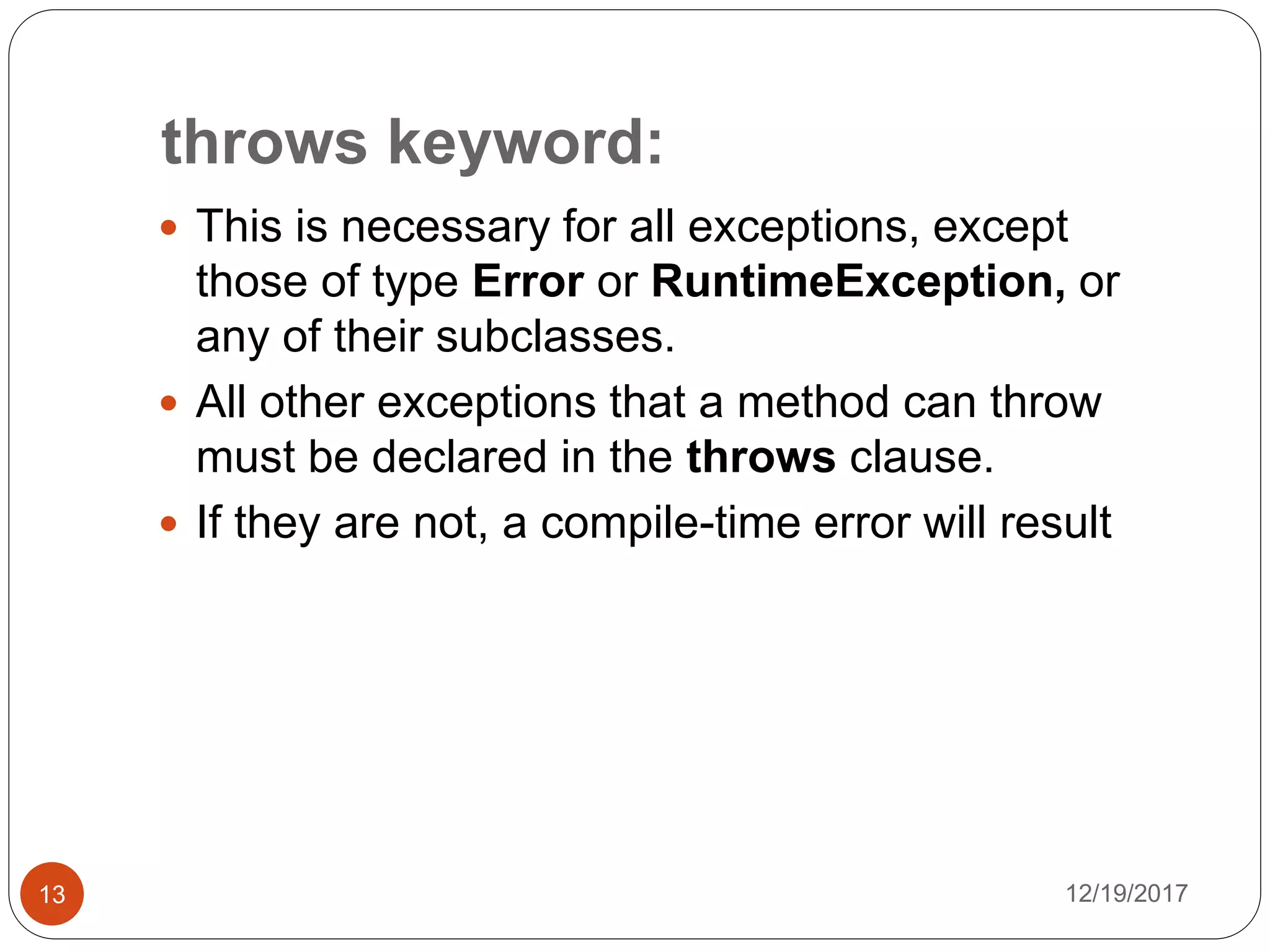
 This is necessary for all exceptions, except
those of type Error or RuntimeException, or
any of their subclasses.
 All other exceptions that a method can throw
must be declared in the throws clause.
 If they are not, a compile-time error will result
throws Syntax:
12/19/201714
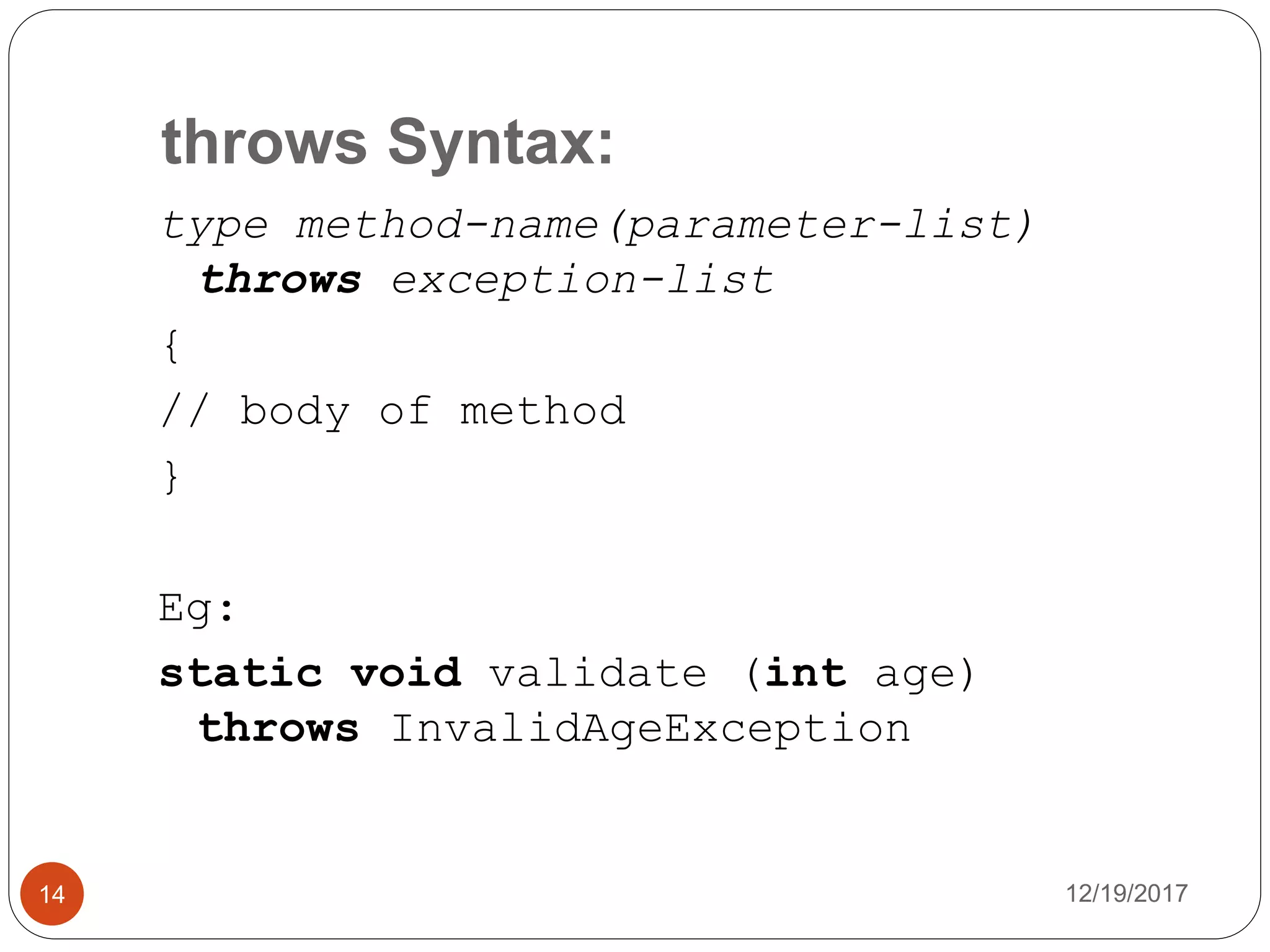
type method-name(parameter-list)
throws exception-list
{
// body of method
}
Eg:
static void validate (int age)
throws InvalidAgeException
throw & throws Example:
12/19/201715
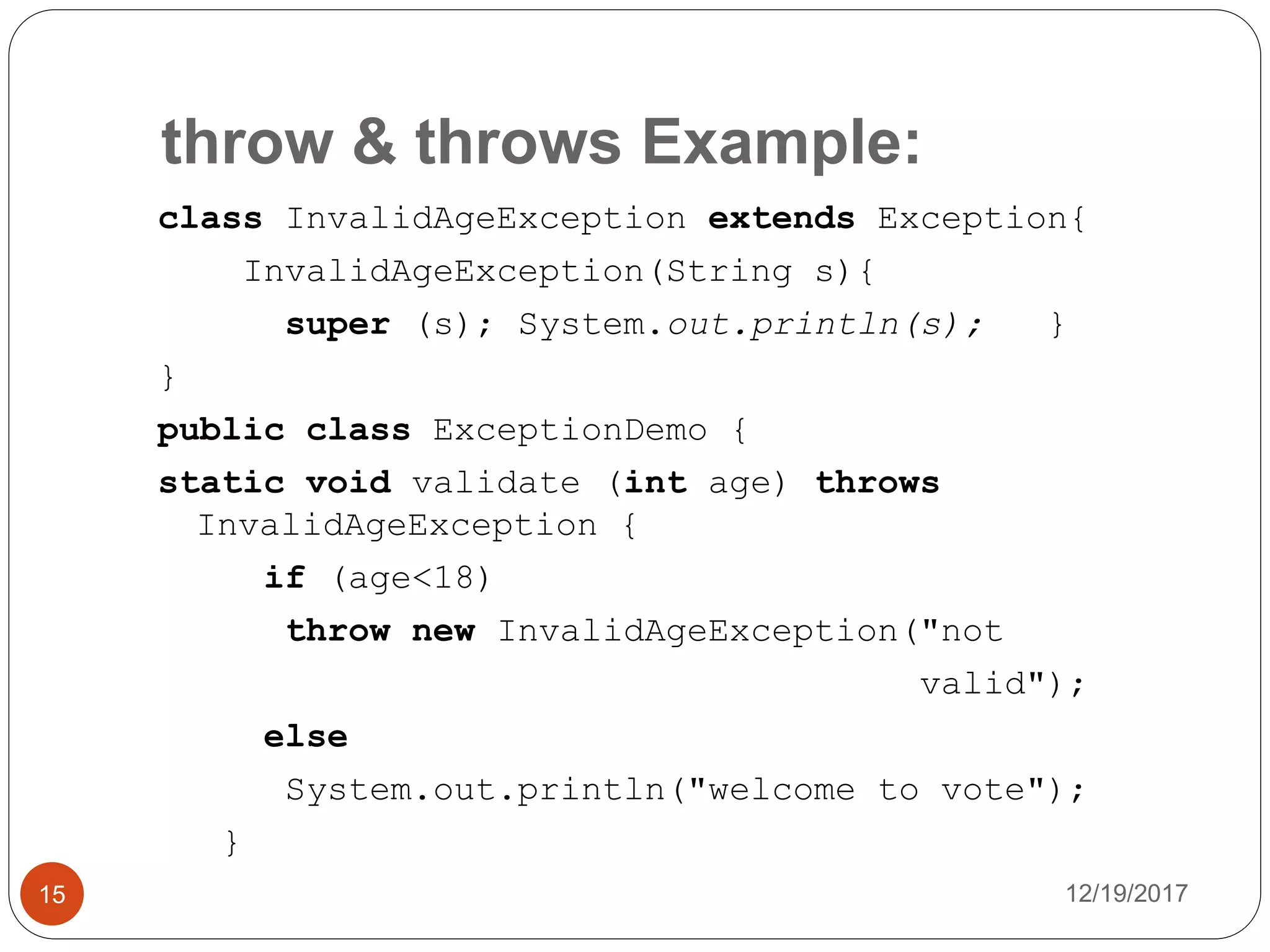
class InvalidAgeException extends Exception{
InvalidAgeException(String s){
super (s); System.out.println(s); }
}
public class ExceptionDemo {
static void validate (int age) throws
InvalidAgeException {
if (age<18)
throw new InvalidAgeException("not
valid");
else
System.out.println("welcome to vote");
}
throw Example:
12/19/201716
public static void main (String args[]){
try{
validate(13);
}
catch (Exception m){
System.out.println("Exception occurred: "+m);
}
System.out.println("rest of the code...");
}
}
Output:
not valid
Exception occurred: InvalidAgeException: not valid
rest of the code...
Difference between throw and throws
keyword:
12/19/201717
Sl.
No
throw throws
1
It is used to explicitly throw an
exception
Used to declare and exception
2 It is followed by an instance It is followed by class
3
throw is used within the
method.
throws is used with the method
signature.
4
You cannot throw multiple
exception
You can declare multiple
exception e.g.
public void method()throws
IOException,SQLException.
Uncaught Exception
12/19/201718
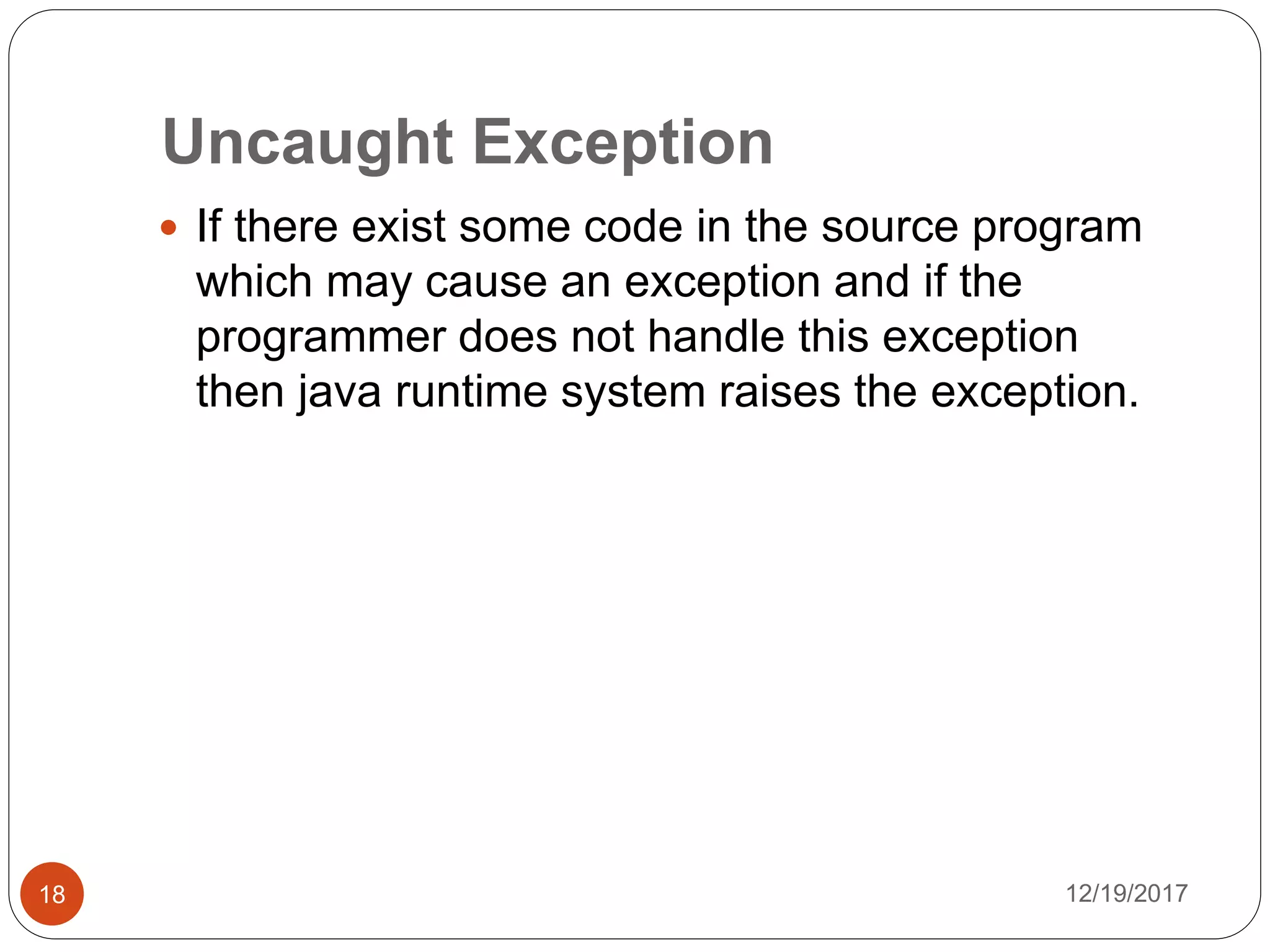
 If there exist some code in the source program
which may cause an exception and if the
programmer does not handle this exception
then java runtime system raises the exception.
Uncaught Exception Example:
12/19/201719
public class Arithmetic {
public static void main(String[] Geek)
{
Integer a = 2;
Integer b;
b = a / 0;
System.out.println("Value of b is:"
+b);
}
}
Output:
Exception in thread "main" java.lang.ArithmeticException: / by zero at
Arithmatic.main(Arithmatic.java:7)
Multiple catch block:
12/19/201720
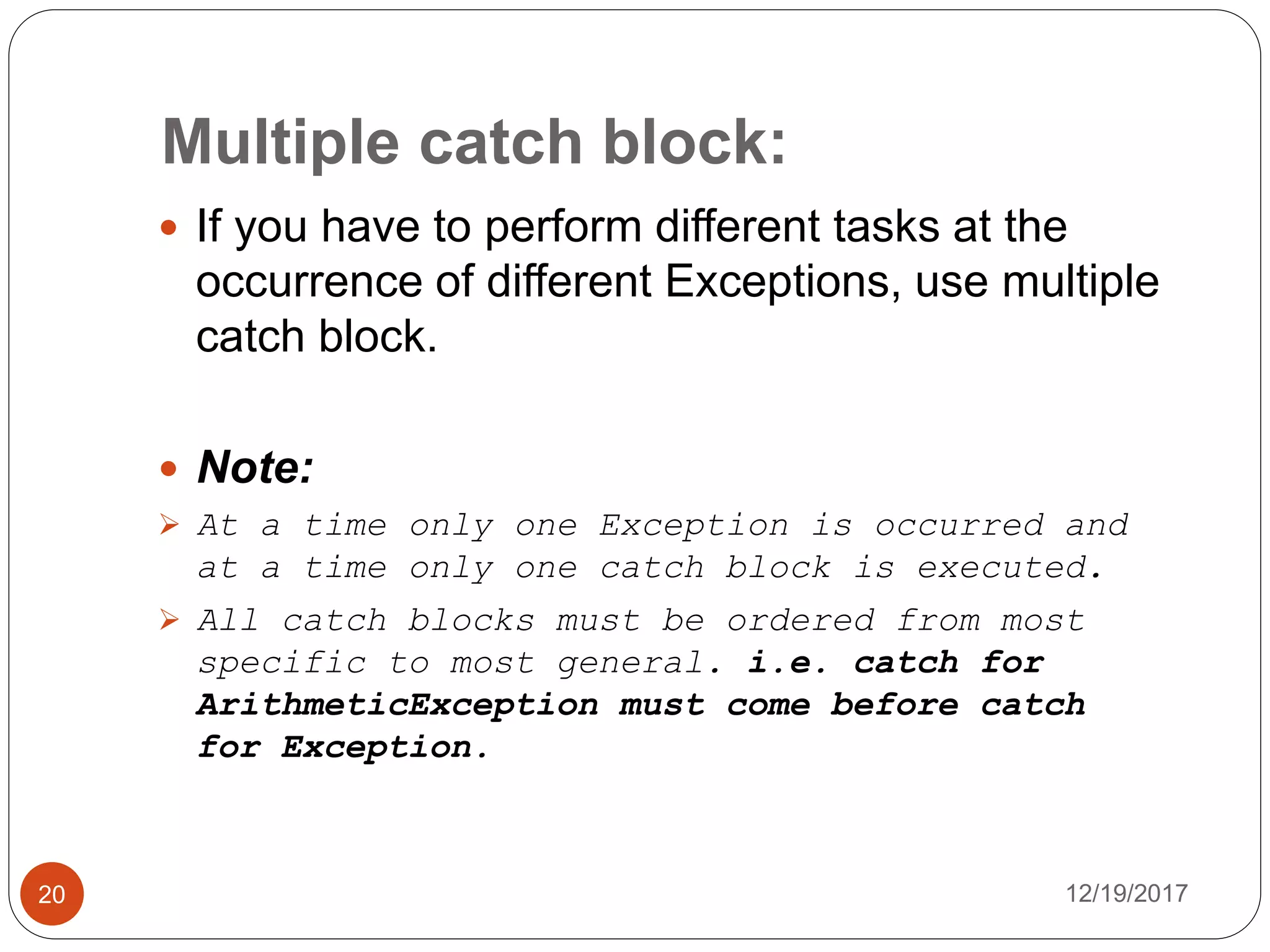
 If you have to perform different tasks at the
occurrence of different Exceptions, use multiple
catch block.
 Note:
 At a time only one Exception is occurred and
at a time only one catch block is executed.
 All catch blocks must be ordered from most
specific to most general. i.e. catch for
ArithmeticException must come before catch
for Exception.
Multiple catch block Example 1:
12/19/201721
public class Main1{
public static void main(String args[]){
try{ int a[]=new int[5];
a[5]=30/0; }
catch(ArithmeticException e){
System.out.println(e+" - task1 is completed"); }
catch(ArrayIndexOutOfBoundsException e){
System.out.println("task 2 completed"); }
catch(Exception e){
System.out.println("common task completed"); }
System.out.println("rest of the code...");
}
}
Output:
Task1 is completed
rest of the code…
Multiple catch block Example2:
12/19/201722
public class Main1{
public static void main(String args[]){
try{ int a[]=new int[5];
a[5]=30/0; }
catch(Exception e){
System.out.println("common task completed"); }
catch(ArithmeticException e){
System.out.println(e+" - task1 is completed"); }
catch(ArrayIndexOutOfBoundsException e){
System.out.println("task 2 completed"); }
System.out.println("rest of the code...");
}
}
Output:
Compile-time error
Nested try block:
12/19/201723
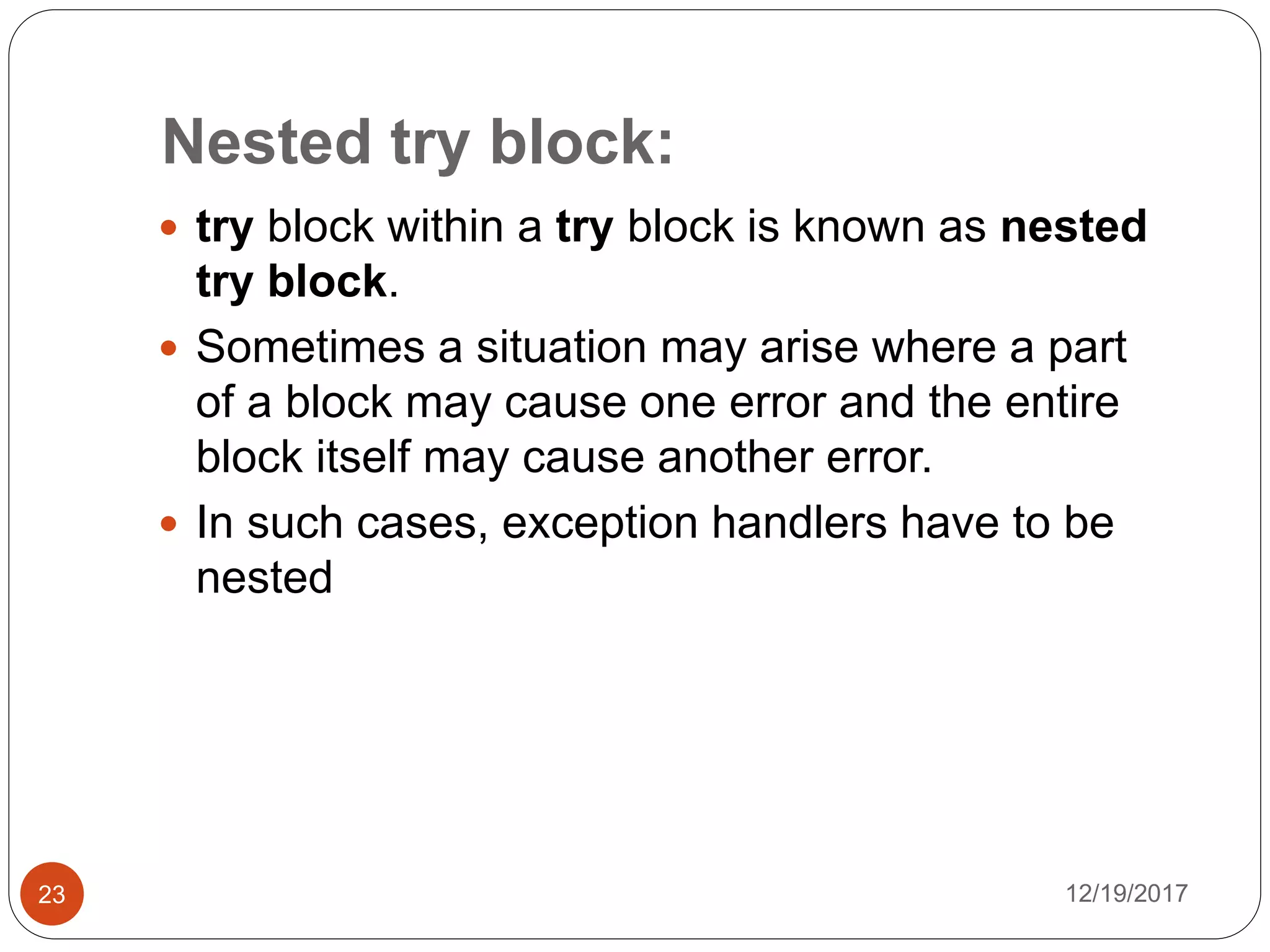
 try block within a try block is known as nested
try block.
 Sometimes a situation may arise where a part
of a block may cause one error and the entire
block itself may cause another error.
 In such cases, exception handlers have to be
nested
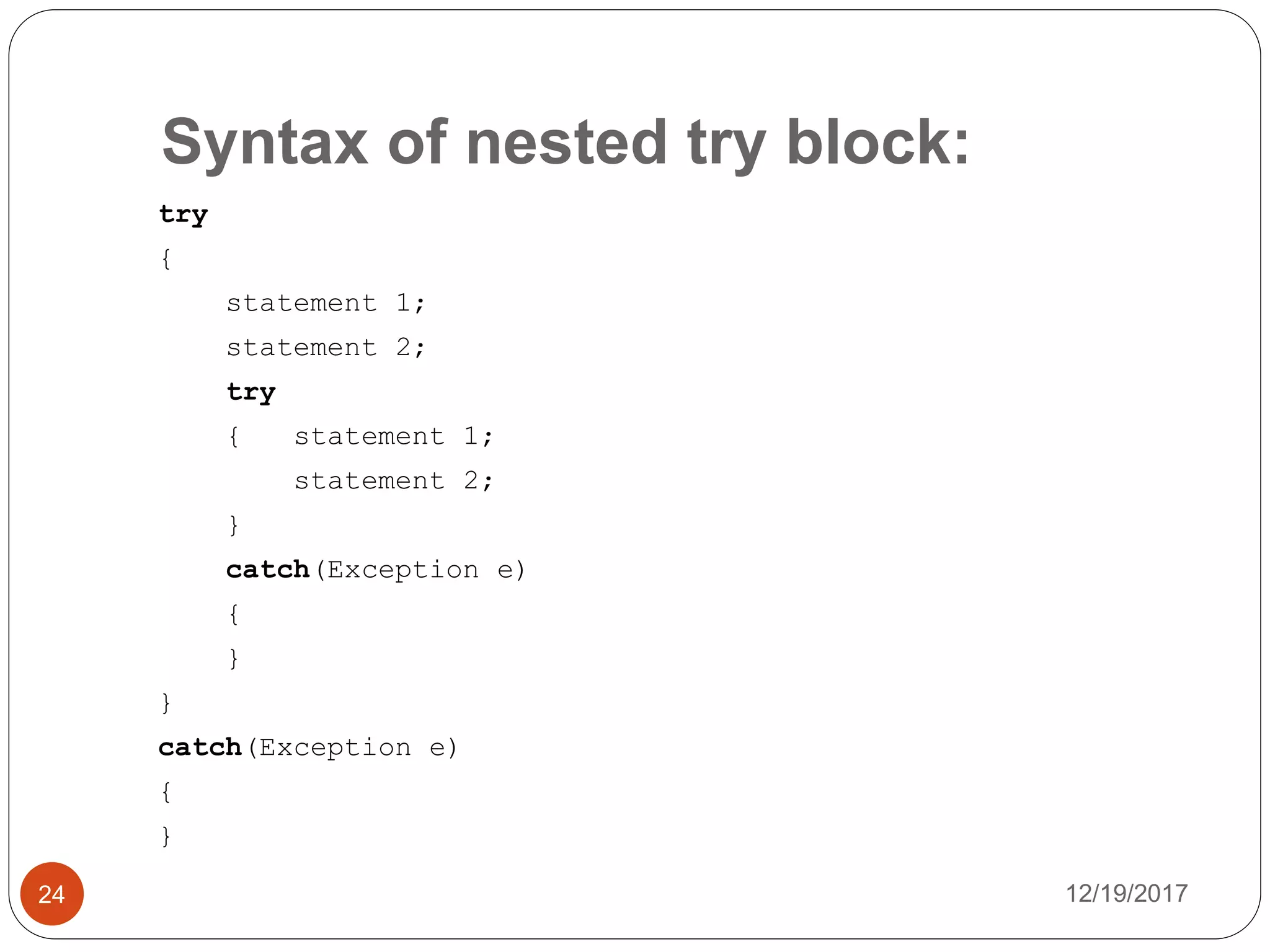
Syntax of nested try block:
12/19/201724
try
{
statement 1;
statement 2;
try
{ statement 1;
statement 2;
}
catch(Exception e)
{
}
}
catch(Exception e)
{
}
Nested try Example:
12/19/201725
public class Main2{
public static void main(String args[]){
try{
try{ System.out.println("going to divide");
int b =39/0;
}
catch (ArithmeticException e){
System.out.println(e); }
try{ int a[]=new int[5];
a[5]=4;
}
catch (ArrayIndexOutOfBoundsException e){
System.out.println(e); }
System.out.println("other statement");
}
Nested try Example:
12/19/201726
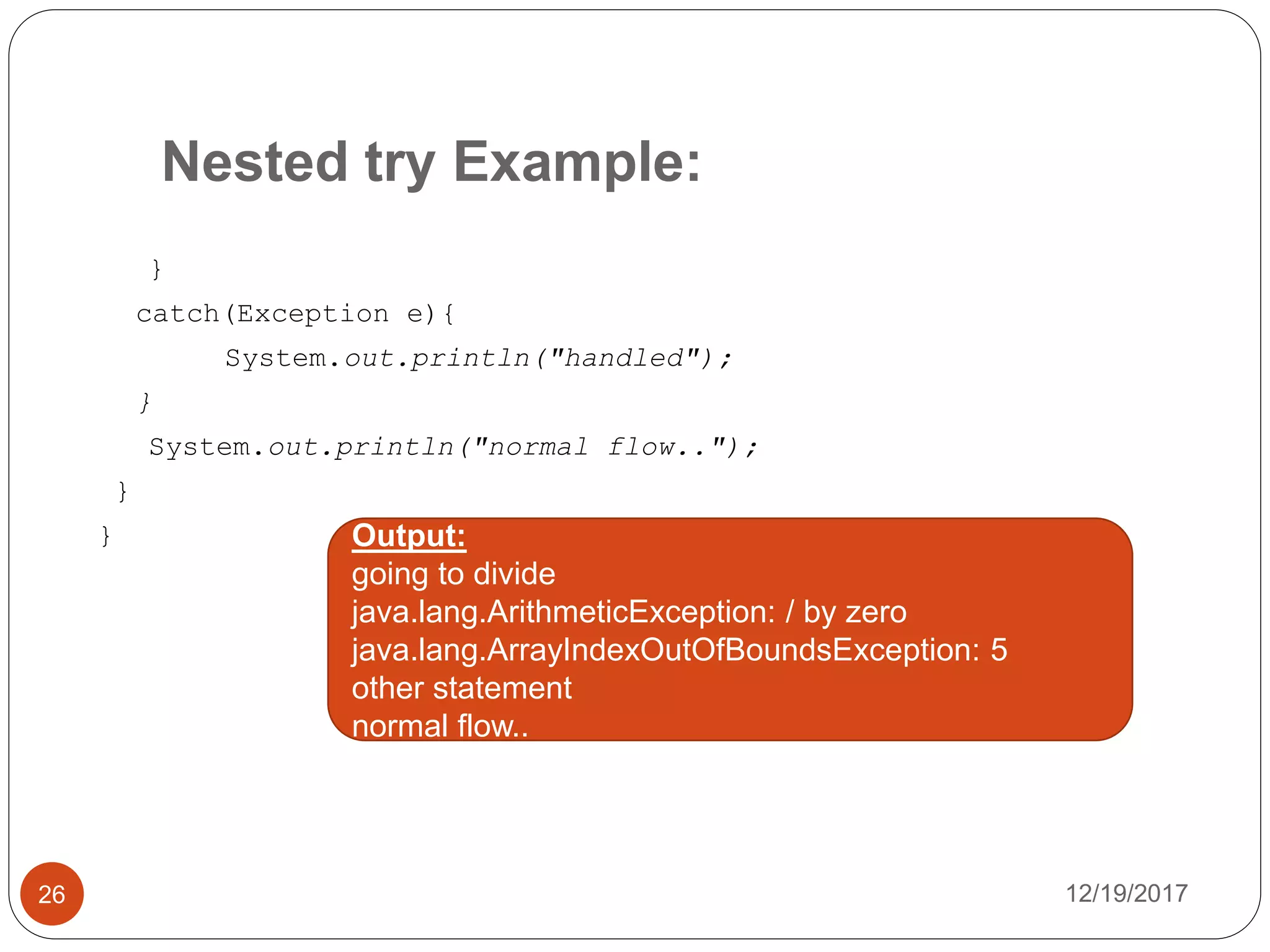
}
catch(Exception e){
System.out.println("handled");
}
System.out.println("normal flow..");
}
} Output:
going to divide
java.lang.ArithmeticException: / by zero
java.lang.ArrayIndexOutOfBoundsException: 5
other statement
normal flow..
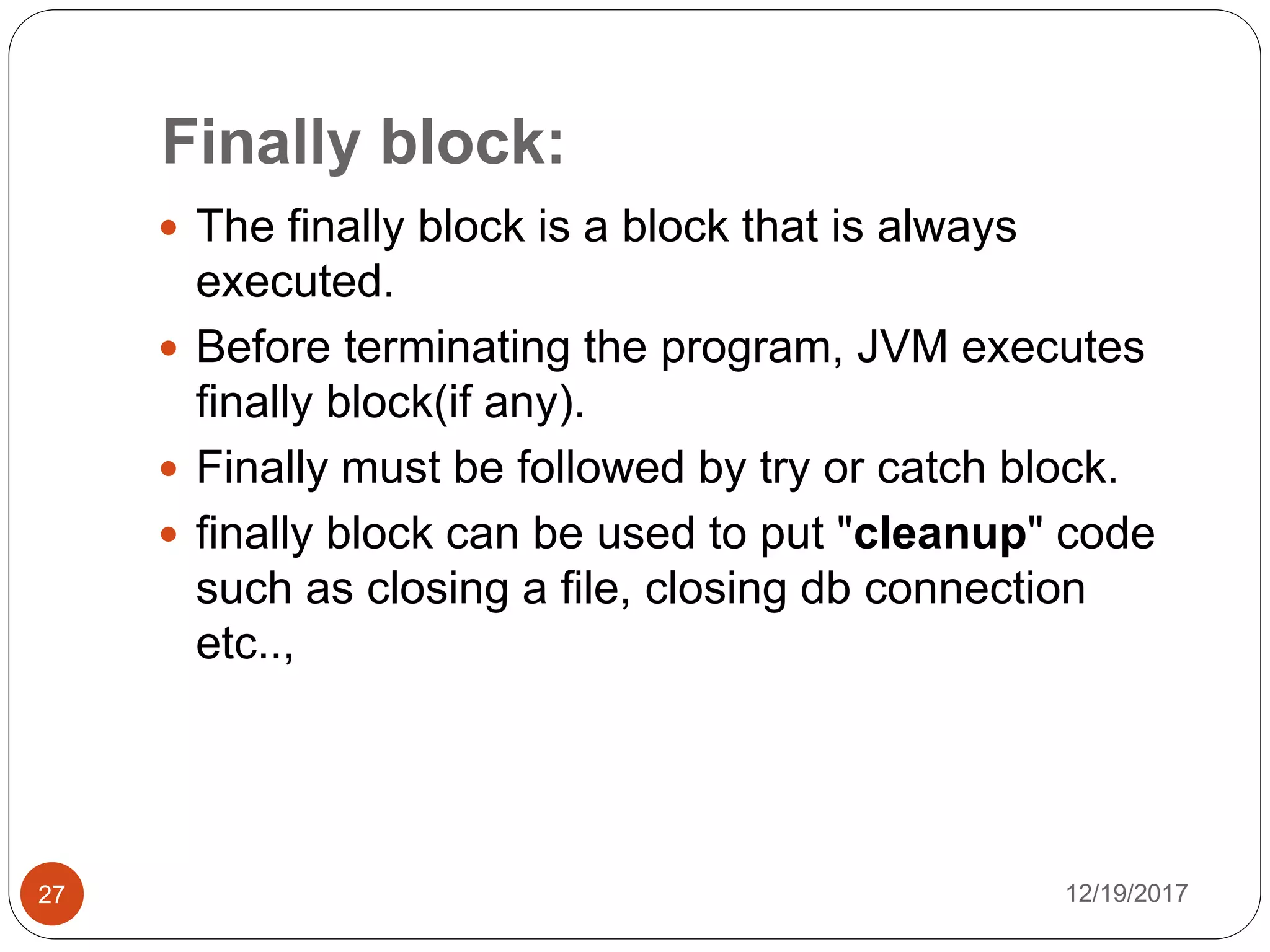
Finally block:
12/19/201727
 The finally block is a block that is always
executed.
 Before terminating the program, JVM executes
finally block(if any).
 Finally must be followed by try or catch block.
 finally block can be used to put "cleanup" code
such as closing a file, closing db connection
etc..,
finally Example:
12/19/201728
public class Main2{
public static void main(String args[]){
try {
int data=25/0;
System.out.println(data);
}
catch (NullPointerException e){System.out.println(e);}
finally {
System.out.println("finally block is always executed"); }
System.out.println("rest of the code...");
}
}
Output:
Exception in thread "main" finally block is always
executed
java.lang.ArithmeticException: / by zero
at Main2.main(Main2.java:4)
12/19/201729
Thank You

Exception handling

  • 1.
    - Arulkumar V AssistantProfessor, SECE Exception Handling
  • 2.
    Guess the Output: 12/19/20172 publicclass Arithmetic { public static void main(String[] Geek) { Integer a = 2; Integer b; b = a / 0; System.out.println("Value of b is:" +b); } } Output: Exception in thread "main" java.lang.ArithmeticException: / by zero at Arithmatic.main(Arithmatic.java:7)
  • 3.
    Introduction 12/19/20173  An exceptionis an abnormal condition that arises in a code sequence at run time. In other words, an exception is a run-time error.  In Java it is handled using 5 keywords try catch throw throws finally
  • 4.
    Using Keywords: 12/19/20174 try –A block of source code that is to be monitored for exception catch – It handles the specific type of exception along with the try block. throw – It is used to throw specific exception from the program code. throws – It specifies the exception that can be thrown by a particular method. finally – it specifies the code that must be executed even though exception may or may not be occur Note: 1. For ever try block there exist the cache block.
  • 5.
    Handling try-cache block: 12/19/20175 tryblock Exception object gets created here Throws Exception catch block Object Exception handler Exception causing statements Exception Handling statements
  • 6.
    Cont.., 12/19/20176  The statement(s)that are likely to cause an exception are enclosed within a try block. For these statements the exception is thrown.  There is another block defined by the keyword catch which is responsible for handling the exception thrown by the try catch block.  As soon as exception occurs it is handled by the catch block.  The cache block is added immediately after the try block
  • 7.
    Syntax of try-cache: 12/19/20177 try { //exception gets generated here } Catch(Type_of_Exception e) { //exception is handled here }
  • 8.
    Guess the Output: 12/19/20178 publicclass Arithmetic { public static void main(String[] Geek) { Integer a = 2; Integer b; try { b = a / 0; } catch (ArithmeticException e) { System.out.println(e + "Exception occurs"); } System.out.println("Exception Example Program"); } Output: java.lang.ArithmeticException: / by zeroException occurs Exception Example Program
  • 9.
    Hierarchy of Exceptionclasses 12/19/20179
  • 10.
    Error 12/19/201710  Error isirrecoverable  e.g. OutOfMemoryError, VirtualMachineError, AssertionError etc.
  • 11.
    throw keyword: 12/19/201711  Itis used to explicitly throw an exception.  We can throw either checked or unchecked exception.  The throw keyword is mainly used to throw custom exception.
  • 12.
    throws keyword: 12/19/201712  Ifa method is capable of causing an exception that it does not handle, it must specify this behavior so that callers of the method can guard themselves against that exception.  You do this by including a throws clause in the method’s declaration.  A throws clause lists the types of exceptions that a method might throw.
  • 13.
    throws keyword: 12/19/201713  Thisis necessary for all exceptions, except those of type Error or RuntimeException, or any of their subclasses.  All other exceptions that a method can throw must be declared in the throws clause.  If they are not, a compile-time error will result
  • 14.
    throws Syntax: 12/19/201714 type method-name(parameter-list) throwsexception-list { // body of method } Eg: static void validate (int age) throws InvalidAgeException
  • 15.
    throw & throwsExample: 12/19/201715 class InvalidAgeException extends Exception{ InvalidAgeException(String s){ super (s); System.out.println(s); } } public class ExceptionDemo { static void validate (int age) throws InvalidAgeException { if (age<18) throw new InvalidAgeException("not valid"); else System.out.println("welcome to vote"); }
  • 16.
    throw Example: 12/19/201716 public staticvoid main (String args[]){ try{ validate(13); } catch (Exception m){ System.out.println("Exception occurred: "+m); } System.out.println("rest of the code..."); } } Output: not valid Exception occurred: InvalidAgeException: not valid rest of the code...
  • 17.
    Difference between throwand throws keyword: 12/19/201717 Sl. No throw throws 1 It is used to explicitly throw an exception Used to declare and exception 2 It is followed by an instance It is followed by class 3 throw is used within the method. throws is used with the method signature. 4 You cannot throw multiple exception You can declare multiple exception e.g. public void method()throws IOException,SQLException.
  • 18.
    Uncaught Exception 12/19/201718  Ifthere exist some code in the source program which may cause an exception and if the programmer does not handle this exception then java runtime system raises the exception.
  • 19.
    Uncaught Exception Example: 12/19/201719 publicclass Arithmetic { public static void main(String[] Geek) { Integer a = 2; Integer b; b = a / 0; System.out.println("Value of b is:" +b); } } Output: Exception in thread "main" java.lang.ArithmeticException: / by zero at Arithmatic.main(Arithmatic.java:7)
  • 20.
    Multiple catch block: 12/19/201720 If you have to perform different tasks at the occurrence of different Exceptions, use multiple catch block.  Note:  At a time only one Exception is occurred and at a time only one catch block is executed.  All catch blocks must be ordered from most specific to most general. i.e. catch for ArithmeticException must come before catch for Exception.
  • 21.
    Multiple catch blockExample 1: 12/19/201721 public class Main1{ public static void main(String args[]){ try{ int a[]=new int[5]; a[5]=30/0; } catch(ArithmeticException e){ System.out.println(e+" - task1 is completed"); } catch(ArrayIndexOutOfBoundsException e){ System.out.println("task 2 completed"); } catch(Exception e){ System.out.println("common task completed"); } System.out.println("rest of the code..."); } } Output: Task1 is completed rest of the code…
  • 22.
    Multiple catch blockExample2: 12/19/201722 public class Main1{ public static void main(String args[]){ try{ int a[]=new int[5]; a[5]=30/0; } catch(Exception e){ System.out.println("common task completed"); } catch(ArithmeticException e){ System.out.println(e+" - task1 is completed"); } catch(ArrayIndexOutOfBoundsException e){ System.out.println("task 2 completed"); } System.out.println("rest of the code..."); } } Output: Compile-time error
  • 23.
    Nested try block: 12/19/201723 try block within a try block is known as nested try block.  Sometimes a situation may arise where a part of a block may cause one error and the entire block itself may cause another error.  In such cases, exception handlers have to be nested
  • 24.
    Syntax of nestedtry block: 12/19/201724 try { statement 1; statement 2; try { statement 1; statement 2; } catch(Exception e) { } } catch(Exception e) { }
  • 25.
    Nested try Example: 12/19/201725 publicclass Main2{ public static void main(String args[]){ try{ try{ System.out.println("going to divide"); int b =39/0; } catch (ArithmeticException e){ System.out.println(e); } try{ int a[]=new int[5]; a[5]=4; } catch (ArrayIndexOutOfBoundsException e){ System.out.println(e); } System.out.println("other statement"); }
  • 26.
    Nested try Example: 12/19/201726 } catch(Exceptione){ System.out.println("handled"); } System.out.println("normal flow.."); } } Output: going to divide java.lang.ArithmeticException: / by zero java.lang.ArrayIndexOutOfBoundsException: 5 other statement normal flow..
  • 27.
    Finally block: 12/19/201727  Thefinally block is a block that is always executed.  Before terminating the program, JVM executes finally block(if any).  Finally must be followed by try or catch block.  finally block can be used to put "cleanup" code such as closing a file, closing db connection etc..,
  • 28.
    finally Example: 12/19/201728 public classMain2{ public static void main(String args[]){ try { int data=25/0; System.out.println(data); } catch (NullPointerException e){System.out.println(e);} finally { System.out.println("finally block is always executed"); } System.out.println("rest of the code..."); } } Output: Exception in thread "main" finally block is always executed java.lang.ArithmeticException: / by zero at Main2.main(Main2.java:4)
  • 29.