Everything You Need to Know Before Building
Your First Custom Keyboard
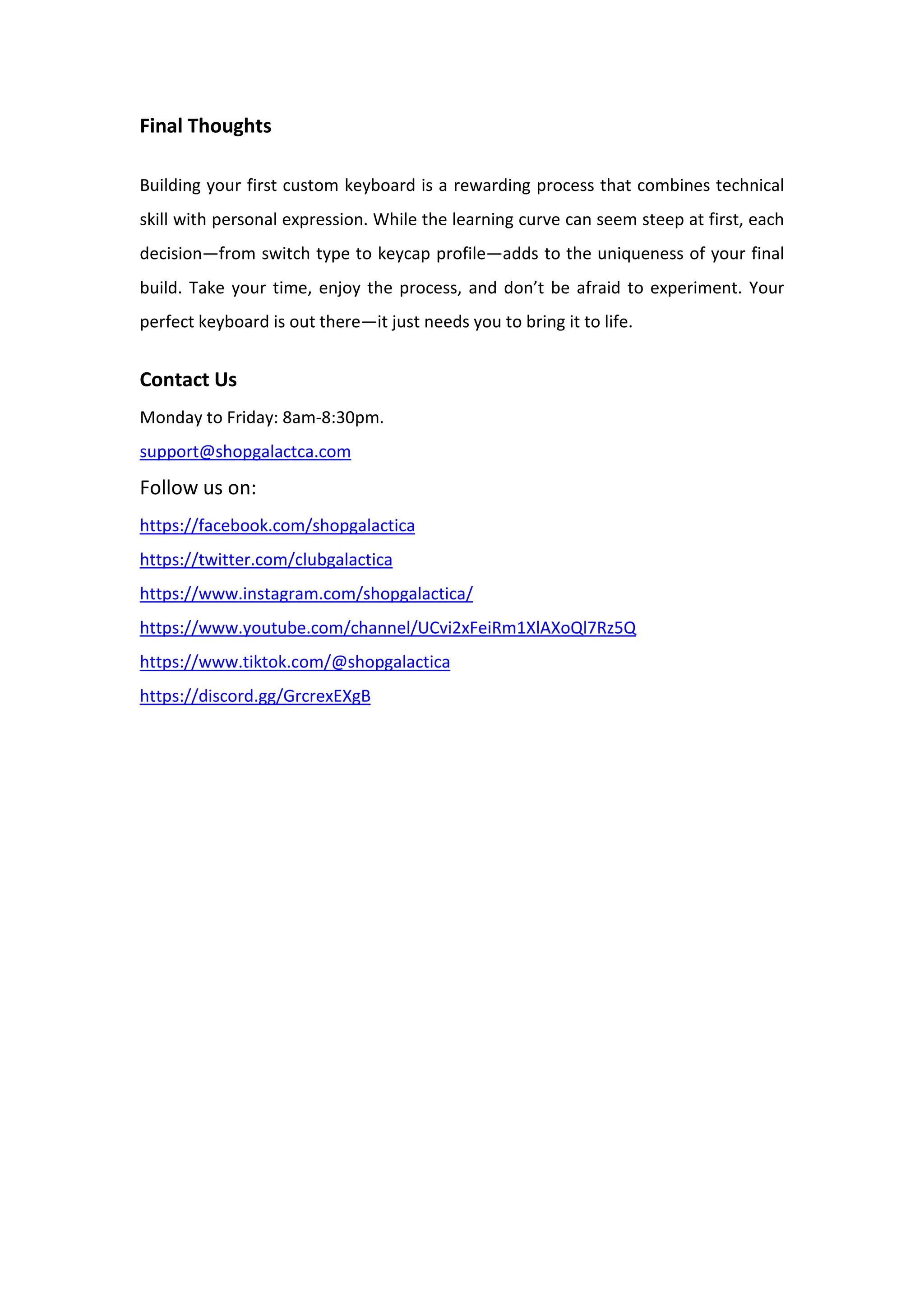
Building a custom mechanical keyboard keycaps is more than just a hobby—it’s a
satisfying journey into personalized design, tactile feel, and auditory feedback. For
newcomers, the sheer number of components, layouts, and modifications can be
overwhelming. However, once you understand the basics, the process becomes not
only manageable but enjoyable. This guide walks you through the essential
knowledge you need before starting your first build.
Understanding Keyboard Layouts and Sizes
Before purchasing any components, it’s crucial to decide on a keyboard layout and
size that matches your workflow and preferences. Popular layouts include full-size,
tenkeyless (TKL), 75%, 65%, and 60%, each progressively smaller and more compact.
If you frequently use a number pad, a full-size or TKL layout may be ideal. Those
looking for a minimalist setup often prefer 60% or 65% layouts, which eliminate the
function row, arrow keys, or number pad depending on the configuration. Make sure
to choose a layout that balances function with form so you’re not missing essential
keys during daily use.
Choosing the Right Switches
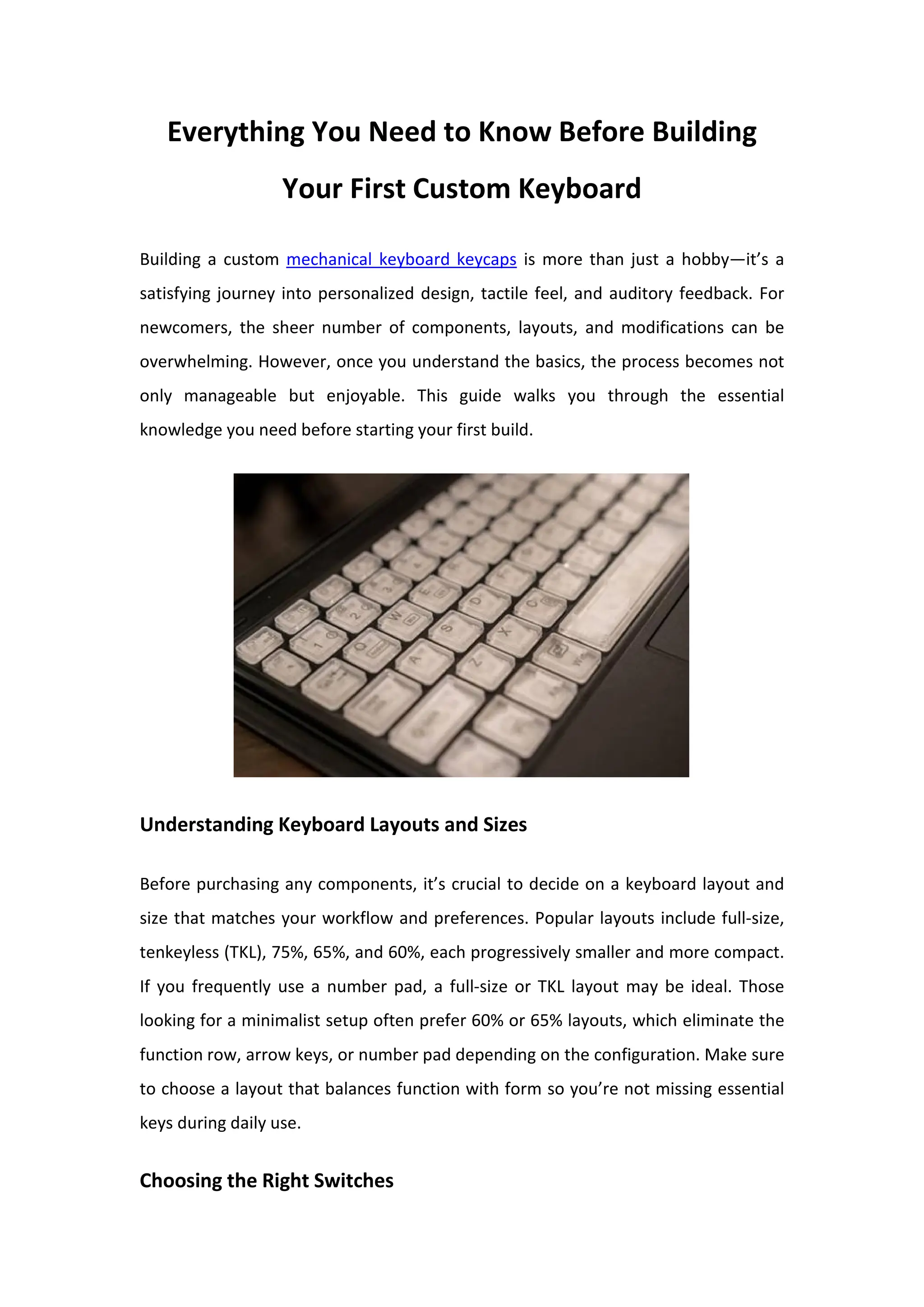
Switches are the heart of a mechanical keyboard, affecting both feel and sound.
There are three main types: linear, tactile, and clicky. Linear switches, such as Cherry
MX Reds or Gateron Yellows, offer smooth keystrokes with no tactile bump. Tactile
switches, like Brown variants, provide a noticeable bump at the actuation point,
offering feedback without being noisy. Clicky switches, like Blues or Greens, add an
audible "click" to each press, which some users love and others find distracting. It’s a
good idea to test switches beforehand using switch testers or visiting local keyboard
meetups, if possible, to find what suits your style.
Components You'll Need
A custom keyboard build involves several core parts: the PCB (printed circuit board),
the case, the plate, stabilizers, switches, and keycaps. The PCB can be hot-swappable
or solderable. Hot-swappable PCBs let you insert switches without soldering, making
them beginner-friendly. Solderable PCBs, while more permanent, offer more
flexibility in switch options and layout customization. The case houses everything
and affects the keyboard’s aesthetics and acoustics. Materials range from plastic to
aluminum to polycarbonate, each with a unique feel and sound profile. The plate
holds switches in place and also contributes to the keyboard’s firmness or flexibility.
Stabilizers are necessary for larger keys like the spacebar and enter key to ensure
smooth, even presses.
Tools and Preparation
If you're using a solderable PCB, you'll need a soldering iron, solder, and possibly a
desoldering pump if you make a mistake. Other tools like a keycap puller, switch
puller, and tweezers are also essential for assembly and maintenance. Many
beginners are hesitant about soldering, but it’s a relatively simple skill to learn with
practice. Take your time, follow safety protocols, and consider watching tutorials
before starting.
The Importance of Sound and Feel
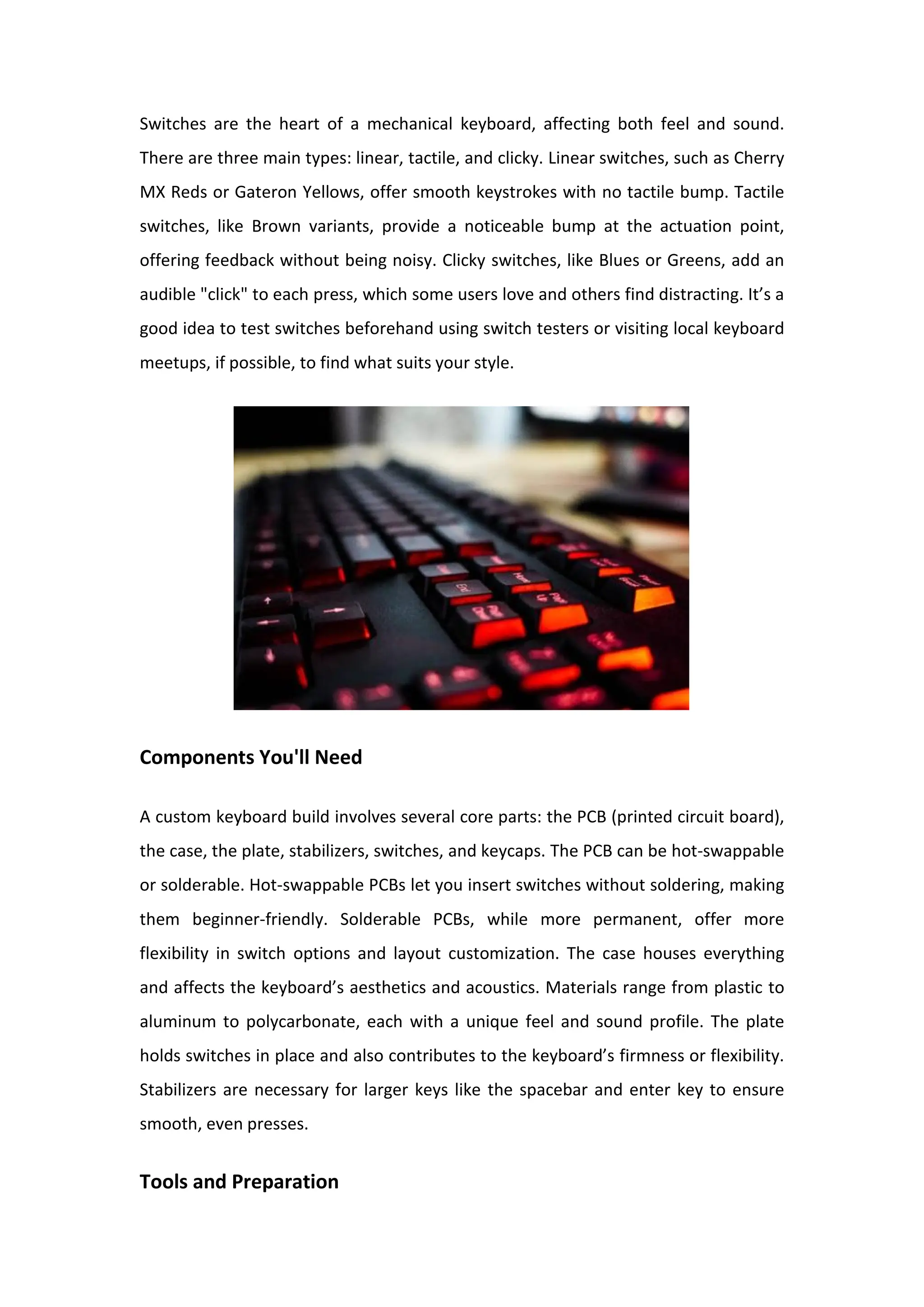
One of the biggest reasons people build custom keyboards is to fine-tune the typing
sound and feel. Mods like lubing switches and stabilizers, adding foam between the
PCB and case, or even using tape modding techniques can dramatically change the
acoustic profile. Whether you’re after a deep “thock” or a crisp “clack,”
experimenting with different mods will help you achieve your ideal experience.
These small adjustments often make a bigger difference than changing keycaps or
switches alone.
Budgeting and Expectations
It’s easy to get swept up in the aesthetics and endless customization options, but
keep your budget in mind. A full custom build can cost anywhere from $100 to over
$500 depending on the components you choose. Start simple for your first build and
focus on quality essentials. There’s always room to upgrade or swap parts later.
Final Thoughts
Building your first custom keyboard is a rewarding process that combines technical
skill with personal expression. While the learning curve can seem steep at first, each
decision—from switch type to keycap profile—adds to the uniqueness of your final
build. Take your time, enjoy the process, and don’t be afraid to experiment. Your
perfect keyboard is out there—it just needs you to bring it to life.
Contact Us
Monday to Friday: 8am-8:30pm.
support@shopgalactca.com
Follow us on:
https://facebook.com/shopgalactica
https://twitter.com/clubgalactica
https://www.instagram.com/shopgalactica/
https://www.youtube.com/channel/UCvi2xFeiRm1XlAXoQl7Rz5Q
https://www.tiktok.com/@shopgalactica
https://discord.gg/GrcrexEXgB

Everything You Need to Know Before Building Your First Custom Keyboard.pdf

  • 1.
    Everything You Needto Know Before Building Your First Custom Keyboard Building a custom mechanical keyboard keycaps is more than just a hobby—it’s a satisfying journey into personalized design, tactile feel, and auditory feedback. For newcomers, the sheer number of components, layouts, and modifications can be overwhelming. However, once you understand the basics, the process becomes not only manageable but enjoyable. This guide walks you through the essential knowledge you need before starting your first build. Understanding Keyboard Layouts and Sizes Before purchasing any components, it’s crucial to decide on a keyboard layout and size that matches your workflow and preferences. Popular layouts include full-size, tenkeyless (TKL), 75%, 65%, and 60%, each progressively smaller and more compact. If you frequently use a number pad, a full-size or TKL layout may be ideal. Those looking for a minimalist setup often prefer 60% or 65% layouts, which eliminate the function row, arrow keys, or number pad depending on the configuration. Make sure to choose a layout that balances function with form so you’re not missing essential keys during daily use. Choosing the Right Switches
  • 2.
    Switches are theheart of a mechanical keyboard, affecting both feel and sound. There are three main types: linear, tactile, and clicky. Linear switches, such as Cherry MX Reds or Gateron Yellows, offer smooth keystrokes with no tactile bump. Tactile switches, like Brown variants, provide a noticeable bump at the actuation point, offering feedback without being noisy. Clicky switches, like Blues or Greens, add an audible "click" to each press, which some users love and others find distracting. It’s a good idea to test switches beforehand using switch testers or visiting local keyboard meetups, if possible, to find what suits your style. Components You'll Need A custom keyboard build involves several core parts: the PCB (printed circuit board), the case, the plate, stabilizers, switches, and keycaps. The PCB can be hot-swappable or solderable. Hot-swappable PCBs let you insert switches without soldering, making them beginner-friendly. Solderable PCBs, while more permanent, offer more flexibility in switch options and layout customization. The case houses everything and affects the keyboard’s aesthetics and acoustics. Materials range from plastic to aluminum to polycarbonate, each with a unique feel and sound profile. The plate holds switches in place and also contributes to the keyboard’s firmness or flexibility. Stabilizers are necessary for larger keys like the spacebar and enter key to ensure smooth, even presses. Tools and Preparation
  • 3.
    If you're usinga solderable PCB, you'll need a soldering iron, solder, and possibly a desoldering pump if you make a mistake. Other tools like a keycap puller, switch puller, and tweezers are also essential for assembly and maintenance. Many beginners are hesitant about soldering, but it’s a relatively simple skill to learn with practice. Take your time, follow safety protocols, and consider watching tutorials before starting. The Importance of Sound and Feel One of the biggest reasons people build custom keyboards is to fine-tune the typing sound and feel. Mods like lubing switches and stabilizers, adding foam between the PCB and case, or even using tape modding techniques can dramatically change the acoustic profile. Whether you’re after a deep “thock” or a crisp “clack,” experimenting with different mods will help you achieve your ideal experience. These small adjustments often make a bigger difference than changing keycaps or switches alone. Budgeting and Expectations It’s easy to get swept up in the aesthetics and endless customization options, but keep your budget in mind. A full custom build can cost anywhere from $100 to over $500 depending on the components you choose. Start simple for your first build and focus on quality essentials. There’s always room to upgrade or swap parts later.
  • 4.
    Final Thoughts Building yourfirst custom keyboard is a rewarding process that combines technical skill with personal expression. While the learning curve can seem steep at first, each decision—from switch type to keycap profile—adds to the uniqueness of your final build. Take your time, enjoy the process, and don’t be afraid to experiment. Your perfect keyboard is out there—it just needs you to bring it to life. Contact Us Monday to Friday: 8am-8:30pm. support@shopgalactca.com Follow us on: https://facebook.com/shopgalactica https://twitter.com/clubgalactica https://www.instagram.com/shopgalactica/ https://www.youtube.com/channel/UCvi2xFeiRm1XlAXoQl7Rz5Q https://www.tiktok.com/@shopgalactica https://discord.gg/GrcrexEXgB