The document discusses event handling in Java, detailing the types of events such as foreground, background, input, key, and mouse events, as well as the mechanisms behind event listeners and handlers. It explains the roles of source objects, listeners, and callback methods, emphasizing the delegation event model and providing examples of how user interactions generate events. Additionally, it outlines the implementation of interfaces and adapter classes to simplify the development of event handling in applications.
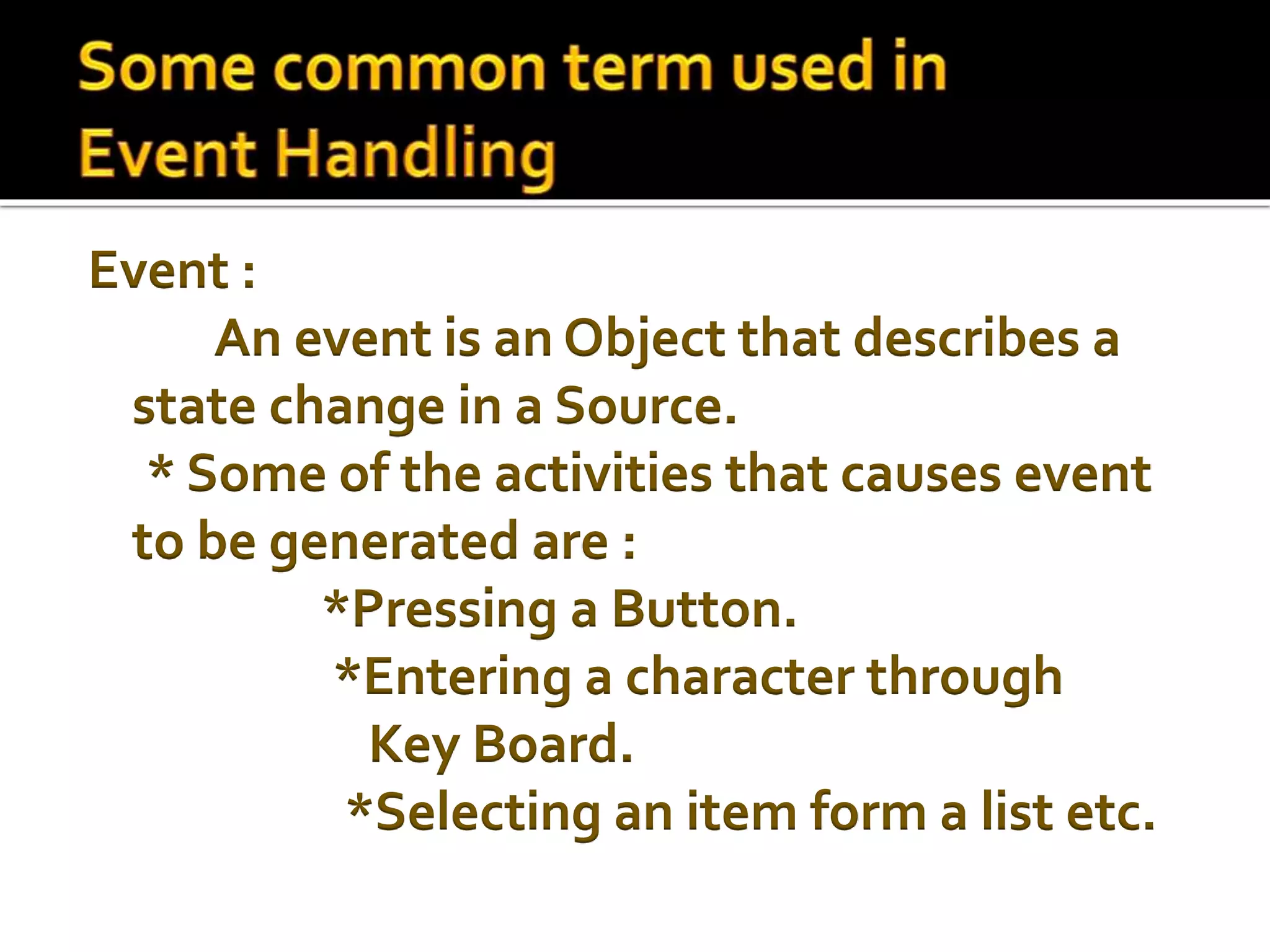
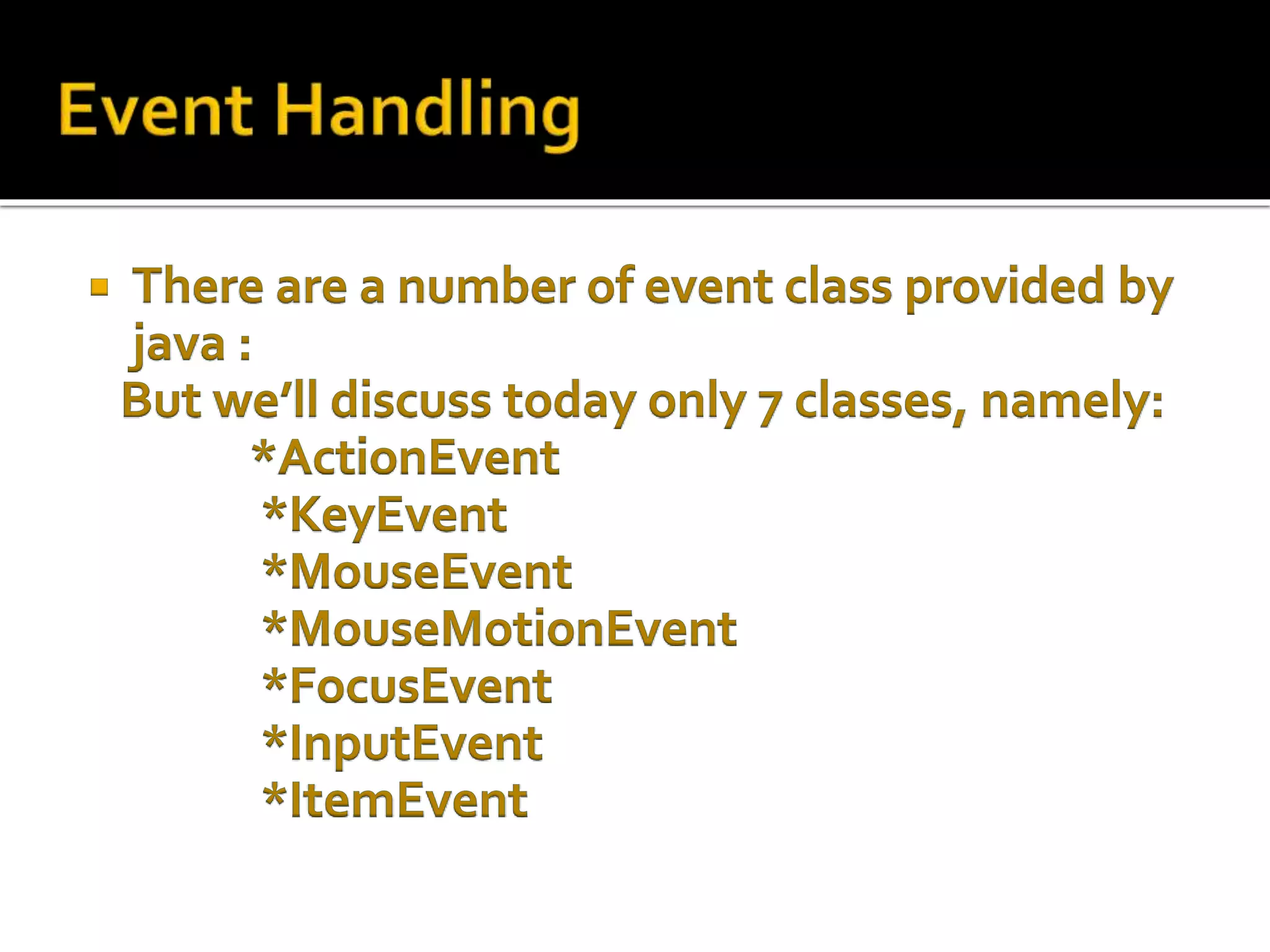
Event :
An eventis an Object that describes a
state change in a Source.
* Some of the activities that causes event
to be generated are :
*Pressing a Button.
*Entering a character through
Key Board.
*Selecting an item form a list etc.
5.
For implementingevent listener we have to
import the following Statement:
import java.awt.event.*;
6.
Event Handlingis the mechanism that
controls the event and decides what should
happen if an event occurs.This mechanism
have the code which is known as event
handler that is executed when an event
occurs. Java Uses the Delegation Event
Model to handle the events.This model
defines the standard mechanism to
generate and handle the events
7.
Foreground Events:
Thoseevents which require
the direct interaction of user.They are
generated as consequences of a person
interacting with the graphical components in
Graphical User Interface. For example, clicking
on a button, moving the mouse, entering a
character through keyboard,selecting an item
from list, scrolling the page etc.
8.
Background Events:
Those events that require
the interaction of end user are known as
background events. Operating system
interrupts, hardware or software failure,
timer expires, an operation completion are
the example of background events.
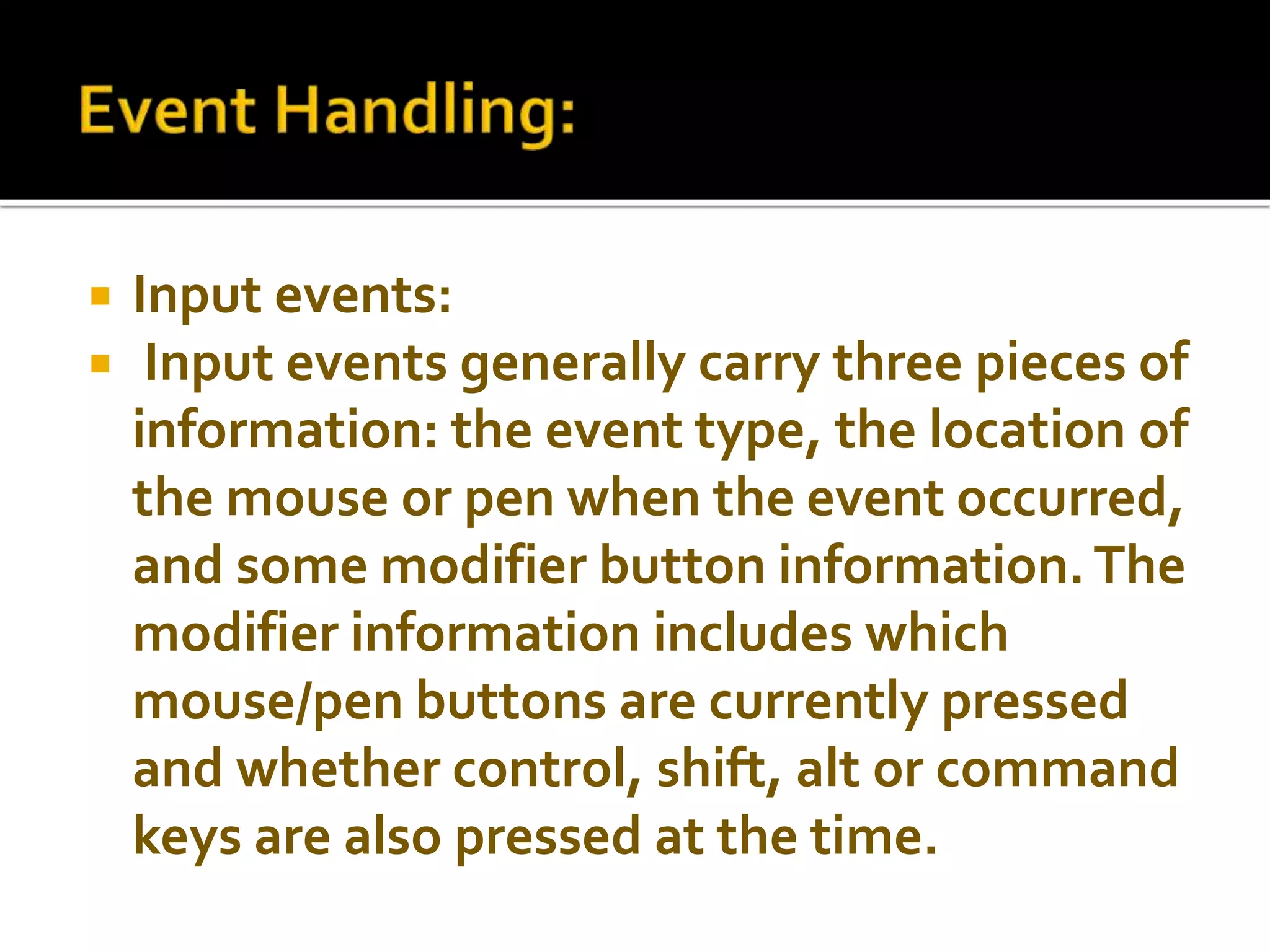
10.
Input events:
Input events generally carry three pieces of
information: the event type, the location of
the mouse or pen when the event occurred,
and some modifier button information.The
modifier information includes which
mouse/pen buttons are currently pressed
and whether control, shift, alt or command
keys are also pressed at the time.
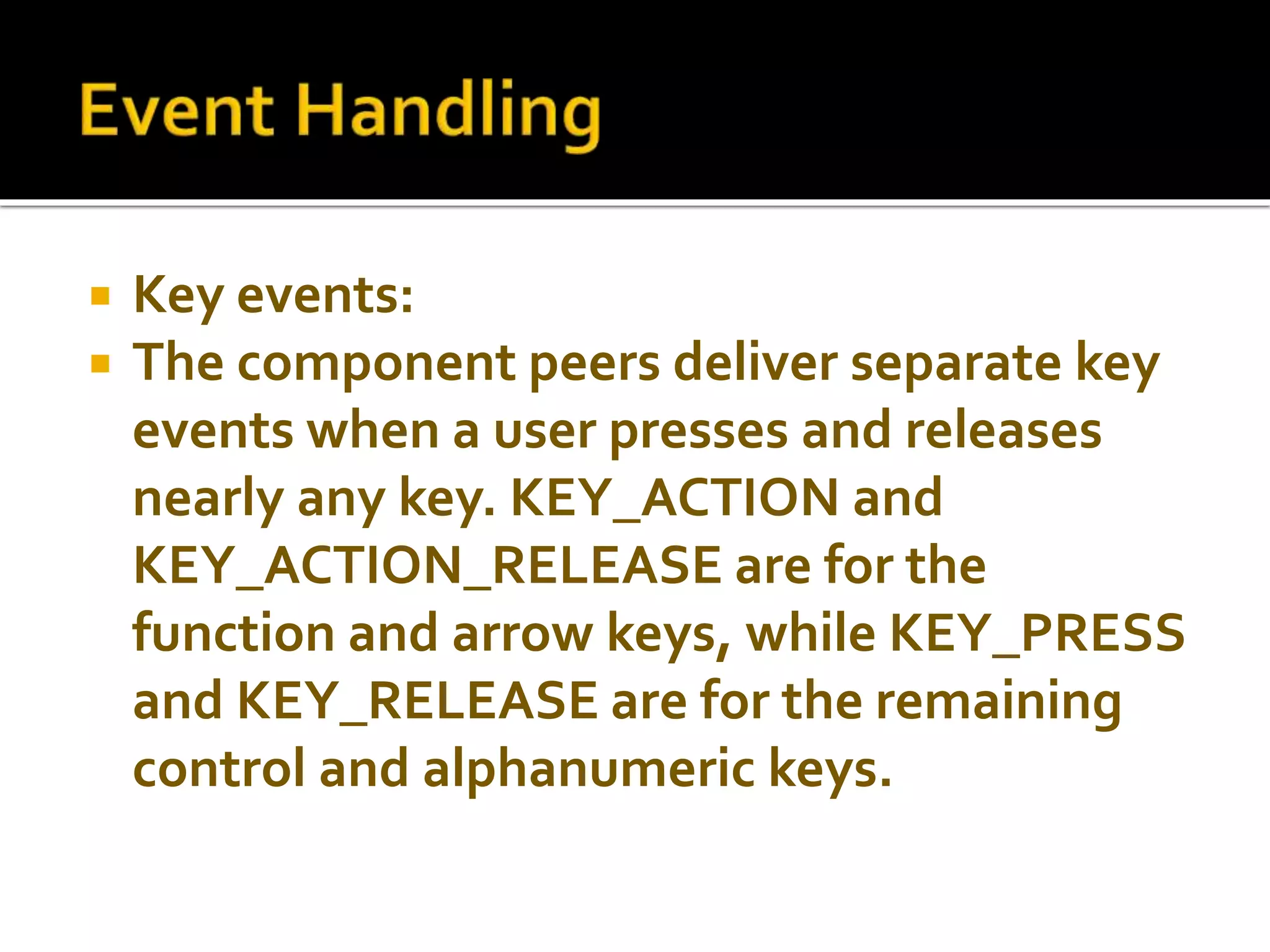
11.
Key events:
The component peers deliver separate key
events when a user presses and releases
nearly any key. KEY_ACTION and
KEY_ACTION_RELEASE are for the
function and arrow keys, while KEY_PRESS
and KEY_RELEASE are for the remaining
control and alphanumeric keys.
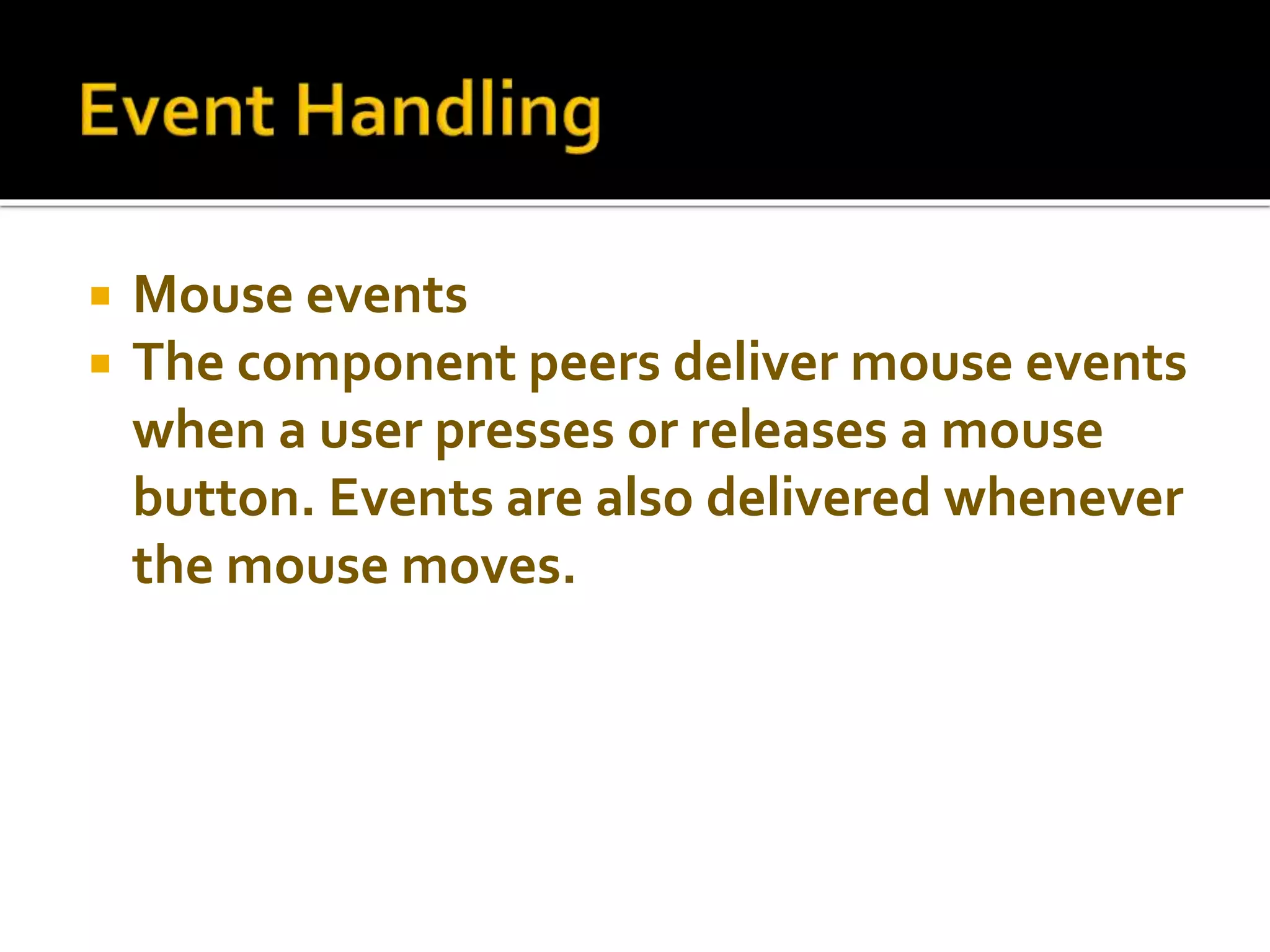
12.
Mouse events
The component peers deliver mouse events
when a user presses or releases a mouse
button. Events are also delivered whenever
the mouse moves.
13.
For example:
MouseMotionListener interface
define two events:
When mouse is dragged.
When mouse is moved.
14.
Focus events
The peers deliver focus events when a
component gains (GOT_FOCUS) or
loses(LOST_FOCUS) the input focus. No
default methods are called for the focus
events. They must be dealt with in the
handleEvent() method of the Container of
the component or a subclass of the
component.
15.
ActionEvent
TheActionEvent class is the first higher-
level event class. It encapsulates events
that signify that the user is doing
something with a component.When the
user selects a button, list item, or menu
item, or presses the Return key in a text
field, an ActionEvent passes through the
event queue looking for listeners.
16.
ItemEvent:
TheItemEvent class is another higher-level
event class. It encapsulates events that occur
when the user selects a component, like
ActionEvent. When the user selects a
checkbox, choice, list item, or checkbox menu
item, an ItemEvent passes through the event
queue looking for listeners. Although there is
only one type of ItemEvent, there are two
subtypes represented by the constants
SELECTED and DE- SELECTED.
17.
It issimple and well suited to an object-
oriented programming environment.
18.
► An eventcan only be handled by the
component from which it originated or by
one of the containers of the originating
component.
►In order to handle events, you must either
subclass the component that receives the
event or create a handleEvent() method at
the base container.
19.
A delegateis better adapted to an object-
oriented language model and is completely
type checked for code reliability.
20.
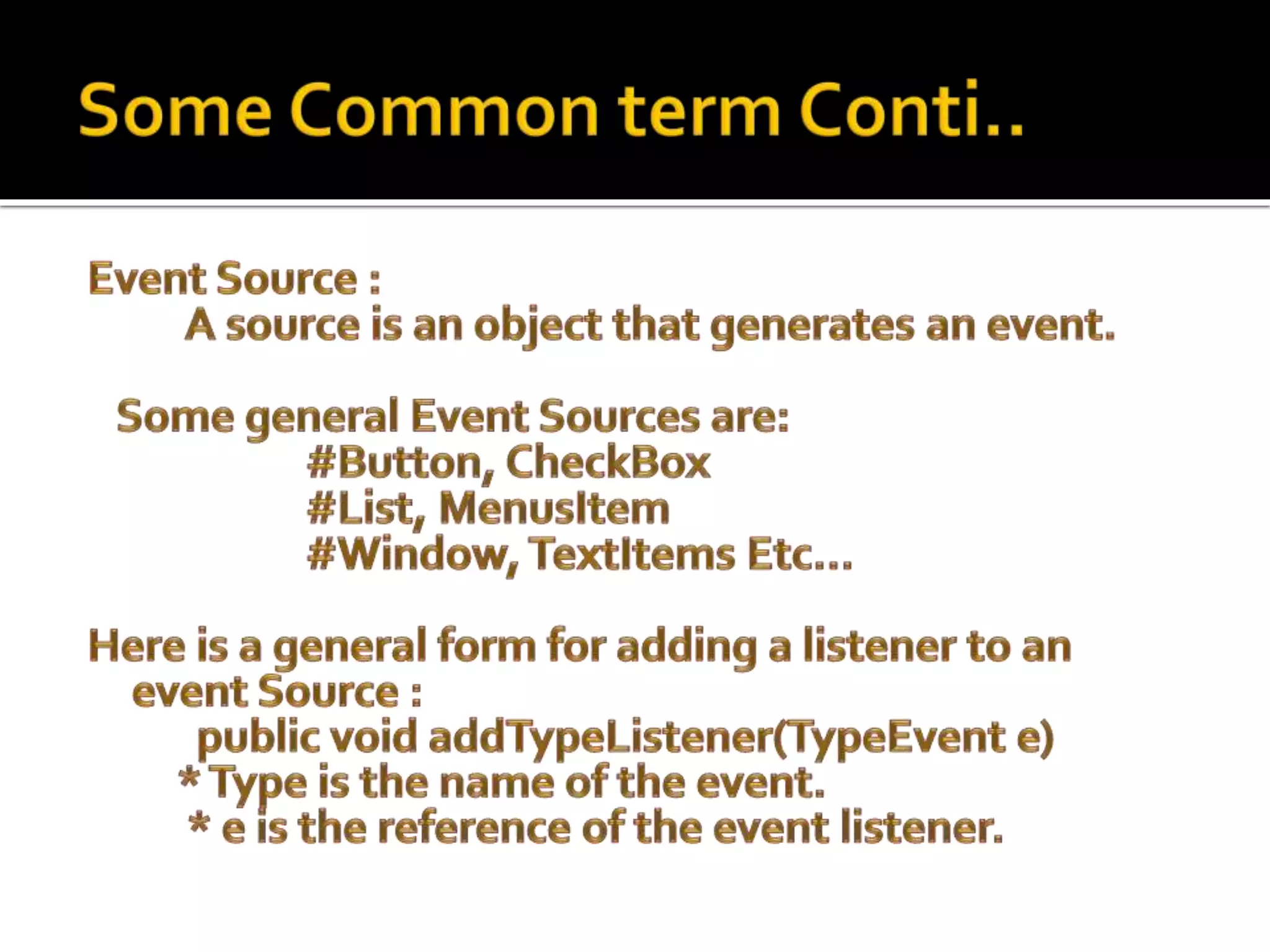
Source -Thesource is an object on which
event occurs. Source is responsible for
providing information of the occurred
event to it's handler. Java provide as with
classes for source object.
21.
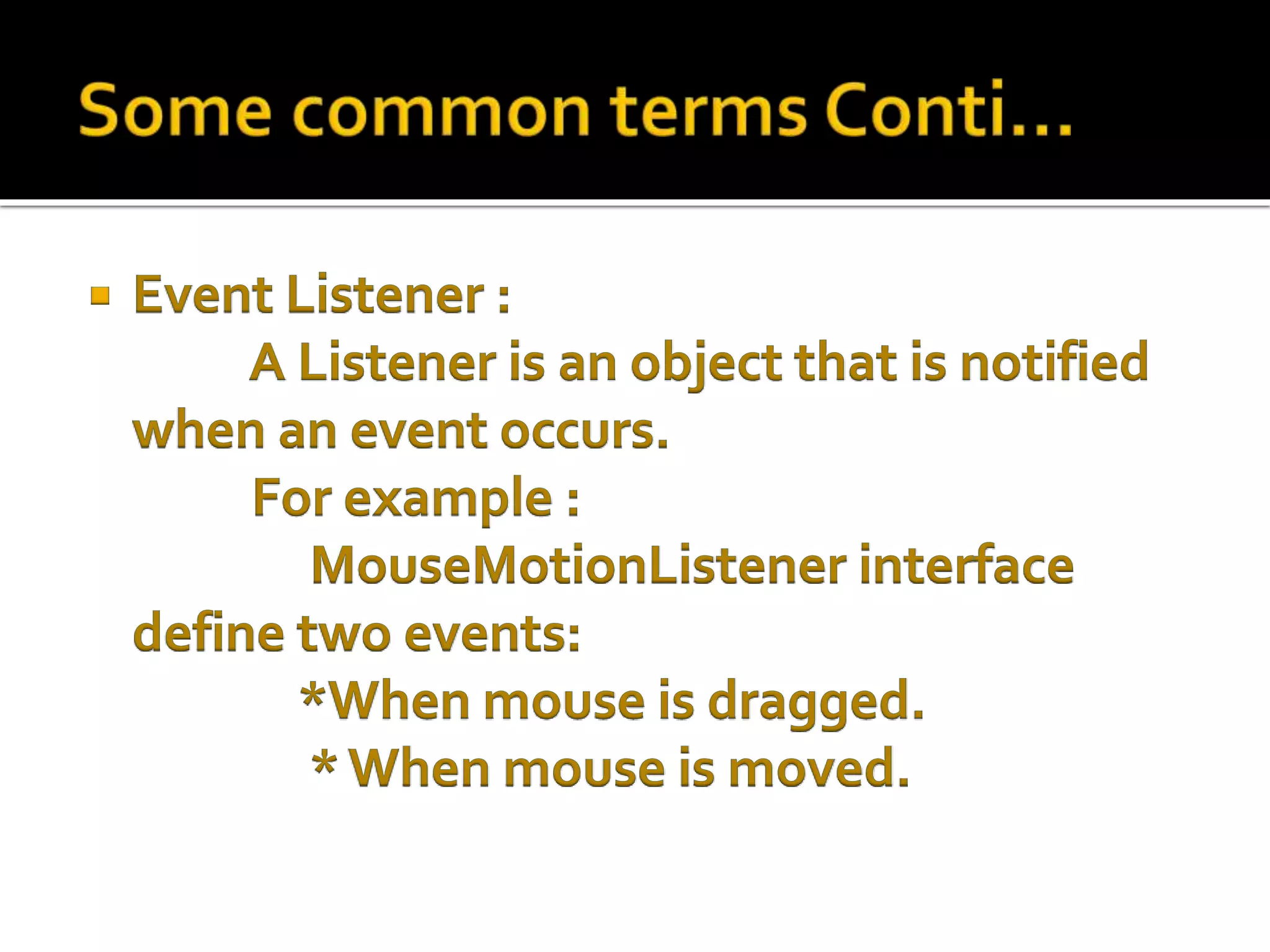
Listener -It is also known as event handler.
Listener is responsible for generating
response to an event.The listener is also an
object. Listener waits until it receives an
event. Once the event is received , the
listener process the event an then returns.
22.
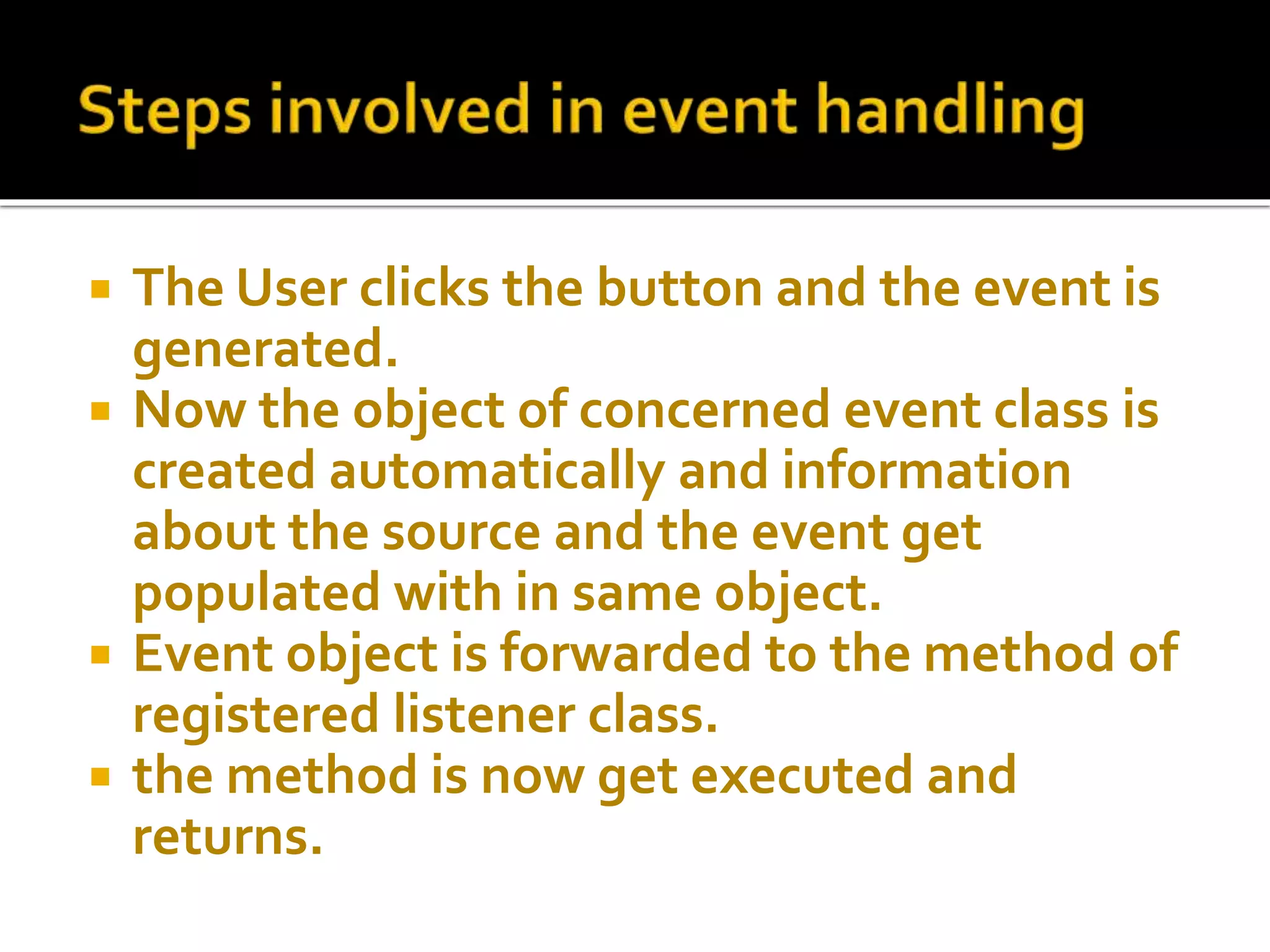
The Userclicks the button and the event is
generated.
Now the object of concerned event class is
created automatically and information
about the source and the event get
populated with in same object.
Event object is forwarded to the method of
registered listener class.
the method is now get executed and
returns.
23.
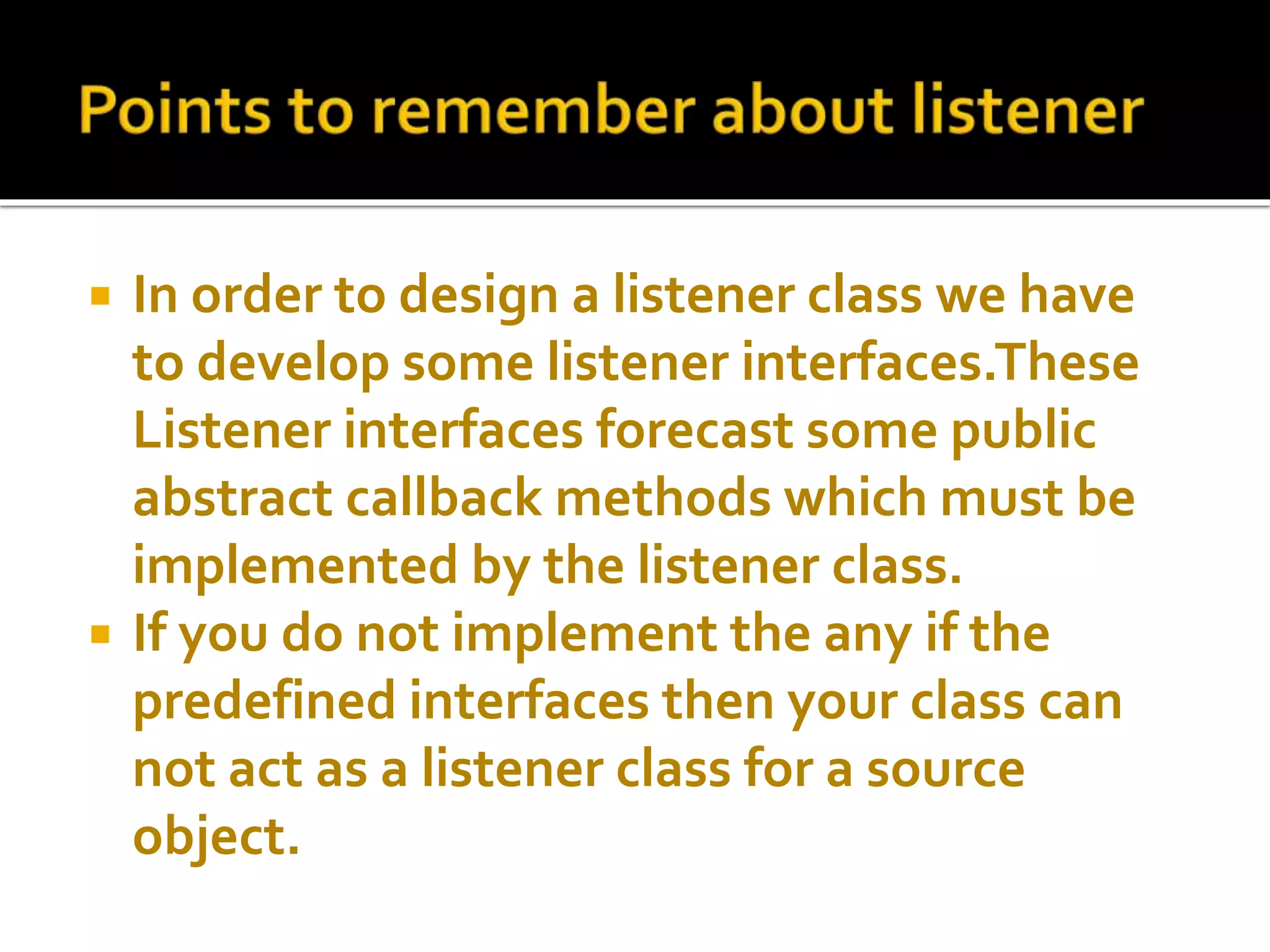
In orderto design a listener class we have
to develop some listener interfaces.These
Listener interfaces forecast some public
abstract callback methods which must be
implemented by the listener class.
If you do not implement the any if the
predefined interfaces then your class can
not act as a listener class for a source
object.
24.
The callbackmethods represents an event
method. In response to an event java jre
will fire callback method. All such callback
methods are provided in listener interfaces.
25.
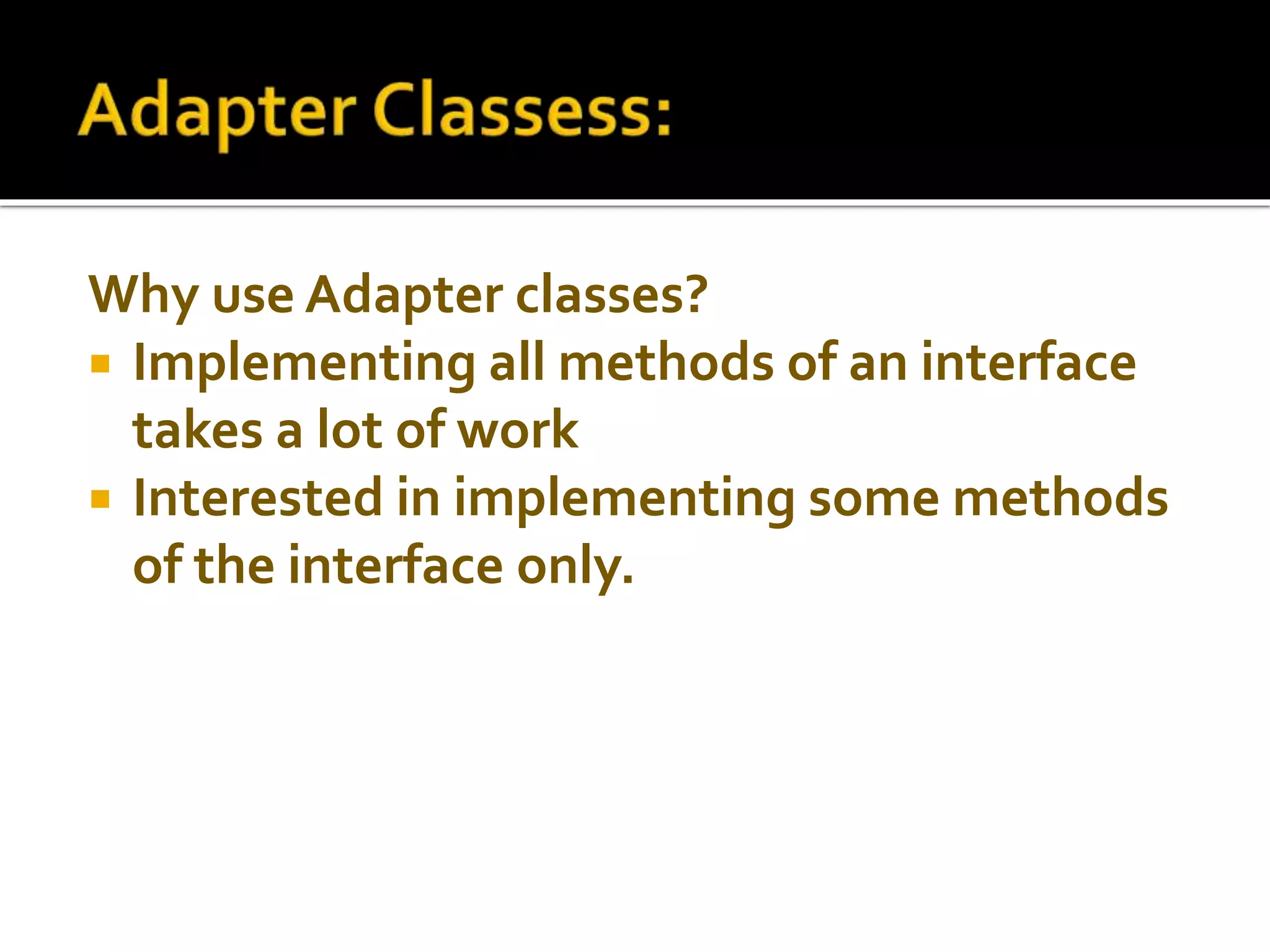
Why use Adapterclasses?
Implementing all methods of an interface
takes a lot of work
Interested in implementing some methods
of the interface only.
26.
Built-in inJava
Implement all methods of each listener
interface
with more than one method.
Making Simple Calculators By Using Event
Handling:



![๋Java Programming [7/12] : GUI Event Handling](https://cdn.slidesharecdn.com/ss_thumbnails/chapter7-130103205239-phpapp02-thumbnail.jpg?width=640&height=640&fit=bounds)


