SharePoint Custom Field TypesEugene RosenfeldCTO, Black Blade Associates2-time SharePoint MVPerosenfeld@blackbladeinc.comwww.blackbladeinc.comthingsthatshouldbeeasy.blogspot.com
ContentsContentsCustom Field Types Defined
Business Cases
Custom Field Types and Alternate WSS Extensibility
Custom Field Types Implementation
DemoCustom Field Types DefinedOverviewCustom field types are Windows SharePoint Service’s mechanism for allowing developers to:
Define atomic data structures with custom data structures
Custom data validation
Custom rendering
Custom property storage and processing
These items are “what” custom field types can do
Custom field types can be thought of as a merging between fields, custom web parts, validators, and event receiversCustom Field Types DefinedCustom Field Type ScenariosCustom field types allow developers to interact with and extend the way in which Windows SharePoint Services organizes, collects, modifies, stores, and displays list item data:
Add a field that is based on a custom field type to a list
Edit a list field that is based on a custom field type
Show data stored in a custom field type instance in the list item display form
Show data stored in a custom field type instance in the list item edit form
Show data stored in a custom field type instance in the list item new form
Show data stored in a custom field type instance in the list view
These items describe “when” we would resort to custom field types.Custom Field Types DefinedCustom Data Structures Custom field types may define one or more field data components
SharePoint treats all field components as one, indivisible entity
SharePoint saves and loads all components of a custom field type as a single unit
Any custom data structure is fair game, as long as it is serializable as text
Why text, even for booleans, numbers, dates, etc?
All data is stored in SQL. Data is retrieved and modified using SQL statements. SQL statements are text, even for logically binary data.Custom Field Types DefinedCustom RenderingDevelopers can associate web controls to display field data to users
Think of field render controls as custom web parts that are always associated with all instances of the custom field type
Custom rendering controls may include:
Web custom controls
Client controls or HTML
JavaScript
AJAX
Images
Anything else that can render a MIME type that the client browser can interpretCustom Field Types DefinedCustom Field Type PropertiesCustom field types can define custom properties that instances of those field types can set
Custom field type properties are meant to allow users to modify the behavior of a custom field type instance

Eugene Rosenfeld: SharePoint Custom Field Types

  • 1.
    SharePoint Custom FieldTypesEugene RosenfeldCTO, Black Blade Associates2-time SharePoint MVPerosenfeld@blackbladeinc.comwww.blackbladeinc.comthingsthatshouldbeeasy.blogspot.com
  • 2.
  • 3.
  • 4.
    Custom Field Typesand Alternate WSS Extensibility
  • 5.
    Custom Field TypesImplementation
  • 6.
    DemoCustom Field TypesDefinedOverviewCustom field types are Windows SharePoint Service’s mechanism for allowing developers to:
  • 7.
    Define atomic datastructures with custom data structures
  • 8.
  • 9.
  • 10.
  • 11.
    These items are“what” custom field types can do
  • 12.
    Custom field typescan be thought of as a merging between fields, custom web parts, validators, and event receiversCustom Field Types DefinedCustom Field Type ScenariosCustom field types allow developers to interact with and extend the way in which Windows SharePoint Services organizes, collects, modifies, stores, and displays list item data:
  • 13.
    Add a fieldthat is based on a custom field type to a list
  • 14.
    Edit a listfield that is based on a custom field type
  • 15.
    Show data storedin a custom field type instance in the list item display form
  • 16.
    Show data storedin a custom field type instance in the list item edit form
  • 17.
    Show data storedin a custom field type instance in the list item new form
  • 18.
    Show data storedin a custom field type instance in the list view
  • 19.
    These items describe“when” we would resort to custom field types.Custom Field Types DefinedCustom Data Structures Custom field types may define one or more field data components
  • 20.
    SharePoint treats allfield components as one, indivisible entity
  • 21.
    SharePoint saves andloads all components of a custom field type as a single unit
  • 22.
    Any custom datastructure is fair game, as long as it is serializable as text
  • 23.
    Why text, evenfor booleans, numbers, dates, etc?
  • 24.
    All data isstored in SQL. Data is retrieved and modified using SQL statements. SQL statements are text, even for logically binary data.Custom Field Types DefinedCustom RenderingDevelopers can associate web controls to display field data to users
  • 25.
    Think of fieldrender controls as custom web parts that are always associated with all instances of the custom field type
  • 26.
  • 27.
  • 28.
  • 29.
  • 30.
  • 31.
  • 32.
    Anything else thatcan render a MIME type that the client browser can interpretCustom Field Types DefinedCustom Field Type PropertiesCustom field types can define custom properties that instances of those field types can set
  • 33.
    Custom field typeproperties are meant to allow users to modify the behavior of a custom field type instance
  • 34.
  • 35.
    Set default valuesfor data stored in instance fields
  • 36.
  • 37.
  • 38.
    As with thefield data, developers can define custom rendering and validation for custom field type properties
  • 39.
    Custom field propertiesare very similar to custom web part propertiesBusiness CasesOverviewCustom Data Storage
  • 40.
  • 41.
  • 42.
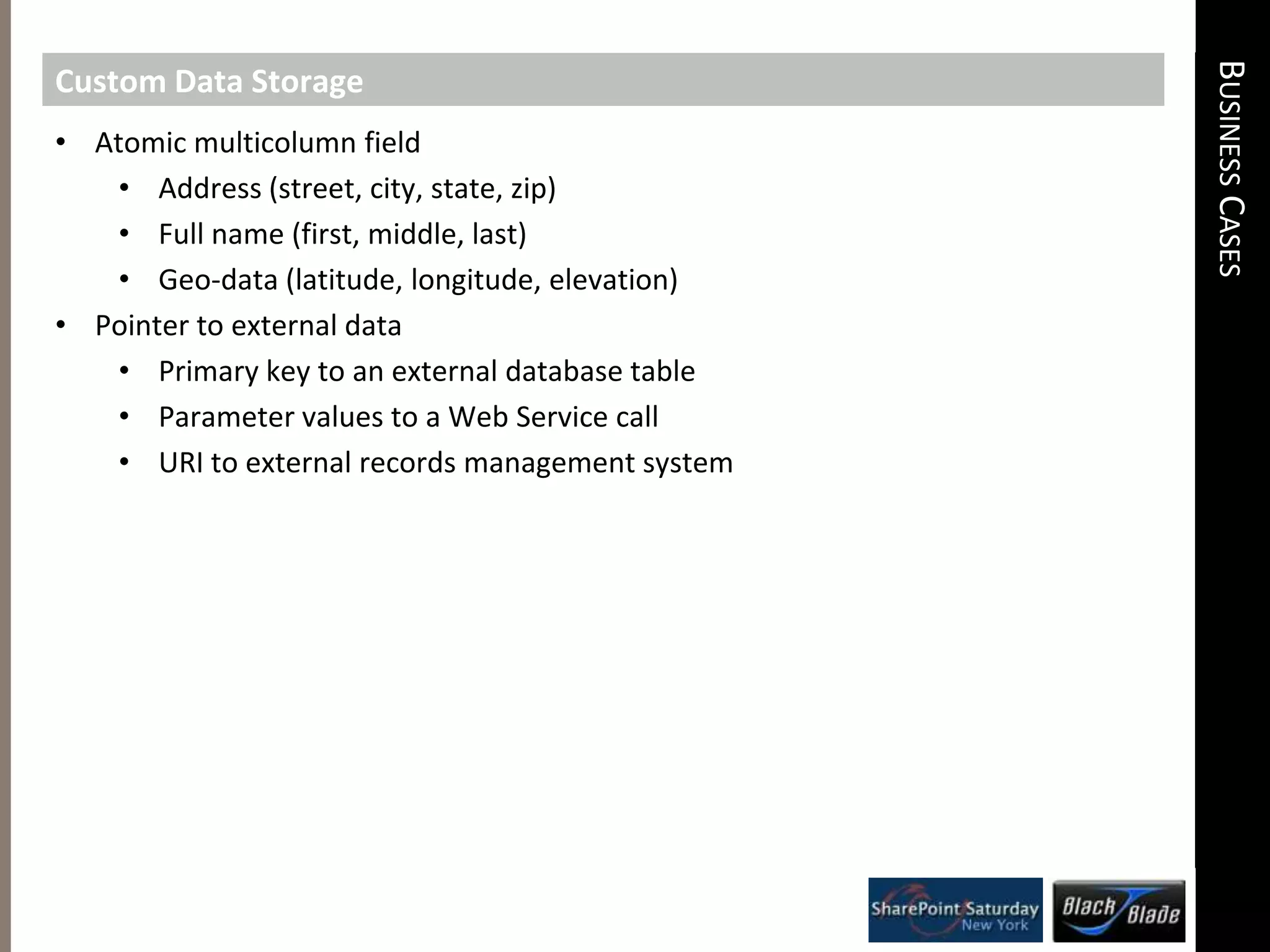
    Custom Behavioral LogicBusinessCasesCustom Data StorageAtomic multicolumn field
  • 43.
  • 44.
    Full name (first,middle, last)
  • 45.
  • 46.
  • 47.
    Primary key toan external database table
  • 48.
    Parameter values toa Web Service call
  • 49.
    URI to externalrecords management systemBusiness CasesCustom Data ValidationData is in a particular format
  • 50.
  • 51.
  • 52.
  • 53.
  • 54.
  • 55.
    Related data frommultiple controls is consistent
  • 56.
  • 57.
    Full name (first,middle, last)
  • 58.
    Data is validatedagainst an external entity
  • 59.
  • 60.
  • 61.
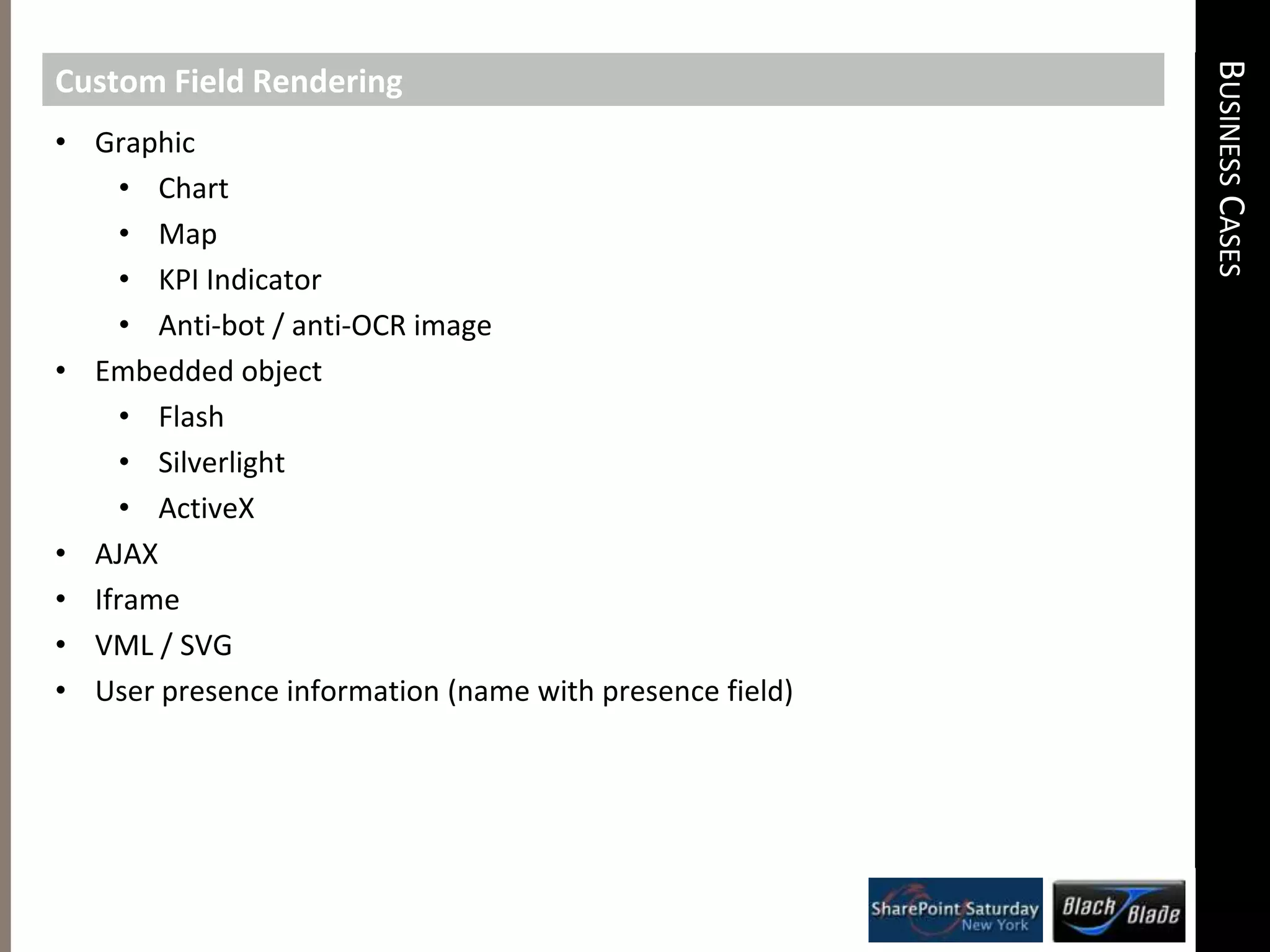
    Web Service –address is an actual valid street addressBusiness CasesCustom Field RenderingGraphic
  • 62.
  • 63.
  • 64.
  • 65.
  • 66.
  • 67.
  • 68.
  • 69.
  • 70.
  • 71.
  • 72.
  • 73.
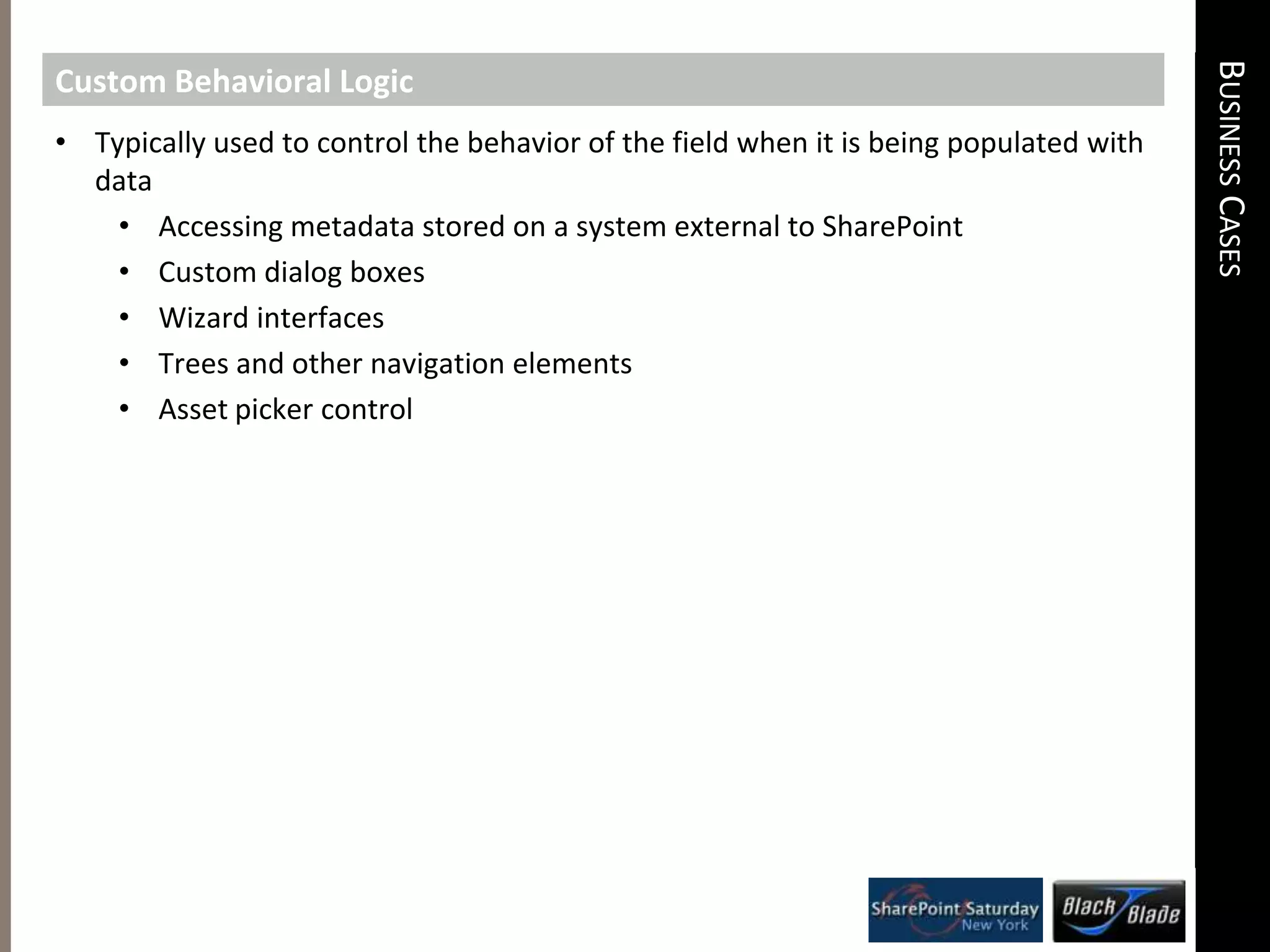
    User presence information(name with presence field)Business CasesCustom Behavioral LogicTypically used to control the behavior of the field when it is being populated with data
  • 74.
    Accessing metadata storedon a system external to SharePoint
  • 75.
  • 76.
  • 77.
    Trees and othernavigation elements
  • 78.
    Asset picker controlCustomField Types and Alternate WSS ExtensibilityOverviewCustom Field Types and Content Types
  • 79.
    Custom Field Typesand Custom Web Parts
  • 80.
    Custom Field Typesand Event Receivers
  • 81.
    Custom Field Typesand WorkflowsCustom Field Types and Content TypesSimilarities between Custom Field Types and Content TypesBoth can be used to define a grouping or set of discrete data
  • 82.
    Both can triggercode execution when data changesCustom Field Types and Content TypesDeciding which One to UseUse custom field types when:
  • 83.
    Must be createdby a developer
  • 84.
    Must be definedusing managed code (C#, VB.Net, etc)
  • 85.
    Can complicate matterswhen writing code that consumes list field values that are custom field types
  • 86.
    May prevent theuse of third party tools or applications if these can not deal with custom field types
  • 87.
  • 88.
    Definable by contentmanager through the web UI
  • 89.
    Deployable to SharePointfarm as XML (no code needed)Custom Field Types and Custom Web PartsSimilarities between Custom Field Types and Custom Web PartsBoth can define custom rendering for SharePoint data
  • 90.
    Both can definecustom metadata that alters the rendering of the data
  • 91.
    Both can performprocessing logic on their respective data
  • 92.
    Both can accessdata outside of SharePoint Custom Field Types and Custom Web PartsDeciding which One to UseUse a custom field type when:
  • 93.
    You want thecustom defined rendering to always be associated with the field data
  • 94.
    You want todefine custom rendering that will be used in the listview web part when the field data is shown in the listview
  • 95.
    You want todefine custom rendering for field data that will be used in all instances of the display item, new item, and edit item forms for list items that contain the a field instance
  • 96.
    Use a webpart when:
  • 97.
    You want todefine custom rendering for a group of fields
  • 98.
    You want tocreate views that aggregate information from multiple list items
  • 99.
    You want togive users the ability to drag the custom rendering onto a web part page through a web browser
  • 100.
    You want toparticipate in web part connectionsCustom Field Types and Event ReceiversSimilarities between Custom Field Types and Event ReceiversBoth can be used to run custom code when data in a list is about to change
  • 101.
    Both can preventchanging list data from being saved to the content database
  • 102.
    Both can beused to catch field schema changes on listsCustom Field Types and Event ReceiversDeciding which One to UseUse a custom field type when:
  • 103.
    You want thefield code to run for every item an item is changed or added to every list with an instance of the field type exists
  • 104.
    Note: Two fieldinstances of a custom field type means the code runs twice!
  • 105.
    Use an eventreceiver when:
  • 106.
    You want tobe able to activate or deactivate the code for all lists within a particular site (i.e. feature)
  • 107.
    You need towork with data from several fields in the current list itemCustom Field Types and WorkflowsSimilarities between Custom Field Types and WorkflowsBoth can execute custom code when list item data is changedCustom Field Types and WorkflowsDeciding which One to UseUse a custom field type when:
  • 108.
    You want thefield code to run for every item an item is changed or added to every list with an instance of the field type exists
  • 109.
    Note: Two fieldinstances of a custom field type means the code runs twice!
  • 110.
    You want toexecute code that finishes running quickly and stores no long-term state information (other than the actual list item field data)
  • 111.
  • 112.
    You want toallow users to be able to associate the code with specific list instances through a web browser
  • 113.
    You want togive users the option to execute the code automatically or manually
  • 114.
    Your code needsto run for a long time, over days, weeks, or months
  • 115.
    You will needto collect information from users involved in the code execution through the browser
  • 116.
    You need towork with data from several fields in the current list itemCustom Field Types ImplementationOverviewCustom Field Type Definition
  • 117.
  • 118.
  • 119.
  • 120.
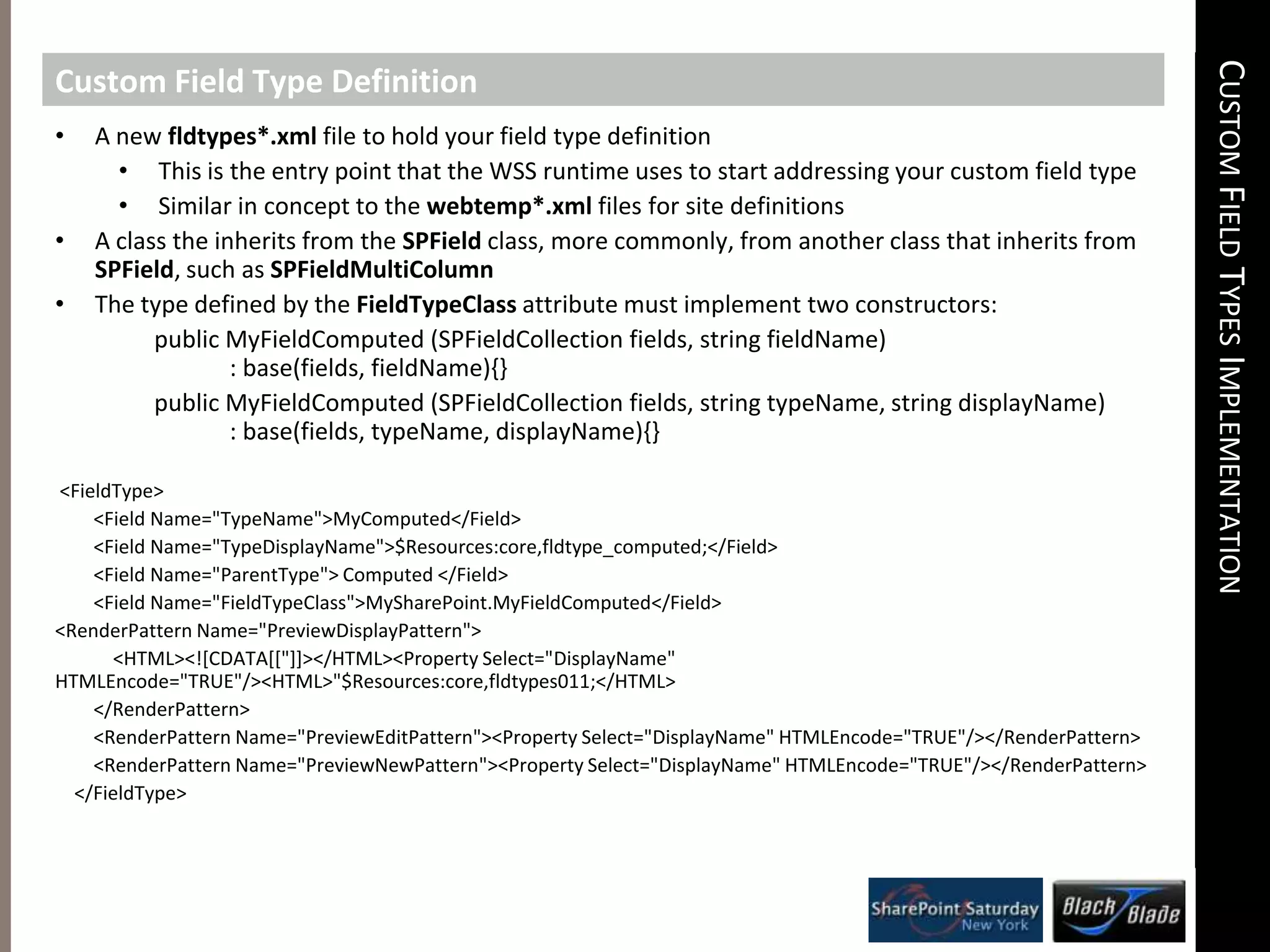
    Custom Field TypeDeploymentCustomField Types ImplementationCustom Field Type DefinitionA new fldtypes*.xmlfile to hold your field type definition
  • 121.
    This is theentry point that the WSS runtime uses to start addressing your custom field type
  • 122.
    Similar in conceptto the webtemp*.xml files for site definitions
  • 123.
    A class theinherits from the SPFieldclass, more commonly, from another class that inherits from SPField, such as SPFieldMultiColumn
  • 124.
    The type definedby the FieldTypeClassattribute must implement two constructors:      public MyFieldComputed (SPFieldCollection fields, string fieldName)            : base(fields, fieldName){}      public MyFieldComputed (SPFieldCollection fields, string typeName, string displayName)            : base(fields, typeName, displayName){} <FieldType> <Field Name="TypeName">MyComputed</Field> <Field Name="TypeDisplayName">$Resources:core,fldtype_computed;</Field> <Field Name="ParentType"> Computed </Field> <Field Name="FieldTypeClass">MySharePoint.MyFieldComputed</Field> <RenderPattern Name="PreviewDisplayPattern"> <HTML><![CDATA[["]]></HTML><Property Select="DisplayName" HTMLEncode="TRUE"/><HTML>"$Resources:core,fldtypes011;</HTML> </RenderPattern> <RenderPattern Name="PreviewEditPattern"><Property Select="DisplayName" HTMLEncode="TRUE"/></RenderPattern> <RenderPattern Name="PreviewNewPattern"><Property Select="DisplayName" HTMLEncode="TRUE"/></RenderPattern> </FieldType>
  • 125.
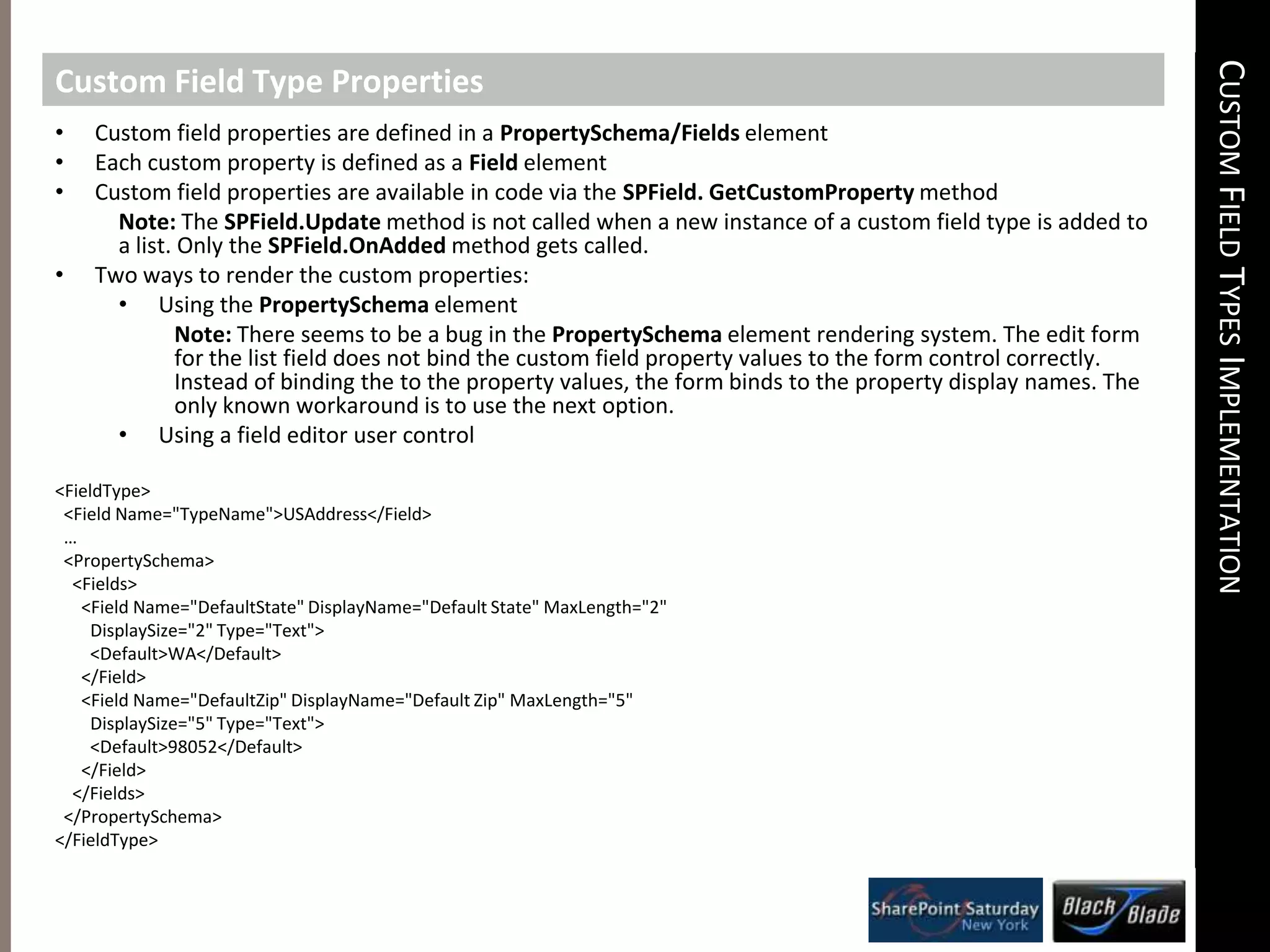
    Custom Field TypesImplementationCustom Field Type PropertiesCustom field properties are defined in a PropertySchema/Fields element
  • 126.
    Each custom propertyis defined as a Field element
  • 127.
    Custom field propertiesare available in code via the SPField. GetCustomPropertymethodNote: The SPField.Updatemethod is not called when a new instance of a custom field type is added to a list. Only the SPField.OnAddedmethod gets called.Two ways to render the custom properties:
  • 128.
    Using the PropertySchemaelementNote:There seems to be a bug in the PropertySchema element rendering system. The edit form for the list field does not bind the custom field property values to the form control correctly. Instead of binding the to the property values, the form binds to the property display names. The only known workaround is to use the next option.Using a field editor user control<FieldType> <Field Name="TypeName">USAddress</Field> … <PropertySchema> <Fields> <Field Name="DefaultState" DisplayName="Default State" MaxLength="2" DisplaySize="2" Type="Text"> <Default>WA</Default> </Field> <Field Name="DefaultZip" DisplayName="Default Zip" MaxLength="5" DisplaySize="5" Type="Text"> <Default>98052</Default> </Field> </Fields> </PropertySchema></FieldType>
  • 129.
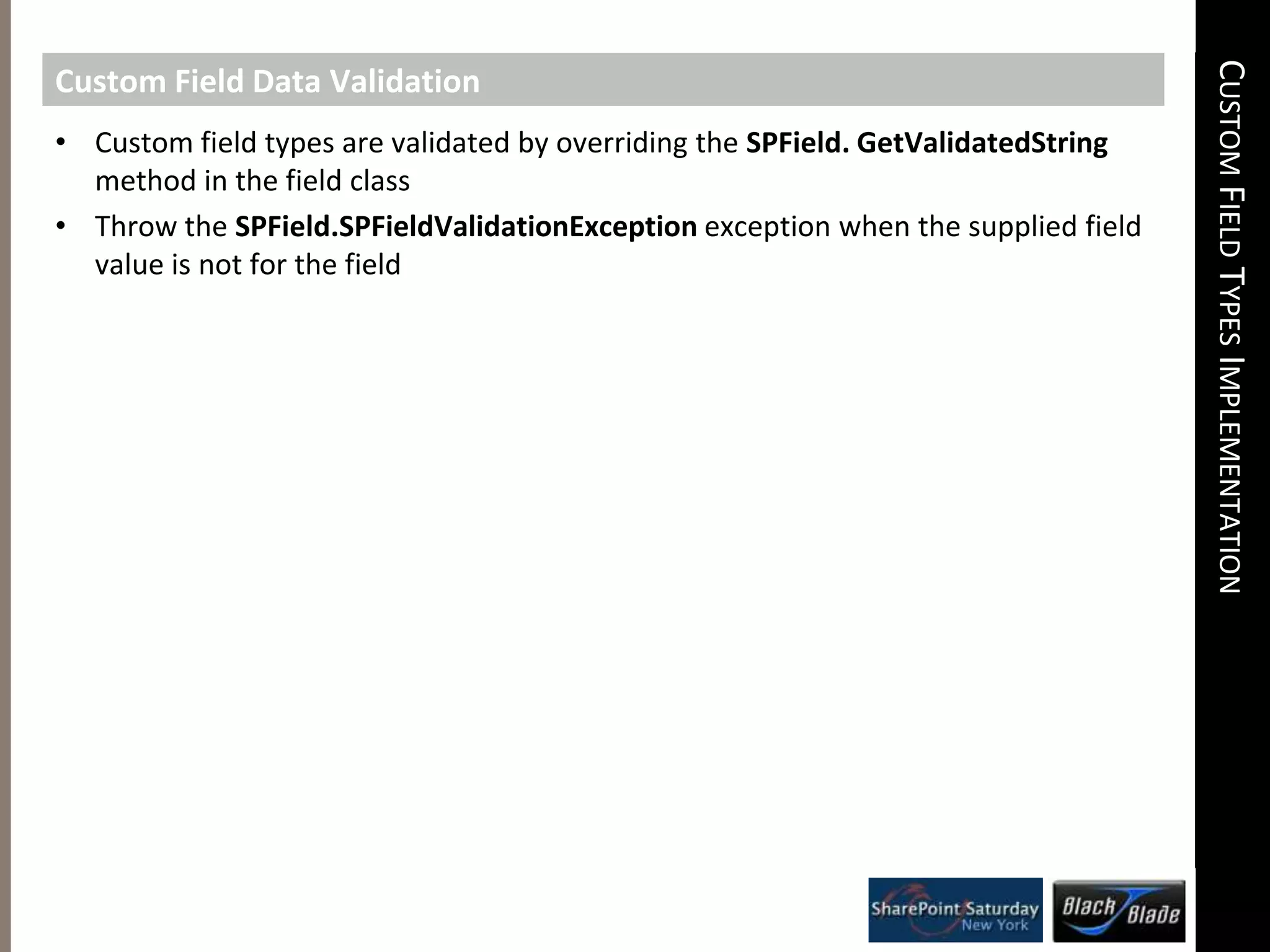
    Custom Field TypesImplementationCustom Field Data ValidationCustom field types are validated by overriding the SPField. GetValidatedStringmethod in the field class
  • 130.
    Throw the SPField.SPFieldValidationExceptionexceptionwhen the supplied field value is not for the fieldCustom Field Types ImplementationCustom Field Value ClassesCustom field value classes do two primary tasks:
  • 131.
    Convert field valueas represented by managed types into a string
  • 132.
    Done by overridingthe SPField. GetValidatedStringmethod in the custom field class
  • 133.
    The default implementationcalls the ValueClass.ToStringmethod to get the string
  • 134.
    Convert a stringfield valueback to a managed type
  • 135.
    Done by overridingtheSPField. GetFieldValuemethod in the custom field class
  • 136.
    Value classes mustbe serializable, implementing the ToStringmethodCustom Field Types ImplementationCustom Field Type DeploymentFldtypes*.xml file must get copied to the "%CommonProgramFiles%\Microsoft Shared\web server extensions\12\TEMPLATE\XML\“ directory
  • 137.
    Assemblies that implementthe custom field, custom field values, rendering controls must be deployed to the GAC
  • 138.
    Any assemblies referencedby the custom field assemblies must also reside in the GAC
  • 139.
    Requires an IISapplication pool recycle or an IISRESET in order for changes to take affect.
  • 140.
    The fldtype*.xml filesare reparsed by the IIS worker process
  • 141.
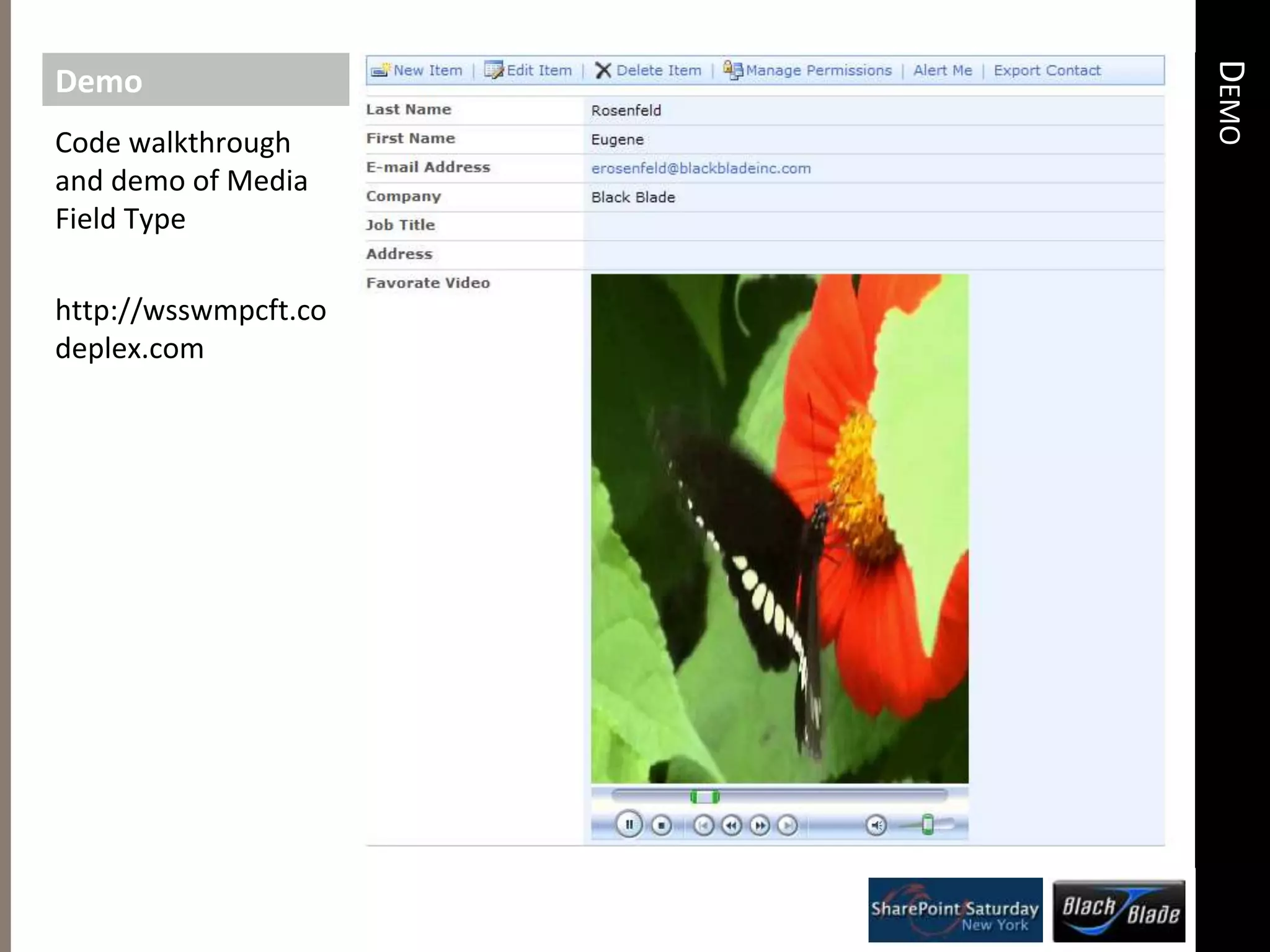
    The assemblies loadedfrom the GAC are un-cached and re-cached by the IIS worker processDemoDemoCode walkthrough and demo of Media Field Typehttp://wsswmpcft.codeplex.com
  • 142.
  • 143.
    Reviewing the businesscases that justify creation of custom field types
  • 144.
    Comparison between customfield types and other WSS extensibility
  • 145.
    Code walkthrough anddemo of several custom field type implementationsCloseoutAdditional ResourcesBlack Blade Associateshttp://www.blackbladeinc.com“Things that should be Easy” by Eugene Rosenfeldhttp://thingsthatshouldbeeasy.blogspot.com/Phone number custom field type by Morgan Everett & Mark Collinshttp://www.sharethispoint.com/archive/2006/08/07/23.aspx#codetwoSharePoint SDK sample: How to create a custom field controlhttp://msdn2.microsoft.com/en-us/library/aa981226.aspxSharePoint Server 2007 Visual How Toshttp://msdn2.microsoft.com/en-us/library/bb530308.aspx
  • 146.
  • 147.
  • 148.
    CloseoutRemember to fillout evaluations for your chance to win cool prizes!2 ASUS NetbooksAlso Some Books1 Typemock Isolator LicenseA 2-5 Day Course from SetFocus on SharePointTelerik RAD Controls Set1 DeliverPointWFE 2010 license (Worth $1500)1 BCS Meta Man license (Worth $1200)1 Lightning Conductor 2010 WFE license (Worth $800)1 Lightning Storm Forums license. (Worth $600)CloseoutRemember to fill out evaluations for your chance to win cool prizes!3 Apple IPAD 32 GB Wifi