Download to read offline
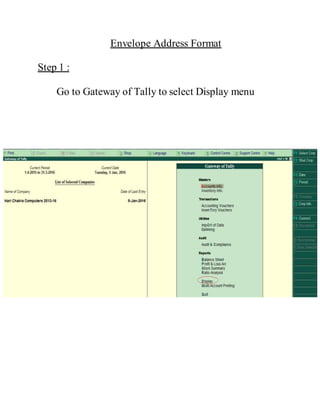
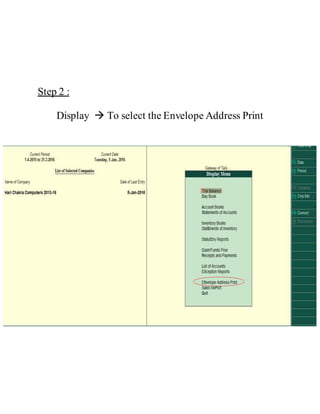




To print an envelope address format in Tally, select Display from the Gateway menu, then Envelope Address Print under Display, select the desired ledger, preview and print the address list, which will output the final envelope print cover.


