Empower IT
(EmpowerIT T Trainings – Expert in providing Successfactors Trainings)
Email: empowerittrainings@gmail.com Ph: +91-7075234891
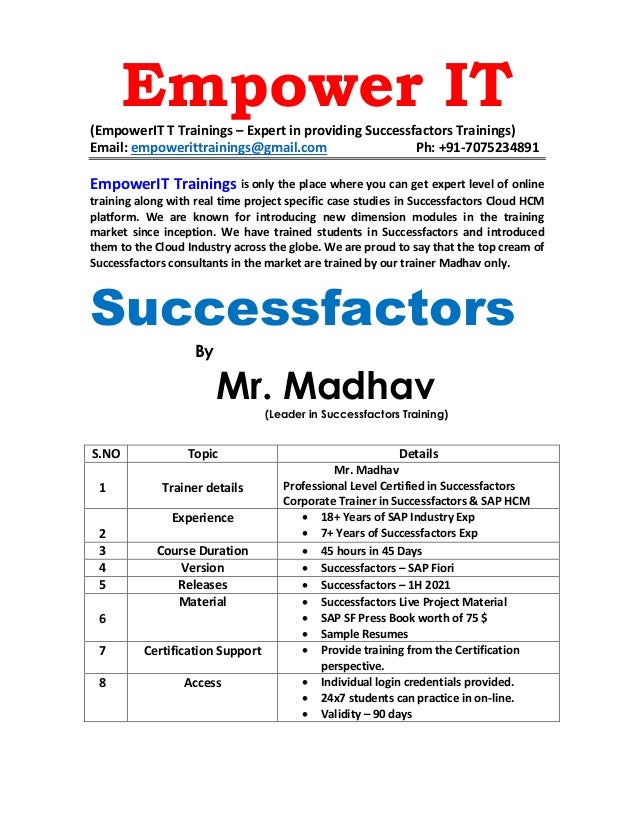
EmpowerIT Trainings is only the place where you can get expert level of online
training along with real time project specific case studies in Successfactors Cloud HCM
platform. We are known for introducing new dimension modules in the training
market since inception. We have trained students in Successfactors and introduced
them to the Cloud Industry across the globe. We are proud to say that the top cream of
Successfactors consultants in the market are trained by our trainer Madhav only.
Successfactors
By
Mr. Madhav
(Leader in Successfactors Training)
S.NO Topic Details
1 Trainer details
Mr. Madhav
Professional Level Certified in Successfactors
Corporate Trainer in Successfactors & SAP HCM
2
Experience • 18+ Years of SAP Industry Exp
• 7+ Years of Successfactors Exp
3 Course Duration • 45 hours in 45 Days
4 Version • Successfactors – SAP Fiori
5 Releases • Successfactors – 1H 2021
6
Material • Successfactors Live Project Material
• SAP SF Press Book worth of 75 $
• Sample Resumes
7 Certification Support • Provide training from the Certification
perspective.
8 Access • Individual login credentials provided.
• 24x7 students can practice in on-line.
• Validity – 90 days
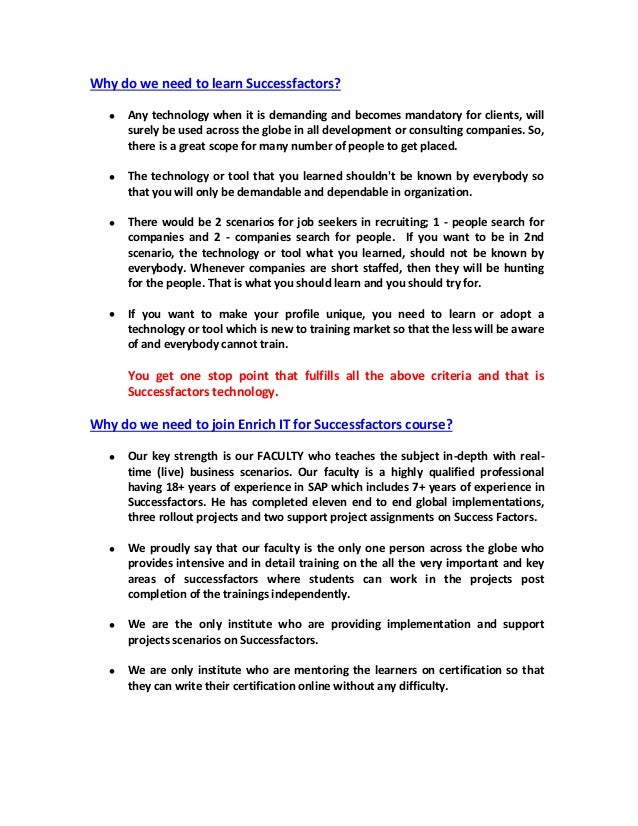
Why do we need to learn Successfactors?
• Any technology when it is demanding and becomes mandatory for clients, will
surely be used across the globe in all development or consulting companies. So,
there is a great scope for many number of people to get placed.
• The technology or tool that you learned shouldn't be known by everybody so
that you will only be demandable and dependable in organization.
• There would be 2 scenarios for job seekers in recruiting; 1 - people search for
companies and 2 - companies search for people. If you want to be in 2nd
scenario, the technology or tool what you learned, should not be known by
everybody. Whenever companies are short staffed, then they will be hunting
for the people. That is what you should learn and you should try for.
• If you want to make your profile unique, you need to learn or adopt a
technology or tool which is new to training market so that the less will be aware
of and everybody cannot train.
You get one stop point that fulfills all the above criteria and that is
Successfactors technology.
Why do we need to join Enrich IT for Successfactors course?
• Our key strength is our FACULTY who teaches the subject in-depth with real-
time (live) business scenarios. Our faculty is a highly qualified professional
having 18+ years of experience in SAP which includes 7+ years of experience in
Successfactors. He has completed eleven end to end global implementations,
three rollout projects and two support project assignments on Success Factors.
• We proudly say that our faculty is the only one person across the globe who
provides intensive and in detail training on the all the very important and key
areas of successfactors where students can work in the projects post
completion of the trainings independently.
• We are the only institute who are providing implementation and support
projects scenarios on Successfactors.
• We are only institute who are mentoring the learners on certification so that
they can write their certification online without any difficulty.
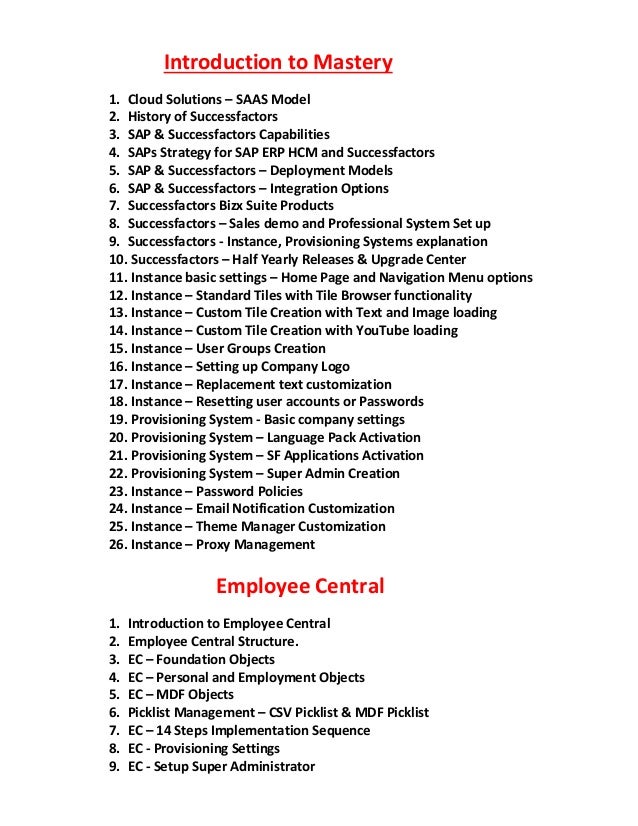
Introduction to Mastery
1. Cloud Solutions – SAAS Model
2. History of Successfactors
3. SAP & Successfactors Capabilities
4. SAPs Strategy for SAP ERP HCM and Successfactors
5. SAP & Successfactors – Deployment Models
6. SAP & Successfactors – Integration Options
7. Successfactors Bizx Suite Products
8. Successfactors – Sales demo and Professional System Set up
9. Successfactors - Instance, Provisioning Systems explanation
10. Successfactors – Half Yearly Releases & Upgrade Center
11. Instance basic settings – Home Page and Navigation Menu options
12. Instance – Standard Tiles with Tile Browser functionality
13. Instance – Custom Tile Creation with Text and Image loading
14. Instance – Custom Tile Creation with YouTube loading
15. Instance – User Groups Creation
16. Instance – Setting up Company Logo
17. Instance – Replacement text customization
18. Instance – Resetting user accounts or Passwords
19. Provisioning System - Basic company settings
20. Provisioning System – Language Pack Activation
21. Provisioning System – SF Applications Activation
22. Provisioning System – Super Admin Creation
23. Instance – Password Policies
24. Instance – Email Notification Customization
25. Instance – Theme Manager Customization
26. Instance – Proxy Management
Employee Central
1. Introduction to Employee Central
2. Employee Central Structure.
3. EC – Foundation Objects
4. EC – Personal and Employment Objects
5. EC – MDF Objects
6. Picklist Management – CSV Picklist & MDF Picklist
7. EC – 14 Steps Implementation Sequence
8. EC - Provisioning Settings
9. EC - Setup Super Administrator
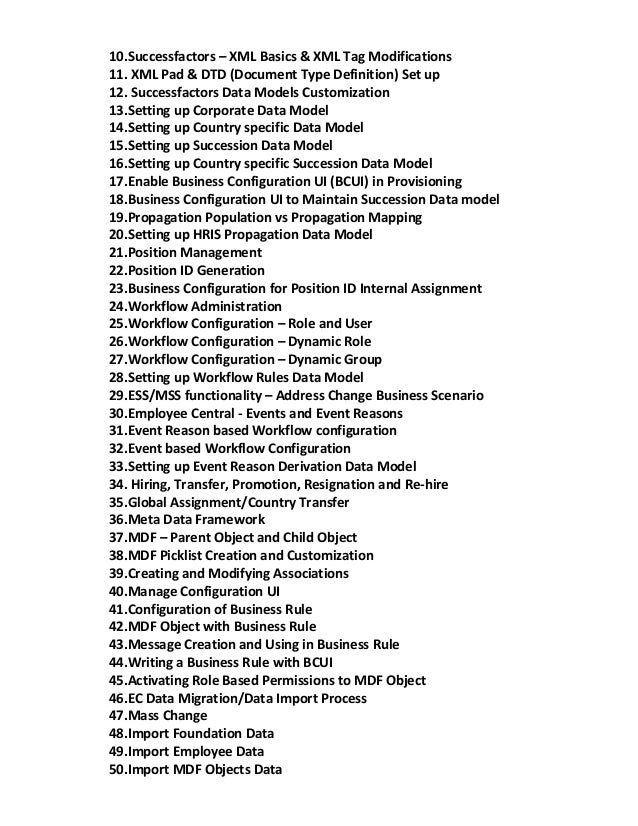
10.Successfactors – XML Basics & XML Tag Modifications
11. XML Pad & DTD (Document Type Definition) Set up
12. Successfactors Data Models Customization
13.Setting up Corporate Data Model
14.Setting up Country specific Data Model
15.Setting up Succession Data Model
16.Setting up Country specific Succession Data Model
17.Enable Business Configuration UI (BCUI) in Provisioning
18.Business Configuration UI to Maintain Succession Data model
19.Propagation Population vs Propagation Mapping
20.Setting up HRIS Propagation Data Model
21.Position Management
22.Position ID Generation
23.Business Configuration for Position ID Internal Assignment
24.Workflow Administration
25.Workflow Configuration – Role and User
26.Workflow Configuration – Dynamic Role
27.Workflow Configuration – Dynamic Group
28.Setting up Workflow Rules Data Model
29.ESS/MSS functionality – Address Change Business Scenario
30.Employee Central - Events and Event Reasons
31.Event Reason based Workflow configuration
32.Event based Workflow Configuration
33.Setting up Event Reason Derivation Data Model
34. Hiring, Transfer, Promotion, Resignation and Re-hire
35.Global Assignment/Country Transfer
36.Meta Data Framework
37.MDF – Parent Object and Child Object
38.MDF Picklist Creation and Customization
39.Creating and Modifying Associations
40.Manage Configuration UI
41.Configuration of Business Rule
42.MDF Object with Business Rule
43.Message Creation and Using in Business Rule
44.Writing a Business Rule with BCUI
45.Activating Role Based Permissions to MDF Object
46.EC Data Migration/Data Import Process
47.Mass Change
48.Import Foundation Data
49.Import Employee Data
50.Import MDF Objects Data
WorkForce Analytics & Reporting
1. Introduction to Reporting
2. Activation of Work force Analytics Module in Provisioning System.
3. Manage Report Permissions
4. Report Centre.
5. List view reports
6. Spotlight view reports
7. Spread sheet reports
8. Classic reports
9. Employee Delta Export
10. Filtering Options
11. List Views Options
12. Adhoc report Builder
13. Single Domain Reports.
14. Cross Domain Reports.
15. Multi Dataset Reports
16. Manage Dashboards
SUCCESSFACTORS SIMULATION PROJECTS
IMPLEMENTATION PROJECT
➢ Detailed discussion on Successfactors Project Implementation with end to end
real time business scenarios by using SAP Activate Cloud Implementation
Methodology
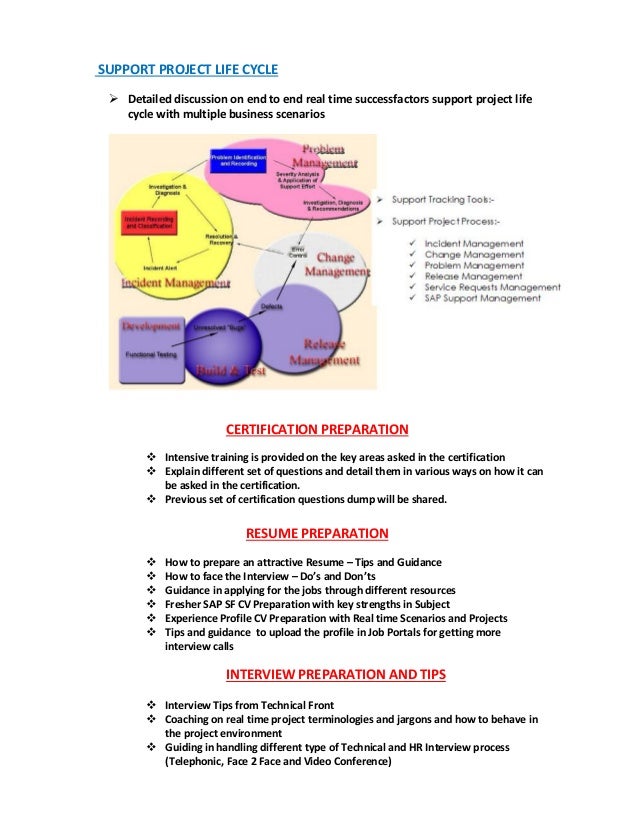
SUPPORT PROJECT LIFE CYCLE
➢ Detailed discussion on end to end real time successfactors support project life
cycle with multiple business scenarios
CERTIFICATION PREPARATION
❖ Intensive training is provided on the key areas asked in the certification
❖ Explain different set of questions and detail them in various ways on how it can
be asked in the certification.
❖ Previous set of certification questions dump will be shared.
RESUME PREPARATION
❖ How to prepare an attractive Resume – Tips and Guidance
❖ How to face the Interview – Do’s and Don’ts
❖ Guidance in applying for the jobs through different resources
❖ Fresher SAP SF CV Preparation with key strengths in Subject
❖ Experience Profile CV Preparation with Real time Scenarios and Projects
❖ Tips and guidance to upload the profile in Job Portals for getting more
interview calls
INTERVIEW PREPARATION AND TIPS
❖ Interview Tips from Technical Front
❖ Coaching on real time project terminologies and jargons and how to behave in
the project environment
❖ Guiding in handling different type of Technical and HR Interview process
(Telephonic, Face 2 Face and Video Conference)

Empower IT Trainings

  • 1.
    Empower IT (EmpowerIT TTrainings – Expert in providing Successfactors Trainings) Email: empowerittrainings@gmail.com Ph: +91-7075234891 EmpowerIT Trainings is only the place where you can get expert level of online training along with real time project specific case studies in Successfactors Cloud HCM platform. We are known for introducing new dimension modules in the training market since inception. We have trained students in Successfactors and introduced them to the Cloud Industry across the globe. We are proud to say that the top cream of Successfactors consultants in the market are trained by our trainer Madhav only. Successfactors By Mr. Madhav (Leader in Successfactors Training) S.NO Topic Details 1 Trainer details Mr. Madhav Professional Level Certified in Successfactors Corporate Trainer in Successfactors & SAP HCM 2 Experience • 18+ Years of SAP Industry Exp • 7+ Years of Successfactors Exp 3 Course Duration • 45 hours in 45 Days 4 Version • Successfactors – SAP Fiori 5 Releases • Successfactors – 1H 2021 6 Material • Successfactors Live Project Material • SAP SF Press Book worth of 75 $ • Sample Resumes 7 Certification Support • Provide training from the Certification perspective. 8 Access • Individual login credentials provided. • 24x7 students can practice in on-line. • Validity – 90 days
  • 2.
    Why do weneed to learn Successfactors? • Any technology when it is demanding and becomes mandatory for clients, will surely be used across the globe in all development or consulting companies. So, there is a great scope for many number of people to get placed. • The technology or tool that you learned shouldn't be known by everybody so that you will only be demandable and dependable in organization. • There would be 2 scenarios for job seekers in recruiting; 1 - people search for companies and 2 - companies search for people. If you want to be in 2nd scenario, the technology or tool what you learned, should not be known by everybody. Whenever companies are short staffed, then they will be hunting for the people. That is what you should learn and you should try for. • If you want to make your profile unique, you need to learn or adopt a technology or tool which is new to training market so that the less will be aware of and everybody cannot train. You get one stop point that fulfills all the above criteria and that is Successfactors technology. Why do we need to join Enrich IT for Successfactors course? • Our key strength is our FACULTY who teaches the subject in-depth with real- time (live) business scenarios. Our faculty is a highly qualified professional having 18+ years of experience in SAP which includes 7+ years of experience in Successfactors. He has completed eleven end to end global implementations, three rollout projects and two support project assignments on Success Factors. • We proudly say that our faculty is the only one person across the globe who provides intensive and in detail training on the all the very important and key areas of successfactors where students can work in the projects post completion of the trainings independently. • We are the only institute who are providing implementation and support projects scenarios on Successfactors. • We are only institute who are mentoring the learners on certification so that they can write their certification online without any difficulty.
  • 3.
    Introduction to Mastery 1.Cloud Solutions – SAAS Model 2. History of Successfactors 3. SAP & Successfactors Capabilities 4. SAPs Strategy for SAP ERP HCM and Successfactors 5. SAP & Successfactors – Deployment Models 6. SAP & Successfactors – Integration Options 7. Successfactors Bizx Suite Products 8. Successfactors – Sales demo and Professional System Set up 9. Successfactors - Instance, Provisioning Systems explanation 10. Successfactors – Half Yearly Releases & Upgrade Center 11. Instance basic settings – Home Page and Navigation Menu options 12. Instance – Standard Tiles with Tile Browser functionality 13. Instance – Custom Tile Creation with Text and Image loading 14. Instance – Custom Tile Creation with YouTube loading 15. Instance – User Groups Creation 16. Instance – Setting up Company Logo 17. Instance – Replacement text customization 18. Instance – Resetting user accounts or Passwords 19. Provisioning System - Basic company settings 20. Provisioning System – Language Pack Activation 21. Provisioning System – SF Applications Activation 22. Provisioning System – Super Admin Creation 23. Instance – Password Policies 24. Instance – Email Notification Customization 25. Instance – Theme Manager Customization 26. Instance – Proxy Management Employee Central 1. Introduction to Employee Central 2. Employee Central Structure. 3. EC – Foundation Objects 4. EC – Personal and Employment Objects 5. EC – MDF Objects 6. Picklist Management – CSV Picklist & MDF Picklist 7. EC – 14 Steps Implementation Sequence 8. EC - Provisioning Settings 9. EC - Setup Super Administrator
  • 4.
    10.Successfactors – XMLBasics & XML Tag Modifications 11. XML Pad & DTD (Document Type Definition) Set up 12. Successfactors Data Models Customization 13.Setting up Corporate Data Model 14.Setting up Country specific Data Model 15.Setting up Succession Data Model 16.Setting up Country specific Succession Data Model 17.Enable Business Configuration UI (BCUI) in Provisioning 18.Business Configuration UI to Maintain Succession Data model 19.Propagation Population vs Propagation Mapping 20.Setting up HRIS Propagation Data Model 21.Position Management 22.Position ID Generation 23.Business Configuration for Position ID Internal Assignment 24.Workflow Administration 25.Workflow Configuration – Role and User 26.Workflow Configuration – Dynamic Role 27.Workflow Configuration – Dynamic Group 28.Setting up Workflow Rules Data Model 29.ESS/MSS functionality – Address Change Business Scenario 30.Employee Central - Events and Event Reasons 31.Event Reason based Workflow configuration 32.Event based Workflow Configuration 33.Setting up Event Reason Derivation Data Model 34. Hiring, Transfer, Promotion, Resignation and Re-hire 35.Global Assignment/Country Transfer 36.Meta Data Framework 37.MDF – Parent Object and Child Object 38.MDF Picklist Creation and Customization 39.Creating and Modifying Associations 40.Manage Configuration UI 41.Configuration of Business Rule 42.MDF Object with Business Rule 43.Message Creation and Using in Business Rule 44.Writing a Business Rule with BCUI 45.Activating Role Based Permissions to MDF Object 46.EC Data Migration/Data Import Process 47.Mass Change 48.Import Foundation Data 49.Import Employee Data 50.Import MDF Objects Data
  • 5.
    WorkForce Analytics &Reporting 1. Introduction to Reporting 2. Activation of Work force Analytics Module in Provisioning System. 3. Manage Report Permissions 4. Report Centre. 5. List view reports 6. Spotlight view reports 7. Spread sheet reports 8. Classic reports 9. Employee Delta Export 10. Filtering Options 11. List Views Options 12. Adhoc report Builder 13. Single Domain Reports. 14. Cross Domain Reports. 15. Multi Dataset Reports 16. Manage Dashboards SUCCESSFACTORS SIMULATION PROJECTS IMPLEMENTATION PROJECT ➢ Detailed discussion on Successfactors Project Implementation with end to end real time business scenarios by using SAP Activate Cloud Implementation Methodology
  • 6.
    SUPPORT PROJECT LIFECYCLE ➢ Detailed discussion on end to end real time successfactors support project life cycle with multiple business scenarios CERTIFICATION PREPARATION ❖ Intensive training is provided on the key areas asked in the certification ❖ Explain different set of questions and detail them in various ways on how it can be asked in the certification. ❖ Previous set of certification questions dump will be shared. RESUME PREPARATION ❖ How to prepare an attractive Resume – Tips and Guidance ❖ How to face the Interview – Do’s and Don’ts ❖ Guidance in applying for the jobs through different resources ❖ Fresher SAP SF CV Preparation with key strengths in Subject ❖ Experience Profile CV Preparation with Real time Scenarios and Projects ❖ Tips and guidance to upload the profile in Job Portals for getting more interview calls INTERVIEW PREPARATION AND TIPS ❖ Interview Tips from Technical Front ❖ Coaching on real time project terminologies and jargons and how to behave in the project environment ❖ Guiding in handling different type of Technical and HR Interview process (Telephonic, Face 2 Face and Video Conference)