
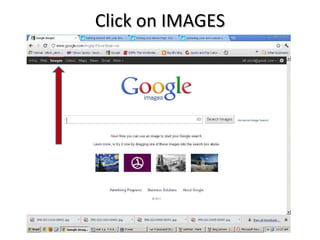
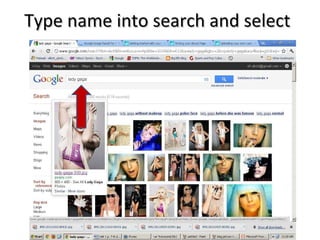
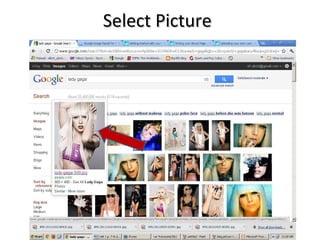

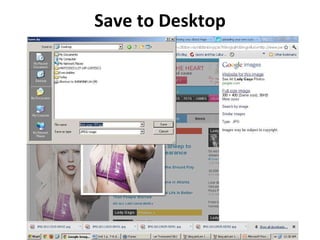
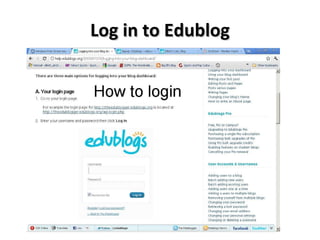

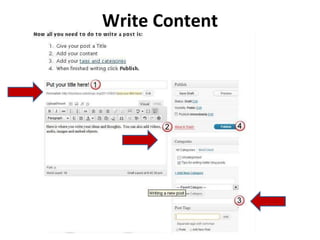

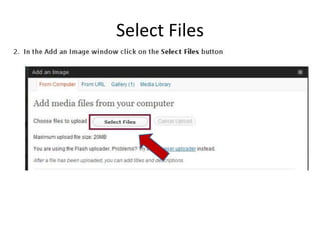
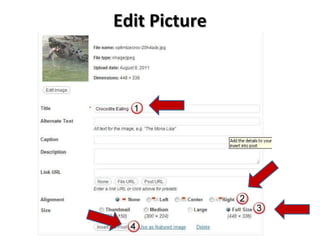
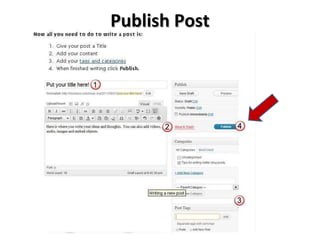
This document provides instructions for adding an image to an eduBlog post in 3 steps: search for and save an image from Google Images to the desktop, write a blog post and select the saved image to add it to the post, then publish the post to include the image.


