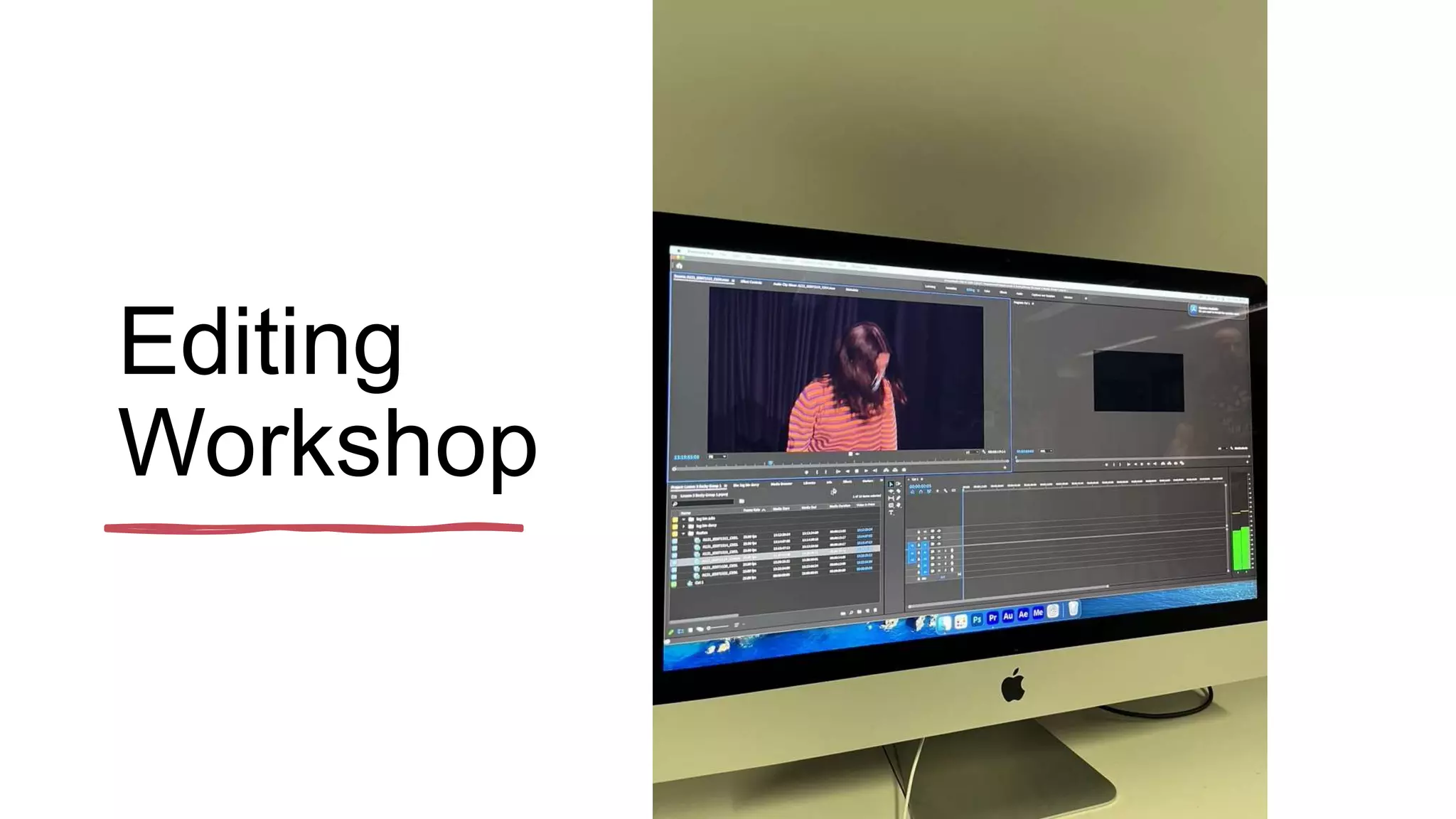
Editing
Workshop
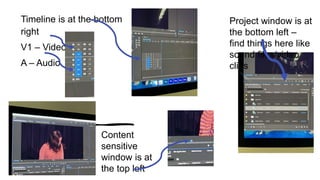
Timeline is at the bottom
right
V1 – Video 1
A – Audio
Project window is at
the bottom left –
find things here like
sound files/video
clips
Content
sensitive
window is at
the top left
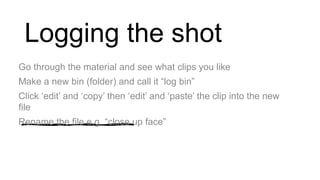
Logging the shot
Go through the material and see what clips you like
Make a new bin (folder) and call it “log bin”
Click ‘edit’ and ‘copy’ then ‘edit’ and ‘paste’ the clip into the new
file
Rename the file e.g. “close up face”
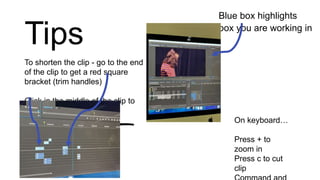
Tips
Blue box highlights
box you are working in
To shorten the clip - go to the end
of the clip to get a red square
bracket (trim handles)
Click in the middle of the clip to
move it
On keyboard…
Press + to
zoom in
Press c to cut
clip

editing workshop.pptx

  • 1.
  • 2.
    Timeline is atthe bottom right V1 – Video 1 A – Audio Project window is at the bottom left – find things here like sound files/video clips Content sensitive window is at the top left
  • 3.
    Logging the shot Gothrough the material and see what clips you like Make a new bin (folder) and call it “log bin” Click ‘edit’ and ‘copy’ then ‘edit’ and ‘paste’ the clip into the new file Rename the file e.g. “close up face”
  • 4.
    Tips Blue box highlights boxyou are working in To shorten the clip - go to the end of the clip to get a red square bracket (trim handles) Click in the middle of the clip to move it On keyboard… Press + to zoom in Press c to cut clip