The Name
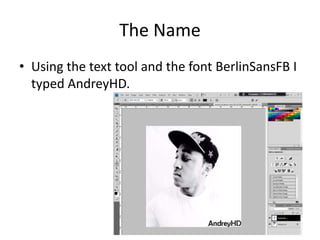
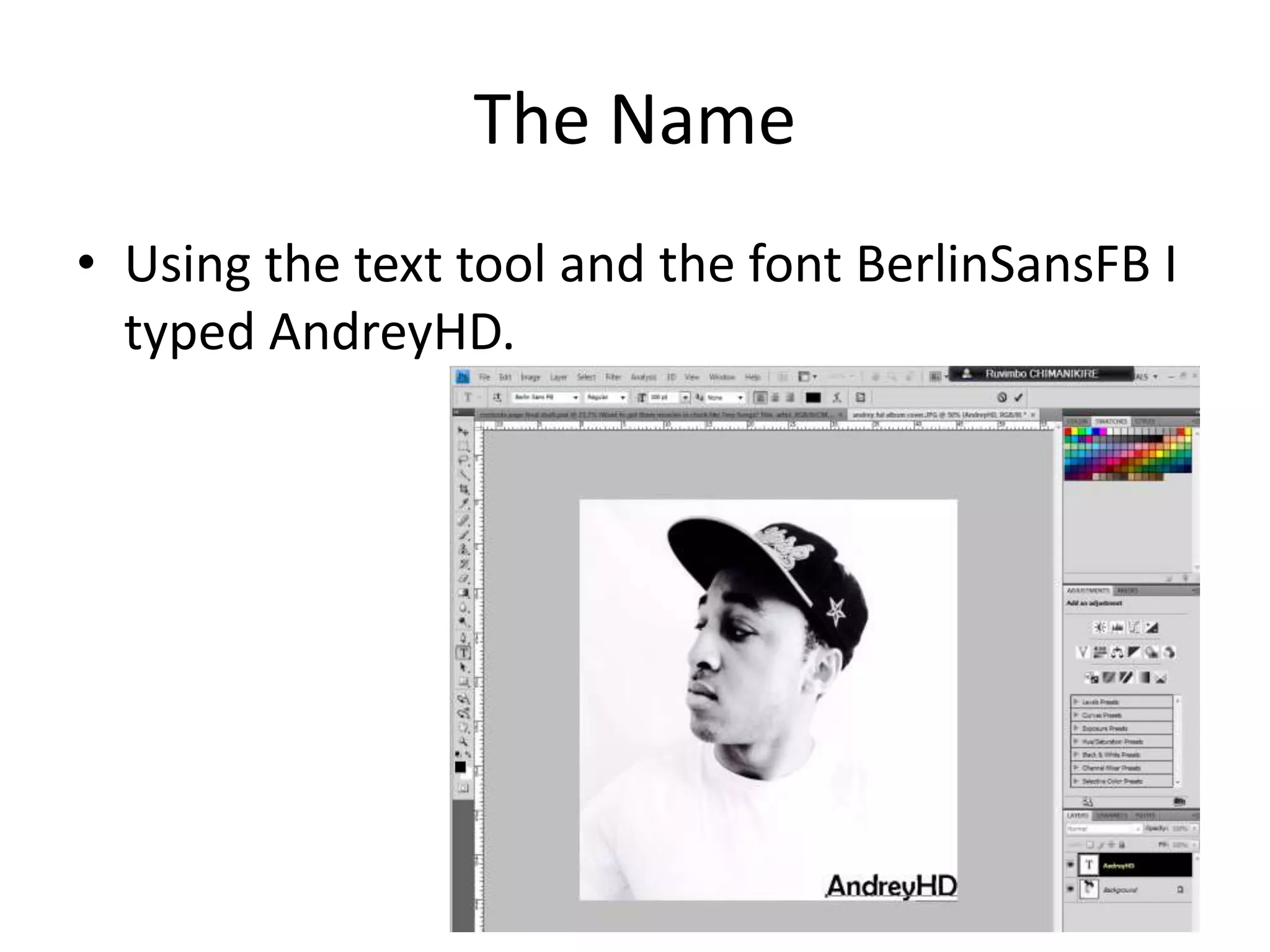
• Using the text tool and the font BerlinSansFB I
typed AndreyHD.
Making The Album Cover
for
AndreyHd
for
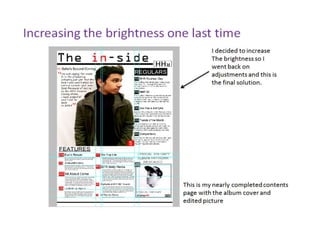
My Contents Page
and
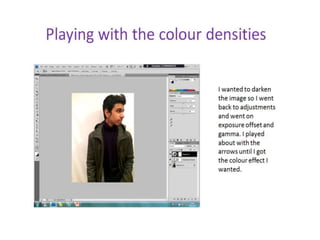
Editing the picture of ‘Safar’
The Name Continued
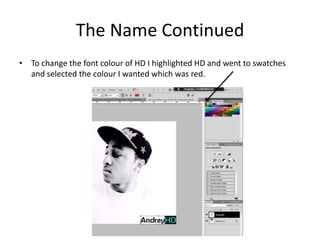
• To change the font colour of HD I highlighted HD and went to swatches
and selected the colour I wanted which was red.
Inserting The Tag
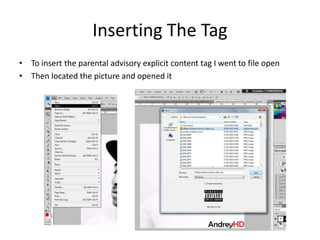
• To insert the parental advisory explicit content tag I went to file open
• Then located the picture and opened it
The Tag Continued
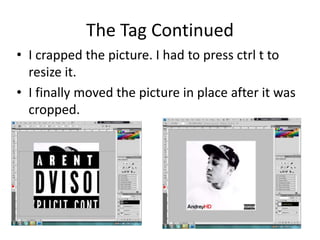
• I crapped the picture. I had to press ctrl t to
resize it.
• I finally moved the picture in place after it was
cropped.
Adding The Album Name
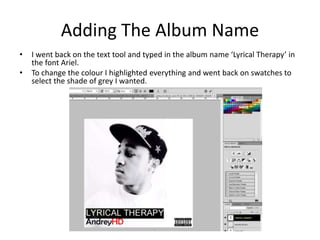
• I went back on the text tool and typed in the album name ‘Lyrical Therapy’ in
the font Ariel.
• To change the colour I highlighted everything and went back on swatches to
select the shade of grey I wanted.
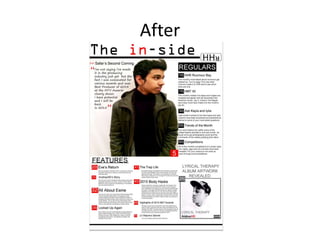
The Final Outcome
After

Editing on Photoshop

  • 1.
    The Name • Usingthe text tool and the font BerlinSansFB I typed AndreyHD.
  • 2.
    Making The AlbumCover for AndreyHd for My Contents Page and Editing the picture of ‘Safar’
  • 3.
    The Name Continued •To change the font colour of HD I highlighted HD and went to swatches and selected the colour I wanted which was red.
  • 4.
    Inserting The Tag •To insert the parental advisory explicit content tag I went to file open • Then located the picture and opened it
  • 5.
    The Tag Continued •I crapped the picture. I had to press ctrl t to resize it. • I finally moved the picture in place after it was cropped.
  • 6.
    Adding The AlbumName • I went back on the text tool and typed in the album name ‘Lyrical Therapy’ in the font Ariel. • To change the colour I highlighted everything and went back on swatches to select the shade of grey I wanted.
  • 7.
  • 13.