Download to read offline


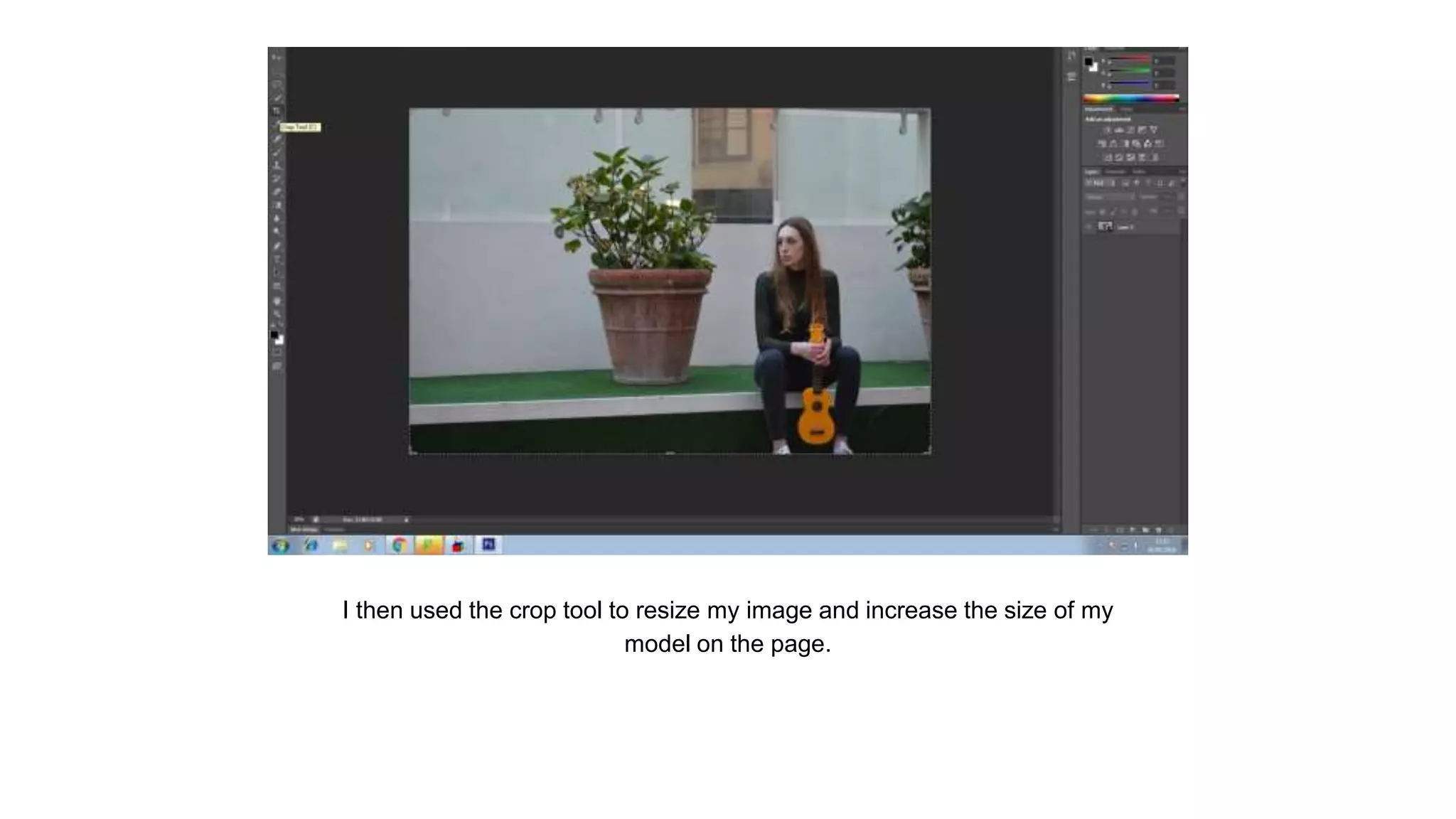
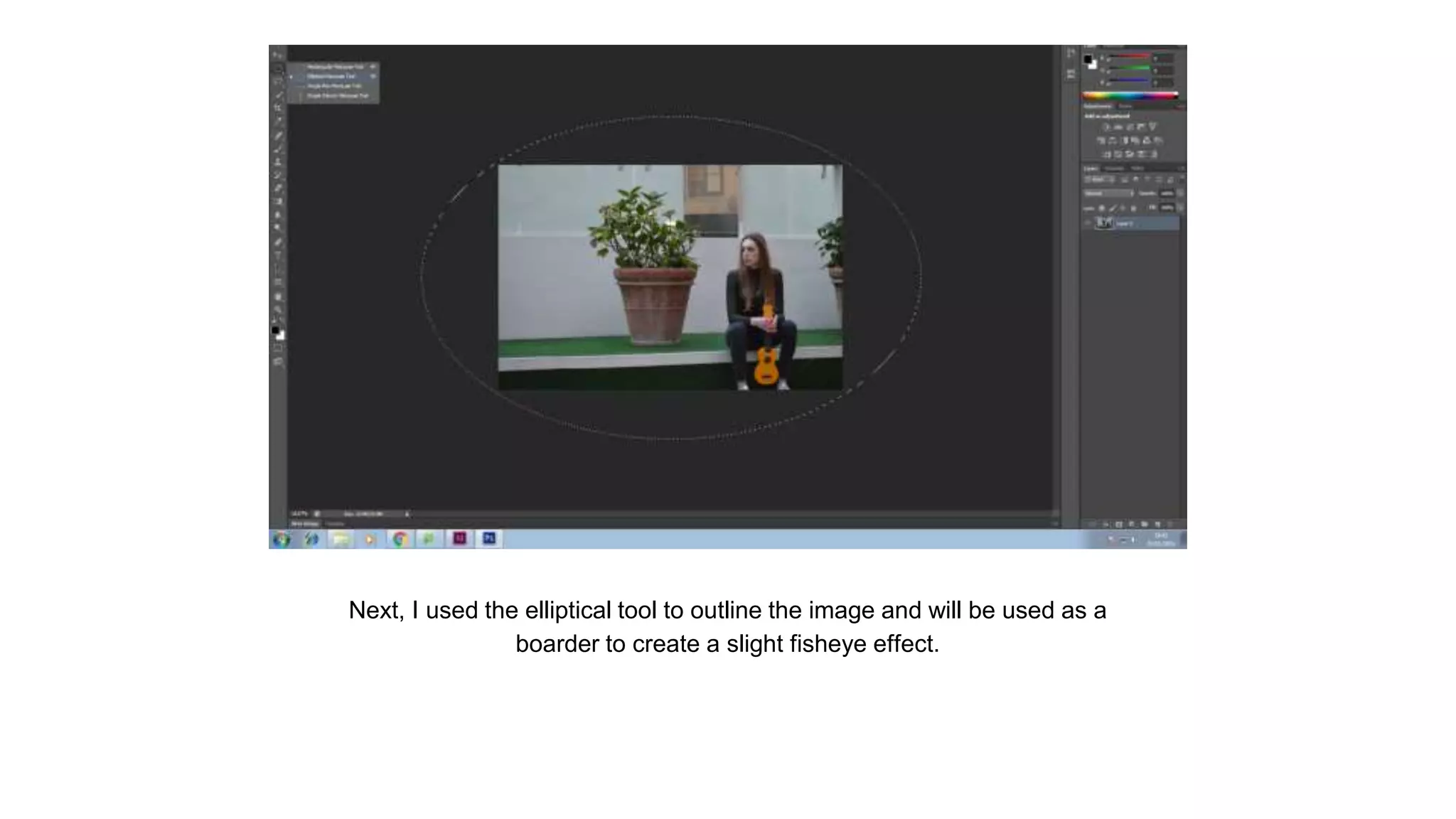


The document describes the steps taken to edit a photo in Photoshop for a double page spread. The photographer first opened the image in Photoshop and used the crop tool to resize it and increase the size of the model. An elliptical tool was used to outline the image and create a border for a fisheye effect. A spherize filter was applied to distort the image. Finally, a blur tool blurred the background to make the model stand out on the page.


