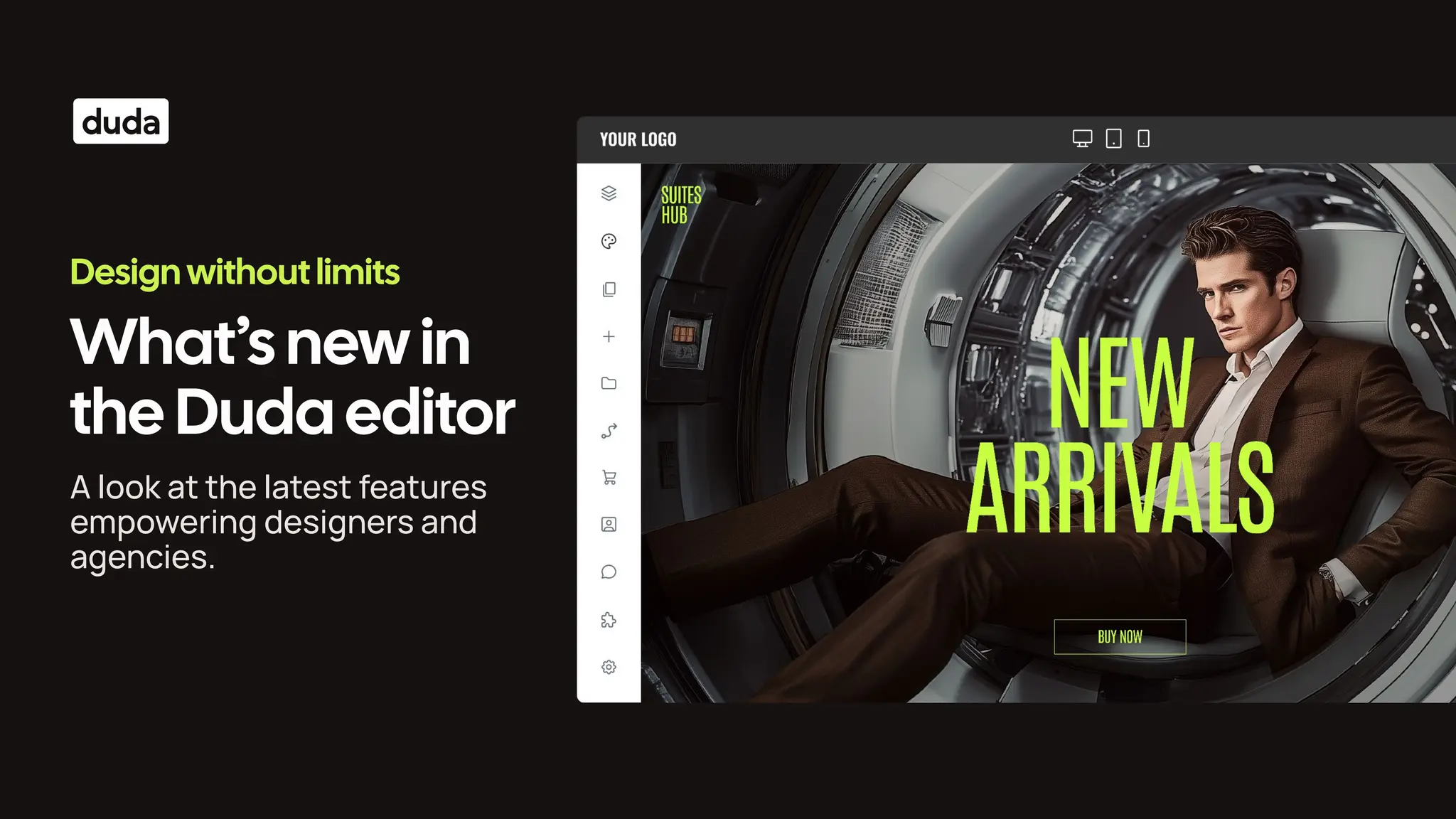
A look at the latest features
empowering designers and
agencies.
What’s new in
the Duda editor
Design without limits
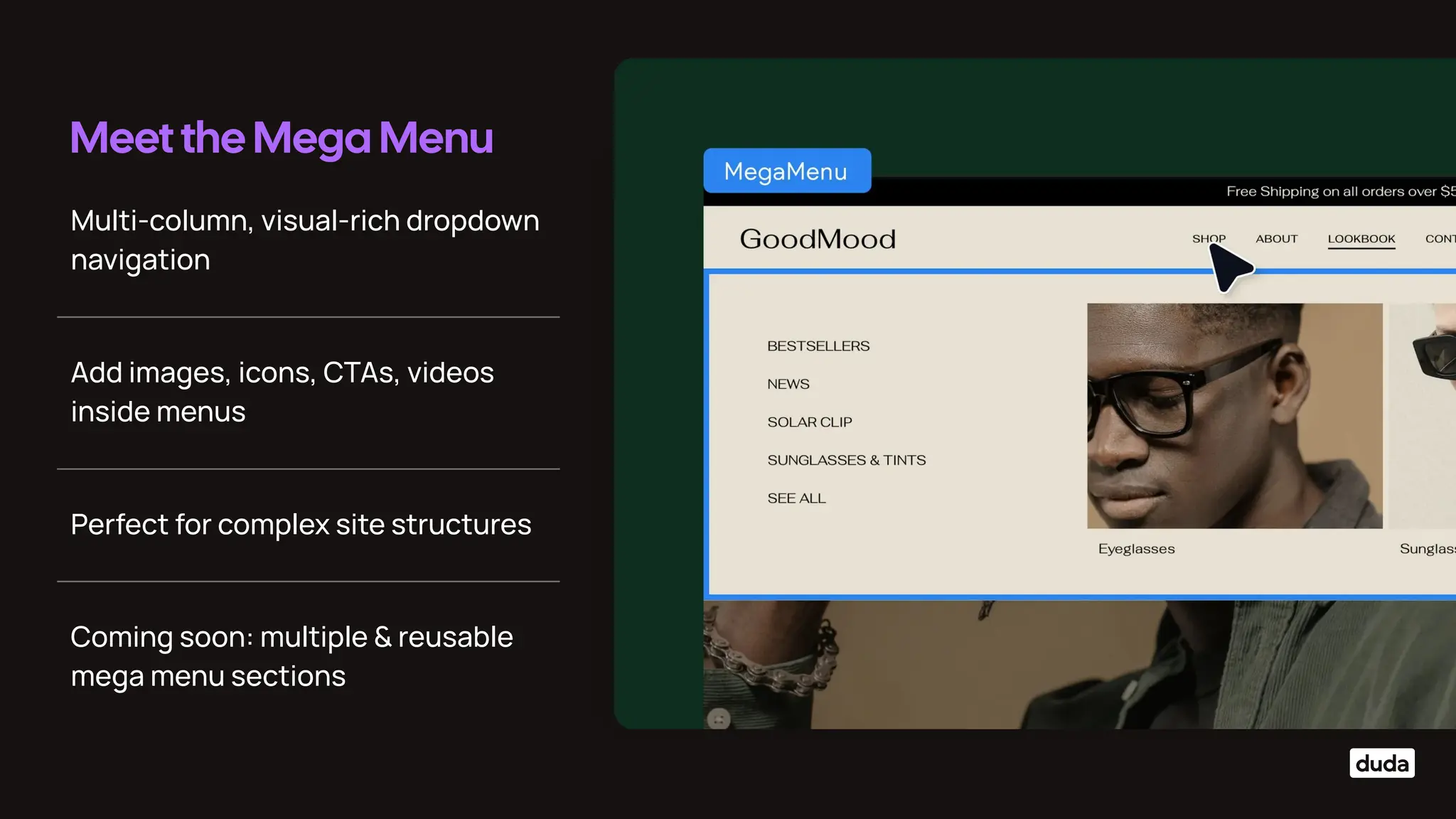
Multi-column, visual-rich dropdown
navigation
Meet the Mega Menu
Add images, icons, CTAs, videos
inside menus
Perfect for complex site structures
Coming soon: multiple & reusable
mega menu sections
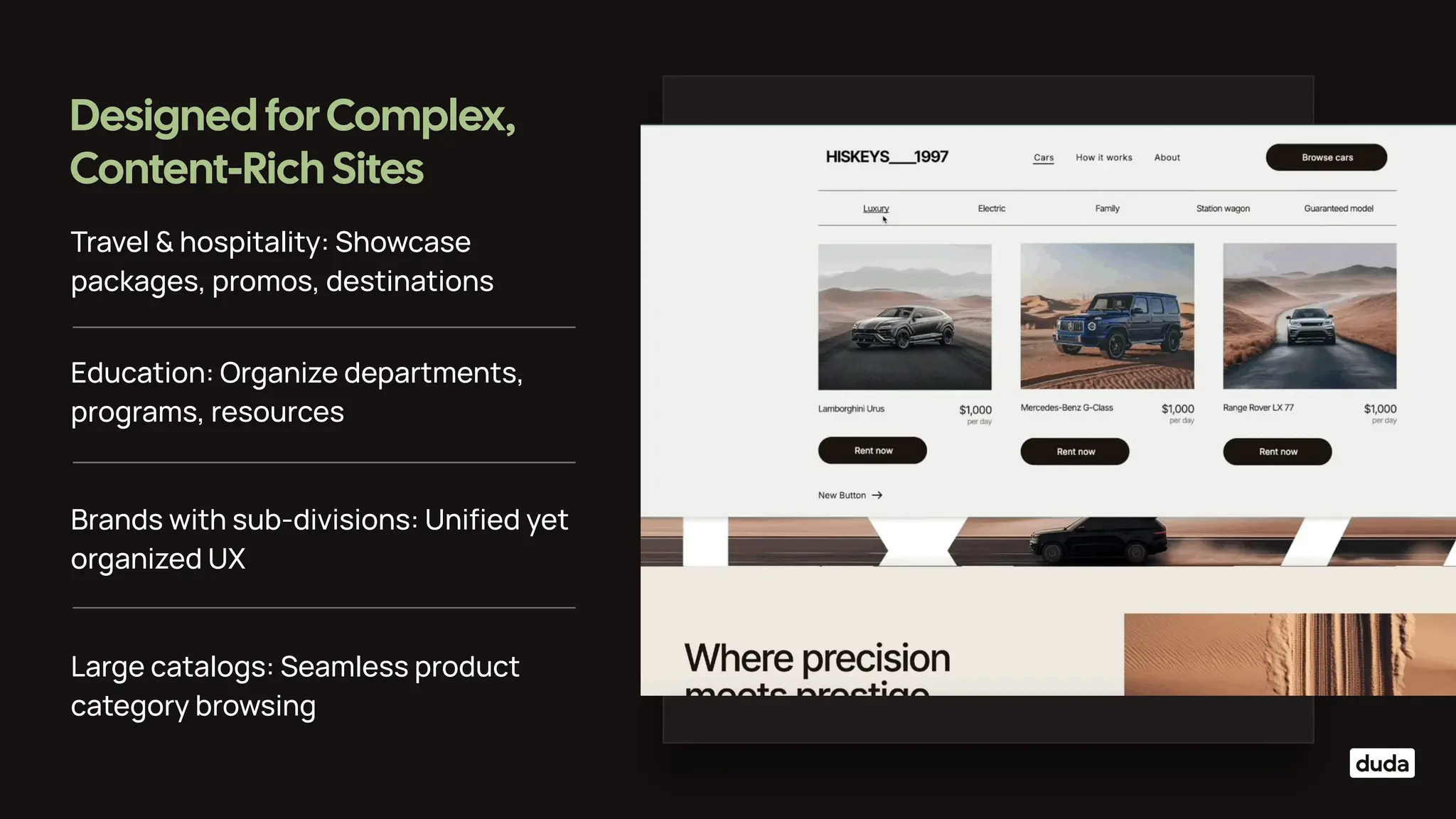
Travel & hospitality: Showcase
packages, promos, destinations
Designed forComplex,
Content-Rich Sites
Education: Organize departments,
programs, resources
Brands with sub-divisions: Unified yet
organized UX
Large catalogs: Seamless product
category browsing
Smarter Interactions,
Smoother Experiences
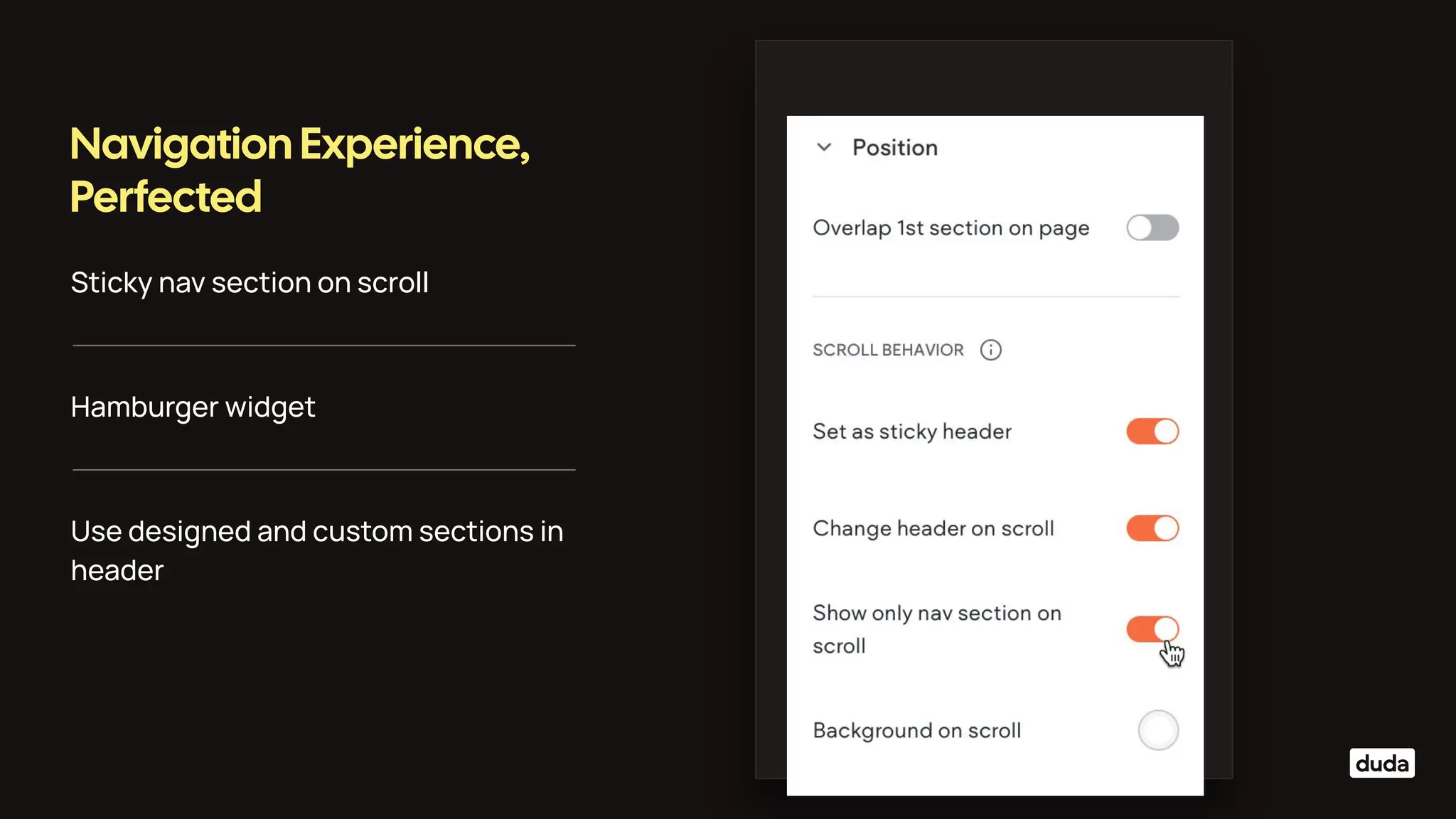
Sticky nav section on scroll
Navigation Experience,
Perfected
Hamburger widget
Use designed and custom sections in
header
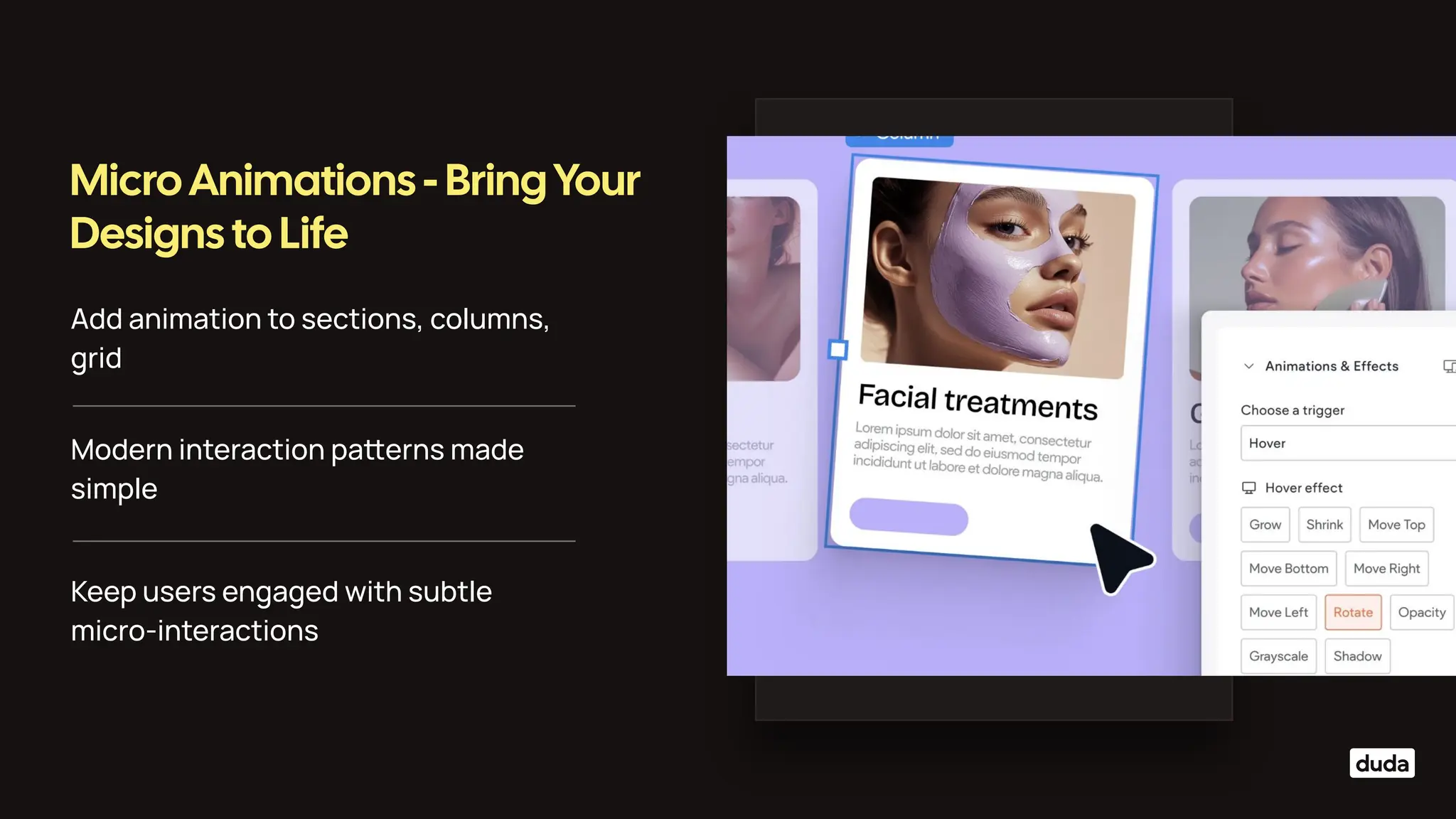
Add animation to sections, columns,
grid
Micro Animations - Bring Your
Designs to Life
Modern interaction paerns made
simple
Keep users engaged with subtle
micro-interactions
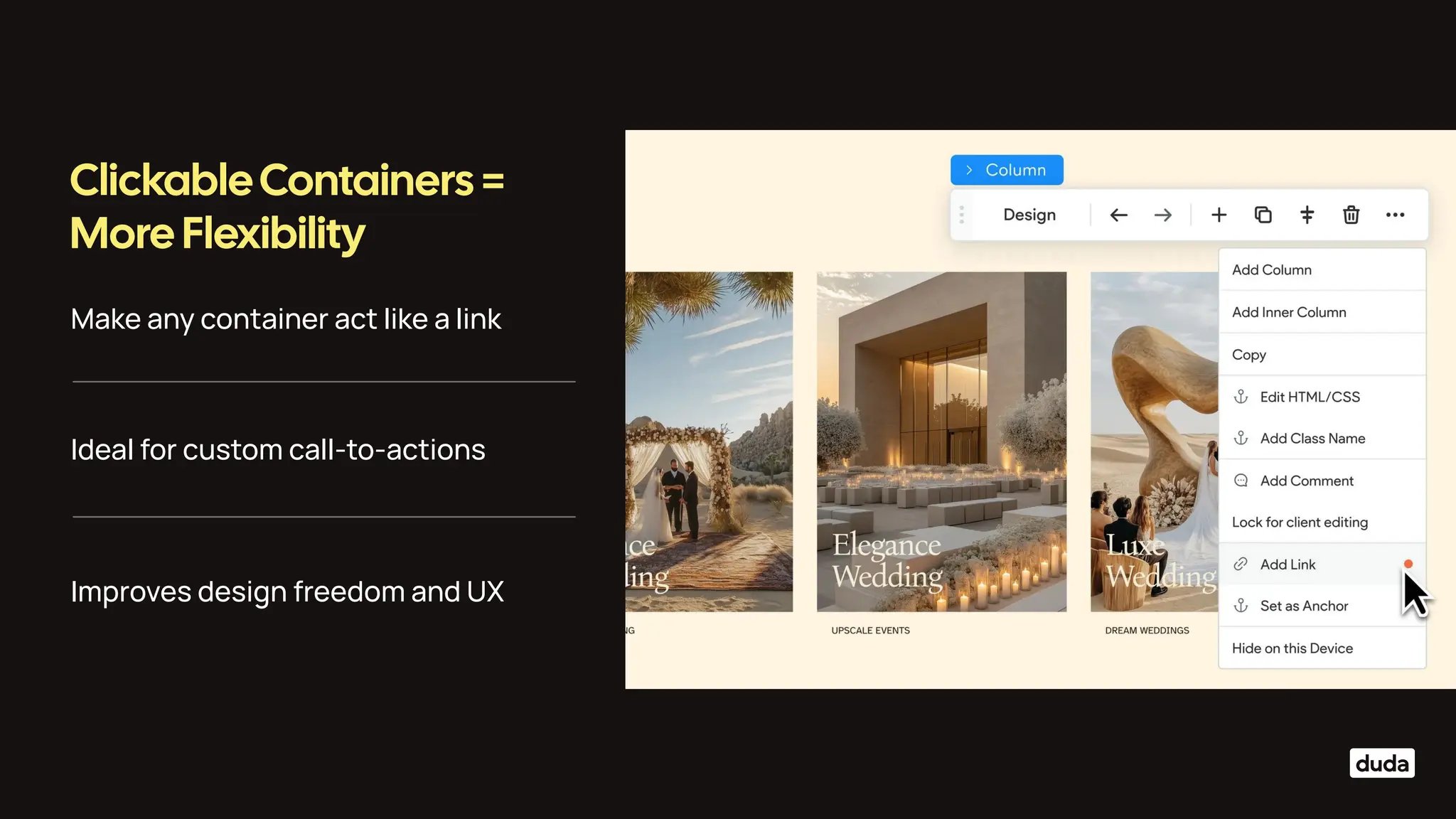
Make any container act like a link
ClickableContainers =
More Flexibility
Ideal for custom call-to-actions
Improves design freedom and UX
Layout andContent Releases
Layouts for every
breakpoint
Customize section layouts specifically
for the desktop breakpoint.
Rearrange columns within a section
without adding new ones or inner
columns.
Facilitates the creation of complex
designs more eiciently.
Empowers designers to build
advanced, flexible layouts with ease.
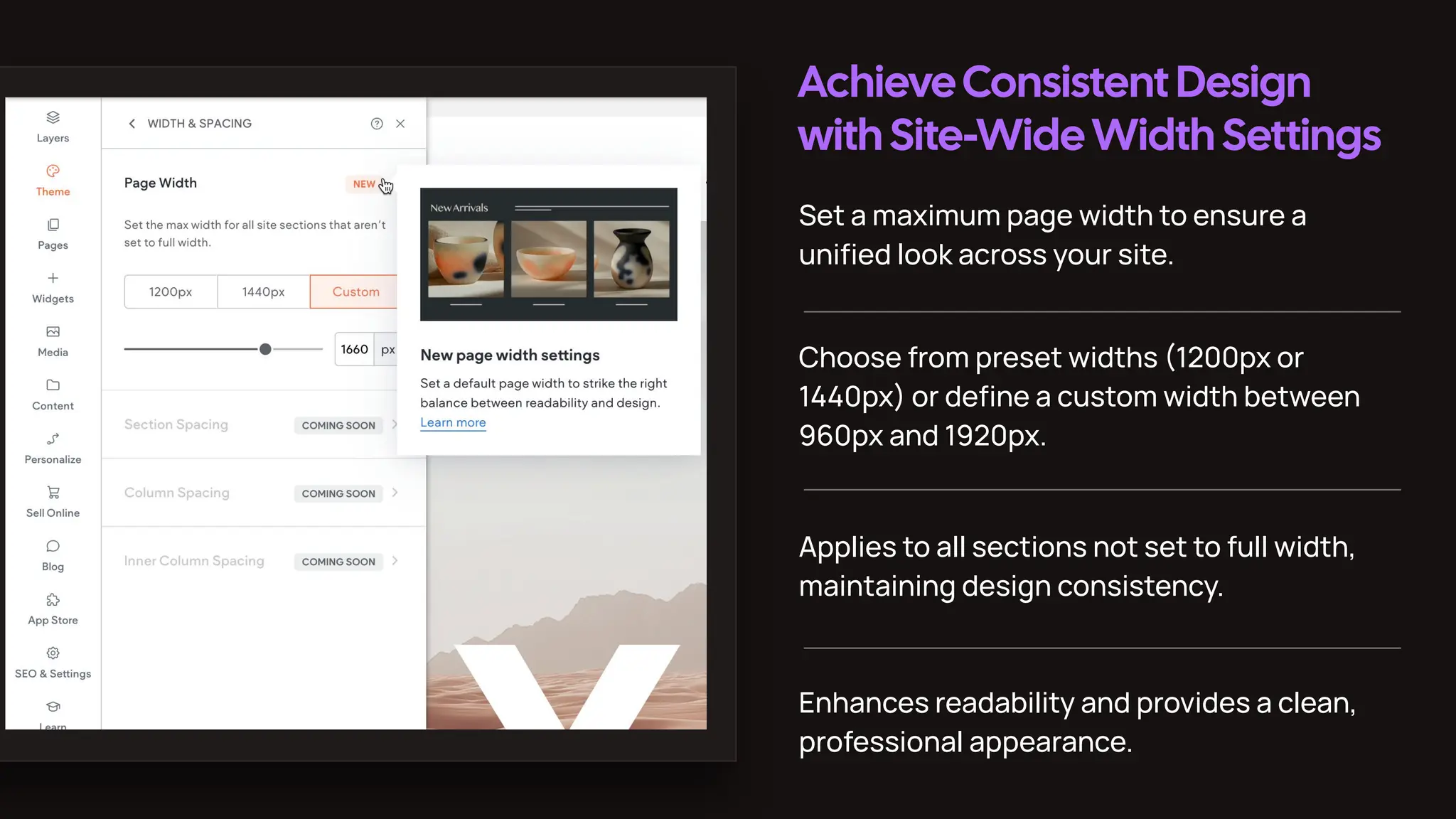
AchieveConsistent Design
with Site-WideWidth Settings
Set a maximum page width to ensure a
unified look across your site.
Choose from preset widths (1200px or
1440px) or define a custom width between
960px and 1920px.
Applies to all sections not set to full width,
maintaining design consistency.
Enhances readability and provides a clean,
professional appearance.
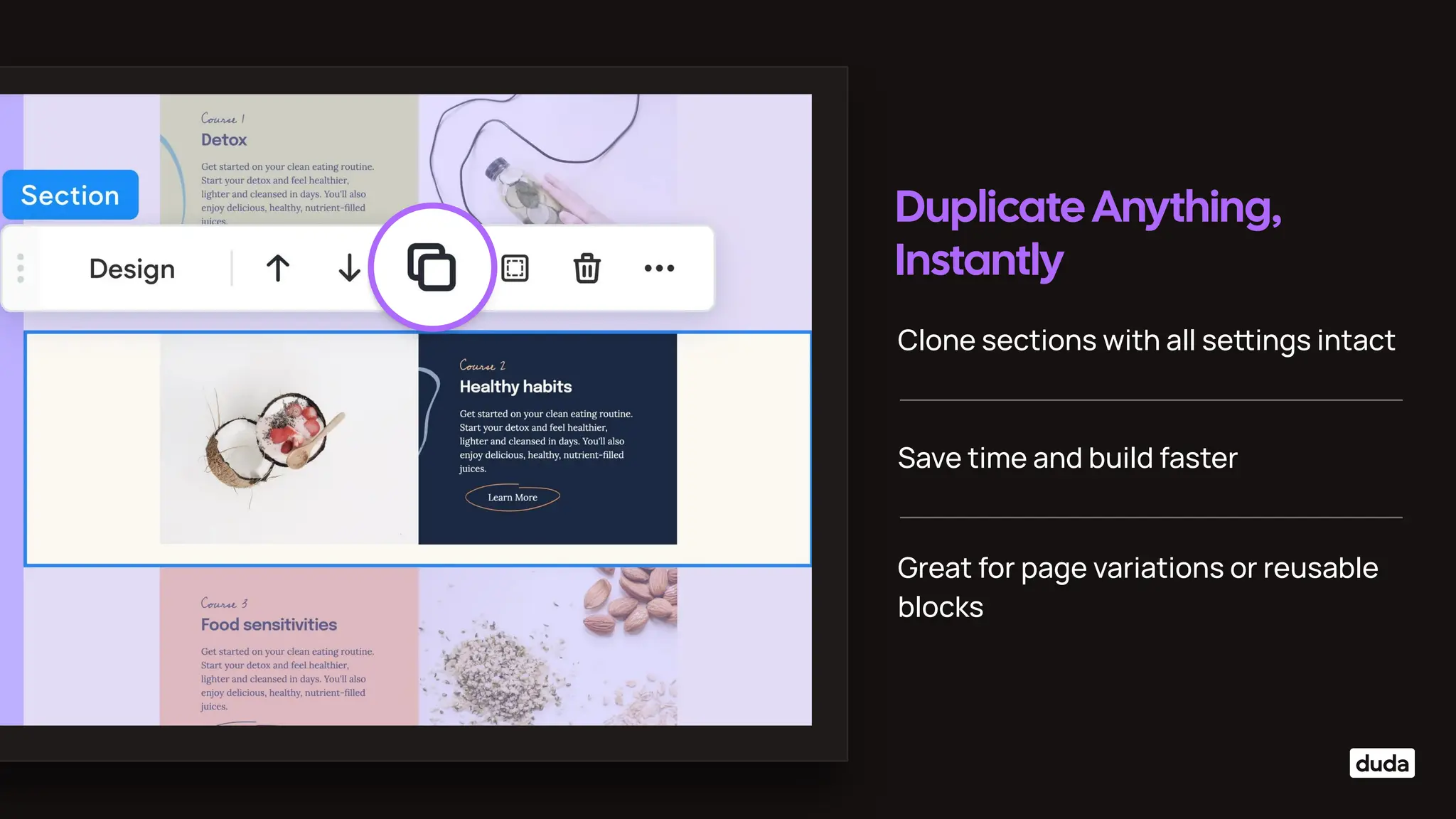
Duplicate Anything,
Instantly
Clone sections with all seings intact
Save time and build faster
Great for page variations or reusable
blocks
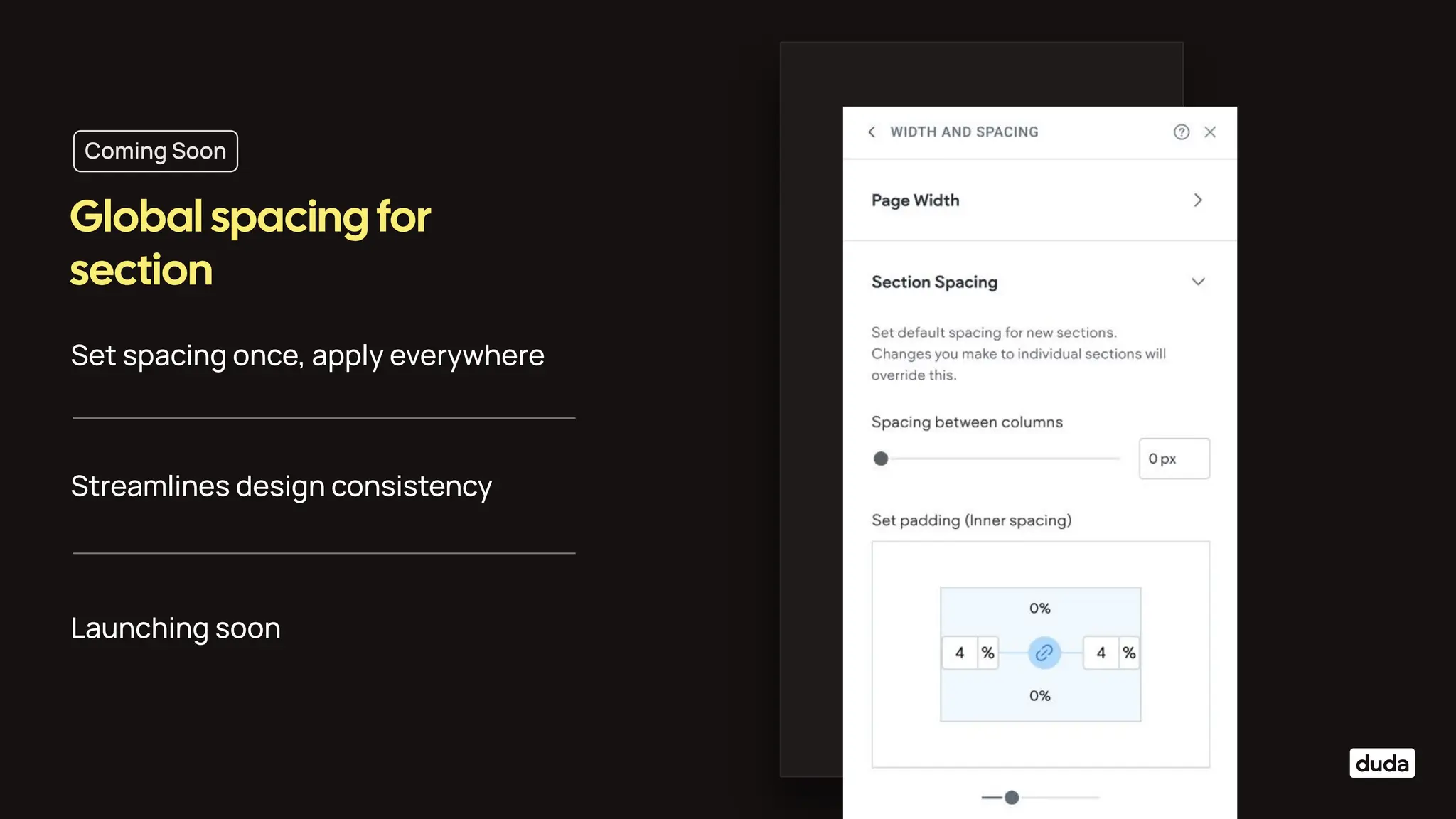
Set spacing once, apply everywhere
Global spacing for
section
Streamlines design consistency
Launching soon
Coming Soon
Thank you.

Digital Agency Design Webinar - June 2025. Editor 2.0

  • 1.
    A look atthe latest features empowering designers and agencies. What’s new in the Duda editor Design without limits
  • 2.
    Multi-column, visual-rich dropdown navigation Meetthe Mega Menu Add images, icons, CTAs, videos inside menus Perfect for complex site structures Coming soon: multiple & reusable mega menu sections
  • 3.
    Travel & hospitality:Showcase packages, promos, destinations Designed forComplex, Content-Rich Sites Education: Organize departments, programs, resources Brands with sub-divisions: Unified yet organized UX Large catalogs: Seamless product category browsing
  • 4.
  • 5.
    Sticky nav sectionon scroll Navigation Experience, Perfected Hamburger widget Use designed and custom sections in header
  • 6.
    Add animation tosections, columns, grid Micro Animations - Bring Your Designs to Life Modern interaction paerns made simple Keep users engaged with subtle micro-interactions
  • 7.
    Make any containeract like a link ClickableContainers = More Flexibility Ideal for custom call-to-actions Improves design freedom and UX
  • 8.
  • 9.
    Layouts for every breakpoint Customizesection layouts specifically for the desktop breakpoint. Rearrange columns within a section without adding new ones or inner columns. Facilitates the creation of complex designs more eiciently. Empowers designers to build advanced, flexible layouts with ease.
  • 10.
    AchieveConsistent Design with Site-WideWidthSettings Set a maximum page width to ensure a unified look across your site. Choose from preset widths (1200px or 1440px) or define a custom width between 960px and 1920px. Applies to all sections not set to full width, maintaining design consistency. Enhances readability and provides a clean, professional appearance.
  • 11.
    Duplicate Anything, Instantly Clone sectionswith all seings intact Save time and build faster Great for page variations or reusable blocks
  • 12.
    Set spacing once,apply everywhere Global spacing for section Streamlines design consistency Launching soon Coming Soon
  • 13.