DHCP & DNS
DHCP & DNS
DHCP (Dynamic Host Configuration Protocol)
 DHCP is a network protocol that is used to assign various
network parameters to a device.
 This greatly simplifies administration, since there is no need to
assign static network parameters for each device separately.
 DHCP is a client-server protocol.
 A client is a device that is configured to use DHCP to request
network parameters from a DHCP server.
 DHCP server maintains a pool of available IP addresses and
assigns one of them to the host.
 A DHCP server can also provide some other parameters, such
as:
• subnet mask
• default gateway
• domain name
• DNS server
 Cisco routers can be used as a DHCP server.
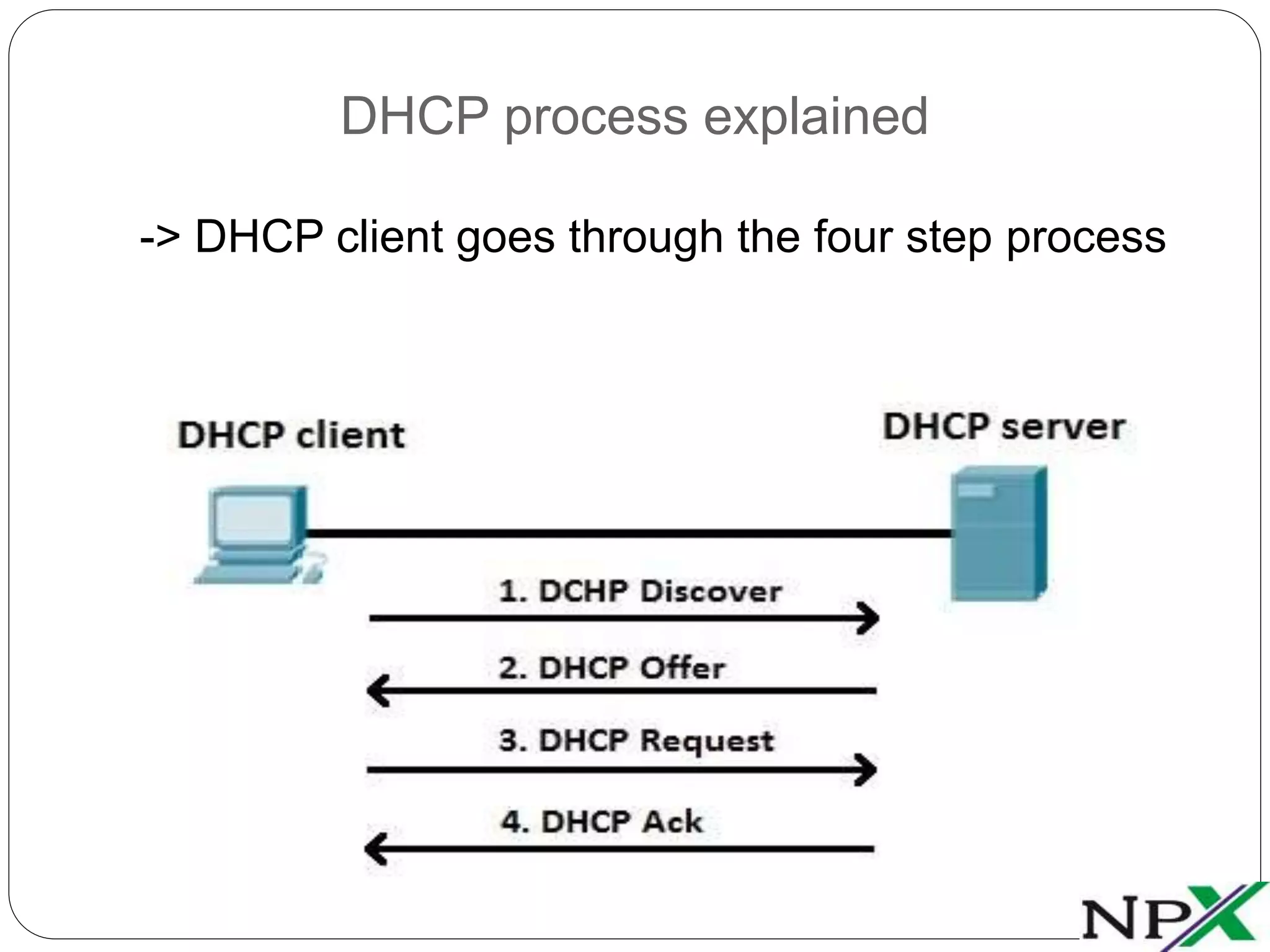
DHCP process explained
-> DHCP client goes through the four step process
1. A DHCP client sends a broadcast packet (DHCP Discover)
to discover DHCP servers on the LAN segment.
2. The DHCP servers receive the DHCP Discover packet and
respond with DHCP Offer packets, offering IP addressing
information.
3. If the client receives the DHCP Offer packets from multiple
DHCP servers, the first DHCP Offer packet is accepted.
The client responds by broadcasting a DHCP Request
packet, requesting network parameters from a single
server.
4. The DHCP server approves the lease with a DHCP
Acknowledgement packet. The packet includes the lease
duration and other configuration information.
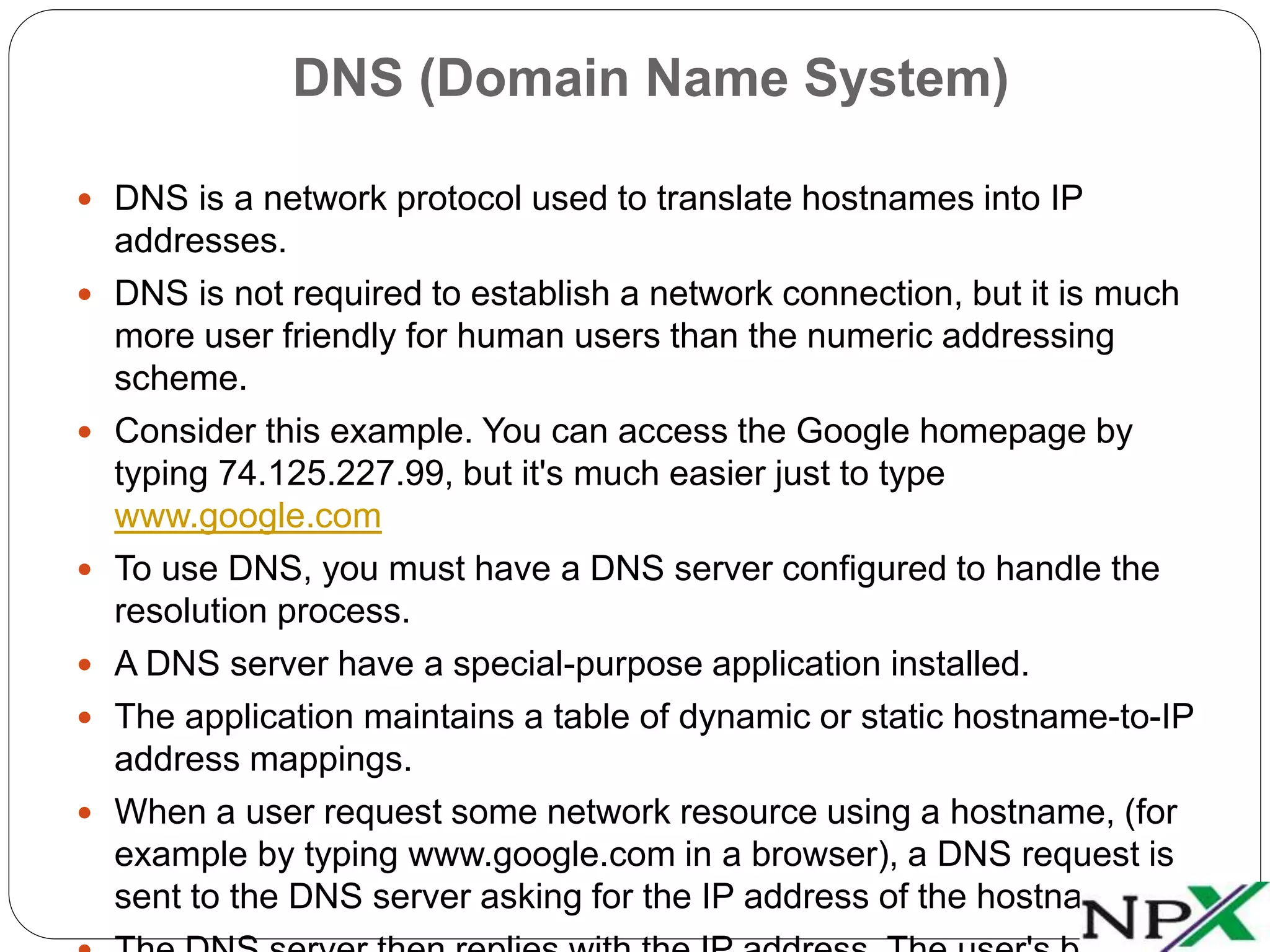
DNS (Domain Name System)
 DNS is a network protocol used to translate hostnames into IP
addresses.
 DNS is not required to establish a network connection, but it is much
more user friendly for human users than the numeric addressing
scheme.
 Consider this example. You can access the Google homepage by
typing 74.125.227.99, but it's much easier just to type
www.google.com
 To use DNS, you must have a DNS server configured to handle the
resolution process.
 A DNS server have a special-purpose application installed.
 The application maintains a table of dynamic or static hostname-to-IP
address mappings.
 When a user request some network resource using a hostname, (for
example by typing www.google.com in a browser), a DNS request is
sent to the DNS server asking for the IP address of the hostname.
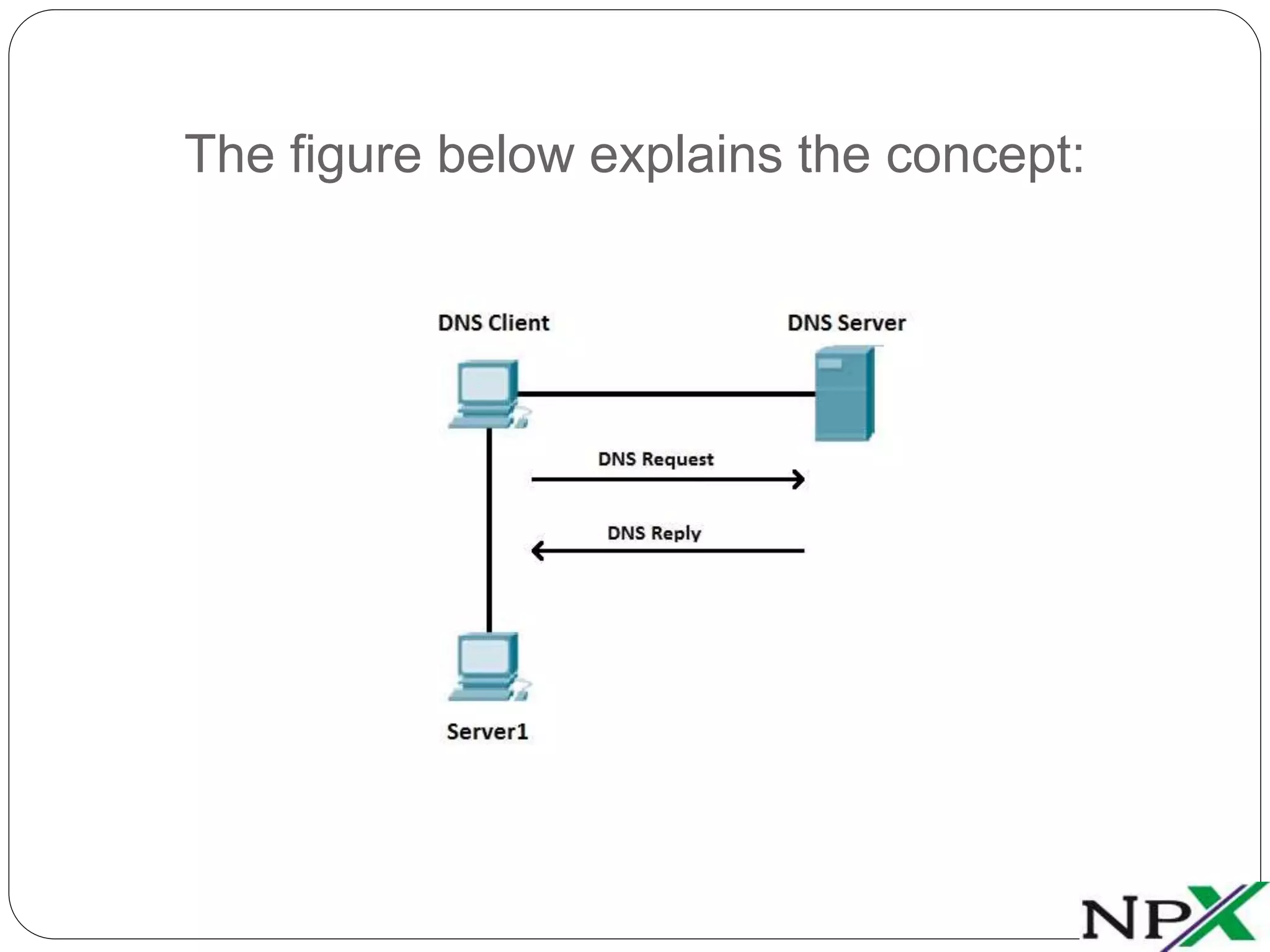
The figure below explains the concept:
 Suppose that the DNS Client wants to communicate with
the server named Server1.
 Since the DNC Client doesn't know the IP address of
Server1, it sends a DNS Request to the DNS Server,
asking for Server1's IP address.
 The DNS Server replies with the IP address of Server1
(DNS Reply).
The picture below shows a sample DNS
record:
-> Here you can see that the host with the hostname APP1 is
using the IP address of 10.0.0.3.
https://www.facebook.com/NetProtocol-Xpert-1459759190925583
https://in.linkedin.com/in/netprotocolxpert
https://plus.google.com/u/0/collection/AYQ-EB
https://branded.me/netprotocolxpert
https://twitter.com/NPX_cisco
Follow Us @

DHCP & DNS

  • 1.
  • 2.
    DHCP (Dynamic HostConfiguration Protocol)  DHCP is a network protocol that is used to assign various network parameters to a device.  This greatly simplifies administration, since there is no need to assign static network parameters for each device separately.  DHCP is a client-server protocol.  A client is a device that is configured to use DHCP to request network parameters from a DHCP server.  DHCP server maintains a pool of available IP addresses and assigns one of them to the host.  A DHCP server can also provide some other parameters, such as: • subnet mask • default gateway • domain name • DNS server  Cisco routers can be used as a DHCP server.
  • 3.
    DHCP process explained ->DHCP client goes through the four step process
  • 4.
    1. A DHCPclient sends a broadcast packet (DHCP Discover) to discover DHCP servers on the LAN segment. 2. The DHCP servers receive the DHCP Discover packet and respond with DHCP Offer packets, offering IP addressing information. 3. If the client receives the DHCP Offer packets from multiple DHCP servers, the first DHCP Offer packet is accepted. The client responds by broadcasting a DHCP Request packet, requesting network parameters from a single server. 4. The DHCP server approves the lease with a DHCP Acknowledgement packet. The packet includes the lease duration and other configuration information.
  • 5.
    DNS (Domain NameSystem)  DNS is a network protocol used to translate hostnames into IP addresses.  DNS is not required to establish a network connection, but it is much more user friendly for human users than the numeric addressing scheme.  Consider this example. You can access the Google homepage by typing 74.125.227.99, but it's much easier just to type www.google.com  To use DNS, you must have a DNS server configured to handle the resolution process.  A DNS server have a special-purpose application installed.  The application maintains a table of dynamic or static hostname-to-IP address mappings.  When a user request some network resource using a hostname, (for example by typing www.google.com in a browser), a DNS request is sent to the DNS server asking for the IP address of the hostname.
  • 6.
    The figure belowexplains the concept:
  • 7.
     Suppose thatthe DNS Client wants to communicate with the server named Server1.  Since the DNC Client doesn't know the IP address of Server1, it sends a DNS Request to the DNS Server, asking for Server1's IP address.  The DNS Server replies with the IP address of Server1 (DNS Reply).
  • 8.
    The picture belowshows a sample DNS record: -> Here you can see that the host with the hostname APP1 is using the IP address of 10.0.0.3.
  • 9.