




Ricardo CastelhanoDeveloping Silverlight 4 Solutions with Expression Blend 4WUX213ITech4Allricardo.castelhano@itech4all.com@RicCastelhanohttp://www.ricardocastelhano.com
>10 Years Working for a Web with PluginsAdobe Flash Beta-Tester since CS3“Silverlight’ing” since the BeginningBlogger & Tweeterian (XAMLPT / RIAPT / AUG / PontoNetPT)Partner & Consultant @ ITech4AllRicardo Castelhano
IntroductionImport Your Own ArtworkHow To Display My ContentIt Don’t Have To Be StaticWhat About My Controls StatesInteractions? YES, But With No Code Please!All My Data Will Be Dynamic And My Developer Is Working On ThatDEMODeveloping Silverlight 4 Solutions with Expression Blend 4
UX Tool (Silverlight & WPF)XAML, VB & C# EditorIntegration with Traditional Design WorkflowDesign-Driven InteractivityDeveloper IntegrationTFS SupportIntroduction
IntroductionImport Your Own ArtworkHow To Display My ContentIt Don’t Have To Be StaticWhat About My Controls StatesInteractions? YES, But With No Code Please!All My Data Will Be Dynamic And My Developer Is Working On ThatDEMODeveloping Silverlight 4 Solutions with Expression Blend 4
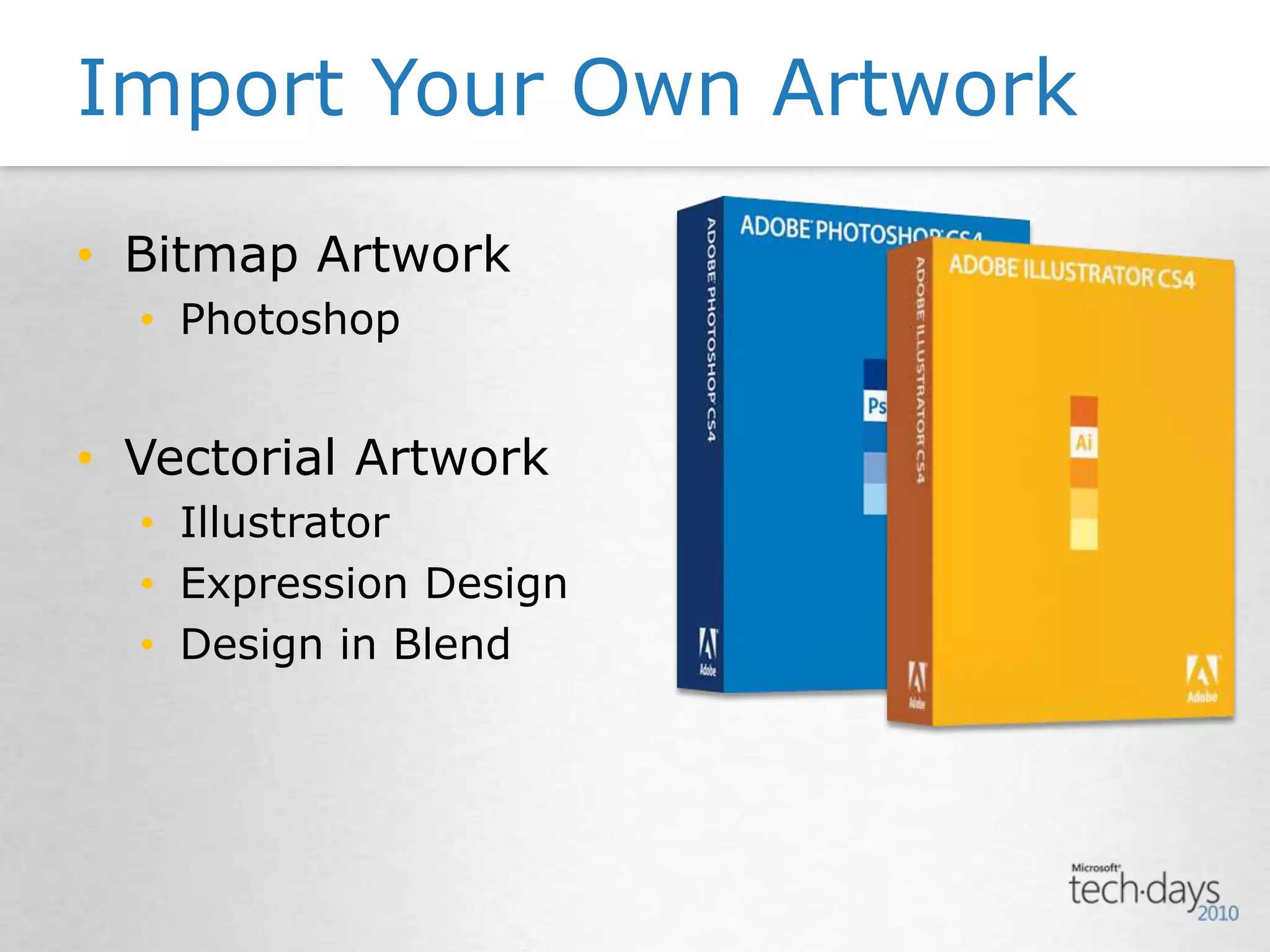
Import Your Own ArtworkBitmap ArtworkPhotoshopVectorial ArtworkIllustratorExpression DesignDesign in Blend
IntroductionImport Your Own ArtworkHow To Display My ContentIt Don’t Have To Be StaticWhat About My Controls StatesInteractions? YES, But With No Code Please!All My Data Will Be Dynamic And My Developer Is Working On ThatDEMODeveloping Silverlight 4 Solutions with Expression Blend 4
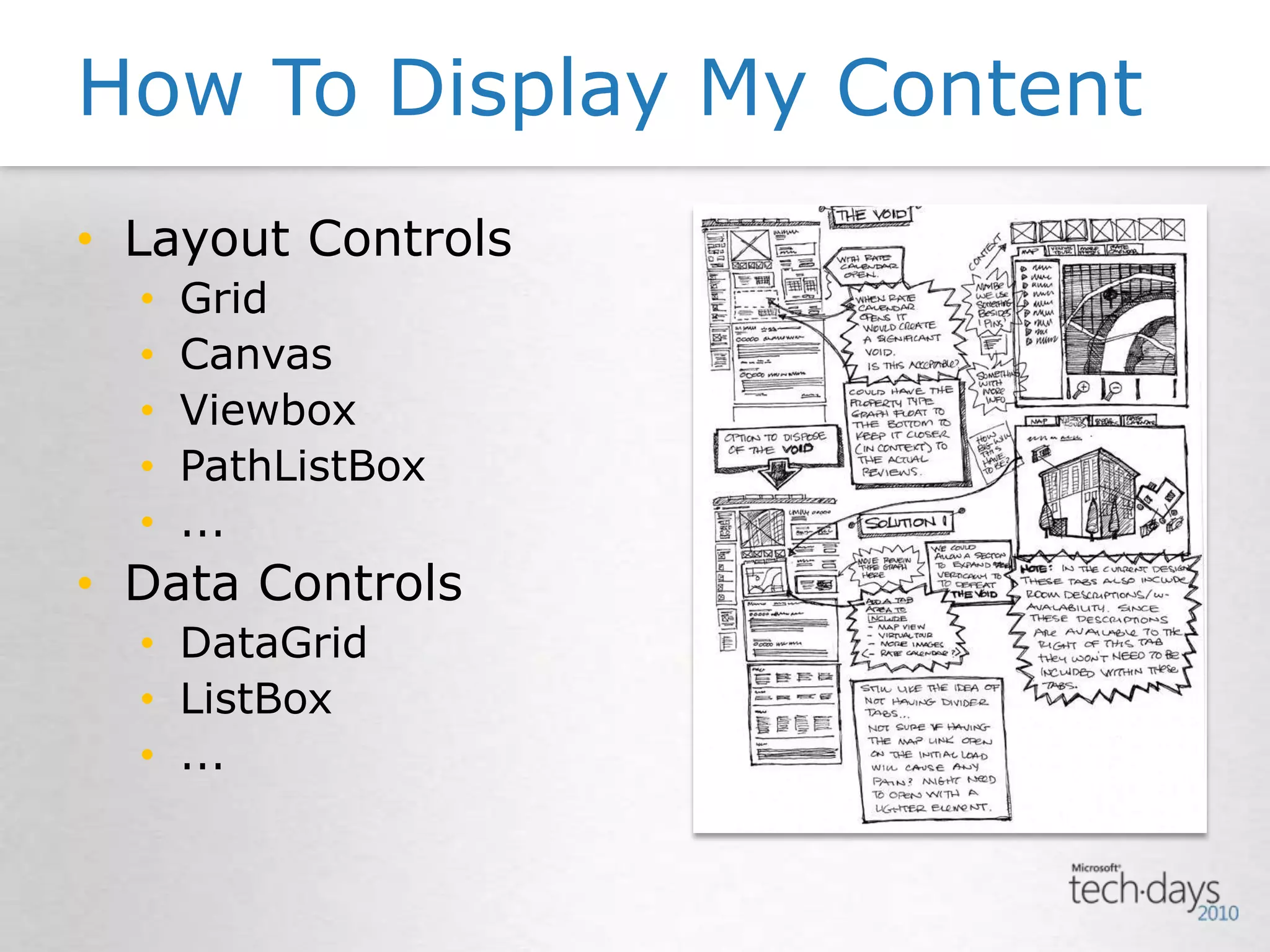
Layout ControlsGridCanvasViewboxPathListBox...Data ControlsDataGridListBox...How To Display My Content
IntroductionImport Your Own ArtworkHow To Display My ContentIt Don’t Have To Be StaticWhat About My Controls StatesInteractions? YES, But With No Code Please!All My Data Will Be Dynamic And My Developer Is Working On ThatDEMODeveloping Silverlight 4 Solutions with Expression Blend 4
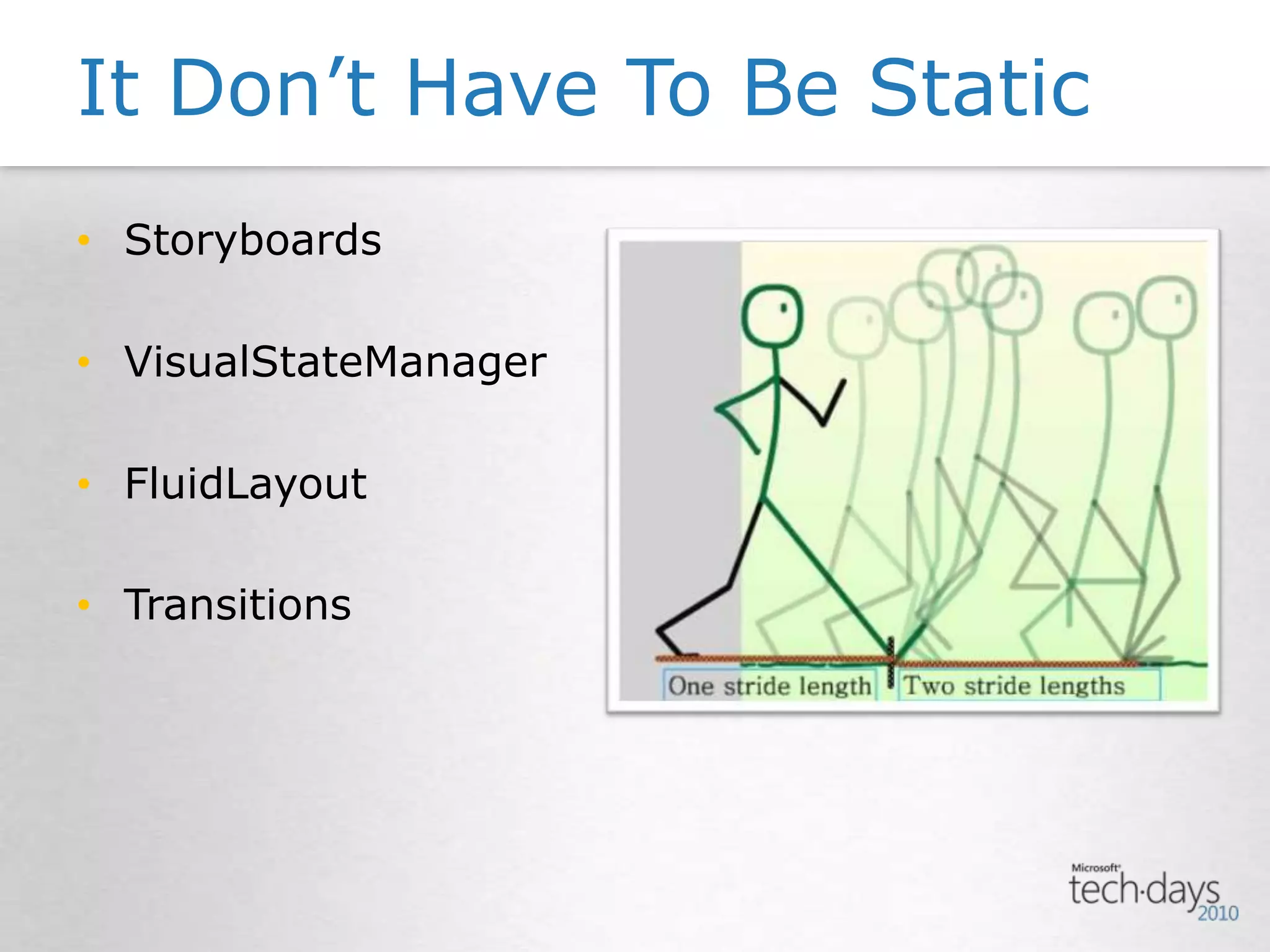
StoryboardsVisualStateManagerFluidLayoutTransitionsIt Don’t Have To Be Static
IntroductionImport Your Own ArtworkHow To Display My ContentIt Don’t Have To Be StaticWhat About My Controls StatesInteractions? YES, But With No Code Please!All My Data Will Be Dynamic And My Developer Is Working On ThatDEMODeveloping Silverlight 4 Solutions with Expression Blend 4
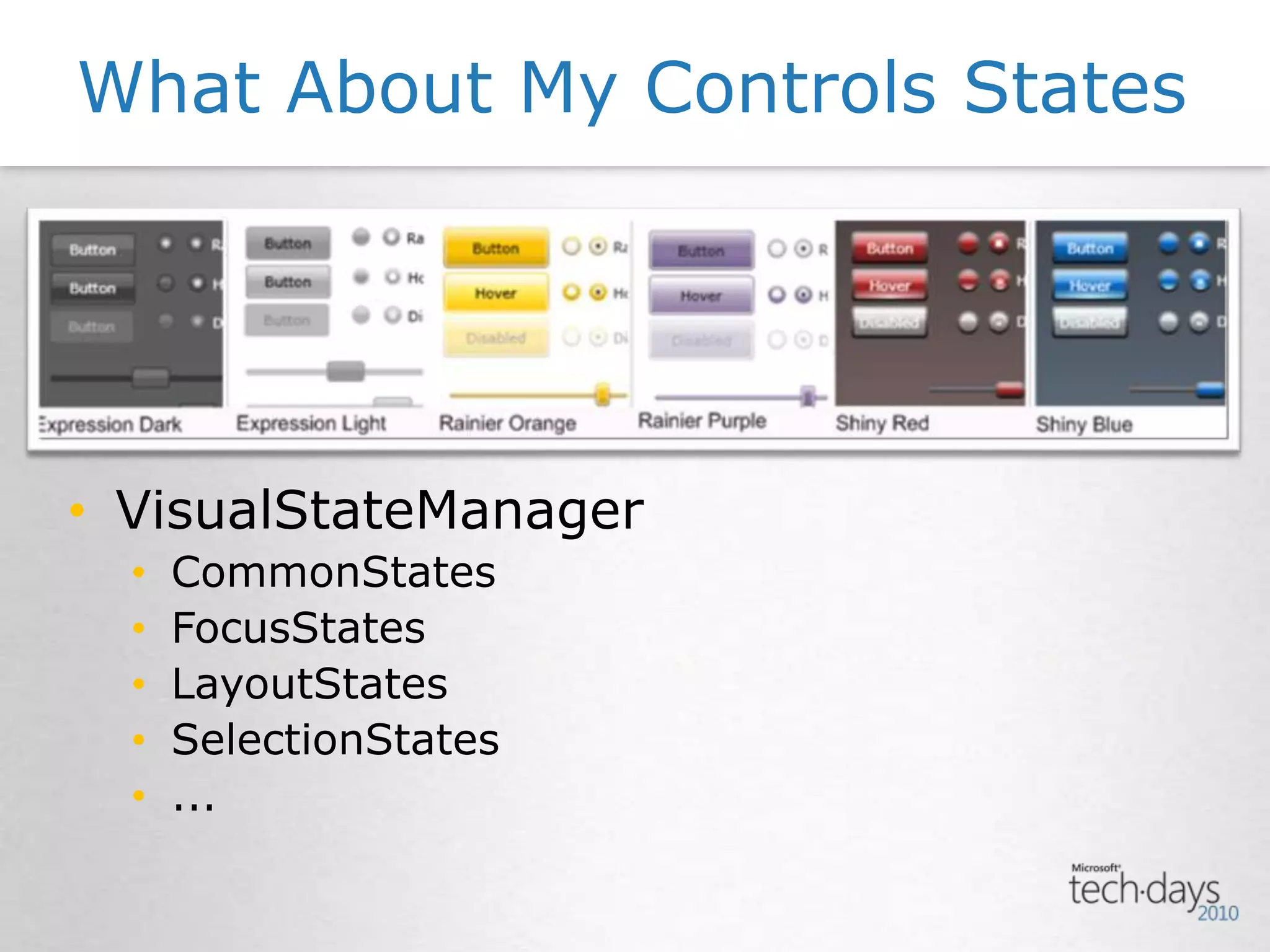
VisualStateManagerCommonStatesFocusStatesLayoutStatesSelectionStates...What About My Controls States
IntroductionImport Your Own ArtworkHow To Display My ContentIt Don’t Have To Be StaticWhat About My Controls StatesInteractions? YES, But With No Code Please!All My Data Will Be Dynamic And My Developer Is Working On ThatDEMODeveloping Silverlight 4 Solutions with Expression Blend 4
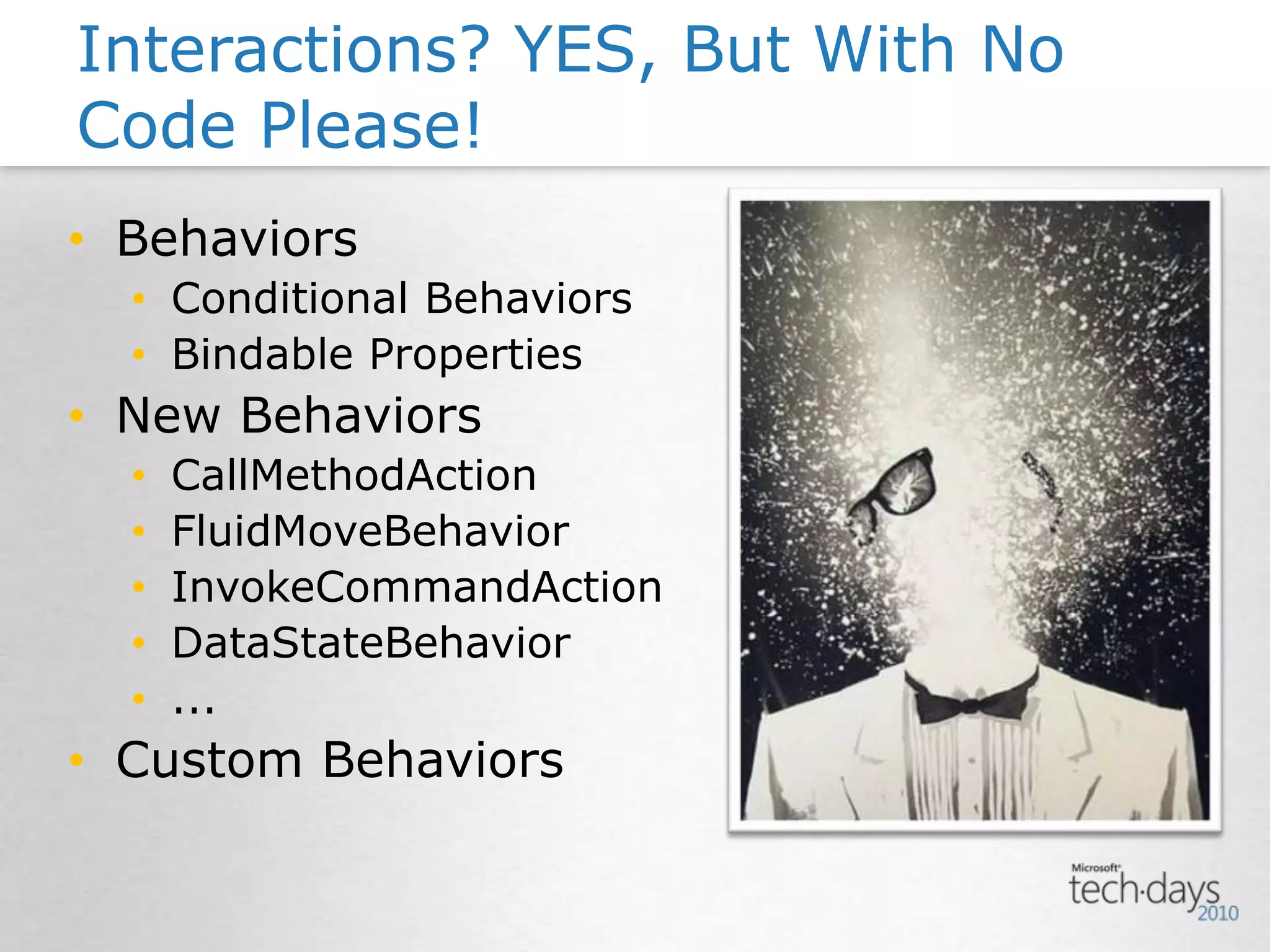
BehaviorsConditional BehaviorsBindable PropertiesNew BehaviorsCallMethodActionFluidMoveBehaviorInvokeCommandActionDataStateBehavior...Custom BehaviorsInteractions? YES, But With No Code Please!
IntroductionImport Your Own ArtworkHow To Display My ContentIt Don’t Have To Be StaticWhat About My Controls StatesInteractions? YES, But With No Code Please!All My Data Will Be Dynamic And My Developer Is Working On ThatDEMODeveloping Silverlight 4 Solutions with Expression Blend 4
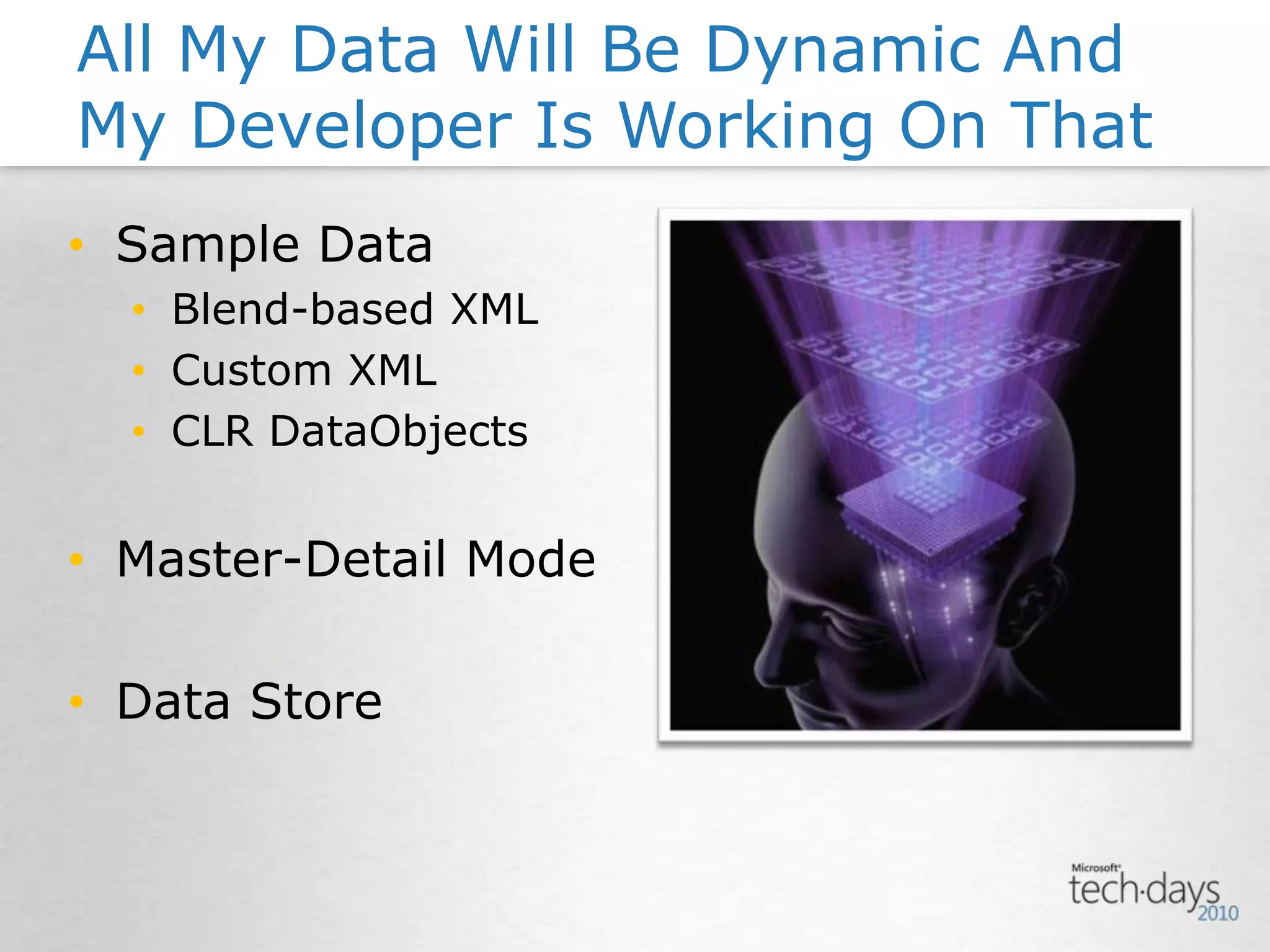
Sample DataBlend-based XMLCustom XMLCLR DataObjectsMaster-Detail ModeData StoreAll My Data Will Be Dynamic And My Developer Is Working On That
Silverlight Website
ConclusionIntegration with Design ToolsControls and Controls and Controls and ...Show Storyboards some LoveBehaviors are ExtensibleNo Need to Wait for Your Live Data
ConclusionIntegration with Design ToolsControls and Controls and Controls and ...Show Storyboards some LoveBehaviors are ExtensibleNo Need to Wait for Your Live DataBE CREATIVE !!!
Other “Blend” SessionsIntrodução ao Silverlight 4Dia 20 – Sala3.2 – 12:45SketchFlow: Do protótipo à ProduçãoDia 20 - Sala2.5 - 14:15SketchFlow no Desenho de Interfaces WebDia 20 – Sala20/10 - 15:15Utilizando SketchFlow na Construcção de sites em SilverlightDia 20 – Sala20/10 - 15:15Dynamic Layout and Transitions for Silverlight4 with Blend4Dia 20 – Sala2.5 – 17:00Flash Skills Applied to Silverlight Design and DevelopmentDia 21 - Sala2.4 - 18:15 Silverlight: Extensibility Framework + BehaviorsDia 22 - Sala2.3 - 16:40
Ricardo CastelhanoDeveloping Silverlight 4 Solutions with Expression Blend 4WUX213ITech4Allricardo.castelhano@itech4all.com@RicCastelhanohttp://www.ricardocastelhano.com

Developing silverlight 4 applications with expression blend 4 (30 Abr 2010)

  • 1.
    Ricardo CastelhanoDeveloping Silverlight4 Solutions with Expression Blend 4WUX213ITech4Allricardo.castelhano@itech4all.com@RicCastelhanohttp://www.ricardocastelhano.com
  • 2.
    >10 Years Workingfor a Web with PluginsAdobe Flash Beta-Tester since CS3“Silverlight’ing” since the BeginningBlogger & Tweeterian (XAMLPT / RIAPT / AUG / PontoNetPT)Partner & Consultant @ ITech4AllRicardo Castelhano
  • 3.
    IntroductionImport Your OwnArtworkHow To Display My ContentIt Don’t Have To Be StaticWhat About My Controls StatesInteractions? YES, But With No Code Please!All My Data Will Be Dynamic And My Developer Is Working On ThatDEMODeveloping Silverlight 4 Solutions with Expression Blend 4
  • 4.
    IntroductionImport Your OwnArtworkHow To Display My ContentIt Don’t Have To Be StaticWhat About My Controls StatesInteractions? YES, But With No Code Please!All My Data Will Be Dynamic And My Developer Is Working On ThatDEMODeveloping Silverlight 4 Solutions with Expression Blend 4
  • 5.
    UX Tool (Silverlight& WPF)XAML, VB & C# EditorIntegration with Traditional Design WorkflowDesign-Driven InteractivityDeveloper IntegrationTFS SupportIntroduction
  • 6.
    IntroductionImport Your OwnArtworkHow To Display My ContentIt Don’t Have To Be StaticWhat About My Controls StatesInteractions? YES, But With No Code Please!All My Data Will Be Dynamic And My Developer Is Working On ThatDEMODeveloping Silverlight 4 Solutions with Expression Blend 4
  • 7.
    Import Your OwnArtworkBitmap ArtworkPhotoshopVectorial ArtworkIllustratorExpression DesignDesign in Blend
  • 8.
    IntroductionImport Your OwnArtworkHow To Display My ContentIt Don’t Have To Be StaticWhat About My Controls StatesInteractions? YES, But With No Code Please!All My Data Will Be Dynamic And My Developer Is Working On ThatDEMODeveloping Silverlight 4 Solutions with Expression Blend 4
  • 9.
  • 10.
    IntroductionImport Your OwnArtworkHow To Display My ContentIt Don’t Have To Be StaticWhat About My Controls StatesInteractions? YES, But With No Code Please!All My Data Will Be Dynamic And My Developer Is Working On ThatDEMODeveloping Silverlight 4 Solutions with Expression Blend 4
  • 11.
  • 12.
    IntroductionImport Your OwnArtworkHow To Display My ContentIt Don’t Have To Be StaticWhat About My Controls StatesInteractions? YES, But With No Code Please!All My Data Will Be Dynamic And My Developer Is Working On ThatDEMODeveloping Silverlight 4 Solutions with Expression Blend 4
  • 13.
  • 14.
    IntroductionImport Your OwnArtworkHow To Display My ContentIt Don’t Have To Be StaticWhat About My Controls StatesInteractions? YES, But With No Code Please!All My Data Will Be Dynamic And My Developer Is Working On ThatDEMODeveloping Silverlight 4 Solutions with Expression Blend 4
  • 15.
    BehaviorsConditional BehaviorsBindable PropertiesNewBehaviorsCallMethodActionFluidMoveBehaviorInvokeCommandActionDataStateBehavior...Custom BehaviorsInteractions? YES, But With No Code Please!
  • 16.
    IntroductionImport Your OwnArtworkHow To Display My ContentIt Don’t Have To Be StaticWhat About My Controls StatesInteractions? YES, But With No Code Please!All My Data Will Be Dynamic And My Developer Is Working On ThatDEMODeveloping Silverlight 4 Solutions with Expression Blend 4
  • 17.
    Sample DataBlend-based XMLCustomXMLCLR DataObjectsMaster-Detail ModeData StoreAll My Data Will Be Dynamic And My Developer Is Working On That
  • 18.
  • 19.
    ConclusionIntegration with DesignToolsControls and Controls and Controls and ...Show Storyboards some LoveBehaviors are ExtensibleNo Need to Wait for Your Live Data
  • 20.
    ConclusionIntegration with DesignToolsControls and Controls and Controls and ...Show Storyboards some LoveBehaviors are ExtensibleNo Need to Wait for Your Live DataBE CREATIVE !!!
  • 22.
    Other “Blend” SessionsIntroduçãoao Silverlight 4Dia 20 – Sala3.2 – 12:45SketchFlow: Do protótipo à ProduçãoDia 20 - Sala2.5 - 14:15SketchFlow no Desenho de Interfaces WebDia 20 – Sala20/10 - 15:15Utilizando SketchFlow na Construcção de sites em SilverlightDia 20 – Sala20/10 - 15:15Dynamic Layout and Transitions for Silverlight4 with Blend4Dia 20 – Sala2.5 – 17:00Flash Skills Applied to Silverlight Design and DevelopmentDia 21 - Sala2.4 - 18:15 Silverlight: Extensibility Framework + BehaviorsDia 22 - Sala2.3 - 16:40
  • 25.
    Ricardo CastelhanoDeveloping Silverlight4 Solutions with Expression Blend 4WUX213ITech4Allricardo.castelhano@itech4all.com@RicCastelhanohttp://www.ricardocastelhano.com

Editor's Notes

  • #6 - UX for Silverlight & WPF … and with some tricks even for Surface (XAML based as well)- XAML and C# Intellisense Code EditorFully integrated in the “traditional” designers workflow (Photoshop and Illustrator)- User Interactions “out of the box” and fully extensibleGreat integration with Developers Workflow. Blend and VisualStudio will share the same project files (versioning “made” easy)- Team Foundation Server integration … Blend was included in the Application Lifecycle Management - ALM
  • #8 You may import PSD or AI files directly into BlendATTENTION: Photoshop has to be on RGB color schemeNEW in Blend4Faster PSD importsSome LiveEffects from Photoshop will be “Merged” with the selected Layer:Inner Shadow / Color Overlay / Outer Glow / Inner Glow / Gradient Overlay / Stroke / Bevel&Emboss / Satin / Pattern OvelayThe rest of LiveEffects dont have support
  • #10 Designers BEWARE with your experiments:Designers love to do visual experiments and never delete thoseBlend will generate XAML code and even if Visibility is “Collapsed” all that “trash” will be thereCanvasThe “weakest” Layout ControlIt will work similar to a Absolute Position DIV, therefore you have to sign a Canvas.LEFT and Canvas.TOP positioningGridWorks like a XHTML table, but with STEROIDS because it is much more powerfullViewboxExcellent for “out of the box” resizingsPeople coming from the “PRINT” or “FLASH” world must be carefull with the correct usage for each Layout ControlNEW in Blend4PathListBoxNow you may position your controls over a PATH or even animate those on that PATHShape Controls
  • #12 Blend Storyboards are Time-BasedAdvantages:If your PC has a good CPU and GPU, your animation will perform smoothly ...If your PC has a poor CPU or GPU, your animation will perform sloopy ...BUT any of the situations above will perform on the right time, with the right duration...lets say 2seconds for example.Silverlight has more available types of animation, but it as to be “hardcoded” in XAML or CodeBehind (Frame-Based for example)On a “FromTo” animation you dont have to specify a starting point, just the end point is required. Therefore, you may call multiple Storyboards in sequence and your animation will have the starting point in the “actual” object positionAll Storyboards and Transitions have some EASE Functions to help perform some cool visual effects like Bounces and ElasticsNEW in Blend4“Out of the Box” Pixel Shader Effects“Out of the Box” Transitions EffectsBetter usage of the Storyboard, now its possible to select multiple keyframes with a mouse selection
  • #14 VisualStateManager Engine (VMS) lets you edit “Visual States” of you ControlEasily create new “VisualStateGroups” and new “VisualStates”NOTE: There is no code involved !!NEW in Blend4For DataLayouts there are new VisualStates:BeforeLoadedAfterLoadedBeforeUnloaded
  • #16 “Out of the box” pack of Interactions and BehaviorsBehaviors and Actions may be programed by Developers allowing Designers to implement those “things” where they want, whenever they needNo code involved for the Designer !!NEW in Blend4Conditional Behaviors – Behaviors that will perform a conditional test after the trigger, and if the test is true then performs the behaviorBindable Properties – Behaviors with Dependency PropertiesNew BehaviorsCallMethodActionFluidMoveBehaviorFluidMoveSetTagBehaviorInvokeCommandActionDataStateBehavior (DataStore)SetDataStoreValueAction
  • #18 No need for “real data”, just use:Blend-based XML or your own Custom XMLOr create a Sample DataSet with you CLR DataObjectsEasyness for switching between SAMPLE and LIVE DataNEW in Blend4- Design-Time data from CLR Types- Design-Time Resources- New string formats in Sample Data- Data Store – keep track of your “client-side” variables
  • #19 Import a PSD fileProject with W:766 H:800- Use a Viewbox to show ResizeShow the difference between Skinnable and StyleableShow how to create a Storyboard and trigger it with BehaviorsSample Data with a Collection with “Name”, “Price”, “Image” Change the Image Source folder (use your own images)Create a ListBox for this CollectionCreate a Template for the DataItemsCreate a Detail-View- Show how the PathListBox works with Sample Data - Create a Template for the “Template GeneratedItem”
  • #26 Please provide feedback !!! That’s the only way to know what you would like to see on a future session about Blend and to improve myself as a speaker.Thank you.