Delicious and Google Reader  Information management tools for personal and social use  Mary Thorpe &  Andrew Brasher
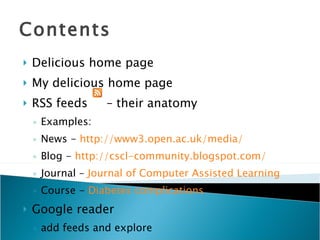
Contents Delicious home page My delicious home page RSS feeds  – their anatomy Examples: News -  http://www3.open.ac.uk/media/ Blog -  http://cscl-community.blogspot.com/ Journal –  Journal  of Computer Assisted Learning Course -  Diabetes complications Google reader add feeds and explore
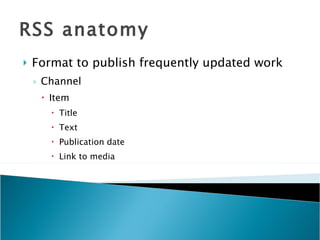
RSS anatomy Format to publish frequently updated work Channel Item Title Text Publication date Link to media

Delicious+Google Reader V1

  • 1.
    Delicious and GoogleReader Information management tools for personal and social use Mary Thorpe & Andrew Brasher
  • 2.
    Contents Delicious homepage My delicious home page RSS feeds – their anatomy Examples: News - http://www3.open.ac.uk/media/ Blog - http://cscl-community.blogspot.com/ Journal – Journal of Computer Assisted Learning Course - Diabetes complications Google reader add feeds and explore
  • 3.
    RSS anatomy Formatto publish frequently updated work Channel Item Title Text Publication date Link to media

Editor's Notes

  • #3 Delicious – tags can be used for a variety of putrposes. Some users might apply a tag to a particular link to describe the contents of the site, other might use a tag to describe how the link might be useful in their parctice. E.g. m150 Delicious relates information resources, the descriptors that people apply, and people. For the blog look for the RRSS icon in the address bar of the browser Google reader - To share an item – to display shared items, select shared items from drop-down at top of page, click shared items link - To see sharing settings, click ‘sharing settings’ on the ‘shared items’ page withing Google Reader