Assignment: Creating Table Relationships & Data Models in Power BI
Using your Bigbox report file, complete the following:
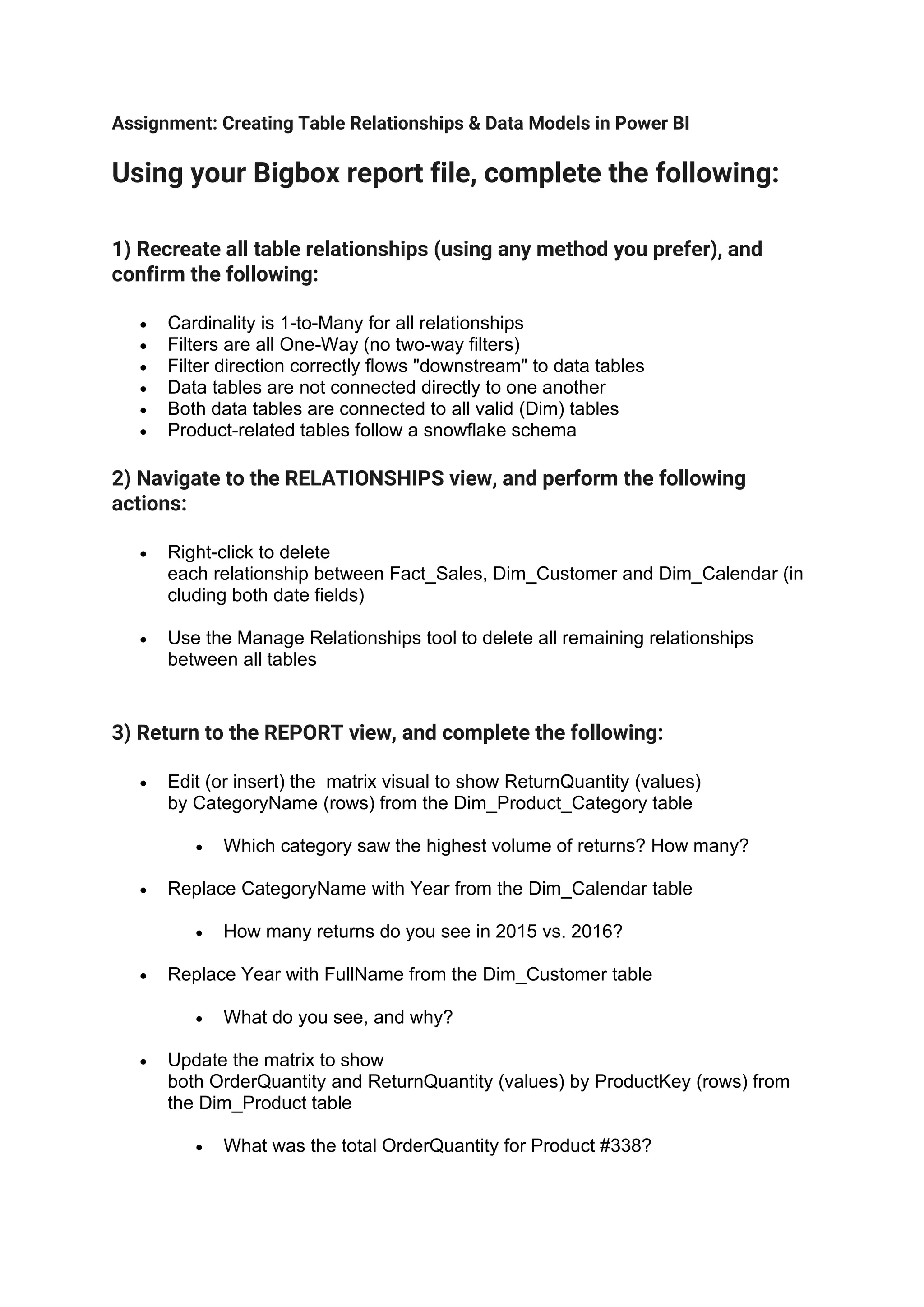
1) Recreate all table relationships (using any method you prefer), and
confirm the following:
• Cardinality is 1-to-Many for all relationships
• Filters are all One-Way (no two-way filters)
• Filter direction correctly flows "downstream" to data tables
• Data tables are not connected directly to one another
• Both data tables are connected to all valid (Dim) tables
• Product-related tables follow a snowflake schema
2) Navigate to the RELATIONSHIPS view, and perform the following
actions:
• Right-click to delete
each relationship between Fact_Sales, Dim_Customer and Dim_Calendar (in
cluding both date fields)
• Use the Manage Relationships tool to delete all remaining relationships
between all tables
3) Return to the REPORT view, and complete the following:
• Edit (or insert) the matrix visual to show ReturnQuantity (values)
by CategoryName (rows) from the Dim_Product_Category table
• Which category saw the highest volume of returns? How many?
• Replace CategoryName with Year from the Dim_Calendar table
• How many returns do you see in 2015 vs. 2016?
• Replace Year with FullName from the Dim_Customer table
• What do you see, and why?
• Update the matrix to show
both OrderQuantity and ReturnQuantity (values) by ProductKey (rows) from
the Dim_Product table
• What was the total OrderQuantity for Product #338?
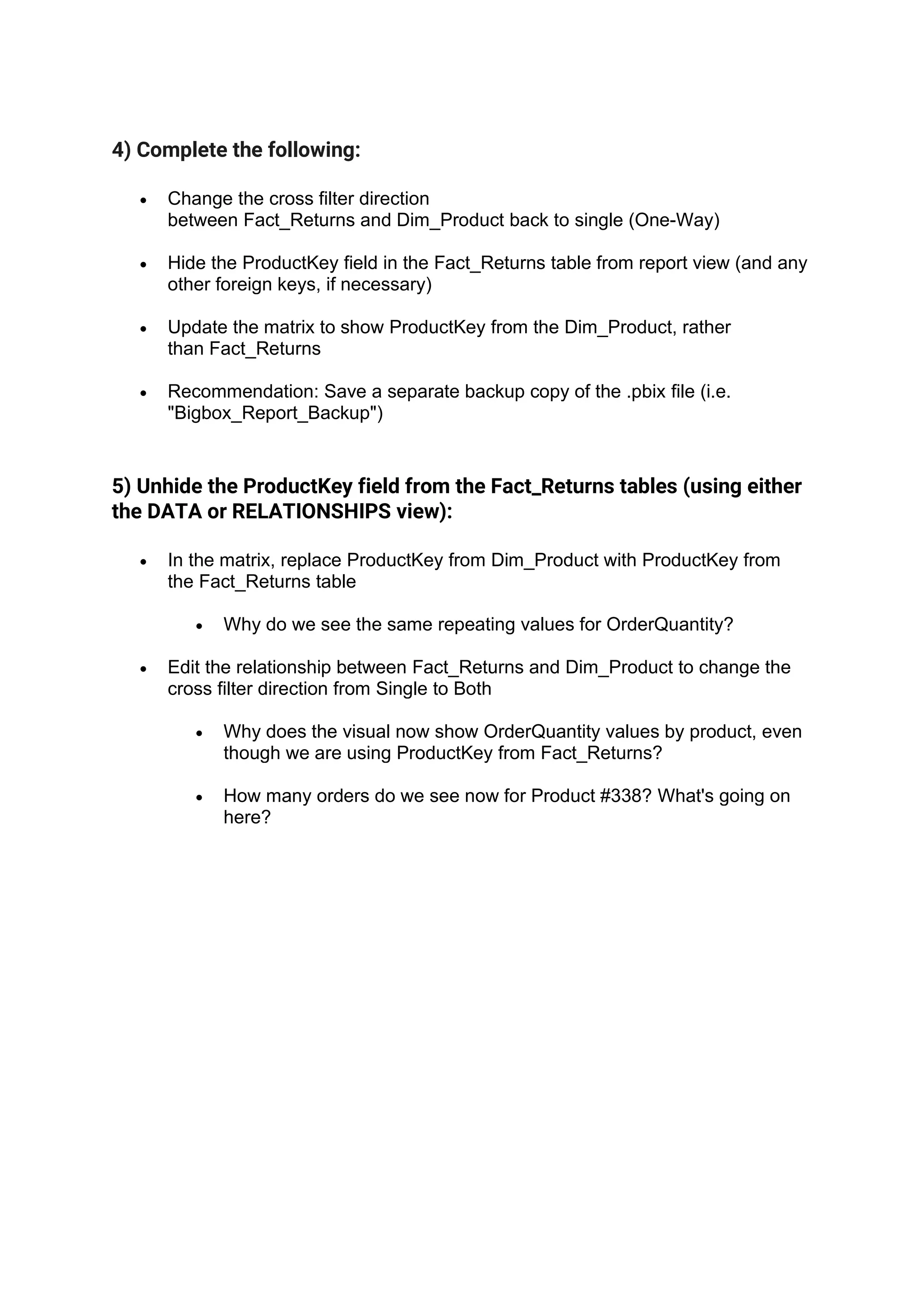
4) Complete the following:
• Change the cross filter direction
between Fact_Returns and Dim_Product back to single (One-Way)
• Hide the ProductKey field in the Fact_Returns table from report view (and any
other foreign keys, if necessary)
• Update the matrix to show ProductKey from the Dim_Product, rather
than Fact_Returns
• Recommendation: Save a separate backup copy of the .pbix file (i.e.
"Bigbox_Report_Backup")
5) Unhide the ProductKey field from the Fact_Returns tables (using either
the DATA or RELATIONSHIPS view):
• In the matrix, replace ProductKey from Dim_Product with ProductKey from
the Fact_Returns table
• Why do we see the same repeating values for OrderQuantity?
• Edit the relationship between Fact_Returns and Dim_Product to change the
cross filter direction from Single to Both
• Why does the visual now show OrderQuantity values by product, even
though we are using ProductKey from Fact_Returns?
• How many orders do we see now for Product #338? What's going on
here?

Data model Assignment.pdf

  • 1.
    Assignment: Creating TableRelationships & Data Models in Power BI Using your Bigbox report file, complete the following: 1) Recreate all table relationships (using any method you prefer), and confirm the following: • Cardinality is 1-to-Many for all relationships • Filters are all One-Way (no two-way filters) • Filter direction correctly flows "downstream" to data tables • Data tables are not connected directly to one another • Both data tables are connected to all valid (Dim) tables • Product-related tables follow a snowflake schema 2) Navigate to the RELATIONSHIPS view, and perform the following actions: • Right-click to delete each relationship between Fact_Sales, Dim_Customer and Dim_Calendar (in cluding both date fields) • Use the Manage Relationships tool to delete all remaining relationships between all tables 3) Return to the REPORT view, and complete the following: • Edit (or insert) the matrix visual to show ReturnQuantity (values) by CategoryName (rows) from the Dim_Product_Category table • Which category saw the highest volume of returns? How many? • Replace CategoryName with Year from the Dim_Calendar table • How many returns do you see in 2015 vs. 2016? • Replace Year with FullName from the Dim_Customer table • What do you see, and why? • Update the matrix to show both OrderQuantity and ReturnQuantity (values) by ProductKey (rows) from the Dim_Product table • What was the total OrderQuantity for Product #338?
  • 2.
    4) Complete thefollowing: • Change the cross filter direction between Fact_Returns and Dim_Product back to single (One-Way) • Hide the ProductKey field in the Fact_Returns table from report view (and any other foreign keys, if necessary) • Update the matrix to show ProductKey from the Dim_Product, rather than Fact_Returns • Recommendation: Save a separate backup copy of the .pbix file (i.e. "Bigbox_Report_Backup") 5) Unhide the ProductKey field from the Fact_Returns tables (using either the DATA or RELATIONSHIPS view): • In the matrix, replace ProductKey from Dim_Product with ProductKey from the Fact_Returns table • Why do we see the same repeating values for OrderQuantity? • Edit the relationship between Fact_Returns and Dim_Product to change the cross filter direction from Single to Both • Why does the visual now show OrderQuantity values by product, even though we are using ProductKey from Fact_Returns? • How many orders do we see now for Product #338? What's going on here?